ASTA GXT86 - Clavier gamer TRUST - Notice d'utilisation et mode d'emploi gratuit
Retrouvez gratuitement la notice de l'appareil ASTA GXT86 TRUST au format PDF.


| Type de produit | Clavier gamer mécanique |
| Marque | Trust |
| Modèle | ASTA GXT86 |
| Disposition des touches | AZERTY – 87 touches (format TKL) |
| Connectivité | USB filaire (câble détachable) |
| Rétroéclairage | RGB avec 8 modes prédéfinis + mode personnalisable |
| Type de switches | Mécaniques (type bleu ou rouge selon version) |
| Fonctions spéciales | Touches multimédia, verrouillage Windows, mode jeu, combinaison FN + WASD pour flèches |
| Programmation | Mode personnalisable via logiciel Trust (téléchargeable en ligne) |
| Alimentation | Via port USB (5V, 500 mA) |
| Dimensions (L x P x H) | 440 x 135 x 35 mm |
| Poids | 850 g |
| Longueur du câble | 1,8 m |
| Matériau | Plastique ABS, touches en PBT double injection |
| Repose-poignet | Non inclus |
| Compatibilité | Windows 10, 11 ; Mac OS (fonctions limitées) |
| Entretien | Nettoyer avec un chiffon doux et sec ; éviter les liquides |
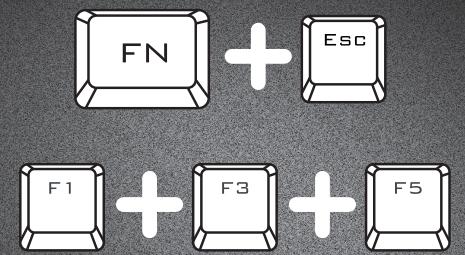
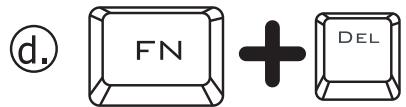
| Réinitialisation | Maintenir les touches FN + ESC pendant 5 secondes |
| Assistance | www.trust.com/22630/faq |
FOIRE AUX QUESTIONS - ASTA GXT86 TRUST
Questions des utilisateurs sur ASTA GXT86 TRUST
0 question sur cet appareil. Repondez a celles que vous connaissez ou posez la votre.
Poser une nouvelle question sur cet appareil
Téléchargez la notice de votre Clavier gamer au format PDF gratuitement ! Retrouvez votre notice ASTA GXT86 - TRUST et reprennez votre appareil électronique en main. Sur cette page sont publiés tous les documents nécessaires à l'utilisation de votre appareil ASTA GXT86 de la marque TRUST.
MODE D'EMPLOI ASTA GXT86 TRUST
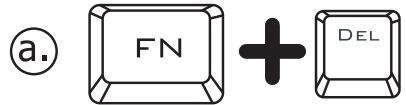
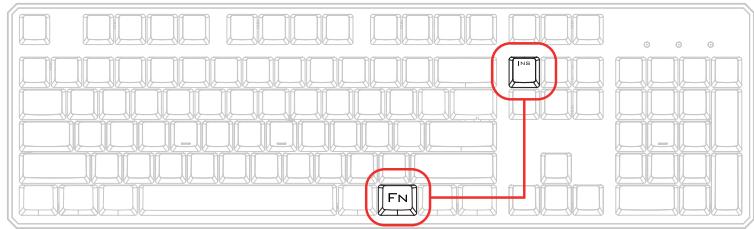
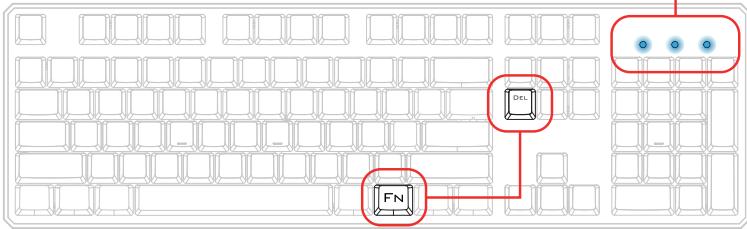
Factory Reset:

www.trust.com/22630/faq
Trust
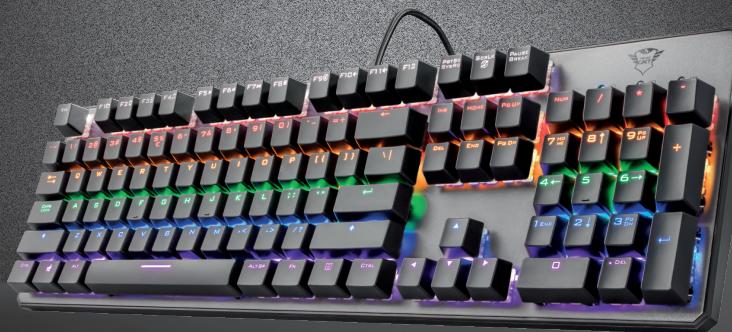

ASTA | Mechanical Keyboard
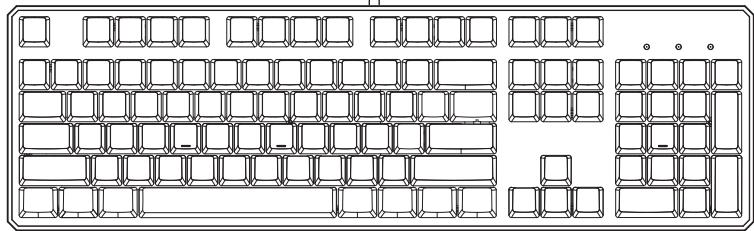
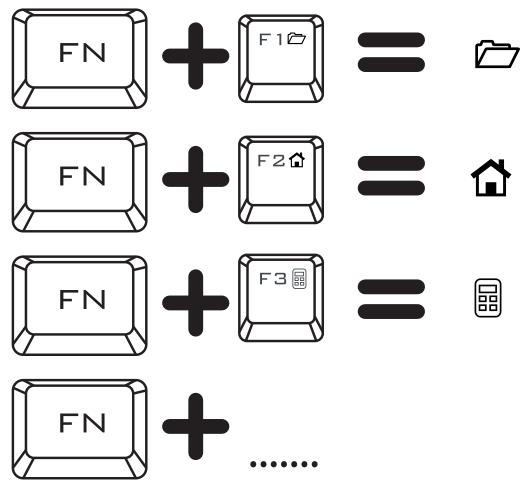
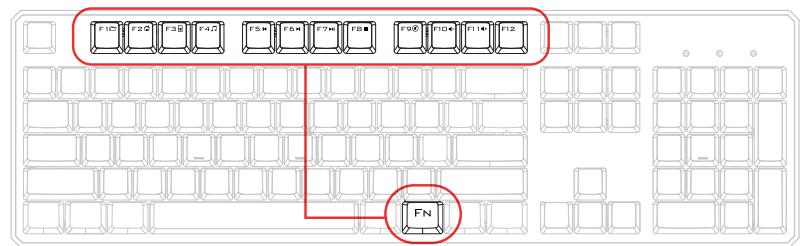
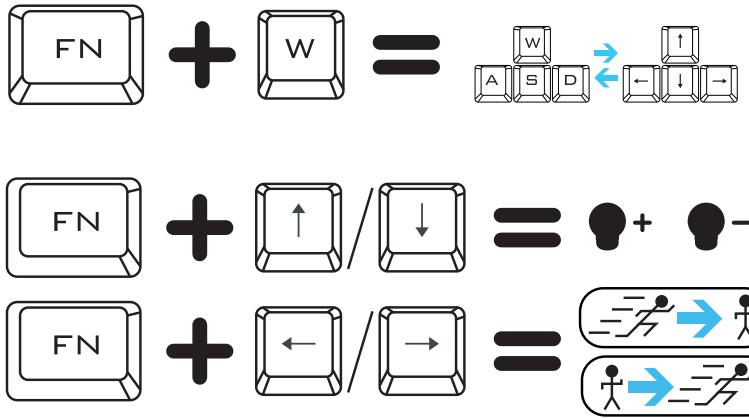


![graph TD W["Keyboard W"] --> A["Keyboard A"] W --> S["Keyboard S"] W --> D["Keyboard D"] A --> FN["Function FN"] S --> FN D --> FN FN --> ▲[▲] FN --> ◀[◀] FN --> ▼[▼] FN --> ▶[▶]](/content/2025/01/330196/images/7eb82d2eea30eba0cdd0712d5173c15814c9a7acc928ede14fbc08d2e6815733.jpg)
![graph TD A["SCR LK"] --> B["8 LED Modes"] B --> C["8"] C --> D["Custom Mode"] style A fill:#f9f,stroke:#333 style B fill:#ccf,stroke:#333 style C fill:#cfc,stroke:#333 style D fill:#fcc,stroke:#333](/content/2025/01/330196/images/d629a05483652f6265a5c9f59041c844dddb3e215c93ed3cbff661e4169ebef9.jpg)
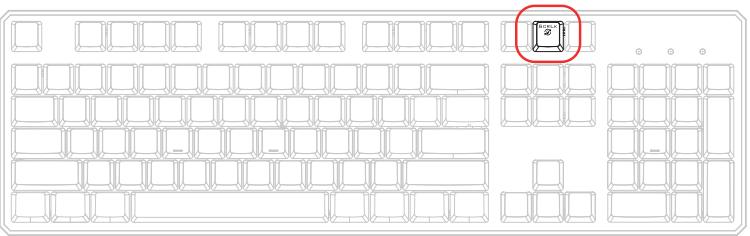
5. Custom Mode


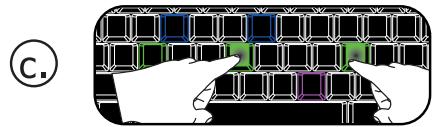
Custom Mode 1
Custom Mode 2
Custom Mode 3
Custom Mode 4
Custom Mode 5
Custom Mode 6

6. Custom Mode



Marque : TRUST
Modèle : ASTA GXT86
Catégorie : Clavier gamer