
DVT-7000 - Dictaphone numérique PHILIPS - Notice d'utilisation et mode d'emploi gratuit
Retrouvez gratuitement la notice de l'appareil DVT-7000 PHILIPS au format PDF.


| Type de produit | Dictaphone numérique |
| Marque | PHILIPS |
| Modèle | DVT-7000 |
| Dimensions (approx.) | 110 x 40 x 15 mm |
| Poids (approx.) | 70 g (avec piles) |
| Alimentation | 2 piles AAA (1,5 V) ou batterie rechargeable Lithium-ion intégrée |
| Autonomie | Jusqu'à 20 heures d'enregistrement (mode SP) |
| Formats audio supportés | MP3, WAV (PCM), DSS |
| Qualité d'enregistrement | HQ (haute qualité stéréo), SP (standard), LP (longue durée) |
| Microphone | 2 microphones stéréo intégrés |
| Haut-parleur | Haut-parleur intégré (mono) |
| Écran | Écran LCD rétroéclairé (taille non spécifiée) |
| Mémoire interne | 8 Go (capacité non confirmée, estimation raisonnable) |
| Extension mémoire | Carte microSD (jusqu'à 32 Go) |
| Connectivité | USB 2.0 (micro USB) pour transfert de fichiers |
| Fonctions principales | Enregistrement, lecture, pause, arrêt, indexation, effacement, menu, réglages de sensibilité micro, réduction de bruit, verrouillage des touches |
| Entretien et nettoyage | Nettoyer avec un chiffon doux et sec. Ne pas utiliser de produits abrasifs. Éviter l'humidité. |
| Sécurité | Ne pas exposer à des températures extrêmes. Utiliser uniquement des piles recommandées. Débrancher avant nettoyage. |
| Pièces détachées et réparabilité | Piles, câble USB, écouteurs (optionnels). Pour réparation, contacter un centre agréé Philips. |
| Informations générales | Notice d'utilisation disponible en téléchargement. Garantie 2 ans. Fabriqué en Chine. |
FOIRE AUX QUESTIONS - DVT-7000 PHILIPS
Questions des utilisateurs sur DVT-7000 PHILIPS
0 question sur cet appareil. Repondez a celles que vous connaissez ou posez la votre.
Poser une nouvelle question sur cet appareil
Téléchargez la notice de votre Dictaphone numérique au format PDF gratuitement ! Retrouvez votre notice DVT-7000 - PHILIPS et reprennez votre appareil électronique en main. Sur cette page sont publiés tous les documents nécessaires à l'utilisation de votre appareil DVT-7000 de la marque PHILIPS.
MODE D'EMPLOI DVT-7000 PHILIPS
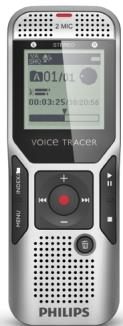
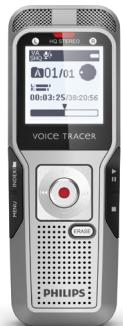
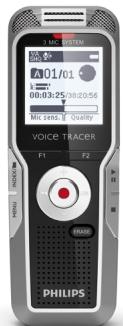
Quick start guide
Need help?
User manual
See the user manual stored on the recorder.
Online
Go to www.philips.com/welcome.
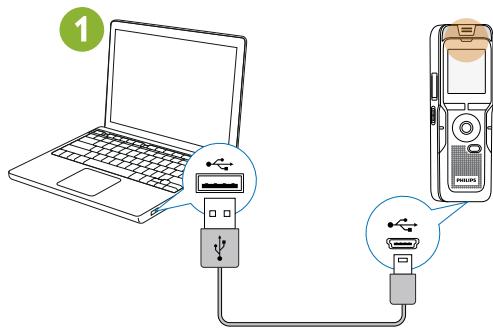
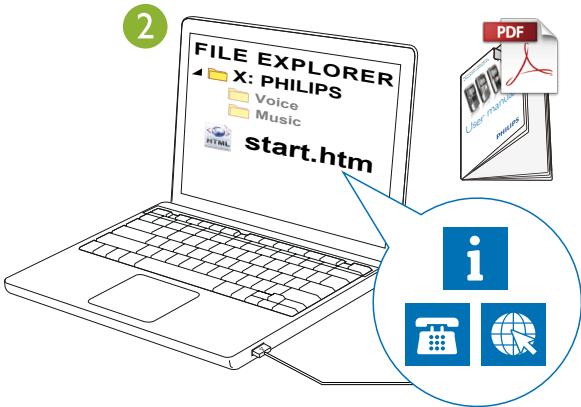
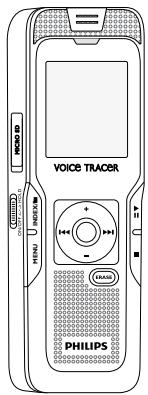
DVT3500 – DVT7000
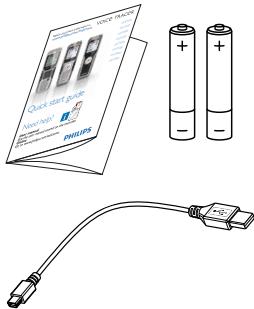
DVT7000
DVT3000 – DVT7000
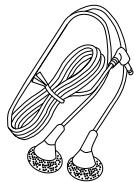
natural_image
Line drawing of a rope tied with two small circular base feet (no text or symbols)DVT3500
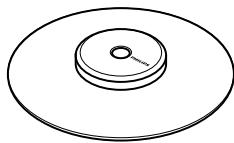
natural_image
Simple line drawing of a circular mechanical part with concentric rings and a central hole (no text or symbols)
DVT5500 – DVT7000
DVT1500
natural_image
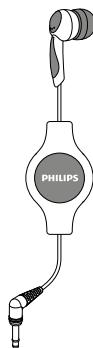
Illustration of a Philips medical device with a connector and earpiece (no text or symbols on the device itself)1 DVT1000 – DVT1500
1 DVT3000 – DVT7000
natural_image
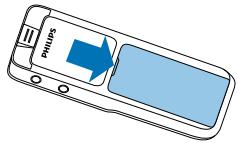
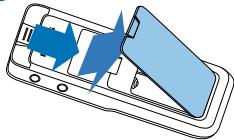
Diagram of a smartphone showing the open lid and internal components with blue arrows indicating direction (no text or symbols)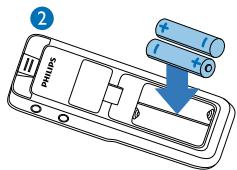
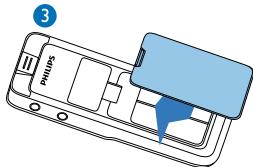
4 DVT3000 - DVT7000
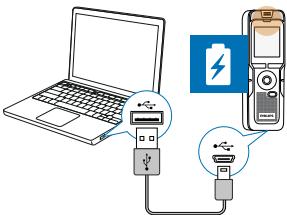
5





1
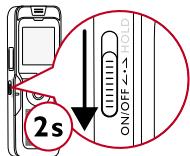

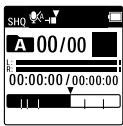
2
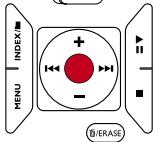
natural_image
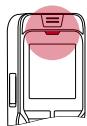
Simple line drawing of a device with a pink circular highlight on the top (no text or symbols)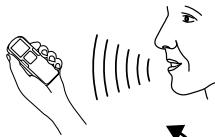
natural_image
Line drawing of a hand holding a mobile phone, with sound waves creating human face silhouette (no text or symbols)3
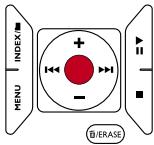
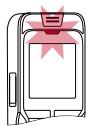
natural_image
Illustration of a stylized computer monitor with a pink star on top (no text or symbols)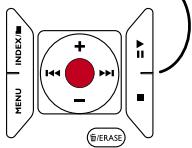
4
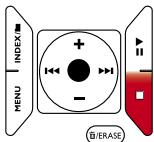


natural_image
Icon of a document with a trash bin, representing file or paper (no text or symbols)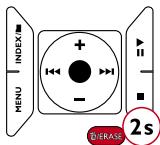

natural_image
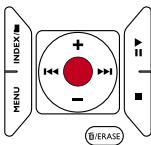
Icon of a document with a green checkmark, symbolizing approval or verification (no text present)1
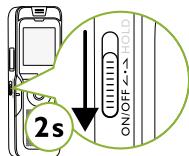

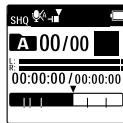
2
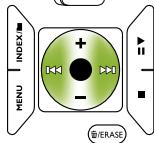
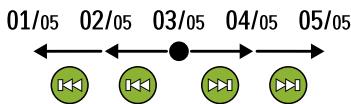
flowchart
graph LR
    A["01/05"] --> B["02/05"]
    B --> C["03/05"]
    C --> D["04/05"]
    D --> E["05/05"]
    C --> F["●"]
    F --> G["←"]
    G --> H["↓"]
    H --> I["←"]
    I --> J["↓"]
    J --> K["→"]
    style F fill:#000,stroke:#000,color:#fff
    style G fill:#000,stroke:#000,color:#fff
    style H fill:#000,stroke:#000,color:#fff
    style I fill:#000,stroke:#000,color:#fff
    style J fill:#000,stroke:#000,color:#fff
    style K fill:#000,stroke:#000,color:#fff
3
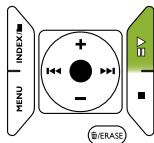
natural_image
Simple line drawing of a device casing with no text or symbols
natural_image
Simple line drawing of a hand holding a pen with sound waves (no text or symbols)
natural_image
Line drawing of a human face with no text or symbols4
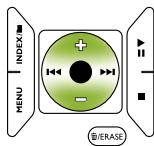
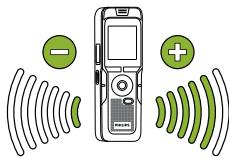
5
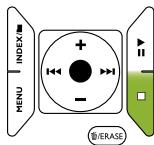

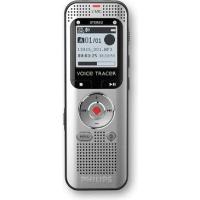
Marque : PHILIPS
Modèle : DVT-7000
Catégorie : Dictaphone numérique