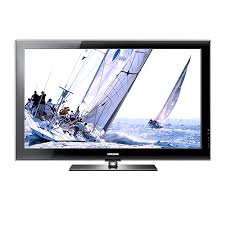
PS50B565 - Téléviseur SAMSUNG - Notice d'utilisation et mode d'emploi gratuit
Retrouvez gratuitement la notice de l'appareil PS50B565 SAMSUNG au format PDF.

| Type de produit | TV Plasma |
| Taille de l'écran | 50 pouces |
| Résolution | 1366 x 768 pixels (HD Ready) |
| Technologie d'affichage | Plasma |
| Fréquence de rafraîchissement | 600 Hz |
| Connectivité | 3 x HDMI, 2 x USB, 1 x VGA, 1 x Composite, 1 x Composant |
| Alimentation électrique | 220-240 V, 50/60 Hz |
| Dimensions (L x H x P) | 1211 x 774 x 90 mm (sans pied) |
| Poids | 29 kg (sans pied) |
| Consommation d'énergie | En fonctionnement : 200 W, En veille : 0.3 W |
| Fonctions principales | Mode économie d'énergie, réglage automatique de la luminosité |
| Entretien et nettoyage | Utiliser un chiffon doux et sec, éviter les produits chimiques agressifs |
| Pièces détachées et réparabilité | Disponibilité de certaines pièces, consulter un professionnel pour les réparations |
| Sécurité | Ne pas exposer à l'humidité, respecter les consignes d'installation |
| Informations générales | Compatible avec les supports VESA, garantie de 2 ans |
FOIRE AUX QUESTIONS - PS50B565 SAMSUNG
Questions des utilisateurs sur PS50B565 SAMSUNG
0 question sur cet appareil. Repondez a celles que vous connaissez ou posez la votre.
Poser une nouvelle question sur cet appareil
Téléchargez la notice de votre Téléviseur au format PDF gratuitement ! Retrouvez votre notice PS50B565 - SAMSUNG et reprennez votre appareil électronique en main. Sur cette page sont publiés tous les documents nécessaires à l'utilisation de votre appareil PS50B565 de la marque SAMSUNG.
MODE D'EMPLOI PS50B565 SAMSUNG
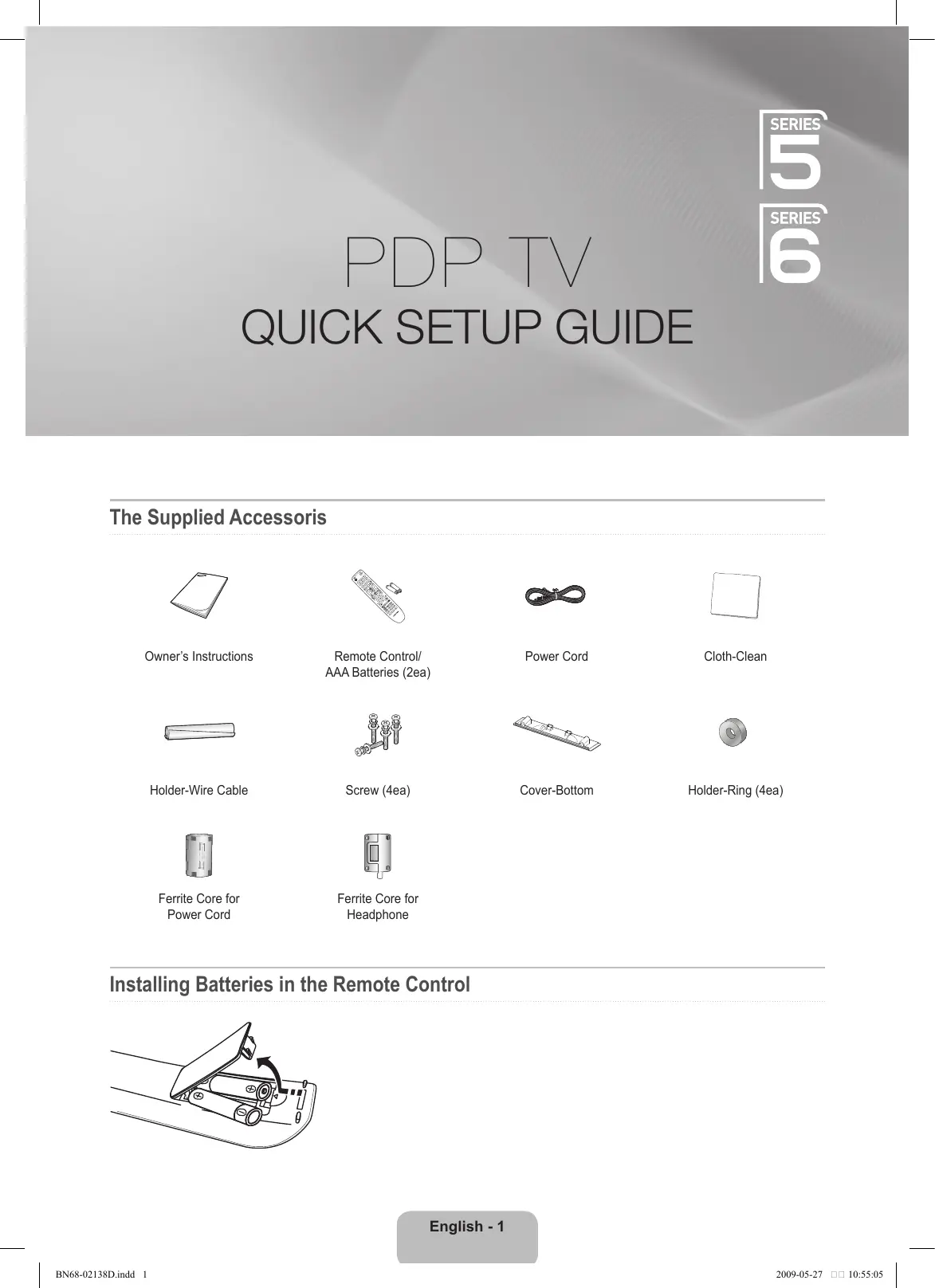
PDP TV
QUICK SETUP GUIDE
The Supplied Accessoris
Owner's Instructions

Remote Control/ AAA Batteries (2ea)
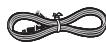
Power Cord

Cloth-Clean
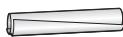
Holder-Wire Cable

Screw (4ea)
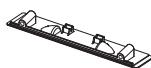
Cover-Bottom

Holder-Ring (4ea)

Ferrite Core for Power Cord

Ferrite Core for Headphone
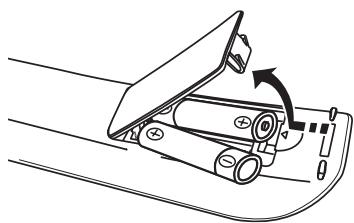
Installing Batteries in the Remote Control
Installing the Stand
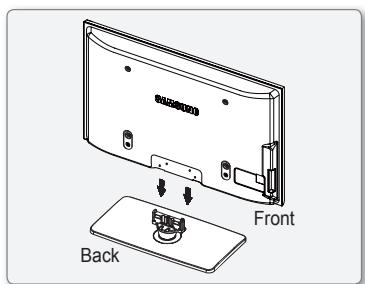
Step 1
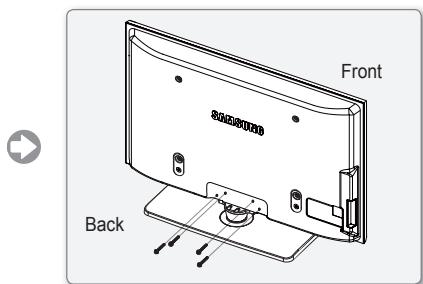
Step 2
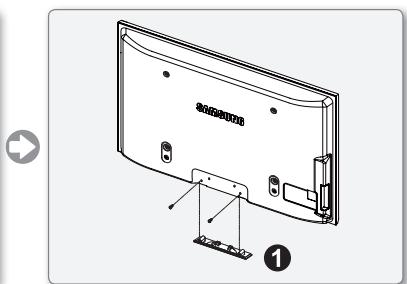
Step 3
Step 1. Attach your PDP TV to the stand.
Firmly secure the stand to the TV before moving it, as the stand may fall and could cause serious injury.
Two or more people should carry the TV. Never lay the TV on the floor because of possible damage to the screen. Always store the TV upright.
Step 1. Using the 4 screws for securing the stand base and the monitor, firmly attach the monitor to the stand base. (The exterior of the set may be different than the picture.)
Step 3. In case of installing your TV on the wall, close the cover ① on the stand-base connection part using two screws for hiding.
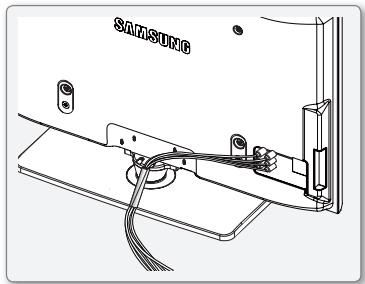
Assembling the Cables
Enclose the cables in the Holder-Wire Cable so that the cables are not visible through the transparent stand.
Using the remote control buttons
Menu Button Displays the favourites channel list.
ENTER / Direction Button Move the cursor and select an item. Select the currently selected item. Confirm the setting.
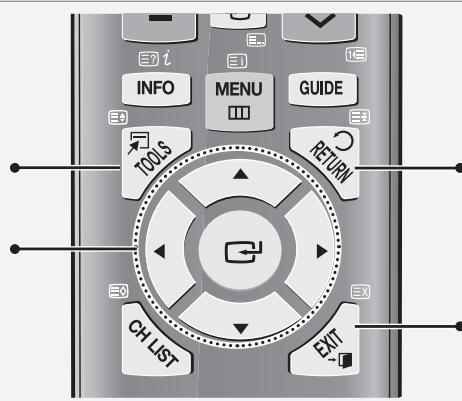
RETURN Button Returns to the previous menu
EXIT Button Exit the on-screen menu
Plug & Play
When the TV is initially powered on, basic settings proceed automatically and subsequently.
If you want to reset this feature, press the MENU button to display menu.
You can set the Plug & Play by selecting Setup Plug & Play.
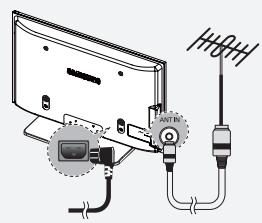

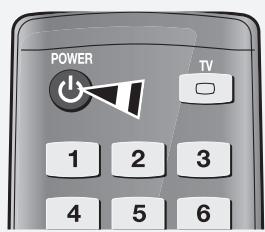
On the screen, you can set as follows.
The each step may vary depending on the Antenna source.
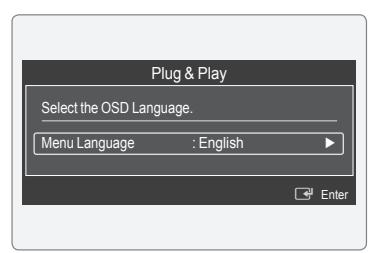
Step 1

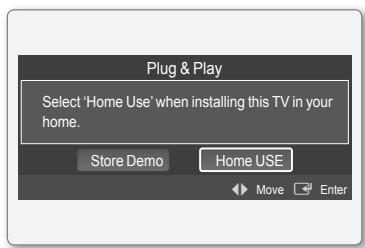
Step 2

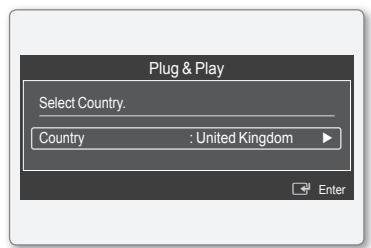
Step 3

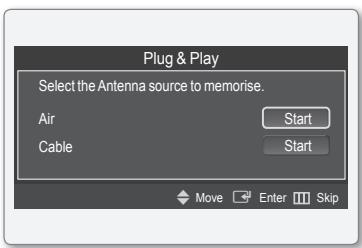
Step 4

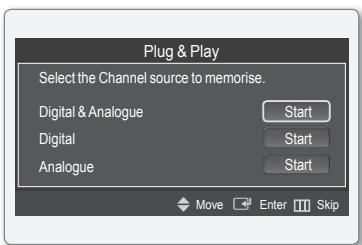
Step 5

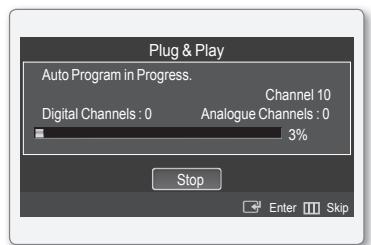
Step 6

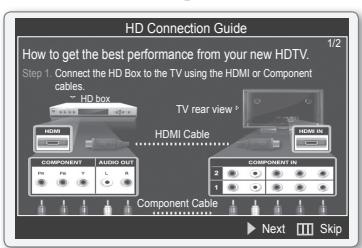
Step 7

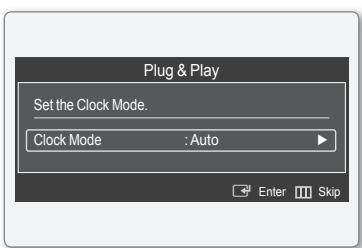
Step 8

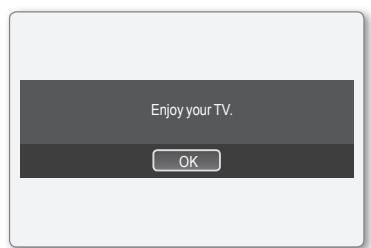
Step 9
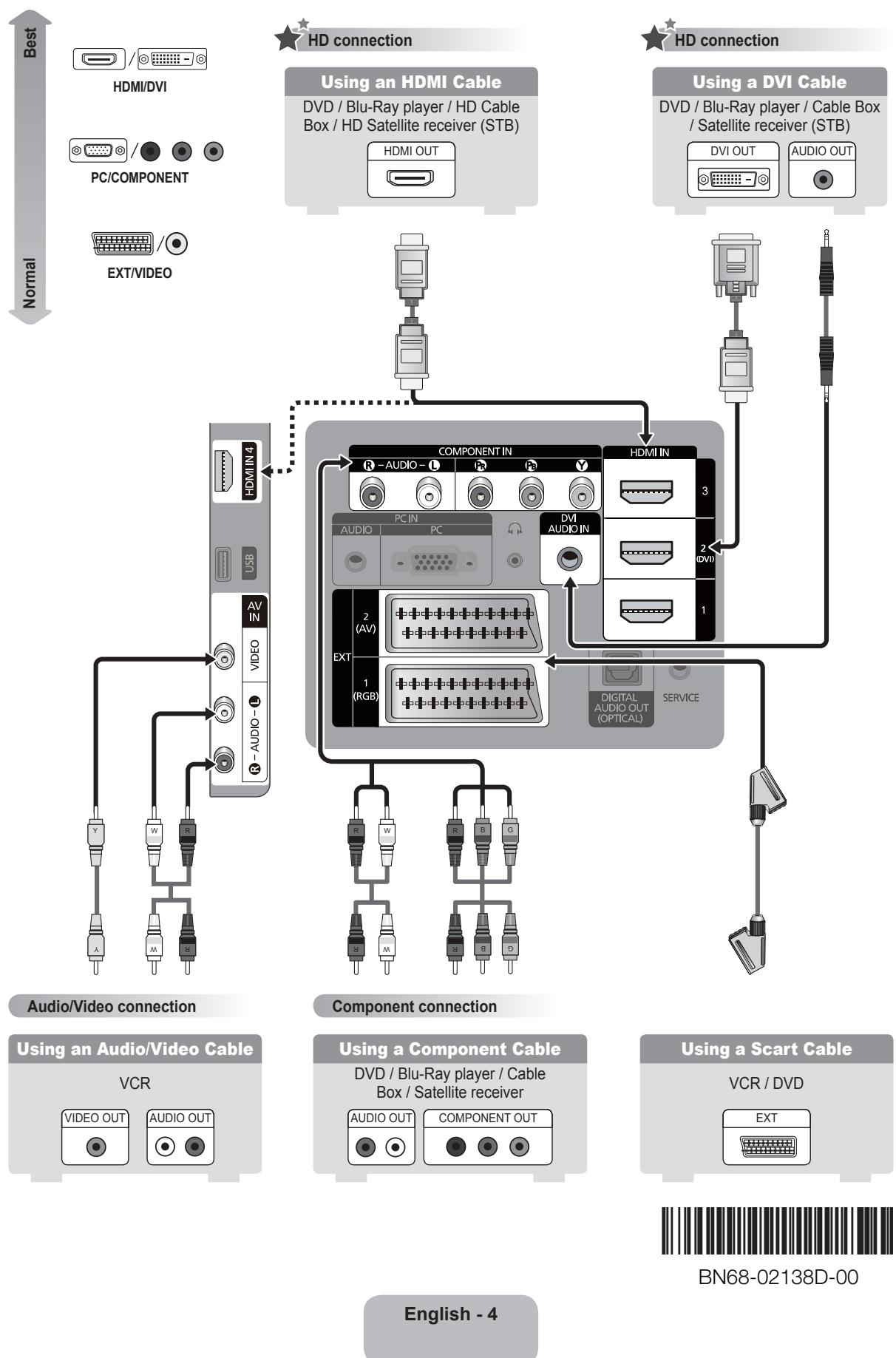
Connecting a AV device