SONIC RUSH - Jeu vidéo GAMES NINTENDO DS - Notice d'utilisation et mode d'emploi gratuit
Retrouvez gratuitement la notice de l'appareil SONIC RUSH GAMES NINTENDO DS au format PDF.


| Type de produit | Jeu vidéo sur carte Nintendo DS |
| Plateforme | Nintendo DS |
| Genre | Action / Plates-formes |
| Nombre de joueurs | 1 à 2 (multijoueur sans fil) |
| Langues disponibles | Anglais, multilingue selon réglages de la console |
| Mode multijoueur | Bataille sans fil (téléchargement ou multi-cartes) |
| Contenu de la boîte | 1 carte de jeu, notice d'utilisation |
| Âge recommandé | 10 ans et plus (ESRB E10+) |
| Fonctions principales | Contrôle via croix directionnelle et boutons, utilisation limitée du stylet, écran tactile pour menus et stages spéciaux |
| Alimentation | Pile rechargeable lithium-ion de la console Nintendo DS (non incluse) |
| Consignes de sécurité | Avertissements sur l'épilepsie, blessures liées aux mouvements répétitifs, interférences radio, fuite de batterie |
| Entretien et nettoyage | Éviter les chocs physiques, ne pas démonter la batterie, ne pas exposer à l'humidité |
| Garantie | 90 jours par SEGA of America, Inc. |
| Fabricant | SEGA of America, Inc., 650 Townsend Street, Suite 650, San Francisco, CA 94103 |
| Notice d'utilisation | 40 pages, disponible en PDF sur notice-facile.com |
FOIRE AUX QUESTIONS - SONIC RUSH GAMES NINTENDO DS
Questions des utilisateurs sur SONIC RUSH GAMES NINTENDO DS
0 question sur cet appareil. Repondez a celles que vous connaissez ou posez la votre.
Poser une nouvelle question sur cet appareil
Téléchargez la notice de votre Jeu vidéo au format PDF gratuitement ! Retrouvez votre notice SONIC RUSH - GAMES NINTENDO DS et reprennez votre appareil électronique en main. Sur cette page sont publiés tous les documents nécessaires à l'utilisation de votre appareil SONIC RUSH de la marque GAMES NINTENDO DS.
MODE D'EMPLOI SONIC RUSH GAMES NINTENDO DS
NINTENDODS
PLEASE CAREFULLY READ THE SEPARATE HEALTH AND SAFETY PRECAUTIONS BOOKLET INCLUDED WITH THIS PRODUCT BEFORE USING YOUR NINTENDO® HARDWARE SYSTEM, GAME CARD OR ACCESSORY. THIS BOOKLET CONTAINS IMPORTANT HEALTH AND SAFETY INFORMATION.
IMPORTANT SAFETY INFORMATION: READ THE FOLLOWING WARNINGS BEFORE YOU OR YOUR CHILD PLAY VIDEO GAMES.

WARNING - Seizures
- Some people (about 1 in 4000) may have seizures or blackouts triggered by light flashes or patterns, such as while watching TV or playing video games, even if they have never had a seizure before.
- Anyone who has had a seizure, loss of awareness, or other symptom linked to an epileptic condition should consult a doctor before playing a video game.
- Parents should watch when their children play video games. Stop playing and consult a doctor if you or your child have any of the following symptoms:
Convulsions Altered visio
Eye or muscle twitching Involuntary movements
Loss of awareness Disorientation
To reduce the likelihood of a seizure when playing video games:
- Sit or stand as far from the screen as possible.
- Play video games on the smallest available television screen.
- Do not play if you are tired or need sleep.
- Play in a well-lit room.
- Take a 10 to 15 minute break every hour.

WARNING - Radio Frequency Interference
The Nintendo DS can emit radio waves that can affect the operation of nearby electronics, including cardiac pacemakers.
- Do not operate the Nintendo DS within 9 inches of a pacemaker while using the wireless feature.
If you have a pacemaker or other implanted medical device, do not use the wireless feature of the Nintendo DS without first consulting your doctor or the manufacturer of your medical device. - Observe and follow all regulations and rules regarding use of wireless devices in locations such as hospitals, airports, and on board aircraft. Operation in those locations may interfere with or cause malfunctions of equipment, with resulting injuries to persons or damage to property.
WARNING - Repetitive Motion Injuries and Eyestrain
Playing video games can make your muscles, joints, skin or eyes hurt after a few hours. Follow these instructions to avoid problems such as tendinitis, carpal tunnel syndrome, skin irritation or eyestrain:
- Avoid excessive play. It is recommended that parents monitor their children for appropriate play.
Take a 10 to 15 minute break every hour, even if you don't think you need it. - When using the stylus, you do not need to grip it tightly or press it hard against the screen. Doing so may cause fatigue or discomfort.
If your hands, wrists, arms or eyes become tired or sore while playing, stop and rest them for several hours before playing again.
If you continue to have sore hands, wrists, arms or eyes during or after play, stop playing and see a doctor.
WARNING - Battery Leakage
The Nintendo DS contains a rechargeable lithium ion battery pack. Leakage of ingredients contained within the battery pack, or the combustion products of the ingredients, can cause personal injury as well as damage to your Nintendo DS.
If battery leakage occurs, avoid contact with skin. If contact occurs, immediately wash thoroughly with soap and water. If liquid leaking from a battery pack comes into contact with your eyes, immediately flush thoroughly with water and see a doctor.
To avoid battery leakage:
- Do not expose battery to excessive physical shock, vibration, or liquids.
- Do not disassemble, attempt to repair or deform the battery.
- Do not dispose of battery pack in a fire.
- Do not touch the terminals of the battery, or cause a short between the terminals with a metal object.
- Do not peel or damage the battery label.
CAUTION - Stylus Use
To avoid fatigue and discomfort when using the stylus, do not grip it tightly or press it hard against the screen. Keep your fingers, hand, wrist and arm relaxed. Long, steady, gentle strokes work just as well as many short, hard strokes.
The official seal is your assurance that this product is licensed or manufactured by Nintendo. Always look for this seal when buying
video game systems, accessories, games and related products.
Nintendo does not license the sale or use of products without the Official Nintendo Seal.

THIS GAME CARD WILL WORK ONLY WITH THE NINTENDO DS™VIDEO GAME SYSTEM.
Wireless DS Single-Card Download Play
THIS GAME ALLOWS WIRELESS MULTIPLAYER GAMES DOWNLOADED FROM ONE GAME CARD.
Wireless DS Multi-Card Play
THIS GAME ALLOWS WIRELESS MULTIPLAYER GAMES WITH EACH DS SYSTEM CONTAINING A SEPARATE GAME CARD.
Important Legal Information
Copying of any video game for any Nintendo system is illegal and is strictly prohibited by domestic and international intellectual property laws. "Back-up" or "archival" copies are not authorized and are not necessary to protect your software. Violators will be prosecuted.
This video game is not designed for use with any unauthorized copying device or any unlicensed accessory. Use of any such device will invalidate your Nintendo product warranty. Nintendo (and/or any Nintendo licensee or distributor) is not responsible for any damage or loss caused by the use of any such device. If use of such device causes your game to stop operating, disconnect the device carefully to avoid damage and resume normal game play. If your game ceases to operate and you have no device attached to it, please contact the game publisher's "Technical Support" or "Customer Service" department.
The contents of this notice do not interfere with your statutory rights.
This booklet and other printed materials accompanying this game are protected by domestic and international intellectual property laws.
Rev- D(L)

LICENSED BY

Thank you for purchasing Sonic Rush™. Please note that this software is designed for use with the Nintendo DSTM system. Be sure to read this instruction booklet thoroughly before you start playing.

TABLE OF CONTENTS
STORY & CHARACTERS 4
CONTROLS 8
STARTING THE GAME 14
OPTIONS. 15
GAMEPLAY 16
BATTLE PLAY. 27
TIME ATTACK 36
STORY & CHARACTERS
Dr. Eggman is up to his old tricks again.
And Sonic is right there to stop him!
"Hey Eggman! What have you got planned this time?"
"Hah! Do you think I'm going to tell you that?"
After an exchange of blows, Eggman hastily retreats leaving behind a mysterious Emerald, quite unlike the Chaos Emergals.
As Sonic goes to pick it up, it is whisked from under his very nose.
"And that's the second one..."
Mutters the unfamiliar figure of a lady, before quickly vanishing.
"What was THAT about?"
Muses Sonic, as he takes off again on another exciting adventure.
Sonic the Hedgehog
Foot loose and fancy free, his only gripe is with evildoers. He's sometimes quick to anger, but will always lend a helping hand when somebody's in trouble. There's no stopping the world's fastest supersonic hedgehog!

Blaze the Cat
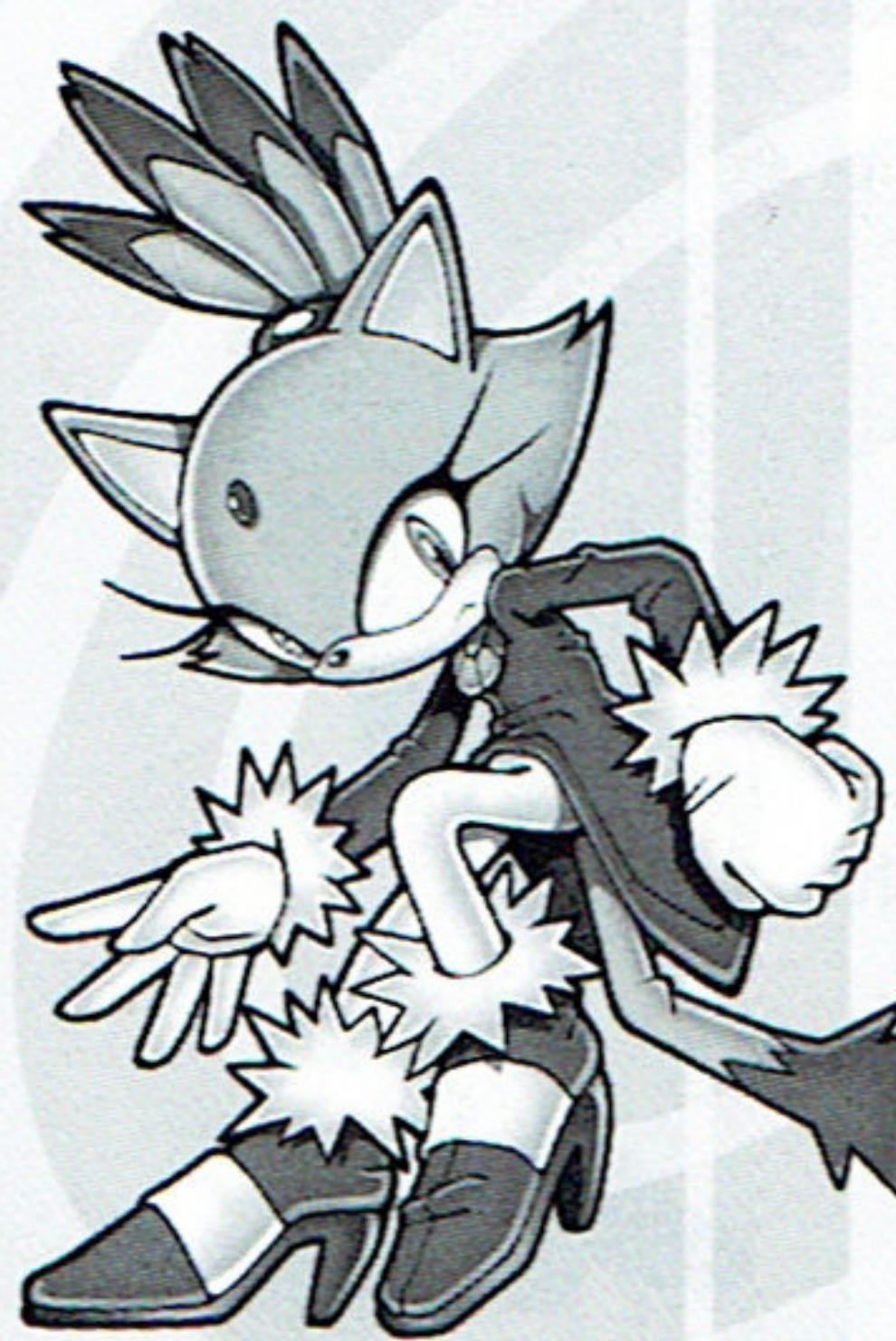
As guardian of the Sol Emergals, she's currently hot on the trail of Dr. Eggman who's made off with them. Blaze is normally calm and levelheaded, but may be concealing her real feelings. Devoted to her position, she sometimes gets bogged down by her own strict discipline, which may explain why she seems a little withdrawn.
Dr. Eggman
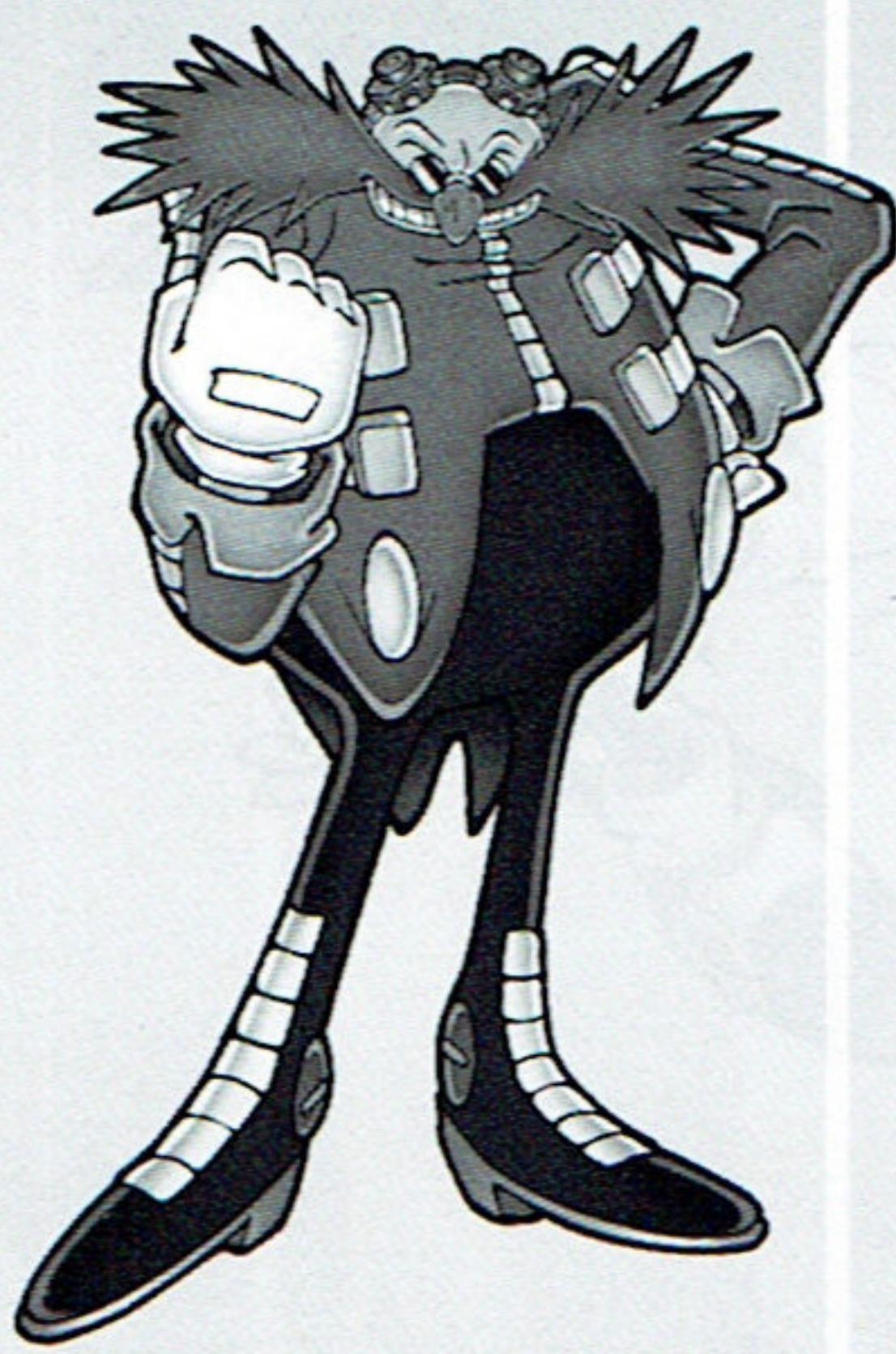
An arrogant self-professed evil scientific genius, with a passion for robotics, and dreams of enslaving the world in his own Eggman-land utopia. His schemes are invariably foiled by Sonic, but he's never let that detail stop him!
Eggman-Nega
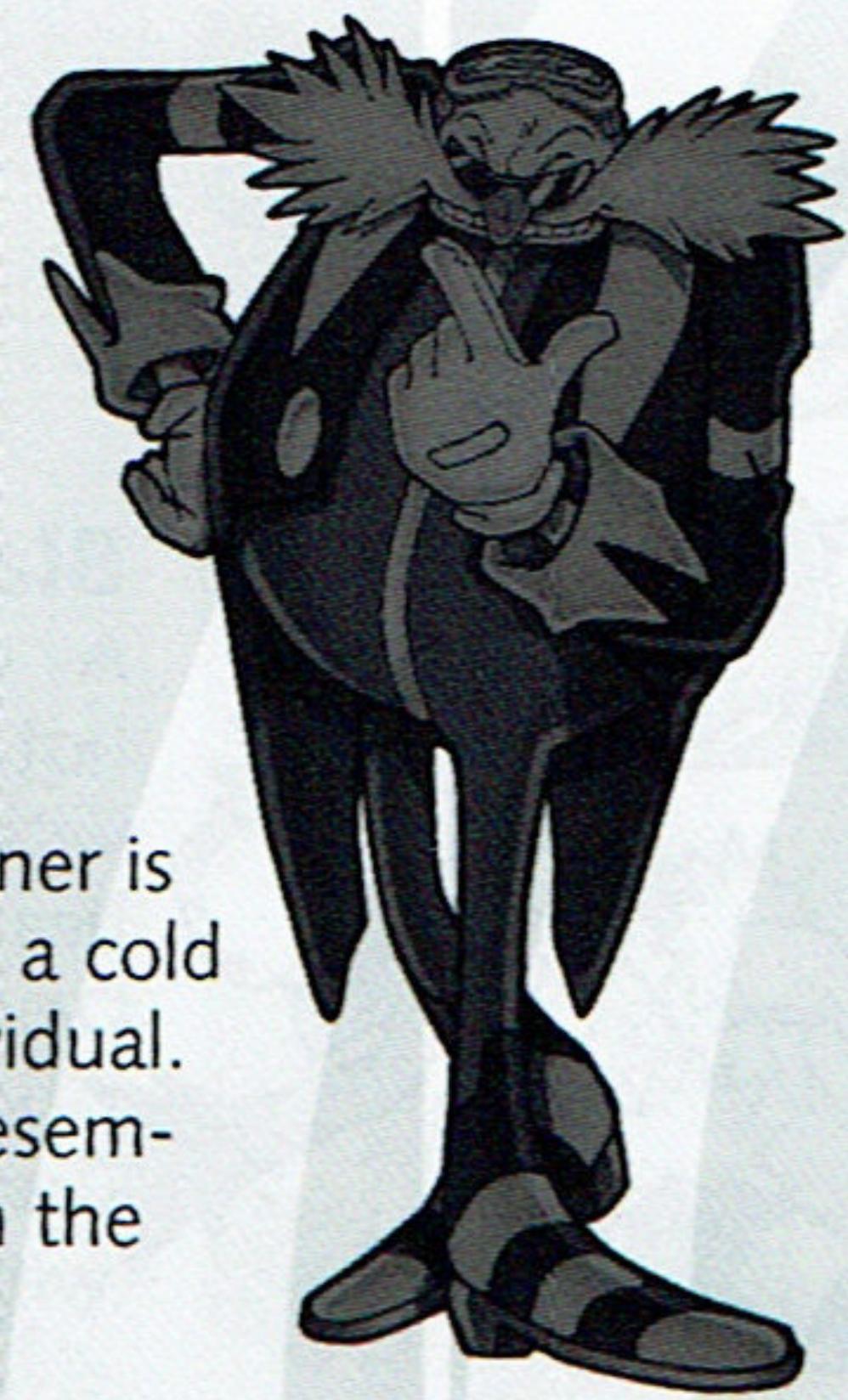
His speech and manner is eerily polite for such a cold and calculating individual. On the surface he resembles Eggman, but on the inside?
Miles "Tails" Prower
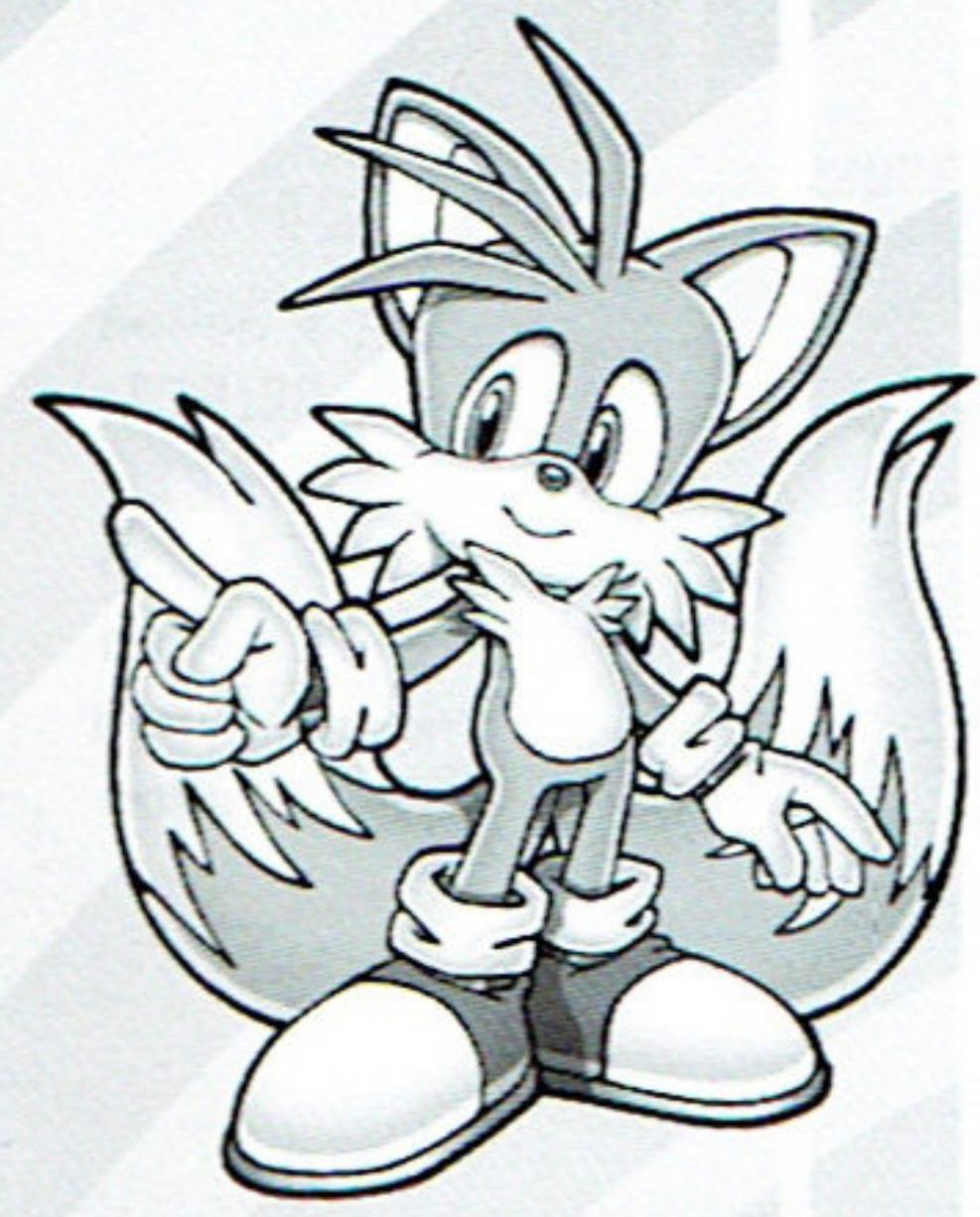
A gentle fox with two tails,
he adores Sonic and follows
him around like a kid
brother. In this game, Tails
will support Sonic.
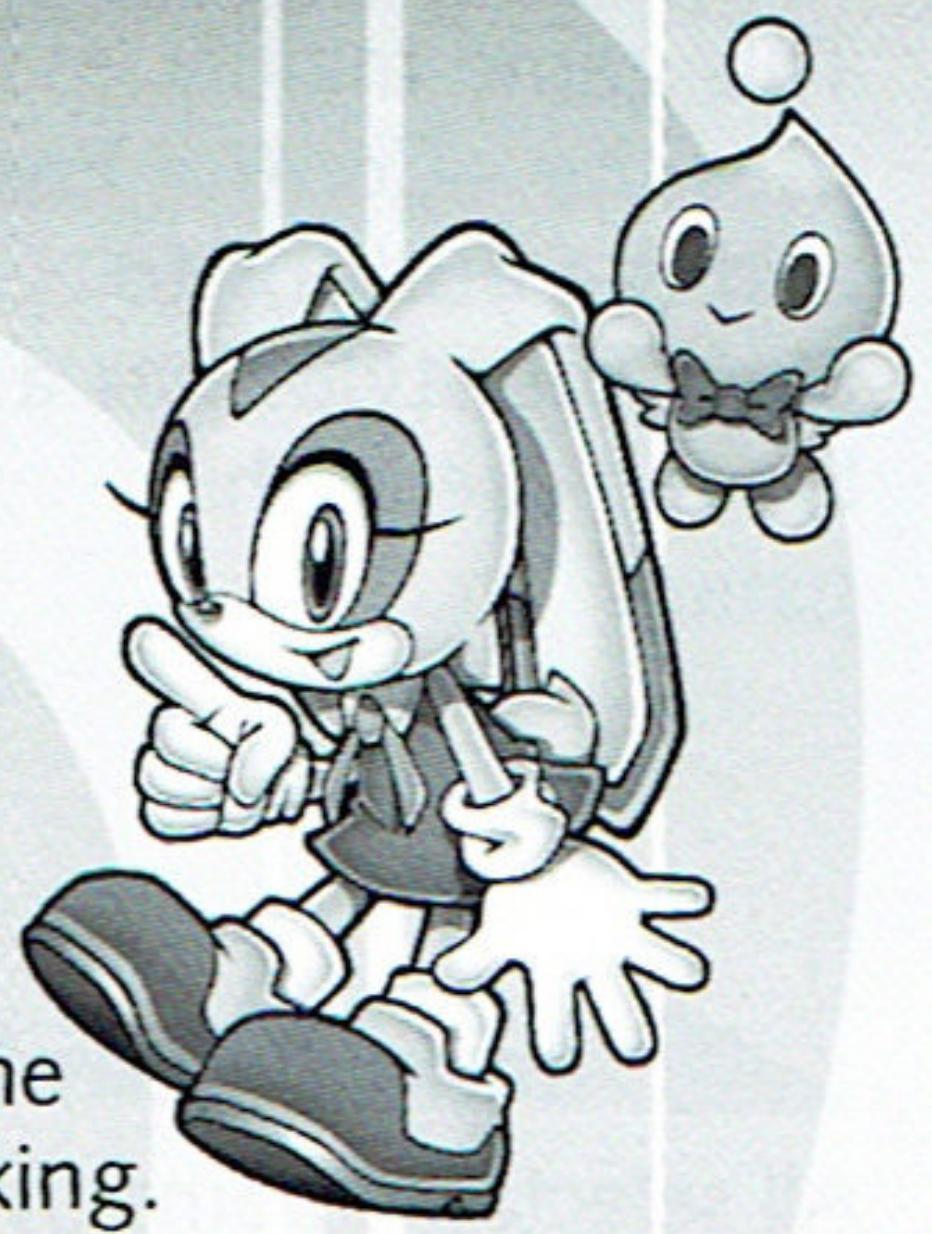
Cream the Rabbit
A rabbit who takes her friend Cheese wherever she goes. She is polite and hardworking. She can also fly by flapping her ears. She meets Blaze and becomes friends, supporting her in this game.
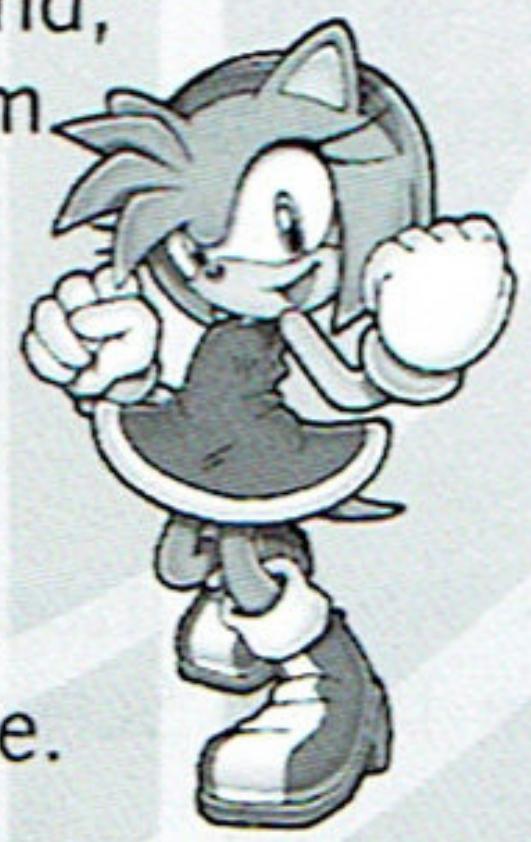
Amy Rose
She calls herself Sonic's girlfriend, and chases him wherever he goes. She is cheerful and energetic, strong-willed and very active.
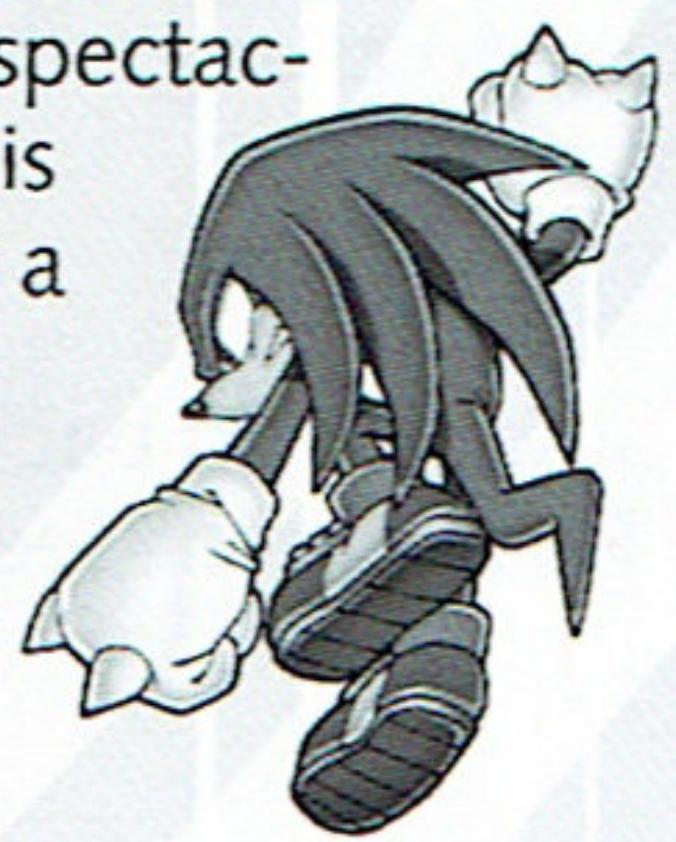
Knuckles the Echidna
A powerful and spectacular echidna, he is always ready for a fight. Being so straight forward and earnest, he is easily fooled.
This game mainly uses the +Control Pad and the buttons to play. The stylus has a limited use in this game.
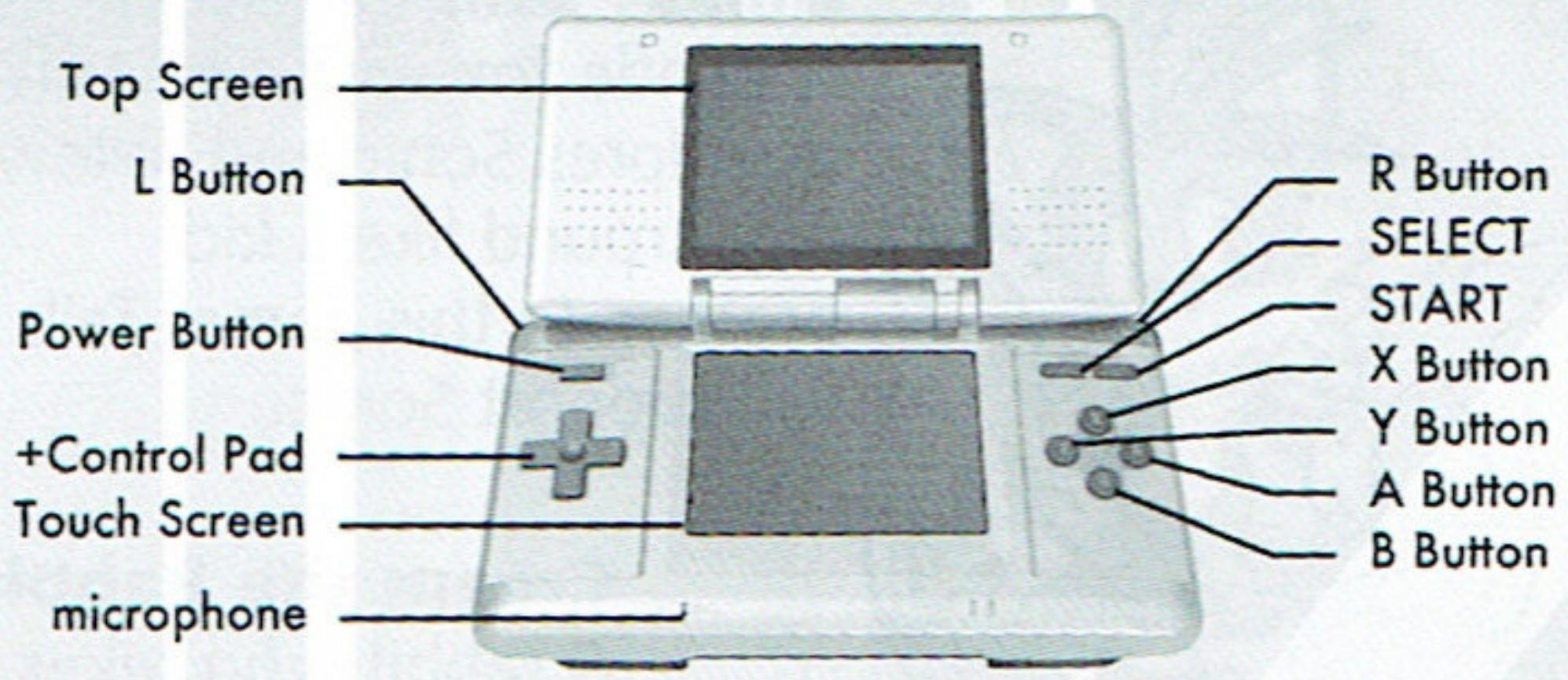
Menu Controls
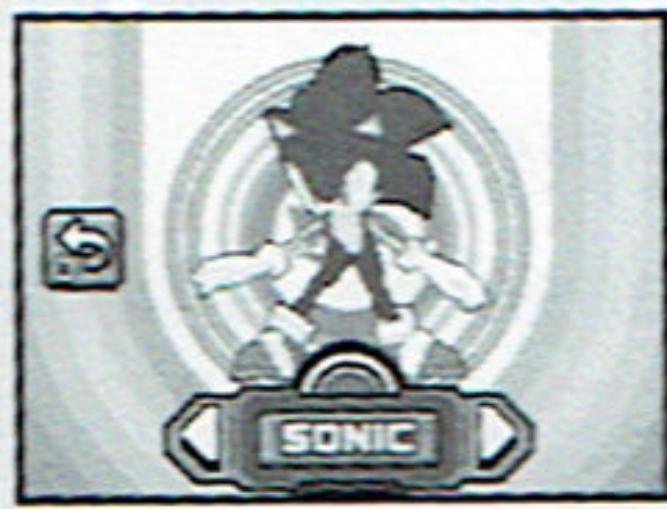
All selectable items (Menu, Character Select, etc.) are displayed on the Touch Screen. Use the +Control Pad to select the Menu item and press the A Button, or simply touch the Menu item with the Nintendo DSTM Stylus to enter (or execute).
Some menus contain arrows displayed next to the menu item. If you use the stylus, touch either of the arrows to change the selection, and touch the Menu item to enter.
To cancel or go back one step, either press the B Button or touch the Return Icon (see right) displayed on the Touch Screen.
Normal Actions
Walk/Run & Brake
+Control Pad /
Press the +Control Pad / to walk, and keep holding in one direction to gain more speed. Quickly press the opposite direction to brake your dash.
Scroll Screen
+Control Pad ↑/↓
Hold down the +Control Pad ↑ / ↓ while standing still to vertically scroll the screen and view what's immediately above or underneath depending on which screen you are in. If your character is in the top screen, you may only scroll up, and vice versa.
Pause
START
Press START to pause the game. Depending on the mode and situation, pausing may bring up a Pause Menu. This will be explained separately. Note that pausing is not possible in Battle Play (p.27).
Sonic's Actions
Spin Jump
A/B Button
Use the A/B Button to jump and/or attack your enemies.
Jump Dash
Spin Jump, R Button
Simply jump and press
the R Button in mid-air
to either dash forward above
ground or charge a nearby enemy.
Spin Dash
+ A / B Button, release
Hold the +Control Pad while standing still, then
press the A/B Button to spin, and release the +Control Pad. Sonic dashes forward spinning, blasting enemies in his path.
Super Boost
X/Y Button
Press the X/Y Button
while Sonic is on the
ground. This action is available as long as your Tension Gauge (p.12) is charged.
Blaze's Actions
Axel Jump A/B Button
Use the A/B Button to jump and/or attack your enemies.
Burst Hover Axel Jump, R Button
Simply jump and press the R Button in mid-air to dash forward above ground.
Burst Dash ↓ + A/B Button, release ↓
Hold the +Control Pad while standing still, then press the A/B Button to spin, and release the +Control Pad. Blaze dashes forward spinning, blasting enemies in her path.

Fire Boost X/Y Button
Press the X/Y Button while Blaze is on the ground. This action is available as long as your Tension Gauge (p.12) is charged.
Trick Actions
Basic Tricks/Advanced Trick
B-B-B/A Button
Tap the B Button while launched in the air. You can also press the A Button for your third action for the awesome finish!
Grind Tricks
R-R-R Button
Tap the R Button while grinding across various rails to perform the Grind Trick.
Just Trick
A Button
Press the A Button as you are about to take off from a springboard or the edge of a rail. This trick is the most efficient way to charge up your Tension Gauge.
Tricks and Tension Gauge
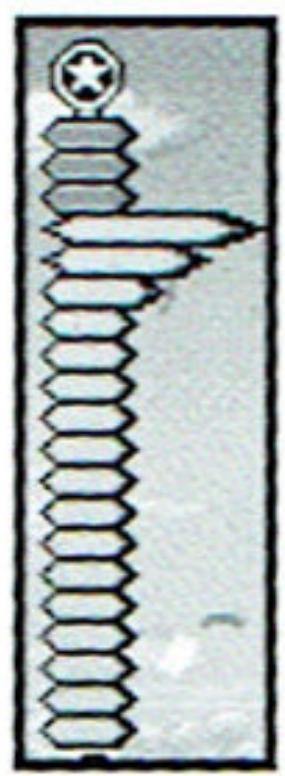
Whenever you perform Tricks or defeat an enemy, the Tension Gauge (at the left side of the screen) will be charged (maximum at 300% ). This allows you to perform the Super Boost. Also, the Tension Gauge will decrease with time or when you take damage. Note that Trick Points you earn from a single gimmick (p.17) will decrease each time it is used – until nothing can be gained.
Hop Jump (Sonic)
1+RButton
Use the Springs or the Ramps to launch into the air, then press both the +Control Pad ↑ and the R Button to perform a vertical hop.
Humming Top (Sonic)
←/→+RButton
Use the Springs or the Ramps to launch into the air, then press both the +Control Pad / and the R Button to perform a horizontal hop, attacking enemies in the way.
Axel Tornado (Blaze)
1+RButton
Use the Springs or the Ramps to launch into the air, then press both the +Control Pad ↑ and the R Button to perform a vertical hop, attacking enemies in the way.
Jump Step (Blaze)
←/→+RButton
Use the Springs or the Ramps to launch into the air, then press both the +Control Pad / and the R Button to perform a horizontal hop.
STARTING THE GAME
Insert the "Sonic Rush" Game Card into the Nintendo DSTM system and turn the POWER ON. When the Title Screen appears, press START to enter the Main Menu screen.
GAMEPLAY (P.16)
Play the game along the story.
BATTLE PLAY (P.27)
Play in the 2-Player race to finish the selected Act.
TIME ATTACK (P.36)
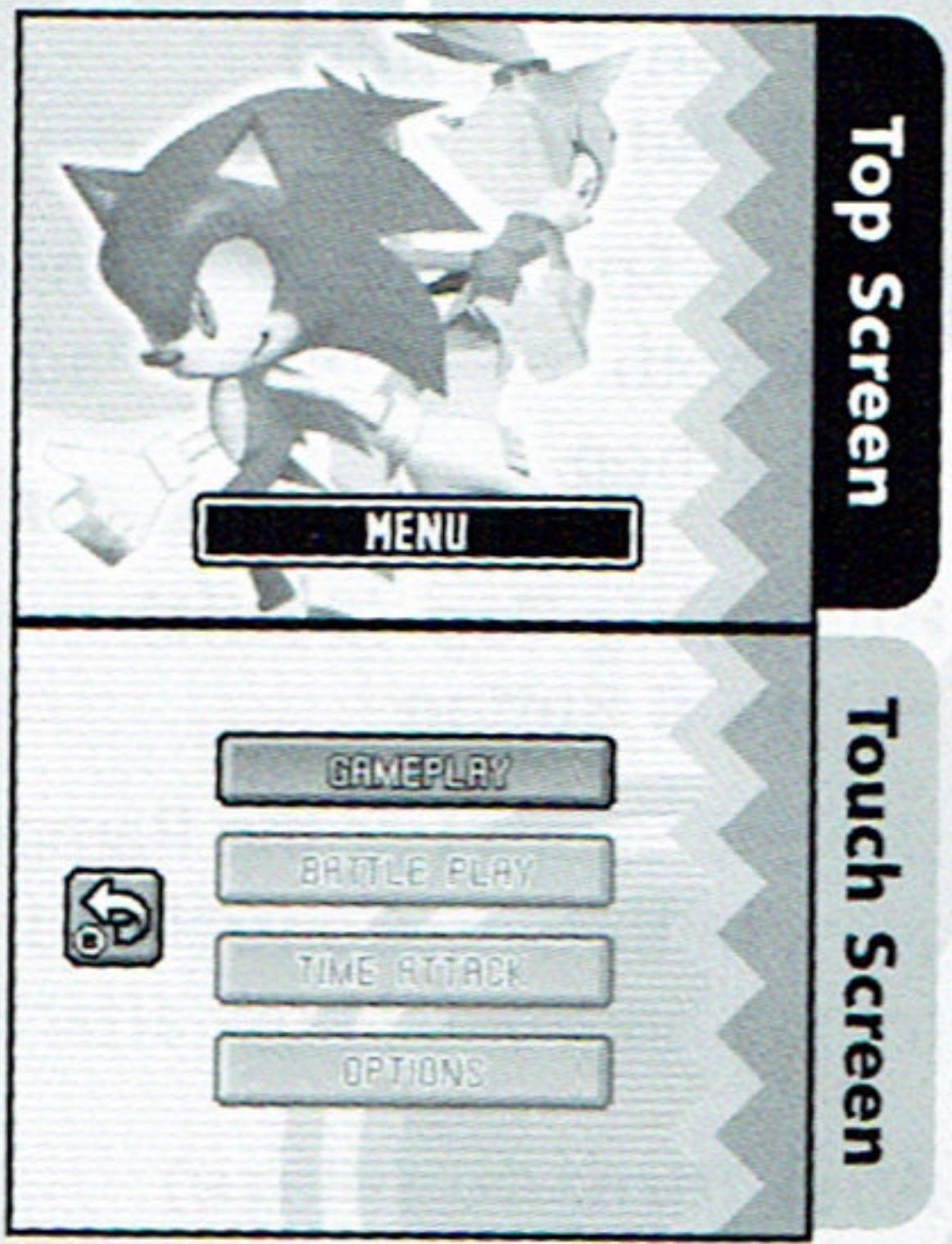
Race against the clock to finish the selected Act in record time. This mode becomes available once you reach the end with either character in Gameplay Mode.
OPTIONS (P.15)
Here you can change various game settings.
View records, and change various game settings.
PLAYER DATA
You can view records of your performances in Battle Play and Time Attack.
DIFFICULTY
Change the difficulty level of the game.
TIMELIMIT
Select whether or not to lose a life when time runs out.
SOUND TEST
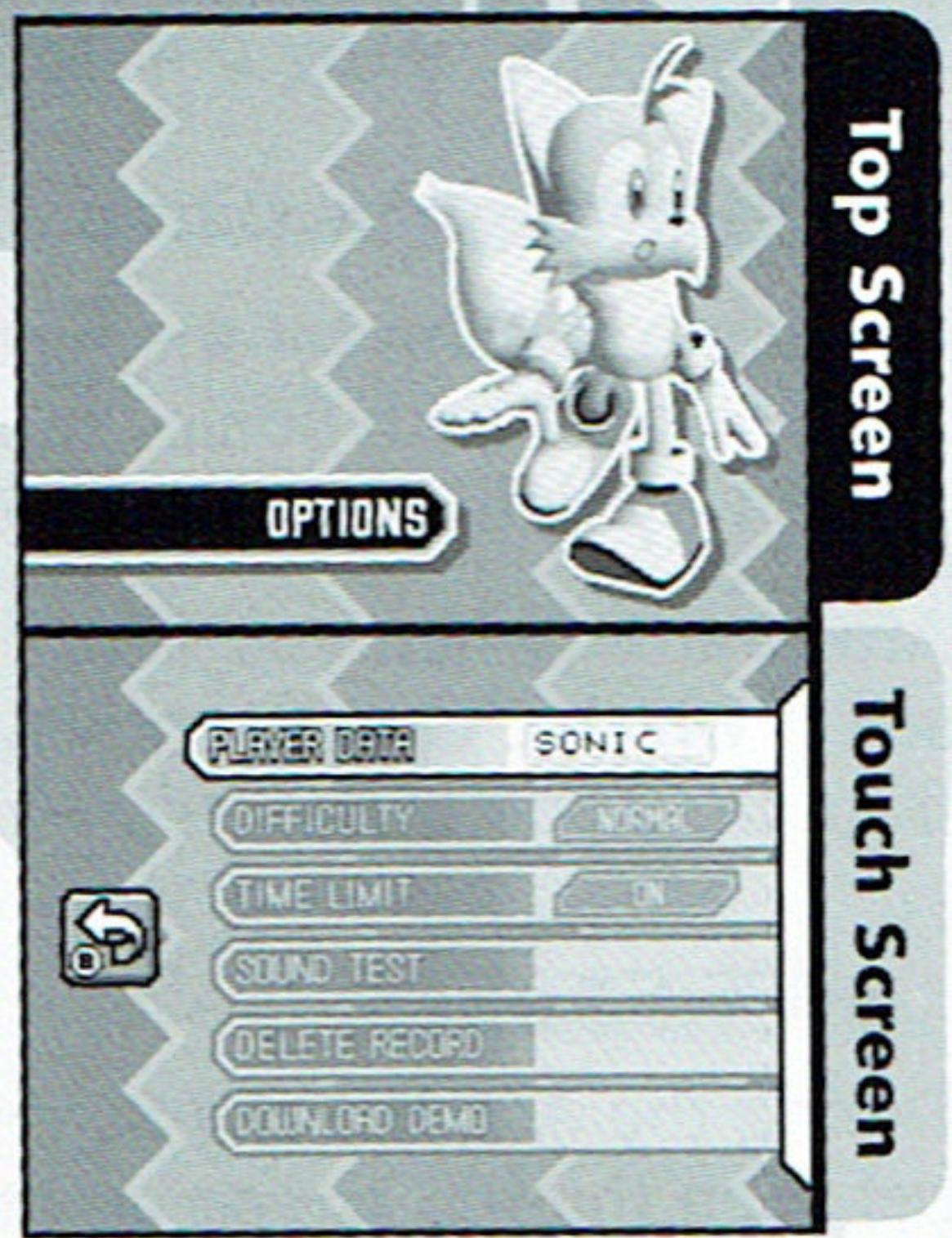
- Listen to the music and sound effects used in this game. This Menu Item becomes available once you reach the ending with either character in Gameplay.
DELETE RECORD
Delete all saved game data on the Game Card.
DOWNLOAD DEMO
Allow your friends to download a Demo Version of the game. Please see the directions for Single-Card Play (p.34) as a reference for downloading.
Note: The Language Settings can be changed only in the DS Menu Screen.
GAMEPLAY
Play the game along the story from two sides: Sonic and Blaze.
Starting the Game
If you are playing for the first time, the game will immediately start from Zone 1 Act 1 with Sonic. You will be able to select Blaze after you clear
Zone 1 by defeating the Zone 1 Boss.
Afterwards, when you select this mode, you can select which character to play. The game resumes from the Zone Map screen (p.22).
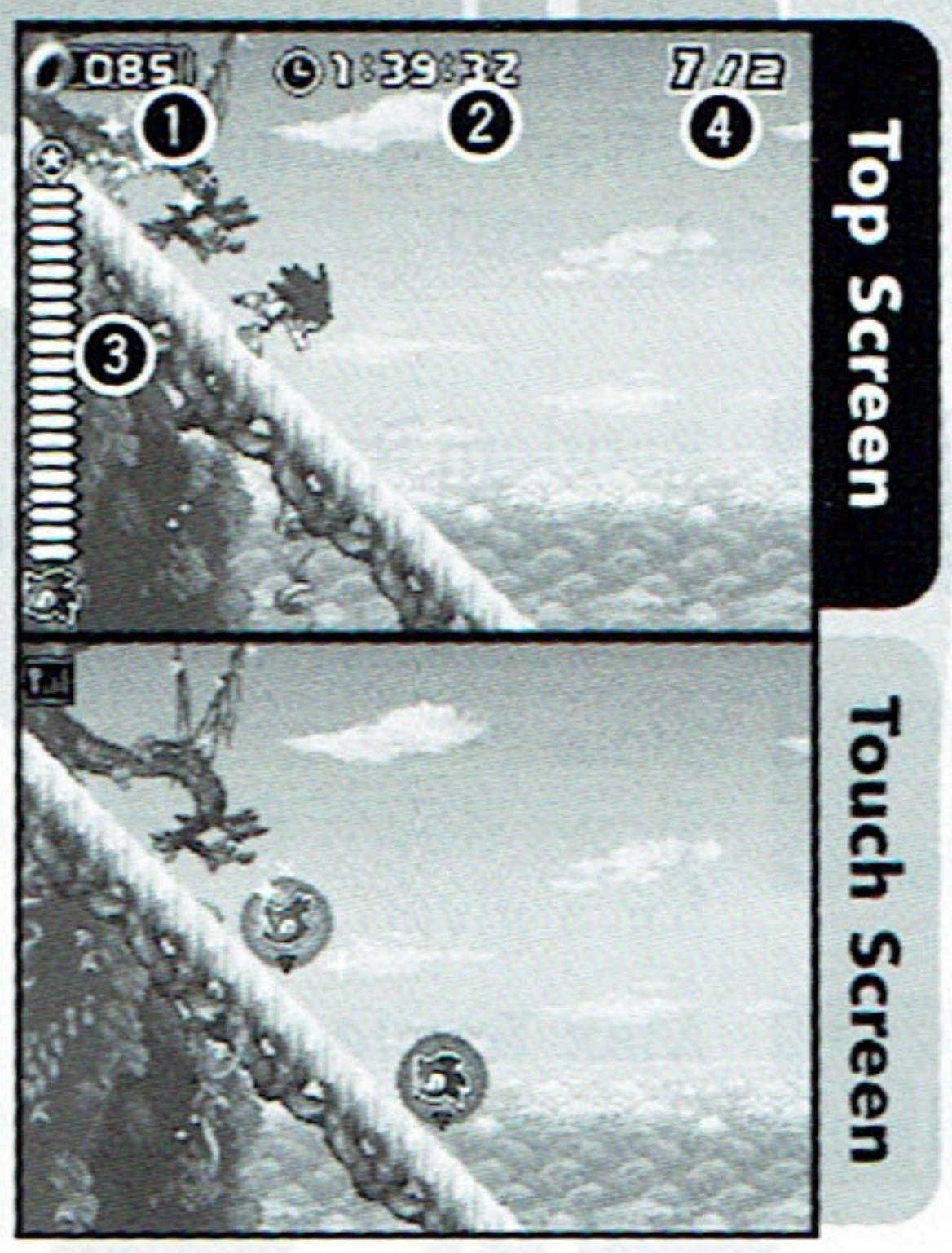
Touch Screen
Act Screen
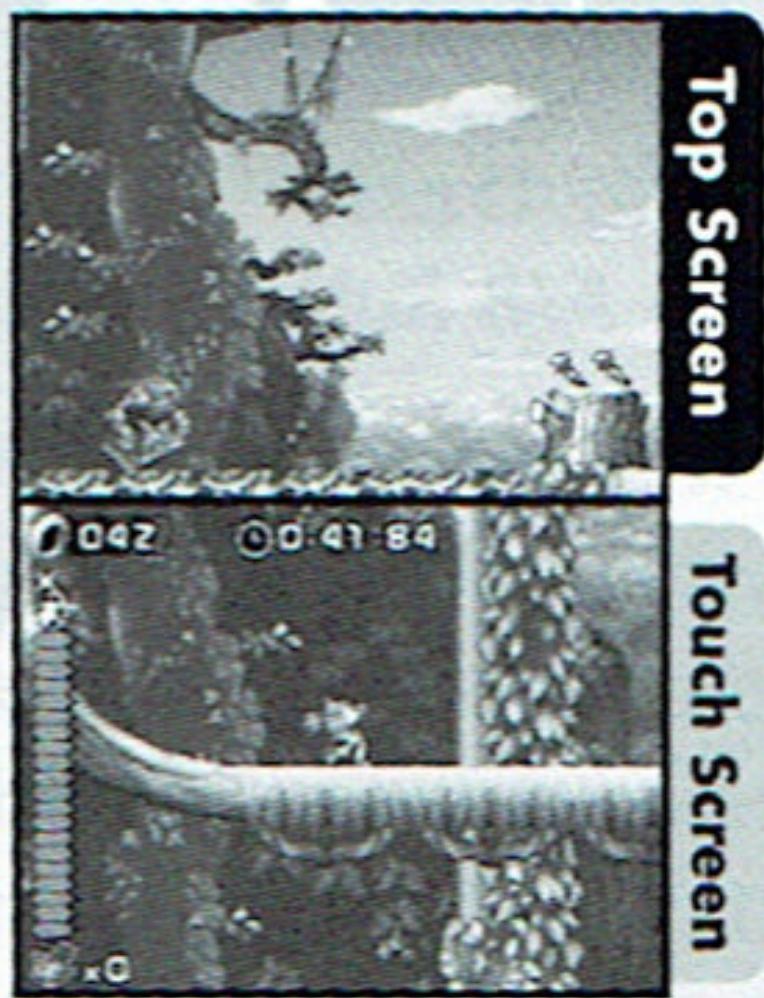
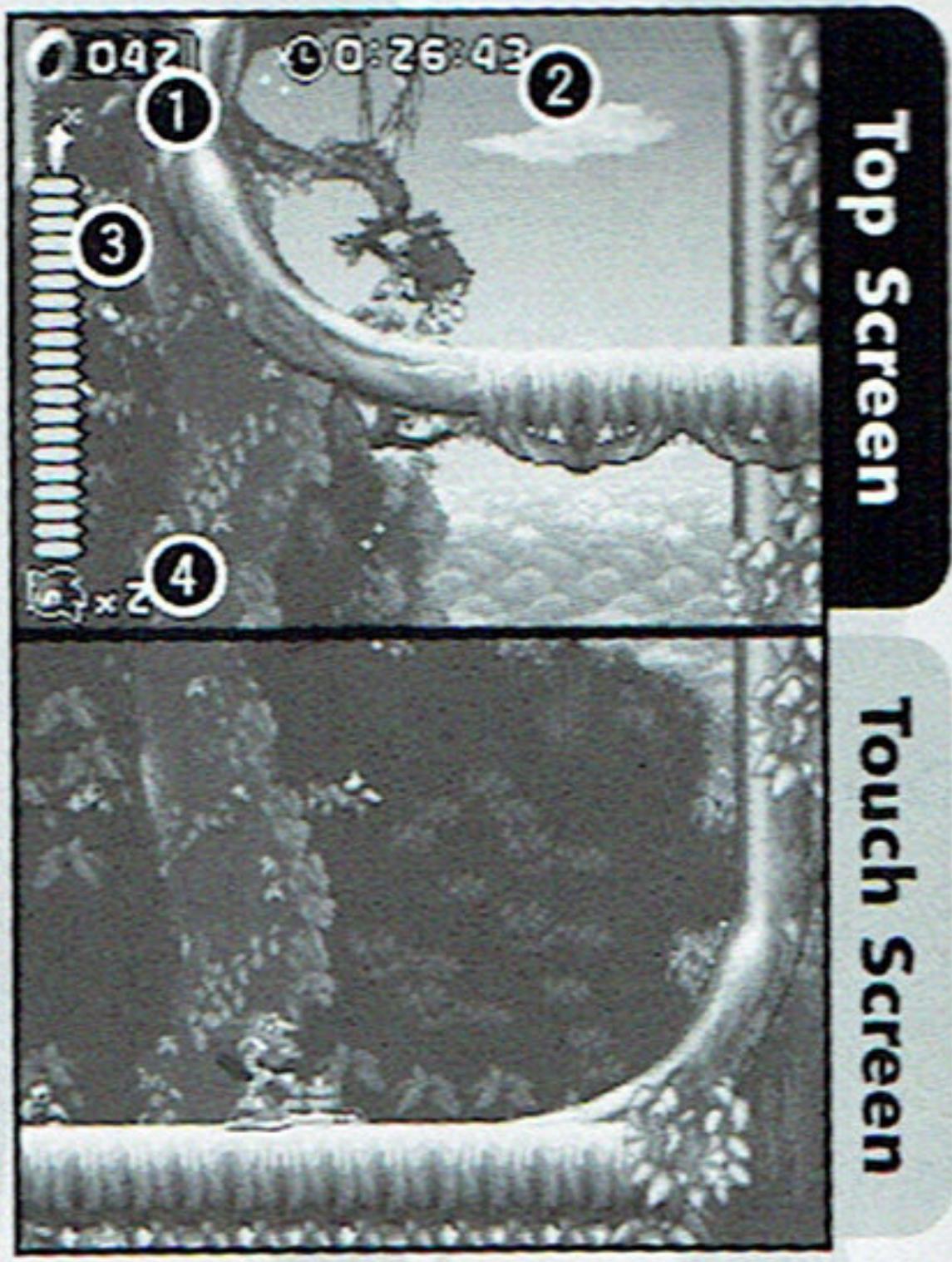
During the Act, the characters travel between the top screen and the Touch Screen, depending on the situation (except during the Boss Act, where the action takes place on the top screen only). All important information will be displayed on the same screen where the player currently is.
Number of Rings Collected
Time Counter
Elapsed Time from the start of the Act
3Tension Gauge
Will not be displayed in the Boss Act
Number of Lives Left
How to Play
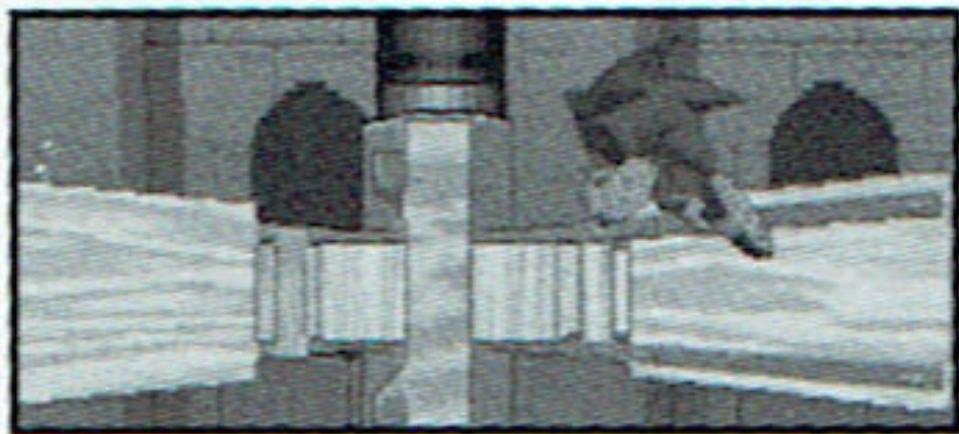
Gimmicks
There are various gimmicks on the field that will assist you in advancing in the Act. Some of these invoke a Gimmick Jump, allowing you to perform aerial Trick Actions (p.12). Some of them are easily noticeable. Here are some that appear early in the game.
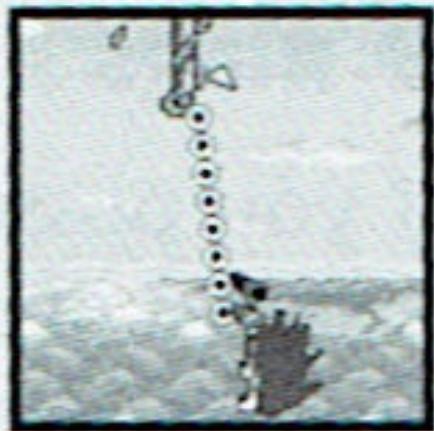
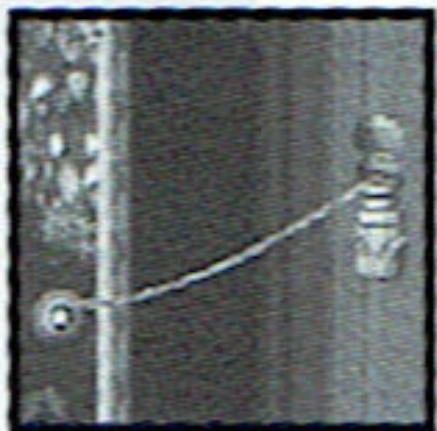
Bungee Rope
When you try to go down, it attaches to your leg, and will bounce you back high in the air.
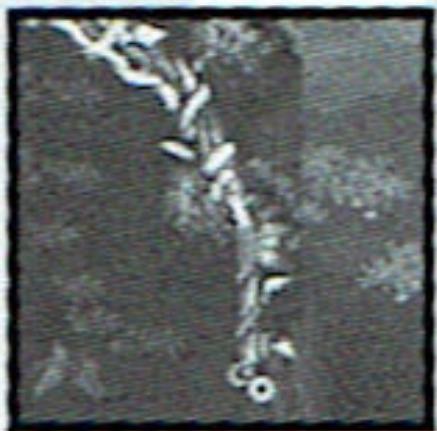
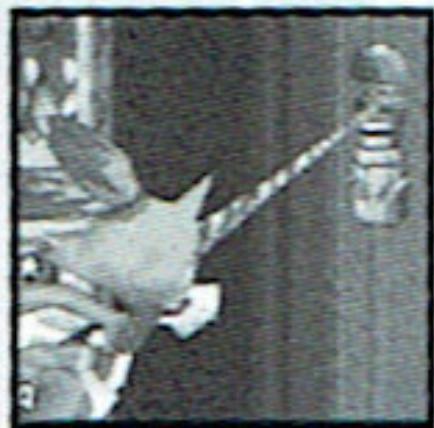
Winding Rope
Grab it, and it will spin you around upwards, then launches you straight up.
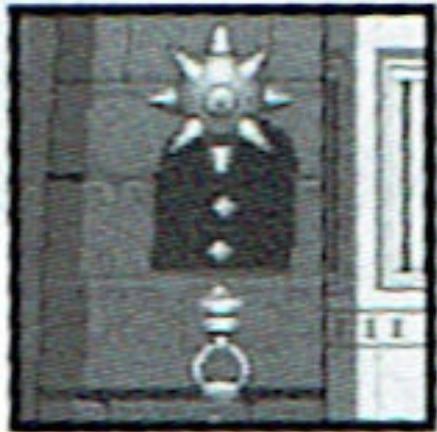
Underwater Mine
Grab its handle, and it will lift you up. Beware, it will self detonate, so let go to avoid the explosion.
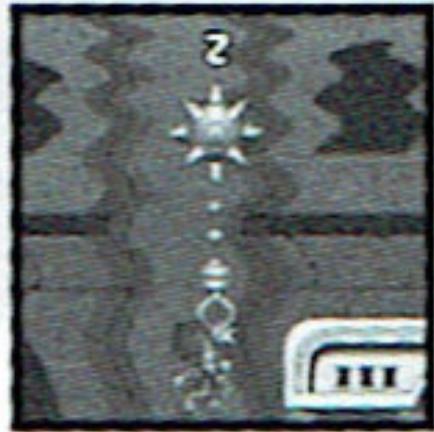
Giant Waterwheel
Approach this underwater wheel, and it will spin you around, raising or lowering, and accelerating you out.
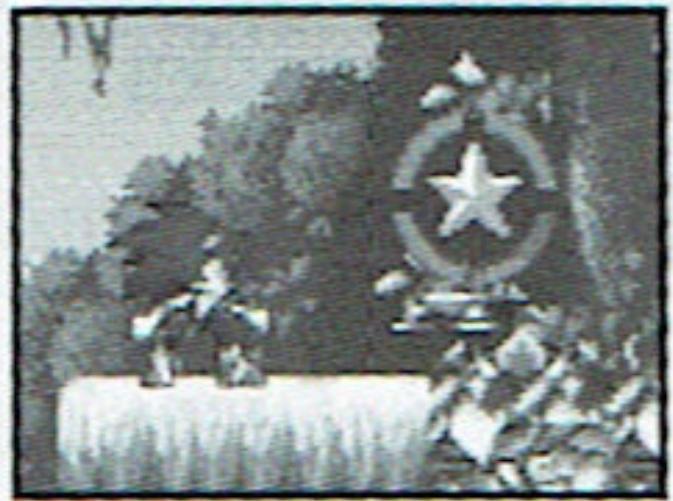
- Checkpoint
If you find the Checkpoint Marker, make sure to touch it. This allows you to restart the Act from this location, should you lose a life and have any remaining.
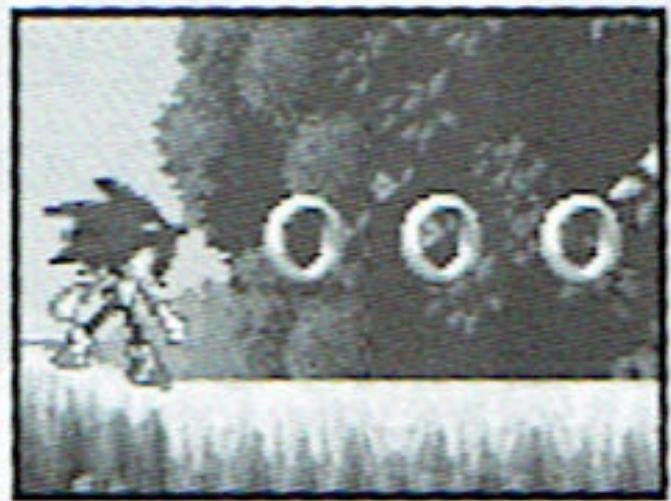
Rings
If you possess even one ring, it will protect you from losing a life upon taking damage. When you take damage, you will lose all the rings you possess, making yourself vulnerable. If you collect 100 rings, you will earn an extra life.
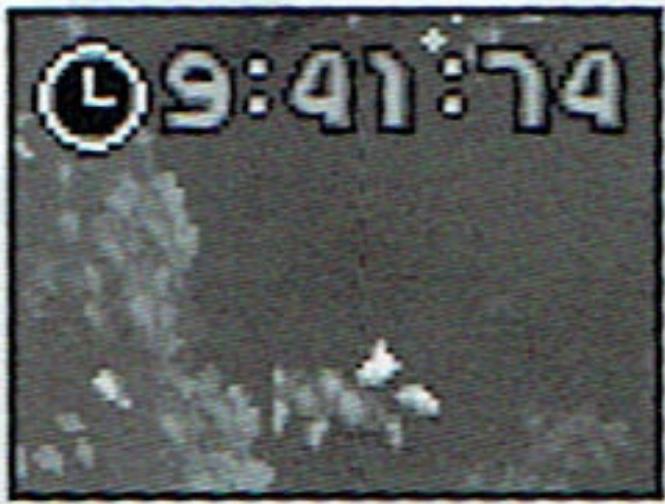
Time Limit
If you set the Time Over settings ON in Options (p.15), the Time Counter will start to flash when the time limit nears. If you do not clear the Act before the time limit expires, you will lose a life.
- Breathing Underwater
Some Acts contain underwater areas. You cannot stay underwater for long, so you must resurface or find an air bubble to breathe. A countdown will start if you hold your breath too long. When the countdown ends, you will lose a life.
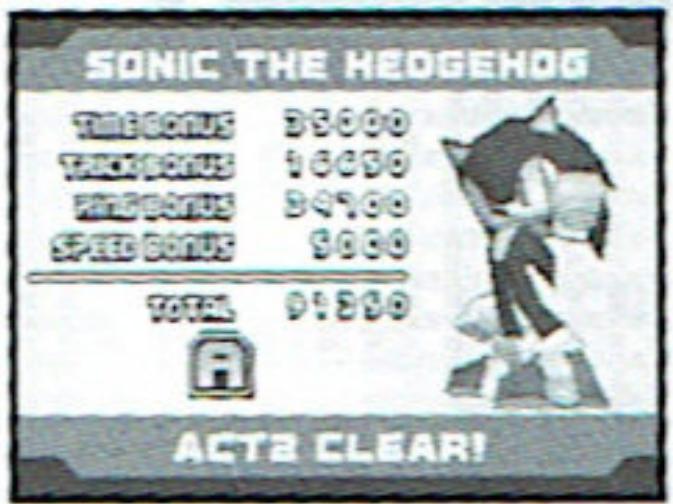
- Act Cleared
Reach the Goal Marker before the time limit expires to clear the Act. Your performance will be evaluated and displayed on the Result Screen.
Pause
During the game, press START to pause the game and display the Pause Menu. Select CONTINUE or press START again to continue the Act. Select GO BACK to quit the current Act and return to the Zone Select screen.
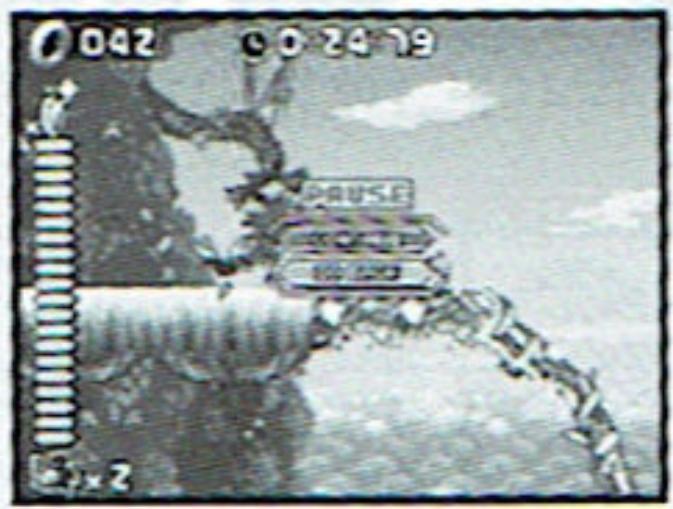
NOTE: The Pause Menu does not open with Acts which have not been enabled for selection in the Act Select screen (p.23). In this case, you can only pause and unpause the game.
Power-Up Items
A variety of Power-Up Items can be found in Item Boxes positioned around the course. Touch the box to receive the Item inside.
5 Ring Bonus
Increase your Ring count by 5.
Invincible
Become invincible for a limited time.
Random Ring Bonus
Increase your Ring count by 1, 5, 10, 30 or 50.
Tension Bonus
Increase your Tension Gauge level by 1 bar.
Barrier
Protects against one enemy attack.
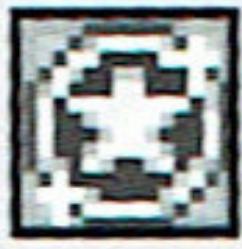
Max Tension Bonus
Increase your Tension Gauge level to maximum.
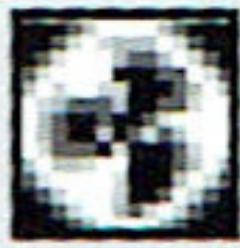
Magnetic Barrier
Barrier that also draws in nearby Rings.
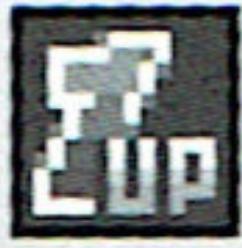
1 UP
Increase remaining lives by 1.

Floating Item Box
Touch them to receive a mystery Power-Up Item.
Boss Act
The Boss Act is played only on the top screen. The display is the same as the normal Act screens, except that there is no tension gauge (i.e. the trick actions and Super Boost cannot be used).
To defeat the Boss, you will need to inflict a specific number of hits. On the Touch Screen, the number of hits you will need to inflict will be displayed (1).
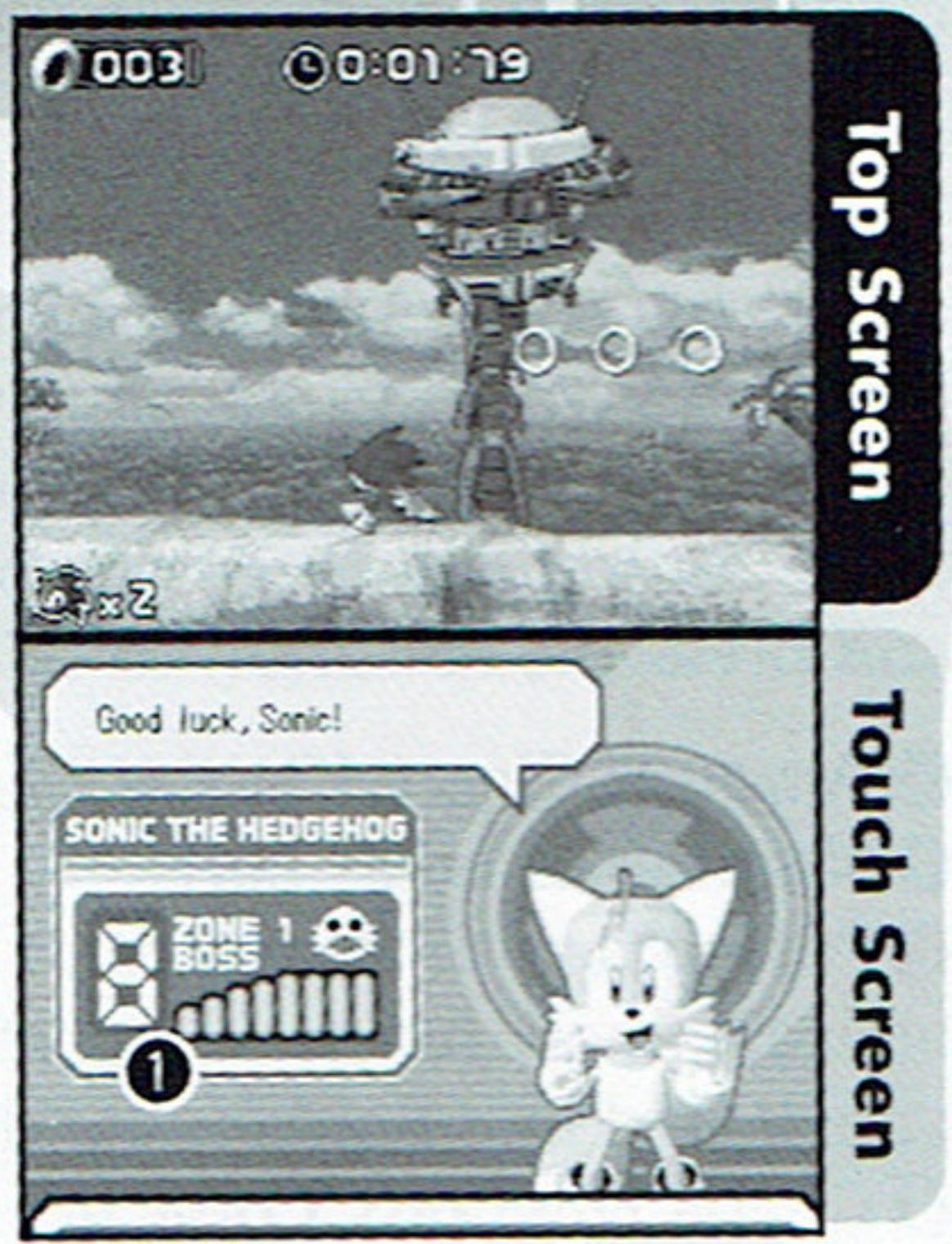
When you defeat a Boss, you clear that Zone. At this point, your progress will be saved automatically.
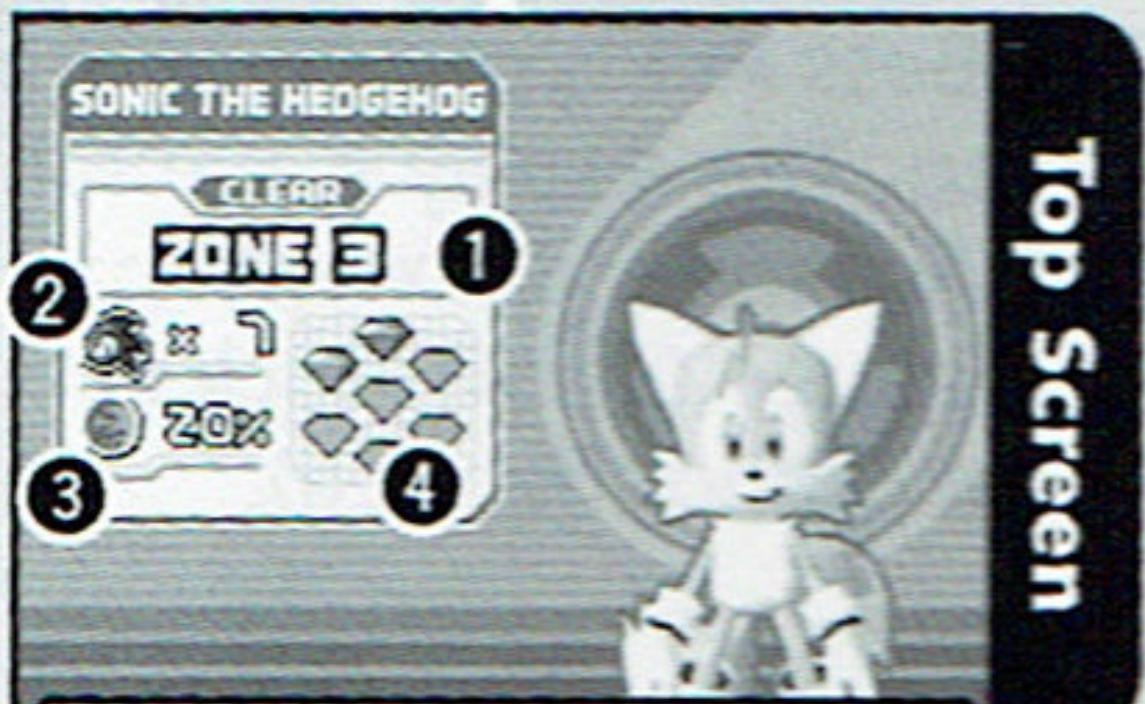
Zone Map
The Zone Map displays where you can go in this game. As you clear each Zone, a new Zone becomes available. You can also meet other characters for short events in the game. To decide where to go, simply touch the destination with the stylus. You may also use the +Control Pad to guide your character, and press the A Button to select the Zone.
Amount Cleared in the Game
Number of Lives Left
Percentage of Penetration
Indicates how much of Blaze's world has penetrated into Sonic's world.
4 Chaos Emeralds Collected
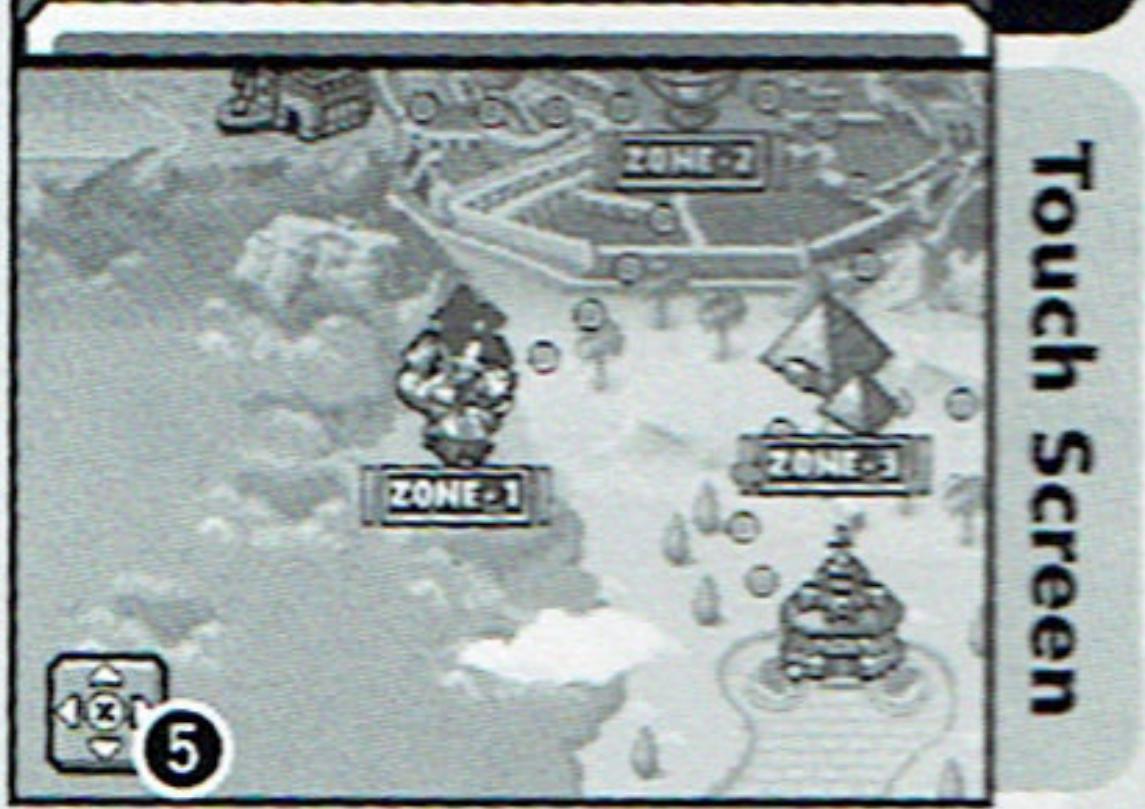
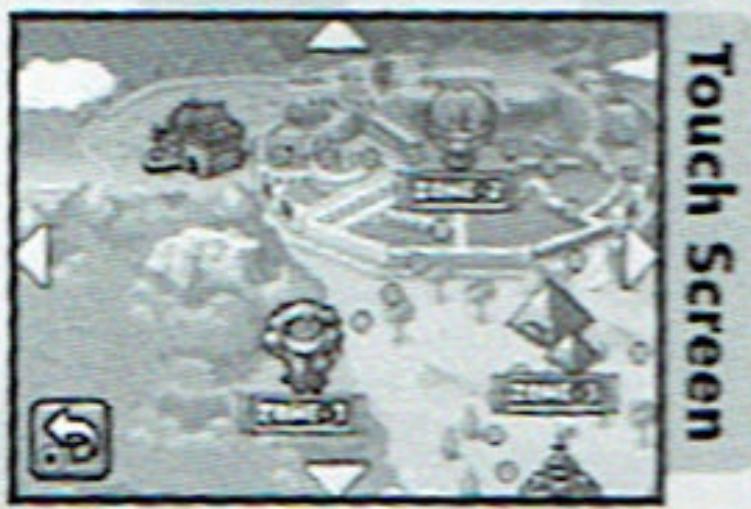
You can view the map that's off-screen by touching (or press the X Button), then touch either of the four arrows (or +Control Pad).
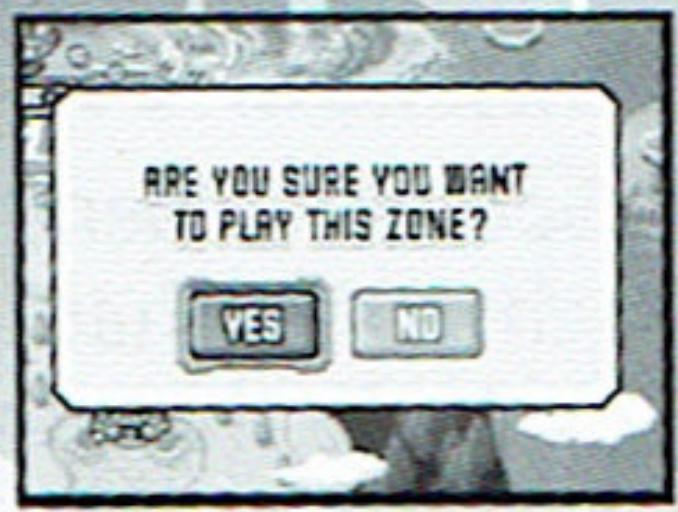
To play the newly available zone, you must navigate your character on the map and select the zone. You will be asked to confirm your action. Select YES to play, or NO to cancel.
Touch Screen
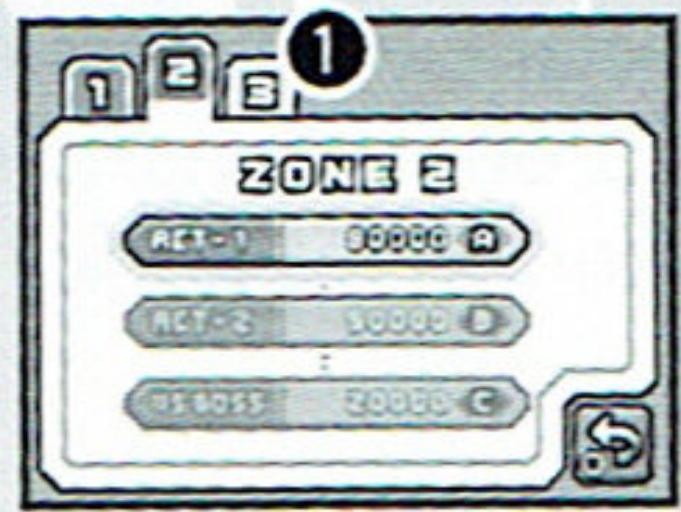
Once you battled the Zone Boss, you can select the Act from the Act Select Screen to play it over. You can also touch the tabs (1) to change the Zone.
Touch Screen
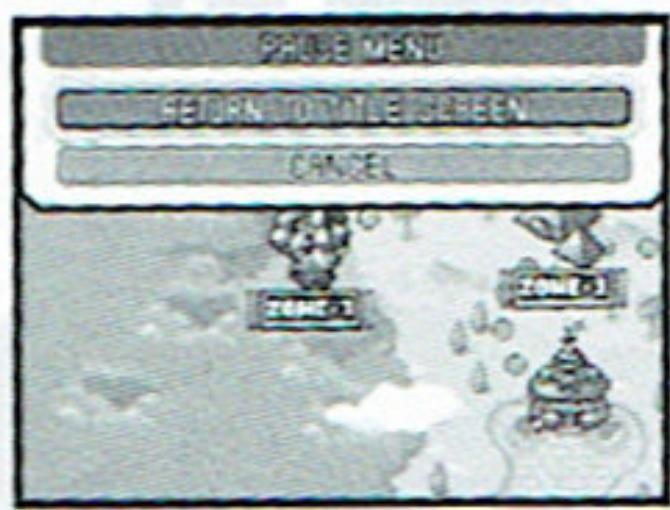
Press START to bring up a Pause Menu. Select RETURN TO TITLE SCREEN to exit the game.
Touch Screen
Special Generators
The Special Generator is a special gimmick, located somewhere in each Zone, that will send you to the Special Stage (see next page). Note that only Sonic can go to a Special Stage.
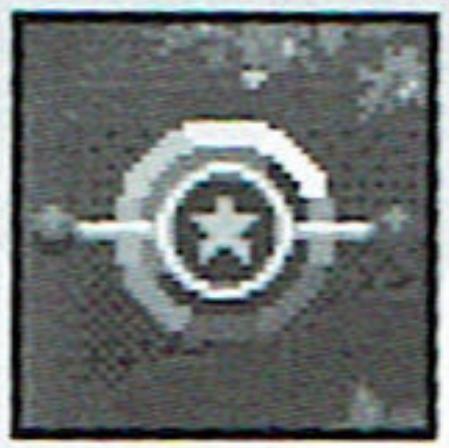
- How to Use the Special Generators
Special Generators are located somewhere in the air. Grab onto its handle. At this point, you can press the A Button to let go for no effect.
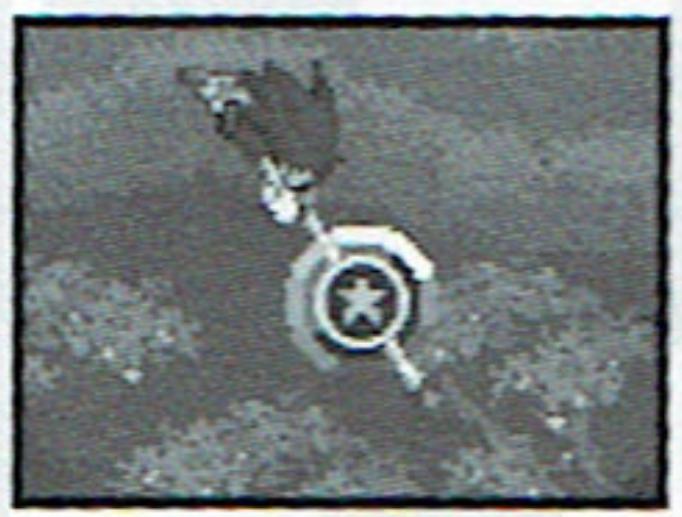
Press and hold the X/Y Button for a Super Boost to spin around in high speed, until a distortion in dimension is created. Keep this up for a given time until you are launched into the Special Stage.

If you let go of the Special Generator (by pressing the A Button) or let the Tension Gauge deplete completely before being launched, you will fail to enter the Special Stage.
Special Stages
Special Stages are where you earn Chaos Emergals. Guide Sonic all the way to the finish in this half-pipe course to earn your Chaos Emerald. There are 7 of them scattered in the game, and if you get them all, you may find yourself with a surprising treat. Note that only Sonic can play the Special Stages.
- Special Stage Screen
Chaos Emeralds Collected
Rings Collected/Needed
3 Your Position on the Course
From left, Starting Point, Check Point, and Goal. The Character Icon indicates where you are.
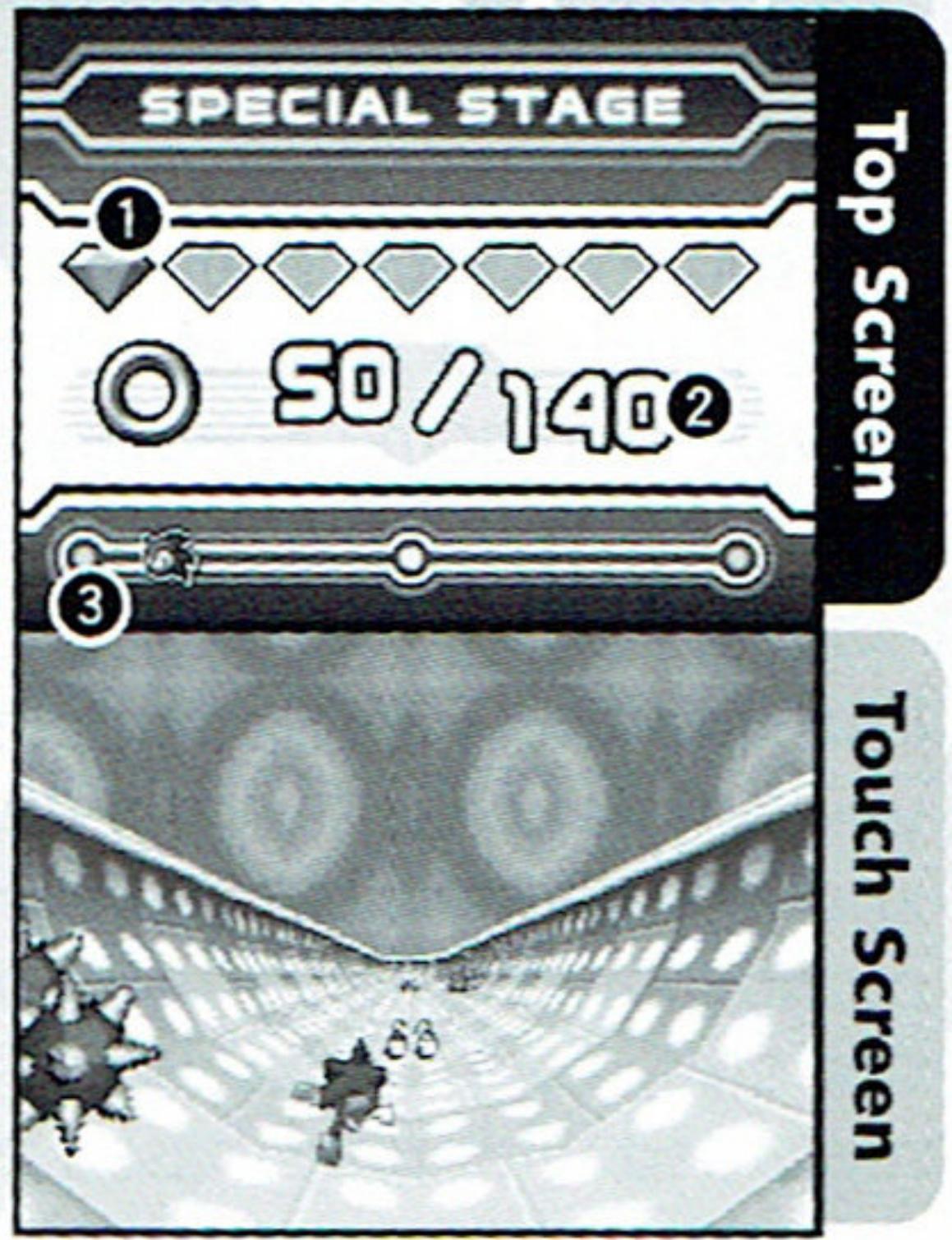
- How to Play the Special Stage
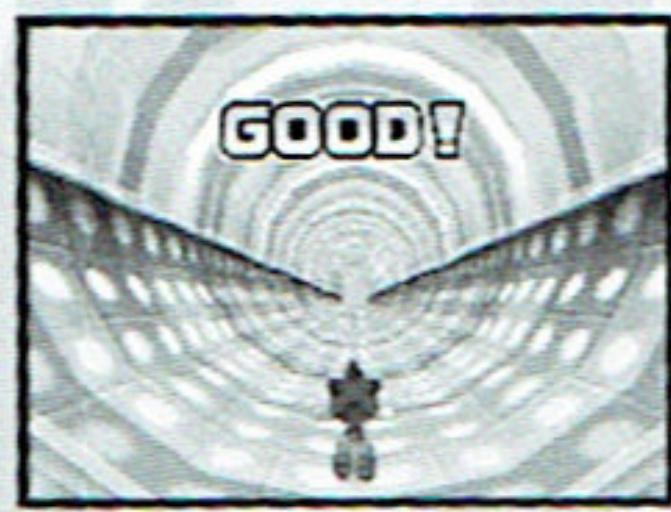
The Special Stage is played on the Touch Screen. Use the stylus to guide Sonic left/right to advance the stage.
Guide Sonic to collect rings on the course while avoiding obstacles. You will lose some of your rings if you make contact with the obstacle.
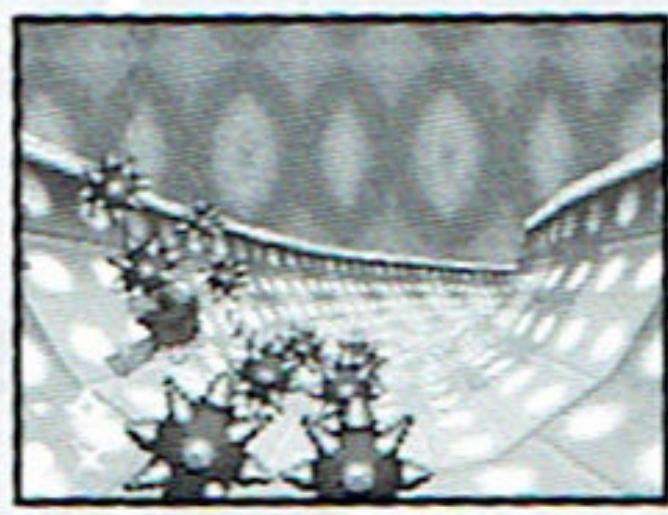
Touch Screen
On some courses, enemies will appear and attack you. Touch the area where the enemy is to attack. Beware that some enemies require more than one hit. You are rewarded a ring for each enemy you defeat.
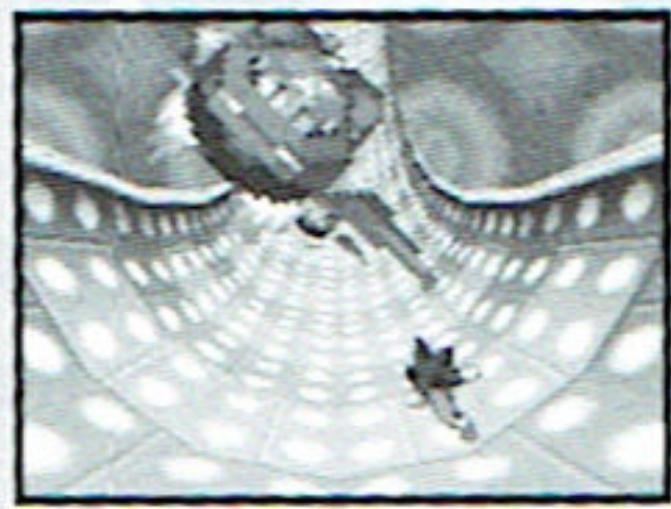
Touch Screen
Run into the Trick Spring placed on the course, and you will jump high in the air. Once airborne, numbers and a gauge will be displayed. Quickly touch the numbers with the stylus in order before the gauge depletes. Your action will be evaluated and then rewarded with rings based on your performance.
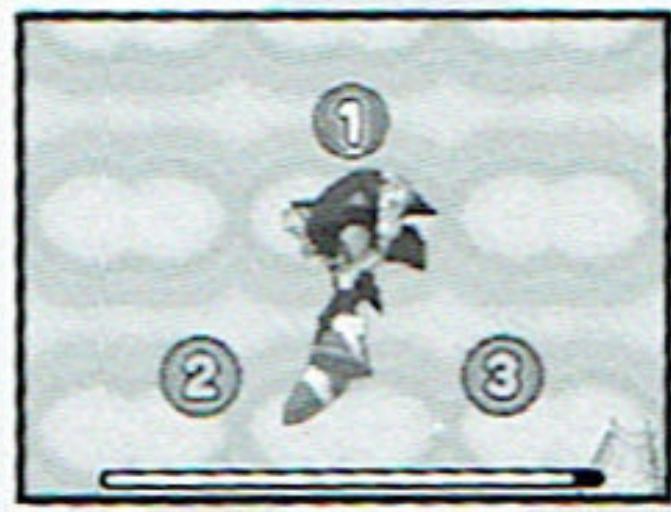
Touch Screen
By not having the required number of rings at the checkpoint, the Special Stage will end there. If you go all the way to the end, having the required number of rings, you will receive a Chaos Emerald.
Touch Screen
BATTLE PLAY
A two player battle to race to finish the Act first!
Select Mode
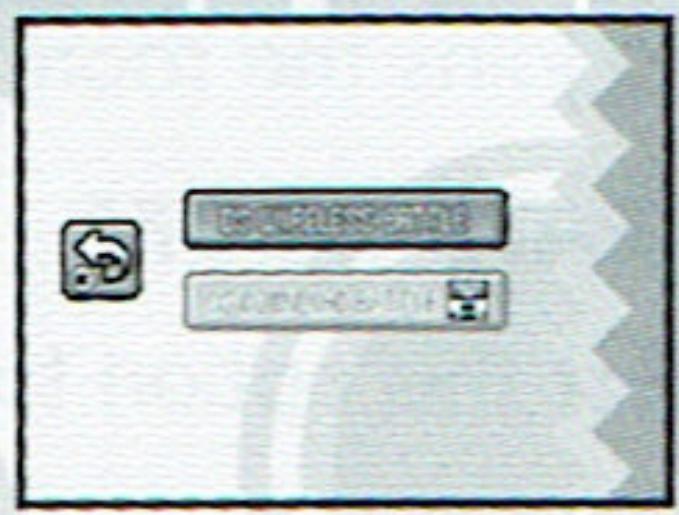
Battle Play can be played in Single-Card or Multi-Card Play. There are no differences in the game between the two; Multi-Card Play saves time to set up the game.
Touch screen
DS WIRELESS BATTLE (P.28)
Play the game in Multi-Card Play. Please also see p.33 for the preparation for this mode.
DS DOWNLOAD BATTLE (P.29)
Play the game in Single-Card Play. Please also see p.34 for the preparation for this mode.
DS Wireless Battle
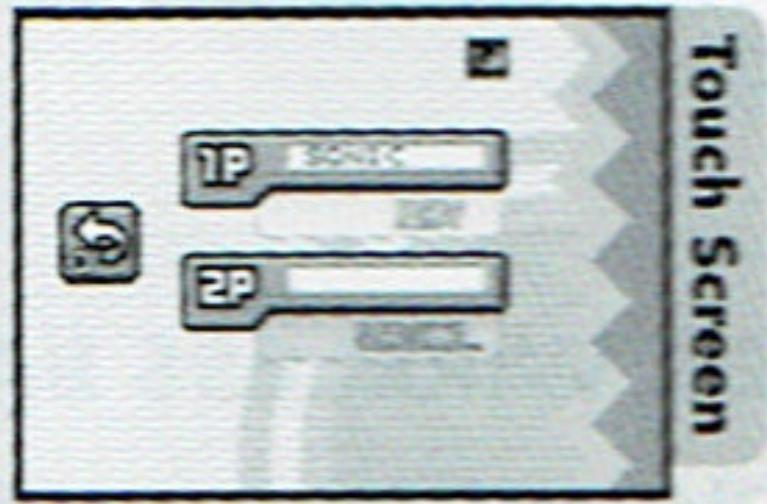
To start the Battle Play, a "room" must be created. The player who creates the room becomes Player 1, and waits for a participant. The player who joins the room becomes Player 2.
CREATE ROOM
Select this option to create a room.
You may also choose to cancel the room, in which case the room will disappear.
JOIN
When selected, a list of available rooms will be displayed. Select a room to enter.
You may also choose to exit the room.
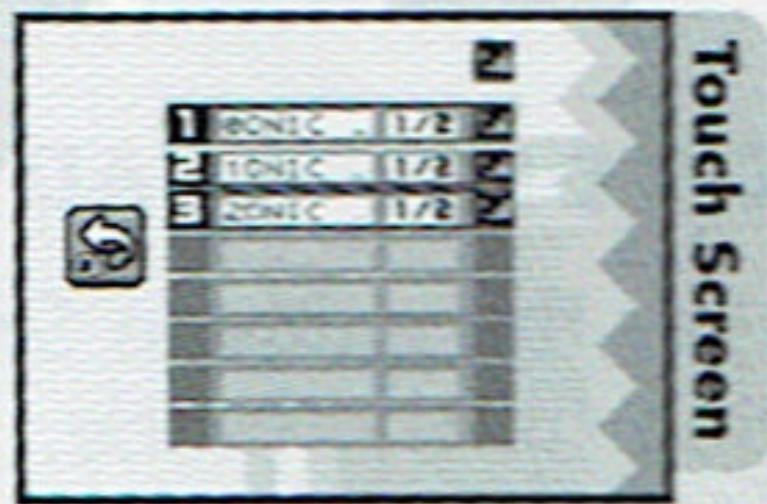
When the two players are ready, Player 1 will first press START, then Player 2 will confirm to advance to the next step.
Whenever you create a room or enter one, a message "Use DS Wireless Communications?" appears, select YES to advance. Select NO to cancel and return to the Mode Select screen of Battle Play.
DS Download Battle
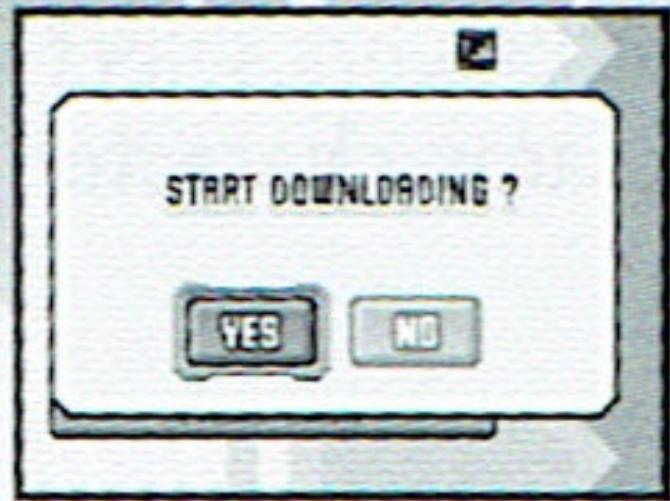
If you select DS Download Play, the game will automatically create a room and wait for the participant. When a possible participant arrives, the game will confirm whether to upload the game.
You may also choose to cancel the room.
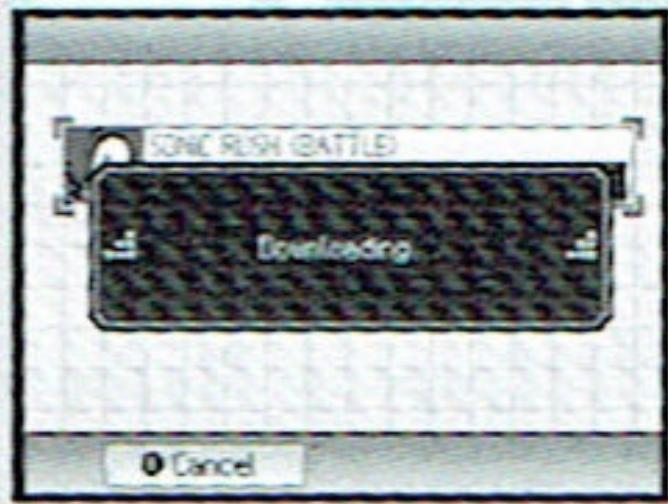
The participant must download the game in order to participate. See p.34 for downloading directions.
Touch Screen
Touch Screen
Once the downloading is complete, the game advances to the next step.
Character/Act Select
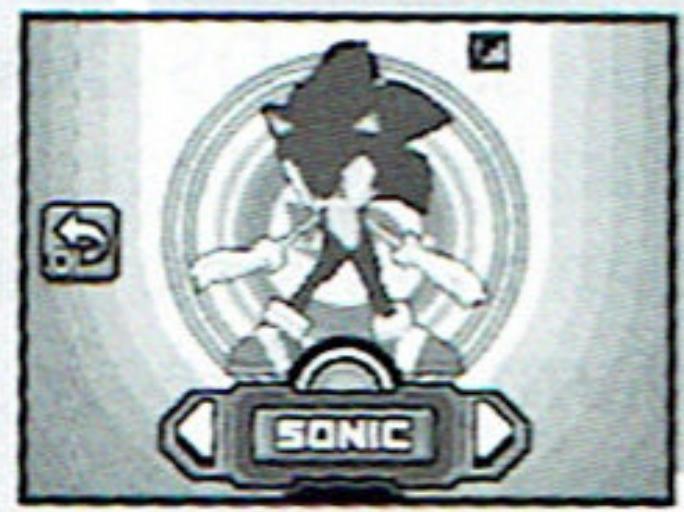
Both players select which character to use. Note that the same character cannot be used by both players.
Touch Screen
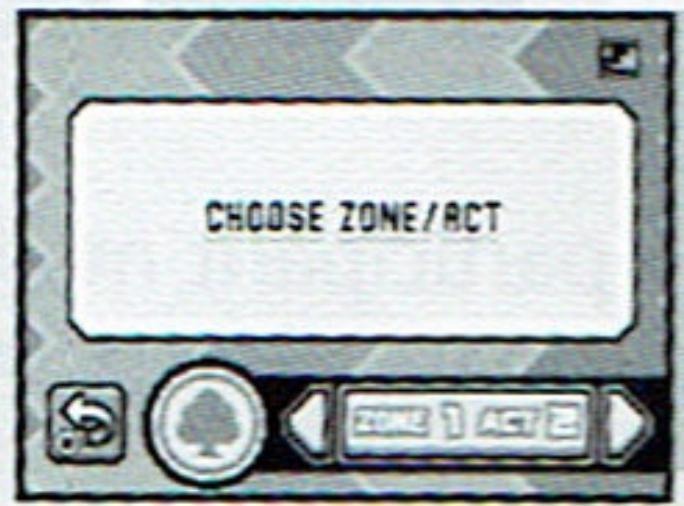
Next, Player 1 selects the Zone/Act to play the Battle. Note that you can only select the Zones/Acts that are completed in the Gameplay Mode by either player.
Touch screen
Game Rule
Two players will compete against each other in the selected Act. Each player can obstruct the opponent's play directly or with the use of an item. The first player to finish the Act is the winner. The game will end in a draw if neither player finishes before the time limit expires.
Obstructing Your Opponent Directly
It is possible to attack and blow away your opponent. In this case, the player attacked will not lose his/her rings.
Restarting
There are no number of lives in this mode. You will automatically restart from the beginning (or from the Check Point), whenever you fall into a situation where you would lose a life in the Gameplay Mode.
Battle Play Screen
Unlike in the Gameplay mode, you will only use one of the screens, as the other screen will display the opponent (with characters in icons). Press SELECT to switch the display to use (by default, your character will be displayed on the top screen).
Number of Rings Collected
Time Counter
Elapsed Time from the start.
3Tension Gauge
4 Your position in the race
Battle Play Items
With the exception of Random Ring Bonus, the items in this mode are different from the Gameplay mode. Utilize these items well to obstruct your opponent!
Random Ring Bonus
Increase your Ring count by 1, 5, 10, 30 or 50.
Confusion
Opponent will be out of control for a given time.
Slow
Slows down the opponent for a given time.
Attract
Bring your opponent in the area where you are.
Max Tension Bonus
Your Tension Gauge level becomes maximum; opponent's become depleted.
DS Wireless Communications — Multi-Card Play
What you need
- Nintendo DS 2*
- Nintendo DS "Sonic Rush" Game Card. 2*
*One for each player.
How to Start
- Make sure that all Nintendo DS are turned OFF, and insert the Game Card into each system.
- Press Power Button to turn the power ON. DS Menu Screen will be displayed.
- Touch "SONIC RUSH" on the Touch Screen.
- For specific controls, refer to p.14 and p.28.
DS Wireless Communications — Single-Card Play
What you need
- Nintendo DS 2*
- Nintendo DS "Sonic Rush" Game Card. 1
*One for each player.
How to Start — Player 1
- Make sure that Nintendo DS is turned OFF, and insert the Game Card into the system.
- Press Power Button to turn the power ON. DS Menu Screen will be displayed.
- Touch "SONIC RUSH" on the Touch Screen.
- For specific controls, refer to p.14 and p.29.
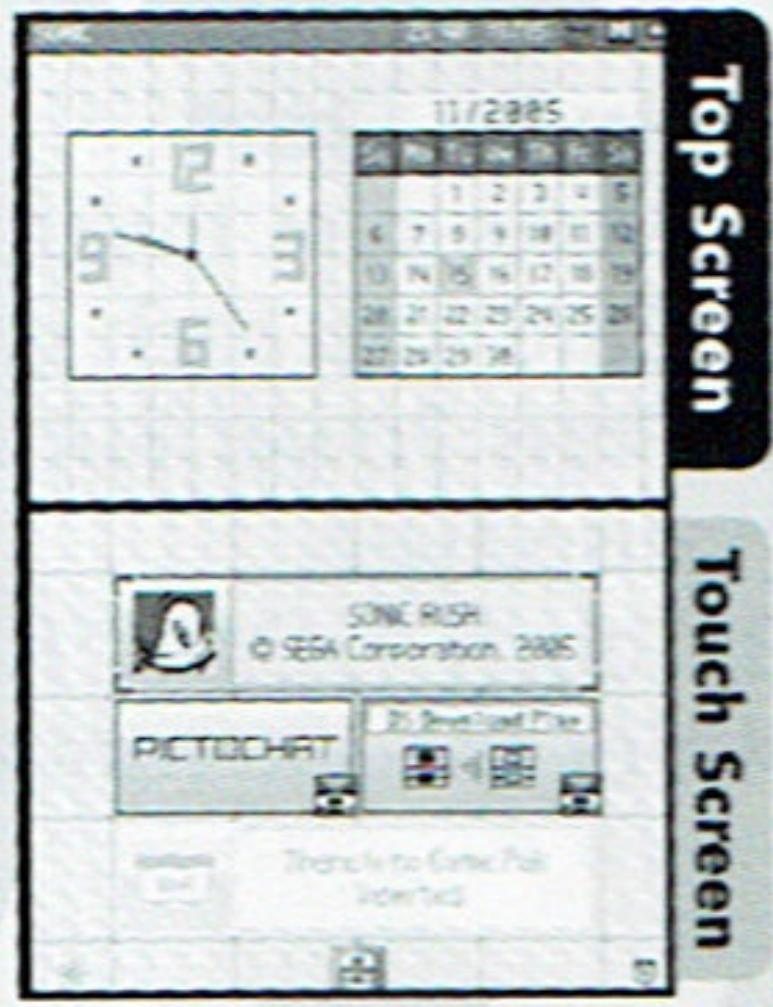
How to Start - Other Player(s)
- Press Power Button to turn the power ON. DS Menu Screen will be displayed.
- Touch "DS Download Play" on the Touch Screen. Game List Screen will be displayed.
- Touch "SONIC RUSH (BATTLE)" on the Touch Screen. Download Confirmation Screen will be displayed.
-
- Touch "YES" to begin downloading from Player 1's system.
- For specific controls, refer to on p.29.
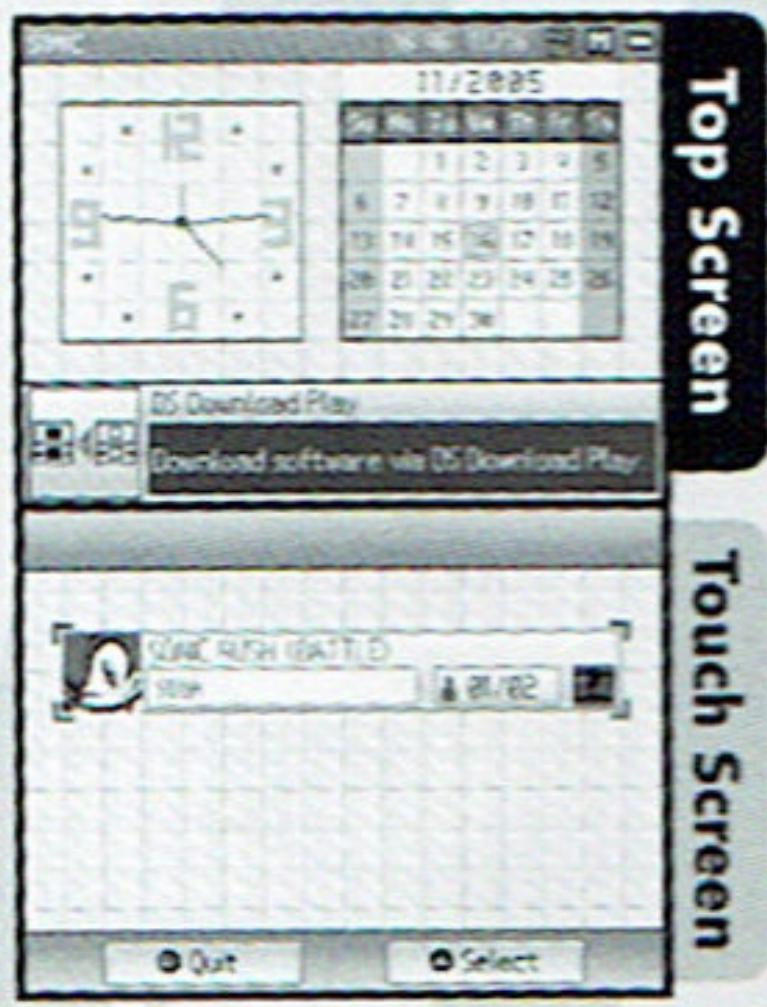
CAUTION ON USING DS WIRELESS COMMUNICATION
- When DS Wireless Communication is available, the icon (Wireless Communication Icon) will be displayed on the DS Menu Screen or Game Menu. Select the icon to begin wireless communication. Do not use in areas where wireless communication is restricted such as hospitals, airports, and on board aircraft.
- During wireless game play, an icon will appear showing the signal strength of the wireless signal. The icon has four modes depending on the signal strength, as shown below.
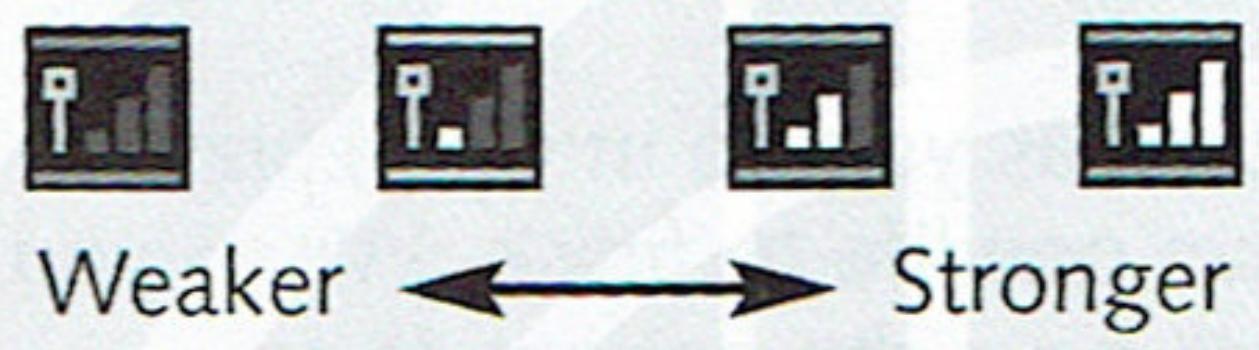
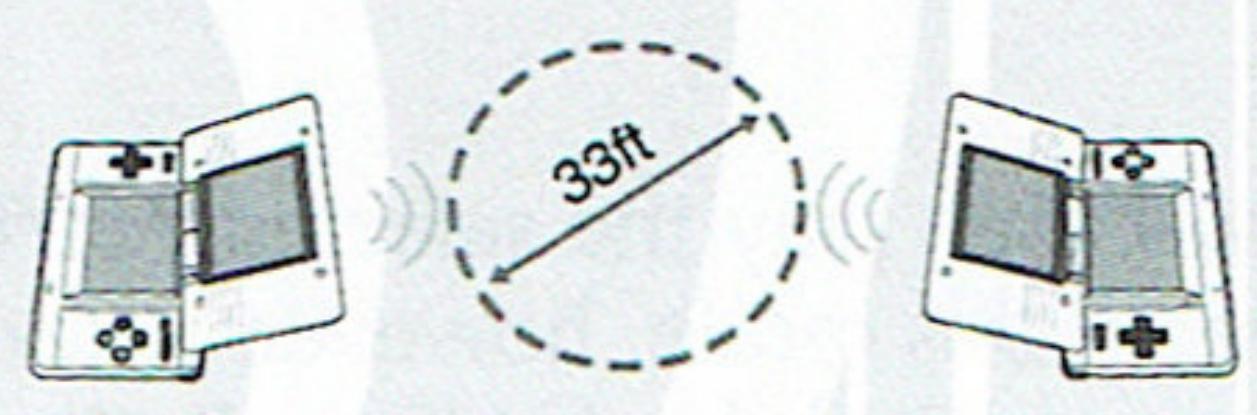
IMPORTANT WIRELESS COMMUNICATION GUIDELINES:
- Keep the maximum distance between systems at 33 feet (10 meters) or less. The signal strength should show at least 2 bars.
The systems should face each other as directly as possible.
Avoid having people or other obstructions between the DS systems.
Avoid interference from other devices. If communication seems to be affected by other devices (wireless LAN, microwave ovens, cordless devices, computers), move to another location or turn off the interfering device.
TIME ATTACK
Clear the selected Act or the Boss in the fastest time possible. The top five time records for each Act or Boss Battle will be ranked. This mode becomes available once you reach the end of Gameplay Mode with either character.
Flow of the Mode
First, select which to challenge: the individual Act or the Boss Battle. Next, select which character to use: Sonic or Blaze. Finally, select the Zone/Act you wish to try (or the Zone Boss to battle against).
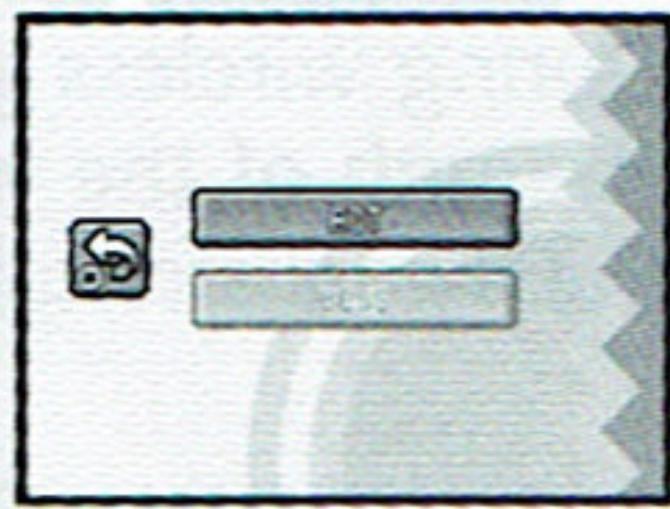
Touch Screen
You will then play the selected Act/Boss Battle as you do in Gameplay Mode. In this mode, however, you only have one life to finish. When you have completed the Act/Boss Battle, you will have the options to try again, change characters, change Act/Boss Battle, or return to the Main Menu screen.
\*THIS LIMITED WARRANTY IS VALID FOR U.S. AND CANADIAN NINTENDO DS^TM GAME CARDS MANUFACTURED FOR SALE IN AND PURCHASED AND OPERATED IN THE UNITED STATES AND CANADA, ONLY!
Limited Warranty
SEGA of America, Inc. warrants to the original consumer purchaser that the Nintendo DS Game Card shall be free from defects in material and workmanship for a period of 90-days from the original date of purchase. If a defect covered by this limited warranty occurs during this 90-day warranty period, the defective Game Card will be replaced free of charge. This limited warranty does not apply if the defects have been caused by negligence, accident, unreasonable use, modification, tampering, or any other causes not related to defective materials or manufacturing workmanship. This limited warranty does not apply to used software or to software acquired through private transactions between individuals or purchased from online auction sites. Please retain the original or a photocopy of your dated sales receipt to establish the date of purchase for in-warranty replacement. For replacement, return the product, with its original packaging and receipt, to the retailer from which the software was originally purchased. In the event that you cannot obtain a replacement from the retailer, please contact SEGA to obtain support.
Obtaining technical support/service
To receive additional support, including troubleshooting assistance, please contact SEGA at:
- web site . . . . . . . . . . . . . . . . . . . . . . . . . . . . . . . . . . . . . . . . . . . . . . . . . . . . . . . . . . . . . . . . . . . . . . . . . . . . . . . . . . . . . http://www.sega.com/usa
- e-mail......support@sega.com
- phone . 1-800-USA-SEGA
LIMITATIONS ON WARRANTY
ANY APPLICABLE IMPLIED WARRANTYES, INCLUDING WARRANTYES OF MERCHANTABILITY AND FITNESS FOR A PARTICULAR PURPOSE, ARE HEREBY LIMITED TO 90-DAYS FROM THE DATE OF PURCHASE AND ARE SUBJECT TO THE CONDITIONS SET FORTH HEREIN. IN NO EVENT SHALL SEGA OF AMERICA, INC. BE LIABLE FOR CONSEQUENTIAL OR INCIDENTAL DAMAGES RESULTING FROM THE BREACH OF ANY EXPRESS OR IMPLIED WARRANTYES. THE PROVISIONS OF THIS LIMITED WARRANTY ARE VALID IN THE UNITED STATES ONLY. SOME STATES DO NOT ALLOW LIMITATIONS ON HOW LONG AN IMPLIED WARRANTY LASTS, OR EXCLUSION OF CONSEQUENTIAL OR INCIDENTAL DAMAGES, SO THE ABOVE LIMITATION OR EXCLUSION MAY NOT APPLY TO YOU. THIS WARRANTY PROVIDES YOU WITH SPECIFIC LEGAL RIGHTS. YOU MAY HAVE OTHER RIGHTS WHICH VARY FROM STATE TO STATE.
SEGA is registered in the U.S. Patent and Trademark Office. SEGA, the SEGA logo, and SONIC RUSH are either registered trademarks or trademarks of SEGA Corporation. All Rights Reserved. © SEGA Corporation, 2005. This game is licensed for use with the Nintendo DS System only. Copying and/or transmission of this game is strictly prohibited. Unauthorized rental or public performance of this game is a violation of applicable laws. The ratings icon is a trademark of the Entertainment Software Association. SEGA of America, Inc., 650 Townsend Street, Suite 650, San Francisco, CA 94103. All rights reserved. Programmed in Japan. Made and printed in Japan.
Fonts used in this game are supported by FONTWORKS International Limited. FONTWORKS product-names and FONTWORKS logos are registered trademarks or trademarks of FONTWORKS International Limited. Copyright 1994-2002 FONTWORKS International Limited. All rights reserved.
GUNSTH
supe 元
HE0ES
Voted Best GBA Game at E3 by
EVERYONE
10+
Fantasy Violence
Suggestive Themes
ESRB CONTENT RATING
www.esrb.org




SEGA
sega.com
- NINTENDODS
- PLEASE CAREFULLY READ THE SEPARATE HEALTH AND SAFETY PRECAUTIONS BOOKLET INCLUDED WITH THIS PRODUCT BEFORE USING YOUR NINTENDO® HARDWARE SYSTEM, GAME CARD OR ACCESSORY. THIS BOOKLET CONTAINS IMPORTANT HEALTH AND SAFETY INFORMATION.
- IMPORTANT SAFETY INFORMATION: READ THE FOLLOWING WARNINGS BEFORE YOU OR YOUR CHILD PLAY VIDEO GAMES.
- WARNING - Seizures
- WARNING - Radio Frequency Interference
- WARNING - Repetitive Motion Injuries and Eyestrain
- WARNING - Battery Leakage
- CAUTION - Stylus Use
- Important Legal Information
- STORY & CHARACTERS
- Sonic the Hedgehog
- Blaze the Cat
- Dr. Eggman
- Eggman-Nega
- Miles "Tails" Prower
- Cream the Rabbit
- Amy Rose
- Knuckles the Echidna
- Menu Controls
- Normal Actions
- Walk/Run & Brake
- +Control Pad ← / →
- Scroll Screen
- +Control Pad ↑/↓
- Pause
- START
- Sonic's Actions
- Spin Jump
- A/B Button
- Jump Dash
- Spin Jump, R Button
- Spin Dash
- Super Boost
- X/Y Button
- Blaze's Actions
- Axel Jump A/B Button
- Burst Hover Axel Jump, R Button
- Burst Dash ↓ + A/B Button, release ↓
- Fire Boost X/Y Button
- Trick Actions
- Basic Tricks/Advanced Trick
- B-B-B/A Button
- Grind Tricks
- R-R-R Button
- Just Trick
- A Button
- Tricks and Tension Gauge
- Hop Jump (Sonic)
- 1+RButton
- Humming Top (Sonic)
- ←/→+RButton
- Axel Tornado (Blaze)
- Jump Step (Blaze)
- STARTING THE GAME
- GAMEPLAY (P.16)
- BATTLE PLAY (P.27)
- TIME ATTACK (P.36)
- OPTIONS (P.15)
- PLAYER DATA
- DIFFICULTY
- TIMELIMIT
- SOUND TEST
- DELETE RECORD
- DOWNLOAD DEMO
- GAMEPLAY
- Act Screen
- How to Play
- Gimmicks
- Bungee Rope
- Winding Rope
- Underwater Mine
- Giant Waterwheel
- - Checkpoint
- Rings
- Time Limit
- - Breathing Underwater
- - Act Cleared
- Power-Up Items
- Ring Bonus
- Invincible
- Random Ring Bonus
- Tension Bonus
- Barrier
- Max Tension Bonus
- Magnetic Barrier
- UP
- Floating Item Box
- Boss Act
- Zone Map
- Special Generators
- - How to Use the Special Generators
- Special Stages
- - Special Stage Screen
- - How to Play the Special Stage
- BATTLE PLAY
- Select Mode
- DS WIRELESS BATTLE (P.28)
- DS DOWNLOAD BATTLE (P.29)
- DS Wireless Battle
- CREATE ROOM
- JOIN
- DS Download Battle
- Character/Act Select
- Game Rule
- Obstructing Your Opponent Directly
- Restarting
- Battle Play Screen
- Battle Play Items
- Confusion
- Slow
- Attract
- DS Wireless Communications — Multi-Card Play
- What you need
- How to Start
- DS Wireless Communications — Single-Card Play
- How to Start — Player 1
- How to Start - Other Player(s)
- CAUTION ON USING DS WIRELESS COMMUNICATION
- IMPORTANT WIRELESS COMMUNICATION GUIDELINES:
- TIME ATTACK
- Flow of the Mode
- \*THIS LIMITED WARRANTY IS VALID FOR U.S. AND CANADIAN NINTENDO DSTM GAME CARDS MANUFACTURED FOR SALE IN AND PURCHASED AND OPERATED IN THE UNITED STATES AND CANADA, ONLY!
- Limited Warranty
- Obtaining technical support/service
- LIMITATIONS ON WARRANTY
- GUNSTH
- supe 元
- HE0ES
Marque : GAMES NINTENDO DS
Modèle : SONIC RUSH
Catégorie : Jeu vidéo