
C-220CI - Lamineuse FELLOWES - Notice d'utilisation et mode d'emploi gratuit
Retrouvez gratuitement la notice de l'appareil C-220CI FELLOWES au format PDF.

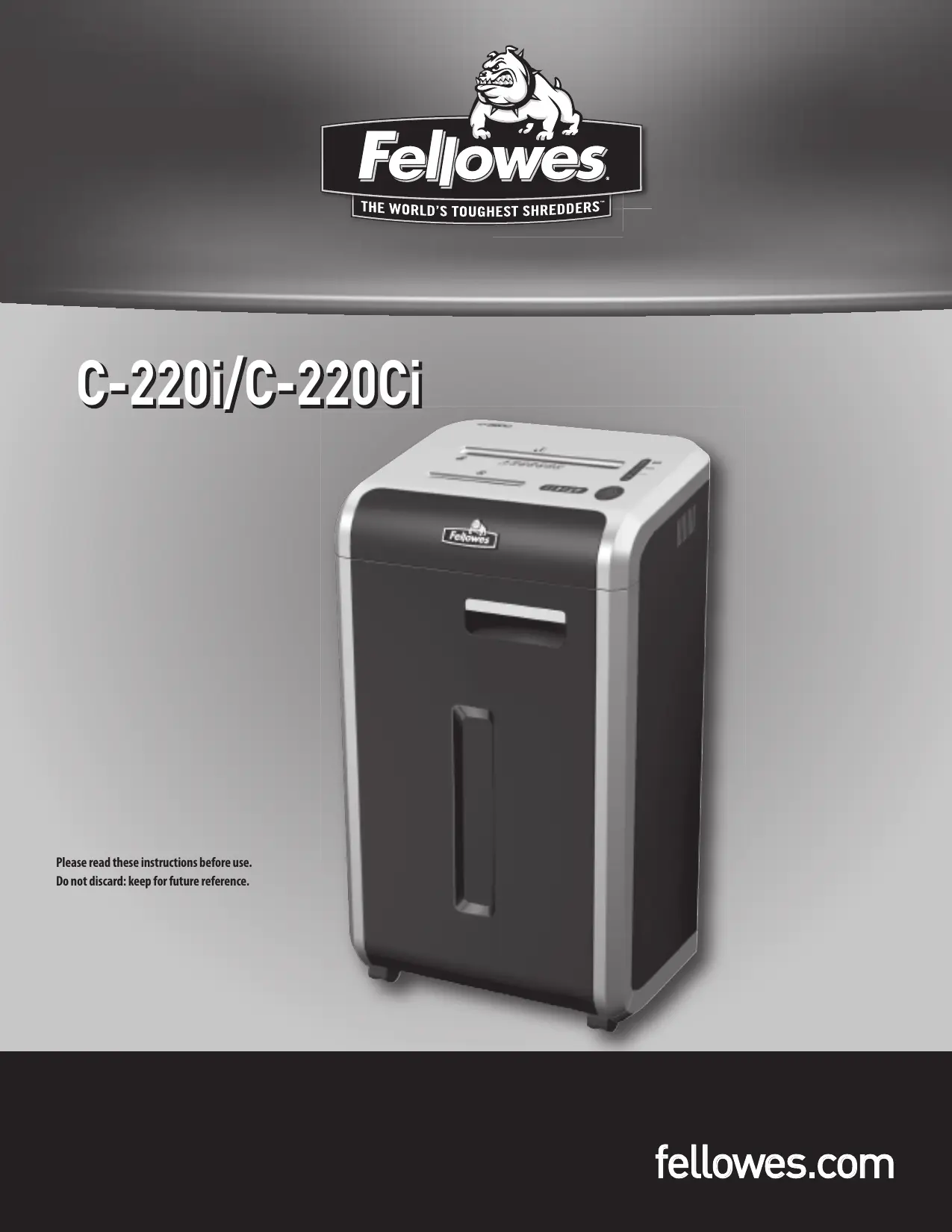

| Type de produit | Destructeur de documents |
| Marque | FELLOWES |
| Modèle | C-220Ci |
| Capacité de coupe | Coupe croisée : 3,9 x 38 mm ; Coupe bande : 5,8 mm |
| Nombre de feuilles par passage | 20 feuilles (75 g/m²) |
| Nombre de cartes de crédit par passage | 1 |
| Nombre de CD/DVD par passage | 1 |
| Largeur d'entrée papier | 240 mm |
| Alimentation | 120 V, 60 Hz, 4,5 A |
| Système anti-bourrage | Jam Proof System : évite les surcharges et passe à travers les bourrages |
| Technologie SafeSense | Arrêt immédiat du destructeur si les mains sont trop proches de l'entrée papier |
| Auto-huile | Oui (C-220Ci uniquement) : huile automatiquement les couteaux |
| Mode veille | Arrêt automatique après 2 minutes d'inactivité |
| Capacité du réservoir d'huile | 12 oz (environ 355 ml) |
| Utilisation quotidienne recommandée | 5 000 feuilles, 200 cartes de crédit, 10 CD |
| Poids | Environ 18 kg |
| Dimensions (L x P x H) | Environ 40 x 30 x 60 cm |
| Garantie | 3 ans pièces et main-d'œuvre, à vie sur les lames |
| Accessoires recommandés | Huile Fellowes 35250, sacs de destruction Fellowes 36054 |
FOIRE AUX QUESTIONS - C-220CI FELLOWES
Questions des utilisateurs sur C-220CI FELLOWES
0 question sur cet appareil. Repondez a celles que vous connaissez ou posez la votre.
Poser une nouvelle question sur cet appareil
Téléchargez la notice de votre Lamineuse au format PDF gratuitement ! Retrouvez votre notice C-220CI - FELLOWES et reprennez votre appareil électronique en main. Sur cette page sont publiés tous les documents nécessaires à l'utilisation de votre appareil C-220CI de la marque FELLOWES.
MODE D'EMPLOI C-220CI FELLOWES
C-220i/C-220Ci
Please read these instructions before use.
Do not discard: keep for future reference.
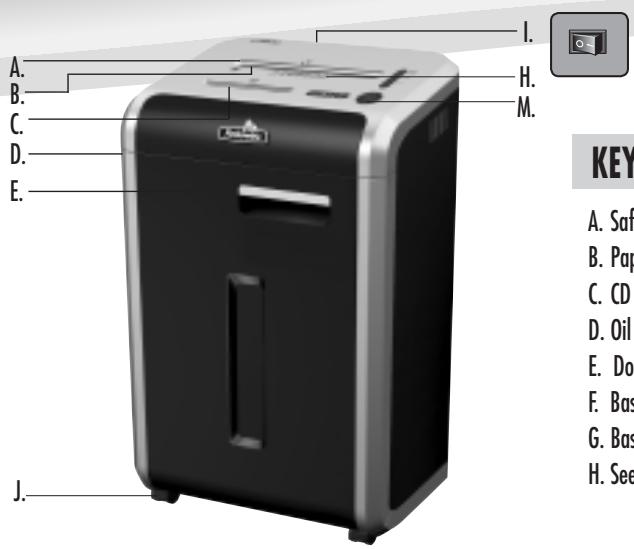
KEY
A. SafeSense Technology
B. Paper entry
C. CD entry
D. Oil reservoir
E. Door
F. Basket - paper (inside)
G. Basket - CD (inside)
H. See safety instructions
- Disconnect power switch
J. Casters
K. Oil drain plug (inside)
C-220Ci only
L. Shipping bolts (wing nuts) To be removed prior to operation
M. Control Panel and LEDs
- Reverse
2.ON/OFF
3.Forward - Bin full
-
Door open
-
Remove paper
- Low oil
- Sheet capacity indicator
SAE 9. SafeSense indicator (yellow) - Auto button
CAPABILITIES
Will shred: Paper, credit cards, CD/DVD's, staples and small paper clips
Will not shred: Adhesive labels, continuous form paper, transparencies, newspaper, cardboard, large paper clips, laminates, file folders, X-rays or plastic other than noted above
Paper shred size:
Cross-Cut 5/32 inches x 1-1/2 inches (3.9mm x 38mm)
Strip Cut. 7/32 inches (5.8mm)
Maximum:
Sheets per pass 20*
CDs/Cards per pass 1*
Paper entry width. 9 1/2 inches (240mm)
- 8.5 inches x 11 inches, 20lb., (75g) paper at 120V, 60 Hz, C-220i: 2.9Amps, C-220Ci: 4.5Amps; heavier paper, humidity or other than rated voltage may reduce capacity. Recommended daily usage rates: C-220i: 10,000 sheets per day C-220Ci: 5,000 sheets per day; both: 200 credit cards; 10 CDs
Fellowes SafeSense® shredders are designed to be operated in home and office environments ranging between 50 - 80 degrees Fahrenheit (10 - 26 degrees Celsius) and 40 - 80% relative humidity.
ADVANCED PRODUCT FEATURES

Jam Proof System Eliminates frustrating by preventing overloc and powering through misfed paper

Patented SafeSense® Technology
Stops shredder immediately when hands are too close to the paper entry

Auto Oil (C-220Ci only)
Automatically oils the cutters to enhance performance and extend shredder life

Sleep Mode Energy saving feature shuts down automatically after 2 minutes of no shredding activity
WARNING: IMPORTANT SAFETY INSTRUCTIONS — Read Before Using!


- Keep away from children and pets. Keep hands away from paper entry. Always set to off or unplug when not in use.
- Keep foreign objects - gloves, jewelry, clothing, hair, etc. away from shredder openings. If object enters top opening, switch to Reverse (I< I) to back out object.
- Never use aerosol products, petroleum based lubricants or other flammable products on or near shredder. Do not use canned air on shredder.
-
Do not use if damaged or defective. Do not disassemble shredder. Do not place near or over heat source or water.
-
This shredder has a Disconnect Power Switch (I) that must be in the ON (I) position to operate shredder. In case of emergency, move switch to OFF (O) position. This action will stop shredder immediately.
- Avoid touching exposed cutting blades under shredder head.
- Keep finger away from CD hole when shredding.
- Do not put foreign objects in paper entry.
- The grounded socket-outlet shall be installed near the equipment and shall be easily accessible.
BASIC SHredding OPERATION
PAPER/CARD OR CD
Plug in and put disconnect power switch in ON (I) position
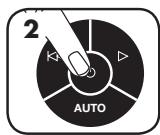
Press ON to activate
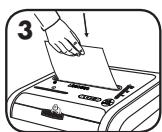
Feed paper/card straight into paper entry and release
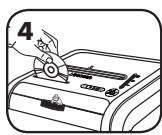
Hold CD at edge, feed into CD entry and release
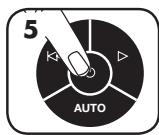
or
When finished shredding set to OFF ()
Do nothing and shredder will go automatically to sleep mode
Eliminates frustrating jams by preventing overloads and powering through misfed paper.
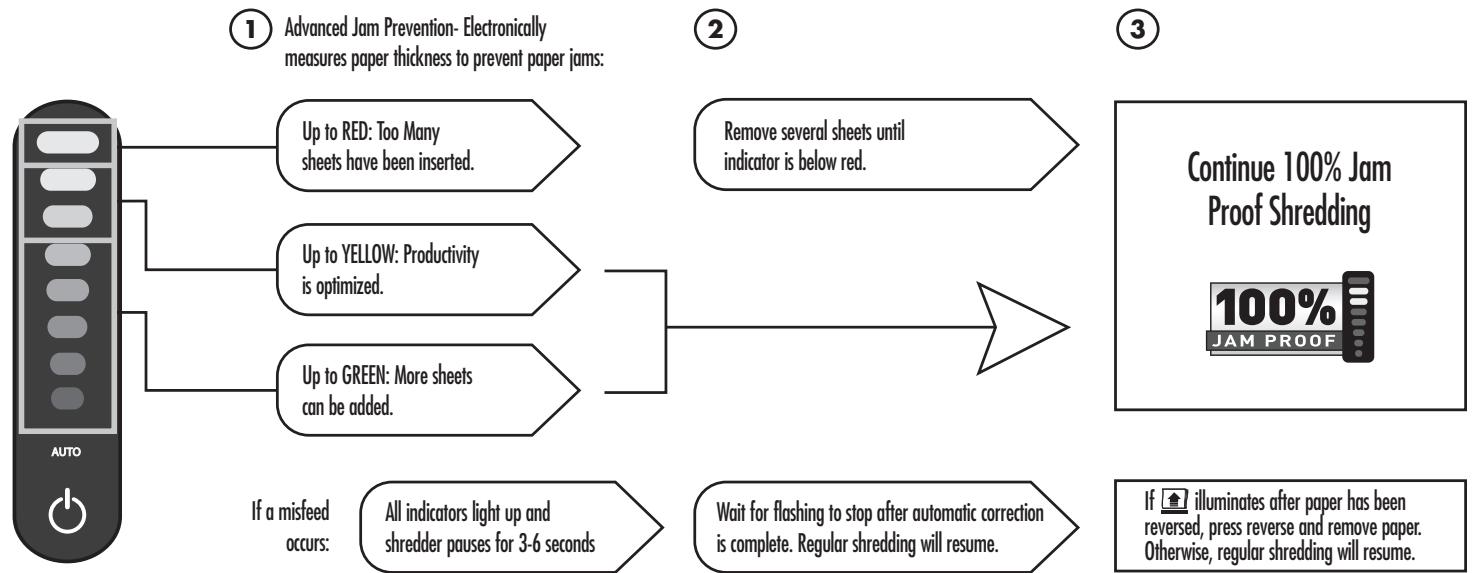
*100% Jam Proof when used in accordance with user manual
AUTO OIL OPERATION
Automatically oils the cutters to enhance performance and extend shredder life. (C-220Ci only)
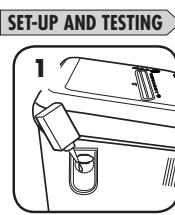
Before using, fill oil reservoir with 12 oz. of shredder oil
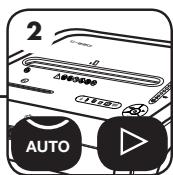
To test, press the auto and forward () buttons at the same time
Oil will spray out of the nozzles confirming that the system is working properly
SLEEP MODE
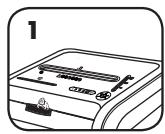
WHEN IN SLEEP MODE
In sleep mode
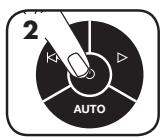
To get out of sleep mode touch control panel
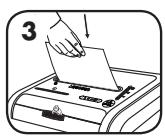
or
insert paper
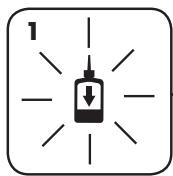
REFILLING OIL
Low oil indicator will signal when your reservoir needs refilling
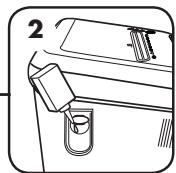
To maintain shredder performance, refill oil reservoir with up to 12 oz. of shredder oil (Fellows #35250)
DO NOT OVERFILL.
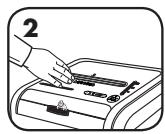
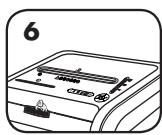
Touch test area and look for the SafeSense indicator to illuminate
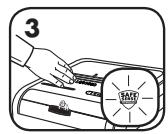
SafeSense is active and working properly
PREVENTIVE MAINTENANCE AND MISCELLANEOUS TROUBLESHOOTING
- Though paper detection sensors are designed to be maintenance free, the sensors occasionally become blocked by paper dust, causing the motor to run even if there is no paper present. Both sensors are located in the center of the paper entry.
- Self Cleaning Cycle: Shredder periodically cycles in forward and reverse lasting 3-6 seconds
- Empty wastebasket when bin full indicator lights up.
- Shredder won't run if the door is open, or bin needs to be emptied.
- Maintenance is an important part of protecting your investment. Don't forget our oil (35250) and shredder bags (36054).
Go to Support Section at www.fellowes.com or see back page of manual for useful telephone numbers.
WARRANTY
Our promise to you is quite simple. Fellowes shredders are built stronger, engineered to run longer, resist jams and power through large jobs. The Fellowes worry free warranty described below covers the performance of the product, provides for prompt service and support, plus a lifetime cutter warranty.
Limited Warranty: Fellowes, Inc. ("Fellows") warrants the parts of the machine to be free of defects in material and workmanship and provides service and support for 3 years from the date of purchase by the original consumer. Fellowes warrants the cutting blades of the machine to be free from defects in material and workmanship for the lifetime of the shredder. If any part is found to be defective
during the warranty period, your sole and exclusive remedy will be repair or replacement, at Fellowes' option and expense, of the defective part. This warranty does not apply in cases of abuse, mishandling, or unauthorized repair. ANY IMPLIED WARRANTY, INCLUDING THAT OF MERCHANTABILITY OR FITNESS FOR A PARTICULAR PURPOSE, IS HEREBY LIMITED IN DURATION TO THE APPROPRIATE WARRANTY PERIOD SET FORTH ABOVE. In no event shall Fellowes be liable for any consequential or incidental damages attributable to this product. This warranty gives you specific legal rights. The duration, terms, and conditions of this warranty are valid worldwide, except where different limitations, restrictions, or conditions may be required by local law. For more details or to obtain service under this warranty, please contact us or your dealer.
Help Line
| Australia | +1-800-33-11-77 |
| Canada | +1-800-665-4339 |
| Europe | 00-800-1810-1810 |
| Mexico | +1-800-234-1185 |
| United States | +1-800-955-0959 |