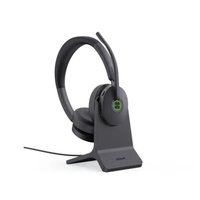
BH74 - Casque Yealink - Notice d'utilisation et mode d'emploi gratuit
Retrouvez gratuitement la notice de l'appareil BH74 Yealink au format PDF.


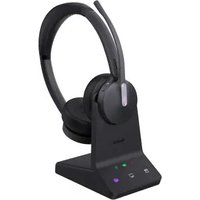
| Type de produit | Casque DECT sans fil |
| Marque | Yealink |
| Modèle | BH74 |
| Dimensions | 170 x 160 x 50 mm |
| Poids | 150 g |
| Alimentation | Batterie lithium-ion rechargeable, autonomie de 10 heures en conversation |
| Portée | Jusqu'à 100 m en champ libre |
| Réduction de bruit | Active (ANC) et passive |
| Connectivité | DECT 6.0, compatible avec téléphones de bureau et softphones |
| Fonctions principales | Appel mains-libres, contrôle du volume, sourdine, basculement entre appels |
| Entretien et nettoyage | Nettoyer avec un chiffon doux et sec. Ne pas utiliser de produits chimiques. |
| Sécurité | Conforme aux normes CE, FCC, RoHS |
| Pièces détachées et réparabilité | Batterie et coussinets d'oreille remplaçables |
| Garantie | 2 ans |
| Contenu de la boîte | Casque, base de charge, câble USB, adaptateur secteur, guide de démarrage rapide |
FOIRE AUX QUESTIONS - BH74 Yealink
Questions des utilisateurs sur BH74 Yealink
0 question sur cet appareil. Repondez a celles que vous connaissez ou posez la votre.
Poser une nouvelle question sur cet appareil
Téléchargez la notice de votre Casque au format PDF gratuitement ! Retrouvez votre notice BH74 - Yealink et reprennez votre appareil électronique en main. Sur cette page sont publiés tous les documents nécessaires à l'utilisation de votre appareil BH74 de la marque Yealink.
MODE D'EMPLOI BH74 Yealink
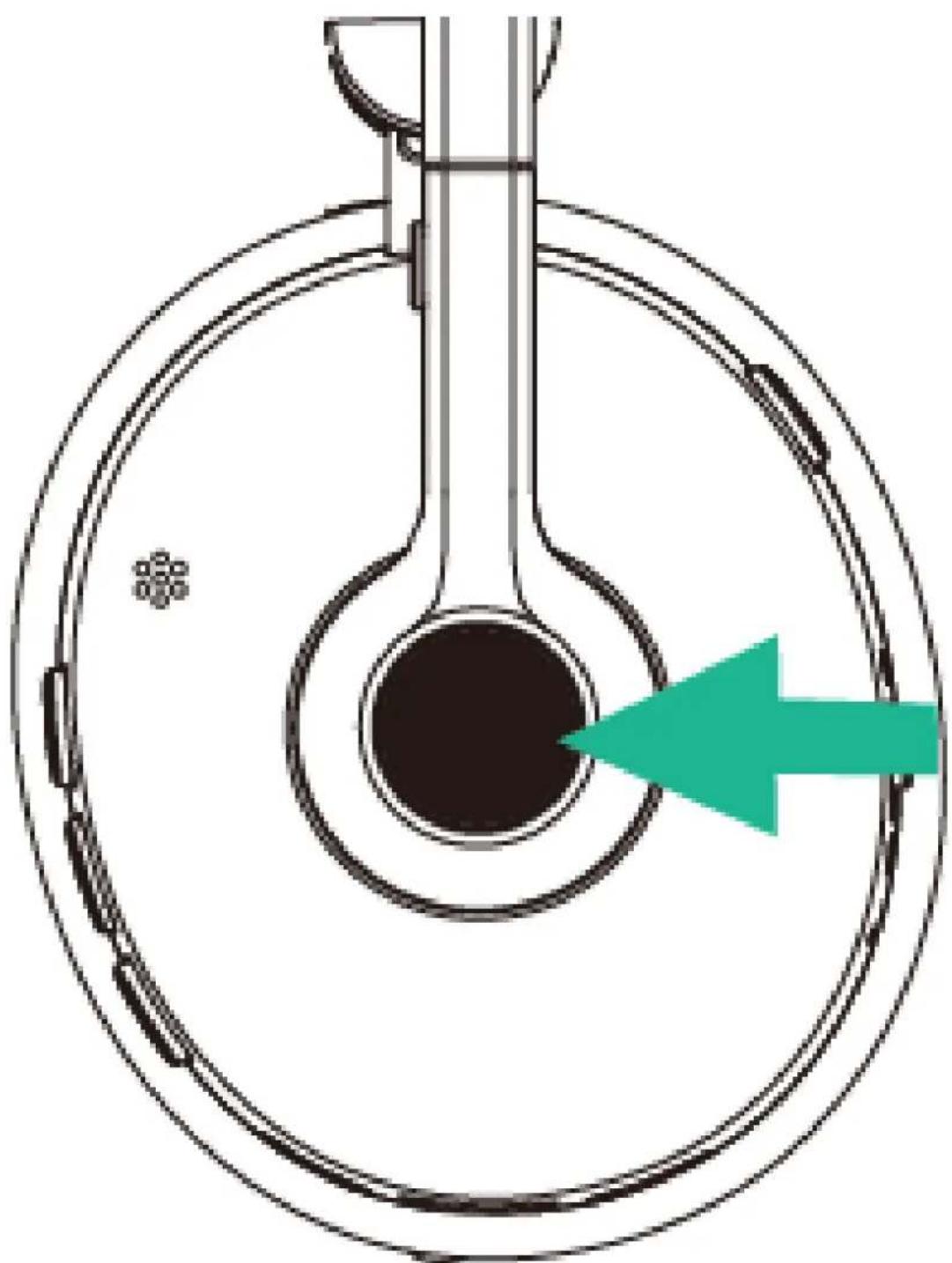
Call Control
| Action Function | |
| Press once • Answer call• End call• Accept the incoming call and end the active call | |
| Double-press • Redial• Reject the incoming call and continue the active call | |
| Hold for 2 sec • Hold call• Switch between held call and active call• Put the current call on hold and answer an incoming call |
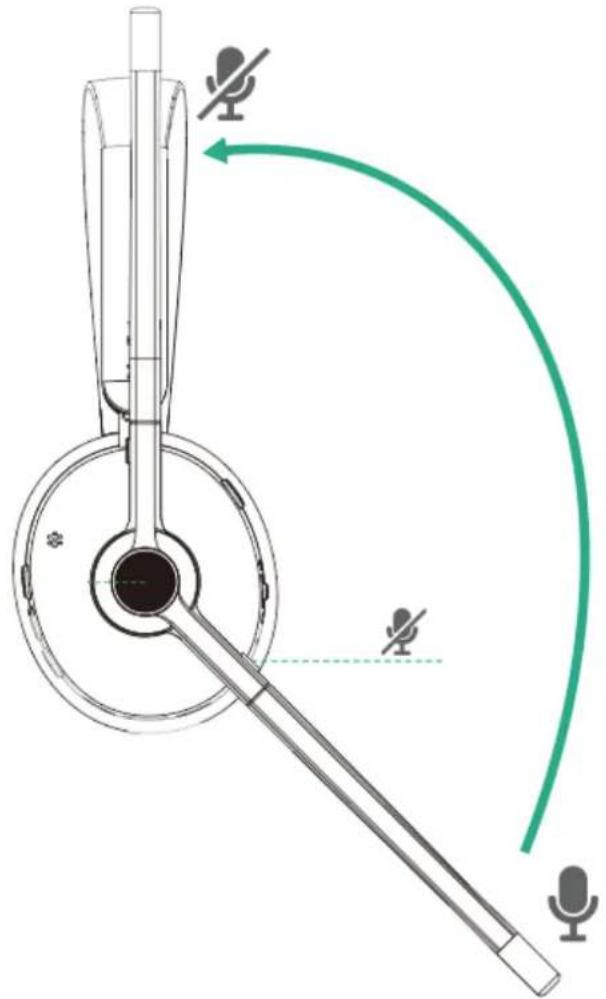
Mute Headset
You can mute the BH74 microphone by moving the boom up or unmute it by moving it down. Or you can press the mute button directly.

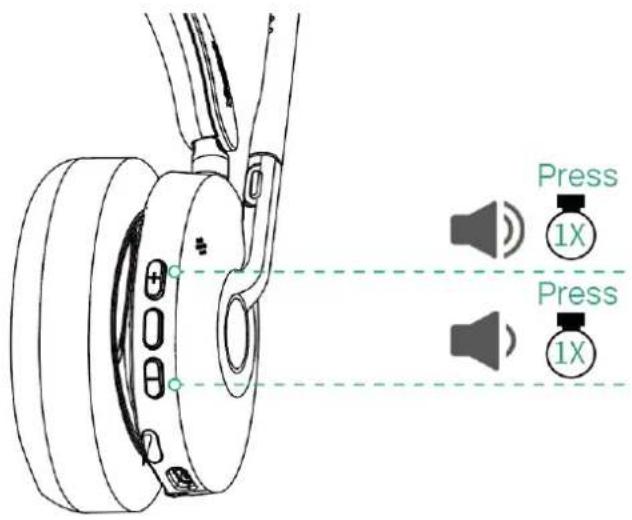
Adjust Volume
Customers Button

| Version | Action Function | |
| Teams Version | Press and hold the Teams button for 2 seconds. (This requires Microsoft's support.) | Activate Cortana integrated in TeamsDismiss/invoke raise hand during the meeting. |
| Press the Teams button in the idle state. | Invoke the Teams client | |
| UC Version | Press and hold the Voice Assistant button for 2 seconds. | Activate the voice assistant |
You can switch to Teams or the UC platform through Yealink USB Connect.
Marque : Yealink
Modèle : BH74
Catégorie : Casque