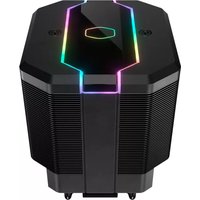
MasterAir MA620M - Ventirad COOLER MASTER - Notice d'utilisation et mode d'emploi gratuit
Retrouvez gratuitement la notice de l'appareil MasterAir MA620M COOLER MASTER au format PDF.


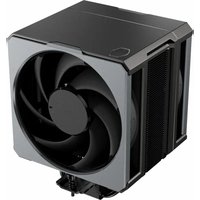
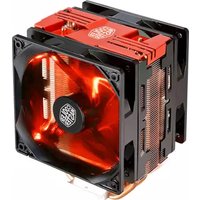
| Type de produit | Ventirad pour processeur |
| Marque | Cooler Master |
| Modèle | MasterAir MA620M |
| Dimensions (L x l x H) | 129 x 140 x 158 mm |
| Poids | 1300 g |
| Matériau | Base et caloducs en cuivre, ailettes en aluminium |
| Nombre de caloducs | 6 |
| Nombre de ventilateurs | 2 x 120 mm |
| Vitesse de rotation | 650 - 1800 RPM |
| Débit d'air maximal | 47 CFM |
| Pression statique maximale | 1,96 mmH2O |
| Niveau sonore | 8 - 24 dBA |
| Connecteur d'alimentation | 4 broches PWM |
| Tension d'alimentation | 12 V DC |
| Dissipation thermique (TDP) | Jusqu'à 250 W |
| Sockets compatibles | Intel LGA 1200, 1151, 1150, 1155, 1366, 2011, 2066 ; AMD AM4, AM3+, FM2+, FM2 |
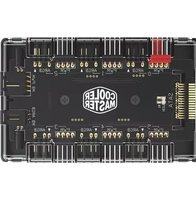
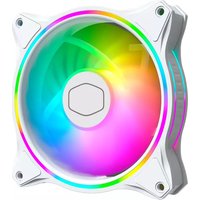
| Éclairage RGB | Oui, adressable via contrôleur ou carte mère |
| Garantie | 2 ans |
| Entretien | Nettoyer régulièrement la poussière des ailettes et ventilateurs |
| Sécurité | Ne pas obstruer le flux d'air ; vérifier la compatibilité du socket |
| Pièces détachées | Ventilateurs de rechange, kit de montage, pâte thermique |
| Compatibilité RAM haute | Soulevez les ventilateurs pour dégager les slots mémoire |
FOIRE AUX QUESTIONS - MasterAir MA620M COOLER MASTER
Questions des utilisateurs sur MasterAir MA620M COOLER MASTER
0 question sur cet appareil. Repondez a celles que vous connaissez ou posez la votre.
Poser une nouvelle question sur cet appareil
Téléchargez la notice de votre Ventirad au format PDF gratuitement ! Retrouvez votre notice MasterAir MA620M - COOLER MASTER et reprennez votre appareil électronique en main. Sur cette page sont publiés tous les documents nécessaires à l'utilisation de votre appareil MasterAir MA620M de la marque COOLER MASTER.
MODE D'EMPLOI MasterAir MA620M COOLER MASTER

MASTERAIR MA620M
MANUAL
01.Package Content
A

natural_image
Technical illustration of a mechanical component with layered structure and mounting holes (no text or symbols)x1
B
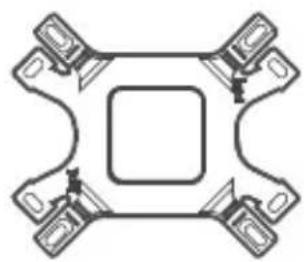
natural_image
Pure mechanical component diagram with no text, numbers, or symbolsx1
C

x4
D

x4
E

x1
FO
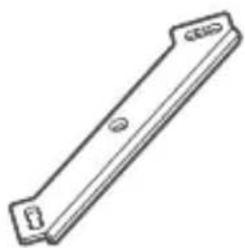
natural_image
Simple line drawing of a rectangular metal plate with a central hole and two side notches (no text or symbols)x2
●

natural_image
Simple line drawing of a bent metal bracket with no text or symbolsx2 x4
●

x4
I

J

x4
K

x4
L

natural_image
Illustration of two coaxial cable connectors with connector pins (no text or symbols)x1
M
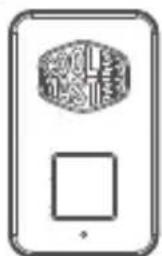
natural_image
Simple line drawing of a smartphone with a circular icon on top and a square bottom (no text or symbols)x1
N

natural_image
Simple line drawing of a rectangular mechanical part with rounded ends and a central hole (no text or symbols)0
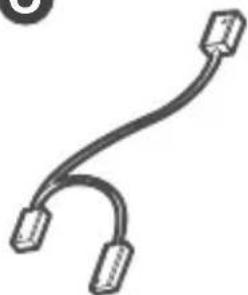
natural_image
Simple line drawing of a curved cable or connector with two connectors (no text or symbols)02. Intel & AMD
B
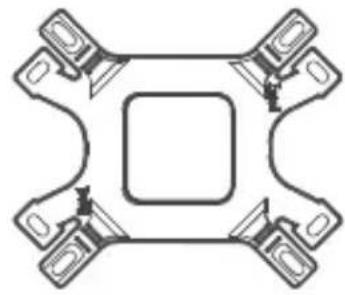
natural_image
Symmetrical mechanical component diagram with four arms and a central square (no text or symbols)C

natural_image
Four identical 3D mechanical component diagrams with no text or symbolsD
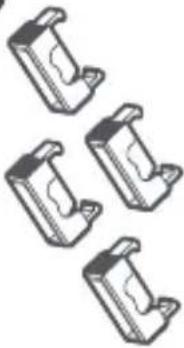
natural_image
Four identical mechanical component diagrams arranged in a row (no text or symbols)F
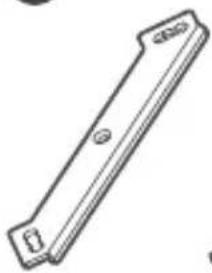
natural_image
Simple line drawing of a rectangular metal bracket with mounting holes (no text or symbols)G

natural_image
Simple line drawing of a bent metal bracket (no text or symbols)H

natural_image
Four identical cylindrical electronic components with textured surfaces, arranged in a row (no text or symbols visible)I

natural_image
Four identical cylindrical objects with textured surfaces, arranged in a row (no text or symbols visible)J
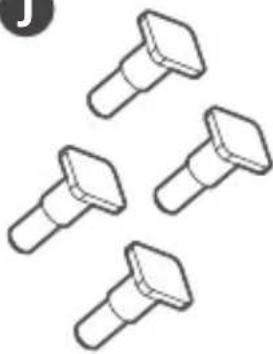
natural_image
Five identical mechanical screw or nut icons arranged in a row (no text or symbols)K

natural_image
Four identical mechanical component designs arranged in a row (no text or symbols visible)Intel LGA 1366/115X/775:B,C,F,H,I,J
Intel LGA 2066/2011-v3/2011: F,I,K
AM4/AM3+/AM3/AM2+/AM2/FM2+/FM2/FM1: B,D,G,H,I,J
03. Intel & AMD
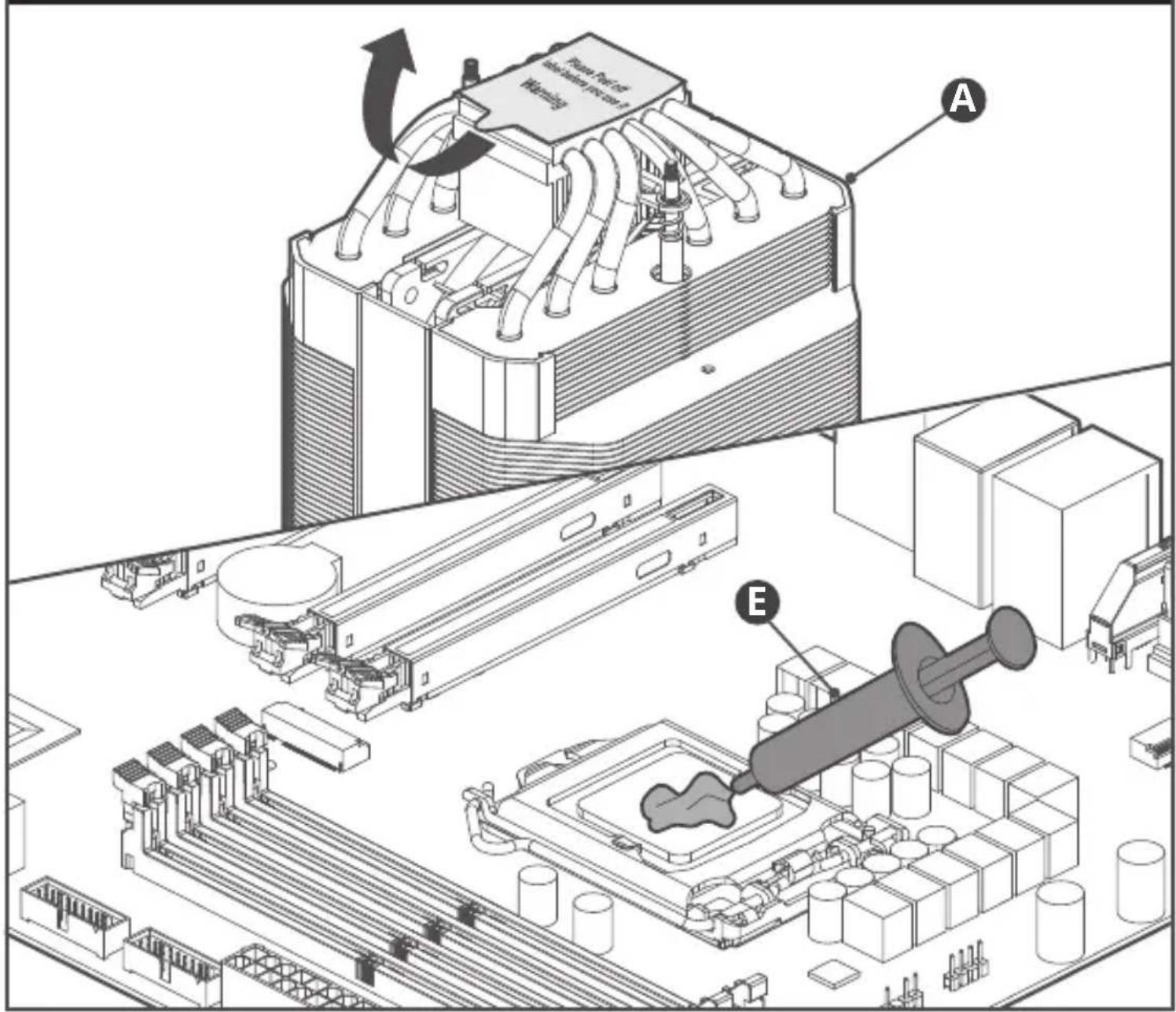
04. AMD AM4/AM3+/AM3/AM2+/AM2/FM2+/FM2/FM1

AM3+/AM3/AM2+/AM2/FM2+/FM2/FM1
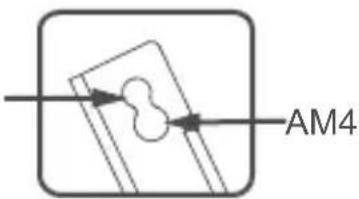
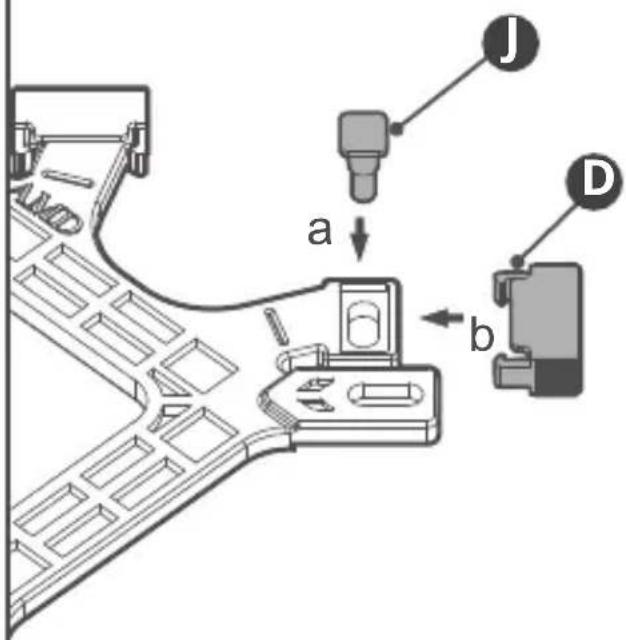

- AMD AM4/AM3+/AM3/AM2+/AM2/FM2+/FM2/FM1
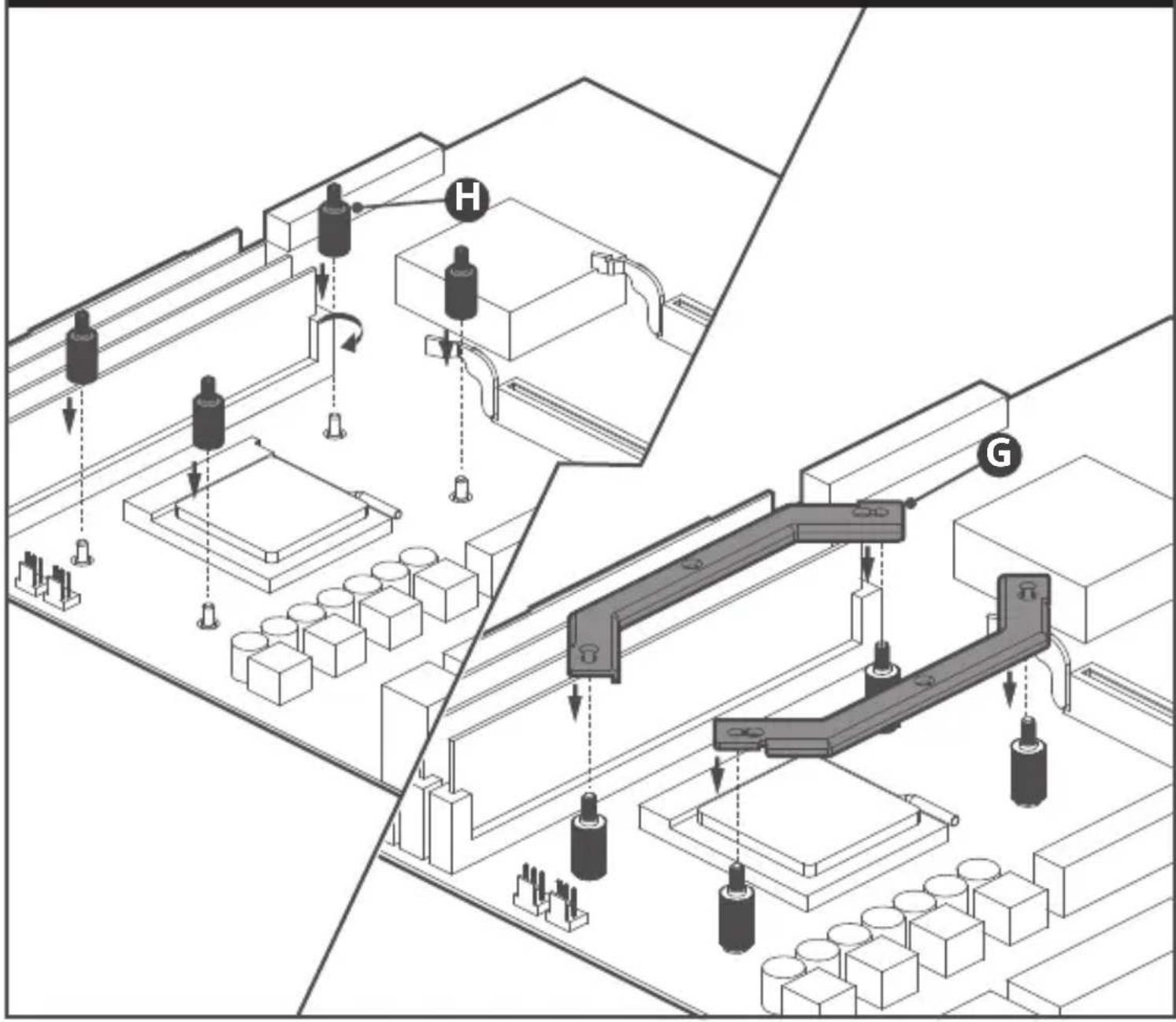
06. AMD AM4/AM3+/AM3/AM2+/AM2/FM2+/FM2/FM1
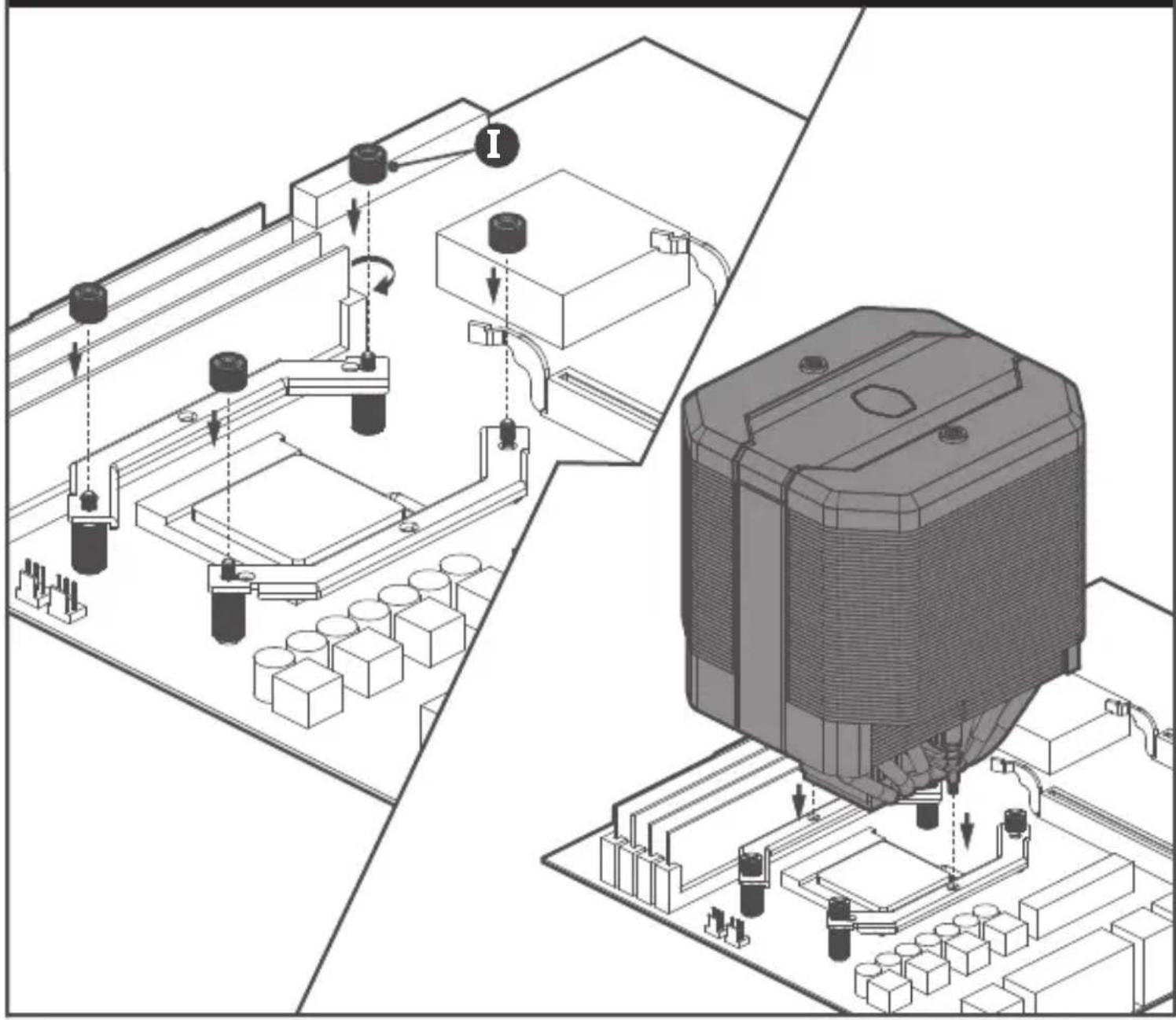
07. AMD AM4/AM3+/AM3/AM2+/AM2/FM2+/FM2/FM1
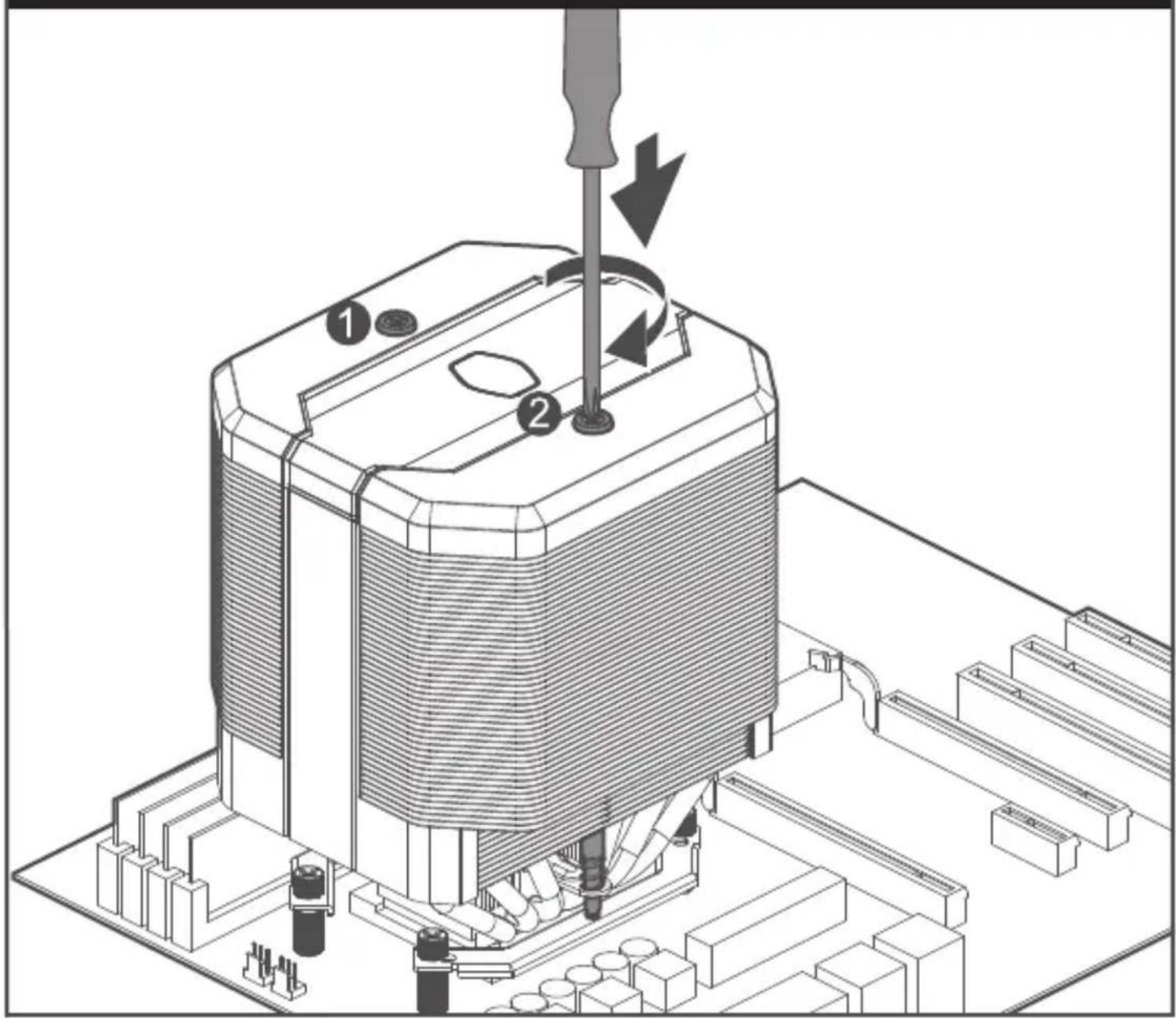
08. Intel - LGA 1366/115x/775
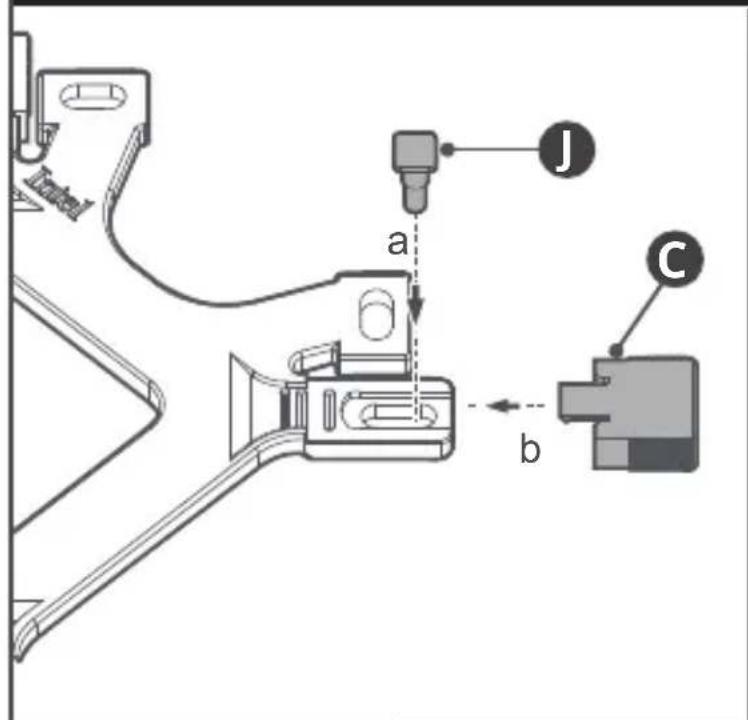


09. Intel - LGA 1366/115x/775
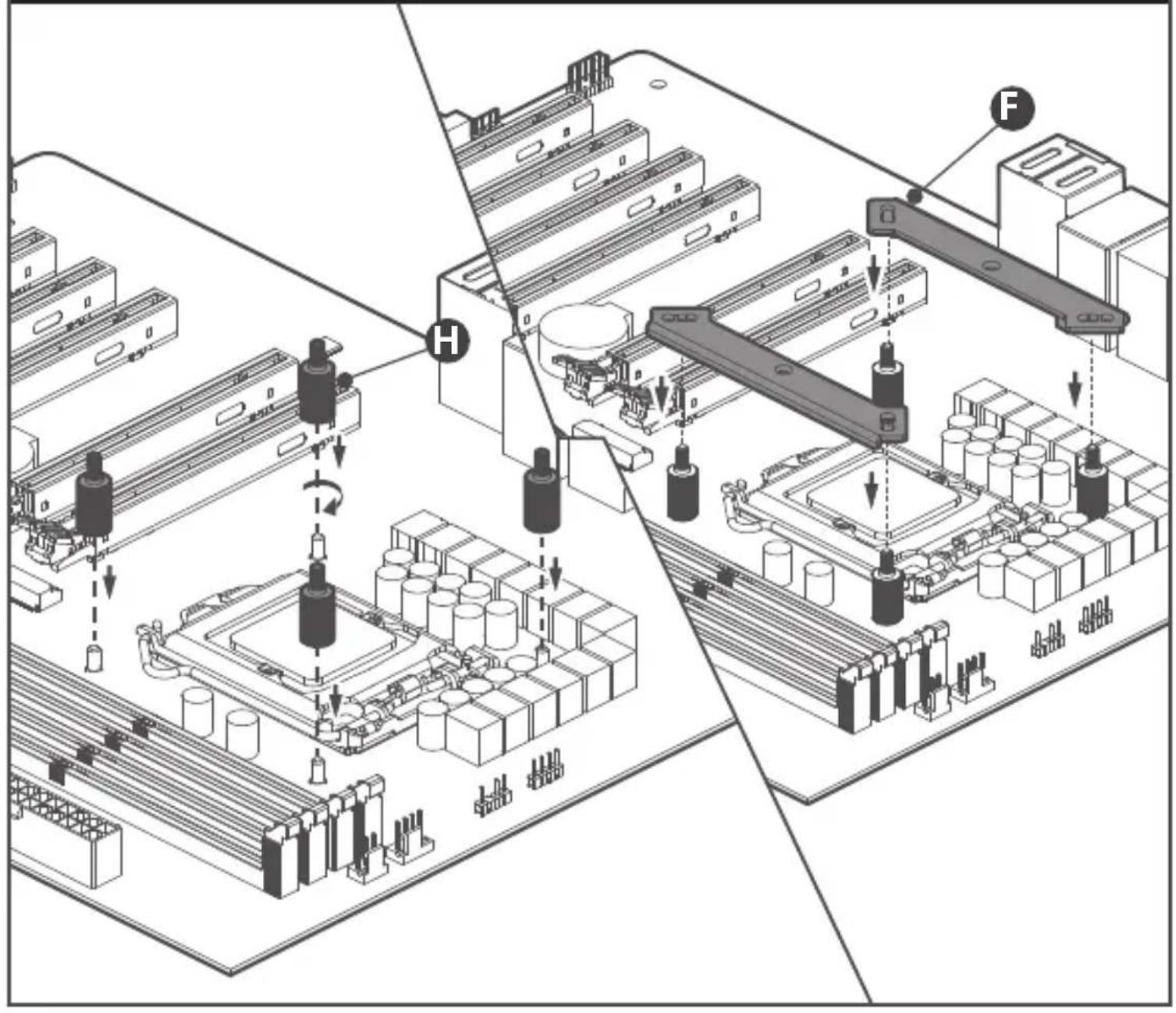
10. Intel - LGA 1366/115x/775
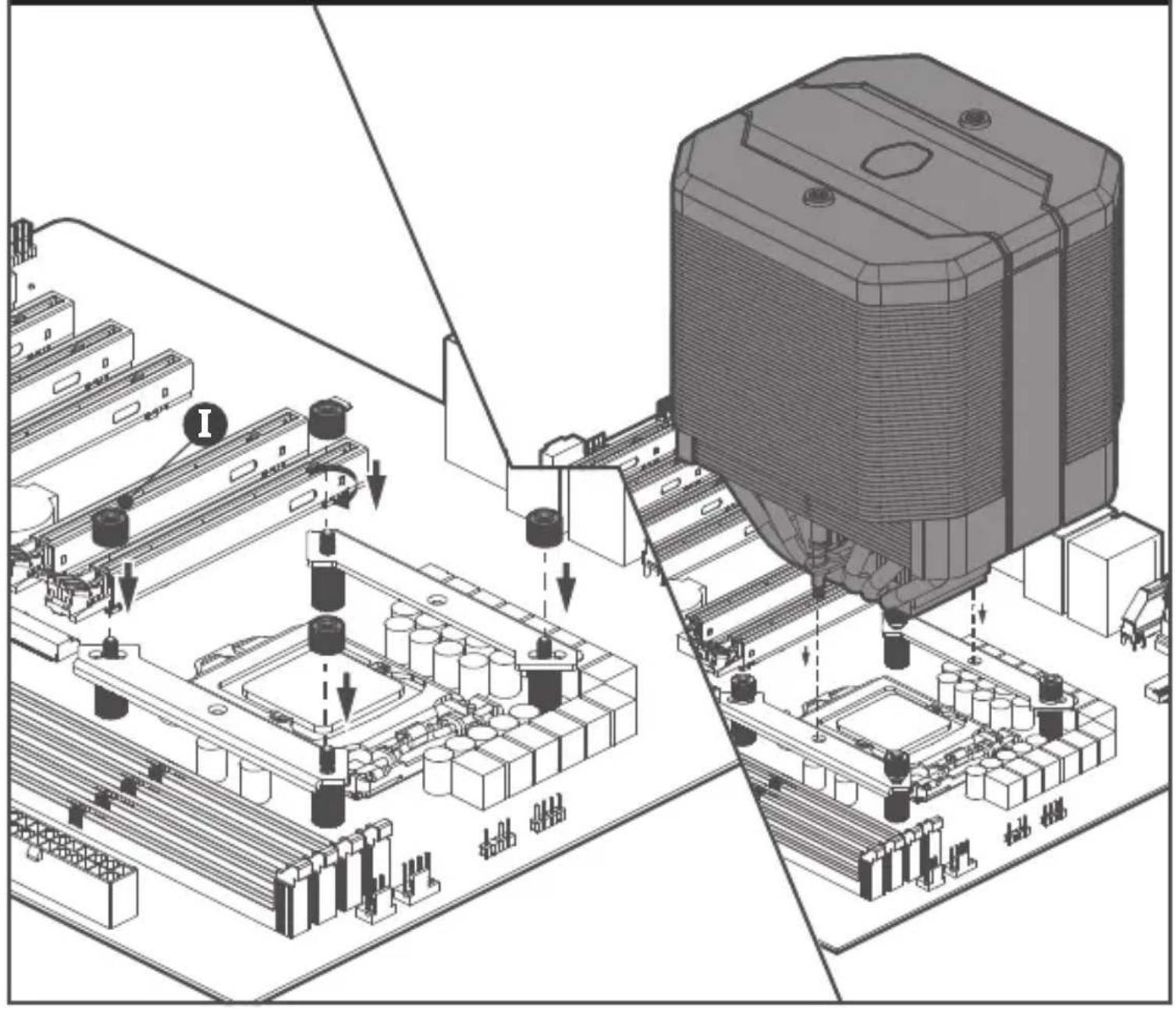
11. Intel - LGA 1366/115x/775

12. Intel - LGA 2066/2011-v3/2011

13. Intel - LGA 2066/2011-v3/2011

14. Intel - LGA 2066/2011-v3/2011

natural_image
Technical illustration of a mechanical device with numbered components and a screwdriver inserted (no text or symbols present)15. Intel & AMD
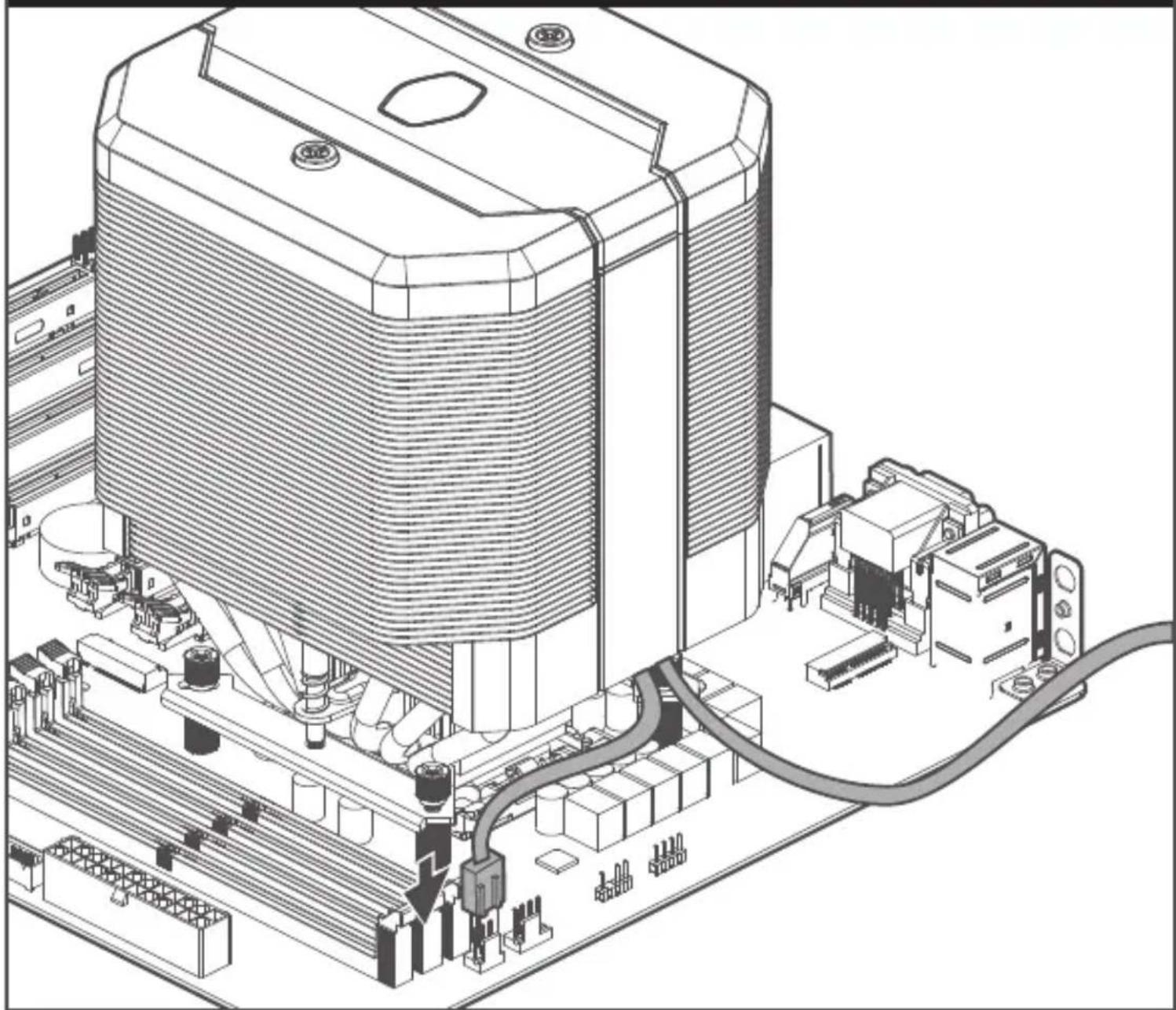
natural_image
Technical line drawing of an industrial machine with visible wiring and components (no text or symbols)16. Intel & AMD

flowchart
graph TD
    A["COOLER MASTER"] --> B["Switch"]
    B --> C["Box"]
    C --> D["Switch"]
    D --> E["L"]
    E --> F["Switch"]
    F --> G["Box"]
    style A fill:#f9f,stroke:#333
    style B fill:#ccf,stroke:#333
    style C fill:#cfc,stroke:#333
    style D fill:#fcc,stroke:#333
    style E fill:#cff,stroke:#333
    style F fill:#ffc,stroke:#333
    style G fill:#cfc,stroke:#333
17. ASUS AURA SYNC\ ASROCK POLYCHROME SYNC \GIGABYTE FUSION READY\MSI MYSTIC LIGHT SYNC


Please visit our website at www.coolermaster.com
Asia Pacific – Cooler Master Technology Inc. 8F., No. 788-1, Zhongzheng Rd., Zhonghe Dist., New Taipei City 23586, Taiwan (R.O.C.) Tel: +886-2-2225-3517
Europe - Cooler Master Europe B.V. Lodewijkstraat 1b, 5652AC Eindhoven, The Netherlands Tel: +31-(0)40-702-0900
China – Cooler Master China Room 2062, Floor 6, No. 421, Weiquing Rd., Jinshan District, Shanghai City, China Tel: +86-21-51872177
North America - Cooler Master Technology NA 2929 E Imperial Highway, Ste 110 Brea CA, 92821, USA Tel: +1-888-624-5099
For the most updated information, please visit our official website: www.coolermaster.com Cooler Master Support: https://account.coolermaster.com/

512002621-GP Ver 2.0 2019/06
©2019 Cooler Master Technology Inc. All Rights Reserved. All trademarks are registered to their respective owners.

Make It Yours.
- MASTERAIR MA620M
- 01.Package Content
- Intel & AMD
- Intel & AMD
- AMD AM4/AM3+/AM3/AM2+/AM2/FM2+/FM2/FM1
- AMD AM4/AM3+/AM3/AM2+/AM2/FM2+/FM2/FM1
- AMD AM4/AM3+/AM3/AM2+/AM2/FM2+/FM2/FM1
- Intel - LGA 1366/115x/775
- Intel - LGA 1366/115x/775
- Intel - LGA 1366/115x/775
- Intel - LGA 1366/115x/775
- Intel - LGA 2066/2011-v3/2011
- Intel - LGA 2066/2011-v3/2011
- Intel - LGA 2066/2011-v3/2011
- Intel & AMD
- Intel & AMD
- ASUS AURA SYNC\ ASROCK POLYCHROME SYNC \GIGABYTE FUSION READY\MSI MYSTIC LIGHT SYNC
Marque : COOLER MASTER
Modèle : MasterAir MA620M
Catégorie : Ventirad