
EUR7702KF0 - Télécommande PANASONIC - Notice d'utilisation et mode d'emploi gratuit
Retrouvez gratuitement la notice de l'appareil EUR7702KF0 PANASONIC au format PDF.


| Type de produit | Télécommande |
| Marque | Panasonic |
| Modèle | EUR7702KF0 |
| Dimensions (approx.) | 15 x 4 x 1,5 cm |
| Poids (approx.) | 80 g |
| Alimentation | 2 piles AAA (non fournies) |
| Fonctions principales | Contrôle des fonctions TV, navigation dans les menus, réglage du volume, changement de chaînes, accès aux sources |
| Portée | Environ 8 mètres |
| Matériau | Plastique ABS |
| Couleur | Noir |
| Technologie de transmission | Infrarouge (IR) |
| Compatibilité | Téléviseurs Panasonic et autres marques compatibles |
| Entretien et nettoyage | Nettoyer avec un chiffon doux et sec, éviter les produits chimiques |
| Sécurité | Ne pas exposer à l'humidité, aux températures extrêmes ou à la lumière directe du soleil |
| Pièces détachées et réparabilité | Non réparable, pas de pièces détachées disponibles |
| Informations générales | Télécommande universelle Panasonic, livrée avec notice d'utilisation |
FOIRE AUX QUESTIONS - EUR7702KF0 PANASONIC
Questions des utilisateurs sur EUR7702KF0 PANASONIC
0 question sur cet appareil. Repondez a celles que vous connaissez ou posez la votre.
Poser une nouvelle question sur cet appareil
Téléchargez la notice de votre Télécommande au format PDF gratuitement ! Retrouvez votre notice EUR7702KF0 - PANASONIC et reprennez votre appareil électronique en main. Sur cette page sont publiés tous les documents nécessaires à l'utilisation de votre appareil EUR7702KF0 de la marque PANASONIC.
MODE D'EMPLOI EUR7702KF0 PANASONIC
| TV | VCR | DVD | |
| OKANO | - | 06 | - |
| ORION | 02,03,05,10,11,12,38 | 05,09 | - |
| PHILIPS | 11,12,13,15 | 22,32,33,34,35 | 04,16 |
| PHONOLA | 11,12 | 32 | - |
| PIONEER | - | - | 03 |
| RADIOLA | 11,12 | - | - |
| RAITE | - | - | 13 |
| RCA | - | - | 02 |
| RFT | - | 33 | - |
| ROADSTAR | 39 | 02,03,18,23,27 | - |
| SABA | 26,41 | 21 | 02 |
| SALORA | 07,37 | 08,11,17,19,37 | - |
| SAMPO | - | - | 14 |
| SAMSUNG | 11,12,15,21,25,34,39 | 15,16,18,27 | 10 |
| SANYO | 07,17,25,37 | 07,10,11 | - |
| SCHAUB LORENZ | - | 10 | - |
| SCHNEIDER | 11,12 | 02,03,18,23,27,32 | - |
| SEG | 39,40 | 02,18,23,27 | - |
| SELECO | 11,24 | - | - |
| SHARP | 17,20 | 22 | 08 |
| SIEMENS | 11,12,17,28,36 | 03,10,11,32 | - |
| SINUDYNE | 02,05,11,12,22,24,38,40 | - | - |
| SONY | 16 | 24,25,26 | 05 |
| TECHNICS | - | - | 01 |
| THOMSON | 05,26,41 | 21 | 02 |
| THORN | 06,08,11,12,14,16,25,32 | 10 | - |
| TOSHIBA | 03,04,06,08 | 15,17,19,32 | 04 |
| UNIVERSUM | 39 | 03,08,32,37 | - |
| WHITE WESTIN HOUSE | 11,12,22,40 | - | - |
| YAMAHA | - | - | 01 |
| ZENITH | - | - | 07,12 |
En
RQT6204-B
F0102MM1022
Panasonic
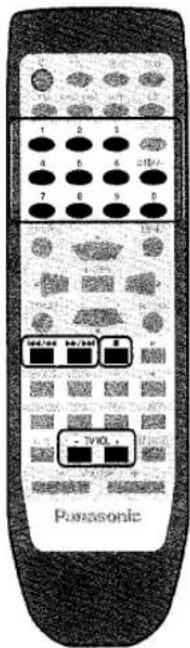
Remote Control Operation Guide
EUR7702210
EUR7702KF0
Model No.
EUR7702240

E EB GC GN

This remote control is the key to your home theater experience.
Actual operations depend on your equipment and software. Read the instructions for the receiver and your other components. You may need to enter a code to operate some equipment. See over for details. Illustrations show the remote control for Europe.

DVD
Watching DVDs
Switch on


Switch on the receiver
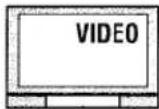


Switch on the television and select input


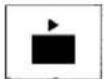
Switch on the player and start play
Switch off


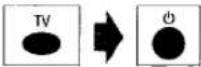


Operating the DVD player

Show disc menus


Show disc menus


Select and enter menu items

Show player menus

Return to the previous display


Specify a disc (5-disc changer)
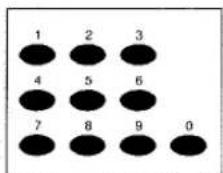
DVD Video Recorder only

Select channels


Start play from a selected item


Skip items during play

Stop play


VCR
Watching videotapes
Switch on

Switch on the receiver


Switch on the television and select input


Switch on the player and start play
Switch off



TV
Watching TV
Switch on

Switch on the receiver


Switch on the television and select input
Switch off


Operating the video deck

Rewind or fast-forward

Stop play
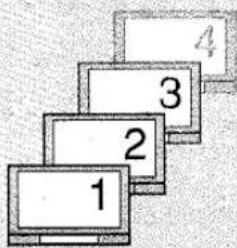
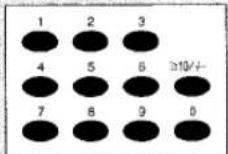
Select channels directly

Operating the TV


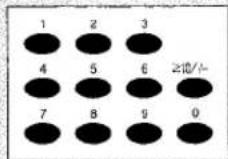
Select channels directly

CD/MD
MD: Only for Europe
Listening to CDs and MDs

flowchart
graph TD
    A["Switch on"] --> B["TUNER/BAND"]
    B --> C["Switch on the receiver"]
    D["CD"] --> E["CD"]
    E --> F["Switch on the player and start play"]
    G["MD"] --> H["MD"]
    H --> I["Switch on the player and start play"]
    J["Switch off"] --> K["CD"]
    K --> L["Switch on the player and start play"]
    M["MD"] --> N["MD"]
    N --> O["Switch on the player and start play"]

flowchart
graph TD
    A["Operating the CD/MD player"] --> B["Skip items during play"]
    B --> C["Stop play"]
    C --> D["CD only"]
    D --> E["Specify a disc [3- or 5-disc changer"]]
    E --> F["CD only"]
    F --> G["[MEGA CD changer"] (holds more than 50 discs)]
    G --> H["Start play from a specified disc"]
    H --> I["Start play from a selected track"]


RADIO
Listening to the radio

flowchart
graph LR
    A["Switch on"] --> B["TUNER/BAND"]
    B --> C["Switch on the receiver"]
    C --> D["TUNER/BAND"]
    D --> E["Select FM or AM"]
    F["Switch off"] --> G["TUNER/BAND"]
    G --> H["Switch on the receiver"]
    H --> I["TUNER/BAND"]
Operating the radio
![Select preset channels directly e.g Select 4 : [4] Select 21 : [≥10/-/--]→[2]→[1] Select radio stations by frequency e.g Select 107.90 MHz, [1]→[0]→[7]→[9]→[0]](/content/2026/06/1335722/images/4601f18451a9689b0bea4d3a52e0a0f00f16bb81c8194ea48c31c2e7db5f670f.jpg)

TAPE
Listening to tapes
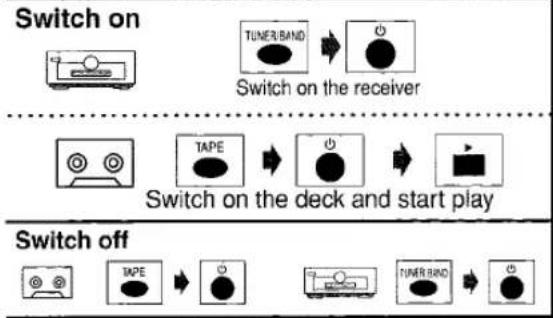
flowchart
graph TD
    A["Switch on"] --> B["TUNER BAND"]
    B --> C["Switch on the receiver"]
    D["Switch off"] --> E["TAPE"]
    E --> F["Switch on the deck and start play"]
    G["Switch on"] --> H["TUNER BAND"]
    H --> I["Switch on the receiver"]
    J["Switch off"] --> K["TAP"]
    K --> L["Switch on the deck and start play"]
    M["Switch off"] --> N["TAP"]
    N --> O["Switch on the deck and start play"]
Operating the tape deck

STEREO MODE


Select STEREO
SURROUND MODE

natural_image
Diagram of three speakers connected to a monitor and two speakers, each emitting sound waves (no text or labels)
Select SURROUND
Start a test signal


Stop the test signal
When you select
Dolby Pro Logic II
MUSIC or PANORAMA
SA-HE100
When you select
DTS NEO:6 MUSIC


Change the sound effect
SFC MODE


Select HALL, CLUB, LIVE,
THEATER, SIM SURR or PARTY


Select the speaker channel and adjust its output level


Change the delay time
Other functions


Mute the volume


Adjust the volume
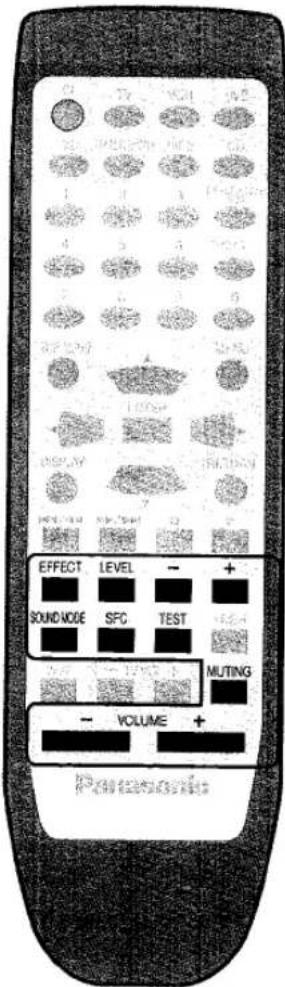
This remote control can operate Panasonic, Technics and other brands of audiovisual equipment that have remote control sensors. For brand codes, check the table.
Changing the codes
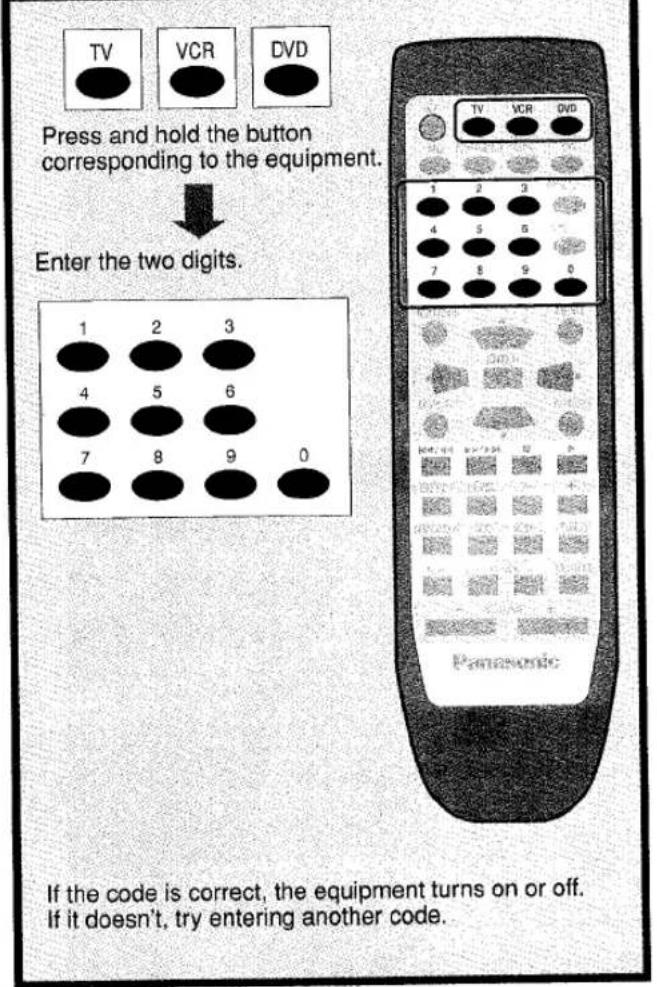
- Note that this remote control cannot perform some operations.
- Reenter the codes after you change the batteries.
Code table
| TV | VCR | DVD | |
| PANASONIC | 01,29,30,31 | 01,29,30 | 01 |
| AKAI | 07,11,28,3637 | 06,08,16,17,19,37 | - |
| ALBA | 05,11,12 | 02,06,23 | - |
| BAIRD | - | 08,10,37 | - |
| BAUR | 32 | - | - |
| BLAUPUNKT | 28,36 | 01,26,29,30,33 | - |
| BRANDT | 26,41 | - | - |
| BUSH | 02,05,10,11,12,32,38 | 02,09,23 | - |
| DAEWOO | 11,12,32 | 15 | - |
| DENON | - | - | 01,17 |
| DUAL | 32 | - | - |
| FERGUSON | 11,12 | 31 | 02 |
| FINLUX | 11,12,22,23,24,25,40 | - | - |
| FISHER | 37 | 05,07,10,11,12 | - |
| FUNAI | 02,38 | - | - |
| GOLDSTAR | 11,12 | - | - |
| GOLDSTAR/LG | - | 03,04,36,37 | - |
| GOODMANS | 11,12,25,32 | 02,03,18,23,27,33 | - |
| GRUNDIG | 28,36 | 02,23,26,28,32,33 | - |
| HCM | - | 02,23 | - |
| HITACHI | 01,09,26,41 | 13,14 | 11 |
| ICE | 21,39 | - | - |
| INNO HIT | 34 | - | - |
| ITT | - | 08,10,11,37 | - |
| ITT/NOKIA | 05,07,37 | 18,27,37 | - |
| JVC | 18 | 20,21 | 09 |
| KENDO | 40 | 08,09,37 | - |
| KENWOOD | - | - | 15 |
| LOEWE | 14,33 | 03,32 | - |
| LOEWE OPTA | 32 | - | - |
| LUXOR | 37 | 08,10,11,17,19,37 | - |
| MATSUI | 02,05,06,07,10,11,12,25,37,38 | 03,05,09 | - |
| METZ | - | 01 | - |
| MITSUBISHI | 14,19,28,36 | 17,19,21,32 | 06 |
| NEC | - | 04,21,36,37 | - |
| NOKIA | 05,07,37 | 08,10,11,18,22,27,37 | - |
| NORDMENDE | 26,41 | 20,21 | 02 |
| OCEANIC | 27,35 | - | - |

Marque : PANASONIC
Modèle : EUR7702KF0
Catégorie : Télécommande