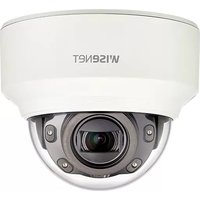
XND-6080RV - Caméra de surveillance Hanwha - Notice d'utilisation et mode d'emploi gratuit
Retrouvez gratuitement la notice de l'appareil XND-6080RV Hanwha au format PDF.


| Type de produit | Caméra de surveillance réseau |
| Marque | Hanwha |
| Modèle | XND-6080RV |
| Résolution | 6 mégapixels (3072 x 2048) |
| Compression vidéo | H.265, H.264, MJPEG |
| Vision nocturne | Oui, jusqu'à 30 mètres |
| Alimentation | PoE (IEEE 802.3af) |
| Connectivité | Ethernet RJ45 |
| Angle de vue horizontal | 100° |
| Protection | IP66, IK10 |
| Dimensions | Ø 150 x 110 mm |
| Poids | 1,2 kg |
| Température de fonctionnement | -10°C à 55°C |
| Fonctions intelligentes | Détection de mouvement, analyse vidéo |
| Garantie | 2 ans |
| Entretien | Nettoyage avec un chiffon doux et sec |
| Montage | Plafond ou mur (fixation fournie) |
| Certifications | CE, FCC |
| Rapport signal/bruit | >50 dB |
FOIRE AUX QUESTIONS - XND-6080RV Hanwha
Questions des utilisateurs sur XND-6080RV Hanwha
0 question sur cet appareil. Repondez a celles que vous connaissez ou posez la votre.
Poser une nouvelle question sur cet appareil
Téléchargez la notice de votre Caméra de surveillance au format PDF gratuitement ! Retrouvez votre notice XND-6080RV - Hanwha et reprennez votre appareil électronique en main. Sur cette page sont publiés tous les documents nécessaires à l'utilisation de votre appareil XND-6080RV de la marque Hanwha.
MODE D'EMPLOI XND-6080RV Hanwha
NETWORK CAMERA
Quick Guide
XND-6080/6080V/6080R/6080RV/8080R/8080RV
XNV-6080/6080R/8080R
C€
COMPONENT
As for each sales country, accessories are not the same.
• XND-6080/6080R/8080R


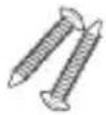


Options (not included)

natural_image
Simple line drawing of a circular mechanical component with mounting holes and a central hub (no text or symbols)
• Not Included : SD CARD

1
natural_image
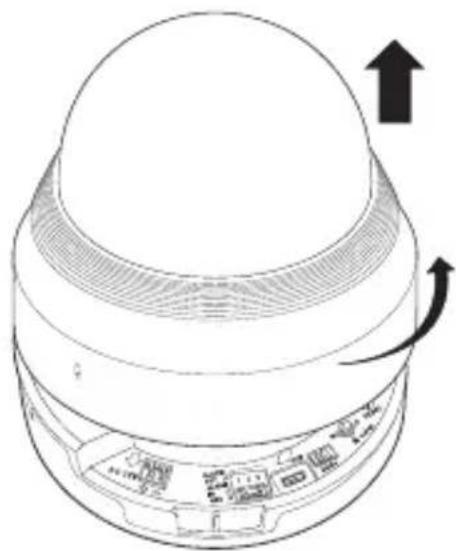
Diagram of a device's top-down view showing a dome-shaped top and internal components with directional arrows (no text or symbols)2
natural_image
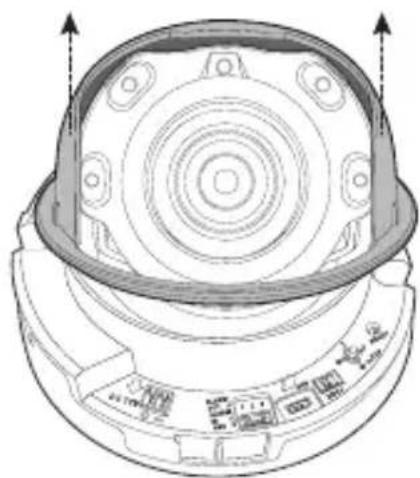
Technical line drawing of a mechanical component with concentric circular features and mounting holes (no text or symbols)3

natural_image
Simple diagram of a pulley system with a central mass and two hanging weights (no text or labels)4

natural_image
Simple diagram of a Y-shaped structure with a central vertical rod and two dots above it, no text or symbols present.5

natural_image
Technical line drawing of a mechanical component with concentric circles and four vertical supports (no text or symbols)6
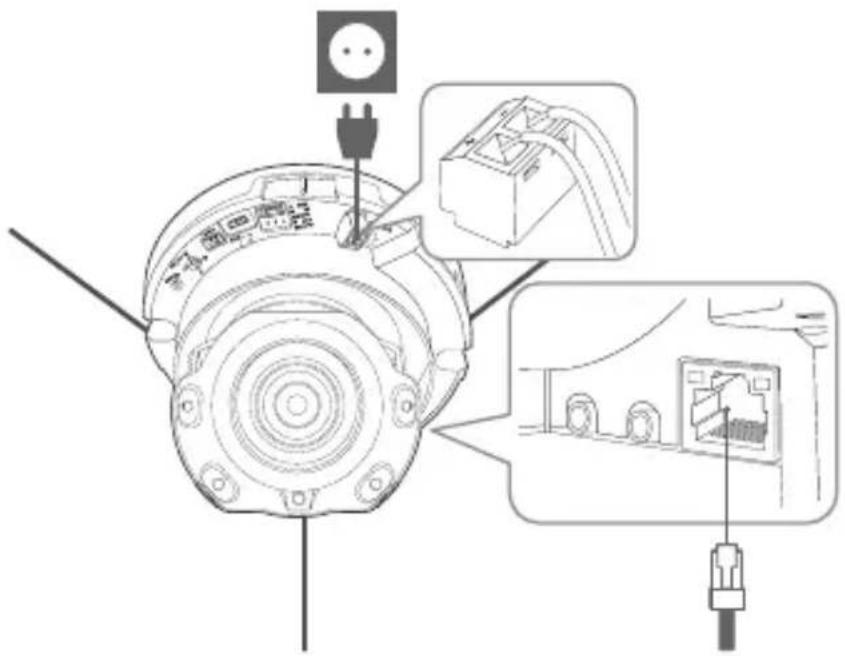
7
• Not included: WiFi dongle, OTG adapter

8

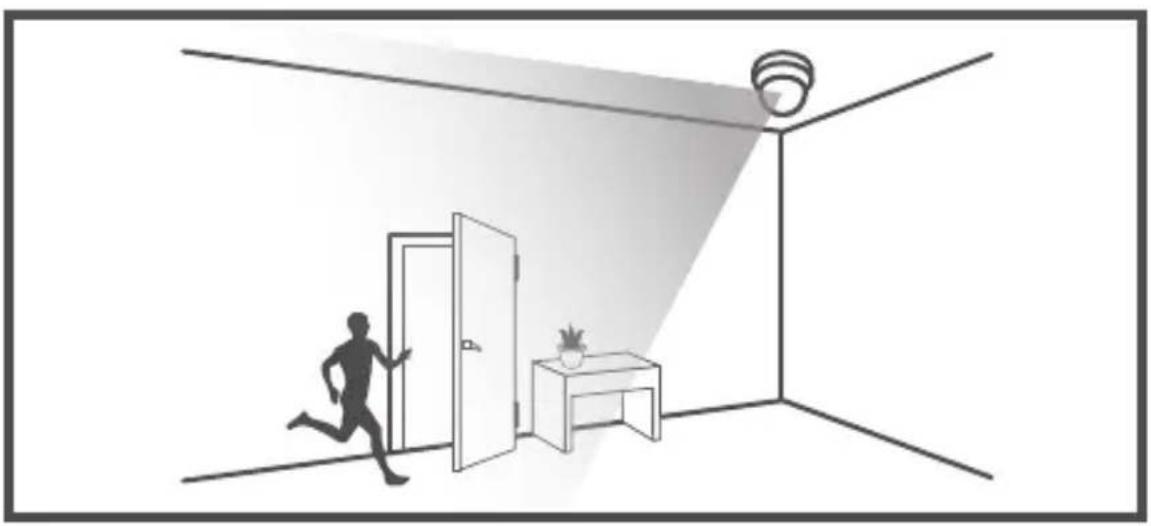
natural_image
Interior scene showing a person running toward a doorway and a desk under a spotlight, with a ceiling-mounted sensor emitting a light beam (no text or symbols)9

natural_image
Three-panel sequence showing a person running inside a doorway, with a potted plant and cabinet nearby (no text or symbols)
natural_image
Technical diagram of a mechanical component with directional arrows indicating movement or force (no text or symbols)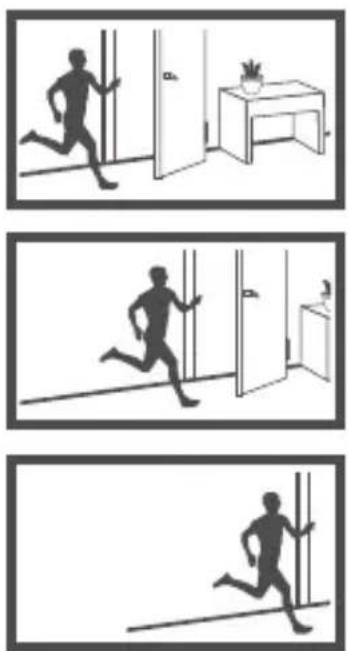
natural_image
Three sequential black-and-white illustrations showing a person running in different indoor settings (no text or symbols)10

natural_image
Top-down schematic of a mechanical component with circular and radial features, no text or symbols present
natural_image
Silhouette of three people walking down a hallway, no text or symbols present
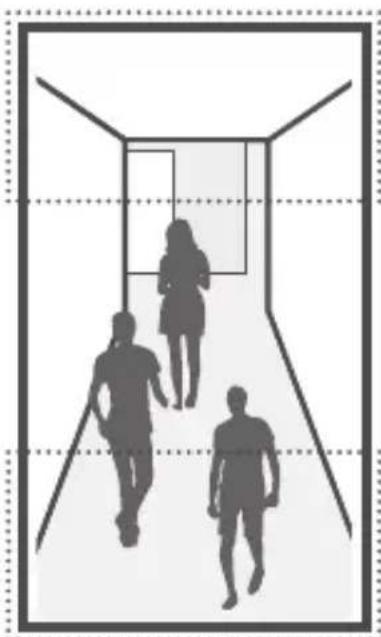
natural_image
Silhouette of three people walking down a hallway with dashed grid lines (no text or symbols)11

natural_image
Technical line drawing of a mechanical component with concentric circular features and mounting holes (no text or symbols)12

natural_image
Technical line drawing of a mechanical component with an upward arrow indicating motion (no text or symbols present)13


natural_image
Black and white flag icon on a pole, no text or symbols presentCOMPONENT
As for each sales country, accessories are not the same.
• XND-6080V/6080RV/8080RV






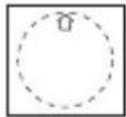
Options (not included)

natural_image
Simple line drawing of a circular mechanical component with a central rectangular block and two side supports (no text or symbols)
• Not Included : SD CARD


1

2

natural_image
Technical line drawing of a mechanical component with concentric circular features and mounting holes (no text or symbols)3

natural_image
Simple diagram of a pulley system with a central mass and two hanging weights (no text or labels)4
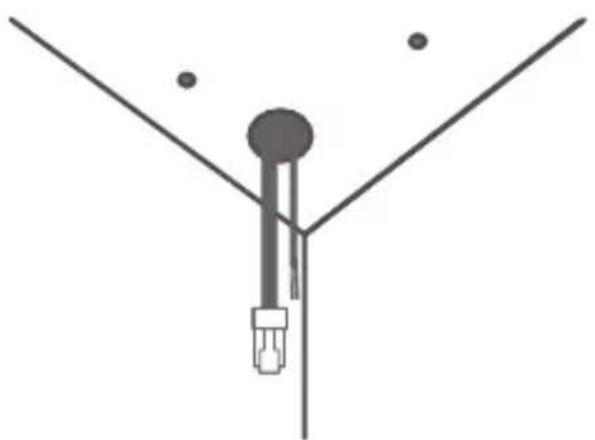
natural_image
Simple diagram of a Y-shaped structure with a central vertical rod and two dots above it (no text or symbols)5
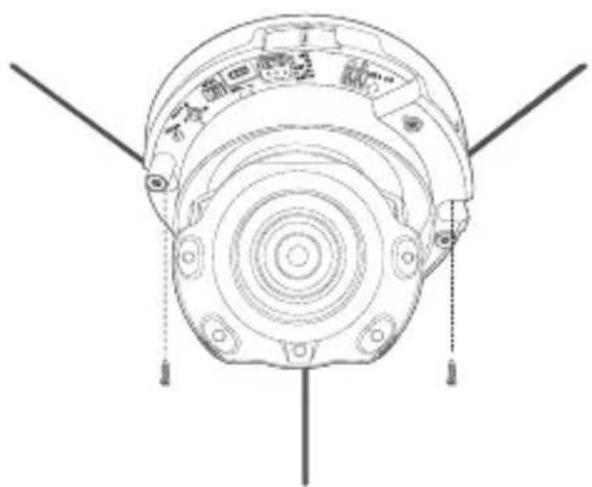
natural_image
Technical line drawing of a mechanical component with concentric circles and mounting holes (no text or symbols)6

7
• Not included: WiFi dongle, OTG adapter

8


natural_image
Interior scene showing a person running toward a doorway and a desk, with a ceiling-mounted sensor emitting light (no text or symbols)9
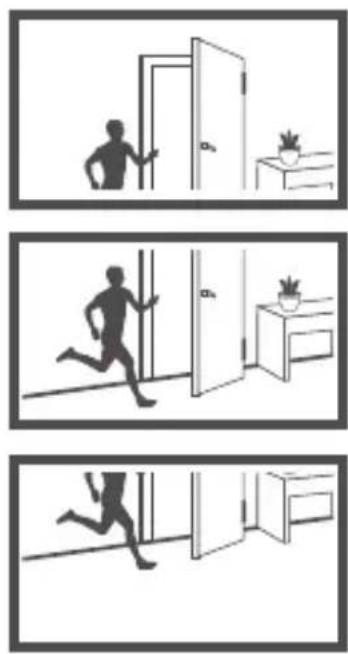
natural_image
Three-panel illustration showing a person running from a doorway, with a potted plant and a small table nearby (no text or symbols)
natural_image
Technical diagram of a mechanical component with directional arrows indicating movement or force (no text or symbols present)
natural_image
Three-panel sequence showing a running person inside a room with a desk and a potted plant (no text or symbols)18
10

natural_image
Top-down schematic of a mechanical component with rotational arrows indicating motion (no text or symbols)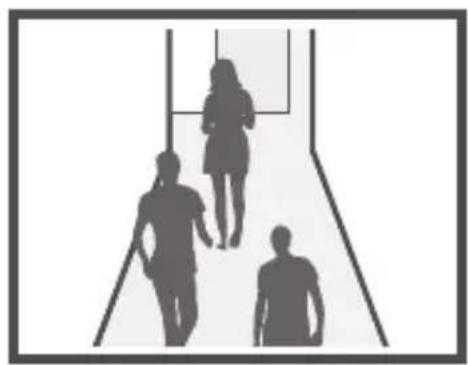
natural_image
Silhouette of three people walking down a hallway (no text or symbols)
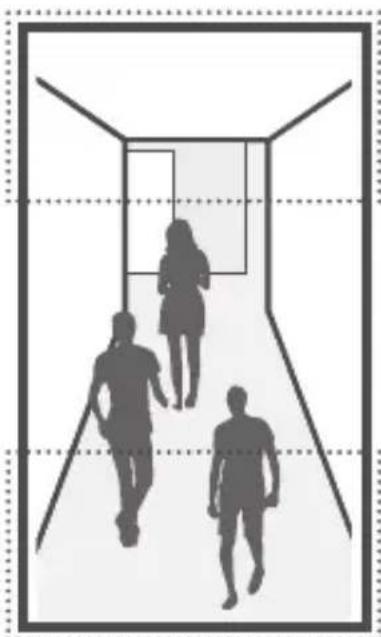
natural_image
Silhouettes of three people walking down a hallway (no text or symbols)11

natural_image
Technical line drawing of a mechanical component with concentric circular features and mounting holes (no text or symbols)12

natural_image
Technical line drawing of a ceiling-mounted device with ventilation grilles and mounting bracket (no text or symbols)13

14

natural_image
Black and white flag icon on a pole, no text or symbols presentCOMPONENT
As for each sales country, accessories are not the same.
• XNV-6080/6080R/8080R

! Options (not included)

natural_image
Simple line drawing of a circular mechanical component with a central hole and two side brackets (no text or symbols)
• Not Included : SD CARD


1

2-1
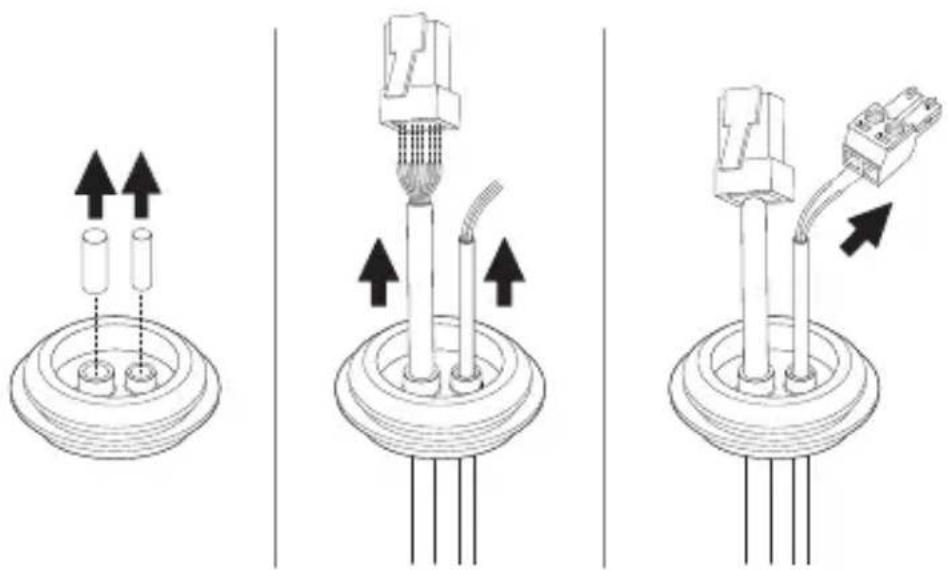
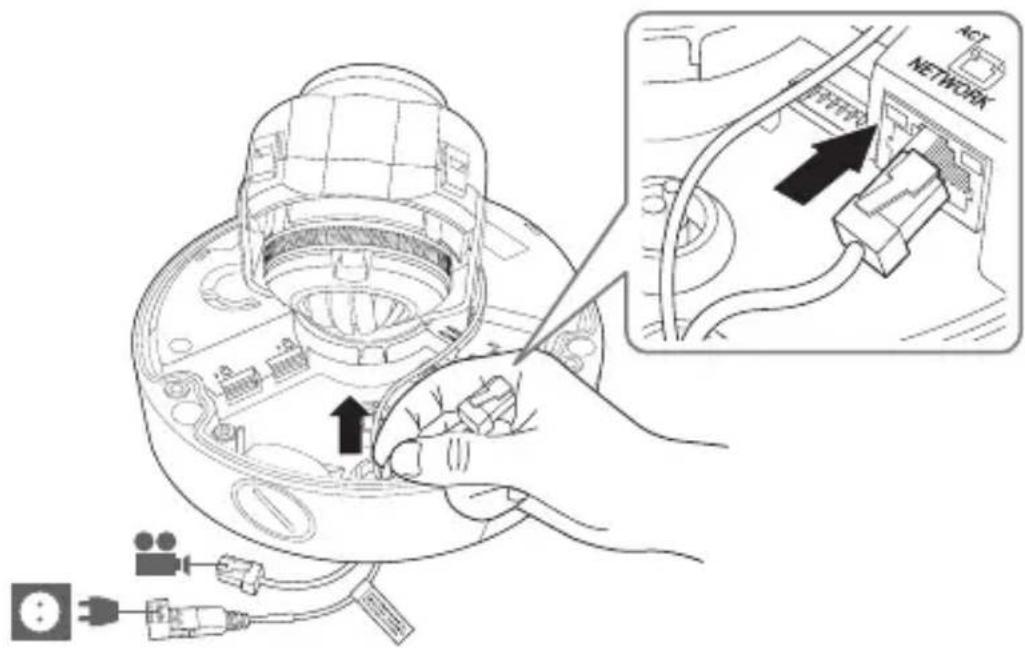
• Installing network/power cables

natural_image
Technical line drawing of a mechanical component with no visible text or symbols2-2
2-3
2-4

natural_image
Technical line drawing of a mechanical component with no visible text or symbols3-1
- Installing network cable

3-2

natural_image
Four technical diagrams showing mechanical assembly steps with arrows indicating motion (no text or symbols)3-3

3-4

4-1
• Installing audio/alarm cables

4-2

natural_image
Illustration of a hand inserting a cable into a device casing, with an earphone connected to the base (no text or symbols present)4-3

natural_image
Technical line drawing of a mechanical component with no visible text or symbols5
natural_image
Pure mechanical diagram showing a pulley system with a circular component and a hanging weight (no text or symbols)6
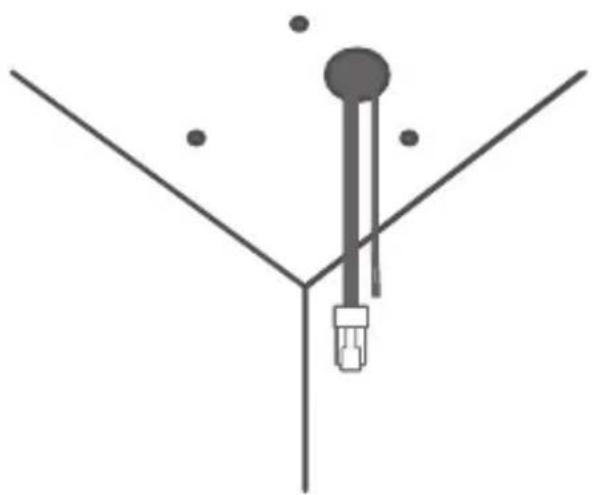
natural_image
Simple diagram of a Y-shaped structure with a central vertical rod and two dots above, no text or symbols present.7
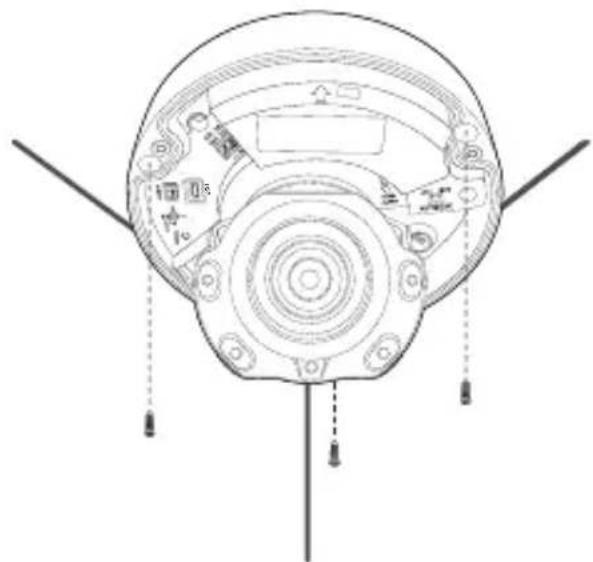
natural_image
Top-down schematic of a mechanical device with labeled components and mounting points (no text or symbols)8

9
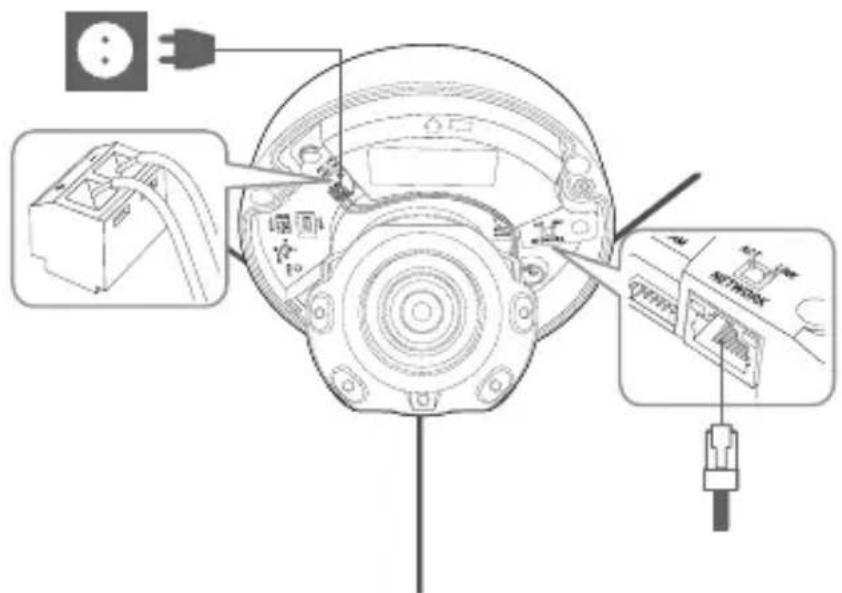
10
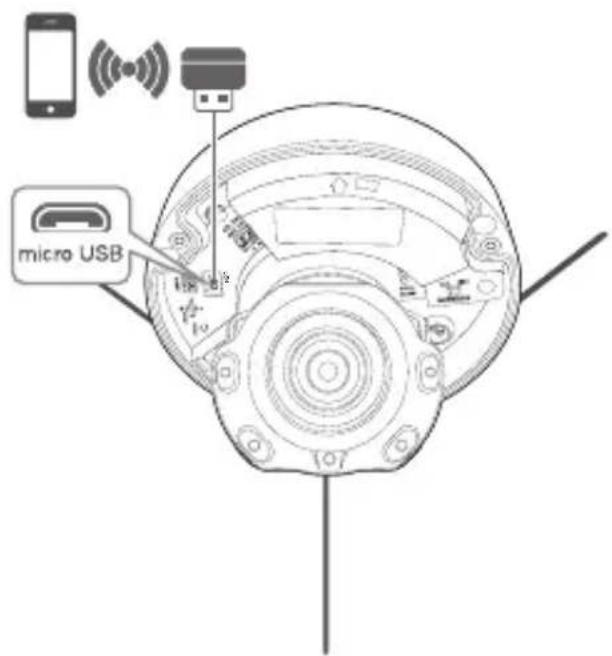
• Not included: WiFi dongle, OTG adapter


natural_image
Interior scene showing a person running toward a doorway and a desk under a spotlight, with a ceiling-mounted sensor emitting a light beam (no text or symbols)12

13

natural_image
Top-down schematic of a mechanical component with circular and radial features, no visible text or symbols
natural_image
Silhouette of three people walking down a hallway, no text or symbols present

natural_image
Silhouettes of three people walking down a hallway (no text or symbols)14

15

natural_image
Black and white flag icon on a pole, no text or symbols presentPASSWORD SETTING
When you access the product for the first time, you must register the login password.
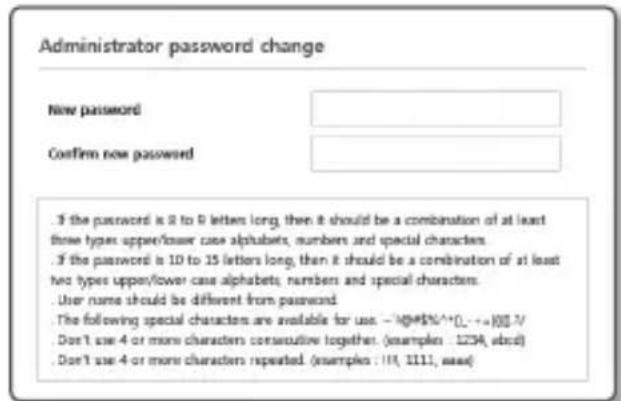

For a new password with 8 to 9 digits, you must use at least 3 of the following: uppercase/ lowercase letters, numbers and special characters. For a password with 10 to 15 digits, you must use at least 2 types of those mentioned.
- Special characters that are allowed.
: \~!@#\$%^*()_-+=|{}].?/
For higher security, you are not recommended to repeat the same characters or consecutive keyboard inputs for your passwords.
If you lost your password, you can press the [RESET] button to initialize the product. So, don't lose your password by using a memo pad or memorizing it.
LOGIN
Whenever you access the camera, the login window appears.
Enter the User ID and password to access the camera.
① Enter "admin" in the
② Enter the password in the
③ Click [OK].
CONNECTING TO WiFi
Camera setting
① Connect OTG adapter (5-pin) and WiFi dongle to the micro USB terminal.
Smartphone setting
① Install the Wisenet Installation application.
② Select the camera SSID after turning on the Wifi.
③ Run the Wisenet Installation application.
4 When you log in to the camera, the video will be connected.
⑤ You can adjust angle of view while watching the video through smartphone.

Hanwha Vision cares for the environment at all product manufacturing stages, and is taking measures to provide customers with more environmentally friendly products.
The Eco mark represents Hanwha Vision's devotion to creating environmentally friendly products, and indicates that the product satisfies the EU RoHS Directive.

natural_image
Simple line drawing of a trash bin with crossed lines indicating no waste or discharge (no text or symbols)Correct Disposal of This Product (Waste Electrical & Electronic Equipment)
(Applicable in the European Union and other European countries with separate collection systems)
This marking on the product, accessories or literature indicates that the product and its electronic accessories (e.g. charger, headset, USB cable) should not be disposed of with other household waste at the end of their working life. To prevent possible harm to the environment or human health from uncontrolled waste disposal, please separate these items from other types of waste and recycle them responsibly to promote the sustainable reuse of material resources.
Household users should contact either the retailer where they purchased this product, or their local government office, for details of where and how they can take these items for environmentally safe recycling.
Business users should contact their supplier and check the terms and conditions of the purchase contract.
This product and its electronic accessories should not be mixed with other commercial wastes for disposal.

Correct disposal of batteries in this product
(Applicable in the European Union and other European countries with separate battery return systems.)
This marking on the battery, manual or packaging indicates that the batteries in this product should not be disposed of with other household waste at the end of their working life. Where marked, the chemical symbols Hg, Cd or Pb indicate that the battery contains mercury, cadmium or lead above the reference levels in EC Directive 2006/66. If batteries are not properly disposed of, these substances can cause harm to human health or the environment.
To protect natural resources and to promote material reuse, please separate batteries from other types of waste and recycle them through your local, free battery return system.


microSD, microSDHC, and microSDXC Logos are trademarks of SD-3C LLC. microSD, microSDHC, microSDXC are trademarks or registered trademarks of SD-3C, LLC in the United States, other countries or both.

Подлежит использованию по назначению
в нормальных условиях
Срок службы: 7 лет.
Türkiye Distribütörü
EDS Elektronik Destek Sanayi ve Ticaret Ltd. Şti.
Meclis Mah. Teraziler Cad. Hayran Sk. (Eskisi Kılıç Sk.) No: 4 Sancaktepe / İstanbul / Türkiye
Tel +90.216.313.25.15
ENTES ELEKTRONİK CİHAZLAR İMALAT VE TİC. A.Ş.
Dudullu Org.San.Bölg. 1. Cad. No:23 34776 Ümraniye / İstanbul / Türkiye
Tel +90.216.313.01.10
TEKNOMAKS TEKNOLOJI / TEKNOMAKS BILISIM
MERDİVENKÖY MAH.DİKYOL SOK. BUSINESS ISTANBUL No:2, Kat:7, D:B67, 34732 Kadıköy / İstanbul / Türkiye
Tel +90.212.217.54.22
Cihazın Ticaret Bakanlığınca önerilen ortalama ömrü
Cihazın EEE yönetmeliklerine uygun olduğuna benzer beyan

Hanwha
Vision
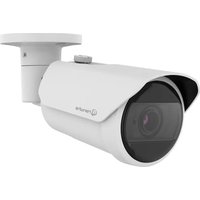
Marque : Hanwha
Modèle : XND-6080RV
Catégorie : Caméra de surveillance