
Ryos MK FX - Clavier ROCCAT - Notice d'utilisation et mode d'emploi gratuit
Retrouvez gratuitement la notice de l'appareil Ryos MK FX ROCCAT au format PDF.


| Marque | ROCCAT |
| Modèle | Ryos MK FX |
| Type de produit | Clavier mécanique gaming |
| Dimensions (L x l x H) | 460 x 155 x 35 mm |
| Poids | Environ 1,2 kg |
| Alimentation | USB 2.0 (câble détachable) |
| Type de switchs | Mécaniques (cherry mx ou roccat) - selon version |
| Rétroéclairage | RGB par touche, 16,8 millions de couleurs |
| Touches macro | 5 touches programmables avec logiciel ROCCAT Swarm |
| Repose-poignet | Intégré, amovible |
| Connectivité | USB 2.0 avec prise jack audio et USB pass-through |
| Logiciel de configuration | ROCCAT Swarm (Windows) |
| Matériau | Plastique ABS, touches en ABS |
| Fonctions principales | Rétroéclairage RGB, macros, anti-ghosting, N-key rollover |
| Entretien et nettoyage | Dépoussiérer avec un chiffon doux, éviter les liquides |
| Sécurité | Ne pas exposer à l'eau, débrancher avant nettoyage |
| Pièces détachées | Touches, câble USB remplaçables via le fabricant |
| Réparabilité | Possible pour les switchs et câble par un professionnel |
| Garantie | 2 ans (selon revendeur) |
| Contenu de l'emballage | Clavier, repose-poignet, câble USB, manuel d'utilisation |
FOIRE AUX QUESTIONS - Ryos MK FX ROCCAT
Questions des utilisateurs sur Ryos MK FX ROCCAT
0 question sur cet appareil. Repondez a celles que vous connaissez ou posez la votre.
Poser une nouvelle question sur cet appareil
Téléchargez la notice de votre Clavier au format PDF gratuitement ! Retrouvez votre notice Ryos MK FX - ROCCAT et reprennez votre appareil électronique en main. Sur cette page sont publiés tous les documents nécessaires à l'utilisation de votre appareil Ryos MK FX de la marque ROCCAT.
MODE D'EMPLOI Ryos MK FX ROCCAT


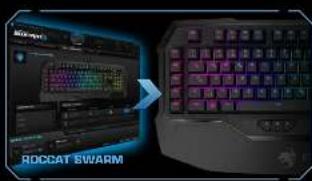
Owarm is the software incarnation of ROCCAT's future ready philosophy. It'll cover you for all relevant gaming platforms and devices. It's the next-gen system that keeps on top all games, apps and ROCCAT products in one place.
CONGRATULATIONS!
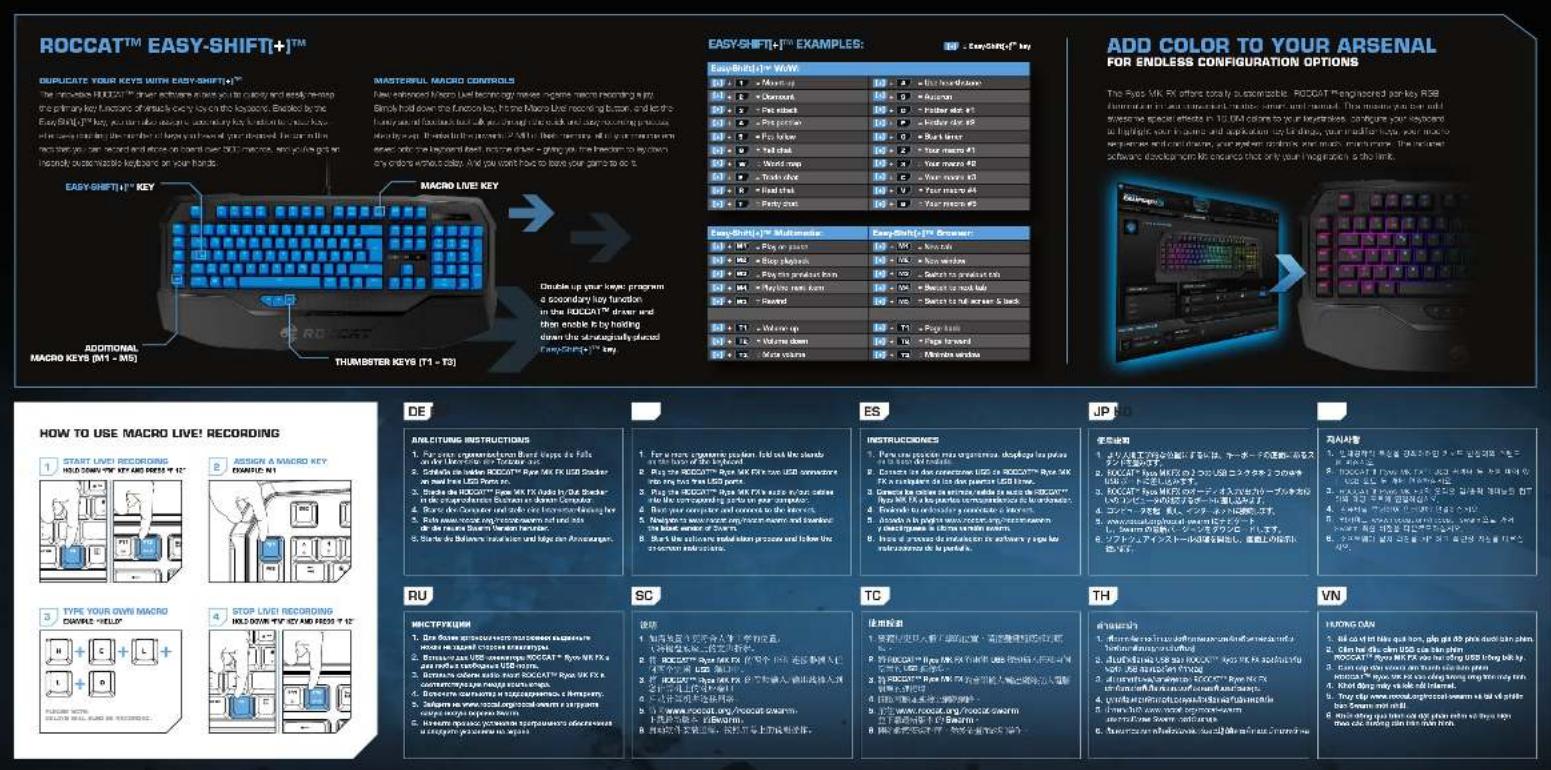
You're now the proud owner of a ROCCAT™ Ryo MK FX - Mechanical Gaming Keyboard With Per-key RGB illumination, the most advanced, most customizable mechanical keyboard ever - NOBODY comes close! With an eye-watering number of configuration options, fully-configurable per-key RGB illumination and high-quality CHERRY® MX key switches, you can break out - and unleash the gaming beast within.
EasyShift[+]TM
Easy-Shift[+]™ doubles the number of keys you have as your disposal - meaning you won't have to hunt for keys in the heat of the battle. It's as easy as holding down the Easy-Shift[+]™ key and hiding the key of your choice to activate its secondary function.
Macro Live! recording
Macro Live! technology makes in-game macro recording a joy. Just hold down the function key, hit the record button, and let the sound feedback tool talk you through the quick and easy recording process, step by step - it's that simple.
CHERRY® MX key switches
Locked and loaded with best-in-the-industry C/EPRY® MX mechanical key switches. With an eye-wearing 50 million key stroke durability, you can count on these switches during intense gaming sessions.
SPECIFICATIONS
PACKAGE CONTAINS - FOOD/ATM Rps MK FX-Mechanical Gaming Keyboard With Per key RGB Nomination - Quick-Forward Arm Drive
SYSTEM REQUIREMENTS Windows 7 52/14 bit Windows 8 9/8.1 Pro, Windows 10 ■ 2U38 2.0 ports ■ 1 mouse park, 1 more than one ■ Internet connection (for driver installation)
TICK SPEED - FOS For key illuminated mechanical keyboard - New notebook (NC10) - CHERATY MX key switches - 3 programmable thumbster keys (IT - T3) - 2 programmable mini keys (IAT - M3) - All other standard keys fully replaced them - 5000x power keys. Note replace them - 1000x power button buttons - 1 x 600x 1 x 600x 1 - 8x 80bit ARM Cortex processors + 248 tech memory - 900x 70bit CPU mice - 100x 60bit mouse
TICK


- 2017年,公司与上海浦东发展银行股份有限公司签订了《关于使用部分闲置募集资金进行现金管理的协议》,同意公司使用不超过人民币5,000万元的闲置募集资金进行现金管理。
DOCK-0-H
- 2014年10月30日,公司以现金方式向银行申请贷款。
вседеню розурей для срех со бреви в неея ходина ли.
Should you need assistance
The image is too blurry to recognize any text content.

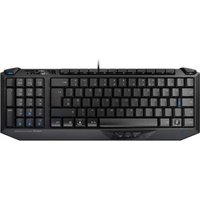
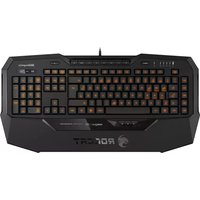


Marque : ROCCAT
Modèle : Ryos MK FX
Catégorie : Clavier