FS-1016MFP/KL3 - Imprimante KYOCERA - Notice d'utilisation et mode d'emploi gratuit
Retrouvez gratuitement la notice de l'appareil FS-1016MFP/KL3 KYOCERA au format PDF.


Questions des utilisateurs sur FS-1016MFP/KL3 KYOCERA
0 question sur cet appareil. Repondez a celles que vous connaissez ou posez la votre.
Poser une nouvelle question sur cet appareil
Téléchargez la notice de votre Imprimante au format PDF gratuitement ! Retrouvez votre notice FS-1016MFP/KL3 - KYOCERA et reprennez votre appareil électronique en main. Sur cette page sont publiés tous les documents nécessaires à l'utilisation de votre appareil FS-1016MFP/KL3 de la marque KYOCERA.
MODE D'EMPLOI FS-1016MFP/KL3 KYOCERA
KYOCERA
FS-1016MFP
Installation Guide
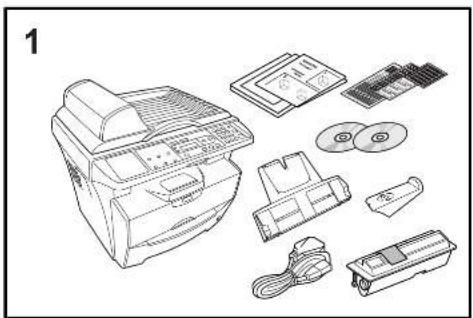
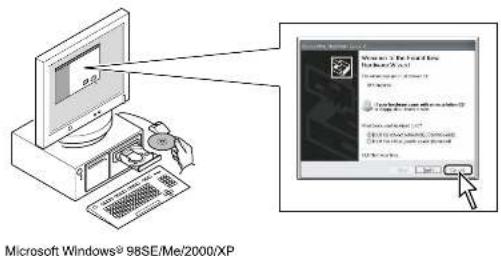
natural_image
Line drawing of a printer with various electronic components including paper, CDs, and accessories (no text or symbols)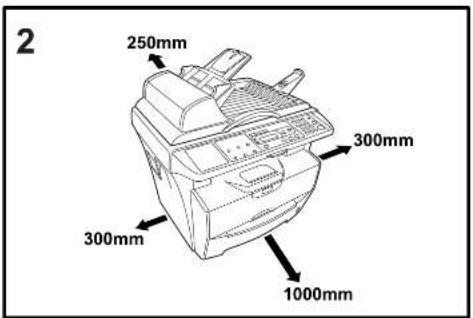
4
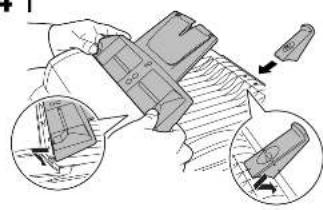
natural_image
Illustration of a hand holding a device with two views of the internal components (no text or symbols visible)||
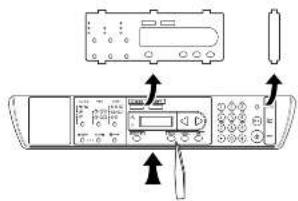
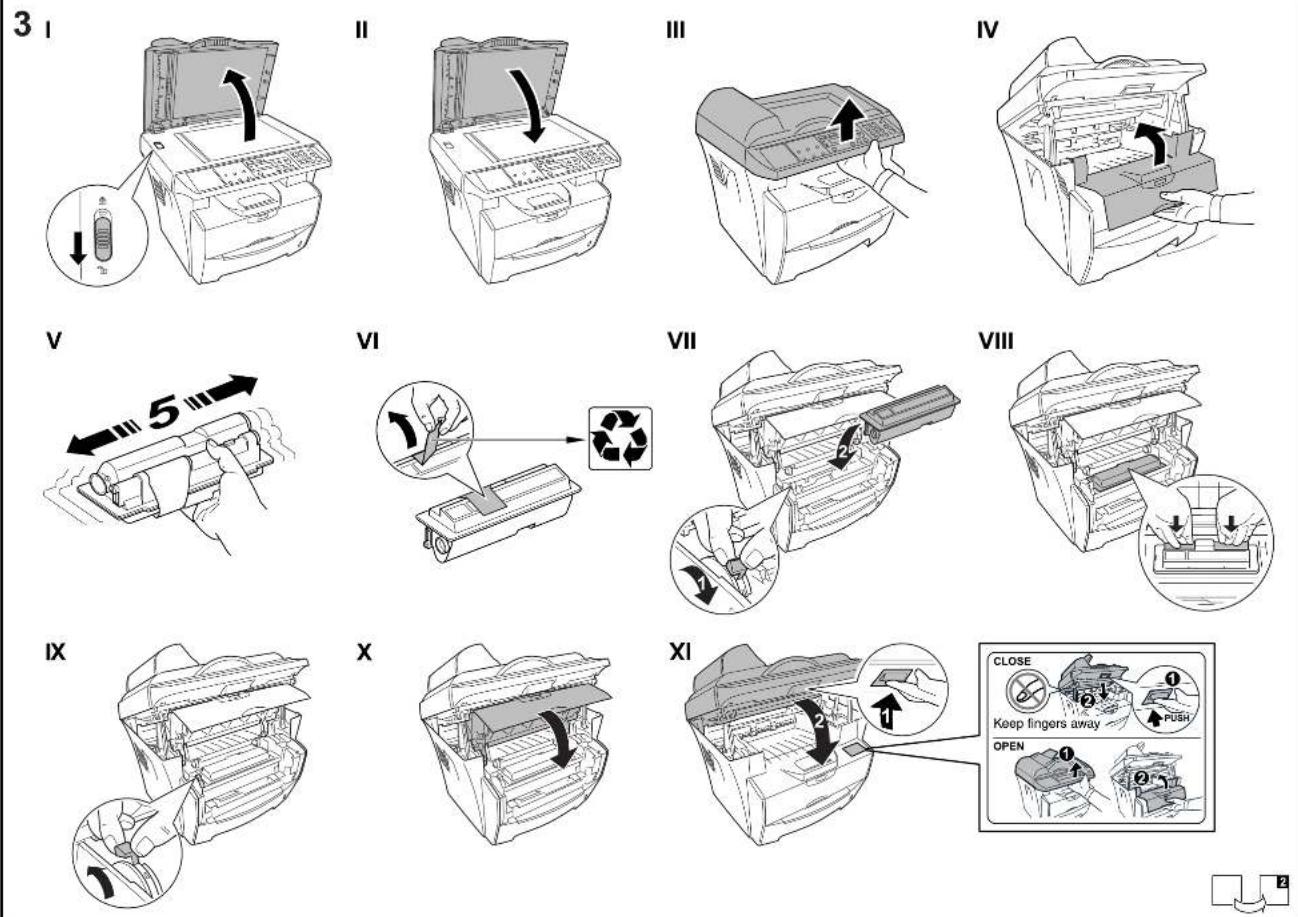
III
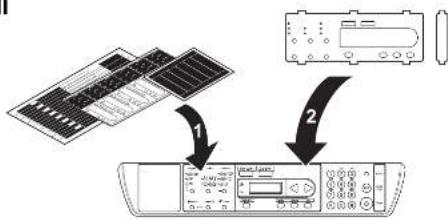
flowchart
graph TD
    A["Solar Panel"] -->|1| B["Remote Control Unit"]
    C["Display Module"] -->|2| B
51
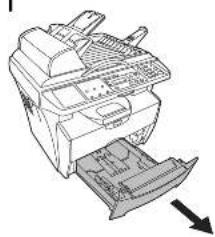
natural_image
Diagram of a printer or scanner device with internal components and an arrow indicating direction (no text or symbols present)||
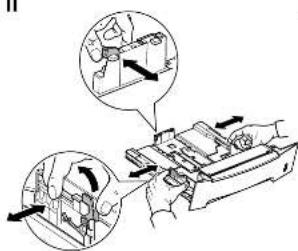
III
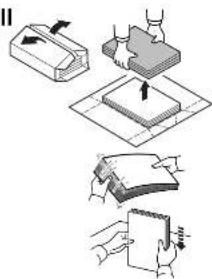
IV
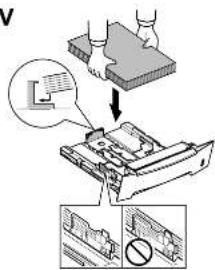
V
natural_image
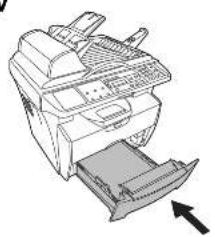
Illustration of a printer with a paper feed insert and an arrow indicating print direction (no text or symbols)61
natural_image
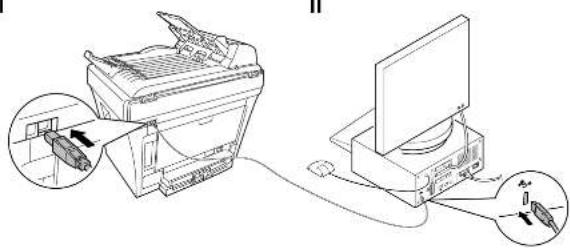
Diagram showing two connected devices: one with a printer and cable, the other with a monitor and cable inserted (no text or symbols present)III
natural_image
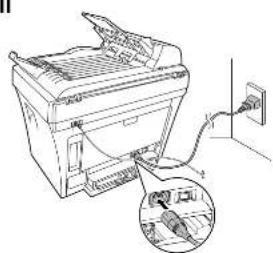
Diagram of a printer with an attached cable and connector, showing internal components (no text or symbols)IV
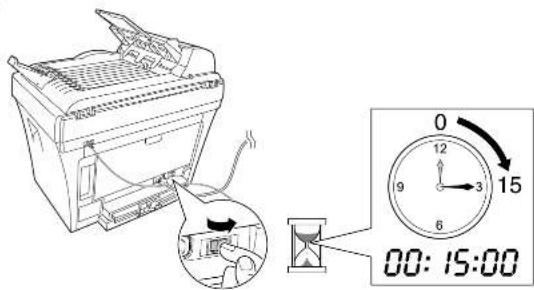
V