ZTSCSK1 - Høyttaler PHOENIX GOLD - Gratis bruksanvisning og manual
Finn enhetens veiledning gratis ZTSCSK1 PHOENIX GOLD i PDF-format.


Brukerspørsmål om ZTSCSK1 PHOENIX GOLD
0 spørsmål om dette apparatet. Svar på dem du kjenner, eller still ditt eget.
Still et nytt spørsmål om dette apparatet
Last ned instruksjonene for din Høyttaler i PDF-format gratis! Finn veiledningen din ZTSCSK1 - PHOENIX GOLD og ta den elektroniske enheten tilbake i hendene. På denne siden er alle dokumenter som er nødvendige for bruken av enheten din publisert. ZTSCSK1 av merket PHOENIX GOLD.
BRUKSANVISNING ZTSCSK1 PHOENIX GOLD

natural_image
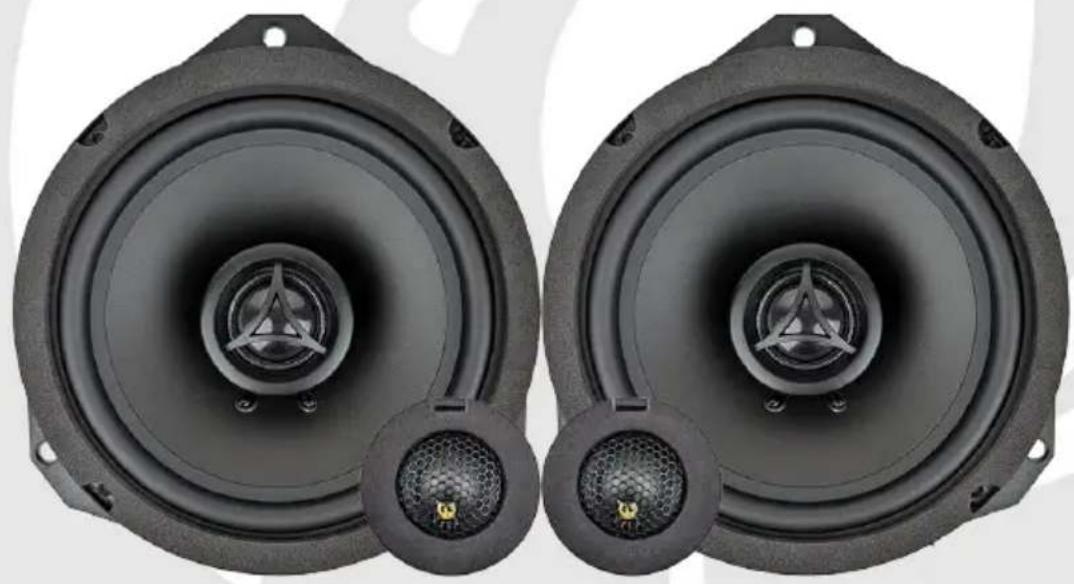
Two black speaker amplifiers with visible sound waves and connectors, no text or symbols present.ZTSCSK1
Plug & Play 2-Way Speaker Upgrade Kit
190W MAX POWER
95W RMS
2x Speakers 2x Adapter Rings 2x Tweeters
natural_image
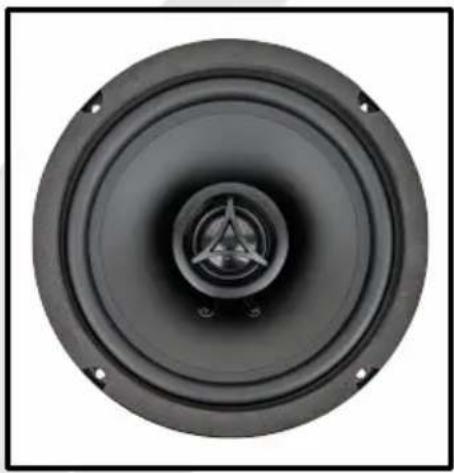
Close-up of a black speaker cone with a central hub and mounting holes (no text or symbols visible)2x Tweeter Adapters
natural_image
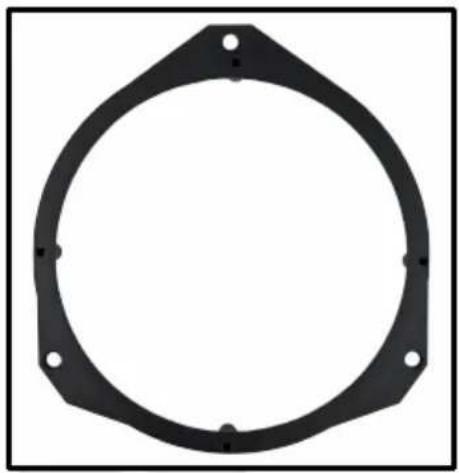
Circular mechanical component with mounting holes and mounting holes (no text or symbols)
natural_image
Circular black hexagonal mesh component with a small yellow object at the center (no text or symbols visible)2x Speaker Harness 2x
natural_image
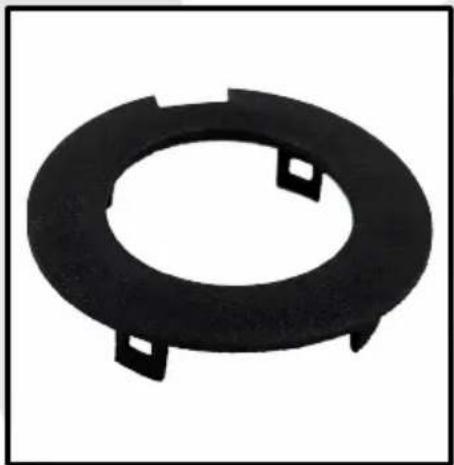
Black circular mechanical component with two small square cutouts, no text or symbols visible2x Tweeter Harness

natural_image
Black plastic mechanical component with circular and rectangular features (no text or symbols)2x ZZF-LP4000 2x ZZF-HP4000-6
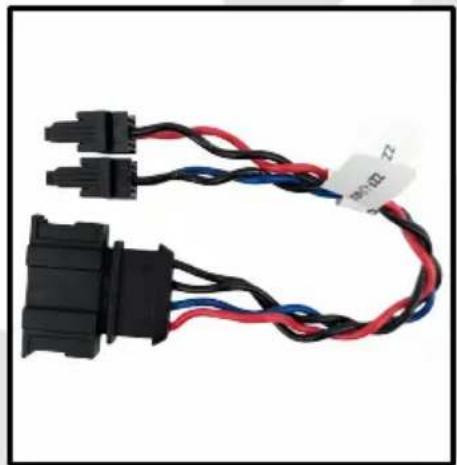
natural_image
Coiled black and red electrical connector with blue and red wires (no text or symbols visible)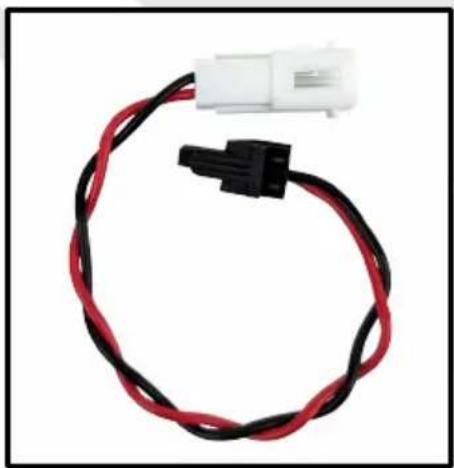
natural_image
Coiled black and red electrical connector with a white terminal block attached (no text or symbols visible)
natural_image
Coiled black and red electrical connectors with a logo (no visible text or symbols on the main subject)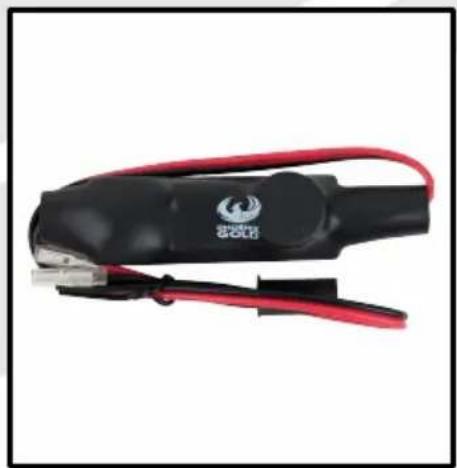
natural_image
Close-up of a black and red electrical clamp tool with a metallic connector (no visible text or symbols)
2x ZZF-HP5000-6 2x PG Badges

natural_image
Close-up of a black and red electrical clamp tool with a metallic connector (no visible text or symbols)
Quick Start Guide
1
Screw the speaker into the speaker adapter.
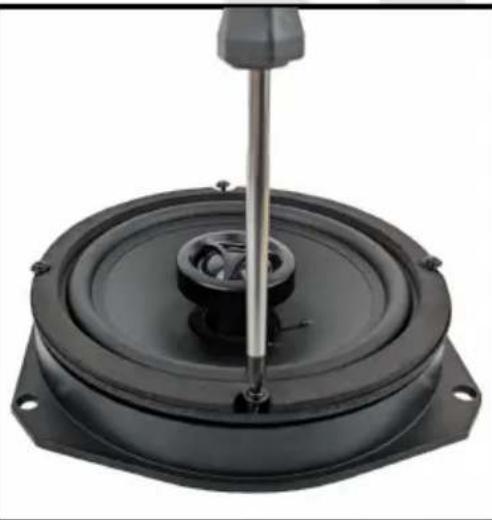
natural_image
Close-up of a black speaker seat with a metallic screwdriver inserted, mounted on a circular base (no text or symbols visible)2
Connect the ZZF-LP4000 filter to the midbass speaker terminal.
Connect the ZZF-HP4000-6 to the tweeter terminal.

natural_image
Close-up of a speaker with exposed audio components and wiring, no visible text or symbols on the device itself.3
Connect the speaker harness to ZZF-LP4000 and ZZF-HP4000-6.
Red Wire = ZZF-LP4000
Blue Wire = ZZF-HP4000-6

natural_image
Coiled black and red electrical connectors with connector labels (no readable text or symbols)Quick Start Guide
4
Put the tweeter into the tweeter bottom plate.

natural_image
Close-up of a black hexagonal mesh component with a small yellow object inside, attached to a white surface (no text or symbols visible)5
Attach the tweeter adapter to the front of the tweeter in the bottom plate.

natural_image
Close-up of a black circular object with a honeycomb pattern and a small yellow emblem on the inner surface (no text or symbols visible)6
Remove the OEM tweeter for the a-pillar.

natural_image
Circular perforated metal grate with black dots, no text or symbols visible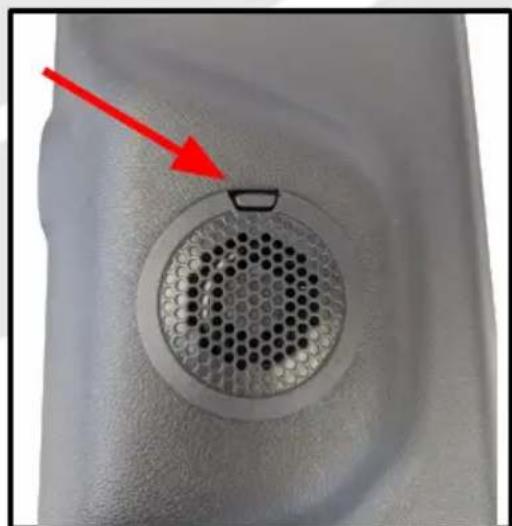
natural_image
Close-up of a circular perforated object with a red arrow pointing to it, no visible text or symbols.Quick Start Guide
7
Install the new tweeter in the a-pillar.
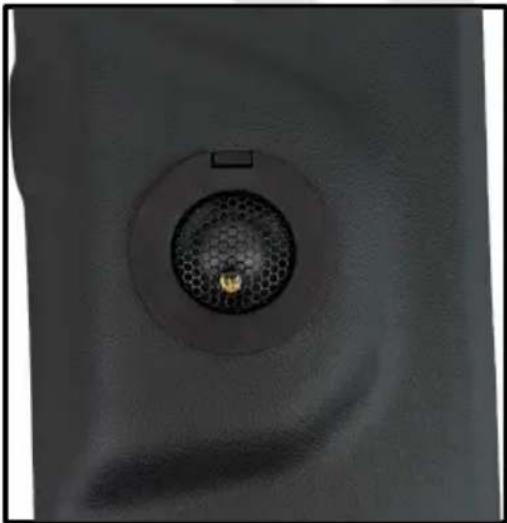
natural_image
Close-up of a circular mechanical component with a central mesh and a small protrusion, no visible text or symbols.8
Connect the ZZF-LP5000-6 filter to the tweeter.
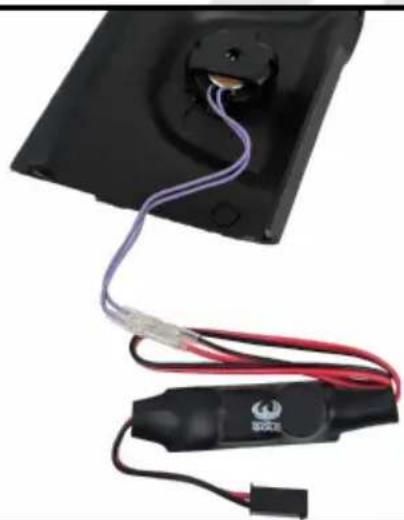
natural_image
Close-up of a black electronic device with purple and red wires connected to a black connector (no visible text or symbols)9
Connect the tweeter harness to the ZZF-HP5000-6 filter.
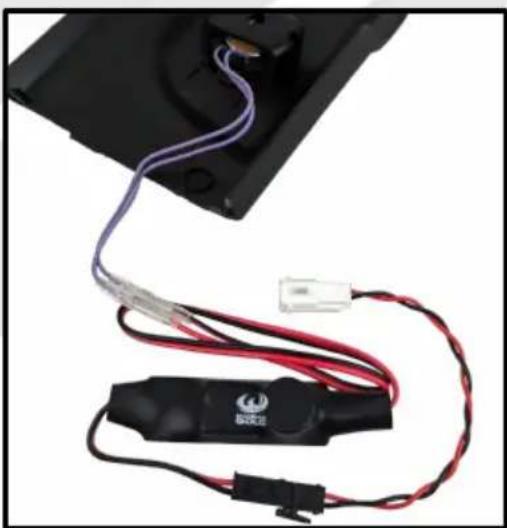
natural_image
Close-up of a black electronic device with red and purple wires, attached to a black panel (no visible text or symbols)Specifications
| Speaker Type: 2-Way Speaker Kit | |
| Speaker Size: 6.5” (165mm) / 1” / 0.78” | |
| Frequency Response: 60Hz - 20kHz | |
| Power Handling (RMS): 95W | |
| Power Handling (MAX): 190W | |
| Impedance: 4Ω | |
| Sensitivity: 89dB (1W/1m) | |
| Fs: 62Hz | |
| Qts: 0.593 | |
| Crossover: Inline Crossovers | |
| 1” (25mm) Voice Coil | |
| Polypropylene cone with rubber surround | |
Fitment List
| Make Model Year Fitment | |||
| Scania New Generation 2016 → (Next Gen) Front Doors | |||

Disclaimer
Always ensure the speaker is securely attached. Phoenix Gold accepts no responsibility for damage or injury in relation to inappropriate securing of this product.
Phoenix Gold Product Warranty
LIMITED WARRANTY ON SPEAKERS
Phoenix Gold warrants this product to be free of defects in materials and workmanship for a period of one (1) years from the original date of purchase. This warranty is not transferable and applies only to the original purchaser from an authorized Phoenix Gold dealer. Should service be necessary under this warranty for any reason due to manufacturing defect or malfunction, Phoenix Gold or it's Country distributor / reseller will (at its discretion) repair or replace the defective product with new or re-manufactured product at no charge. Damage caused by the following is not covered under warranty: accident, misuse, abuse, product modification or neglect, failure to follow installation instructions, unauthorized repair attempts, misrepresentations by the seller. This warranty does not cover incidental or consequential damages and does not cover the cost of removing or reinstalling the unit(s). Cosmetic damage due to accident or normal wear and tear is not covered under warranty.