
C8CHCCTVKIT - Security Camera CONCEPTRONIC - Free user manual and instructions
Find the device manual for free C8CHCCTVKIT CONCEPTRONIC in PDF.


| Product Type | 8-Channel CCTV Security Camera Kit |
| Camera Resolution | 1080p (1920 x 1080) Full HD |
| Number of Cameras | 8 cameras included |
| DVR Included | Yes, 8-channel DVR with 1TB HDD |
| Night Vision Range | Up to 30 meters (IR LEDs) |
| Video Output | HDMI, VGA, BNC |
| Audio Support | One-way audio (built-in microphone on DVR) |
| Motion Detection | Yes, with email alerts and push notifications |
| Remote Viewing | Via smartphone app (iOS/Android) and web browser |
| Power Supply | 12V DC (adapter included) |
| Camera Housing | Weatherproof (IP66 rated) |
| Field of View | 90° (horizontal) |
| Dimensions (DVR) | 280 x 210 x 45 mm |
| Dimensions (Camera) | 180 x 70 x 70 mm (each) |
| Weight (Kit) | Approx. 4.5 kg |
| Operating Temperature | -10°C to 50°C |
| Storage | 1TB HDD (expandable up to 6TB) |
| Recording Modes | Continuous, scheduled, motion-triggered |
| Maintenance | Clean lens with soft dry cloth; keep vents dust-free |
| Safety Features | Surge protection; overload protection |
Frequently Asked Questions - C8CHCCTVKIT CONCEPTRONIC
User questions about C8CHCCTVKIT CONCEPTRONIC
0 question about this device. Answer the ones you know or ask your own.
Ask a new question about this device
Download the instructions for your Security Camera in PDF format for free! Find your manual C8CHCCTVKIT - CONCEPTRONIC and take your electronic device back in hand. On this page are published all the documents necessary for the use of your device. C8CHCCTVKIT by CONCEPTRONIC.
USER MANUAL C8CHCCTVKIT CONCEPTRONIC
natural_image
Abstract black logo design with curved lines forming a circular shape, no text or symbols present.8-Channel CCTV Surveillance Kit
C8CHCCTVKIT
Italian Manual
V2.0
Alimentazione
natural_image
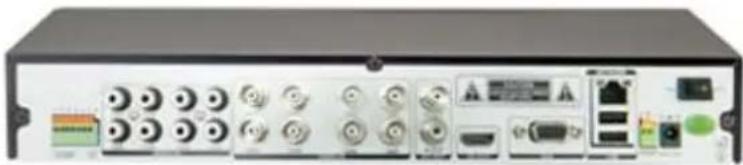
Front view of a black rectangular electronic device with control buttons and ports (no visible text or symbols)2.1.2.2 Pannello posteriore
natural_image
Front view of a black electronic device rear panel with ports, knobs, and connectors (no visible text or labels)| Elemento | Interfaccia | Descrizione |
| 1 | Ingressi Video | 8 prese BNC |
| 2 | Ingressi Audio | 8 prese RCA |
| 3 | Uscite Video | 1 presa BNC |
| 4 | Uscite Audio | 1 presa RCA |
| 5 | Uscita VGA | 1 monitor presa VGA |
| 6 | Conessione LAN (network) | 1 presa RJ45 |
| 7 | USB | Prese USB per mouse e backup |
| 8 | Interruttore ON/OFF | Accensione e spegnimento |
| 9 | 12Vcc | Presa alimentazione |
| 10 | 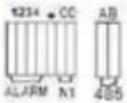 | Morsettiera uscita/ingresso allarme RS485: A, BALARM OUT: NT alarm output port, every channel connect GND · OUT · COM;every two channel OUT, COM port is for GND; |
| 11 | HDMI | HDMI×1 |
2.1.3 Ingressi Allarme
| Button | Description | Button | Description |
| [70KY] | Main Menu |  | PTZ control |
| [2T77] | Wizard language |  | Alarm control |
| [6300] | Multi channel | [2X02] | Display setup |
 | Recording Control | [W0ZT] | Exit |
 | Playback Back up | [WS3Y] | |
3.3 Spegnimento
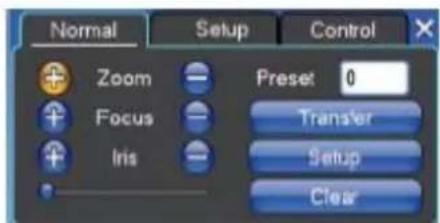
3.8 Come gestire le telecamere PTZ
Unicom: Huawei E173.ZTE MF100
Telecom: Huawei EC150. Huawei EC156.ZTE MF583
【SSL Protocol】 Spedizione E-mail
Indirizzo IP 192.168.0.20
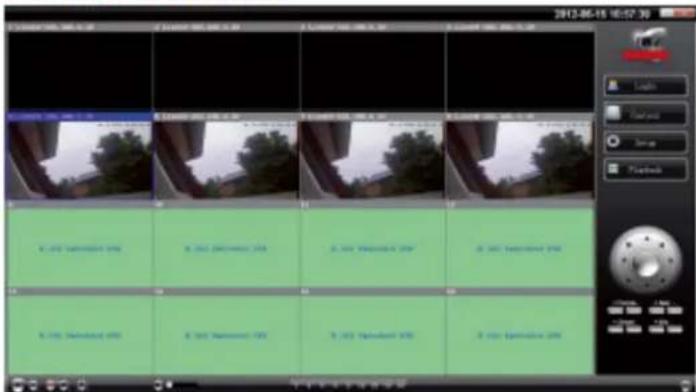
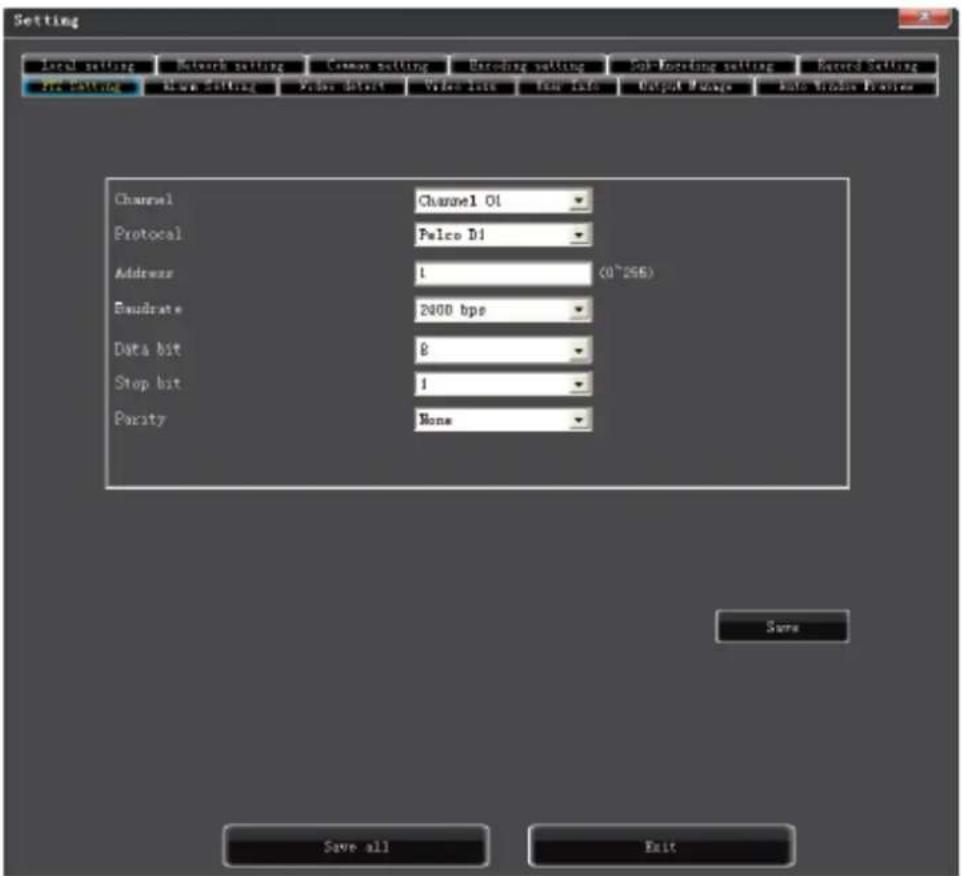
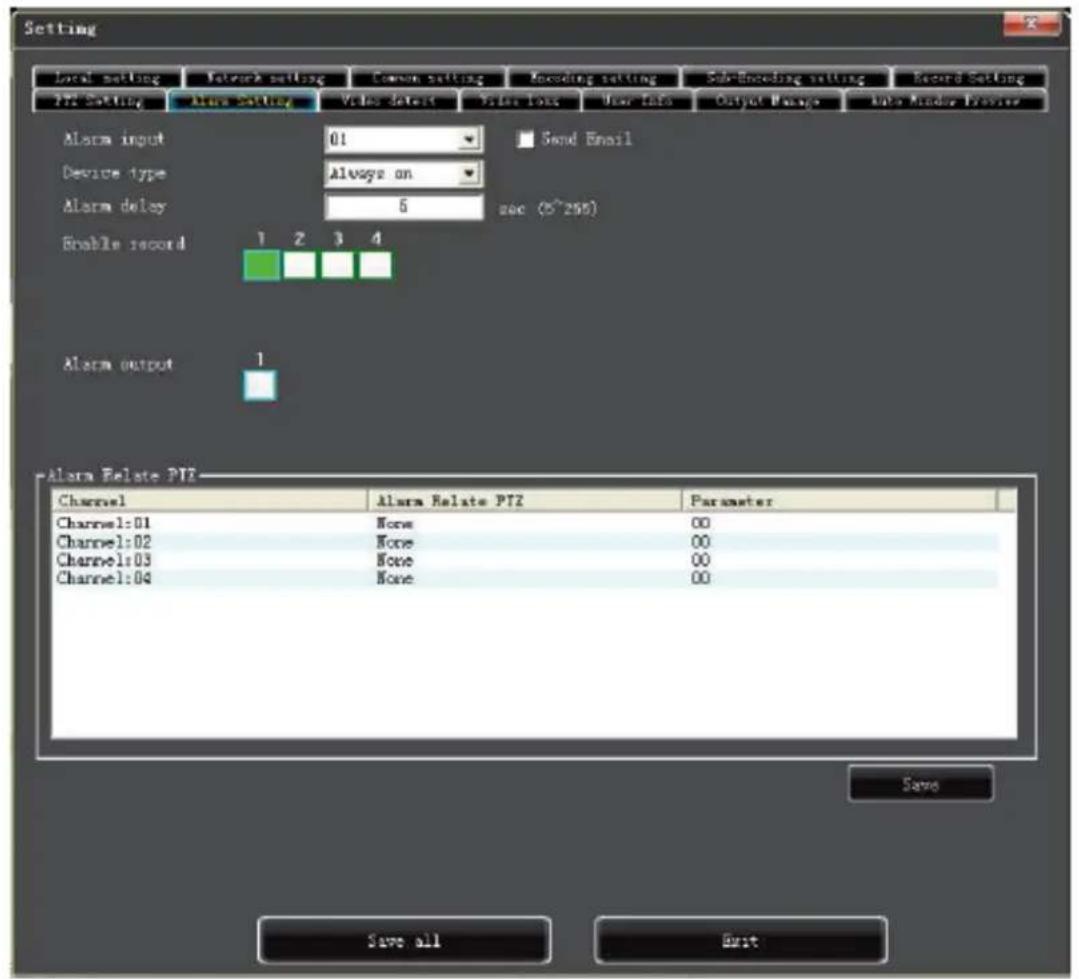
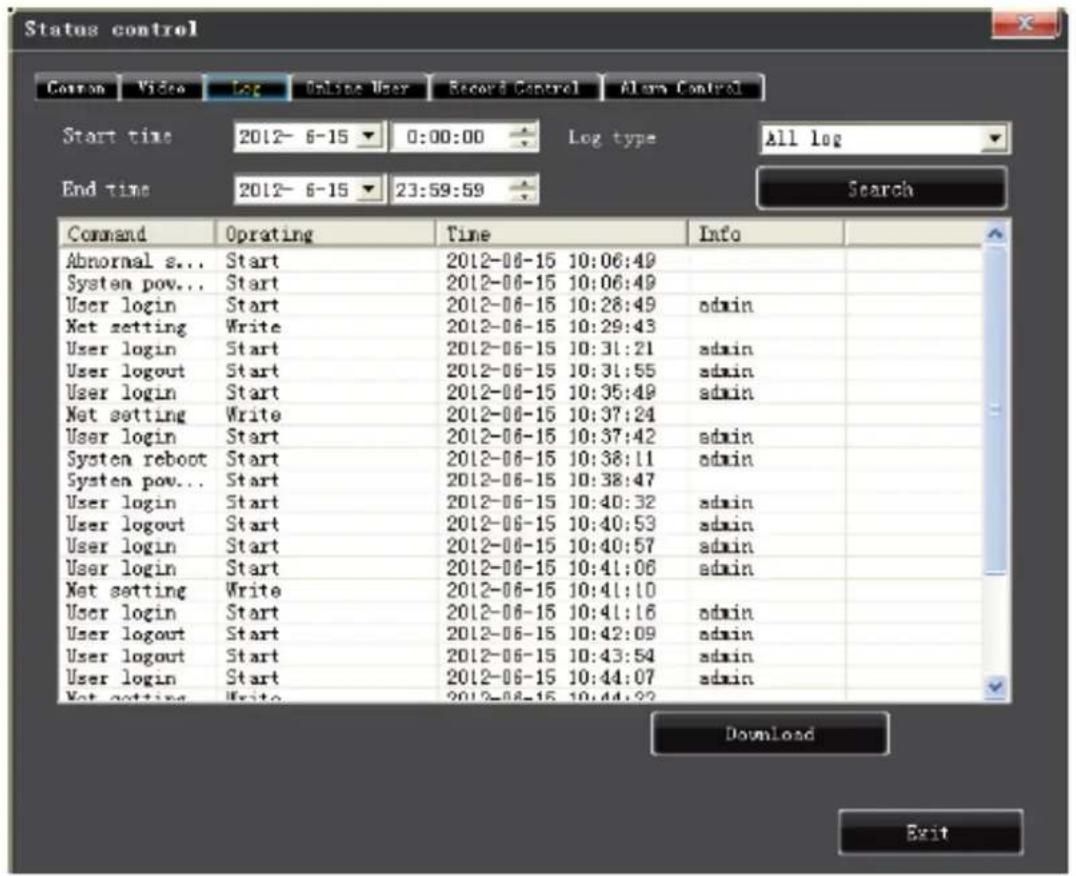
5.3 Controllo stato
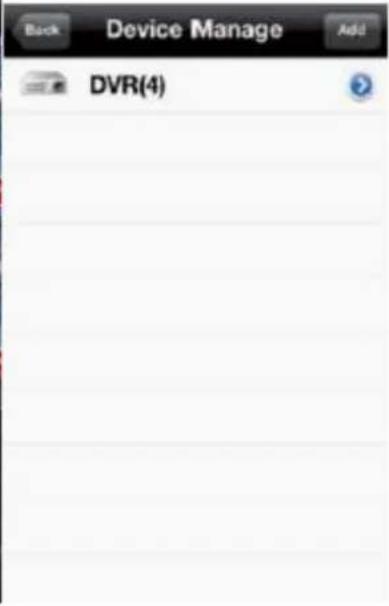
CAPITOLO 6 ISTRUZIONI PER L' UTILIZZO CON CELLULARI
6.1 Programma Asse

natural_image
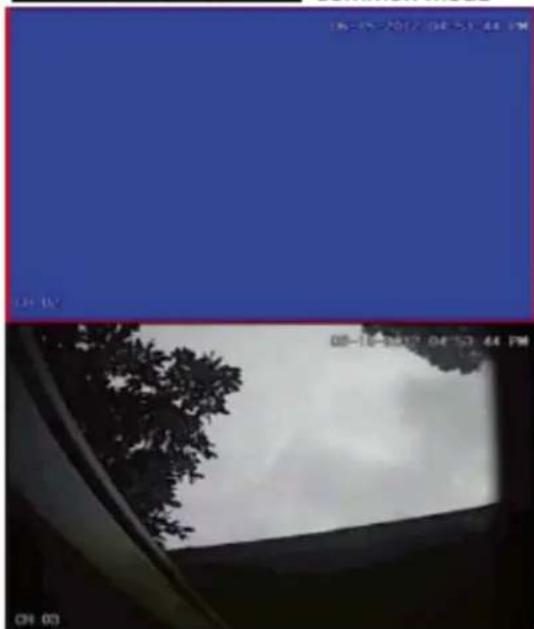
Four-panel image showing a blue background with tree silhouettes and a cloudy sky, no visible text or symbols.
Common mode
natural_image
View from a window showing a tree against a cloudy sky, with no visible text or symbols.
Full mode
Nota:
natural_image
Game interface screenshot showing a snowy landscape scene with a bear and trees, displayed in a play button (no readable text or symbols on the scene itself)CAPITOLO 7 ISTRUZIONI PER L' UTILIZZO CON IMAC
Enjoy the use of your Conceptronic CCTV Surveillance Kit!
Brand : CONCEPTRONIC
Model : C8CHCCTVKIT
Category : Security Camera