
ZH551 - Projector OPTOMA - Free user manual and instructions
Find the device manual for free ZH551 OPTOMA in PDF.


| Product type | DLP Projector |
| Brand | OPTOMA |
| Model | ZH551 |
| Native resolution | WUXGA (1920 x 1200) |
| Brightness | 5500 ANSI lumens |
| Contrast ratio | 300 000:1 |
| Light source | Laser phosphor (lifespan up to 30,000 hours) |
| Dimensions (L x W x H) | 424 x 106 x 345 mm |
| Weight | 5.5 kg |
| Power supply | 100-240 V AC, 50/60 Hz |
| Power consumption | 320 W (max) |
| Main features | 3D projection, vertical/horizontal keystone correction, 1.6x zoom, HDR10, HLG |
| Maintenance and cleaning | Air filter cleaning recommended every 1000 hours; lens cleaning with a soft cloth |
| Security | Kensington lock, security password, auto shut-off |
| Spare parts and repairability | Remote control, power cable, adjustment screws; contact support for repairs |
| General information | 2-year warranty, made in China |
Frequently Asked Questions - ZH551 OPTOMA
User questions about ZH551 OPTOMA
0 question about this device. Answer the ones you know or ask your own.
Ask a new question about this device
Download the instructions for your Projector in PDF format for free! Find your manual ZH551 - OPTOMA and take your electronic device back in hand. On this page are published all the documents necessary for the use of your device. ZH551 by OPTOMA.
USER MANUAL ZH551 OPTOMA
natural_image
Line drawing of a projector with visible lens and control panel (no text or symbols)TABLE DES MATIÈRES
SÉCURITÉ .... 4
IEC 60825-1:2014, EN 60825-1:2014+A11:2021, EN 50689:2021 CLASS 1 CONSUMER LASER PRODUCT RISK GROUP 2, Complies with 21 CFR 1040.10 and 1040.11 except for conformance as a Risk Group 2 LIP as defined in IEC 62471-5:Ed.1.0. For more information see Laser Notice No. 57, dated May 8, 2019. IEC 60825-1:2014 等級1雷射產品RG2危險等級 IEC 60825-1:2014 1类激光产品RG2危险等级
WARNING: MOUNT ABOVE THE HEADS OF CHILDREN!
Do not look into the beam less than 1m.
No direct eye exposure to the beam is permitted.
"AVERTISSEMENT:INSTALLER AU-DESSUS DE LA TETE DES ENFANTS."
This Class B digital apparatus complies with Canadian ICES-003.
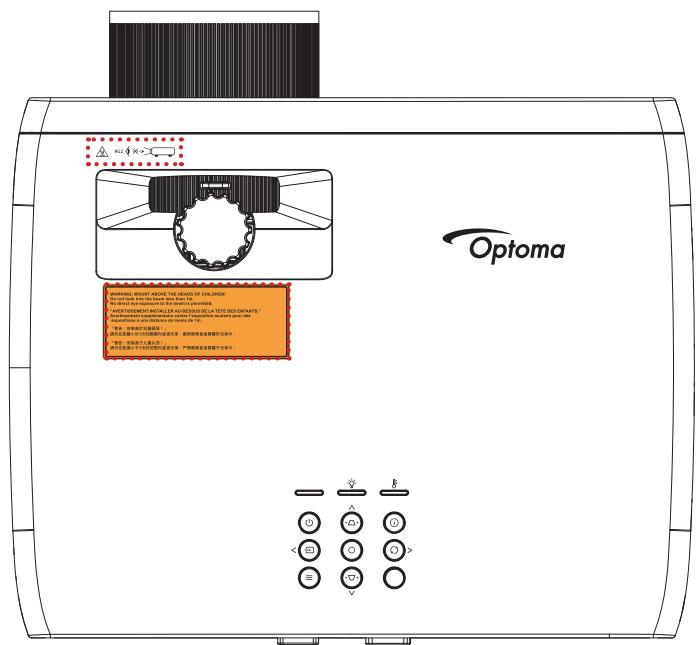
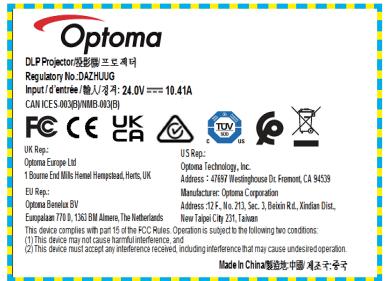
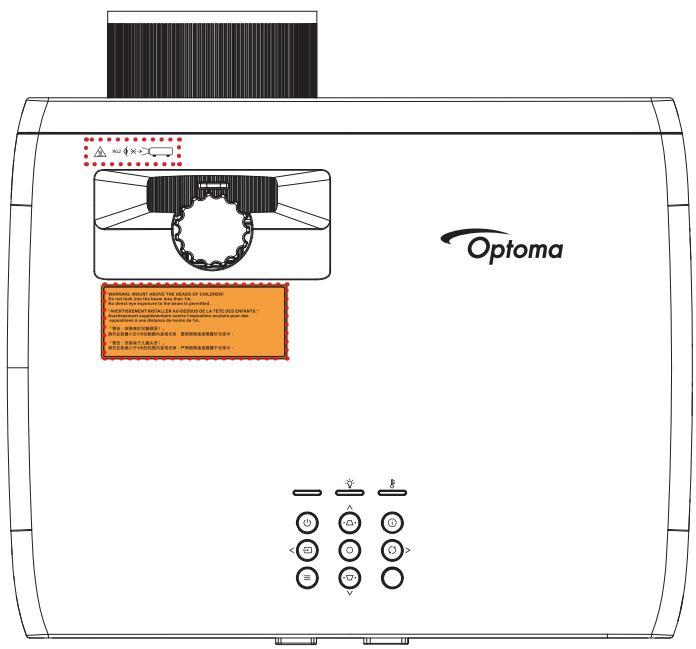
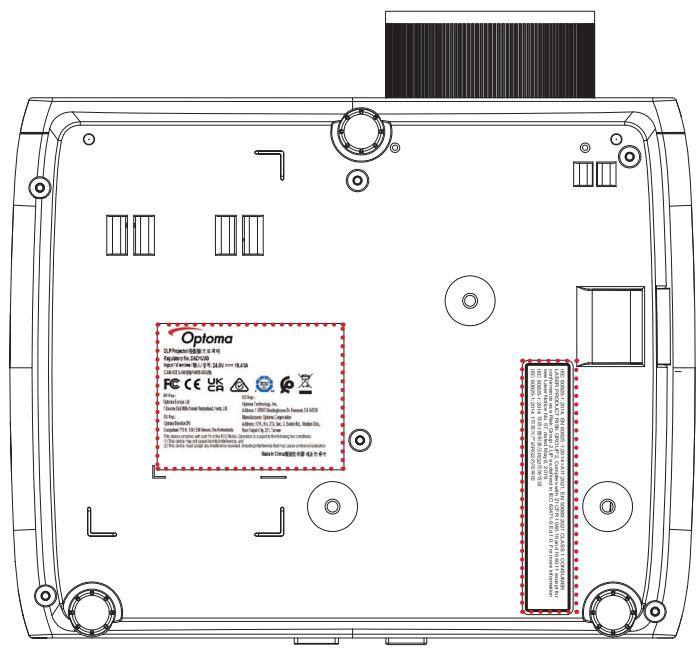
Nettoyer l'objectif
natural_image
Illustration of a projector with label 'Projecteur' below (no technical text or symbols on the device itself)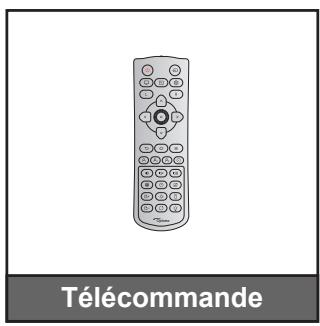
natural_image
Line drawing of a cable with connectors and a connector block, labeled 'Câble d'alimentation' (no other text or symbols)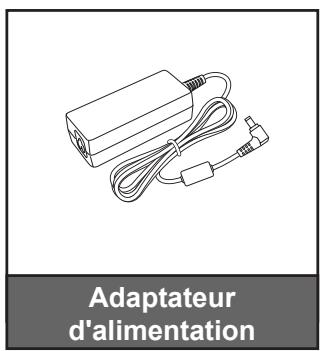
https://www.optoma.com/support/download

INTRODUCTION
natural_image
Line drawing of a person sitting in a chair watching television on a desk (no text or symbols present)natural_image
Line drawing of a person sitting in a chair facing a wall-mounted device, no text or symbols presentnatural_image
Line drawing of a person sitting in a chair watching a projector screen, with no text or symbols present.natural_image
Line drawing of a person sitting in a chair watching a wall-mounted projector (no text or symbols)natural_image
Pure red X symbol on white background with no text or symbols
UTILISER LE PROJECTEUR
UTILISER LE PROJECTEUR
INFORMATIONS SUPPLÉMENTAIRES
natural_image
Technical line drawing of a mechanical component with internal grid pattern (no text or symbols)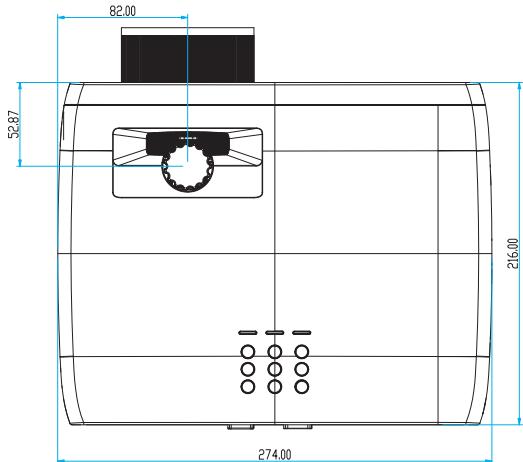
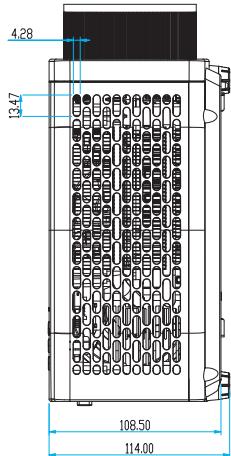
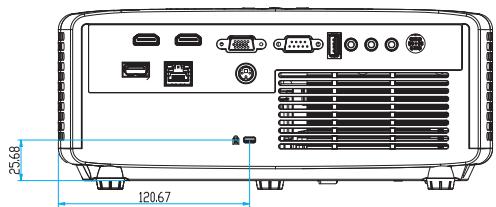
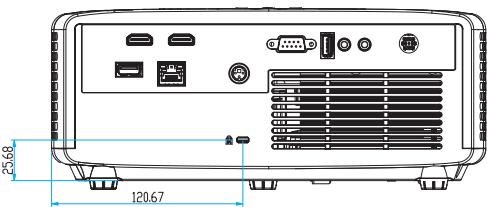
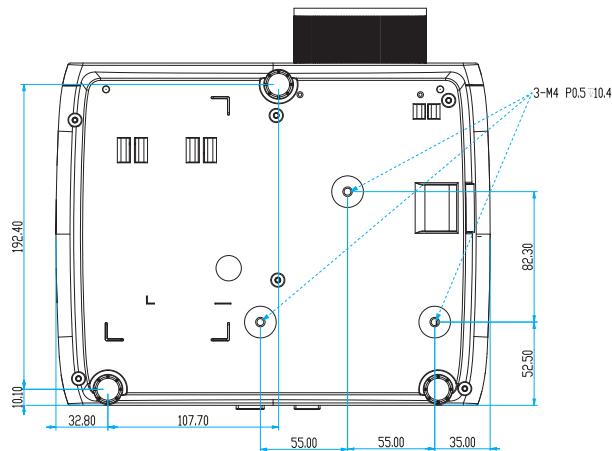
INFORMATIONS SUPPLÉMENTAIRES
INFORMATIONS SUPPLÉMENTAIRES
Optoma Technology, Inc.
47697 Westinghouse Drive.
Fremont, Ca 94539
888-289-6786
510-897-8601
services@optoma.com
Canada
Optoma Technology, Inc.
47697 Westinghouse Drive.
Fremont, Ca 94539
888-289-6786
510-897-8601
services@optoma.com
Amérique Latine
Optoma Technology, Inc.
47697 Westinghouse Drive.
Fremont, Ca 94539
888-289-6786
510-897-8601
services@optoma.com
Europe
Unit 1, Network 41, Bourne End Mills
Hemel Hempstead, Herts,
HP1 2UJ, United Kingdom
www.optoma.eu
service@tsc-europe.com
Benelux BV
Randstad 22-123
1316 BW Almere
Les Pays-Bas
www.optoma.nl
+31 (0) 36 820 0252
+31 (0) 36 548 9052
France
Bâtiment E
81-83 avenue Edouard Vaillant
92100 Boulogne Billancourt, France
+33 1 41 46 12 20
+33 1 41 46 94 35
savoptoma@optoma.fr
Espagne
C/ José Hierro,36 Of. 1C
28522 Rivas VaciaMadrid,
Espagne
+34 91 499 06 06
+34 91 670 08 32
Allemagne
Am Nordpark 3
41069 Mönchengladbach
Germany (Allemagne)
+49 (0) 2161 68643 0
https://www.optoma.com/kr/
Japon
https://www.optoma.com/jp/
Taiwan
https://www.optoma.com/tw/
Chine
Room 2001, 20F, Building 4,
No.1398 Kaixuan Road,
Changning District
Shanghai, 200052, Chine
Australie
https://www.optoma.com/au/

+86-21-62947376

+86-21-62947375
www.optoma.com.cn
Brand : OPTOMA
Model : ZH551
Category : Projector