
SPK7378 - Mouse PHILIPS - Free user manual and instructions
Find the device manual for free SPK7378 PHILIPS in PDF.


Pick your language and provide your email: we'll send you a specifically translated version.
| Product Type | Wireless Mouse |
| Model | SPK7378 |
| Brand | Philips |
| Connectivity | 2.4 GHz Wireless via USB Nano Receiver |
| Dimensions (L x W x H) | 105 x 65 x 37 mm |
| Weight | 75 g (including battery) |
| Power Source | 1 x AA battery (not included) |
| Battery Life | Up to 12 months |
| Number of Buttons | 6 (left, right, middle scroll, forward, back, DPI switch) |
| DPI Resolution | Adjustable: 800 / 1200 / 1600 / 2400 DPI |
| Sensor Type | Optical |
| Compatibility | Windows 7/8/10/11, macOS, Linux, Chrome OS |
| Wireless Range | Up to 10 m |
| Ergonomic Design | Ambidextrous with contoured grips |
| Material | Plastic with matte finish |
| Cleaning | Wipe with a soft dry cloth; avoid liquids |
| Safety | CE, FCC certified; low RF emission |
| Spare Parts & Repairability | Battery compartment accessible; no user-serviceable parts inside |
| Package Contents | Mouse, USB receiver, 1 x AA battery, user manual |
| Warranty | 2 years |
Frequently Asked Questions - SPK7378 PHILIPS
How do I connect the Philips SPK7378 mouse to my computer?
Insert the USB nano receiver into an available USB port on your computer. The mouse will automatically connect. If it doesn't, press the connect button on the bottom of the mouse.
What battery does the mouse use and how long does it last?
It uses one AA battery (not included). Battery life can last up to 12 months depending on usage.
How do I change the DPI settings?
Press the DPI switch button located behind the scroll wheel to cycle through preset DPI levels: 800, 1200, 1600, and 2400.
Is the mouse compatible with macOS?
Yes, the mouse works with macOS, Windows, Linux, and Chrome OS via the USB receiver.
What should I do if the cursor is not moving?
Check that the USB receiver is properly inserted, the battery is installed correctly and has charge, and that the mouse is turned on (power switch on the bottom).
How do I clean the mouse?
Use a soft, dry cloth to wipe the exterior. Do not use liquids or abrasives. Clean the optical sensor gently with a cotton swab if needed.
Can I use the mouse on any surface?
The optical sensor works on most surfaces, but may not function on glass or reflective surfaces. A mouse pad is recommended for best performance.
How do I replace the battery?
Slide open the battery compartment cover on the bottom of the mouse, remove the old battery, and insert a new AA battery with the correct polarity.
Does the mouse have a power-off function to save battery?
Yes, the mouse automatically enters sleep mode after a period of inactivity to conserve battery power. Move the mouse to wake it.
What is the wireless range of the mouse?
The wireless range is up to 10 meters (33 feet) in open area, though walls and obstacles may reduce it.
User questions about SPK7378 PHILIPS
0 question about this device. Answer the ones you know or ask your own.
Ask a new question about this device
No questions yet. Be the first to ask one.
Download the instructions for your Mouse in PDF format for free! Find your manual SPK7378 - PHILIPS and take your electronic device back in hand. On this page are published all the documents necessary for the use of your device. SPK7378 by PHILIPS.
USER MANUAL SPK7378 PHILIPS
封面
封底
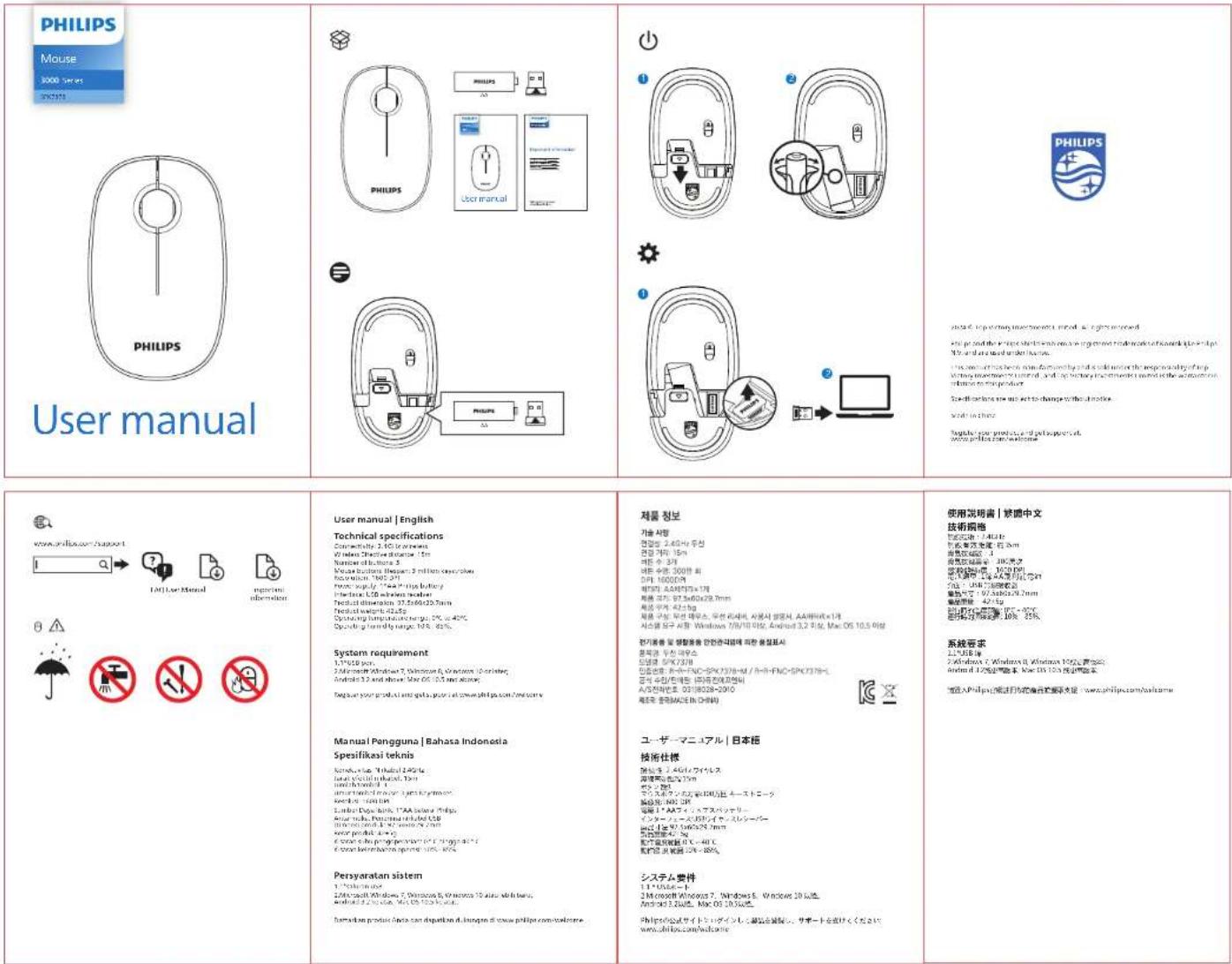
说明书 成品尺寸:65*100mm 展开:260x100mm 材质90克书写纸 单色正反印刷 三折页风琴折 封面封底要正确