Eclipse 60 - Loudspeaker ModeCom - Free user manual and instructions
Find the device manual for free Eclipse 60 ModeCom in PDF.


| Product Type | Active Bluetooth Speaker |
| Model | Eclipse 60 |
| Brand | ModeCom |
| Dimensions (W x H x D) | 250 x 150 x 120 mm |
| Weight | 1.2 kg |
| Power Supply | Built-in rechargeable Li-ion battery, 2000 mAh, DC 5V via USB-C |
| Battery Life | Up to 8 hours at moderate volume |
| Charging Time | Approximately 3 hours |
| Output Power | 20 W RMS (2 x 10 W stereo) |
| Frequency Response | 80 Hz - 20 kHz |
| Impedance | 4 ohms |
| Signal-to-Noise Ratio | > 80 dB |
| Connectivity | Bluetooth 5.0, AUX 3.5 mm, USB-A for playback, TF card slot |
| Controls | Volume up/down, play/pause, power, mode switch, TWS pairing button |
| Main Functions | Wireless music streaming, hands-free calling, TWS stereo pairing, FM radio |
| Protection Rating | IPX5 water resistant |
| Material | ABS plastic with fabric grille |
| Accessories Included | USB-C charging cable, AUX cable, user manual |
| Maintenance and Cleaning | Wipe with a soft, dry cloth. Do not use abrasive cleaners or immerse in water. |
| Safety | Do not expose to extreme temperatures. Keep away from children. Use only supplied charger. |
| Spare Parts and Repairability | Battery replaceable by qualified technician. Contact ModeCom support for parts. |
Frequently Asked Questions - Eclipse 60 ModeCom
User questions about Eclipse 60 ModeCom
0 question about this device. Answer the ones you know or ask your own.
Ask a new question about this device
Download the instructions for your Loudspeaker in PDF format for free! Find your manual Eclipse 60 - ModeCom and take your electronic device back in hand. On this page are published all the documents necessary for the use of your device. Eclipse 60 by ModeCom.
USER MANUAL Eclipse 60 ModeCom
natural_image
Black MODECOM audio player with two speakers and yellow ambient effect (no text or symbols visible)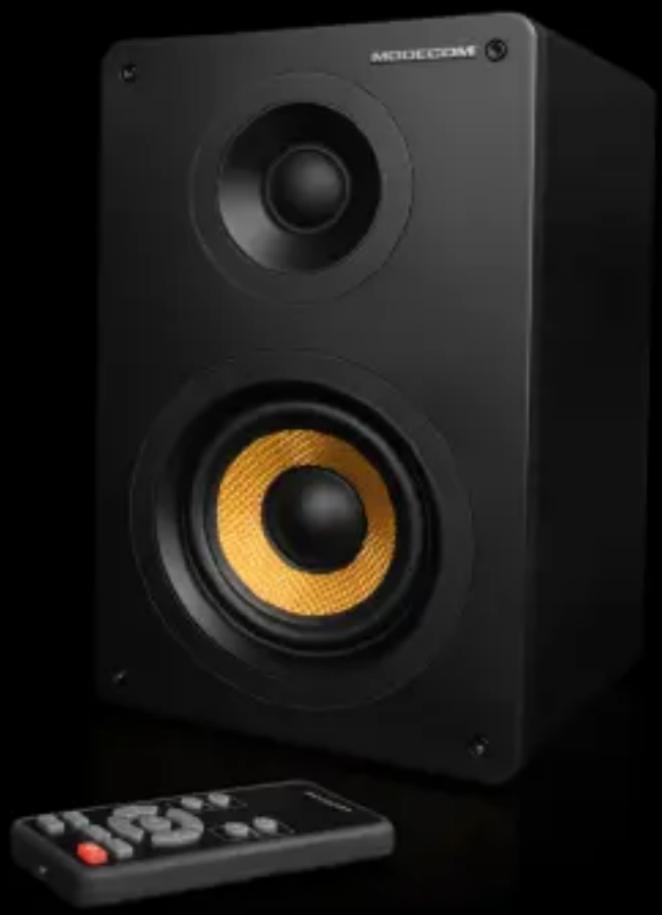
natural_image
Black MODECOM audio speaker with yellow ambient effect, next to a remote control (no text or symbols visible)MODECOM
MODECOM ECLIPSE
MODECOM Eclipse speaker set was designed for those seeking uncompromised audio experience. Its high-class components and features provide excellent sound performance. Sound control panel was placed on the top of one of the speaker.
Specification.
- Dimensions: 357x240x220mm [Eclipse 180], 255x190x160mm [Eclipse 60]
- Drivers: 6.25" + 1.4" [Eclipse 180], 3.6" + 1.4" [Eclipse 60]
- RMS power: 180W (55W+35W) x 2 [Eclipse 180], 60W (20W+10W) x 2 [Eclipse 60]
• Frequency response: 35Hz-22kHz [Eclipse 180], 55Hz-22kHz [Eclipse 60] - Signal input: 2 x RCA, 1 x optical, Bluetooth with Apt-X™ lossless audio (for compatible devices)
- Intersil™ D2-41051 chipset with Class-D amplifier
• Power AC 110V\~240V 50/60Hz - Net weight: 5,6 kg [Eclipse 180], 3kg [Eclipse 60]
- Package content: optical cable, RCAx2 cable, power supply cable, speakers connecting cable, remote controller with battery.
Installation.
Before you begin the installation make sure that the main power switch is in OFF. Place the speakers such that the active speaker is on the right side. To achieve best stereo effect listener and satellite speakers should form equilateral triangle (each satellite should be in the same distance from the listener's ears). Preferably try to put the speakers in such manner that the tweeter speakers are on the same height as your ears.
-
Connect the signal cable with the Mini-Jack 3.5 mm plug or Optical to the appropriate output port of your sound source (for example output of your PC's soundcard).
-
Connect the cable to the "L-SPK OUT" on the back of the active speaker and to the similar socket on the back of left speaker.
-
Connect the power plug to the mains socket.
-
Switch main power switch to ON position.
-
Short press Standby/Input button on the control panel. After turned on the default audio source is Bluetooth (BT). Press Standby/Input button to switch between sound sources: AUX (2xRCA) and OPT (optical). Press and hold Standby/Input button for 3s to enter sleep mode. You may also set audio source by pressing Input button on the remote.
-
To connect via Bluetooth set the sound source to BT position and press and hold 3s Pairing/Mode button on the control panel. You will hear a short tone and the LED will begin to flash – speakers are ready for pairing. Find and select the speakers on the list of available devices of your smartphone or tablet. If you will be asked to provide a passcode input 0000. When pairing is completed the LED will stop flashing. If you wish to pair with another device repeat step 6. When turned on again or selecting BT input again the speakers will attempt to connect to the last paired audio source automatically if the Bluetooth mode will be enabled in your device. You may also
enter pairing mode by using Pairing button on the remote.
- Start playing sound using your connected sound source. If it is Bluetooth you may control music playback (next/previous track, pause/play) via remote.
- Using the + and - buttons set up desired volume level. You may also control the volume via remote.
- Short press Pairing/Mode button on the control panel to setup bass and treble. With each press of the button you will select one of the functions. Adjust them to suit your personal preferences using + and - buttons. You may also do this via remote. Press Reset button on the remote to return to default audio settings.
- If the sound is distorted, adjust bass and treble, and volume of the speakers and the device which the sound is played from.
- It is not recommended to set the volume and bass and treble at maximum because of the diversity that the quality and compression of songs.
Listening to music at maximum levels set both in speakers and audio source, may cause severe and irreversible damage to the speakers, drivers and electronic components. MO DECOM cannot be held responsible for this type of damage and they will be considered as violation of the warranty terms.

This device was designed and made of high-quality reusable materials and coamponents. If the device, its packaging, user's manual, etc. are marked with crossed waste container, it means they are subject to segre gated household waste collection in compliance with the Directive 2012/19/UE of the European Parliament and of the Council. This marking informs that electric and electronic equipment shall not be thrown away together with household waste after it's been utilised. The user is obliged to bring the utilised equipment to electric and electronic waste collection point. Those running such collection points, including local collection points, shops or commune units, provide convenient system enabling to scrap such equipment. Appropriate waste management aids in avoiding consequences which are harmful for people and environment and result from dangerous materials used in the device, as well as improper storage and processing. Segregated household waste collection aids recycle materials and components of which the device was made. A household plays crucial role in contributing to recycling and reusing the waste equipment. This is the stage where the basics are shaped which largely influence the environment being our common good. Households are also one of the biggest users of small electrical equipment. Reasonable management at this stage aids and favours recycling. In the case of improper waste management, fixed penalties may be imposed in accordance with national legal regulations.
MODECOM ECLIPSE
SISTEMA DE ALTAVOCES 2.0
Introducción
Puterea RMS a setului: 180W (55W+35W) x 2 [Eclipse 180], 60W (20W+10W) x 2 [Eclipse 60]
Banda de portabilitate: 35Hz-22kHz [Eclipse 180], 55Hz-22kHz [Eclipse 60]
natural_image
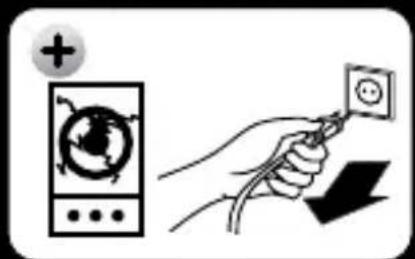
Pure diagram of a speaker with directional arrows and control symbols, no readable text or labels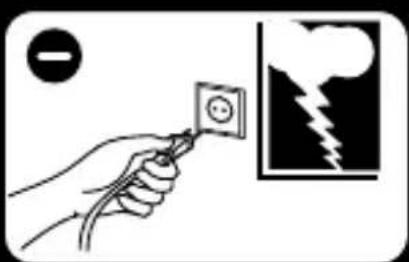
natural_image
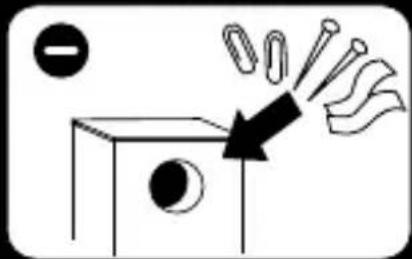
Simple line drawing of a box with a circle and an arrow pointing to a tray of objects (no text or symbols)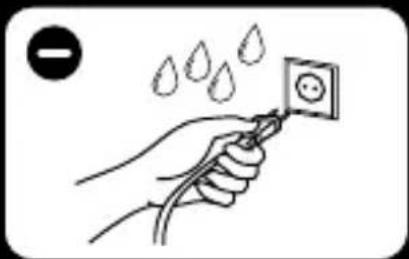
natural_image
Illustration of a hand holding a power outlet with water droplets above (no text or symbols)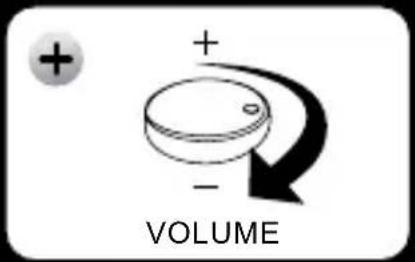
natural_image
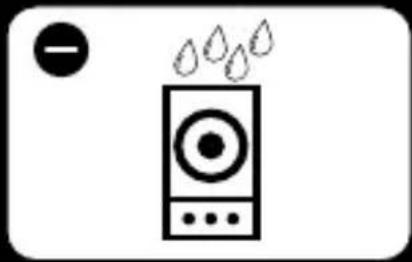
Simple line drawing of a speaker emitting water droplets (no text or symbols)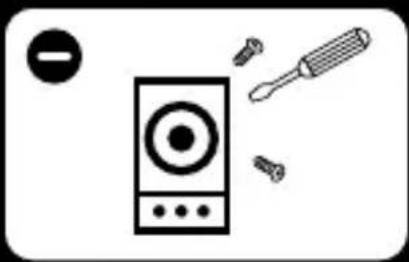
natural_image
Illustration of a speaker with screwdriver and control knob (no text or symbols)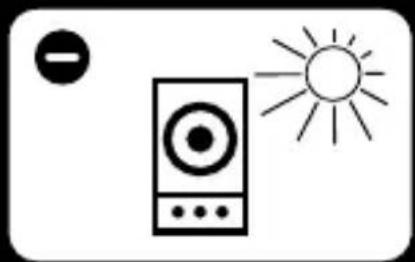
natural_image
Simple line drawing of a speaker with a sun icon, no text or symbols present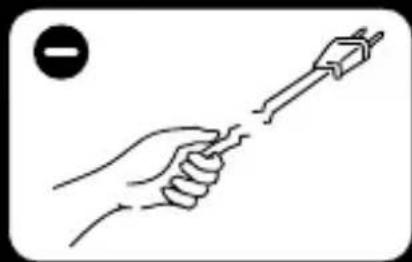
natural_image
Line drawing of a hand holding a tool with a screwdriver (no text or symbols)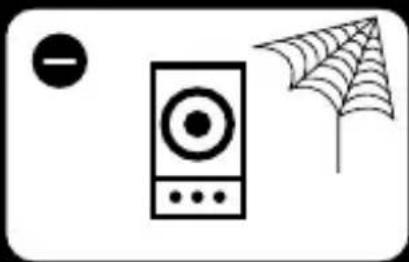
natural_image
Simple line drawing of a speaker, a microphone, and a spiderweb with a circle on the left (no text or symbols)Brand : ModeCom
Model : Eclipse 60
Category : Loudspeaker