S105BG13 - TV Stand Logik - Free user manual and instructions
Find the device manual for free S105BG13 Logik in PDF.


| Product Type | TV Stand |
| Brand | Logik |
| Model | S105BG13 |
| Overall Dimensions (W x D x H) | 120 cm x 40 cm x 60 cm |
| Weight | 15 kg |
| Material | Engineered Wood (MDF) |
| Finish | Black Laminate |
| Maximum TV Size | 55 inches |
| Maximum Load Capacity (Top) | 30 kg |
| Maximum Load Capacity (Shelf) | 10 kg per shelf |
| Number of Shelves | 2 |
| Number of Cabinets | 1 |
| Assembly Required | Yes |
| Tools Required | Phillips screwdriver, Allen key (included) |
| Anti-Tip Kit Included | Yes |
| VESA Mount Compatible | No (stand-alone unit) |
| Cable Management | Yes (cutouts and back panel) |
| Cleaning Instructions | Wipe with a damp cloth and mild detergent; avoid harsh chemicals |
| Safety Warning | Use anti-tip bracket to prevent tipping; do not exceed weight limits |
| Warranty | 1 year (check supplier for details) |
| Spare Parts Availability | Contact Logik customer service |
Frequently Asked Questions - S105BG13 Logik
User questions about S105BG13 Logik
0 question about this device. Answer the ones you know or ask your own.
Ask a new question about this device
Download the instructions for your TV Stand in PDF format for free! Find your manual S105BG13 - Logik and take your electronic device back in hand. On this page are published all the documents necessary for the use of your device. S105BG13 by Logik.
USER MANUAL S105BG13 Logik
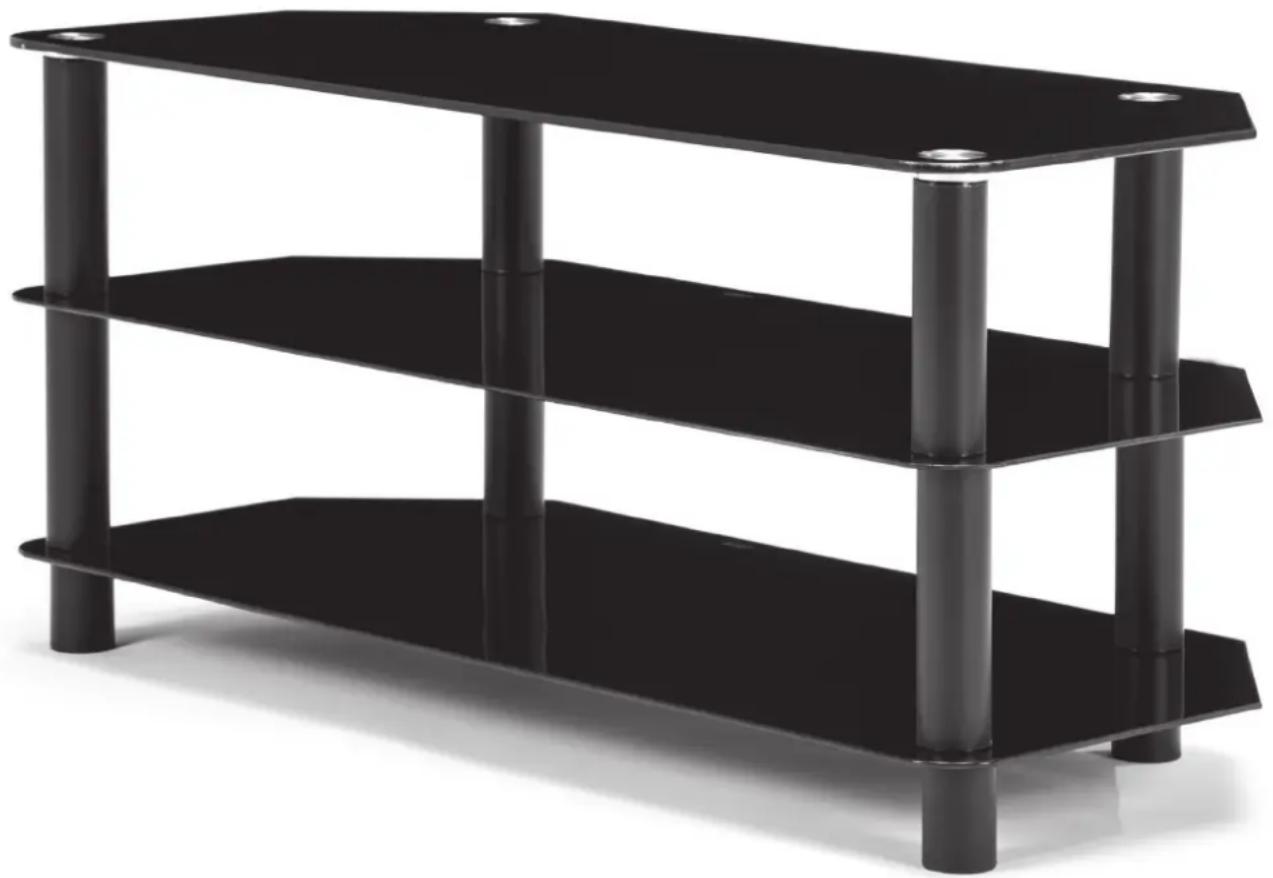
Black Tempered Glass TV Stand
Instruction Manual
S105BG13
natural_image
Black glass table with three horizontal shelves and vertical legs, no visible text or symbolsATTENTION – Please note before assembling your TV stand
- Check that you have all the parts and familiarise yourself with this installation guide.
- Make sure you have enough space to layout all the parts. Keep children and pets away from the work area, small parts could choke them if swallowed.
- Assemble the TV stand on a soft level surface as close to its final position as possible.
WARNING
- We do not recommend the use of power drills. Only use hand screwdrivers and do not over-tighten the components unnecessarily.
- Do not stand or sit on the TV stand, this could cause damage.
- Only use this product when fully assembled.
- Do not place very hot or cold items on any part of the TV stand unless adequately thick tablemats are used.
- When cleaning the TV stand use a damp cloth with washing liquid or soap. Do not use washing powder or any other substances containing abrasives.
- Do not place TV near to the front of the tv stand.
• Always sit the TV stand on firm level ground and ensure that the base is fully in contact with the ground.
natural_image
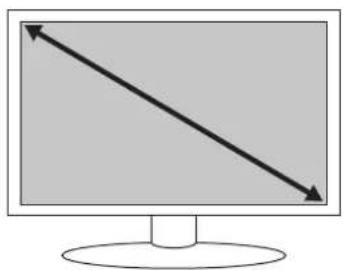
Computer monitor with two opposing diagonal arrows pointing left (no text or symbols)42" 50 kg
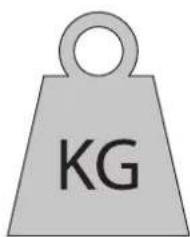
Max. Max loading capacity
natural_image
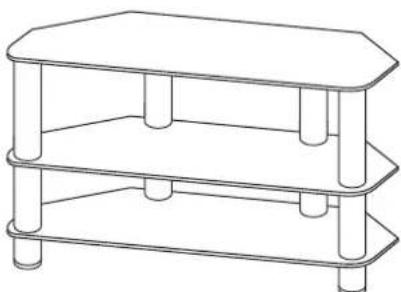
Line drawing of a two-tiered shelf table with hexagonal top and three lower sections (no text or symbols)105 x 45 x 48 cm
Stand dimensions

natural_image
Illustration of an open box with an upward arrow emerging from its pages (no text or symbols)A x 1
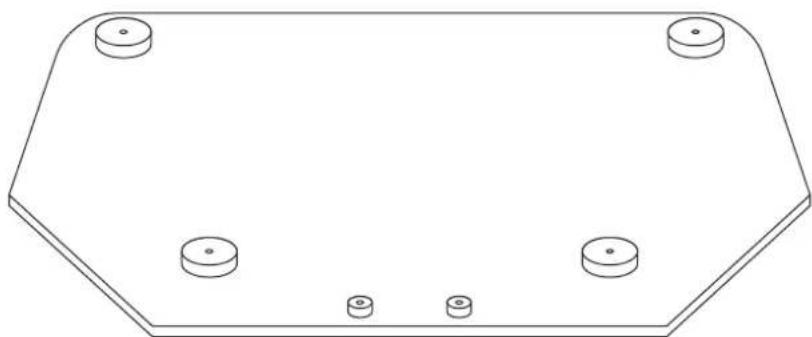
natural_image
Technical line drawing of a hexagonal mechanical component with four circular holes (no text or symbols)B x 2
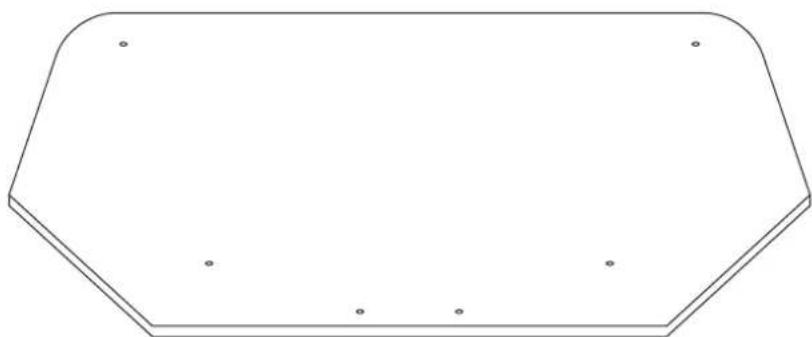
natural_image
Pure geometric shape with no text, numbers, or symbolsC x 4
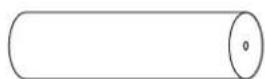
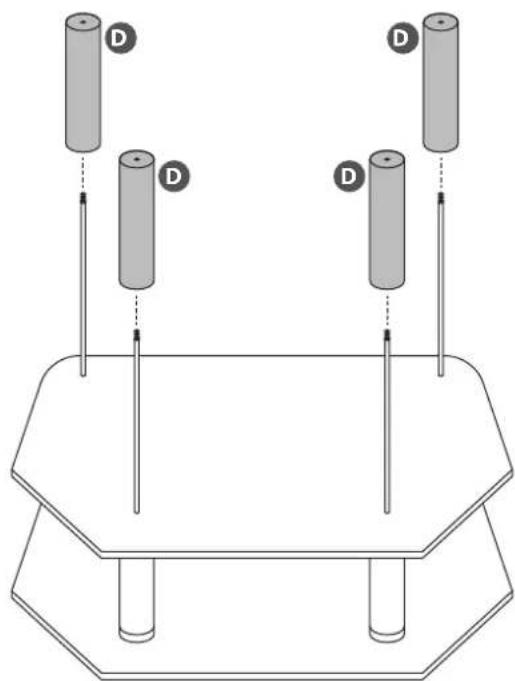
D x 4
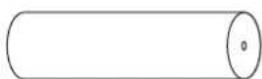
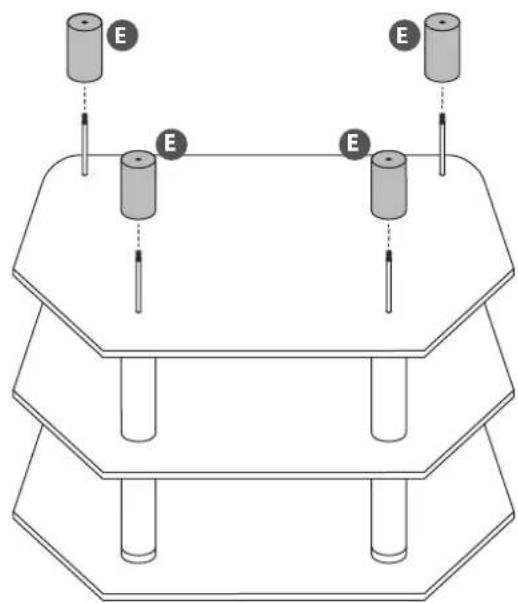
E x 4
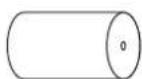
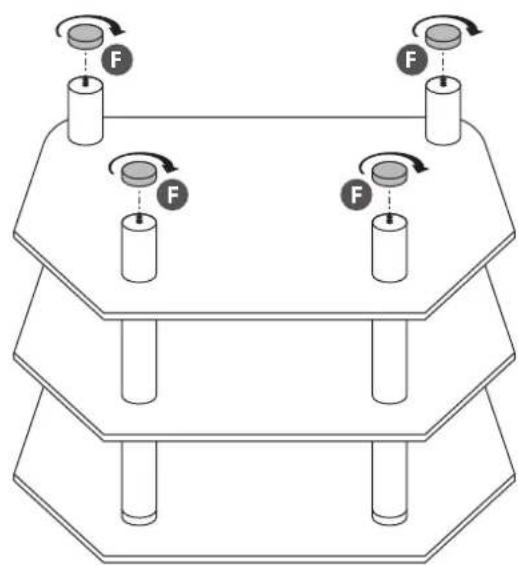
F × 4

G x 4

1
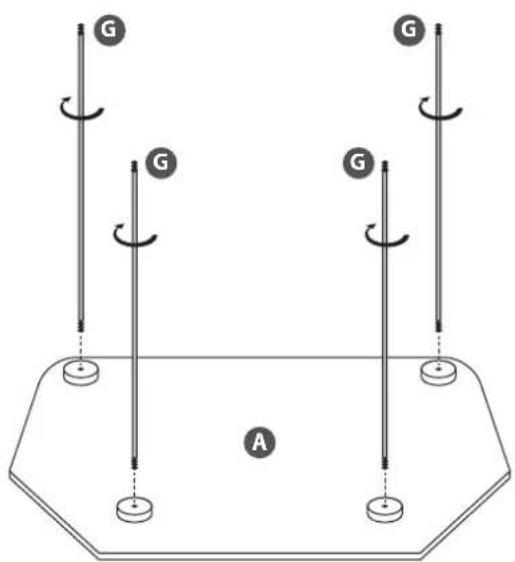
2
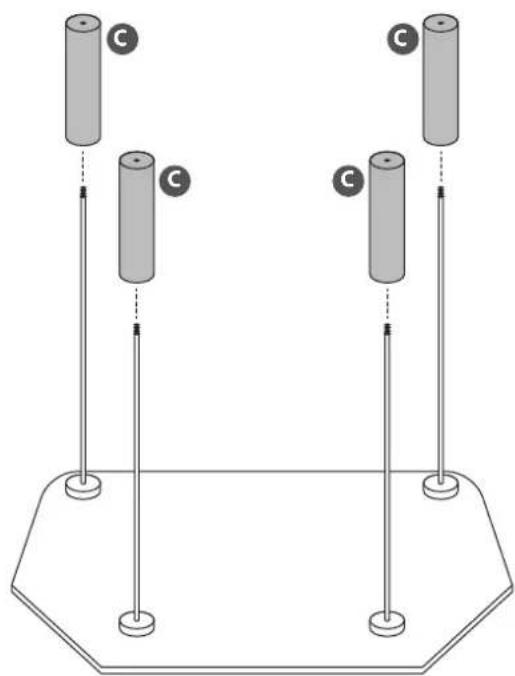
natural_image
Diagram of two vertical cylindrical objects with labeled 'C' positions, mounted on a base platform (no text or symbols beyond labels)3
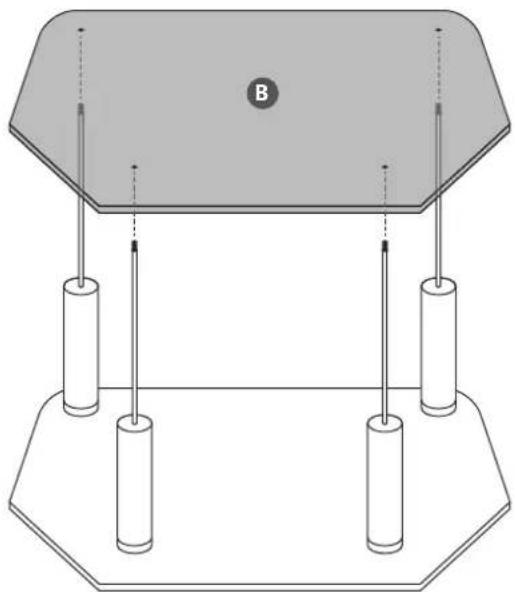
natural_image
Pure diagram of a mechanical or electrical component with no text, numbers, or symbols4
natural_image
Diagram of two cylindrical objects labeled 'D' positioned above a hexagonal base with three vertical rods (no text or symbols beyond 'D')5
natural_image
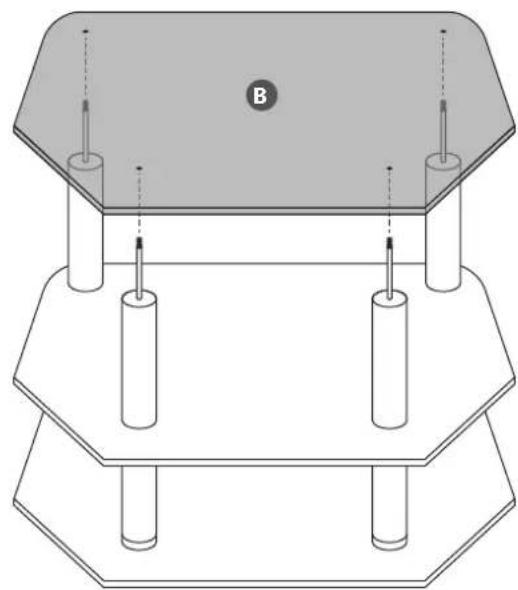
Technical diagram of a mechanical assembly with hexagonal base and cylindrical components (no text or symbols)6
7
8
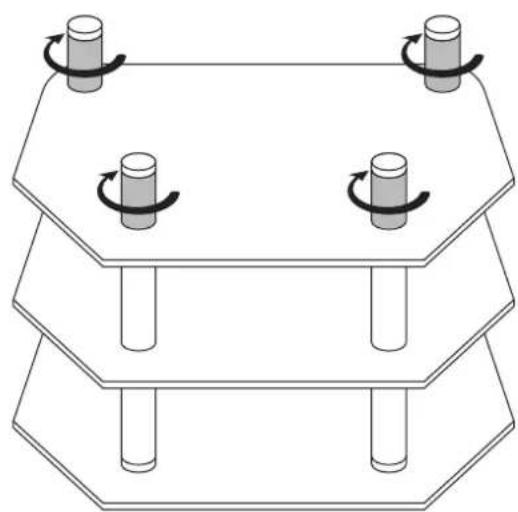
natural_image
Diagram of a three-tiered octagonal table with four cylindrical objects on top, each with a curved arrow indicating rotation (no text or symbols)9

2 people are required to lift the unit during assembly.
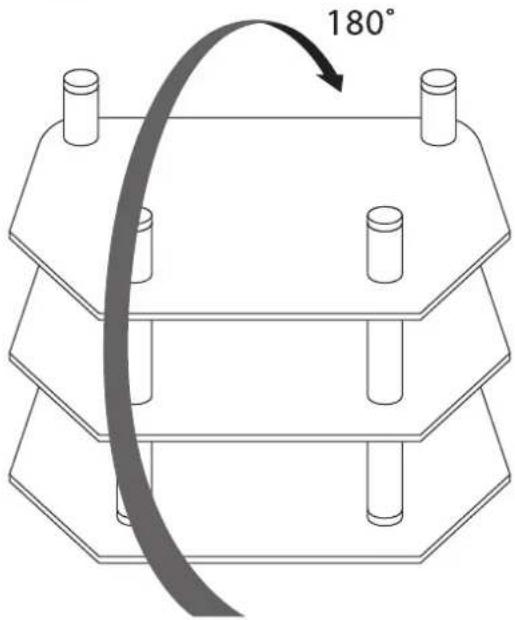
10
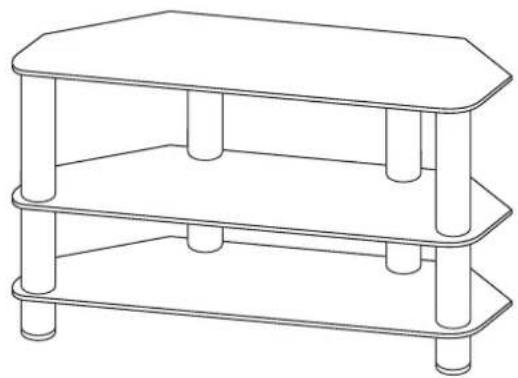
natural_image
Line drawing of a two-tiered rectangular table with cylindrical legs and a flat top (no text or symbols)
Team Knowhow
Help with all life's kit ^TM
For general information about this appliance and handy hints and tips, please visit: www.TeamKnowhow.com/discover or call 0344 561 1234
Partmaster co.uk
Visit Partmaster.co.uk today for the easiest way to buy electrical spares and accessories.
With over 1 million spares and accessories available we can deliver direct to your door the very next day. Visit www.partmaster.co.uk or call 0344 800 3456 (UK customers only). Calls charged at National Rate.
DSG Retail Ltd. (co. no. 504877)
1 Portal Way, London, W3 6RS, UK
Brand : Logik
Model : S105BG13
Category : TV Stand