43A146 Chronograph - Wristwatch Caravelle - Free user manual and instructions
Find the device manual for free 43A146 Chronograph Caravelle in PDF.


User questions about 43A146 Chronograph Caravelle
0 question about this device. Answer the ones you know or ask your own.
Ask a new question about this device
Download the instructions for your Wristwatch in PDF format for free! Find your manual 43A146 Chronograph - Caravelle and take your electronic device back in hand. On this page are published all the documents necessary for the use of your device. 43A146 Chronograph by Caravelle.
USER MANUAL 43A146 Chronograph Caravelle
FEATURES
- Hour, minute and second hand display.
- 30-minute Stopwatch function displayed in seconds and minutes.
- 24-hour hand, synchronized with the normal hour hand.
HAND SETTING
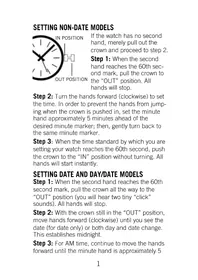
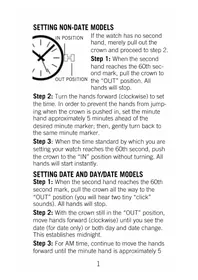
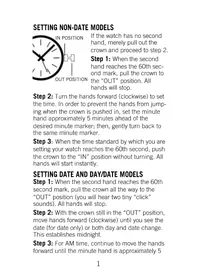
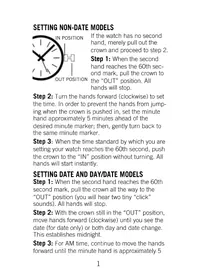
- Pull the crown out to position '2'.
- Turn the crown away from you to adjust the large hands, in a clockwise direction, to the current time.
- Note the position of the 24-hour hand to ensure the proper A.M. or P.M. time is set.
- Push the crown back in to position '1'.
ADJUSTING THE STOPWATCH HANDS
When using the Stopwatch, its hands (small dial at 6 and 9 o'clock) must start at the 'zero' or 12 o'clock position. If they are not positioned correctly, proceed as follows:
- Pull the crown out to position '2'.
- Push button 'A' (hold button in for rapid movement) to reset the Stopwatch second hand and minute hand to the 'zero' position.
- Turn the crown away from you to adjust the large hands, in a clockwise direction, to the current time.
- After the above hands are set to 'zero', push the crown back in to position '1'.
USING THE STOPWATCH
- Push button 'A' to start the timing.
- At completion of timing, push button 'A' to stop the Stopwatch.
- The elapsed time can be read on the small dials located at 6 o'clock (seconds) and 9 o'clock (minutes).
- Multiple times can be added together by repeatedly pushing the 'A' button to start; stop; start; stop etc.
- When all measurements are completed (timing stopped), push button 'B' to return the Stopwatch hands to 'zero'.
ABOUT THE POWER CELL
Your new Quartz Watch has a fresh power cell designed to provide maximum reliability for approximately a year under normal use. If the cell is not replaced before it is exhausted, the watch will simply stop. The mechanism should not be harmed in any manner. However, when the power cell becomes exhausted, it should be removed at your earliest convenience to diminish the possibility of leakage. Never store your watch with an exhausted power cell in it. The watch should be brought to an authorized Bulova dealer for replacement of the power cell. For best performance, the proper power cell should be used.
Note: When the crown is in the "OUT" position, the motor and hands stop. Only the quartz crystal continues to vibrate, using very little power. If the watch is to be stored for a length of time, it is recommended that the crown be left in the "OUT" position to prolong battery life.
This does not apply to models with two hands only.
WATER RESISTANCE
Watch models marked only "Water Resistant" on the case back, without additional depth markings are not to be used for swimming. For swimming, models that have the additional marking of "50m," "100m" or "200m" are recommended.
Brand : Caravelle
Model : 43A146 Chronograph
Category : Wristwatch