
NA-FD145V3 - Washing machine PANASONIC - Free user manual and instructions
Find the device manual for free NA-FD145V3 PANASONIC in PDF.


| Product Type | Fully Automatic Washing Machine (Household Use) |
| Model | NA-FD145V3 |
| Brand | Panasonic |
| Dimensions (W x D x H) | 681 mm x 747 mm x 1112 mm |
| Weight | 49 kg |
| Rated Voltage | 220-240 V |
| Rated Frequency | 50 Hz |
| Rated Power Consumption | 1475-1750 W |
| Water Pressure (Tap) | 0.01 - 1 MPa |
| Standard Water Amount | 93 L |
| Maximum Dry Cloth Mass | 14.5 kg |
| Programs | Normal, Tangle Care, Speedy, Delicates, Baby Care, Water Save, Blanket, Soak, Stain Master+, Air Dry (90 min), Tub Hygiene |
| Key Features | ECONAVI, Preset Timer, Auto Tub Clean, Child Lock, Forcible Drainage, Stain Master+ |
| Maintenance | Lint filter, detergent/softener drawer, water supply filter, tub hygiene program |
| Safety | Child lock, auto power off, lid open detection, imbalance detection |
Frequently Asked Questions - NA-FD145V3 PANASONIC
User questions about NA-FD145V3 PANASONIC
0 question about this device. Answer the ones you know or ask your own.
Ask a new question about this device
Download the instructions for your Washing machine in PDF format for free! Find your manual NA-FD145V3 - PANASONIC and take your electronic device back in hand. On this page are published all the documents necessary for the use of your device. NA-FD145V3 by PANASONIC.
USER MANUAL NA-FD145V3 PANASONIC
Operating & Installation Instructions
Fully Automatic Washing Machine (Household Use)
Model No. NA-FD180V3
NA-FD165V3
NA-FD145V3
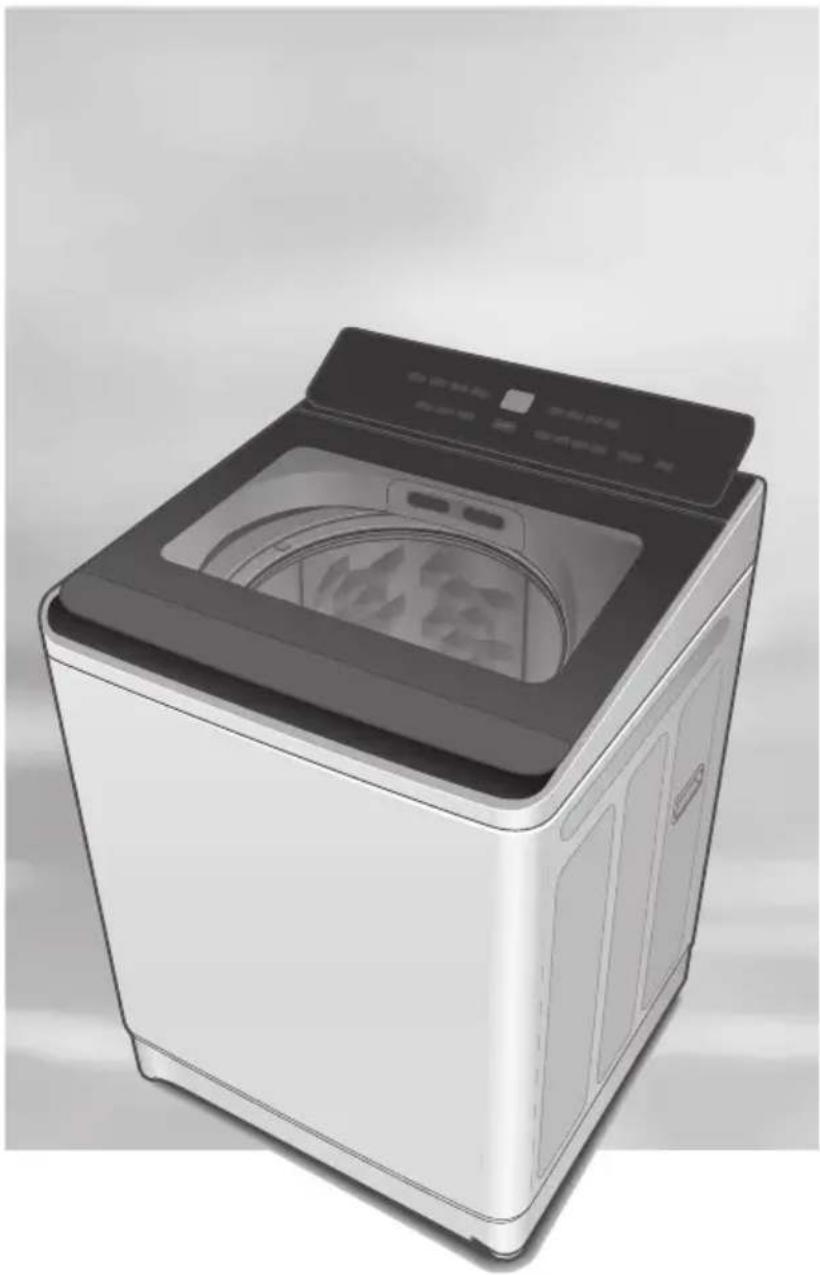
natural_image
Illustration of a modern washing machine with front panel and side door (no visible text or symbols)Thank you for purchasing this product.
- Read these instructions carefully for optimum performance and safety before use.
- Keep this manual for future reference.
Contents
| Safety Precautions | 2 |
| Part Names / Accessories | 6 |
| Before Washing | 7 |
| Operation Panel | 8 |
| Washing | 9 |
| Variety of Programs | 10 |
| Detergent / Softener / Bleach | 12 |
| Washing Options | 14 |
| • Preset | |
| • Wash / Rinse / Spin | |
| • Delicates | |
| • Blanket | |
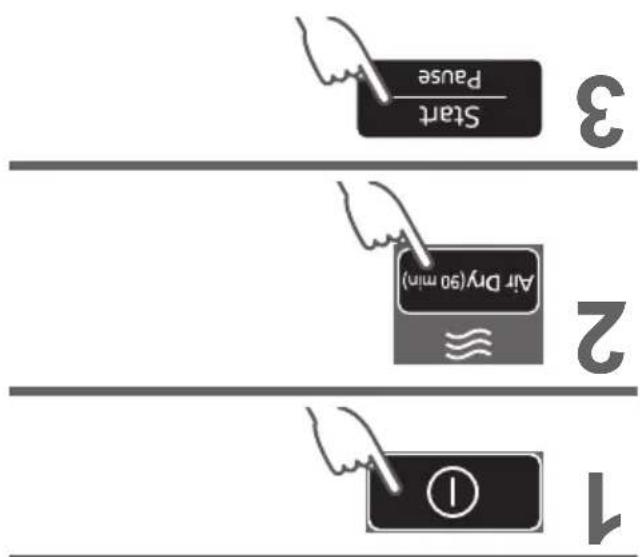
| • Stain Master + Air Dry (90 min) | |
| • ECONAVI | |
| Convenient Functions | 18 |
| Contents of Programs | 19 |
| Maintenance | 20 |
| Installation | 24 |
| Error Display | 28 |
| Troubleshooting | 30 |
| Specifications | 32 |
AWW9901CFMC0-0C0
A0724-0(M)
Printed in Vietnam
07-2024
Safety Precautions

WARNING
May cause serious injury or death.
Children must not use it alone.
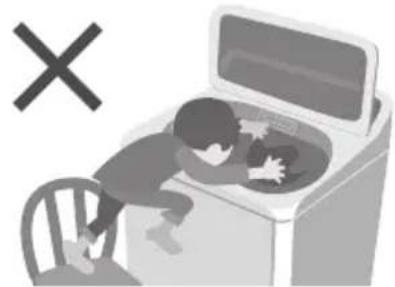
natural_image
Illustration of a child washing clothes inside a washing machine with a 'X' symbol (no text or labels)- This appliance is not intended for use by persons (including children) with reduced physical, sensory or mental capabilities, or lack of experience and knowledge, unless they have been given supervision or instruction concerning use of the appliance by a person responsible for their safety.
Children should be supervised to ensure that they do not play with the appliance.
Do not touch the tub until it stops.
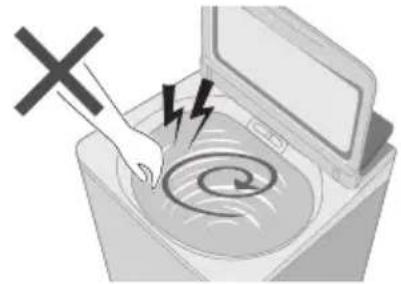
natural_image
Illustration of a washing machine with a hand using a tool to mark the swirl pattern, no text or symbols present.- If the tub does not stop within 15 sec:
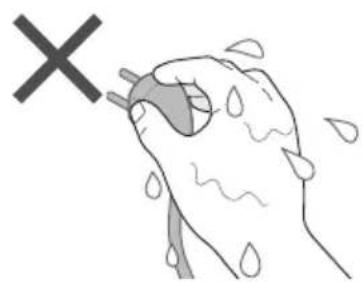
May cause fire or electric shock.
Do not touch it with wet hands.
natural_image
Illustration of a hand holding a water droplet with a 'X' symbol above, indicating an environmental or health hazard (no text present)Do not hold or pull on the cord.
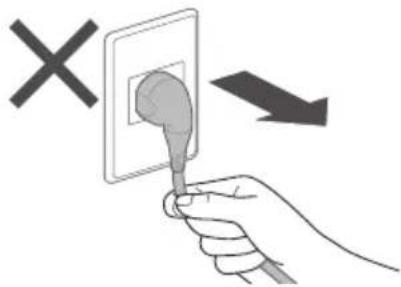
natural_image
Hand holding a plug inserted into an electrical outlet, with a 'X' symbol indicating no text or symbols on the plug (no text or symbols present)Do not use.
Fully insert it. Do not use.
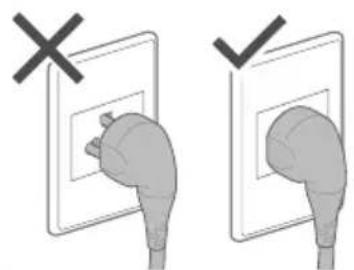
natural_image
Illustration of a hand holding a plug, with no text or symbols present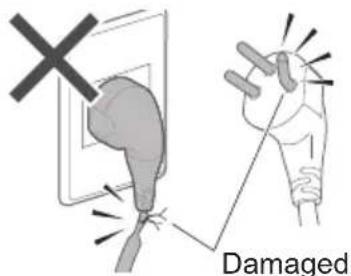
- If the power cord is damaged, it must be replaced by the manufacturer, its service agent or similarly qualified persons in order to avoid a hazard.
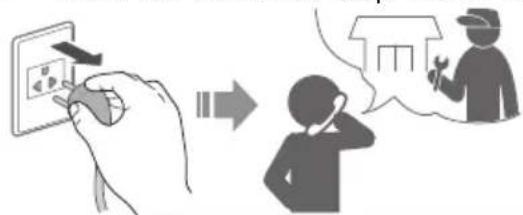
In case of failure or damaged power cord, stop use and ask the service centre.
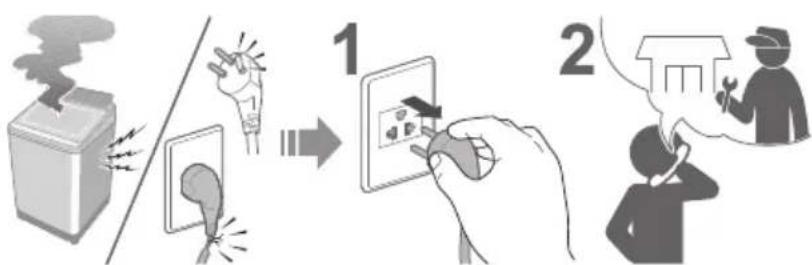
flowchart
graph TD
    A["Lighting Kit"] --> B["Electrical Contact"]
    B --> C["Device with Sensor"]
    C --> D["User Interaction with Phone"]
Securely insert the ground prong. Call your local dealer for a new socket.
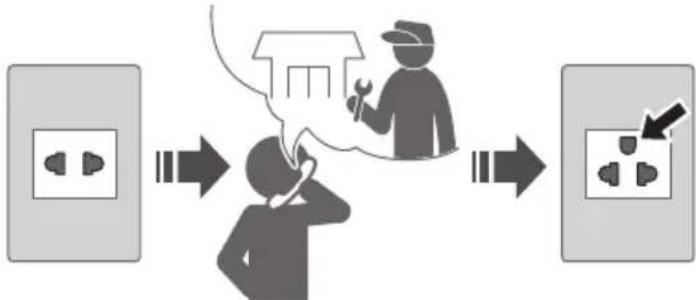
flowchart
graph LR
    A["Power outlet"] --> B["Worker"]
    B --> C["Switcher"]
    C --> D["Switcher"]
    D --> E["Electrical socket"]
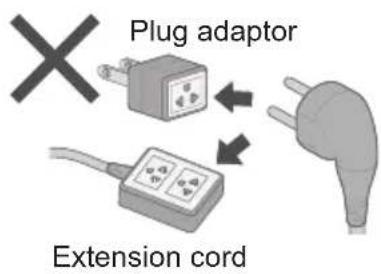
Use a socket appropriate for this appliance.
e.g.)
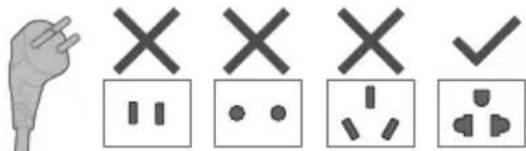
● The plug shape, socket shape and rating requirement varies with the region.
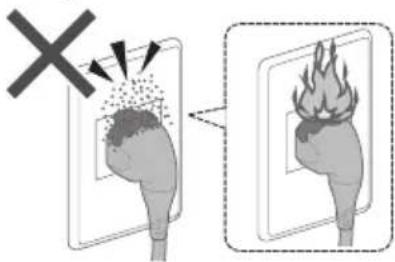
Accumulated dust may cause fire.
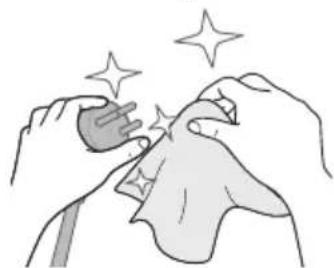
Wipe the power plug periodically.
natural_image
Illustration of hands performing a medical procedure with sparkles (no text or symbols)Keep away from flammable materials.
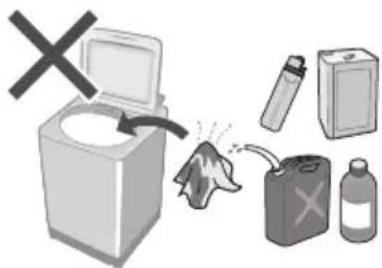
May cause failure.
Never disassemble, repair or modify it by yourself.
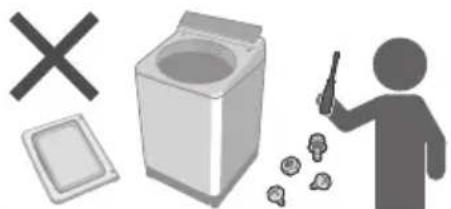
natural_image
Illustration of a person using a tool to clean waste from a trash bin, with a cross symbol and scattered items (no text or labels)Safety Precautions (continued)

CAUTION
May cause injury.
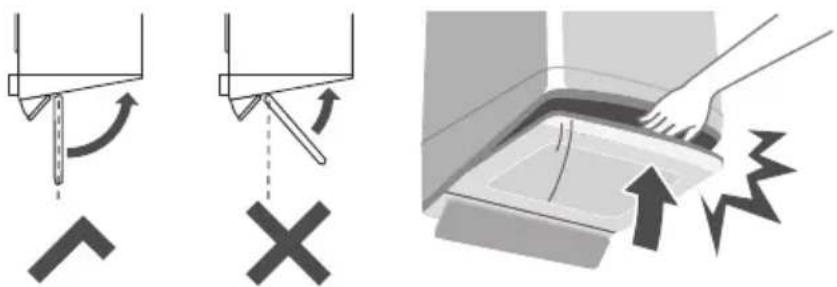
Be careful not to get your fingers caught.
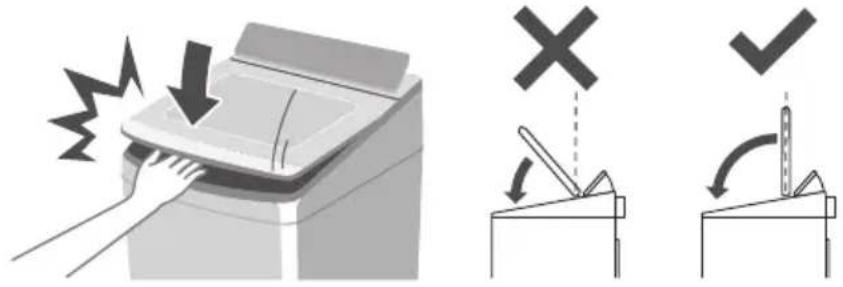
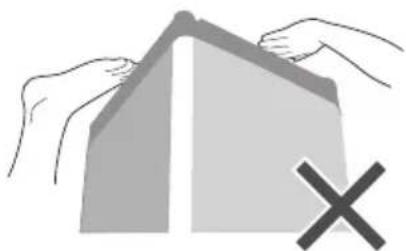
Do not climb or put objects on the appliance.
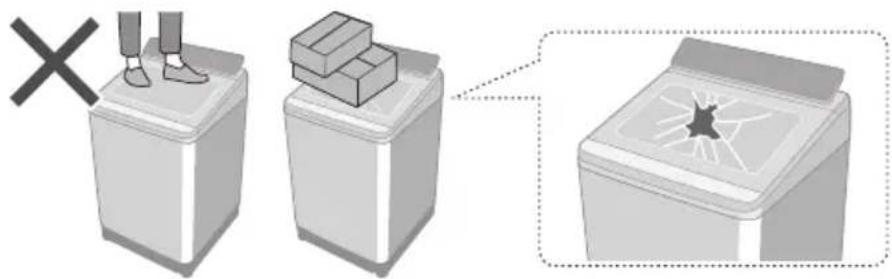
- If the lid is broken, immediately stop using.
Do not touch when it is hot.
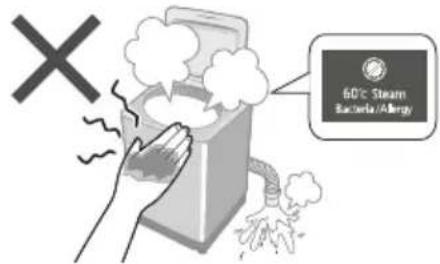
Be careful of your hands and feet.
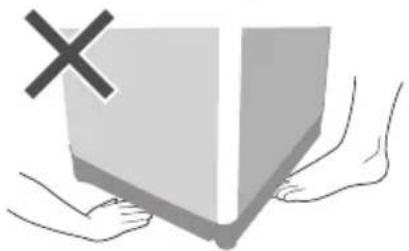
natural_image
Illustration of two hands holding a large gray box with a black X mark, no text or symbols presentMay cause water leakage.
Turn off the water faucet. Use new hose-sets.
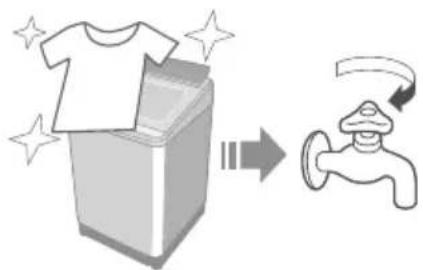
natural_image
Illustration of a washing machine with a T-shirt and a faucet, showing a process from opening to exiting (no text or symbols)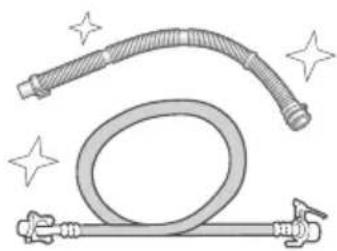
natural_image
Illustration of a flexible hose with sparkles and a coiled tube, no text or symbols present- New hose-sets supplied with the appliance are to be used and old hose-sets should not be reused.
■ For maximum mass of dry cloth and pressure of tap water, see Page 32.
May cause failure.
Keep away from heat and direct sunlight.
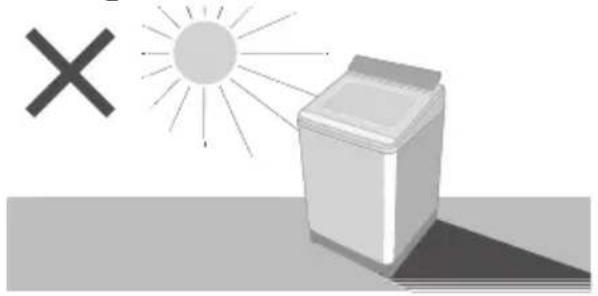
natural_image
Illustration of a washing machine with a sun and a cross symbol (no text or labels)Do not wash waterproof items.
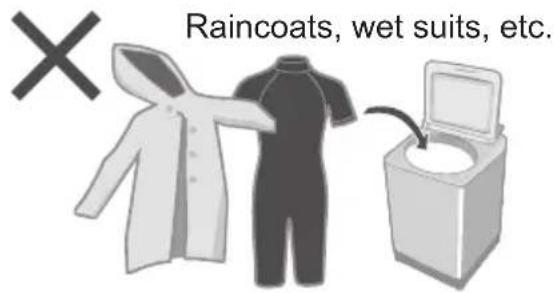
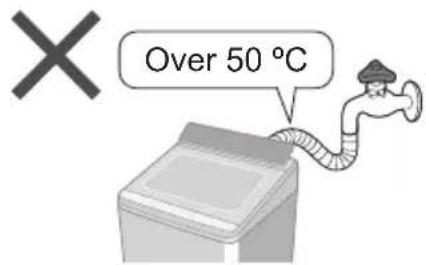
Do not obstruct. Do not use hot water.
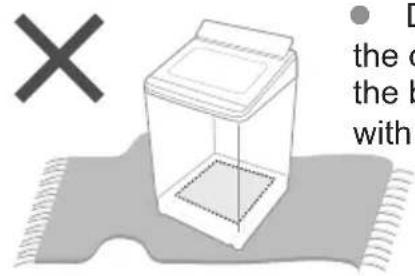
- Do not obstruct the openings of the bottom face with carpet, etc.
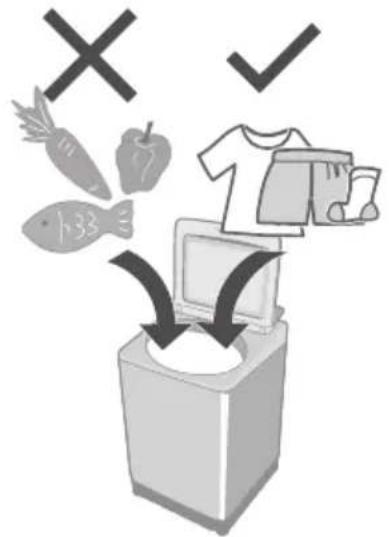
For Machine-washable items only.
- This appliance is intended to be used in household. This appliance is not intended to be used in applications such as:
- Staff kitchen areas in shops, offices and other working environments;
- farm houses;
- by clients in hotels, motels and other residential type environments;
- bed and breakfast type environments;
- areas for communal use in blocks of flats or in launderettes.
Part Names / Accessories
Part names
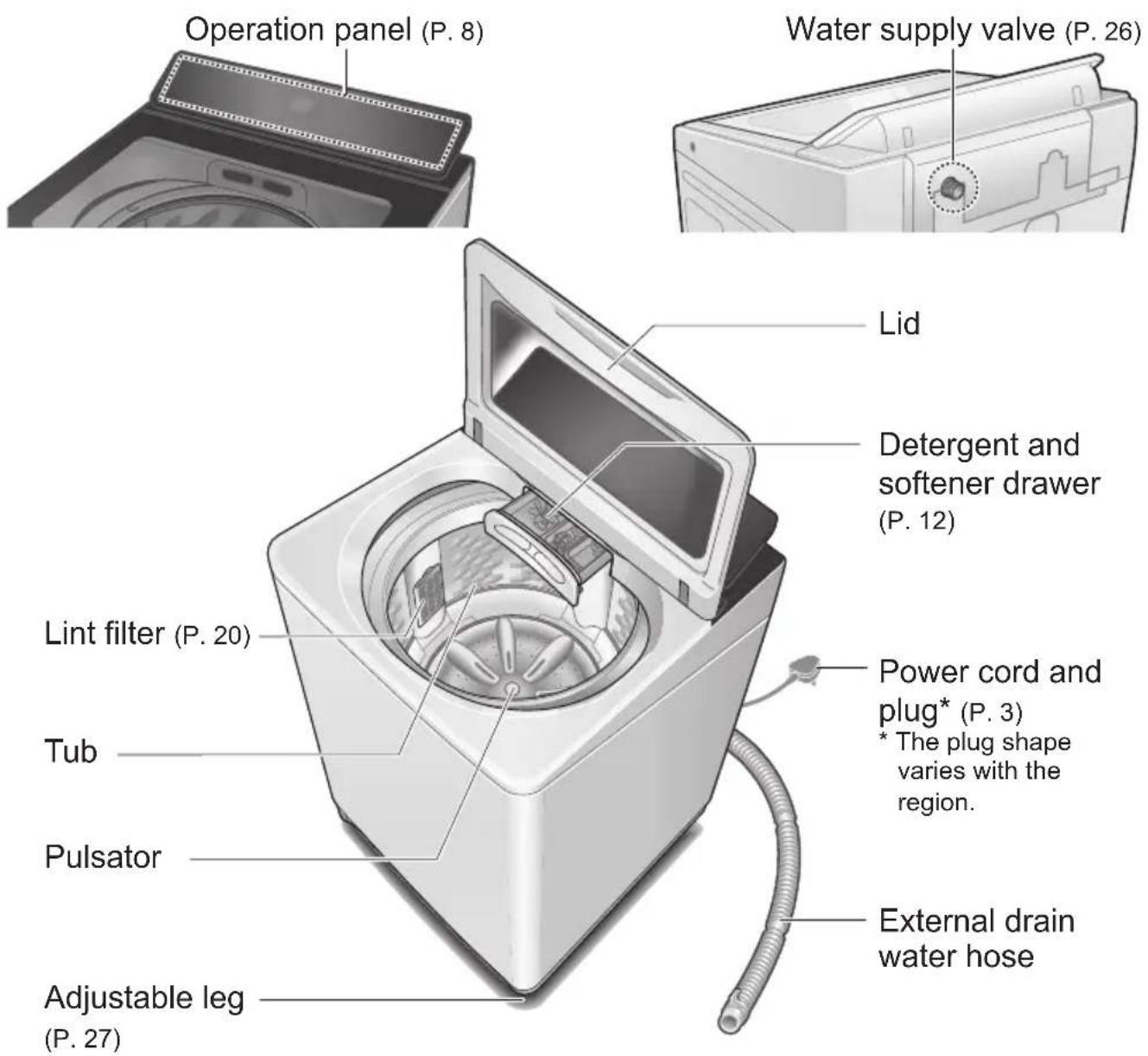
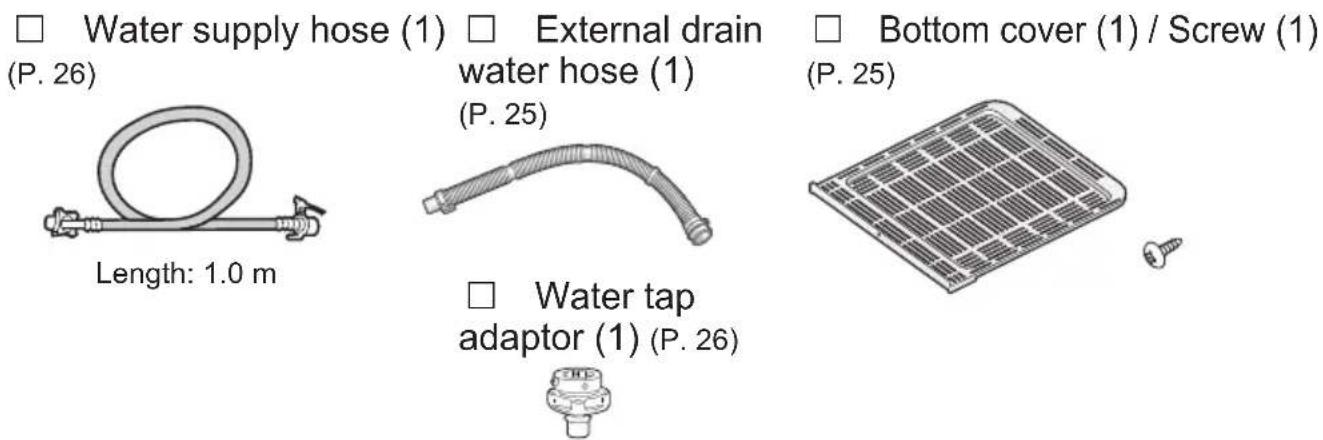
Accessories
Before Washing
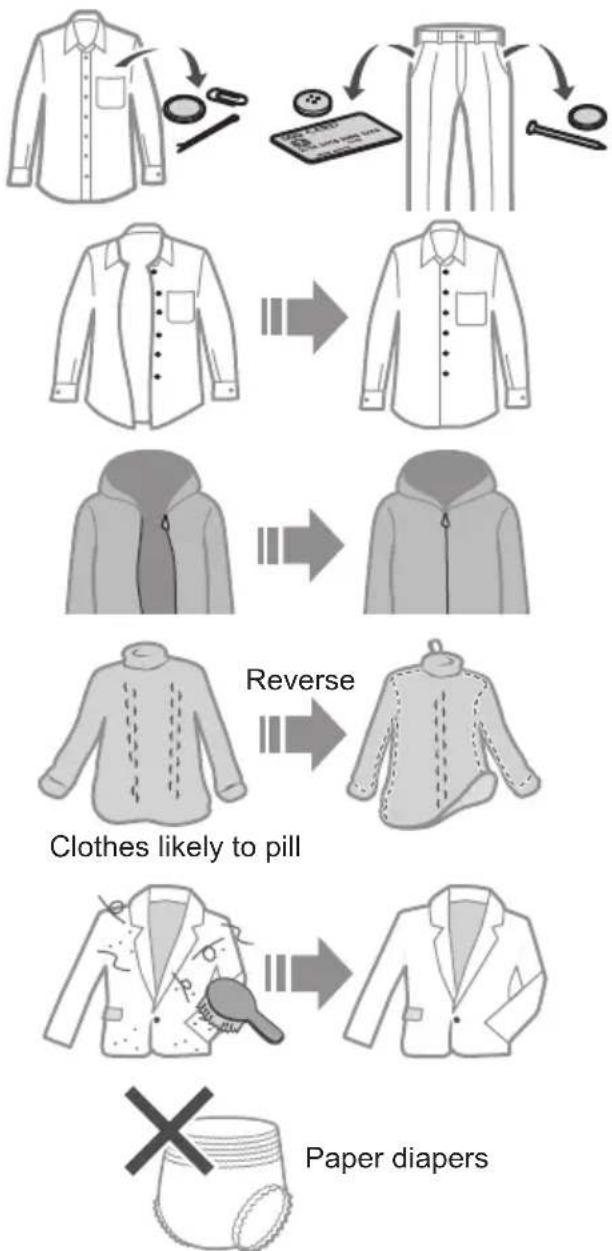
Laundry preparation and check
Pre-laundry check
flowchart
graph TD
    A["Shirts"] --> B["Shirts with a zipper, handbag, and cloth"]
    B --> C["Shirts with a receipt, receipt, and fabric"]
    C --> D["Shirts with a jacket, jacket, and fabric"]
    D --> E["Shirts with a zip tag, zip, and jacket"]
    E --> F["Shirts with a coat, coat, and jacket"]
    F --> G["Shirts with a tie, tie, and jacket"]
    G --> H["Shirts with a jacket, jacket, and jacket"]
    H --> I["Shirts with a cap, cap, and jacket"]
    I --> J["Shirts with a jacket, jacket, and jacket"]
    J --> K["Shirts with a tie, tie, and jacket"]
    K --> L["Shirts with a jacket, jacket, and jacket"]
    L --> M["Shirts with a cap, cap, and jacket"]
    M --> N["Shirts with a tie, tie, and jacket"]
    N --> O["Shirts with a jacket, jacket, and jacket"]
    O --> P["Shirts with a cap, tie, and jacket"]
    P --> Q["Shirts with a tie, tie, and jacket"]
    Q --> R["Shirts with a jacket, jacket, and jacket"]
    R --> S["Shirts with a cap, tie, and jacket"]
    S --> T["Shirts with a tie, tie, and jacket"]
    T --> U["Shirts with a jacket, jacket, and jacket"]
    U --> V["Shirts with a cap, tie, and jacket"]
    V --> W["Shirts with a tie, tie, and jacket"]
    W --> X["Shirts with a jacket, jacket, and jacket"]
    X --> Y["Shirts with a cap, tie, and jacket"]
    Y --> Z["Shirts with a tie, tie, and jacket"]
    Z --> AA["Shirts with a jacket, jacket, and jacket"]
    AA --> AB["Shirts with a cap, tie, and jacket"]
    AB --> AC["Shirts with a tie, tie, and jacket"]
    AC --> AD["Shirts with a jacket, jacket, and jacket"]
    AD --> AE["Shirts with a cap, tie, and jacket"]
    AE --> AF["Shirts with a tie, tie, and jacket"]
    AF --> AG["Shirts with a jacket, jacket, and jacket"]
    AG --> AH["Shirts with a cap, tie, and jacket"]
    AH --> AI["Shirts with a tie, tie, and jacket"]
    AI --> AJ["Shirts with a jacket, jacket, and jacket"]
    AJ --> AK["Shirts with a cap, tie, and jacket"]
    AK --> AL["Shirts with a tie, tie, and jacket"]
    AL --> AM["Shirts with a jacket, jacket, and jacket"]
    AM --> AN["Shirts with a cap, tie, and jacket"]
    AN --> AO["Shirts with a tie, tie, and jacket"]
    AO --> AP["Shirts with a jacket, jacket, and jacket"]
    AP --> AQ["Shirts with a cap, tie, and jacket"]
    AQ --> AR["Shirts with a tie, tie, and jacket"]
    AR --> AS["Shirts with a jacket, jacket, and jacket"]
    AS --> AT["Shirts with a cap, tie, and jacket"]
    AT --> AU["Shirts with a tie, tie, and jacket"]
    AU --> AV["Shirts with a jacket, jacket, and jacket"]
    AV --> AW["Shirts with a cap, tie, and jacket"]
    AW --> AX["Shirts with a tie, tie, and jacket"]
    AX --> AY["Shirts with a jacket, jacket, and jacket"]
    AY --> AZ["Shirts with a cap, tie, and jacket"]
    AZ --> BA["Shirts with a tie, tie, and jacket"]
    BA --> BB["Shirts with a jacket, jacket, and jacket"]
    BB --> BC["Shirts with a cap, tie, and jacket"]
    BC --> BD["Shirts with a tie, tie, and jacket"]
    BD --> BE["Shirts with a jacket, jacket, and jacket"]
    BE --> BF["Shirts with a cap, tie, and jacket"]
    BF --> BG["Shirts with a tie, tie, and jacket"]
    BG --> BH["Shirts with a jacket, jacket, and jacket"]
    BH --> BI["Shirts with a cap, tie, and jacket"]
    BI --> BJ["Shirts with a tie, tie, and jacket"]
    BJ --> BK["Shirts with a jacket, jacket, and jacket"]
    BK --> BL["Shirts with a cap, tie, and jacket"]
    BL --> BM["Shirts with a tie, tie, and jacket"]
    BM --> BN["Shirts with a jacket, jacket, and jacket"]
    BN --> BO["Shirts with a cap, tie, and jacket"]
    BO --> BP["Shirts with a tie, tie, and jacket"]
    BP --> BQ["Shirts with a jacket, jacket, and jacket"]
    BQ --> BR["Shirts with a cap, tie, and jacket"]
    BR --> BS["Shirts with a tie, tie, and jacket"]
    BS --> BT["Shirts with a jacket, jacket, and jacket"]
    BT --> BU["Shirts with a cap, tie, and jacket"]
    BU --> BV["Shirts with a tie, tie, and jacket"]
    BV --> BW["Shirts with a jacket, jacket, and jacket"]
    BW --> BX["Shirts with a cap, tie, and jacket"]
    BX --> BY["Shirts with a tie, tie, and jacket"]
    BY --> BZ["Shirts with a jar, tie"]
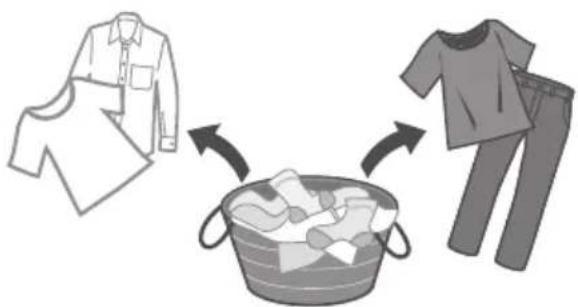
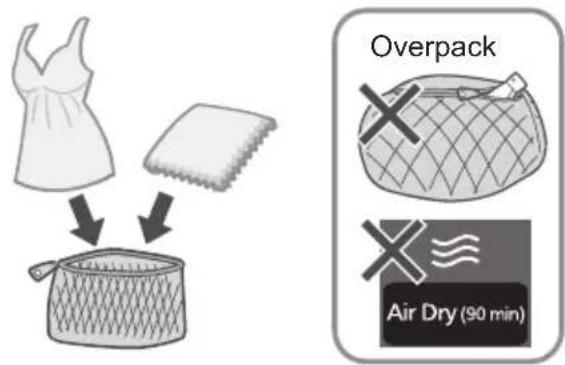
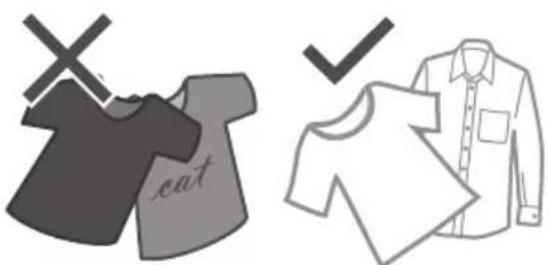
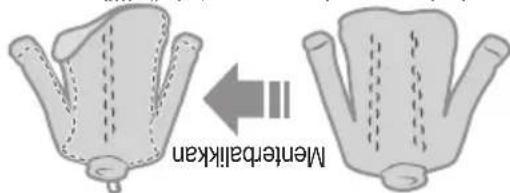
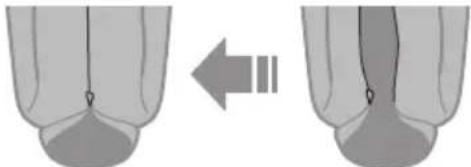
To prevent colour staining
natural_image
Illustration showing clothing items including a shirt, a bag, and a t-shirt, with arrows indicating direction of clothing movement (no text or symbols)Use laundry nets for delicates
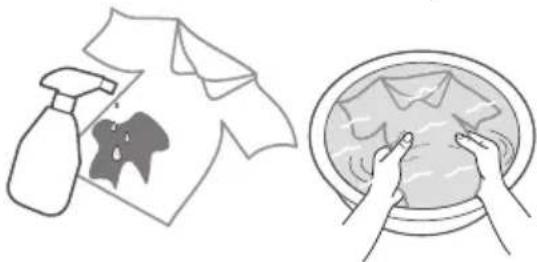
For "Stain Master+" (P. 16)
- Pretreatments for heavily stains
natural_image
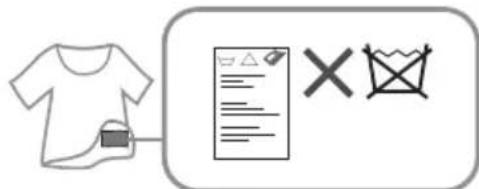
Illustration showing a washing machine spraying water onto a shirt, and hands washing clothes in a bowl (no text or symbols)- Observe the clothes' care labels
- Coloured clothes
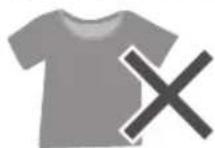
- Rubber clothes
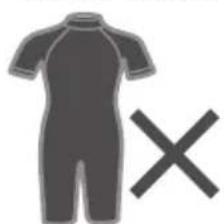
natural_image
Silhouette of a person wearing a short-sleeve shirt with a large 'X' symbol (no text or symbols present)- Shirts with stiff fabric
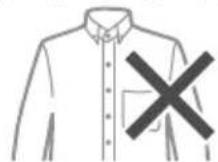
- Graphic shirts
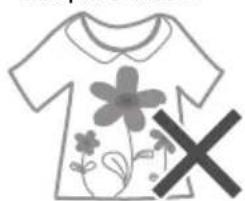
natural_image
Simple line drawing of a T-shirt with floral patterns and a large 'X' symbol (no text or symbols present)Operation Panel
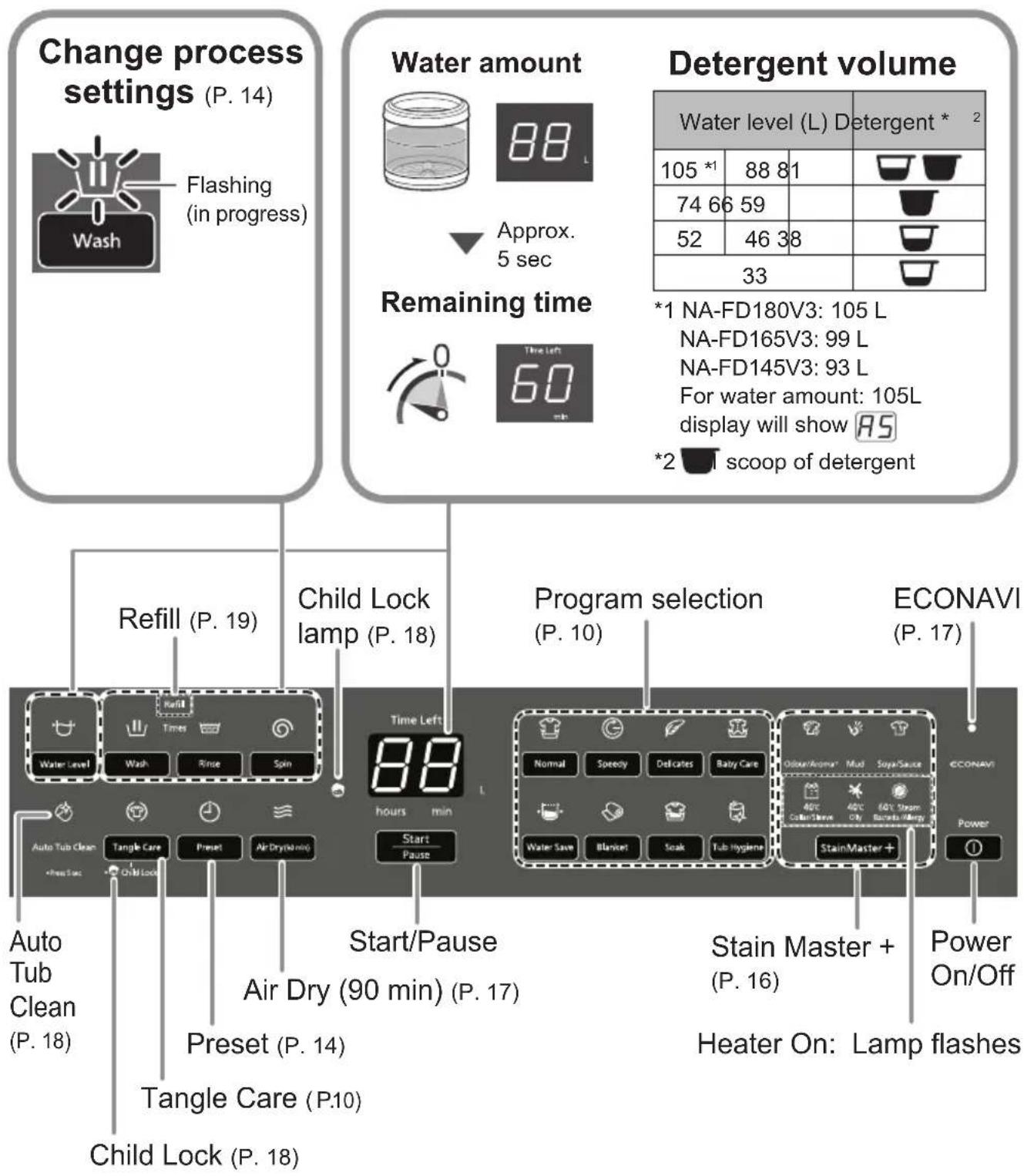
NOTE
In case of a power failure.
Operation will resume from where it stopped when the power recovers.
- If you do not provide Start I'se within 10 minutes after power-on.
Auto power off.
- The wash process setting of the “Stain Master +” and “Soak” programs cannot be changed.
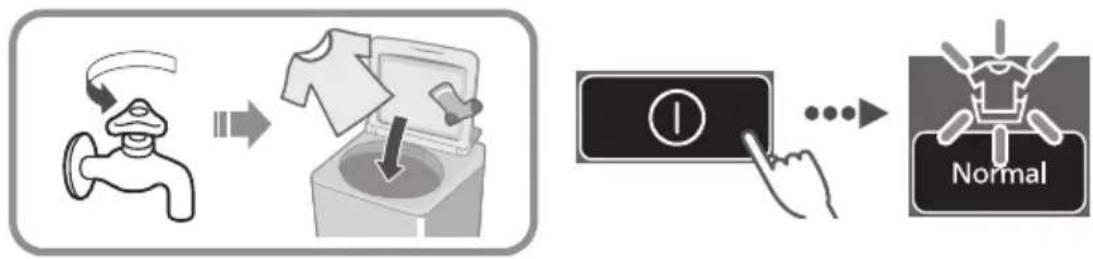
Washing
1
flowchart
graph LR
    A["Water Tap"] --> B["Recycle with T-shirt"]
    B --> C["Check for Washing Machine"]
    C --> D["Check for Paper"]
    D --> E["Normal Inspection"]
    style A fill:#f9f,stroke:#333
    style B fill:#ccf,stroke:#333
    style C fill:#cfc,stroke:#333
    style D fill:#fcc,stroke:#333
    style E fill:#cff,stroke:#333
2
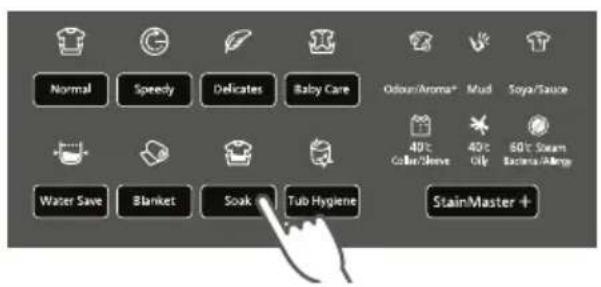

(P. 10)
3
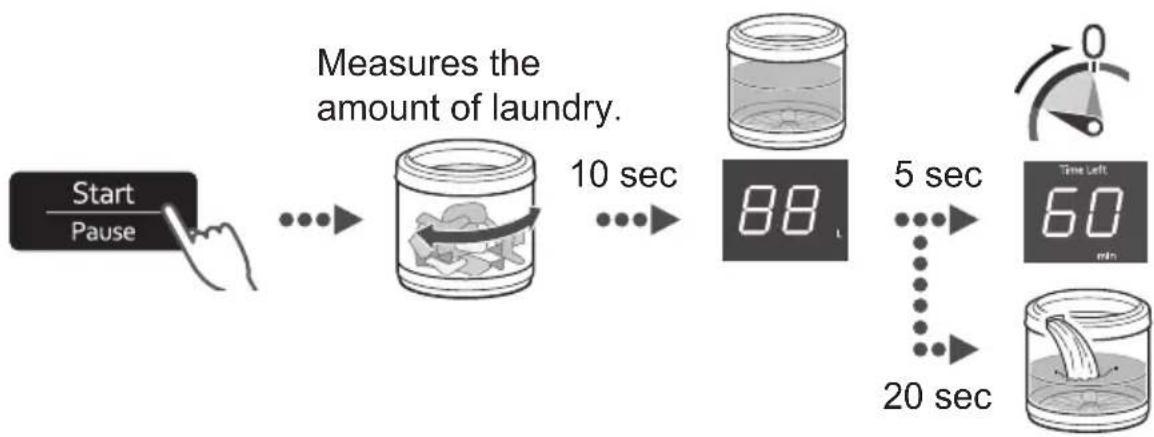
flowchart
graph LR
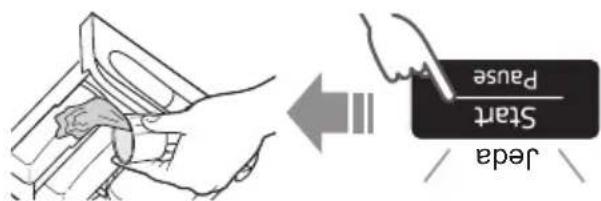
    A["Start\nPause"] --> B["Measures the amount of laundry."]
    B --> C["10 sec"]
    C --> D["88 t"]
    D --> E["5 sec"]
    E --> F["20 sec"]
    F --> G["Time Left\n60 min"]
4
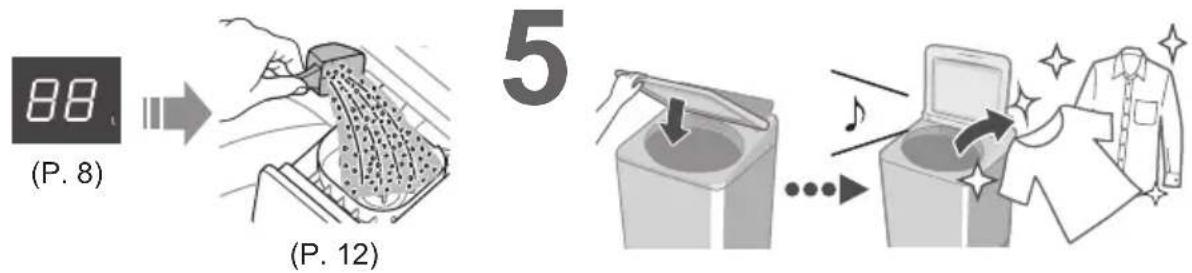
■After pressing "Start"
- To change each operation (while washing).

flowchart
graph LR
    A["Start\nPause"] --> B["Wash"]
    B --> C["Rinse"]
    C --> D["Spin"]
    D --> E["Start\nPause"]
    E --> F["Water Level"]
To check or change the water level (while washing)
- You cannot change the program.
Variety of Programs
| Program Purpose | Max. capacity * (kg) | ||
| Wash |  Normal (P. 9) Normal (P. 9) | Everyday clothes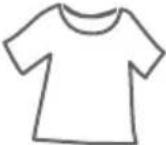 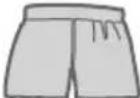 | 18.016.514.5 |
 Tangle Care (P. 9) Tangle Care (P. 9) | Anti-tanglingWashing more gently than “Normal” to reduce tangle.Disentangling clothes after spin: 8 kg or less. | ||
 Speedy (P. 9) Speedy (P. 9) | For light soil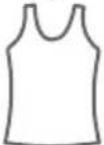  | 18.016.514.5 | |
 Delicates (P. 15) Delicates (P. 15) | Washing gently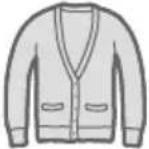 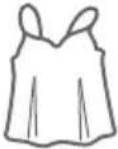 | 5.0 | |
 Baby Care (P. 9) Baby Care (P. 9) | Clothes for babies & sensitive skinRinsing thoroughly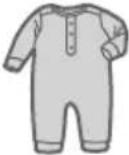 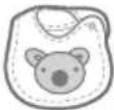 | 18.016.514.5 | |
 Water Save (P. 9) Water Save (P. 9) | Saving water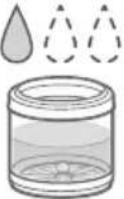 | 18.016.514.5 | |
 Blanket (P. 15) Blanket (P. 15) | Comforters and blankets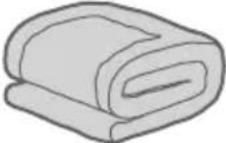 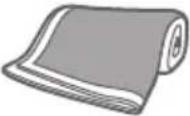 With a machine-washable tag With a machine-washable tag | 4.2 |
* Top: NA-FD180V3 / Middle: NA-FD165V3 / Bottom: NA-FD145V3
| Program Purpose | Max. capacity * (kg) | |||
| Wash |  Soak (P. 9) Soak (P. 9) | For heavy soil Presoaking to wash 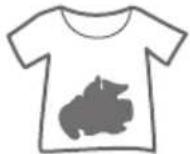 | 18.016.514.5 | |
 (P. 16) (P. 16) | For the following stains | 6.0 | ||
| Light | Odour/Aroma+ | Use more softener to keep scent longer | ||
| Mud | 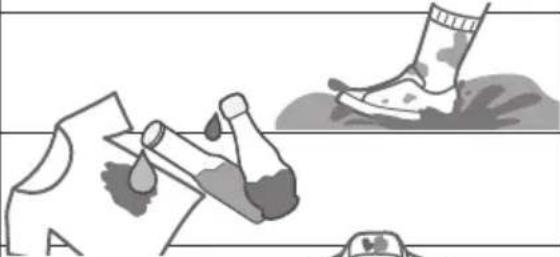 | 5.0 | ||
| Soya/Sauce | ||||
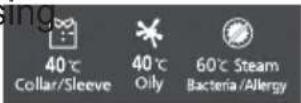
| Collar/Sleeve(40 °C) | 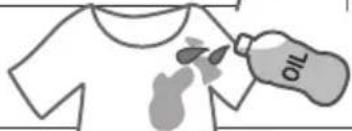 | |||
| Heavy | Oily (40 °C) | |||
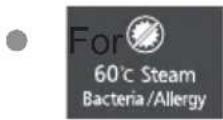
| Bacteria/Allergy(60 °C Steam) | 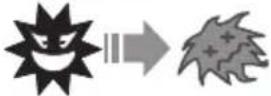 | |||
| Dry |  Air Dry (90 min)(P. 17, 23) Air Dry (90 min)(P. 17, 23) | Drying synthetic fibre clothes  | 3.0 | |
| Maintenance | Tub drying —  | |||
 Tub Hygiene (P. 23) Tub Hygiene (P. 23) | Tub cleaningRemoving black mould and smell 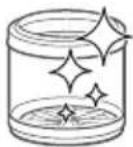 | — | ||
NOTE
- “Normal” program and “Water Save” program are recommended for a normally soiled load at the rated capacity of this washing machine.
Detergent / Softener / Bleach
- Follow the instructions on each package.
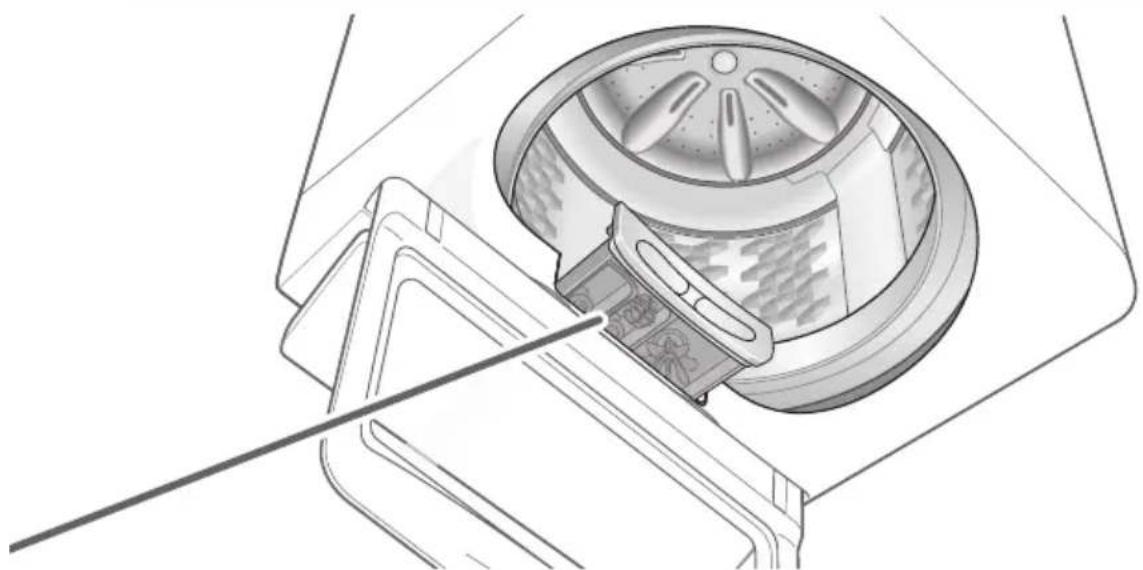
For cleaning (P. 21) - Close auto dosing drawer completely before use.
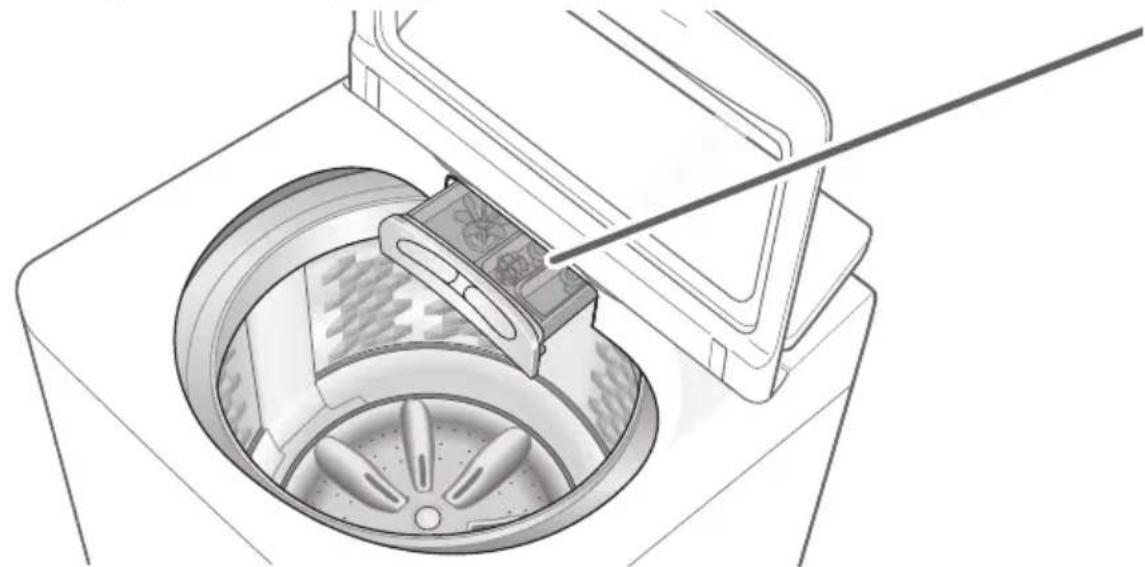
natural_image
Technical line drawing of a washing machine with a handle and fan blade (no text or symbols)Detergent
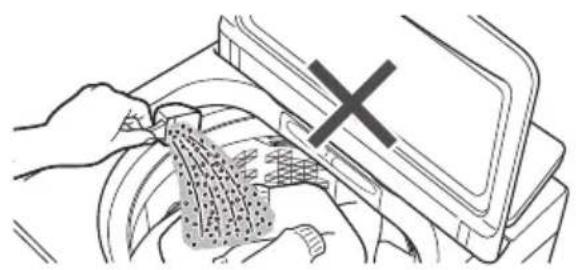
natural_image
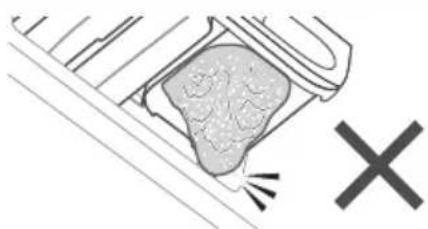
Illustration of hands using a device to clean or store items, with a cross symbol indicating a warning (no text or symbols present)- Do not pour detergent directly into the tub.
● The level of foaming depends on the load size, soil, detergent, and water hardness.
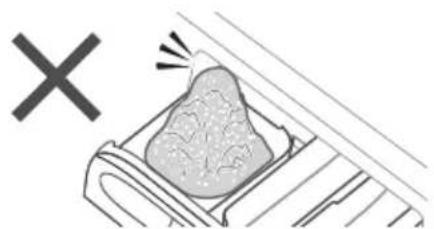
natural_image
Simple line drawing of a rock inside a container with a 'X' symbol above, no text or labels present.Bleach
Whiten bleach (chlorine bleach)
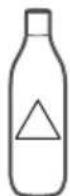
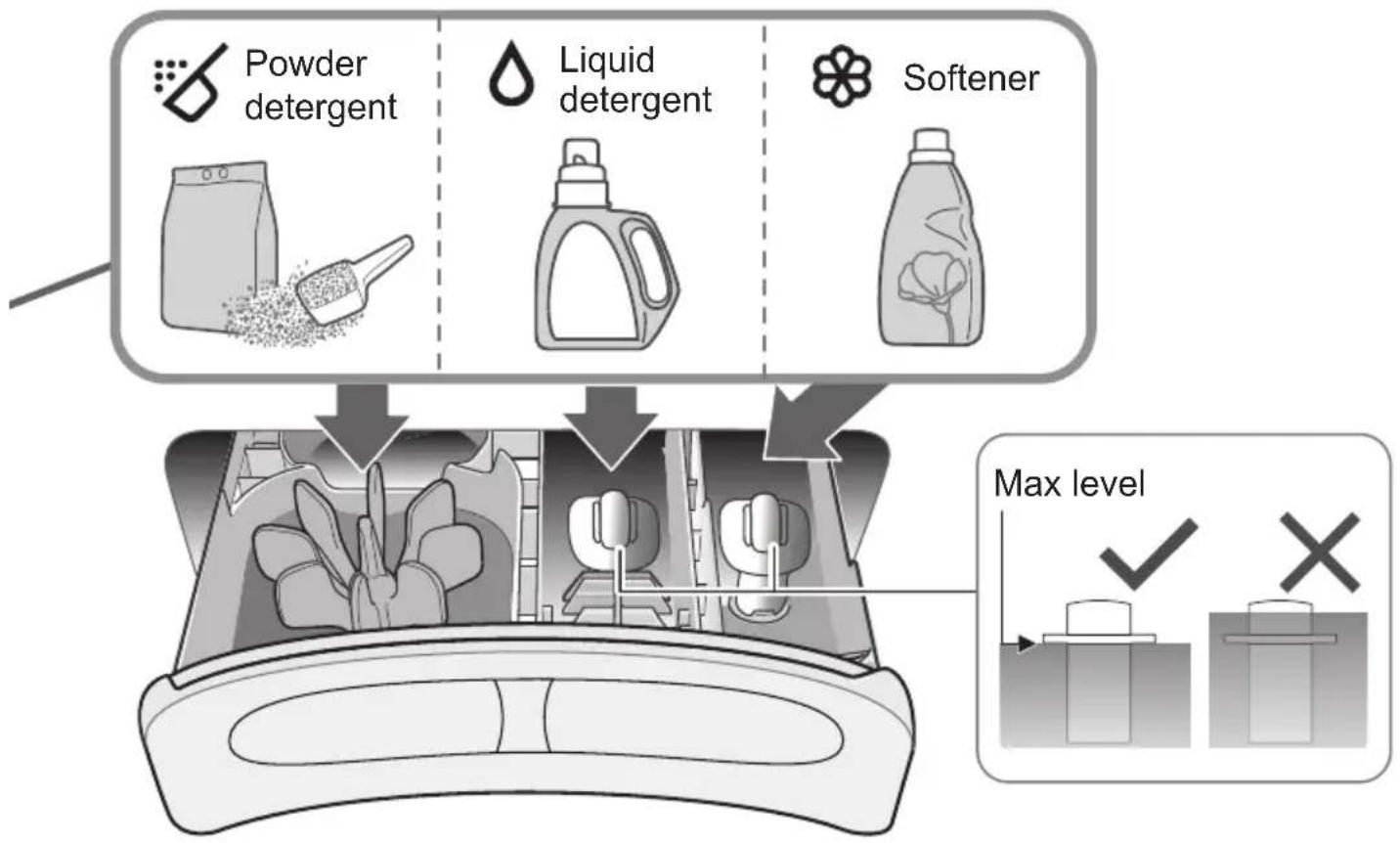
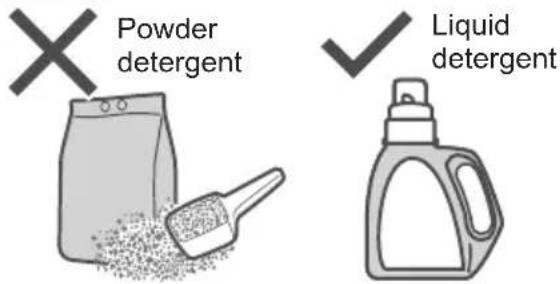
- To use bleach, put bleach in the powder detergent case (if bleach is in powder form) or liquid detergent case (if it is liquid bleach).
flowchart
graph TD
    A["Powder detergent"] --> B["Liquid detergent"]
    B --> C["Softener"]
    D["Max level"] --> E["Image of washing machine with battery icons"]
    F["✓"] --> G["Image of washing machine with battery icon"]
    H["X"] --> I["Image of washing machine with battery icon"]
Softener
- To put softener while the machine is operating:
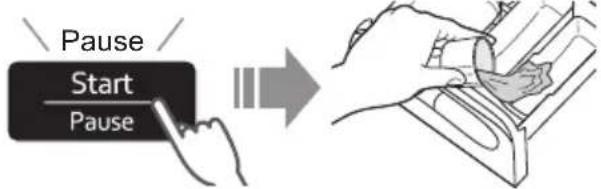
Water
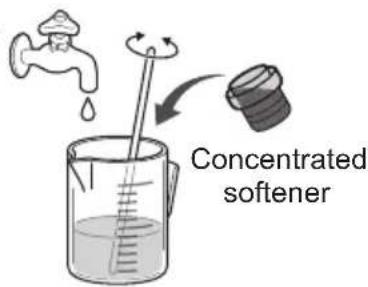
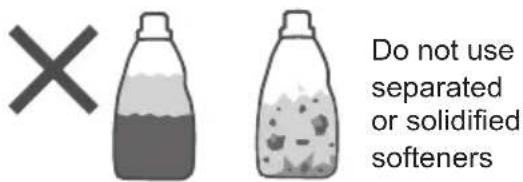
- Softener cannot be used with the "Water Save" program.
Washing Options
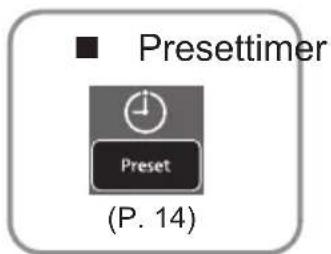
Preset
Set how many hours later to finish operation.
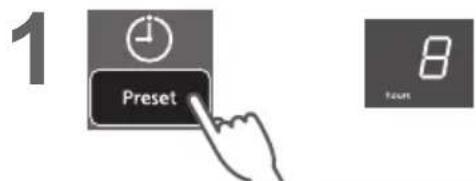
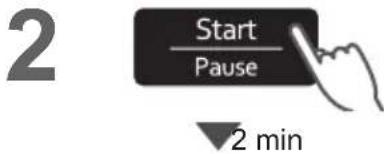
All other indications turn off.

| Normal | 2 - 24 |
| Speedy | 1 - 24 |
| Delicate | - |
| Baby Care | 2 - 24 |
| Water Save | 2 - 24 |
| Blanket | - |
| Soak | 3 - 24 |
| StainMaster + | (P. 16) |
| Air Dry(90 min) | - |
| Tub Hygiene | - |
■ To confirm
■ To cancel or change
Wash / Rinse / Spin
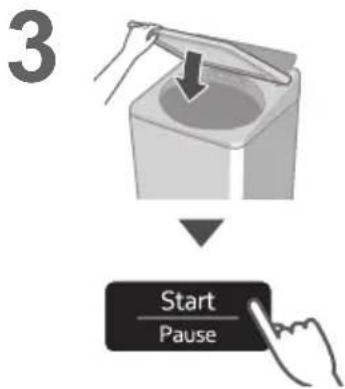
NOTE
- Not available for "Tangle Care".

Delicates
| 74 L 5.0 kg | |
| 66 L 3.0 kg | |
| 59 L 1.0 kg |
NOTE
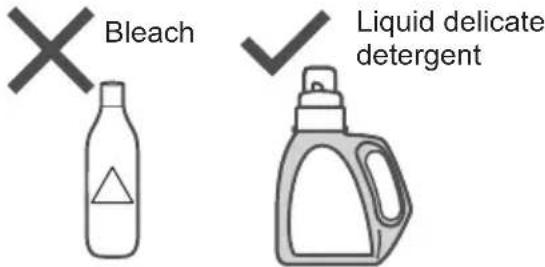
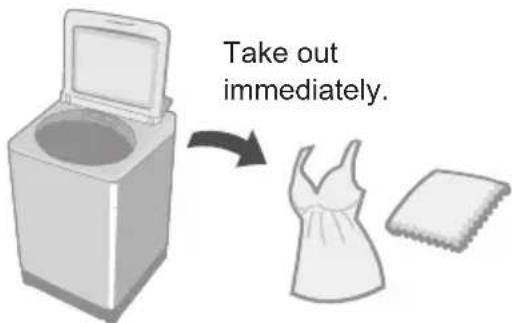
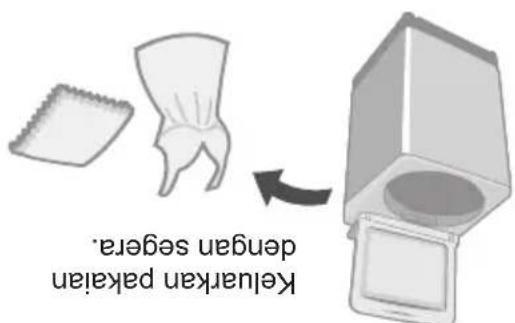
■ After operation ends
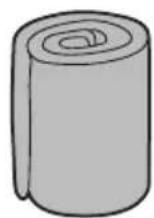
Blanket
| Max.water amount * | 4.2 kg100 % synthetic fibre100 % cotton |
* NA-FD180V3: 105 L / NA-FD165V3: 99 L / NA-FD145V3: 93 L
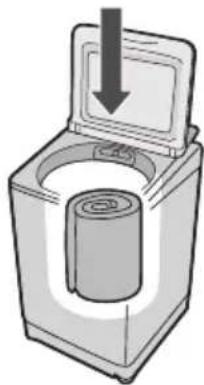
natural_image
Illustration of a washing machine with a cylindrical component inserted, showing liquid level indicated by an arrow (no text or symbols present)NOTE
NOTE
- The water amount indication shows the maximum and cannot be changed.
Washing Options (continued)
Stain Master +
Preparation: (P. 7)
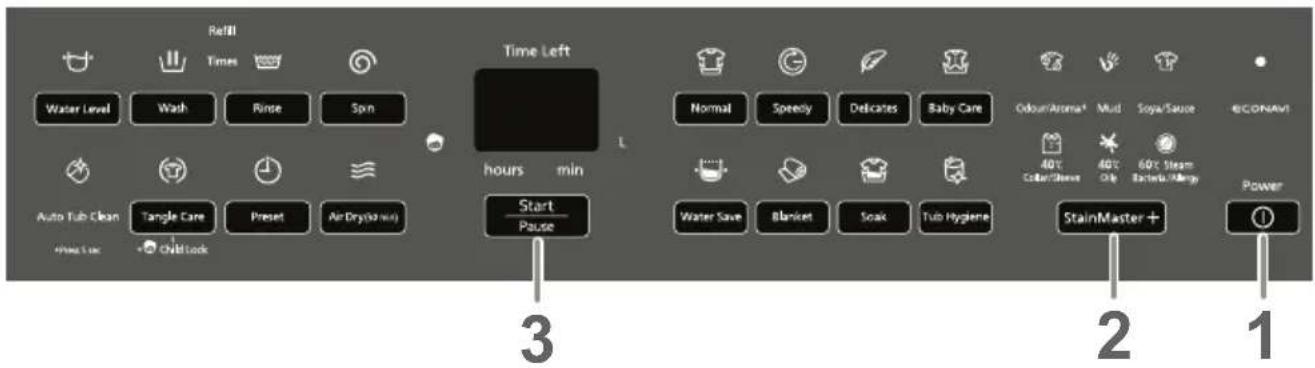
1
2
StainMaster +

■ Timer preset (hours) (P. 14)
Collar/Sleeve: 3 - 24
Oily: 3 - 24
Bacteria/Allergy: 4 - 24
Others: 2 - 24
3
4
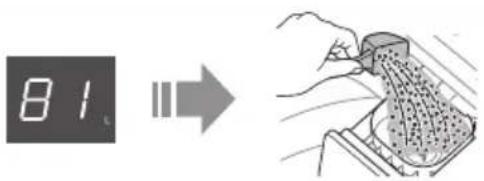
5
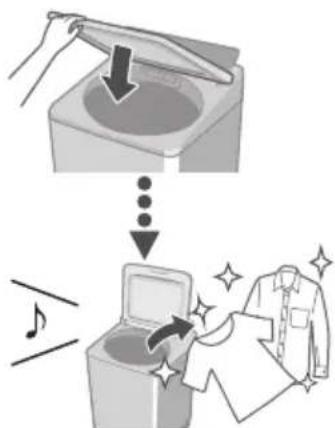
NOTE
Max. capacity11(P).
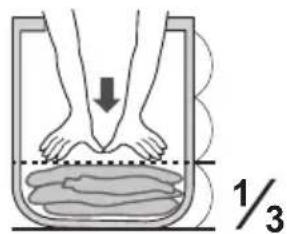
Max. water amount
• Bacteria/Allergy: 66L
- Others: 81L
- You cannot change the wash process setting of this program.
- When using
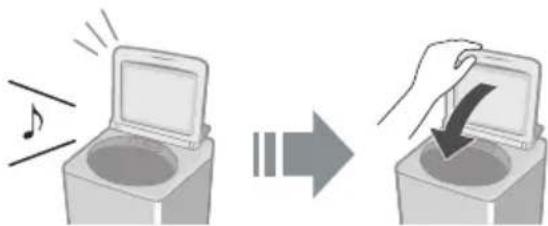
• Make sure to close the lid.
natural_image
Illustration of a device with an open lid and sound effect, showing a change from a music icon to a hand inserting a button (no text or symbols)- Dew condensation may occur on the lid, etc.
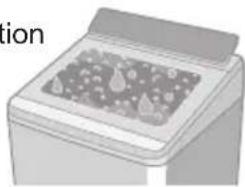
Condensation
natural_image
Illustration of a printer with a printed cover on the cover (no visible text or symbols)Air Dry (90 min)
The air blown from the tub rotation removes water from clothes.
- Dryable clothes: Synthetic fibre (Max. 3.0 kg)
1
2
3
NOTE
Clothes may not be sufficiently dried (depends on amount and type of clothes, and the temperature).
- This function does not use a heater. Clothes may be cold and half dry.
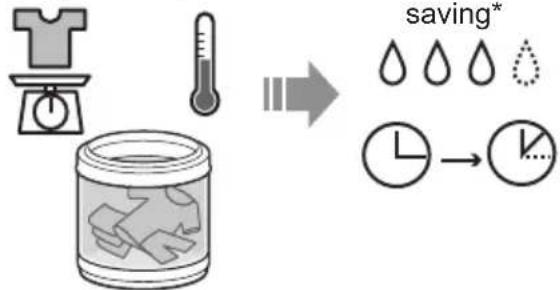
ECONAVI
• "Normal" program only
Weight / Temperature
Water and time
flowchart
graph LR
    A["Start: T-shirt with timer"] --> B["Temperature Measurement"]
    B --> C["Storage Box with hands inside jar"]
    C --> D["Time Saving Process"]
    D --> E["Clock with Time Label"]
    E --> F["End"]
■ Lamp indications
Detecting

ECONAVI enabled
ECONAVI disabled
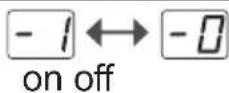
■ To turn on/off
1
2
3
Hold 3 sec

4
to select
5
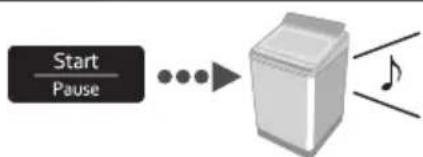
flowchart
graph LR
    A["Start/Pause"] --> B["→"]
    B --> C["Box with Note Symbol"]
* Test conditions:
- "Normal" program
- Comparison between ECONAVI-enabled operation (amount of laundry: 2.0 kg, water temperature: above 35 °C) and ECONAVI-disabled operation (amount of laundry: 18.0 / 16.5 / 14.5 kg (rated capacity), water temperature: below 15 °C)
- Test was conducted based on IEC60456 except for water temperature.
Convenient Functions
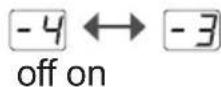
Setting Auto Tub Clean
Preventing black mould, available with all programs except "Water Save" and "Air Dry (90 min)".
■ Lamp indications

Operating

Function enabled

Function disabled
■ To turn on/off
1
2
3
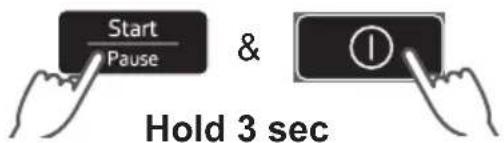
Hold 3 sec

4
to select
5
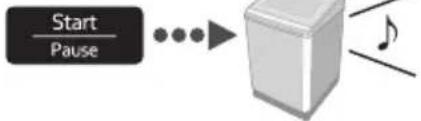
flowchart
graph LR
    A["Start/Pause"] --> B["•"]
    B --> C["•"]
    C --> D["•"]
    D --> E["•"]
    E --> F["•"]
    F --> G["•"]
    G --> H["•"]
    H --> I["•"]
    I --> J["•"]
    J --> K["•"]
    K --> L["•"]
    L --> M["•"]
    M --> N["•"]
    N --> O["•"]
    O --> P["•"]
    P --> Q["•"]
    Q --> R["•"]
    R --> S["•"]
    S --> T["•"]
    T --> U["•"]
    U --> V["•"]
    V --> W["•"]
    W --> X["•"]
    X --> Y["•"]
    Y --> Z["•"]
Cancelling end buzzer
1
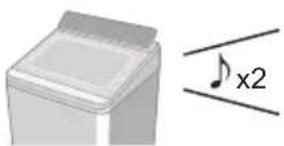
natural_image
Simple line drawing of a piano with a musical note and 'x2' annotation (no text or symbols on the piano itself)■ To reset:
same procedure
Setting Child Lock
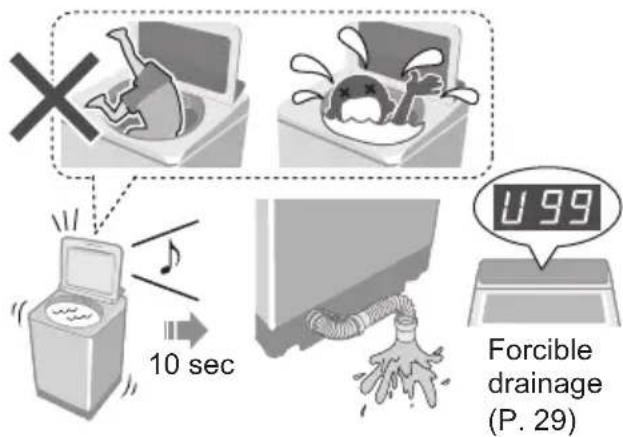
Forcible drainage (P. 29)
* This function does not lock the lid and button operations.
1
2
Hold 5 sec
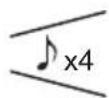
■ To cancel: same procedurex4
Contents of Programs
| Program | Total time*1 (min) | Wash (min) | Rinse (times) | Spin (min) | |
| Normal | 65 9 2 7 | ||||
| Tangle Care | 75 13 2 7 | ||||
| Speedy | 50 3 2 5 | ||||
| Delicates | 50 9 2 1 | ||||
| Baby Care | 80 9 2 7 | ||||
| Water Save | 80 12 3 7 | ||||
| Blanket | 80 12 2 7 | ||||
| Soak | 130 *2 | 71 (Soak 59) 2 | 7 | ||
| Stain Master + | Odour/Aroma+ | 85 13 2 7 | |||
| Mud | 90 32 2 7 | ||||
| Soya/Sauce | 110 *2 | 54 (Soak 29) 2 | 7 | ||
| Collar/Sleeve | 165 *2 | 33 *3 | 2 | 7 | |
| Oily | 170 *2 | 38 *3 | 2 | 7 | |
| Bacteria/Allergy | 190 *2 | 30 *3 | 2 | 7 | |
| Tub Hygiene | 150 *2 | 65 (Soak 62) 2 | 30 | ||
*1 Total time is approximate (When the standard water supply rate is 15 L / min and the water temperature is 28 °C).
*2 Remaining time of 99 minutes or less will be displayed. --→99
*3 Excluding water heating time. Symbol -- will be displayed during the water heating process.
- “Refill”: to fill the tub with water and rinse while supplying water.
Maintenance
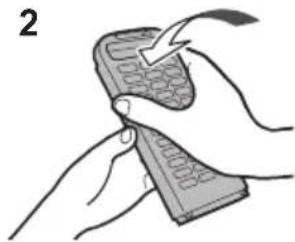
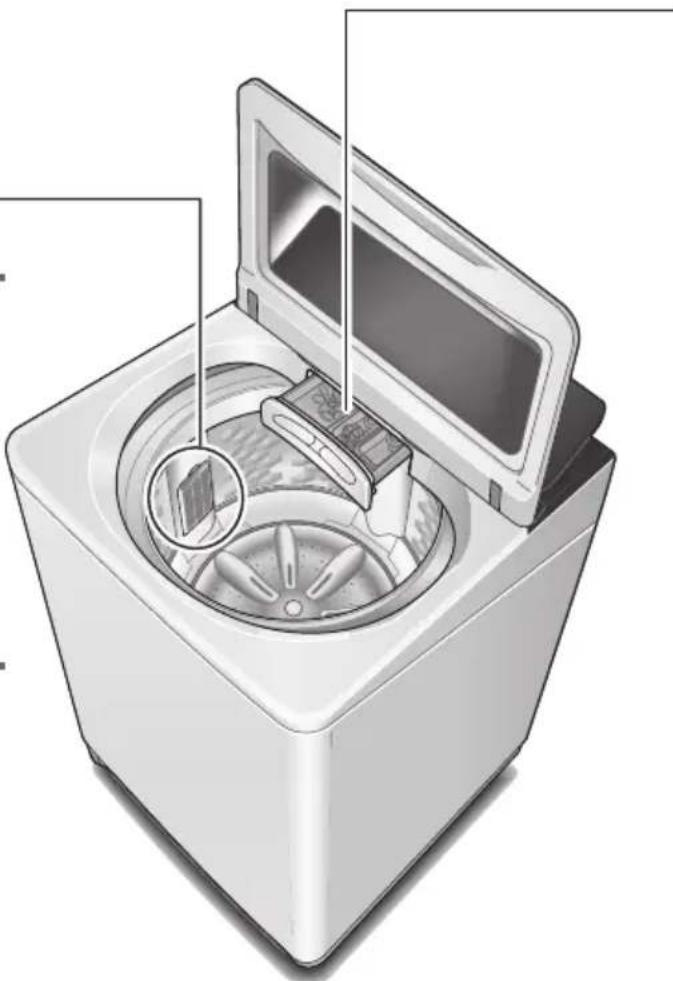
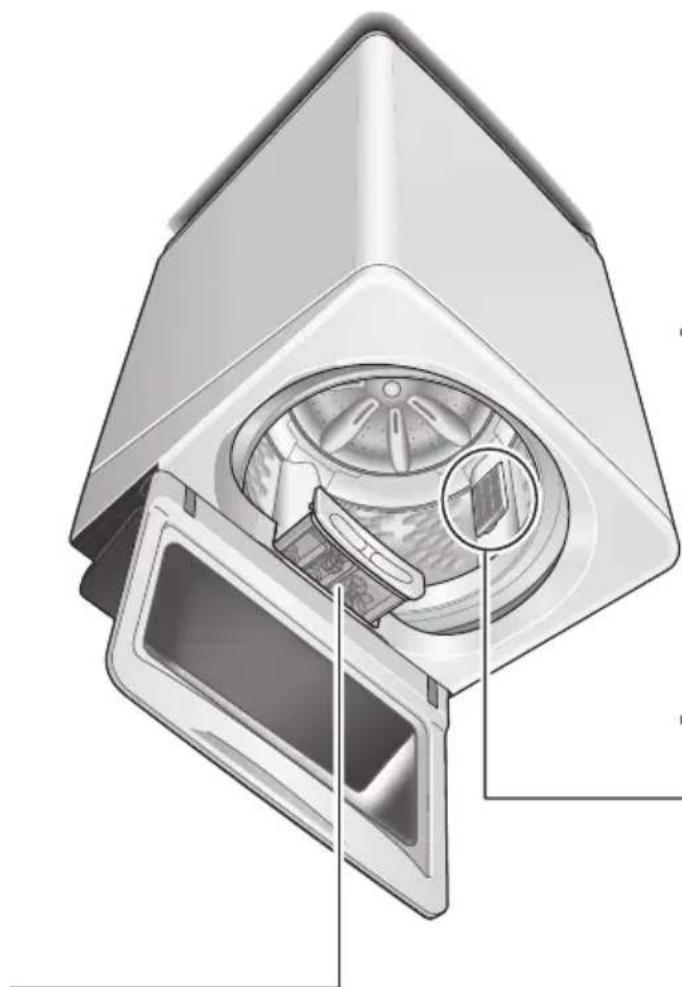
Lint filter
After each operation
1
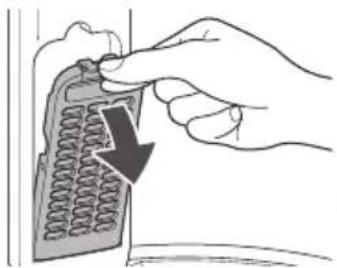
natural_image
Hand inserting a calculator into a device (no text or symbols visible)2
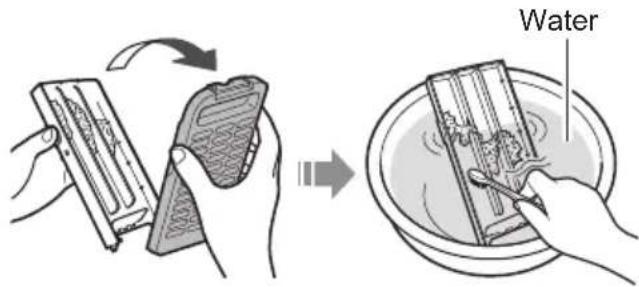
3
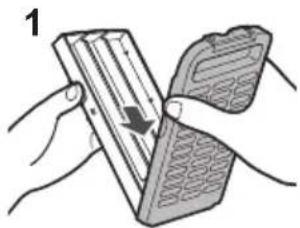
natural_image
Illustration of hands holding a device with an arrow indicating rotation (no text or symbols)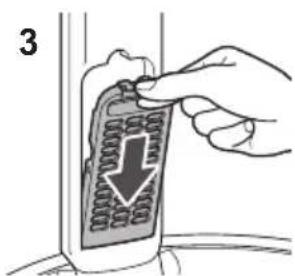
natural_image
Illustration of hands holding a handheld device with a lightning bolt (no text or symbols)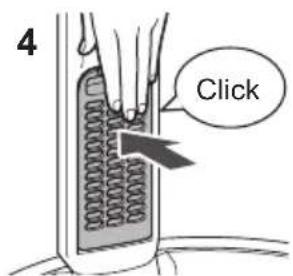
natural_image
Illustration of a washing machine with internal components and a close-up view of the lid (no text or symbols)NOTE
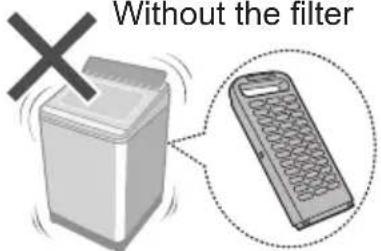
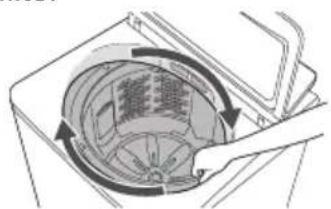
If it is difficult to remove the filter
natural_image
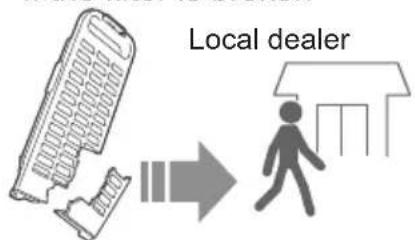
Diagram of a mechanical component with circular components and directional arrows indicating motion (no text or symbols)If the filter is broken
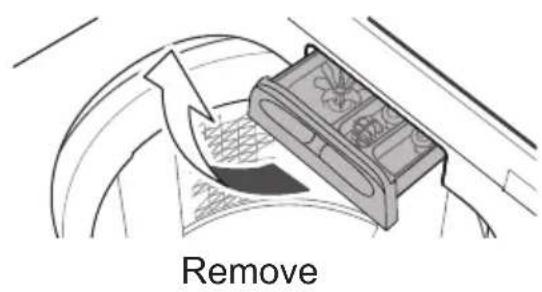
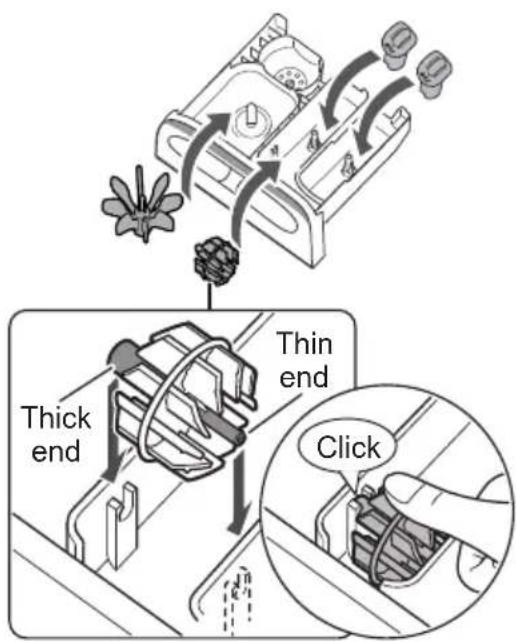
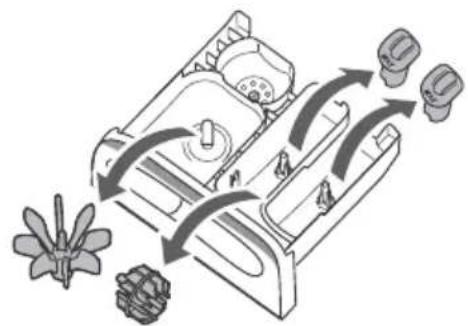
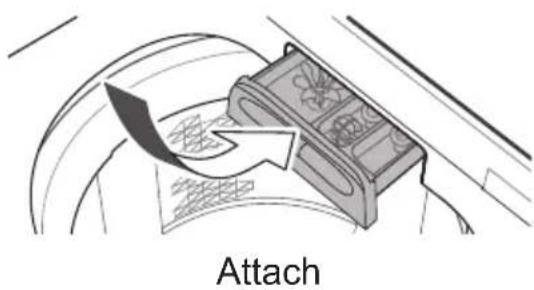
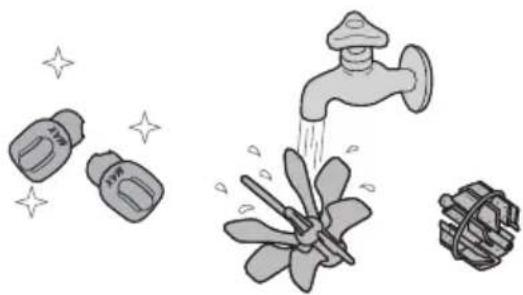
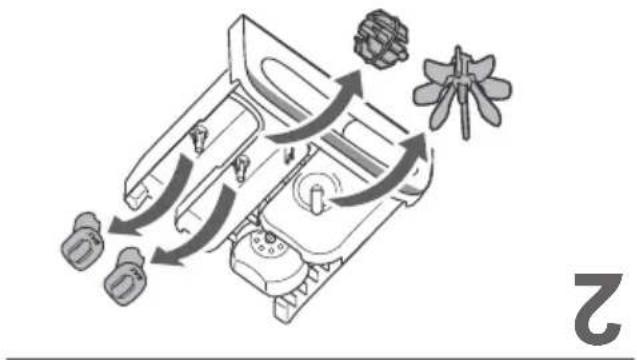
Detergent and softener drawer
If stained with detergent or softener
1
4
2
flowchart
graph TD
    A["Start"] --> B{Condition}
    B -->|Yes| C["Process Step 1"]
    B -->|No| D["Process Step 2"]
    C --> E["End"]
    D --> E
    F["Flower"] --> A
    G["Top Left"] --> A
    H["Top Right"] --> C
    I["Bottom Left"] --> D
5
3
natural_image
Illustration of four different household appliances: a faucet, a water pump, a water dispenser, and a water dispenser with sparkles (no text or symbols)Main unit, lid
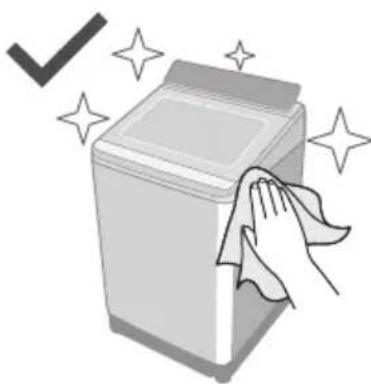
natural_image
Illustration of a hand cleaning a washing machine with sparkles around (no text or symbols)For heavy soil
Neutral kitchen detergent
natural_image
Illustration of a bottle with liquid and droplets (no text or symbols)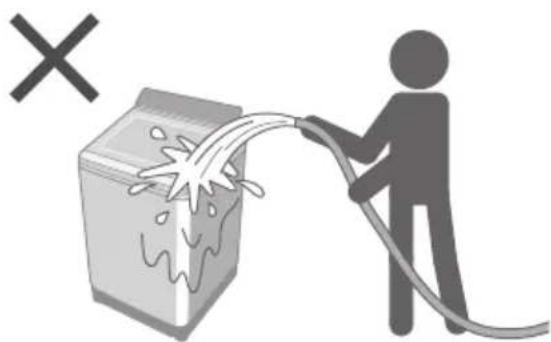
natural_image
Illustration of a person spraying water from a machine with a hose, no text or symbols presentMaintenance (continued)
Water supply filter
If water does not flow smoothly
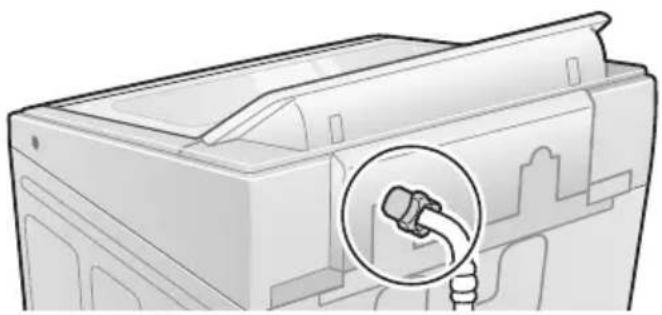
natural_image
Illustration of a computer monitor with a magnified inset showing a hand holding a device (no text or symbols present)1
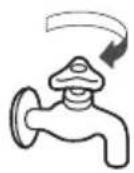
5
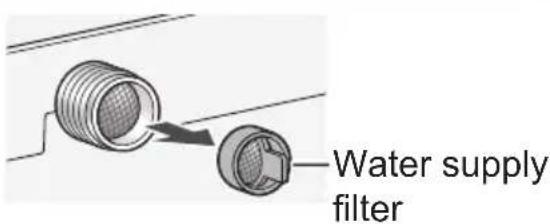
2
6
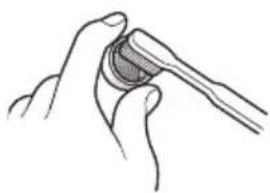
natural_image
Line drawing of a hand holding a tool with a circular object inserted (no text or symbols)3
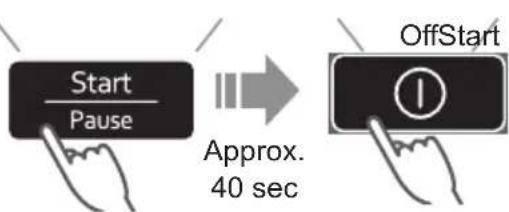
7
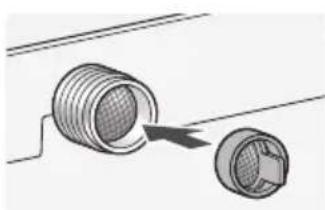
natural_image
Diagram of two mechanical components with a directional arrow indicating movement (no text or symbols)4
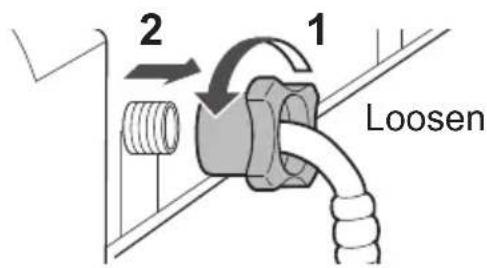
8
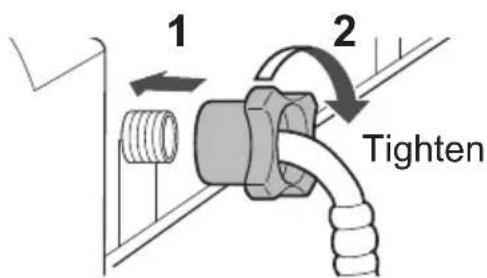
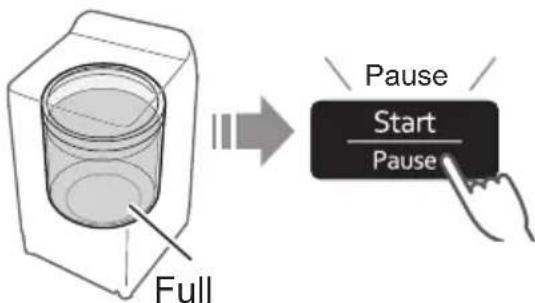
Tub
Once a week
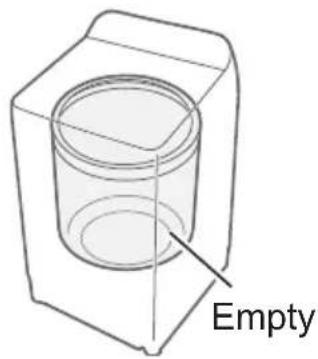

Once a month
1
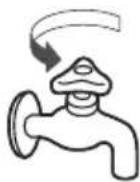
5
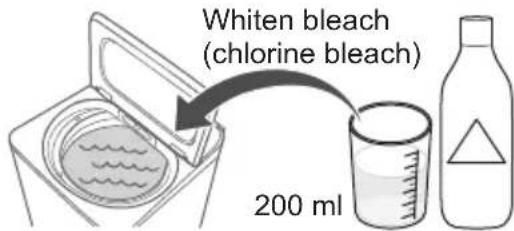
2
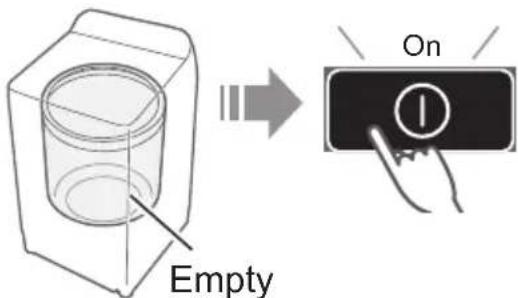
6
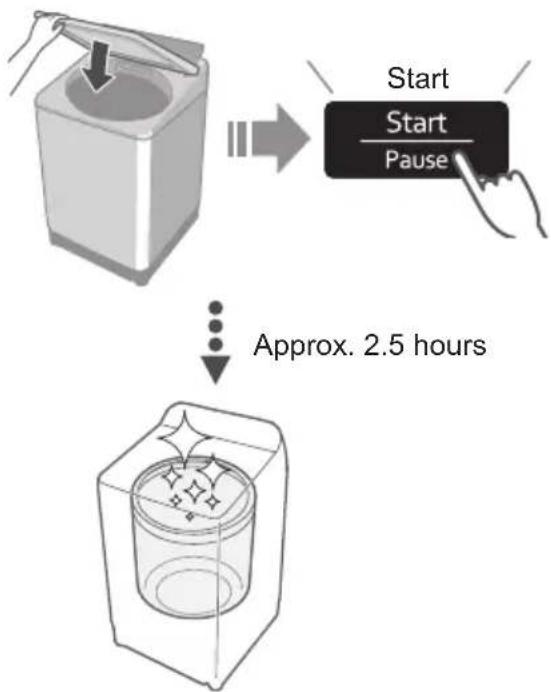
flowchart
graph TD
    A["Start"] --> B["Start / Pause"]
    B --> C["Approx. 2.5 hours"]
3
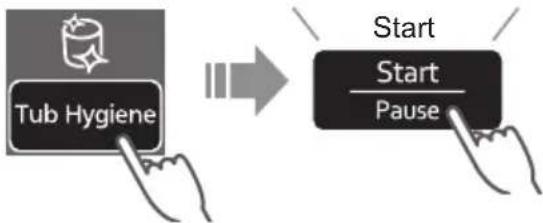
flowchart
graph LR
    A["Tub Hygiene"] --> B["Start"]
    B --> C["Pause"]
4
Installation
Check the location.
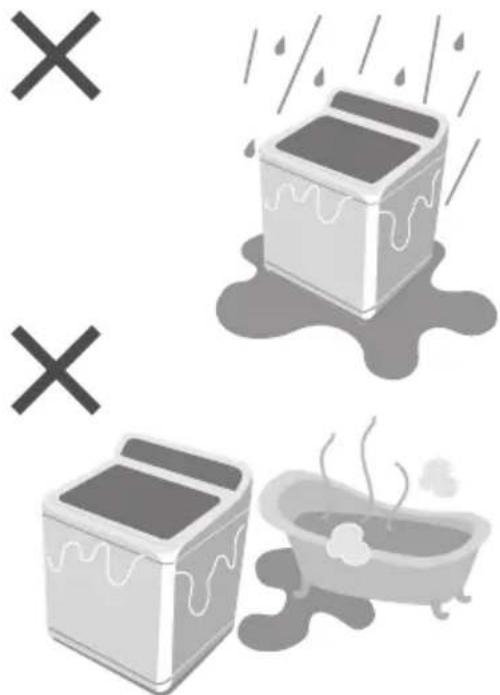
natural_image
Illustration of washing machines and a bathtub with steam rising (no text or symbols)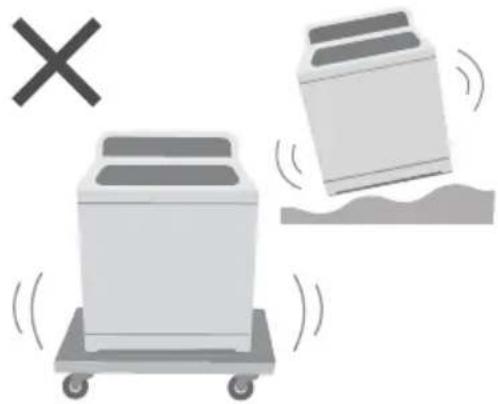
natural_image
Illustration of two washing machines on a cart with a 'X' symbol and a falling object, no text or symbols present.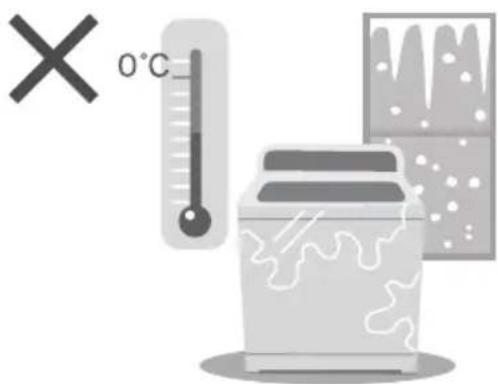
Make sure to ask a service person for installation.
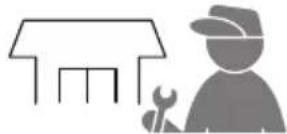
natural_image
Silhouette of a house with tools and a worker (no text or symbols)■ Do not install by yourself.
■ Follow this installation method.
If you do not, Panasonic will not be liable for any accident or damage.
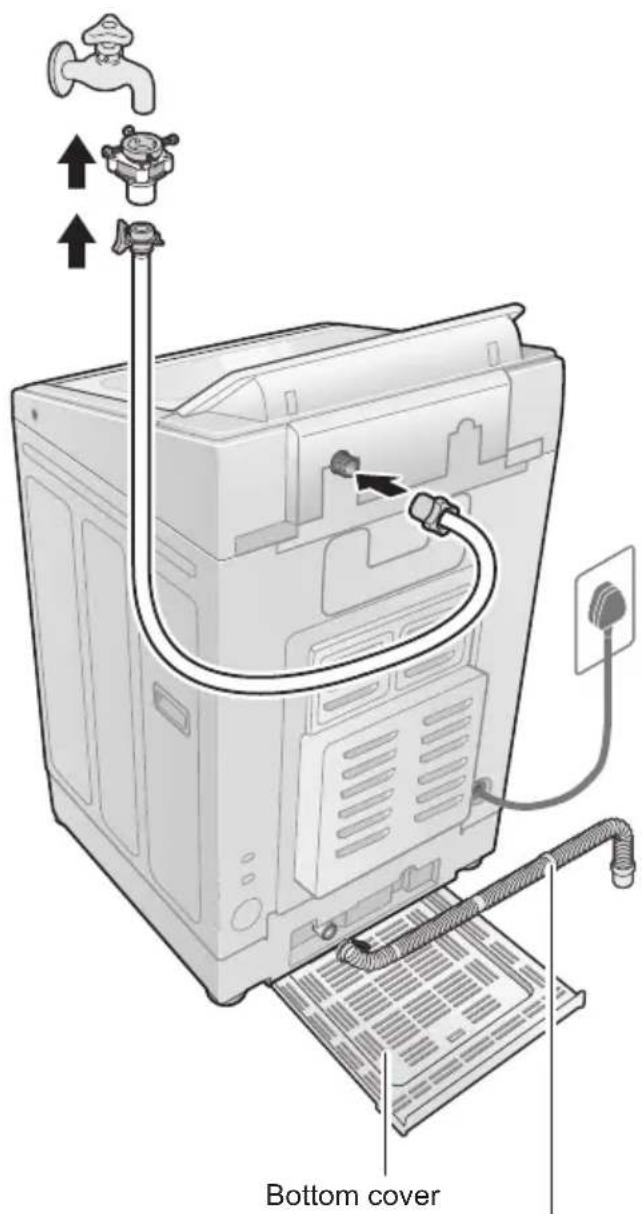
External drain water hose
Attach the bottom cover
1
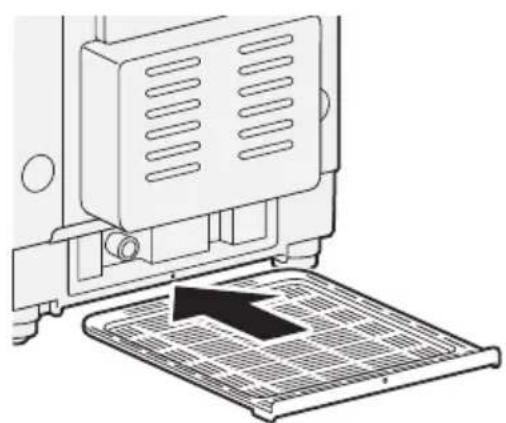
natural_image
Diagram of a printer's internal structure with a black arrow pointing to a grid-patterned base (no text or symbols)2
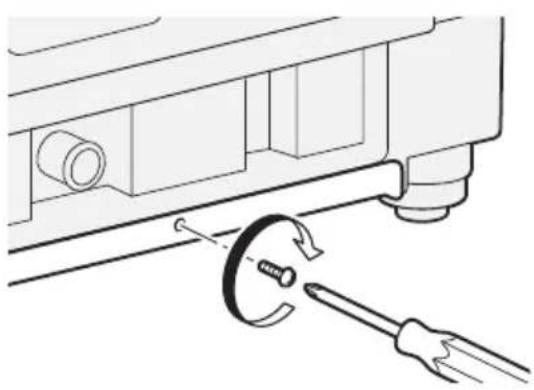
natural_image
Technical diagram showing a mechanical assembly with a wrench and screwdriver (no text or symbols)Attach the external drain water hose
1
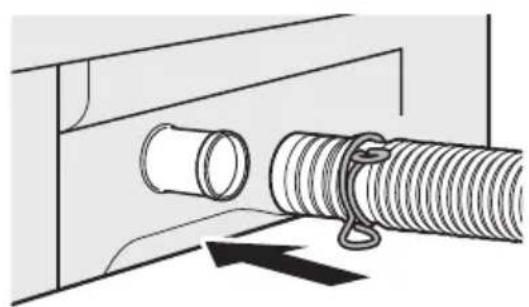
natural_image
Diagram of a pipe connection with a coiled spring and hook, showing mechanical assembly (no text or symbols)NOTE
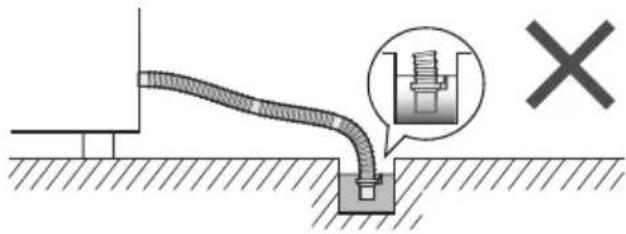
2
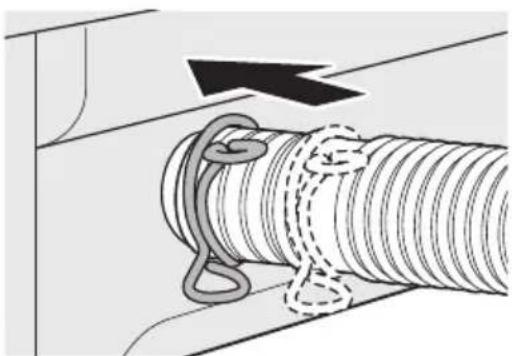
natural_image
Diagram of a mechanical assembly with a coiled spring and rope, showing motion direction (no text or symbols)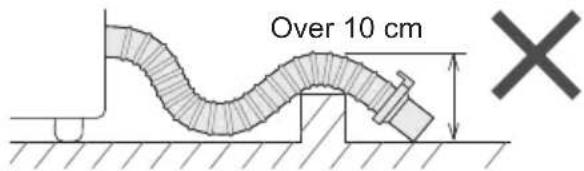
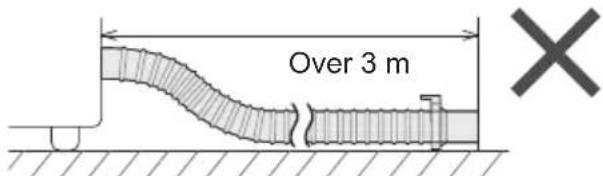
Installation (continued)
Connect the water supply hose
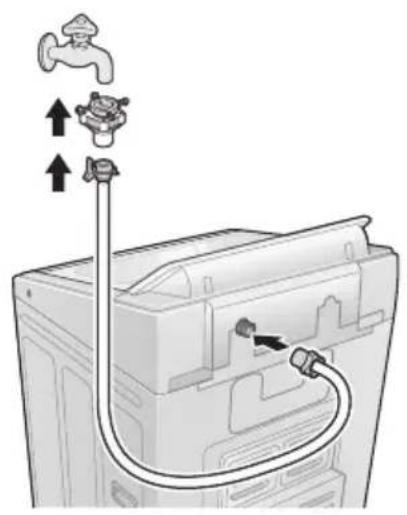
natural_image
Diagram of a washing machine with faucet and tubing, showing internal components (no text or symbols)1
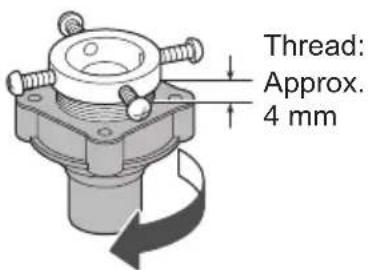
2
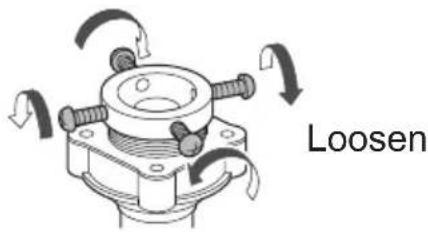
3
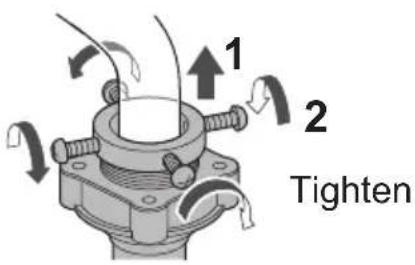
4
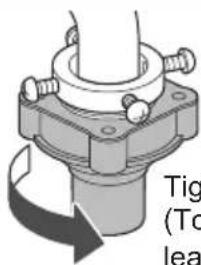
5
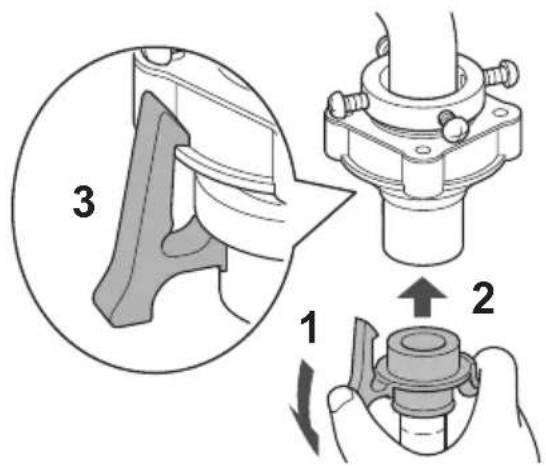
6
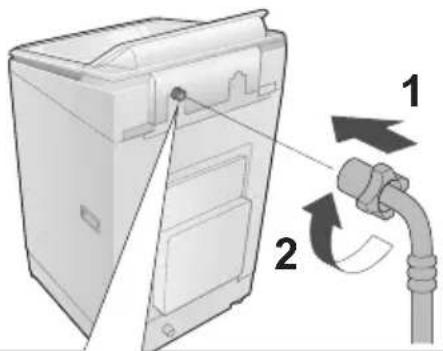
3
Check that the elbow is not loose.
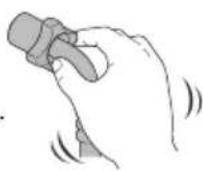

CAUTION
- Tighten the nut firmly.
- Do not twist, squash, modify or cut the hose.
Connect the power plug and grounding
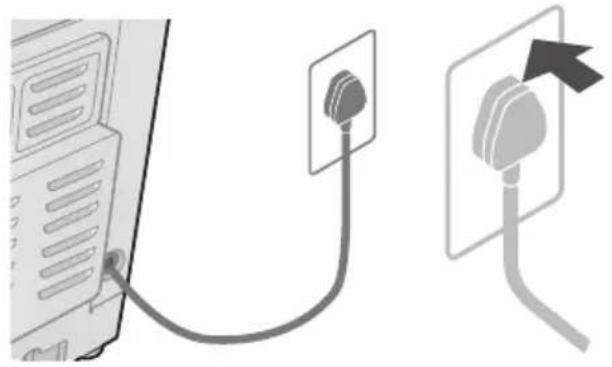
natural_image
Diagram showing a computer connected to an outlet with a cable, and a separate outlet with an arrow indicating direction (no text or symbols present)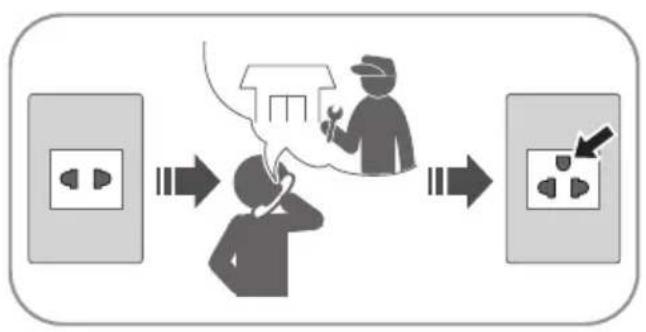
flowchart
graph LR
    A["Power outlet"] --> B["Worker with tool"]
    B --> C["Switch to power outlet"]
    C --> D["Load-in socket"]
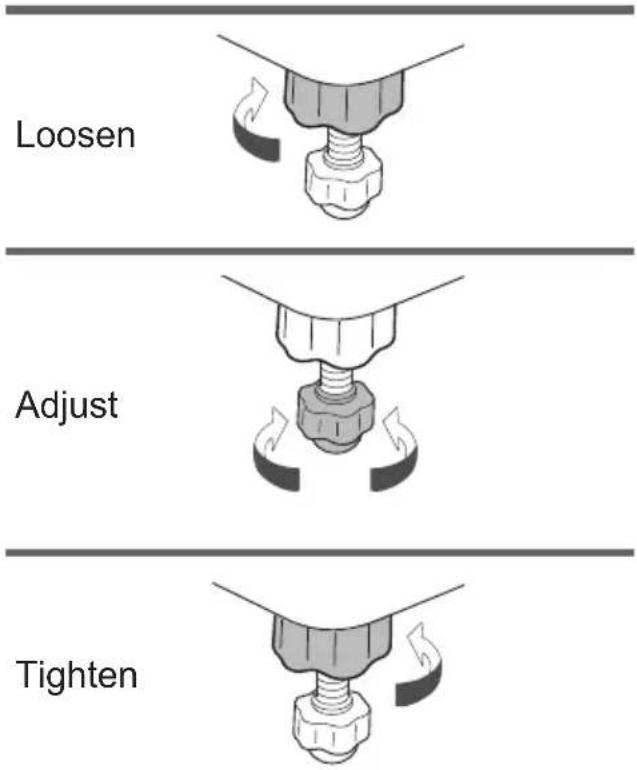
Check that the washing machine is level
■ If the washing machine wobbles
Trial operation
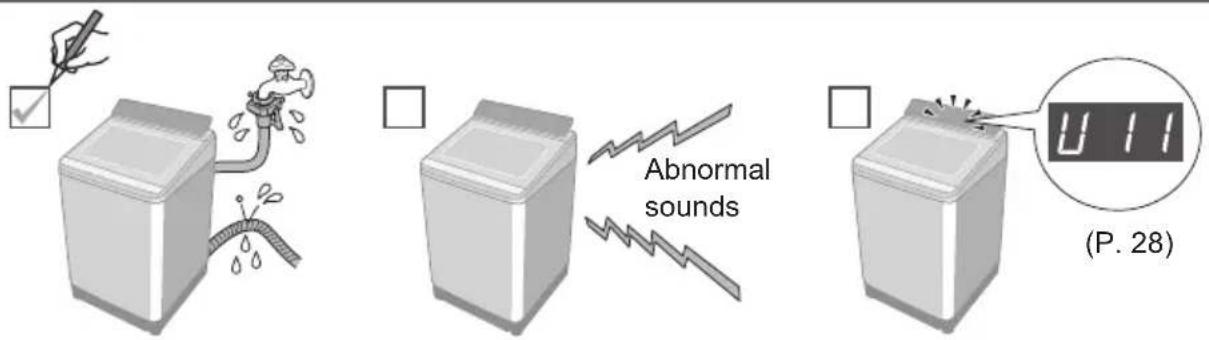
Error Display
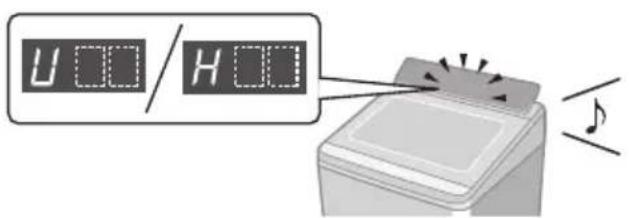
■ Preparation
Cancel Child Lock (P. 18) if it is set.
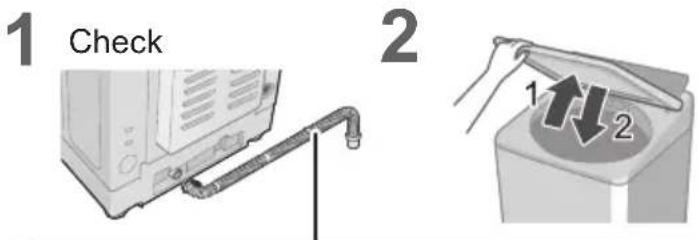
Error Display Points to be checked
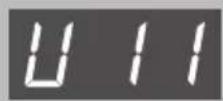
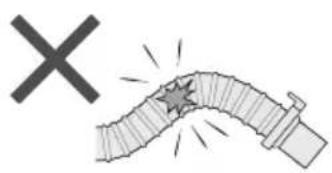
Water cannot drain.
natural_image
Illustration of a damaged pipe with a starburst effect and a 'X' symbol (no text or labels)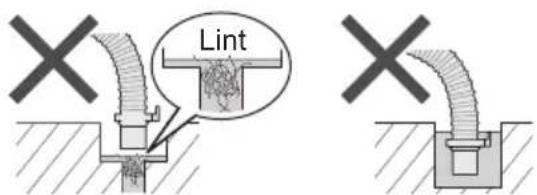
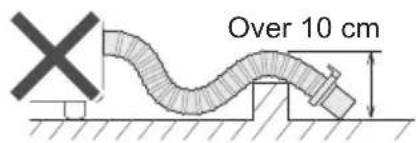
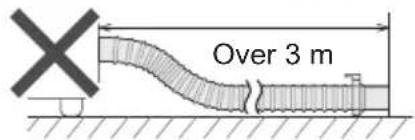
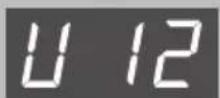
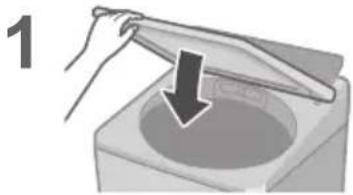
The lid is open.
natural_image
Illustration of a hand holding a tool over a container with a downward arrow (no text or symbols)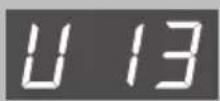
Spin or "Air Dry" is not possible.
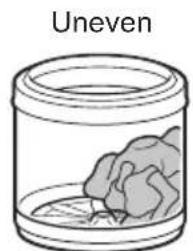
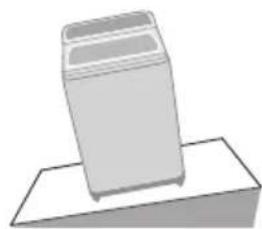
Unstable or incline
natural_image
Simple 3D illustration of a trash bin on a flat surface (no text or symbols)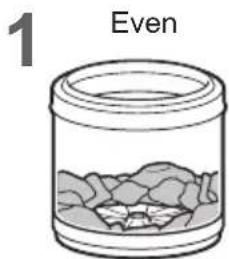
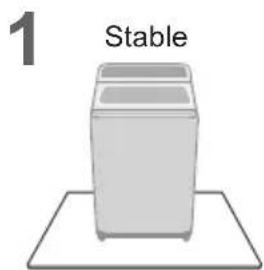
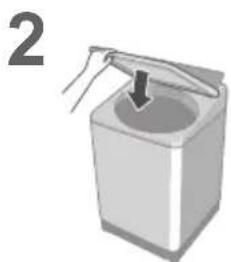
natural_image
Illustration of a hand holding a container with a downward arrow, labeled with the number 2 (no text or symbols on the diagram itself)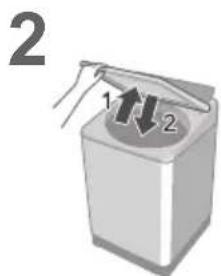
| Error Display Points to be checked | |||
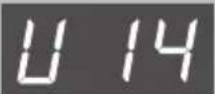 | 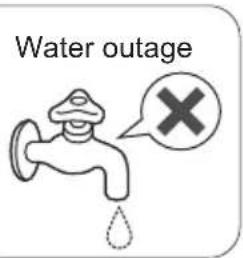 | 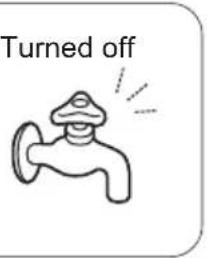 | 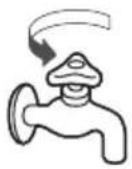 |
| Water cannot be supplied. | 1 | 2 | |
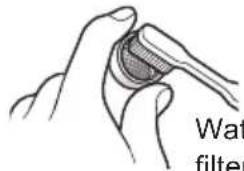 | [x7KA] | ||
| U99 | With Child Lock set | Forcible drainage | |
 | 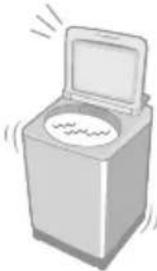 | 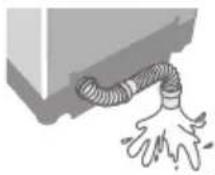 | |
| Water has been forcibly drained. | 1 | ||
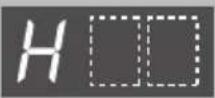
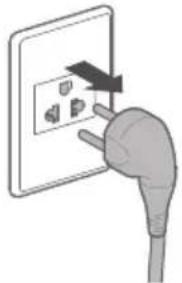 | 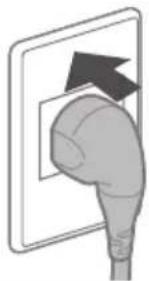 | ||
 | 1 | 2 | 3 |
| Inspection is required. | 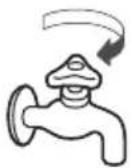 | 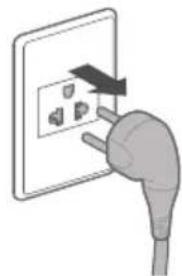 | 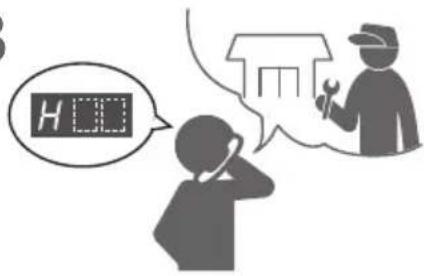 |
Troubleshooting
| Symptoms Points to be checked | |||
| Time | Indication increases or does not decrease. 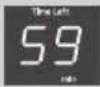 | Time indication is approximate.Remaining time is corrected during operation.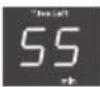 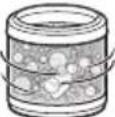  | |
Longer than the indication.  | When clothes are uneven.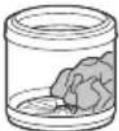 | When the water drainage is not good.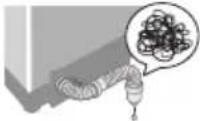 When the water supply is not good. When the water supply is not good.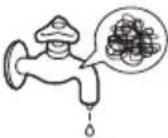 | |
Operation passes the preset time.  | → The operation time may be longer. | ||
| Main unit | No operation | □ Check● Power failure  □ Timer preset □ Timer preset □ Try● Close the lid. □ Try● Close the lid. 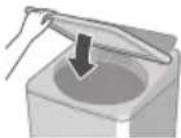 □ Turn on. □ Turn on. 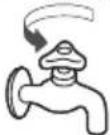 □ Insert the power pl completely. □ Insert the power pl completely. ● Press "Start". ● Press "Start".  □ Turn breaker c □ Turn breaker c | |
Cannot change process settings (after start).   | □ Try● During wash process □ 3 □ 3  □ □  ● After wash process[AAYAW] □ ● After wash process[AAYAW] □  | ||
| Wash | Water is supplied while washing.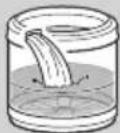 | When water level drops. 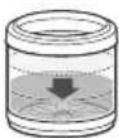 When amount of laundry is large. When amount of laundry is large. 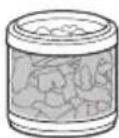 | |
| Water is added automatically. | |||
The water leveltoo high 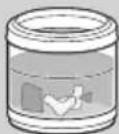 | When laundry is wet.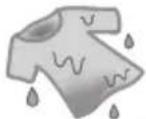 When there is water in the tub before operation. When there is water in the tub before operation. 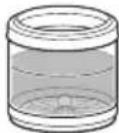 | ||
| The water level may be higher. | |||
too low 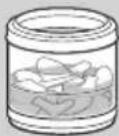 | When clothes are light (synthetic fibre, etc.). 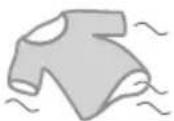 | ||
| The water level may be lower. | |||
| Rinse | Operation started with rinse, but water is not supplied.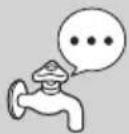 | When there is no water in the tub. 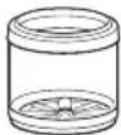 Water is supplied after spin.When there is water in the tub. Water is supplied after spin.When there is water in the tub. 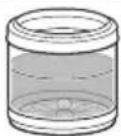 Water is supplied after water discharge and spin. Water is supplied after water discharge and spin. | |
| Spin | Spin changes to rinse.Rinse starts instead of spin.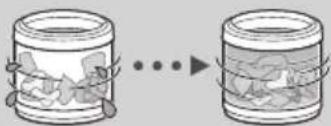 | If clothes are uneven, this appliances automatically corrects unevenness by rinse process.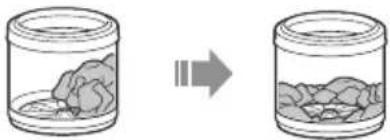 | |
Irregular rotation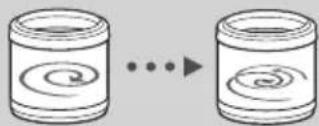 | The tub rotation speed is adjusted to reduce vibration.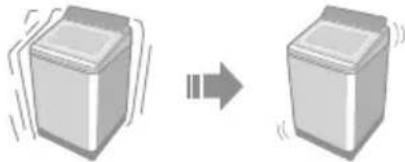 | ||
Cannot change process settings (after start).
□ Try
Troubleshooting (continued)
| Symptoms Points to be checked | ||
| Others | Power failure/Breaker off. 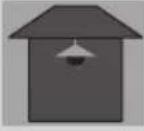 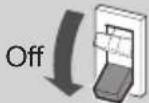 | Operation will resume from where it stopped when the power is recovered. 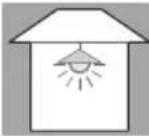 On On 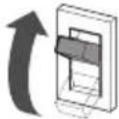 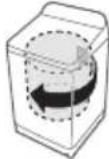 |
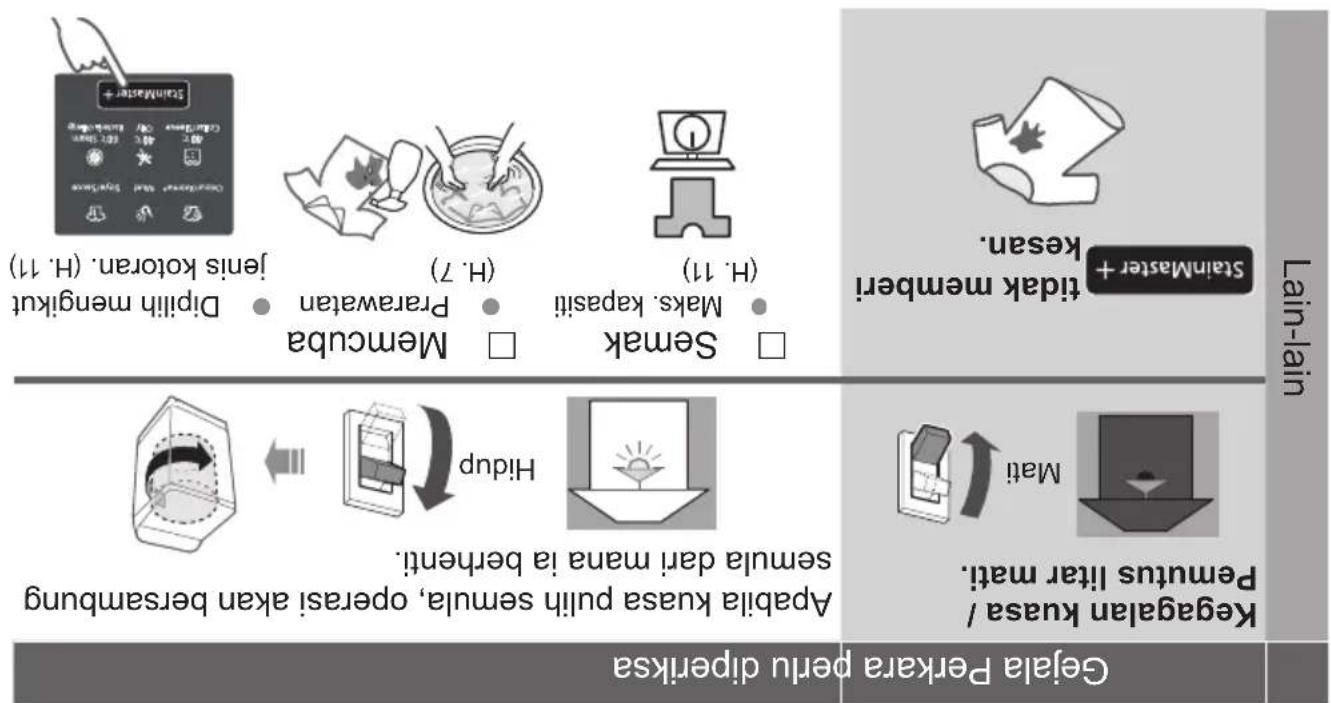
| StainMaster + has no effect. | □ Check □ Try □ Max. capacity □ Pretreatments □ Select according to (P. 11) (P. 7) the stain type. (P. 11) | |
Specifications
| Model No. NA-FD180V3 NA-FD165V3 NA-FD145V3 | |||
| Rated voltage 220 - 240 V | |||
| Rated frequency 50 Hz | |||
| Rated power consumption 1475 - 1750 W | |||
| Standard water amount 105 L | 99 L | 93 L | |
| Maximum mass of dry cloth | 18.0 kg | 16.5 kg | 14.5 kg |
| Product dimensions | 681 mm (W) x 747 mm (D) x 1112 mm (H) | ||
| Product weight | 49 kg | ||
| Pressure of tap water | 0.01 - 1 MPa | ||
| No. Model NA-FD180V3 NA-FD165V3 NA-FD145V3 | |||
| Volitan terkader 220 - 240 V | |||
| Ferkuensi terkadar 50 Hz | |||
| Pengguinan kuasa terkadar 1475 - 1750 W | |||
| Jumlah air standard 105 L 99 L | 93 L | ||
| Bert malaksimum kain kering | 18.0 kg | 16.5 kg | 14.5 kg |
| Ukuran produk | 681 mm (L) x 747 mm (D) x 1112 mm (T) | ||
| Bert produk | 49 kg | ||
| Tekanan air pair | 0.01 - 1 MPA | ||
Spesifikasi
flowchart
graph TD
    A["Seedmaster + <br>  C#d#e#e#e #e#e#e"] --> B["Preparation with <br>  C#d#e#e#e #e#e#e"]
    B --> C1["Preparation with <br>  C#d#e#e#e #e#e#e"]
    C1 --> D1["Preparation with <br>  C#d#e#e#e #e#e#e"]
    D1 --> E1["Preparation with <br>  C#d#e#e#e #e#e#e"]
    E1 --> F1["Preparation with <br>  C#d#e#e#e #e#e#e"]
    F1 --> G1["Preparation with <br>  C#d#e#e#e #e#e#e"]
    G1 --> H1["Preparation with <br>  C#d#e#e#e #e#e#e"]
    H1 --> I1["Preparation with <br>  C#d#e#e#e #e#e#e"]
    I1 --> J1["Preparation with <br>  C#d#e#e#e #e#e#e"]
    J1 --> K1["Preparation with <br>  C#d#e#e#e #e#e#e"]
    K1 --> L1["Preparation with <br>  C#d#e#e#e #e#e#e"]
    L1 --> M1["Preparation with <br>  C#d#e#e#e #e#e#e"]
    M1 --> N1["Preparation with <br>  C#d#e#e#e #e#e#e"]
    N1 --> O1["Preparation with <br>  C#d#e#e#e #e#e#e"]
    O1 --> P1["Preparation with <br>  C#d#e#e#e #e#e#e"]
    P1 --> Q1["Preparation with <br>  C#d#e#e#e #e#e#e"]
    Q1 --> R1["Preparation with <br>  C#d#e#e#e #e#e#e"]
    R1 --> S1["Preparation with <br>  C#d#e#e#e #e#e#e"]
    S1 --> T1["Preparation with <br>  C#d#e#e#e #e#e#e"]
    T1 --> U1["Preparation with <br>  C#d#e#e#e #e#e#e"]
    U1 --> V1["Preparation with <br>  C#d#e#e#e #e#e#e"]
    V1 --> W1["Preparation with <br>  C#d#e#e#e #e#e#e"]
    W1 --> X1["Preparation with <br>  C#d#e#e#e #e#e#e"]
    X1 --> Y1["Preparation with <br>  C###k##k##k##k##k##k##k##k##k##k##k##k##k##k##k##k##k##k##k##k##k##k##k##k##k##k##k##<br>H.7"] --> Z["H.11"] --> AA["Memsuka<br>● Makes kapasiti<br>● Parawatan<br>● Dipilih mengikut<br>Jenis kotoran (H. 11)"]
    AA --> AB["(H. 7)"]
    AB --> AC["Semak<br>□ Makes kapasiti<br>□ Memcuba<br>□ Semak<br>● Makes kapasiti<br>● Parawatan<br>● Dipilih mengikut<br>(H. 11)"]
    AC --> AD["Flipup"]
    AD --> AE["Flipup"]
    AE --> AF["Flipup"]
    AF --> AG["Hidup"]
    AG --> AH["Flipup"]
    AH --> AI["Flipup"]
    AI --> AJ["Hidup"]
    AJ --> AK["Hidup"]
    AK --> AL["Hidup"]
Penyelsain Masalah (sambungan)
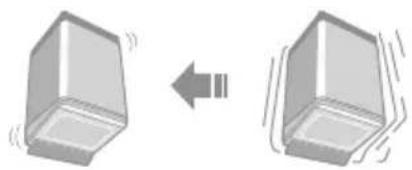
natural_image
Diagram showing two 3D rectangular blocks with motion indicators, one leftward and one rightward (no text or symbols)natural_image
Two cylindrical objects with spiral patterns, connected by a double-headed arrow (no text or symbols)Putaran tidak tetap
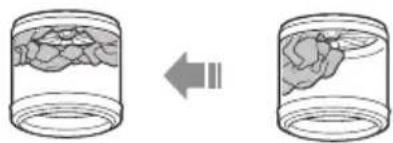
natural_image
Two cylindrical containers with internal granular material, one showing a left-pointing arrow (no text or symbols)natural_image
Two identical containers with internal objects, connected by arrows indicating transformation (no text or symbols)Bilas bermula bukan perah.
Appella pakian bash.
Terialu tingji
Pars air
Air diambah secara automatik.
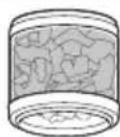
Apaiba jumlah dobi besar.
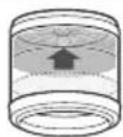
Adebila paras air menurun.
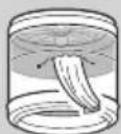
Air dibekalkan semasa menuci.
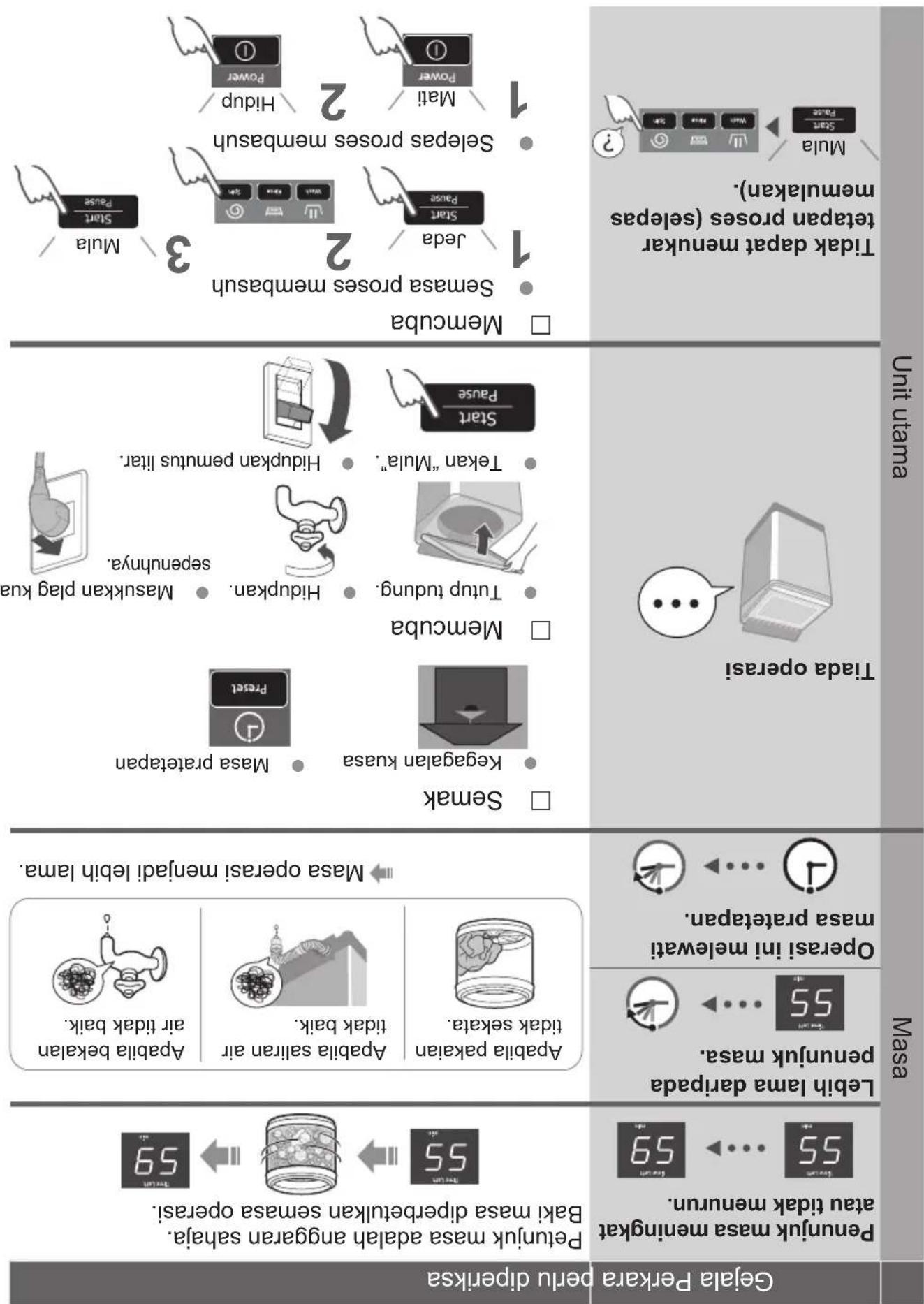
Gefala Perkara perlu diperiksa
natural_image
Diagram of a mechanical component with arrows indicating motion or force direction (no text or symbols)
Paparan Ralat
natural_image
Diagram of a computer monitor with attached tubing and faucet, showing no text or symbolsSambungkan hos bekalan air
natural_image
Technical line drawing of a mechanical assembly with a tool and screwdriver (no text or symbols)
natural_image
Diagram of a device's internal structure showing a fan or ventilation grille mounted on a door panel (no text or symbols present)natural_image
Simple line drawing of a bowl with a spoon and a ladder, no text or symbols presentnatural_image
Simple line drawing of a mechanical component with an arrow indicating rotation (no text or symbols)
natural_image
Technical illustration of a mechanical component with a magnified inset showing a hand holding a tool (no text or symbols present)natural_image
Illustration of a person pulling a cart with a pipe, emitting vapor or smoke from a device, and a cross symbol (no text or labels)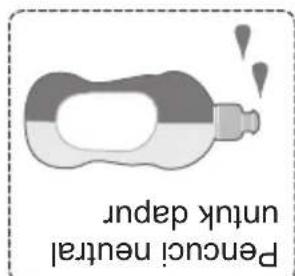
natural_image
Illustration of a hand cleaning a rectangular object with sparkles around (no text or symbols)Unit utama, pentup
natural_image
Illustration of a person spraying water with a propeller, surrounded by sparkles and a numbered symbol (no text or labels)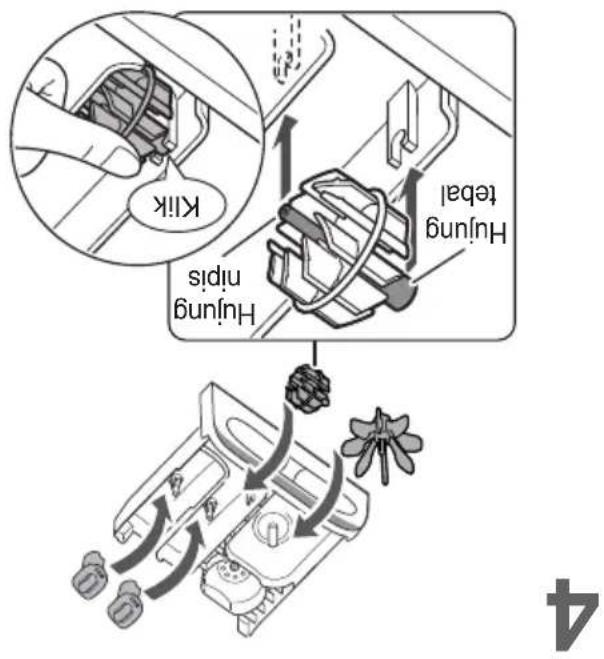
natural_image
Diagram of a vehicle interior with directional arrows indicating movement, no text or symbols present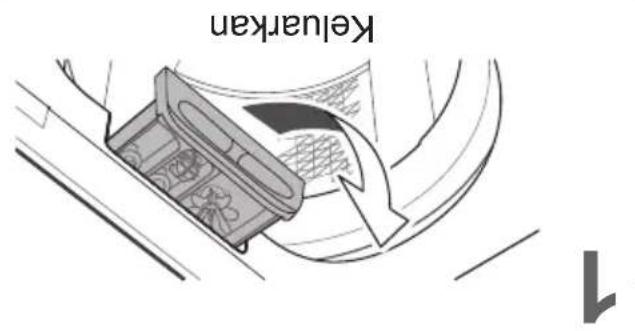
natural_image
Diagram of a mechanical component with rotating arrows indicating motion (no text or symbols)Tampa penapis
NOTA
natural_image
Cross-sectional diagram of a microwave oven with internal components and a close-up view of the lid (no text or symbols)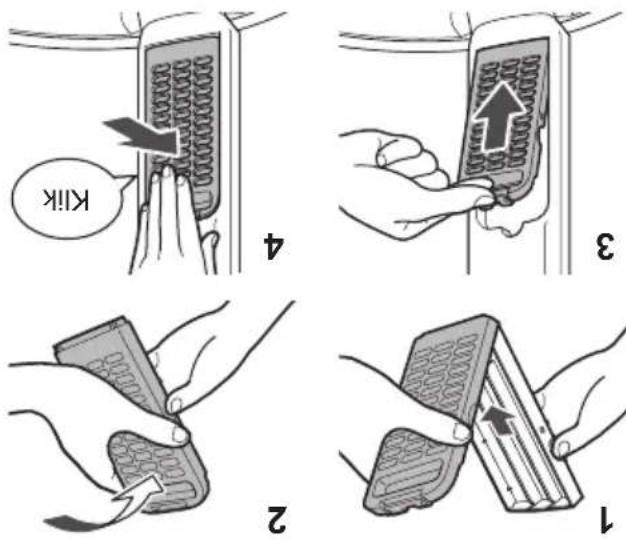
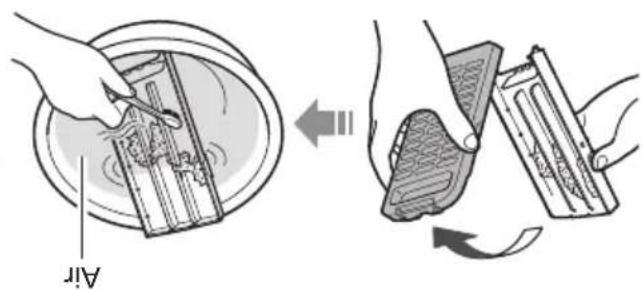
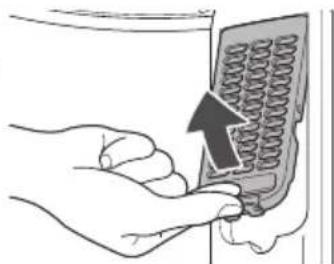
natural_image
Illustration of a hand inserting a spring into a panel, with an arrow indicating the direction (no text or symbols present)8
2
L
Selaps setlap operasi
Penapis rumba!
Penyengjargan
| Program | Jumlah masa1(anggaran) | Wash (Bash)(minit) | Rinse (Perah)(kall) | Spin | |
| Normal (Biasa) | 65 9 2 7 | ||||
| Tangle Care | 75 13 2 7 | ||||
| Speedy (Cepat) | 50 3 2 5 | ||||
| Delicates (Halus) | 50 9 2 1 | ||||
| Baby Care(Penjaguan Bayi) | 80 9 2 7 | ||||
| Water Save (Jimat Air) | 80 12 3 7 | ||||
| Blanket (Selmut) | 80 12 2 7 | ||||
| Sook (Rendam) | 130.2 | 71 (Rendam 59) | 2 7 | ||
| Odom/Aromat (Bau/Aromat) | 85 13 2 7 | ||||
| Mud (Lumpur) | 90 32 2 7 | ||||
| Soyar/Sauce (Kicap/Sos) | 110.2 | 54 (Rendam 29) | 2 7 | ||
| Collar/Sleeve (Kolar/Lengan) | 165.2 | 33.3 | 2 | 7 | |
| Oily (Berminyak) | 170.2 | 38.3 | 2 | 7 | |
| Bacteria/Allergy(Bakteria/Alahan) | 190.2 | 30.3 | 2 | 7 | |
| Stain Master+ | Tub Hygiene(Kebersihan Tab) | 150.2 | 65 (Rendam 62) | 2 30 | |
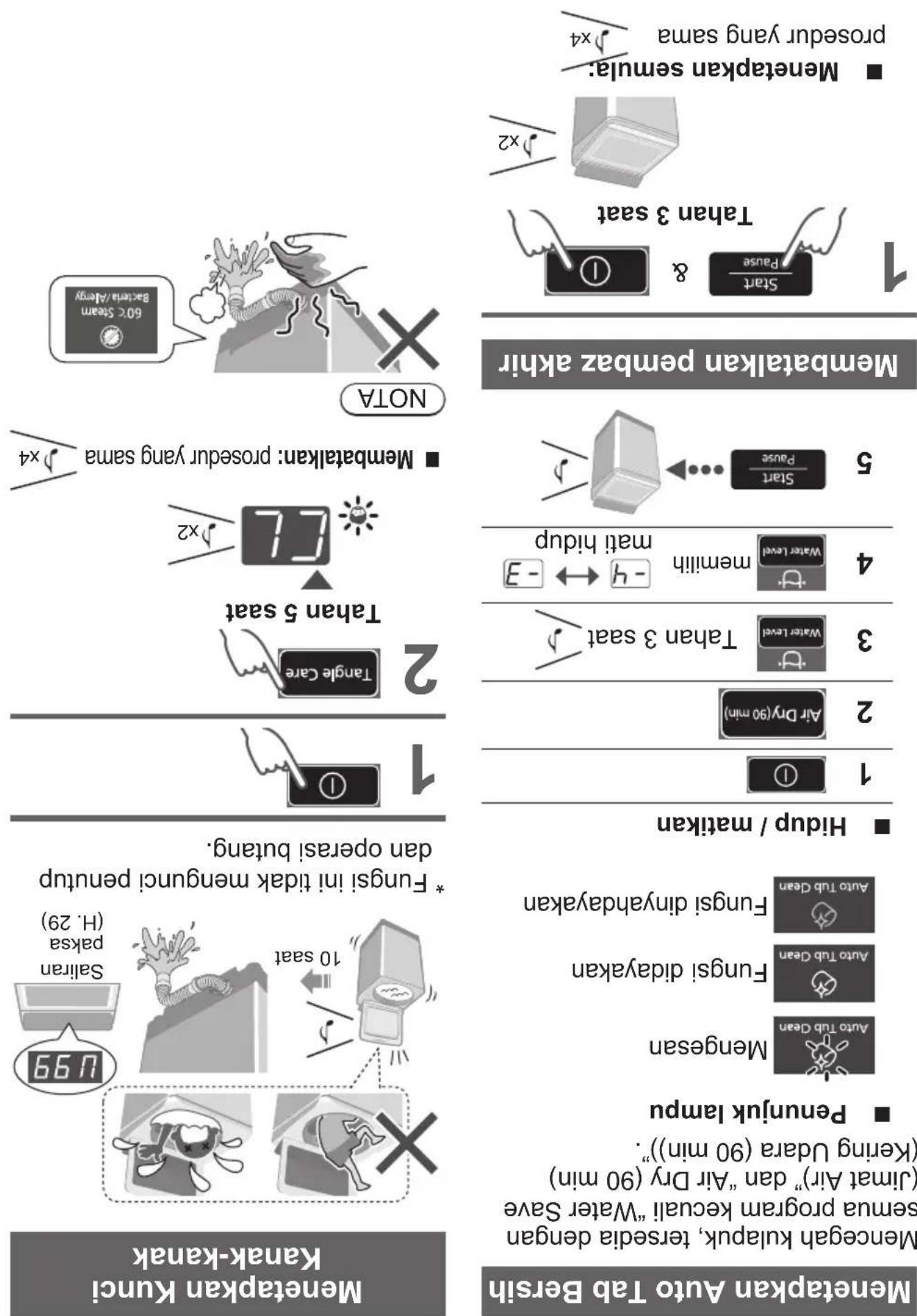
■ Mendatalkan: prosedur yang sama √4
flowchart
graph TD
    A["Airport connectivity"] --> B["Location pin"]
    B --> C["Air distance measurement"]
    C --> D["Penimatan masa*"]
    D --> E["Berat / Suhu"]
ECONAVI
(Mask 3.0 kg)
natural_image
Close-up of a transparent container with a patterned lid and label 'ued' (no other text or symbols visible)Pemeluwapan
natural_image
Diagram showing two hand gestures interacting with a compact device, one pointing upward and the other falling with a falling arrow (no text or symbols)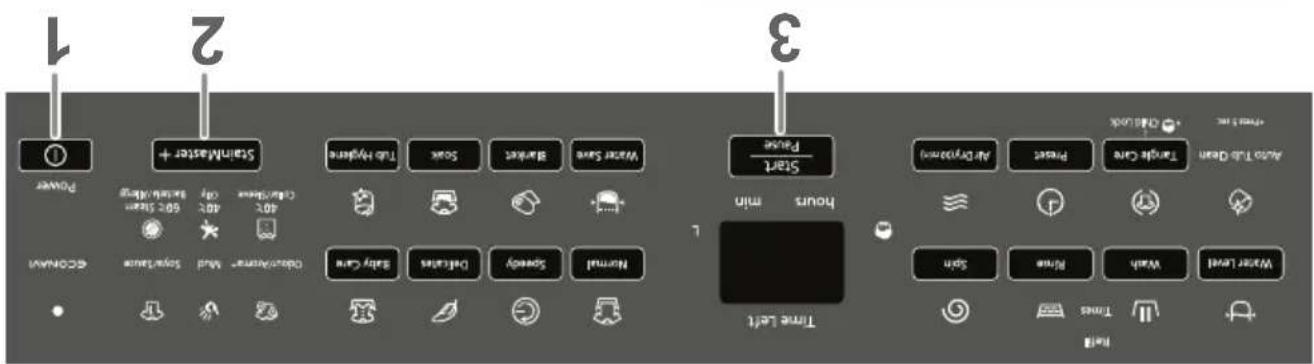
Persediain: (H.7)
Stain Master +
Pilihan Membash (sambungan)
natural_image
Diagram of a mechanical component with an upward arrow indicating motion or force (no text or symbols present)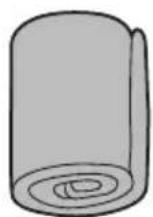
* NA-FD180V3: 105 L / NA-FD165V3: 99 L / NA-FD145V3: 93 L
| MaksimumJumlah air* | 4.2 kgGentian sintetik 100 %• Kaps 100 % |
Blanket (Selmut)
flowchart
graph TD
    A["Sampling Tap Make"] --> B["Pelmetable"]
    B --> C{Decision}
    C -->|Yes| D["Preparation"]
    C -->|No| E["Post-Pelmetable"]
    D --> F["Preparation with Soap Bubble"]
    E --> G["Preparation with Bag Cell"]
    F --> H["Detergent Cleaning with Sensor"]
    G --> I["Detergent Cleaning with Sensor"]
natural_image
Two abstract geometric shapes: one with a curved line and the other a folded paper or book-like form, both on stands (no text or symbols)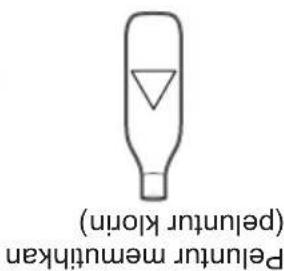
Pelenitur
natural_image
Diagram showing a cracked surface with a cross symbol and a warning sign (no text or labels)natural_image
Diagram showing a hand holding a device with a cross mark, no text or symbols presentDetragen
natural_image
Technical line drawing of a mechanical device with a circular component and internal components, no visible text or symbolsflowchart
graph TD
    A["Start"] --> B["Pause"]
    B --> C["10 seat"]
    C --> D["5 seat"]
    D --> E["20 seat"]
    E --> F["88 seats"]
    F --> G["88 seats"]
    G --> H["60 seats"]
    H --> I["20 seats"]
    I --> J["88 seats"]
    J --> K["88 seats"]
    K --> L["88 seats"]
    L --> M["88 seats"]
    M --> N["88 seats"]
    N --> O["88 seats"]
    O --> P["88 seats"]
    P --> Q["88 seats"]
    Q --> R["88 seats"]
    R --> S["88 seats"]
    S --> T["88 seats"]
    T --> U["88 seats"]
    U --> V["88 seats"]
    V --> W["88 seats"]
    W --> X["88 seats"]
    X --> Y["88 seats"]
    Y --> Z["88 seats"]
    Z --> AA["88 seats"]
    AA --> AB["88 seats"]
    AB --> AC["88 seats"]
    AC --> AD["88 seats"]
    AD --> AE["88 seats"]
    AE --> AF["88 seats"]
    AF --> AG["88 seats"]
    AG --> AH["88 seats"]
    AH --> AI["88 seats"]
    AI --> AJ["88 seats"]
    AJ --> AK["88 seats"]
    AK --> AL["88 seats"]
    AL --> AM["88 seats"]
    AM --> AN["88 seats"]
    AN --> AO["88 seats"]
    AO --> AP["88 seats"]
    AP --> AQ["88 seats"]
    AQ --> AR["88 seats"]
    AR --> AS["88 seats"]
    AS --> AT["88 seats"]
    AT --> AU["88 seats"]
    AU --> AV["88 seats"]
    AV --> AW["88 seats"]
    AW --> AX["88 seats"]
    AX --> AY["88 seats"]
tidak boleh diubah.
- Pentetapan proses menecui program „Stain Master +” dan „Soak (Rendam)“
Kuasa akan mati secara automatik.
natural_image
Diagram showing three objects: a woven basket, a flat surface, and a fork-like shape with arrows pointing to them (no text or symbols)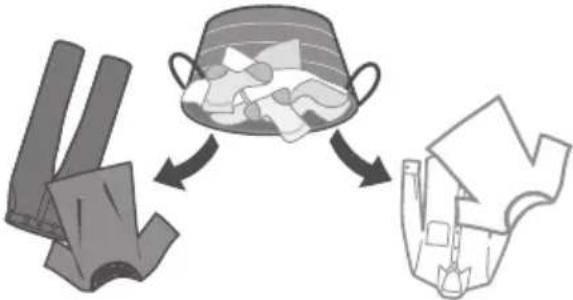
flowchart
graph TD
    A["Cut into fragments"] --> B["Process Step"]
    B --> C["Storage Box with Cover"]
    C --> D["Output Storage Box"]
pakistan cenderung untuk „pill“
natural_image
Diagram showing two stages of a mechanical or fluidic process with an arrow indicating direction (no text or symbols present)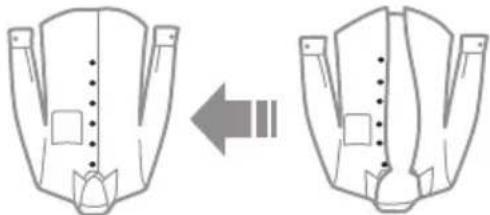
natural_image
Diagram showing two views of a garment with internal stitching and alignment arrows (no text or symbols)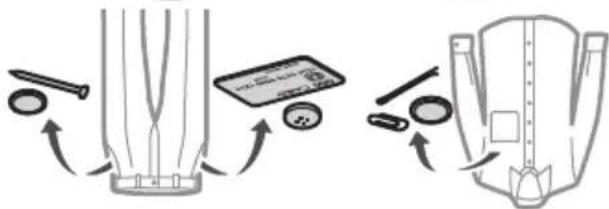
natural_image
Illustration of a computer with an arrow indicating rotation, accompanied by icons of a book, a fish, and a crossed-out 'X' symbol (no text or labels)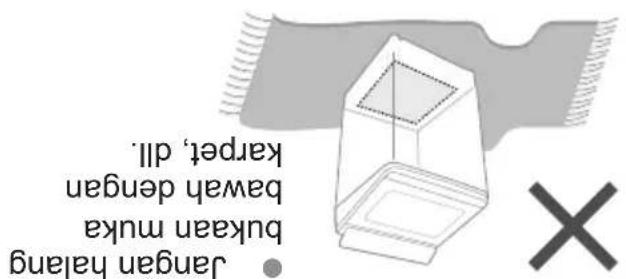
natural_image
Diagram showing a beam interacting with a sun and an X symbol (no text or labels)natural_image
Illustration of a flexible hose with a coiled tube and star decorations (no text or symbols)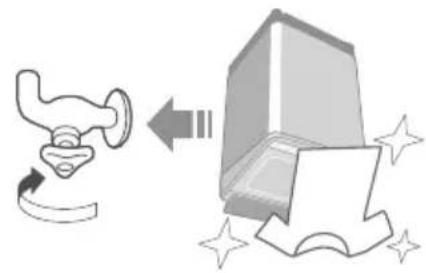
natural_image
Illustration of a pipe valve and a computer monitor with sparkles (no text or symbols)Tutup pili air. Guantanamo set hos baru.
Bolch menyebabkan kebocoran air.
natural_image
Illustration of hands holding a folded paper or document with a large 'X' symbol below (no text or symbols present)natural_image
Three-step diagram showing a 3D object with a star-like pattern inside, before and after disassembly (no text or symbols)Jangan pantat atau letakkan benda di atas mesin bash.
Berhati-hati aqar jari anda tidak tersepit.
natural_image
Illustration of three basic safety symbols: a warning sign, a toilet with lightbulb, and a cross symbol (no text or labels)natural_image
Illustration of a hand performing a medical or therapeutic procedure with sparkles (no text or symbols)natural_image
Illustration of two identical anatomical views showing a hand holding a small organ, with no text or symbols present.natural_image
Illustration of a hand holding a bulb above a wall with an arrow and a cross symbol (no text or labels)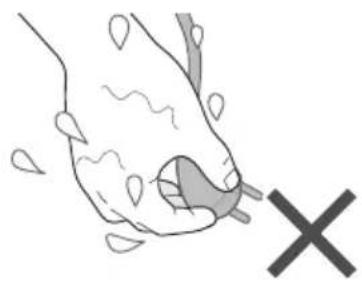
natural_image
Illustration of a hand holding a small object with a large 'X' symbol nearby (no text or symbols present)natural_image
Illustration of a hand pressing down on a device with a spiral arrow and lightning bolt (no text or symbols)Jangan sentuh tab sehingga ia betul-betul berhenti.
natural_image
Illustration of a person lying on a blanket with a cross symbol (no text or labels)natural_image
Exterior view of a foldable smartphone with visible screen and control buttons (no text or symbols)NA-FD145V3
NA-FD165V3
No. Model NA-FD180V3
(Penqunuan Rumah)
Mesin Bash Automatik Sepenuhya
Arahan Pendidalian & Pemasangan
- Operating & Installation Instructions
- Thank you for purchasing this product.
- Safety Precautions
- WARNING
- May cause serious injury or death.
- Children must not use it alone.
- Do not touch the tub until it stops.
- May cause fire or electric shock.
- Do not touch it with wet hands.
- Do not hold or pull on the cord.
- Do not use.
- Fully insert it. Do not use.
- May cause failure.
- Safety Precautions (continued)
- CAUTION
- May cause injury.
- May cause water leakage.
- Part Names / Accessories
- Before Washing
- Laundry preparation and check
- For "Stain Master+" (P. 16)
- Operation Panel
- NOTE
- Washing
- ■After pressing "Start"
- Variety of Programs
- Detergent / Softener / Bleach
- Detergent
- Bleach
- Softener
- Washing Options
- Preset
- Wash / Rinse / Spin
- Delicates
- Blanket
- Washing Options (continued)
- Stain Master +
- Air Dry (90 min)
- ECONAVI
- Convenient Functions
- Setting Auto Tub Clean
- ■ Lamp indications
- ■ To turn on/off
- Cancelling end buzzer
- ■ To reset:
- Setting Child Lock
- Contents of Programs
- Maintenance
- Lint filter
- After each operation
- Detergent and softener drawer
- If stained with detergent or softener
- Main unit, lid
- Maintenance (continued)
- Water supply filter
- If water does not flow smoothly
- Tub
- Once a week
- Once a month
- Installation
- Attach the bottom cover
- Attach the external drain water hose
- Installation (continued)
- Connect the water supply hose
- Error Display
- ■ Preparation
- Error Display Points to be checked
- Troubleshooting
- Troubleshooting (continued)
- Specifications
- Spesifikasi
- Unit utama, pentup
- Pelenitur
- Detragen
- Bolch menyebabkan kebocoran air.
Brand : PANASONIC
Model : NA-FD145V3
Category : Washing machine