Angel HD - Security Camera Adj - Free user manual and instructions
Find the device manual for free Angel HD Adj in PDF.


| Product Type | Security Camera |
| Brand | Adj |
| Model | Angel HD |
| Dimensions (LxWxH) | 120 x 70 x 70 mm |
| Weight | 300 g |
| Power Supply | DC 12V / 1A or PoE (IEEE 802.3af) |
| Resolution | 1920 x 1080 (Full HD) |
| Field of View | 110° (diagonal) |
| Night Vision | Up to 20m with IR LEDs |
| Motion Detection | Yes, with adjustable sensitivity |
| Two-Way Audio | Built-in microphone and speaker |
| Connectivity | Wi-Fi 802.11 b/g/n, Ethernet RJ45 |
| Storage | microSD slot (up to 128GB), cloud storage supported |
| Protection Rating | IP66 (weatherproof) |
| Operating Temperature | -20°C to 50°C |
| Mounting | Wall or ceiling mounting kit included |
| Maintenance | Clean lens with a soft, dry cloth. Do not use solvents. |
| Safety | Use with a surge protector. Keep out of reach of children. |
| Spare Parts | Lens, mounting bracket, cables available from supplier |
| Warranty | 2 years |
Frequently Asked Questions - Angel HD Adj
User questions about Angel HD Adj
0 question about this device. Answer the ones you know or ask your own.
Ask a new question about this device
Download the instructions for your Security Camera in PDF format for free! Find your manual Angel HD - Adj and take your electronic device back in hand. On this page are published all the documents necessary for the use of your device. Angel HD by Adj.
USER MANUAL Angel HD Adj
computer, peripherals
and security
natural_image
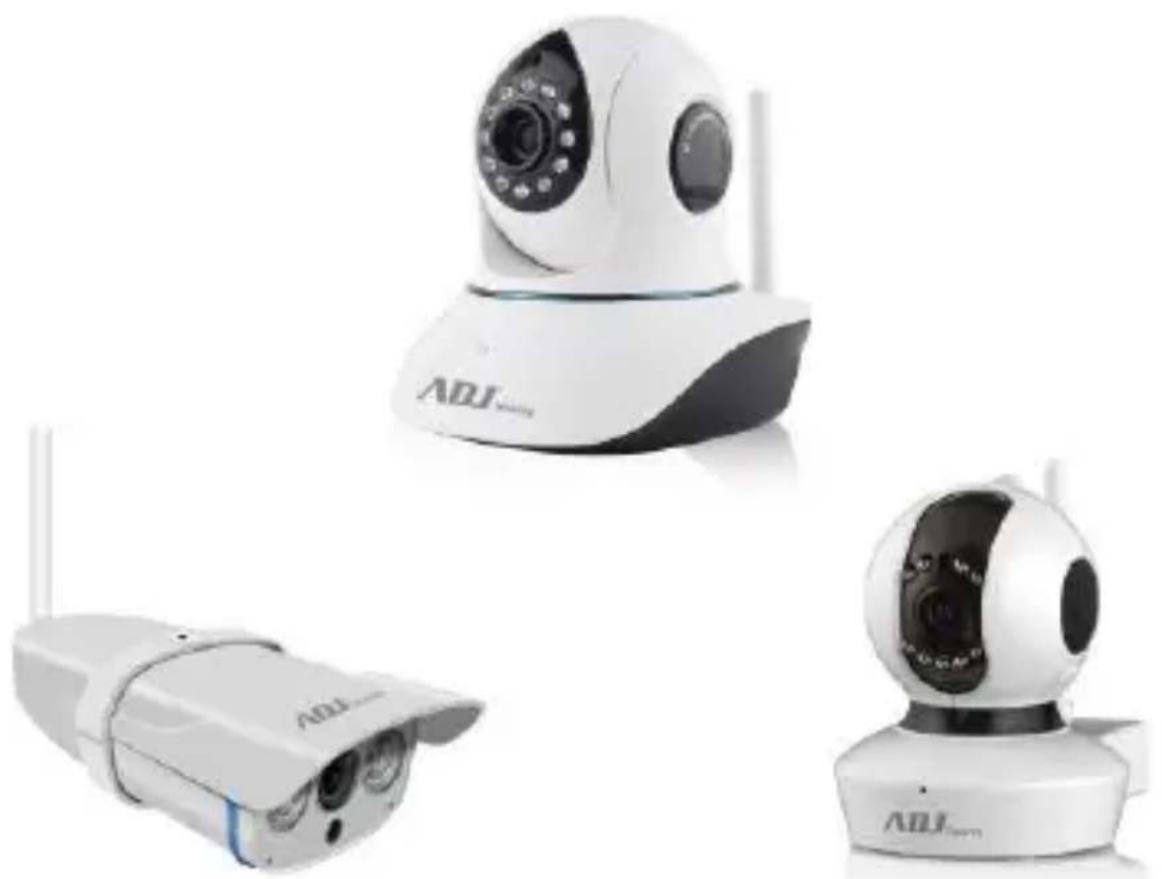
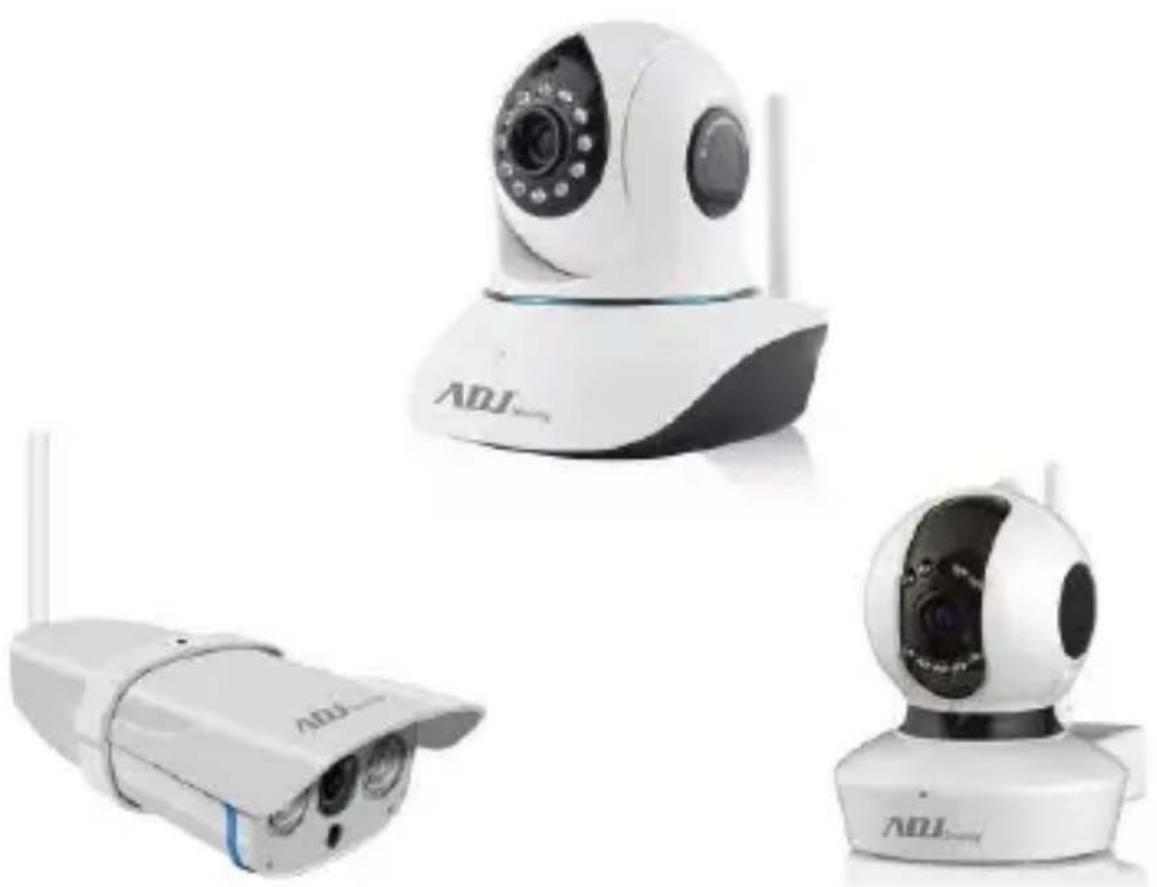
Three white ADJ smart security cameras with visible sensor modules and antennas, displayed against a plain background (no text or symbols on devices)ANGEL HD / PIGEON HD / SMART HOME CAMERA ARGO
MANUALE UTENTE
cod. 700-00060 / 700-00061 / 740-00005
ESONERO DA RESPONSABILITÀ
computer, peripherals
and security
natural_image
Three white ADJ security cameras with visible sensor modules and antennas, shown from different angles (no text or symbols on the devices themselves)ANGEL HD / PIGEON HD /
SMART HOME CAMERA ARGO
USER MANUAL
cod. 700-00060 / 700-00061 / 740-00005
1. Connect the camera
Connect the power adapter to the camera, then using network cable connect camera with WiFi router. Check the network power indicator (yellow) and network indicator (orange).
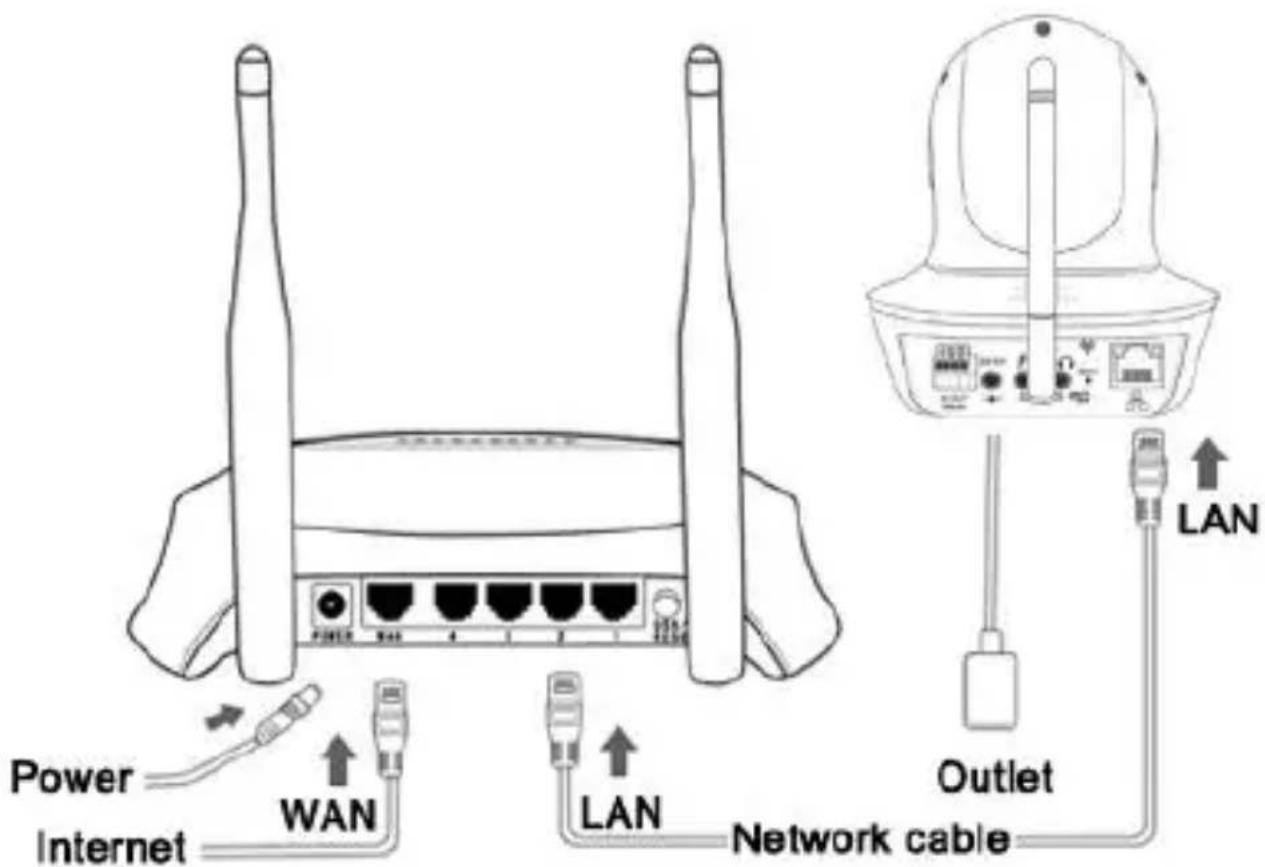
Attention: Please use provided power plug to avoid damage.
Note: press the button on the bottom of the camera for 10 seconds can reset back to factory setting.
2. Software download
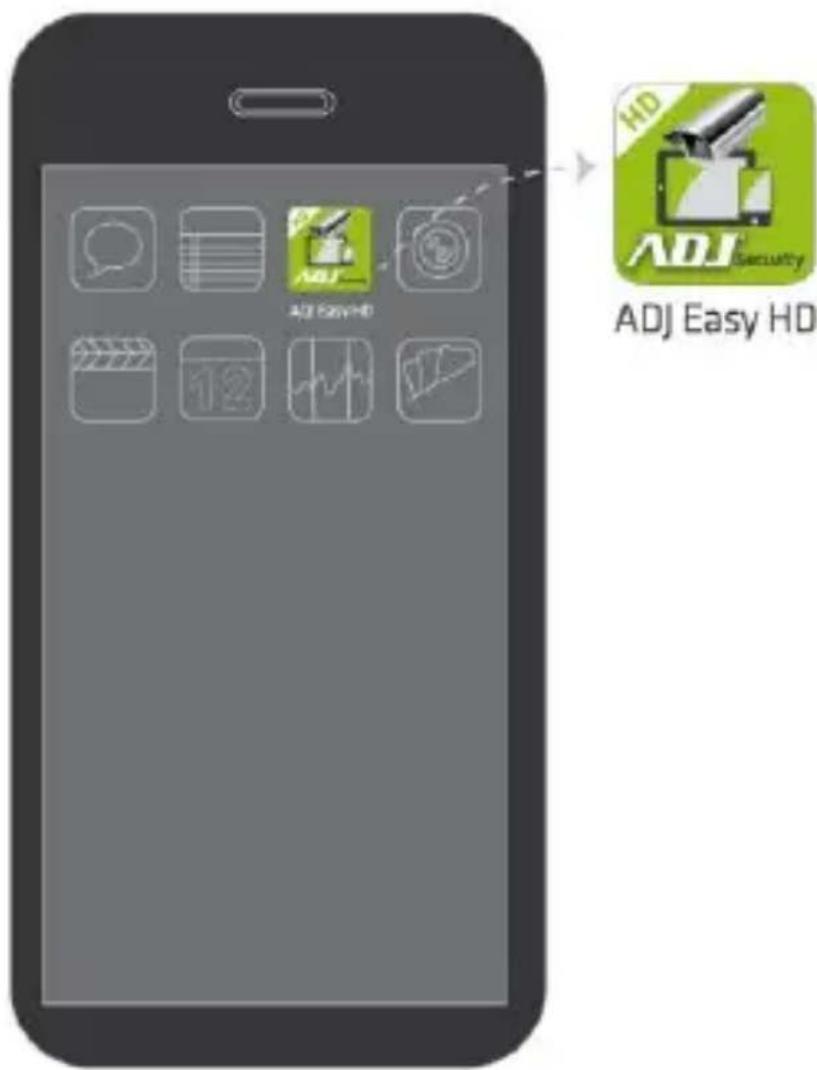
The app ADJ easy HD is available for android and ios. You can download it from appstore or playstore.
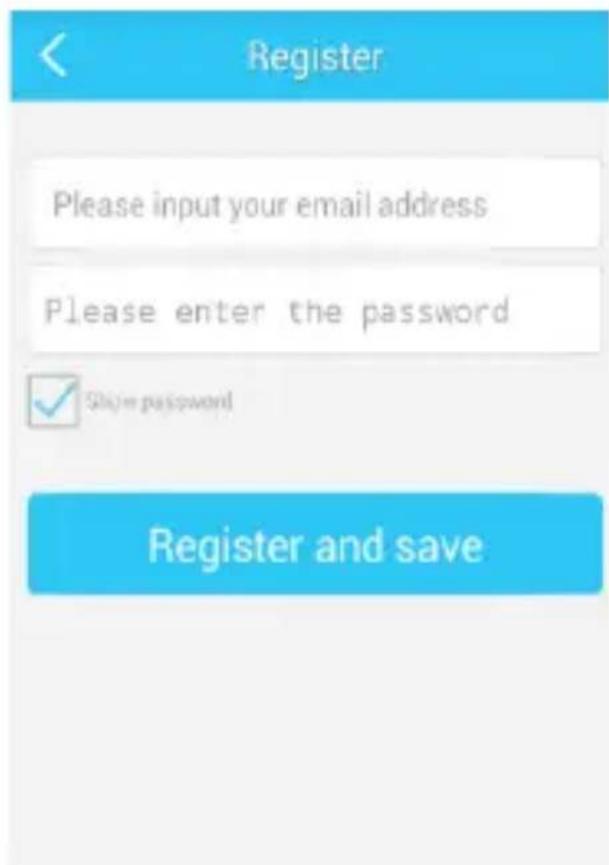
3. Register an account
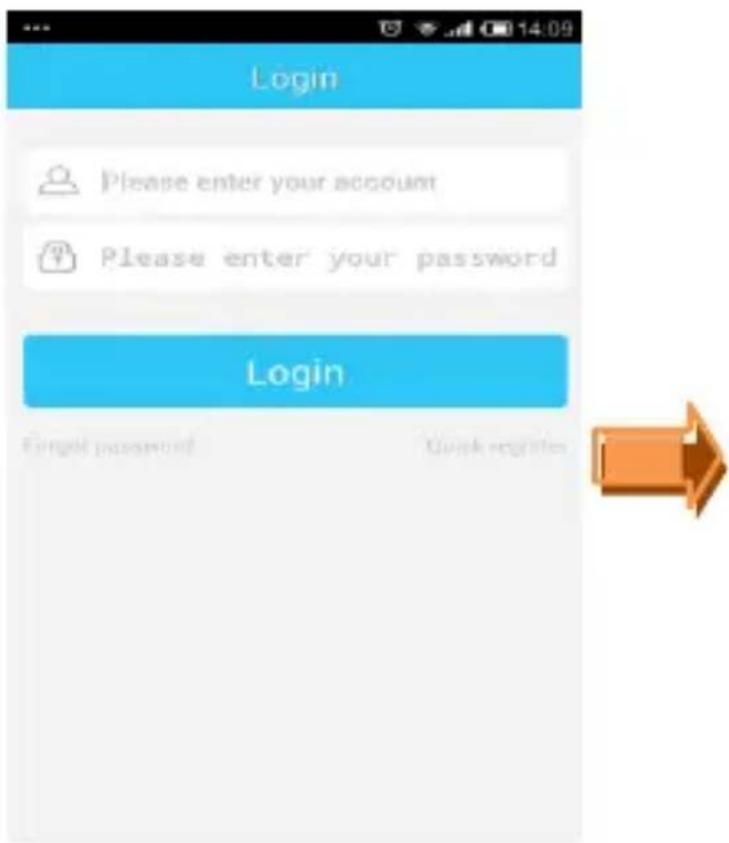
- Register an ADJ easy cloud account ;
- Open Android/iOS APP, click register.
- Enter the user name(or email), password to complete registration.
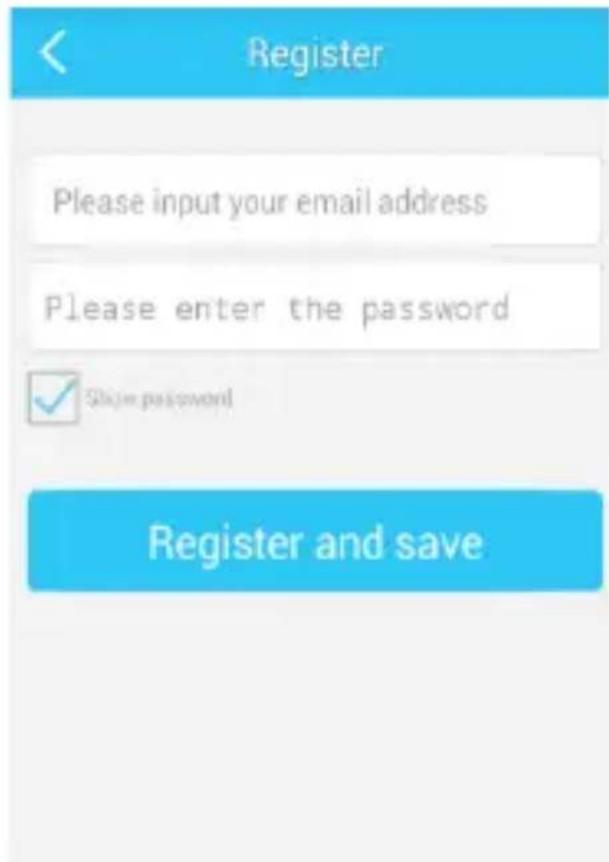
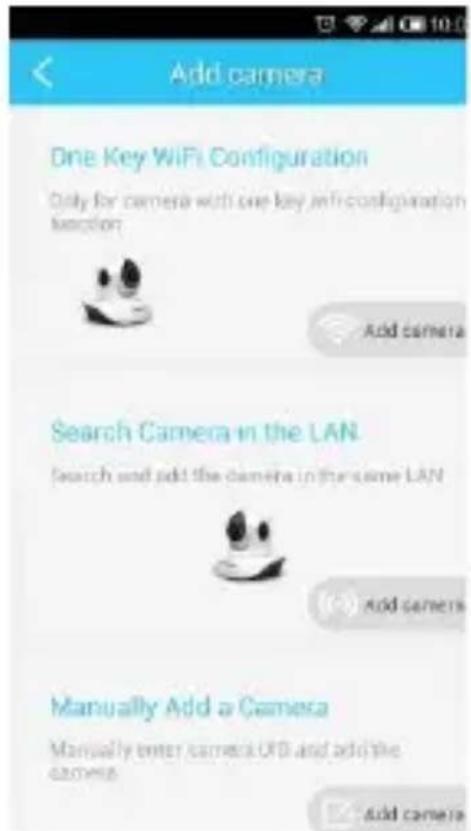
4. Add camera
Click“+”, enter device management interface.
① One key WiFi Setup: (Used only with camera that supports Fast configuration, look for the sticker on the camera)
② Search LAN: find the IP cameras in the same WiFi network as the mobile phone.
③ Manually input: Please input camera UID;
④ Scan UID code: point the phone camera to the UID code, after a “bee” sound, scan success.
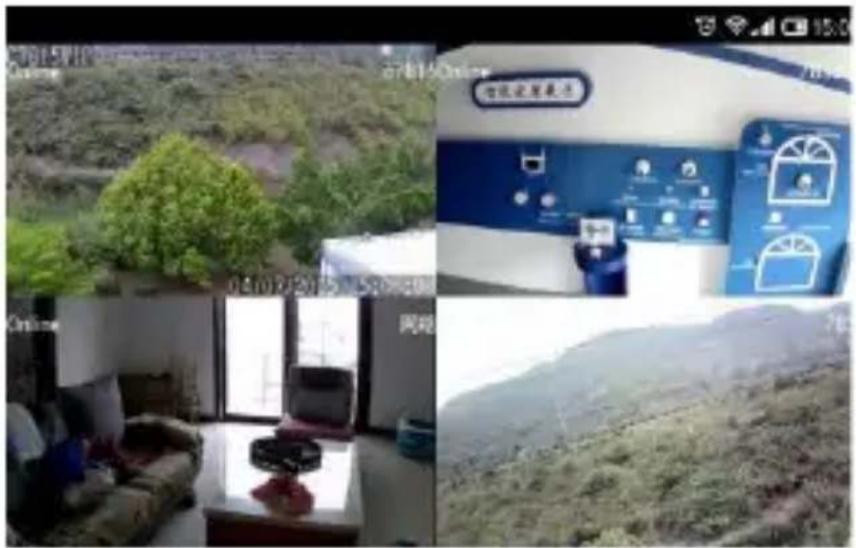
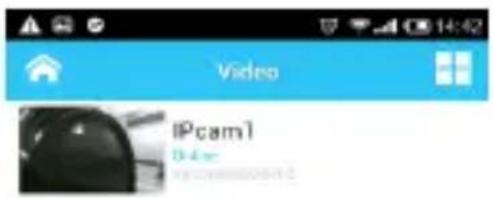
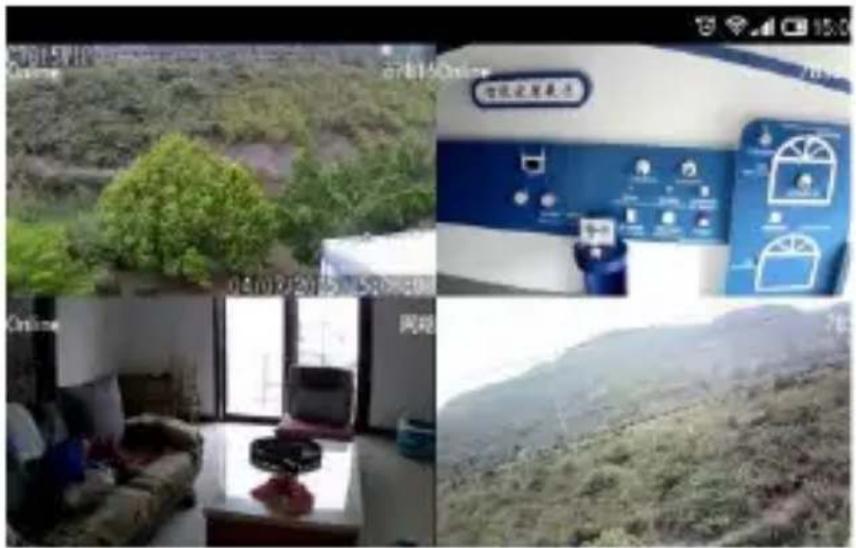
5. Four-channel view
Click the upper right corner of the camera list, can view four cameras simultaneously
6. Video interface description
 Horizontal cruise Horizontal cruise | Vertical cruise |
| [Preset position] | Full screen |
| Listen unable | Enable listen |
| Talk unable | Enable talk |
| Snapshot, can browse picture in history. | |
| Recording, can view video in history. | |
7. Device management
- Delete camera: Flip to left to delete camera.
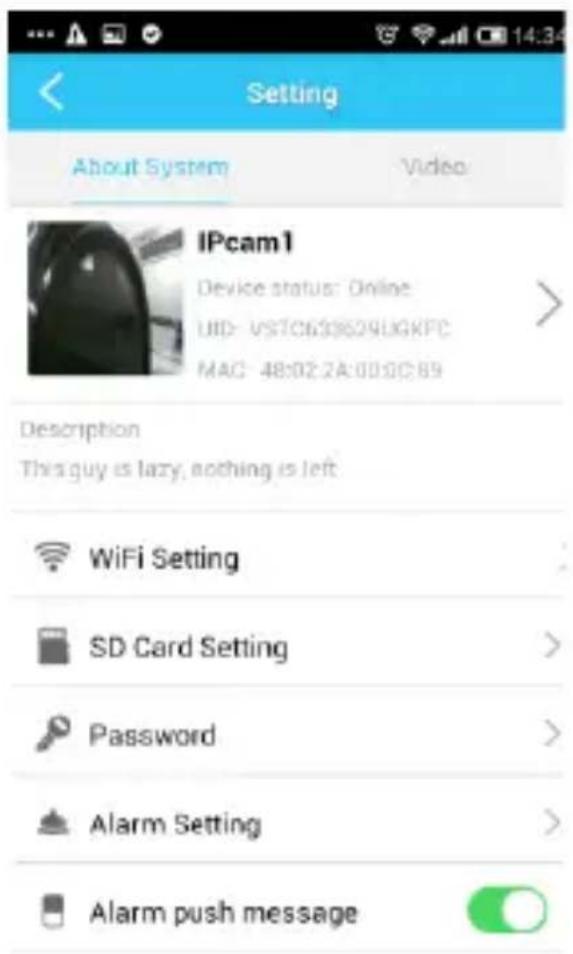
- Click camera list to setup WiFi, storage, Password, alarm, SMS, and firmware upgrade ect.
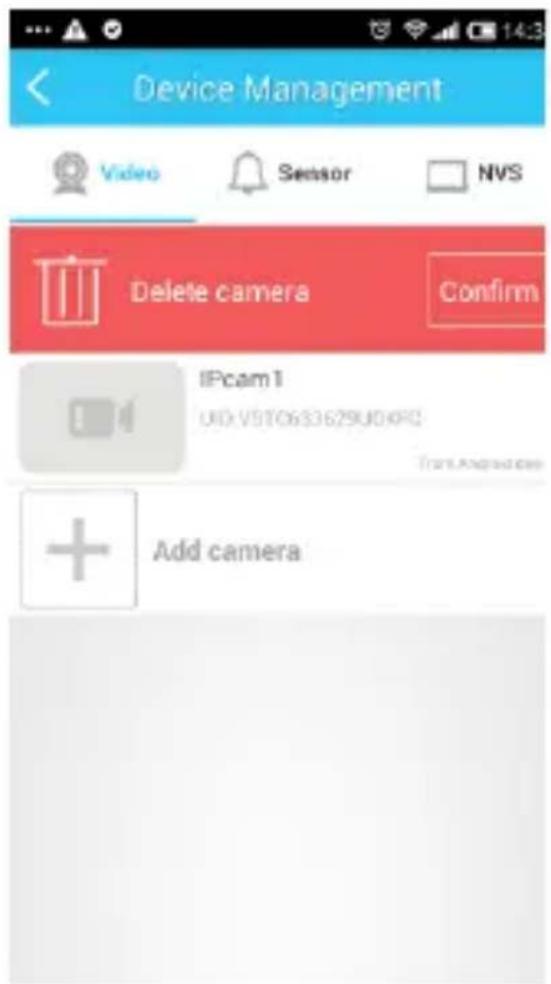
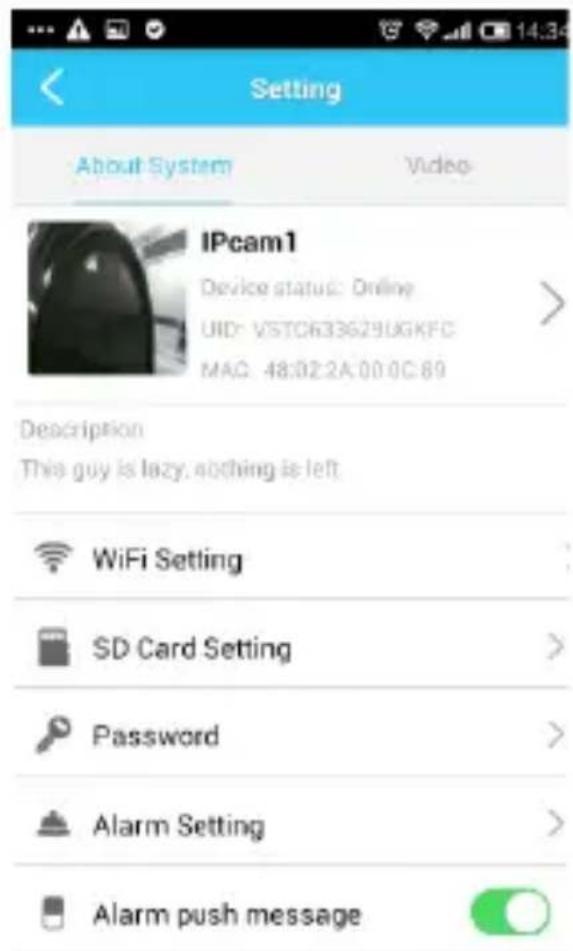
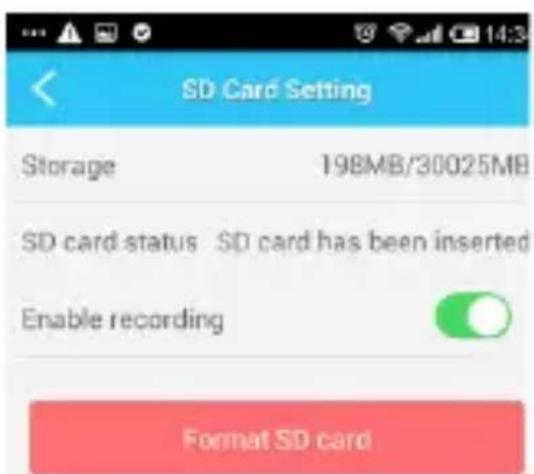
- Storage status: can view SD storage, format (need to format SD card before use), and enable recording function.
Note: SD card cannot record if the SD card cannot show properly the remaining storage.
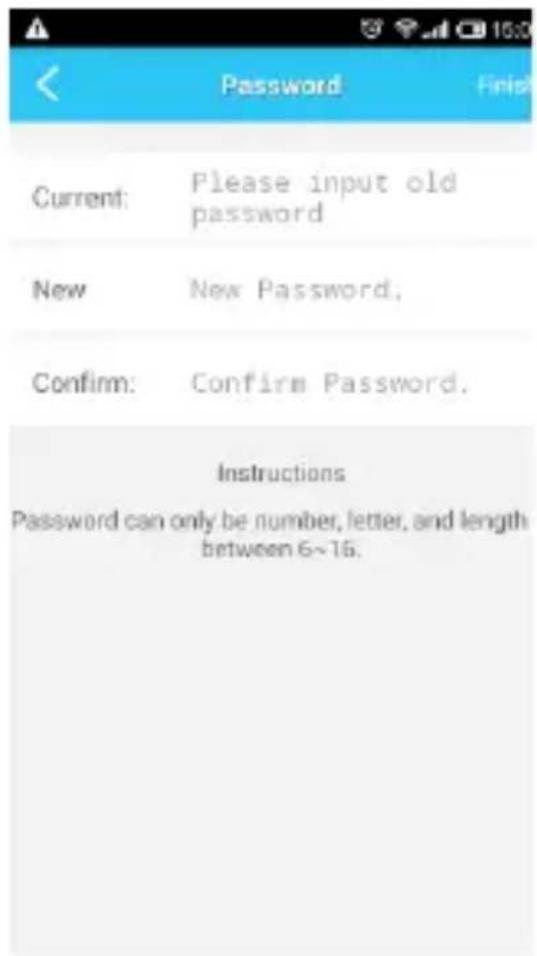
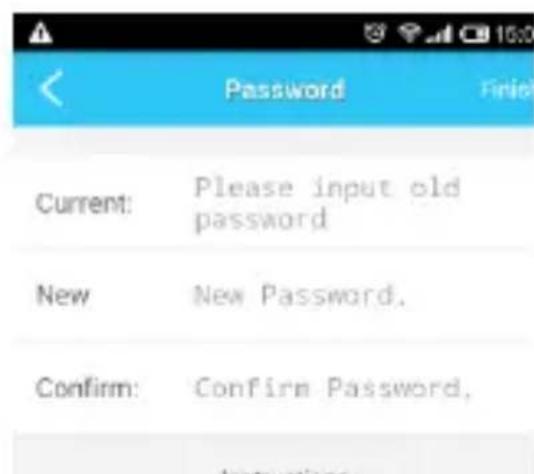
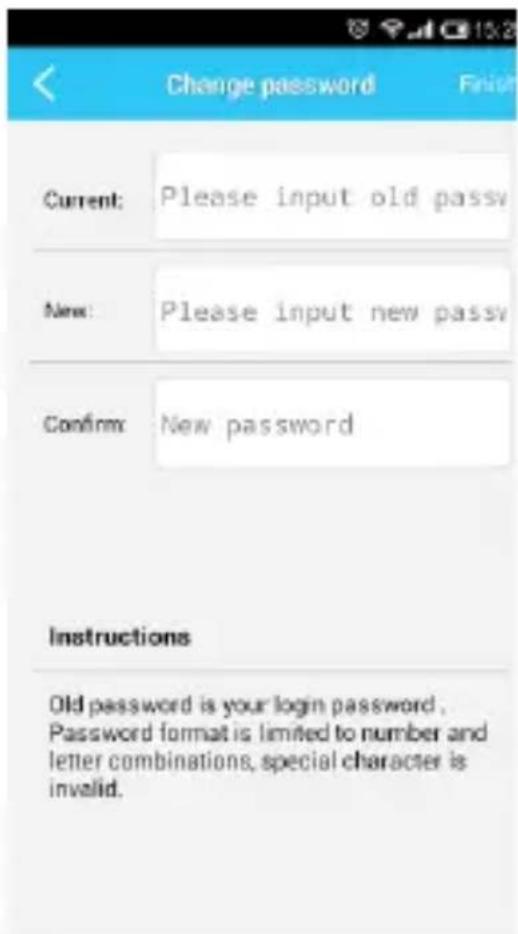
- Password setup: can change the camera viewing password, password can only include number, letter, and length between 6\~16.
Note: If forget password, press the Reset button on the back of camera to reboot camera back to factory setting. The default password is 888888.
8. Information center
Information divides into: alarm info and system info
-
Alarm info means the alarm log generated from alarm linkage camera or standard IP camera, can show the alarm real status and time, click can view the real time.
-
System info: remind the camera firmware upgraded information ect.
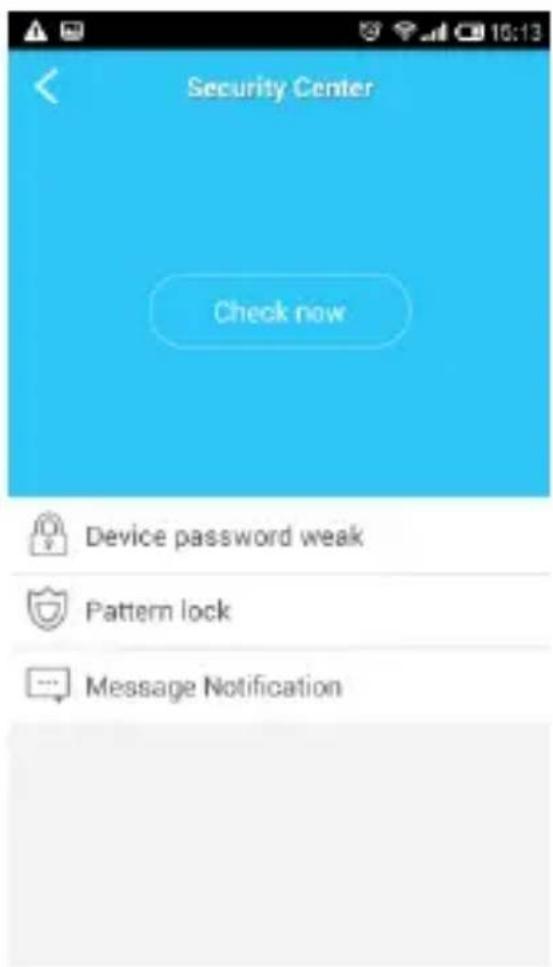
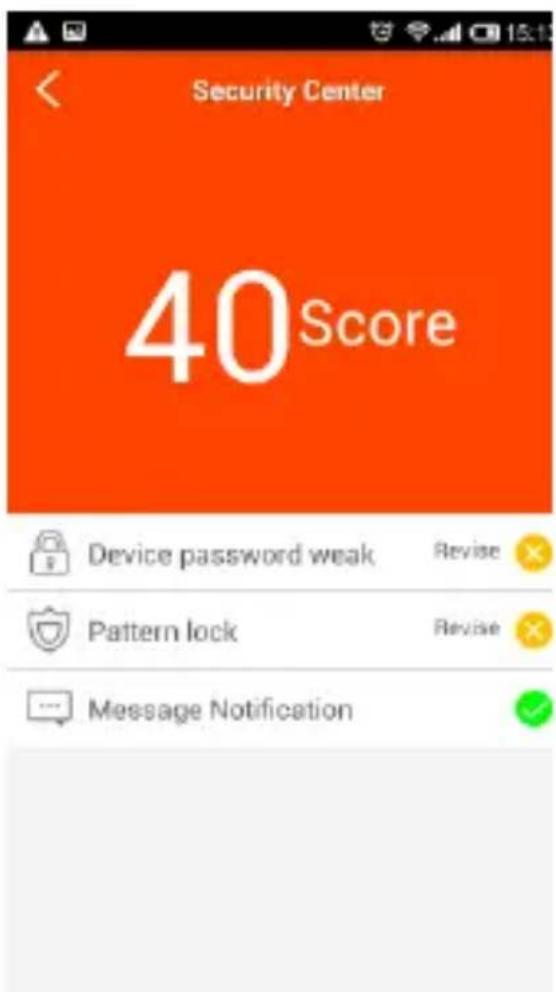
9. Security center
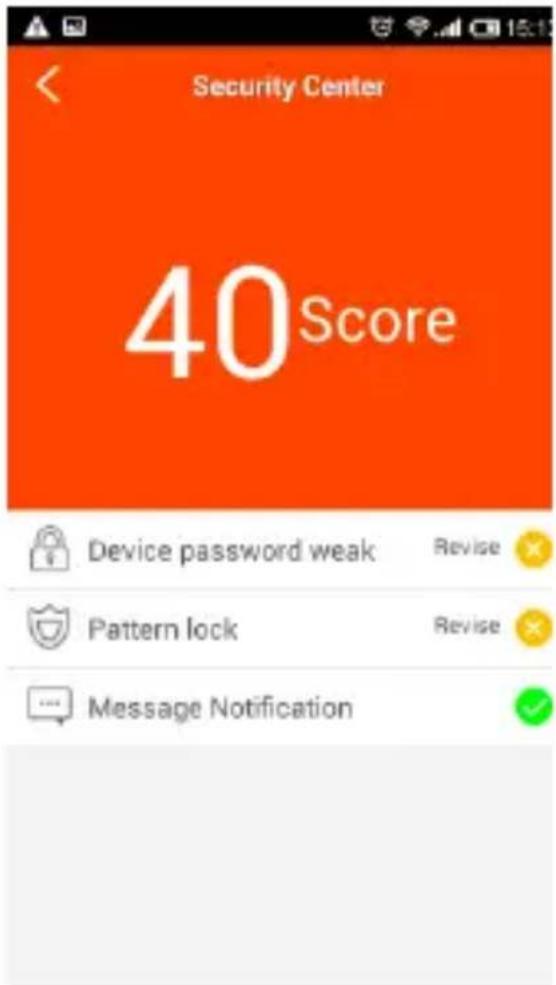
Security centre include weak password remind, phone bundle, email verification, gesture password and push notification; click inspection will start security check.
10. User setting
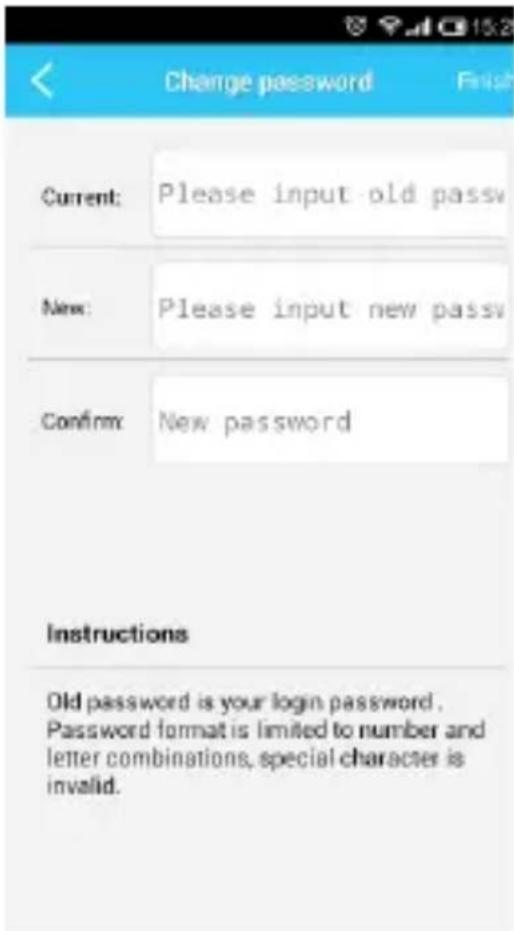
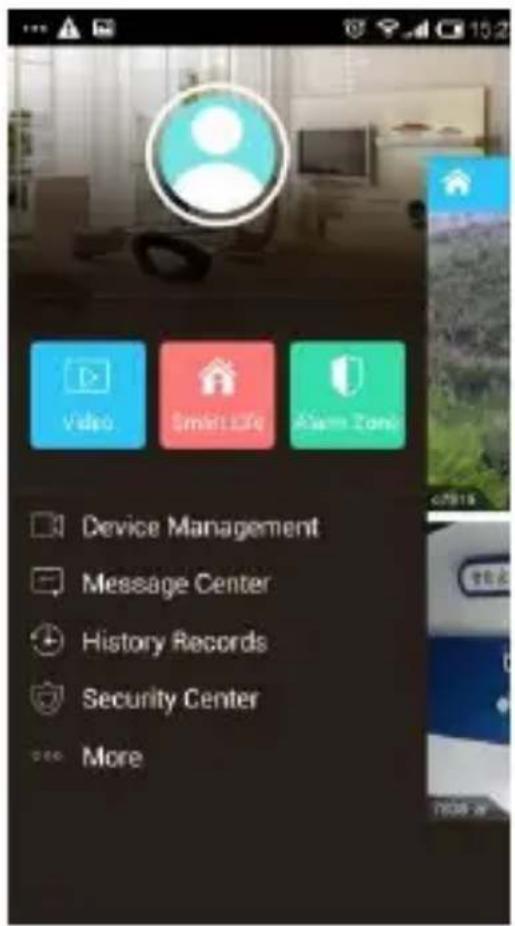
Click icon entering user setting interface: can setup accountname, phone bundle, email verification, login password revise ;
DISCLAIMER
ADJ International will not be responsible for damages or injuries to persons or goods. Customers has to inform himself about legals limitation and safety.
Warranty
This product is guaranteed against any manufacturing defect, as defined on the D.Lgs. February 2, 2002, No 24. In case of failure, please contact the retailer where you purchased it. You can be found at www.adj.it for standards guarantee.
The product or the packaging will bear the following mark:

According to Directives: 2014/30/UE, 2014/35/UE, 2014/53/UE and 2011/65/UE, the declaration of conformity of the product is visible on www.adj.it site, on the product page.
Additional compliance information:
To obtain additional information about the compliance, go to ADJ website: www.adj.it/certification or contact the ADJ Customer Support to the following e-mail address: supporto@adj.it
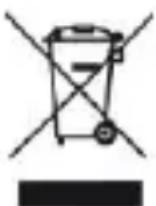
The symbol of the crossed out trash indicates that the product, at the end of its useful life, must be treated separately from domestic waste and must be taken to a recycling center for electrical and electronic equipment or delivered to the seller when buying a replacement. The separate waste collection contributes in preventing possible adverse effects on the environment and health and promote the recovery of materials it is made. You are responsible for assigning the equipment in question at the appropriate waste disposal center. For more detailed information contact your local waste disposal service or the shop where it was purchased. Anyone who does not carry the product in a recycling center for electrical and electronic waste shall be punished with administrative penalty provided by law on the illegal disposal of waste.
- ANGEL HD / PIGEON HD / SMART HOME CAMERA ARGO
- MANUALE UTENTE
- ESONERO DA RESPONSABILITÀ
- Connect the camera
- Software download
- Register an account
- Add camera
- Four-channel view
- Video interface description
- Device management
- Information center
- Security center
- User setting
- DISCLAIMER
- Warranty
- Additional compliance information:
Brand : Adj
Model : Angel HD
Category : Security Camera