
ZK420UST - Video projector OPTOMA - Free user manual and instructions
Find the device manual for free ZK420UST OPTOMA in PDF.


| Product Type | Ultra-short throw projector (UST) |
| Brand | Optoma |
| Model | ZK420UST |
| Display Technology | DLP with laser light source |
| Native Resolution | 4K UHD (3840 x 2160) |
| Brightness | 4200 ANSI lumens |
| Contrast Ratio | 300,000:1 (dynamic) |
| Throw Ratio | 0.25:1 (ultra-short) |
| Image Size | 80 to 120 inches (diagonal) |
| Light Source Life | Up to 30,000 hours (Eco mode) |
| Dimensions (W x D x H) | 513 x 368 x 134 mm |
| Weight | 8.6 kg |
| Power Supply | 100-240 V AC, 50/60 Hz (max consumption 350 W) |
| Connectivity | 2 x HDMI 2.0, 1 x USB-A (power), 1 x USB-C (service), 1 x RJ45, 3.5mm audio output |
| Main Features | HDR10, HLG, 4D keystone correction, autofocus, digital zoom, 3D compatible |
| Maintenance and Cleaning | Clean the air filter and lens with a soft, dry cloth |
| Safety | Presence detection to avoid eye exposure (distance < 1 m) |
| Spare Parts and Repairability | Light source not user-replaceable; accessible air filter; Optoma technical support |
| General Information | Indoor use only; IP2X protection class |
Frequently Asked Questions - ZK420UST OPTOMA
User questions about ZK420UST OPTOMA
0 question about this device. Answer the ones you know or ask your own.
Ask a new question about this device
Download the instructions for your Video projector in PDF format for free! Find your manual ZK420UST - OPTOMA and take your electronic device back in hand. On this page are published all the documents necessary for the use of your device. ZK420UST by OPTOMA.
USER MANUAL ZK420UST OPTOMA
natural_image
Line drawing of a portable electronic device with wheels and control buttons (no text or symbols)OBSAH
BEZPEČNOST......4
IEC 60825-1:2014, EN 60825-1:2014+A11:2021, EN 50689:2021 CLASS 1 CONSUMER LASER PRODUCT RISK GROUP 2, Complies with 21 CFR 1040.10 and 1040.11 except for conformance as a Risk Group 2 LIP as defined in IEC 62471-5:Ed.1.0. For more information see Laser Notice No. 57, dated May 8, 2019. IEC 60825-1:2014 等級1雷射產品RG2危險等級 IEC 60825-1:2014 1类激光产品RG2危险等级

WARNING: MOUNT ABOVE THE HEADS OF CHILDREN!
Do not look into the beam less than 1m.
No direct eye exposure to the beam is permitted.
"AVERTISSEMENT:INSTALLER AU-DESSUS DE LA TETE DES ENFANTS."
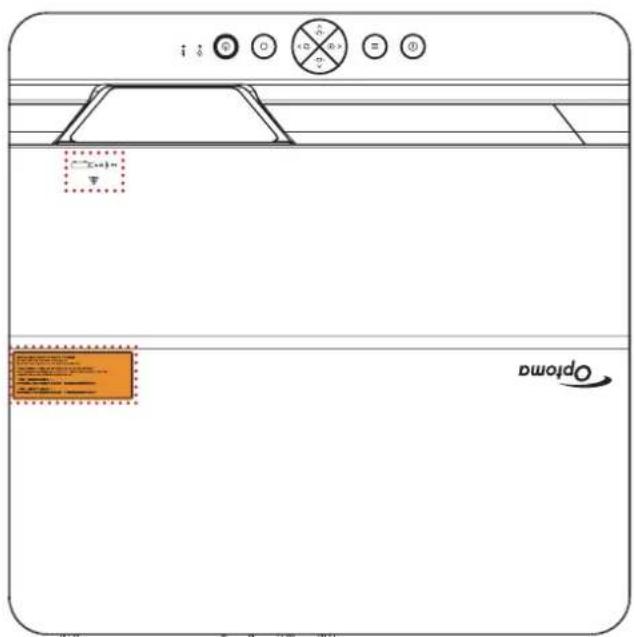
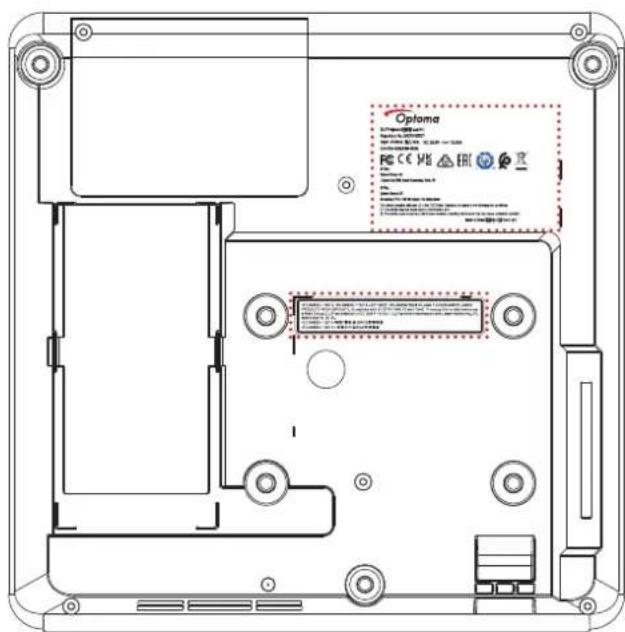
natural_image
Illustration of a projector device with label 'Projektor Dálkov' below (no other text or symbols)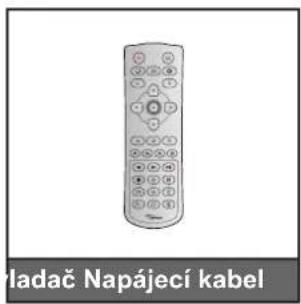
natural_image
Line drawing of a handheld electronic device with a strap and connector (no text or symbols)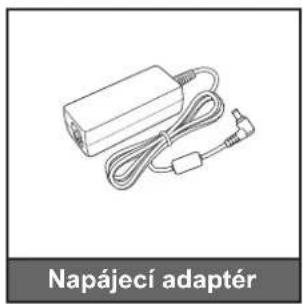
natural_image
Line drawing of a Napájecí adapter with attached cable and connector (no text or symbols on the diagram itself)
natural_image
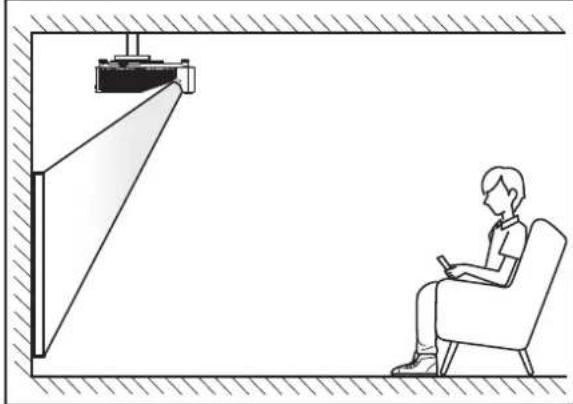
Line drawing of a person sitting in a chair watching a presentation on a wall-mounted screen (no text or symbols)stropě vpředu
natural_image
Line drawing of a person sitting in a chair facing a projector mounted on a wall, with no text or symbols present.natural_image
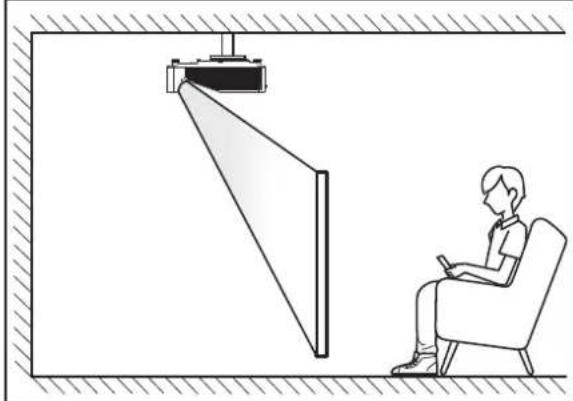
Line drawing of a person sitting in a chair watching a large screen, no text or symbols presentstropě vzadu
natural_image
Line drawing of a person sitting in a chair using a device near a vertical panel, with no visible text or symbols.natural_image
Diagram of a multi-level vehicle chassis with red prohibition symbols (no text or labels)
natural_image
Five geometric grid patterns with curved and straight lines, no text or symbols presentResetovat
NASTAVENÍ A INSTALACE
NASTAVENÍ A INSTALACE
Stav systému
NASTAVENÍ A INSTALACE
Ovládání zařízení
Optoma Technology, Inc. 888-289-6786
47697 Westinghouse Drive. 510-996-4794
Fremont, Ca 94539 services@optoma.com
Kanada
Optoma Technology, Inc. 888-289-6786
47697 Westinghouse Drive. 510-996-4794
Fremont, Ca 94539 services@optoma.com
Latinská Amerika
Optoma Technology, Inc. 888-289-6786
47697 Westinghouse Drive. 510-996-4794
Fremont, Ca 94539 services@optoma.com
Evropa
1 Bourne End Mills
Hemel Hempstead
Hertfordshire +44 (0) 1923 691 800
HP1 2UJ +44 (0) 1923 691 888
Velká Británie service@tsc-europe.com
www.optoma.eu
Servisní tel : +44 (0)1923 691865
Benelux BV
Optoma Benelux BV +31 (0) 36 8200 250
Europalaan 770 D +31 (0) 36 548 9052
1363BM Almere
Nizozemsko
www.optoma.nl
Francie
https://www.optoma.com/kr/
Japonsko
https://www.optoma.com/jp/
Tchaj-wan
https://www.optoma.com/tw/
Čína
Room 2001, 20F, Building 4,
No.1398 Kaixuan Road,
Changning District
https://www.optoma.com/au/
+86-21-62947376 +86-21-62947375
www.optoma.com.cn

Brand : OPTOMA
Model : ZK420UST
Category : Video projector