
G3 Touch Enterprise - Telephone Ubiquiti Networks - Free user manual and instructions
Find the device manual for free G3 Touch Enterprise Ubiquiti Networks in PDF.


| Product Type | Touch Screen IP Phone |
| Brand | Ubiquiti Networks |
| Model | G3 Touch Enterprise |
| Display | 4.3-inch color touch screen, 480x272 pixels |
| Dimensions (HxWxD) | 200 x 120 x 30 mm (7.9 x 4.7 x 1.2 in) |
| Weight | 0.5 kg (1.1 lbs) |
| Power | PoE+ (802.3at), DC 12V (optional adapter) |
| Network Interface | 1x RJ45 10/100/1000 Mbps |
| Audio | HD speakerphone, handset, headset (RJ9) |
| Codecs | G.711, G.722, G.729, Opus |
| Call Features | Call hold, transfer, conference, call waiting, DND |
| VoIP Protocols | SIP (RFC 3261), TLS, SRTP |
| Integration | UniFi Cloud Gateway, UniFi Talk, third-party SIP servers |
| Management | UniFi Controller, web interface, LCD menu |
| Security | 802.1X, HTTPS, encrypted audio (SRTP) |
| Maintenance & Cleaning | Wipe with soft dry cloth; avoid liquids and abrasives |
| Spare Parts & Repairability | No user-serviceable parts; contact Ubiquiti support |
| Environmental | Operating: 0°C to 40°C, humidity 5-95% non-condensing |
| Package Contents | G3 Touch Enterprise phone, handset, handset cord, base stand, quick start guide |
| Warranty | One year limited hardware warranty |
Frequently Asked Questions - G3 Touch Enterprise Ubiquiti Networks
User questions about G3 Touch Enterprise Ubiquiti Networks
0 question about this device. Answer the ones you know or ask your own.
Ask a new question about this device
Download the instructions for your Telephone in PDF format for free! Find your manual G3 Touch Enterprise - Ubiquiti Networks and take your electronic device back in hand. On this page are published all the documents necessary for the use of your device. G3 Touch Enterprise by Ubiquiti Networks.
USER MANUAL G3 Touch Enterprise Ubiquiti Networks
natural_image
Illustration of a desktop computer setup with monitor, tower, and keyboard (no text or symbols visible)1x
a
1
A

Internet

UniFi Cloud
Gateway
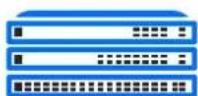
Switching
a

natural_image
Pure diagram of a device layout without any text, numbers, or symbols
PoE+
B

Internet

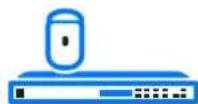
UniFi Cloud Gateway

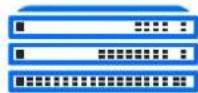
Switching


UniFi Access Point
©

Internet

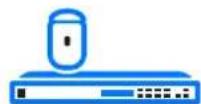
UniFi Cloud Gateway


Switching

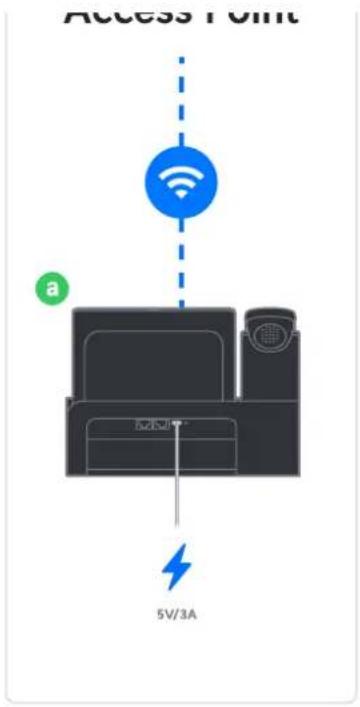

2
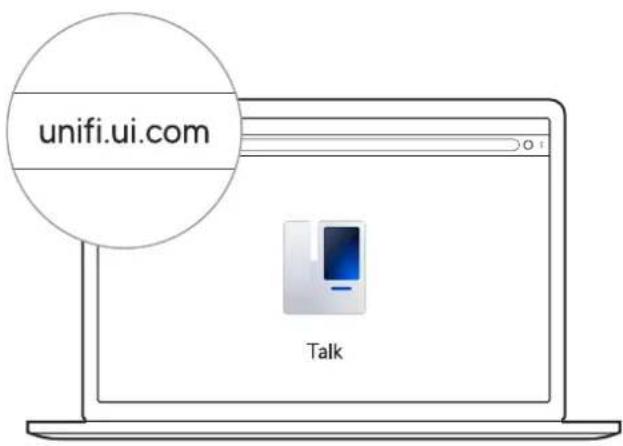

natural_image
Close-up of a smartphone camera lens and screen with a blue arrow indicating direction (no text or symbols)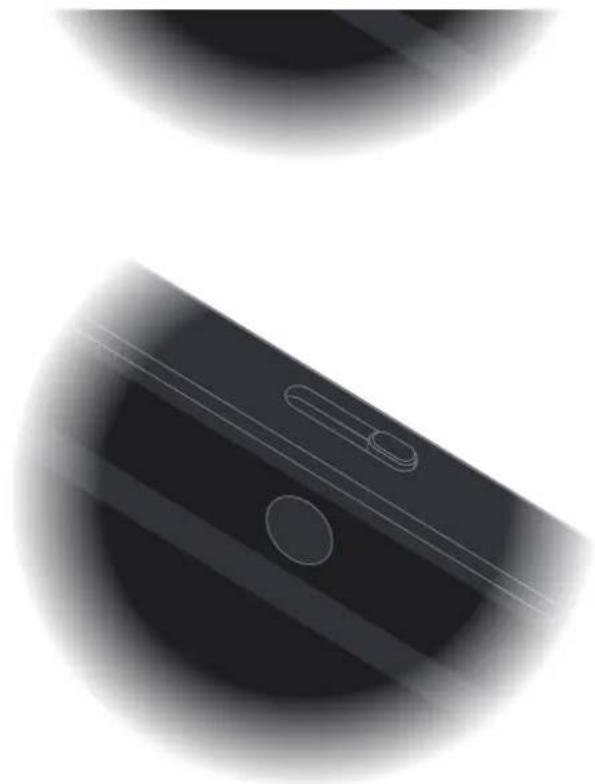
natural_image
Close-up of a smartphone keyboard with two scrolllets and a blank screen (no text or symbols visible)If you need further assistance, visit our Help Center or contact Ubiquiti Support.
2020 Chapri to 20 provisions of Dignill, the Dignill (Hog) UnF and J.P. Tel anhase seer-seg-band traner seet, Dignill in allbclised States or in other markets. At one made way for the property of their respective parties.

