
SAX W001 - Air-conditioner SENCOR - Free user manual and instructions
Find the device manual for free SAX W001 SENCOR in PDF.


Pick your language and provide your email: we'll send you a specifically translated version.
| Product Type | Portable Air Conditioner |
| Brand | Sencor |
| Model | SAX W001 |
| Cooling Capacity | 9000 BTU/h |
| Power Supply | 220-240 V ~ 50 Hz |
| Power Consumption | 1000 W |
| Dimensions (W x D x H) | 350 x 300 x 700 mm |
| Weight | 25 kg |
| Refrigerant | R410A |
| Noise Level | 56 dB(A) |
| Air Flow Rate | 300 m³/h |
| Water Tank Capacity | 1 L |
| Dehumidification Function | Yes |
| Ventilation Function | Yes |
| Remote Control | Yes |
| Timer | Yes |
| Filter Type | Washable |
| Energy Class | A |
| Maintenance | Clean filter every 2 weeks |
| Safety Features | Anti-freeze protection, overheat auto shut-off |
| Spare Parts | Filters, remote control, exhaust hose |
| Repairability | Serviceable by qualified technician |
Frequently Asked Questions - SAX W001 SENCOR
How do I install the SAX W001 air conditioner?
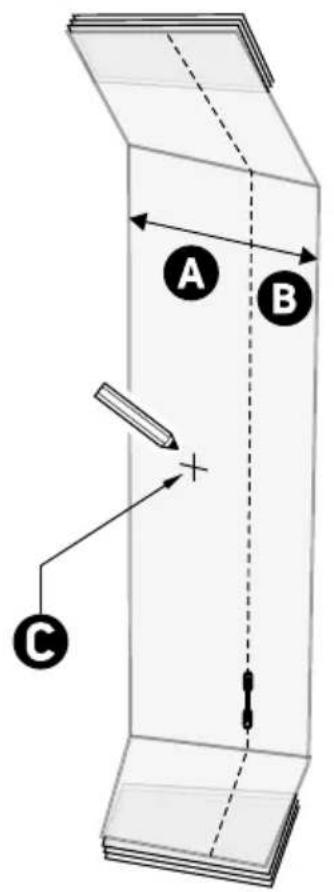
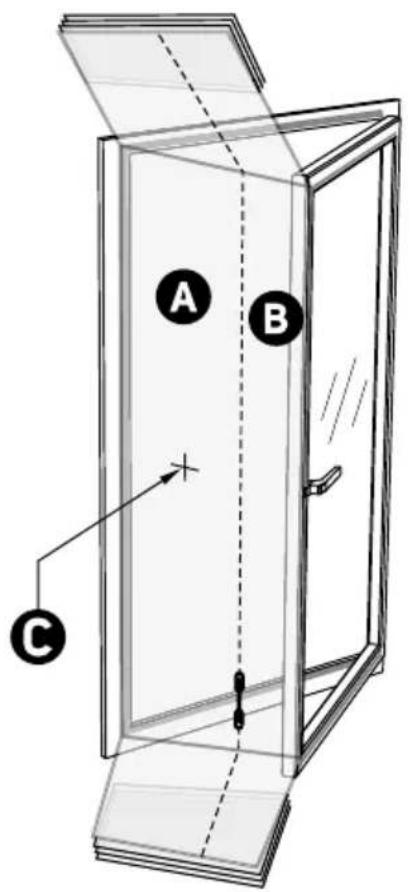
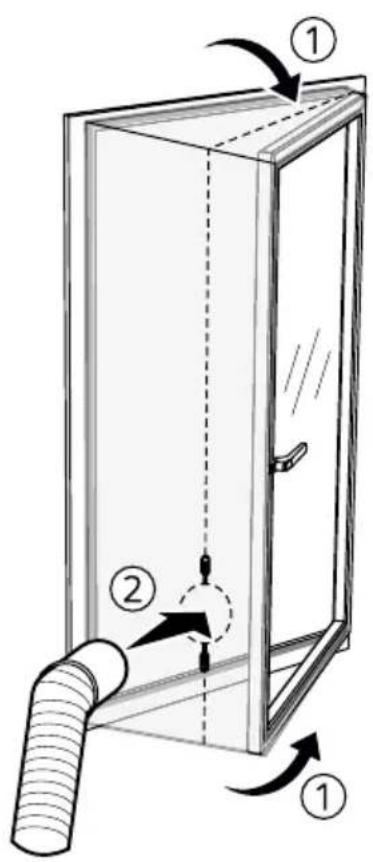
Place the unit near a window. Attach the exhaust hose to the back of the unit and extend it outside. Plug into a grounded outlet. Ensure the hose is not bent.
How do I clean the filter?
Turn off the unit and unplug it. Remove the filter from the back, wash with mild detergent and water, dry completely, then reinstall. Clean every 2 weeks.
Why is my air conditioner not cooling enough?
Check if the filter is dirty, the exhaust hose is blocked, or the room is too large. Also ensure the set temperature is lower than the room temperature.
What does the flashing red light mean?
The flashing red light usually indicates the water tank is full. Drain the water from the bottom plug. If the light persists after draining, contact support.
How do I use the timer function?
Press the TIMER button on the remote or control panel. Set the desired off time. The unit will automatically turn off after that period.
Do I need to empty the water tank?
Yes, the SAX W001 collects condensation in a built-in tank. When the tank is full, the unit will stop and an indicator lights up. Remove the drain plug to empty.
Can I use an extension cord with this air conditioner?
No, it is not recommended. Use only a dedicated grounded outlet. Extension cords may cause voltage drop and fire hazard.
Does this unit have a heating function?
No, the SAX W001 is a cooling-only air conditioner. It does not provide heat.
Why is the air conditioner making a loud noise?
Check if the unit is level on a flat surface. A rattling sound may indicate loose parts. Normal operation noise is up to 56 dB. If too loud, ensure no objects are touching the unit.
How do I set the temperature?
Use the remote control or the up/down buttons on the unit. The temperature range is typically 16-30°C. Press MODE to select cooling or fan only.
User questions about SAX W001 SENCOR
0 question about this device. Answer the ones you know or ask your own.
Ask a new question about this device
No questions yet. Be the first to ask one.
Download the instructions for your Air-conditioner in PDF format for free! Find your manual SAX W001 - SENCOR and take your electronic device back in hand. On this page are published all the documents necessary for the use of your device. SAX W001 by SENCOR.
USER MANUAL SAX W001 SENCOR
natural_image
Line drawing of a cabinet with handle and circular dial (no text or symbols)A
natural_image
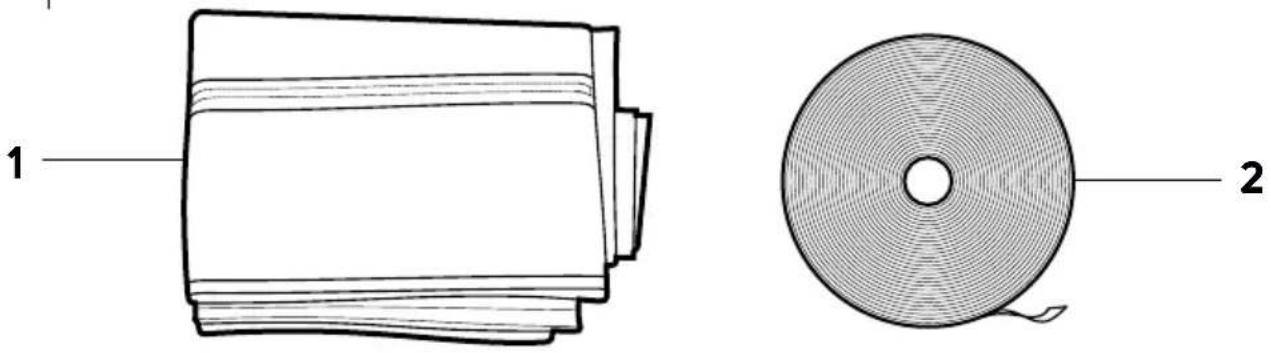
Technical line drawings of two components: a rolled-up rectangular sheet labeled '1' and a circular spool with internal patterns labeled '2', both without any text or symbols.B
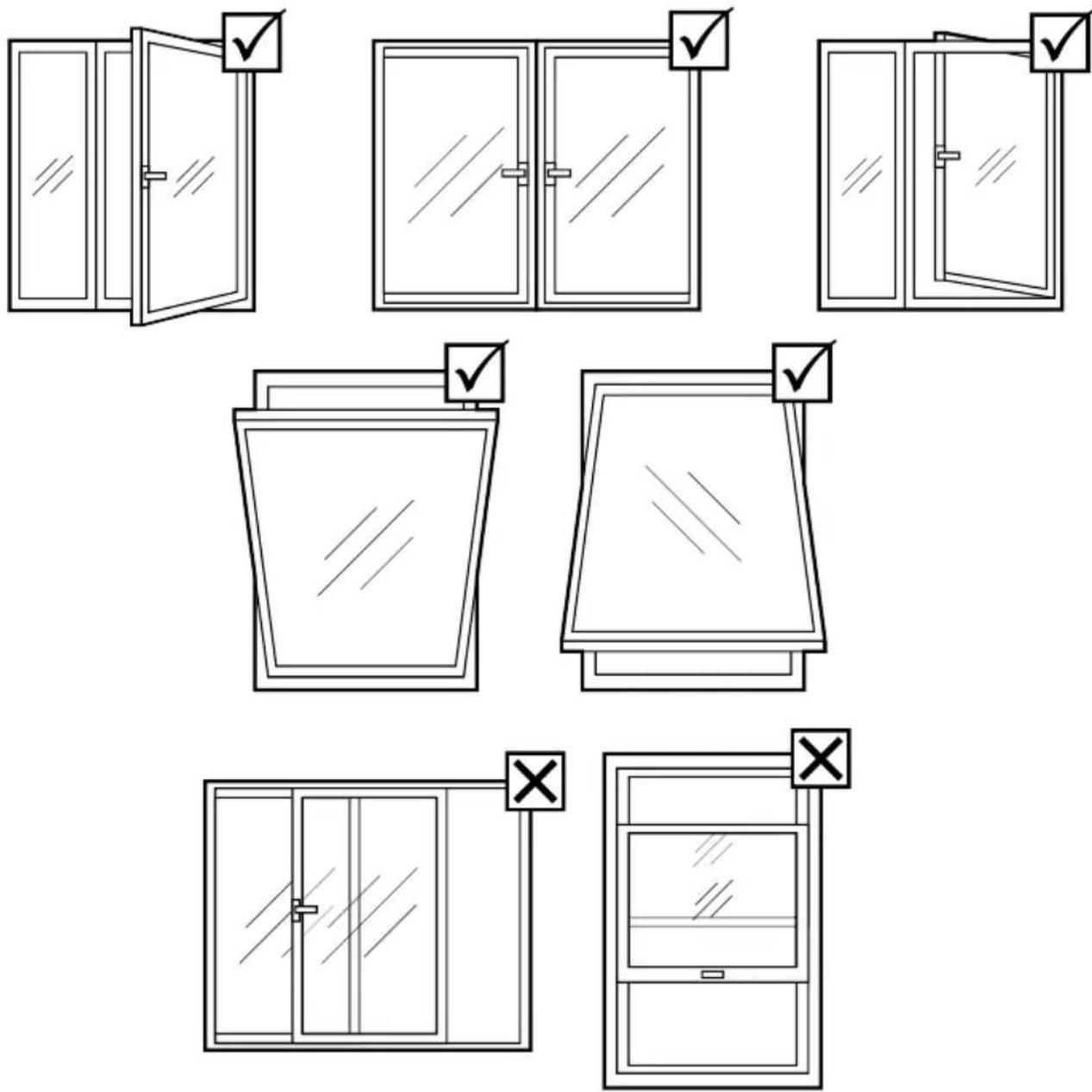
C
natural_image
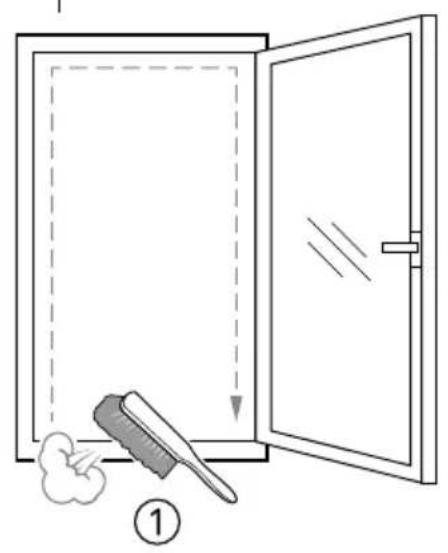
Simple line drawing of a door with a brush and cloud near the front (no text or symbols)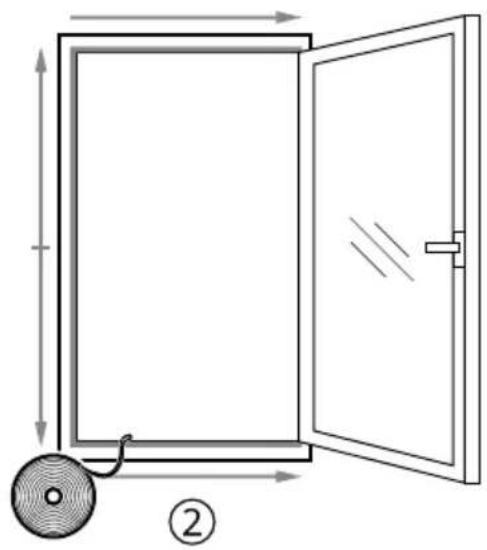
natural_image
Diagram of a door opening with a circular component and directional arrows indicating motion (no text or symbols)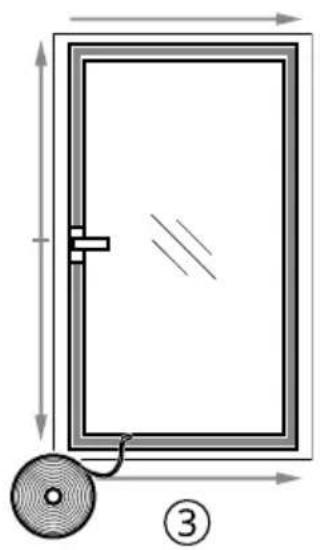
natural_image
Diagram of a door frame with dimension lines and a circular component, no text or symbols presentD
CZ
Table of contents
Click a title to access it
Manual assistant
Powered by Anthropic
Waiting for your message
Product information
Brand : SENCOR
Model : SAX W001
Category : Air-conditioner