
SoundTube - Charging Station / Docking Station Niceboy - Free user manual and instructions
Find the device manual for free SoundTube Niceboy in PDF.


| Product Type | Portable Bluetooth Speaker with FM Radio and USB/TF Card Playback |
| Model | Niceboy SoundTube |
| Dimensions (Approx.) | 200 × 80 × 80 mm (7.9 × 3.1 × 3.1 in) |
| Weight (Approx.) | 500 g (1.1 lb) |
| Speaker Driver | 45 mm, 2 × 5 W (THD = 10%) |
| Frequency Response | 90 Hz – 20 kHz |
| Signal-to-Noise Ratio | ≥ 90 dB |
| Battery | Rechargeable Li-ion, 2200 mAh |
| Charging Port | Micro USB, DC 5V / 500 mA |
| Bluetooth Version | BK 3.0 (with booster voltage function) |
| Wireless Range | Up to 10 m (33 ft) |
| Audio Inputs | AUX (3.5 mm), USB, TF Card (max 16 GB) |
| Radio | FM tuner with automatic search, requires USB cable as antenna |
| Hands-Free | Built-in microphone for speakerphone calls |
| Controls | Power, Previous/Vol-, Next/Vol+, Play/Pause/Call, Mode |
| Indicators | LED indicator for power and Bluetooth status |
| Maintenance | Wipe with a dry, soft cloth; avoid moisture and extreme temperatures |
| Safety | Do not disassemble; avoid dropping; charge with supplied cable only |
| Spare Parts | Contact manufacturer or authorized dealer for replacement battery or cables |
| General Information | Portable design suitable for indoor and outdoor use |
Frequently Asked Questions - SoundTube Niceboy
User questions about SoundTube Niceboy
0 question about this device. Answer the ones you know or ask your own.
Ask a new question about this device
Download the instructions for your Charging Station / Docking Station in PDF format for free! Find your manual SoundTube - Niceboy and take your electronic device back in hand. On this page are published all the documents necessary for the use of your device. SoundTube by Niceboy.
USER MANUAL SoundTube Niceboy
natural_image
Black and blue oval-shaped electronic device with glowing blue edges (no visible text or symbols)CZ
OBSAH BALENÍ
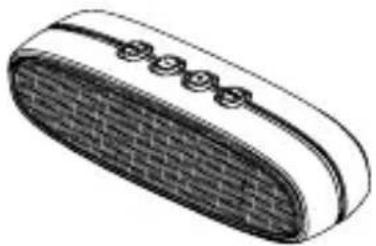
natural_image
Illustration of a closed button with a grid pattern and four circular buttons on top (no text or symbols)natural_image
Illustration of a Bluetooth device with a stylus and antenna (no text or symbols)NÁVOD K OBSLUZE
natural_image
Illustration of a smartphone with a phone icon and a brick-wrapped device (no text or symbols)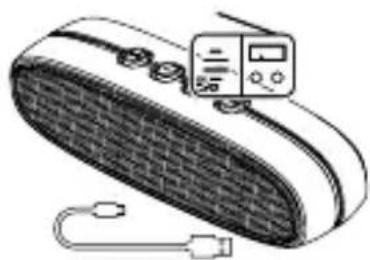
natural_image
Illustration of a portable electronic device with a grid-patterned body and connected cables (no text or symbols)
SK
OBSAH BALENIA:
natural_image
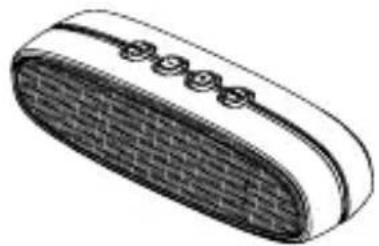
Illustration of a closed, oval-shaped device with a grid pattern and four circular buttons on top (no text or symbols)natural_image
Illustration of a Bluetooth device with a rectangular tag and mesh cover (no text or symbols)NÁVOD NA OBSLUHU
natural_image
Illustration of a smartphone with a phone icon and a brick-wrapped device (no text or symbols)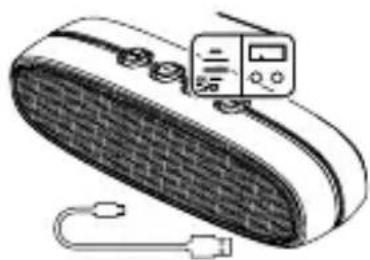
natural_image
Illustration of a portable electronic device with a grid-patterned body and connected cables (no text or symbols)
EN
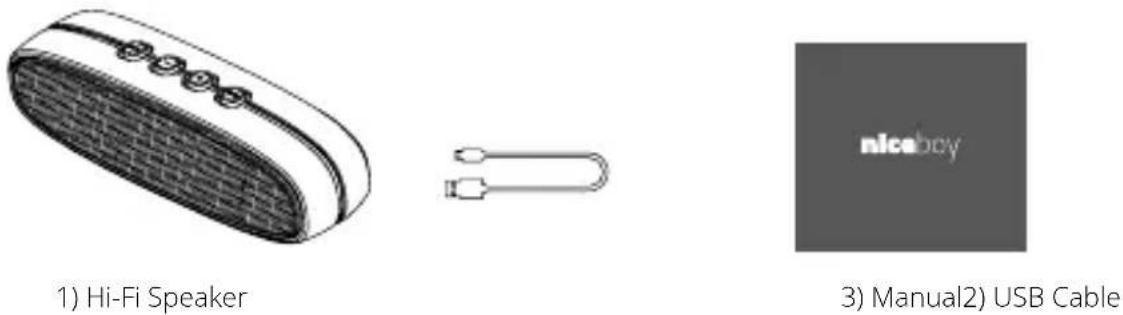
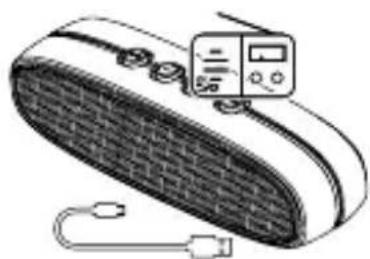
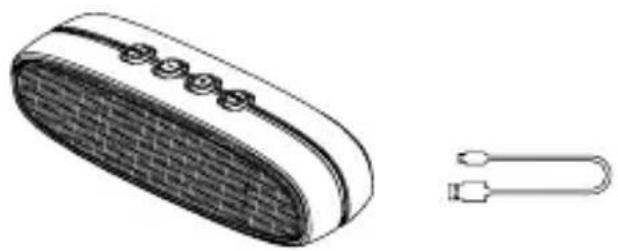
PACKING LIST
PRODUCT DESCRIPTION
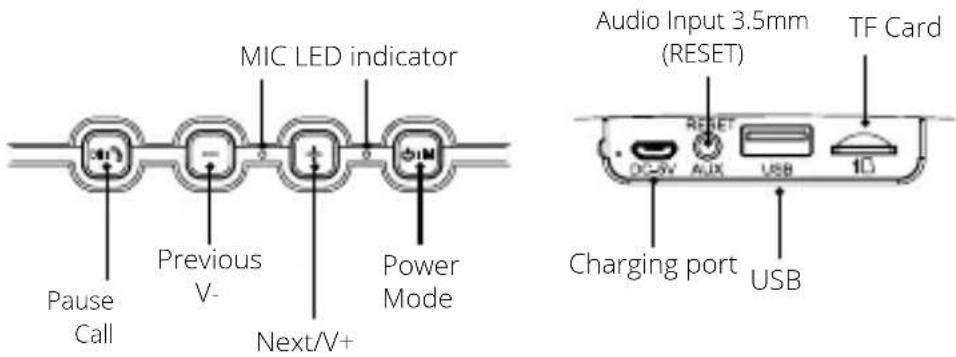
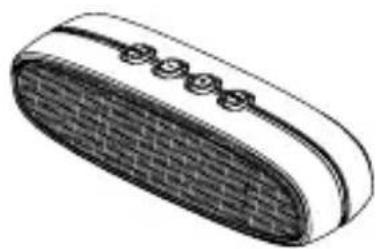
Short press · "Previous/V-" and "Next/V+" buttons to switch songs, while long press them to adjust the volume
CONNECTION MODE
1. On/Off
Press power key for 2 seconds, then the wireless mode is on
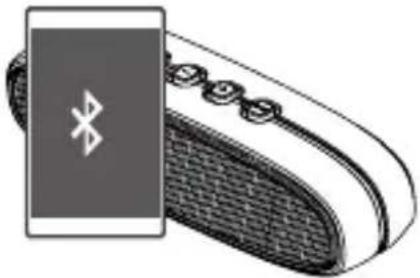
2. Connect with mobile device
Tum on the mobile device and SOUNDtube speaker's wireless mode, then connect SOUNDtube via bluetooth on the mobile device
natural_image
Illustration of a smartphone with a Bluetooth icon on its side (no text or symbols)Connect your smartphone with the speaker, then you can control the speaker by your smartphone
- Press - shortly-Previous, Long Press - volume Down.
- Press + shortly-Next, Long Press + volume Up.
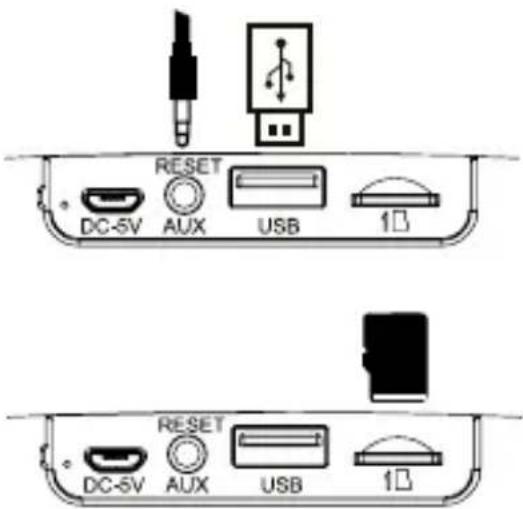
2. 3.5mm Audio Input Port
Play music through connecting the speaker with digital device by audio cable.
Meanwhile, if the wireless music is also the input, the speaker can switch into the wireless mode
3. Support USB Music Playing
• TF Card Reading
It automatically switches into playing TF card music after the TF card is input.
• Support TF card (Max 16GB)

4. Speakerphone
Speaker has a sound prompt. The music will pause if there is a phone call coming while your phone is connecting to the speaker. Then, you can press Pause/Call button to answer the call
5. FM Radio
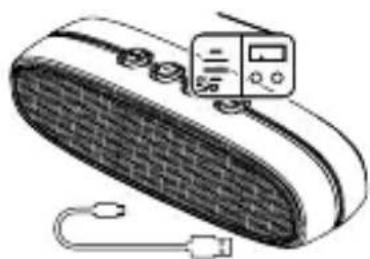
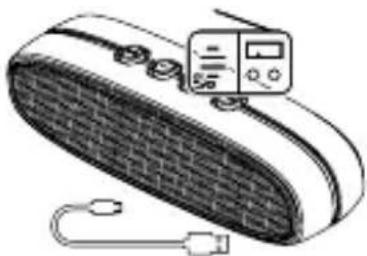
- Press 📊 button, it sounds „Dudu“
- Insert USB cable (as radio antennas) into the charging port
- Press three seconds, it will search channels automatically, do not press other buttons during search, press to choose channels when the light stops flicker.
There are very bad signal even no signal in underground garage, elevator, high density building area and underground. Please try to search signal in balcony or outdoor.
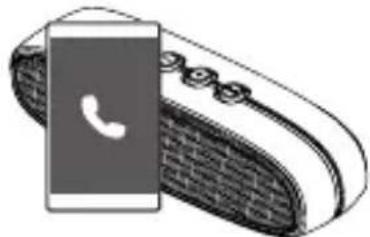
natural_image
Illustration of a smartphone with a phone icon and a brick conveyor belt (no text or symbols)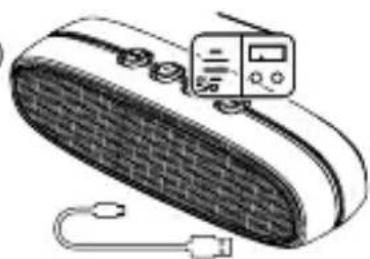
natural_image
Illustration of a portable electronic device with a grid-patterned body and connected cables (no text or symbols visible)PRODUCT PARAMETERS
Model: SOUNDtube
Loudspeaker: 45 mm
Loudspeaker Output: 2 × 5 W THD = 10 %
Signal-to-Noise: ≥ 90 dB
Frequency Response: 90Hz-20KHz
Power Input: DC5V = 500mA
PRODUCT FEATURES
- Portable bluetooth speaker+u disk function+FM function
- Battery: Rechargeable Li-ion battery, 2200 mAh; Charging port: Micro USB
- TF Card +U disk+AUX+ with booster voltage function
- Built-in MIC(Phone talk hands free) +voice prompt
- Chip:BK 3.0+with booster voltage function
- Great sound quality indoors and outdoors camp

DE
VERPACKUNGSINHALT
natural_image
Illustration of a closed, oval-shaped object with a textured surface and four circular indentations on top (no text or symbols)natural_image
Illustration of a Bluetooth device with a rectangular tag and mesh cover (no text or symbols)BEDIENUNGSANLEITUNG
natural_image
Illustration of a smartphone with a phone icon and a brick conveyor belt (no text or symbols)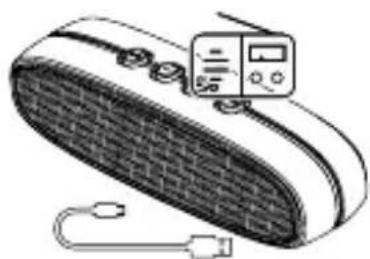
natural_image
Illustration of a portable electronic device with a grid-patterned cover and connected cables (no text or symbols)natural_image
Illustration of a closed, oval-shaped object with a textured surface and four circular indentations on top (no text or symbols)natural_image
Illustration of a Bluetooth device with a rectangular tag and mesh cover (no text or symbols)HASZNÁLATI ÚTMUTATÓ
natural_image
Illustration of a smartphone with a phone icon and a brick-patterned cable, no text or symbols present.
natural_image
Illustration of a portable electronic device with a digital display and cable (no text or symbols)HR
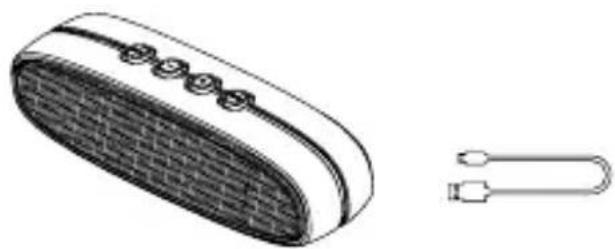
SADRŽAJ PAKIRANJA
natural_image
Illustration of a portable electronic device with a grid-patterned cover and a separate U-shaped connector (no text or symbols)1) Bežični zvučnik (Bluetooth)

3) Upute za uporabu 2) USB kabel
OPIS PROIZVODA
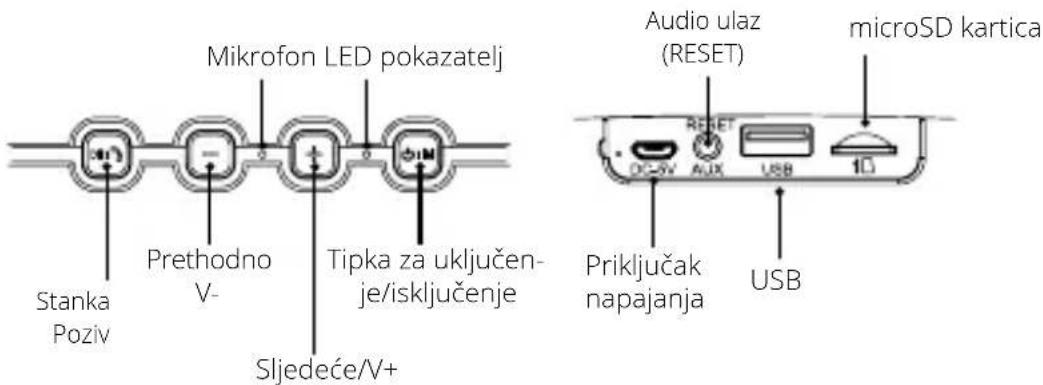
Kratkim pritiskom tipki „Prethodno/V-“ ili „Sljedeće/V+“ može se prelaziti s jednog zvučnog zapisa na drugi, dugim pritiskom se uređuje glasnoća.
REŽIM VEZE
natural_image
Illustration of a smartphone with a Bluetooth module and mesh keypad (no text or symbols)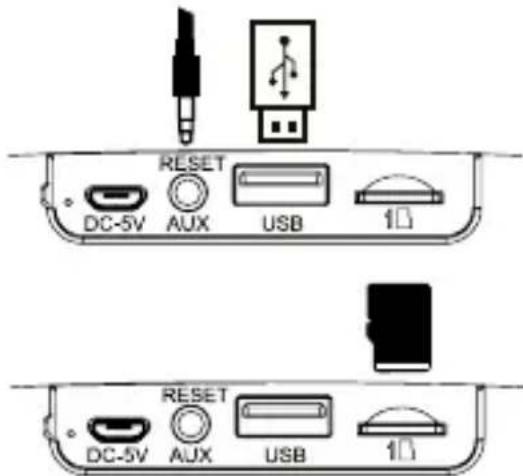

4. Telefon
natural_image
Illustration of a smartphone with a phone icon and a brick-coiled cable, no text or symbols present.
natural_image
Illustration of a portable electronic device with a digital display and USB cable (no text or symbols)PL
ZAWARTOŚĆ OPAKOWANIA
natural_image
Illustration of a portable electronic device with a mesh grille and two connected USB connectors (no text or symbols)natural_image
Illustration of a smartphone with a Bluetooth module and mesh keypad (no text or symbols)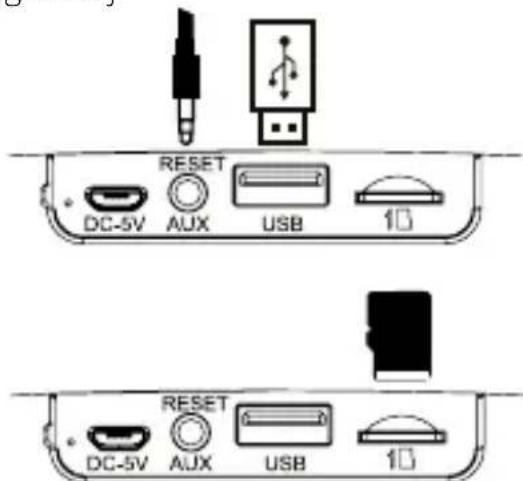

4. Telefon
natural_image
Illustration of a smartphone with a phone icon and a brick-coiled cable, no text or symbols present.
natural_image
Illustration of a portable electronic device with a grid-patterned body and connected cables (no text or symbols)SL
PAKET VSEBUJE
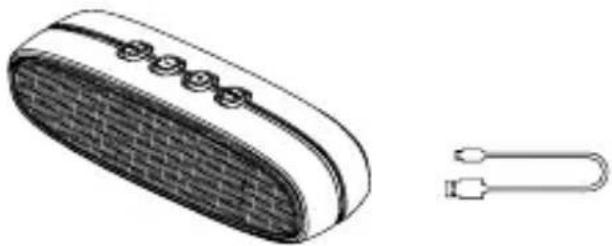
natural_image
Illustration of a portable electronic device with a grid-patterned cover and a separate U-shaped connector (no text or symbols)natural_image
Illustration of a Bluetooth device with a screen and antenna (no text or symbols)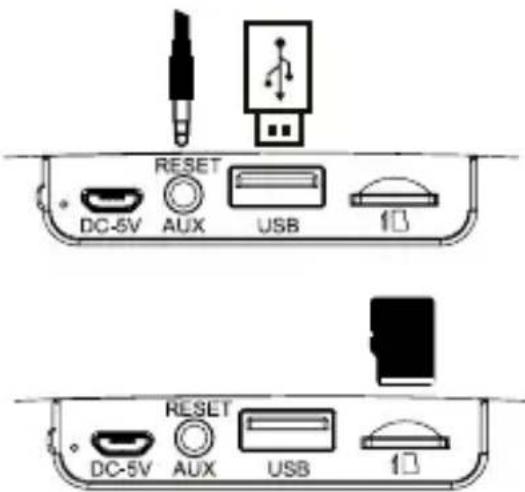
SL
4. Telefon
natural_image
Illustration of a smartphone with a phone icon and a brick conveyor belt (no text or symbols)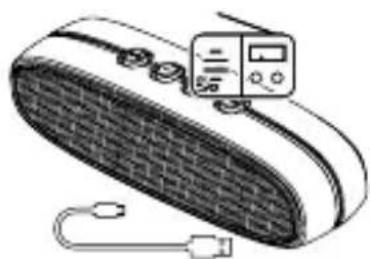
natural_image
Illustration of a portable electronic device with a grid-patterned body and connected cables (no text or symbols visible)PARAMETRI
Model: SOUNDtube
Zvočnik: 45 mm (premer)
Moč zvočnika: 2 x 5W pri THD=10%
- CZ
- OBSAH BALENÍ
- NÁVOD K OBSLUZE
- SK
- OBSAH BALENIA:
- NÁVOD NA OBSLUHU
- EN
- CONNECTION MODE
- On/Off
- Connect with mobile device
- 3.5mm Audio Input Port
- Support USB Music Playing
- Speakerphone
- FM Radio
- PRODUCT PARAMETERS
- PRODUCT FEATURES
- DE
- VERPACKUNGSINHALT
- BEDIENUNGSANLEITUNG
- HASZNÁLATI ÚTMUTATÓ
- HR
- SADRŽAJ PAKIRANJA
- OPIS PROIZVODA
- REŽIM VEZE
- Telefon
- PL
- ZAWARTOŚĆ OPAKOWANIA
- SL
- PAKET VSEBUJE
- PARAMETRI
Brand : Niceboy
Model : SoundTube
Category : Charging Station / Docking Station