
CD-3601U - Barcode Reader Posiflex - Free user manual and instructions
Find the device manual for free CD-3601U Posiflex in PDF.


| Product Type | Barcode Reader |
| Model | CD-3601U |
| Brand | Posiflex |
| Interface | USB (USB-HID, USB-COM) |
| Scan Technology | Laser / CCD (typical 1D) |
| Supported Barcodes | 1D: UPC/EAN, Code 128, Code 39, Interleaved 2 of 5, etc. |
| Scan Rate | Up to 100 scans per second |
| Read Distance | Up to 20 cm (depending on barcode density) |
| Dimensions (L x W x H) | Approx. 170 x 70 x 100 mm |
| Weight | Approx. 150 g |
| Power Supply | USB bus powered (5 V DC, <500 mA) |
| Cable Length | 1.5 m (coiled or straight) |
| Operating Temperature | 0°C to 40°C |
| Storage Temperature | -20°C to 60°C |
| Humidity | 5% to 95% non-condensing |
| Drop Resistance | 1.5 m onto concrete |
| Main Functions | Barcode scanning, data transmission, programmable settings |
| Cleaning | Wipe with a soft, dry cloth; avoid solvents |
| Safety | Laser Class 2 (if laser); safe for normal use |
| Spare Parts / Repairability | Replacement cable and scan window available |
| General Information | User manual in PDF (132 pages) available for download |
Frequently Asked Questions - CD-3601U Posiflex
User questions about CD-3601U Posiflex
0 question about this device. Answer the ones you know or ask your own.
Ask a new question about this device
Download the instructions for your Barcode Reader in PDF format for free! Find your manual CD-3601U - Posiflex and take your electronic device back in hand. On this page are published all the documents necessary for the use of your device. CD-3601U by Posiflex.
USER MANUAL CD-3601U Posiflex
3.1.1. Enabling a single read. code ...... - 21 -
3.1.2. Enabling of readable codes ...... - 25 -
3.2. Setting of number of characters ...... - 28 -
3.3. Setting code specific options ...... - 33 -
3.3.1. Options for UPC-A - 34 -
3.3.2. Options for UPC-E ...... - 35 -
3.3.3. Options for EAN-13 and EAN-8 ...... - 37 -
3.3.4. Options for Code 39 and It. Pharm. - 40 -
3.3.5. Options for Codabar ...... - 43 -
3.3.6. Options for 2of5 and S-Code ...... - 46 -
3.3.7. Options for IATA ...... - 49 -
3.3.8. Options for MSI/Plessey ...... - 49 -
3.3.9. Options for Telepen ...... - 51 -
3.3.10. Options for UK/Plessey ...... - 52 -
3.3.11. Options for Code 128 and GS1-128 ...... - 53 -
3.3.12. Options for Code 93 ...... - 54 -
3.3.13. Options for Code 11 ...... - 56 -
3.3.14. Options for Korean Postal Authority code ...... - 57 -
3.3.15. Options for Intelligent Mail Barcode ....- 58 -
3.3.16. Options for POSTNET ...... - 59 -
3.3.18. Options for Composite Codes.... - 61 -
3.3.19. Options for Codablock F ...... - 63 -
3.3.20. Options for DataMatrix .... - 63 -
3.3.21. Options for Aztec.... - 65 -
3.3.22. Options for Chinese Sensible code ...... - 66 -
3.3.23. Options for QR Code ...... - 67 -
3.3.24. Options for Micro QR Code ...... - 68 -
3.3.25. Options for Maxicode ...... - 69 -
3.3.26. Options for PDF417.... - 70 -
3.3.27. Options for MicroPDF417 - 71 -
- STRING OPTIONS ...... - 73 -
4.1. Case conversion.... - 73 -
4.2. Set prefix and suffix ...... - 74 -
4.2.1. Set prefix.... - 82 -
4.2.2. Set suffix.... - 85 -
4.3.1. Direct input keyboard keys ...... - 88 -
4.3.3. Direct input numeric ...... - 94 -
4.3.4. Direct input character ...... - 95 -
4.3.5. Direct input lower case character ...... - 97 -
4.3.6. Direct input control character ...... - 99 -
4.3.7. Direct input code id/length - 102 -
5. READ OPTIONS ...... - 103 -
5.1. Read mode options ...... - 103 -
5.1.1. Multiple read reset time ...... - 106 -
5.1.2. Quiet zone options ...... - 107 -
5.1.3. Auto trigger options - 107 -
5.1.4. Detection Mode - 108 -
5.1.5. Auto Trigger Condition ...... - 109 -
5.2. Read time options ...... - 109 -
5.3. Redundancy .... - 110 -
5.4. Positive and negative bar codes ...... - 111 -
5.5. Floodlight and aiming options ...... - 112 -
5.6. Prevention of flicker ...... - 112 -
5.7. LED aiming....- 113 -
6. INDICATOR OPTIONS ...... - 114 -
6.1. Buzzer settings ...... - 114 -
6.2. Good read LED ...... - 116 -
7. MISCELLANEOUS ...... - 117 -
7.1. Diagnostics.... - 117 -
7.2.Serial configuration support....-118-
APPENDIX A. TROUBLE SHOOTING - 121 -
INTRODUCTION
This menu book is intended for setting up your bar code reader to optimize its performance for your particular application. When the required options have been configured, they remain in the reader, even after power down. The reader can be returned to factory default by reading the default label.
Menu labels
The reader must be set by reading the bar code labels in the menu table. The layout of the table is explained in next figure 0.01. To have the bar codes properly decoded, keep in mind that you are required to pull a trigger to initiate the decoding process after accurately aiming the scanner at the 1D setup labels.
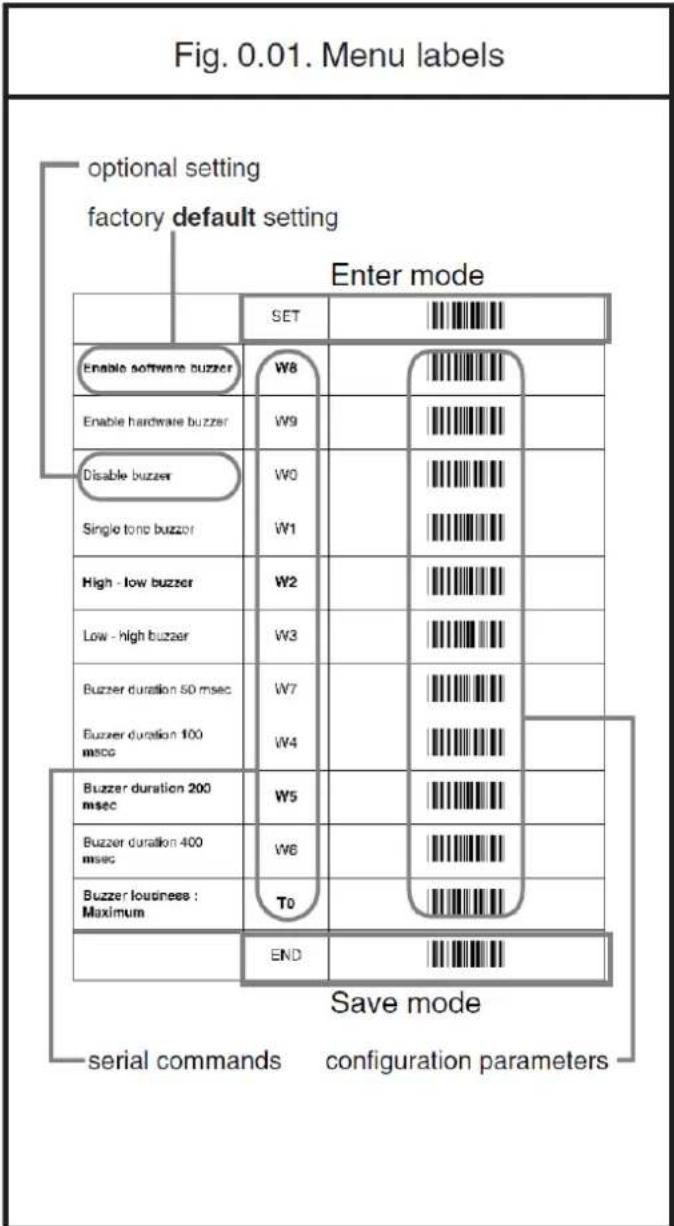
Besides options, some chapters have commands. The commands need to be scanned directly, without reading the “SET” and “END” labels. The commands are executed directly and, unlike options, are not stored in non-volatile memory.
Configuring via the menu book
To configure the required options proceed as follows:
- scan the SET label
- scan the required option(s)
- scan the END label
After scanning the END label, the new settings are stored in non-volatile memory.
Recommended steps to follow for quick configuration
After checking your connection you are ready to start the configuration of your reader.
- Check connection:
Ensure that the power is disconnected from your equipment before you connect the reader. After connecting the data cable, the power can be applied to the equipment and the reader.
• 1:
Use chapter 1 to set the correct default for your reader.
* The reader is now in factory default.
• 2:
Use chapter 2 to optimize the interface.
* The reader is now able to read bar codes and transmit the data.
• 3:
Use chapter 3 to optimize the reader for the type of bar codes you use. Set the readable codes first and then the options for each of these codes.
* The reader is now able to read the codes you selected, validate the data using length and check digit and transmit that part of the data you specified.
• 4:
Use chapter 4 to select the string options for your application. These include transmission of code length, conversion of upper and lower case and setting a prefix and suffix.
* The reader can now read and transmit the data in the required format.
• 5:
Use chapter 5 to select the read options to your preference. These options affect the read mode, read time, trigger and redundancy.
6:
Use chapter 6 to select the indicator options you prefer. These options affect the operation of the buzzer and good read LED.
* The reader will now operate to your personal preference.
See figure 0.02.
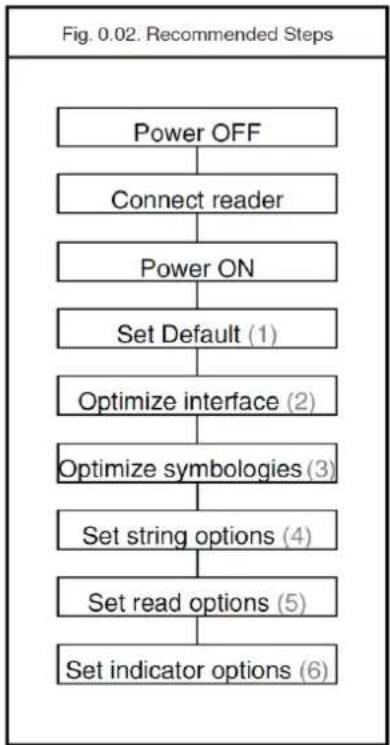
flowchart
graph TD
    A["Power OFF"] --> B["Connect reader"]
    B --> C["Power ON"]
    C --> D["Set Default (1)"]
    D --> E["Optimize interface (2)"]
    E --> F["Optimize symbologies (3)"]
    F --> G["Set string options (4)"]
    G --> H["Set read options (5)"]
    H --> I["Set indicator options (6)"]
Configuring via RS232
In the middle column of the menu pages the command is printed, e.g. U2. These commands can be sent to readers with an RS232 interface. To configure via the RS232 port proceed as follows:
- transmit
- transmit
- transmit
- transmit
Z2
Example in hexadecimal format:
1B 4D 34 31 4B ∅ D
Each 3-character command should be preceded with the ['' character (Hex 5B) i.e.
Each 4-character command should be preceded with the ']' character (Hex 5D) i.e.
Z2
Some options are not immediately active, like baud rate settings. Most other options are immediately active, but the command Z2 must be send to store the settings to non-volatile memory.
The following commands may be used to:
Command B sound a good read beep
Command E sound an error beep
Command G motor off
Command H motor on
Command L switch on good read LED
Command N switch on bad read LED
Command O switch on both LEDs
Command Y de-trigger the reader
Command Z trigger the reader
The characters transmitted must be separated by an intercharacter delay to allow the reader to process each character received and to execute the command string.
Package Content
CD-3600
- CD-3600 2D Image Scanner
- USB cable
- Quick setup guide
CD-3600-SK
- CD-3600 2D Image Scanner
● SK-300 external bracket - USB cable
- Quick setup guide
CD-3600S
- CD-3600 2D Image Scanner
- RS-232 cable
- Quick setup guide
1. GENERAL OPTIONS
1.1. Restore to Factory Default Settings
This option allows you to undo all previously configured options and bring the reader's configuration back to factory default settings. These factory default settings are printed in bold.
Note that differences may occur depending on the type of interface as will be mentioned in the text.
Select only the correct default settings corresponding to your hardware "defaults" label.
The interfaces supported depend on the reader model and software release. Please consult your sales office for not listed interfaces.
| RS232 |  |
| USB-HID | 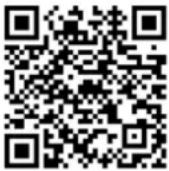 |
| USB-VCP | 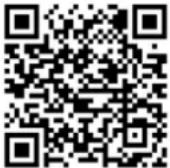 |
1.2. Switch User Interface and Reset to Default Settings
This option allows you to switch among multiple interfaces supported by CD-3600 series 2D Image reader, including USB HID, USB Virtual COM, and RS-232, according to your needs. And, the current settings will be automatically reset to factory default settings once the user interface is changed.
To verify your configuration, it is strongly advised for CD-3600, CD-3600S, and CD-3600-SK users to unplug and then re-plug the cable after the relevant barcode labels are scanned. Otherwise, you may also try to reboot the terminal to achieve the purpose.
If it still fails to change user interface, please be advised to scan the barcode again after either re-plugging your scanner or restarting your terminal.
| RS232 |  |
| USB-HID |  |
| USB-VCP |  |
1.3. Check Firmware Version
This options allows you to retrieve the current firmware version.
| Firmware Version |  |
1.4. Enhance Barcode Scanning on Screens
In addition to the printed barcodes, you may also aim the scanner at the desired barcode on screens to scan and decode barcodes. This section lists three adjustable options which are all designed to improve efficiency in scanning barcodes directly from screens.
1.4.1 No illumination detection
With no illumination detection, a target code is detected without illumination light. The power consumption can be reduced, but the response of detection will also be reduced. Ambient light is used for detection in this mode, so this can not be used in a dark place while it can be used in a lighted environment.
| SET |  | |
| No illumination detection | DDI |  |
| END |  |
1.4.2 Prevention of flicker
When there is no target to be read, flicker occurs because of the LED illumination, and this flicker can be prevented with setting. However, it is normally suggested not to enable LED illumination flicker prevention, a feature which will make it difficult to read barcodes on LCD screens once activated.
| SET |  | |
| Enable LCD display reading | D3J |  |
| END |  |
1.4.3 Prevention of specular reflection
Only when specular reflection of LED illumination occurs, the reading is performed with the illumination turned off, which will lead to degradation of reading performance.
| SET |  | |
| Prevent specular reflection | D3Q |  |
| END |  |
1.5. Configure Data Transmission Interval
This option allows you to specify the interval at which the scanned data will be transferred. In other words, this will determine how fast you want the scanned data to be transmitted.
How to set data transmission interval:
Please follow the example below to scan the sequence of barcode labels to set the data transmission interval to be 2 ms:
| SET | 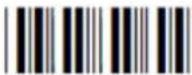 | |
| USB HID transfer interval | E9M | 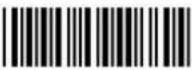 |
| bInterval = 1 | Q1 | 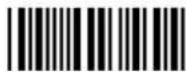 |
| bInterval = 2 | Q2 | 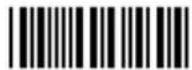 |
| bInterval = 4 | Q4 |  |
| bInterval = 8 | Q8 |  |
| END |  |
2. INTERFACE
This chapter describes the configurable transmission options for your reader. Some options may not be relevant to the type of reader you have. An attempt to configure the reader for such options does not affect its operation and usually results in the reader producing an error tone, indicating you tried to make an illegal configuration entry.
2.1. RS232 options
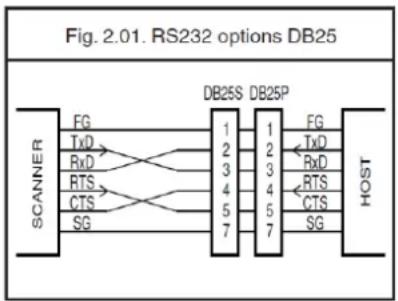
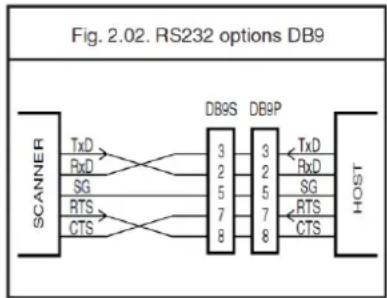
This paragraph describes the specific options for a reader with an RS232 interface. Bar code readers with an RS232 interface are normally supplied with either a DB25 or DB9 female connector. Both connectors are fitted with an external power connector. See figure 2.01 or 2.02.
flowchart
graph LR
    A["SCANER"] -->|FG| B["DB25S"]
    A -->|TxD| B
    A -->|RxD| B
    A -->|RTS| B
    A -->|CTS| B
    A -->|SG| B
    B -->|1| C["DB25P"]
    B -->|2| C
    B -->|3| C
    B -->|4| C
    B -->|5| C
    B -->|7| C
    C -->|1| D["HOST"]
    C -->|2| D
    C -->|3| D
    C -->|4| D
    C -->|5| D
    C -->|7| D
    D -->|FG| E["TxD"]
    D -->|RxD| F["RTS"]
    D -->|CTS| G["SG"]
flowchart
graph LR
    A["SCANER"] -->|TXD| B["DB9S"]
    A -->|RxD| B
    A -->|SG| B
    A -->|RTS| B
    A -->|CTS| B
    B -->|TXD| C["DB9P"]
    B -->|RxD| C
    B -->|SG| C
    B -->|RTS| C
    B -->|CTS| C
    C --> D["HOST"]
Other connectors and/or connections are available by special order. Pin functions as seen from the bar code reader.
FG:
Frame Ground: This is normally connected to the "chassis ground" at the host computer. In the RS232 specification the use of FG is optional.
TxD:
Transmitted Data: Transmits data from the reader to the host. This connection is mandatory.
RxD:
Received Data: Receives data from the host to the reader. This connection is required if you want to send commands to the bar code reader or if software handshaking or acknowledgement control is used.
RTS:
Request To Send: A general purpose output to the host, used for hardware flow control. This connection is optional.
CTS:
Clear To Send: A general purpose input to the bar code reader, used for hardware flow control. This connection is optional.
SG:
Signal Ground: Reference point for power supply and interface signals. This connection is mandatory.
2.1.1. Baud rate settings
The baud rate is the rate at which bits are transmitted from the reader to the host, and vice versa. Both the reader and the host should be set to the same baud rate.
| SET | 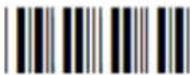 | |
| 300 baud | K1 | 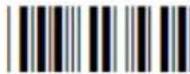 |
| 600 baud | K2 | 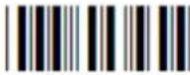 |
| 1200 baud | K3 | 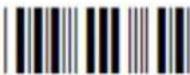 |
| 2400 baud | K4 | 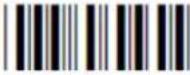 |
| 4800 baud | K5 | 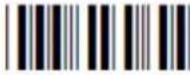 |
| 9600 baud | K6 | 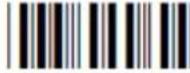 |
| 19200 baud | K7 | 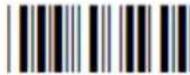 |
| 38400 baud | K8 | 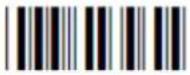 |
| 57600 baud | K9 | 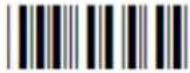 |
| 115200 baud | SZ | 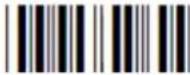 |
| END |  |
2.1.2. Data, parity and stop bits
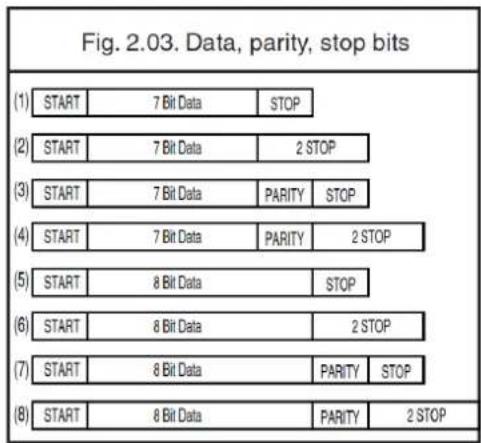
The data characters may be transferred in one of the following formats:
A parity bit may be added to every character so that the total number of 1's in the data bits, together with the parity bit, is odd for odd parity or even for even parity. See figure 2.03.
| SET |  | |
| 7 data bits | L0 |  |
| 8 data bits | L1 |  |
| No parity | L2 |  |
| Even parity | L3 |  |
| Odd parity | L4 |  |
| 1 stop bit | L5 |  |
| 2 stop bits | L6 |  |
| END |  |
2.1.3. Handshaking
Data flow control is available using either hardware (Modem, Busy/Ready) or software (XON/XOFF). In addition, an optional acknowledgement control is available (ACK/NAK with or without error response). Flow control may be combined with acknowledgement control. The RS232 voltage levels employed by most readers for transmission are either -10V (OFF) or +10V (ON).
1. No handshake:
Does not employ any handshaking: data is transmitted regardless of the control signals. This option will undo any handshake and flow control options selected.
2. Modem mode:
The reader's RTS is OFF as soon as power is supplied to the reader. The reader will turn RTS ON when it wants to transmit data to the host. The host should respond by putting CTS ON when it is ready to receive data. While CTS is ON the reader is allowed to transmit data. When all data has been transmitted, the reader will turn RTS OFF. In response, the host should turn OFF the reader's CTS. If, while RTS is ON, the CTS line is not ON for a certain configurable period, the reader will terminate the transmission with an error indication of the buzzer. See figure 2.05.
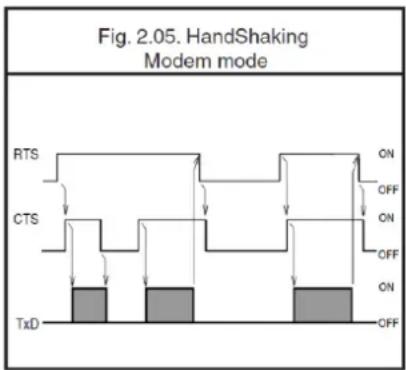
flowchart
graph TD
    A["RTS"] --> B["CTS"]
    B --> C["TxD"]
    D["ON"] --> E["OFF"]
    F["ON"] --> G["OFF"]
    H["ON"] --> I["OFF"]
    J["OFF"] --> K["OFF"]
3. ACK/NAK:
After data has been transmitted, the reader expects to receive one of the following responses from the host:
Response: "ACK" (ASCII: Hex O6)
Action: The reader completes transmission with the good-read buzzer.
Response: "NAK" (ASCII: Hex 15)
Action: The reader sends the data again.
Response: "DC1" (ASCII: Hex 11)
Action: The reader completes transmission without a good-read or error buzzer.
Response: "None"
Action: If there is no response within one second then the reader terminates transmission with an error buzzer. See figure 2.06.
4. ACK/NAK no response:
The difference from the ACK/NAK mode is that when no response from the host is received within 100 ms, the reader assumes that the data has been received correctly by the host.
Response: "ACK" (ASCII: Hex O6)
Action: The reader completes transmission with the good-read buzzer.
Response: "NAK" (ASCII: Hex 15)
Action: The reader sends the data again.
Response: "DC1" (ASCII: Hex 11)
Action: The reader completes transmission without a good-read or error buzzer.
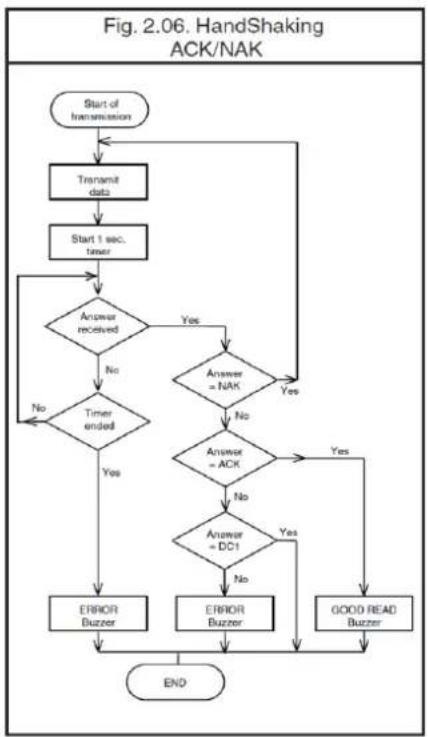
flowchart
graph TD
    A["Start of transmission"] --> B["Transmit data"]
    B --> C["Start 1 sec. timer"]
    C --> D{Answer received}
    D -->|No| E{Timer ended}
    D -->|Yes| F{Answer = NAK}
    F -->|No| G{Answer = ACK}
    F -->|Yes| H["End"]
    G -->|No| I["ERROR Buzzer"]
    G -->|Yes| J{Answer = DC1}
    J -->|No| K["ERROR Buzzer"]
    J -->|Yes| L["GOOD READ Buzzer"]
    L --> M["END"]
Response: "None"
Action: If there is no response within 100 ms, then the reader terminates transmission with a good read buzzer. See figure 2.07.
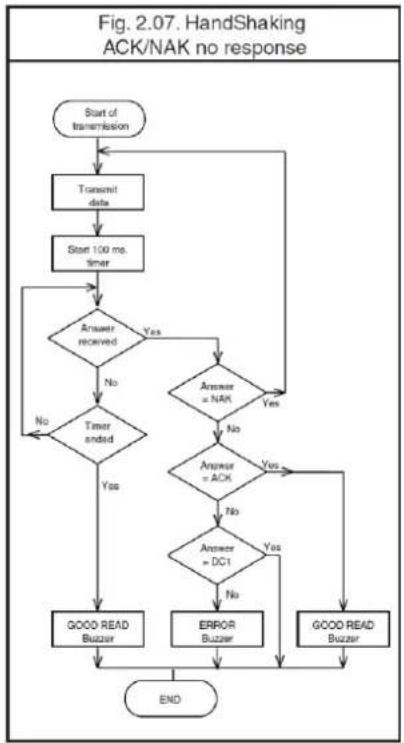
flowchart
graph TD
    A["Start of transmission"] --> B["Transmit data"]
    B --> C["Start 100 ms. timer"]
    C --> D{Answer received}
    D -->|No| E{Timer ended}
    D -->|Yes| F{Answer = NAK}
    F -->|No| G{Answer = ACK}
    F -->|Yes| H["GOOD READ Buzzer"]
    G -->|No| E
    G -->|Yes| I{Answer = DC1}
    I -->|No| J["ERROR Buzzer"]
    I -->|Yes| K["GOOD READ Buzzer"]
    J --> L["END"]
Handshaking barcode setting
| SET |  | |
| No handshake | P0 |  |
| Modem | P2 |  |
| ACK/NAK | P3 |  |
| ACK/NAK NO RESPONSE | P4 |  |
| Flow Control time out indefinitely | I0 |  |
| Flow Control time out 100ms | I1 |  |
| Flow Control time out 200ms | I2 |  |
| Flow Control time out 400ms | I3 |  |
| END |  |
2.1.4. Intercharacter delay for RS232
The intercharacter delay introduces a configurable time delay after each character transmitted. This may be used if the connected computer or terminal does not support flow control and is not capable of handling the received data.
| SET |  | |
| No delay | KA |  |
| 20 ms delay | KB |  |
| 50 ms delay | KC |  |
| 100 ms delay | KD |  |
| END |  |
2.2. Keyboard wedge/USB options
This paragraph describes the options which are relevant to readers with a wedge or USB interface. The following parameters can be configured:
- keyboard language
- special options
- intercharacter delay
Because these options are interdependent, it is important to perform the configuration in the sequence given.
Please consult your sales office for keyboard layouts and language currently supported.
Keyboard wedge operation modes:
This mode enables or disables responses from PC wedge to the computer during booting. In normal cases, the keyboard handles the responses to the computer. The PC wedge is only listening in order to be aware of the keyboard state.
With keyboard:
Use this mode in case a keyboard is connected to the PC wedge Y-cable.
The wedge is only listening in case the computer is booting or when the wedge is idle.
Without keyboard:
Use this mode in case no keyboard is connected to the PC wedge Y-cable. In some cases this mode is required in case only a PC USB keyboard is connected. If this option is enable, the computer can detect the wedge as a keyboard. In case the computer reports a keyboard error or in case no data is displayed, try this option. It is required to power OFF the PC, wait 10 seconds and power ON the PC again. Do not enable this option in case a keyboard is connected to the Y-cable.
The wedge is responding to all commands from the computer.
The ‘without keyboard’ option is only supported for PC/AT wedges.
| SET |  | |
| With keyboard | KM |  |
| Without keyboard | KL |  |
| END |  |
2.2.1. Keyboard language
Keyboards are also different depending on country or language. Examples are the QWERTY and AZERTY keyboards. Select the same language that has been selected on your PC.
The languages supported depend on the reader model and software release. Please consult your sales office for the languages currently supported.
| SET |  | |
| US | KE |  |
| UK | KV |  |
| German | KG | 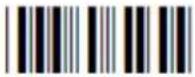 |
| French | KI | 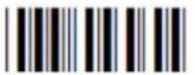 |
| French Macintosh | BAO | 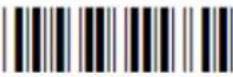 |
| Italian | OW | 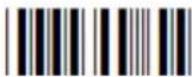 |
| Spanish | KJ |  |
| Portuguese | PH |  |
| Swiss (French) | PL |  |
| Swiss (German) | PK |  |
| Dutch | PI | 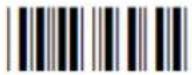 |
| Belgian | PJ | 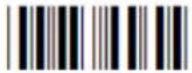 |
| Swedish | PD | 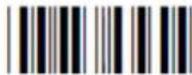 |
| Finnish | PG | 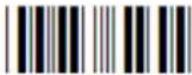 |
| Danish | KK | 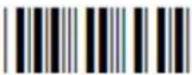 |
| Norwegian | PE | 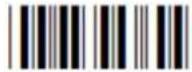 |
| Japanese | PM | 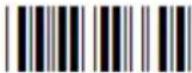 |
| Czech | WF | 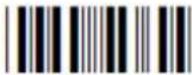 |
| END |  |
2.2.2. Special options
This section contains some specialized keyboard options.
Do not use numpad:
The reader wil emulate the numerical keys on the alpha keypad when transmitting numerical data.
Use numpad:
The reader will emulate the numerical keypad when transmitting numerical data. The NUMLOCK should always be ON when this option has been selected.
Auto NumLock mode:
When selecting this option, the bar code reader automatically uses the correct NumLock state.
No CAPSLOCK mode:
This options cancels the CAPSLOCK mode.
CAPSLOCK mode:
This option ensures that data is displayed correctly when the keyboard is normally in CAPSLOCK mode. The keyboard is returned in the CAPSLOCK mode after transmission.
Auto CAPSLOCK mode:
When selecting this option, the transmitted data is displayed correctly, disregarding the CAPSLOCK state.
| SET |  | |
| Do not use numpad | RN |  |
| Use numpad | RM |  |
| Auto numlock mode | /A | 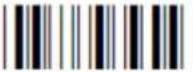 |
| No CAPSLOCK mode | 5Q | 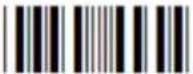 |
| CAPSLOCK mode | 8A | 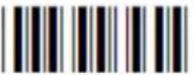 |
| Auto CAPSLOCK mode | 2U | 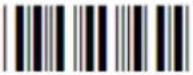 |
| END |  |
2.2.3. Intercharacter delay for wedges/USB
The intercharacter delay can be used to adapt the reader's data transmission speed to the system. If the transmission speed is too high, the system may not be able to receive all characters. Adjust the intercharacter delay until the data is received correctly. The default value as well as the actual delay time depend on the terminal type and language selected.
| SET |  | |
| No delay | LA |  |
| Delay = 1 | LB |  |
| Delay = 2 | LC |  |
| Delay = 3 | LD |  |
| Delay = 4 | LE |  |
| Delay = 5 | LF |  |
| Delay = 6 | LG | 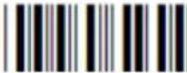 |
| Delay = 7 | LH | 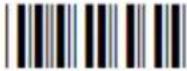 |
| Delay = 8 | LI | 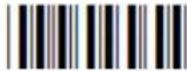 |
| Delay = 9 | LJ | 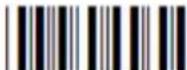 |
| Delay = 10 | LK |  |
| END |  |
3. CODE OPTIONS
The menu options in this chapter are intended to adjust the decoding settings of the reader:
● which bar code types can be read
● the permissible length of the bar codes to be read
- bar code specific options
Note:
This manual categorizes the barcodes as groups of different symbologies with their translations and sometimes with relations to other family names. The next figure visualizes how code translations and relations are maintained in this Code options chapter. See figure 3.00.
| Group | Symbology plus translations | Relations |
| UPC-A | UPC-A | |
| UPC-A +2 | ||
| UPC-A +5 | ||
| UPC-E | UPC-E | |
| UPC-E +2 | ||
| UPC-E +5 | ||
| EAN-13 and EAN-8 | EAN-13 | ISBN Bookland, ISSN, ISMN |
| EAN-13 +2 | ||
| EAN-13 +5 | ||
| EAN-8 | ||
| EAN-8 +2 | ||
| EAN-8 +5 | ||
| Code 39 and It.Pharm. | Code 39 | |
| Code 39 Full ASCII | ||
| Tri-Optic | ||
| Italian Pharmaceutical | ||
| Codabar | Codabar | NW7 |
| Codabar ABC | NW7 ABC | |
| Codabar CX | NW7 CX | |
| 2of5 and S-Code | Industrial 2of5 | |
| Interleaved 2of5 | ||
| S-Code | ||
| Matrix 2of5 | ||
| Chinese Post Matrix 2of5 | Chinese Post | |
| IATA | ||
| MSI/Plessey | ||
| Telepen | ||
| UK/Plessey | ||
| Code 128 and GS1-128 | Code 128 | |
| GS1-128 | (EAN-128 / UCC-128) | |
| Code 93 | ||
| Code 11 | ||
| Korean Postal Authority code | ||
| Intelligent Mail Barcode | ||
| POSTNET | ||
| GS1 Databar | GS1 Databar | (RSS-14) |
| GS1 Databar Limited | (RSS Limited) | |
| GS1 Databar Expanded | (RSS Expanded) | |
| Composite Codes | CC-A | |
| CC-B | ||
| CC-C | ||
| Codablock F | ||
| DataMatrix | ||
| Aztec | Aztec | |
| Aztec Runes | ||
| Chinese Sensible code | ||
| QR code | ||
| Micro QR Code | ||
| Maxi Code | ||
| PDF417 | ||
| MicroPDF417 | ||
3.1. Setting of readable codes
These options do not affect the reading of the menu labels. The required bar code types can be selected by enabling a single readable code only and enabling readable codes.
It is strongly recommended to select only the required codes.
Advantages of selecting only the required codes are:
- faster reading
- no accidental scanning of unwanted bar codes
- reduced probability of reading errors which cannot be prevented completely, because of the limited security of some bar code types
Some bar codes are translations or special variants of other bar code types. The table on the title page of this chapter visualizes these relations. The setting of different codes is explained in the next chapter 3.1.1. Enabling a single read. code.
3.1.1. Enabling a single read. code
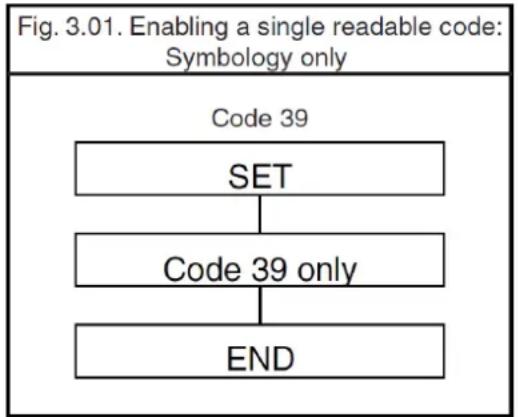
With this option you can set the reader to read a single bar code type only. If you select 'Code 39 only', no other codes will be read.
Example 1:
If you want to read Code 39 only, you read the option 'Code 39 only'. See figure 3.01.
flowchart
graph TD
    A["Code 39"] --> B["SET"]
    B --> C["Code 39 only"]
    C --> D["END"]
Example 2:
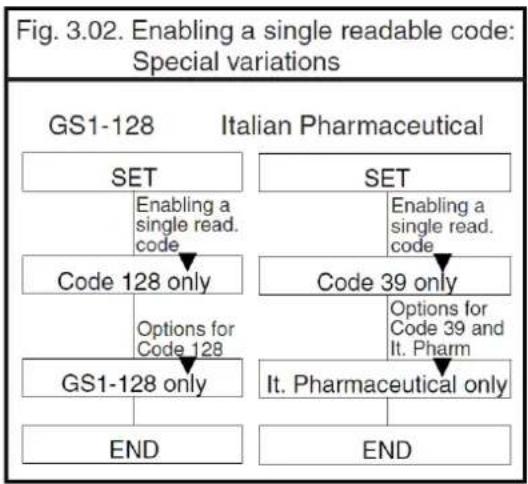
If you want to read one of the special bar codes that is a variation of the readable code, read the single read. code option followed by the dedicated variation option from the applicable symbology options chapter.
- EAN128 only: read the option 'Code 128 only' followed by 'Enable EAN-128 only' from the 'Options for Code 128'.
- Italian Pharmaceutical: read Enable Code 39 only, followed by the option 'Italian Pharmaceutical only' from the 'Options for Code 39'.
See figure 3.02.
flowchart
graph TD
    A["GS1-128"] --> B["SET"]
    B --> C["Enabling a single read. code"]
    C --> D["Code 128 only"]
    D --> E["Options for Code 128"]
    E --> F["GS1-128 only"]
    F --> G["END"]
    H["Italian Pharmaceutical"] --> I["SET"]
    I --> J["Enabling a single read. code"]
    J --> K["Code 39 only"]
    K --> L["Options for Code 39 and It. Pharm"]
    L --> M["It. Pharmaceutical only"]
    M --> N["END"]
Example 3:
If you want to read a code that is changed to another family name, read the new name.
• RSS+14: read the option 'GS1 Databar'.
See figure 3.03.
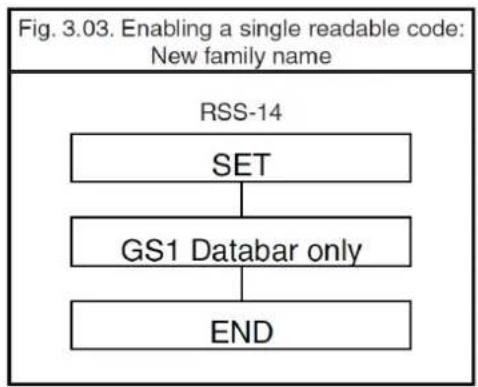
flowchart
graph TD
    A["SET"] --> B["GS1 Databar only"]
    B --> C["END"]
3.1.1. Enabling a single read. code
| SET | 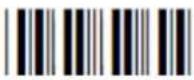 | |
| All codes excl. add-on | A0 | 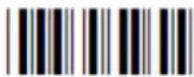 |
| Only all UPC and EANcodes | J0 | 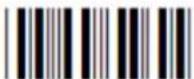 |
| UPC only | J1 | 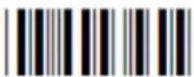 |
| UPC + 2 only | J2 | 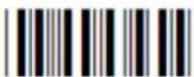 |
| UPC + 5 only | J3 | 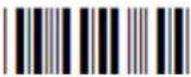 |
| EAN only | J4 | 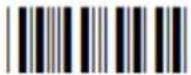 |
| EAN + 2 only | J5 |  |
| EAN + 5 only | J6 |  |
| Code 39 only | A2 |  |
| Tri-Optic only | JD |  |
| Codabar only | A3 |  |
| Industrial 2of5 only | J7 |  |
| Interleaved 2of5 only | J8 |  |
| S-Code only | RA |  |
| Matrix 2of5 only | AB |  |
| Chinese Post Matrix 2of5 only | JE |  |
| Korean Postal Authority code only | JL |  |
| Intelligent Mail Barcode only | D5H |  |
| POSTNET only | D6C |  |
| IATA only | A4 |  |
| MSI/Plessey only | A7 |  |
| Telepen only | A9 |  |
| UK/Plessey only | A1 | 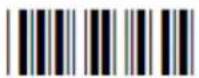 |
| Code 128 only | A6 | 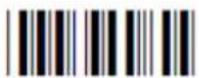 |
| Code 93 only | A5 | 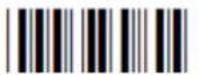 |
| Code 11 only | BLB | 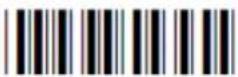 |
| GS1 DataBar only | J9 | 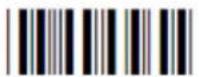 |
| GS1 DataBar Limited only | JJ | 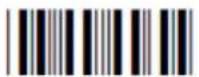 |
| GS1 DataBar Expanded only | JK | 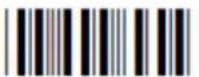 |
| Codablock F only | D4R | 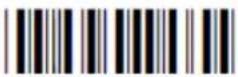 |
| DataMatrix ECC000 - 140 only | BG2 |  |
| DataMatrix ECC200 only | BC0 |  |
| Aztec only | BC5 |  |
| Aztec runes only | BF4 |  |
| Chinese Sensible code only | D4K |  |
| QR Code only | BC1 |  |
| Micro QR Code only | D38 |  |
| Maxicode only | BC2 |  |
| PDF417 only | BC3 | 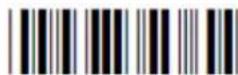 |
| MicroPDF417 only | BC4 | 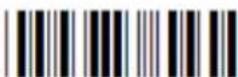 |
| Enable all 1D codes only | BCA | 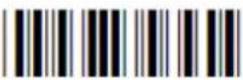 |
| Enable all 2D codes only | BCB | 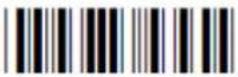 |
| END |  |
3.1.2. Enabling of readable codes
With this option you can set the reader to read a number of bar code types or simply enable additional bar code types.
Example:
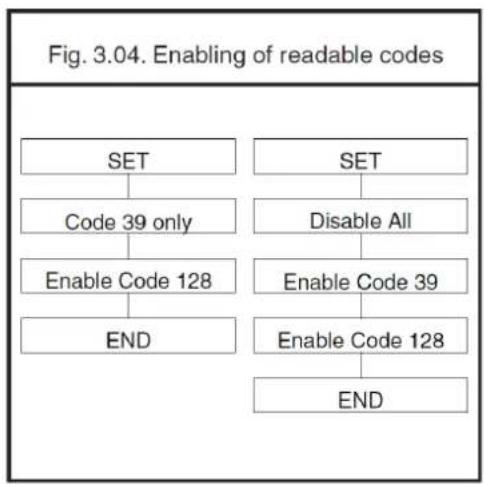
If you only want to read Code 39 and Code 128, you read 'Code 39 only' and 'enable Code 128'. Alternatively you can read 'Disable All', 'Enable Code 39' and 'Enable Code 128'. See figure 3.04.
flowchart
graph TD
    A["SET"] --> B["Code 39 only"]
    B --> C["Enable Code 128"]
    C --> D["END"]
    E["SET"] --> F["Disable All"]
    F --> G["Enable Code 39"]
    G --> H["Enable Code 128"]
    H --> I["END"]
Example of addition:
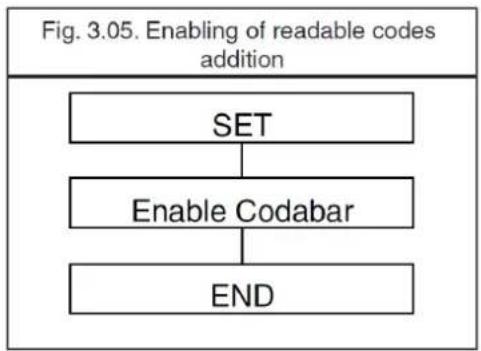
If you want to enable Codabar in addition to what you already have configured, you read 'Enable Codabar'. See figure 3.05.
flowchart
graph TD
    A["SET"] --> B["Enable Codabar"]
    B --> C["END"]
Enabling of readable codes
| SET |  | |
| All codes excl. add-on | A0 | 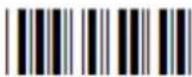 |
| Enable UPC | R1 | 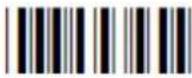 |
| Enable UPC + 2 | R2 | 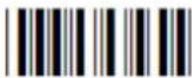 |
| Enable UPC + 5 | R3 | 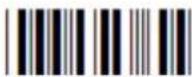 |
| Enable EAN | R4 |  |
| Enable EAN + 2 | R5 |  |
| Enable EAN + 5 | R6 |  |
| Enable Code 39 | B2 |  |
| Enable Tri-Optic | JZ | 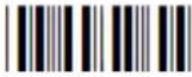 |
| Enable Codabar | B3 | 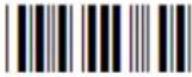 |
| Enable Industrial 2of5 | R7 | 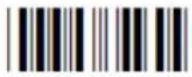 |
| Enable Interleaved 2of5 | R8 | 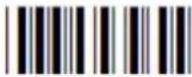 |
| Enable S-Code | R9 | 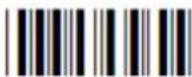 |
| Enable Matrix 2of5 | BB | 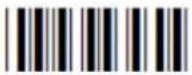 |
| Enable Chinese Post Matrix 2of5 | JS | 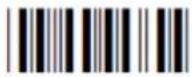 |
| Enable Korean Postal Authority code | WH | 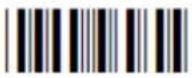 |
| Enable Intelligent Mail Barcode | D5F |  |
| Enable POSTNET | D6A |  |
| Enable IATA | B4 |  |
| Enable MSI/Plessey | B7 |  |
| Enable Telepen | B9 | 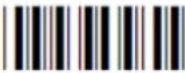 |
| Enable UK/Plessey | B1 | 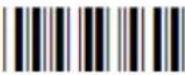 |
| Enable Code 128 | B6 | 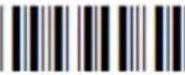 |
| Enable Code 93 | B5 | 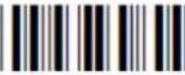 |
| Enable Code 11 | BLC |  |
| Enable GS1-Databar | JX |  |
| Enable GS1-Databar Limited | JY |  |
| Enable GS1-Databar Expanded | DR |  |
| Enable Codablock F | D4P |  |
| Enable DataMatrix ECC000 - 140 | BG0 |  |
| Enable DataMatrix ECC200 | BCC |  |
| Enable Aztec | BCH |  |
| Enable Aztec runes | BF2 |  |
| Enable Chinese Sensible code | D4L |  |
| Enable QR Code | BCD |  |
| Enable Micro QR Code | D2U |  |
| Enable Maxicode | BCE |  |
| Enable PDF417 | BCF |  |
| Enable MicroPDF417 | BCG |  |
| Enable all 1D codes | BCM |  |
| Enable all 2D codes | BCN |  |
| Disable all | B0 |  |
| END |  |
3.2. Setting of number of characters
If you are going to read bar codes of known length, it is recommended to set the reader for a fixed number of characters. This can be done for up to two lengths. The reader uses this to verify that labels read are of the correct length, rejecting any labels which do not have the specified length. The advantage of setting a fixed length, is that it provides protection against short scans of labels, such as Interleaved 2of5, which do not provide sufficient security against partial scan. The length checking is done on the label data and is not affected by options such as (not) transmit start/stop character or check digit. Setting the number of characters does not affect fixed length codes, such as EAN-13. 2D symbologies such as PDF417 and Data Matrix are also not affected by fixed length settings.
The following options are available:
Fixed length OFF all codes.
This option cancels the fixed length checking.
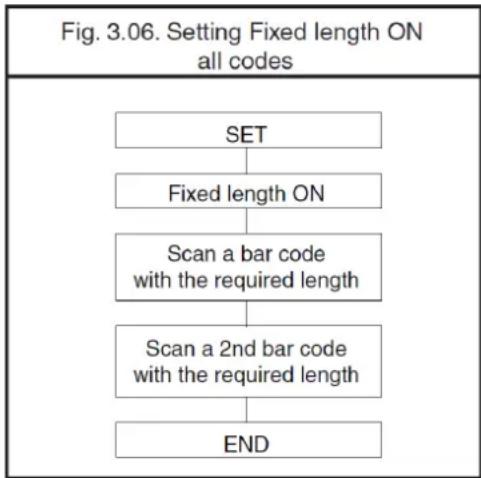
Fixed length ON all codes.
This option enables the fixed length checking. Two fixed lengths are programmed which will affect all variable length codes. This is done by reading the following labels:
<SET>
a bar code with the required length, a second bar code with the required length (this may be the same length as the first one)
See figure 3.06.
flowchart
graph TD
    A["SET"] --> B["Fixed length ON"]
    B --> C["Scan a bar code with the required length"]
    C --> D["Scan a 2nd bar code with the required length"]
    D --> E["END"]
It is possible to configure a fixed length or a minimum and a maximum length for selected symbologies by reading the respective option followed by a barcode label with the required length. The different functions may be combined and will be used as follows:
- if a label is checked for fixed length, it will not be checked for minimum or maximum length
- if a label is not checked for fixed length it will be checked for both minimum and maximum length
By reading an option followed by the 'END' label, the function is disabled or the values for that option are reset to their default. The default values are:
- fixed: disabled, thus no fixed length checking
- minimum: according to the next figure (The minimum length of the 2of5 bar code types can not be changed independent.)
- maximum: disabled, thus no maximum length checking. (The maximum length is reader dependent)
See figure 3.07.
| Fig. 3.07. Setting Minimum length table | |
| Code type: | Minimum length |
| Codabar | 5 |
| Code 11 | 1 |
| Code 39 | 1 |
| Code 93 | 1 |
| Code 128 | 1 |
| Industrial 2of5 | 5 |
| Interleaved 2of5 | 6 |
| IATA | 5 |
| Matrix 2of5 | 5 |
| MSI/Plessey | 3 |
| UK/Plessey | 2 |
| GS1Databar-expanded | 1 |
| S-Code | 5 |
| Telepen | 1 |
Fixed length ON for selected codes:
This option enables fixed length checking for different bar code types and will only affects the bar code types read. The number of fixed lengths which can be configured is reader dependent.
Scan bar codes of the required type and length
Example:
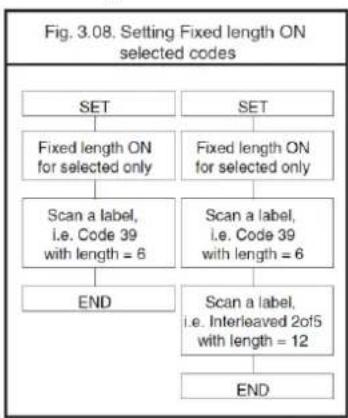
The 2 examples shown in the next figure have the following results: In the first example only Code 39 labels will be checked for a length of 6 characters. Any other bar code type will not be checked for fixed length. In the second example Code 39 labels will be checked for a length of 6 characters and interleaved 2of5 labels for a length of 12 characters. This implies that also Industrial 2of5, Matrix 2of5 and S-Code are checked for a fixed length of 12 characters. Any other bar code type will not be checked for fixed length. See figure 3.08.
flowchart
graph TD
    A["SET"] --> B["Fixed length ON for selected only"]
    B --> C["Scan a label, i.e. Code 39 with length = 6"]
    C --> D["END"]
    E["SET"] --> F["Fixed length ON for selected only"]
    F --> G["Scan a label, i.e. Code 39 with length = 6"]
    G --> H["Scan a label, i.e. Interleaved 2of5 with length = 12"]
    H --> I["END"]
Minimum length for selected codes:
This option modifies the default minimum length table. The number of minimum lengths which can be configured is reader dependent. This is done by reading the following labels:
Scan bar codes of the required type and length
Example:
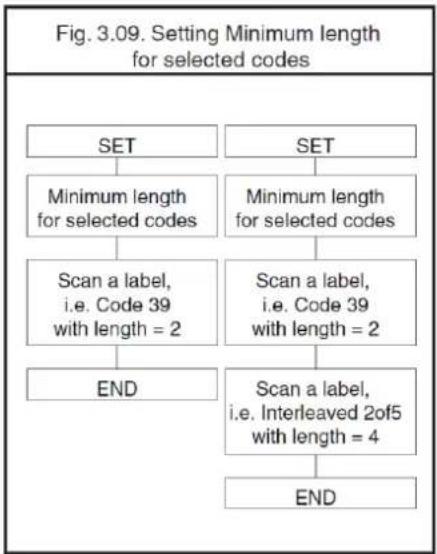
The two examples shown in the next figure have the following result: In the first example only Code 39 labels will be checked for a minimum length of 2 characters. All other bar code types will be checked for a minimum length as displayed in the next figure.
In the second example Code 39 labels will be checked for a minimum length of 2 characters and interleaved 2of5 labels for a minimum length of 4 characters. This implies that also Industrial 2of5, Matrix 2of5 and S-Code are checked for a minimum length of 4 characters. All other bar code types will be checked for a minimum length as per figure 3.09.
flowchart
graph TD
    A["SET"] --> B["Minimum length for selected codes"]
    B --> C["Scan a label, i.e. Code 39 with length = 2"]
    C --> D["END"]
    E["SET"] --> F["Minimum length for selected codes"]
    F --> G["Scan a label, i.e. Code 39 with length = 2"]
    G --> H["Scan a label, i.e. Interleaved 2of5 with length = 4"]
    H --> I["END"]
Maximum length for selected codes:
This option enables the maximum length checking. The number of maximum lengths which can be configured is reader dependent. This is done by reading the following labels:
Scan bar codes of the required type and length
Example:
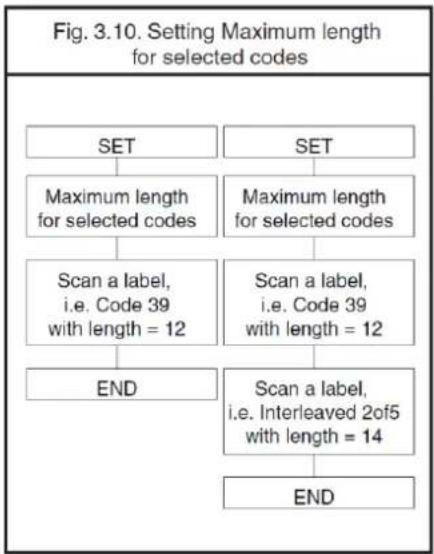
The two following examples shown in the next figure have the following result: In the first example only Code 39 labels will be checked for a maximum length of 12 characters. Any other bar code types will not be checked for a maximum length. In the second example Code 39 labels will be checked for a maximum length of 12 characters and Interleaved 2of5 labels for a maximum length of 14 characters. This implies that also Industrial 2of5, Matrix 2of5 and S-Code are checked for a maximum length of 14 characters. Any other bar code types will not be checked for a maximum length. See figure 3.10.
flowchart
graph TD
    A["SET"] --> B["Maximum length for selected codes"]
    C["SET"] --> D["Maximum length for selected codes"]
    B --> E["Scan a label, i.e. Code 39 with length = 12"]
    D --> F["Scan a label, i.e. Code 39 with length = 12"]
    E --> G["END"]
    F --> H["Scan a label, i.e. Interleaved 2of5 with length = 14"]
    H --> I["END"]
Serial programming:
To set a length using serial commands, the sequence is as follows:
<ESC>
<command>
<SPACE>*<CodeID>*
<Length 1>
<Length 2**>
<CR>
*(if required by
**(length 2 may be the same length as length 1, when only one length is required)
Example:
Setting fixed length for all codes, lengths 8, 10 and 12:
-
Setting minimum length for selected codes, for Code 39 with a length of 2:
-
Setting maximum length for selected codes, for Code 39 with a length of 12 and Interleaved 2of5 with length of 14:
-
Setting of number of characters
| SET |  | |
| Fixed length OFF all codes | H0 |  |
| Fixed length ON all codes | H1 |  |
| Fixed length ON for selected codes | HK |  |
| Minimum length for selected codes | HL |  |
| Maximum length for selected codes | HM |  |
| END |  |
3.3. Setting code specific options
Code specific options may be configured affecting:
- enabling and disabling code variants and translations, such as EAN-128, as were listed in the relations table for setting of readable codes
- data verification such as by means of a check digit calculation. A check digit has a value that can be calculated from the other data characters and is usually the last data character in a bar code
- pre-editing of the data string such as removing the check-digit and/or start/stop characters
The more common options are described here:
Check CD:
This option enables the check digit calculation. If the calculated check digit does not correspond to the check digit in the bar code, then the bar code is ignored. The use of a check digit greatly improves the security of a bar code.
Not check CD:
This option disables the check digit calculation. This option is required when the bar codes do not contain a check digit or contain an invalid check digit.
Transmit CD:
This option enables the transmission of the check digit together with the data characters. If the check digit calculation is disabled, the reader can not differentiate anymore between a (valid) check digit and a data character. It will therefore transmit all data characters of the label, including what could constitute a check digit.
Not transmit CD:
This option disables the transmission of the check digit. If the check digit calculation is disabled, the reader can not differentiate between a (valid) check digit and a data character. It will therefore transmit all data characters of the label, excluding the character that could constitute the check digit for the type of bar code.
Transmit ST/SP:
This option enables the transmission of the start and stop characters of a bar code.
Not transmit ST/SP:
This option disables the transmission of the start and stop characters of a bar code.
The next figure summarizes the effect of the transmit options for a Code 39 label with:
- start and stop characters '*'
• data characters '1 2 3 4 5 6'
• or data characters '1 2 3 4 5' and check digit '6'
Note that because '6' is, according to the Code 39 specifications, not a valid check digit for this label. The check digit calculation must therefore be disabled in order for the label to be accepted.
See figure 3.11.
| Fig. 3.11. Setting code specific options | ||
| Transmit CD | Not transmit CD | |
| Transmit ST/SP | * 1 2 3 4 5 6 * | * 1 2 3 4 5 * |
| Not transmit ST/SP | 1 2 3 4 5 6 | 1 2 3 4 5 |
3.3.1. Options for UPC-A
The UPC-A symbology is a fixed length symbology encoding 11 data digits, a check digit and non-printable start/stop characters. The following characters are supported:
- the digits 0 up to 9
An optional leading zero can be transmitted, which together with the data and the check digit forms a 13 digit field providing compatibility with the EAN-13 format.
For string format see figure 3.12.
| Fig. 3.12. Options for UPC-A | ||
| UPC-A | ||
| leading zero | data(11 digits) | check digit |
UPC-A add-on 2/add-on 5:
The UPC-A symbology as described above can be succeeded by an additional 2 or 5 digit UPCA code. For string format see figure 3.13.
| Fig. 3.13. Options for UPC-A | |||
| UPC-A, +2, +5 | |||
| leading zero | data(11 digits) | check digit | add-on2 or 5 |
Options for UPC-A:
- disable transmission of the leading zero
• disable transmission of the check digit
| SET |  | |
| UPC-A, No leading zero, transmit CD | E3 |  |
| UPC-A, No leading zero, not transmit CD | E5 |  |
| UPC-A, Leading zero, transmit CD | E2 |  |
| UPC-A, Leading zero, not transmit CD | E4 |  |
| END |  |
3.3.2. Options for UPC-E
The UPC-E symbology is a fixed length symbology encoding 6 data digits, a check digit and non printable start/stop characters. The following characters are supported:
- the digits 0 upto 9
An optional leading digit can be transmitted, which together with the data and the check digit forms an 8 digit field providing a compatibility with the EAN-8 format.
For string format see figure 3.14.
| Fig. 3.14. Options for UPC-E | ||
| UPC-E | ||
| leading digit(0 or 1) | data(6 digits) | checkdigit |
UPC-E add-on 2/add-on 5:
The UPC-E symbology as described above can be succeeded by an additional 2 or 5 digit UPCE code. For string format see figure 3.15.
| Fig. 3.15. Options for UPC-E | |||
| UPC-E, +2, +5 | |||
| leading digit(0 or 1) | data(6 digits) | checkdigit | add-on2 or 5 |
UPC-E0 stands for UPC version E0 and the first digit is always a '0'. UPC-E1 stand for UPC version E1 and the first digit is a '1'. Options for UPC-E0 affects UPC-E1 too. Support for UPCE1 is reader dependent.
Options for UPC-E:
- enable transmission of the leading digit
- disable transmission of the check digit
• transmit UPC-E as UPC-A
Transmit UPC-E as UPC-A:
If this option is enabled, a UPC-E label is transmitted in the UPC-A format.
Options for UPC-E
| SET |  | |
| UPC-E, No leading digit, transmit CD | E7 | 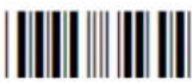 |
| UPC-E, No leading digit, not transmit CD | E9 | 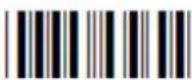 |
| UPC-E, Leading digit, transmit CD | E6 | 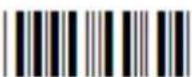 |
| UPC-E, Leading digit, not transmit CD | E8 | 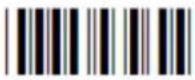 |
| Transmit UPC-E as is | 6Q | 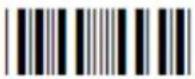 |
| Transmit UPC-E as UPCA | 6P | 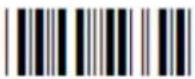 |
| END |  |
3.3.3. Options for EAN-13 and EAN-8
EAN-13:
The EAN-13 symbology is a fixed length symbology encoding 12 data digits, a check digit and non-printable start/stop characters. The following characters are supported:
• the digits 0 upto 9
The data may be translated into ISBN, ISSN or ISMN format. For string format see figure 3.16.
| Fig. 3.16. Options for EAN-13 and EAN-8 | |
| EAN-13 | |
| data(12 digits) | checkdigit |
EAN-13 add-on 2/add-on 5:
The EAN-13 symbology as described above can be succeeded by an additional 2 or 5 digitcode. For string format see figure 3.17.
| Fig. 3.17. Options for EAN-13 and EAN-8 | ||
| EAN-13, +2,+5 | ||
| data(12 digits) | checkdigit | add-on2 or 5 |
EAN-8:
The EAN-8 symbology is a fixed length symbology encoding 7 data digits, a check digit and non-printable start/stop characters. The following characters are supported:
• the digits 0 upto 9
For string format see figure 3.18.
| Fig. 3.18. Options for EAN-13 and EAN-8 | |
| EAN-8 | |
| data(7 digits) | checkdigit |
EAN-8 add-on 2/add-on 5:
The EAN-8 symbology as described above can be succeeded by an additional 2 or 5 digit code. For string format see figure 3.19.
| Fig. 3.19. Options for EAN-13 and EAN-8 | ||
| EAN-8, +2,+5 | ||
| data(7 digits) | check digit | add-on2 or 5 |
Options for EAN:
• disable transmission of the check digit
- enable ISBN, ISSN or ISMN translation
Enable ISBN, ISSN or ISMN translation:
If this option is enabled, an EAN-13 label is verified for the correct format and transmitted as a 10-digit ISBN number, 8 digit ISSN number. In case of ISMN, the character M is transmitted followed by 9 digits. Support for these translations is reader dependent.
Options for EAN-13 and EAN-8
| SET |  | |
| EAN-13 not transmit CD | 6J |  |
| EAN-13 transmit CD | 6K |  |
| EAN-8 not transmit CD | 6H |  |
| EAN-8 transmit CD | 6I |  |
| Disable ISBN translation | IB |  |
| Enable ISBN translation | IA |  |
| Enable ISBN if possible | IK |  |
| Disable ISSN translation | HN |  |
| Enable ISSN translation | HO |  |
| Enable ISSN if possible | 4V |  |
| Disable ISMN translation | IO |  |
| Enable ISMN translation | IP |  |
| Enable ISMN if possible | IQ |  |
| END |  |
3.3.4. Options for Code 39 and It. Pharm.
Code 39:
Code 39 is a variable length symbology with an optional check digit and printable start/stop characters. The following characters are supported:
• the digits 0 up to 9
• the upper case characters A up to Z
• the characters - . \$ / + % SPACE
- start/stop character is *
The checksum is calculated as the sum modulo 43 of the numerical value of the data characters. In full ASCII mode, all 128 ASCII characters are supported. This is done by combining one of the characters +, %, \$ or / with one of the alpha characters (A upto Z). For string format see figure 3.20.
Italian Pharmaceutical:
In this mode the Code 39 data is translated to the Italian pharmaceutical format. This format has a fixed length containing 8 numeric data values followed by a single mandatory check digit. An optional leading 'A' can be transmitted. For string format see figure 3.21.
Options for Code 39:
- enable full ASCII conversion
- enable Italian Pharmaceutical conversion
- enable check digit
• disable transmission of the check digit - enable transmission of start/stop
- enable leading A for Italian Pharmaceutical
- selection of the minimum number of data characters
Normal Code 39:
In this mode the decoded data characters are transmitted without further translation.
Full ASCII Code 39:
In this mode the decoded data characters are translated to full ASCII Code 39.
Full ASCII Code 39 if possible:
In this mode the decoded data characters are translated to full ASCII Code 39. Invalid combinations are not translated and are transmitted as is.
Italian Pharmaceutical only:
In this mode the decoded data characters are translated to the Italian Pharmaceutical format. If the data does not comply with the Italian Pharmaceutical format, the label is rejected.
Italian Pharmaceutical if possible:
In this mode the decoded data characters are translated to the Italian Pharmaceutical format. If the data does not comply with the Italian Pharmaceutical format, then the data is transmitted as Normal or full ASCII Code 39.
Tri-Optic:
This fixed length symbology builds its data out of two data triplets, where the second triplet is encoded at first. The following characters are supported:
- the digits 0 up to 9
• the upper case characters A up to Z
• the characters - . / + % SPACE - start/stop character is \$
For string format see figure 3.22.
| Fig. 3.22. Options for Code 39 and It.Pharm | ||
| Tri-Optic | ||
| startchar. | datatriplet 2 + triplet 1(3+3 digits = 6 total) | stopchar. |
There are no options for Tri-Optic supported.
Concatenation:
If a Code 39 bar code contains a leading space, the data is stored into the reader's buffer without the leading space. As soon as a Code 39 bar code is read without a leading space, the data is appended to the reader's buffer and the entire buffer is transmitted and cleared for new data. In case a non Code 39 bar code is read, the data in the non-Code 39 bar code is transmitted and the buffer is cleared. The buffer size is reader dependent.
Options for Code 39 and It.Pharm.
| SET |  | |
| Normal Code 39 | D5 |  |
| Full ASCII Code 39 | D4 | 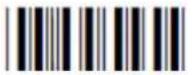 |
| Full ASCII Code 39 if possible | +K | 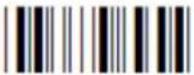 |
| It. Pharmaceutical only | D6 | 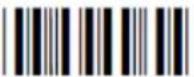 |
| It. Pharmaceutical if possible | D7 | 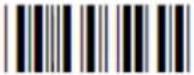 |
| Not check CD | C1 | 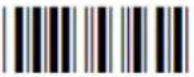 |
| Check CD | C0 | 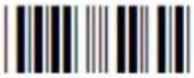 |
| Not transmit CD | D8 | 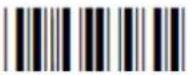 |
| Transmit CD | D9 | 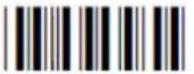 |
| Not transmit ST/SP | D1 | 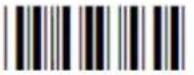 |
| Transmit ST/SP | D0 | 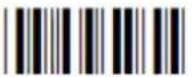 |
| Not transm. ld. A for It. Pharm.Code | DA | 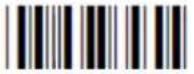 |
| Transmit leading A for It. Pharm.Code | DB | 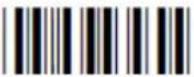 |
| Minimum 3 digits | 8D |  |
| Minimum 1 digit | 8E |  |
| Disable concatenation | +M |  |
| Enable concatenation | +L |  |
| END |  |
3.3.5. Options for Codabar
Codabar (NW7):
Codabar (NW7) is a variable length symbology with an optional check digit and printable start/stop characters. The next characters are supported:
● the digits 0 upto 9
● the characters - \$: / . +
- start/stop characters are A, B, C or D
The checksum is calculated as the sum modulo 16 of the numerical values of all data characters. For string format see figure 3.23.
ABC-Code:
The ABC code is an acronym for American Blood Commission. This code consists of two bar codes which are decoded in one read cycle. The code is concatenated when the stop character of the first bar code and the start character of the second bar code is a D. These two D's are not transmitted. For string format see figure 3.24.
CX-Code:
The CX-Code consists of two bar codes which are decoded in one read cycle. The code is concatenated when the stop character of the first bar code is a C, and the start character of the second bar code is a B. The B and C characters are not transmitted.
For string format see figure 3.25.
| Fig. 3.25. Options for Codabar | |||||
| CX Code | |||||
| start char. | data (1 or more char.) | check digit | data (1 or more char.) | check digit | stop char. |
Options for Codabar:
- enable ABC code concatenation
- enable CX code concatenation
- enable check digit check
- disable transmission of the check digit
• disable transmission of start/stop - selection of start/stop character translation
- selection of minimum number of data characters
- enable library space (CLSI) insertion
Space insertion:
This option inserts spaces in position 2, 7, 13, of the data string for use in library systems.
ST/SP translation:
This option enables the translation and transmission of the start and stop characters. Thus if the option ST/SP: abcd/tn*e is chosen, the start character is converted to lower case, e.g. from A, B, C or D to a, b, c, or d respectively and the stop character is converted from A, B, C or D to t, n, *, or e respectively. The next figure shows the resulting format for these options with a Codabar label using A and B as start and stop characters and 1 2 3 4 5 6 as data characters. For string format see figure 3.26.
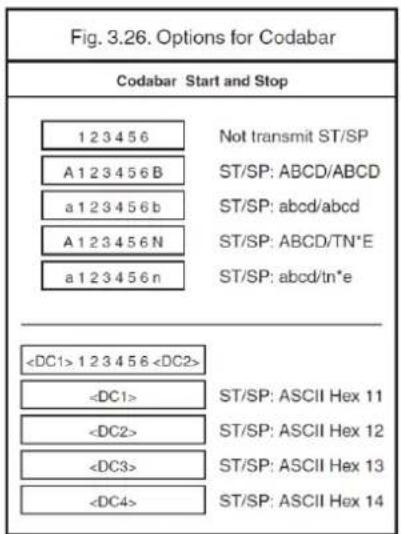
Minimum data characters:
Codabar labels are checked for a minimum of 1, 3 or 5 characters are set by the user. If the number of characters in the label is shorter than the number set, the label will be rejected. If the fixed length option is used for Codabar type labels then such labels will additionally be checked for fixed length.
Inter character gap check:
This option enables the reading of Codabar labels with a large or irregular gap between characters. Checking the gap means that it is not allowed to have a gap. Disable the gap check allows gaps in the bar code.
Options for Codabar
| SET |  | |
| Enable only Codabar normal mode | HA |  |
| Enable only ABC code | H4 | 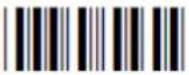 |
| Enable only CX code | H5 | 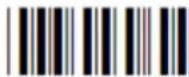 |
| Enable Codabar, ABC and CX | H3 | 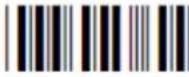 |
| Not check CD | H7 | 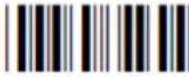 |
| Check CD | H6 |  |
| Not transmit CD | H9 |  |
| Transmit CD | H8 |  |
| Disable space insertion | HE |  |
| Enable space insertion | HD | 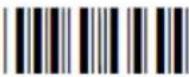 |
| Not transmit ST/SP | F0 | 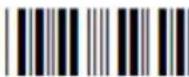 |
| ST/SP: ABCD/ABCD | F3 | 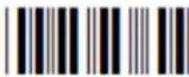 |
| ST/SP: abcd/abcd | F4 | 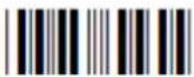 |
| ST/SP: ABCD/TN*E | F1 |  |
| ST/SP: abcd/tn*e | F2 |  |
| ST/SP:/ | HJ |  |
| Minimum data one character | HC |  |
| Minimum data three characters | HB | 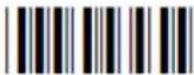 |
| Minimum data five characters | HF | 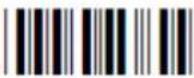 |
| Disable intercharactergap check | HI | 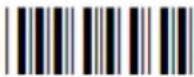 |
| Enable intercharactergap check | HH | 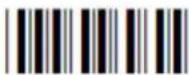 |
| END |  |
3.3.6. Options for 2of5 and S-Code
Code 2of5:
Code 2of5 is a variable length symbology with an optional check digit and non-printable start and stop characters. The following characters are supported:
- the digits 0 upto 9
The checksum is calculated as the sum modulo 10 of the numerical values of all the data characters.
Industrial 2of5:
This symbology encodes a single digit in each data symbol. Information is carried in the bars only.
Interleaved 2of5:
This symbology encodes a pair of digits in each symbol, the number of digits are therefore always an even number. Information is carried in the bars and spaces. The start and stop pattern is not unique inside the code. It is therefore essential to use the fixed length option to prevent partial reads.
S-Code:
This symbology encodes like Interleaved 2of5 but encodes the last data character as Industrial 2of5. The number of data digits is therefore always an odd number. Information is carried in the bars and the spaces. The start and stop pattern is not unique inside the code. It is therefore essential to use the fixed length option to prevent partial reads.
Matrix 2of5:
This symbology encodes 1 digit in each character, the number of digits can therefore be an odd or an even number. Information is carried in the bars and spaces.
Chines Post Matrix 2of5:
This symbology is a variant of Matrix 2of5. To assure proper reads, check the options and setting for (Matrix) 2of5. For string format of the supported symbologies see figure 3.27.
| Fig. 3.27. Options for 2of5 and S-Code | ||
| Industrial 2of5, Interleaved 2of5, S-Code, Matrix 2of5, Chinese Post Matrix 2of5 | ||
| leading zero (optional) | data (1 or more digits) | check digit |
Options for code 2of5:
- disable transmission of the check digit
- enable check digit check
- selection of the minimum number of data characters
• disable space check for industrial 2of5
• transmit S-Code as Interleaved 2of5
Minimum data characters:
Code 2of5 are checked for a minimum of 1, 3 or 5 characters as set by the user. If the number of characters in the label is less than the number set, the label will be rejected. If the fixed length option is used for a Code 2of5 type label, than such label will additionally be checked for fixed length.
Space check:
This option enables the reading of Industrial 2of5 labels with a large or irregular spacing.
Transmit S-Code as Interleaved 2of5:
This option enables to transmit S-Code as Interleaved 2of5 by adding a leading zero.
| SET |  | |
| Not transmit CD | E1 |  |
| Transmit CD | E0 |  |
| Not check CD | G0 |  |
| Check CD | G1 |  |
| Minimum data one character | GE |  |
| Minimum data three character | GF |  |
| Minimum data five character | GI | 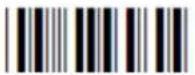 |
| Disable space check for Industrial 2of 5 | GK | 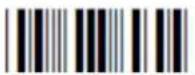 |
| Enable space check for Industrial 2of 5 | GJ | 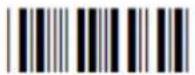 |
| Not transmit S-Code as Interleaved 2 of 5 | GH | 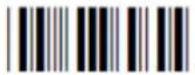 |
| Transmit S-Code as Interleaved 2 of 5 | GG |  |
| END |  |
3.3.7. Options for IATA
The IATA code is a variable length symbology with an optional check digit and non-printable start/stop characters. The following characters are supported:
- the digits 0 upto 9
The checksum is calculated as the modulo seven of the data string. IATA is acronym for International Air Transport Association. For string format see figure 3.28.
| Fig. 3.28. Options for IATA | ||||
| IATA | ||||
| CPN coupon(1 digit) | AC airline code(3 digits) | FC form code(2 digits) | SN serial number(8 digits) | CD check digit(1 digit) |
| SET |  | |
| Not check CD | 4H |  |
| Check FC and SN only | 4I |  |
| Check CPN, FC and SN | 4J |  |
| Check CPN, AC, FC and SN | 4K |  |
| Not transmit CD | 4M |  |
| Transmit CD | 4L |  |
| END |  |
3.3.8. Options for MSI/Plessey
MSI Plessey is a variable length symbology with one or two optional check digit calculations CD1 and CD2 and non-printable start/stop characters. The following characters are supported:
• the digits 0 up to 9
The checksum is calculated as the sum modulo 10 or 11 of the data characters. The checksum CD2 is calculated as the sum modulo 10 or 11 of the data characters and CD1. For string format see figure 3.29.
| Fig. 3.29. Options for MSI/Plessey | ||
| MSI/Plessey | ||
| data(1 upto 13 digits) | cd1 | cd2 |
Options for MSI/Plessey:
- disable check digit check
- selection of the check digit calculation
- selection of the number of check digits to be transmitted
Check digit:
If the check digit calculation is required, then the appropriate calculation method must be selected.
Not transmit CD:
The character positions CD1 and CD2 are not transmitted.
Transmit CD1:
The character position CD2 is not transmitted.
Transmit CD1 and CD2:
All characters in the label are transmitted.
| SET |  | |
| Not check CD | 4A |  |
| Check 1 CD = MOD 10 | 4B | 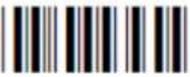 |
| Check 2 CD's = MOD 10/MOD 10 | 4C | 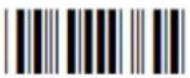 |
| Check 2 CD's = MOD 10/MOD 11 | 4D | 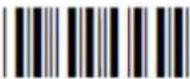 |
| Check 2 CD's = MOD 11/MOD 10 | 4R | 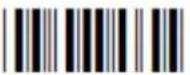 |
| Not transmit CD | 4G | 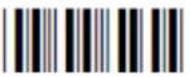 |
| Transmit CD1 | 4E | 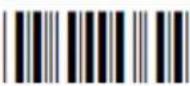 |
| Transmit CD1 and CD2 | 4F | 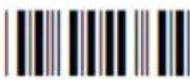 |
| END | 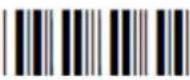 |
3.3.9. Options for Telepen
Telepen is a variable length symbology with a check digit and non printable start/stop characters. The following characters are supported:
• in numeric mode, the digits 00 upto 99
• in full ASCII mode, all 128 ASCII characters
The check digit calculation is derived from the sum of all data characters modulo 127. The check digit cannot be transmitted. For string format see figure 3.30.
| Fig. 3.30. Options for Telepen | |
| Telepen | |
| data (1 upto 32 characters) | check digit |
Options for Telepen:
- selection of ASCII mode
| SET |  | |
| Numeric mode | D2 |  |
| ASCII mode | D3 |  |
| END |  |
3.3.10. Options for UK/Plessey
UK Plessey is a variable length symbology with a mandatory checksum and non printable start/stop characters. The following characters are supported:
• the digits 0 upto 9
• the characters A upto F
The checksum contains 2 digits and is calculated from the numerical values of all the data digits. For string format see figure 3.31.
| Fig. 3.31. Options for UK/Plessey | |
| UK/Plessey | |
| data(5 upto 20 characters) | checkdigits |
Space insertion:
This option inserts spaces in position 2, 5, 11, 14 of the data string for use in library systems.
A to X conversion:
This option converts the character 'A' into an 'X'. The data and check digits are affected.
| SET |  | |
| Not transmit CD's | 4O |  |
| Transmit CD's | 4N |  |
| Disable space insertion | DO |  |
| Enable space insertion | DN |  |
| Disable A to X conversion | DP |  |
| Enable A to X conversion | DQ |  |
| END |  |
3.3.11. Options for Code 128 and GS1-128
Code 128:
Code 128 is a variable length symbology with a mandatory check digit and non-printable start/stop characters. The following characters are supported:
• all 128 ASCII characters
• 4 non data function characters
- 3 start characters
• 4 code set selection characters
- 1 stop character
The check digit is calculated as the sum modulo 103 of the start character and the weighted values of the data and special characters. For string format see figure 3.32.
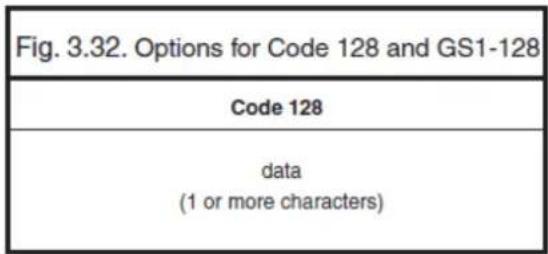
Options for Code 128:
- enable concatenation
GS1-128:
In this mode the Code128 data is translated to the GS1-128 format, formerly known as EAN-128 or UCC-128. GS1-128 data starts with the FNC1 character and separates 2 data fields with the FNC1 character.
The first FNC1 character is translated to ]C1, and the second FNC1 character is translated to an ASCII GS (hex 1D) character. For string format see figure 3.33.
Options for GS1-128:
- enable GS1-128 conversion
Enable GS1-128 only:
In this mode the decoded data characters are translated to the GS1-128 format. If the data does not comply with the GS1-128 format, then the label is rejected.
Enable GS1-128 if possible:
In this mode the decoded data characters are translated to the GS1-128 format. If the data does not comply with the GS1-128 format, then the label is transmitted as Code 128.
| SET |  | |
| Disable GS1-128 | OF |  |
| Enable GS1-128 only | JF |  |
| Enable GS1-128 if possible | OG |  |
| Disable concatenation | MP |  |
| Enable concatenation | MO |  |
| END |  |
3.3.12. Options for Code 93
Code 93 is a variable length symbology with 2 mandatory check digits and non printable start/stop characters. The following characters are supported:
- the digits 0 upto 9
• the upper case characters A upto Z - the characters - . \$ / + % SPACE
• 4 non printable shift characters
The first check digit (C) is the modulo 47 sum of the weighted data character values. The second check digit (K) is the modulo 47 sum of the weighted data character values including the first check digit (C). The check digits are not transmitted.
The special shift characters are control characters and are not transmitted with the data. If one of these characters is followed by an upper case character 'A' upto 'Z', it is transmitted as 1 single character. In case of an invalid combination, the label is rejected. This method enables support for full 128 ASCII characters encoding. The encoding is compatible with the Code 39 \$, %, / and + characters. For string format see figure 3.34.
| Fig. 3.34. Options for Code 93 | ||
| Code 93 | ||
| data(1 or more characters) | checkdigitC | checkdigitK |
Options for Code 93:
- enable concatenation
• transmission of check digits
• calculation of check digits
Concatenation:
If a Code 93 bar code contains a leading space, the data is stored into the reader's buffer without the leading space. As soon as a Code 93 bar code is read without a leading space, the data is appended to the reader's buffer and the entire buffer is transmitted and cleared for new data. In case a non-Code 93 bar code is read, the data in the non-Code 93 bar code is transmitted and the buffer is cleared. The buffer size is reader dependent. Support for this option is reader dependent.
| SET |  | |
| Not check CD | 9Q |  |
| Check CD | AC |  |
| Disable concatenation | +W |  |
| Enable concatenation | +V |  |
| END |  |
3.3.13. Options for Code 11
Code 11 is a variable length symbology with 1 or 2 optional check digits and non printable start/stop characters. If the data is 10 or less characters, one check digit is used. If the data is more then 10 characters, then 2 check digits are used. The following characters are supported:
● the digits 0 upto 9
● the dash character '-'
The first check digit is the modulo 11 sum of the weighted data character values. The second check digit is the modulo 11 sum of the weighted data character values including the first check digit. The check digits are not transmitted. For string format see figure 3.35.
| Fig. 3.35. Options for Code 11 | ||
| Code 11 | ||
| data (1 or more characters) | cd1 | cd2 |
Options for Code 11:
- disable check digit(s)
● automatic checking for 1 or 2 check digitsdepending of the number of data characters
● enable transmission of check digit(s)
| SET |  | |
| Not check CD | BLF |  |
| Check 1 CD | BLG |  |
| Check 2 CDs | BLH |  |
| Check auto 1 or 2 CDs | BLI |  |
| Not transmit CD(s) | BLJ |  |
| Transmit CD(s) | BLK |  |
| END |  |
3.3.14. Options for Korean Postal Authority code
Korean Postal Authority code is a fixed length numeric symbology with a mandatory check digit. The check digit is not transmitted.
For string format see figure 3.36.
| Fig. 3.36. Options for Korean Postal Authority code | |||
| Korean Postal Authority code | |||
| check digit | data(3 digits) | dash(-) | data(3 digits) |
Options for Korean Postal Authority code:
- transmit dash
- not transmit dash
- transmit CD
- not transmit CD
Transmit dash:
The dash character '-' (hex 2D) is printed between the 3rd and 4th digit
| SET |  | |
| Not transmit CD | *- |  |
| Transmit CD | *+ | 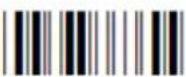 |
| Not transmit dash | */ | 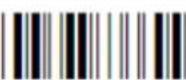 |
| Transmit dash | *. | 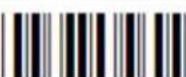 |
| END | 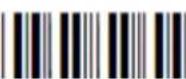 |
3.3.15. Options for Intelligent Mail Barcode
Intelligent Mail Barcode is a symbology in four different states. It is formerly known as OneCode and is a variant of the 4-State Customer Barcode. The symbology is a height modulated and has a number of fixed lengths.
For string format see figure 3.37.
| Fig. 3.37. Options for Intelligent Mail Barcode | |||
| Intelligent Mail Barcode | |||
| barcode identifier | service type identifier | mailer + sequence ID number | delivery point zip code |
| 2 digits | 3 digits | 6 + 9 digits or 9 + 6 digits | 0, 5, 9 or 11 digits |
Fixed data capacity:
● Numeric data: 20, 25, 29 or 31 characters
Fixed data format and size:
The data is built of several identifiers which follow each other in fixed order. Sizes are a predetermined amount of digits.
- Barcode identifier: 2
● Service type identifier: 3 - Mailer ID and Sequence number: maybe 6+9 digits or 9+6, always totalized to 15
● Delivery point zip code: may be omitted (0), standard zip (5), zip+4 (9), zip+4 incl. delivery point digits (11)
Checksum:
An 11-bit CRC Frame Check Sequence is always calculated and is not transmitted.
Encodable characters:
- digits 0 up to 9
3.3.16. Options for POSTNET
POSTNET (Postal Numeric Encoding Technique) is a height modulated symbology with a number of fixed lengths.
For string format see figure 3.38.
| Fig. 3.38. Options for POSTNET | |
| POSTNET | |
| data5, 6, 9 or 11 digits | checkdigit |
Fixed data capacity:
● Numeric data: 5 / 6 / 9 / 11 characters
● Additional data: 1 check digit
Checkdigit:
The start and stop pattern consist of a fixed single frame bar which is not unique inside the code. It is not transmitted. The check digit is calculated and transmitted with the barcode data.
Encodable characters:
- digits 0 up to 9
3.3.17. Options for GS1 Databar
GS1 Databar is formerly known as RSS family including the RSS-14 group. Support for GS1 Databar options is reader dependent.
Maximum data capacity:
- GS1 Databar and GS1 Databar Limited: Application Identifier "01" and 14 digits.
● GS1 Databar Expanded: 74 numeric or 41 alpha characters
Checksums:
The GS1 Databar family uses a mandatory checksum.
● GS1 Databar uses a modulo 79 checksum,
● GS1 Databar Limited uses a modulo 89 checksum
● GS1 Databar Expanded uses a modulo 211 checksum.
The checksum is always calculated and is not transmitted.
Encodable characters:
● GS1 Databar and GS1 Databar Limited: digits 0 up to 9
● GS1 Databar Expanded: subset of ISO 646: upper, lower case characters, digits, 20 punctuation characters and function character FNC1
The next GS1 Databar versions are supported
- Omnidirectional/Truncated/Stacked(refer to GS1 Databar)
● Limited (refer to GS1 Databar Limited) - Expanded, Expanded stacked(refer to GS1 Databar Expanded)
For string format see figure 3.39 or 3.40.
| Fig. 3.39. Options for GS1 Databar | ||
| GS1 Databar, GS1 Databar Limited | ||
| application identifier (01) | data (13 digits) | cd (1 digit) |
| Fig. 3.40. Options for GS1 Databar | |
| GS1 Databar Expanded | |
| data (1 upto 73 characters) | cd (1 character) |
Options for GS1 Databar:
● transmission of CD
● transmission of Application Identifier
Not transmit CD:
Do not transmit the last character of GS1 Databar.
| SET |  | |
| Not transmit CD | DM |  |
| Transmit CD | DL |  |
| Not transmit Application Identifier | DT |  |
| Transmit Application Identifier | DS |  |
| END |  |
3.3.18. Options for Composite Codes
CC-A is a modified MicroPDF417 version.
CC-B is standard MicroPDF417.
CC-C is standard PDF417.
Maximum data capacity:
- CC-A: 56 characters
- CC-B: 338 characters
- CC-C: 2361 characters
Symbol size:
● 1D part: see RSS and EAN codes
● Composite part: CC-A and CC-B same as MicroPDF417, CC-C same as PDF417
Error correction:
● 1D part: only error detection
● Composite part: Reed Solomon error correction
Encodable characters:
- ASCII values 0 - 127 (ISO 646)
- ASCII values 128 - 255 (ISO 8859-1, Latin alphabet No. 1, extended ASCII)
● with ECI: many other character sets
For string format of composite codes see figure 3.41 or 3.42 or 3.43.
| Fig. 3.41. Options for Composite Codes | |
| Composite A | |
| 1D data(1 upto 73 characters) | composite data(1 upto 56 characters) |
| Fig. 3.42. Options for Composite Codes | |
| Composite B | |
| 1D data(1 upto 73 characters) | composite data(1 upto 338 characters) |
| Fig. 3.43. Options for Composite Codes | |
| Composite C | |
| 1D data(1 upto 73 characters) | composite data(1 upto 2361 characters) |
Options for Composite codes:
● enable composite code
- ignore link flag
- output mode
For string format of composite codes see figure 3.44.
| Fig. 3.44. Combined options for Composite Codes | |||
| Composite Enable | Link Flag | Output Mode | Output Result |
| BHE | RP | BL0 | 1D / 1D+2D |
| BHE | RP | BL1 | 2D / 1D+2D |
| BHE | RP | BL2 | 1D / 2D / 1D+2D |
| BHE | RQ | BL0 | 1D+2D |
| BHE | RQ | BL1 | 1D+2D |
| BHE | RQ | BL2 | 1D+2D |
| BHF | RP | BL0 | 1D |
| BHF | RP | BL1 | 2D |
| BHF | RP | BL2 | 1D / 2D |
| BHF | RQ | BL0 | 1D |
| BHF | RQ | BL1 | 2D |
| BHF | RQ | BL2 | 1D / 2D |
| SET |  | |
| Not ignore composite link flag | RQ |  |
| Ignore composite link flag | RP | 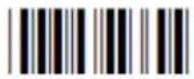 |
| Disable Composite on GS1-Databar | BHF | 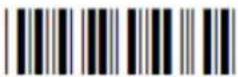 |
| Enable Composite on GS1-Databar | BHE | 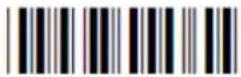 |
| As a single component, only 1D component is allowed | BL0 | 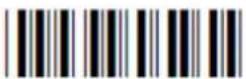 |
| As a single component, only 2D component is allowed | BL1 |  |
| As a single component, only 1D+2D component is allowed | BL2 |  |
| END |  |
3.3.19. Options for Codablock F
Codablock-F is variable size multi row (stacked) symbology based on Code 128. All features of Code 128 do apply for Codablock F.
Maximum data capacity:
● text compaction = alphanumeric data: 2684 characters
- numeric compaction = numeric data: 5368 Characters
Symbol size:
● number of rows: 2 up to 44
● number of columns: 1 up to 61
Error detection:
Codablock has 1 additional character for the entire symbol.
Codablock calculates 1 check digit that is not transmitted.
Encodable characters:
● ASCII values 0 - 127 (ISO 646)
- 4 FNC values
For string format see figure 3.45.
| Fig. 3.45. Options for Codablock F |
| Codablock F |
| data (1 upto 5368 characters) |
3.3.20. Options for DataMatrix
Data Matrix is a variable size matrix symbology with selectable error correction levels.
Maximum data capacity (ECC200):
● alphanumeric data: 2335 characters
● 8-bit data: 1556 characters
● numeric data: 3116 characters
Symbol size:
ECC000 - 140:
● odd number of rows and columns, square shape.
● minimum: 9 * 9 modules, maximum: 49 * 49 modules
ECC200:
● even number of rows and columns, square or rectangular shape
- square: minimum 10 * 10, maximum 144 * 144 modules
- rectangular: minimum 8 * 18, maximum 16 * 48 modules
Error correction:
- ECC000 - 140: four levels of convolutional error correction, option for error detection only
- ECC200: Reed-Solomon error correction
For new applications ECC200 is recommended.
Additional features:
● extended Channel Interpretation (ECI, ECC200 only): support for different character sets and data interpretations
● structured append (ECC200 only): represent data in up to 16 Data Matrix symbols
Support for these options is reader dependent. The supported character set and the maximum decodable number of characters are reader dependent.
Encodable characters:
● ASCII values 0 - 127 (ISO 646)
● ASCII values 128 - 255 (ISO 8859-1, Latin alphabet No. 1, extended ASCII )
● with ECI: many other character sets
For string format see figure 3.46.
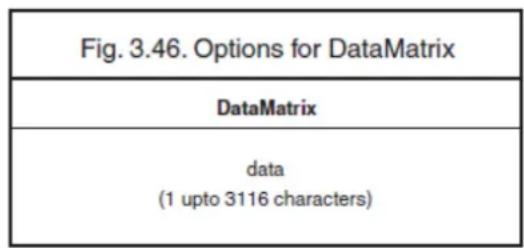
Options for DataMatrix:
● Structured append time out: see chapter Read options
3.3.21. Options for Aztec
Aztec code is a variable size matrix symbology with selectable error correction levels.
Maximum data capacity:
Standard Aztec:
● alphanumeric: 3067 characters
- numeric: 3832 characters
- byte: 1914 characters Aztec runes:
● values 000 up to 255 (3 digits)
Symbol size:
Standard Aztec:
● minimum: 15 * 15 modules
● maximum: 151 * 151 modules
Aztec runes:
- fixed: 11 * 11 modules
Error correction:
User selectable Reed-Solomon error correction levels from 5% to 95% of data region.
Additional features:
● extended Channel Interpretation (ECI): support for different character sets and data interpretations
● structured append: represent data in up to 26 Aztec symbols
- mirror image: decode symbol in mirror reversal presentation
Support for these options is reader dependent. The supported character set and the maximum decodable number of characters are reader dependent.
Encodable characters:
- ASCII values 0 - 127 (ISO 646)
● ASCII values 128 - 255 (ISO 8859-1, Latin alphabet No. 1, extended ASCII)
● with ECI: many other character sets
For string format see figure 3.47.
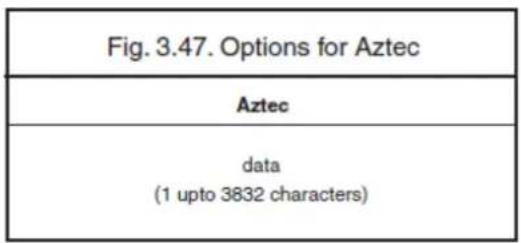
Options for Aztec:
● structured append time out: see chapter Read options
3.3.22. Options for Chinese Sensible code
Chinese Sensible code is a matrix symbology with selectable error correction levels. The code allows 84 variable sized versions.
Pattern:
Each code is a square area comprised of a variable amount of nxn square symbols. A crossing alignment pattern is available in version 4 and its sequential versions. AI versions include four position detection patterns located on each corner.
Maximum data capacity:
The data capacity depends on the version.
● version 1: 205 characters
- sequential versions: increasing amount per version
● version 84: 31091 characters
Symbol size:
Chinese Sensible code has 84 versions, counting from version 1. Each following version has 2 more modules.
● minimum: version 1 = 23 * 23 modules
- sequentially: version 2 = 25 * 25, version 3 = 27 * 27, etc.
● maximum: version 84 = 189 * 189 modules
Error correction:
Four levels of Reed-Solomon error correction.
Additional feature:
Extended Channel Interpretation (ECI): support for Chinese character set, other different character sets and data interpretations. Support for this option is reader dependent. The supported character set and the maximum decodable number of characteristics is reader dependent.
Encodable characters:
● numerical values 0-9
● ASCII value 0 - 127 (ISO 646)
- binary byte
● ordinary Chinese characters ( GB 18030 – 2 Region, Double-byte, Four-byte )
● with ECI: many other character sets

For string format see figure 3.48.
| Fig. 3.48. Options for Chinese Sensible code |
| Chinese Sensible code |
| data (1 upto 31091 characters) |
3.3.23. Options for QR Code
QR code is a variable size matrix symbology with selectable error correction levels.
Maximum data capacity:
Model 1:
● alphanumeric data: 707 characters
● 8-bit data: 486 characters
● numeric data: 1167 characters
- kanji data: 299 characters
Model 2:
● alphanumeric data: 4296 characters
● 8-bit data: 2953 characters
- numeric data: 7089 characters
- kanji data: 1817 characters
Symbol size:
Model 1
Support for these options is reader dependent. The supported character set and the maximum decodable number of characters are reader dependent.
Encodable characters:
- ASCII values 0 - 127 (ISO 646)
- ASCII values 128 - 255 (ISO 8859-1, Latin alphabet No. 1, extended ASCII)
● with ECI: many other character sets
For string format see figure 3.49.
| Fig. 3.49. Options for QR Code |
| QR Code |
| data (1 upto 7089 characters) |
Options for QR code:
● structured append time out: see read mode options
- no further options supported
3.3.24. Options for Micro QR Code
Micro QR code is a compact version for the regular QR Code.
Maximum data capacity:
Model 1:
● numeric data: 5 characters
Model 2:
● alphanumeric data: 6 characters
● numeric data: 10 characters
Model 3:
● alphanumeric data: 11 characters
● 8-bit data: 9 characters
● numeric data: 18 characters
- kanji data: 6 characters
Model 4:
● alphanumeric data: 21 characters
● 8-bit data: 15 characters
● numeric data: 35 characters
- kanji data: 9 characters
Symbol size:
Model 1:
- 11 modules
Model 2:
- 13 modules
Model 3:
- 15 modules
Model 4:
- 17 modules
Error correction:
Up to three levels of Reed-Solomon error correction for Model 4, no error correction for Model 1.
Encodable characters:
● ASCII values 0 - 127 (ISO 646)
For string format see figure 3.50.
| Fig. 3.50. Options for Micro QR Code |
| Micro QR Code |
| data (1 upto 35 characters) |
Options Micro QR Code
- no options supported
3.3.25. Options for Maxicode
Maxicode is a fixed size matrix symbology with selectable error correction levels.
Maximum data capacity:
● alphanumeric data: 93 characters
- numeric data: 138 characters
Symbol size:
28.14mm wide * 26.91mm high (including quiet zones)
Error correction:
2 levels of Reed-Solomon error correction.
Additional features:
- extended Channel Interpretation (ECI): support for different character sets and data interpretations
● structured append: represent data in up to 8 Maxicode symbols
Support for these options is reader dependent. The supported character set and the maximum decodable number of characters, is reader dependent.
Encodable characters:
● ASCII values 0 - 127 (ISO 646)
● ASCII values 128 - 255 (ISO 8859-1, Latin alphabet No. 1, extended ASCII)
● with ECI: many other character sets
For string format see figure 3.51.
| Fig. 3.51. Options for Maxicode Maxicode |
| data (1 upto 138 characters) |
Options for Maxicode:
● structured append time out: see read mode options
- no further options supported
3.3.26. Options for PDF417
PDF417 is variable size multi row (stacked) symbology with selectable error correction levels.
Maximum data capacity:
● text compaction: 1850 characters
- byte compaction: 1108 characters
- numeric compaction: 2710 characters
Symbol size:
● number of row: 3 up to 90
● number of columns: 1 up to 30
Error correction:
8 levels of error correction. Option for error detection only.
Additional features:
- extended Channel Interpretation (ECI): support for different character sets and data interpretations
- macro PDF417: represent data in up to 99.999 PDF417 symbols
● truncated PDF417: reduce some overhead to obtain smaller symbology size
Support for these options is reader dependent. The supported character set and the maximum decodable number of characters, is reader dependent
Encodable characters:
- ASCII values 0 - 127 (ISO 646)
● ASCII values 128 - 255 (ISO 8859-1, Latin alphabet No. 1, extended ASCII)
● for macro PDF417: many other character sets
For string format see figure 3.52
| Fig. 3.52. Options for PDF417 |
| PDF417 |
| data (1 upto 2710 characters) |
Options for PDF417:
- macro PDF417 timeout (same as Structured append time out): see read mode options
- no further options available
3.3.27. Options for MicroPDF417
MicroPDF417 is variable size multi row (stacked) symbology with fixed error correction levels.
Maximum data capacity:
● text compaction: 250 characters
- byte compaction: 150 characters
- numeric compaction:366 characters
Symbol size:
● number of row: 4 up to 44
● number of columns: 1 up to 4
Error correction:
Number of error correction codewords is dependent of symbol size and cannot be changed.
Additional features:
- extended Channel Interpretation (ECI): support for different character sets and data interpretations
- macro MicroPDF417 (structured append mode): represent data in up to 99.999 MicroPDF417 symbols
Support for these options is reader dependent. The supported character set and the maximum decodable number of characters are reader dependent
Encodable characters:
- ASCII values 0 - 127 (ISO 646)
● ASCII values 128 - 255 (ISO 8859-1, Latin alphabet No. 1, extended ASCII) - for macro MicroPDF417: many other character sets
For string format see figure 3.53.
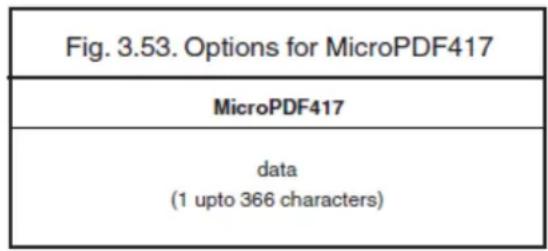
Options for MicroPDF417:
- macro MicroPDF417 timeout (same as Structured append time out): see read mode options
- no further options available
4. STRING OPTIONS
This chapter describes the alterations which can be made to the format of the transmitted data string.
Options available are:
Case conversion
- conversion of bar code data
The bar code data has the format as described in chapter 'Code Options'.
Set prefix and suffix
● transmission of a preamble (common prefix)
● transmission of a postamble (common suffix)
● transmission of a prefix
● transmission of a suffix
The string format is transmitted as in figure 4.01.
The input entries are described in this chapter.
4.1. Case conversion
The bar code data may be converted to either lower or upper case or the case may be exchanged. These options may be used if the user of a wedge has a preference to leave for instance the CAPSLOCK on or if the host requires upper case characters only. See figure 4.02.
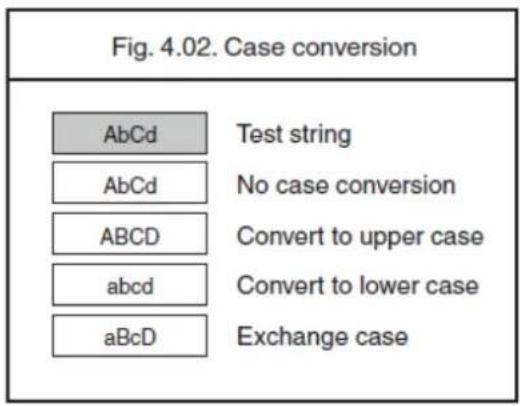
| SET |  | |
| No case conversion | YZ |  |
| Convert to upper case | YW |  |
| Convert to lower case | YX |  |
| Exchange case | YY |  |
| END |  |
4.2. Set prefix and suffix
A prefix and suffix of maximum 4 direct input entries each may be included in front and at the end of the string respectively.
Bar code readers with an RS232 interface may be programmed with all 128 ASCII characters. Keyboard wedges may additionally be programmed with the special keys supported by the keyboard, e.g. function keys.
Default settings are:
• RS232: Prefix - None, Suffix - ^M (CR)
- Wedge: Prefix - None, Suffix - return
How to set a prefix or a suffix:
To configure a prefix for example for Code-39 as C39: scan the following labels from this current chapter 'String Options':
<SET>
<Set prefix Code 39>
<C>
<3>
<9>
<;>
<END>
Bar code readers which do not support a different prefix or suffix for each symbology have to make use of
How to clear a prefix or suffix:
To clear the suffix for example for Code 128 scan the following labels:
<SET>
<Set suffix Code 128>
<END>
How to set a suffix for all symbologies:
To configure for example the suffix
<SET>
<Set suffix ALL>
<^M (CR)>
<END>
Note that this last example is for an RS232 interface. For a wedge interface a ^M (CR) results in the key combination
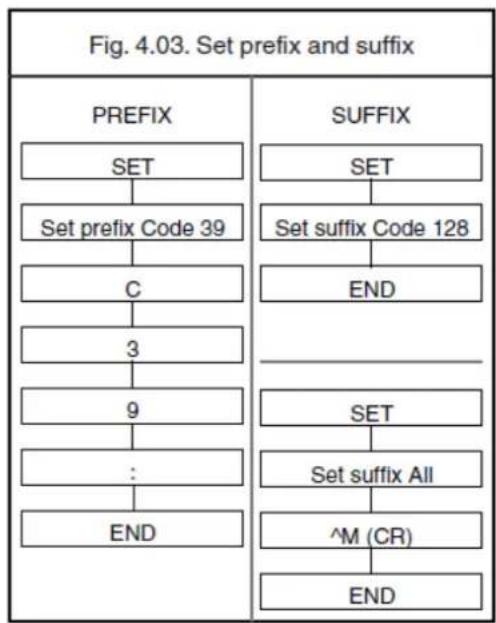
flowchart
graph TD
    A["Fig. 4.03. Set prefix and suffix"] --> B["PREFIX"]
    A --> C["SUFFIX"]
    B --> D["SET"]
    D --> E["Set prefix Code 39"]
    E --> F["C"]
    F --> G["3"]
    G --> H["9"]
    H --> I["..."]
    I --> J["END"]
    C --> K["SET"]
    K --> L["Set suffix All"]
    L --> M["^M (CR)"]
    M --> N["END"]
Preamble and postamble:
A preamble is transmitted before the prefix and can contain up to 8 direct input characters. A postamble is transmitted after the suffix and can contain up to 8 direct input characters. A preamble and postamble will be transmitted for all symbologies. By default, the preamble and postamble is empty.
Code identification Opticon:
A code identification and the code length may be included as a prefix or suffix. The direct input 'code identifier' provides a quick method of programming in addition to programming a separate prefix or suffix for each bar code type.
See figure 4.04.
| Fig. 4.04. Set prefix and suffix OPTICON Code identifiers | |
| UPC-A | - C |
| UPC-A +2 | - F |
| UPC-A +5 | - G |
| UPC-E | - D |
| UPC-E +2 | - H |
| UPC-E +5 | - I |
| EAN-13 | - B |
| EAN-13 +2 | - L |
| EAN-13 +5 | - M |
| EAN-8 | - A |
| EAN-8 +2 | - J |
| EAN-8 +5 | - K |
| Code 39 | - V |
| Code 39 Full ASCII | - W |
| Italian Pharmaceutical | - Y |
| Codabar | - R |
| Codabar ABC | - S |
| Codabar CX | - f |
| Industrial 2of5 | - O |
| Interleaved 2of5 | - N |
| S-Code | - g |
| Matrix 2of5 | - Q |
| Chinese Post | - w |
| IATA | - P |
| MSI/Plessey | - Z |
| Telepen | - d |
| UK/Plessey | - a |
| Code 128 | - T |
| GS1-128 | - T |
| Code 93 | - U |
| Code 11 | - b |
| Korean Postal Authority code | - c |
| Intelligent Mail Barcode | - 0 (zero) |
| POSTNET | - 3 |
| GS1 Databar | - y |
| CC-A | - m |
| CC-B | - n |
| CC-C | - l |
| Codablock F | - E |
| DataMatrix | - t |
| Aztec | - o |
| Aztec Runes | - o |
| Chinese Sensible code | - e |
| QR code | - u |
| Micro QR Code | - j |
| Maxi Code | - v |
| PDF417 | - r |
| MicroPDF417 | - s |
Code identification AIM/ISO:
The Code identifier will be transmitted in the ISO 15424 format : ]cm, where:
- | is ASCII value decimal 93
- c is code character
- m is modifier character(s)
For a detailed list of the modifier character 'm' and the AIM-ID's, refer to the ISO15424 standard. See figure 4.05.
| Fig. 4.05. Set prefix and suffixAIMISO15424 Code identifiers | |
| Symbology | |AIM-ID *(Modifier table) |
| UPC-A | - |E0 |
| UPC-A +2 | - |E3 |
| UPC-A +5 | - |E3 |
| UPC-E | - |E0 |
| UPC-E +2 | - |E3 |
| UPC-E +5 | - |E3 |
| EAN-13 | - |E0 |
| EAN-13 +2 | - |E3 |
| EAN-13 +5 | - |E3 |
| EAN-8 | - |E4 |
| EAN-8 +2 | - |E7 |
| EAN-8 +5 | - |E7 |
| Code 39 | - |A* } (4.06) |
| Code 39 Full ASCII | - |A* |
| Tri-Optic | - |X0 |
| Code 39 lt. Pharmaceutical | - |X0 |
| Codabar | - |F* } (4.07) |
| Codabar ABC | - |F* |
| Codabar CX | - |X0 |
| Industrial 2of5 | - |S0 |
| Interleaved 2of5 | - |I* (4.08) |
| S-Code | - |X0 |
| Matrix 2of5 | - |X0 |
| Chinese Post | - |X0 |
| IATA | - |R* (4.09) |
| MSI/Plessey | - |M* (4.10) |
| Telepen | - |B* (4.11) |
| UK/Plessey | - |X0 |
| Code 128 | - |C0 |
| GS1-128 | - |C1 |
| Code 93 | - |G0 |
| Code 11 | - |H* (4.12) |
| Korean Postal Authority code | - |X0 |
| Intelligent Mail Barcode | - |X0 |
| POSTNET | - |X0 |
| GS1 Databar | - |e0 |
| CC-A (transmitted separately) | - |e1 |
| CC-B (transmitted separately) | - |e1 |
| CC-C (transmitted separately) | - |e1 |
| GS1 Databar with CC-A | - |e0 |
| GS1 Databar with CC-B | - |e0 |
| GS1-128 with CC-C | - |e0 |
| Codablock F | - |J* (4.13) |
| Data Matrix | - |d* (4.14) |
| Aztec | - |z* (4.15) |
| QR Code | - |Q* (4.16) |
| Micro QR Code | - |Q* |
| Maxicode | - |U* (4.17) |
| PDF417 | - |L0 |
| MicroPDF417 | - |L0 |
In case the modifier is an asterix (*), the value depends on the options of the symbology or on the configured Code options. For details refer to their own respective modifier tables. See figures 4.06 up to 4.17.
| Fig. 4.06. Modifiers for Code 39AIM/ISO15424 Code identifiers for : A* | |
| Code options | ]AIM-ID |
| Normal Code 39 (D5) | |
| Not check CD (C1) | ]A0 |
| Transmit CD (D9) | |
| Normal Code 39 (D5) | |
| Check CD (C0) | ]A1 |
| Transmit CD (D9) | |
| Normal Code 39 (D5) | |
| Not check CD (C1) | ]A2 |
| Not transmit CD (D8) | |
| Normal Code 39 (D5) | |
| Check CD (C0) | ]A3 |
| Not transmit CD (D8) | |
| Full ASCII Code 39 (D4)or Full ASCII Code 39 if pos. (+K) | ]A4 |
| Not check CD (C1) | |
| Transmit CD (D9) | |
| Full ASCII Code 39 (D4)or Full ASCII Code 39 if pos. (+K) | ]A5 |
| Check CD (C0) | |
| Transmit CD (D9) | |
| Full ASCII Code 39 (D4)or Full ASCII Code 39 if pos. (+K) | ]A6 |
| Not check CD (C1) | |
| Not transmit CD (D8) | |
| Full ASCII Code 39 (D4)or Full ASCII Code 39 if pos. (+K) | ]A7 |
| Check CD (C0) | |
| Not transmit CD (D8) | |
| Fig. 4.07. Modifiers for Codabar AIM/ISO15424 Code identifiers for : F* | |
| Code options | ]AIM-ID |
| Codabar normal mode (HA) | |
| Not check CD (H7) | ]F0 |
| Transmit CD (H8) | |
| Codabar ABC (H3 or H4) | |
| Not check CD (H7) | ]F1 |
| Transmit CD (H8) | |
| Codabar normal mode (HA) | |
| Check CD (H6) | ]F2 |
| Transmit CD (H8) | |
| Codabar ABC (H3 or H4) | |
| Check CD (H6) | ]F3 |
| Transmit CD (H8) | |
| Codabar normal mode (HA) | |
| Not check CD (H7) | ]F4 |
| Not transmit CD (H9) | |
| Codabar ABC (H3 or H4) | |
| Not check CD (H7) | ]F5 |
| Not transmit CD (H9) | |
| Codabar normal mode (HA) | |
| Check CD (H6) | ]F6 |
| Not transmit CD (H9) | |
| Codabar ABC (H3 or H4) | |
| Check CD (H6) | ]F7 |
| Not transmit CD (H9) | |
| Fig. 4.08.Modifiers for Interleaved 2of5 AIM/ISO15424 Code identifiers for : I* | ||
| Code options | ]AIM-ID | |
| Not check CD (G0) | Transmit CD (E0) | ]I0 |
| Check CD (G1) | Transmit CD (E0) | ]I1 |
| Not check CD (G0) | Not transmit CD (E1) | ]I2 |
| Check CD (G1) | Not transmit CD (E1) | ]I3 |
| Fig. 4.09. Modifiers for IATAAIM/ISO15424 Code identifiers for : R* | |
| Code options | ]AIM-ID |
| Not check CD (4H) | ]R0 |
| Transmit CD (4L) | |
| Check FC and SN only (4I)or Check CPN,FC and SN (4J)or Check CPN,AC,FC and SN (4K) | ]R1 |
| Transmit CD (4L) | |
| Not check CD (4H) | ]R2 |
| Not transmit CD (4M) | |
| Check FC and SN only (4I)or Check CPN,FC and SN (4J)or Check CPN,AC,FC and SN (4K) | ]R3 |
| Not transmit CD (4M) | |
| Fig. 4.10.Modifiers for MSI/Plessey AIM/ISO15424 Code identifiers for : M* / X0 | ||
| Code options Checksum + Transmit | ]AIM-ID | |
| Check 1 CD = MOD 10 (4B): | ||
| (4B) + Transmit CD1 (4E) | ]M0 | |
| (4B) + Not transmit CD (4G) | ]M1 | |
| (4B) + Transmit CD1 and CD2 (4F) | ]X0 | |
| Check 2 CD's = MOD 10/ MOD 10 (4C): | ||
| (4C) + (4E) or (4G) or (4F) | ]X0 | |
| Check 2 CD's = MOD 10/ MOD 11 (4D): | ||
| (4D) + (4E) or (4G) or (4F) | ]X0 | |
| Check 2 CD's = MOD 11/ MOD 10 (4R): | ||
| (4R) + (4E) or (4G) or (4F) | ]X0 | |
| Fig. 4.11.Modifiers for TelepenAIM/ISO15424 Code identifiers for : B* | |
| Code options | ]AIM-ID |
| Telepen (numeric or ASCII only):ASCII mode (D3)Numeric mode (D2) | ]B0]B1 |
| Telepen (numeric followed by ASCII):ASCII mode (D3)Numeric mode (D2) | ]B0]B2 |
| Telepen (ASCII followed by numeric)(not supported):ASCII mode (D3)Numeric mode (D2) | ]B0]B2 |
| Fig. 4.12.Modifiers for Code 11AIM/ISO15424 Code identifiers for : H* / X0 | |
| Code options | ]AIM-ID |
| Check 1 CD (BLG)or Check auto 1 or 2 CDs (BLI)(length < 12) | ]H0 |
| Transmit CD(s) (BLK) | |
| Check 2 CDs (BLH)or Check auto 1 or 2 CDs (BLI)(length > 12) | ]H1 |
| Transmit CD(s) (BLK) | |
| Check 1 CD (BLG)or Check 2 CDs (BLH)or Check auto 1 or 2 CDs (BLI)(length > 12) | ]H3 |
| Not transmit CD(s) (BLJ) | |
| Not check CD (BLF)Not transmit CD(s) (BLJ) | ]X0 |
| Fig. 4.13.Modifiers for Codablock F AIM/ISO15424 Code identifiers for : O* | |
| Data structure | ]AIM-ID |
| FNC1 not used | ]O4 |
| FNC1 in 1st position | ]O5 |
| Fig. 4.14.Modifiers for DataMatrixAIM/ISO15424 Code identifiers for : d* | |
| Symbology, data structure | ]AIM-ID |
| ECC000 - ECC140 | ]d0 |
| ECC200 | ]d1 |
| ECC200, FNC1 in 1st or 5th position | ]d2 |
| ECC200, FNC1 in 2nd or 6th position | ]d3 |
| ECC200, supporting ECI protocol | ]d4 |
| ECC200, FNC1 in 1st or 5th position and supporting ECI protocol | ]d5 |
| ECC200, FNC1 in 2nd or 6th position and supporting ECI protocol | ]d6 |
| Fig. 4.15.Modifiers for Aztec AIM/ISO15424 Code identifiers for : z* | |
| Data structure | ]AIM-ID |
| No structure / other | ]z0 |
| FNC1 preceeding 1st message character | ]z1 |
| FNC1 following an initial letter or pair of digits | ]z2 |
| ECI protocol implemented | ]z3 |
| FNC1 preceeding 1st message character and ECI protocol implemented | ]z4 |
| FNC1 following an initial letter or pair of digits, ECI protocol implemented | ]z5 |
| Structured append header included | ]z6 |
| Structured append header included and FNC1 preceeding 1st message character | ]z7 |
| Structured append header included, FNC1 following an initial letter or pair of digits | ]z8 |
| Structured append header included and ECI protocol implemented | ]z9 |
| Structured append header included, FNC1 preceeding 1st message character, ECI protocol implemented | ]zA |
| Structured append header included, FNC1 following an initial letter or pair of digits, ECI protocol implemented | ]zB |
| Aztec runes | ]zC |
| Fig. 4.16.Modifiers for QR CodeAIM/ISO15424 Code identifiers for : Q* | |
| Model, data structure | ]AIM-ID |
| Model 1 | ]Q0 |
| Model 2, ECI protocol not implemented | ]Q1 |
| Model 2, ECI protocol implemented | ]Q2 |
| Model 2, ECI protocol not implemented,FNC1 in first position | ]Q3 |
| Model 2, ECI protocol implemented,FNC1 in first position | ]Q4 |
| Model 2, ECI protocol not implemented,FNC1 in second position | ]Q5 |
| Model 2, ECI protocol implemented,FNC1 in second position | ]Q6 |
| Fig. 4.17. Modifiers for MaxicodeAIM/ISO15424 Code identifiers for : U* | |
| Data structure | ]AIM-ID |
| Symbol in mode 4 or 5 | ]U0 |
| Symbol in mode 2 or 3 | ]U1 |
| Symbol in mode 4 or 5, ECI protocol implemented | ]U2 |
| Symbol in mode 2 or 3, ECI protocol implemented | ]U3 |
Code length:
The code length is transmitted as 2 digits, representing the decimal number of data characters transmitted, excluding prefix and suffix characters. For 2D bar codes the code length is transmitted as 6 digits. It is also possible to send for both 1D and 2D codes the length as 6 digits. These direct input characters count as 1 entry of the 4 permissible entries for a prefix or suffix.
Example:
If you want to configure the prefix :: scan the following labels:
<:>
<:>
If you want to use the code identifiers, but need another code identifier for Code 39, you scan the following labels:
<:>
<\$>
<:>
4.2.1. Set prefix
| SET |  | |
| All Codes | RY |  |
| UPC-A | N1 |  |
| UPC-A + add on | M0 |  |
| UPC-E | N2 |  |
| UPC-E + add on | M1 |  |
| EAN-13 | N3 |  |
| EAN-13 + add on | M2 |  |
| EAN-8 | N4 |  |
| EAN-8 + add on | M3 |  |
| Code 39 | M4 |  |
| Codabar | M5 |  |
| Industrial 2of5 | M6 |  |
| Interleaved 2of5 | M7 |  |
| S-Code | MB |  |
| Matrix 2of5 | GL |  |
| IATA | I8 |  |
| MSI/Plessey | N0 |  |
| Telepen | L8 |  |
| UK/Plessey | MA |  |
| Code 128 | M9 |  |
| Code 93 | M8 |  |
| Code 11 | BLD |  |
| Korean Postal Authority code | *$ |  |
| Intelligent Mail Barcode | D5I |  |
| POSTNET | D6D |  |
| GS1-Databar | OE |  |
| Composite codes | RR |  |
| Codablock F | D4S |  |
| DataMatrix | MD |  |
| Aztec | BF0 |  |
| Chinese Sensible code | D4N |  |
| QR Code | MK |  |
| Maxicode | ML |  |
| PDF417 | OC |  |
| MicroPDF417 | OD |  |
| Clear all prefixes | MG |  |
| Preamble | MZ |  |
| END |  |
4.2.2. Set suffix
| SET |  | |
| All Codes | RZ |  |
| UPC-A | N6 |  |
| UPC-A + add on | O0 |  |
| UPC-E | N7 |  |
| UPC-E + add on | O1 |  |
| EAN-13 | N8 |  |
| EAN-13 + add on | O2 |  |
| EAN-8 | N9 |  |
| EAN-8 + add on | O3 |  |
| Code 39 | O4 |  |
| Codabar | O5 |  |
| Industrial 2of5 | O6 |  |
| Interleaved 2of5 | O7 |  |
| END |  | |
| S-Code | OB |  |
| Matrix 2of5 | GM |  |
| IATA | I9 |  |
| MSI/Plessey | N5 |  |
| Telepen | L9 |  |
| UK/Plessey | OA |  |
| Code 128 | O9 |  |
| Code 93 | O8 |  |
| Code 11 | BLE |  |
| Korean Postal Authority code | *% |  |
| Intelligent Mail Barcode | D5J |  |
| POSTNET | D6E |  |
| GS1-Databar | PQ |  |
| END |  | |
| Composite codes | RS |  |
| Codablock F | D4T |  |
| DataMatrix | PO |  |
| Aztec | BF1 |  |
| Chinese Sensible code | D4O |  |
| QR Code | PW |  |
| Maxicode | PX |  |
| PDF417 | PY |  |
| MicroPDF417 | PZ |  |
| Clear all suffixes | PR |  |
| Postamble | PS |  |
| END |  |
4.3.1. Direct input keyboard keys
| SET |  | |
| F1 | 8J |  |
| F2 | 8K |  |
| F3 | 8L |  |
| F4 | 8M |  |
| F5 | 8N |  |
| F6 | 8O |  |
| F7 | 8P |  |
| F8 | 8Q |  |
| F9 | 8R |  |
| F10 | 8S |  |
| F11 | 8T |  |
| F12 | 8U |  |
| Backspace | 9X |  |
| END |  | |
| TAB | 7H |  |
| RETURN | 7I |  |
| Enter ( Numeric keypad ) | 7Q |  |
| ESC | 7J |  |
| Arrow down | 7K |  |
| Arrow up | 7L |  |
| Arrow right | 7M |  |
| Arrow left | 7N |  |
| 7T |  | |
| VQ |  | |
| VR |  | |
| VS |  | |
| Page up | 7O |  |
| END |  | |
| Page down | 7P |  |
| Left | 7U |  |
| Left | 7W |  |
| Left | 7Y |  |
| Left | 8 |  |
| Right | 7V |  |
| Right | 7X |  |
| Right | 7Z |  |
| Right | 9 |  |
| CAPSLOCK | 9S |  |
| END |  | |
| 5A |  | |
| ! | 5B |  |
| “ | 5C |  |
| # | 5D |  |
| $ | 5E |  |
| % | 5F |  |
| & | 5G |  |
| ' | 5H |  |
| ( | 5I |  |
| ) | 5J |  |
| * | 5K |  |
| + | 5L |  |
| , | 5M |  |
| - | END5N |   |
| . | 5O |  |
| / | 5P |  |
| : | 6A |  |
| ; | 6B |  |
| < | 6C |  |
| = | 6D |  |
| > | 6E |  |
| ? | 6F |  |
| @ | 6G |  |
| [ | 7A |  |
| \ | 7B |  |
| ] | 7C |  |
| END |  | |
| ^ | 7D |  |
| - | 7E |  |
| ‘ | 7F |  |
| { | 9T |  |
| | | 9U |  |
| } | 9V |  |
| ~ | 9W |  |
| END |  |
4.3.3. Direct input numeric
| SET |  | |
| 0 | Q0 |  |
| 1 | Q1 |  |
| 2 | Q2 |  |
| 3 | Q3 |  |
| 4 | Q4 |  |
| 5 | Q5 |  |
| 6 | Q6 |  |
| 7 | Q7 |  |
| 8 | Q8 |  |
| 9 | Q9 |  |
| END |  |
4.3.4. Direct input character
| SET |  | |
| A | 0A |  |
| B | 0B |  |
| C | 0C |  |
| D | 0D |  |
| E | 0E |  |
| F | 0F |  |
| G | 0G |  |
| H | 0H |  |
| I | 0I |  |
| J | 0J |  |
| K | 0K |  |
| L | 0L |  |
| M | 0M |  |
| END |  | |
| N | 0N |  |
| O | 0O |  |
| P | 0P |  |
| Q | 0Q |  |
| R | 0R |  |
| S | 0S |  |
| T | 0T |  |
| U | 0U |  |
| V | 0V |  |
| W | 0W |  |
| X | 0X |  |
| Y | 0Y |  |
| Z | 0Z |  |
| END |  |
4.3.5. Direct input lower case character
| SET |  | |
| a | A |  |
| b | B |  |
| c | C |  |
| d | D |  |
| e | E |  |
| f | F |  |
| g | G |  |
| h | H |  |
| i | I |  |
| j | J |  |
| k | K |  |
| l | L |  |
| m | M |  |
| END |  | |
| n | N |  |
| o | O |  |
| p | P |  |
| q | Q |  |
| r | R |  |
| s | $ |  |
| t | T |  |
| u | U |  |
| v | V |  |
| w | W |  |
| x | X |  |
| y | Y |  |
| z | Z |  |
| END |  |
4.3.6. Direct input control character
| SET |  | |
| ^@ (NULL) | 9G |  |
| ^A (SOH) | 1A |  |
| ^B (STX) | 1B |  |
| ^C (ETX) | 1C |  |
| ^D (EOT) | 1D |  |
| ^E (ENQ) | 1E |  |
| ^F (ACK) | 1F |  |
| ^G (BEL) | 1G |  |
| ^H (BS) | 1H |  |
| ^I (HT) | 1I |  |
| ^J (LF) | 1J |  |
| ^K (VT) | 1K |  |
| ^L (FF) | 1L |  |
| END |  | |
| ^M (CR) | 1M |  |
| ^N (SO) | 1N |  |
| ^O (SI) | 1O |  |
| ^P (DLE) | 1P |  |
| ^Q (DC1) | 1Q |  |
| ^R (DC2) | 1R |  |
| ^S (DC3) | 1S |  |
| ^T (DC4) | 1T |  |
| ^U (NAK) | 1U |  |
| ^V (SYN) | 1V |  |
| ^W (ETB) | 1W |  |
| ^X (CAN) | 1X |  |
| ^Y (EM) | 1Y |  |
| END |  | |
| ^Z (SUB) | 1Z |  |
| ^[ (ESC) | 9A |  |
| ^\(FS) | 9B |  |
| ^](GS) | 9C |  |
| ^^ (RS) | 9D |  |
| ^_(US) | 9E |  |
| DEL (ASCII 127) | 9F |  |
| END |  |
4.3.7. Direct input code id/length
| SET |  | |
| Code identification | 2 |  |
| Code identification ISO-15424 / AIM | 1 |  |
| Code length (1D = 2 digits, 2D = 6 digits) | 3 |  |
| Code length (1D and 2D = 6 digits) | 6 |  |
| END |  |
5. READ OPTIONS
This chapter allows to set the read mode, trigger type, redundancy and illumination.
5.1. Read mode options
The following read modes are available:
Single read:
When a bar code has been decoded, the reader will be turned OFF. The reader must be triggered again to read another label. This option and 'Disable trigger' can not be programmed at the same time.
Multiple read:
When a bar code has been decoded, the reader will stay ON for a time as set by 'Read time options' or indefinitely if the trigger switch has been disabled. The same label can only be decoded again after the label has not been detected for a number of scans.
Continuous read:
The reader will produce as much data as it can decode regardless whether it is the same or not. This mode is mainly used for demonstration and diagnosis.
Disable trigger:
This is applicable to readers which have a trigger switch. When this option is selected, the reader will stay ON all the time. Note: Selecting this option for a laser reader means that the laser diode is ON continuously, which may reduce the lifetime of this component. Also local legislation may require that the trigger switch is always enabled. Therefore it is recommended not to disable the trigger switch for laser readers.
Add-on wait mode:
Used if UPC/EAN with add-on is enabled. The reader searches within the selected time for a valid add-on code. If a valid add-on code is found, the reader transmits the data immediately. If nothing is found behind the code, the reader will transmit the data without add-on. If something is found behind the code, the reader ignored the code in case it is not a valid add-on.
Trigger repeat:
This option makes it easier to select a single bar code from a sheet filled with bar codes. If the trigger switch is pressed once, the laser beam is on during the configured read time. The laser beam can now be moved to the required bar code. If the trigger switch is pressed again, the bar code is decoded and transmitted. If the read time expires, the laser switches off and the trigger sequence should be repeated. If the read time is set to 0, then if the trigger switch is pressed, the laser is on, but does not accept bar codes. As soon the trigger switch is released, the barcode is decoded and transmitted. Support for this option is reader dependent.
Structured append time out:
When a bar code consists of multiple physical bar codes, this time out value is used. The next bar code must be read before this time out is expired. The time out value is between 1 and 255 seconds. This value can be configured by reading 1 up to 3 direct input numeric characters from chapter: String options. Default the structured append time out is set to 30 seconds.
| SET |  | |
| Single read | S0 |  |
| Multiple read | S1 |  |
| Continuous read | S2 |  |
| Disable trigger | S7 |  |
| Enable trigger | S8 |  |
| Add-on wait mode disabled | XA |  |
| Add-on wait mode 0.25 sec. | XB |  |
| Add-on wait mode 0.50 sec. | XC |  |
| Add-on wait mode 0.75 sec. | XD |  |
| Disable trigger repeat | /K |  |
| Enable trigger repeat | /M |  |
| END |  |
5.1.1. Multiple read reset time
This option can be used in conjunction with multiple read mode.
- for Laser and CCD readers, it sets the time that the reader should be pointed away from the label before it can decode the same label again
- for Image readers, it sets the number of frames that the reader should be pointed away from the label before it can decode the same label again
Indefinitely means that the next bar code must always be different, during the time the bar code reader is triggered. For the image reader the multiple reset time is not measured in ms, but in frames. The duration of each frame is variable, and is dependent of the captured image. See figure 5.01.
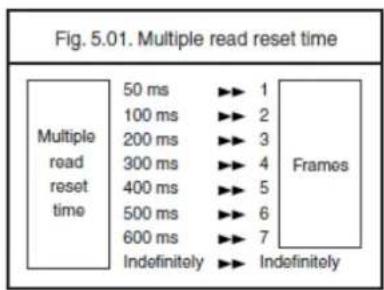
| SET |  | |
| 50ms | AH |  |
| 100ms | AI |  |
| 200ms | AJ |  |
| 300ms | AK |  |
| 400ms | AL |  |
| 500ms | AM |  |
| 600ms | AN |  |
| Indefinitely | AG |  |
| END |  |
5.1.2. Quiet zone options
With this option the reader can decode bar codes that have smaller start and/or end margins than specified for the symbology. Be careful when using this option. It may increase the possibility of partial reads and ghost reads. Do not use smaller margin checks then necessary. If possible replace the bar code labels by ones that have correct start and end margins.
| SET |  | |
| No margin check | YN |  |
| Margin check 1/7 nominal | YO |  |
| Margin check 2/7 nominal | YP |  |
| Margin check 3/7 nominal | YQ |  |
| Margin check 4/7 nominal | YR |  |
| Margin check 5/7 nominal | YS |  |
| Margin check 6/7 nominal | YT |  |
| Margin check normal | YU |  |
| END |  |
5.1.3. Auto trigger options
These options are used to activate the auto trigger option of the reader. This is only supported for reader equipped with the auto trigger option.
Disable auto trigger:
The auto trigger function is not activated.
Enable auto trigger:
The reader will be triggered if it detects changes in brightness.
| SET |  | |
| Disable auto trigger | +F |  |
| Enable auto trigger | +I |  |
| END |  |
5.1.4. Detection Mode
There are three methods for detecting a target code.
(1) Green aiming detection
When a target code falls within the aiming range while the green aiming light is emitted, the target is detected. It is recommended to use this mode indoors because the detectability is reduced in an environment of higher illuminance levels than indoor's.
(2) Red (CD-3600) / warm white (CD-3601) illumination detection
When a target code falls within the range of the field of view while the illumination light is emitted, the target is detected. This mode can be used in a lighted environment.
(3) No illumination detection
A target code is detected without illumination light. The power consumption can be reduced, but the response of detection will also be reduced. Ambient light is used for detection in this mode, so this cannot be used in a dark place while it can be used in a lighted environment.
| SET |  | |
| Green aiming detection | DDG |  |
| Red (CD-3600) /Warm White (CD-3601)Illumination Detection | DDH |  |
| No illumination detection | DDI |  |
| END |  |
5.1.5. Auto Trigger Condition
The detection sensitivity can be adjusted. The sensitivity varies with ambient environment and the adjustment may be needed.
| SET |  | |
| Sensitive | XMF |  |
| Normal | XMH |  |
| Insensitive | XMJ |  |
| END |  |
5.2. Read time options
The length of the period that the reader is ON after the trigger switch is pressed, or (in multiple or continuous read mode) after a label has been read. Selecting a read time of 0 means that the reader will stay ON as long as the trigger switch is being pressed.
Selecting a read time for readers without a trigger switch, or when the trigger switch is disabled, does not have any effect.
| SET |  | |
| 0 seconds | Y0 |  |
| 1 second | Y1 |  |
| 2 seconds | Y2 |  |
| 3 seconds | Y3 |  |
| 4 seconds | Y4 |  |
| 5 seconds | Y5 |  |
| 6 seconds | Y6 |  |
| 7 seconds | Y7 |  |
| 8 seconds | Y8 |  |
| 9 seconds | Y9 |  |
| Read time * 10 | YL |  |
| Indefinitely | YM |  |
| END |  |
5.3. Redundancy
This is the number of times that a label must be correctly decoded before it is transmitted. Selecting a higher redundancy count makes reading slower, but it reduces the probability of reading errors, especially when labels of poor definition are used.
| SET |  | |
| Read 1 time, redundancy = 0 | X0 |  |
| Read 2 times, redundancy = 1 | X1 |  |
| Read 3 times, redundancy = 2 | X2 |  |
| Read 4 times, redundancy = 3 | X3 |  |
| END |  |
5.4. Positive and negative bar codes
Usually bar codes are printed black on white, but sometimes white on black. These labels are called positive and negative respectively. In case the 'negative bar codes' option has been selected, positive labels may not be decoded anymore or with difficulty. This also applies to menu labels. To enable the reader to read positive labels again, a number of negative menu labels have been included.
| SET |  | |
| Positive bar codes | V2 |  |
| Negative bar codes | V3 |  |
| Positive and negative bar codes | V4 |  |
| Positive bar codes | V2 |  |
| Positive and negative bar codes | V4 |  |
| SET / END | ZZ |  |
| END |  |
5.5. Floodlight and aiming options
The floodlight and aiming options affect the light source that illuminates the area of the bar code symbol.
The floodlight illuminates the full area during image capturing. When the scannable area consists of a highly reflecting surface the floodlight might need to be disabled to prevent over-exposure.
If an aiming light is available, the bar code reader can generate an aiming pattern to help the user to target at the bar code symbol. The aiming pattern will only be visible between two image captures. The aiming pattern will be off when the floodlight is on.
Disable floodlight:
The option ‘disable floodlight’ does not illuminate the area of the bar code symbol during image capturing.
Alternating floodlight:
The option ‘alternating floodlight’ switches by turn between enabled and disabled floodlight.
Prevent specular reflection
Only when specular reflection of LED illumination occurs, the reading is performed with illumination turned off.
| SET |  | |
| Disable floodlight | D3A |  |
| Enable floodlight | D39 |  |
| Alternating floodlight | D3B |  |
| Prevent specular reflection | D3Q |  |
| END |  |
5.6. Prevention of flicker
When there is not target to be read, flicker occurs because of the LED illumination, and this flicker can be prevented with setting. However, by enabling the setting, codes on LCD screen will be difficult to be read.
| SET |  | |
| Enable LCD display reading | D3J |  |
| LED illumination flicker prevention | D3I |  |
| END |  |
5.7. LED aiming
Green LED floodlight used for aiming can be set to enable / disable. The brightness is also configurable.
| SET |  | |
| Enable LED aiming | D3D |  |
| Disable LED aiming | D3E |  |
| Brightness “High” | DDD |  |
| Brightness “Standard” | DDE |  |
| Brightness “Low” | DDF |  |
| END |  |

6. INDICATOR OPTIONS
This chapter describes the options for the Buzzer and Good Read LED.
6.1. Buzzer settings
These options determine the buzzer type, tone, duration and loudness. The buzzer tone and loudness are reader dependent due to different buzzer types.
Buzzer type:
The buzzer may be disabled or enabled as either a hardware or software buzzer. Not all readers support both a hardware and software buzzer.
Buzzer tone:
If a software buzzer is used, the buzzer tone may be selected as shown in figure 6.01.
| Fig. 6.01. Buzzer Settings | ||
| Buzzer | Frequency | Duration |
| Single tone | 3 KHz | 100% |
| High - low | 3 KHz - 2.5 KHz | 50% - 50% |
| Low - high | 3 KHz - 4 KHz | 50% - 50% |
Buzzer duration and loudness:
If a software buzzer is used, a buzzer duration of 50, 100, 200 or 400 msec. may be selected. The loudness can be adjusted in four different steps.
Davon before transmission
When this options is selected, the reader will not sound the buzzer after the reader is supplied with power.
| SET |  | |
| Disable buzzer | W0 |  |
| Enable buzzer | W8 |  |
| Single tone buzzer | W1 |  |
| High - low buzzer | W2 |  |
| Low - high buzzer | W3 |  |
| Buzzer duration 50 msec | W7 |  |
| Buzzer duration 100msec | W4 |  |
| Buzzer duration 200 msec | W5 |  |
| Buzzer duration 400 msec | W6 |  |
| Buzzer loudness: Maximum | T0 |  |
| Buzzer loudness: Loud | T1 |  |
| Buzzer loudness: Normal | T2 |  |
| Buzzer loudness: Minimum | T3 |  |
| Buzzer before transmission | VY |  |
| Buzzer after transmission | VZ |  |
| Disable startup buzzer | GD |  |
| Enable startup buzzer | GC |  |
| END |  |
6.2. Good read LED
The Good Read LED can be disabled or set for several durations.
| SET |  | |
| Disable indicator | T4 |  |
| Indicator duration: 0.2 s | T5 |  |
| Indicator duration: 0.4 s | T6 |  |
| Indicator duration: 0.8 s | T7 |  |
| END |  |
7. MISCELLANEOUS
7.1. Diagnostics
The options in this part are primarily intended for diagnostic purposes. The following options are available:
Transmit software version:
The software version is transmitted.
Transmit settings:
The reader settings are transmitted as a string of hexadecimal numbers.
Transmit ASCII printable string:
The printable ASCII characters Hex 20 up to Hex 7F are transmitted.
Transmit ASCII control string:
The non-printable ASCII control characters Hex 00 up to Hex 1F are transmitted.
| SET |  | |
| Transmit software version | Z1 |  |
| Transmit settings | Z3 |  |
| Transmit ASCII printable string | ZA |  |
| Transmit ASCII control string | YV |  |
| END |  |
7.2. Serial configuration support
Disable configuring via RS232:
The reader ignores all configuration commands from the RS232 port. The trigger and buzzer commands are still accepted.
Enable configuring via RS232:
The reader accepts all configuration commands from the RS232 port.
Disable trigger via RS232:
The reader ignores the trigger command,
Enable trigger via RS232:
The reader accepts the trigger command via the RS232 port.
Disable buzzer via RS232:
The reader ignores the buzzer command via the RS232 port.
Enable buzzer via RS232:
The reader accepts the buzzer command, (Hex 42) for the good read buzzer and
Disable Good read LED via RS232:
The reader ignores the good read LED command via the RS232 port.
Enable Good read LED via RS232:
The reader accepts the good read LED command,
Disable ACK/NAK for RS232 commands:
The reader does not transmit
Enable ACK/NAK for RS232 commands:
The reader transmits an
Error message - No label:
Following this menu label a maximum of 4 direct input characters may be read. These characters will be transmitted if during the read time of the reader no label was detected. This function is only available on readers where the trigger is enabled. If no direct input character is read following the command, the error message is disabled. The function may be combined with 'Error message - No decode'.
Error message - No decode:
Following this menu label a maximum of 4 direct input characters may be read. These
characters will be transmitted if during the read time of the reader a label was detected, but nothing could be decoded. This function is only available on readers where the trigger is enabled. If no direct input character is read following the command, the error message is disabled. The function may be combined with 'Error message - No label'.
Example:
The following two examples will set the messages 'NL
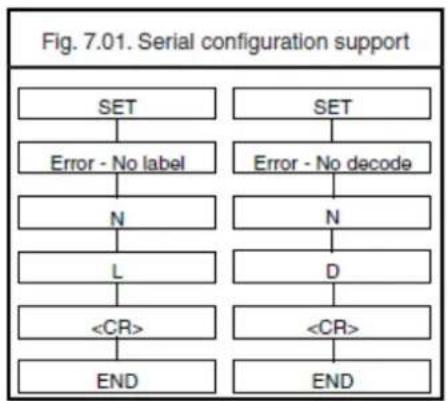
flowchart
graph TD
    A["SET"] --> B["Error - No label"]
    B --> C["N"]
    C --> D["L"]
    D --> E["<CR>"]
    E --> F["END"]
    G["SET"] --> H["Error - No decode"]
    H --> I["N"]
    I --> J["D"]
    J --> K["<CR>"]
    K --> L["END"]
| SET |  | |
| Disable configuring via RS232 | TS |  |
| Enable configuring via RS232 | TT |  |
| Disable trigger via RS232 | 8B |  |
| Enable trigger via RS232 | 8C |  |
| Disable buzzer via RS232 | WB |  |
| Enable buzzer via RS232 | WA |  |
| Disable good read LED via RS232 | TY |  |
| Enable good read LED via RS232 | TZ |  |
| Disable ACK/NAK for RS232 comm. | WD |  |
| Enable ACK/NAK for RS232 comm. | WC |  |
| Clear error messages No label and No decode | TG |  |
| Error message No label | TH |  |
| Error message No decode | TI |  |
| END |  |
APPENDIX A. TROUBLE SHOOTING
The trouble shooting diagram can be of help if your reader does not operate as expected. If any problem is not covered or solved with this diagram you need to contact your dealer.
Whether the reader operates or not can be checked in the following way:
- it should beep after the power has been switched ON
- it should either react on a trigger(if any) or it should emit light at the scan side of the reader (LEDs)
See figure A.01.
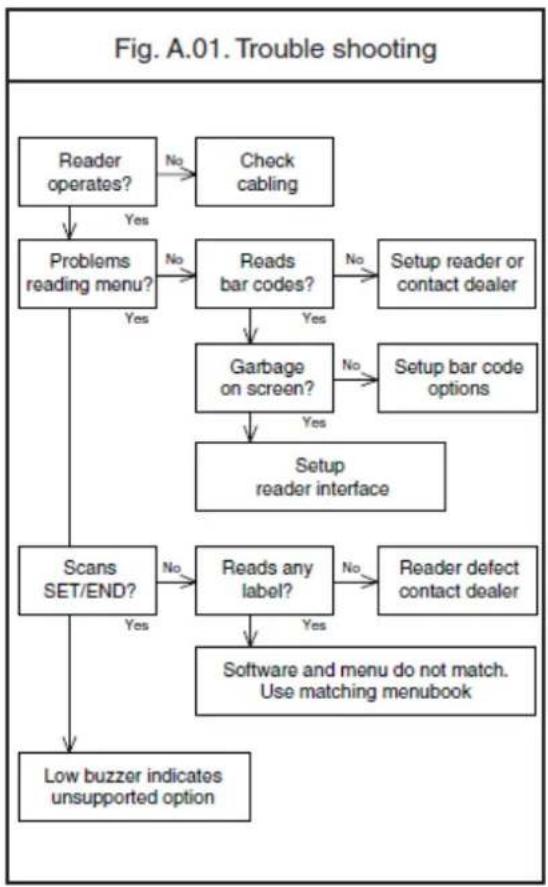
flowchart
graph TD
    A["Reader operates?"] -->|No| B["Check cabling"]
    A -->|Yes| C["Problems reading menu?"]
    C -->|No| D["Reads bar codes?"]
    D -->|No| E["Setup reader or contact dealer"]
    D -->|Yes| F["Garbage on screen?"]
    F -->|No| G["Setup bar code options"]
    F -->|Yes| H["Setup reader interface"]
    C -->|Yes| I["Scans SET/END?"]
    I -->|No| J["Reads any label?"]
    J -->|No| K["Reader defect contact dealer"]
    J -->|Yes| L["Software and menu do not match. Use matching menubook"]
    I -->|Yes| M["Low buzzer indicates unsupported option"]
APPENDIX B. GLOSSARY OF TERMS
AIM:
An acronym for Association for Automatic Identification and Mobility. This is referring to an organization that is an authority for standards for bar codes.
ASCII:
An acronym for American Standard Code for Information Interchange. This refers to a set of 128 characters that are standardized. These characters include all basic English characters, digits, punctuation characters and control characters.
Bar:
The dark element of a printed symbol.
Bar code:
An array of parallel rectangular bars and spaces which together represent data elements of characters in a particular symbology. The bars and spaces are arranged in a predetermined pattern, following unambiguous rules defined by the symbology.
Bar code density:
The number of bar code characters which can be represented in a linear unit of measure. Bar code density is often expressed in characters per inch.
Bar code label:
A label that carries a bar code and, optionally, other human-readable information; it can be affixed to an article.
Bar code reader:
A device used to scan and decode a bar code symbol.
Bar width:
The thickness of a bar measured from the edge closest to the symbol start character to the trailing edge of the same bar. Also known as element width.
Baudrate:
The rate at which data is transferred over a serial interface, expressed in bits per second.
CCD reader:
A scanning device which uses the CCD technology. CCD is an acronym for Charge Coupled Device. Light from a lightsource within the CCD reader is reflected by a bar code label and falls on an array of light sensitive elements in the reader, the CCD. Whether the light is reflected depends on black or white parts of the bar code. The presence (or absence) of reflected light determines the presence (or absence) of electrical charge (electrons) in the distinct elements. The result is an electrical image of the bar code which can be used for further processing.
Character:
A single group of bars and spaces which represent an individual number, letter or punctuation mark. It is usually composed of six, seven or eight bits.
Check digit:
A character included within a symbol whose value is based, mathematically, on other characters within the symbol. It is used to perform a mathematical check to ensure the accuracy of the read.
CMOS interface:
A serial interface that typically is used between embedded devices. The CMOS standard defines a logical "1" level at the same level as the power supply of the electronic components that are used inside the device.
CMOS imager:
A scanning device, which uses the CMOS technology. CMOS is an acronym for Complementary Metal Oxide Semiconductors. Light from a light source within the CMOS is reflected by a bar code label and falls on an array of light sensitive elements in the scanner, the CMOS sensor. Whether the light is reflected depends on black or white parts of the bar code. The presence (or absence) of reflected light determines the presence (or absence) of electrical charge (electrons) in the distinct elements. The result is an electrical image of the bar code, which can be used for further processing.
Composite code:
A bar code label that consists of two parts of two different symbologies: a linear (1D) part and a composite (2D) part. The composite part holds meta information about the product (like manufacturing date, quantity, etc.), while the linear part holds the product identification code.
Data:
Digital information.
Default:
A standard option or parameter setting. Default settings are present in the memory of a device. If no other value or option is chosen within a program (or bar code menu), the default settings are automatically chosen.
Disable:
To disable an option means, to deactivate.
ECC:
An acronym for Error Correction Code. See error correction.
ECI:
An acronym for Extended Channel Interpretation. This refers to a method used in 2-dimensional bar codes to encode characters in other code sets then ASCII.
Emulation:
The imitation of all or part of one device by another so that the mimicking device can accept the same data and perform the same functions as the actual device.
Enable:
To enable an option means, to activate it.
Error correction:
The possibility to correct read errors in a bar code. Most 2D bar codes have extra information that allows correction of the bar code. This makes it possible to read (partly) damaged bar codes.
Fixed length:
Relates to a symbol in which the data elements must be of specific length.
Flow control:
See handshaking.
Format:
A message or data structure that allows identification of control and data parts by their position within a frame.
Handshaking:
The initial exchange between two data communication systems prior to and during data transmission. The first unit sends a signal, then waits for an appropriate signal in response. A handshake method (such as XON/ XOFF), parity setting, number of data bits, and number of stop bits.
GUI:
This key is the Windows key on a Microsoft keyboard or the Command key on a Apple keyboard.
HID:
An acronym for Human Interface Device. Keyboard, mouse and barcode readers belong to this category.
IEEE 802.15.4:
A wireless transmission protocol that uses radio frequency waves.
Intensity:
The amount of radiant or luminous flux per unit solid angle that is diverging from a light source.
Inter character delay:
The time between transmitting two characters.
Interface:
Allows devices to communicate with each other. Used most often to refer to the design of hardware and software which allows connection of network components and transfer of information.
Keyboard wedge:
This device permits you to connect a bar code reader between the computer and it's keyboard by way of an Y-cable. The computer "suggests" that the scanned data is keyboard entered. Normal software can still be used.
Parity:
A method of checking for errors in transmitted data. The eight bits of each transmitted character are added, and the total must always be an odd number for odd parity and an even number for even parity. If the total is wrong, the communications software detects that an error has occurred during transmission and may request that the data is retransmitted.
Preamble:
Also known as common prefix. This is one or more characters, which accompany the transported data. The preamble is put in front of the code specific prefix and the bar code data itself.
Prefix:
One or more characters which accompany transported data. A prefix is put in front of the data and is part of the frame.
Postamble:
Also known as common suffix. This is one or more characters, which accompany the transported data. The postamble is transmitted at the end of the data, right after the code specific suffix.
Protocol:
Usually, a specified method for determining how and when to format and send data. A serial (asynchronous) transmission protocol might include the baud rate, handshake method (XON/XOFF, etc.), parity setting, number of data bits (character length), and number of stop bits.
Resolution:
In optics, sharpness; the ability of a reader to read the narrow bars in bar codes.
Reader:
A device that examines a spatial pattern, one part after another, and generates analog or digital signals corresponding to the pattern. The reader converts bar code symbols to electrical signals for input to a bar code reader decoder for processing and subsequent output through a data communications interface.
RS232:
A standard for serial communication between two devices. The serial communication consists of data transfer and handshaking. The exact data format and protocol are not defined by this standard. All Opticon products use ASCII for the data format. All handheld and stationary readers use plain text protocol. Opticon terminals are free to implement any protocol.
Scan engine:
The scan engine consists of an illumination part (optional), a sensor part and a digitizer part. With this, it translates a printed bar code into a computer readable form. The scan engine uses one of the following techniques: laser, CCD or CMOS.
Scan rate:
The number of scans (the attempts to recognise a barcode symbol optically) per time unit.
Scanner:
See Scan engine.
Start bit:
A control bit used to indicate the start of a group of data bits being sent in asynchronous transmission.
Stop bit:
A control bit used to indicate the end of a group of data bits being sent in asynchronous transmission.
Structured append:
The possibility to concatenate multiple bar codes into one block of data. This method is supported by most 2D bar codes.
Suffix:
One or more characters which accompany transported data. A suffix is put at the end of the data and is part of the frame.
Symbology:
A set of rules specifying the way in which data may be represented.
Trigger:
A signal that initiates an action or a series of events. The trigger button on a bar code reader will start the scan-engine and try to decode the scanned and digitized data.
TTL interface:
A serial interface that typically is used between embedded devices. The TTL standard defines a logical "1" level at 5 volt.
USB:
An acronym for Universal Serial Bus. This bus allows for multiple and different devices to connect to a single host, like a computer.
VCP:
An acronym for Virtual Communications Port. This will emulate the RS232 port for the USB interface.


- READ OPTIONS ...... - 103 -
- INDICATOR OPTIONS ...... - 114 -
- MISCELLANEOUS ...... - 117 -
- APPENDIX A. TROUBLE SHOOTING - 121 -
- INTRODUCTION
- Menu labels
- Configuring via the menu book
- Recommended steps to follow for quick configuration
- Configuring via RS232
- Package Content
- CD-3600
- CD-3600-SK
- CD-3600S
- GENERAL OPTIONS
- Restore to Factory Default Settings
- Switch User Interface and Reset to Default Settings
- Check Firmware Version
- Enhance Barcode Scanning on Screens
- No illumination detection
- Prevention of flicker
- Prevention of specular reflection
- Configure Data Transmission Interval
- How to set data transmission interval:
- INTERFACE
- RS232 options
- FG:
- TxD:
- RxD:
- RTS:
- CTS:
- SG:
- Baud rate settings
- Data, parity and stop bits
- Handshaking
- No handshake:
- Modem mode:
- ACK/NAK:
- ACK/NAK no response:
- Response: "ACK" (ASCII: Hex O6)
- Response: "NAK" (ASCII: Hex 15)
- Response: "DC1" (ASCII: Hex 11)
- Response: "None"
- Intercharacter delay for RS232
- Keyboard wedge/USB options
- Keyboard wedge operation modes:
- With keyboard:
- Without keyboard:
- Keyboard language
- Special options
- Do not use numpad:
- Use numpad:
- Auto NumLock mode:
- No CAPSLOCK mode:
- CAPSLOCK mode:
- Auto CAPSLOCK mode:
- Intercharacter delay for wedges/USB
- CODE OPTIONS
- Note:
- Setting of readable codes
- It is strongly recommended to select only the required codes.
- Enabling a single read. code
- Example 1:
- Example 2:
- Example 3:
- Enabling of readable codes
- Example:
- Example of addition:
- Setting of number of characters
- Fixed length ON all codes.
- Fixed length ON for selected codes:
- Minimum length for selected codes:
- Maximum length for selected codes:
- Serial programming:
- Setting code specific options
- Check CD:
- Not check CD:
- Transmit CD:
- Not transmit CD:
- Transmit ST/SP:
- Not transmit ST/SP:
- Options for UPC-A
- UPC-A add-on 2/add-on 5:
- Options for UPC-A:
- Options for UPC-E
- UPC-E add-on 2/add-on 5:
- Options for UPC-E:
- Transmit UPC-E as UPC-A:
- Options for UPC-E
- Options for EAN-13 and EAN-8
- EAN-13:
- EAN-13 add-on 2/add-on 5:
- EAN-8:
- EAN-8 add-on 2/add-on 5:
- Options for EAN:
- Enable ISBN, ISSN or ISMN translation:
- Options for Code 39 and It. Pharm.
- Code 39:
- Italian Pharmaceutical:
- Options for Code 39:
- Normal Code 39:
- Full ASCII Code 39:
- Full ASCII Code 39 if possible:
- Italian Pharmaceutical only:
- Italian Pharmaceutical if possible:
- Tri-Optic:
- Concatenation:
- Options for Codabar
- Codabar (NW7):
- ABC-Code:
- CX-Code:
- Options for Codabar:
- Space insertion:
- ST/SP translation:
- Minimum data characters:
- Inter character gap check:
- Options for 2of5 and S-Code
- Code 2of5:
- Industrial 2of5:
- Interleaved 2of5:
- S-Code:
- Matrix 2of5:
- Chines Post Matrix 2of5:
- Options for code 2of5:
- Space check:
- Transmit S-Code as Interleaved 2of5:
- Options for IATA
- Options for MSI/Plessey
- Options for MSI/Plessey:
- Check digit:
- Transmit CD1:
- Transmit CD1 and CD2:
- Options for Telepen
- Options for Telepen:
- Options for UK/Plessey
- A to X conversion:
- Options for Code 128 and GS1-128
- Code 128:
- Options for Code 128:
- GS1-128:
- Options for GS1-128:
- Enable GS1-128 only:
- Enable GS1-128 if possible:
- Options for Code 93
- Options for Code 93:
- Options for Code 11
- Options for Code 11:
- Options for Korean Postal Authority code
- Options for Korean Postal Authority code:
- Transmit dash:
- Options for Intelligent Mail Barcode
- Fixed data capacity:
- Fixed data format and size:
- Checksum:
- Encodable characters:
- Options for POSTNET
- Checkdigit:
- Options for GS1 Databar
- Maximum data capacity:
- Checksums:
- Options for GS1 Databar:
- Options for Composite Codes
- Symbol size:
- Error correction:
- Options for Composite codes:
- Options for Codablock F
- Error detection:
- Options for DataMatrix
- Maximum data capacity (ECC200):
- ECC200:
- Additional features:
- Options for DataMatrix:
- Options for Aztec
- Options for Aztec:
- Options for Chinese Sensible code
- Pattern:
- Additional feature:
- Options for QR Code
- Options for QR code:
- Options for Micro QR Code
- Options Micro QR Code
- Options for Maxicode
- Options for Maxicode:
- Options for PDF417
- Options for PDF417:
- Options for MicroPDF417
- Options for MicroPDF417:
- STRING OPTIONS
- Case conversion
- Set prefix and suffix
- Case conversion
- Set prefix and suffix
- How to set a prefix or a suffix:
- How to clear a prefix or suffix:
- How to set a suffix for all symbologies:
- Preamble and postamble:
- Code identification Opticon:
- Code identification AIM/ISO:
- Code length:
- Set prefix
- Direct input numeric
- Direct input character
- Direct input code id/length
- READ OPTIONS
- Read mode options
- Single read:
- Multiple read:
- Continuous read:
- Disable trigger:
- Add-on wait mode:
- Trigger repeat:
- Structured append time out:
- Multiple read reset time
- Quiet zone options
- Auto trigger options
- Disable auto trigger:
- Enable auto trigger:
- Detection Mode
- Auto Trigger Condition
- Read time options
- Redundancy
- Positive and negative bar codes
- Floodlight and aiming options
- Disable floodlight:
- Alternating floodlight:
- Prevent specular reflection
- Prevention of flicker
- LED aiming
- INDICATOR OPTIONS
- Buzzer settings
- Buzzer type:
- Buzzer tone:
- Buzzer duration and loudness:
- Good read LED
- MISCELLANEOUS
- Diagnostics
- Serial configuration support
- Disable configuring via RS232:
- Enable configuring via RS232:
- Disable trigger via RS232:
- Enable trigger via RS232:
- Disable buzzer via RS232:
- Enable buzzer via RS232:
- Disable Good read LED via RS232:
- Enable Good read LED via RS232:
- Disable ACK/NAK for RS232 commands:
- Enable ACK/NAK for RS232 commands:
- Error message - No label:
- Error message - No decode:
- APPENDIX A. TROUBLE SHOOTING
- APPENDIX B. GLOSSARY OF TERMS
- AIM:
- ASCII:
- Bar:
- Bar code:
- Bar code density:
- Bar code label:
- Bar code reader:
- Bar width:
- Baudrate:
- CCD reader:
- Character:
- CMOS interface:
- CMOS imager:
- Composite code:
- Data:
- Default:
- Disable:
- ECC:
- ECI:
- Emulation:
- Enable:
- Fixed length:
- Flow control:
- Format:
- Handshaking:
- GUI:
- HID:
- IEEE 802.15.4:
- Intensity:
- Inter character delay:
- Interface:
- Keyboard wedge:
- Parity:
- Preamble:
- Prefix:
- Postamble:
- Protocol:
- Resolution:
- Reader:
- RS232:
- Scan engine:
- Scan rate:
- Scanner:
- Start bit:
- Stop bit:
- Structured append:
- Suffix:
- Symbology:
- Trigger:
- TTL interface:
- USB:
- VCP:
Brand : Posiflex
Model : CD-3601U
Category : Barcode Reader