
W199 - Webcam MIDLAND - Free user manual and instructions
Find the device manual for free W199 MIDLAND in PDF.


| Product Type | Webcam |
| Brand | Midland |
| Model | W199 |
| Max Resolution | Full HD 1080p (1920 x 1080) |
| Lens | Fixed focus, Full HD lens |
| Microphone | Integrated |
| Connection Type | USB 2.0 |
| USB Cable Length | ≥ 140 cm |
| Driver Required | No (Plug and Play) |
| Sensor Type | CMOS |
| Photo Format | BMP |
| Recommended Distance | 90 cm |
| Compatible Operating Systems | Windows 2000, XP, Vista, 7, 8, 10, macOS, Linux |
| Dimensions (L x W x H) | 70 x 50.7 x 40 mm |
| Weight | Approximately 100 g |
| Mounting | Stand for desktop or monitor clip |
| Power Supply | Via USB (5V) |
| Warranty | 2 years from date of purchase |
| Cleaning | Wipe lens with soft, dry cloth |
Frequently Asked Questions - W199 MIDLAND
User questions about W199 MIDLAND
0 question about this device. Answer the ones you know or ask your own.
Ask a new question about this device
Download the instructions for your Webcam in PDF format for free! Find your manual W199 - MIDLAND and take your electronic device back in hand. On this page are published all the documents necessary for the use of your device. W199 by MIDLAND.
USER MANUAL W199 MIDLAND
MOVING COMMUNICATION
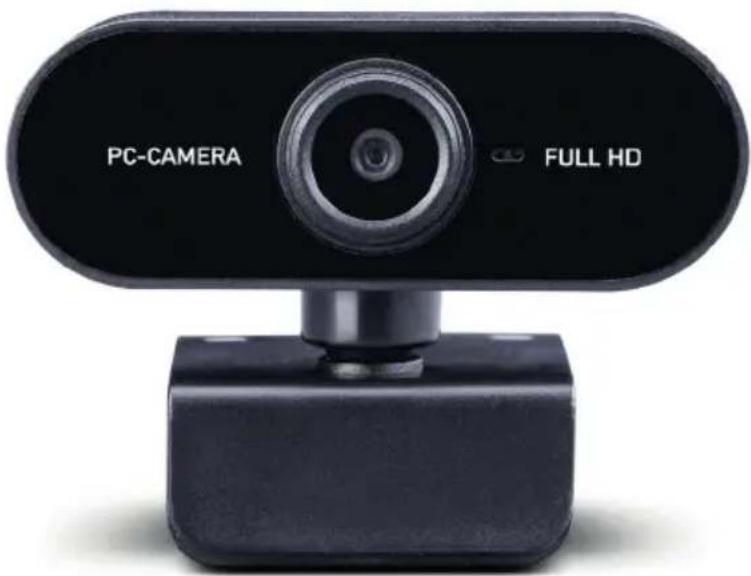
Webcam W199
natural_image
Laptop screen displaying a video call with four male speakers, showing interface icons and charts (no readable text or symbols)2 Deutsch
2. Produktübersicht
natural_image
Simple line drawing of a stick figure with no text or symbolsnatural_image
Simple line drawing of a mechanical device with no text or symbolsnatural_image
Line drawing of a laptop computer with a cable pointing to its screen (no text or symbols)4. Technische Daten
MOVING COMMUNICATION
Webcam W199
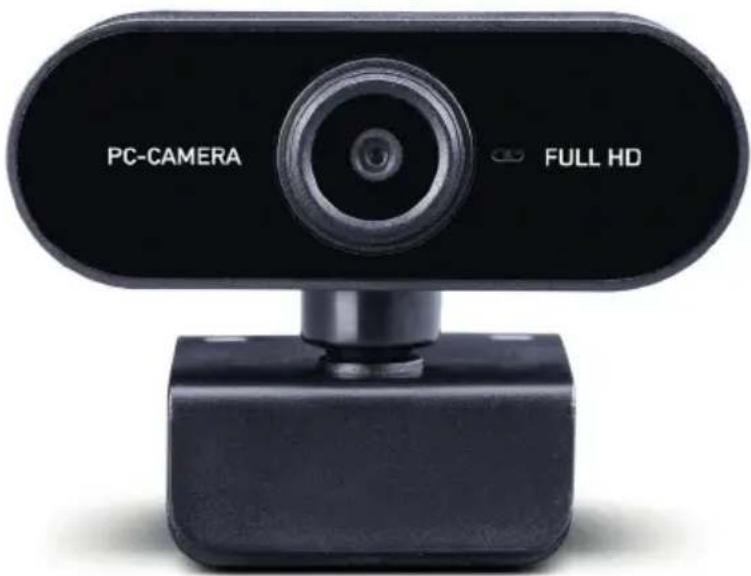
Manual / English
1. Table of content
- Table of content 8
- Product overview....9
- Installation 10
- Technical data....11
- Warranty and Recycling Information ....11
- WEEE and Recycling 11
- Service Address And Technical Hotline 12

natural_image
Laptop screen displaying a video call with four participants, showing interface icons and charts (no readable text or symbols)8 English
2. Product overview
Please take some time to familiarize yourself with the functions of the webcam.
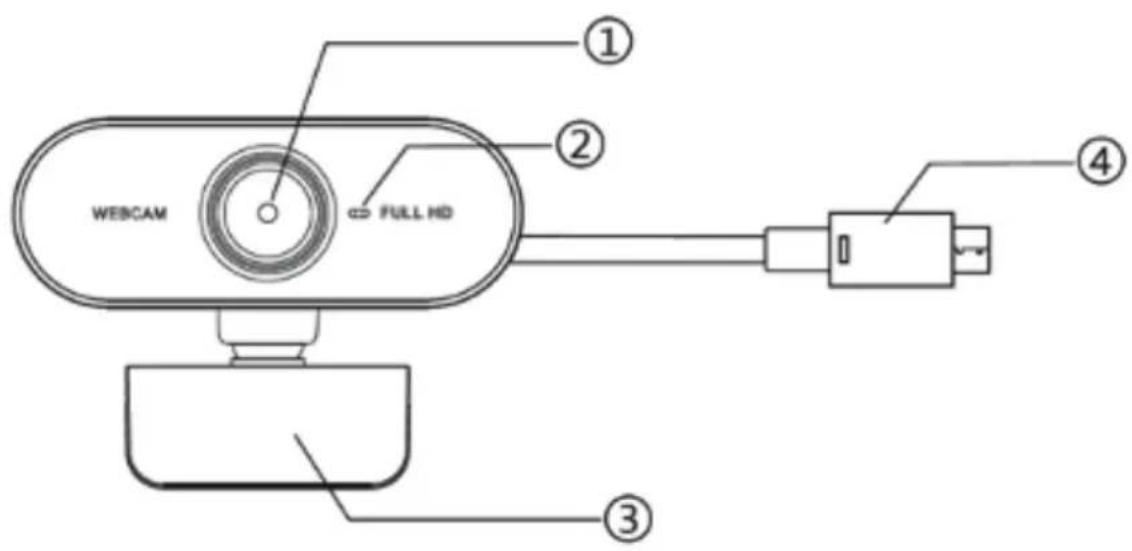
| 1 Lens / Full HD 1080p (1920 x 1080) | |
| 2 integrated microphone | |
| 3 stand / mounting bracket for the monitor | |
| 4 USB | 2.0 connection cable |
3. Installation
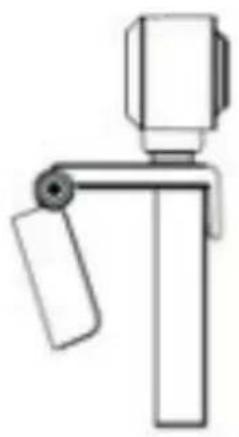
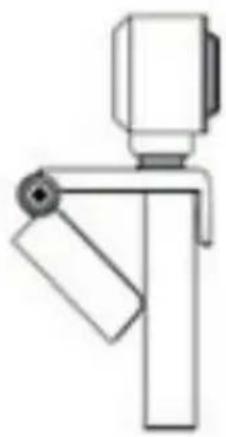
Attach the camera to the stand and point the camera in your direction.
natural_image
Simple line drawing of a stick figure with no text or symbolsAttach the camera mount to the top edge of your monitor by pressing the bottom of the mount against the back of the screen.
natural_image
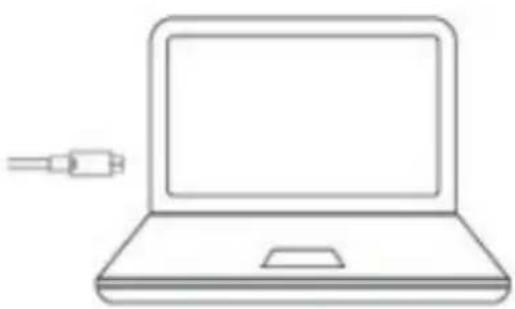
Simple line drawing of a mechanical device with no text or symbolsConnect the camera to your computer using the USB 2.0 cable. Wait a moment for the camera to be recognized by your operating system.
If your laptop has an internal camera, check that you have selected the Midland W199 in the settings before the next video conference.
natural_image
Line drawing of a laptop computer with a cable pointing to its screen (no text or symbols)4. Technical data
| Driver Plug and Play, therefore no driver necessary | |
| Photo Format BMP | |
| Sensor Type CMOS | |
| Recommended screen distance 90cm | |
| USB cable length ≥ 140cm | |
| Resolution 1980 x 1080 | |
| Connection USB 2.0 | |
| Microphone Integrated | |
| Product size 70mm * 50.7mm * 40mm | |
| Supported devices Windows 2000, XP, Vista, Win7, Win8, Win10, macOS, Linux | |
5. Warranty and Recycling Information
We are legally obliged to include disposal and warranty information. Please find this information on the following pages.
2-Year Warranty from Date of Purchase
The manufacturer/retailer guarantees this product for two years from date of purchase. This warranty includes all malfunctions caused by defective components or incorrect functions within the warranty period excluding wear and tear, such as exhausted batteries, scratches on the display, defective casing, broken antenna and defects due to external effects such as corrosion, over voltage through improper external power supply or the use of unsuitable accessories. Defects due to unintended use are also excluded from the warranty.
Please contact your local dealer for warranty claims. The dealer will repair or exchange the product or forward it to an authorized service center. You can also contact our service partner directly. Please include your proof of purchase with the product and describe the malfunction as clearly as possible.
6. WEEE and Recycling

The European laws do not allow any more the disposal of old or defective electric or electronic devices with the household waste. Return your product to a municipal collection point for recycling to dispose of it. This system is financed by the industry and ensures environmentally responsible disposal and the recycling of valuable raw materials.
7. Service Address and Technical Hotline
Do you have diffi culties putting your new webcam into operation? Do you need help with the connection or operation?
Please do not simply return the newly purchased product, but call us. Our technicians will be happy to help you. High-quality technical devices are complex. Minor problems can usually be solved easily by telephone.
Contact our service hotline by phone +49 6103 9481 66 (regular costs for German landline) or e-mail service@albrecht-midland.de
Printing errors reserved.
Information in this user manual are subject to change without prior notice.
Brand : MIDLAND
Model : W199
Category : Webcam