
SHR2638-01 - Headphones PLANTRONICS - Free user manual and instructions
Find the device manual for free SHR2638-01 PLANTRONICS in PDF.


User questions about SHR2638-01 PLANTRONICS
0 question about this device. Answer the ones you know or ask your own.
Ask a new question about this device
Download the instructions for your Headphones in PDF format for free! Find your manual SHR2638-01 - PLANTRONICS and take your electronic device back in hand. On this page are published all the documents necessary for the use of your device. SHR2638-01 by PLANTRONICS.
USER MANUAL SHR2638-01 PLANTRONICS
natural_image
Black hard-top headset with earbuds and microphone, no visible text or symbols
PLANTRONICS.
SOUND INNOVATION™
Ruggedized Headsets
USER GUIDE
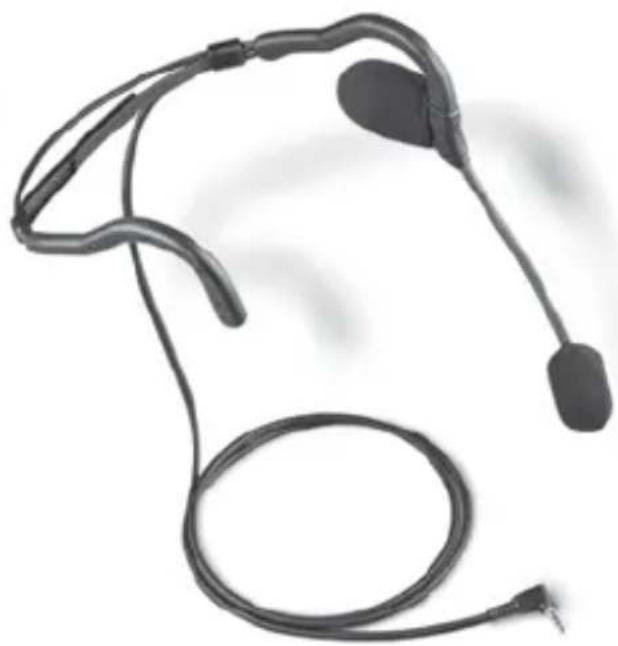
natural_image
Medical device with two earphones and a coiled cord, no visible text or symbolsWelcome to Hands-Free Communications from Plantronics
To obtain the maximum performance from your headset, please read the important information contained in this manual. It will help you become more familiar with the features and functions of the headset and its usage.
All SHR headset models are equipped with either electret or dynamic noise cancelling microphones. They provide a reduction in transmitted background noise of approximately 80% (about 18 dB).
On the circumaural models, the earcups provide approximately 22 dB of noise reduction on the covered ear.
IF YOU HAVE ANY QUESTIONS, PLEASE CALL PLANTRONICS: 1-800-544-4660

natural_image
Abstract grayscale gradient bands with curved lines, no text or symbols present- Position the foam cushion(s) over the center(s) of your ear(s).
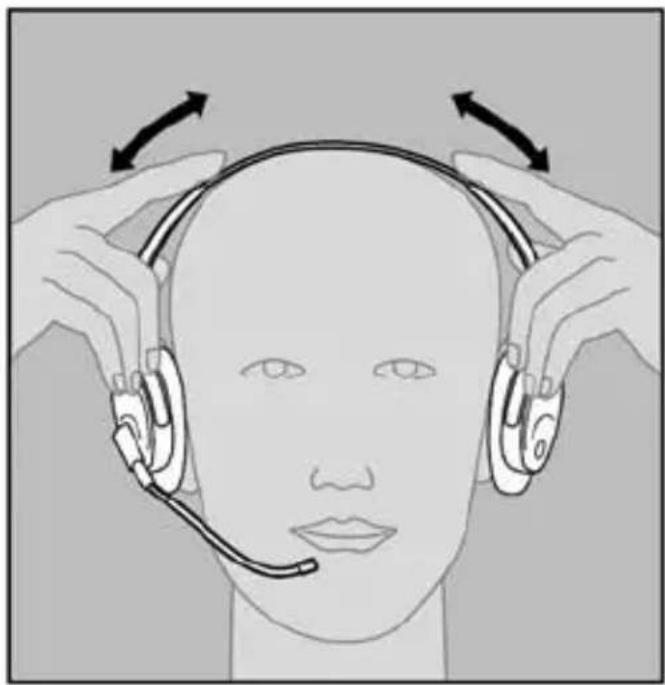
To adjust the headband, lengthen or shorten the band until it is most comfortable for you. The “clickstop” adjustment will keep the headband in that position. (Refer to Figure A)
-
On models with a stabilizer T-bar (only one ear cushion), position the T-bar above your ear.
-
On Behind-the-Head models, gently bend the earhooks until it is most comfortable for you. Adjust rubber headband strap to fit.
natural_image
Illustration of a person wearing a headset with arrows indicating head direction (no text or symbols)Figure A

natural_image
Abstract grayscale gradient background with diagonal lines and a curved white line at the bottom (no text or symbols)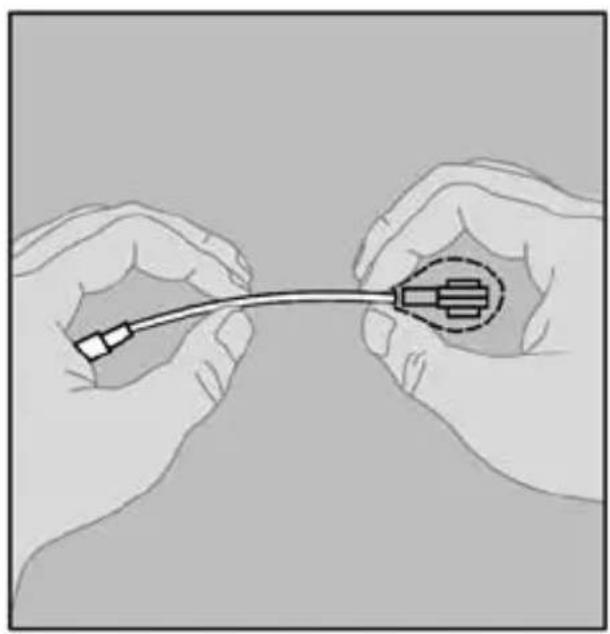
natural_image
Illustration of two hands holding a medical or laboratory device with a curved cable and connector (no text or symbols visible)Figure B
-
To adjust the boom, carefully shape it with both hands as shown. (Refer to Figure B)
-
Do not bend or twist the boom within 1/2" of the microphone or capsule.
-
Avoid repeated twisting of the boom.
-
Position the microphone approximately 1/2" from your face at the front corner of your mouth.
-
The microphone is covered by a protective windscreen which enhances the performance of the microphone.

natural_image
Abstract grayscale gradient bands with curved lines, no text or symbols present-
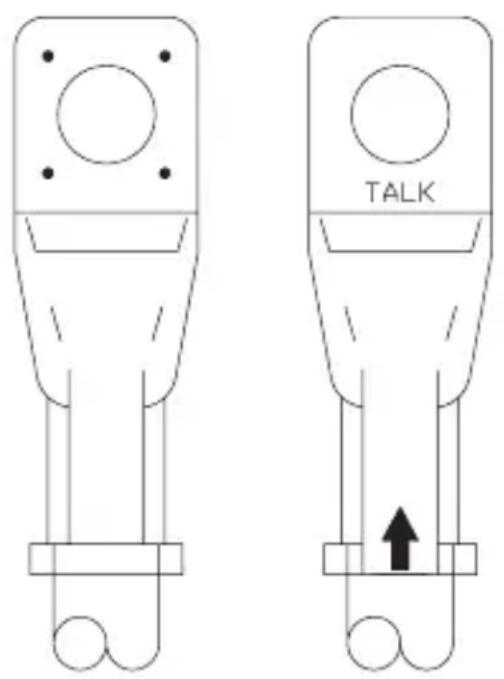
Make certain to speak into the front of the microphone. You may need to rotate the microphone in order to position the front of the microphone toward your lips. Speak into the side marked TALK. If this marking is obscured by the windscreen, temporarily remove it in order to determine which side is the front of the microphone. (Refer to Figure C)
-
Do not force the microphone arm beyond its limits.
text_image
TALKFigure C

natural_image
Abstract grayscale gradient background with curved white lines on a gray background (no text or symbols)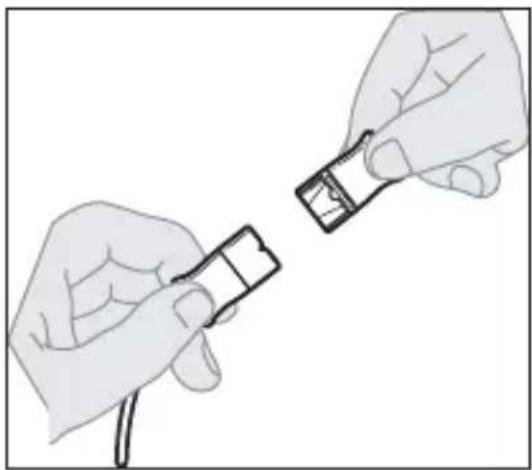
natural_image
Illustration of two hands holding a small electronic device (no text or symbols visible)Figure D
Many models are fitted with Plantronics Quick Disconnect (QD) cables which allow the user to easily detach the headset from the interface cable and/or amplifier assembly. (Other terminations are available upon request).
-
Before attempting to use your headset, be sure that the two Quick Disconnect cables are connected.
-
To disconnect, grasp the Quick Disconnect as shown and pull straight apart. (Refer to Figure D)

natural_image
Abstract grayscale gradient bands with curved lines, no text or symbols presentEar Cushions
for Ear Cup Headsets
(SHR 2083 and similar)
P/N: 90216-01
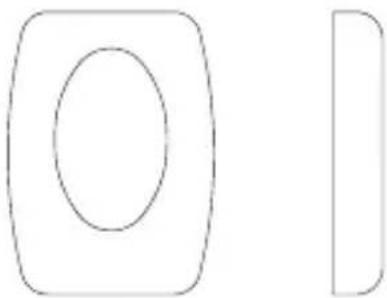
natural_image
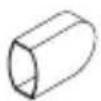
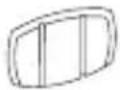
Simple geometric shapes: a rounded rectangle with an oval inside, and a partial rectangle with a vertical line (no text or symbols)Cushion, Speaker Cover, for BTH Headsets
(SHR 2379 and similar)
P/N: 90228-01
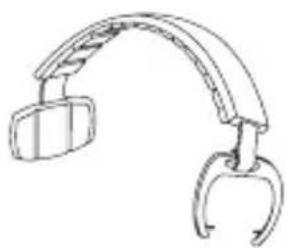
Headband, Monaural, for Ear Cup Headsets
(SHR 2082 and similar)
P/N: 90185-02
natural_image
Line drawing of a curved mechanical device with two hanging clips (no text or symbols)Windscreens, Microphone, for BTH Headsets
(SHR 2379 and similar)
P/N: 90227-01

Windscreens, Microphone, for Ear Cup Headsets
(SHR 2083 and similar)
P/N: 90227-02

Headband Arm Pad, for Monaural Ear Cup Headsets
(SHR 2082 and similar)
P/N: 90185-06
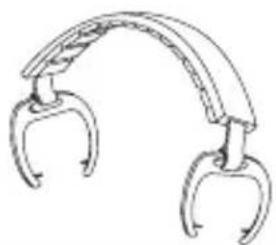
Headband, Binaural, for Ear Cup Headsets
(SHR 2083 and similar)
P/N: 90185-03
natural_image
Line drawing of a curved mechanical clamp or bracket with two metal hooks (no text or symbols)This warranty covers defects in materials and workmanship of Commercial Products manufactured, sold or certified by Plantronics which were purchased and used in the United States and Canada.
This warranty lasts for one year from the date of purchase of the Products.
This warranty extends to you only if you are the end user with the original purchase receipt.
We will, at our option, repair or replace the Products that do not conform to the warranty. We may use functionally equivalent reconditioned/refurbished/remanufactured/pre-owned or new Products or parts.
To obtain service in the U.S. contact Plantronics at 800-544-4660 and in Canada call 800-540-8363. If you need additional information, please contact our service centers at the numbers provided.
THIS IS PLANTRONICS COMPLETE WARRANTY FOR THE PRODUCTS.
This warranty gives you specific legal rights, and you may also have other rights which vary from state to state or province to province. Please contact your dealer or our service center for the full details of our limited warranty, including items not covered by this limited warranty.
Plantronics, Inc.
345 Encinal
Santa Cruz, CA 95060
United States
Tel: 800-544-4660
Tel: 831-426-5858
www.plantronics.com
© 2008 Plantronics, Inc. All rights reserved.
Plantronics, the logo design, Sound
Innovations, and Quick Disconnect are
trademarks or registered trademarks of
Plantronics, Inc.
Printed in U.S.A. 80392-01 (07.08)