619Fh - Screen AOC - Free user manual and instructions
Find the device manual for free 619Fh AOC in PDF.


Pick your language and provide your email: we'll send you a specifically translated version.
User questions about 619Fh AOC
0 question about this device. Answer the ones you know or ask your own.
Ask a new question about this device
No questions yet. Be the first to ask one.
Download the instructions for your Screen in PDF format for free! Find your manual 619Fh - AOC and take your electronic device back in hand. On this page are published all the documents necessary for the use of your device. 619Fh by AOC.
USER MANUAL 619Fh AOC
natural_image
Illustration of hands holding a black AOC monitor with a small display and a red arrow pointing to a circular base (no text or symbols)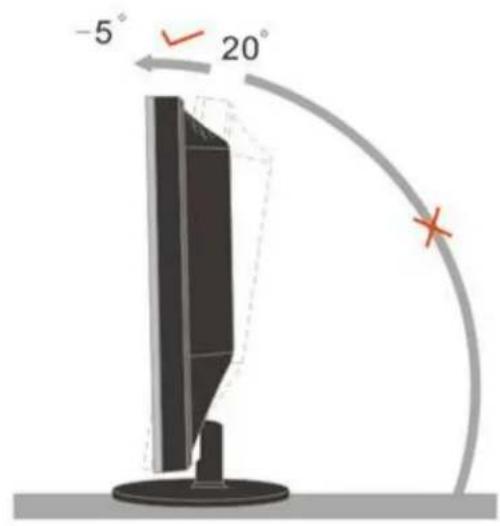
text_image
-5° 20°
text_image
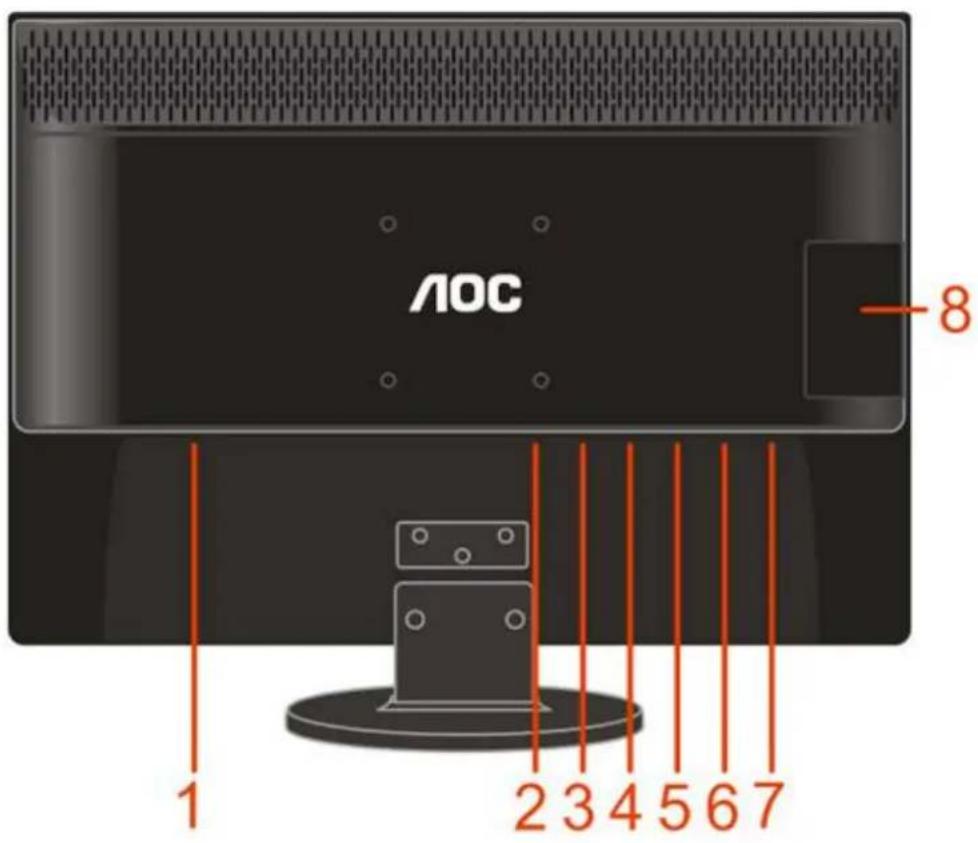
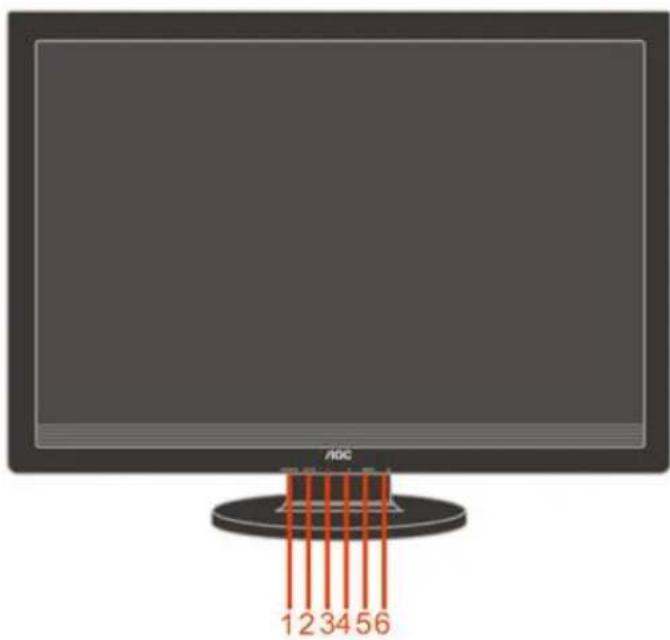
AOC 1 2 3 4 5 6 7 -8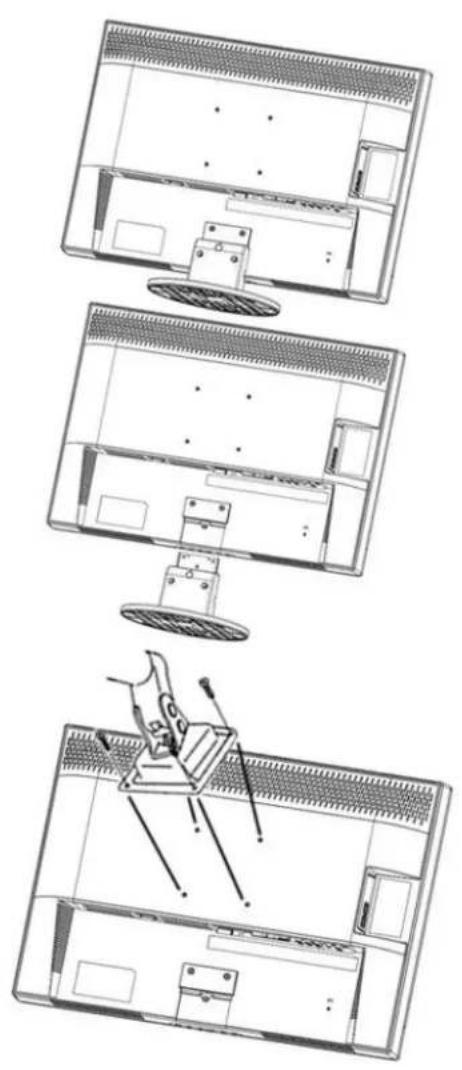
text_image
12 34 56Luminance








ЛОС

Dynamic Color Boost

flowchart
graph LR
    A["RGB Signal Input"] --> B["DCC Signal Analysis"]
    B --> C["ICM - Color Adjustment"]
    C --> D["Digital Signal Output"]
    D --> E["Panel Display"]
text_image
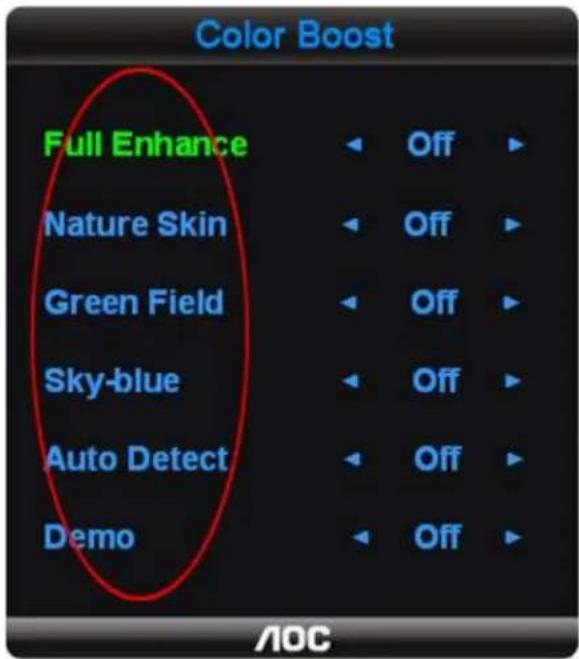
Color Boost Full Enhance Off Nature Skin Off Green Field Off Sky-blue Off Auto Detect Off Demo Off AOC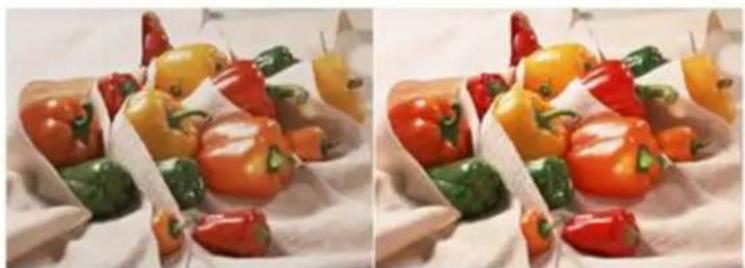
natural_image
Two side-by-side photos of assorted colorful bell peppers and chili peppers arranged on a white cloth (no text or symbols visible)OFF
ON

natural_image
Close-up portrait of a woman with short dark hair, hands touching her face (no visible text or symbols)OFF

natural_image
Close-up portrait of a woman with short hair, hands touching her face (no visible text or symbols)ON
natural_image
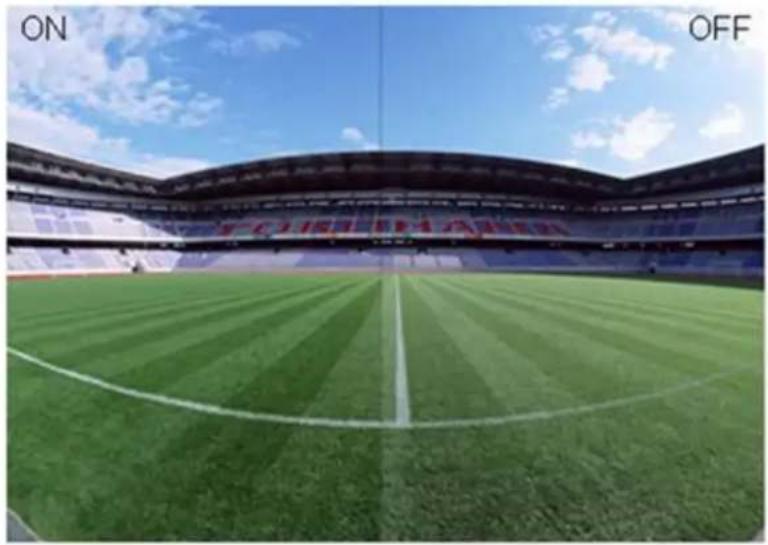
Interior view of a modern football stadium with green field and white lane markings under blue sky (no signage or text)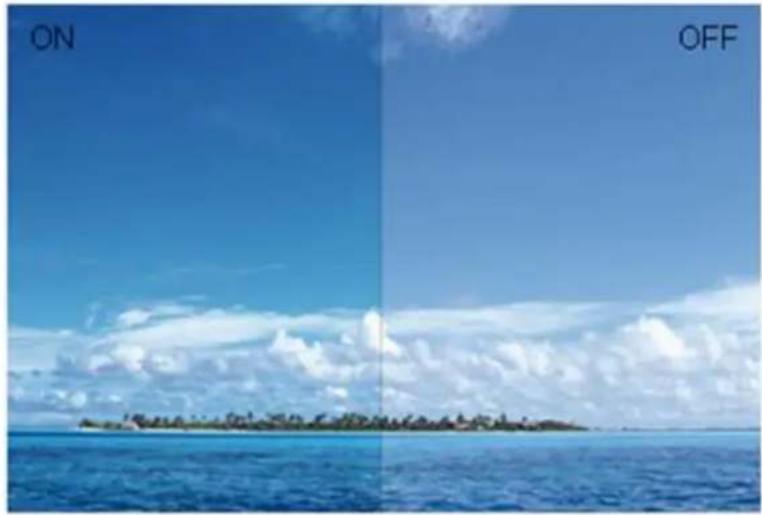
natural_image
Two-panel image showing a tropical island on calm blue water under a clear sky, labeled 'ON' and 'OFF' (no text or symbols on the island itself)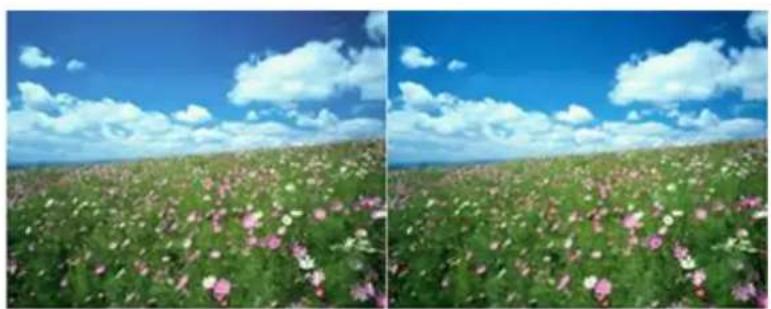
natural_image
Two-panel landscape photo showing a vast field of pink and white flowers under a blue sky with scattered clouds (no text or symbols)OFF
ON
natural_image
Two lion statues in a forest setting, one standing and one lying down (no text or symbols visible)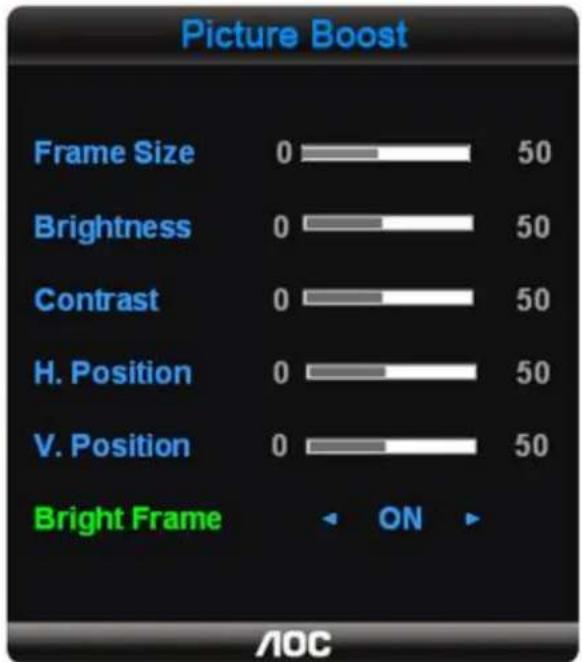
text_image
Picture Boost Frame Size 0 50 Brightness 0 50 Contrast 0 50 H. Position 0 50 V. Position 0 50 Bright Frame ON AOC
Dynamic Contrast Ratio
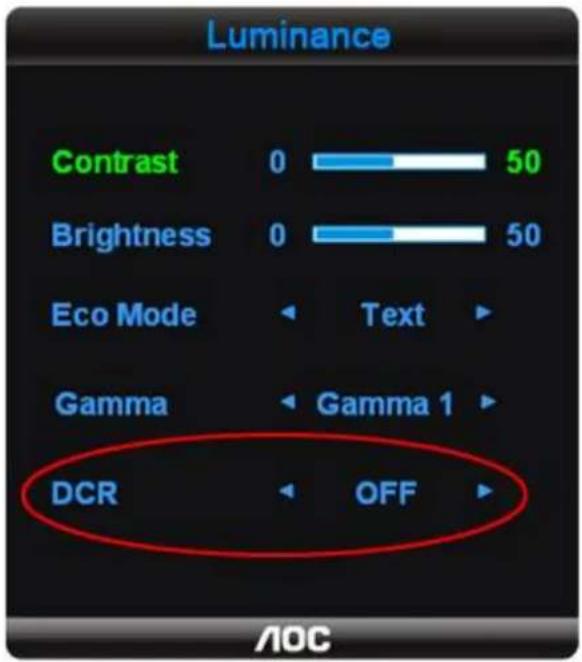
text_image
Luminance Contrast 0 50 Brightness 0 50 Eco Mode Text Gamma Gamma 1 DCR OFF AOC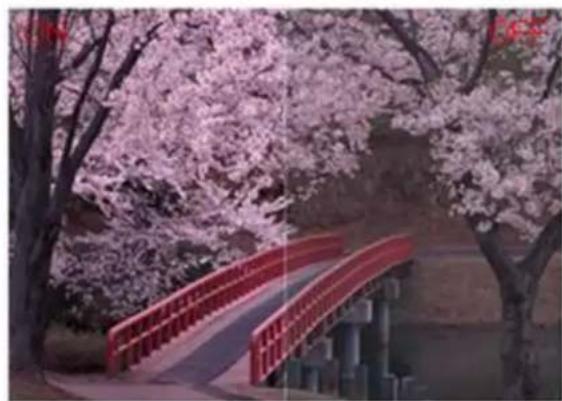
natural_image
Scenic view of a red arched bridge over a stone bridge, surrounded by blooming pink cherry trees (no text or symbols visible)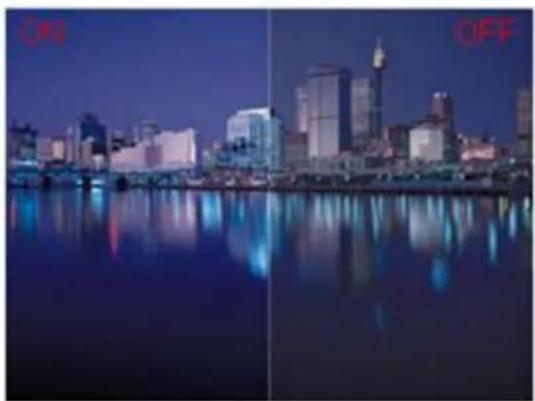
natural_image
Night cityscape with illuminated skyscrapers reflected in calm water, no visible text or symbols | |||
 | |||
 | |||
 | |||
 | |||
 | |||
 | |||
 | |||
 | |||
 | |||
 | |||
 | |||
 | |||
 | |||
 | |||
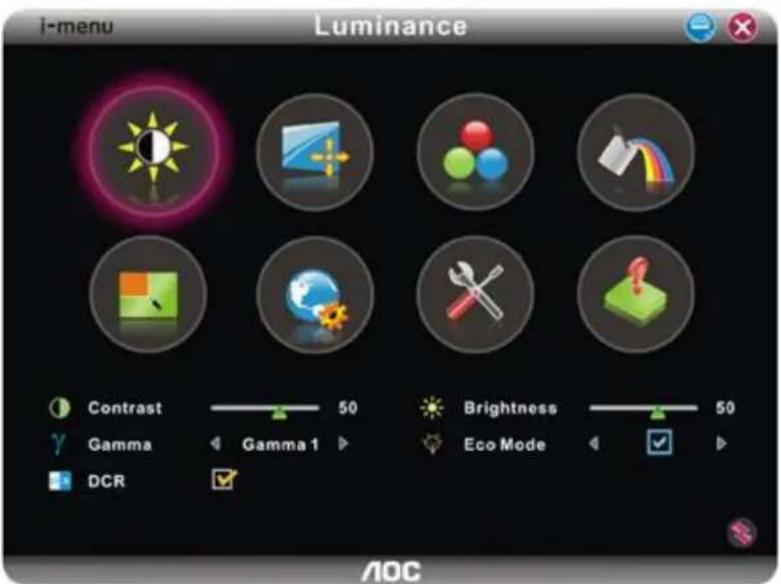
text_image
i-menu Luminance Contrast 50 Brightness 50 Gamma Gamma 1 Eco Mode DCR AOC | |||
 | |||
 | |||
 | |||
 | |||
 | |||
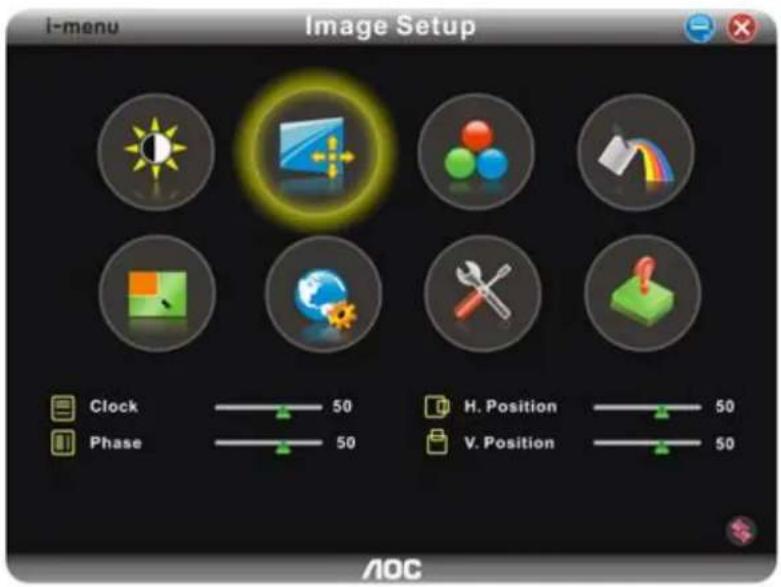
text_image
i-menu Image Setup Clock 50 H. Position 50 Phase 50 V. Position 50 AOC | ||||
 | ||||
 | ||||
 | ||||
 | ||||
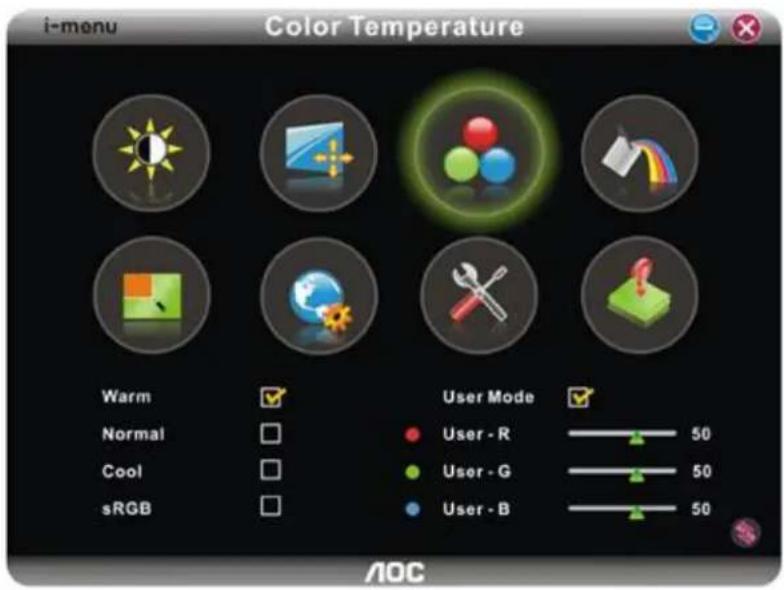
text_image
i-menu Color Temperature Warm Normal Cool sRGB User Mode User - R 50 User - G 50 User - B 50 AOC | |||
 | |||
 | |||
 | |||
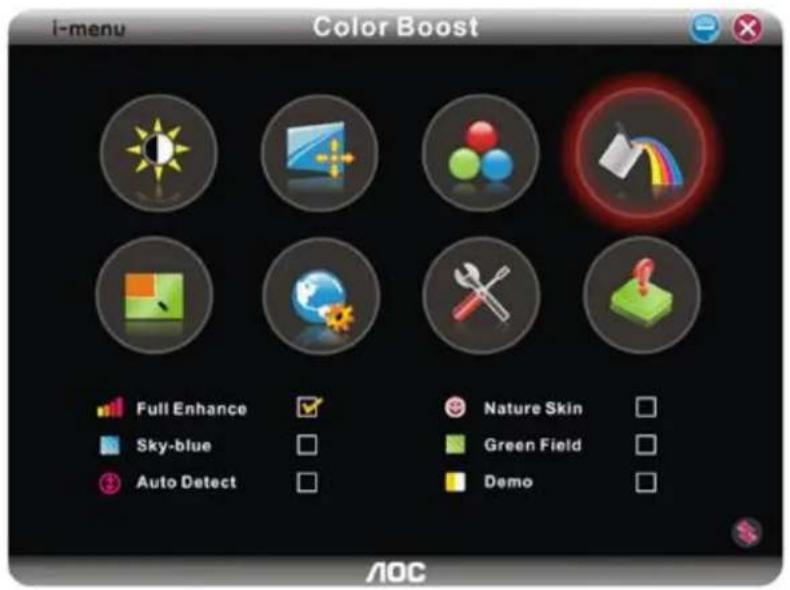
text_image
i-menu Color Boost Full Enhance Sky-blue Auto Detect Nature Skin Green Field Demo AOC | |||
 | |||
 | |||
 | |||
 | |||
 | |||
 | |||
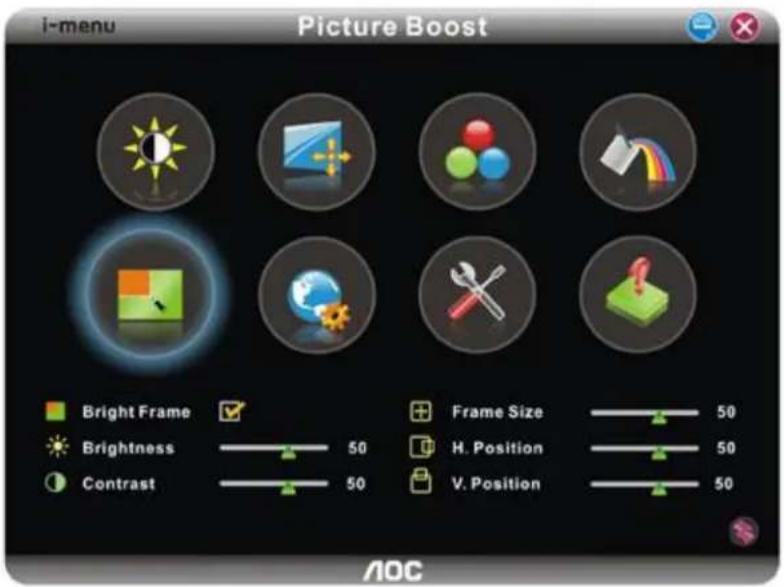
text_image
i-menu Picture Boost Bright Frame Brightness Contrast Frame Size 50 H. Position 50 V. Position 50 AOC | ||||
 | ||||
 | ||||
 | ||||
 | ||||
 | ||||
 | ||||
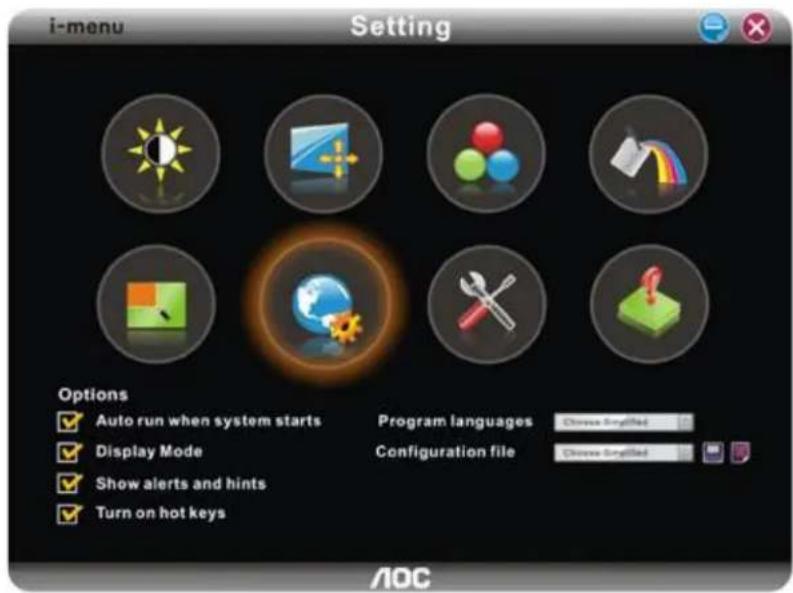
text_image
i-menu Setting Options ✓ Auto run when system starts ✓ Display Mode ✓ Show alerts and hints ✓ Turn on hot keys Program languages Choose Simplified Configuration file Choose Simplified AOC| Setting | Adjust Range | Description |
| Auto run when system starts | on or off | Sets auto run when system stars |
| Display mode | on or off | Enable or Disable to show pattern when adjusting |
| Shows alerts and hints | on or off | Enable or Disable to show alerts and hints |
| Turn in hotkeys | on or off | Enable or Disable hotkeys for pivot functions |
| Programm language | Select the programm language | |
| configuration files | Save or delete | Save or delete configuration files |
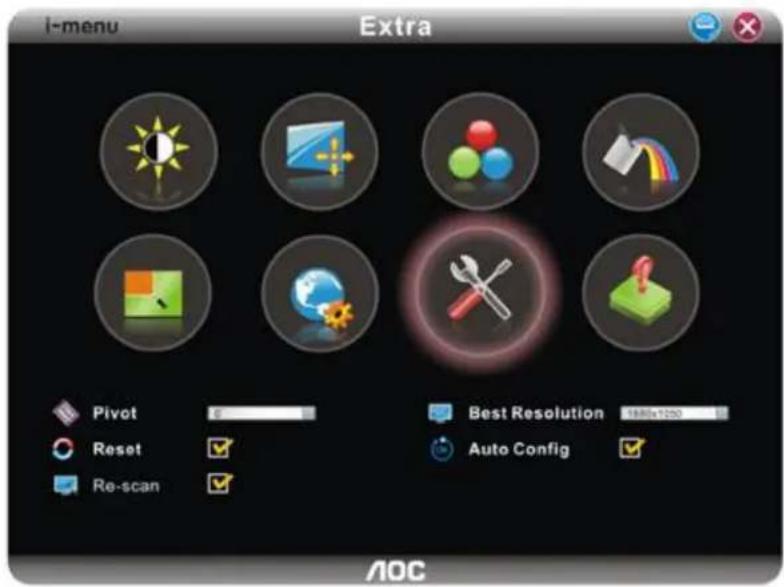
text_image
I-menu Extra Pivot Reset Re-scan Best Resolution Auto Config AOC| Extra | Adjust Range | Description | |
 | Pivot | 0, 90, 180, 270 degree | Select to pivot image |
 | Reset | yes or no | Reset the monitor settings to the factory defaults |
 | Re-Scan | yes or no | To re-scan Plug and Play monitor |
 | Best resolution | Select display resolution from preset mode | |
 | Auto Config | yes or no | Auto adjust the picture to default |
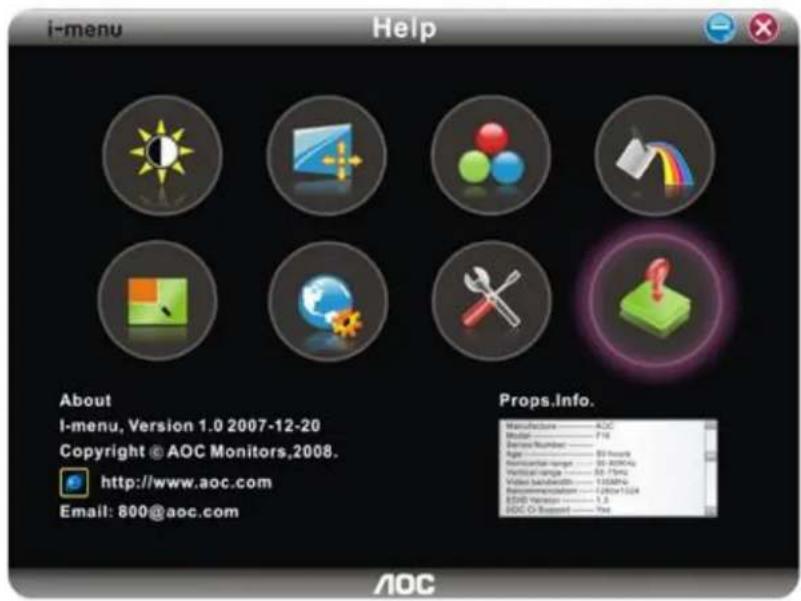
text_image
i-menu Help About I-menu, Version 1.0 2007-12-20 Copyright © AOC Monitors,2008. http://www.aoc.com Email: 800@aoc.com Props.Info. Manufacturer — AOC Model — F4 Device number — 50 Age — 30 hours Material range — 50-200kΩ Vertical range — 50-70m Video playback — 100MPa Recommendation — 120ms/150Hz EOP Version — 1.2 AOC O-Suppl — Yes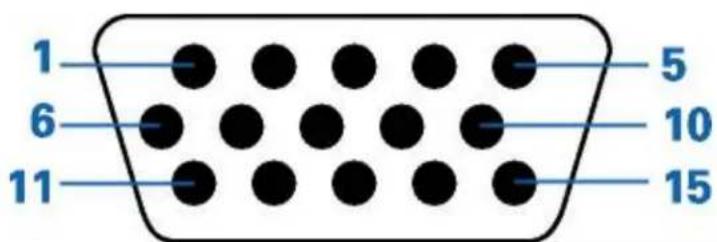
text_image
1 6 11 5 10 15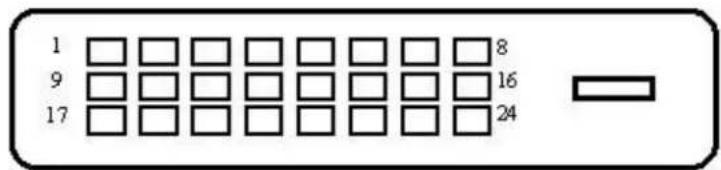
text_image
1 9 17 8 16 24