Smart Watch Spy Camera II - Security Camera KJB Security Products - Free user manual and instructions
Find the device manual for free Smart Watch Spy Camera II KJB Security Products in PDF.


| Product Type | Wearable hidden camera smart watch (Security Camera) |
| Display | Capacitive touch screen, OGS, stainless steel housing |
| Camera | Built-in camera for photo and video recording |
| Microphone | Built-in microphone for audio capture |
| Speaker | Built-in speaker for alerts and music |
| Connectivity | Bluetooth (BT) for sync with Android smartphones |
| NFC | Supported with provided NFC strap for fast Bluetooth pairing |
| Battery | Rechargeable lithium battery; charge 1-2 hours for full |
| Charging Port | Micro USB; use supplied cable or Android charger |
| Security Code | Default 1122; changeable in settings to protect privacy |
| Sync Software | Downloadable Android app (BTNotification) for message/call sync |
| Pedometer | Step counter, distance, calorie estimation |
| Sleep Monitor | Tracks sleep quality based on movement |
| Sedentary Reminder | Configurable reminder to move (recommended 1 hour interval) |
| Anti-Lost | Both watch and phone can alert when disconnected beyond range |
| Remote Camera | Use watch as remote trigger for phone camera |
| Music Player | Play local music or stream via Bluetooth from phone |
| Voice Recorder | Built-in voice recording function |
| Strap | TPU watch strap; NFC strap provided for NFC functionality |
| Compatibility | Android smartphones; some features require internet connection (QQ, browser) |
Frequently Asked Questions - Smart Watch Spy Camera II KJB Security Products
User questions about Smart Watch Spy Camera II KJB Security Products
0 question about this device. Answer the ones you know or ask your own.
Ask a new question about this device
Download the instructions for your Security Camera in PDF format for free! Find your manual Smart Watch Spy Camera II - KJB Security Products and take your electronic device back in hand. On this page are published all the documents necessary for the use of your device. Smart Watch Spy Camera II by KJB Security Products.
USER MANUAL Smart Watch Spy Camera II KJB Security Products
Please read the manual before use.
1. Safety Warning
◆ The information in this document won't be modified or
extended in accordance with any notice.
◆ The watch should be charging 2 hours at least before use. Security Code
◆ The original code is 1122, this code can prevent your watch in use by others without your permission.
◆ Please change the original code to insure your personal information safe.
2.Product details:
2.1 Product details
text_image
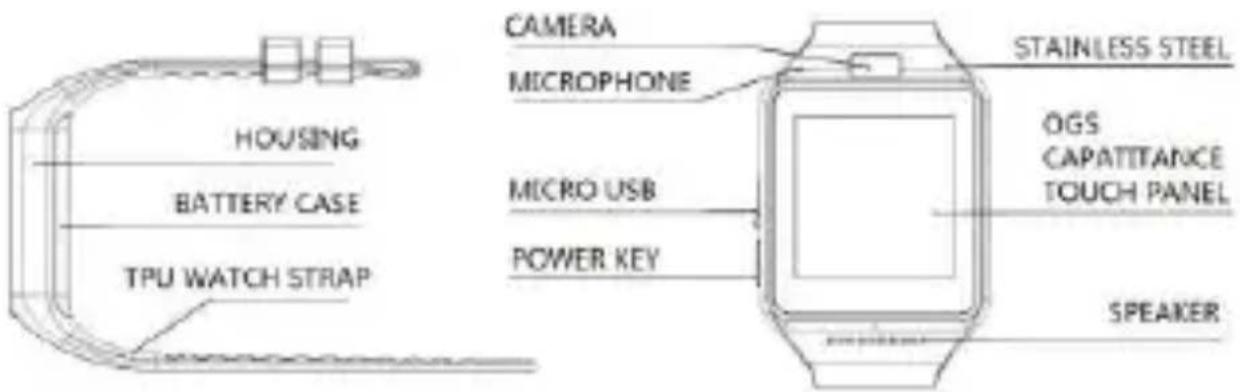
HOUSING BATTERY CASE TPU WATCH STRAP CAMERA MICROPHONE MICRO USB POWER KEY STAINLESS STEEL OGS CAPATTANCE TOUCH PANEL SPEAKERPower button: Power On/Off ; Awaken/turn off screen ; Back to main menu
USB port: Charging/Data ;
Touch screen: each function (main menu) will be shown and displayed on capacitive touch screen.
2.2 Products quick into
You can enter into next page by sliding screen to the left, and return to last page by sliding screen right; enter into the notice board after sliding from up to down, and return to main mean from down to up. It is will be in mistake for a click if the drag distance too short.
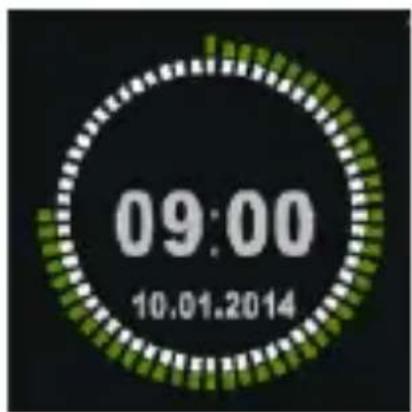
2.3 Clock Display
text_image
09:00 10.01.2014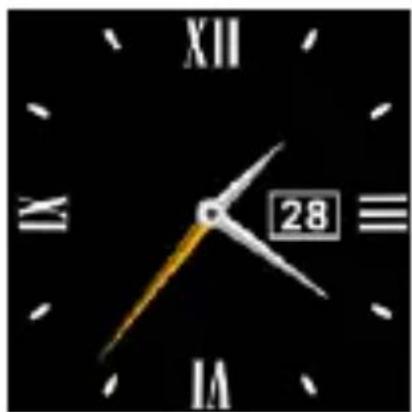
natural_image
Close-up of a black analog clock face showing time, hour, minute, and second (no text or symbols beyond numerals)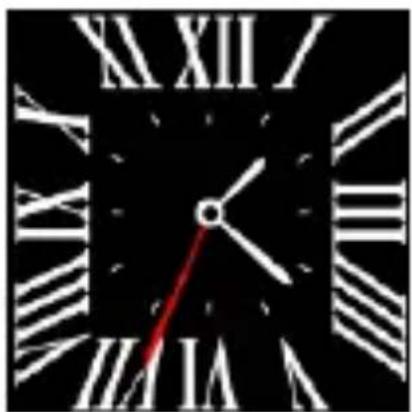
natural_image
Close-up of a black analog clock face showing Roman numerals and a red hand pointing to the 10th hour (no text or symbols beyond clock numerals)Setting method :
Method 1: Power on, when the phone in clock mode, please click middle screen and set different clock interfaces if you like.
Method 2:Power on, Main menu: setting--phone setting--standby menu display -- unlock selection, choose the clock mode if you like.
2.4 Product theme settings
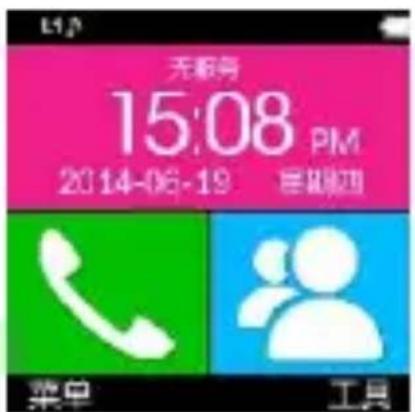
Main menu : Theme setting, choose the theme if you like.
2. Product quick use
3.1 Download the Sync software.
Scan QR code
down road the APP which can match your
android phone. This APP only use for the Sync between watch and phone, will not take your phone GPRS.
If you already download the related software, please check the version and use the newest related software in order to ensure all function normal use. Please update the software when it has new one.
3.2 Install and use the Sync software
Android Application installation :
Please install the android application in your smart phone. You can storage it into your phone memory or install by Sync assistant.
Android application usage (already installed)
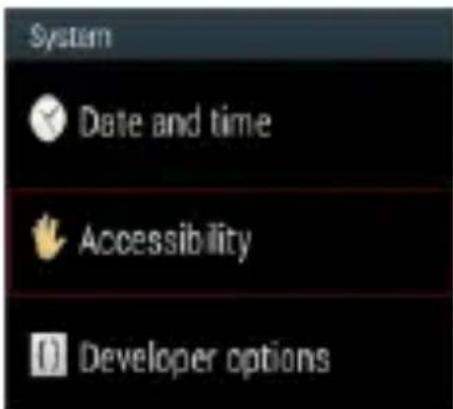
(Smart phone) Setting -- Accessibility—Enter into Bluetooth notice(service), enabled this service. (please choose “sure” when shown a warning notices ) the application runs on the background automatically and sync function will be switched on as below:
text_image
System Date and time Accessibility Developer options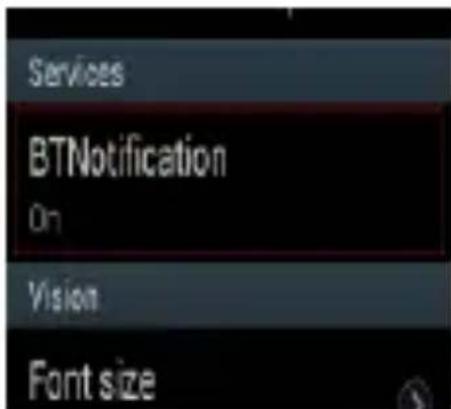
text_image
Services BTNotification On Vision Font sizeClick the Bluetooth notices and choose the Notification service, select your Personal or System application in Notify application.
Telephone service is including SMS, incoming call and seek watch.
Notice :
Please don't shut the Bluetooth notify service when you are
clearing software by background or close background application software. It will affect the Sync function between watch and phone if shut it.
3.3 Bluetooth Connection and Sync function
3.3.1 From phone to watch
Phone setting—turn on the Bluetooth --search for devices, please click pair devices when found APLUS, and also choose “yes” in your mobile phone, paired done.
Please choose “sure” when there is phone book request, meanwhile you’d better choose” no remind again”, this is convenience when you connect next time( without remind again),
Notice: The Sync software can open in sync APP already installed and Accessibility, the mobile will show Bluetooth connected done after 2-5min;the watch will inform you the time of Sync with phone, than the Sync switched on. The message will sync to you watch when it incoming to mobile.
3.3.2 From watch to phone
BT Dialer on APLUS—search new device—found your smart watch
(such as s9500) -- connect. The processes of next are same with 3.3.1
3.4 Base function
3.4.1 Message
Sync phone or watch message.
3.4.2 Bluetooth
Sets the Bluetooth status, turn on/off.
3.4.3 Calls records
You can check your phone call records after you connect with the Bluetooth.
Shown all records including miss call, dialed calls and receive call; You can check the date, time and phone number of the miss call after you choose it, but only can call this number.
3.4.4 BT dialer
Paired devices from smart watch
3.4.5 Remote notifier
When there is SMS, incoming messages from QQ and other
applications on the connected phone, the watch phone will alert you to read them.
3.4.6 Remote cameras
Use phone camera take photos, but remote by watch, its need switch on the camera of phone in advance.
3.4.7 Anti lost
Watch seek phone, or phone seek watch.
3.4.8Setting
Notice: sets clocks display and theme in phone setting. In the security Settings, the safe code is 1122.
3.4.9 Pedometer
It can be adopted as a tool to avoid insufficient or excessive exercise by
measuring calories or calories consumption based on collected data, such
as number of steps, distance, speed, time, etc., to control exercise.
If you want return to main menu but keep pedometer during the exercise, please press the power button.
3.4.10 Sleep monitor
Show your sleep quality base on your sleep times.
3.4.11 Sedentary remind
You can set a time to remind you up to do some exercise, we suggest you this time could be one hours.
3.4.12 Quick response
It can download sync software when scan the quick response, if there is a new version need to update, please contact with our servicer, our company will provide a new link for your download.
3.4.13Smart search
Search information about watch
3.4.14 Alarm
3.4.15 Calendar
3.4.16 Calculator
3.4.17Profiles
3.4.18 File manager
3.4.19 Audio player
Can play music from local or smart phone after connect with Bluetooth.
3.4.20Theme setting
3.4.21 Camera
3.4.22 Video recorder
3.4.23 Image viewer
3.4.24 Video player
3.4.25 Sounder recorder
3.4.26Phone QQ
QQ need your phone has SIM card and can surf the Internet.
3.4.27 Browser
Browser need your phone has SIM card and can surf the Internet.
3.4.28 SIM tool
4.NFC function。
4.1, Operating Environment。
4.1.1 Please use our NFC strap, if you change the strap you can not use this feature.
4.1.2 Use with your NFC mobile phones or other support NFC function terminal.
4.1.3 Use of NFC noce: First install APK le of NFC such as: NFC Task Launcher etc.
4.2, How to fast connection of smart phone.
4.2.1 Use our NFC strap and make you smart phone Bluetooth is turn on.
4.2.2 Unlock NFC of your smart phone.
4.2.3 The position of NFC on the strap close to smart phone can fast finish the bluetooth connection.
4.3
Create NFC function.
Sample:
Mobile model: Millet 2A
software : NFC Task Launcher.
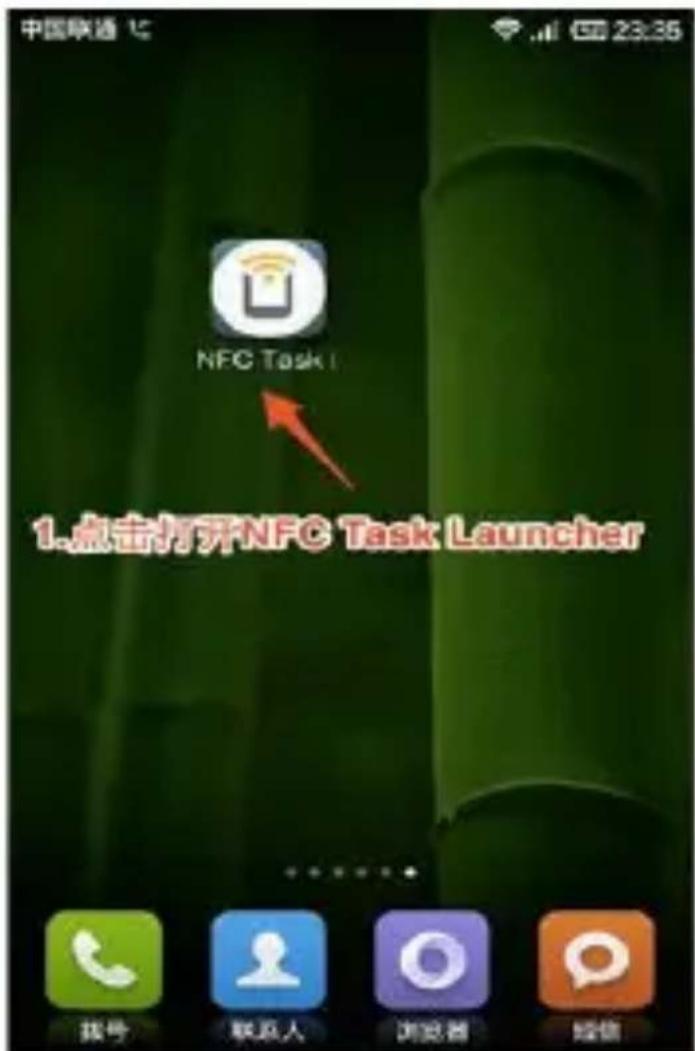
might be the mobile NFC antenna and NFC tags are not aligned, you can move back and forth the mobile phone to confirm the position of the antenna until written to success.
5. Notice
5.1 Full charge before use, the charge time need 1-2 hours.
5.2 Use the accessories cable and charger, or your android phone accessories.
5.3 Bluetooth will disconnect when exceed the distances, after switch on the Anti lost, the smart search function can't be use before reconnect with Bluetooth.
5.4 Please reconnect with BT if it's disconnected occasionally (please Manual connect if the Bluetooth disconnect over 5 minutes). Please agree the phone book Sync otherwise there is no called phone book.
5.5 When playing the music, some of music's name can shown and some can't, it is normal, because android phone are difference.
6. Common trouble shooting
Please refer below key function for any problems with the watch, if the problem is still unsolved, please contact with our dealer or serviceman appointed.
6.1 Unable to switch on
The time of press the power button too short, please keep it more than 3 seconds.
Low power, please charge it.
6.2 Shut down automatically
Low power, please charge the watch
6.3 Using time too short.
Battery is not full, please make sure it is full power (full charge need 2 hours at least).
During the use of SIM card, the power will be run off soon if the signal too poor.
6.4 Unable to charge.
The battery's life will be reduce after few years, please check if the battery are work.
Change a new charger if it is unworkable.
Please check the USB slot connecting good, if no, please try again.
6.5 No caller's name when incoming call
Forgot to choose upload the phone book when connected with BT, or unselected keep upload the phone book.
Forgot to sync the phone book when reconnected, please pair the
device and connect BT again.
5.6 Bad phone call voice.
Watch and phone are separated too far, please be more close ;Bad signal of BT.
Bad signal of your own phone call place, please change a more better place for phone call.