
Alpha T10 - Smartwatch Martian - Free user manual and instructions
Find the device manual for free Alpha T10 Martian in PDF.


| Product Type | Smartwatch with analog and digital display |
| Brand | Martian |
| Model | Alpha T10 |
| Dimensions | Approximately 42mm case diameter |
| Weight | Approximately 60 g |
| Power Source | Lithium polymer rechargeable battery (smart features), separate coin cell for analog movement |
| Charging | USB charging cable to computer or USB wall adapter (sold separately) |
| Battery Life | Up to 7 days on a full charge (smart features) |
| Display | Analog dual dials with digital OLED screen |
| Connectivity | Bluetooth 4.0 for smartphone pairing |
| Compatibility | iOS (iPhone) and Android smartphones |
| App | Martian Watch Alerts app available on App Store and Google Play |
| Key Functions | Notifications (calls, messages, apps), voice commands, silent alarms, world clock, weather, find phone |
| Controls | Crown for analog time setting, two side buttons for power on/off and pairing |
| Water Resistance | Not specified; avoid submersion |
| Operating Temperature | 10°C to 30°C (50°F to 90°F) for storage; avoid >35°C (95°F) |
| Cleaning | Wipe with a soft, dry cloth; avoid chemicals |
| Safety | Keep away from extreme temperatures and moisture; charge every 6 months if stored |
| Spare Parts / Repairability | Battery replacement by manufacturer or authorized service only |
| Warranty | Contact manufacturer at martianwatches.com/support |
Frequently Asked Questions - Alpha T10 Martian
User questions about Alpha T10 Martian
0 question about this device. Answer the ones you know or ask your own.
Ask a new question about this device
Download the instructions for your Smartwatch in PDF format for free! Find your manual Alpha T10 - Martian and take your electronic device back in hand. On this page are published all the documents necessary for the use of your device. Alpha T10 by Martian.
USER MANUAL Alpha T10 Martian
natural_image
Close-up of a black wristwatch with visible branding and front latches (no readable text beyond brand name)QUICK CONNECT GUIDE
Complete User Manual is available at martianwatches.com/manual
Charging the Watch
Plug the charging cable into your computer's USB port (or a power outlet via a USB wall adapter, sold separately). For the 1st charge, let the watch charge over night or until the green LED light appears. To check the battery level, simply press the bottom right button.
Warning: Due to the nature of the Lithium polymer rechargeable battery, a Martian Watches lithium battery that is inactive for over one year may fall into a deep discharge state or could cause the battery to permanently lose it's ability to charge. For long-term storage, please be sure to charge and discharge your Martian Watch at least once every six months to prevent a decrease in battery performance; store your Martian Watch in a dry place with low humidity and at temperature range of 10^ C to 30^ C , 50 to 90 ~F ; avoid exposure to temperatures higher than 95^ F (35°C).
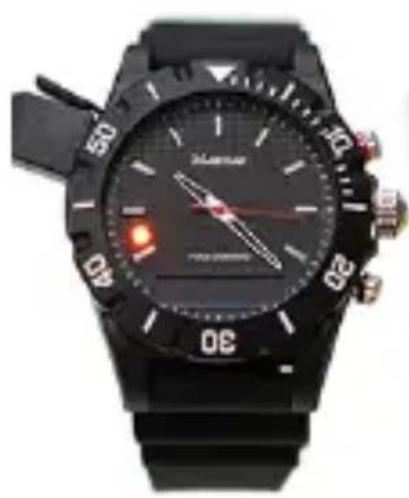
natural_image
Close-up of a black wristwatch with dual dials and a red hand pointer, showing no visible text or symbols.Charging
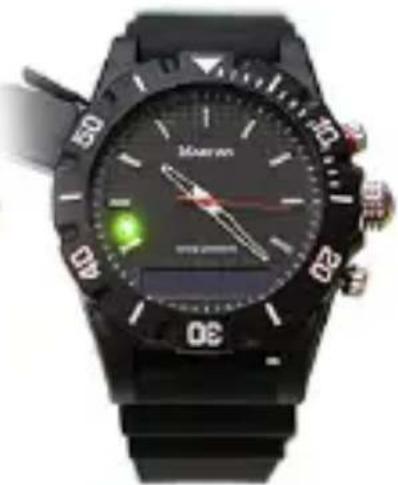
natural_image
Close-up of a black wristwatch with digital display and green indicator light (no readable text or symbols)Complete
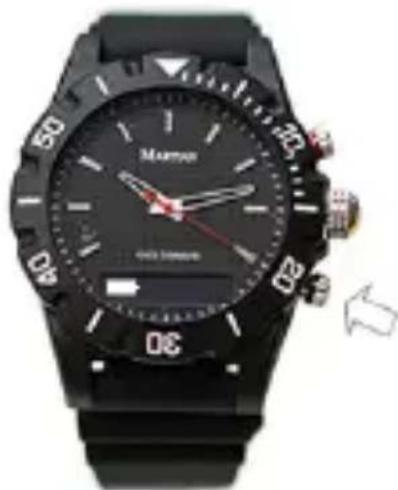
natural_image
Black wristwatch with digital display showing time, speed, and control buttons (no readable text or symbols beyond brand name)Check Battery
Setting the Time
Gently pull out the crown and rotate it to set the time. When the time is set, push the crown back in until you hear a click.
The watches analog movement is powered by a different battery than the one that provides the smartwatch features.
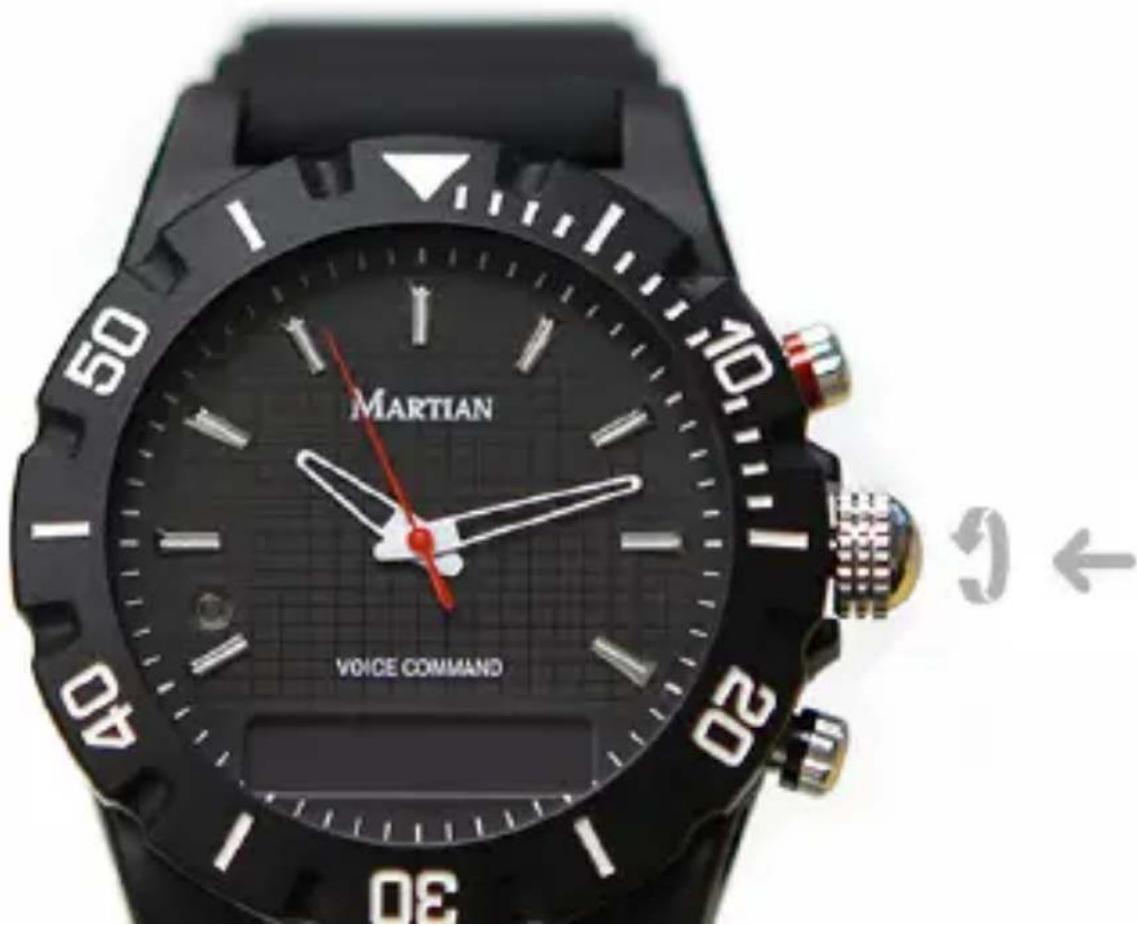
text_image
MARTIAN VOICE COMMANDDownload Martian App
Go to App Store on your iPhone or Google Play Store on your Android smartphone to download the blue Martian Watch Alerts app.
The Martian Watch Alerts app allows you to select the notifications you want, vibration patterns, call features, silent alarms, world clock display, weather and many other settings.

text_image
MTurning Your Watch On / Off
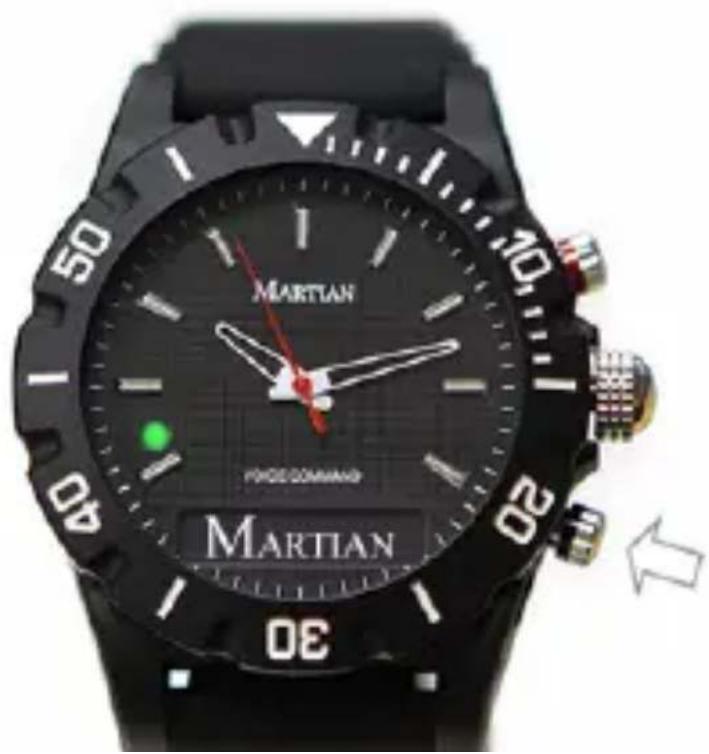
Press and hold the Bottom Right Button for 2 seconds to turn On or Off your Martian watch.
The LED light blinks green & displays "MARTIAN" when it turns ON. The LED blinks red & displays "Goodbye" when it turns OFF.
text_image
MARTIAN FORCE COMMAND MARTIAN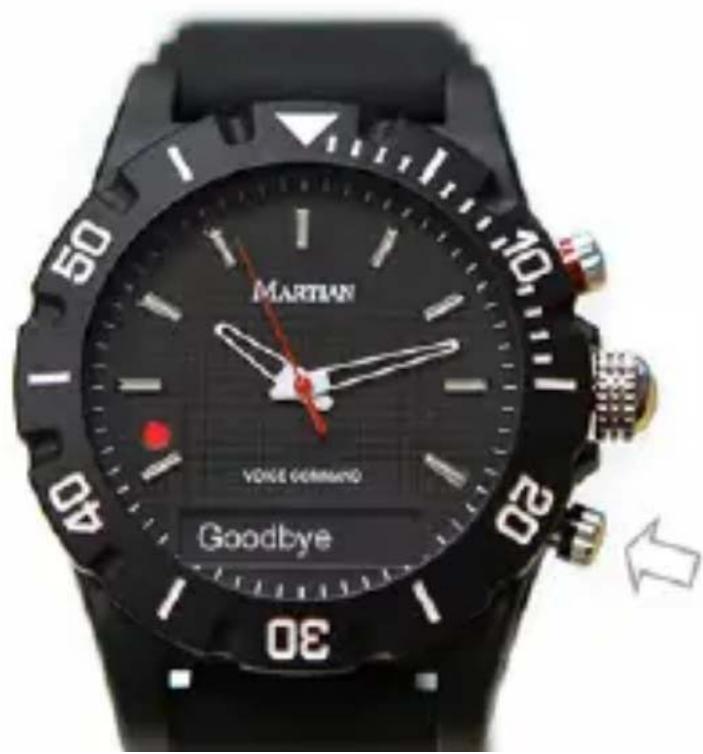
text_image
MARTIAN VOICE COMMAND GoodbyePair your Watch to iOS Devices
- Close the Martian Watch Alerts app from running in the background
- On your iPhone, go to Settings > Bluetooth and make sure Bluetooth is "On"
- On your Watch, press and hold upper button until you see "Pair Ready"
- You will see "Martian Watch" show up on your Bluetooth list
- Tap on "Martian Watch", which initiates the Bluetooth Voice Connect
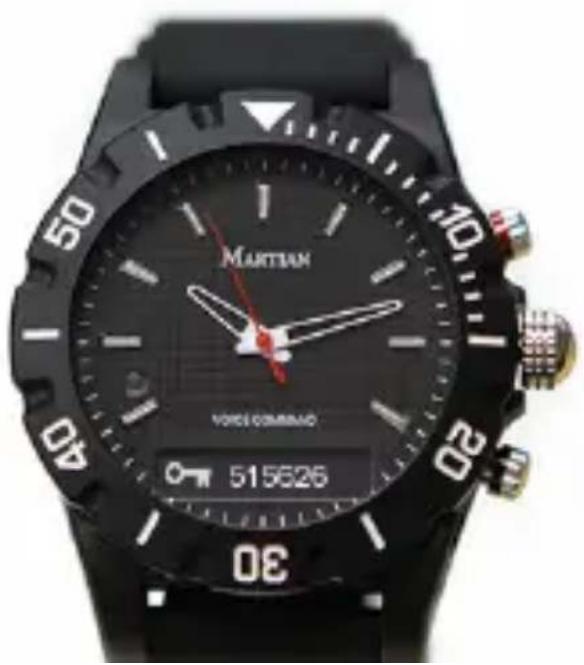
- 6 unique digits will appear on both devices. Select "Pair" if they match
natural_image
Close-up of a black wristwatch with 'MARTIAN' branding and 'VOICE COMMAND' display (no readable text beyond brand name)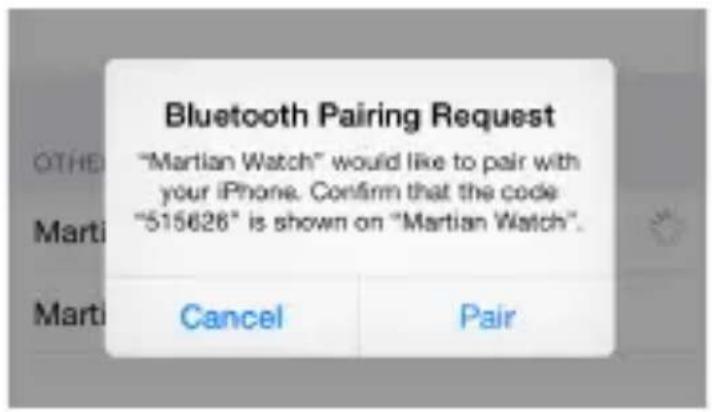
text_image
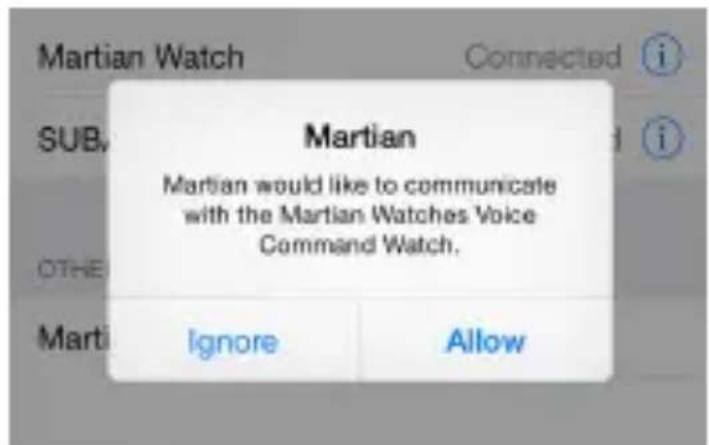
Bluetooth Pairing Request "Martian Watch" would like to pair with your iPhone. Confirm that the code "515626" is shown on "Martian Watch". Cancel Pair- A pop up message will ask permission to communicate. Tap on "Allow"
text_image
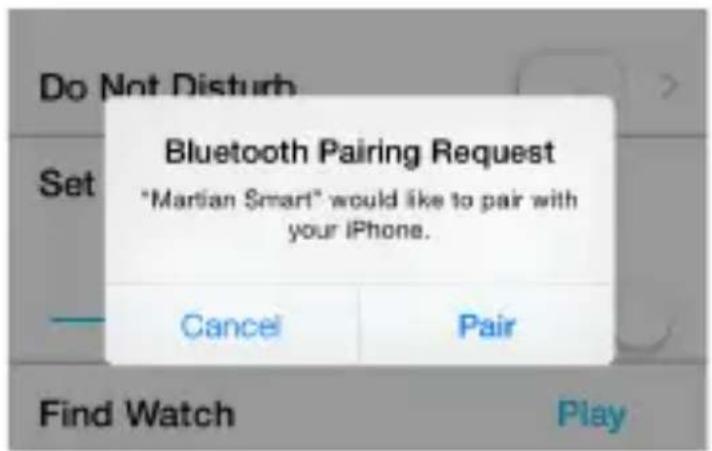
Martian Martial would like to communicate with the Martian Watches Voice Command Watch. Marti Ignore Allow- Martian Watch Alerts app will open, a pop up message "Bluetooth Pairing Request" will appear. Select "Pair"
text_image
Do Not Disturb Set Bluetooth Pairing Request *Martian Smart" would like to pair with your iPhone. Cancel Pair Find Watch PlayPair your Watch to Android Devices
- On your Phone, go to Settings > Bluetooth and make sure Bluetooth is "On"
- On your Watch, Press and hold upper button until you see "Pair Ready"
- On your Phone, tap on “Scan for devices”
- You will see "Martian Watch" show up on your Bluetooth list
- Tap on "Martian Watch" to initiate the connection
- 6 unique digits will appear on both devices. Select "Pair" if they match

natural_image
Close-up of a black wristwatch with 'MARTIAN' branding and 'VOICE COMMAND' display (no readable text beyond brand name)Bluetooth pairing request
To pair with "Martian Watch", make sure it is showing this passkey: 652456
CANCEL
PAIR
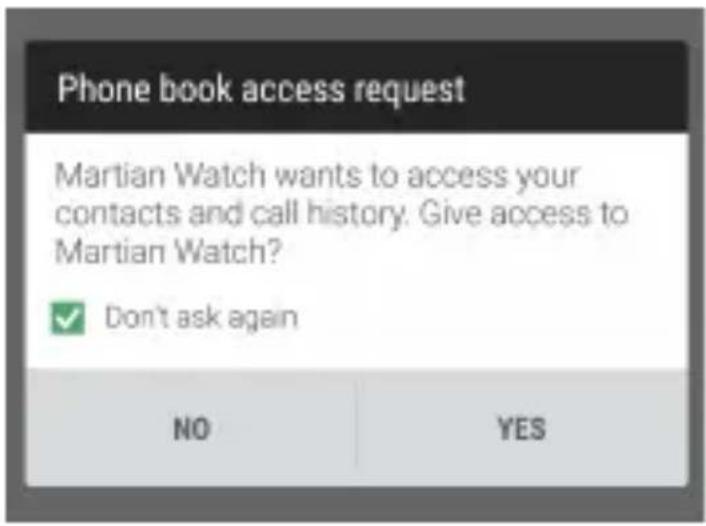
- Tap "Accept" or "Allow" all pop up messages that request for permission
- Open Martian App Home menu. Tap on "Connect"
text_image
Phone book access request Martian Watch wants to access your contacts and call history. Give access to Martian Watch? ✓ Don't ask again NO YES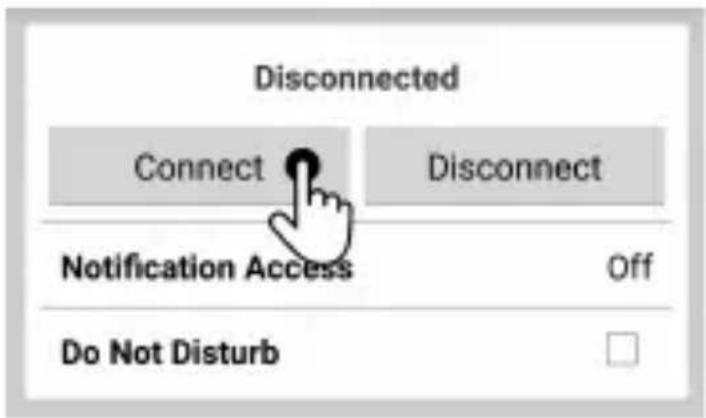
text_image
Disconnected Connect Disconnect Notification Access Off Do Not DisturbSupport
Visit MartianWatches.com/support to register your product, access the User Manual, F.A.Q, watch Online Tutorial Videos, download firmware update and contact us for further assistance.
Regulatory and Legal
©2015 Martian Watch, Martian Watches, Martian, the M logo, and Voice Command Watch are trademarks of Martian Watches, 18 Technology, Suite 143, Irvine, CA 92618. All rights reserved.
Product images are simulated and for instructional purposes only. They may differ from the actual product and are subject to change without notice. Your use of Martian Watches is subject to the Martian Watches Safety, Regulatory & Legal Terms located in the User Manual. The Bluetooth® word mark and logos are registered trademarks owned by Bluetooth SIG, Inc. and any use of such marks by MARTIAN WATCHES is under license. Other trademarks and trade names are those of their respective owners.
“Made for iPod,” “Made for iPhone,” and “Made for iPad” mean that an electronic accessory has been designed to connect specifically to iPod, iPhone, or iPad, respectively, and has been certified by the developer to meet Apple performance standards. Apple is not responsible for the operation of this device or its compliance with safety and regulatory standards. Please note that the use of this accessory with iPod, iPhone, or iPad may affect wireless performance. iPod, iPad, iPhone and Siri are trademarks of Apple Inc., registered in the U.S. and other countries.
Portions of this page are reproduced from work created and shared by the Android Open Source Project and used according to terms described in the Creative Commons 2.5 Attribution License. Android is a trademark of Google Inc.
This guide is published by MARTIAN WATCHES, without any warranty. Improvements and changes to this guide necessitated by typographical errors, inaccuracies of current information, or improvements to programs and/or equipment may be made by MARTIAN WATCHES at any time and without notice. Such changes will, however, be incorporated into new editions of this guide. All rights reserved.