USER MANUAL FRS 1380 R Trevi
natural_image
Black and white photo of a Trecu-branded headphones with a compact mouse (no visible text or symbols)
FRS 1380 R
MANUALE D'USO
USER GUIDE
MULTILANGUAGE
ENGITA DEUFRA ESP
natural_image
Pure electrical connector diagram without any text or symbols
Cavo Jack-Jack
natural_image
Pure electrical connector diagram without any text or symbols
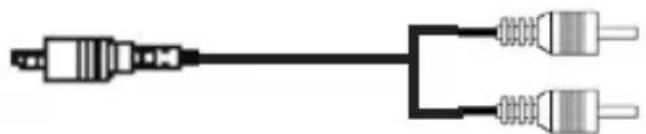
Cavo Jack-RCA
natural_image
Pure technical line drawing of a 3D mechanical component with no text or symbols

natural_image
Pure electrical connector diagram without any text or symbols
- Listen at high volume for a long time, can damage your hearing.
-
Avoid placing the player:
-
Near magnetic fields.
- Near sources of heat such as heaters and stoves.
- In very humid places such as bathrooms, swimming pools, etc...
- In dusty places.
-
In areas subject to strong vibration.
-
Place the device so that its sides there is always enough space for the free movement of air (at least 5 cm).
- If liquids penetrate inside the device immediately disconnect the plug from the socket and take it to the nearest service center autorizzato TREVI.
• Always check before recharging the unit, the power and connection cables are installed correctly.
- No naked sources, such as lighted candles, should be placed on this.
- The apparatus shall not be exposed to dripping or splashing water and no object filled with water, such as vases, should be placed on the unit.
- Keep this manual for future reference.
DESCRIPTION OF CONTROLS AND ACCESSORIES
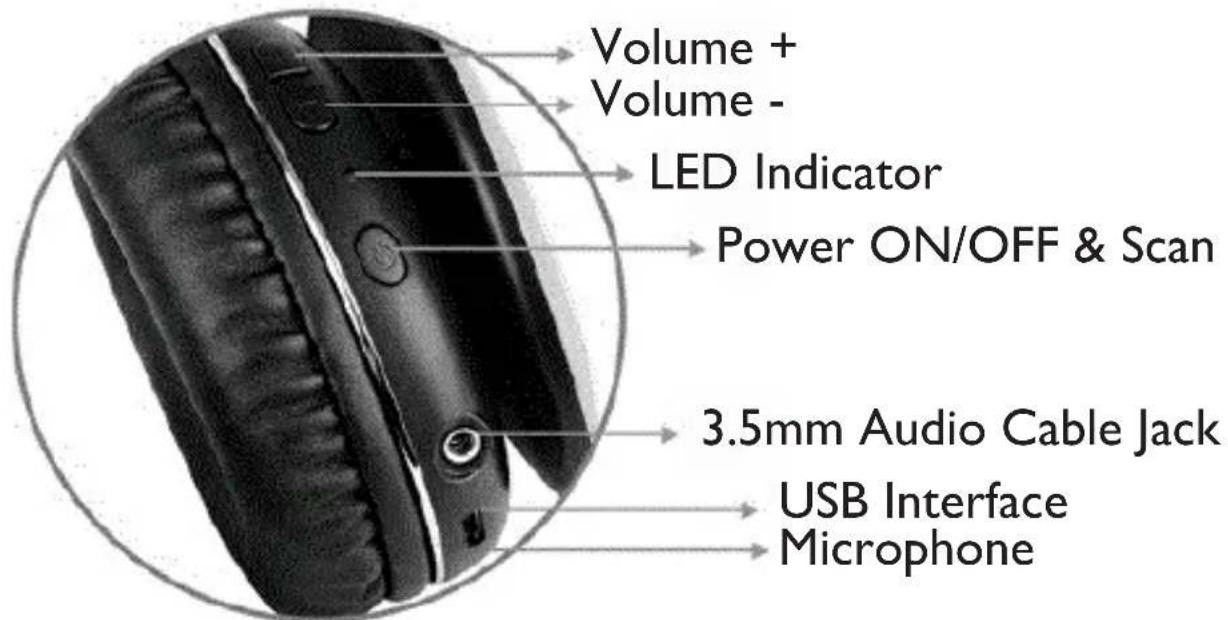
Headphones
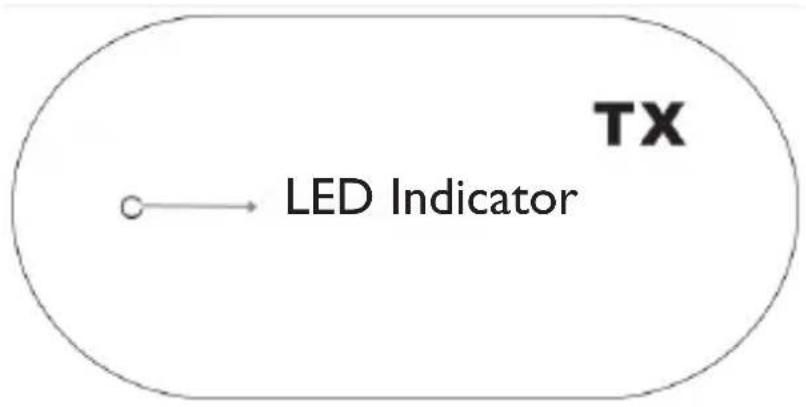
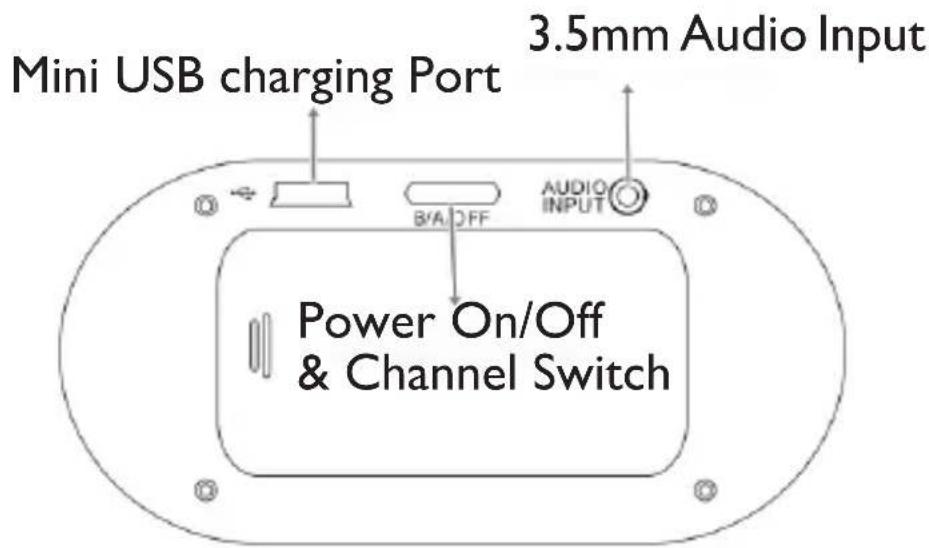
Transmitter Details
PAG.10
JACK-JACK CABLE AND RCA-JACK CABLE

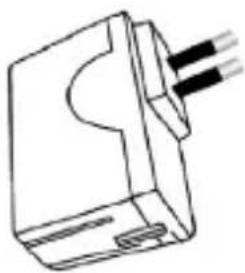
POWER ADAPTER AND POWER CORD
natural_image
Simple line drawing of a 3D electrical connector with three leads (no text or symbols)

natural_image
Pure electrical connector diagram without any text or symbols
Micro USB/ USB power cable for charging headphone battery
Power supply with Mini USB cable for transmitter battery recharge
INSTRUCTION FOR USE
Connect the power adapter to the MINI USB charging port on the transmitter.
Connect your audio source to the transmitter using 3.5mm audio cable. To start listening, adjust the volume of the audio at half the intensity in your player.
Turn the B/A/OFF button to A or B channel to power on the transmitter and switch channels.
The blue LED will light up to indicate the transmitter power on. Press the Power ON/OFF button to power on the headphone, the LED will light up to indicate the headphone power on and light color is red. Press the Power ON/OFF button again to scan the signal from the transmitter. Lower the volume, before putting on the headphones to avoid a very loud volume. If the audio quality is not adequate or if interference is heard, select another
channel on the transmitter B/A/OFF button and press the Power ON/OFF button on the headphones again to scan the signal from the transmitter. The headphones are automatically disconnected after 10 minutes if no signal detection or the volume is very low. To avoid this, increase the volume of your audio source.
Wired headphone
Switch the headphone Power On/Off button to turn off the headphone, input the audio source from the audio input port, then enjoy music with the wired headphone.
HEADPHONE CHARGING
To recharge the headphone battery, connect the supplied Micro USB cable to the Micro USB socket on the headphone and connect the other end to a 5V, IA power supply (not included) with USB socket. During the charging phase the LED light will stay blue, when the charging is finished, the light will turn off.
WARNING FOR THE CORRECT USE OF THE RECHARGEABLE BATTERY
- Charge the battery at a temperature between 5^ C and 35^ C.
- Do not extend the charge beyond the indicated times to avoid the risk of overheating and bursting.
- Charging the battery beyond the indicated times or a prolonged period of inactivity can reduce its duration.
- The rechargeable battery is subject to wear and its capacity gradually decreases.
- To prolong the life of the battery, use it when it is fully charged until it is completely discharged, then recharge it comple-
tely again before using it again.
Charging a battery that is not completely exhausted will shorten its life. In this case, repeat the complete loading/unloading cycle several times.
Attention: the removal and disposal operation is reserved exclusively for specialized technical personnel!
Whatever the type of exhausted battery, it must not be thrown in the household waste, in the fire or in the water. Each type of exhausted battery must be recycled or disposed of in the appropriate dedicated collection centers.
To remove the batteries:
I. Remove the cushion from hall L;
2. Remove the plastic frame by prizing the hollow and slightly bending the plastic hooks (being careful not to break them);
3. Locate the battery and remove it. Replace it with one of equal capacity and characteristics.
TECHNICAL FEATURES
Transmitter:
Power supply: 5V, IA-
Transmission frequencies: 863,3/864,5MHz
Transmission power: 8dBm
Modulation: FM
Headphone:
Power supply: 5V, 500mAh
Battery: 3,7V, 420mA Li-battery
Working frequencies: 863,3/864,5MHz
Receiving sensitivity: ....>15dbuV
Receive frequency response: 60HZ\~14,000HZ
THD: ....<1%
S/N Ratio: ....>70db
Transmission range: 10 meters in open space
Auto shut down: ...... after 10 minutes of
no signal
Weight: 205 gr
NOTES POUR UTILISATION
natural_image
Pure electrical connector diagram without any text or symbols
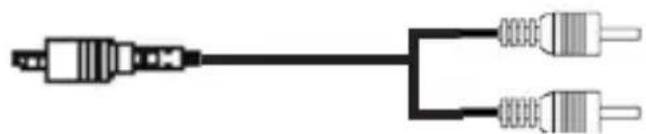
Cable Jack-Jack
natural_image
Pure electrical connector diagram without any text or symbols
Cable Jack-RCA
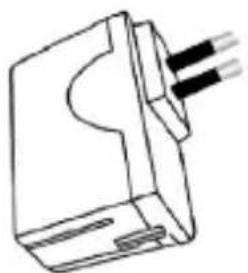
ADAPTATEUR ET CORDON D'ALIMENTATION
natural_image
Pure technical line drawing of a mechanical component with no text or symbols

natural_image
Pure electrical connector diagram without any text or symbols
Modulation: ...... FM
Casque:
Alimentation: 5V, 500mAh
Batterie: 3,7V, 420mA Li-batterie
natural_image
Pure electrical connector diagram without any text or symbols
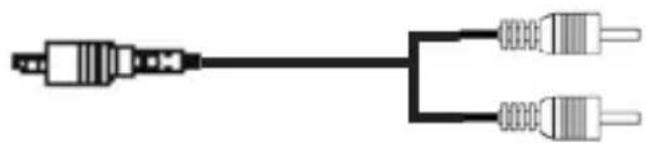
Kabel Klinke/Klinke
natural_image
Pure electrical connector diagram without any text or symbols
natural_image
Simple line drawing of a mechanical component with three protruding pins (no text or symbols)

natural_image
Pure electrical connector diagram without any text or symbols
Modulation: ...... FM
Kopfhörer:
natural_image
Pure electrical connector diagram without any text or symbols
Cable Jack-Jack
natural_image
Pure electrical connector diagram without any text or symbols
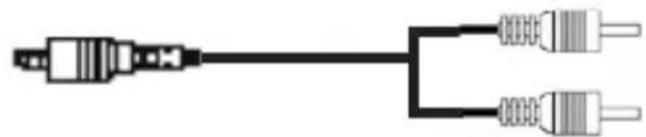
Cable jack-RCA
natural_image
Simple line drawing of a mechanical component with three wires inserted (no text or symbols)

natural_image
Pure electrical connector diagram without any text or symbols
"Implementation of Directive 2012/19/EU on Waste Electrical and Electronic Equipment (WEEE)"
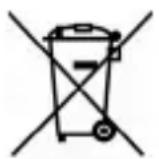
This wheeled bin symbol on the product indicates that at the end of its life must be collected separately from other waste. The user must, therefore, take the remote control integrates the essential components that got to its life to the appropriate differentiated collection centers for electronic and electro-technical waste, or return it to the dealer when purchasing a new appliance of equivalent type, in terms of one to one, or one to zero for equipment having longer side of less than 25cm. Appropriate separate collection for the decommissioned equipment for recycling, processing and
environmentally compatible disposal helps prevent negative impact on the environment and human health and promotes recycling of the materials making up the product. Illegal dumping of the product by the user entails the application of administrative sanctions stated in Legislative Decree n. Legislative Decree No. 49 of March 14, 2014.
Hereby TREVI Spa declares the equipment type FRS 1380 R is in compliance with directive 2014/53/EU.
The full text of the EU declaration of conformity is available at the following internet address: https://www.trevi.it/dms/zidi/TREVI/DOCFRS1380R.pdf



Made in CHINA


