DH052EAV1 - Air-conditioner SAMSUNG - Free user manual and instructions
Find the device manual for free DH052EAV1 SAMSUNG in PDF.


User questions about DH052EAV1 SAMSUNG
0 question about this device. Answer the ones you know or ask your own.
Ask a new question about this device
Download the instructions for your Air-conditioner in PDF format for free! Find your manual DH052EAV1 - SAMSUNG and take your electronic device back in hand. On this page are published all the documents necessary for the use of your device. DH052EAV1 by SAMSUNG.
USER MANUAL DH052EAV1 SAMSUNG
■ Safety Precautions 3
■ View of the Indoor unit 8
◆ RECOMMENDATIONS FOR USE
■ Periodical Checks 10
■ Protections enabled by the Unit control system.... 11
■ Operating Recommendations 12
■ Operating Limits 13
■ Cleaning Your Air Conditioner 14
■ Solving Common Problems 15
Correct Disposal of This Product (Waste Electrical & Electronic Equipment)
(Applicable in the European Union and other European countries with separate collection systems)
This marking shown on the product or its literature, indicates that it should not be disposed with other household wastes at the end of its working life. To prevent possible harm to the environment or human health from uncontrolled waste disposal, please separate this from other types of wastes and recycle it responsibly to promote the sustainable reuse of material resources.
Household users should contact either the retailer where they purchased this product, or their local government office, for details of where and how they can take this item for environmentally safe recycling.
Business users should contact their supplier and check the terms and conditions of the purchase contract.
This product should not be mixed with other commercial wastes for disposal.
Safety Precautions
The following safety precautions are provided to protect the users' safety and prevent property damage. Make sure to read the followings and use the air conditioner properly.
Keep this user's manual together with the installation manual in a handy place so that you can find it whenever you need to see it after reading this manual thoroughly.
WARNING
• This indicates the possibility of serious injury or death.
WHEN INSTALLING
natural_image
Cartoon illustration of a car being stopped by an open box (no text or symbols)Do not install the unit in a place where it is exposed to inflammable gas leakage.
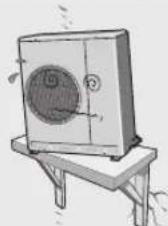
Do not install the outdoor unit where there's the risk of dropping such as on high outer wall or outside of the terrace.
natural_image
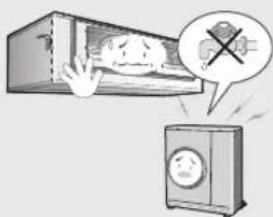
Illustration of a distressed refrigerator with a hand reaching out, next to a distressed washing machine (no text or symbols)▶ Do not connect the ground to a gas pipe, water pipe, lightning rod or telephone earth.
▶ Contact the service center if the air conditioner is under water.
The installation must be carried out by a licensed installer or qualified personnel when installing the unit for the first time or reinstalling it.
REGARDING POWER SOURCE
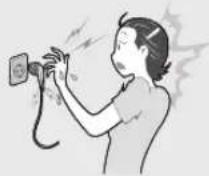
Do not pull the electric wire or touch the power plug with the wet hands.
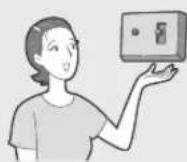
▶ Install the switch and circuit breaker only for air conditioner.
natural_image
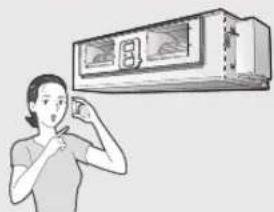
Illustration of a person holding a device with a wall-mounted air conditioner unit above (no text or symbols visible)▶ Use the rated current fuse.
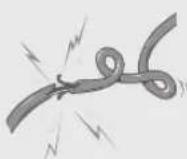
Do not bend the electric wire by force or weigh down the air conditioner not to be out of order.
▶ Use the power source with separate wiring only for air conditioner.
If the power plug is damaged, replace it by the manufacturer or qualified personnel to avoid the risk.
WARNING
DURING OPERATION
natural_image
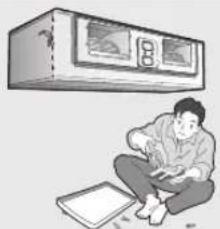
Illustration of a person sitting on the floor next to a ceiling-mounted air conditioner unit (no text or symbols visible)Do not attempt to repair, move, modify or reinstall the unit on your own. Make sure that these installations are carried out by qualified personnel to avoid electric shock or fire.
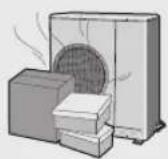
Do not place any obstacles in front of the unit. Make sure that the unit is correctly ventilated at all times: Do not place clothing or other materials over it.
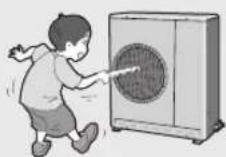
Do not insert anything between the air outlet blades because the inner fan may be damaged and could cause injury. Keep children away from the unit.
natural_image
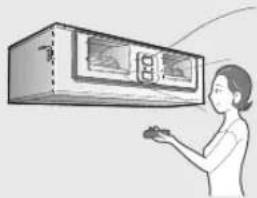
Illustration of a person using a wall-mounted air conditioner unit (no text or symbols visible)When using a wireless remote control, the distance should not be more than 7 meters from the air conditioner. (If applicable)
natural_image
Illustration of a damaged air vent with smoke and explosion effects (no text or symbols)The manufacturer declines any liability for damage resulting from modifications or errors in the electrical or hydraulic connections.
natural_image
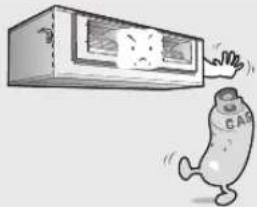
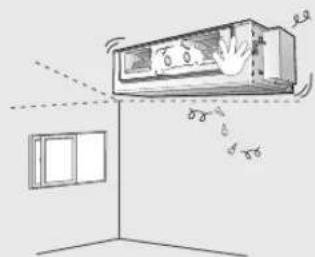
Simple line drawing of an air conditioner unit with airflow indicators and window, no text or symbols present▶ Failure to observe the installation instruction, or use of the unit under conditions other than those indicated in the table 'Operating limit' of the unit installation manual, will immediately invalidate the unit warranty.
natural_image
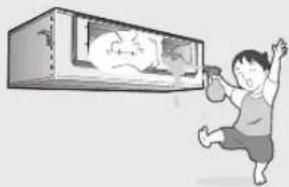
Illustration of a child running away from a glass box with a cartoon face (no text or symbols)▶ Never spill any kind of liquid into the unit. Should this happen, unplug or main switch off the unit and contact an authorized service center.
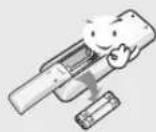
If the wireless remote control is not used for a long time, remove the batteries. (If applicable)
natural_image
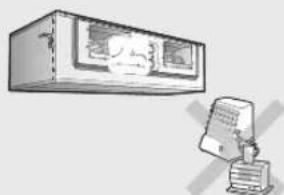
Illustration of a computer monitor and a printer with no visible text or symbolsDo not connect the electric heater to the air conditioner or repair it with your discretion.

Do not place any materials so that children cannot step on it.
WARNING
DISPOSING THE UNIT
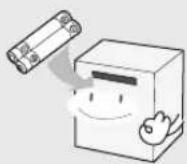
Before throwing out the device, it is necessary to pull back the battery cells and get rid of them safely for recycling reasons.
natural_image
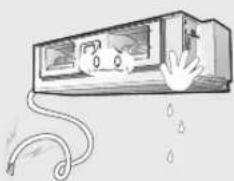
Cartoon illustration of a hand reaching toward a window with a cat on the door, connected by a rope to drop liquid (no text or symbols)When you need to dispose of the unit, consult your dealer. If pipes are removed incorrectly, refrigerant may blow out and come into contact with your skin, causing injury. Releasing refrigerant into the atmosphere also damages the environments.
natural_image
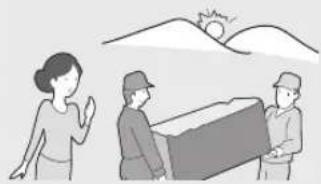
Illustration of three people interacting with a box under a sun, no text or symbols present▶ Please recycle or dispose of the packaging material for this product in an environmentally responsible manner.
CAUTION
- This indicates the possibility of serious injury or damage to environments when operated incorrectly.
WHEN INSTALLING

natural_image
Illustration of a hand opening a washing machine with a smiling face, emitting exhaust smoke from a smartphone (no text or symbols)▶ Install the air conditioner avoiding direct sunlight or heater, especially water.
natural_image
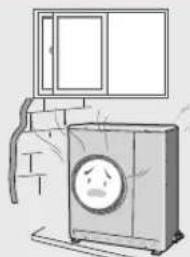
Illustration of a washing machine with a sad face inside, next to a window (no text or symbols)▶ Install the outdoor unit so as to let the discharged air out properly. Avoid a place that may disturb your neighbor by noise.
natural_image
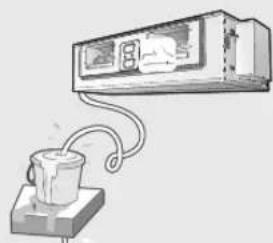
Illustration of a ceiling-mounted air conditioner unit connected to a cup via tubing (no text or symbols)▶ Install the drain hose to let the water run safely and correctly.
CAUTION
REGARDING POWER SOURCE
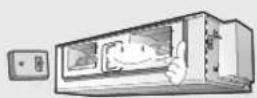
▶ Disconnect the circuit breaker when you don't use the air conditioner for a long time to save energy.
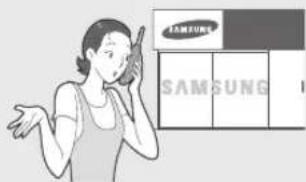
▶ Contact the service center or manufacturer if you want to repair the air conditioner.
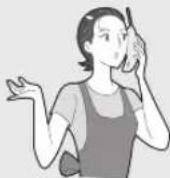
Contact the service center after turning off the air conditioner if strange noise is heard, burning smell or smoke blow.
DURING OPERATION
natural_image
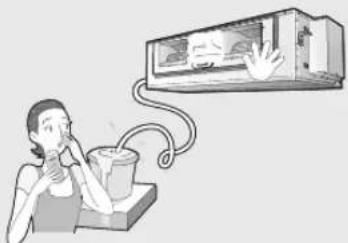
Illustration of a person using a tool to interact with a wall-mounted device (no text or symbols visible)Do not drink the water from the air conditioner.
natural_image
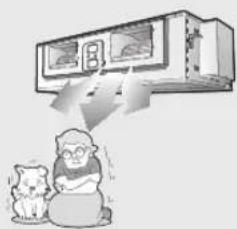
Illustration of a cat and a person with a wall-mounted air conditioner unit above them (no text or symbols)Do not use the air conditioner for a long time in a closed room or in a place where there's a baby or an old person.
natural_image
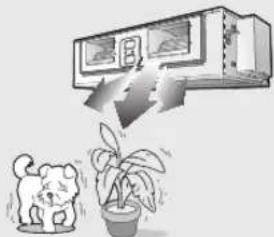
Illustration of a cat and a potted plant under a wall-mounted air conditioner (no text or symbols)▶ Avoid cold and hot air reaching to person, pet or a plant directly for a long time.
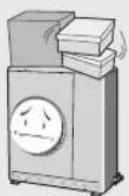
▶ Do not step on the air conditioner or put heavy object on it.
natural_image
Cartoon illustration of a child running away from a fishbowl containing a sad face (no text or symbols)▶ Avoid the water from getting into the air conditioner.
DURING OPERATION
natural_image
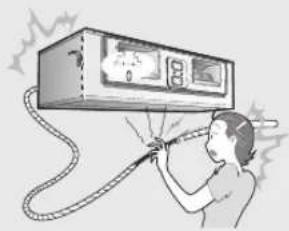
Illustration of a person using a handheld power supply device to lift a wall-mounted device (no text or symbols visible)Do not touch the pipes connected to the air conditioner.
natural_image
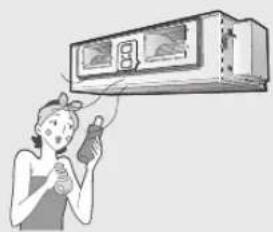
Illustration of a person using a hairdryer to clean air from an air conditioner unit (no text or symbols visible)▶ Do not use the air conditioner to maintain the machine, food, pet, plant or cosmetics.
natural_image
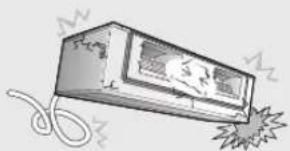
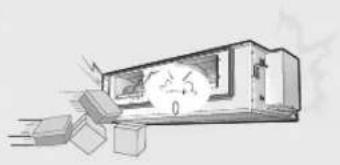
Illustration of a mechanical device emitting exhaust smoke from a lighter bag (no text or symbols)▶ Do not give excessive shock to the air conditioner.
OTHERS
natural_image
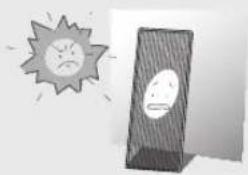
Illustration of a sad sun and a dark object with two faces, no text or symbols presentBe sure that the air filter not to be exposed to direct sunlight.
natural_image
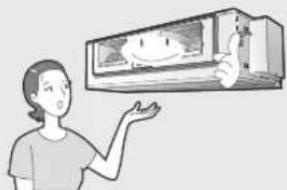
Illustration of a person gesturing toward a wall-mounted air conditioner unit (no text or symbols visible)The appliance is not intended for use by young children or infirm persons without supervision: Young children should be supervised to ensure that they do not play with the appliance.
The maximum input power & current is measured according to the IEC standard and the input power & current is measured according to the ISO standard.
natural_image
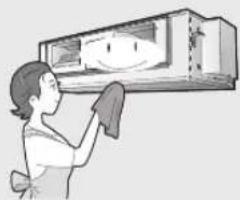
Illustration of a person cleaning a window with a smiling face (no text or symbols)▶ Turn off the air conditioner and if the fan stops to operate, clean the air conditioner.
natural_image
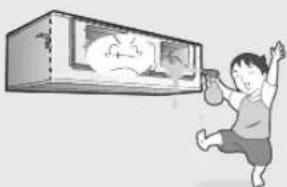
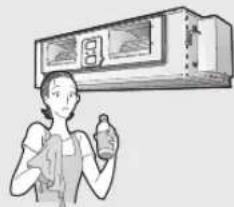
Illustration of a person holding a device under a ceiling-mounted air conditioner (no text or symbols visible)▶ Do not clean the air conditioner by spraying water directly or with benzene, thinner or alcohol.
natural_image
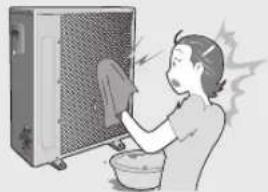
Illustration of a person washing clothes next to a washing machine (no text or symbols visible)The surface of the heat exchanger is sharp, so be careful of it when cleaning.
natural_image
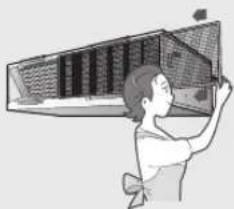
Illustration of a person opening a large birdcage (no text or symbols visible)▶ Be sure to insert the air filter.
▶ Dispose of the packaging material in accordance with the local requirements.
▶ All of the manufacturing and packaging materials used for your new appliance are compatible with the environment and can be recycled.
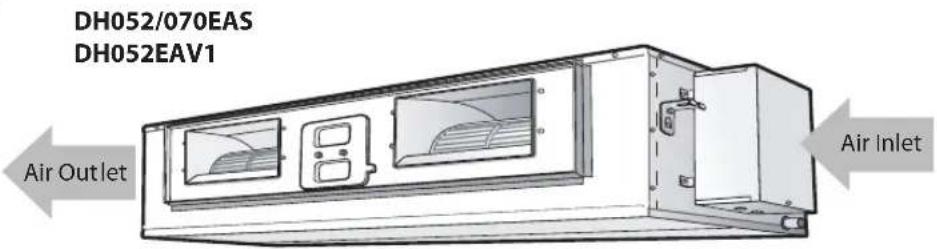
View of the Indoor Unit
The figures are shown in this instruction may differ from yours depending on the model.
Indoor Unit
EH035EAV1
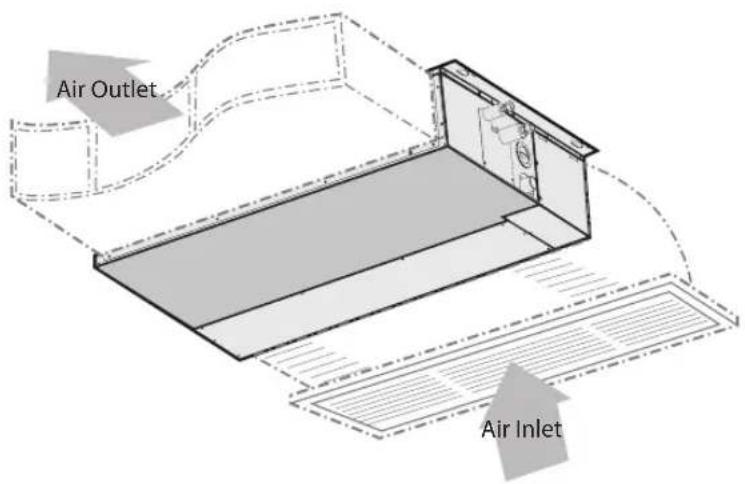
text_image
Air Outlet Air InletIndoor Unit
EH052/070EAV1
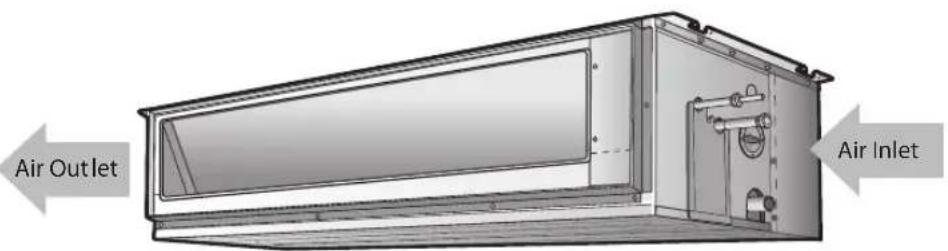
text_image
Air Outlet Air InletIndoor Unit
| Type Description Monthly Every 4 months Once a year | ||||
| Indoor unit | Clean the air filter | ● (1) | ||
| Clean the condensate drain pan (2) | ● | |||
| Thoroughly clean the heat exchanger (2) | ● | |||
| Clean the condensate drain pipe (2) | ● | |||
| Replace the remote control batteries | ● | |||
| Outdoor unit | Clean the heat exchanger on the outside of the unit (2) | ● | ||
| Clean the heat exchanger on the inside of the unit (2) | ● | |||
| Clean the electric components with jets of air (2) | ● | |||
| Verify that all the electric components are firmly tightened (2) | ● | |||
| Clean the fan (2) | ● | |||
| Verify that all the fan assembly is firmly tightened (2) | ● | |||
| Clean the condensate drain pan (2) | ● | |||
The checks and maintenance operations described are essential to guarantee the efficiency of the air conditioner. The frequency of these operations varies according to the characteristics of the area, the amount of dust, etc.
(1) The described operations should be performed more frequently if the area of installation is very dusty.
(2) These operations must always be performed by qualified personnel. For more detailed information, see the Installation Manual.
Protections enabled by the Unit control system
| Type of protection Description | Operation When it enables | ||
| Protection against cold air The internal fan is off | Heating on heat pump | During operation | |
| Defrost cycle The internal fan is off | Heating on heat pump | During operation | |
| Anti-frost protection of internal battery | The compressor is off | Cooling During operation | |
| Delayed start of compressor | The start of the compressor is delayed. | Cooling or heating on heat pump | At start-up or during the selection of the operating mode |
CAUTION
If the air conditioner is operating in heat pump mode, it performs several defrost cycles in order to remove the frost that may have deposited on the outdoor unit (at low temperatures). In this case, the internal fan is switched off automatically and restarted only after the defrost cycle is completed.
Operating Recommendations
Here are a few recommendations that you should follow when using your air conditioner.
| Topic Recommendation | |
| Heating performances | The heat pump function of the air conditioner absorbs heat from outside air and brings it indoors. As the temperature of the outside air drops, the heating performance of air conditioner will decrease. If you find that the room is not warm enough, using an additional heating appliance is recommended. |
| Frost & Defrost When outside temperature is low but humidity is high, frost may form on the outdoor unit at HEAT mode. If this happens:◆ The heating operation stops.◆ The defrost mode will be triggered automatically for about 10 minutes.◆ The steam produced on the outdoor unit in the defrost mode is safe. (Only for Heat pump)No intervention is required; after about ten minutes, the air conditioner operates again normally. | |
| High indoor and outdoor temperatures | If both indoor and outdoor temperatures are high and the air conditioner is running at HEAT mode, the outdoor unit's fan and compressor may stop at times. This is normal; simply wait until the air conditioner switches on again. |
| Power failure | If a power failure occurs while the air conditioner is operating, the unit will be switched off. When the power returns, the air conditioner starts up again automatically. |
| The simultaneous operation | When you use the heat pump model, it is impossible to operate HEAT and COOL mode of several indoor units at the same time. |
Operating Limits
The table that follows provides the operating limits that have to be followed to ensure a correct operation of the air conditioner.
| COOL DEHUMIDIFICATION (1) | Maximum requirements (2) | Outdoor temperature: 50°C(Differ according to model) |
| Indoor temperature: 32°C b.s. / 23°C b.u. | ||
| Minimum requirements | Outdoor temperature: -15°C | |
| Indoor temperature: 21°C b.s. / 15°C b.u. | ||
| HEATING (1) | Maximum requirements (2) | Outdoor temperature: 24°C b.s. / 18°C b.u. |
| Indoor temperature: 27°C b.s. | ||
| Minimum requirements | Outdoor temperature: -20°C b.s. | |
| Indoor temperature: 15°C | ||
| POWER SUPPLY | Single-phase rated voltage Minimum and maximum limit | 220V-240V ~ 50Hz198V min. - 264V max. |
b.s.: Dry bulb - b.u.: wet bulb;
(1) As per standard UNI EN 14511
(2) Maximum relative humidity: 80% or lower
The standardized temperature for heating is 7^ C. If the outdoor temperature drops to 0^ C or below, the heating capacity can be reduced depending on the temperature condition.
If the cooling operation is used at over 32^ C(indoor temperature), it does not cool at its full capacity.
The use of the air conditioner at a relative humidity above the expected one (80%) may cause the formation of condensate and the leakage of water drops on the floor.
Cleaning Your Air Conditioner
EH035EAV1 (OPTIONAL)
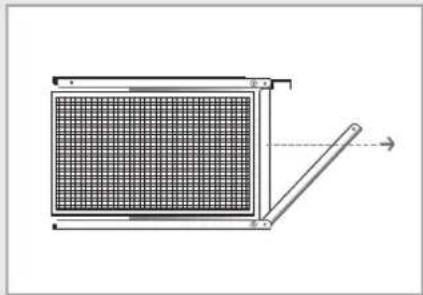
natural_image
Diagram of a grid-patterned panel mounted on a support structure, with no visible text or symbolsTo get the best possible use out of your air conditioner, you must clean it regularly to remove the dust that accumulates on the air filter.
CAUTION
Before cleaning your air conditioner, ensure that you have switched off the electric circuit breaker used for the unit.
natural_image
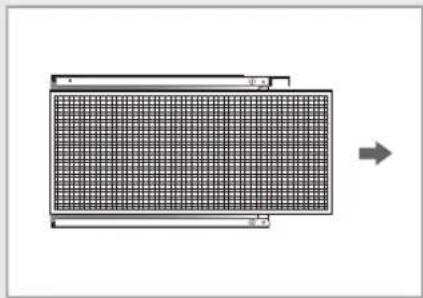
Diagram of a grid-patterned rectangular panel with an arrow indicating direction (no text or symbols)1 Pull the air filter to the right or left as you want.
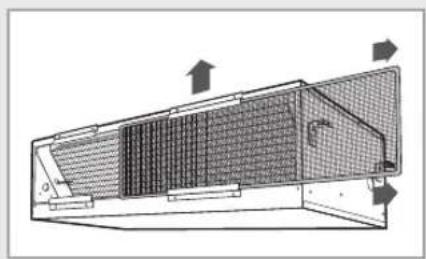
2 Pull out the air filter.
3 Remove all dust on air filter with a vacuum cleaner or a brush. In case of serious dust accumulation, put the air filter in warm detergent water and shake it vertically.
4 After washing, allow them to dry thoroughly in an area protected from sunlight.
5 When you have finished, insert the filter into the front grille.
text_image
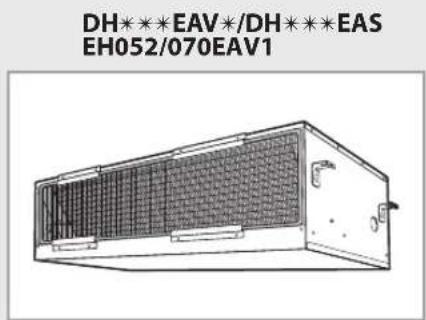
DH***EAV*/DH***EAS EH052/070EAV1Note
◆ After cleaning the air conditioner, press the Filter Reset button.
◆ Do not operate the air conditioner without the filter.
natural_image
Technical diagram of a structural component with internal grid patterns and directional arrows (no text or symbols)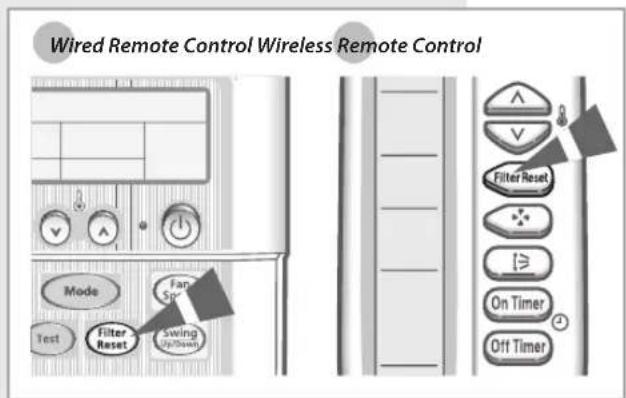
text_image
Wired Remote Control Wireless Remote Control Mode Fan Test Filter Reset Swing Up/Down Filter Reset On Timer Off TimerSolving Common Problems
Before contacting the after-sales service, perform the following simple checks.
They may save you the time and expense of an unnecessary call.
| Problem Explanation/Solution | |
| The air conditioner does not operate at all. | ◆ Check if power is on and operate the air conditioner again.◆ Check if the circuit breaker is switched off. |
| The temperature is not adjusted. | ◆ Check if you selected the FAN mode. |
| The air conditioner does not operate in the HEAT mode. | ◆ Check if the air conditioner is cooling only model.◆ Check if the remote control is for cooling only model. |
| The cool(warm) air does not come out from the air conditioner. | ◆ Check if set temperature is higher(lower) than current temperature.◆ Check if you selected the FAN mode. Select the COOL, HEAT, AUTO or DRY mode.◆ Check if the air filter is blocked by dirt. Clean the air filter regularly.◆ Check if the there is cover on the outdoor unit or any obstacle.Remove the cover or obstacle.◆ Check if you installed the air conditioner under direct sunlight.◆ The window or door may be opened.◆ Check if you turn on the air conditioner just now.It takes about 3 minutes to cool or heat the room.◆ Check if the refrigerant pipe is too long. |
| The fan speed is not adjusted. | ◆ In AUTO or DRY mode, the fan speed is selected automatically. |
| The remote control does not operate. | ◆ Check if the battery is discharged. Replace the battery.◆ Check if the remote control sensor is blocked.◆ Check if the air conditioner is placed near strong light. |
| The wired remote control does not operate. | ◆ Check if displayed on the wired remote control.Turn off the air conditioner and switch off the circuit breaker.Contact the service center. |
| The Timer is not set. | ◆ Check if you pressed the button after selecting time. |
| The air conditioner does not turn on or off with the wired remote control. | ◆ Check if you set the wired remote control for group control. |
| Odor is permeated in the room during operation | ◆ Check if you use the air conditioner in smoky area or there is a smell.Ventilate the room or select the FAN mode for 1~2 hours. |
| The indoor unit indicator flashes. | ◆ Press the button to turn on the air conditioner again.Switch the circuit breaker off and switch on it again. |
| Strange sound is heard from the air conditioner. | ◆ The sound is heard when the refrigerant gas flow is changed depending on the use of the air conditioner.◆ When you press the button, noise may be heard from the drain pump inside of the air conditioner.◆ When you press the button, noise may be heard that the air conditioner sense the airflow blade. |
| Water drops from the outdoor unit connection part. | ◆ Water may form due to the difference of the temperature. |

text_image
SAMSUNGELECTRONICS
Contact SAMSUNG WORLD WIDE
If you have any comments or questions regarding a Samsung product, contact the SAMSUNG customer care center.
| Country | Customer Care Center | Web Site |
| BELGIUM | 0032 (0)2 201 24 18 www.samsung.com/be | |
| CZECH REPUBLIC | 844 000 844Distributor pro Českou republiku:Samsung Zrt., Česka organizační složkaVyskočilova 4, 14000 Praha 4 | www.samsung.com/cz |
| DENMARK | 70 70 19 70 www.samsung.com/dk | |
| FINLAND 030-6227 515 www.samsung.com/fi | ||
| FRANCE | 3260 SAMSUNG(726-7864)08 25 08 65 65 (€ 0,15/Min) | www.samsung.com/fr |
| GERMANY 01805-SAMSUNG | (726-7864) www.samsung.de | |
| HUNGARY 06-80-SAMSUNG | (726-7864) www.samsung.com/hu | |
| ITALIA 800-SAMSUNG(726-7864) www.samsung.com/ | it | |
| LUXEMBURG | 0035 (0)2 261 03 710 www.samsung.com/be | |
| NETHERLANDS 0900 SAMSUNG | (726-7864) www.samsung.com/nl | |
| NORWAY | 815-56 480 www.samsung.com/no | |
| POLAND | 0 801 801 881022-607-93-33 | www.samsung.com/pl |
| PORTUGAL | 80 8 200 128 | www.samsung.com/pt |
| SLOVAKIA | 0800-SAMSUNG(726-7864) | www.samsung.com/sk |
| SPAIN | 902 10 11 30 | www.samsung.com/es |
| SWEDEN | 0771-400 200 www.samsung.com/se | |
| U.K | 0870-SAMSUNG(726-7864) | www.samsung.com/uk |
| Republic of Ireland | 0818 717 100 | www.samsung.com/ie |
| AUSTRIA | 0800-SAMSUNG(726-7864) | www.samsung.com/at |
| Switzerland | 0800-SAMSUNG(726-7864) | www.samsung.com/ch |
| RUSSIA | 8-800-555-55-55 | www.samsung.ru |
| KAZAHSTAN | 8-10-800-500-55-500 | www.samsung.kz |
| UZBEKISTAN | 8-800-120-0-400 | www.samsung.uz |
| KYRGYZSTAN | 00-800-500-55-500 | |
| UKRAINE | 8-800-502-0000 | www.samsung.ua |
| LITHUANIA | 8-800-77777 | www.samsung.lt |
| LATVIA | 800-7267 | www.samsung.com/lv |
| ESTONIA | 800-7267 | www.samsung.ee |
© Samsung Electronics Co., Ltd. All Rights Reserved.
System Air Conditioner
(Cooling and Heating)
text_image
Duct cassette Ma cassette