
BA-100 - Smartwatch GLOBALSAT - Free user manual and instructions
Find the device manual for free BA-100 GLOBALSAT in PDF.


User questions about BA-100 GLOBALSAT
0 question about this device. Answer the ones you know or ask your own.
Ask a new question about this device
Download the instructions for your Smartwatch in PDF format for free! Find your manual BA-100 - GLOBALSAT and take your electronic device back in hand. On this page are published all the documents necessary for the use of your device. BA-100 by GLOBALSAT.
USER MANUAL BA-100 GLOBALSAT
- Welcome using Beetle App 3
- App installation: 3
- Device and APP user guide: 3
- Icon definition 4
- Setting: 5
1. Welcome using Beetle App:
Beetle is a simple device which integrates with iOS Beetle APP to prevent lost of personal belongings such as key, wallet, purse or backpack by reminding you through alert.
2. App installation:
Please go to iTunes and search for Beetle app. your iPhone/iPad.
Then, install the App on
Or scan QR code :
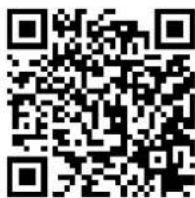
3. Device and APP user guide:
Step 1: Place the Beetle wireless locator near your iPhone/iPad.
Step 2: Look for Beetle app icon the Beetle APP.
in your iPhone/iPad, and then click to open
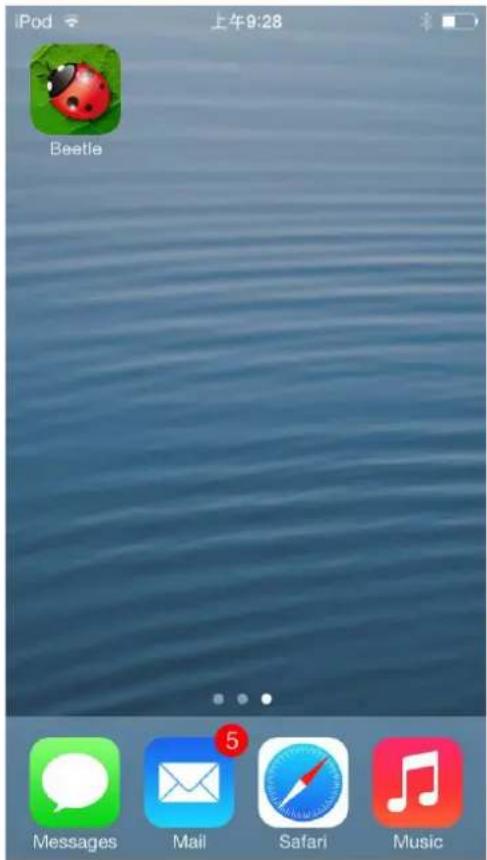
text_image
iPod 上午9:28 Beetle Messages Mail Safari Music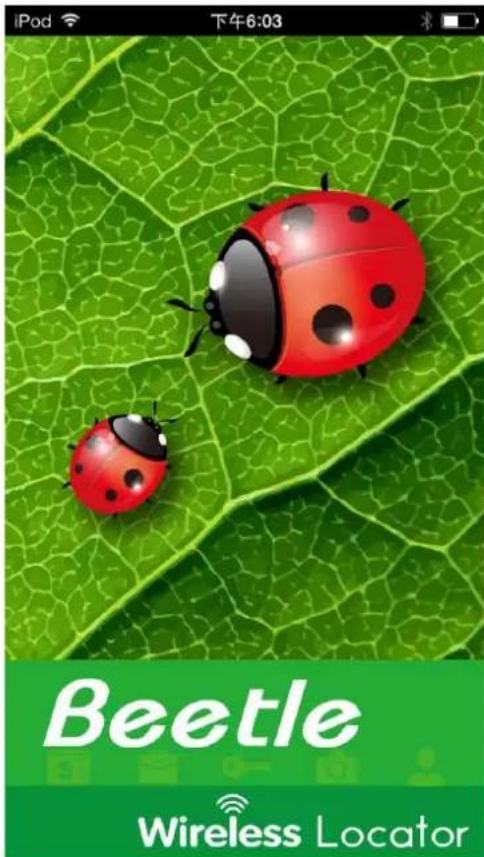
text_image
iPod 下午6:03 Beetle Wireless LocatorStep 3: Beetle App will scan for new Beetle automatically.
Step 4: When Beetle APP finds the Beetle device, Beetle APP will show the found Beetle device on the list.
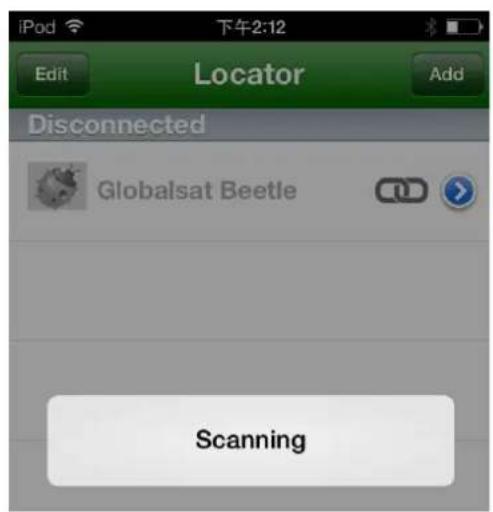
text_image
iPod 下午2:12 Edit Locator Add Disconnected Globalsat Beetle Scanning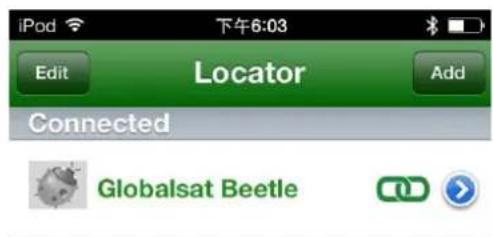
text_image
iPod 下午6:03 Edit Locator Add Connected Globalsat Beetle4. Icon definition:
| icon definition icon definition | |||
| Indicates already connected |  | Take a photo of the device | |
| Indicates not connected yet |  | Device sound alerts | |
| Advanced setting |  | Return to device list | |
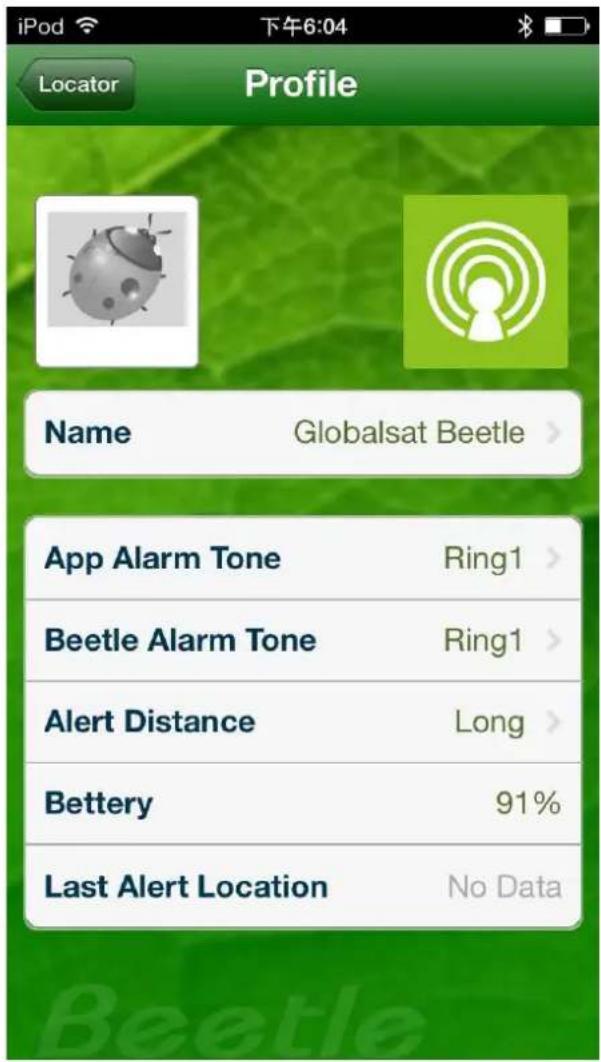
- Setting:
text_image
iPod 下午6:04 Locator Profile Name Globalsat Beetle App Alarm Tone Ring1 Beetle Alarm Tone Ring1 Alert Distance Long Bettery 91% Last Alert Location No DataChange Device Name
Adjust APP Alert Tone
— Adjust Beetle Alert Tone
Choose Alert Distance
Beetle Battery Indication
Point Out Last Alert Location