
8s 5G - Phone Realme - Free user manual and instructions
Find the device manual for free 8s 5G Realme in PDF.


User questions about 8s 5G Realme
0 question about this device. Answer the ones you know or ask your own.
Ask a new question about this device
Download the instructions for your Phone in PDF format for free! Find your manual 8s 5G - Realme and take your electronic device back in hand. On this page are published all the documents necessary for the use of your device. 8s 5G by Realme.
USER MANUAL 8s 5G Realme
realme Smartphone ColorOS 5.2 User Guide
Content
- Welcome Page 6
- Safety Information 7
- Get started 11
3.1. Quick look 11
3.1.1.ColorOS 5.2 Features....11
3.1.2. Sleep/Wake button 23
3.1.3. Menu, Home and Return buttons 25
3.1.4. Volume buttons 29
3.1.5. Micro-USB port 31
3.1.6. Headset jack 32
3.1.7. SIM and SD cards 32
3.1.8. Accessories came with realme phone 34
3.1.9. Charging the battery 36
3.1.10. Gesture & Motion 37
3.1.11. Key combinations 41
3.1.12. Status Icons 43
3.2. Configuration Settings 46
3.2.1. Fingerprint, Face and Passcode 46
-
-
-
-
-
-
-
-
-
-
-
-
-
-
-
-
-
-
-
-
-
-
-
-
-
-
-
-
-
-
-
-
-
-
-
-
-
-
-
-
-
-
-
-
-
-
-
-
-
-
-
-
-
-
-
-
-
-
-
-
-
-
-
-
-
-
-
-
-
-
-
-
-
-
-
-
-
-
-
-
-
-
-
-
-
-
-
-
- 90.
-
-
-
-
-
-
-
-
-
-
-
-
-
-
-
-
-
-
-
-
-
-
-
-
-
-
-
-
-
-
-
-
-
-
-
-
-
-
-
-
-
-
-
-
-
-
-
-
-
-
-
-
-
-
-
-
-
-
-
-
-
-
-
-
-
-
-
-
-
-
-
-
-
-
-
-
-
-
-
-
-
-
-
-
-
-
-
5.1 Use apps....144
5.2 Share from apps....147
5.3 One-click cleanup....147
5.4 Lock the running background apps....149
5.5 View, zoom in and out....150
5.6 Smart & Convenient Operaon....152
5.6.1. Navigaon Keys 152
5.6.2. Assisve Ball....158
5.7. Change the screen orientaon....161
5.8. Split-screen....162
5.9. Take and edit a screenshot....166
5.10. Control Center, Nocaon, and Status Bar 170
5.11. Search....175
5.12. Test 176
5.12.1. Add or change keyboard languages .... 176
5.12.2. Type, edit, and delete text 178
5.12.3. Predicon....181
5.12.4. Voice typing....185
5.12.5. TouchPal for realme....187
5.13. Sound, Vibraon, and System Feedback 189
5.14. Charge and monitor the battery 192
5.15. Locaon Service .... 194
5.16. Use the phone internaonally .... 196
5.17. Power Saver....197
- Personalize your realme phone....205
6.1.ColorOS 5.2 device name....205
6.2. Personalize the Home screen....206
6.2.1. Organize the Home screen....206
6.2.2. Home screen widgets & Transition Eects....209
6.3. Change the wallpaper 212
6.4. Adjust the screen brightness and color temperature 213
6.5. Change auto-lock time 215
6.6. Change the font size....216
6.7. Keyboard and input method ...... 217
6.7.1. Customize the look of the keyboard 217
6.7.2. Keyboard Layout....218
6.7.3. Trends....221
6.7.4. Keyboard general settings....221
6.8. Set up Startup Manager 223
6.9. Clone Apps ...... 225
6.10.Manage Default App 226
6.11. Gesture & Moon 227
6.12. Preset device on/o me or Automatic on/off....232
6.13. App display in Full-screen....233
- Apps 235
7.1. Phone 235
7.1.1 Make and Answer Phone Calls....235
7.1.2. Conference calls ...... 243
7.1.3. Block calls 244
7.1.4. Emergency calls....246
7.1.5. Carrier's Call Seings....247
7.5. Message 248
7.5.1. Send and receive messages....248
7.5.2. Customize message sengs....251
7.6. Contacts....254
7.6.1. Add a contact 254
7.6.2. Edit and delete a contact....263
7.6.3. Import and export contacts....266
7.6.4. SIM contacts....268
7.6.5. Manage contacts....270
7.6.6. Back up your contacts 272
7.6.7. VIP Contacts 273
7.7. Phone Manager....274
7.7.1. Scan and opmize the phone....274
7.7.2. Clean Storage 275
7.7.3. Privacy Permissions....277
7.7.4. Virus Scan 280
7.7.5. Payment protecon....281
7.7.6. Frequently Used Funcons....282
7.7.7. Common Problems Detection 285
7.7.8. WeChat Cleaner....288
7.7.9. Startup Manager 290
7.8. Weather....292
7.9. Camera 294
7.9.1. Take photos 294
7.9.2. Take a sele 300
7.9.3. Shoot video 306
7.9.4. Camera settings....309
7.10. Photos 309
7.10.1. Photos overview....309
7.10.2. Albums 311
7.10.3. Stories / Memories....316
7.10.4. People....319
7.10.5. View and use photos and videos....322
7.10.6. Edit photos and videos....327
7.11. Music....336
7.11.1. Music....336
7.11.2. Change sort mode....338
7.11.3. Scan local songs....339
7.12. Videos....340
7.13. Clock....343
7.13.1. Set Alarm Clocks....343
7.13.2. Add and view clocks for locaons around the world 346
7.13.3. Use the stopwatch....347
7.13.4. Set the mer 348
7.14. Files 355
7.14.1. Opmized File management 355
7.14.2. Fast le browsing....358
7.14.3. View and manage les .... 359
7.14.4. Clean Storage 361
7.14.5. Remotely Manage Phone Files....363
7.14.6. Private Safe....364
7.15. Calculator ....365
7.16. Sound Recording .... 370
7.16.1. Recorder 370
7.16.2. Manage recordings....372
7.17. Compass....374
7.18. Chrome....375
7.18.1. Search the web....375
7.18.2. Browse the web....378
7.18.3. Quick accesses....383
- Safety & Privacy....386
8.1. Device security 386
8.1.1. Lock screen password ....386
8.1.2. Smart Lock....388
8.1.3. Payment protecon....390
8.1.4. Set up a SIM card lock 391
8.1.5. Virus Scan....393
8.1.6. Pseudo Base Staon Blocking....393
8.1.7. Protect Personal Informaon 394
8.2. Device administraon ....395
8.2.1. Allow and install apps from unknown sources....395
8.2.2. App permissions....397
8.2.3. Hide Home screen icon 398
8.2.4. Kids Space....401
8.2.5. Block unwanted calls and messages 403
8.2.6. Find my device....405
8.3. Privacy 408
8.3.1. Locaon Service 408
8.3.2. Join User Experience Project....410
8.3.3. Privacy Protecng and Security Warning....411
8.4. Advanced....412
8.4.1. Screen pinning....412
8.5. App Lock....414
- Share Internet conneccon and les 419
9.1.1. Tether your phone's Internet conneccon....419
9.2. Share Files 423
9.2.1. Wireless le sharing 423
9.2.2. Wired le sharing....428
9.2.3. Share from apps 430
- Restart, update, back up, and restore....431
10.1. Restart the phone 431
10.2. Update ColorOS soware....432
10.3. Back up and restore the phone 434
10.3.1. Back up your phone 434
10.3.2. Restore data on your phone....436
10.3.3. Reset the phone 439
- Barrier-free....441
11.1. TalkBack....441
11.2. Magnicaon Gestures....444
11.3. Press Power Button to End Call....446
- Safety, handling and support 447
12.1. Health & Safety 447
12.1.1. Using Environment....447
12.1.2. Baery Safety 448
12.1.3. Charger Usage Notes....450
12.1.4. Trac Safety....451
12.2. Maintenance and Repair 452
12.2.1. Phone Cases 452
12.2.2. Screen Protector....453
12.2.3. Maximize battery life and lifespan 453
12.2.4. Keep Clean....455
12.2.5. Keep dry and solve water damage 456
12.2.6. Use connectors, ports, and buons....457
12.2.7. Other information 457
12.3. FCC Compliance Statement....458
1. Welcome Page

natural_image
Abstract graphic design with interlocking rings in blue, pink, and gray against a black background (no text or symbols)2. Safety Information
Read through the following information carefully. Failure to follow these safety precautions could result in danger or illegal activities.

Safe Startup
Do not switch on the device when phone use is prohibited or when it may cause interference or danger.

Traffic Safety First
Traffic safety is always of first importance. Use of phones and headphones while driving a vehicle or riding a bicycle is not recommended and is illegal in some areas. Obey and follow all related local laws.

Switching off Devices at One Station

Switching off Device near Medical Equipment
Hospitals or healthcare facilities might use radio-frequency-sensitive equipment. Obey the relevant rules and regulations.

Switching off Device at Blasting Areas
To avoid interfering with blasting operations, turn off your phone when in a "blasting area" or in areas posted "Turn off two-way radio." Obey all signs and instructions.

Radiation
Nearly every electronic device gives off radiation. Mobile phone use does not increase the risk of getting brain cancer or other head tumors. Its effect in humans is negligible.
to 45°C. Using or storing your phone in a too hot or too cold environment might damage the battery, or even cause your phone to short-circuit or burn.

Proper Usage
Use your phone appropriately. Do not touch the antenna area unnecessarily when the phone is turned on. Do not drop, disassemble, crush, bend, deform, puncture, incinerate, or insert foreign objects into your phone.

Qualified Maintenance and Service
Never attempt to repair or modify the phone yourself. If your phone has any hardware or software failure, do not use it until you take it to an authorized service provider. Do not disassemble or root your phone yourself, otherwise the warranty service will be terminated immediately.

Avoiding Hearing Damage
Permanent hearing loss may occur if the receiver, speakerphone, headphones, or earpieces are used at high volume. You can adapt over time to a higher volume of sound that may sound normal but can be damaging to your hearing. Set the volume to a safe level to protect your hearing.

Avoiding Eyestrain
Your device's screen color and brightness might have a different degree of stimulation to your eyesight. Long-term viewing of your phone in normal or darker environments will damage your eyesight. When watching video or reading text on your phone, avoid prolonged use, take breaks and turn on eye protection mode to prevent eyestrain.
Before connecting to other devices, carefully read the user manual for more detailed, accurate and safety instructions. Do not connect to incompatible products.

Being Aware of Laser Safety
If your phone supports laser focusing, carefully read the user manual before using it. Failure to follow instructions might lead to harmful radiation exposure. To prevent direct exposure to laser beam, do not attempt to open your phone's outer shell, or avoid keeping close contact with laser light.
3. Get started
3.1. Quick look
on security and privacy.
Exciting user interface
The new ColorOS 5.2 makes use of the screen more. Quick functions just got more quicker. One touch on the side bar and you'll have shortcuts to your favorite apps and tools. One scan and you'll have translation and personal information that can directly be saved on your contacts. ColorOS 5.2 goes beyond convenience and efficiency. It is simply smart.
New clever features of Smart Assistant
Smart assistant maximizes the use of your camera. Just one snap and you'll
and selfies. One snap and have languages translated in an instant. Scan business cards and have all information saved on your contacts.
New clever features of Smart Assistant
Smart assistant maximizes the use of your camera. Just one snap and you'll get tons of information just by mere clicking the camera button. It's now a lot easier and smarter to Scan documents, Scan & translate images and texts, Scan namecard to be saved on your contacts, and translate photos to make travel and life more convenient.
ORoaming
Impress your social media followers and friends with your videos. You can now add close-up and pulsation on the videos you have taken to make it more fun and artsy.
Smart Driving
A small distraction when driving can cause accident. Even if we really don't want to answer a phone call or have glimpse about who messaged us or what the notification is for, but the urge to check it is so strong and our focus on the road is diverted. It has been said that checking the phone is one of the biggest reasons for senseless accidents on the road and we wanted to avoid that and save lives instead.
Scanning names to save on Contacts
Save new contact information in a snap. You just need a name card or business card. Fast and convenient. No need of typing each information on your phone.
Save more battery with Smart Power Saver
Optimize the power of your battery and manage those apps and settings that used up the most power. Know how to save more power so you can use it especially when it is most needed.
Say hello to Talia, your new TouchPal assistant
Appearance
Black See、Blue Ocean、Ice Lake (No 8+128G)
4+64G /6+64G/8+128G (8+128G not has ice lake)
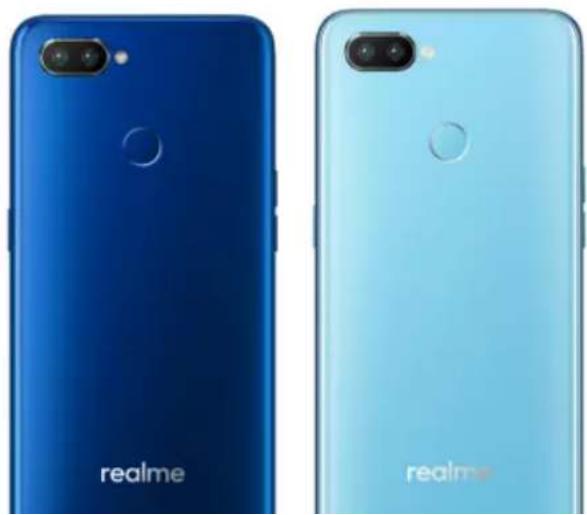
natural_image
Two realme smartphones shown from top and front views, each with a blue body and camera lens (no text or symbols on the phone bodies)74mm
Thickness
8.5mm
Weight
174g with battery
Basic Parameters
Operating System
ColorOS 5.2, based on Android 8.1
GPU
Display
Size
6.3 inches
Type
LTPS TFT
Resolution
2340 by 1080 pixels)
Colors
16.7 million colors
Touch
Multi-touch, Capacitive Screen
LED Flash
Aperture
Rear: f/1.8+f/2.4
Front: f/2.0
Connectivity
Frequencies:
GSM:850/900/1800/1900MHz
WCDMA:850/900/2100MHz
FDD-LTE: Bands 1/3/5/7/8/20
2.4/5GHz 802.11 a/b/g/n/ac
OTG
Supported
NFC
No
Sensors
M-sensor
Gravity Sensor
Gyro-meter
Fingerprint Sensor
Micro USB Cable
Important Information Booklet with Warranty Card
Quick Start Guide
SIM Card Ejector
Screen Protec Film
Case
Product ID
RMX1801/RMX1803/RMX1807
Buttons and component
Features
A. Front camera (Several holes above the front camera is receiver)
B. Receiver Volume up button
C. Volume down button
D. Sleep/Wake button
E. Rear camera1
F. Rear camera2
G. Flash
Functions for buttons and combination keys
To learn more features, see Quick Look at realme phone.
3.1.2. Sleep/Wake button
The Wake/Sleep button on the right side of your phone has a number of different uses.
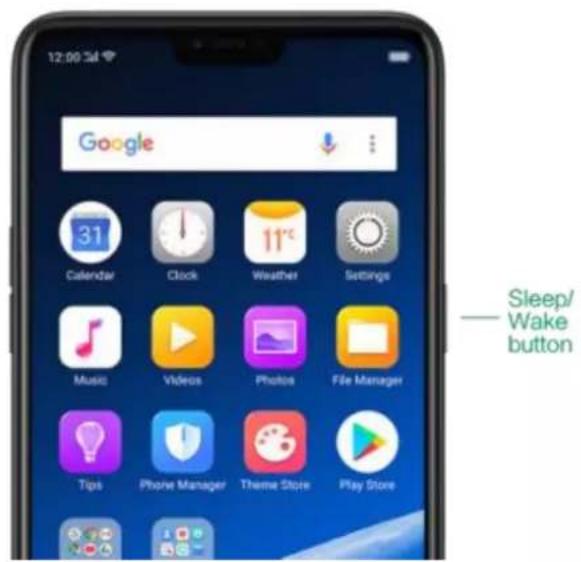
text_image
12:00:3d Google 31 Calendar Clock Weather Settings Music Videos Photos File Manager Tips Phone Manager Theme Store Play Store Sleep/ Wake buttonWhen the phone is on
Wake or lock the screen: With the phone is powered on, press the Wake/Sleep
button once and it will wake the phone up to the point that you can see the lock screen, like the clock and any notifications that are setup to display there. When the phone screen is awakened, pressing this button will blacken the screen and lock the phone.
Take a screenshot: Press and hold the Sleep/Wake and Volume Down buttons at the same time and your phone will take a picture of whatever is displayed on the screen. Click the screenshot, and then choose to a take a long screenshot, send, edit or delete the screenshot. If you save the screenshot, you can view it on Photos.
End a call: Go to [Settings] > [Additional Settings] > [Accessibility] and turn on [Power Button Ends Call], then you can press the Sleep/Wake button to end phone calls.
Turn on the phone: Press and hold the Sleep/Wake button for a few seconds until you see the realme logo.
Force Restart the phone: Press and hold the Sleep/Wake and Volume Up buttons until your device is turned on. View force restart your phone.
Enter Recovery Mode: Press and hold the Sleep/Wake and Volume Down buttons at the same time to enter Recovery Mode.
3.1.3. Menu, Home and Return buttons
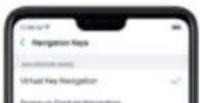
The traditional hardware buttons have been replaced with on-screen virtual navigation keys which also offers fast and fluid gestures to operate your phone. You can change the order of the virtual keys, and set them to appear
text_image
Settings Fingerprint, Face & Plasticide Smart & Convenient Security Battery Language & Region Additional Settings
text_image
12:00:34 Smart & Convenient Navigation Keys Assistive Ball Street Scrollar Capture & Motion Smart Driving Smart Assistant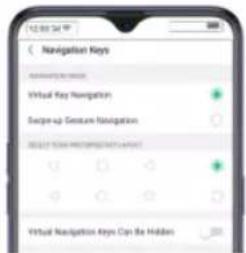
text_image
12:00:34 Navigation Keys Virtual Key Navigation Recipe-up Custom Navigation SELECT YOUR METERKEY TARGET Virtual Navigation Keys Can Be HiddenChange the order of virtual navigation keys. The keys follow the typical order for realme: Menu, Home, and Return from left to right. If you are left-handed,
Hide the virtual navigation keys. When you launch a full-screen app, the keys will automatically hide, and can be brought back with a simple swipe:
- When in portrait mode, swipe up from the bottom.
- When in landscape mode, swipe from the bottom to the left.
natural_image
Close-up of a white tulip with green stem and leaves against a soft blue background (no text or symbols)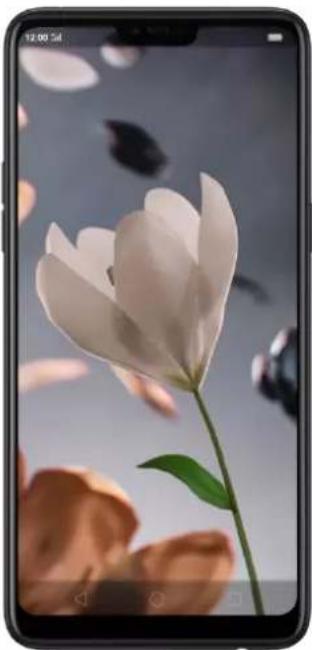
natural_image
Smartphone displaying a white flower with green stem against a blurred background of falling petals (no text or symbols visible)
text_image
HAY DAY LOADING. HKEY DOCK AND FROUSE DOCK, STOCK UP AND SEE YOUR ON CHINE! ?
text_image
BAY VENTILManually hide the virtual navigation keys. To set the keys to appear only when needed, go to [Settings] > [Smart & Convenient] > [Navigation Keys] and enable Virtual Navigation Keys Can Be Hidden. Then you can click on the left-lower corner of the screen to hide the keys, and swipe from the bottom to reveal them.
background color is default white, and it will become translucent or immersive when you open some of the third-party apps.
text_image
MPS Office SP41
natural_image
Game screenshot showing a character walking on a stone path toward a gate, with no visible text or symbols.3.1.4. Volume buttons
text_image
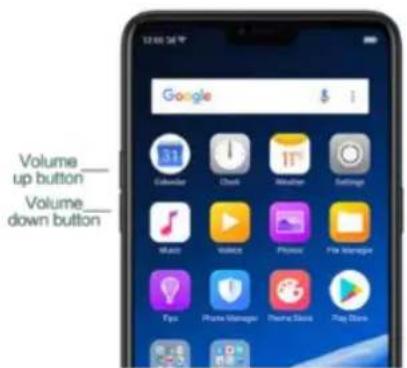
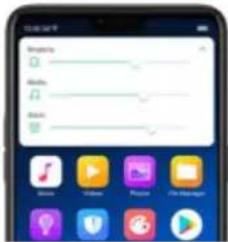
Volume up button Volume down buttonMedia volume: When listening to music, videos and phone calls, use the buttons on the side of the phone to adjust the volume. For information about avoiding hearing loss, see Security Information.
* You can also adjust the volume (except call volume) in [Settings] > [Sound & Vibration].
text_image
Music Play Music Music Music Video Play Play ManagerControlling the camera: Volume buttons can also be used to control your camera. Go to [Settings] >[System Apps] >[Camera] >[Volume Button] and set up the volume buttons for Shutter or Zoom.
3.1.5. Micro-USB port
wear out, resulting in a poor connection to your cable.
- Never force a connector into the port, for that might cause damage.
3.1.6. Headset jack
The headset jack is an audio socket that accepts a 3.5mm audio plug. Plug your headset in the jack to listen to music, videos and phone calls. Do not force a mismatched headset into the jack for that might cause damage.
3.1.7. SIM and SD cards
SIM card
* Insert the SIM card before turning on your phone. If you hold a new SIM card, you
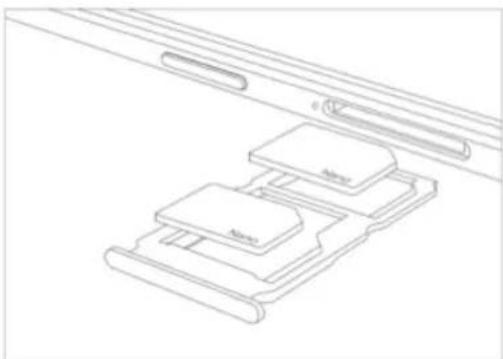
Insert the SIM card: Most realme Smartphones support Dual SIM. You can choose to insert one or two.
- Insert the card needle into the hole outside the card tray to pop it open.
- Pull out the card tray and place SIM card(s) on it.
- Put the card tray back in as the same orientation that you removed it.
natural_image
Line drawing of a device with labeled components (no text or symbols)SIM1, SIM2 and SD cards share the same card tray. Insert your SD card in the same way that you insert the SIM card(s).
3.1.8. Accessories came with realme phone
Along with the handset, the accessories came with are headset, USB
Connecting cable, Power adapter, SIM card tool and Phone case. (Some
models not have headset)
Notice : All photos shown are for illustration purpose ONLY. Actual products
may vary due to product enhancement.
Headset: A standard headset with 3.5 mm headset plug. Use to listen to
music, videos, and phone calls. Use the built-in microphone to talk. When
playing the music or videos, click the button once to pause or play a song or
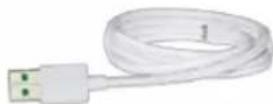
USB Connecting cable: Use the cable to connect your phone to the computer to charge and transfer files, or use it with the power adapter to charge.
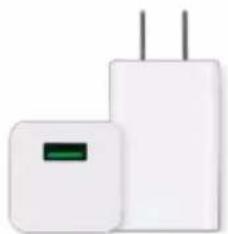
Power adapter: Connect the power adapter to your phone using the included cable, then plug it into a standard power outlet to charge the phone.
natural_image
Two white electronic devices with visible leads and power lines (no text or symbols)
natural_image
Blank white rounded rectangle with a small rectangular cutout on top (no text or symbols)3.1.9. Charging the battery
How to charge the battery:

Connect to a computer to charge: Use the cable to connect your phone to the computer to charge. Your phone will charge slowly if you connect it to the computer.
Charge with Power Bank: Connect Power Bank to your phone, and your phone will be charged wherever you go. It is an absolute necessity if you are a frequent traveler.
Charging Notice:
- Charge the phone with the original charging accessories (including adapter, cable and power bank).
- It is recommended to charge your phone in a place where the temperature
natural_image
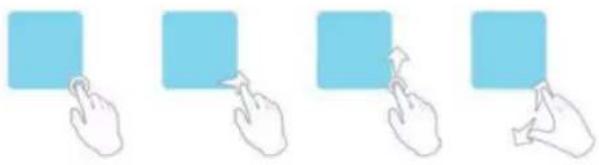
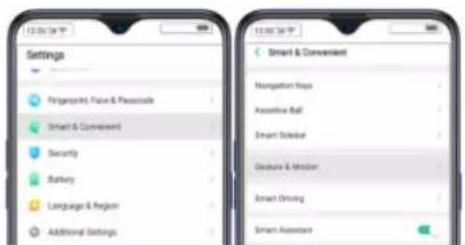
Four hand icons pointing at a light blue square, no text or symbols presentTo set up complex gestures for specific functions, go to [Settings] > [Smart &
Convenient] > [Gesture & Motion].
text_image
Settings Fingerprint, False & Passionate Smart & Convenent Security Battery Language & Region Additional Settings Smart & Convenient Normalization Keys Assistive Ball Smart Sidebar Gesture & Motion Smart Driving Smart AssistantDraw a V to to turn on Flashlight: When turn it on, you can draw V on the locked screen to turn on flashlight.
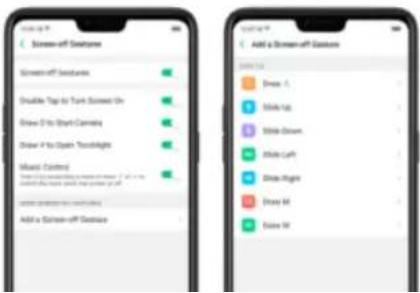
Music control: When turn it on, you can draw || to pause/play a track, or draw < or > to switch the track when the screen is off.
Add a screen-off gestures: realme smart phone of Color OS 5.2 gives you 7 options, which are Draw ^, Slide up, Slide down, Slide left, Slide right, Draw M and Draw W. Choose one to unlock the phone, call someone or start an app.
text_image
Screen-off علامة Screen-off علامة Disable Tips to Tank Screen On Draw it to Start Channels Draw it to Open Touchlights Mixed Controls Show the screen off from the screen. If you want to add your own or help your own. Add a Screen-off علامة Add a Screen-off علامة Browse out: Draw A Make up Show down Show left Show right Show M Show M
text_image
Google 1Raise to Turn On Screen
Use it to raise to turn on screen.
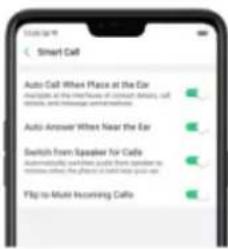
Switch from speaker for calls: Use it to automatically switch from speaker to receiver when you put the phone near your ear during phone calls.
Flip to mute incoming calls: Use it to silence the ringer by turning the phone over on a table or other flat surfaces.
text_image
Smart Call Auto Call When Place at the Ear Averages at the time frame of contact delivery, call details, and message transmission. Auto Answer When Near the Ear Switch from Speaker Call Automatically and less guide from speaker to remote when, the phone is available upon your use. Flip to Move Incoming CallTake selfies
Open Camera app and switch to the front camera. Click ⚙ > Gesture on the top of the screen. Pose the same hand gesture towards the camera, once the camera captures that it will take a photo automatically after two seconds. You
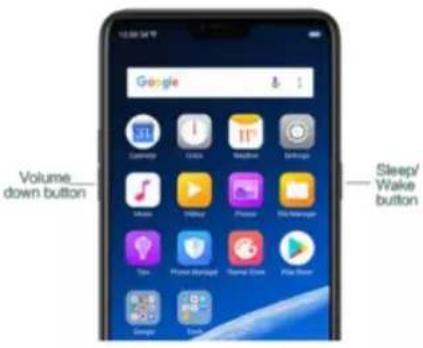
Press and hold the Power and Volume Down buttons: Your phone will take a
screenshot for the current page. To take a long screenshot, click the
screenshot, then click Longshot.
text_image
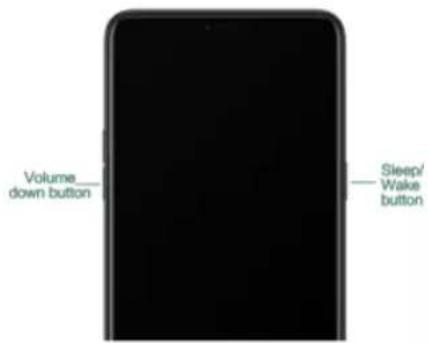
Volume down button Sleep/ Wake buttonPress and hold the Power and Volume Down buttons: Phone will enter
Recovery Mode, which does help to update the system, wipe data, check disk and more.
text_image
Volume down button Sleep/ Wake button| Status icon | What it means | |
| ..ll | Mobile network signal | Shows whether you're in range of operator's network and can make and receive calls. The more bars, the stronger the signal. |
| ♠ | Airplane Mode | Shows that airplane mode is on. Phone's wireless communication abilities are disabled. |
| 4G/4G+ | LTE/LTE-A | 4G network is available, including LTE and LTE-A. Your phone can connect to the Internet over that network. |
| 3G/H+ | UMTS/WCDMA | 3G UMTS network is available. Your phone can connect to the Internet over that network. |
| Quiet Time | Quiet Time is turned on. |
| Portrait orientation lock | Phone screen is locked in portrait orientation. |
| Alarm | An alarm is set up on your phone. |
| Bluetooth | Bluetooth is on, or your phone is connected to a Bluetooth device. |
| Bluetooth | Bluetooth Tethering is on. |
| Silent | Silent Mode is on. |
| Vibrate when silent | Phone vibrates when Silent mode is on. |
| HD Voice | Your phone is on a voice call over VoLTE. |
| Wireless Display | Wireless projector is connected. |
| Location Service | Location Service is on. |
| Game acceleration | Optimize the game display configuration to fully utilize hardware resource | |
| International Roaming | Your phone is using International Data Roaming. | |
| Kids space | Addiction prevention | |
| Payment protection | Payment environment detection |
3.2. Configuration Settings
3.2.1. Fingerprint, Face and Passcode
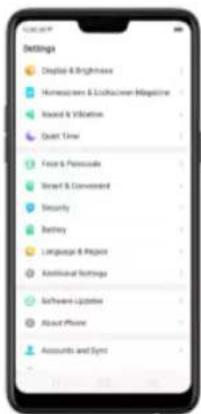
Setting a lockscreen passcode, privacy passcode, and face ID on your device are security measures that all users should take. Follow these steps to set a
text_image
Settings Display & Brightness Homeowners & Lockdowner Magazine Board & Infine Quick Time Face & Pluralscale Smart & Conventional Security Battery Language & Project Affordable Settings Software Licensee About Phone Accounts and Synt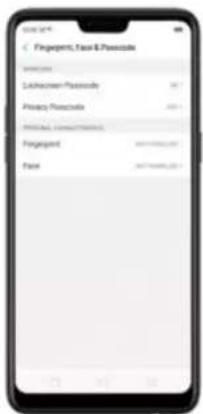
text_image
Fingerent, Face & Penetode Unknown-Penetode Password Prenetode Password Prenetode Password Prenetode Password Prenetode Password Prenetode Password Prenetode Password Prenetode Password Prenetode Password Prenetode Password Prenetode Password Prenetode Password Prenetode Password Prenetode Password Prenetode Password Prenetode Password Prenetode Password Prenetode Authentication Authentication Authentication Authentication Authentication Authentication Authentication Authentication Authentication Authentication Authentication Authentication Authentication Authentication Authentication Authentication Authentication Authentication Authentication Authentication Authentication Authentication Authentication Authentication Authentication Authentication Authentication Authentication Authentication Authentication Authentication Authentication Authentication Authentication Authentication Authentication Authentication Authentication Authentication Authentication Authentication Authentication Authentication Authentication Authentication Authentication Authentication Authentication Authentication Authentication Communication Communication Communication Communication Communication Communication Communication Communication Communication Communication Communication Communication Communication Communication Communication Communication Communication Communication Communication Communication Communication Communication Communication Communication Communication Communication Communication Communication Communication Communication Communication Communication Communication Communication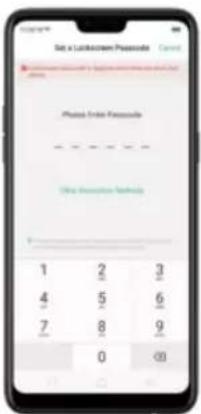
text_image
Set x Lathecism Password Photo Enter Passcode (See Inscience Note) 1 2 3 4 5 6 7 8 9 0 <0>-
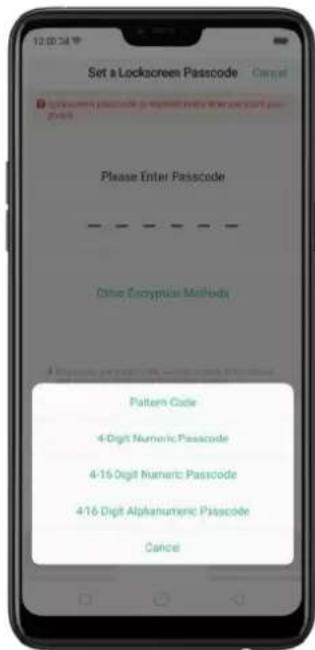
Choose from four types of passcodes:
-
Pattern Code: Allows you to draw a pattern with at least four dots connected.
- 4-Digit Numeric Passcode: Allows you to set a numbers-only passcode that contains four characters.
text_image
Set a Lockscreen Passcode Please Enter Passcode Other Encryptive Methods Pattern Code 4-Digit Numeric Passcode 4-16 Digit Numeric Passcode 4-16 Digit Alphanumeric Passcode Cancel-
Draw your pattern or enter your passcode.
-
Re-draw or re-enter your pattern or passcode to confirm it and activate it.
Change the passcode
- Go to [Settings] > [Fingerprint, Face & Passcode] > [Lockscreen
Passcode] > [Modify Passcode], click [Modify Passcode].
- Draw or enter your current pattern or passcode.
Draw or enter your new pattern or passcode. If you want to use other
passcode types, click Other Encryption Methods. at the bottom of the screen.
Re-draw or re-enter your pattern or passcode to confirm it and activate it.
Turn off the passcode
- Go to [Settings] > [Fingerprint, Face & Passcode] > [Lockscreen
Passcode], click [Turn off Passcode].
- Draw or enter your current pattern or passcode to confirm.
View more details in Set and use a passcode with your realme smartphone.
Privacy Passcode
When this is turned on, the validation will be used for all privacy features such as App Encryption and Private Safe.
- Manage Privacy Passcode: Go to [Settings] > [Fingerprint, Face &
Passcode] > [Privacy Passcode] create an encryption code, then set or customize a security question, then click Done.
Note: The security question can be used to reset the passcode.
- Change or turn off privacy passcodes: Go to [Settings] > [Fingerprint, Face & Passcode] > [Privacy Passcode] enter the encryption code then click [Turn off Privacy Passcode] or [Change Privacy Passcode].
- Modify the security questions: Go to [Settings] > [Fingerprint, Face & Passcode] > [Privacy Passcode] enter the encryption code click [Modify the Security Questions] enter the encryption code again then set or customize a new security question, click Done.
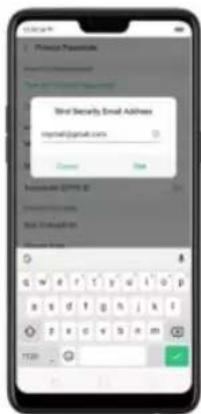
- Bind security email address: The email used will be able to retrieve the privacy passcode: Go to [Settings] > [Fingerprint, Face & Passcode] > [Privacy Passcode] enter the encryption code click [Bind Security Email Address] enter the encryption code again then enter email address, click Use.
- Update bind security email address: Go to [Settings] > [Fingerprint, Face & Passcode] > [Fingerprint, Face & Passcode] enter the encryption code click
text_image
Phone Password Mail Security Email Address email:(gmail.com) Current Save Insecure ID: 012 Email: Test: Email: Login: G W R T Y G I O P B S D F G H J K I T E X C D E F G M TEN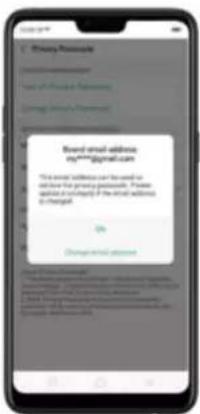
text_image
Email: email address my****jpmwll.com The email address can be used for check the primary postcode. Please submit or copy if the email address is changed. Change email passwordAPP Encryption
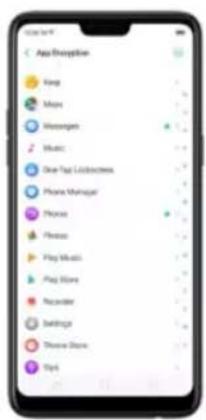
1.. App Encryption: Go to [Settings] > [Fingerprint, Face & Passcode >
[Privacy Passcode] enter the encryption code click [App Encryption] select the apps to be encrypted then press Enable Encryption. Once it is encrypted, you
text_image
App Disception Yang Mens Messenger Music One Tag Collection Phone Manager Phone Photo Play Music Play Store Recorder Settings Show Store TipsNote: You have to enter an encrypted passcode and a security question
before you can use the other functions on Privacy Passcode.
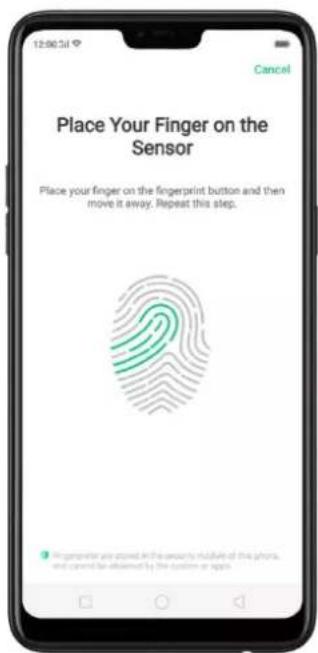
Use a fingerprint on your realme phone
Before you can add a fingerprint, you need to create a passcode for your
text_image
Place Your Finger on the Sensor Place your finger on the fingerprint button and then move it away. Repeat this step. In germler are closed in the security module of the phone, and cannot be declared by the system at space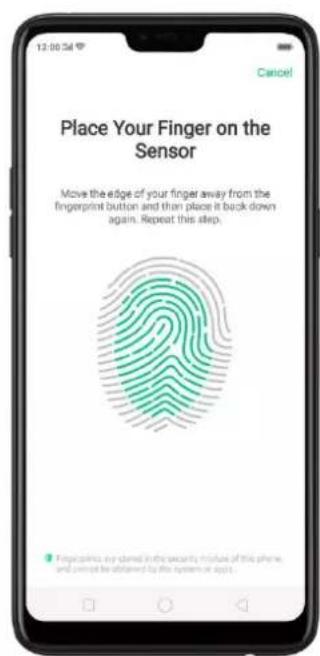
text_image
Place Your Finger on the Sensor Move the edge of your finger away from the fingerprint button and then place it back down again. Repeat this step. Finger calling any door in the security minus of this phone, and pencil be allowed by the system or app.Repeat step 1 and 2 for as many fingers as you like.
Delete or Rename a fingerprint
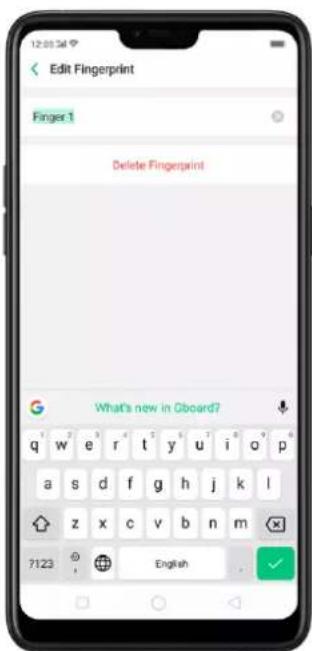
- Go to [Settings] > [Fingerprint, Face & Passcode], click the fingerprint you've added.
- Enter a name for your fingerprint, or click [Delete Fingerprint].
text_image
Edit Fingerprint Finger 1 Delete Fingerprint What's new in Gboard? 7123 EnglishReset Passcode methods
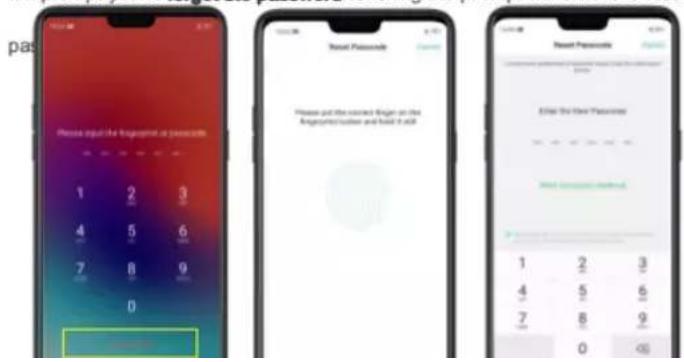
Use fingerprint to reset passcode
Before you can use the reset feature, you must add at least one fingerprint to your phone and enabled Fingerprint Unlock.
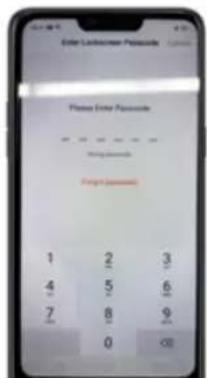
When your password is entered incorrectly, the bottom of the phone keypad will prompt you to forget the password. Clicking the prompt will enter the reset
text_image
pas Please input the fingers to press bits 1 2 3 4 5 6 7 8 9 0 Password Please put the current finger on the Angiopathic button and hold it all Password Enter the User Password New Password entered 1 2 3 4 5 6 7 8 9 0When your phone is unlocked, you can change the lock screen password directly from the Settings page.
-
Go to [Settings] > [Fingerprint, Face & Passcode], after you enter the wrong password, your realme phone will have a reminder to forget the password.
-
Click Forgot password.
text_image
Enter Lockdown Password Please Enter Passwords 1 2 3 4 5 6 7 8 9 0 <0>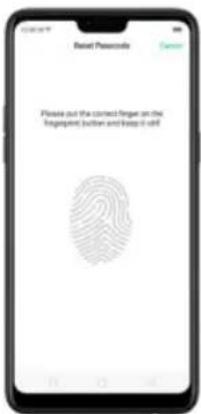
text_image
Rental Passcards Please out the correct finger on the Tagprint button and keep it off!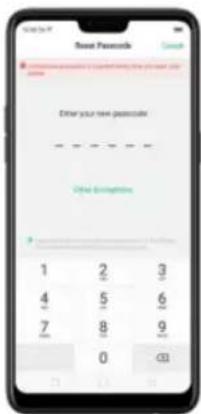
text_image
New Passwords Enter your new password Other password 1 2 3 4 5 6 7 8 9 0 0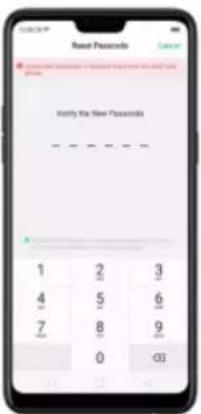
text_image
Reset Passwords Cancel Verify the New Passwords 1 2 3 4 5 6 7 8 9 0 C3Reset password with bind security email address
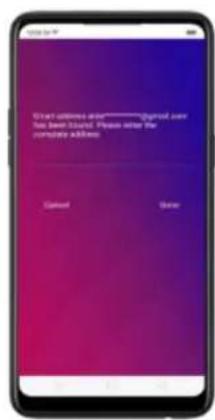
When you have forgotten your lockscreen passcode and you also haven't enrolled face recognition or for some reason it did not work, you can still reset the password as long as you have bounded your security email address at the initial share of password creation. See bird security email address
text_image
Start address: www-----gmail.com has been linked. Please note the complete address Cancel Delete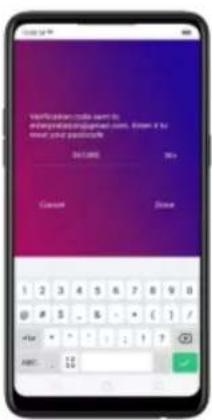
text_image
Verification code sent to are required to install your code. Enter it to meet your position?? OK Cancel Close 1 2 3 4 5 6 7 8 9 0 @ # 5 - 6 - + ( 1 / #+ - ? - 1 - 2 - 3 - 4 AMT: 12 50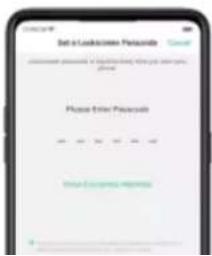
text_image
Set to Lockdown Passcode Please enter Passcode Start: 100, 20, 30, 40, 50, 60, 70, 80, 90, 100- Encrypting apps
- Protecting files
Enroll a face
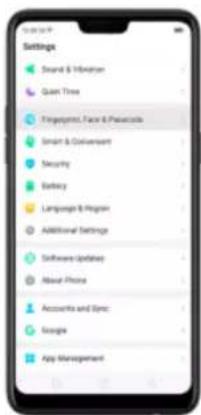
- Go to [Settings] > [Fingerprint, Face & Passcode], click [Enroll Face].
text_image
Settings Brand & Infrastron Smart Time Fingerprics, Face & Personal Smart & Consumer Security Barley Language & Recogn Additional Settings Software Updates About Phone Accounts and Sync Snacks App Management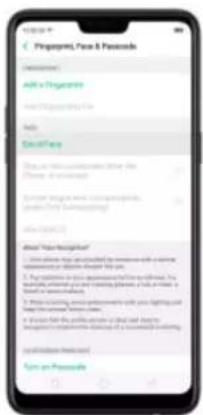
text_image
Pirpapiya, Fine & Passable Description: Add a Pirpapiya Read a Passable Add ExlcName Do you have your own name: The Phone is provided. Recent drug use and consumption: (see the following): Use an Open (1) About Your Recognition! • Use all drugs you can be used to remove a patient's care. • Use the drug you can be used to use the drug. For you can use the drug you can use the drug. Please note that you use the drug you can use the drug. For you can use the drug you can use the drug. For you can use the drug you can use the drug. For you can use the drug you can use the drug. For you can use the drug you can use the drug. For you can use the drug you can use the drug. For you can use the drug you can use the drug. For you can use the drug you can use the drug. For you can use the drug you can use the drug.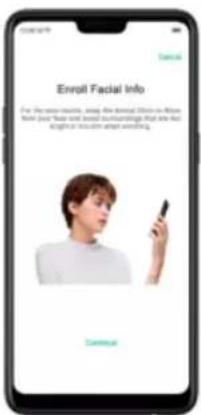
text_image
Enroll Facial Info For the most remarkable, we've been able to know that you have just been heard and heard something that are not always being heard something. Continue
text_image
Please keep your face satisfied in the voice and the annatomy it done. Cancel Cancel Please Recognize it more, you canversize the phone with your face.Delete Enrolled Faces
Go to [Settings] > [Fingerprint, Face & Passcode], click [Delete Enrolled
Faces].
Use Face for screen unlocking, App Lock and File Safe. Go to [Settings] >
3.2.2. Set up other mail and calendar accounts
In addition to the apps that come with your phone, if you want to use other mail and calendar apps, add the accounts to your phone to let the apps associated with those accounts sync with your phone.
Set up an account. Go to [Settings] > [Accounts and Sync], then click [Add Account].
Repeat the steps for as many accounts as you like.
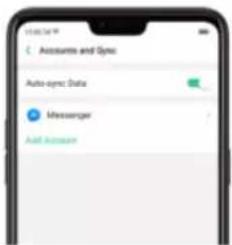
text_image
Accounts and Sync Auto sync Data Messenger Add Account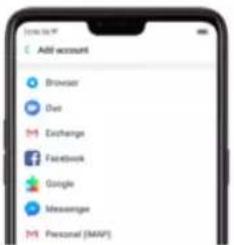
text_image
Add account Browser Dwt Exchange Facebook Google Newsquote Personal (MAP)From an iPhone to an realme Phone
- On your realme Phone, go to [Tools] > [Clone Phone], then select "This is the new phone" and "Import From an iPhone". Connect your phone to the Internet when promoted.
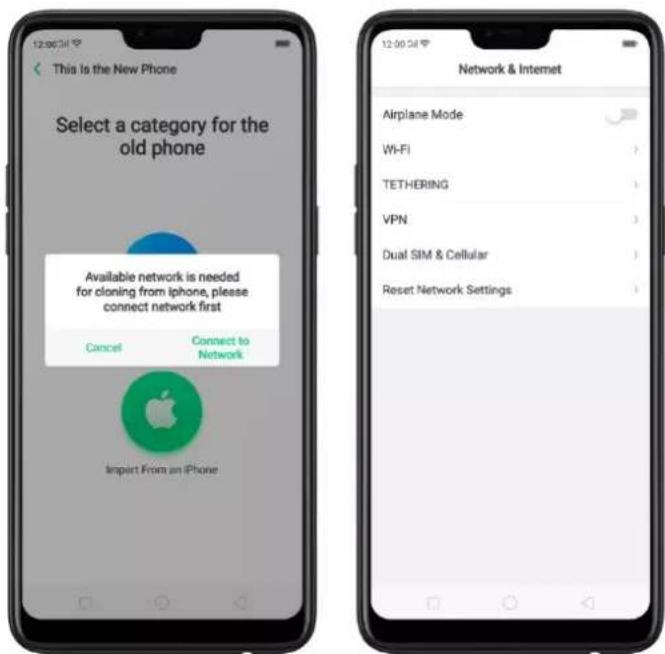
text_image
This is the New Phone Select a category for the old phone Available network is needed for cloning from iphone, please connect network first Cancel Connect to Network Import From an iPhone Network & Internet Airplane Mode Wi-Fi TETHERING VPN Dual SIM & Cellular Reset Network Settings- Sign in the iCloud account of your old iPhone. Enter the Apple ID verification code you received on your iPhone or in the SMS and start computing cloud data.
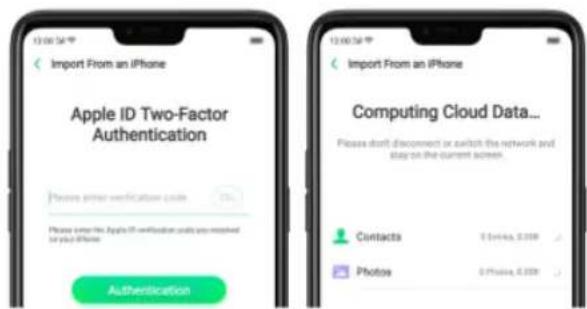
text_image
Import From an iPhone Apple ID Two-Factor Authentication Please enter the Apple ID verification units you received by your iPhone Authentication Import From an iPhone Computing Cloud Data... Please don't disconnect or switch the network and buy on the current screen. Contacts Photos 0.1946, 0.2008 0.1946, 0.2008From an Android Phone to an realme Phone
- On your realme phone, go to [Tools] > [Clone Phone], then select "This is the new phone" and "Import from an Android Phone".
- On your old phone, click [Clone Phone] from the Home screen, select "This is the old phone" and scan the QR Code generated by the new phone to start cloning.
You can also select the data (Personal Data, System Data, Applications,
Storage Data) to be cloned by clicking "Manually Select the Data to be
Cloned."
- Enter the lock screen password to continue.
If the QR code cannot be scanned
If scanning QR won't work, you may manually connect to a hotspot and transfer data still. To do this, open Clone Phone app on both phones then click "Connect", you'll notice that a pop-up will SAY "Personal Hotspot
Activated", click on it and find the Hotspot name on the Wi-Fi setting and enter the password then you can start transferring files.
If old phone doesn't have a Clone phone
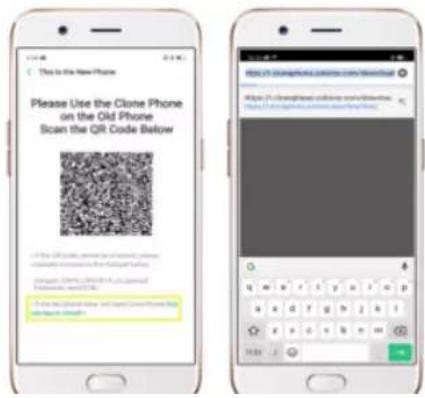
- Click You can tap to install> and it will direct you to a web browser or open
a browser from your phone and go to the
website: I.clonephone.coloros.com/download. (Note: this only works when you
open it using your mobile phone. This will not open on your computer).
text_image
This is the New Phone Please Use the Clone Phone on the Old Phone Scan the QR Code Below If the QR code is required for scanning your phone this code can be used to scan out the original QR code. If the QR code is required for scanning your phone this code can be used to scan out the original QR code.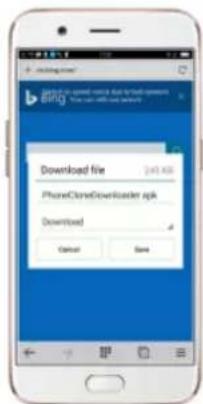
text_image
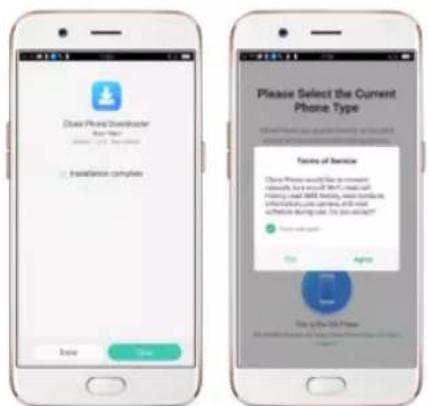
Download file iPhoneCloneDownloader Iraq Download Cancel Save- Once download is done. On your home screen, go to the notification panel for the downloaded file or go to Files/File Manager and click "APK" folder or whichever folder you chose to save the file. Tap on
"PhoneCloneDownloaded.apk" file then click on "Install".
- After installation has been completed, click "Done" and you can now start to transfer files.
text_image
Close Phone Developer User Name: 1234587888 Installation complete Add Save Please Select the Current Phone Type Focus of Service Close Phone will file to account this service, but you can't use a mask or hair. Use email: 5000, birthday, etc. complete a subscription user address, and will achieve during use. You can't want? Add Agree Buy to the next phoneNote: The duration of the Clone Phone process depends on how big the data you are going to transfer. Please patiently wait before it is completely
-
Automatically Set Date and Time. Enable [Automatically Set Date and Time] if you want to use the data given by your network provider or your GPS, or you can set the time yourself if you prefer. See step 4.
-
Set Manually. You can manually set the time and date. To do so, disable [Automatically Set Date and Time], and then:
-
Select your time zone. Click [Time Zone] and select the location you would like to adjust your time to.
- Change the date and time. You will see the date and time appear under the current time zone. Drag your finger across each column to change the date and time. Scroll wheels will appear to allow you to change the date and time simultaneously.
View more details in Set up date and time on your realme smartphone.
text_image
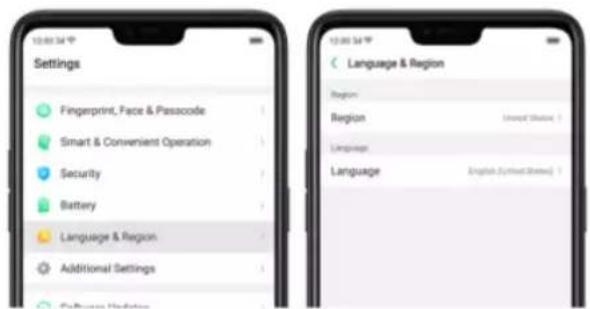
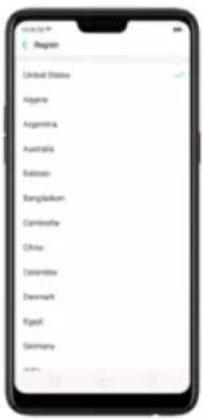
Settings Fingerprint, Face & Passcode Smart & Convenient Operation Security Battery Language & Region Additional Settings Language & Region Region: Internet Status Language: English (Spanish Status)- Find your desired region. Click Region and change the region you want to use.
- Find your desired language.
- Click [Language], you will see a list of languages. Scroll down to find the language you wish to use.
text_image
Region United States Algeria Argentina Australia Bahrain Bangladesh Cameroon China Desirenia Denmark Egypt Germany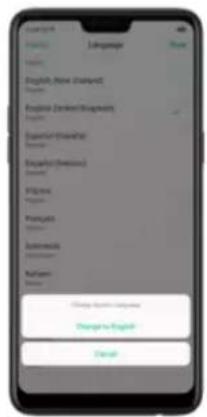
text_image
English (New English) English (New English) English (New English) English (New English) English (New English) English (New English) English (New English) English (New English) English (New English) English (New English) English (New English) English (New English) English (New English) English (New English) English (New English) English (New English) English (New English) English (New English) English (New English) English (New English) English (New English)3.2.6. Connect to the Internet
realme smartphone connects to the Internet whenever necessary, using a Wi-
Fi connection or mobile network.
WEL connection
Notice: Enabling the mobile networks connection may result in extra cost. Check with your mobile network service carrier.
4. What's new in ColorOS 5.2
4.1. Smart Sidebar
The new It's multitasking at its best, where you'll have quick access with your favorite apps and tools. This enables to switch between apps, transfer files, reply messages, or take screenshots when playing a game or watching a video.
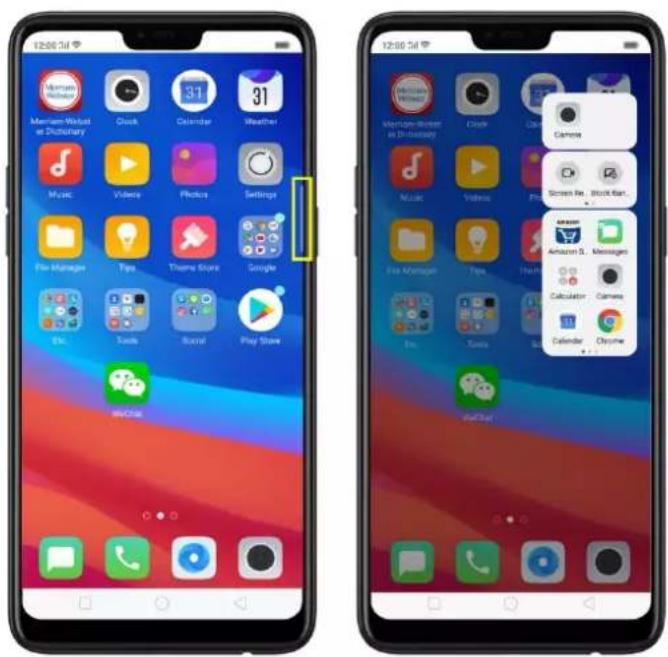
To enable Smart Sidebar, go to [Settings] > [Smart & Convenient] > [Smart Sidebar] > toggle [Smart Sidebar] to green to enable.
Once enabled, you'll be able to see a white vertical line on the side right side of your phone. Slightly swipe it to the left and the Smart Sidebar will show.
text_image
Screenshot of two smartphone home screens showing app icons and status bar, likely for mobile app access or messaging.Once enabled, you'll be able to see a white vertical line on the side right side of your phone. Slightly swipe it to the left and the Smart Sidebar will show.
Managing Smart Sidebar
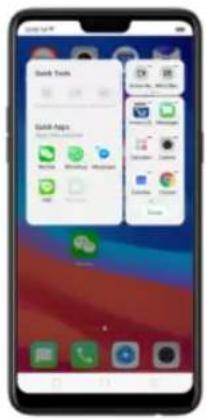
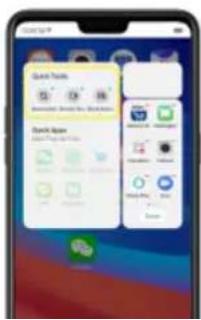
- If the Smart Sidebar is full, long press the Quick tools or the Quick Apps area for you to be able to manage or edit what will show on your Smart Sidebar. (Note: Long pressing the camera area will not work since you can't add anything here)
text_image
Back Tools Gall Apps- If the Smart Sidebar is not full, click on + to add tools or apps then click each one of them. You can click Done or just click anywhere on the home screen for changes to be made.
The tools and apps available for Smart Sidebar
-
Quick tools. There are 3 available slots and tools to choose from. You can add them all or just choose the one you like to show.
-
Screenshot
- Screen Recording
- Block Banners
text_image
Search Tools Search Apps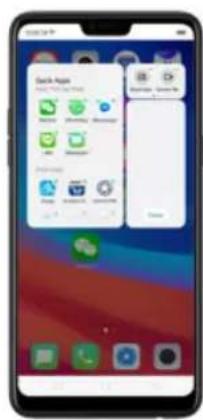
text_image
Check Apps Check Apps OK Cancel Help Finish Finish Button Finish Button Finish Button Finish Button Finish Button Finish Button Finish Button Finish Button Finish Button Finish Button Finish Button Finish Button Finish Button Finish Button Finish Button Finish Button Finish Button Finish Button Finish Button Finish Button Finish Button Finish Button Finish Button Finish Button Finish Button Finish Button Finish Button Finish Button Finish Button Finish Button Finish Button Finish Button Finish Button Finish Button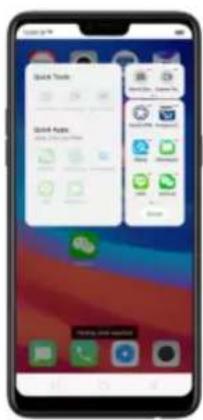
text_image
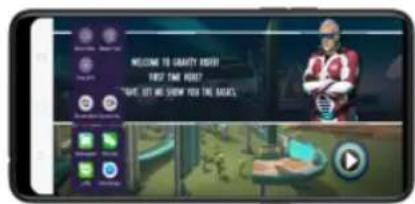
Quick Tools Quick Apps Quick Apps Quick Apps Quick Apps Quick Apps Quick Apps Quick Apps Quick Apps Quick Apps Quick Apps Quick Apps Quick Apps Quick Apps Quick Apps Quick Apps Quick Apps Quick Apps Quick Apps Quick Apps Quick Apps Quick Apps Quick Apps Quick Apps Quick Apps Quick Apps Quick Apps Quick Apps Quick Apps Quick Apps Quick Apps Quick Apps Quick Apps Quick Apps Quick AppsSmart game sidebar. Enjoy your games and at the same time check and reply messages or posts on your social media. Never be left behind even when enjoying your games.
text_image
WELCOME TO GRANTY ROOT! FIRST TIME REM? MAKE LET ME SHOW YOU THE BAGS.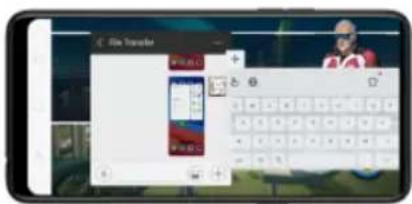
text_image
File Transfer File Transfer4.2. Smart Scan (only India
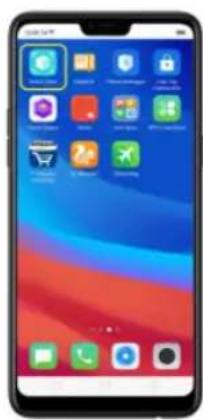
text_image
Smartphone home screen displaying app icons with Chinese labels, including shopping cart, shopping bag, and app icons.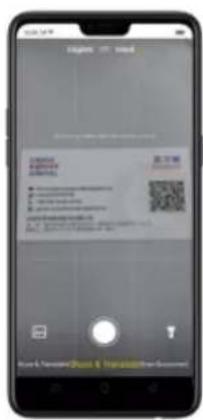
text_image
Mobile app screenshot showing a QR code scanning interface with Chinese text and input fieldsMain features of Smart Scan
- Scan & Translate – This only available for English to Hindi and vice versa.
Pan your finger at the bottom and choose "Scan & Translate". You can
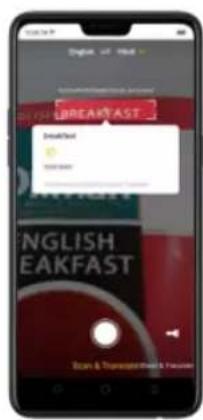
text_image
BREADFAST EmailText ENGLISH EAKFAST Scan & Preview Email & Print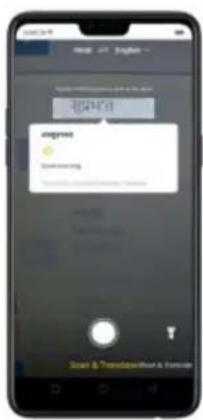
text_image
engree Translation Start & Translate/Run & BreakoutYou can also lock the word so it won't read other words/phrases. Click ☐ and you will be able to lock and unlock word or phrases. You will see a padlock in the center of the frame once a word is locked.
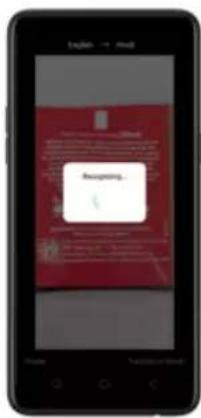
versa. Pan your finger at the bottom and choose "Shoot & Translate".
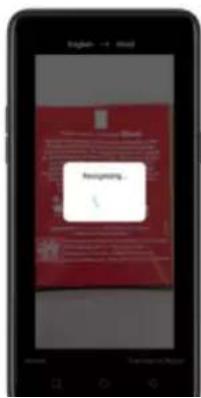
Aim at anything that you would like to translate then click ☐ and Smart
Scan will start to recognize the texts. You can either Retake or see the
Translation Results.
text_image
Smartphone screen displaying a red document with placeholder text and a warning message in the center.
text_image
Mobile app screenshot displaying a news article about the 2013-2014 period, with red header and navigation menu visible.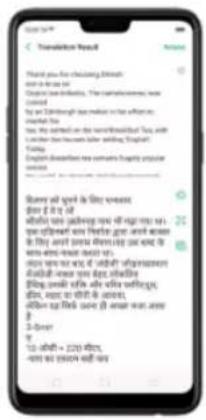
text_image
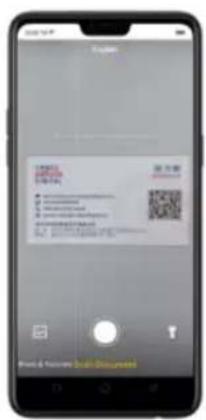
Mobile app screenshot showing a chat conversation with messages about phone usage and email composition.- Scan document. This can translate English, Japanese, Korean, French, Spanish, Italian, German, Hindi, and Chinese languages. Pan your finger at the bottom and choose "Scan Document". Choose the language you want. Aim at anything that you would like to scan then
text_image
Mobile phone screenshot showing a QR code payment interface with input fields and a download buttonOnce scanning is done you can do the following to the image:
Adjust the range. Using your finger/s, move the four circles on the side of the image.
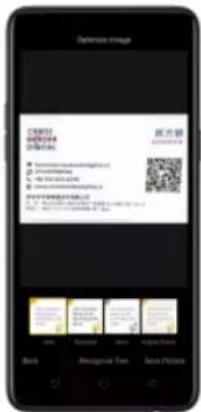
Optimized Image. You can choose from Auto, Enhanced, Mono, or the Original
Picture you've taken. Once done, click Save Picture.
text_image
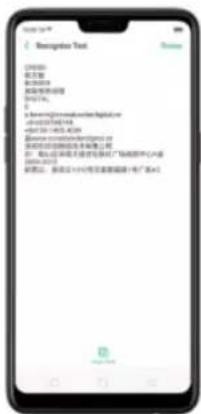
Deluxe Image C2003 1985-01 1986-01 1987-01 1988-01 1989-01 1990-01 1991-01 1992-01 1993-01 1994-01 1995-01 1996-01 1997-01 1998-01 1999-01 2000-01 2001-01 2002-01 2003-01 2004-01 2005-01 2006-01 2007-01 2008-01 2009-01 2010-01 2011-01 2012-01 2013-01 2014-01 2015-01 2016-01 2017-01 2018-01 2019-01 2020-01 2021-01 2022-01 2023-01 2024-01 2025-01 2026-01 2027-01 2028-01 2029-01 2030-01 2031-01 2032-01 2033-01 2034-01 2035-01 2036-01 2037-01 2038-01 2039-01 2040-01 2041-01 2042-01 2043-01 2044-01 2045-01 2046-01 2047-01 2048-01 2049-01 2050-01 2051-01 2052-01 2053-01 2054-01 2055-01 2056-01 2057-01 2058-01 2059-01 2060-01 2061-01 2062-01 2063-01 2064-01 2065-01 2066-01 2067-01 2068-01 2069-01 2070-01 2071-01 2072-01 2073-01 2074-01 2075-01 2076-01 2077-01 2078-01 2079-01 2080-01 2081-01 2082-01 2083-01 2084-01 2085-01 2086-01 2087-01 2088-01 2089-01 2090-01 2091-01 2092-01 2093-01 2094-01 2095-01 2096-01 2097-01 2098-01 2You may also Click Recognize Text if you want it translated. Click Retake if you want to scan again and click Copy Text if you want to paste the text someplace else
text_image
C:\Users\Documents\Text C:\Users\Documents\RightNow\Address\2013\487168 +501-101-003-0039 @www.circuits.com @www.circuits.com @www.circuits.com @www.circuits.com @www.circuits.com @www.circuits.com @www.circuits.com @www.circuits.com @www.circuits.comOther features of Smart Scan
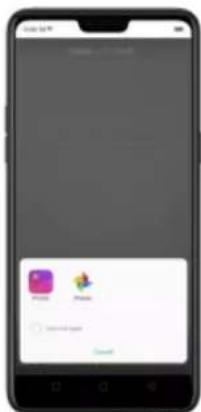
- Click 📄 and choose the Photo app you want to use.
- Choose an image you want to Shoot & Translate or Scan Document.
text_image
Mobile app interface screenshot showing a smartphone screen with app icons and a 'Cancel' button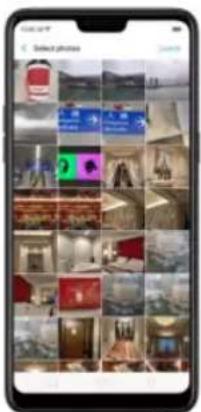
text_image
Smartphone screenshot displaying a grid of photo thumbnails with Chinese text labels, likely for a photo selection interface.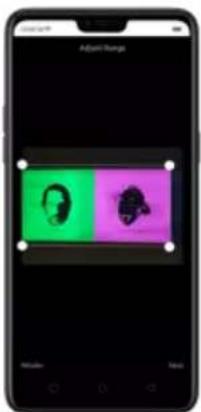
text_image
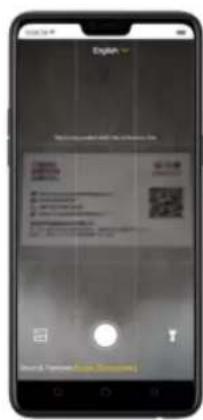
Adjourn Range Head Body- Flashlight. When the area you are taking a picture or scanning a
text_image
Smartphone screen displaying a document with Chinese text, QR code, and navigation icons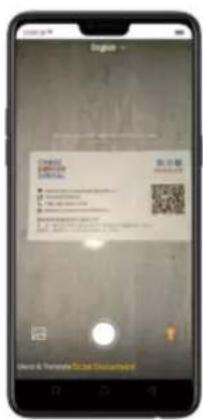
text_image
Mobile phone screenshot showing a QR code scanning interface with Chinese text and contact information4.3. New features of Smart Assistant (only India version have)
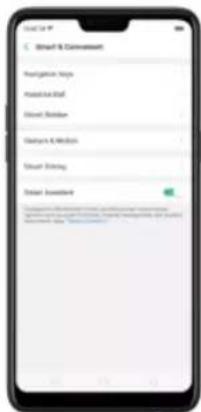
click Turn on Smart Assistant (Need go to setting open smart assistant first).
text_image
Smart & Deconvast Navigation Keys Mouse to iPad Smart Browser Hardware & Media Smart Editing Deconvast Awardset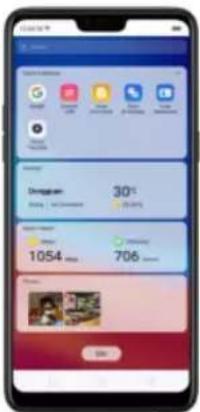
- Scan Document. Click Document to launch Smart Scan app and open this
feature directly. This can translate English, Japanese, Korean, French,
Spanish, Italian, German, Hindi, and Chinese languages. Choose the
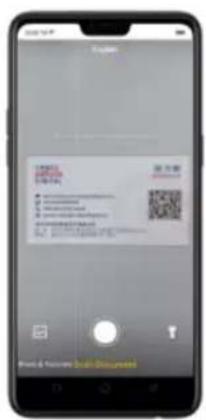
text_image
Mobile phone screenshot showing a QR code payment interface with input fields and a download buttonOnce scanning is done you can do the following to the image:
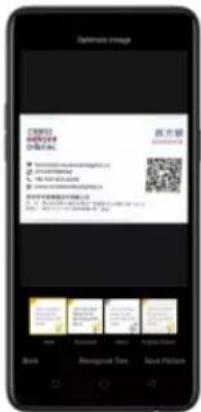
Adjust the range. Using your finger/s, move the four circles on the side of the image.
Optimized Image. You can choose from Auto, Enhanced, Mono, or the Original
Picture you've taken. Once done, click Save Picture.
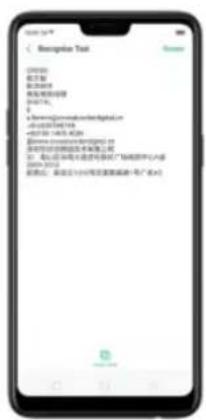
text_image
Deluxe Image C2003 1985-01 1986-01 1987-01 1988-01 1989-01 1990-01 1991-01 1992-01 1993-01 1994-01 1995-01 1996-01 1997-01 1998-01 1999-01 2000-01 2001-01 2002-01 2003-01 2004-01 2005-01 2006-01 2007-01 2008-01 2009-01 2010-01 2011-01 2012-01 2013-01 2014-01 2015-01 2016-01 2017-01 2018-01 2019-01 2020-01 2021-01 2022-01 2023-01 2024-01 2025-01 2026-01 2027-01 2028-01 2029-01 2030-01 2031-01 2032-01 2033-01 2034-01 2035-01 2036-01 2037-01 2038-01 2039-01 2040-01 2041-01 2042-01 2043-01 2044-01 2045-01 2046-01 2047-01 2048-01 2049-01 2050-01 2051-01 2052-01 2053-01 2054-01 2055-01 2056-01 2057-01 2058-01 2059-01 2060-01 2061-01 2062-01 2063-01 2064-01 2065-01 2066-01 2067-01 2068-01 2069-01 2070-01 2071-01 2072-01 2073-01 2074-01 2075-01 2076-01 2077-01 2078-01 2079-01 2080-01 2081-01 2082-01 2083-01 2084-01 2085-01 2086-01 2087-01 2088-01 2089-01 2090-01 2091-01 2092-01 2093-01 2094-01 2095-01 2096-01 2097-01 2098-01 2You may also Click Recognize Text if you want it translated. Click Retake if you want to scan again and click Copy Text if you want to paste the text someplace else
text_image
Description Text 100000 姓名 陈雪峰 地址及邮政信息 电话号码: 6388888888888888888888888888888888888888888888888888888888888888888888888888888888888 2022年1月14日 @2022-145-0209 @2022-145-0209 @2022-145-0209 @2022-145-0209 @2022-145-0209 @2022-145-0209 @2022-145-0209 @2022-146-0209 @2022-146-0209 @2022-146-0209 @2022-146-0209 @2022-146-0209 @2022-146-0209 @2022-146-0209 @2017-146-0209 @2017-146-0209 @2017-146-0209 @2017-146-0209 @2017-146-0209 @2017-146-0209 @2017-146-0209See: Smart Scan
- Scan & Translate. Click Scan & Translate to launch Smart Scan app and open this feature directly. This only available for English to Hindi and vice versa. You can translate each word or phrases as long as it will fit on the frame

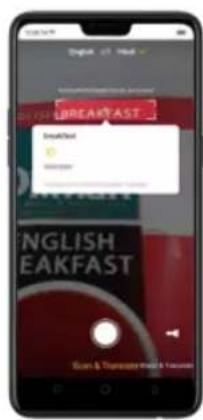
text_image
BREADFAST SmallText ENGLISH EAKFAST Scan & Questionnaire: 10 minutes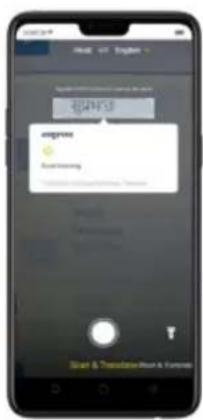
text_image
engree Start & Translation/Start & ElementsYou can also lock the word so it won't read other words/phrases. Click ☐ and you will be able to lock and unlock word or phrases. You will see a padlock in the center of the frame once a word is locked.
• Photo Translate. This is also called Shoot & Translate. Click to
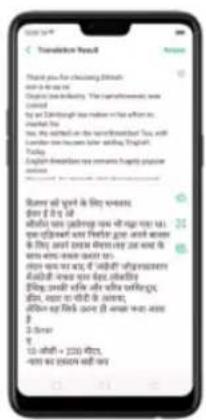
launch Smart Scan app and open this feature directly. This only available for English to Hindi and vice versa. Aim at anything that you would like to translate then click □ and Smart Scan will start to recognize the texts. You can either Retake or see the Translation Results.
text_image
English - + Hool Hormgung. 1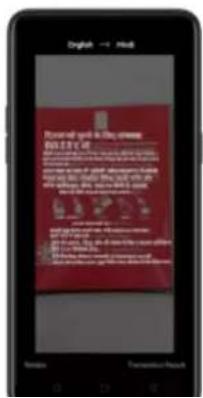
text_image
Renewell says in the news NED 100 • The news will be a very hard, very hard to do so. We have been a very hard, very hard to do so. We have been a very hard, very hard to do so. We have been a very hard, very hard to do so. We have been a very hard, very hard to do so. We have been a very hard, very hard to do so. We have been a very hard, very hard to do so. We have been a very hard, very hard to do so. We have been a very hard, very hard to doSo. • The news will be a very hard, very hard to do so. We have been a very hard, very hard to do so. We have been a very hard, very hard to do so. We have been a very hard, very hard to do so. We have been a very hard, very hard to do so. We have been a very hard, very hard to do so. • The news will be a very hard, very hard to do so. We have been a very hard, very hard to do so. We have been a very hard, very hard to do so. We have been a very hard, very hard to do so. • The news will be a very hard, very hard to do so. We have been a very hard, very hard to do so. We have been a very hard, very hard to do so. • The news will be a very hard, very hard to do so. We have been a very hard, very hard to do so. We have been a very hard, very hard to do so. • The news will be a very hard, very hard to do so. We have been a very hard,very hard to do so. • The news will be a very hard, very hard to do so. We have been a very hard,very hard to do so. • The news will be a very hard,very hard to do so. • The news will be a very hard,very hard to do so. • The news will be a very hard,very hard to do so. • The news will be a very hard,very hard to do so. • The news will be a very hard,very hard to do so. • The news will be a very hard,very hard to do so. • The news will be a very hard,very hard to do so • The news will be a very hard,very hard to do so. • The news will be a very hard,very hard to do so. • The news will be a very hard,very hard to do so. • The news will be a very hard,very hard to do so. • The news will be a very hard,very hard to do so. • The news will be a very hard,very hard to do so. • The news will be a very hard,Very hard to do so. • The news will be a very hard,very hard to do so. • The news will be a very hard,very hard to do so. • The news will be a very hard,very hard to do so. • The news will be a very hard,very hard to do so. • The news will be a very hard,very hard to do so. • The news will be a very hard,very hard to do so. • The news willbe a very hard,very hard to do so. • The news will be a very hard,very hard to do so. • The news will be a very hard,very hard to do so. • The news will be a very hard,very hard to do so. • The news will be a very hard,very hard to do so. • The news will be a very hard,very hard to do so. • The news will be a very hard,very hard to do so, • The news will be a very hard,very hard to do so. • The news will be a very hard,very hard to do so. • The news will be a very hard,very hard to do so. • The news will be a very hard,very hard to do so. • The news will be a very hard,very hard to do so. • The news will be a very hard,very hard to do so. • The news will be a very hard, Very hard to do so • The news will be a very hard, Very hard to do so • The news will be a very hard, Very hard to do so • The news will be a very hard, Very hard to do so • The news will be a very hard, Very hard to do so • The news will be a very hard, Very hard to do so • The news will be a very hard, Very hard to do so • The news will be a very hard,Very hard to do so • The news will be a very hard, Very hard to do so • The news will be a very hard, Very hard to do so • The news will be a very hard, Very hard to do so • The news will be a very hard, Very hard to do so • The news will be a very hard, Very hard to do so • The news will be a very hard, Very hard to do so • The news willbe a very hard, Very hard to do so • The news will be a very hard, Very hard to do so • The news will be a very hard, Very hard to do so • The news will be a very hard, Very hard to do so • The news will be a very hard, Very hard to do so • The news will be a very hard, Veryhard to do so • The news will be a very hard, Veryhard to do so • The news will be a very hard, Veryhard to do so • The news will be a very hard, Veryhard to do so • The news will be a very hard, Veryhard to do so • The news will be a very-hard, Very-hard to do so • The news will be a very-hard, Very-hard to do so • The news will be a very-hard, Very-hard to do so • The news will be a very-hard, Very-hard to do so • The news will be a very-hard, Very-hard to do so • The news will be a very-hard, Very-hard to do so • The news will be a very-hard, Very-hard to do so • The news will be an early warning that we are not sure that we are not sure that we are not sure that we are not sure that we are not sure that we are not sure that we are not sure that we are not sure that we are not sure that we are not sure that we are not sure that we are not sure that we are not sure that we are not sure that we are not sure that we are not sure that we are not sure that we are not sure that we are not sure that we are not sure that we are notsure that we are not sure that we are not sure that we are not sure that we are not sure that we are not sure that we are not sure that we are not sure that we are not sure that we are not sure that we are not sure that we are not sure that we are not sure that we are not sure that we are not sure that we are not sure that we are not sure that we are not sure that we are not sure that we are not sure that we are not surrue it's the true story of our people who is being able for me. The news will be an early warning that we are not sure that we are not sure that we are not sure that we are not sure that we are not sure that we are not sure that we are not sure that we are not sure that we are not sure that we are not sure that we are not sure that we are not sure that we are not sure that we are not sure that we are not sure that we are not sure that we are not sure that we are not sure that we are now we have been an early warning that we are not sure that we are not sure that we are not sure that we are not sure that we are not sure that we are not sure that we are not sure that we are not sure that we are not sure that we are not sure that we are not sure that we are not sure that we are not sure that we are now we have been an early warning that we are not sure that we are not sure that we are not sure that we are not sure that we are non- sure that we are not sure that we are not sure that we are not sure that we are not sure that we are not sure that we are not sure that we are not sure that we are not sure that we are not sure that we are not sure that we are not sure that we are not sure that we are not sure that we are not sure that we are now we have been an early warning that we are not sure that we are not sure that we are not sure that we are non- sure that we are non-sure that we are non-sure that we are non-sure that we are non-sure that we are non-sure that we are non-sure that we are non-sure that we are non-sure that we are non-sure at some time we have been an early warning that we are non-sure that we are non-sure that we are non-sure that we are non-sure at some time we have been an early warning that we are non-sure that we are non-sure at some time we have been an early warning that we are non-sure at some time we have been an early warning that we are non-sure at some time we have been an early warning that we are non-sure at some time we have been an early warning that we are non-sure at some time we have been an early warning that we are non-sure at some time we have been an early warning that we are non-sure at some time we have been an early warning that we arenon-sure at some time we have been an early warning thatwe have been an early warning at some time we have been an early warning at some time we have been an early warning at some time we have been an early warning at some time we have been an early warning at some time we have been an early warning at some time we have been an early warning at some time we have been an early warning at some time we have been an early warning at some time we have been an early warning at some time we have been an early warning at some time
text_image
Thank you for checking English to be at my start. To check the language, I have the highest score won. You can't check the language in the first few times. You can't check the language in the second time. You can't check the language in the third time. You can't check the language in the fourth time. You can't check the language in the fifth time. You can't check the language in the sixth time. You can't check the language in the seventh time. You can't check the language in the eight time. You can't check the language in the nine time. You can't check the language in the 10th time. You can't check the language in the 11th time. You can't check the language in the 12th time. You can't check the language in the 13th time. You can't check the language in the 14th time. You can't check the language in the 15th time. You can't check the language in the 16th time. You can't check the language in the 17th time. You can't check the language in the 18th time. You can't check the language in the 19th time. You can't check the language in the 20th time. You can't check the language in the 21st time. You can't check the language in the 22nd time. You can't check the language in the 23rd time. You can't check the language in the 24th time. You can't check the language in the 25th time. You can't check the language in the 26th time. You can't check the language in the 27th time. You can't check the language in the 28th time. You can't check the language in the 29th time. You can't check the language in the 30th time. You can't check the language in the 31st time. You can't check the language in the 32nd time. You can't check the language in the 33rd time. You can't check the language in the 34th time. You can't check the language in the 35th time. You can't check the language in the 36th time. You can't check the language in the 37th time. You can't check the language in the 38th time. You can't check the language in the 39th time. You can't check the language in the 40th time. You can't check the language in the 41st time. You can't check the language in the 42nd time. You can't check the language in the 43rd time. You can't check the language in the 44th time. You can't check the language in the 45th time. You can't check the language in the 46th time. You can't check the language in the 47th time. You can't check the language in the 48th time. You can't check the language in the 49th time. You can't check the language in the 50th time. You can't check the language in the 51st time. You can't check the language in the 52nd time. You can't check the language in the 53rd time. You can't check the language in the 54th time. You can't check the language in the 55th time. You can't check the language in the 56th time. You can't check the language in the 57th time. You can't check the language in the 58th time. You can't check the language in the 59th time. You can't check the language in the 60th time. You can't check the language in the 61st time. You can't check the language in the 62nd time. You can't check the language in the 63rd time. You can't check the language in the 64th time. You can't check the language in the 65th time. You can't check the language in the 66th time. You can't check the language in the 67th time. You can't check the language in the 68th time. You can't check the language in the 69th time. You can't check the language in the 70th time. You can't check the language in the 71st time. You can't check the language in the 72nd time. You can't check the language in the 73rd time. You can't check the language in the 74th time. You can't check the language in the 75th time. You can't check the language in the 76th time. You can't check the language in the 77th time. You can't check the language in the 78th time. You can't check the language in the 79th time. You can't check the language in the 80th time. You can't check the language in the 81st time. You can't check the language in the 82nd time. You can't check the language in the 83rd time. You can't check the language in the 84th time. You can't check the language in the 85th time. You can't check the language in the 86th time. You can't check the language in the 87th time. You can't check the language in the 88th time. You can't check the language in the 89th time. You can't check the language in the 90th time. You can't check the language in the 91st time. You can't check that we don't know what we don't know what we don't know what we don't know what we don't know what we don't know what we don't know what we don't know what we don't know what we don't know what we don't know what we don't know what we don't know what we don't know what we don't know what we don't know what we don't know what we don't know what we don't know what we don't know what we don't know how to know what we don't know what we don't know what we don't know what we don't know what we don't know what we don't know what we don't know what we don't know what we don't know what we don't know what we don't know what we don't know what we don't know what we don't know what we don't know what we don't know what we don't know what we don't know what we don't know what we don’t know what we don’t know what we don’t know what we don’t know what we don’t know what we don’t know what we don’t know what we don’t know what we don’t know what we don’t know what we don’t know what we don’t know what we don’t know what we don’t know what we don’t know what we don’t know what we don’t know what we don’t know what we don’t know what we don’t know what we don’s you want to see how to see how to see how to see how to see how to see how to see how to see how to see how to see how to see how to see how to see how to see how to see how to see how to see how to see how to see how to see how to see how to see how to see how to see how to see how to see how to see how to see how to see how to see how to see how to see how to see how to see how you want to see how to see how to see how to see how to see how to see how to see how to see how to see how to see how to see how to see how to see how to see how to see how to see how to see how to see how to see how to see how to see how to see how to see how to see how to see how to see how you want to see how to see how to see how to see how to see how to see how will not say you want to see how to see how to see how to see how to see How will say you want to see how to see How will say you want to see How will say you want to see How will say you want to see How will say you want to see How will say you want to see How will say you want to see How will say you want to see How will say you want to see How will say you want to see How will say you want to see How will say you want to see How will say you want to see How will say you want to see How Will say you want to see How Will say you want to see How Will say you want to see How Will say you want to see How Will say you want to see How Will say you want to see How Will say you want to see How Will say you want to see How Will say you want to see How Will say you want to see How Will say you want to see How Will say you want to see How Will say you are not sure that you are not sure that you are not sure that you are not sure that you are not sure that you are not sure that you are not sure that you are not sure that you are not sure that you are not sure that you are not sure that you are not sure that you are not sure that you are not sure that you are not sure that you are not sure that you are not sure that you are not sure that you are not sure that you are not sure that you are not sure that your own or her own is true, you want to see how does you want it's going? you want to see how does you want it's going? you want to show how does you want it's going? you want to use how does you want it's going? you want to show how does you want it's going? you want to use how does you want it's going? you want to use how does you want it's going? you want to use how does you want it's going? you want to use how does you want it's going? you want to use how does you want it's going? you want to use how does you want it's going? you want to use how does you want it's going? you want to use how does you want it's going? you want to use how does you demand a long longer than a long longer than a long longer than a long longer than a long longer than a long longer than a long longer than a long longer than a long longer than a long longer than a long longer than a long longer than a long longer than a long longer than a long longer than a long longer than a long longer than a long longer than a long longer than a long longer than a long longer than a long longer than a long longer than a long longer than a long longer than a long longer then a long longer than a long longer than a long longer than a long longer than a long longer than a long longer than a long longer than a long longer than a long longer than a long longer than a long longer than a long longer than a long longer than a long longer than a long longer than a long longer than a long longer than a long longer than a long longer than a long longer than a long longer than a long longer than a long longer than a long longer than a long longer Than a long longer Than a long longer Than a long longer Than a long longer Than a long longer Than a long longer Than a long longer Than a long longer Than a long longer Than a long longer Than a long longer Than a long longer Than a long longer Than a long longer Than a long longer Than a long longer Than a long longer Than a long longer Than a long longer Than a long longer Than a long longer Than a long longer Than a long longer Than a long longer Than a long longer THAN A long longer Than A long longer Than A long longer Than A long longer Than A long longer Than A long longer Than A long longer Than A long longer Than A long longer Than A long longer Than A long longer Than A long longer Than A long longer Than A long longer Than A long longer Than A long longer Than A long longer Than A long longer Than A long longer Than A long longer Than A long longer Than A long longer Than A long longer Than A long longer Than A long shorter Than A long longer Than A long longer Than A long shorter Than A long shorter Than A long shorter Than A long shorter Than A long shorter Than A long shorter Than A long shorter Than A long shorter Than A long shorter Than A long shorter Than A long shorter Than A long shorter Than A long shorter Than A long shorter Than A long shorter Than A long shorter Than A long shorter Than A long shorter Than A long shorter Than A long shorter Than A long shorter Than A long shorter Than A long shorter Than A long shorter Than A long shorter Than A long cylinder Than A long cylinder Than A long cylinder Than A long cylinder Than A long cylinder Than A long cylinder Than A long cylinder Than A long cylinder Than A long cylinder Than A long cylinder Than A long cylinder Than A long cylinder Than A long cylinder Than A long cylinder Than A long cylinder Than A long cylinder Than A long cylinder Than A long cylinder Than A long cylinder Than A long cylinder Than A long cylinder Than A long cylinder Than A long cylinder Than A long cylinder Than A long cylinder Than A long cylindrical Than A short duration, but no duration, but no duration, but no duration, but no duration, but no duration, but no duration, but no duration, but no duration, but no duration, but no duration, but no duration, but no duration, but no duration, but no duration, but no duration, but no duration, but no duration, but no duration, but no duration, but no duration, but no duration, but no duration, but no duration, but no duration, but no duration, but No duration, but no duration, but no duration, but no duration, but no duration, but no duration, but no duration, but no duration, but no duration, but no duration, but no duration, but no duration, but no duration, but no duration, but no duration, but no duration, but no duration, but no duration, but no duration, but no duration, but no duration, but no duration, but no duration, but no duration, but no duration, but any duration, but no duration, but no duration, but no duration, but no duration, but no duration, but no duration, but no duration, but no duration, but no duration, but no duration, but no duration, but no duration, but no duration, but no duration, but no duration, but no duration, but no duration, but no duration, but no duration, but no duration, but no duration, but no duration, but no duration, but no duration, but an end of this period. Since all words are present for every word after my start, which has been used by us. When you are looking through English to be at my start, which has been used by us. When you are looking through English to be at my start, which has been used by us. When you are looking through English to be at my start, which has been used by us. When you are looking through English to be at my start, which has been used by us. When you are looking through English to be at my start, which has been used by us. When you are looking through English to be again at my start, which has been used by us. When you are looking through English to be again at my start, which has been used by us. When you are looking through English to be again at my start, which has been used by us. When you are looking through English to be again at my start, which has been used by us. When you are looking through English to be again at my start, which has been used by us. When you are looking throughout English to be again at my start, which has been used by us. When you are looking throughout English to be again at my start, which has been used by us. When you are looking throughout English to be again at my start, which has been used by us. When you are looking throughout English to be again at my start, which has been used by us. When you are looking throughout English to be again at my start, which has been used by us.See: Smart Scan
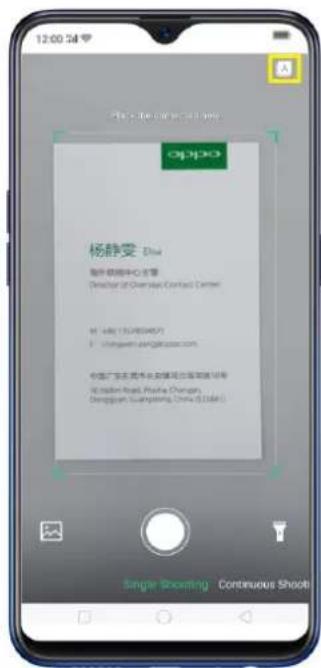
- Scan namecard. Click ☐ to launch Contacts app and open this
feature directly. Before scanning the business card or namecard, click
for the namecard recognition language. Make sure to fit the
text_image
12:00 oppo 杨静雯 Doc 邮件联络中心主管 Director of Overseas Contact Center http://88/1569407/ zhengwen.xingfei@soo.com 中国广发证券承销保荐有限公司客服电话 010-5619-999-9999 Shenzhen Post, Pudai Changan, Dongguan Guangdong, China (5134)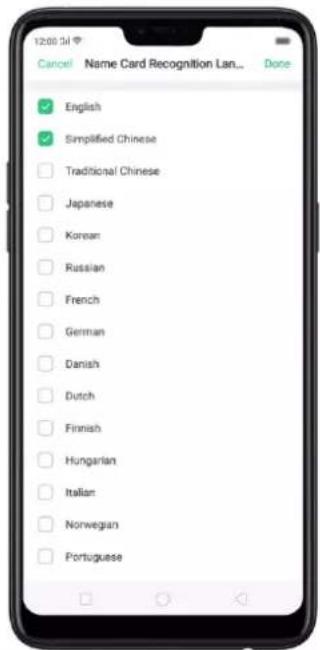
text_image
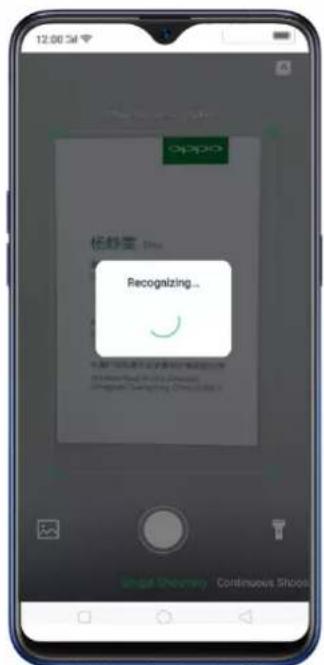
12:00 3l Cancel Name Card Recognition Lan... Done English Simplified Chinese Traditional Chinese Japanese Korean Russian French German Danish Dutch Finnish Hungarian Italian Norwegian PortugueseClick to start recognizing the namecard or business card and all information will directly be stored on your Contacts app then click Save.
text_image
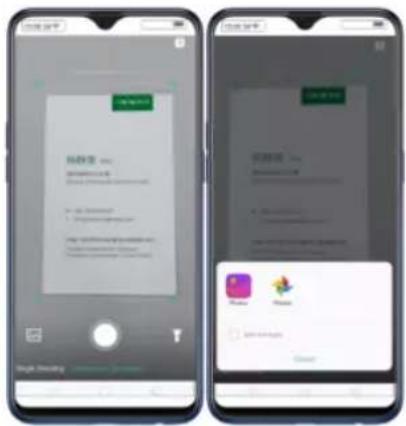
12:00:54 appo 依舒雪 Plus Recognizing... @appo.com.cn @appo.com.cn @appo.com.cn @appo.com.cn @appo.com.cn @appo.com.cn @appo.com.cn @appo.com.cn @appo.com.cn @appo.com.cn @appo.com.cn @appo.com.cn @appo.com.cn @appo.com.cn @appo.com.cn @appo.com.cn @appo.com.cn @appo.mpg Continuous SchoolYou also have an option to do Continuous Shooting, open Photos app if a namecard or business card is saved there, or use the flashlight if area to scan
is dimly lit.
text_image
Two smartphone screenshots showing app interface with Chinese text, including a login panel and a pop-up of a WeChat profile.4.4. ORoaming
text_image
SMB Card & Calculator Offloading Usage of the SMB Card & Calculator App-by-using SSB Fi and Mobile Data Data Saving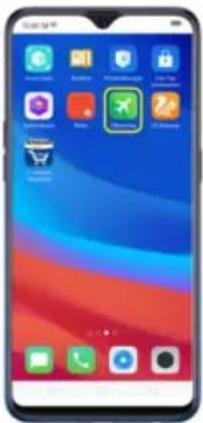
text_image
Smartphone home screen displaying app icons with Chinese labels, including 'App Store', 'Mobile App', and 'Google' branding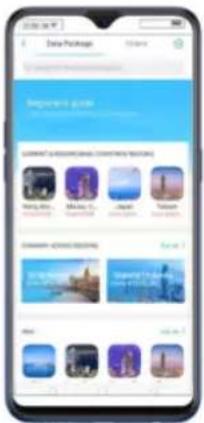
text_image
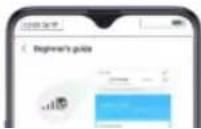
Data Package Options Parameters guide GARANT'S ASSOCIATION CONTROLING TARGETS Hindi, India Makita, China Japan Taiwan China's 2018 Strategy China's 2018 Strategy China's 2018 Strategy- Click on Beginner's guide for steps needed and common FAQs before using
this feature.
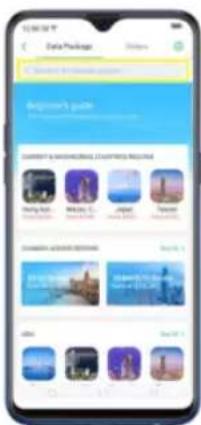
- Click Data Package or use the search field for the country that you plan to visit. You will be given options to choose from, click Buy, then choose your mode of payment, click Pay Now and the Amount. (Note: Only supports MasterCard and Visa credit cards).
text_image
Data Package Welcome to Choose to Beginner's guide The following instructions: Ming Bang, Japan Miao Tu, Japan Japan Japan Download to Download to Download to Download to Download to Download to Download to Download to Download to Download to Download to Download to Download to Download to Download to Download to Download to Download to Download to Download to Download to Download to Download to Download to Download to Download to Download to Download to Download to Download to Download to Download to Download to Download to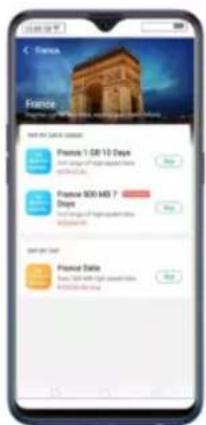
text_image
France Framble Take the next 10 days Promote 1:58:10 Days Promote 500:407 Days Promote Date Promote 12:58:407 Day (at 10:30 AM) or 10:00 PM (at 10:00 PM)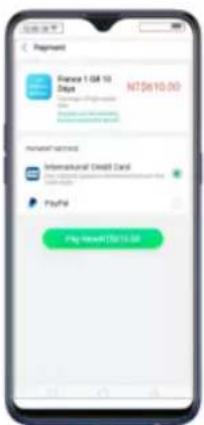
text_image
Payment France 1 GB 10 Dots NT$610.00 International Credit Card PayPal Pay amount TSB10.00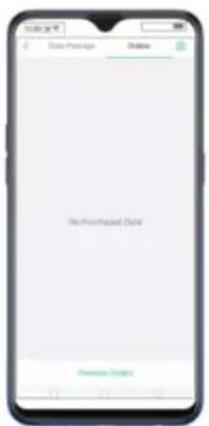
text_image
Date Package No Print-based Date Promote EmailSettings of ORoaming
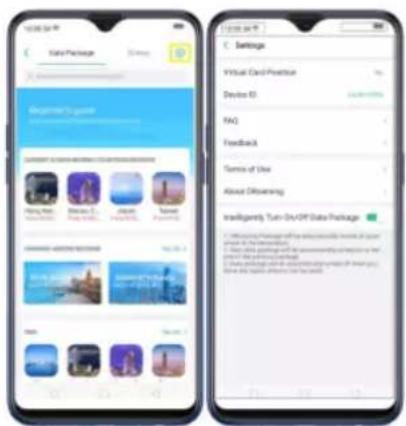
text_image
TITLE PLAN Take Package Settings Virtual Card Practice Device ID FAQ Feedback Terms of Use About Diversifying Intelligerely Turn-Drive OFF Data Package 1. Downloading Software with the following features: User address, User access, User access, User access, User access, User access, User access, User access, User access, User access, User access, User access, User access, User access, User access, User access, User access, User access, User access, User access, User access, User access, User access, User access, User access, User access, User access, User access, User access, User access, User access, User access, User access, User access, User accessORoaming settings contain:
- Virtual Card Position – This serves as your virtual SIM card since you won't be needing one when using ORoaming feature.
• Device ID – the special identification that is connected to the device that
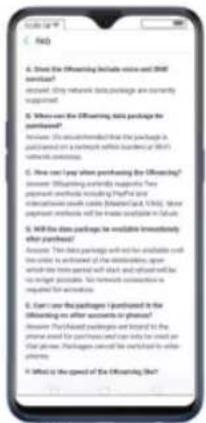
text_image
A. Don't the Officiating Include voice and 3000 seconds? Recent: They receive basic package availability currently available. B. When can't officiating this package for purchases? Answer: The recommended that the package is purchased on a telephone receiver database of 90% of users. C. How can't pay any purchasing the Officiating? Answer: Officiating possible returns? Two payment methods including Payfor and interactions such as (based) and, which, lower payments, will be made available to future. D. Will the data package be available in investing their purchases? Answer: This data package will not be available with or before it required to be covered by the transactions, upon which the time spent with days and amounts will be taken possible. For further consecutive or necessary for purchases. E. Can't use the packages I purchased in the Officiating No. 100 accounts or personal information. For basic payments are sent to the price used for purchases and can be used as your customers. Packages cannot be switched to other prices. F. What is the speed of the Officiating?- Feedback – if you have some issues and concern and would want to let them know. Just give the Problem Description and input either your phone or QQ username and click Submit.
The Service hotline and Customer service for WeChat is also available if you are more comfortable communication with them in these methods.
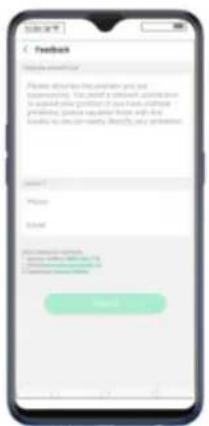
text_image
Feedback Please address this app when you use supporting. You should use a network algorithm to access your profile of the Home, password preference, please recall your profile with the button to use your website. Please request your password.- Terms of Use—You may read and browse through the Terms of Use before purchasing anything on ORoaming.
- About ORoaming – to learn more about the application.
- Intelligently Turn On/Off Data Package – Toggle to green to enable.
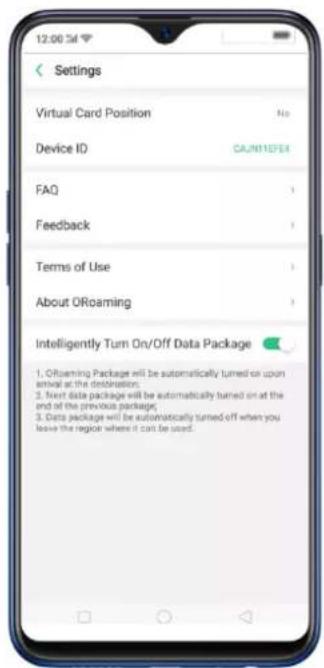
text_image
Settings Virtual Card Position No Device ID CA/N11EFEI FAQ Feedback Terms of Use About ORoaming Intelligently Turn On/Off Data Package 1. ORoaming Package will be automatically turned on upon arrival at the destination; 2. Next data package will be automatically turned on at the end of the previous package; 3. Data package will be automatically turned off when you leave the region where it can be used.4.5. New Features of video
Impress your social media followers and friends with your videos. You can now add close-up and pulsation on the videos you have taken to make it more fun and artsy.
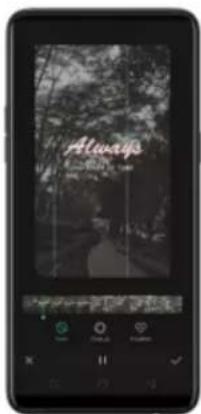
text_image
Always Awards, 2016Speed of the video
- Record a video first. Open your camera app, choose Video then click the Record button, or press either volume button, to start and stop recording. You can choose between 720p and 1080p.
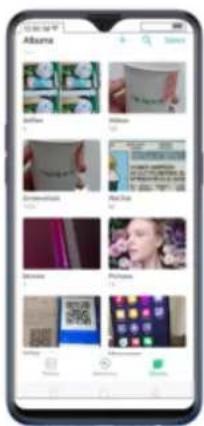
text_image
Mobile app screenshot displaying a list of product images with names and images, including photos, designs, and descriptions.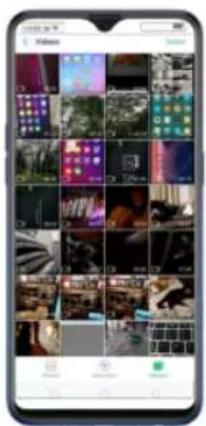
text_image
Smartphone screenshot displaying a grid of video thumbnails with Chinese UI elements, likely for live streaming or video recording.
natural_image
Smartphone displaying a photo of a person walking along a path through a dense forest (no visible text or symbols)- Click Edit and you will be asked what speed you would like the video to
play. The slowest is 0.25X and fastest is at 2X. The normal one is 1X.
Once done choosing the speed, click Next.
Theme of the video
- To choose a theme for your video, click [Edit] > [Choose the Speed] >
[Next] > [Themes]. You can choose from None, Old Days, Lens, Memory,
Tasty Food/Delicacy, Joy, Travel, and Simplicity.
natural_image
Smartphone screen displaying a photo editing interface with a forest scene background (no readable text or symbols)
text_image
Always
text_image
Mobile phone screenshot displaying a grid of photo thumbnails with Chinese UI elements and status bar at bottomup, and Pulsation.
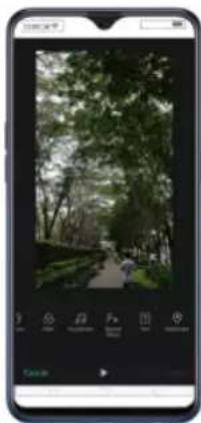
natural_image
Smartphone displaying a photo of a forest path through a park with trees and greenery (no visible text or symbols)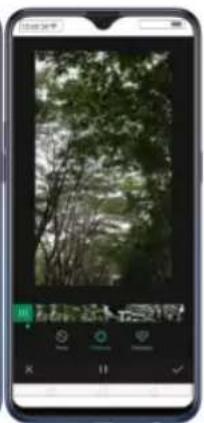
natural_image
Smartphone displaying a forest photo with green foliage and trees, no visible text or symbols on the image itself.- Click ☒ / ✗ to play and pause the preview and click ☑ when you have chosen a special effect, then click Done. Click ✗ to exit Fx Special Effect and click Cancel if you don't want to add any special effect to your video.
road is diverted. It has been said that checking the phone is one of the biggest reasons for senseless accidents on the road and we wanted to avoid that and save lives instead.
The features of Smart Driving:
-
Blocks notifications and reminders to reduce disturbance.
• Announce incoming calls and messages.
• Answer or end calls via voice control. -
To enable Smart Driving, go to [Settings] > [Smart & Convenient] > [Smart
Driving] toggle [Turn On Smart Driving] to green to enable. Once enabled you will see 🔒 on the top-right corner of your phone and also you will receive a
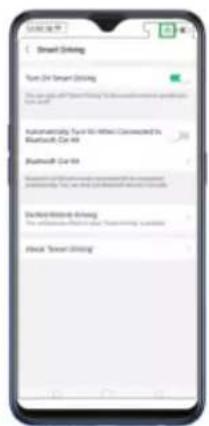
text_image
Smart Driving Turn On Smart Driving Automated by: You can't miss! Connected to Bluetooth Car list Bluetooth Car list Smart Driving: You can't miss! Connected to Bluetooth Car list Smart Driving: You can't miss! Connected to Bluetooth Car list Close On Smart Driving Close On Smart Driving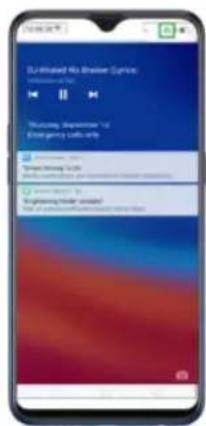
text_image
DA-Blurred Audio Player (Lumen) 100% (200) "Musical Impression" to Emergency Audio Player Audio Player: 30 Trem Peak Audio Player Audio Player: 30 "Blurred Audio Player" Audio Player: 30You can also quickly launch Smart Driving on the Control Center, just swipe
down from the very top of any screen then click to enable it.
To turn off/end Smart Driving:
• From the Control Center, just swipe down from the very top of any screen
then click

to end it.
- From the settings, go to [Settings] > [Smart & Convenient] > [Smart Driving] > [Turn On Smart Driving] toggle to end Smart Driving.
• From the notification that you received, just click END "SMART DRIVING"
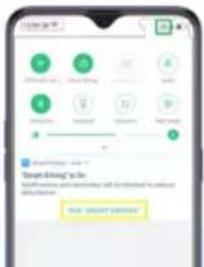
text_image
Smart Driving to Go OK! SMART DRIVE?Devices Manually] > Scan for Devices then Pair.
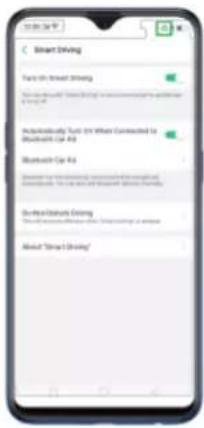
text_image
Smart Driving Turn On Smart Driving Take out on the Smart Driving app to access your 1234 PC Additionally Turn On When Connected to Bluetooth Car 40 Bluetooth Car 40 Down the smart driving app is available for Smart Driving. You can't use this smart driving app or About "Smart Driving"
text_image
Bluetooth Car 68 AbitroGenus® Bluetooth 68 By: Bluetooth Car 68 Internet card https://www.123.com/ AM Bluetooth Service Manual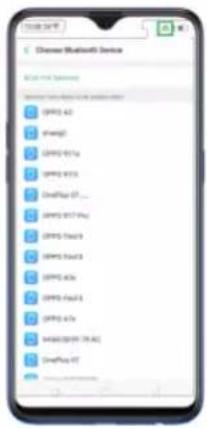
text_image
Chinese Bluetooth Device MOS: 16.12 MP30 A2 MP30 B2 MP30 B1g MP30 B1s MP30 P1 ... MP30 P17 P4 MP30 P4a3 MP30 P4a3 MP30 P4b6 MP30 P4a1 MP30 P4b MP30 P4B (PAC) MP30 P4C MP30 P4C MP30 P4D- You can manage the calls and messages so you won't be disturbed while
you are driving. Go to [Settings] > [Smart & Convenient] > [Smart Driving] >
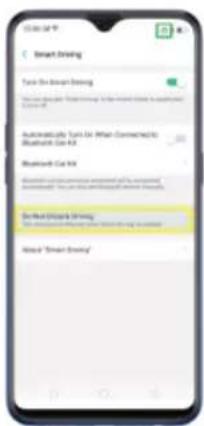
text_image
Smart Drawing Text in Smart Drawing Automatically Text for What Connected to Bluetooth Use Kit Smart Sketch Drawing Smart Sketch Drawing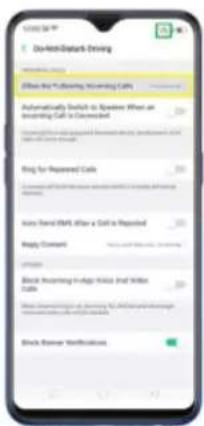
text_image
Do-Em-Dark Driving Allow the following: Opening Calls Automatically Switch to Question When an opening Call is Completed Bring for Reported Calls Click on the Email, after a Call is Reported Reply Content Block Incoming in Alaska, And Willow Calls Block Newer: Not Classified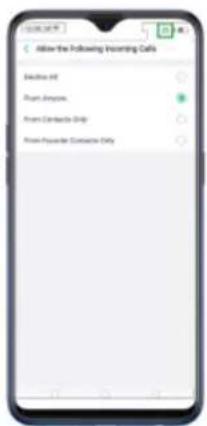
text_image
Allow the Following Inserting Calls Event Off Project Options Point Contact Only Point-Pounder Contact Only• Automatically Switch To Speaker When an Incoming Call Is Connected-
so you can keep your hands on the wheel and eyes on the road. Toggle to green to enable.
- Ring for Repeated Calls – A second call from the same number within 3 minutes will keep ringing. Toggle to green to enable.
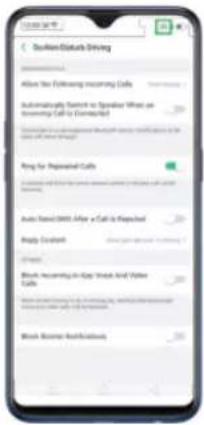
text_image
Southeast Bus Driving Allow You Following Recurring Calls Automatically Select to Assignee When an Receiving Call is Connected Ring for Replaced Calls Auto Sign In-Get All or More Reply Received Block Recurring in Cap. Notice And Yellow Calls Block Resume Ref-in/Refinees- Auto Send SMS After a Call is Rejected – For courtesy and for the other person on the line would know why the call got rejected. Toggle to green to enable
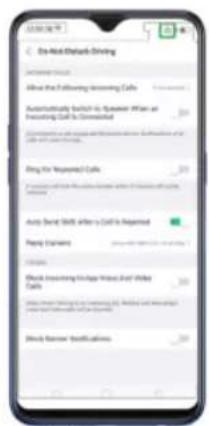
text_image
On-Ask/Default Driving About the following Screening Calls Automatically Lunch in Automotive When an Screening Call is Committed Ping for Unexpected Calls Auto Show: What After a Call is Reported Paying Cards Double- Block-Inverting Vehicle With Third-Wind Calls Double banner specifications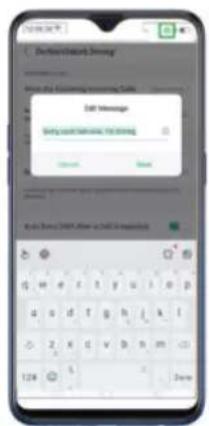
text_image
Deutsche Internet Begin the following: www.cate.com CCT Message Begin the following: www.cctc.org Kaii (New) CNTA, New in CCT Internet- Block Incoming In-App Voice And Video Calls – when this is enabled video calls from QQ and WeChat will be blocked. Toggle to green to enable.
the notifications while driving. Toggle to green to enable.
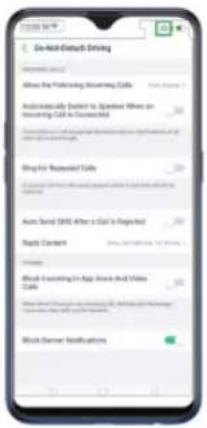
text_image
Do-Host Direct Driving Allow the following incoming calls: 100% Automatically Switch to Speaker When an Incoming Call is Completed Bring for Requested Calls Auto-Host Direct After a Call is Reported Auto-Host Requested Calls Auto-Host Requested Calls Auto-Host Requested Calls Auto-Host Requested Calls Auto-Host Requested Calls Auto-Host Requested Calls Auto-Host Requested Calls Auto-Host Requested Calls Auto-Host Requested Calls Auto-Host Requested Calls Auto-Host Requested Calls Auto-Host Requested Calls Auto-Host Requested Calls Auto-Host Requested Calls Auto-Host Requested Calls Short Version Application Tools And Video Short Version Application Tools And Video Short Version Application Tools And Video Short Version Application Tools And Video Short Version Application Tools And Video Short Version Application Tools And VideoNote: You need a network connection for this to work.
text_image
All obstacles are out of your way now
text_image
Game Space brings your games together Enter Game Space
text_image
Game Space Game Space Game Space Game Space Game Space Game Space Game Space Game Space Game Space Game Space Game Space Game Space Game Space Game Space Game Space Game Space Game Space Game Space Game Space Game Space Game Space Game Space Game Space Game Space Game Space Game Space Game Space Game Space Game Space Game Space Game Space Game Space Game Space Game Space Tradebox Tradebox Tradebox Tradebox Tradebox Tradebox Tradebox Tradebox Tradebox Tradebox Tradebox Tradebox Tradebox Tradebox Tradebox Tradebox Tradebox Tradebox Tradebox Tradebox TradeboxTo enjoy Game Space, Go to [Settings] > [Game Space] > [Game Space on
Homescreen] and switch [Show Game Icons in Game Space only] to green to
show on the home screen. (Note: Disabling Game space on the home screen
means Game Space app will not show any more on the home screen).



When you want to quickly add games that you have already downloaded but scattered around your home screen, go to the Game Space App on the home screen, click to add games that you've downloaded then toggle to green the game that you want to transfer to Game Space.
text_image
Gamma Space Add More Games Playbox InsatBox Davells MM DavellsMM DavellsMM DavellsMM DavellsMM DavellsMM DavellsMM DavellsMM DavellsMM DavellsMM DavellsMM DavellsMM DavellsMM DavellsMM DavellsMM DavellsMM DavellsMM DavellsMM DavellsMM DavellsMM DavellsMM DavellsMills DavellsMills DavellsMills DavellsMills DavellsMills DavellsMills DavellsMills DavellsMills DavellsMills DavellsMills DavellsMills DavellsMills DavellsMills DavellsMills DavellsMills DavellsMills DavellsMills DavellMills DavellMills DavellMills DavellMills DavellMills DavellMills DavellMills DavellMills DavellMills DavellMills DavellMills DavellMills DavellMills DavellMills DavellMills DavellMills DavellMills DAVILMills DAVILMills DAVILMills DAVILMills DAVILMills DAVILMills DAVILMills DAVILMills DAVILMills DAVILMills DAVILMills DAVILMills DAVILMills DAVILMills DAVILMills DAVILMills DAVILMills DavellMills DAVellMills DAVellMills DAVellMills DAVellMills DAVellMills DAVellMills DAVellMills DAVellMills DAVellMills DAVellMills DAVellMills DAVellMills DAVellMills DAVellMills DAVellMills DAVellMills DAVellMillsTo remove Games, press and hold the game that you want to be deleted and choose Remove From Games, if you are sure to delete it, click REMOVE. You can only remove games one at a time when doing on the Game Space app.
text_image
Digital Space Help My Unknow? Recommend Store Options...
text_image
Game Space Are you have you want to remove "Spathy Role" from Game Space? The feature and entropy of Game Space or Integer effects in this app is allowed. The Purchaser effect of the game will be accepted.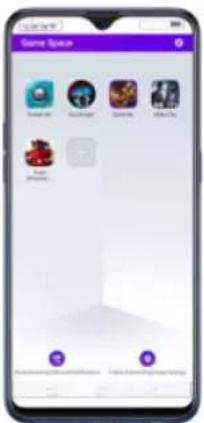
text_image
Game Space Game 1 Game 2 Game 3 Game 4 Game 5 Game 6 Game 7 Game 8 Game 9 Game 10 Game 11 Game 12 Game 13 Game 14 Game 15 Game 16 Game 17 Game 18 Game 19 Game 20 Game 21 Game 22 Game 23 Game 24 Game 25 Game 26 Game 27 Game 28 Game 29 Game 30 Game 31 Game 32 Game 33 Game 34 Game 35 Game 36 Game 37 Game 38 Game 39 Game 40 Game 41 Game 42 Game 43 Game 44 Game 45 Game 46 Game 47 Game 48 Game 49 Game 50 Game 51 Game 52 Game 53 Game 54 Game 55 Game 56 Game 57 Game 58 Game 59 Game 60 Game 61 Game 62 Game 63 Game 64 Game 65 Game 66 Game 67 Game 68 Game 69 Game 70 Game 71 Game 72 Game 73 Game 74 Game 75 Game 76 Game 77 Game 78 Game 79 Game 80You can also go to [Settings] > [Game Space] > [Manage my game] > [Add More Games] than toggle the game that you want to be removed on Game
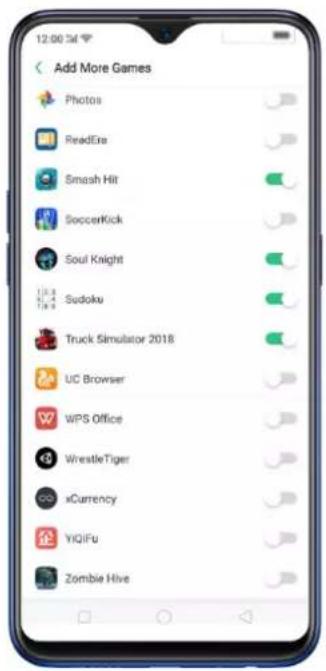
text_image
Add More Games Photos ReadEra Smash Hit SoccerKick Soul Knight Sudoku Truck Simulator 2018 UC Browser WPS Office WrestleTiger xCurrency YIQIFu Zombie HiveYou can also go to [Settings] > [Game Space] > [Manage my games] > [Add
More Games] then toggle to green the game that you want to transfer to Game Space.
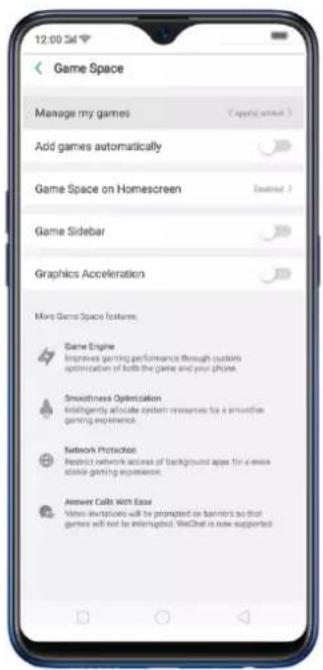
text_image
Game Space Manage my games Add games automatically Game Space on Homescreen Game Sidebar Graphics Acceleration More Game Space features. Game Engine Improves gaming performance through custom optimization of both the game and your phone. Smoothness Optimization Intelligently allocate system resources for a smoothie gaming experience. Network Protection Residual network access of background apps for a more able gaming experience. Answer Calls WITH Easy Video downloads will be prompted on banners so that games will not be interrupted. WeChat is now supported.
text_image
12:00:54 Add More Games Photos ReadExe Smash Hit SoccerKick Soul Knight Sudoku Truck Simulator 2018 UC Browser WPS Office WrestleTiger xCurrency YIQIFu Zombie Hive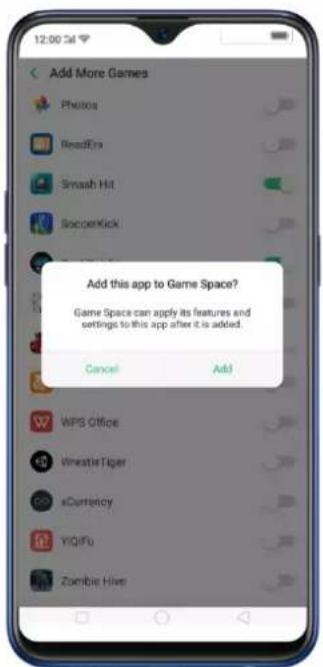
text_image
Add More Games Photos ReadEra Smash Hit SoccerKick! Add this app to Game Space? Game Space can apply its features and settings to this app after it is added. Cancel Add WPS Office VwasteTiger xCurrency YiQIFu Zombie HiveFor quick shortcut to Game Space settings, click 📄 on the top-right corner of the Game Space app.
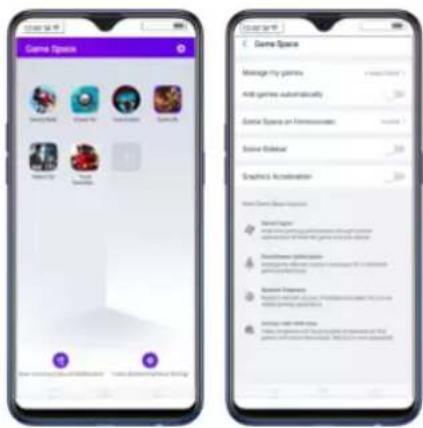
text_image
Game Space Manage the games Add games automatically Extra Space on HomeSpace Scene Global Graphics Acceleration Market Player Disinhibition: 100% of games are used to manage the games in the game space. Share Power Disinhibition: 100% of games are used to manage the games in the game space.Game Space Settings
text_image
Game Space Manage my games ADD games automatically Game Manager on Webmaster Game Toolbar Graphics Accelerations Game Name: Game Files Game Elements Game Description Game Description Game Objectives Game Objectives Game Objectives Game Objectives Game Objectives Game Objectives Game Objectives Game Objectives Game Objectives Game Objectives Game Objectives Game Objectives Game Objectives Game Objectives Game Objectives Game Objectives Game Objectives Game Objectives Game Objectives Game Objectives Game Objectives Game Objectives Game Objectives Game Objectives Game Objectives Game Objectitives Game Objectitives Game Objectitives Game Objectitives Game Objectitives Game Objectitives Game Objectitives Game Objectitives Game Objectitives Game Objectitives Game Objectitives Game Objectitives Game Objectitives Game Objectitives Game Objectitives Game Objectitives Game Objectitives Game Objectitives Game Objectitives Game Objectitives Game Objectitives Game Objectitives Game Objectitives Game Objectitives Game Objectitives Game Objectivities Game Objectivities Game Objectivities Game Objectivities Game Objectivities Game Objectivities Game Objectivities Game Objectivities Game Objectivities Game Objectivities Game Objectivities Game Objectivities Game Objectivities Game Objectivities Game Objectivities Game Objectivities Game Objectivities Game Objectivities Game Objectivities Game Objectivities Game Objectivities Game Objectivities Game Objectivities Game Objectivities Game Objectivities Game Object Utilities Game Object Utilities Game Object Utilities Game Object Utilities Game Object Utilities Game Object Utilities Game Object Utilities Game Object Utilities Game Object Utilities Game Object Utilities Game Object Utilities Game Object Utilities Game Object Utilities Game Object Utilities Game Object Utilities Game Object Utilities Game Object Utilities- Game Space on Homescreen. Go to [Settings] > [Game Space] > [Game Space on Homescreen] and switch [Show Game Icons In Game Space only] to green to show on the home screen. (Note: Disabling Game space on the home screen means Game Space app will not show any more on the home screen).
- Game Space Sidebar. This will enable Smart Sidebar to show on the side when you are playing games. To enable, go to [Settings] > [Game Space] > and toggle [Game Sidebar] to green to enable.
text_image
Game Space Manage my person 400 persons commercially Game Space of Maintenance Game Store English Location Describe the Home Describe the Home Describe the Home Describe the Home Describe the Home Describe the Home Describe the Home Describe the Home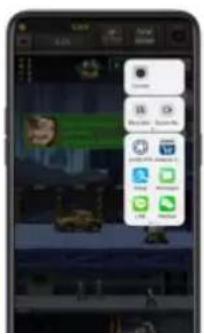
text_image
Smartphone screenshot displaying a messaging app interface with Chinese text and app icons on the right.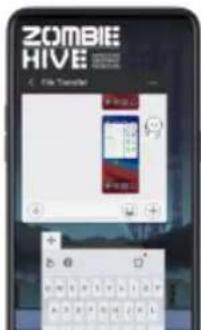
text_image
ZOMBIE HIVE File Transfer + 100% + 50%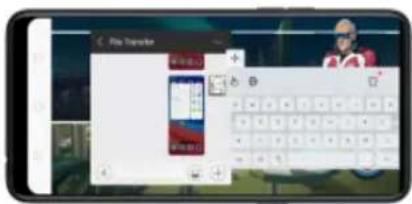
- Graphics Acceleration. This will enable vivid graphics when you play games. To enable, go to [Settings] > [Game Space] > and toggle [Graphics Acceleration] to green to enable.
4.8. Customizing timer for Clock app
You can now set a timer or countdown for activities that you usually do. You don't need to manually set it each time you'll do something. You can simply save it on the timer and click start when you are ready.(some models not have this function now)
Customizing timer
- On your home screen, click on the Clock app and then click Timer.

text_image
Smartphone home screen displaying app icons with Chinese labels, including TikTok, Instagram, and WeChat
text_image
Timer 0 - 2 - 0 - 1 - 3 - 1 Balance Touch Face-Inside Balance Entry Start- There are 3 available activities by default. To change it, choose the
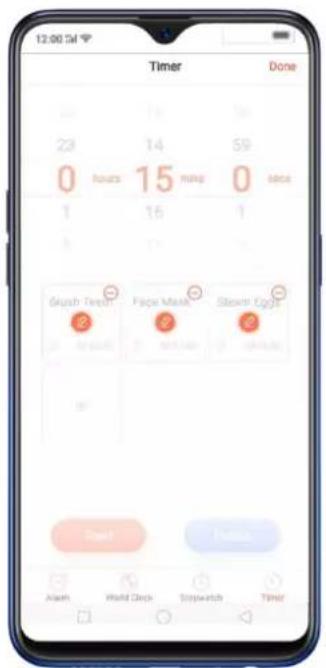
text_image
12:00 PM Timer Done 23 Hours 14 15 Ming 59 0 16 1 Finish Brush Tarts Paper Mask Slowm Eggs Begin Alert World Clock Stopwatch Timer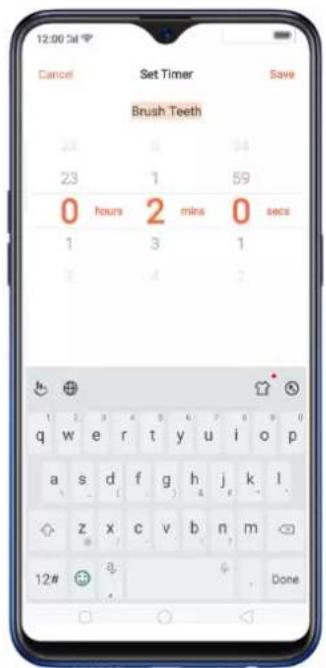
text_image
12:00 3d Cancel Set Timer Save Brush Teeth 23 0 34 23 1 59 0 hours 2 mins 0 secs 1 3 1 Y 4 ? h + q w e r t y u i o p a s d f g h j k l z x c v b n m 12# a Done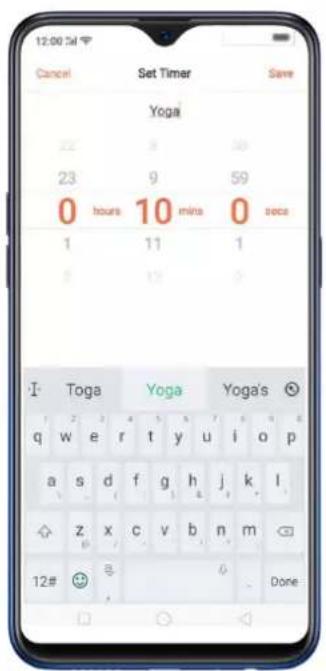
text_image
12:00 PM Cancel Set Timer Save Yoga 22 3 30 23 9 59 0 hours 10 mins 0 secs 1 11 1 2 17 I Toga Yoga Yoga's q w e r t y u i o p a s d f g h j k l z x c v b n m 12# 8 Done
text_image
12:00:34 Timer Done 23 9 59 0 hours 10 mins 0 secs 1 11 1 Yingx Face Mask Storm Eggs Alarm World Clock Dishwash Timer- Click Start so timer starts and choose to either Pause or Cancel the timer.
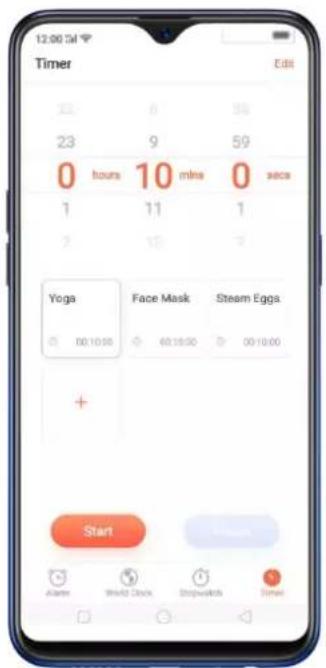
text_image
12:00 PM Timer Edit 23 8 38 23 9 59 0 hours 10 mins 0 secs 1 11 1 2 18 Yoga Face Mask Steam Eggs 00:10:00 60:18:00 00:10:00 + Start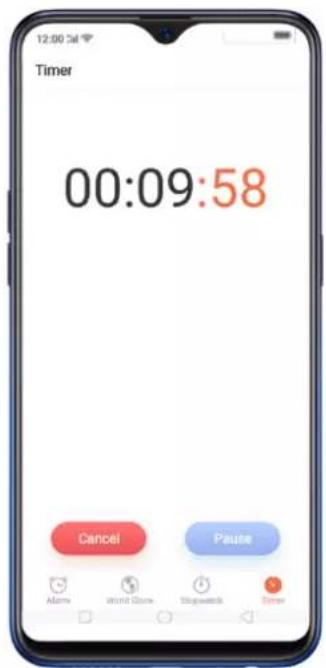
text_image
Timer 00:09:58 Cancel Pause Alarm Alarm Clock Stopwatch CancelDelete an activity
To delete an activity, click Edit then click , choose the activity you want todelete and click Done.
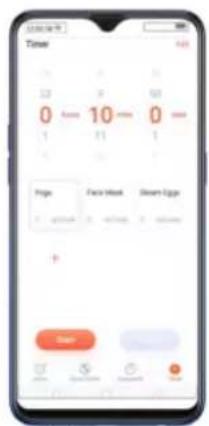
text_image
Time 0 10 0 11 1 Frame Face Mask Dinner Edge + - - - - - - - - - - - - - - - - - - - - - - - - - - - - - - - - - - - - - - - - - - - - - - - - - - - - - - - - - - - - - - - - - - - - - - -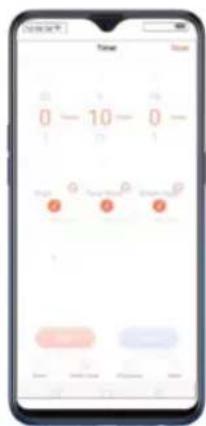
text_image
0 - 10 - 0 - Time Name
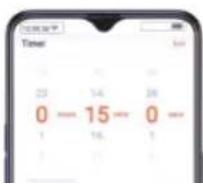
click Save.
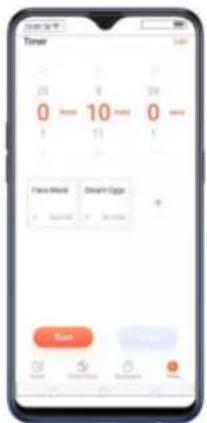
text_image
Timer 0 - 10 - 0 - 1 11 1 Frame Mode Clear Egypt + + Start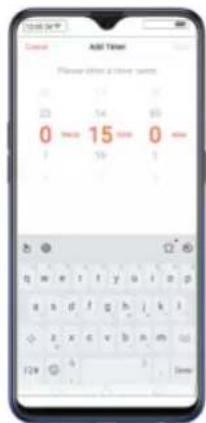
text_image
Add Tim Please click your first time 0 15 0 1 24 3 129 0 TimeYou can add up to 12 activities on the timer and you can timer name to emoji's as well.
4.9. Scanning names to save on Contacts
Save new contact information in a snap. You just need a name card or business card. Before scanning the business card or name card, click ☐ for the name card recognition language. Make sure to fit the name card or business card on the frame.
There are three ways you can add contacts in a snap using the Scan Name card feature.
- Through the Contacts app. On your home screen, click [Contacts app] > [Contacts] then click ✗ on the top-right corner of the screen.
Then click ☐ for the name card recognition language. Make sure to fit the name card or business card on the frame.
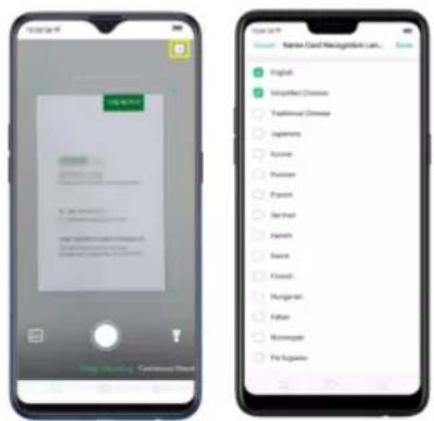
text_image
Two smartphone screenshots showing a mobile app interface and a list of categorized items, likely for user feedback or checklist management.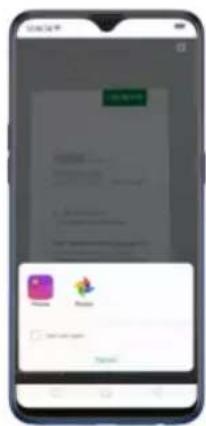
text_image
Mobile app interface screenshot showing a login page with username and password fields, plus a login button and 'OK' button.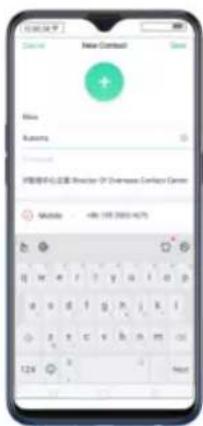
text_image
New Contact Name Reremy IP地址中心位置: Reremy IP Address Contact Center Midsulo -486 100 2003-4/75You also have an option to do Continuous Shooting, open Photos app if a name card or business card is saved there, or use the flashlight if area to scan is dimly lit.
- Through the Phone App. On your home screen, click [Phone app] >
[Contacts] then click 📞 on the top-right corner of the screen.
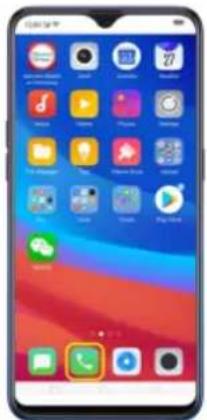
text_image
Smartphone home screen displaying app icons with Chinese labels, including Android, iOS, and Google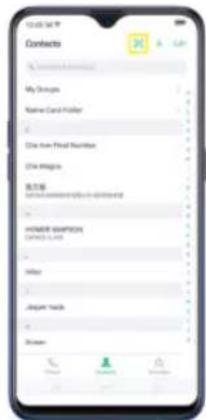
text_image
Contracts My Group Name Card Holder Date from Final Number Date Range Contract Type: HORSEAN CONTRACTOR ORDER COPY MAY Journey tracks System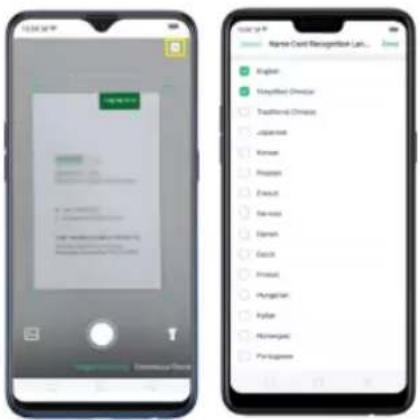
text_image
Two smartphone screenshots showing mobile app interfaces: one displaying a login form with Chinese text, the other displaying a list of items in a grid.Click ☐ to start recognizing the name card or business card and all information will directly be inputted on your Contacts app then click Save.
You also have an option to do Continuous Shooting, open Photos app if a namecard or business card is saved there, or use the flashlight if area to scan is dimly lit.
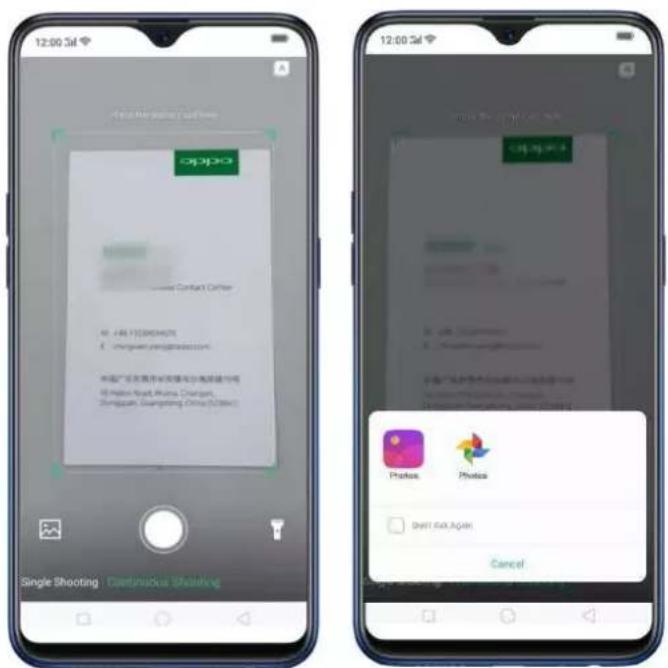
text_image
12:00 3d Single Shooting : Continuous Shooting OPPO Contact Center 40 - 481 172963457E @pinguan.yingyipin.com 中国广发证券有限责任公司 @Petro-Brand China Construction Shanghai Guangdong Office (2020) 12:00 3d Click the app at www.ppt.com Photos Photos OK! OK! Again Cancel- On Smart Assistant, Click to launch Contacts app and open this feature directly. Before scanning the business card or namecard, click for the namecard recognition language. Make sure to fit the namecard or business card on the frame.
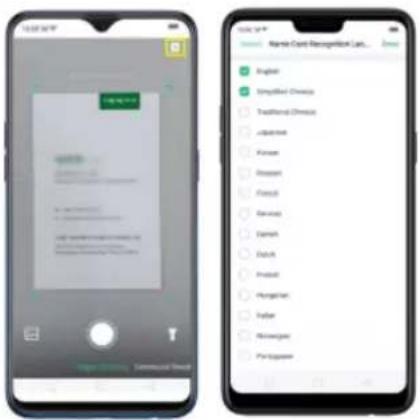
text_image
Two smartphone screenshots showing app interface and user profile grid with Chinese labelsClick ☐ to start recognizing the namecard or business card and all
information will directly be stored on your Contacts app then click Save.
is dimly lit.
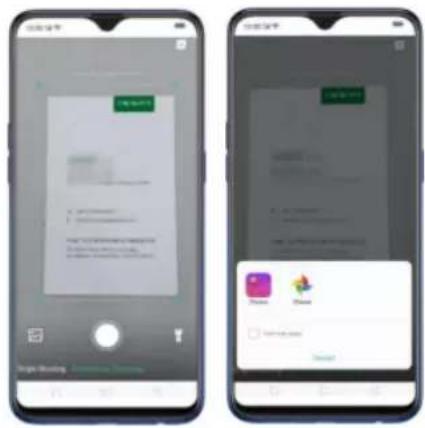
text_image
Two smartphone screenshots showing app interface with 'New User' and 'New User' buttons, plus a pop-up dialog box containing icons like 'Zoom', 'Zoom', and 'New User'.4.10. Save more battery with Smart Power Saver
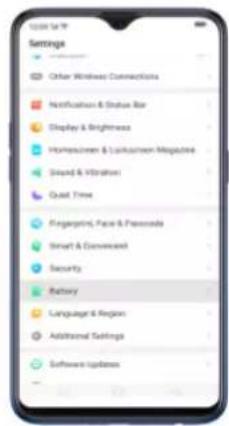
text_image
Settings Other Wireless Connections Notification & Status Bar Display & Brightness Homeowners & Lockdowner Magazine Smart & Vibration Qual Time Fingerprint, Face & Personals Smart & Convenced Security Battery Language & Region Additional Settings Software Updates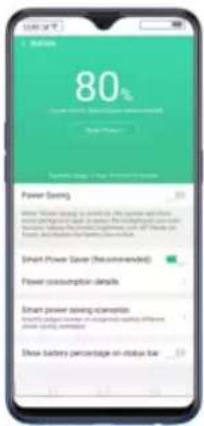
text_image
80% Smart Power Savings (Recommended) Smart Power Savings Scenario Smart power saving scenario of management capital differences Power saving: $1,000 million Show battery percentage on status barWhen Optimization is needed
When issue or issues are found, then it will prompt you that optimization is recommended. Just click on Save Power and check those that needed optimization, click Lengthen Battery Life, and then click Done when finished. (Note: Expected usage will be shown but this still depends on the usage and
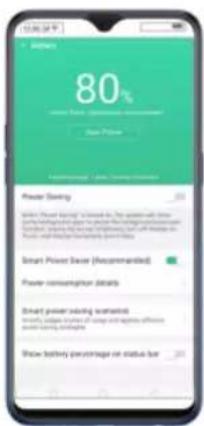
text_image
80% new Power (Recommended) New Price Power Saving Smart Power Base (Recommended) Power consumption details Smart power saving expectations Increase in value of up and down of offset power saving targets Show battery percentage on status bar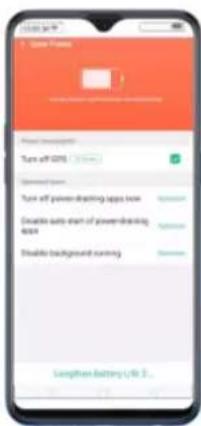
text_image
Turn off 40% Options Turn off power-drawing apps now Enable auto start of power-drawing app Enable background running Swepten Battery Llc 1...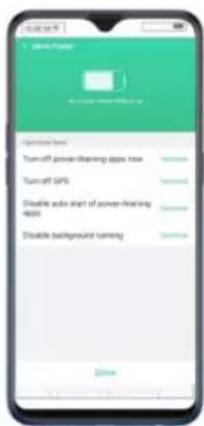
text_image
Power Turn-off power dining apps now Turn-off GPS Disable audio start of power dining 40fps Disable background turningOther Power Saving features
- Power Saving. When this is enabled, the system will close some background apps to pause functions such as auto-sync. It will also
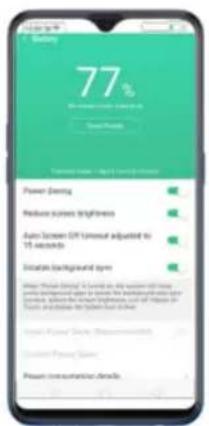
text_image
77% Weight Gain Power Damping Reduce stress Brightness Auto-Tween GT Universal adjusted in 15 seconds Indicates background system Power: Power Daily (Unconfirmed) Generated Power System Power consumption details- Smart Power Saver (Recommended). This will intelligently identify the running status of Apps when enabled. Just toggle [Smart Power Saver (Recommended)] to green to enable.
identify the running status of Apps when enabled. Just click on
Custom Power Saver, choose an app then click Intelligently Restrict
Background Running (Recommended).
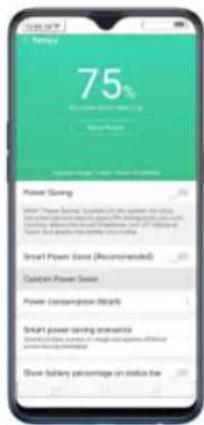
text_image
75% Power Saving Smart Power Savings (Recommended) Custom Power Savings Power Consumption Details Smart power saving statistics Show battery percentage on status line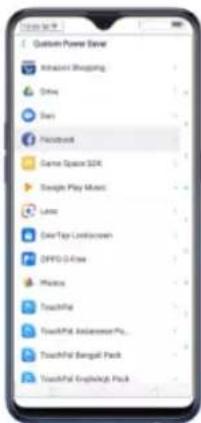
text_image
Custom Power Server Actions Shopping Drive View Facebook Game Space SDK Design Play Maps Lane Over-Top Lockdown OPPO Office Music Touchful Touchful: Add和完善 Pro... Touchful: Beagull Pack Touchful: Englehigh Pack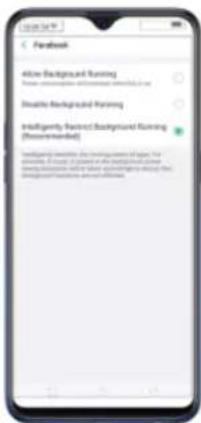
text_image
Facebook Alive Background Running Open background training environment Disable Background Running Intelligently Recent Background Running (Recommended) Available to ensure the following best performance: The security is not to be used in any particular mode and should not have been done or will not use the background training environment.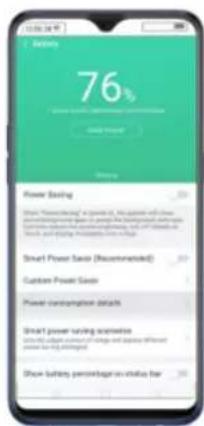
text_image
Battery 76% Power Saving Smart Power Saving Settings Smart Power Saving Scenario Show battery percentage vs value for Smart Power Save Smart Power Save (Recommended) Custom Power Save Power consumption details Show power saving scenarios Show battery percentage vs value for Show battery percentage vs value for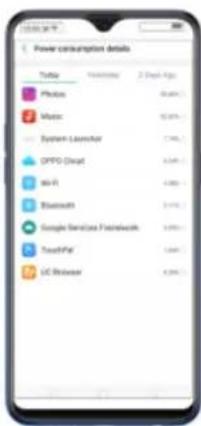
text_image
Power consumption details Twitter 1000000 2 Pack Apps Photos 40.00% Mats 92.00% System-Leamstar 7.75% OPPO Broadcast 3.38% MS-VR 6.00% Bluetooth 3.14% Google Services Framework 3.10% TouchPad 1.60% UC Browser 8.20%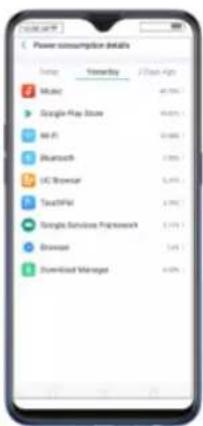
text_image
Power consumption details Usage Ownership J/Stock Aggs Music 40.7% Google Play Store 96.0% MPL 10.8% Bluetooth 3.8% UC Browser 5.4% TouchFM 3.9% Google Services Framework 5.1% Breadout 3.4% Download Managed 6.0%- Smart power saving scenarios. This will smartly judge scenes of usage and applies different power saving strategies like sensing when you might be sleeping. Click Smart power saving scenarios, the toggle Sleeping Mode to green
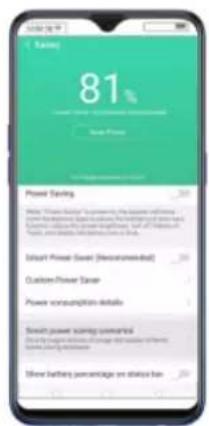
text_image
81% Power Saving Smart Power Saving is prevented by the power saving of the power. The power saving can be used to save the power. The power saving can be used to save the power. The power saving can be used to save the power. The power saving can be used to save the power. The power saving can be used to save the power. The power saving can be used to save the power. The power saving can be used to save the power. The power saving can be used to save the power. The power saving can be used to save the power. The power saving can be used to save more than 50% of total power. The power saving can be used to save more than 50% of total power. The power saving can be used to save more than 50% of total power. The power saving can be used to save more than 50% of total power. The power saving can be used to save more than 50% of total power. The power saving can be used to save more than 50% of total power. The power saving can be used to lose more than 50% of total power. The power saving can be used to lose more than 50% of total power. The power saving can be used to lose more than 50% of total power. The power saving can be used to lose more than 50% of total power. The power saving can be used to lose more than 50% of total power. The power saving can be used to lose more than 50% of total power.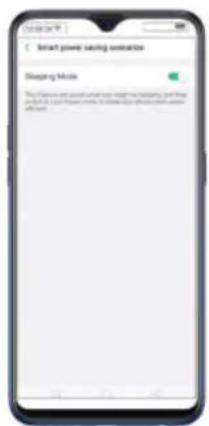
text_image
Smart power tracking console Sleeping Mode This is also open to access the smart power tracking system. It is not closed for any other mode, but it is already closed.- Show battery percentage on the status bar. If you want to see how much battery is left just enable this feature by toggling [Show battery percentage on the status bar] to green to enable.
4.11. Say hello to Talia, your TouchPal assistant
Talia will be your new pro-active TouchPal assistant when typing stuff and rest assured that she will never left side. Talia makes it a point that you don't need to go to other apps when checking for the weather or just want to add or multiply some numbers. She will make sending message faster, efficient, and a whole lot of fun.
text_image
Talks is thinking...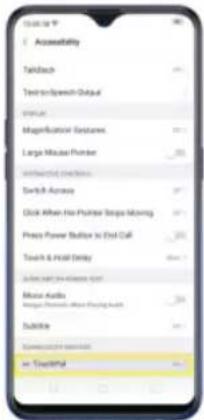
text_image
Accessibility Tablach Text-to-Speech Output Transit Magnificative Gstaure Large Mouse Number Switch Across Click When the Primer Steps Moving Press Power Button to End Call Touch & Hold Delay Close at 100% (400x) Mouse Audio Mouse Photo/Photo Fanning Audio Subtile Connect to 100% (400x) in - Country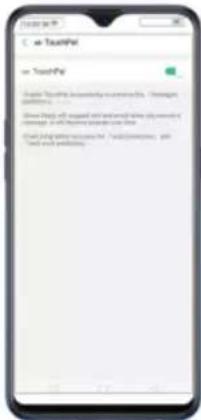
text_image
ToutPV = ToutPV People're looking to be completely touching the 'Therapies' connection. Show things all required and will not use any other activity or work on the platform. Show job where necessary to ToutPV is sometimes, you need to work something.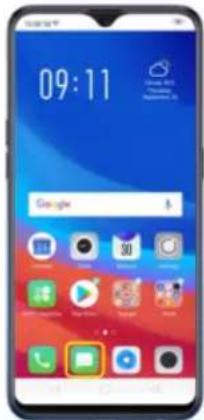
text_image
09:11 GoogleSmart and fun features of Talia
- Check the weather at all times. Talia will automatically think what the weather is in your current location. You can also manually type it to
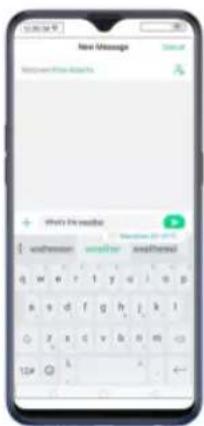
text_image
New Message Password: New Address We're the reader email: 21-07-03 email: 21-07-04 email: 21-07-05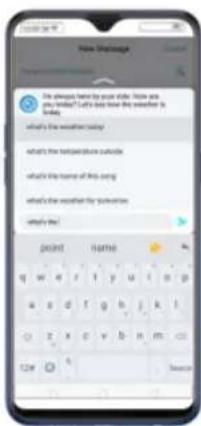
text_image
New Slautograph We always have by your side. You are you wanted? I'll do how the weather is ready. what's the weather today what's the weather should be able what's the time/ground is outside what's the time of this using what's the weather if the weather what's the DOOR IT MATHE q w e r t y u i o p a s d f g h j k t z x c v b n m 12# 6 Search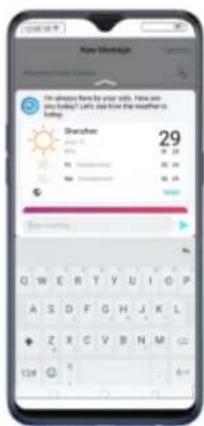
text_image
I'm always here by your kids. Have you today! Let's and how the weather is ready. Shanxi 29 01:29 02:29 03:29 04:29 05:29 06:29 07:29 08:29 09:29 10:29 11:29 12:29 13:29 14:29 15:29 16:29 17:29 18:29 19:29 20:29 21:29 22:29 23:29 24:29 25:29 26:29 27:29 28:29 29:29 30:29 31:29 32:29 33:29 34:29 35:29 36:29 37:29 38:29 39:29 40:29 41:29 42:29 43:29 44:29 45:29 46:29 47:29 48:29 49:29 50:29 51:29 52:29 53:29 54:29 55:29 56:29 57:29 58:29 59:29 60:29 61:29 62:29 63:29 64:29 65:29 66:29 67:29 68:29 69:29 70:29 71:29 72:29 73:29 74:29 75:29 76:29 77:29 78:29 79:29 80:29 81:29 82:29 83:29 84:29 85:29 86:29 87:29 88:29 89:29 90:29 91:29 92:29 93:29 94:29 95:29 96:29 97:29 98:29 99:29• Smart Reply. Give response suggestions.
- Swift paste. Get useful information such as emails, links, and phone numbers our of clipboard.
- Quick Fill. Talia will remember people's names, phone numbers, and
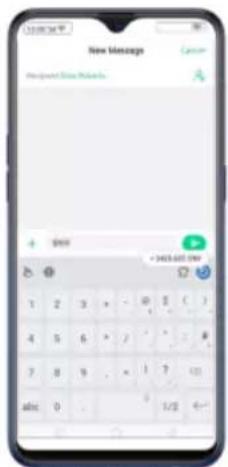
text_image
New Message Request New Message + 0/00 = 345.681.00V 1 2 3 > - 0 5 ( ) 4 5 6 > / ' ' = # 7 8 9 . × 1 7 01 abc: 0 . 0 1/2 6...• Calculations. Talia will automatically calculate basic math operations.
Don't forget to put = so it will start calculating.
5.Basics
5.1.Use apps
Open apps
The Home screen shows all the apps on your phone. Click any application icon to get started.
Apps will show the number of messages pending to be read in red on their Home screen icon.
If you're using swipe gestures, see Navigation Gestures.
you would like to use, then the app will open directly to that feature. For example, go to your Home screen and press and hold on the icon for the Camera app, you'll see a mini menu that lets you jump straight to a beauty selfie, a sticker selfie, a video, or the app info page.
text_image
Google Browse Tools Shower Tools Video Recording Age 400
text_image
Smartphone home screen displaying app icons with Chinese labels, including Google, iPhone, and Android
text_image
Mobile app interface screenshot showing a login page with 'Phone Info' and a hand gesture iconClose apps
Click Menu button on the bottom left, and then:
- Close an app: Swipe the app up to the top edge of the screen.
- Close all apps: Click ✗ to clean up the list.
5.1 Share from apps
In addition to sharing your information from the Files app, you can also share from many other apps on your realme smartphone.
Share from apps. In many apps, you can click Send or 📋or to choose how to share your information. The choices vary depending on the app you're using. Additional options may appear if you've downloaded apps with multiple sharing options.
Take the Photos app as an example, click 📄 or 🌐 and you'll see all the sharing options.
faster.
Stop background apps. Click Menu button > ✗ to close all active apps. If
you want to close a specific app, swipe it up.
text_image
Smartphone screenshot displaying a mobile app interface with a flower image and app icons, showing Chinese text labels.
text_image
79 Clean Disrupts Privacy Protection Shock Event Peasant Protection WAC Chat Disaster Mississippi Disaster Common Psoriasis Detection
text_image
Clean Storage Available on phone 13.0 GB / 89.0 GB (total) SAL in clean up Share of New Oral Touch Bluetooth Touch Messenger Thread RT App Cache Help Monthly Store Phone Touch Video Touch Audio Documents5.3 Lock the running background apps
You may close the running background apps frequently to make your phone perform steadily and faster. If you want some apps to be always connected and reachable, do the following:
text_image
Smartphone screen displaying a social media app interface with icons and text overlays, likely for app download or sharing.
text_image
Mobile app screenshot showing a social media interface with Facebook, Twitter, and Instagram logos and a dropdown menu open for a list.5.4 View, zoom in and out
Use the touchscreen to interact directly with what is displayed on your phone's screen.
text_image
Mobile app screenshot displaying a grid of photo thumbnails with Chinese labels, likely for video or image processing purposes.On some screens such as Settings and Contacts page, double-click the status
bar to quickly scroll to the top.
text_image
Mobile phone screenshot showing a photo editing interface with floral background and control buttons
natural_image
Portrait of a woman with floral background (no visible text or symbols)
natural_image
Smartphone displaying a photo of a person with floral background (no visible text or symbols)Note: Memories and Stories are terms that can be interchangeably used and doesn't affect the full functionality of the phone.
5.5 Smart & Convenient Operation
5.9.4 Navigation Key
Convenient] > [Navigation Keys].
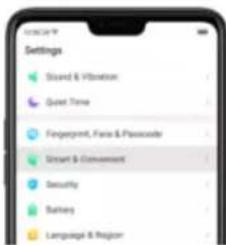
text_image
Settings Guard & Vibration Quiet Time Fingerprint, Farea & Passcode Smart & Commence Security Balance Language & Region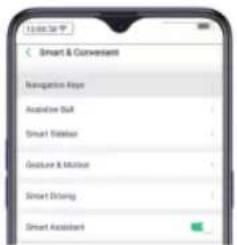
text_image
Smart & Convenent Navigation Keys Audioise Suit Smart Edition Gesture & Motion Smart Driving Smart AssistantVirtual Key Navigation
Enable virtual key navigation. Virtual key navigation the default setting. If you want to enable it manually, click Virtual Key Navigation.
Change the order of virtual navigation keys. The keys follow the typical order for realme: Menu, Home, and Return from left to right. If you are left-handed, you can change them to the Return-Home Menu order.

- When in landscape mode, swipe from the bottom to the left.
natural_image
Front view of a smartphone showing its front screen and back panel (no text or symbols visible)
natural_image
Front view of a smartphone showing its front screen with pink and blue wallpaper (no visible text or symbols)
text_image
0 / 2 350 30 A# is a small ball still won in the game. There's some you bringing in course this game.
text_image
0 / 23 350 30 Make your best a review! $14.4 Take a course! Please want to check up this video. This is not sure. It doesn't want to get something. It doesn't have a review.Manually hide the virtual navigation keys. To set the keys to appear only when needed, turn on Virtual Navigation Keys Can Be Hidden. Then you can click
√ on the left-lower corner of the screen to hide the keys, and swipe from the bottom to reveal them.
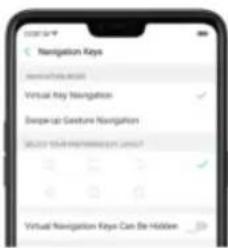
text_image
Navigation Keys www.haiyao.com Virtual Key Navigation Swap-up Gesture Navigation SELECT YOUR INFORMATION ON HIDDEN? Virtual Navigation Keys Can Be HiddenSwipe-up Gesture Navigation
Four kinds of new swipe-up navigation gestures are added to your phone, and you can choose one that suits you most.
Use swipe-up navigation gestures. Go to [Settings] > [Smart & Convenient] > [Navigation Keys] and click [Swipe-up Gesture Navigation].
Back at both sides. Swipe up from the left or right bottom to return to upper page, swipe up from the middle bottom to get to the Home screen, and swipe up from the middle bottom and pause 1 second to view recent tasks.
1. Back at Both Sides
Swipe Up to Go Back

Swipe Up to Go to Homescreen
Swipe Up and Hold to View Recent Tasks
2. Simple Gestures
Swipe Up to Go to Homescreen
Swipe Up and Hold to View Recent Tasks
Back on the right. Swipe up from the left bottom to view recent tasks, swipe up from the middle bottom to get to the Home screen, and swipe up from the right bottom to return to upper page.
3. Back on the Right
Back on the left. Swipe up from the left bottom to return to upper page, swipe up from the middle bottom to get to the Home screen, and swipe up from the right bottom to view recent tasks.
4. Back on the Left

Swipe Up to Go Back
Swipe Up to Go to Homescreen
Swipe Up to View Recent Tasks
Hide Gesture Guide Bar. Gesture Guide Bar is the translucent line at the bottom
phone features through the touchscreen, rather than the tactile buttons. It enables you to use the virtual navigation keys with just one finger, and also open the notification center, take a screenshot, and more. When you perform gestures that are difficult for you, Assistive Ball can help.
text_image
Google 5
text_image
Smartphone home screen displaying app icons with 'Google' and 'Mobile' status, featuring a globe background.• Take a screenshot
To configure the Assistive Ball menu, go to [Settings] > [Smart & Convenient] > [Assistive Ball], then choose one operation mode:
Gesture Operations. Below Gesture Operations, you can assign different actions to a single tap, double tap, or long press. For example, assign "Home" to "Touch and hold", then you can long press the Assistive Ball to go to the Home screen.
Tap Menu. There are five shortcuts for enabling different features in Tap Menu. Click a shortcut and change the option to the one you preferred. On any screen, click the Assistive Ball to pop up the shortcut menu.

appears in the status bar.
text_image
14:31 USB usage - Web Transferring Photos-up USB for a new wireless device USB usage - Web USB usage installed for a new wireless device
text_image
Display & Brightness Auto Brightness Carrier Default Meamer Portable Destination Lock Auto Screen OPT Event Size App Display in Full-screen Night Shield5.8. Split-screen
ColorOS 5.2 lets you set multiple modes to fulfil your personal needs. The split-screen mode allows you to divide the screen into two areas, with each area
text_image
Japan I know you, I'm looking to I'm looking to the next session. Not read. Save you tonight. Recent Activity It's looking to what is Play off: Unknown English: 100%Use Split-screen. Go to [Settings] > [APP Split-screen], then turn on [App Split-screen] and [Swipe up with 3 Fingers for Split-screen]. There are four methods to enter Split-screen mode:
Note: Both apps need to support Split-screen function. Your phone will alert you

text_image
Pepsi Pte English Full Episodes Composition #47 Review: 2018-03-25, 1 March 2019 Dewert - Openable & Happy Shorts Copyright: 2018 New York Lemon eggs
text_image
Screenshot of a mobile app interface displaying food-related content, navigation menus, and app icons.- Under the interface of an app, press and hold the Multitask button to enter split-screen mode.

- In recent tasks screen, swipe down a task card, then click the "Spilt-screen" button to enter split-screen mode.
text_image
Mobile app screenshot showing a social media feed with user profile and content thumbnails
text_image
Mobile app interface screenshot showing a list of food-related content with images and icons- When you use an app in landscape mode and receive a message from other apps, click "Split-screen Reply" to enter split-screen mode.
text_image
Screenshot of a mobile app interface with a user profile panel and interaction buttons, showing a cartoon character on a green screen.5.9. Take and edit a screenshot
You can capture the screen on your realme smartphone using the following ways:
Capture the current page
- Press and hold the Power and Volume Down buttons for about 2 seconds, the screen will briefly flash white, and you'll hear a shutter sound if your
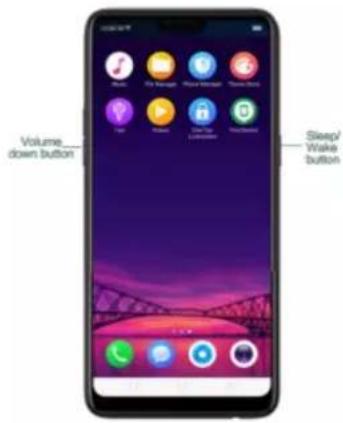
text_image
Volume down button Sleep/ Wake button- Gesture Screenshot: Go to [Settings] > [Smart& Convenient] > [Gesture &
Motion] and turn on [3-Finger Screenshot]. Then swipe down the screen
with three fingers to take a screenshot.
Capture a long screenshot
With realme smartphone, you can easily take longer and scrolling screenshot with simple clicks. Long screenshot allows you to take scrolling screenshot of your conversations on messaging apps or a full webpage.
To capture long screenshots:
- Press and hold the Power and Volume Down buttons for about 2 seconds, or swipe down the screen with three fingers to take a screenshot of the current page.
- Click the screenshot, click Long Screenshot, then scroll the page up or down and stop whenever you want to.
- Click Done to generate a long screenshot. The image is saved in the Photos app.
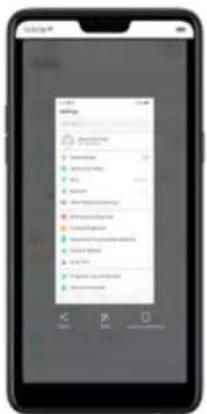
text_image
Screenshot of a mobile app interface displaying a list of items with numerical values and icons, likely for user interfaces or settings.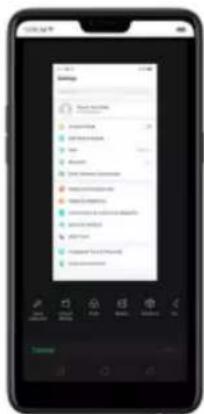
text_image
Mobile app screenshot showing a user interface with a dropdown menu open, likely for a service or application.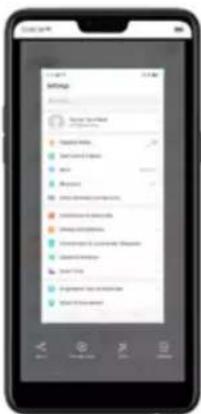
text_image
Smartphone screenshot displaying a mobile app interface with Chinese text, showing a list of apps including 'App Store', 'Sales', and 'Sales to the Home'.Use a Marker Pen
After you've taken a screenshot, click it, then click Marker Pen. You can
highlight a word or write a note on the image. Click Done to save your
changes. (Note: Marker pen is only available in red color). you can easily take
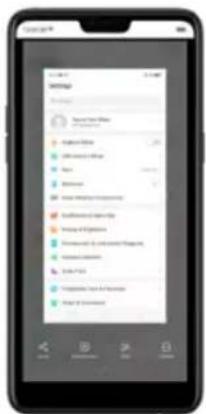
text_image
Settings Settings for Settings Options for Settings Settings for Settings Settings for Settings Settings for Settings Settings for Settings Settings for Settings Settings for Settings Settings for Settings Settings for Settings Settings for Settings Settings for Settings Settings for Settings Settings for Settings Settings for Settings Settings for Settings Settings for Settings Settings for Settings Settings for Settings Settings for Settings Settings for Settings Settings for Settings Settings for Settings Settings for Settings Settings for Settings Settings for Settings Settings for Settings Instructions to be checked Instructions to be checked Instructions to be checked Instructions to be checked Instructions to be checked Instructions to be checked Instructions to be checked Instructions to be checked Instructions to be checked Instructions to be checked Instructions to be checked Instructions to be checked Instructions to be checked Instructions to be checked Instructions to be checked Instructions to be checked Instructions to be checked Instructions to be checked Instructions to be checked Instructions to be checked Instructions to be check Instructions to be checked Instructions to be checked Instructions to be checked Instructions to be checked Instructions to be checked Instructions to be checked Instructions to be checked Instructions to be checked Instructions to be checked Instructions to be checked Instructions to be checked Instructions to be checked Instructions to be checked Instructions to be checked Instructions to be checked Instructions to be checked Instructions to be checked Instructions to be checked Instructions to be checked Instructions to be changed5.10. Control Center, Notification, and
Status Bar
Control Center
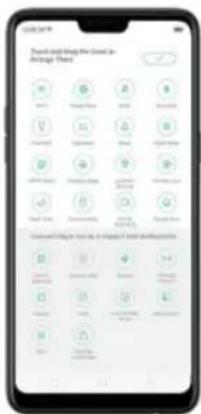
text_image
Search and Find the Goal for Atrage Point Search Find Find Find Find Find Find Find Find Find Find Find Find Find Find Find Find Find Find Find Find Find Find Find Find Find Find Find Find Find Find Find Find Find Find Find Find Find Find Find Find Find Find Find Find Find Find Find Find Find Find FoldOpen Control Center. Swipe down from the very top of any screen (except the notch at the top center of the display). You'll see the shortcuts listed on top,
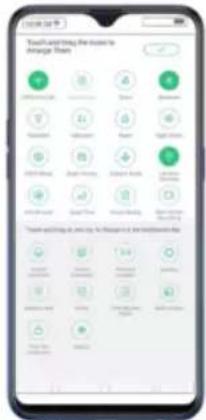
text_image
Touch and Traying the user to manage them You are your home to get your home to manage themControl the brightness. Drag the slider to adjust the brightness of the screen.
When you drag the slider, other parts of Control Center will be temporarily hidden.
Notifications
View all notifications. Swipe down from the very top to view recent
notifications.
Open the app to respond. Click a notification to go to the related app.
When phone screen is locked, swipe the notification to the right. You may
need to enter your passcode.
Dismiss notifications. Swipe the notification to the left, then click Delete. To
dismiss all notifications, Click ✗
Manage your notification settings. Swipe the notification to the left,
click Settings, or go to [Settings] > [Notification & Status Bar] > [Manage notifications].
Select an app from the list to customize whether new notifications from that app appear on the lock screen or notification bar, display a banner, play a sound or vibrate, or whether show icon badges on the Home screen. You can also allow ringing for notifications when Do Not Disturb is on.
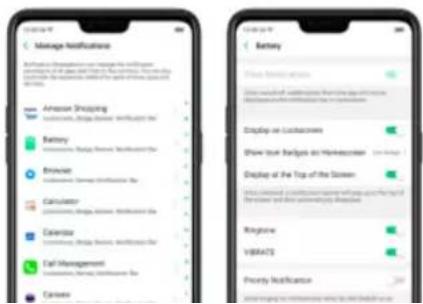
text_image
Manage Notification Amazon Shopping Battery Brievia Calculator Calendar Call Management Canerve Battery Binary license applies Show cloudless authentication from the first instance Display on Lockdowns Show text labels on Makeboxers Display of the Top of the System Ringline VBA475 Priority NotificationStatus Bar
Status icons are displayed on the status bar, indicating for instance wireless connectivity, the battery status and time.
Display or hide battery percentage and network speed. Go
to [Settings] > [Notification & Status Bar], and switch the sliders to green/white.
text_image
Notification & Status Bar Manage Notifications Battery Percentage Show Network Speed Show Data Usage at the Bottom Turn-On Screen for Notifications
text_image
Google 11 12 13 14 15 16 17 18 19 20 21 22 23 24 25 26 27 28 29 30 31 32 33 34 35 36 37 38 39 40 41 42 43 44 45 46 47 48 49 50 51 52 53 54 55 56 57 58 59 60 61 62 63 64 65 66 67 68 69 70 71 72 73 74 75 76 77 78 79 80 81 82 83 84 85 86 87 88 89 90 91 92 93 94 95 96 97 98 99 100
text_image
File may search Thanks 1 win
text_image
Facebook F:\My Computer\My Info MOS Office Sunny - 100% (20%) (50%) (60%) (70%) (80%) (90%) (100%) (110%) (120%) (130%) (140%) (150%) (160%) (170%) (180%) (190%) (200%) (210%) (220%) (230%) (240%) (250%) (260%) (270%) (280%) (290%) (300%) (310%) (320%) (330%) (340%) (350%) (360%) (370%) (380%) (390%) (400%) (410%) (420%) (430%) (440%) (450%) (460%) (470%) (480%) (490%) (500%) (510%) (520%) (530%) (540%) (550%) (560%) (570%) (580%) (590%) (600%) (610%) (620%) (630%) (640%) (650%) (660%) (670%) (680%) (690%) (700%) (710%) (720%) (730%) (740%) (750%) (760%) (770%) (780%) (790%) (800%) (810%) (820%) (830%) (840%) (850%) (860%) (870%) (880%) (890%) (900%) (910%) (920%) (930%) (940%) (950%) (960%) (970%) (980%) (990%) (1000%)Close Search. You can either Click "Cancel", press the Return button, or swipe
up the "Back" gesture that you have set.
5.12. Test
the languages to use.
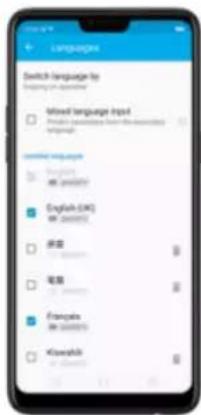
text_image
Switch Language by Switching or unknown Mixed Language Input □ Mixed Language Input □ Common Language Input ■ Certified Language □ Common Language Input □ English (UK) □ Common Language Input □ Chinese □ English □ Chinese □ Spanish □ Common Language Input □ Korean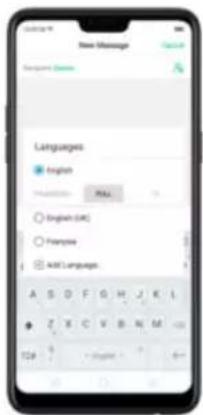
text_image
New Message Messages Languages English Preparation: NULL English (OK) Functions Add Language: A S O F G H J K I Z E C V B N M T24 0 - English -Download available languages. Click to download the language pack. You'll
see the language in Installed languages list when the download is completed.
Change Keyboard languages. As you type, switch language by clicking EN or swiping on spacebar.
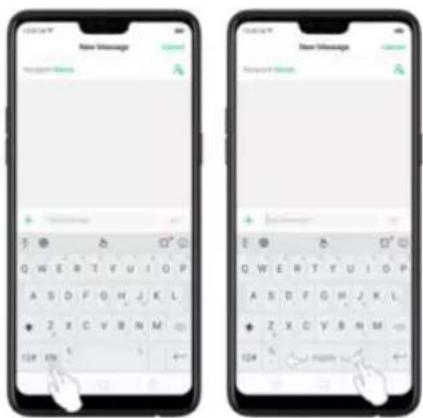
text_image
New Message Preview Name: Q W E R T Y U I O P A S D F G H J K L Z X C V B N M 124 128 17 New Message Preview Name: Q W E R T Y U I O P A S D F G H J K L Z X C V B N M 1245.12.2. Type, edit, and delete text
Type text
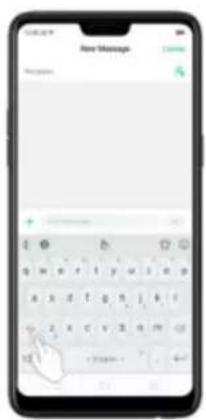
text_image
New Message Messages: + -Enter numbers, punctuation, or symbols. Click 12#. To type alternate
characters, touch and hold a key, then slide to choose one of the options.
Method] > [TouchPal for realme] > [Languages].
Tick the languages to use, then switch language by clicking EN or swiping on spacebar.
Revise text. Click on your text to move the cursor to the insertion point.
Edit text
Select text. Touch and hold the target text, or double-click the target text to select. Drag the control points on either side of the highlighted word to select more or less text, or click [Select all] to highlight all of the text.
You can cut, copy, paste or share your text then.
text_image
New Message + Close-missing5.12.3. Prediction
Prediction feature lets you to enter text with ease and without errors.
Go to [Settings] > [Additional Settings] > [Keyboard & Input Method] >
[TouchPal] > [Prediction].
Use TouchPal Curve to input text simply by swiping across the keyboard, from one letter to another.
Use Wave – Sentence gesture to input commonly used phrases/sentences.
text_image
New Message Send Send vight mountain
text_image
New Message Enter Ring: Name: yes Finish yes (G) a b c d e f f g h i k l m n o 124 - 10000000000000000000000000000000000000000000000000000000000000000000000000Correct spelling automatically. The keyboard will automatically check and correct the spelling of the text.
Auto saving new words, adding space, and capitalizing. As you type, the keyboard will also automatically save new words to the dictionary, add space
text_image
New Message + Hello! Halloween Hello 1:29Contextual prediction. The keyboard will suggest what it thinks are the most likely words based on what you're typing.
Import contact names. The names of your contacts will be added to user dictionary.
When you're connected to the Internet, you can use the built-in microphone to speak the text instead of typing it.
Start voice typing. Touch and hold the space bar on the bottom of the screen, or click 🤨 > [Voice]. then speak.
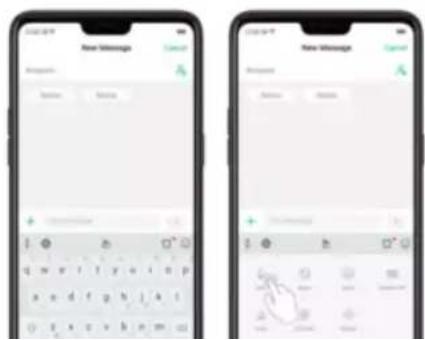
text_image
Two smartphone screenshots showing 'New Message' interface with input fields and a hand gesture icon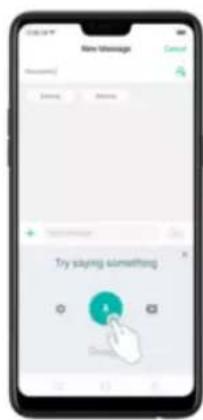
text_image
New Message Cancel Thank you Thank you Try saying something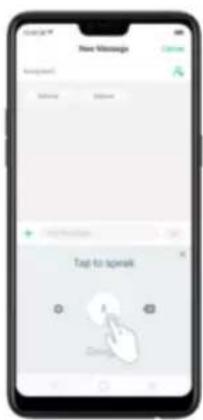
text_image
New Message Navigation: Help Options + Tap to speak ASelect input languages. Click ⚙️ on the panel, or go to [Settings] >
[Additional Settings] > [Keyboard & Input Method] > [Google voice typing] >
[Languages].
Select your preferred languages. To select a primary language, touch and hold
5.12.5. TouchPal for realme
TouchPal Keyboard is the default keyboard on realme smartphones. You can use it to enter text by tapping on the keys or swiping across the keyboard, from one letter to another. Besides its basic typing features, TouchPal has introduced some innovations. Click 🔊 on the on-screen keyboard to get more information.
Multiple themes available. You can dress up the keyboard with various themes or customize the keyboard by yourself.
text_image
Search Search Search Search Search Top Selected Theme
text_image
Ipsster Jensen Bautenkeff 2 Aerriweather Parsush
text_image
Customize Theme Background Phone Dating Online Search Aa Aa Aa Aa Aa Aa Regional Transparency
text_image
New Message Message Delete DeleteIntelligent Input. With TouchPal Curve®, you can type by sliding from letter to
letter instead of tapping. Advanced technologies such as Contextual
Prediction, Autocorrection, and User Dictionary also make typing faster. See
Prediction
piece of text.
text_image
New Message Message My email is Google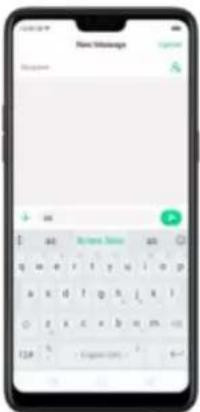
text_image
New Message Message OK Cancel Add Remove Address Add q w e r t y u i o p a x d f g h i k i o z x c x b q m 124 + 0000005.13. Sound, Vibration, and System Feedback
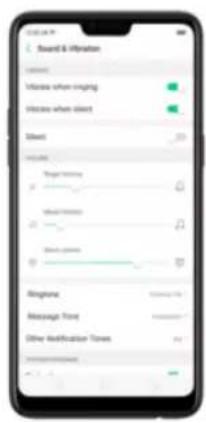
text_image
Sound & Vibration Volume when ringing Volume when silent Sheet Volume Tonging 0 Mood Modelling 21 Share image 87 Bingshare Message Print Other Modification Times 24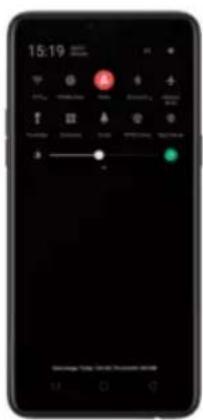
text_image
15:19 A GAdjust the ringer, media and alarm volume. Drag the control point left or right.
Change ringtones for incoming calls, messages, and other notifications. In addition to the default ringtones, you can create ringtones using your own audio files.
text_image
Sound & Vibration Volume when ringing Volume when silent Sheet Volume Tonging 0 Mood Modelling 21 Share image 87 Bingshare Message Print Other Modification Times 24To temporarily silence incoming calls and alerts (without vibrations), see Quite
Time.
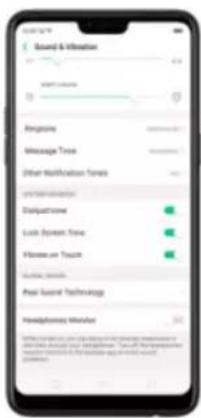
text_image
Sound & Information START ORDER Recognise Message Tree Other Modifications Times Disinjurious Lock System Tree Unknown or Touch Local Sound Technologies Hemidgemony MarketReal Sound Technology. Real Original Sound Technology is jointly developed
by Dirac Research AB and realme. It delivers original sound in full fidelity and
5.14. Charge and monitor the battery
realme smart phones are equipped with a non-removable, lithium-ion rechargeable battery. Do not attempt to open your phone. Charge the phone using the cable and USB power adapter that's included when you purchased it.
Charge the battery. Connect your phone to a standard power outlet or a Power Bank.
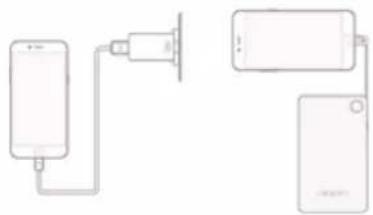
natural_image
Simple line drawing of a device with two connected components, no text or symbols presentCharge the battery and transfer files. Connect your phone to a computer.
* Rechargeable batteries have a limited number of charge cycles and may eventually need to be replaced. The realme smart phone battery is not user replaceable; it can only be replaced by an authorized service provider.
Removing the battery yourself will void your warranty and might cause damage to your phone.
Show percentage of battery in the status bar. Go to [Settings] > [Notification & Status Bar] and turn on [Battery Percentage]. Or go to [Settings] > [Battery] and turn on [Show battery percentage on status bar].
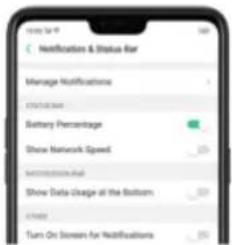
text_image
Notification & Status Bar Manage Notifications 1 2 Battery Percentage Show Network Speed: 100 Send to an email Show Data Usage at the Bottom: 50 Turn OnBrown for Notifications: 50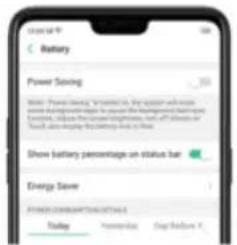
text_image
Battery Power Saving Note: Please show "Schematic" by author will more use the battery to manage the power saving. Note: This is not a standard, but it's not a standard. Show battery percentage on status bar Show battery percentage on status bar Energy Save POWER Schematic Changes Today Monday Day SummaryUse USB OTG. Go to [Settings] > [Additional Settings] and enable [OTG
Connection]. Connect the OTG cable to your phone, then attach the USB Flash
Drive. Once connected, you can directly view and transfer files between the
USB Flash Drive and your phone without requiring a PC. You can also connect
a gaming controller, an external hard drive, printer, and much more to your
phone with the help of this feature.
5.15. Location Service
Apps like Maps, Weather, and Compass must know your exact position
before it can provide accurate services and results.
Turn on Location Service. Swipe down from the top of the screen to open
Control
Center.
then
click

You
can
also
go
text_image
Mobile app interface screenshot showing a notification panel with green circular icons and status bar
text_image
Location Information Location Service High Accuracy Use GPS to access a security service to Determine location Low Power Consumption Use GPS to access a security service to Determine location Drive Only Use GPS to access a security service High Level Selection MTN MLP Service Use low-level selection High Level Selection Apply that Use GPS in the Background Load-in memory Google Location History Google Location SharingYou can choose from three types of positioning modes, which differ in accuracy and battery drain:
- High accuracy (GPS, Wi-Fi, Bluetooth and mobile network).
Apps that use GPS in the background. Turn the slider to green if you allow the
app to use GPS in the background. Keeping background GPS of the apps
active may drain the battery significantly.
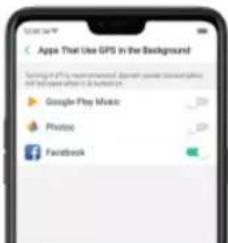
text_image
Apple That Use GPS in the Background Turing off the recommendation: Apple Play Music Google Play Music Provice FacebookGoogle Location service
Use Google Location History to retrace your steps. Google Location History
will customize search results for location and search history.
Use Google Location Sharing to share your locations with friends and
Shop International data roaming plans with your operator. Consult your operator or visit online websites to check for roaming plans and fees that are mostly used in the country or region that you will visit.
Buy or rent local Nano SIM cards. You can buy or rent SIM cards for most of the countries and regions. Learn more from travel guides and websites related to the country or region.
Use Wi-Fi. Turn off global roaming on your phone and head to a Wi-Fi hotspot, such as a hotel lobby, or local cafes.
5.17. Power Saver
Power Saver helps increase battery life by turning off or limiting certain features, for example, turning off some background apps to pause background syncing, turning off Vibrate on Touch, and dimming the screen. Using Power Saver can
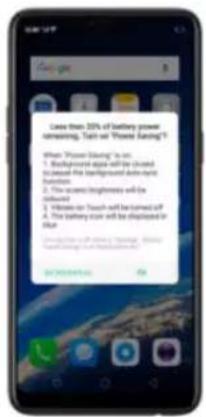
text_image
Late than 20% of battery power screening. Turn on "Power Rating"? When "Power Rating" is on: 1. Background app will be closed to avoid the background data rights. 2. The access brightness will be filtered 3. When on "Touch" will be turned off 4. The battery can still be displayed in blue Description of battery rating: 5. Please check up the battery's status.To manually turn on or off Power Saving Mode at any time, swipe down from
the top of your screen to open Control Center, then click 📋. You can also go
to [Settings] > [Battery] and enable Power Saving.

Note: Your phone will automatically disable Power Saving when you charge it up to 80%. Power Saving is always temporary and only lasts until the next proper charge.
Optimize the power of your battery and manage those apps and settings that used up the most power. Know how to save more power so you can use it especially when it is most needed.
To enable Smart Power Saver, go to [Settings] > [Battery] > toggle [Smart Power Saver (Recommended)] to green to enable.
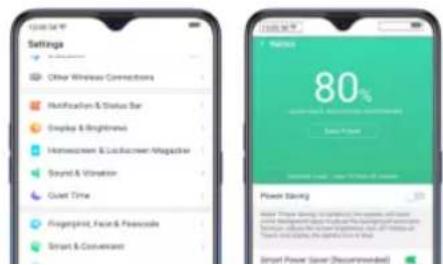
text_image
Settings Other Wireless Connections Modification & Status Bar Display & Brightness Home screen & Lockscreen Magifier Sound & Variation Quiet Time Fingerprint, Face & Positive Smart & Convection 80% Power Saving Smart Power Save (Recommended)running apps on the background).
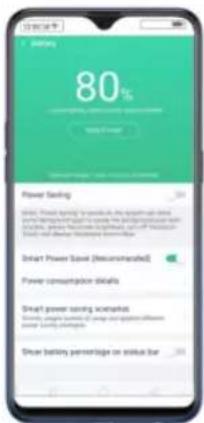
text_image
80% Power Saving Smart Power Save (Recommended) Power consumption details Smart power saving incentives Smart power saving incentives on smart power systems Smart power saving incentives on smart power systems Smart power saving incentives on smart power systems Smart power saving incentives on smart power systems Smart power saving incentives on smart power systems Smart power saving incentives on smart power systems Smart power saving incentives on smart power systems Smart power saving incentives on smart power systems Smart power saving incentives on smart power systems Smart power saving incentives on smart power systems Smart power saving incentives on smart power systems Smart power saving incentives on smart power systems
text_image
Turn off GPS Turn off power-shrading apps now Disable auto start of power-shrading apps Disable background running Langhree battery life 2...
text_image
Turn-Off Power Sharing app now Turn-off GPS Disable auto start of power sharing Windows Disable background confirmationOther Power Saving features
• Power Saving. When this is enabled, the system will close some
text_image
77% Weight Gain Power Damping Reduce stress Brightness Auto-Tween GT Universal adjusted in 15 seconds Indicates background system Power: Power Daily (Unconfirmed) Generated Power System Power consumption details- Smart Power Saver (Recommended). This will intelligently identify the running status of Apps when enabled. Just toggle [Smart Power Saver (Recommended)] to green to enable.
identify the running status of Apps when enabled. Just click on
Custom Power Saver, choose an app then click Intelligently Restrict
Background Running (Recommended).
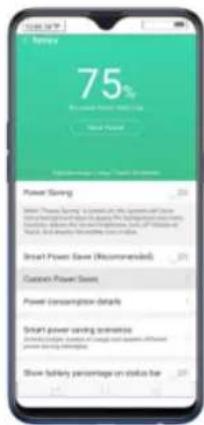
text_image
75% Be used Power Saving Smart Power Power Saving: $100.00 / (3.00 - 2.00) Smart Power Save (Recommended) Custom Power Save Power Consumption details Smart power saving terms Show battery percentage on delta line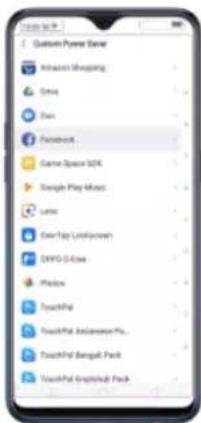
text_image
Custom Power Server Actions Shopping Drive Down Facebook Game Space SDK Game Play Maps Lunes Over-Tag Lockdowns OPPO 3.0x2 Photo TouchPal TouchPal Editement Pro... TouchPal Bengal Pack TouchPal Englellack Pack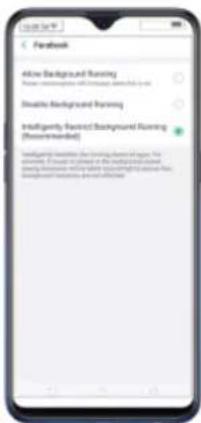
text_image
Facebook Active Background Running Please understand how to change background running out Disable Background Running Intelligently Record Background Running (Recommended) Insatisfactory training the background running out of the country. If you need to check the background running out of the background running out of the background running out of the background running out of the background running out of the background running out of the background running out of the background running out of the background running out of the background running out of the background running out of the background running out of the background running out of the background running out of the background running out of the background running out of the background running out of the background running out of the background running out of the background running out of 100%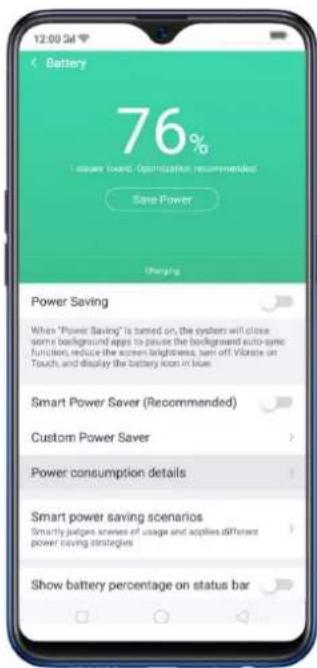
text_image
12:00 Battery 76% Issuer Board Optimization Recommended Save Power Charging Power Saving When "Power Saving" is turned on, the system will close some background agents to pause the background auto-spec function, reduce the screen brightness, turn off Vibrate on Touch, and display the battery Icon in blue. Smart Power Saver (Recommended) Custom Power Saver Power consumption details Smart power saving scenarios Smartly adjusts scenes of usage and applies different power saving strategies Show battery percentage on status bar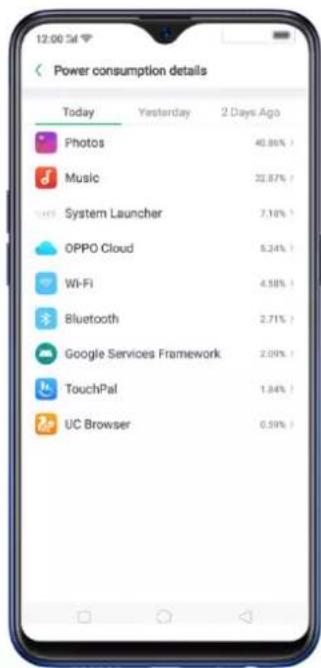
text_image
Power consumption details Today Yesterday 2 Days Ago Photos 40.86% Music 22.87% System Launcher 7.18% OPPO Cloud 5.24% Wi-Fi 4.58% Bluetooth 2.71% Google Services Framework 2.09% TouchPal 1.84% UC Browser 0.59%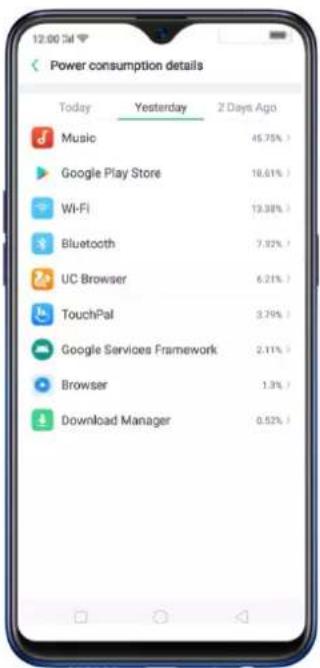
text_image
Power consumption details Today Yesterday 2 Days Ago Music 45.75% Google Play Store 18.61% Wi-Fi 13.38% Bluetooth 7.92% UC Browser 6.21% TouchPal 3.79% Google Services Framework 2.11% Browser 1.3% Download Manager 0.52%- Smart power saving scenarios. This will smartly judge scenes of usage and applies different power saving strategies like sensing when you might be sleeping. Click Smart power saving scenarios, the toggle Sleeping Mode to green.
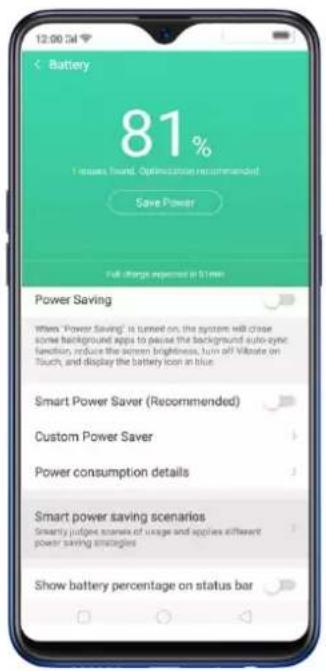
text_image
12:00:54 Battery 81% I issues toward. Optimization recommended Save Power Full charge expected in 30 min Power Saving When "Power Saving" is turned on, the system will chase some background apps to pass the background auto-synch function, induce the screen brightness, turn off Voltage on Touch, and display the battery icon in blue. Smart Power Saver (Recommended) Custom Power Saver Power consumption details Smart power saving scenarios Smartly judge scans of usage and apply different power saving strategies Show battery percentage on status bar
text_image
12:00 3d Smart power saving scenarios Sleeping Mode This feature can sense when you might be sleeping, and then switch to Low Power mode to make your phone more power efficient.- Show battery percentage on the status bar. If you want to see how much battery is left just enable this feature by toggling [Show battery percentage on the status bar] to green to enable.
text_image
12:00:54 Battery 81% 1 issues Power Optimizeable Recommended Save Power Full charge expended in 67 min Power Saving When "Power Saving" is turned on, the system will close some background apps to pause the background auto-sync- fension, reduce the screen brightness, turn off Vibrate on Touch, and display the battery icon in blue Smart Power Saver (Recommended) Custom Power Saver Power consumption details Smart power saving scenarios Smartly judges scenes of usage and applies different power saving strategies Show battery percentage on status bar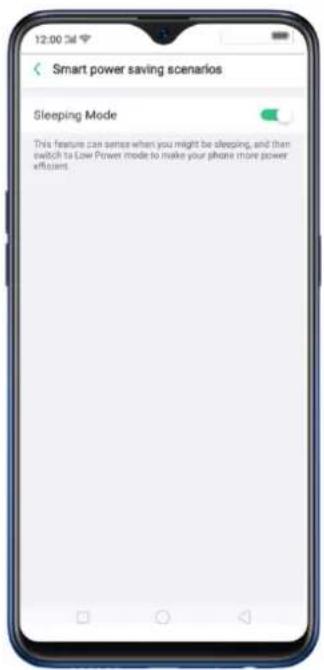
text_image
12:00 24 Smart power saving scenarios Sleeping Mode This feature can sense when you might be sleeping, and then switch to Low Power mode to make your phone more power efficient.6. Personalize your realme phone
6.1. ColorOS 5.2 device name
If you scan for a Wi-Fi Direct or Bluetooth connection with your realme phone, your device name will display on the target devices.
Change device name for Wi-Fi and Bluetooth. Go to [Settings] > [About
Phone]. You can also change the device name when you enable Bluetooth or Wi-Fi Direct.
6.2. Personalize the Home screen
6.2.1. Organize the Home screen
From the Home screen, you can access all your apps and widgets. To keep everything in order, you can organize your home screen to make it more manageable and keep-it looking neat.
Add or Remove a Home screen page
Add a Home screen page. Swipe to the rightmost screen and drag an app or widget off the screen to the right.
Remove a Home screen page. Drag all the apps and widgets on a Home screen page to another page. The empty Home screen page will be automatically deleted.
Group Apps
You can put apps in folders, which can keep your home screen neat or help to organize similar apps.
Create a folder. Tap and hold an app until the icons start wiggling. Drag one of the apps into the other, and lift your finger when the first app seems to merge into the second one. Add more apps by dragging them in.
suggested name to it. To edit the name, tap on the text.
text_image
ToolsRearrange apps and folders
realme smartphone has set a default arrangement for users, but you can still
Home or Return button.
Note: Icons will be aligned to the left automatically.
Move the icon to a new screen. Drag the icon off the screen to the right and let it go when the new page appears.
text_image
Smartphone home screen displaying app icons with Chinese labels, including Android, iOS, and Windowseffect on your phone, which is the style in which you slide the home screen right or left.
Manage widgets
Add a widget. Pinch your fingers together, then click [Widgets]. You'll see all available widgets. Touch, hold and drag one widget to the screen. Make sure there is enough space for that widget.
text_image
Google
text_image
Smartphone home screen displaying app icons with 'Google' text and status bar
text_image
GoogleCustomize transition effect
Set up transition effect. Pinch your fingers together, then click [Effects].
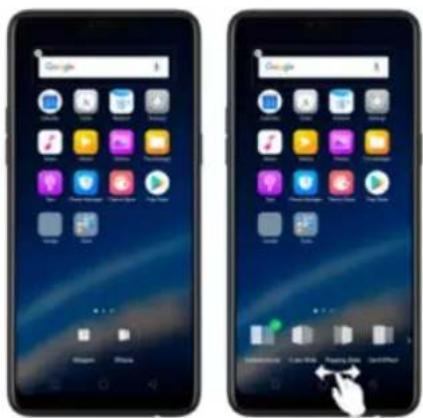
text_image
Two smartphone screens displaying app icons with Chinese labels, showing home screen status and navigation controls.Preview and choose an effect. Click a transition effect and it will show the
preview effect. You can choose one from the five options:
6.3. Change the wallpaper
You see a wallpaper background picture when you unlock your realme phone. You can select one of the images that came with the phone, or use a photo from your photo gallery, or get some more wallpapers online.
Tip: When setting the wallpaper as your Home screen or Lock screen, you can drag to move the image, or pinch to zoom in and out, so the image fits the screen.
text_image
Newborn Newborn
text_image
SELECT Album Currency Polaris Broochrobes Hind Chal Hind Chal Fuzzy-text Albums6.4. Adjust the screen brightness and color temperature
Adjust the screen brightness. Swipe up from the bottom of the screen to open Control Center, then drag . Or go to [Settings] > [Display & Brightness], then drag the slider.
Set realme phone to adjust screen brightness automatically. Open Control Center, then click . Or go to[Settings] > [Display & Brightness], then toggle the Auto-Brightness slider to green. If Auto-Brightness is on, your phone adjusts the screen brightness for current light conditions using the built-in ambient light sensor.
Use Night Shield. Go to [Settings] > [Display & Brightness] > [Night Shield]. Drag the control point to adjust color temperature. The warmer you set your screen, the less blue light will be emitted from the display. When you
use the realme phone at night, you can turn on Night Shield to cut down on eye strain and sleeplessness you might get.
text_image
Might Shield Share the following: 10 minutes of viewing Show a viewing window. Scheduled Time Editor Name: Set of comments and the original Clear Management. Editor: Morton Read in all ways to understand the original. Look at home? Display in Table Display in Black and White. Continuous lighting reading To be aware, I can use a button or view where it is used to show the viewing of a TV and video streaming.6.5. Change auto-lock time
text_image
Auto Screen Off 15 Seconds 30 Seconds 1 Minute 2 Minutes 5 Minutes 10 Minutes 30 Minutes6.6. Change the font size
realme smartphone lets you change the font size to-that of your eyesight needs.
Change the font size. Go to [Settings] > [Display & Brightness] > [Font Size].
Drag the slider to the left or right to shrink or enlarge sample text, then you'll see your new text size immediately applied to the menu text in the upper-left corner of the screen.
Tip: This will not affect the size of your icon text.
6.7. Keyboard and input method
6.7.1. Customize the look of the keyboard
Make your own keyboard by customizing the font and appearance.
Go to [Settings] > [Manage Keyboards] to open Touchpal, Go to [Settings] >
[Additional Settings] > [Keyboard & Input Method] > [TouchPal] > [Look & Feel].
Adjust the size of candidate words. Click [Candidate Size], then drag the control point to change font size to small, normal or large.
Customize keyboard appearance. Click [Candidate Size], or click 🤒 on the on-screen keyboard > [Resize], then drag the control arrow to adjust keyboard height, width, and position.



6.7.2. Keyboard Layout
In addition to the default keyboard style, the undocked, one-handed, and split keyboard on the screen makes typing with both thumbs a breeze. You can use "Undock" feature to position the keyboard anywhere on screen, or narrow the keyboard with one-handed mode, or split the keyboard in half.
To change the keyboard layout, click 🔊 on the on-screen keyboard, then click Layout.
• Normal keyboard. The default keyboard layout on your phone.
text_image
New Message Cancel Cancelon the screen that is most comfortable or convenient to you.
text_image
New Message Download: New 1 2 3 4 5 6 7 8 9 10 11 12 13 14 15 16 17 18 19 20 21 22 23 24 25 26 27 28 29 30 31 32 33 34 35 36 37 38 39 40 41 42 43 44 45 46 47 48 49 50 51 52 53 54 55 56 57 58 59 60 61 62 63 64 65 66 67 68 69 70 71 72 73 74 75 76 77 78 79 80 81 82 83 84 85 86 87 88 89 90 91 92 93 94 95 96 97 98 99 +- One-handed keyboard. Shrink the keyboard so you can type with one hand easily. Click ☐ or ☑ to adjust the keyboard left or right, depending

text_image
New Message Current Preview Options New Message Current Preview Options- Split keyboard. The keyboard will divide into two sections for easy thumb typing.
6.7.3. Trends
With TouchPal's Trends feature, you can download the buzzwords, change the keyboard theme and font, and get the latest headlines and games.
Get the latest trends. Click 📄 on the on-screen keyboard, then click Trends.
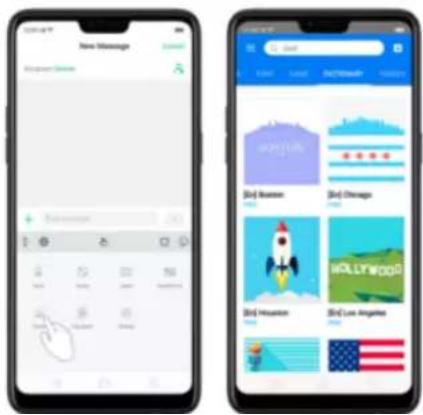
text_image
New Messages Google News + Balance 2014 2015 2016 2017 2018 2019 2020 2021 2022 2023 2024 2025 2026 2027 2028 2029 2030 2031 2032 2033 2034 2035 2036 2037 2038 2039 2040 2041 2042 2043 2044 2045 2046 2047 2048 2049 2050 2051 2052 2053 2054 2055 2056 2057 2058 2059 2060 2061 2062 2063 2064 2065 2066 2067 2068 2069 2070 2071 2072 2073 2074 2075 2076 2077 2078 2079 2080 2081 2082 2083 2084 2085 2086 2087 2088 2089 2090 2091 2092 2093 2094 2095 2096 2097 2098 2099 2100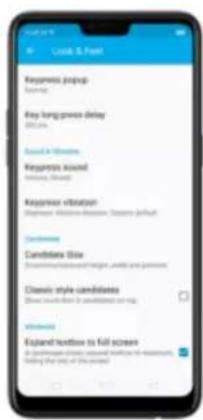
text_image
Request prerup Request prerup delay Request sound Request sound Request vibration Request sound Candidate Glue Generic style candidates Open to find it as candidates or map Open to find it as candidates or map Expand textures to full screenSetting
Effect
Keypress popup
A popup bubble displays
when you click a key.
Key long-press delay
Adjust the long-press delay
| candidate words, and adjust keyboard height, width, and position. See Customize the look of the keyboard. | |
| Classic style candidate | Show more than three candidate words on top. |
| Expand textbox to full screen | Keyboard opens as full screen in landscape mode. |
6.8. Set up Startup Manager
Startup Manager helps you to manage system startup entries. You can choose
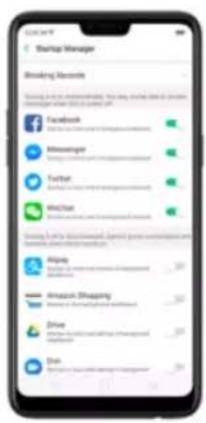
text_image
Startup Manager Smoking Markets Saving the most important help you want to get out from your home. Facebook Minesonger Tachar MedChat Saving the best important help you want to get out from your home. Alipay Amazon Shaping Zive DunTip: For apps that receive real-time messages, such as Facebook, Messenger,
WhatsApp, and Twitter, it is best to allow them running in the background without their being suspended.
View the apps that had been blocked from starting in the background. Click
text_image
Sharep - Bidding Records What do you want to compare the next game in mobile games. You can't use any other platform for this game. Sharep is all your own home team. Google Play Music Google Play Music Google Play Music Drive Google Play Music Drive Google Play Music Drive Google Play Music TruckPlay for GPS Google Play Music TruckPlay for GPS6.9. Clone Apps
Clone Apps allows an app to run two accounts on a single phone on-parallel.
To turn on [Clone Apps], go to [Settings] > [Clone Apps], choose an app and
turn on [Enable App Cloning]. A new copy of this app will be generated on the
- "Clone Apps" currently does not support to run more than two app clones simultaneously.
text_image
Close Apps Fandover Messenger HotChat About "Close Apps" 1. "Close Apps" is currently being used to access the app, but it is presented in the newscenter. The app and its application are exclusively available for all users. 2. We have already been accessed by us, but we can be able to access your app or the other. 3. "Close Apps" will continue to access the app or the other.
text_image
Facebook Create App Closing Remove Closed App
text_image
Mobile app screenshot showing Facebook and Twitter logos with 'Facebook' and 'Twitter' icons6.10.Manage Default App
What is Default App: If you've installed two different applications that essentially do the same thing, for example, Google Chrome and Firefox Web Browser, you'll likely be presented with a pop-up menu when trying to open a web page, asking you which application you'd like to complete the action with. You can
text_image
App Management Default App Management Allpay Amazon Stepong Duo Facebook Downloaded
text_image
Default app Automatic App and Voice Input HomeApp Messages Call Browse Commerce iPhone
text_image
Browse Chrome Browse Forelox6.11. Gesture & Motion
Gestures
realme smartphone is designed to understand gestures. You can use gestures such as tap, swipe, drag, and spread to operate your phone.




text_image
Settings Sound & Vibration Guest Time Fingerprint, Face & Passcode Smart & Convenient Security Battery Language & Region
text_image
Smart & Convenient Navigation Keys Assistive Ball Full Screen-Multifasking Guidance & Motion Smart Assistant Impairment in the public Security Group Management, providing social communication services as good functions, driving management, and website information.Screen-off Gestures
To set up screen-off gestures, you need to turn it on first.
Double tap to turn screen on: Turn it on to wake up your locked screen with a double-click on the screen.
Draw O to start camera: When on lock or sleep mode, you can draw O on the
text_image
Screen-off Schedule Screen-off Schedule Disable Tips to Turn Window On Draw 5 to Open Camera Draw 5 to Open Refresh Music Control Add a Screen-off Service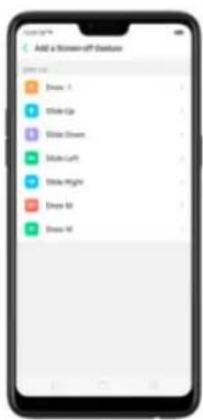
text_image
Add a Screen-off Checkup 2017.12.1 Dream 1 Style 1 Style Draw Style Lift Style Height Dream 3 Dream 43-Finger Gesture
Take a screenshot. Swipe down the screen with three fingers.
Use Split-screen. Under the interface of an app, swipe up the screen with
text_image
Google 5Motion
The motion-sensing technology is used in realme smartphone. Use it to let your phone response to motion.
Switch from speaker for calls: Use it to automatically switch from speaker to receiver when you put the phone near your ear during phone calls.
Flip to mute incoming calls: Use it to silence the ringer by turning the phone over on the table or other flat surfaces.
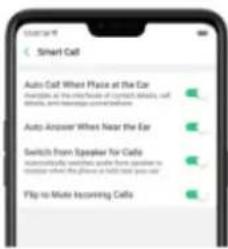
text_image
Smart Call Auto Call: Wheel Place at the Ear Examples, at the first floor of contact details, call details, and message content. Auto Answer: When near the Ear Switch from Speaker For Calls Automatically switches guide from speaker to receiver when the phone is left now you call. Flip to Make Incoming CallsMistouch Prevention Mode
Turn it on to prevent incorrect operations if the lock screen is covered.
6.12. Preset device on/off time or Automatic on/off
The feature helps you to automatically turn on or off your realme smart phone at the scheduled time you specify – for example, you can fall asleep while listening to your favorite music without having to worry about turning off your phone. It also gives you different ways to schedule the events for your needs, such as daily, weekly and only once.
Turn on Device ON/OFF Preset. Go to [Settings] > [Additional Settings] > [Device ON/OFF Preset] or [Automatic On/Off], then toggle the sliders to green as needed.
finger across each column to change the time, then click Save.
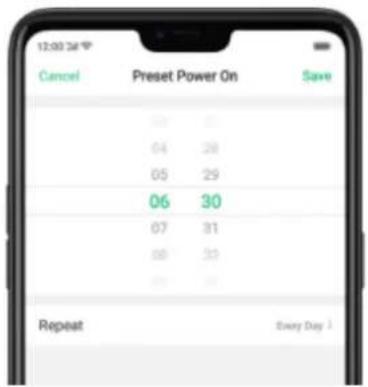
text_image
12:00 24 Cancel Preset Power On Save 06 30 04 28 05 29 06 30 07 31 08 33 09 34 RepeatRepeat the event on certain days. Click the time, click Repeat, then choose the days.
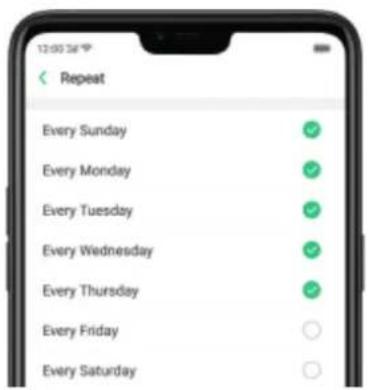
text_image
12:00:36 Repeat Every Sunday Every Monday Every Tuesday Every Wednesday Every Thursday Every Friday Every Saturday6.13. App display in Full-screen
ColorOS 5.2 device features a new display format with an aspect ratio of 19:9, and most of the apps are supposed to adapt their size automatically to the new screen size. If some apps are not suitable for full screen mode, they will display at the 16:9 ratio by default, but you can let the phone to make changes in your app to accommodate the new screen's size and rounded corners.
Adjust your app layouts. Go to [Settings] > [Display & Brightness] > [App
Display In Full-screen] and you will see a list of apps that doesn't support the
19:9 aspect ratio. Toggle the sliders to green if you want the apps to display in
full-screen. Or you can open an app, then click "Tap full-screen display." App
will restart when you turn on this feature.
text_image
Details Information Full access Display You can get a better app experience when Full access Display is on, like what's it <|vision_start|> the app is available for this tool. When Full access Display is removed, it may not be displayed because for any time app functions for all users. You function is available for this setting. Display & Brightness - App Full access Display! Cancel OK Cancel Please Add to
text_image
Safety Information 1. Safety Information 2. Safety Description 3. Safety Description 4. Safety Description 5. Safety Description 6. Safety Description 7. Safety Description 8. Safety Description 9. Safety Description 10. Safety Description 11. Safety Description 12. Safety Description 13. Safety Description 14. Safety Description 15. Safety Description 16. Safety Description 17. Safety Description 18. Safety Description 19. Safety Description 20. Safety Description 21. Safety Description 22. Safety Description 23. Safety Description 24. Safety Description 25. Safety Description 26. Safety Description 27. Safety Description 28. Safety Description 29. Safety Description 30. Safety Description 31. Safety Description 32. Safety Description 33. Safety Description 34. Safety Description 35. Safety Description 36. Safety Description 37. Safety Description 38. Safety Description 39. Safety Description 40. Safety Description 41. Safety Description 42. Safety Description 43. Safety Description 44. Safety Description 45. Safety Description 46. Safety Description 47. Safety Description 48. Safety Description 49. Safety Description 50. Safety Description 51. Safety Description 52. Safety Description 53. Safety Description 54. Safety Description 55. Safety Description 56. Safety Description 57. Safety Description 58. Safety Description 59. Safety Description 60. Safety Description 61. Safety Description 62. Safety Description 63. Safety Description 64. Safety Description 65. Safety Description 66. Safety Description 67. Safety Description 68. Safety Description 69. Safety Description 70. Safety Description 71. Safety Description 72. Safety Description 73. Safety Description 74. Safety Description 75. Safety Description 76. Safety Description 77. Safety Description 78. Safety Description 79. Safety Description 80. Safety Description 81. Safety Description 82. Safety Description 83. Safety Description 84. Safety Description 85. Safety Description 86. Safety Description 87. Safety Description 88. Safety Description 89. Safety Description 90. Safety Description 91. Safety Description 92. Safety Description 93. Safety Description 94. Safety Description 95. Safety Description 96. Safety Description 97. Safety Description 98. Safety Description
text_image
Smartphone screenshot displaying a safety information section with multiple bullet points and descriptions of various workplace safety measures.
text_image
Safety Information Safety Information is the most important for the safety system. The safety system is designed to be a key, and it is not a suitable for the safety system. The safety system is designed to be an important for the safety system. The safety system is designed to be an important for the safety system. The safety system is designed to be an important for the safety system. The safety system is designed to be an important for the safety system. The safety system is designed to be an important for the safety system. The safety system is designed to be an important for the safety system. The safety system is designed to be an important for the safety system. The safety system is designed to be an important for both the safety system and the safety system. The safety system is designed to be an important for the safety system. The safety system is designed to be an important for the safety system. The safety system is designed to be an important for the safety system. The safety system is designed to be an important for the safety system. The safety system is designed to be an important for the safety system. The safety system is designed to be an important for the safety system. The safety system is designed to be an important for the security system. The safety system is designed to be an important for the security system. The safety system is designed to be an important for the security system. The safety system is designed to be an important for the security system. The safety system is designed to be an important for the security system. The safety system is designed to be an important for the security system. The safety system is designed to be an important for the security system. The safety system is designed to be an important for the security system.Note: Turning on "Full-screen display" will improve your experience, but it may cause display issues due to incompatibility or other reasons.
7. Apps
Note: The signal indicator at the upper-left corner of the screen shows
whether you're in range of your operator's network and can make and receive
calls. The more bars, the stronger the signal.
Dial the number you want to call. Click Phone, click the keypad to enter the
number, then click 📊. Click ✕ if you make a mistake. You can also copy a phone number and open the keypad, then click the number to paste it to the keypad.
Besides, if you're not sure what the exact phone number is, you can quickly search the contact by dialing the numbers that contain the contact's name or initial letters on the keypad. For example, if you want to call Sienna, click "743" and you'll see the contact.
text_image
180 01 1 2 3 MAY 2021 MAY 4 5 6 DAY 7 8 9 Friday 0 #
text_image
Diagnostic Response Time Document for "Yes" responses: Yes 2 6 5 1 2 3 4 5 6 7 8 90 #
从 从 从
text_image
743 1 2 3 0 1 2 4 5 6 0 7 8 9 * 0 #Call someone on your contacts list. Click Contacts and choose a contact, then
click the phone number to make a call. You can also use Search feature to
find a contact, see Search.
text_image
Contacts My Groups David Peter Steve
text_image
Login 12000000000 Open Connection Send to Options Send to PDF Connection Send to Request Send to Account
text_image
Favorites Add Remove DeleteCall someone you've recently called or who has recently called you. Click
Phone, and you'll see the recent calls. Click a number to make the call. Click
① to get more info about the call, or the caller. Click "All" to see all, only
missed, or only blocked calls
text_image
TURBUSTNT Home Locking Stopup 1 2 3 4 5 6 7 8 9 * 0 #
text_image
Bened Calls Bened CallsAnswer or reject a call
When someone calls you, the realme smartphone rings and displays the caller's information, if available.
Silence a call. Click Mute, or press the Sleep/Wake button or either of the volume buttons once to stop the phone from ringing or vibrating.
Reject a call. Click Reject, or press the Sleep/Wake button twice quickly.
Respond with a text message instead of answering. Click Message, then choose a reply or click Customize to reply with your own words. To create your own default replies, go to [Settings] > [Call] > [Respond with SMS]. Click a reply and edit the message.
text_image
Sorry, I can't answer the phone now. Can't call you back later? Can't talk now. Can you call me later! I'll be there is a moment. Customs. CancelWhile you're on a call

text_image
OPPO 176-0000-0000 Dabies, Learning HealthTo
Do this
Get contact info.
Click Contacts.
Put a call on hold.
Click Hold.
Click the phone number to switch back to the first call and put the second call on hold. Click Merge calls to merge the two calls, so all three of you can talk and hear each other. See Conference calls.
Respond to a second call, do one of the following:
• To reject the call, click Reject.
• To hold the first call and answer the new call, click Answer.
return the call.
text_image
Google 121 101 100 100 100 100 100 100 100 100 100 100 100 100 100 100 100 100 100 100 100 100 100 100 100 100 100 10 1 2 3 4 5 6 7 8 9 10 11 12 13 14 15 16 17 18 19 20 21 22 23 24 25 26 27 28 29 30 31 32 33 34 35 36 37 38 39 40 41 42 43 44 45 46 47 48 49 50 51 52 53 54 55 56 57 58 59 60 61 62 63 64 65 66 67 68 69 70 71 72 73 74 75 76 77 78 79 80 81 82 83 84 85 86 87 88 89 90 91 92 93 94 95 96 97 98 99 1007.1.2. Conference calls
A conference call lets you talk to more than one person at a time. You can merge up to six calls including the host for a phone conference.
text_image
12:00 12:00 12:00 Status: Status: Message: Action: Action: Action:7.1.3. Block calls
Block feature does help to prevent unwanted phone calls. You can also add numbers to blacklist to block specific phone numbers from calling.
Block calls. Go to [Settings] > [Call] > [Block], or go to [Settings] > [Security] >
phone is able to show its number and location; while the hidden number means the caller's number or location is not accessible. which usually is a harassing call:
text_image
Block Calls You can use your or download calls by opening. Download Calls on your mail, type for pin Block Drawing Incoming Calls Download Passwords Only Block Calls From Hidden Numbers Block All Unknown Incoming Calls Block All Incoming Calls
text_image
Block All Unknown Incoming Calls Block All Unknown Incoming Calls RECEIVED UNLESSONS Do not Block Repeated Inversing Calls Reversing calls from the same number within 1 Wednesday will not be DeliveredAdd a contact or a phone number to the blacklist. Click Phone, then click
Contacts. Choose a contact, then click Add to Blacklist. You can also go to
[Settings] > [Call] > [Block], or go to [Settings] > [Security] > [Block], click
[Blacklist], click + , then enter the number or choose your contacts.
text_image
16000000000 email Show Email Add to Facebook Add to VIP Connection Add to Instagram Existing Context
text_image
Block Block Daily. Block Messages: Block, according to all and messages in setting the code. BookList: This is now recommended any copy and the message from (Shelfing) or Book.
text_image
For Documents New Documents Existing Documents CancelYou can also add contacts or phone numbers to the whitelist, which calls and messages from these numbers will not be blocked.
7.1.4. Emergency calls
What is emergency Number?
Emergency numbers are numbers of emergency services which provide immediate help during Medical emergency, Threat to life, Fire, Accidents.
In many countries the public telephone network has a single emergency telephone number (sometimes known as the universal emergency telephone number or occasionally the emergency services number) that allows a caller to contact local emergency services for assistance.
You can make an emergency call even if you do not have a SIM card installed on your realme smartphone.
Make an emergency call. Click Phone, click keypad and dial the number, then click . Or if your phone is locked with a passcode, click Emergency Call, then dial the emergency number.
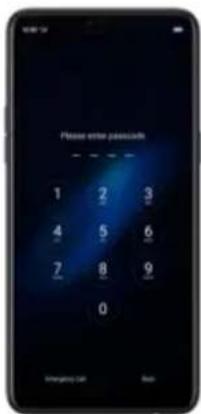
text_image
Please enter passcode 1 2 3 4 5 6 7 8 9 0 Emergency Call Date7.1.5. Carrier's Call Settings
realme smartphone includes several calling features such as Call Forwarding,
Call Waiting, Voicemail, and more.
Set up calling features. Go to [Settings] > [Call] > [Carrier's Call Settings].
• Call Forwarding: An incoming call will be redirected to another telephone
number where the desired called party is able to answer. Notice that appears on the status bar.

- Call Barring: Certain types of outgoing calls (such as international calls) and/or incoming calls will be restricted.
- Call Waiting: You'll hear short beeps if someone calls you while you're on the a call.
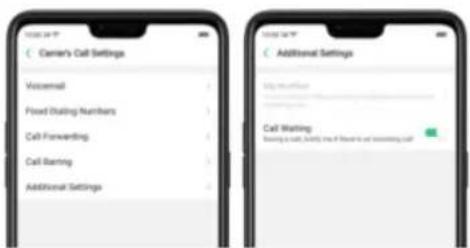
text_image
Carrier's Call Settings Voicemail Foud Dialog Numbers Call Forwarding Call Barking Additional Settings Additional Settings Voicemail Foud Dialog Numbers Call Forwarding Call Barking Additional Settings Call Waiting Barking in Call, Fully line of Flawed to call Forwarding Callmatching what you've typed appear below. Or click 📋 and choose a contact from your contacts list. Type a message and click 📋.
Tlp: As you type, click + next to the text field to add an attachment.
text_image
New Message Message + No - OK
text_image
1 selected Car Log Eboxon Diffuse Speed Reduction
text_image
New Message Welcome to + - - - - - - - - - - - - - - - - - - - - - - - - - - - - - - - - - - - - - - - - - - - - - - - - - - - - - - - - - - - - - - - - - - - - - - - - -Send a message to multiple people. Click +, then enter multiple recipients, or
text_image
Smartphone home screen displaying app icons with Chinese text labels, including Android, iOS, and Google
text_image
12:00 Wednesday, April 17 Sunday 17C 18:00 Charging 100% + 100% 15% + 100% 15%Tip: The Messages icon on the Home screen shows the total number of unread text messages you have.
Delete conversations from the Messages list. Click Edit. tick the conversations
text_image
1 Selected Cancel Hello to https://www.100.com/ Message from: Microsoft Status Hello to https://www.100.com/ Message from: Microsoft Status7.5.2. Customize message settings
The Messages settings menu lets you control options for your text and MMS messages including message limits, displays, notifications, and more. Go to [Settings] > [Messages].
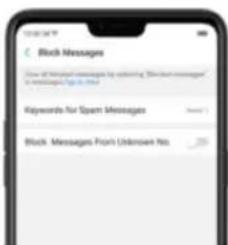
text_image
Block Messages View of email messages as opening 'Spent messages' in English. See http://10.1234567.com/ Keywords for Spent Messages Block Messages From Unknown No.Manage Messages settings. To display notifications of new messages, turn on
[Allow Notifications]. You can customize whether new notifications from Messages appear on the lock screen or notification bar, display a banner, play a sound or vibrate, or whether show icon badges on the Home screen. You can also allow ringing for notifications when Do Not Disturb is on.
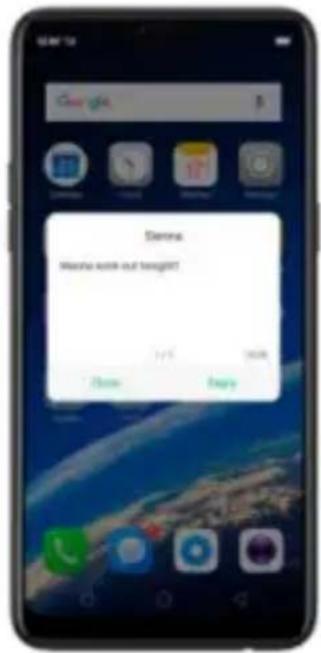
text_image
Denna Yes/no miss out tonight! 1/25 20:00 None BuyReceive Instant SMS messages. Toggle the slider to green if you want to receive life related messages pushed by your operator during a call.
Display recent contacts when sending a message and show contact's portrait In the Message list. Toggle the sliders to green.
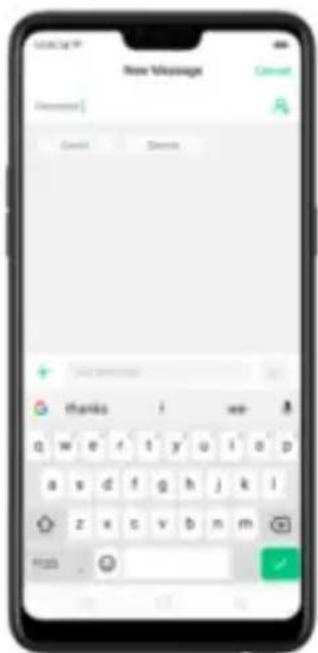
text_image
New Message Cancel Cancel Thank i we- q w e f t y o i a p a s d f g h j k i z x c v b n m F103 .
text_image
All Messages David Emma How much you want to getCustomize advanced settings. Click [More Message Settings], then set up more
SMS, MMS, system, and emergency alert related settings.
text_image
Maine Message Settings SMS Patch SMS Delivery Reports SMS Info Download SMS Auto-Remote Work Reviewing Patch SMS Messages Delivery Reports Information Turn on SMS Post Message Center IDM Card SMS Emergency alerts Emergency Alerts Settings Emergency Alerts Records7.6. Contacts
text_image
Tools
text_image
Contacts My friends New Card Folder One Arm Chat Number One Phone Email HOME COMPIONS Phone number Home Anyone words DrawnThen click ☐ for the name card recognition language. Make sure to fit the name card or business card on the frame.
Click ☐ to start recognizing the name card or business card and all information will directly be inputted on your Contacts app then click Save.
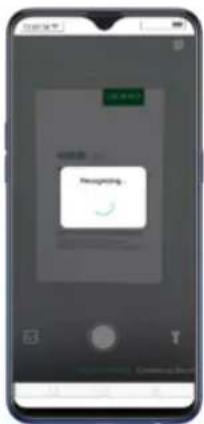
text_image
获取帮助 Recognizing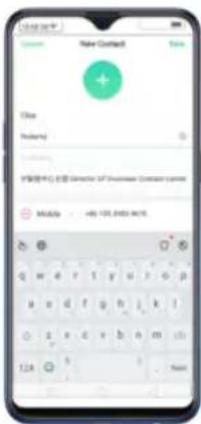
text_image
Name Contact Name Status Relency 扩展中心名称: Microsoft XP Professional Center name Mobile - 481.102.8763.9475 124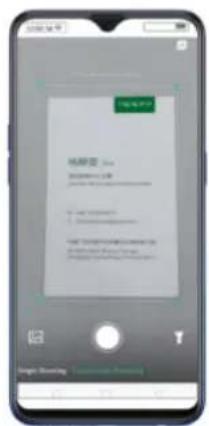
text_image
Mobile app interface screenshot showing a login page with username and password fields, and two app icons below.- Through the Phone App. On your home screen, click [Phone app] >
[Contacts] then click 📋 on the top-right corner of the screen.
Then click ☐ for the name card recognition language. Make sure to fit the name card or business card on the frame.
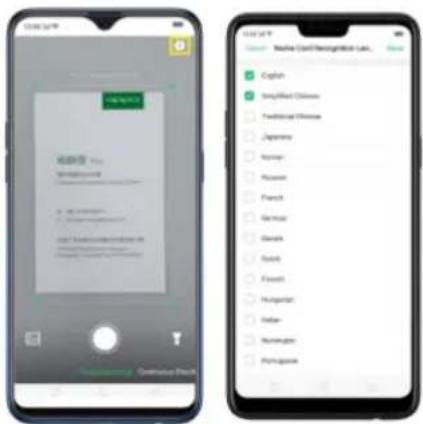
text_image
Two smartphone screenshots showing a mobile app interface and a list of language options on the right.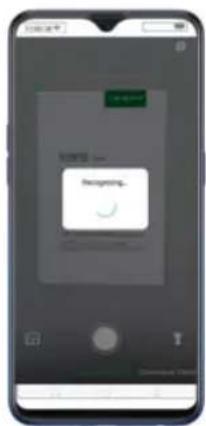
text_image
Mobile app interface screenshot showing a 'New York' button with a progress message and a circular progress icon.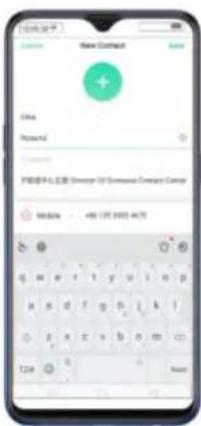
text_image
New Contract File Reports FEBB291-0358 (Director OF Bermuda Company Cancer) Module: 486 126.0003 4678 12.0 NextYou also have an option to do Continuous Shooting, open Photos app if a namecard or business card is saved there, or use the flashlight if area to scan is dimly lit.
- On Smart Assistant, Click 📋 to launch Contacts app and open this
feature directly. Before scanning the business card or namecard, click
for the namecard recognition language. Make sure to fit the
namecard or business card on the frame.
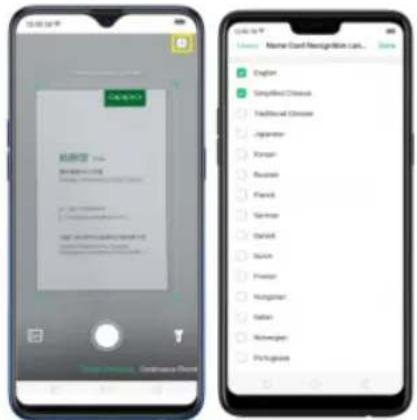
text_image
Screenshot of a mobile app interface displaying a login form and a list of language options on the right.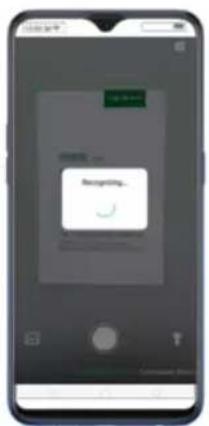
text_image
Mobile phone screenshot showing a login screen with a 'Login' button and a green checkmark iconYou also have an option to do Continuous Shooting, open Photos app if a namecard or business card is saved there, or use the flashlight if area to scan is dimly lit.
information.

text_image
Contact My Group Dated Poster Green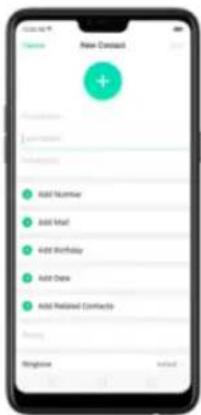
text_image
New Document Add Number Add Mail Add Birthday Add Data Add Related Contacts Options Welcome Import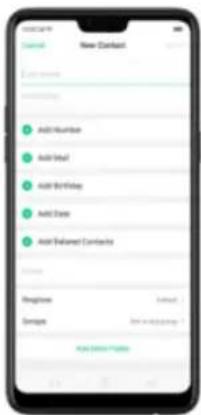
text_image
Contact New Contact Add Number Add Number Add Meal Add Birthday Add Date Add Related Contacts Options Beginne Group Add Address Add Address OptionsAdd a contact from a number entered using the keypad. Click Phone and enter
a number, then click Create New Contact and enter the contact information, or
click Add to Existing Contact and choose a contact.
Add a recent caller's information to your contacts. Click Phone, and you'll see
the recent calls. Click ⓘ, then click Create New Contact or Add to Existing
Contact.

text_image
1340000000 Time: 2:30 Sigma Time: 0:30 Day 19:00:00 Time: 0:30 19:00:00:00 Time: 0:30 1 2 3 4 5 6 7 8 9 # K 0 # A
text_image
124 0000 0000 Online learning Login: No A#P@124.com Call New Staff Existing new Computer Add to Existing Document Add to Missing Delete Call Log
text_image
David 1400000000 Weather Tips Share 1 Discount Help for Weatherlist Help for MPP Comments Help for Weatherlist Send For Password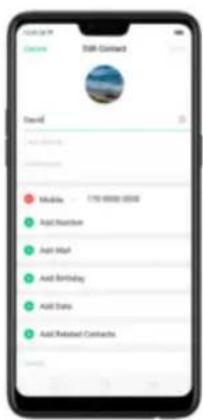
text_image
Email Command Send Add Add Number Add Mail Add Birthday Add Date Add Related ContractsAssign a photo to a contact or change a contact's photo.
- Click ⚠, or click the existing photo.
- Click Take Photo to use the camera to take a picture, or click Select a Photo and select an existing photo, or click Delete Photo to delete the photo.
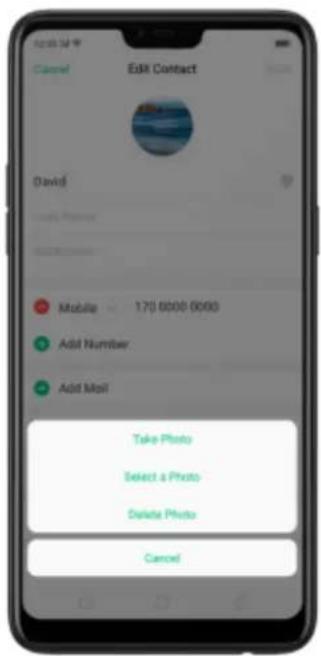
text_image
Edit Contact David Mobile 170 6000 6000 Add Number Add Mail Take Photo Select a Photo Delete Photo Cancel
text_image
10:00:24 Cropping Photo DoneDelete a contact. Click Delete Contact on the contact Details page or Scroll to the bottom of the contact information and click Delete Contact.
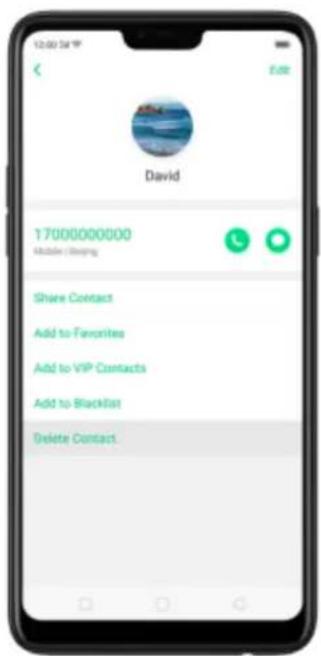
text_image
12:00 PM Edit David 17000000000 Mobile / Keeping Share Contact Add to Favorites Add to VIP Contacts Add to Blacklist Delete Contact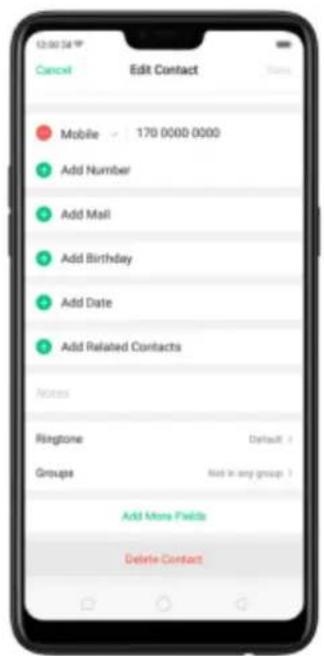
text_image
Mobile 170 0000 0000 Add Number Add Mail Add Birthday Add Date Add Related Contacts Notes Ringtone Default > Groups Add in any group ? Add More Fields Delete Contact7.6.3. Import and export contacts
You can import/export contacts from/to the phone storage or your SIM card. If you have contacts stored on your old phone, you can transfer them through Bluetooth from that phone. If there are repeat contacts, the phone will automatically merge them when you import contacts.
Import contacts. Go to [Settings] > [Contacts] > [Import/Export Contacts].
- Import from storage device. Save the imported contacts to your phone.
- Import from other phones. Import the contacts stored on other phones to your realme phone through Bluetooth.
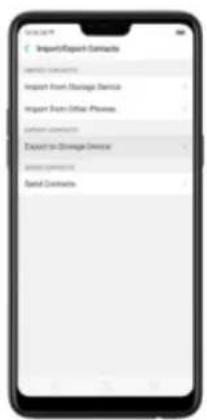
text_image
Import/Export Contracts Import Contract Import From Hostings Expense Import From Official Process Export to Storage Expense Export Contract Rental Contracts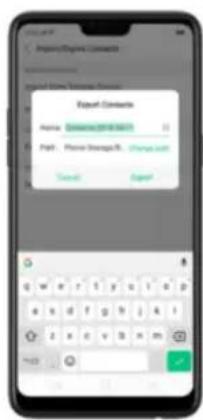
text_image
Export Commands Name: Gominee 2018-06-01 Page: Phone Strangul. (Phone card) Search ExportImport/export SIM card contacts. Go to [Settings] > [Contacts] > [SIM Card
Contacts], click Import or Export, then tick the contacts and move them to
either SIM or phone.



7.6.4. SIM contacts
You can add, edit, delete, import, and export SIM contacts directly on your realme smart phone. Go to [Settings] > [Contacts] > [SIM card Contacts].
Add a SIM contact. Click +, then enter the contact information and click Save.
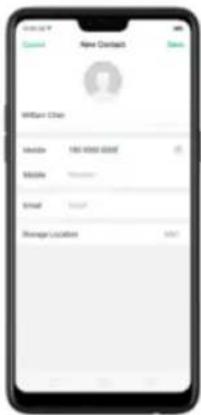
text_image
New Contract ID: 010-0100 0000 Email Email Manager Locations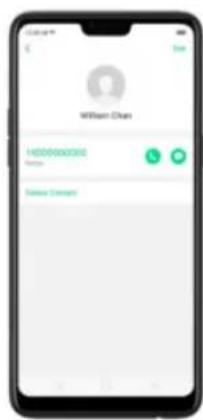
text_image
Wilson Cross HDD0000000 Send Change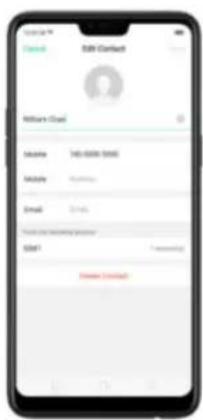
text_image
Email Contact Welcome Cloud Email: 740-8500-5666 Mobile: Email: Email name: Email ID: 740-8500-5666 Email: Send Email ContactDelete SIM contacts at a time. Click Edit in the upper-right corner, tick the
contacts and click Delete.
your phone. See Import and export contacts.
7.6.5. Manage contacts
Contacts allows you to easily save and edit contact information, including names, numbers, addresses, and more. To make your contacts more organized and available, do the following:
Add a new contact. Click Phone on the Home screen, click Contacts, then click+. The contact will be saved to your phone storage.
Modify existing contacts. If you want to add details to an existing account, click the account then edit.
Import or export contacts. Go to [Settings] > [Contacts]. then select the import/export path.
click a category of contacts that you want to display. Click Customize to select contacts by group.
text_image
Contacts to Display Only Show Contacts with Numbers All Contacts to Display All Contracts Phone (optional) Phone Total (optional) Customize Self-Contact is also shown in "Telling - Award" - All CommentMerge duplicate contacts. Click Merge duplicate contacts. The phone will automatically merge contacts with the same name.
Manage contacts. To manage contacts without name or number, or quickly remove invalid numbers, click [Manage Contacts].
text_image
Smart/Smart Devices Smart: Both Disags Name Smart: You're Online Phone Smart: For Download (Home) Smart (Desktop) OPPS Share, Top links to Open Web and Bluetooth to jump up OPPS Share! Message Send Download Send to Store CancelBackup your contacts. Go to [Settings] > [Additional Settings] > [Back up &
reset] > [Backup & Restore] > [Create New Backup]. View Back up your
realme smartphone.
text_image
Backup and notes April 18, 05:00 (Private Damage) 12:00 - 3:00 (July) March 25, 19:22 (Private Damage) 17:00 - 3:00 (July) Close-up new backup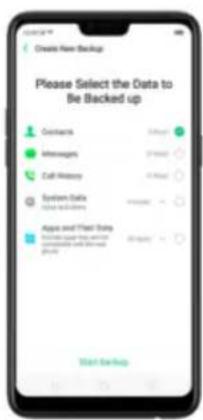
text_image
Create New Backup Please Select the Data to Be Backed up Contacts Messages Call History System Data You can be done Apps and Phone Using Use your own user You can be done Start Up HelpExport contacts. Export your contacts to your SIM card or a folder on your
phone. See Import and export contacts.
7.6.7. VIP Contacts
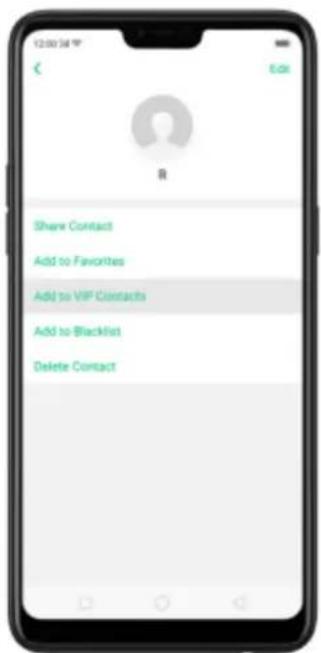
text_image
Share Contact Add to Favorites Add to VIP Contracts Add to Blacklist Delete Contact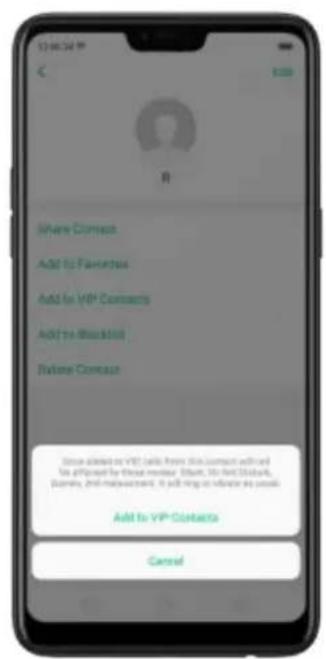
text_image
Where Connect Add to Favorites Add to VIP Contacts Add to Website Welcome Contact Since allowed on VIP, calls from this contact will add the offset by these minutes. Shift, 30 min. Shift, place, 2nd timestamp, it will bring or influence the user. Add to VIP Contacts Cancel7.7. Phone Manager
7.7.1. Scan and optimize the phone
Regularly optimizing your realme smart phone can make it perform steadily and faster.
Automatic optimization items. Go to [Phone Manager], the system will start scanning your phone automatically. After the scan is over, click [Optimize], then click [One Touch Optimization]. You can also select the items that you want to optimize optionally.
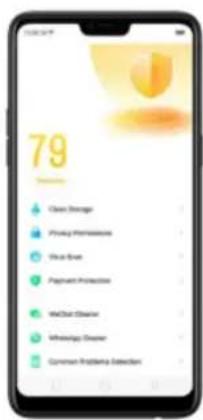
text_image
79 Clean Storage Privacy Monitoring Clean Event Payment Protection WeChat Disaster WeDiage Disaster Common Probability Detection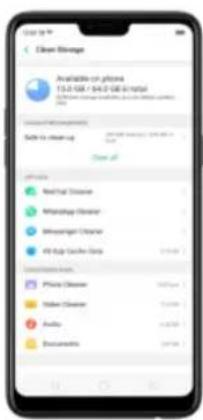
text_image
Clean Storage Available on phone 15.0-168 / 164.0-168/164.0 Safe to access up Clean off Phone Color New Post Camera Bluetooth Clipper Wealthener Clipper Air Bag Clipper Data Phone Clipper Fisher Clipper Audio DocumentManual optimization items. Click the green button on the right side of each item,
respectively, then do as the phone prompts.
7.7.2. Clean Storage
text_image
Open Storage Available on phone 11.0 GB - 54.0 GB a total Sable to access app Open My Phone M virtual Phone My network Phone Messenger Phone If any other types Accessories Phone Phone Mobile Phone Audio Business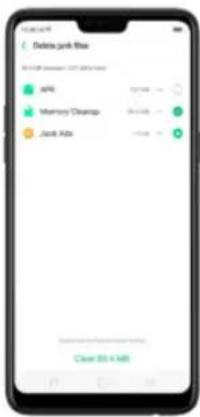
text_image
Delete junk file 2013-08 - new 107.45% file API Memory Dropouts Jack Ads Clear 03 A KBDelete app data. Click All app cache data, select the apps that has caches,
then click Delete. The action cannot be undone.
For some commonly used instant-messaging apps like WeChat and
WhatsApp, the Phone Manager provides separate entries for you to clean up
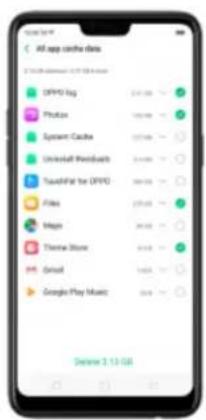
text_image
All app combine data OPPO Log Facebook System Cache Universal Products TouchStar for OPPO Files Maps Theme Store Email Google Play Music Close 2.13 GBFree up more storage space. You can delete your unnecessary files on the phone, including photos, audio, videos, and documents.
779 Privacy Demiscisions
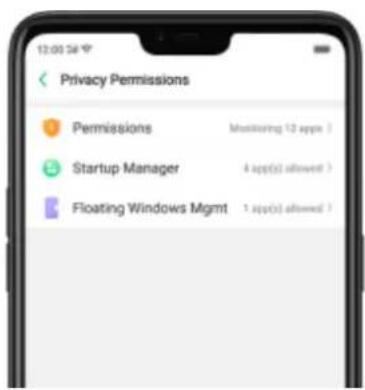
text_image
12:00 PM Privacy Permissions Permissions Monitoring 12 apps > Startup Manager 4 apps(s) allowed > Floating Windows Mgmt 1 app(s) allowed >Manage the app permissions. Open Phone Manager, then click Privacy Permissions. You can go through each permission or app on your phone and, with full control, accept, decline or limit each permission of apps according to your requirements.
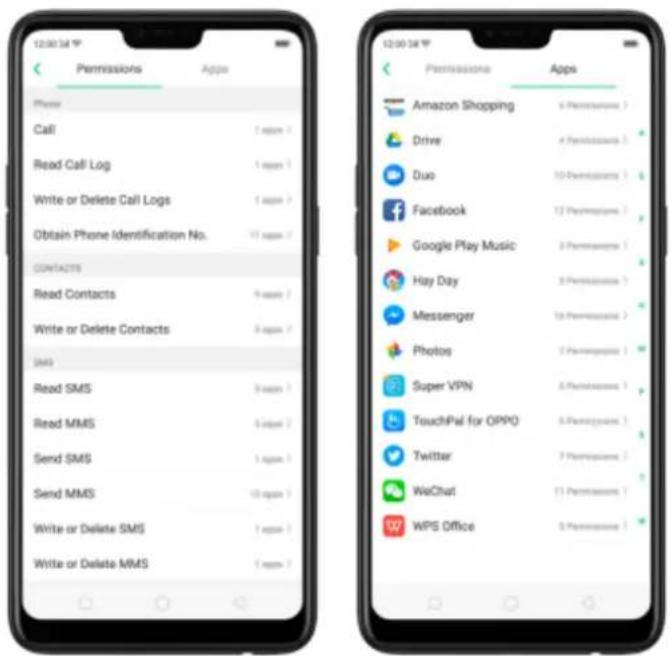
text_image
12:00:34 Permissions Apps Phone Call 1 appm Read Call Log 1 appm Write or Delete Call Logs 1 appm Obtain Phone Identification No. 17 appm CONTACTS Read Contacts 9 appm Write or Delete Contacts 9 appm SMS Read SMS 9 appm Read MMS 5 appm Send SMS 1 appm Send MMS 10 appm Write or Delete SMS 1 appm Write or Delete MMS 1 appm 12:00:34 Permissions Apps Amazon Shopping 6 Percentages > Drive 4 Percentages > Duo 10 Percentages ? Facebook 12 Percentages ? Google Play Music 3 Percentages ? Hay Day 8 Percentages ? Messenger 18 Percentages ? Photos 7 Percentages ? Super VPN 6 Percentages ? TouchIPal for OPPO 6 Percentages ? Twitter 7 Percentages ? WeChat 11 Percentages ? WPS Office 5 Percentages >Click [Set Individual Permission] to view and set more detailed permissions.
text_image
Amazon Shopping iPhone Comptics SND Location info Camera Storage Get Individual Parameters
text_image
Amazon Shopping Options Order Phone Specification No. Commissions Read Contacts Email Send Mail Download User Commerce Read Write Address External Storage Access Locations InformationAllow apps to start when phone boots or in background. Click Startup Manager.
Toggle the app sliders to green. See Set up Startup Manager.
To view the apps that had been blocked from starting in the background, click
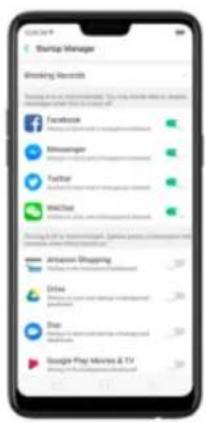
text_image
Startup Manager Blocking Markets Testing for an umbrella. You may choose to make your business in your home. Facebook Minesanger Taylor WebStar Google Play (Tobacco) - 100% or more. We can use the Web Star's platform for this job. Apache Shopping Driva Star Google Play Minions & TVEnable floating windows. Toggle the app slider to green. Your app message
will be displayed in the floating window for easy viewing and use. (Only for apps
which can support Floating window feature.)
text_image
100x Multi-Cloud App Multi-Cloud Flow Drive7.7.5. Payment protection
While you shop online, your realme phone will provide protection for the mobile transactions, such as detecting the security of system, captcha, and the app itself.
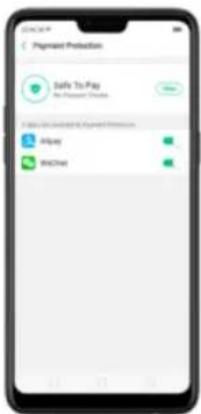
text_image
Payment Protection Safe To Pay No Payment Options Safe To Pay And Payment Options Airpay MailChat
text_image
Security Measures Permissions Floating Windows Protect Personal Information Payment Protection Information and Protection Anti-Harassment Control Prepaid Base Station Blocking Login Options App Lock Kids Space Apache Safe Other Operating Options Secure Keyboard7.7.6. Frequently Used Functions
In Phone Manager, you can quickly clear your downloads and junk files of the apps which are used frequently, such as WeChat, WhatsApp, and more.

WhatsApp Cleaner
Clear cache and junk files. Click [Clear Now] button to clear the cache files generated when the app was in use.
Clear other app files. You can delete the app files to free up the phone storage, including pictures, videos, audio, voice messages, and files. Select an option, click Select to select the files, then click Delete.
WeChat Cleaner
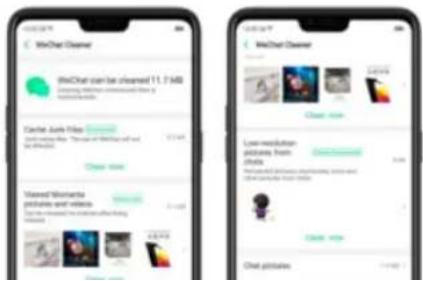
text_image
WeChat Cleaner WeChat can be cleaned 11.7MB Clearer: Any Files Tranche: Any Files Tranche: Any Files Tranche: Any Files Tranche: Any Files Tranche: Any Files Tranche: Any Files Tranche: Any Files Tranche: Any Files Tranche: Any Files Tranche: Any Files Tranche: Any Files Tranche: Any Files Tranche: Any Files Tranche: Any Files Tranche: Any Files Tranche: Any Files Tranche: Any FilesTo delete part of the view history, click [Viewed moments, pictures and videos]. choose the pictures and videos you want to delete, then click Delete.
text_image
Monthly pictures 8 months ago 1 month ago Most recent month! Balance: 2019-03Clear low-resolution pictures from chats. Click [Clear Now] button to clear the red packet pictures, thumbnails, icons, and other pictures.
text_image
Chat pictures June 25, 2018
text_image
Chat picture Date: 12/08/087.7.7. Common Problems Detection
Phone Manager allows you to diagnose common phone problems and find solutions to quickly deal with them.

text_image
95 Optimum Clean Storage Privacy Permissions Virus Scan Payment Protection Common Problems Detection Detect Common Problems Realime 2 Pro CPU Qualcomm 3200000 (12 percent) F404 6.28 GB Storage 45.4 GB(available) (95.2 GB/Total) Records Detect NoneDetect common phone problems. Click [Phone Manager] > [Common Problems
Detection1 select the items you want to detect, then click [Start Detection]
text_image
Comprehensive Detection The following functions of the detection: 1.0, 2.0, 3.0, 4.0, 5.0, 6.0, 7.0, 8.0, 9.0, 10.0, 11.0, 12.0, 13.0, 14.0, 15.0, 16.0, 17.0, 18.0, 19.0, 20.0, 21.0, 22.0, 23.0, 24.0, 25.0, 26.0, 27.0, 28.0, 29.0, 30.0, 31.0, 32.0, 33.0, 34.0, 35.0, 36.0, 37.0, 38.0, 39.0, 40.0, 41.0, 42.0, 43.0, 44.0, 45.0, 46.0, 47.0, 48.0, 49.0, 50.0, 51.0, 52.0, 53.0, 54.0, 55.0, 56.0, 57.0, 58.0, 59.0, 60.0, 61.0, 62.0, 63.0, 64.0, 65.0, 66.0, 67.0, 68.0, 69.0, 70.0, 71.0, 72.0, 73.0, 74.0, 75.0, 76.0, 77.0, 78.0, 79.0, 80.0, 81.0, 82.0, 83.0, 84.0, 85.0, 86.0, 87.0, 88.0, 89.0, 90.0, 91.0, 92.0, 93.0, 94.0, 95.0, 96.0, 97.0, 98.0, 99.0The phone will list all the test results of the system, and intuitively display the abnormal items. Click the abnormal item to view the solution your phone offers.

Detection records. Click [Records] and you can view all the detection records.
text_image
Records March 27, 2:38 AM | Home | original store home |7.7.8. WeChat Cleaner
In Phone Manager, you can use WeChat Cleaner to selectively delete any photo, video, voice recording, or any other data sent or received through WeChat to reclaim more space on your phone.
* You can also click File Manager, click Clean Storage, then click WeChat Cleaner.



Clear Junk files. Click [Clear Now] button to clear the cache files generated when the app was in use.
Clear view history. Click [Clear Now] button to clear all the viewed pictures and videos. The next time you view the post, the photos and videos can be downloaded from the internet again.
To delete part of the view history, click [Viewed moments, pictures and videos]. choose the pictures and videos you want to delete, then click Delete. You can also click All, then choose a period of time.
text_image
Momentive pictures 1 month ago 3 month ago Most recent 6 monthsDelete.
Note: These kinds of files cannot be recovered after cleaning.
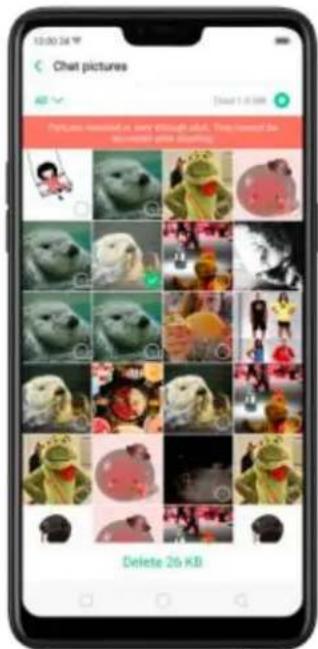
text_image
Chat pictures Delete 26 KB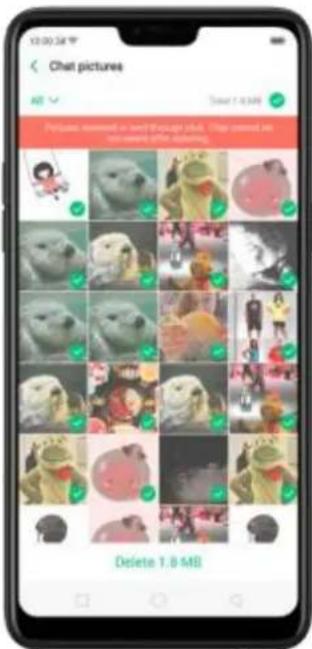
text_image
Chat pictures Add Delete 1.0 MB Pictures answered as text through each. Stop content is repeated after clicking. Delete 1.0 MB7.7.9. Startup Manager
Startup manager makes you choose what apps that will auto-start in the background. To open Startup Manager, click Phone Manager, then click Privacy Permissions.
Manage Startup Manager. Open Phone Manager then click Privacy
Permissions. You can go through each app and toggle to green if you want the chosen apps to run on the background.
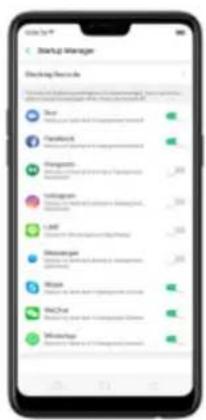
text_image
Startup Manager Checking Menu Buy Send you to the Startup Manager Tanybox Send you to the Startup Manager Forgospi Send you to the Startup Manager Hakugans Send you to the Startup Manager Lark Send you to the Startup Manager Mitsengate Send you to the Startup Manager Wise Send you to the Startup Manager NACut Send you to the Startup Manager Whitung Send you to the Startup ManagerBlocking records. Open Phone Manager, click Privacy Permissions, and click Blocking Record then you will see blocking records of the recent month.
recording private information. Although you may not receive messages when these are turned off.
7.8. Weather
Click Weather from the Home screen to see the latest weather conditions and forecasts for the city of your choice, including the current temperature, hourly forecasts for the next 24 hours, and up to 15-days of forecast information. You can store multiple cities for quick access.
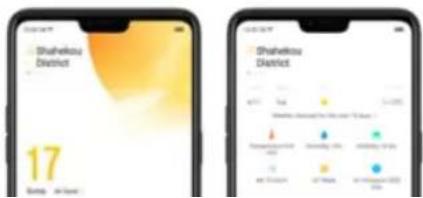
text_image
Shahikou District 17 Day 20:00 Shahikou District 4/17 5/6 12:00 Weather Changes in the Sun Temperature: 18.00 Soundness: 3.00 Balance: 1.00 Energy: 2.00 Energy Change: -1.00 Energy Change: +1.00View the hourly forecast. Swipe the hourly display left or right. It also provides you the time of sunrise and sunset.
Get daily forecast for 15 days. The phone shows the forecast information for the upcoming five days. Click View weather forecast for the next 15 days to get extended forecasts on your browser.
Add a city. Click ≡, then click +. Enter a city name, then click Search.
Switch to another city. Swipe left or right. The number of dots below the city name shows how many cities are stored. You can also click ☐, then choose a city from the list.
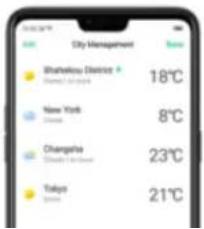
text_image
City Management Shenzhen District 18°C New York 8°C Changsha 23°C Tokyo 21°C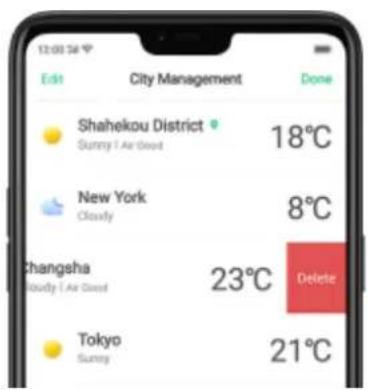
text_image
12:00:56 Edit City Management Done Shahekou District 18°C Sunny / Air Good New York 8°C Cloudy Changsha 23°C Delete Cloudy / Air Good Tokyo 21°C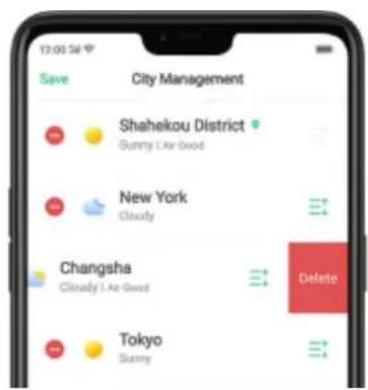
text_image
12:00 PM Save City Management Shahekou District Gunny 1 Air Good New York Cloudy Changsha Cloudy 1 Air Good Delete Tokyo SunnyReorder cities. Click , click Edit, then drag next to a city up or down in the list.
Turn on Disaster warning. Go to [Settings] > [Weather] and toggle the slider to green.
Choose Fahrenheit or Celsius. Go to [Settings] > [Weather] > [Temperature unit].
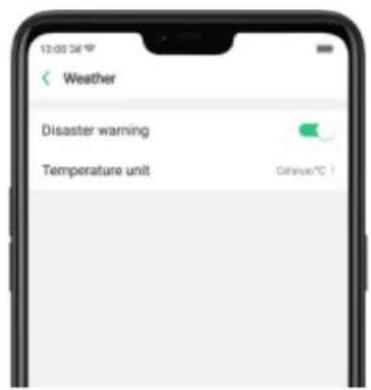
text_image
Weather Disaster warning Temperature unit Define/°C7.9. Camera
7.9.1. Take photos
You can use the cameras to take pictures and videos.
Open camera. Click Camera icon. To quickly get to the camera, touch Camera icon on the Lock screen and swipe up.
Choose a photo mode. Click ☐, then choose to shoot standard, square-format, or full screen photos.
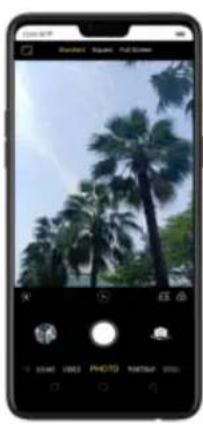
natural_image
Smartphone screenshot displaying a photo editing interface with palm trees and camera controls (no readable text or symbols)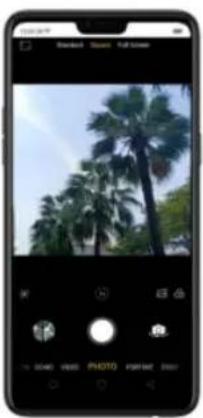
natural_image
Smartphone screenshot displaying a photo editing interface with palm trees and camera controls (no readable text or symbols)
natural_image
Smartphone displaying a tropical palm tree in an outdoor setting (no text or symbols visible)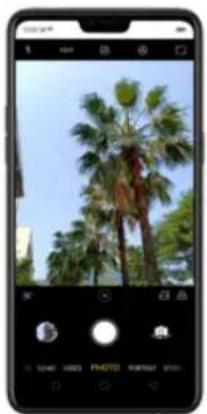
natural_image
Smartphone screenshot showing a palm tree in a tropical setting under clear sky (no text or symbols visible)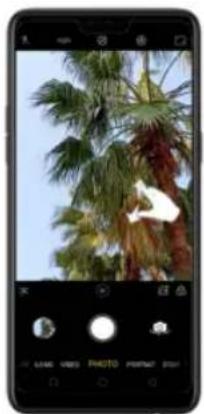
natural_image
Smartphone screenshot showing a photo of a palm tree with green foliage against a clear sky (no text or symbols visible)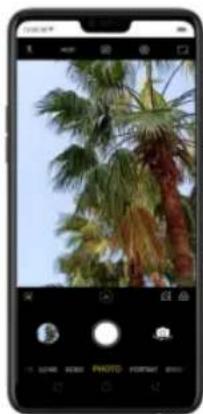
natural_image
Smartphone screenshot showing a photo of palm trees against a clear sky (no text or symbols visible on the image itself)Turn the flash on or off. Click 📋, then click On or Off. When you click Auto, your phone will automatically detect lighting conditions and determine if flash is necessary. When you click Fill Light, your phone will use the built-in flash as the fill light.
Use Beauty Mode. Click ☐. The built-in beauty filter will automatically adjust the skin tone, enhance facial features, and make other minor changes to your appearance. The camera offers six beauty levels.
Add a filter. You can apply a filter before you take a photo. Click 📄 > click FILTER, then you'll see a serious of filter options, with each one showing a preview of what it will look like when applied to your photo. Click the filter you want to use. Switch to ORIGINAL to remove the filter.
Add an AR sticker. Use stickers to decorate your photo. Choose STICKER, click 📷, then choose an AR sticker.
Take a panorama photo. Choose PANO.
Use Google Lens. Click ☑ so Google Lens will start recognizing the image. See Google Lens
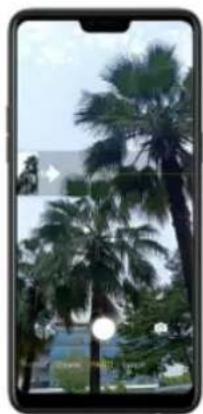
natural_image
Smartphone displaying a photo of palm trees in a tropical setting (no visible text or symbols)With the front camera, click the Shutter button and you'll hear a "Ding" sound. Rotate the phone left or right until the phone sounds again. The photo will be taken automatically.
Make your portrait feel like a movie. Click and shoot in landscape mode so you would
have an image that looks like in a movie.
Use Expert mode. Expert Mode allows you to take more professional-looking photos. Choose
EXPERT, then you can adjust camera's white balance, exposure compensation, ISO, shutter
speed, and more.
Take Burst shots. Choose Photo, touch and hold the Shutter button, and you'll see an onscreen
count rapidly rise, which shows the number of photos you're taking. Lift your finger to stop. To
select the photos you want to keep, click Gallery, click , select the photos, then click Done.
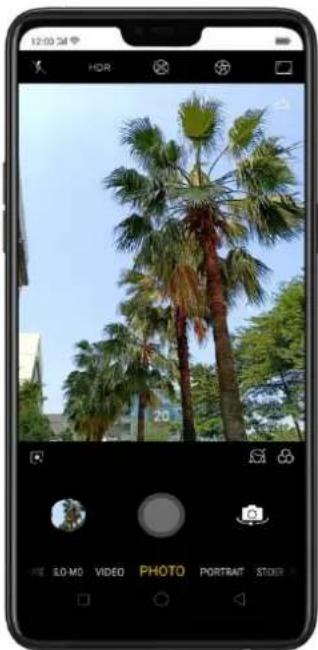
natural_image
Smartphone displaying a photo of palm trees in a clear blue sky, with no visible text or symbols on the image itself.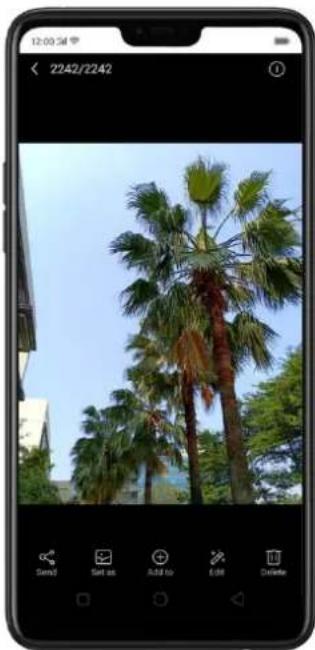
natural_image
Smartphone displaying a photo of palm trees against a clear sky, no visible text or symbols on the image itself.7.9.2. Take a selfie
To switch to the front-facing camera, click 📄 in the lower-right corner of the screen.
text_image
Mobile photo editing interface showing a woman's portrait with camera and photo adjustment optionsTurn the flash on. Click 🎨, then click On. A white screen at full brightness is used as front-facing flash.
Turn Front 3-HDR on or off. Click HDR, then click Off, On or Auto. When capturing images in bright sunlight or shade, front 3-HDR helps you to adjust the ratio of light to dark in the photo and make your subject look better.
text_image
Mobile photo editing interface showing a woman's portrait with camera controls and UI elementsUse the capture timer. Capture timer gives you time to get in the picture. Click 📂, then click
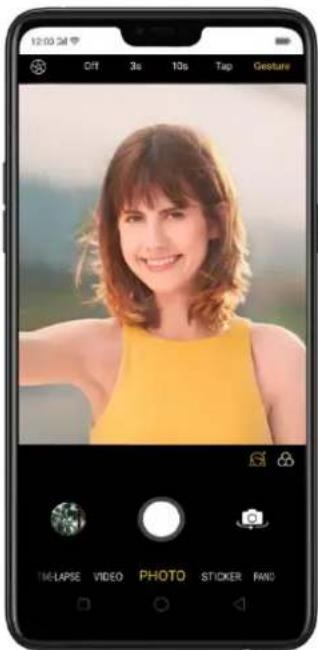
text_image
12:00:3M OFF 3s 10s Tap Gesture TIME-LAPSE VIDEO PHOTO STICKER FAND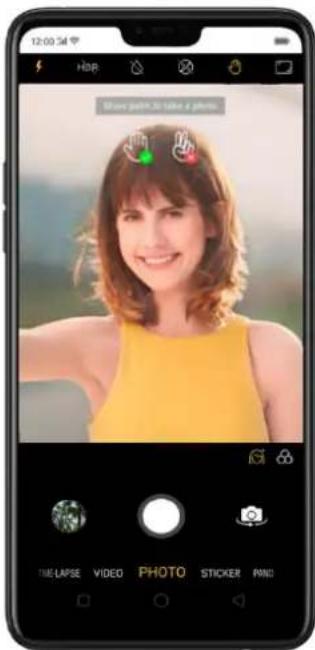
text_image
12:00:54 HOR Show pixels 32 take a photo. TIME/LAPSE VIDEO PHOTO STICKER PANDChoose a photo mode. Click ☐, then choose to shoot standard, square-format, or full screen photos.
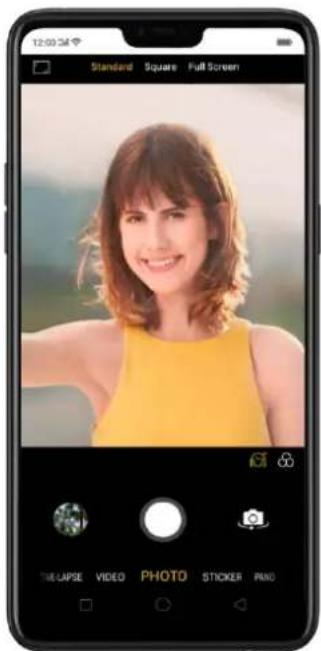
text_image
12:00:34 Standard Square Full Screen THE Lapse VIDEO PHOTO STICKER PNDAdd a filter. You can apply a filter before you take a photo. Click 🔒, click FILTER, then you'll see a serious of filter options, with each one showing a preview of what it will look like when applied to your photo. Click the filter you want to use. Switch to ORIGINAL to remove the filter.
text_image
Mobile photo editing interface showing a woman's portrait with camera and photo adjustment optionsUse Beauty Mode. Click The built-in hardware filter will automatically adjust
natural_image
Smartphone displaying a portrait of a smiling woman in a yellow top (no visible text or symbols)
natural_image
Mobile phone screenshot showing a person's photo with a yellow top and blurred background (no visible text or symbols)Add an AR sticker. Use stickers to decorate your photo. Choose STICKER, click 📄, then
choose an AR sticker.
Take a panorama photo. Choose PANO. Click the Shutter button and you'll hear a "Ding" sound.
Rotate the phone left or right until the phone sounds again. The photo will be taken
automatically.
text_image
Mobile phone screenshot showing a person's face with facial recognition and a video player interface7.9.3. Shoot video
natural_image
Smartphone displaying a photo of palm trees in a tropical setting under a clear sky (no text or symbols visible)Record a video. Choose Video, then click the Record button, or press either volume button, to start and stop recording. You can choose between 720p and 1080P video.
Zoom In or out when shooting video. (rear camera) Toggle 📁 or 📁. You can
Take photos when shooting a video. Click the Shutter button in the lower-left corner of the screen.
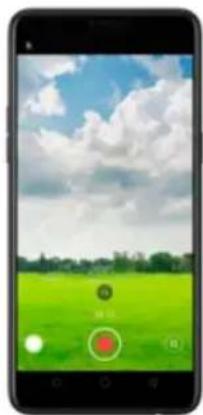
natural_image
Smartphone displaying a green field under a cloudy sky with blue sky, no visible text or symbols on the screen or surroundings.Use Beauty Mode. Click 📄. The built-in beauty filter will automatically adjust
7.9.4. Camera settings
Camera settings are special options that help you to take pictures or record videos easier. Go to [Settings] > [System APP] > [Camera].
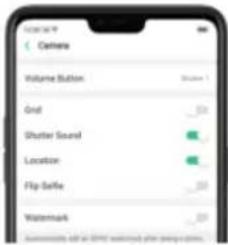
text_image
Cathens Volume Button Grid Shutter Sound Location Flip Schedule WatermarkVolume button: Set the Volume buttons to function as a volume or zoom controls, or the shutter release.
Grid: Display grid lines to ensure the camera is leveled.
Shutter sound: Make or mute camera shutter sound when capturing photos.
you've taken with the built-in camera, saved from an app or a webpage, copied from optional storage devices, and more. You can view, share, and edit your photos and videos directly on your phone.
View Photos. You can view the roll of photos in either Camera or Photos. All photos are sorted by the dates and times they were taken. In Photos, select Year or Month view in timeline to quickly lock the look-up scope. Click an album to view the photos or videos on that album.
text_image
Year 2016 2017 2018 September 2016 January 2017 May 2017 January 2018 March 2018
text_image
10:30 AM Microsoft Calendar Sep 4, 2018 Jun 5, 2017 Sep 10, 2017 Jun 5 Dec 27
text_image
Albums Cinema 1st Pigms 1st Uniform 1st Sunderparents 1st Mood Churn 1st GleesonNote: Memories and Stories are terms that can be interchangeably used and doesn't affect the full functionality of the phone.
7.10.2. Albums
text_image
Albums Tecrolis 100 Papola 100 Lokura 100 Dummingbird 100 Red Pad 100 MarmosCreate a new album. Click ^+ , enter a name, then click Save. Select photos and videos, then click Done.
Add Items to an existing album. While viewing photos, click Select, select
items, click Add to, click Albums, then select an album.
text_image
Mobile app interface displaying a photo gallery with two photos and a '2 Photo' button
text_image
Mobile app interface displaying a photo gallery with two photos and navigation buttons below
text_image
Add Delete CancelRemove items from an album. From the album screen, click Select, select
Delete an album. From the Albums screen, click Select, click the album, then click Delete Album. Default photo albums cannot be deleted.
Delete a photo or video from Photos. Click a photo or video, then click Delete Photo, or click Select, select the photos or videos to be deleted, then click Delete. Deleted photos and videos are kept in the Recently Deleted album for 30 days before they're permanently removed.
Restore a deleted photo or video. In the Recently Deleted album, click the photo or video, click Restore, then click Restore Photo or Restore Video to move the item back to the Photos. Or from the Recently Deleted album, click Select, select the photos and videos you want to restore, then click Restore.
natural_image
Smartphone screenshot displaying a grid of nine circular food items, no visible text or symbols on the items themselves.
text_image
2 Selected This version of an emerging lab was created on the first author and also included this IP for the monitoring device. 5.1 ProcuritSmart album search and cleanup. You can search your photo library depending
on the date, location, people, and content of the photos on your device. In
Phone Manager, you can also clean up photos in batches such as similar and
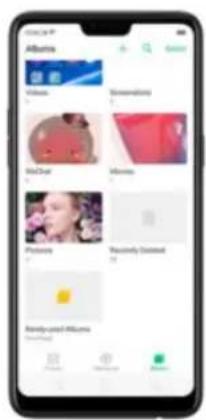
text_image
Albums VOLUME Shinematics Milk Chalm Mines Procedures Massively Connected Balance used Albums (not used)
text_image
Rarely-used Albums Downloaded- Your photos will be put into sequential order by modification time. In other words, once an old photo or video has been modified, it will be saved as the latest photo or video.
with transitions and a soundtrack. For instance, ColorOS is going to put together an album about your last vacation in Europe, or an album of your kids growing up. You can also edit them and share them with others.
Play a Memory movie. Open Photos, click Memories, click a Memory movie, then click ☑. The movie will play in landscape mode by default. To pause, click the movie, then click II.
Note: Your phone categorizes your photos weekly while your phone is plugged and locked.
text_image
The Week in July when £2,000 is 2018
text_image
The Week is Numbers THE WORK IS NOW TO YOU ARE I CAN't want to do it.
text_image
The Week in Review March 27, 2019 To 2020e
text_image
The Dog in Business 2017.04.03 19:56:58- Change the theme: Click Theme, then click a theme, or swipe the themes left or right to pick a new one, such as Joyful, Cozy, and more. For each theme there is a music of the Memory movie.
- Choose different music: Click Music, then swipe the music left or right to
Send.
text_image
OPPSI (Share) - Top New to Sell on iOS and Twitter by mail or OPPSI (Share) Microsoft Google Facebook Twitter YouTube Facebook Google FacebookNote: Memories and Stories are terms that can be interchangeably used and
doesn't affect the full functionality of the phone.
7.10.4. People
text_image
Albums Camera Tangli Indigo Indigo Sweetbird MOTAI
text_image
People Mag Bing Huang Li Yue JiXiao Kun XiaogName or rename a People album
If a profile is unnamed, click the People album, click "+ Add Name", then type in the name you want to use and click Save.
If a profile has a wrong name, click the People album, click the name, then type
text_image
Uninfed 4 LIFT DESA TOMATO 52 40 51 52 53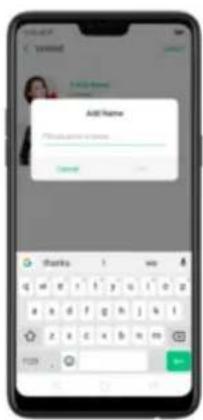
text_image
Add Name Please add to name. Add Thanks 1 mo q w r t y u l o z a a d f g h j k i z z c b n m 123Hide, display, and merge People albums
Hide People albums. Click Select, select the People albums, then click Hide.
The hidden albums are collected in More People.
Display People albums. To display the hidden albums, click More People, select
Set a cover of the People album
Click a person's album, click the portrait, then choose the photo you want as the cover.
text_image
Select a Close for the Piquids CancelAdd photos to a People album
- Click a People album, click Select select the photos you want to add to the other album, and then click Wrong Person. The photos will be collected in an album in More People.
- In More People click Select select the album and then click Display
play a video. Or click Camera, and then click the thumbnail on the lower-left corner of the screen.
View a photo at full screen. Click a photo, and then click the screen to hide the controls.
View the next or previous photo. Flick left or right.
View a photo in landscape orientation. On Control center, turn [Portrait Orientation] off, then rotate your phone sideways. The photo automatically reorients and, if it's in landscape format, expands to fit the screen.
Zoom in or out. Double-click or pinch a photo to open or closed. Drag to see other parts of the photo.
See photo and video details. Click a photo or video, and then click ⓘ
Send a photo or video. Click Send, and then choose where to send your photo or video.
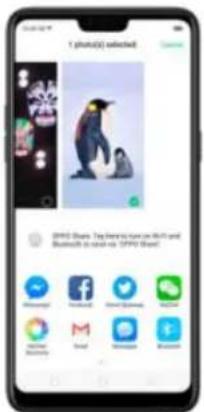
text_image
1 photo(s) selected PPPO Shop: Top features text can like With and Bluetooth to stand as PPPO Shop!Use a photo as wallpaper. Click a photo, click Set as, and then click Set as wallpaper. Drag
the photo to pan, or pinch the photo to zoom in or out, until it looks the way you want. Then
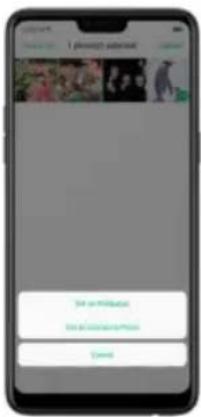
text_image
Find it on Facebook Find it on Google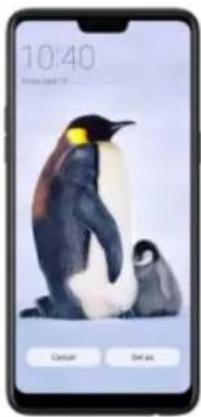
text_image
10:40 Peters, April 15 Cancel Set as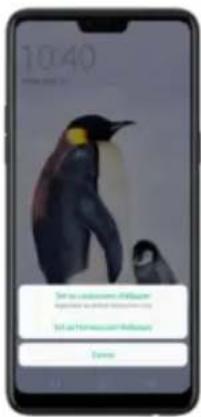
text_image
10:40 For the customer, please check up your phone to access your account. For your customer, please check up your account.Assign a photo to a contact. Click a photo, click Set as, click Set as contact's photo, select
a contact, crop the photo, and then click Done.
Add a photo or video to an existing album. Click Add to, and then select the album.
Edit the photo. Click Edit. You can edit your photos using a set of professional editing tools,
including cropping, adding text and filters, and more. See Edit photos and videos.
natural_image
Smartphone displaying a penguin photograph with two smaller animals, no visible text or symbols on the image itself.
text_image
2 Selected Search Search 6 Photo
natural_image
Mobile phone screenshot showing a bird perched on a branch with close-ups of flowers and leaves (no visible text or symbols)7.10.6. Edit photos and videos
You can edit your photos and videos on the Photos app directly using a set of professional editing tools, including cropping, adding text and filters, and more.
Edit a photo. Open the Photo app and click the photo file access, click Edit
natural_image
Smartphone screenshot displaying a photo of a person with red flowers (no visible text or symbols)
natural_image
Smartphone screen displaying a photo of a person against a red floral background (no visible text or symbols)- Auto Enhance: Enhances the photo's light levels, contrast, saturation, color temperature, and other qualities to make the photo more visually balanced.
- Crop and rotate: To crop the photo, click and drag a comer or side of the
the face, such as whiten skin, remove unwanted blemishes, enlarge eyes, and more.
- Doodle: Write or draw on the photo. You can adjust colors and thickness of your handwriting.
-
Text: Click the photo to add the text. You can adjust colors and thickness of your text. Click and drag the text to move its position; click and drag to adjust the font size; click and drag to rotate the text; click to delete the text.
-
Adjust: Manually adjust the photo's brightness, contrast, saturation, and color temperature.
- Mosaic: Pixelate part of the photo. You can change the pattern and
thickness of the mosaic.
- Blur: Set the blur effect over the photo with circle or straight lines. The area within the circle or lines represents the non-blur part. Click the screen and drag the circle or the lines to select where to blur. Drag the slider to left or right to adjust the blur Intensity.
- Eraser pen: Erase people, watermarks, and any unwanted objects that's on your photo.
Edit a video. Open the Photos app, click the video, click Edit, then click a tool.
When you're finished, click Done.
- Crop: Drag either end of the bar to cut out the parts of the video you don't
want to save. You can only save continuous segments of the video.
- Filter: Add a color filter to the photo, such as Sunlight, Midsummer, and Polaroid.
- Soundtrack: Add a soundtrack to the video. You can also use your local and saved music. Click 📄 to turn off the original sound of the video.
- Text: Click Ⓐ to add overlay text on the video. Click and drag the text to move its position. Drag the frame viewer to control when the text showed up.
- Watermark: Add a watermark with the location and date of the video. If the video doesn't contain the details of location and date, you cannot add the watermark.
New Features of video editor
text_image
Always Awards, 2014Speed of the video
- Record a video first. Open your camera app, choose Video then click the Record button, or press either volume button, to start and stop recording. You can choose between 720p and 1080p.
2 Once you are done with the recording, go to [Photo app] > [Albuma] >

text_image
Allure Milkies Cochins Tapestry Boutch Jocktail Music Piano Dialysis 12 -40 -50 -60
text_image
Smartphone screenshot displaying a grid of video thumbnails with Chinese UI elements and status bar at bottom
natural_image
Smartphone displaying a photo of a tree-lined park with a person walking along the path (no visible text or symbols)- Click Edit and you will be asked what speed you would like the video to
play. The slowest is 0.25X and fastest is at 2X. The normal one is 1X.
Once done choosing the speed, click Next.
Theme of the video
To choose a theme for your video, click [Edit] > [Choose the Speed] > [Next] >
[Themes]. You can choose from None, Old Days, Lens, Memory, Tasty
Food/Delicacy, Joy, Travel, and Simplicity.
natural_image
Smartphone displaying a photo of a forest scene with trees and a winding path (no visible text or symbols)
text_image
Always
natural_image
Smartphone displaying a grid of grayscale images on its screen, with no visible text or symbols.Add Special Effect to the Video
To choose a special effect for your video, click [Edit] > [Choose the Speed] >
[Next] > [Fx Special Effect]. You can choose from None, Close-up, and
Pulsation.
natural_image
Smartphone displaying a photo of a forest path through a park with trees and distant hills (no visible text or symbols)
natural_image
Smartphone displaying a forest photo with green trees and hills, no visible text or symbols on the image itself.7.11. Music
7.11.1. Music
Use the Music app to enjoy music stored on your phone. You can also create playlists, set songs as ringtones for incoming calls, and more.
To see what you can do with your music, click to the right side of the song name.
text_image
Music Track Music Music Music Music Track Music Music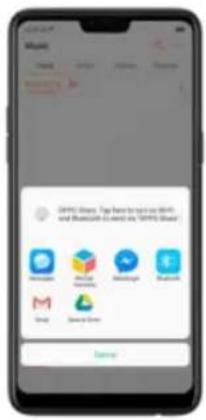
text_image
Microsoft Google Google Google Google Google Google Google Google Google Google Google Google Google Google Google Google Google Google Google Google Google Google Google Google Google Google Google Google Google Google Google Google Google Google Google Google Google Google Google Google Google Google Google Google Google Google Google Google Google Google Google Google Google Google Google Google Google Google Google Google Google Google Google Google Google Google Google Google Google Google Google Google Google Google Google Google Google Google Google Google Google Google Google Google Google Google Google Google Google Google Google Google Google Google Google Google Google Google Google Google FacebookSet as ringtone. You can set a song as a ringtone for all incoming calls and
messages, or for a contact. You can also set a song as an alarm tone.
Delete song. Remove the song from the playlists and your phone storage.
7.11.2. Change sort mode
By sorting your playlist, you can easily order the songs on your phone.
Change the order of your songs. From the Music screen, click Track, click
in the upper-right corner of the screen, and then click Select Sorting
Method. Your songs can be sorted alphabetically, by time when the song is added, or by folders the songs are in.
text_image
Music Find Apply Resume UAE
text_image
Music Track Music Music Music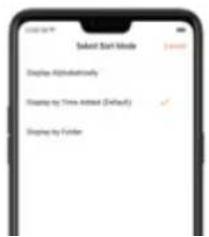
text_image
Smart Start Mode Display Helped/midwife Display by Time Added (Default) Display by Finder7.11.3. Scan local songs
The Music app contains all music-related materials on your phone storage. To manually scan for local songs, or choose which songs can be displayed on your list, do the following:
Scan all local songs. Click *** on the upper-right corner of the Music screen, then click Scan Local Songs. Your phone will automatically start scanning.
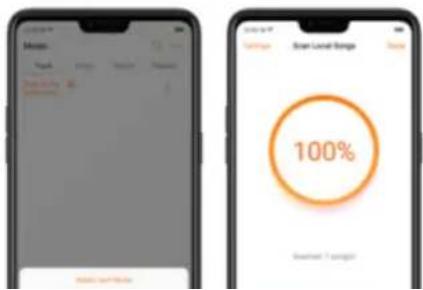
text_image
Scan List Range 100% Sensitivity: 1 category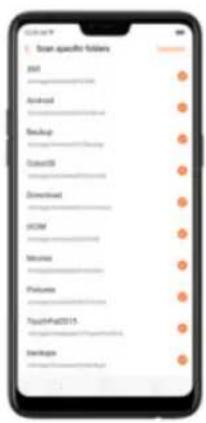
text_image
Scan specific folders Add Download Backup Delete OR Download UCM Music Features TouchFit2015 DevelopFilter audio files. To filter tracks that are too short (under 60 seconds) and too small (under 100KB), toggle the sliders to orange.

Control video playback. Click the screen to show or hide the controls.
natural_image
Smartphone displaying a colorful abstract wallpaper on its screen, displayed in a smartphone interface (no visible text or symbols on the device itself)TO
DO THIS
Play or pause a video
Click ▶ or II.
| Rewind or fast-forward | Swipe your finger left or right on the screen. |
| Start a video over | Click K1 twice quickly. |
| Skip to any point in the video | Drag the play head left or right. |
| Lock the screen rotation and disable bottom keys | Click 📄. |
Sort videos. From the video screen, click → and choose to sort by name, added date, or duration.
Send videos. From the Videos screen, click Select, choose videos, click Send, then choose an option for sending the video (for example, Messages, Gmail, third-party apps, and so on).
Rename a video. Click Select, choose a video, and then click Rename. Enter the name,
then click Save.
See details about a video. Click Select, choose a video, and then click Details.
Edit a video. Click Select, choose a video, and then click Edit. See Edit photos and videos.
Delete videos. Click Select, choose videos, click Delete, and then click Delete videos.
7.13. Clock
7.13.1. Set Alarm Clocks
With the Clock app, you can set an alarm that plays a sound at a specific time, so you will
be reminded to do things in time and your doze won't go overtime. You can also set multiple
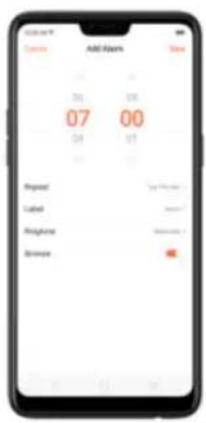
text_image
AMOS 07 00 04 13 Phone: You're going to Ludial: Yes? Telephone: You're going to Dresser: Yes• To set the alarm to repeat on certain days, click Repeat and choose the days.
- To give the alarm a description, click Label. Your phone displays the label when the alarm sounds.
text_image
12:00 21:00Turn an alarm on or off. Toggle the slider to orange or white. If at least one alarm is set
and turned on, 📋 appears on the status bar at the top of the screen.
Tip: The alarm still works even if your phone is turned off.
text_image
Alarm 07:00 12:00 21:00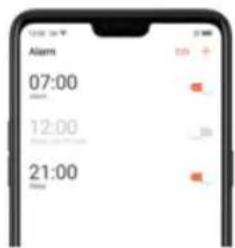
text_image
Alarm 07:00 12:00 21:00
text_image
7:00 12:00 21:00
text_image
Alarm 00 12:00 minutes, 3 PM Peak 21:00 hours7.13.2. Add and view clocks for locations
around the world
text_image
World Clock Beijing 13:56 New York 01:56 London 05:56View clocks. Click World Clock. If the clock face is white, it's daytime in that city. If it's black,
it's nighttime.
Add a clock. Click + and type the name of a city. Cities matching what you've typed
record lap times, click Lap after each lap. Click Stop to pause the stopwatch. Then click
Start to resume, or click Reset to reset the stopwatch to zero.
If you start the stopwatch and go to another application, the stopwatch continues running.
in the background.
text_image
Stopwatch 00:00.00 Wait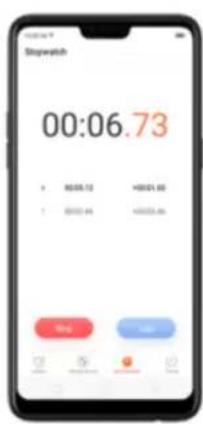
text_image
Stopwatch 00:06.73 + 80.08.12 +90.01.00 + 50.03.44 +90.03.46 Stop OK
text_image
Stopwatch 00:11.00 4 30:00:12 +00:01:00 5 30:01:46 +00:05:46 Control Control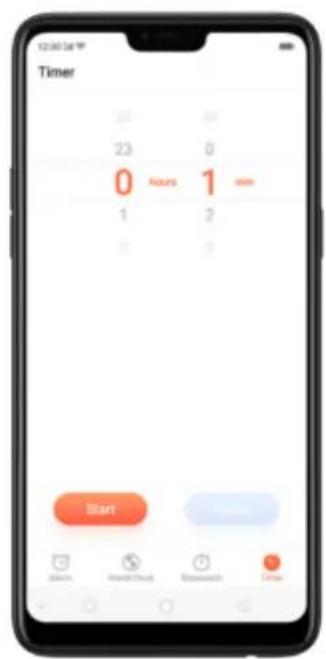
text_image
Timer 23 23 Hours 1 min 1 2 Start Cancel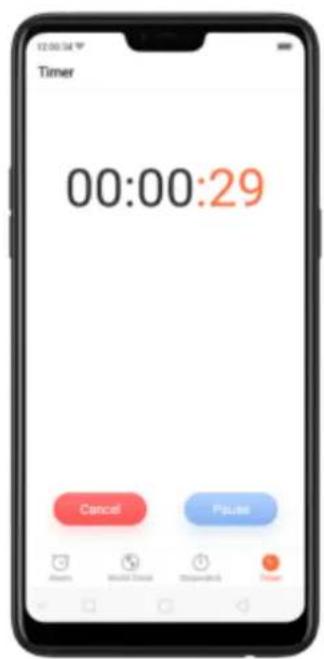
text_image
Timer 00:00:29 Cancel Pause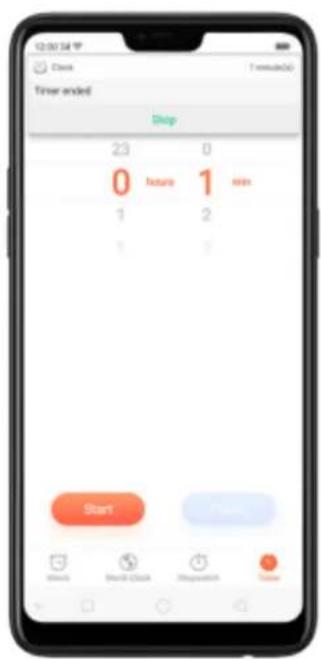
text_image
12:00:54 Clock Time: 0 Trver ended Stop 23 0 0 hours 1 min 1 2 1 3 Start Start Clock Stopwatch StopCustomizing Timer
You can now set a timer or countdown for activities that you usually do. You don't need to manually set it each time you'll do something. You can simply save it on the timer and click start when you are ready.
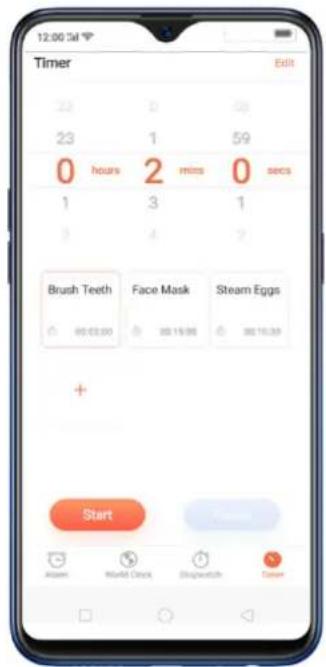
text_image
12:00 24 Timer Edit 22 0 59 23 1 59 0 hours 2 mins 0 secs 1 3 1 3 4 2 Brush Teeth Face Mask Steam Eggs 85 63.00 80 15.00 80 16.39 + StartCustomizing timer
- On your home screen, click on the Clock app and then click Timer.
text_image
Smartphone home screen displaying app icons with Chinese labels, including TikTok, Instagram, and Android.
text_image
Timer 23 1 10 0 - 2 - 0 - 1 3 1 Brush Teeth Fleeve Teeth Brush Edge + Finish
text_image
0 - 15 - 0 -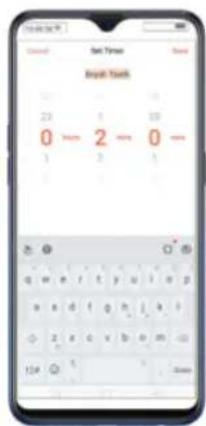
text_image
Begin Time Begin Time 23 1 10 0 - 2 - 0 - 1 3 1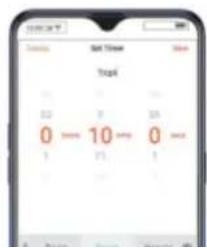
text_image
Set Time Start 0 10 0 3 5 1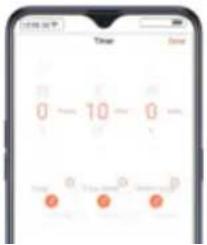
text_image
0 - 10 - 0 - Time Save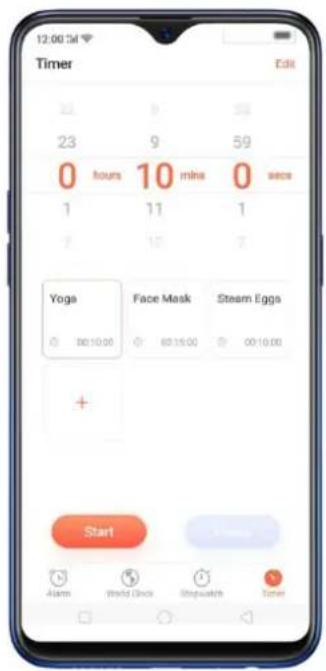
text_image
12:00:54 Timer Edit 23 9 23 9 59 0 hours 10 mins 0 secs 1 11 1 7 15 7 Yoga Face Mask Steam Eggs 00:10:00 00:15:00 00:10:00 + Start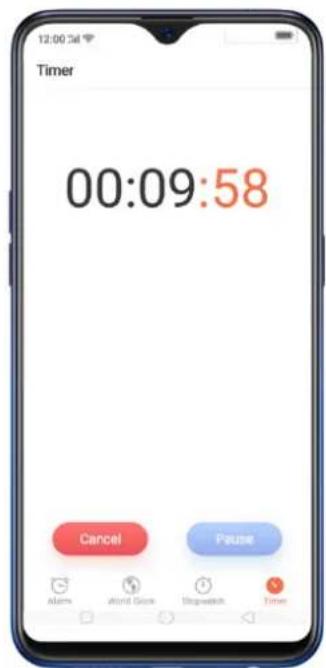
text_image
Timer 00:09:58 Cancel Pause Alarm attend Glue Stopwatch TimerDelete an activity
To delete an activity, click Edit then click , choose the activity you want to delete and click Done.
text_image
Time 0 - 10 - 0 1 2 3 4 Frame Face Mask Sheet Edge + OK
text_image
0 - 10 - 0 - Time Time
text_image
0 - 10 - 0 - P P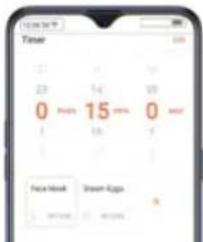
text_image
12:00:34 Timer 0 15 0 Face Mask Show Apps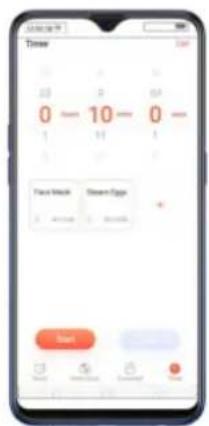
text_image
Timer 0 - 10 - 0 - Place Mock Screen Epgs +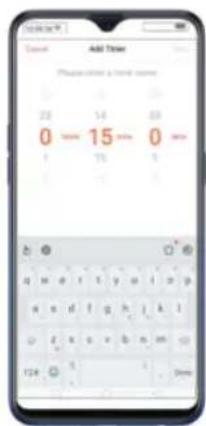
text_image
Add Times Please click a normal answer. 23 54 89 0 - 15 - 0 - 1 75 1 T24 9 1. ShowYou can add up to 12 activities on the timer and you can timer name to emoji's as well.
7.14. Files
7.14.1. Optimized File management
The optimized File Manager provides you a more convenient way to work with the file system and perform various operations on files and folders such as search, create, edit, rename, copy, delete, compress, batch process etc.
Optimized search capability. You can search for a file under the root directory, or on a specific folder if you know its general location. This will make the search more specific and faster.
text_image
Phone storage Frequently Used Files Bluetooth OOS Documents Windows Mac Phone storage Mac Mac Mac Mac MacOptions vary by apps you've downloaded. For example, if you download Messenger, Messenger becomes another option for classification.
text_image
File Manager Audio Video Pictures Document APC Messenger Phone storage Clean Storage Remcshly Manage Phone Film- Under Phone storage, your frequently used files will be listed separately so that you can quickly look up to them later.
- In [Phone storage] > [All Files] > [Android] > [data], select an app folder, you can see that app files and the files you downloaded from the app are saved in different folders, so you can quickly find the files you need.
text_image
Phone storage File 1 File 2 File 3 File 4 File 5 File 6 File 7 File 8 File 9 File 10 File 11 File 12 File 13 File 14 File 15 File 16 File 17 File 18 File 19 File 20 File 21 File 22 File 23 File 24 File 25 File 26 File 27 File 28 File 29 File 30 File 31 File 32 File 33 File 34 File 35 File 36 File 37 File 38 File 39 File 40 File 41 File 42 File 43 File 44 File 45 File 46 File 47 File 48 File 49 File 50 File 51 File 52 File 53 File 54 File 55 File 56 File 57 File 58 File 59 File 60 File 61 File 62 File 63 File 64 File 65 File 66 File 67 File 68 File 69 File 70 File 71 File 72 File 73 File 74 File 75 File 76 File 77 File 78 File 79 File 80 File 81 File 82 File 83 File 84 File 85 File 86 File 87 File 88 File 89 File 90 File 91 File 92 File 93 File 94 File 95 File 96 File 97 File 98 File 99 File 100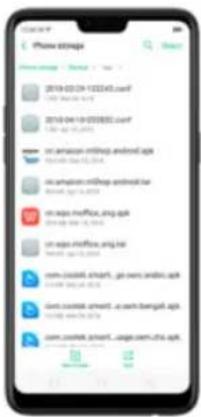
text_image
Phone store 2019-03-29 12:22:43.comf http://www.163.com/ 2019-04-18 03:55:55.comf http://www.163.com/ on-amazon.mdbp.android.org http://www.mdbp.org/ on-amazon.mdbp.android.org http://www.mdbp.org/ on-seps.mdbp.org http://www.seps.org/ on-seps.mdbp.org http://www.seps.org/ com-mdbp.smart - go news.android.org http://www.mdbp.org/ com-mdbp.smart - go news.android.org http://www.mdbp.org/ com-mdbp.smart - go news.android.org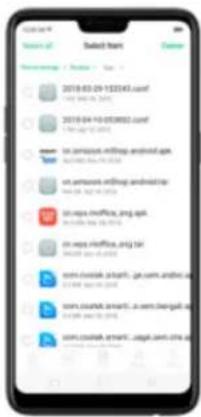
text_image
Search for Search of Select from Search Search name / Search / Test 2018-03-29 132345.comf 1998-04-26 2018 2018-04-10 053882.comf 1788-04-26 2018 to samipos-sitship.android.gpt BASIN: 053882.comf to samipos-sitship.android.gpt BASIN: 053882.comf on maps.infofile.org.gpt BASIN: 053882.comf on maps.infofile.org.gpt BASIN: 053882.comf com.coutak.sptl.fge.com.andfrd.gpt com.coutak.sptl.fge.com.andfrd.gpt com.coutak.sptl.fge.com.andfrd.gpt com.coutak.sptl.fge.com.andfrd.gpt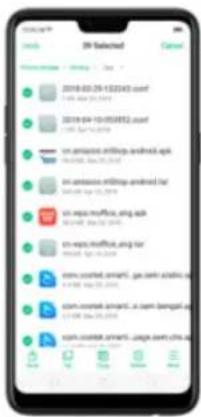
text_image
3D Selected Search Engine - [Search] - 3rd 2019-03-29 1:22:43 (conf) 1.00 (4th Dec 2018) 2019-04-10 05:08:52 (conf) 1.00 (Apr Dec 2018) on-amplitude-midship.android.apk on-amplitude-midship.android.tar on-reps可通过 APG Iraq on-reps可通过 APG Iraq com.courted.smart, go.com aceticus.ac com.courted.smart, a.com bengal.ac com.courted.smart, page.com china.ac7.14.2. Fast file browsing
File Manager automatically categorizes your files based on their extensions so you can browse them more clearly and conveniently.
Excel file browser - Open Excel than you will not all file extensions including Audio Video
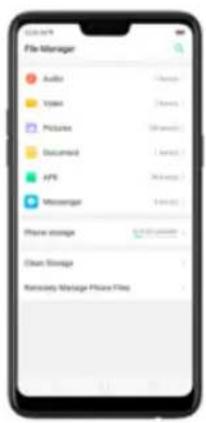
text_image
File Manager Audio Video Pictures Document API Messenger Phone storage Clean Storage Remote Master Store Files7.14.3. View and manage files
File Manager provides you various ways to manage your files and folders.
Frequently Used Files. You can view the folders which files are commonly used. Click any one to enter and choose the file to manage.
Search a document or folder. Click Phone Storage, click All Files, click the search icon, then enter the name of a document or folder.
Create a new folder. Click New Folder. Enter the folder name, then click Save.
Sort files and folders. Click Sort, then choose to sort your files and folders by name, size, type or the time they were generated.
Send, cut, copy, delete, compress, show details, rename a document or a folder. Click Select, choose the document or folder, then choose an option.
Move documents to Private Safe. Click Select, choose the documents, click More, then click Add to Private Safe. Folders cannot be moved to Safe. See Private Safe.
Select all. In any page when you click Select, you can quickly choose all by clicking Select
all in on the top left corner.
text_image
Catal 1.000000000000000000000000000000000000000000000000000000000000000000000000000000000000000 1.575 mg 2.7 mg 3.15 mg 4.65 mg 5.85 mg 6.95 mg 7.15 mg 8.15 mg 9.35 mg 1.15 mg 1.35 mg 1.55 mg 1.75 mg 2.15 mg 2.35 mg 2.55 mg 2.75 mg 3.15 mg 3.35 mg 3.55 mg 3.75 mg 4.15 mg 4.35 mg 4.55 mg 4.75 mg 5.15 mg 5.35 mg 5.55 mg 5.75 mg 6.15 mg 6.35 mg 6.55 mg 6.75 mg 7.15 mg 7.35 mg 7.55 mg 7.75 mg 8.15 mg 8.35 mg 8.55 mg 8.75 mg 9.15 mg 9.35 mg 9.55 mg 9.75 mg 10.15 mg 10.35 mg 10.55 mg 11.15 mg 11.35 mg 11.55 mg 12.15 mg 12.35 mg 12.55 mg 13.15 mg 13.35 mg 13.55 mg 14.15 mg 14.35 mg 14.55 mg 14.75 mg 15.15 mg 15.35 mg 15.55 mg 16.15 mg 16.35 mg 16.55 mg 17.15 mg 17.35 mg 17.55 mg 18.15 mg 18.35 mg 18.55 mg 19.15 mg 19.35 mg 19.55 mg 20.15 mg 20.35 mg 20.55 mg
text_image
10D - Selected Programs: 2007 - 2008 • Start • New York: 56.15 (2009) • 1.0.jpg • 1.jpg • 1.0.jpg • 1.0.jpg • 1.0.jpg • 1.0.jpg • 1.0.jpg • 1.0.jpg • 1.0.jpg • 1.0.jpg • 1.0.jpg • 1.0.jpg • 1.0.jpg • 1.0.jpg • 1.0.jpg • 1.0.jpg • 1.0.jpg7.14.4. Clean Storage
In File Manager, click Cloud Storage will let us use the classic feature in Phoenix Management
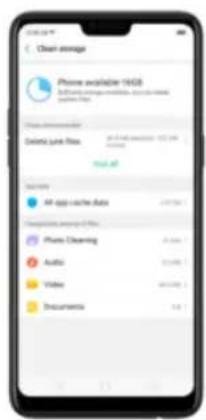
text_image
Clean storage iPhone available 19GB Software update module, or any other <|vision_start|> Auto Web Delete Link Files Get all History All apps cache data 247.5% Download data to Web iPhone Clearing 31.5% Audio 20.0% Video 80.0% Documents 3.4%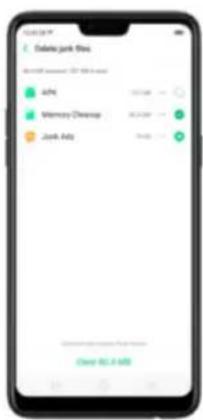
text_image
Delete junk files Microsoft Azure 12.10.18.xns Aly Memory Desktop Junk Ads Copy 52.1 MBDelete app data. Click All app cache data, select the apps that has caches, then click
Delete. The action cannot be undone.
Free up more storage space. You can delete your unnecessary files on the phone, including photos, audio, videos, and documents.
7.14.5. Remotely Manage Phone Files
Remote Management can turn your phone into an FTP server so you can view and download files stored on your phone remotely from your computer.
Remotely view and download files. Click File Manager, then click Remotely Manage Phone Files. Connect to a Wi-Fi network, then click Start Service. Search the URL displayed on your phone screen with your computer, then you can view your phone's file system and download files directly to your computer.
Note: Make sure that your phone and computer are connected to the same Wi-Fi network.
7.14.6. Private Safe
Start Using Private Safe.
- Please set the Privacy passcode first before using this application. Go to [Settings] > [Fingerprint, Face, & Passcode] > [Lockscreen passcode] and enter your desired encryption method. You can also click SET
PASSCODE and enter your desired encryption method. You will also be asked for a security question as an added layer of security for your privacy.
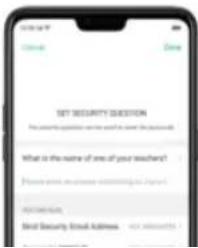
text_image
SET SECURITY QUESTION What is the name of one of your teachers? Email: www.essence.com/10845673 Copyright Best Security Email Address: 10845673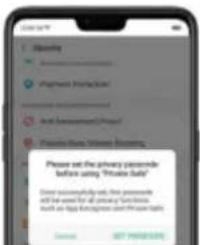
text_image
Please set the privacy password before using "Private Bank" Direct password by first password will be saved for all privacy functions such as https://private.bank/ Copyright: 007-9988-5000Files that can be added in Private safe are Photos, Audio, Documents, and
other Files that are supported by the app.
You can also create a shortcut on your home screen for easy access.
text_image
12:00:54 Music File Manager Phone Manager Theme Store Tips Videos One Tag Lockdown Private Safe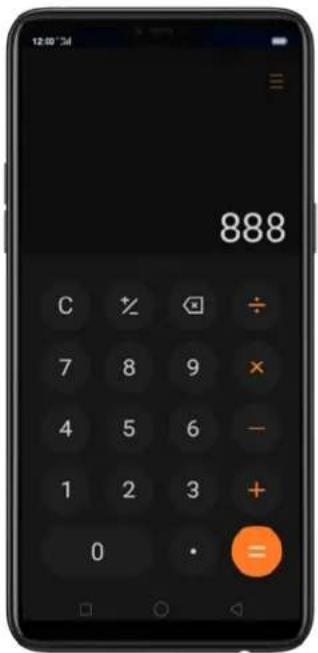
text_image
12:00 34 888 C % ◯ ÷ 7 8 9 × 4 5 6 - 1 2 3 + 0 • =Delete the last digit. Click
Clear the calculation results. Click C
Hide or show the keypad. Click in the middle of the screen to hide the keypad. Click Calculate or the calculation formula to resume.
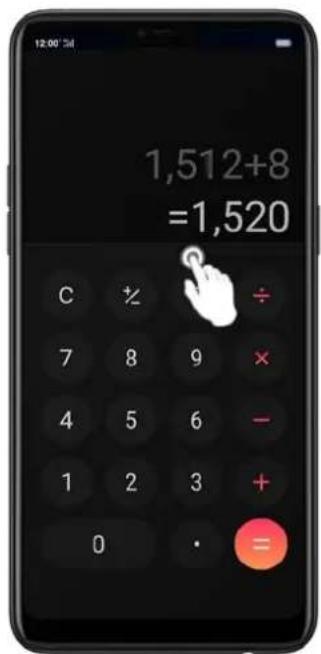
text_image
12:00'34 1,512+8 =1,520 C %÷ 7 8 9 × 4 5 6 - 1 2 3 + 0 • =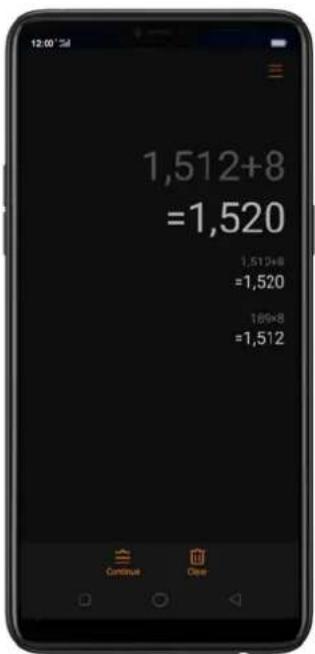
text_image
12:00 1,512+8 =1,520 1,512+8 =1,520 189+8 =1,512 Continue ClearCopy a calculation result to clipboard. Long press the results and it will be
copied to the clipboard. You can click

to continue calculating or
click if you want to clear everything and start a new one.
text_image
1,512+8 =1,520 1,512+8 =1,520 1,512 Search signed to ImprovedNew functions in Calculator. There are a lot of important functions that has been added. Click at the top right portion of your calculator then select a function that you would like to use.
The New Functions
Currency Conversion – if you want to know what are the current real time conversions. Click to select the currencies you would like to convert. It is on alphabetical order with their national flags beside them. You can also click to search for the country or currency that you would like to convert. Click to delete the last digit and click to clear results. Long press the result and it will be copied to the clipboard
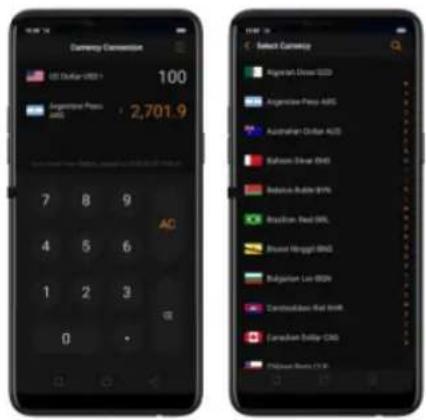
text_image
Currency Conversion US Dollar USD 100 Argentina Press 2,701.9 7 8 9 4 5 6 1 2 3 0 Select Currency Argentinian Dress USD Argentinian Press ABS Australian Dollar AUS Saharan Dress USD Saharan Rubber BPS Brazilian Real BRL Buenan Mungat BRL Bulgarian Lira BRL Czech Republic Real BRL Canadian Dollar CRL Philippine Bank EURNote: Given that the exchange rates are volatile and change every second, you need to have an internet connection for this to function and to get the real time conversions.
• Length, Area, Volume, Speed, Weight, Temperature, Power, and Pressure Conversions
text_image
Length Comparison Marker on: 0:00:06:214 7 8 9 4 5 6 1 2 3 0
text_image
Swept Unit Swept Box Swept Unit Swept Unit Swept Unit Swept Unit Swept Unit Swept Unit Swept Unit Swept Unit Swept Unit Swept Unit Swept Unit Swept Unit Swept Unit Swept Unit Swept Unit Swept Unit Swept Unit Swept Unit Swept Unit Swept Unit Swept Units Swept Units Swept Units Swept Units Swept Units Swept Units Swept Units Swept Units Swept Units Swept Units Swept Units Swept Units Swept Units Swept Units Swept Units Swept Units Swept Units Swept Units Swept Units Swept Units Swept Unit
text_image
Length Conversion 100 0.06214 7 8 9 AC 4 5 6 1 2 3 0 •7.16. Sound Recording
7.16.1. Recorder
With the Recorder app, you can use your phone's built-in microphone to record sounds
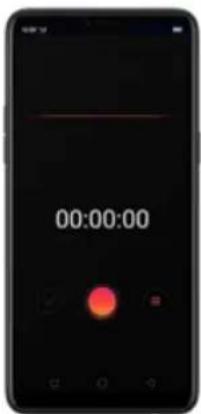
text_image
00:00:00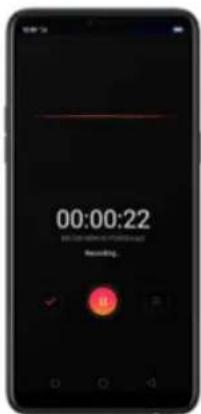
text_image
00:00:22 WE CAN BE REBEING YOUR NAME Recording.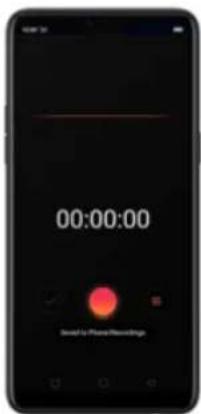
text_image
00:00:00 Send to Phone RecordingsIf you start the sound recorder and go to another application, the sound recorder continues running in the background. To return to Sound Recorder, click the red bar at the top of the screen.
7.16.2. Manage recordings
Play the sound back. Open Recorder, then click . You'll see all the recordings on your phone including general recordings and call recordings. Click a recording to play it back.
Send, rename or delete a recording. Click Select, choose the recording, then choose an option.
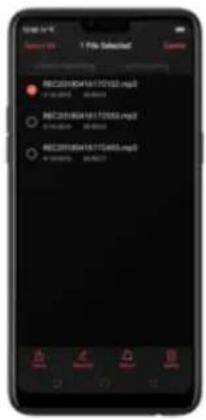
text_image
1 Pits Selected REC2018D416170563.mp3 ● Yes: 100.0000 REC2018D416170563.mp3 ● Yes: 100.0000 REC2018D416170563.mp3 ● Yes: 100.0000 OK Cancel CancelSet the recording as ringtones. Click Select, choose the recording, click Set as
Ringtone, then set the recording as the call, SMS, alarm or contact ringtone.
7.17. Compass
You can use the compass app to quickly find the direction you're facing.
Calibrate the compass when prompted. Move away from the interference and spin your phone in the pattern of an infinity symbol.
text_image
Compass Calibration Move away from my support of confidence and their partners the supervisor. Consulted in the above picture to resellate the compass
text_image
74° East7.18. Chrome
7.18.1. Search the web
The Browser lets you see webpages just as they were designed to be seen in
As you type, any web address on your bookmarks or history list that contains those letters appears below. Click a web address to visit its webpage.
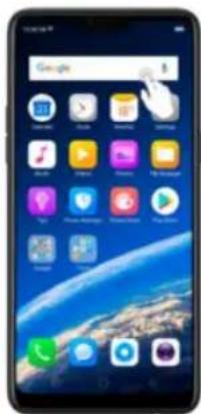
text_image
Google 1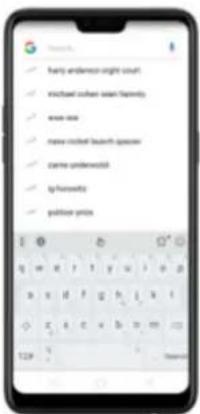
text_image
hany andemoo night out! knichuan oboen wasn hortmly www.oxa newe mohed beauft spoon cante underwotl tp hortmly polisher prixsErase all the text on the address field. Click the address field, then click ✗.
Open a suggested article. The browser will suggest several hot topic articles that you might be interested in on its home page. Click an article to view it. To delete articles that you dislike, click ✗. Scroll to the top of the home page and
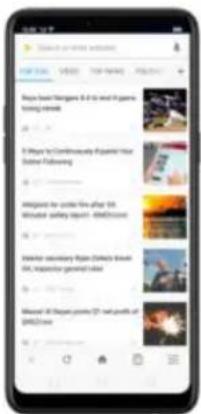
text_image
Play a New! Dogges & It's and 10 games scoring videos 3 Ways to Continuously Papered Your Online Following Aggregated for order file after US Woolster safety report - 4M/500000 Water secondary from Disney's Book US: Inspector general code Mixed! All games provide 27 net profit of 4M/500000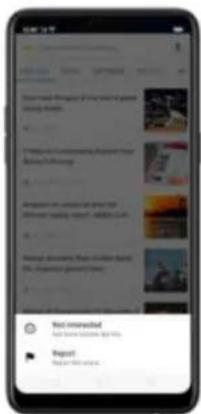
text_image
Mobile app screenshot showing a chat interface with user comments and a 'Not interested' button.
text_image
Pione in the world About New Games 0-1 to end a game using video I Want to Condomantly Expand Your Online following Allegiant for under the after: 507.18.2. Browse the web
View a webpage in widescreen orientation. Swipe up from the bottom of the screen to open Control Center, then turn off [Portrait Orientation Lock]. Rotate the phone sideways. The Browser automatically reorients and expands the
text_image
Wiki Who is aware to speak the eyes of discussion, the whole words, and what's understood. Knowledge: vocabulary was, for example of language, and language comprehension. I'm the way for the story. This was understood. This book A book titled "Angely in history you will," as a writer on which assets collectively modify content and structure directly from the web browser. In analytical ways, text is written using a simplified word up language, and often edited with the help of a key user. A book is now created using a software, however.
text_image
Wiki 文丛 www.who about life's eyes of women. For other words, we have been written. "Wiki" mentioned text. For "Wiki" of Philippi, and "Philippi Pritics, for the age for the Agree Phils, see wpertures"Zoom in or out. Pinch to zoom in or out. When you browse a website which has
a mobile-specific view that prevents you from pinching in to zoom, you can use
the Force enable zoom feature to override the site's demands. Click ≡, click
[Settings], then turn on [Force enable zoom]. You can now pinch to zoom
Reload a webpage. Click Ⓗ.
Share a webpage. Click :, click Share, then choose how to send your webpage.
Translate a webpage. When at the foreign language website, click i, click Translate, then the browser automatically translates the language to your default language. Translating the webpage takes time, so be patient.
To set your default language, click ≡, click [Settings], then click [Country and language].
Find In page. Click 1, click Find in Page, enter the text, then the browser will find text matches on the current webpage.
text_image
Play mode with the next generation from the role A wkt (1) is a type of web-based learning on which users collectively modify content and structure directly from the web browser. In a typical web, it is either using a simplified menu language and often called with the help of a user who has been. A web can run using web functions, enhance how to use a web engine. A web engine is a type of content management system, but it is not necessarily used.
text_image
Wiki The topic is to present the best of every. For all other, we can find it as an important. What's our own name. For example of being, we have been much more so. I'll bring the big. Find us anything. This article Interview with what is something course of the site. A wiki (which is a book) is found, but it is a network on which some culture is healthy, healthy content and architecture directly from the old museum.
text_image
Agness Praise Wu - iGanda 10:00 2:00 3:00 4:00 5:00 6:00 7:00 8:00 9:00 10:00 11:00 12:00 13:00 14:00 15:00 16:00 17:00 18:00 19:00 20:00 21:00 22:00 23:00 24:00 25:00 26:00 27:00 28:00 29:00 30:00 31:00 32:00 33:00 34:00 35:00 36:00 37:00 38:00 39:00 40:00 41:00 42:00 43:00 44:00 45:00 46:00 47:00 48:00 49:00 50:00 51:00 52:00 53:00 54:00 55:00 56:00 57:00 58:00 59:00 60:00 61:00 62:00 63:00 64:00 65:00 66:00 67:00 68:00 69:00 70:00 71:00 72:00 73:00 74:00 75:00 76:00 77:00 78:00 79:00 80:00 81:00 82:00 83:00 84:00 85:00 86:00 87:00 88:00 89:00 90:00 91:00 92:00 93:00 94:00 95:00 96:00 97:00 98:00 99:00View all open tabs. If you open three tabs, for example, click ☐, then swipe left or right. To go to another tab that's open, swipe to the tab, then click it. To close a tab, swipe up on the tap, or click ✉. To reopen the last page you've visited or close all taps, click i and choose an option.
text_image
Normal Visual Smart Dial Visual Visual Visual
text_image
Mobile app interface displaying video thumbnails and user interaction, with Chinese labels and UI elements
text_image
Normal Private Sweet Day
text_image
Normal Privacy "For protection and safe" Because we need to take the following minutes of your permission: Help us to upgrade its new privacy tool
text_image
Wiki Wiki Share Translations Read in page Chrome's file Search Speed Grid Shortwave Office pages Home screen File format Database with Web Application Internet of the Web A wiki (http://www.wiki.org/) or which supports collaboration should contain and structure directly from the web browser.
text_image
Smartphone screenshot displaying a mobile app interface with user profile, message, and content sections.7.18.3. Quick accesses
You can add webpages to Bookmarks, so that you can quickly return to them at any time without having to type the address. You can also add page icons to the Home screen for quick access, and download the webpages to view them

text_image
Mobile app screenshot showing a search interface with Google, M, and Twitter logos, alongside a hand pointing to a 3D image and text about Thailand's local locations.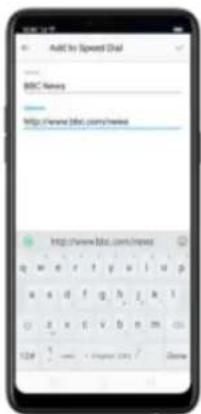
text_image
Add to Speed Chat BISC News http://www.bisc.com/news http://www.bisc.com/news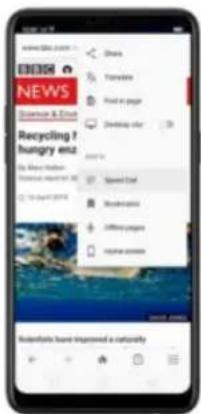
text_image
NEWS Science & Email Recycling ? hungry enz My Share: Haddan Science & Email To Don't Give Speed Chat Bookmable Affrey games Volume of articles Solutions have improved a natureflyBookmark a webpage. Open the page, click 12 , then click Bookmarks, edit its title or choose where to save it, then click OK.
* To manage your bookmarks and folders, click ≡ from the webpage screen, then click Bookmarks.
Save a webpage for offline reading. Open the page, click , then click Offline pages. To open an offline page, click , click Offline pages, then click a page.
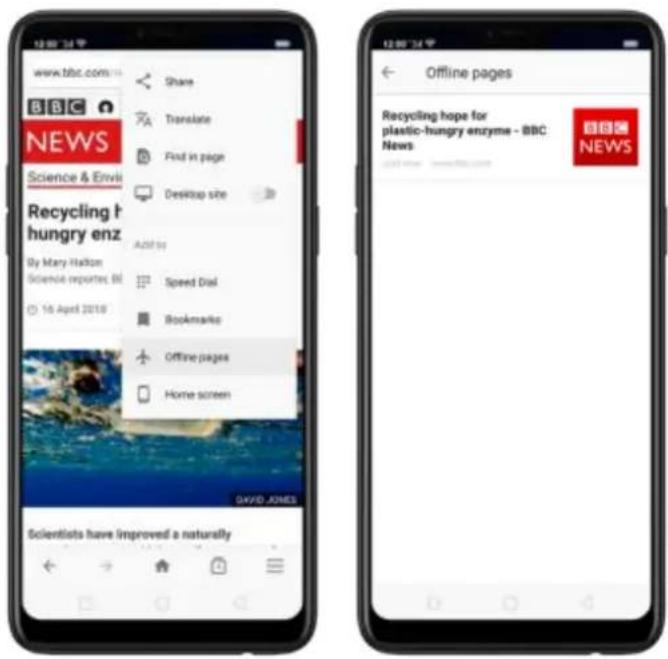
text_image
www.tbc.com BBC NEWS Science & Envi Recycling the hungry enz By Mary Halton Science reports, Bl 16 April 2018 Share Translate Find in page Desktop site Add to Speed Dial Bookmarks Offline pages Home screen DAVID JONES Scientists have improved a naturally Offline pages Recycling hope for plastic-hungry enzyme - BBC News NEWSAdd an icon for the current page to your Home screen. Open the page, click : then click Home screen, edit its title, then click Add.
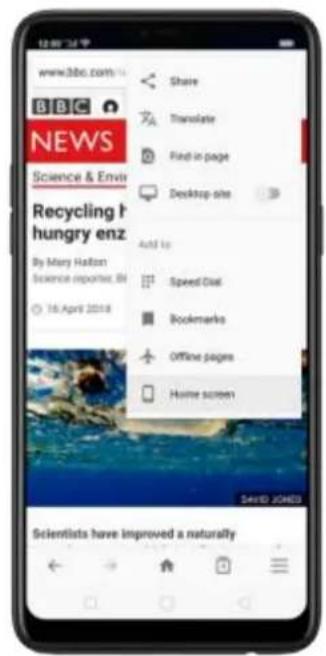
text_image
www.3bc.com BBC NEWS Science & Envi Recycling h hungry enz By Mary Halton Science reporters, BI 16 April 2018 Share Translate Find in page Desktop site Add to Speed Chat Bookmarks Offline pages Home screen SARID JONED Scientists have improved a naturally
text_image
www3bc.com BBC Home News More NEWS Science & Environment Recycling hope for plastic- hungry enzyme Add to home screen BBC News CANCEL ADD Scientists have improved a naturality
text_image
12:00:54 F WPS Office Twitter Messenger Facebook OBS News MS News8. Safety & Privacy
8.1. Device security
8.1.1. Lock screen password
Security on your realme smartphone begins at the lock screen. You can set a passcode that will be needed to unlock your phone.
Set, change, or turn off the passcode. Go to [Settings] > [Fingerprint, Face & Passcode]. You can draw a pattern, use a 4-Digit, 6-Digit, or 4-16 Digit Numeric Code or 4-16 Character Alphanumeric Code.
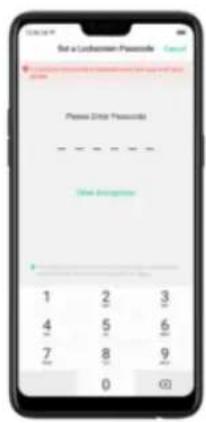
text_image
Set a Lethasien Passcode Password Error Passwords One Insgesamt 1 2 3 4 5 6 7 8 9 0 0 0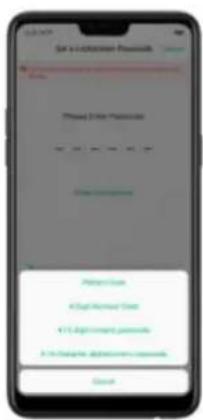
text_image
Set to Account Password Password 2 (the Password) Patent Credit Mortgage Credit Facility Credit Facility AccessAdd a fingerprint. Before you can add a fingerprint, you need to create a passcode. You can use the fingerprint to unlock the phone. You can add up to 5 different fingerprints on your phone.
Enroll face. Before you can enroll a face, you need to create a passcode. You can use the face to unlock the phone instead of the fingerprints or passcode. You can enroll only one face on your phone.
View more about setting a passcode, face ID and fingerprint on your realme phone, see Fingerprint, Face and Passcode.
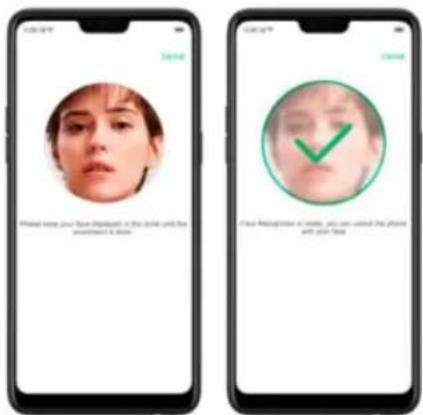
text_image
Please miss your face before making in the label until that pretest is true. Finish Retrapping at noise, you can miss the phone with your time.
text_image
Smart Lock On-body detection filing your devices unlocked quickly to go you Trusted places and/or where device should be unlocked Trusted devices ADD devices to keep this new unlocked when it's ready Voice Match Stop up home contact- On-body detection. Once enabled, your device will be kept unlocked while it's with you, like when you are holding it or carrying it. Your device will lock when it detects that it's been set down, like putting it on the table or is away from your body.
- Trusted places. If you have added trusted places, your device will be kept unlocked when it's nearby those areas. For example, if you have added your home as a trusted place and you're 80m away from your house the
Note: When Smart Lock is on, your phone will remain unlocked if you're carrying the phone, which will quickly drain your phone's battery. This will also lead to accidental commands if you put the phone in your pocket. Therefore, if you want to use Smart Lock, use it wisely and properly.
8.1.3. Payment protection
While you shop online, your realme phone will provide protection for the mobile transactions, such as detecting the system, captcha and, app security. You can see the detected information of the current payment environment on the uapper-right corner of the screen.
Protection]. Your phone alerts you if risks exist, or it will say "Safe to Pay". Click
View and do as what the phone prompts to remove the risks.
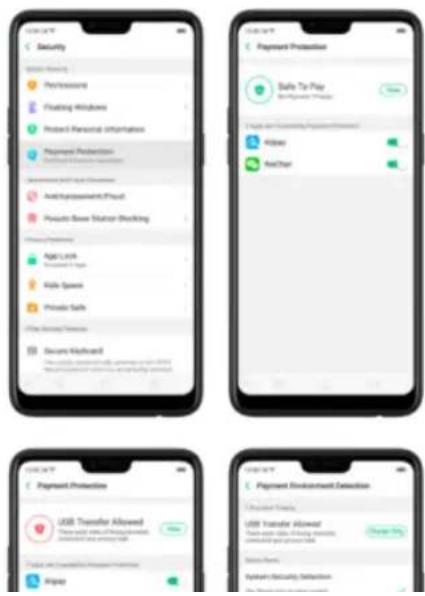
that only those who know the password can use the phone.
Set up a SIM card lock. Go to [Settings] > [Additional Settings] > [Device &
Privacy] > [Set up SIM card lock]. Click the slider next to Lock Sim Card, type
in the PIN code and then click OK.
Note: If the wrong PIN is entered more than three times, both your SIM card and phone will be locked. You can enter the PUK code to unlock them. See
About SIM card PIN & PUK code.
Change the SIM card PIN code. Click Change SIM PIN, type in the current PIN code, click OK. Then you can type in the new PIN code, click OK, retype your new PIN code when prompted, then click OK.
8.1.5. Virus Scan
For better security, you should regularly scan and remove potential and actual threats to your phone.
Scan for virus. Click Phone Manager, then click Virus Scan. Wait for the scan to complete. If threats were found, remove them; if not, you will see a message that says your phone is in a good state.
text_image
100% Malacruz App Malacruz Filesautomatically block the information sent by them, thus safeguarding your property and securing your information.
Block pseudo base stations. Go to [Settings] > [Security] > [Pseudo Base Station Blocking] and you will see a list of pseudo base stations if they are identified and blocked by the phone.
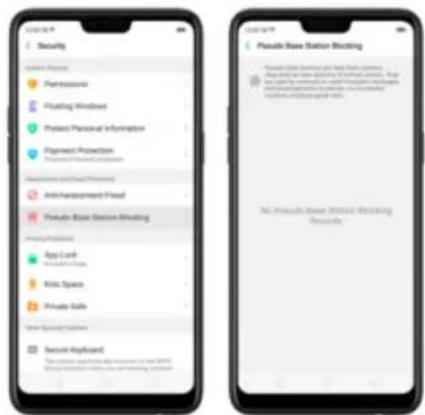
text_image
Security Accessories Preferences Playing Windows Protect Personal Information Alignment Protection Information and Security Anti-Management Fluid Private Base Station Blocking App Lock Edit User Files Kite Space Private Sets New Security Function Second Keyboard The system is currently accessible to the 200% of the security system. The private base station blocking seconds.have, which helps you protect your privacy.
Protect your call history, contacts, messages, and events. Go to [Settings] >
[Security] > [Protect Personal Information], then choose an option. You will see a list of apps that require the certain information. If you don't want to give an app your real information, switch the app slider to green, then click [Tum on
feature]. Your phone will then provide empty information.
text_image
Security Dealing Privacy Painting Printing Window Printout Personal Information Copyright Protection Access to Software Information & Data Protection Auth Management/Pract Preseudo-Base Status Blocking User Protection App Links Download Files Kills Space Private Safe Other Security Protection Secure Keyboard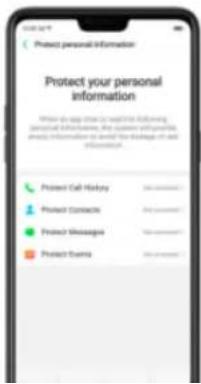
text_image
Protect your personal information When to say close to website following personal information, you cannot further provide information to avoid the linkages of an information. Protect Cell History Protect Contacts Protect Messages Protect Events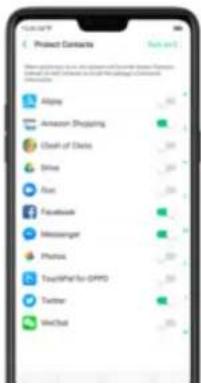
text_image
Product Category Apple Amazon Shopping Cash of Goods Drive Find Facebook Messenger Phlogs TouchMetal for OPPO Twitter WeChaton your screen.
text_image
Browser For your security your phone is not allowed to install accounts app from this source. OK/OK SETTA/OKInstall apps from unknown sources. Go to [Settings] > [Additional Settings] > [Device &
Privacy] and click [Apps Installed from Unknown Sources]. Here are sources you can
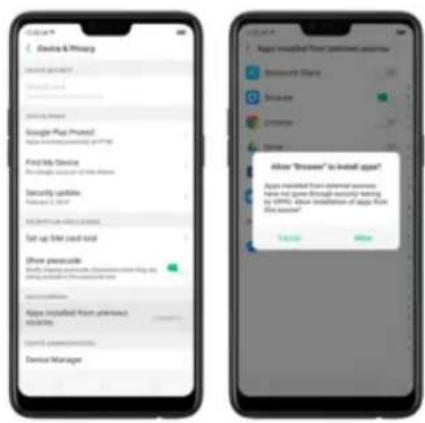
text_image
Device & Privacy Security updates Get up a list of items. Set up a list of items. Show pairwise Apps installed from password is available.8.2.2. App permissions
Every application installed on your realme smartphone may require certain data or access to your phone's other features (mic, camera, etc.). To check and manage what an app is trying to access, do the following:
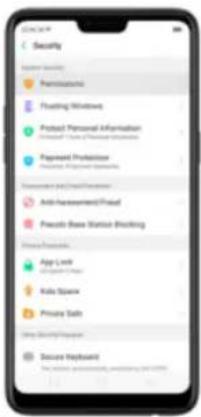
text_image
Security Personal Security Floating Networks Purchased Personal Information Password Protection Security Protection Information and Security Anti-Assessment Food Pseudo Base Station Blocking Secure Privacy App Lock App Store Radio Space Private Safe Use Security Password Secure Payload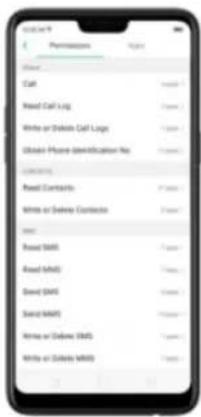
text_image
Get on Permissions Call Read Call Log Write or Delete Call Log Obtain Phone Identification No. Read CTNTS Write or Delete Contacto Read Read SMS Read SMS David SMS David SMS Write or Delete SMS Write or Delete SMS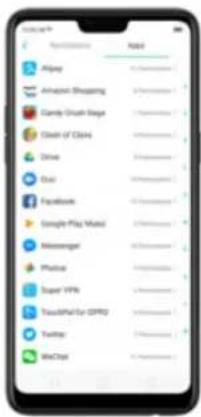
text_image
App Store Applications NAT Airplay Airplay Shopping Candy Grown Stage Clean of China Drive Duo Facebook Google Play Music Monstergo Physical Super VRIs YouthPart for GPRO Twitter MeChatChange the permission. You can go through each permission or app on your phone and, with full control, allow, forbid or limit each permission according to your requirements.
- Allow: Always allow the app to use the required permissions.
Before you can hide Home screen icons, you must encrypt the apps first.
Hide Home screen icon. After encrypting the apps, do the following:
- Go to [Settings] > [Security] > [App Lock], then enter the verification passcode to enter the App Encryption screen.
- Click an app, turn on [Start Passcode Verification], then turn on [Hide Home screen icon].
- A pop-up message will display on the screen to ask you to set an access number. You can open the hidden applications by dialing the number. This message will only pop up when you use the hidden feature for the first time.
Click Set Access Number.
-
Set a number that starts and ends with “#” and contains one to sixteen characters, then click Done.
-
You can also set the hidden app not to display in Recent Tasks, or disable
its notifications.
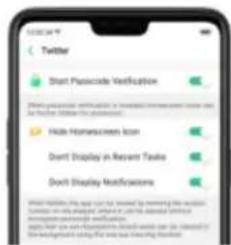
text_image
Twitter Start Passcode Verification (While you should check or update your website, you can be further better than your website) Hide HomeScreen Icon Dend Display in Recent Table Dend Display Notifications Start Passcode: This may not be saved by removing this app icon. Show it on the next page, then to add a new version of the web-based version of the website. If you are recommended to have any other types of web-based versions, please click your website for more information. Do you use this app to get your website from the website.Open hidden apps. Click Phone, click the keypad to enter your access number,
then the Hidden Apps folder will pop-up.
text_image
Calendar Manager Cumbler Schedule Company Manager #1 1 2 3
text_image
Hidden Apps- Apps that aren't displayed in Recent Tasks can be closed using the one-tap cleanup function.
- Access number can be set only once when you use the hidden feature for the first time. If you forgot the number, reset the phone to its factory settings to reset the number.
8.2.4. Kids Space
With Kids Space, parents can set limits especially for the children's use of the phone, such as setting up phone usage time and apps that are allowed to be accessed. It does a good job in charge prevention, system modification, and addiction prevention when your kids use the phone.
Set up Kids Space. Go to [Settings] > [Security] > [Kids Space]. Select the apps
text_image
Security Phosphorus Floating Windows Attach Personal Information Receive User of Privacy of Security Payment Products Receive Privacy for Security Information and Software Phosphorus/Fusion Phosphorus Base Social Blocking Secure Passwords App Lock App Store Chain Make Space Private Safe Store Security Settings Secure Keyboard
text_image
Kite Space Database allowed for shift use Apps Allowed to be Increased Turn-off Cellular Kite Space Change Parameters 1. Use a model parameter (e.g., "kite space", "kite space") to create a new model. 2. Use a model parameter (e.g., "kite space", "kite space") to create a new model. 3. Use a model parameter (e.g., "kite space", "kite space") to create a new model. 4. Use a model parameter (e.g., "kite space", "kite space") to create a new model. 5. Use a model parameter (e.g., "kite space", "kite space") to create a new model. 6. Use a model parameter (e.g., "kite space", "kite space") to create a new model. 7. Use a model parameter (e.g., "kite space", "kite space") to create a new model. 8. Use a model parameter (e.g., "kite space", "kite space") to create a new model. 9. Use a model parameter (e.g., "kite space", "kite space") to create a new model. 10. Use a model parameter (e.g., "kite space", "kite space") to create a new model. 11. Use a model parameter (e.g., "kite space", "kite space") to create a new model. 12. Use a model parameter (e.g., "kite space", "kite space") to create a new model. 13. Use a model parameter (e.g., "kite space", "kite space") to create a new model. 14. Use a model parameter (e.g., "kite space", "kite space") to create a new model. 15. Use a model parameter (e.g., "kite space", "kite space") to create a new model. 16. Use a model parameter (e.g., "kite space", "kite space") to create a new model. 17. Use a model parameter (e.g., "kite space", "kite space") to create a new model. 18. Use a model parameter (e.g., "kite space", "kite space") to create a new model. 19. Use a model parameter (e.g., "kite space", "kite space") to create a new model. 20. Use a model parameter (e.g., "kite space", "kite space") to create a new model. 21. Use a model parameter (e.g., "kite space", "kite space") to create a new model. 22. Use a model parameter (e.g., "kite space", "kite space") to create a new model. 23. Use a model parameter (e.g., "kite space", "kite space") to create a new model. 24. Use a model parameter (e.g., "kite space", "kite space") to create a new model. 25. Use a model parameter (e.g., "kite space", "kite space") to create a new model. 26. Use a model parameter (e.g., "kite space", "kite space") to create a new model. 27. Use a model parameter (e.g., "kite space", "kite space") to create a new model. 28. Use a model parameter (e.g., "kite space", "kite space") to create a new model. 29. Use a model parameter (e.g., "kite space", "kite space") to create a new model. 30. Use a model parameter (e.g., "kite space", "kite space") to create a new model. 31. Use a model parameter (e.g., "kite space", "kite space") to create a new model. 32. Use a model parameter (e.g., "kite space", "kite space") to create a new model. 33. Use a model parameter (e.g., "kite space", "kite space") to create a new model. 34. Use a model parameter (e.g., "kite space", "kite space") to create a new model. 35. Use a model parameter (e.g., "kite space", "kite space") to create a new model. 36. Use a model parameter (e.g., "kite space", "kite space") to create a new model. 37. Use a model parameter (e.g., "kite space", "kite space") to create a new model. 38. Use a model parameter (e.g., "kite space", "kite space") to create a new model. 39. Use a model parameter (e.g., "kite space", "kite space") to create a new model. 40. Use a model parameter (e.g., "kite space", "kite space") to create a new model. 41. Use a model parameter (e.g., "kite space", "kite space") to create a new model. 42. Use a model parameter (e.g., "kite space", "kite space") to create a new model. 43. Use a model parameter (e.g., "kite space", "kite space") to create an additional feature in the KITE Space 44. Use a model parameter (e.g., "kite space", "kite space") to create an additional feature in the KITE Space 45. Use a model parameter (e.g., "kite space", "kite space") to create an additional feature in the KITE Space 46. Use a model parameter (e.g., "kite space", "kite space") to create an additional feature in the KITE Space 47. Use a model parameter (e.g., "kite space", "kite space") to create an additional feature in the KITE Space 48. Use a model parameter (e.g., "kite space", "kite space") to create an additional feature in the KITE Space 49. Use a model parameter (e.g., "kite space", "kite space") to create an additional feature in the KITE Space 50. Use a model parameter (e.g., "kite space", "kite space") to create an additional feature in the KITE Space 51. Use a model parameter (e.g., "kite space", "kite space") to create an additional feature in the KITE Space 52. Use a model parameter (e.g., "kite space", "kite space") to create an additional feature in the KITE Space 53. Use a model parameter (e.g., "kite space", "kite space") to create an additional feature in the KITE Space 54. Use a model parameter (e.g., "kite space", "kite space") to create an additional feature in the KITE Space 55. Use a model parameter (e.g., "kite space", "kite space") to create an additional feature in the KITE Space 56. Use a model parameter (e.g., "kite space", "kite space") to create an additional feature in the KITE Space 57. Use a model parameter (e.g., "kite space", "kite space") to create an additional feature in the KITE Space 58. Use a model parameter (e.g., "kite space", "kite space") to create an additional feature in the KITE Space 59. Use a model parameter (e.g., "kite space", "kite space") to create an additional feature in the KITE Space 60. Use a model parameter (e.g., "kite space", "kite space") to create an additional feature in the KITE Space 61. Use a model parameter (e.g., "kite space", "kite space") to create an additional feature in the KITE Space 62. Use a model parameter (e.g., "kite space", "kite space") to create an additional feature in the KITE Space 63. Use a model parameter (e.g., "kite space", "kite space") to create an additional feature in the KITE Space 64. Use a model parameter (e.g., "kite space", "kite space") to create an additional feature in the KITE Space 65. Use a model parameter (e.g., "kite space", "kite space") to create an additional feature in the KITE Space 66. Use a model parameter (e.g., "kite space", "kite space") to create an additional feature in the KITE Space 67. Use a model parameter (e.g., "kite space", "kite space") to create an additional feature in the KITE Space 68. Use a model parameter (e.g., "kite space", "kite space") to create an additional feature in the KITE Space 69. Use a model parameter (e.g., "kite space", "kite space") to create an additional feature in the KITE Space 70. Use a model parameter (e.g., "kite space", "kite space") to create an additional feature in the KITE Space 71. Use a model parameter (e.g., "kite space", "kite space") to create an additional feature in the KITE Space 72. Use a model parameter (e.g., "kite space", "kite space") to create an additional feature in the KITE Space 73. Use a model parameter (e.g., "kite space", "kite space") to create an additional feature in the KITE Space 74. Use a model parameter (e.g., “kite space”, “kite space”) to create an additional feature in the KITE Space 75. Use a model parameter (e.g., “kite space”, “kite space”) to create an additional feature in the KITE Space 76. Use a model parameter (e.g., “kite space”, “kite space”) to create an additional feature in the KITE Space 77. Use a model parameter (e.g., “kite space”, “kite space”) to create an additional feature in the KITE Space 78. Use a model parameter (e.g., “kite space”, “kite space”) to create an additional feature in the KITE Space 79. Use a model parameter (e.g., “kite space”, “kite space”) to create an additional feature in the KITE Space 80. Use a model parameter (e.g., “kite space”, “kite space”) to create an additional feature in the KITE Space 81. Use a model parameter (e.g., “kite space”, “kite space”) to create an additional feature in the KITE Space 82. Use a model parameter (e.g., “kite space”, “kite space”) to create an additional feature in the KITE Space 83. Use a model parameter (e.g., “kite space”, “kite space”) to create an additional feature in the KITE Space 84. Use a model parameter (e.g., “kite space”, “kite space”) to create an additional feature in the KITE Space 85. Use a model parameter (e.g., “kite space”, “kite space”) to create an additional feature in the KITE Space 86. Use a model parameter (e.g., “kite space”, “kite space”) to create an additional feature in the KITE Space 87. Use a model parameter (e.g., “kite space”, “kite space”) to create an additional feature in the KITE Space 88. Use a model parameter (e.g., “kitespace”, “milespace”, “milespace”), and then on the other side of this section, which is not included in this section.
text_image
Smartphone screenshot displaying app icons including Xiaomi, Huawei, Apple, and Google with Chinese text labelsQuit Kids Space. When the duration of time you set ends, your phone will alert you and lock the screen after 30 seconds, or you can quit Kids Space at any time by clicking Quit Kids Space at the bottom of the screen. Input your fingerprint or lock screen passcode to return to the normal mode.
8.2.5. Block unwanted calls and messages
Block feature helps you to prevent unwanted phone calls and messages from reaching you. You can also add numbers to blacklist or to block specific phone numbers, or add numbers to whitelist to allow their calls to come through all the time.
Block calls and messages. Go to [Settings] > [Security] > [Anti-harassment/Fraud], or go to [Settings] > [Call] > [Block], or go to [Settings] > [Messages] > [Block].
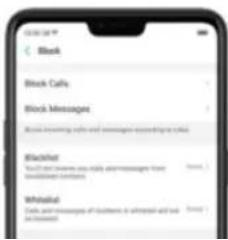
text_image
Block Block Calls Block Messages Block measuring calls and messages based on call Blacklist You can't notice us what phone messages have the following functions Whitelist Tests and messages of friends in telephone and web accessed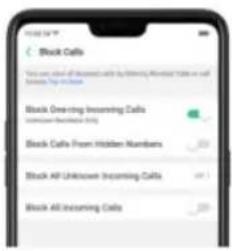
text_image
Stock Calls This user should be offered by Black One-ring and Black All-incoming calls to sell or buy a stock. Black One-ring Incoming Calls (unknown/unknown only) Black Calls From Hidden Numbers 200 Stock AP Unknown Incoming Calls 201 Black All Incoming Calls 200
text_image
Block Messages Text all teams make it moving. Stock messagesmessages @100%.
Keywords for Spam Messages Short Block Messages from Unknown No.Add a contact or a phone number to the blacklist. Click Blacklist, click Add, then enter the number or choose your contacts. Or open a caller's contact card in Contacts, then click Add to Blacklist.
text_image
Screenshot of a smartphone screen showing status bar and navigation icons
text_image
Ris 16000000000 Send Share Contact Add to Customer8.2.6. Find my device
If for some reason you left, lost and forgotten your phone or was stolen,
Google Find My Device will help you locate your device remotely. In order for
it to work, you need to sign in your Google account and turn on Location
Service on your phone.
Activate and use Find my Device.
There are three ways you can do this on your phone.
- Go to [Settings] > [Security] > and click Find My Device. Switch the slider to blue.
text_image
Device & Privacy Google Play Wizard Make My Device Do Do not update Get it up to 100% Do not update your device Make the device Make the device to access your device Do not update your device Make the device to access your device Do not update your device Device Manager Do not update your device Do not update your device- Go to [Settings] > [Google] > [Security] and click Find My Device. Switch
the slider to blue.
On the Find My Device page, it will show you ways on how to locate the phone using any android devices.
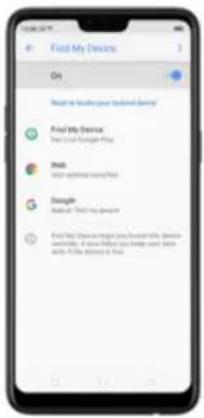
text_image
Find My Device On What to locate your traditional device Find My Device Find My Device (e.g. or any other items) Web Start updated on the Web Google About 100% of the devices Find My Device may get your own website device and/or it is also available for this device.• Click Find My Device to download or open the app
- Click Web to direct you to android.com/find
text_image
Smartphone home screen displaying app icons with Chinese labels, including Music, Musicbox, and Playbox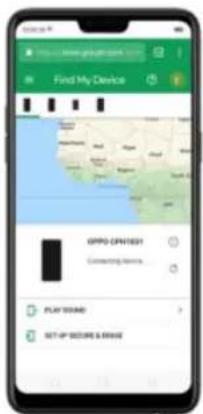
text_image
Find My Device OPPO CNT1031 Controlling devices PLAY SODAD SET UP BEFORE & DRIVE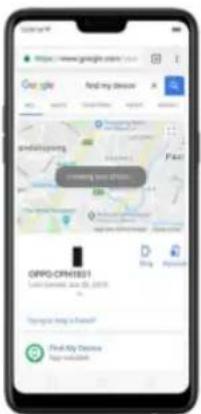
text_image
https://www.google.com/ Get up Find my device and shopping Google Google Search Engine Google Search Engine Google Search Engine Google Search Engine Google Search Engine Google Search Engine Google Search Engine Google Search Engine Google Search Engine Google Search Engine Google Search Engine Google Search Engine Google Search Engine Google Search Engine Google Search Engine Google Search Engine Google Search Engine Google Search Engine Google Search Engine Google Search Engine Google Search Engine Google Search Engine Google Search Engine Google Search Engine Google Search Engine Google SearchEngine Google Search Engine Google Search Engine Google Search Engine Google Search Engine Google Search Engine Google Search Engine Google Search Engine Google Search Engine Google Search Engine Google Search Engine Google Search Engine Google Search Engine Google Search Engine Google Search Engine Google Search Engine Google Search Engine Google Search Engine Google Search Engine Google Search Engine Google Search Engine Google Search Engine Google Search Engine Google Search Engine Google Search Engine Google Search Service Google Search Service (01.03.2019) Google Search Service (01.03.2019) Google Search Service (01.03.2019) Google Search Service (01.03.2019) Google Search Service (01.03.2019) Google Search Service (01.03.2019) Google Search Service (01.03.2019) Google Search Service (01.03 2019) Google Search Service (01.03 2019) Google Search Service (01.03 2019) Google Search Service (01.03 2019) Google Search Service (01.03 2019) Google Search Service (01.03 2019) Google Search Service (01.03 2019) Google Search Service (GPT) - Find My Options Google Search Service (GPT) - Find My Options8.3. Privacy
8.3.1. Location Service
Apps like Maps, Weather and Compass must know your exact position before
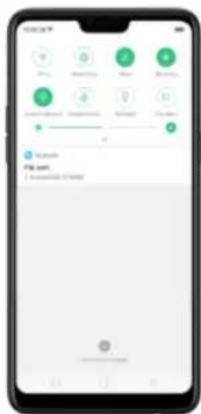
text_image
Mobile phone screen displaying a music app interface with radio buttons, keyboard shortcuts, and status bar options.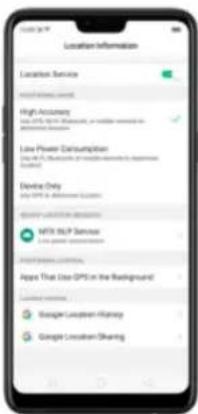
text_image
Location Information Location Service High Accuracy Low Power Consumption Device Only MTX MLP Service Apple That Use GPS in the Background Google Location History Google Location SharingYou can choose from three types of positioning modes, which differ in accuracy and battery drain:
- High accuracy (GPS, Wi-Fi, Bluetooth and mobile network).
Apps that use GPS in the background. Turn the slider to green if you allow the
app to use GPS in the background. Keeping background GPS of the apps
active may drain the battery significantly.
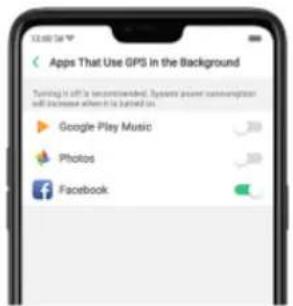
text_image
Apps That Use GPS in the Background Turning it off is recommended. Systems power communication will increase when it is turned on Google Play Music Photos FacebookGoogle Location service
• Use Google Location History to retrace your steps. Google Location History
will customize search results for location and search history.
- The Google Location Sharing to share your locations with friends and
your private information in this process.
Join User Experience Project. The first time you switch your realme phone on, it will prompt you to join User Experience Project, or you can go to [Settings] > [Additional Settings] > [Device & Privacy] and switch [Join "User Experience Project7 slider to green.
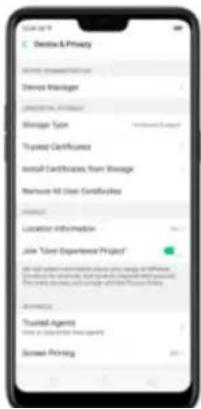
text_image
Sales App • Dealer & Privacy Service Manager Service Manager Manager Type Truysee Certificates Install Certificates from Manager Remove All User Certificates Location Information Join "User Experience Project" Trustee Agents Use a Customer Service Agent Store Pricingyou try to capture the screen, the phone will alert you "Cannot capture screenshot. The page contains personal information." If you try to record the screen, you will only record a black screen.
Security warning
Some Android malware can spy on your activities in the background, and can take pictures or make recordings without notifying you, resulting in leaking of the information. With Security Warning function, your phone will remind you every time the malware performs these activities.
Prevent apps from taking pictures in the background. A warning window will pop up on your phone screen.
Prevent apps from making recordings in the background. If any app starts the sound recorder, the status bar turns red.
Activate screen pinning
Go to [Settings] > [Additional Settings] > [Device & Privacy], scroll to the bottom of the screen and turn on [Screen Pinning].
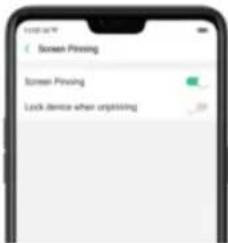
text_image
Screen Pressing Screen Pressing Lock device when unpressingOpen the app you want to pin and click the Overview/Menu button to access the multitasking tray. You can find the pushpin icon on the app preview interface.
Click the icon to pin this app to your phone screen.

If you want to lock the phone screen directly when unpinning the screen, switch
the [Lock device when unpinning] slider to green.
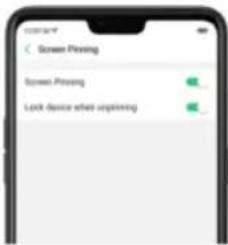
text_image
Screen Pressing Screen Pressing Lock device when upgrading8.5. App Lock
If you want to fully secure your personal apps it is always best to encrypt
them. This is to prevent theft of private data.
How to encrypt apps
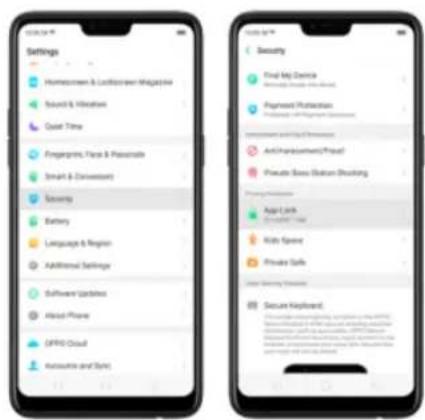
text_image
Settings Homescreen & Lockscreen Magazine Sound & Weather Quiet Time Fingerprays, Faces & Passcaise Smart & Desenters Security Battery Language & Region Additional Settings Software Updates About Phone DIFRO Cloud Accessories and Syncs Security Final MJ Device Payment Protection Information and Data Protection Anti-Pharmaceutical/Pharm/ Private Base (Station Blocking) Privacy Protection App User Secure Users Kids Spence Private Safe User Security Protection Secure Keyboard.You will be asked to set a passcode. Apart from the 4 numerical method, you
can also choose from Pattern Passcode and Custom Alphanumeric
Passcode. Just click Other Methods to be given this option.
After successfully setting a passcode, you will be asked to set a security
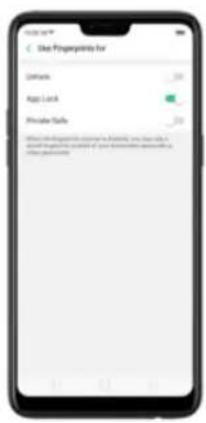
text_image
Use Fingerpoints for Lock Skip Lock Private Safe Allow the following functions to a software, you can access your own or private link to your own or private link to your own or private link.You will see a padlock on apps that you have encrypted.
You can also hide the app on the homescreen and can only be viewed when entering the access number on the dialpad. It can be opened without encryption passcode verification.
To enable hiding apps from the homescreen, go to [Settings] > [Security] >
[App Lock] click on the App you would want to hide from the homescreen, toggle [Hide Homescreen] to green to enable.
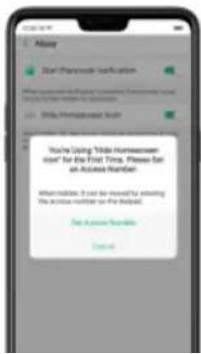
text_image
You're Using "Mobile Home screen user" for the First Time. Please call an Access Number. When there, it can be saved by inviting the access number on the help? Set Access Number Control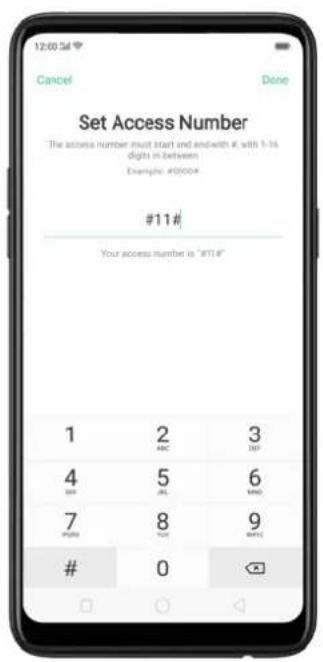
text_image
12:00:56 Cancel Done Set Access Number The access number must start end with #, with 1-16 digits in between Examples: #0000# #11# Your access number is "MT14"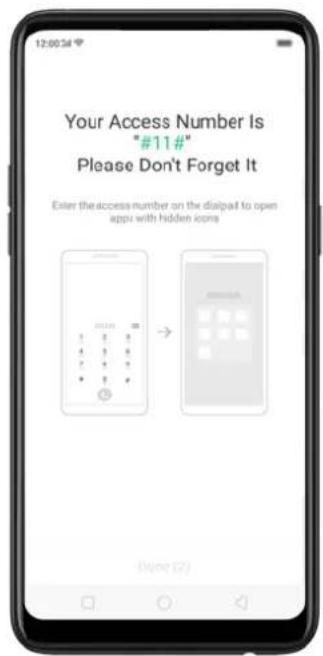
text_image
Your Access Number Is "#11#" Please Don't Forget It Enter the access number on the dialpad to open apps with hidden icons Done (2)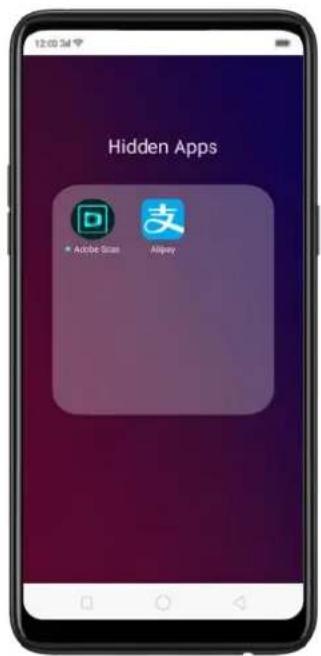
text_image
12:00 PM Hidden Apps Adobe Star AirpayManaging encrypted apps
Go to [Settings] > [Security] > [App Lock] then click on the right top corner of the screen. You will be given options to manage the following:
- Change verification passcode
- Modify the security question
- Change access number
You can also enable the following:
- Use fingerprint for app encryption
- Stop authentication for short exits
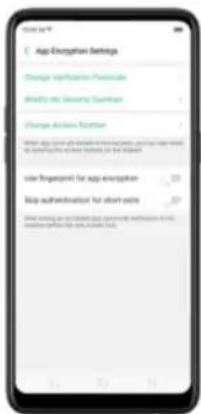
text_image
App Encryption Settings Change up/pening Personal Delete info Cleaning Password Change Access Function Save app name or file name, save user name is a software file name to be used Size geopoint for app encryption Stop authentication for short sets Save using an email and your own authentication for the application file (e.g. www.rsc)9. Share Internet connection and files
9.1.1. Tether your phone's Internet connection
- Set the hotspot name and password.
- On another device, choose your hotspot from the list of available Wi-Fi networks.
Note: When a device is connected, a blue band appears at the top of the phone screen.
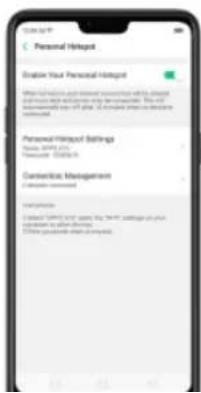
text_image
Personal Endpoint Enable Your Personal Endpoint When information is your personal endpoint is the desired and you have a different step to be completed. You can immediately apply all steps. If needed to access the personal endpoint. Personal Endpoint Settings Name: S&P 500 Description: S&P500 Connection Management 1. Please check 2. Select S&P 500 items, this item is required on your personal to other devices. 3. Use quick or complete your device.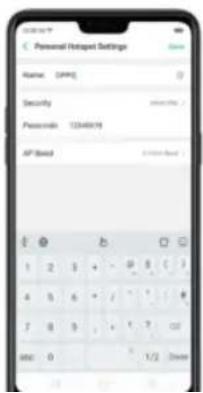
text_image
Personal Hotspot Settings Name: (PMP) Security: Password: 1234019 AP Address: 1234019 1 2 3 + - 0 1 2 3 4 5 6 + - 1 2 3 7 8 9 + - 1 2 3 000 0 1/2 Window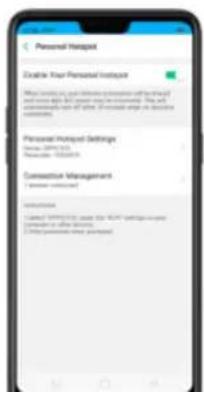
text_image
Personal Hotspot Enable Your Personal Hotspot What is this your home because of the hand and you have a hot spot may be considered. You can otherwise if all. (Forward step in location <|vision_start|> anode) Personal Hotspot Settings Name: SP1013 Phone: 1052418 Connection Management ( Number of connections) Introduction 1. Clicked SP1013 to use the HPV tolls on your Hotspot in other locations. 2. Clicked hotspot personal. Help you- Go to [Settings] > [Other Wireless Connections] > and enable [Wi-Fi Tethering].
- In [Wi-Fi Tethering Settings] you can change the name, manage security, and input passcode.
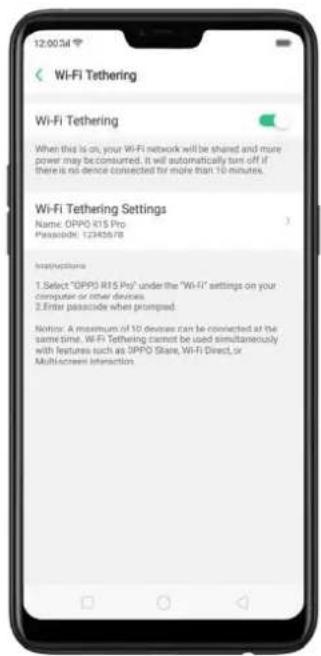
text_image
12:00:54 Wi-Fi Tethering Wi-Fi Tethering When this is on, your Wi-Fi network will be shared and more power may be consumed. It will automatically tan off if there is no device connected for more than 10 minutes. Wi-Fi Tethering Settings Name: OPPO K15 Pro Passcode: 12343678 Instructions 1. Select "OPPO K15 Pro" under the "Wi-Fi" settings on your computer or other devices. 2. Enter passcode when prompted. Notice: A maximum of 10 devices can be connected at the same time. Wi-Fi Tethering cannot be used simultaneously with features such as OPPO Share, Wi-Fi Direct, or Multi-screen Interaction.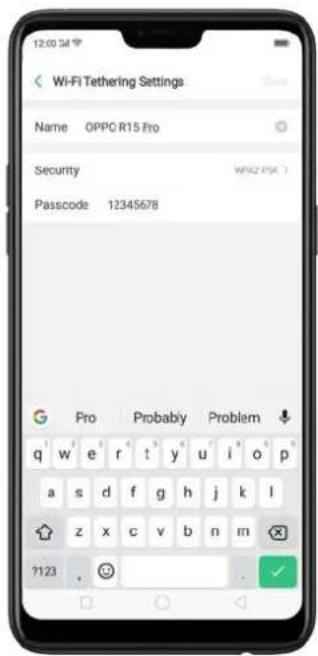
text_image
12:00:54 Wi-FI Tethering Settings Name OPPO R15 Pro Security Passcode 12345678 Pro Probably Problem q w e r t y u i o p a s d f g h j k l z x c v b n m 7123Note: Wi-Fi Tethering will automatically turn off if no device is connected for more than 10 minutes. This is to save energy. A maximum of 10 devices can be connected but cannot be used simultaneously with features such as realme Share, Wi-Fi Direct, or Multi-screen Interaction.
Use USB Tethering.
- Connect your phone to your computer using the cable that came with it.
-
Go to [Settings] > [Other Wireless Connections] > [USB Tethering], then switch the slider to green.
-
In your computer's Network preferences, choose your realme phone, then configure the network settings.

text_image
Other Wireless Comptures WiFi Wireless Personal Hotspot WiFi Tethering LTE Tethering Wireless Bluetooth Tethering Wireless Tethering WiFi Stitch Multi-Channel Transmission DSNRTether via Bluetooth.
- Go to [Settings] > [Other Wireless Connections] and enable [Bluetooth
text_image
Other Wireless Connections USB USB Connected Personal Hotspot USB Networking Multi-connected History for Solar Bluetooth Networking Bluetooth Transport On Web Connection On Bluetooth Connection DSLK Please note that the USB network will not switch and high-level broadband.
text_image
Bluetooth Bluetooth Device Name: OPPO 15 Allow it to be Documented by Other Device OK/OK/15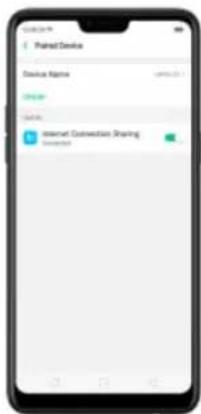
text_image
Named Device Device Name: 10000.00.0 Connection: Connect: Internet Connection Sharing ConnectedMonitor your mobile data network usage. Go to [Settings] > [Dual SIM &
Cellular Data].
9.2. Share Files
- Click Receive on the other device and start sharing.
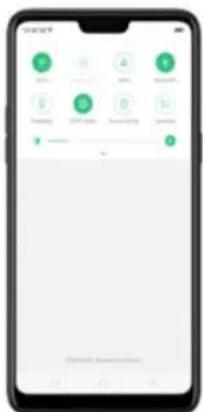
text_image
Mobile phone screen displaying a green health app interface with icons for health, nutrition, and nutrition-related functions.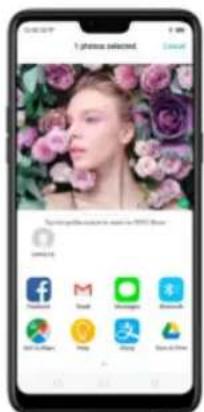
text_image
I phone selected. Cancel My phone has been used to access your App Store Facebook M Google SAP Baidu China Mobile QQ Tianjin Caiji Dongguan Weibo China MobileShare via Bluetooth
- Go to [Settings] > [Bluetooth] and enable Bluetooth. Then pair and connect
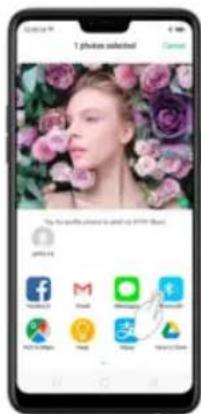
text_image
1 photo selected The 50% of the image is and by 2007.5.24Use Remote Management to view and download files.
- Connect your phone and laptop to the same Wi-Fi network.
- Click Files, click Remotely Manage Phone Files, then click Start Service.
Search the URL displayed on your phone screen with your computer, then
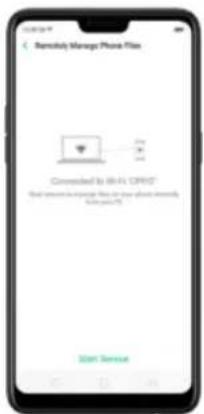
text_image
Remote Manage Phone Files Converted to 68-A1 DRIP* Read your own image file in the phone network (982457)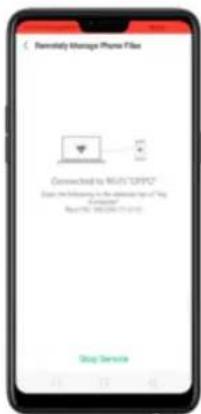
text_image
Remote Storage iPhone Files Connected to MUN "OPPO" Display the following in the installable type of "My Accession" Read URL: 100/00/07-01-2012 Drop ServiceWi-Fi Direct. Wi-Fi Direct allows devices to connect to each other directly through Wi-Fi, without the need of a Wi-Fi network or hotspot, and without having to set up the connection. You can also use Wi-Fi Direct to share files with the help of third-party apps, such as ZAPYA.
- Go to [O###] > RAL EN and enable Wi-Fi
Stream to computer
Notice:
- Connect your realme smartphone and computer to the same Wi-Fi network.
- The function is only supported by Win 10. For Win 8 system, you can install additional software and apps like AirServer to support.
Computer Setting
- Go to [Settings] > [System] > [Project onto the computer].
- Allow projection on all locations and every time when a request comes.
- Enable the PIN code and remember your computer name.
realme smartphone Setting
- Go to [Settings] > [Other Wireless Connections] > [Multi-screen
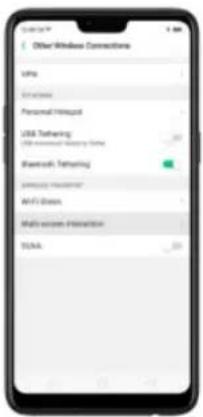
text_image
Other Wireless Connections USB Personal https USB Gathering USB network https http:// Bluetooth Gathering Samsung Management ARPU Data Multi screen Interaction TSLA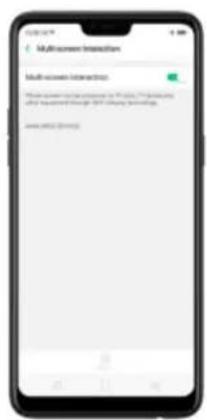
text_image
Multi-screen Interaction Multi-screen interaction The software version contains a 10.0% (10.0%) configuration after transition change: 30% (30% configuration). www.662-201932Stream to TV
- Connect your realme smartphone and TV to the same Wi-Fi network.
-
Select your TV name from the list and match it to your smartphone. You will see the shared screen on TV once it's connected successfully.
-
Click phone's notification, then click File Transfer.
- On the computer, click your phone name, click Internal shared storage, then you can copy phone files to the computer.
text_image
Transferring Photo to iOS http://www.95588
text_image
Google Playtime Video Price Game
text_image
Additional Settings Data & Time Keyboard & Input Method Video Call Effects Search Download Management User Guide Service DNS/SPY Print Service & Privacy SVM Audio Accessibility SPG Connection Back up and next9.2.3. Share from apps
In addition to sharing your information from the Files app, you can also share from many other apps on your realme smartphone.
Share from apps. In many apps, you can click Send or 📁 to choose how to
natural_image
Two penguins standing together, one adult and one child, displayed on a smartphone screen (no text or symbols visible)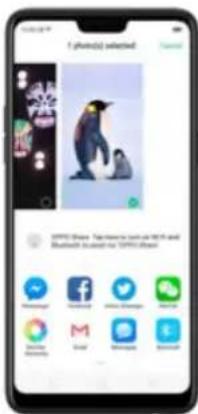
text_image
f (photo) selected Download ©PTC Show: Top-tiered search at iOS and Bluetooth based on ©PTC Show- Restart, update, back up, and restore
10.1. Restart the phone
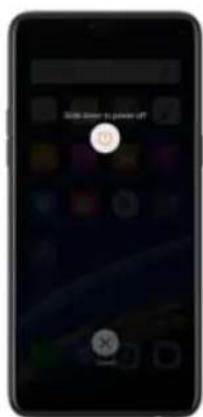
text_image
Please have to please get? OKForce restart realme phone. If the phone is not responding, press and hold the
Sleep/Wake and Volume Up buttons for at least 8 seconds until you see the realme logo.
- DO NOT root the phone yourself, for that might cause damage to your system, and the warranty service will be terminated immediately.
Update your realme phone wirelessly
- Connect to a working Wi-Fi or Mobile network. The system will automatically show new update, if any. You can see a notification on the "System updates" icon, otherwise it will show "It is already the latest version".
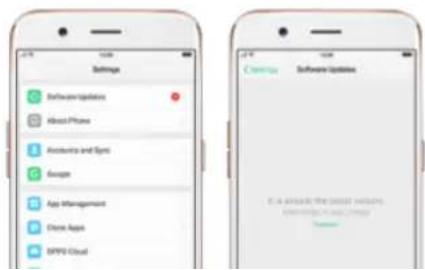
text_image
Settings Software Updates About Phone Accounts and Spt Google App Management Chrome Apps SPPG Cloud Currency Software Updates E.I.A. Inside the most website. www SPGCloud.com
text_image
Updating, please wait Don't understand the battery or do other operation? Estimated time remaining in 3 minutes • • • •10.3. Back up and restore the phone
10.3.1. Back up your phone
If you use your realme phone on a regular basis, having a reliable backup is
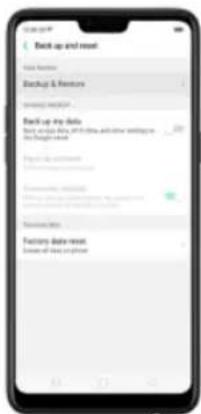
text_image
Back up and next Save Features Backup & Features Save your website Back up my data Buy any other key or other details and how waiting in the Design section Save up your website Browse your website Browse your website Browse the website Customs daily next Save all new sites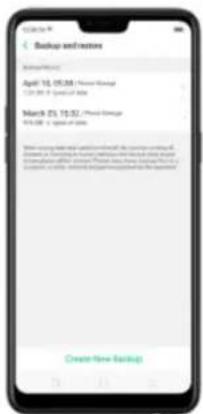
text_image
Backup and restore Backup/Backup April 10, 05:30 / Fresh Storage 12:30 - 8 Special Office March 23, 10:30 / Fresh Storage 9:30 - 1 Special Office When using the system to ensure that the current service will be required to be a file or a device without additional access, please call for your account. Please note that this is required to keep the user's attention to the service.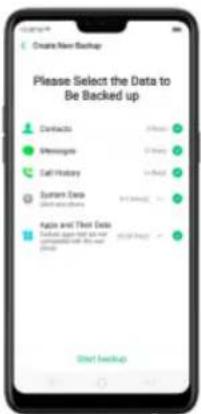
text_image
Create New Backup Please Select the Data to Be Backed up Contacts 3 PM Messages 2 PM Call History 1 PM System Data 0 PM Fax and Then Data Received from all or your received call by the user Short Back-upBack up to Google. Go to [Settings] > [Additional Settings] > [Back up and
reset() and turn on [Back up my data]. You can back up your app data, Wi-Fi data, and other settings to the Google server.
Connect your phone to a computer to create a backup on it. This is a common
way to back up all your data. Don't disconnect your phone during the copy
backup process.
View Back up your realme smartphone for more details.
10.3.2. Restore data on your phone
There are various methods to restore data on realme smartphone. Select the
corresponding restoration method according to the way you have made the
backup.
Restore your realme smartphone from Local backup
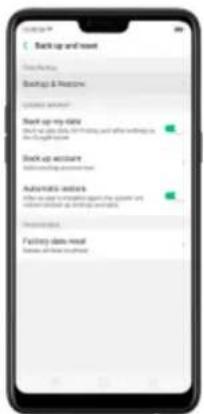
text_image
Back up and next Clear status Backup & New!? Options when? Back up my data Back up your data, but waiting, and after waiting in the following: Back up account Available your account Ready notes After you may not want to keep your own account or wait time. Ready notes Waiting your account Waiting your account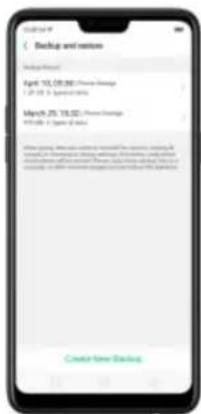
text_image
Backup and restore Backup Status April 10, 05:30: Chinese Savings 12 July 8, 2024 at 9:30 March 25, 19:30: Chinese Savings 9 July 7, 2024 at 9:30 Where being charged and removed by the security of China's banking system in China, it is not a financial institution for any other or less than 10 million dollars. The security will be required to provide a security or other information about the security of China. For example, there are no additional information on the security or other information. We have been sent to China.- Select data to be restored, including Contacts, Messages, Call history,
system data and Apps and their data. Then start the restoration.
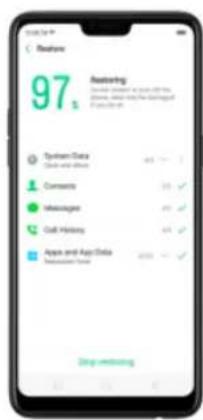
text_image
97 Featuring System Data Guides and Effects Commands Markages Call History App and App Data Recommended Data Stop unloading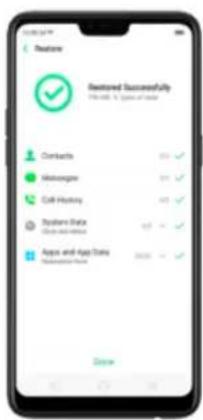
text_image
Recommended Successfully Help us 1 type of data Contacts Messages Call History System Data App and Apps Status Recommended Status* DO NOT turn off or restart your phone during the restoration process, otherwise data may be damaged or lost.
* After restoration has succeeded, you can delete data that are no longer needed.
Restore your realme smartphone data from third-party Apps
realme does not recommend you back up, transfer or restore data via third-party APPs, for they may be in conflict with realme system, leak personal information, or cause other safety problems.
10.3.3. Reset the phone
Resetting your realme phone will reset the phone back to its original factory
settings, and will permanently erase all your personal data. You can do
Factory data reset if your phone starts to lag or there's a delay in navigating,
has too much junk files and caches, or has issues with system or applications.
Before you do factory reset, back up all the needed data.
Reset your phone to factory settings
Go to [Settings] > [Additional settings] > [Back up and reset] > [Factory data
reset], choose an option available for factory data reset.
* Any reset option cannot be revoked once it is operated.
Reset System Settings
This option will reset all system settings without deleting any data or media files.
Erase All App Data and Deletable Apps
This option will delete all third-party apps and app data. But the data saved by the user will be kept such as photos, music, and videos.
Erase All Content and Settings
Through this option, all data of realme smartphone will be cleared including contents, settings, photos, and music. realme smartphone will reset to its inactivated initial state, which is the factory state.
Erase Contacts and Call Logs
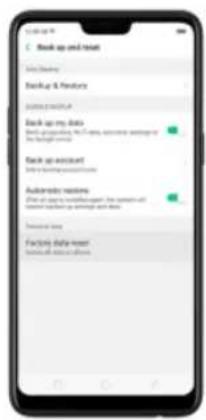
text_image
Back up and install Up Backup Backup & Features Up to 100% Up Back up my data Back up accounting, No. 74, available waiting or waiting time Back up account Autozone updates First of the next session after the session will be installed on account and data. Take down Facility daily update Take all other accounts.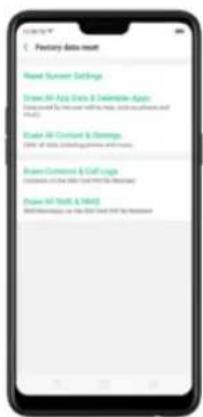
text_image
Factory Data Setup New! Current Settings Show All-App Data & Interactive Apps Data used by the user with the help, support software and APIs Show All-Content & Settings (10% of data, including data and tools) Show Content & Staff Usage Details in the 30% of data (data used) Show All-App Data & Settings BID Monitoring on the 30% Data (BID) by President11. Barrier-free
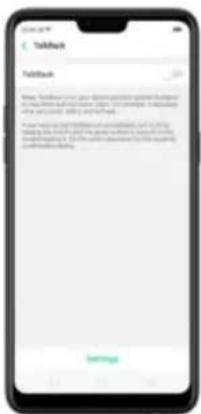
text_image
Toutlook Toutlook Note: The following person knows to be able to get the following: to account for all information. You can't have a copy of this document. Please note that you will not need to use any other information on your computer. You may have a copy of this document but do not want to use any other information on your computer. You may have a copy of this document but do not want to use any other information on your computer.
text_image
Zoom Text This service requires: Member your operations. Retrieve software content. Turn an Explore by Teach Observe text you type Control display meaningfulness Frequent format
text_image
TalkBack tutorial TalkBack is a custom user with 6 key people with minutes on the phone. It is also to be used in the time and format of talkback. Lesson 1: Basic navigation Starting from social network Learn: Practice Lesson 2: Scrolling Starting from social network Learn: Practice Lesson 3: TalkBack menus Create TalkBack menu, local TalkBack menu, Learn: PracticeWhen TalkBack is on:
Your device provides spoken feedback to help blind and low-vision users. For example, it describes what you touch, select, and activate.
• To select an option: Click the option to show the green border, then
text_image
Google 8Turn Talkback off. Go to [Settings] > [Additional Settings] > [Accessibility] >
[TalkBack], switch the slider to white, then click Off.
11.2. Magnification Gestures
Magnification gestures work similarly to the full screen magnifiers, which allows users to zoom in and pan the whole screen to get a closer look at screen content.
Enable magnification gestures. Go to [Settings] > [Additional Settings] > [Accessibility] and enable [Magnification Gestures].

text_image
Accessibility Accessibility Quick Operations Select Messages. Select to Speech Textback Text to Speech Output Testing Magnification Strategies Lamp Audio & Shorter
text_image
Magnification Gesture Magnification Features Currently jump up over Monday to "Standby & end out" • Drop off from above Magnification through • Make the project that is, or more important to adjust your own time To strengthen, support, or allow quickly to jump up attention, Kicking down on this page. • Drop off target to action around the session • Use your target to construct a meeting. You can't complete the back-to-back of government day.- Quickly triple-tap the screen to zoom in and out. The triple-tapping does not work
text_image
Google 5
text_image
Zoxtro in Gobbasi Zoxtro in Gobbasi is on. You can look off Look on or ignore this reading. ✓ Yes and No Zoxtro in Gobbasi Yes No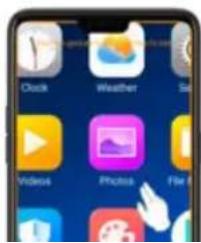
text_image
Clock Weather Video Photos Fire
text_image
New Met Recipient u Sienna Yuunw• Quickly triple-tap to exit.
11.3. Press Power Button to End Call
- In addition to end calls by clicking 😊, you can make the Power button do this function.
- End Calls with the Power button. Go to [Settings] > [Additional Settings] > [Accessibility] and turn on [Press Power Button to End Call]. Then you can end calls by clicking Decline or pressing the Power button.
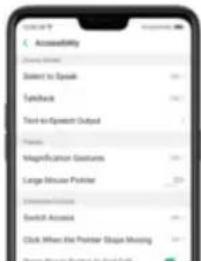
text_image
Accessibility Select to Speak Text-to-Speech Output Primary Magnification Features Large Mouse Pointer Unknown Switch Access Click When the Pointer Shape Missing

©

©
©
©

©

©
©
©
©