
iRig HD 2 - Hi-Fi IK Multimedia - Free user manual and instructions
Find the device manual for free iRig HD 2 IK Multimedia in PDF.


| Type de produit | Guitar interface / Audio interface |
| Marque | IK Multimedia |
| Modèle | iRig HD 2 |
| Dimensions (approx.) | 2.6 x 1.8 x 0.9 in (66 x 46 x 23 mm) |
| Poids | 0.16 lb (74 g) |
| Alimentation | USB bus-powered (5V, 100mA) |
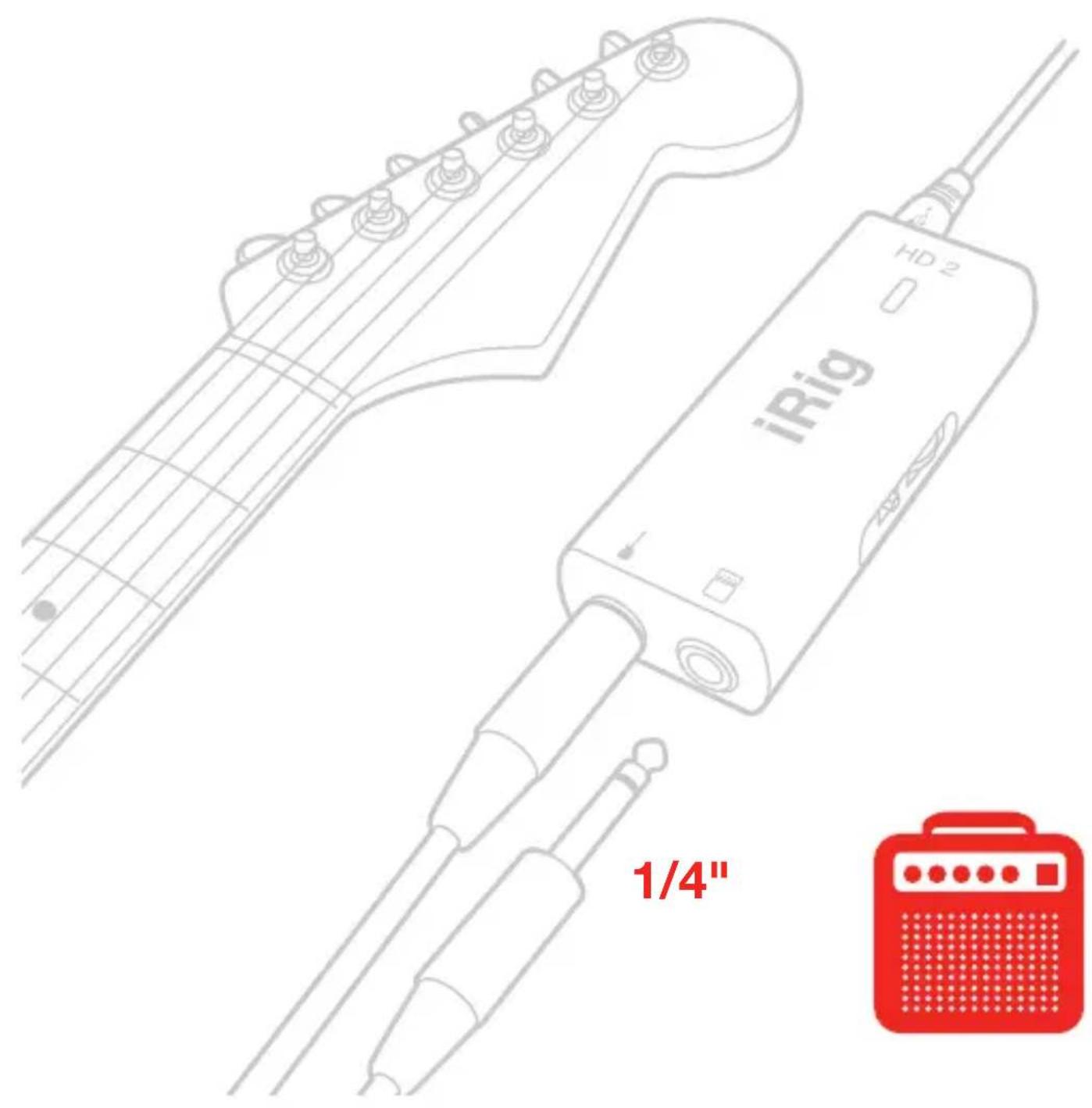
| Entrée instrument | 1/4" TS (unbalanced) |
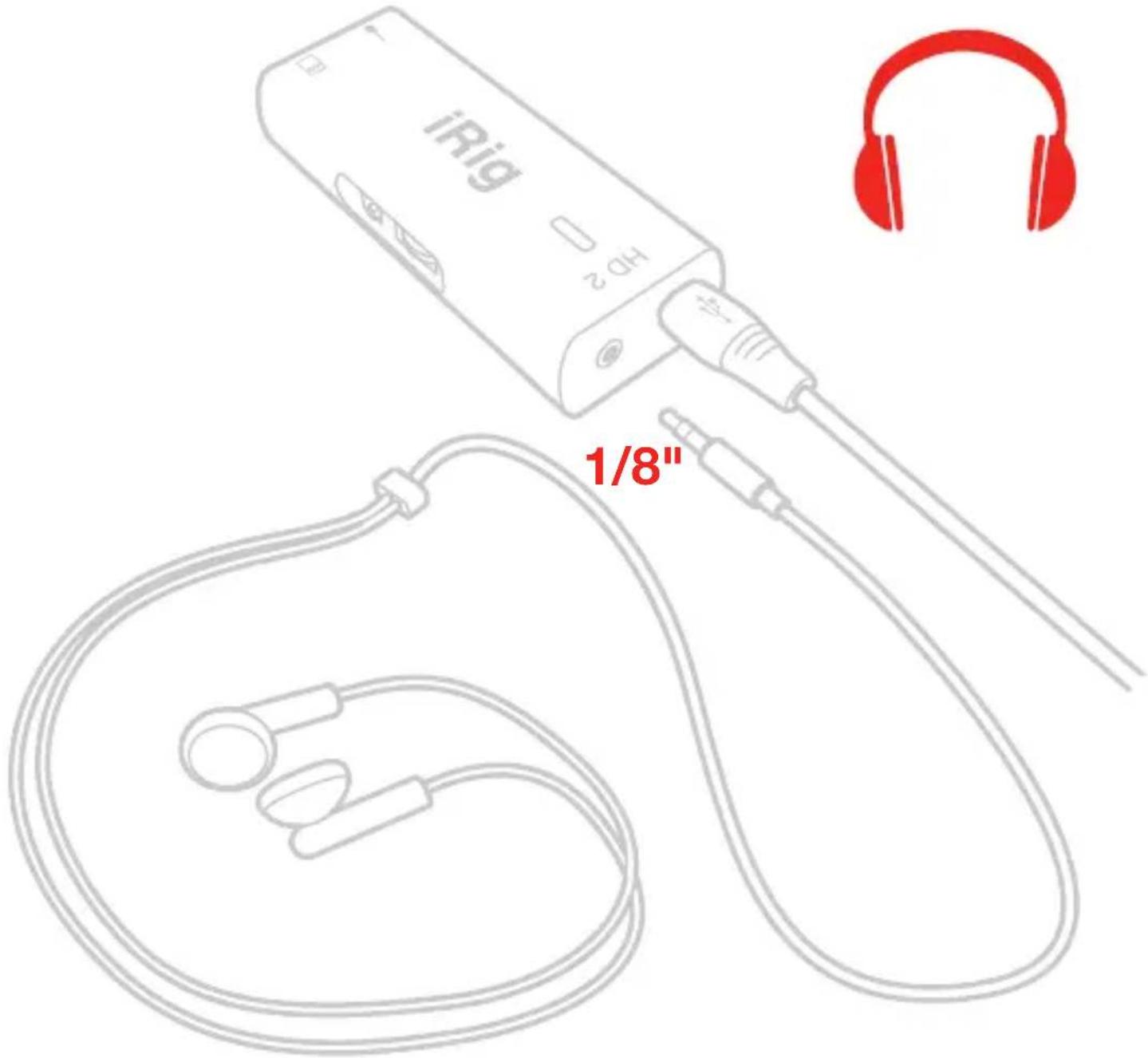
| Sortie casque | 1/8" stereo TRS |
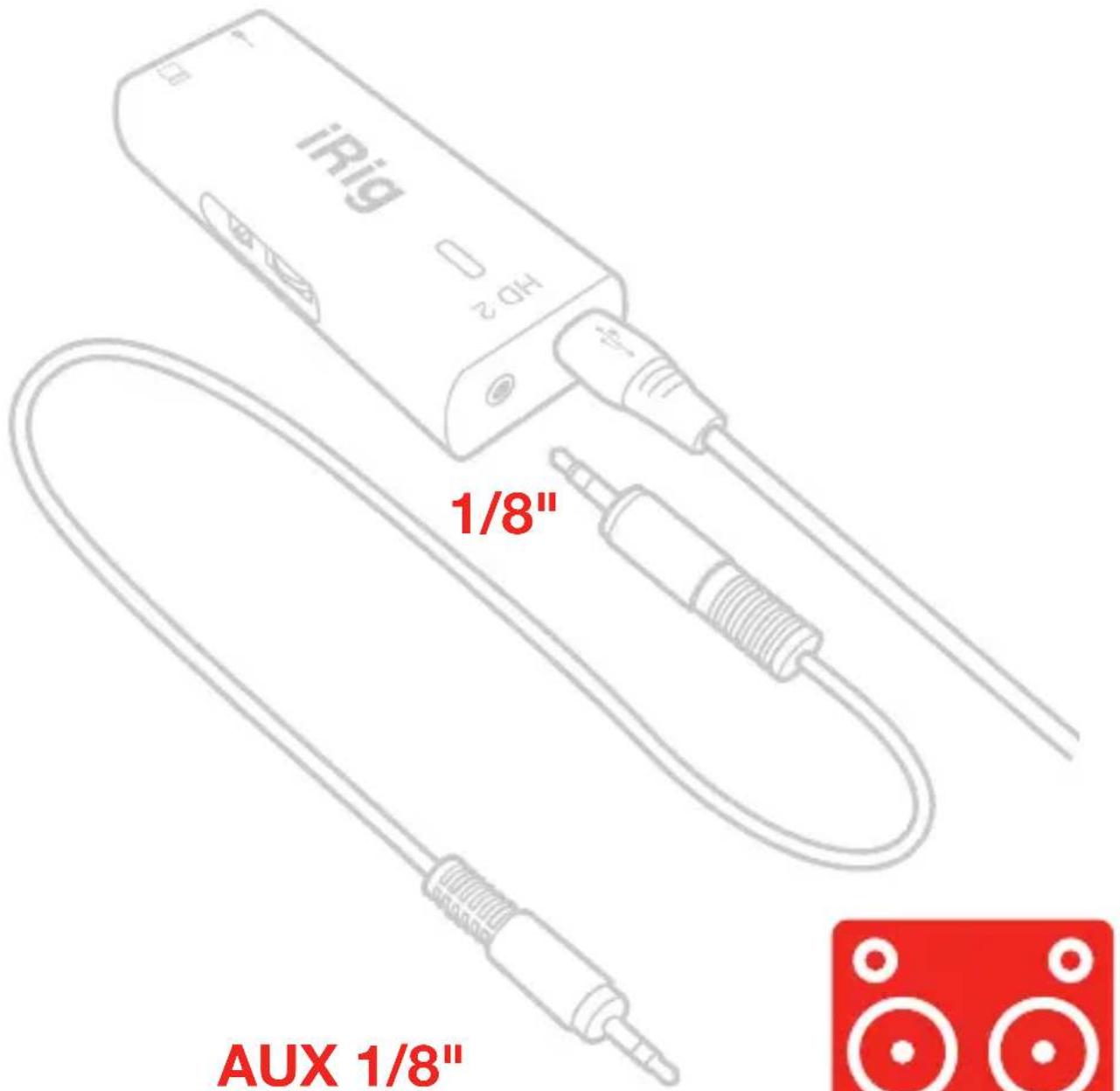
| Sortie auxiliaire | 1/8" stereo (shared with headphone) |
| Conversion audio | 24-bit, 44.1/48 kHz sampling rate |
| Connectique | Micro USB for power/data |
| Contrôles | Gain knob, THRU/FX switch, Volume knob |
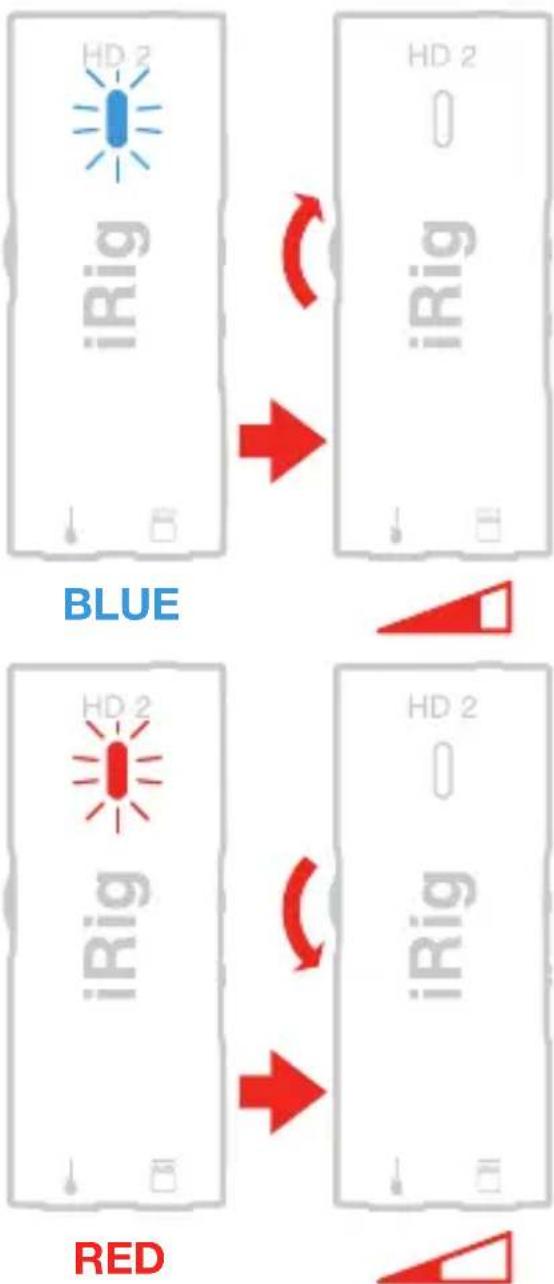
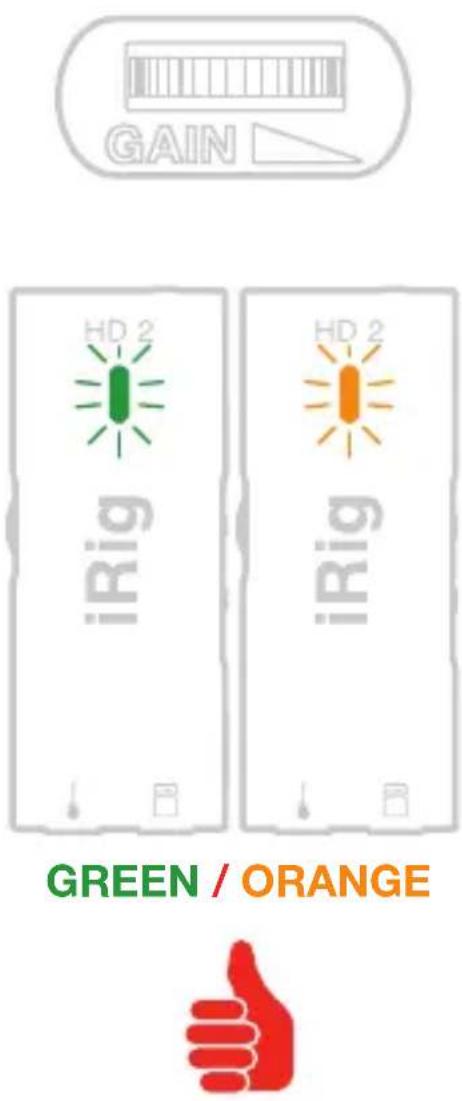
| Indicateur LED | Green (signal present), Orange (clip) |
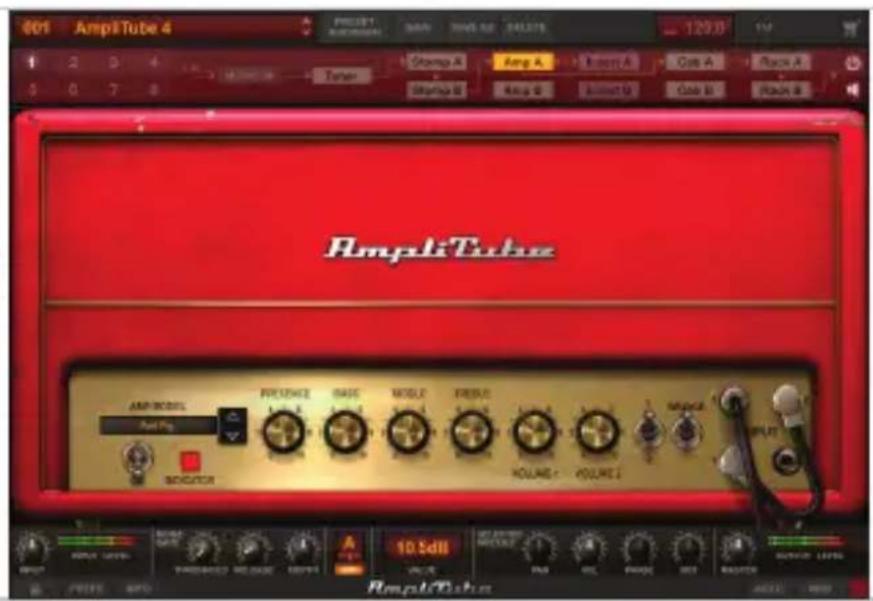
| Logiciel inclus | AmpliTube (free version) |
| Compatibilité | iOS, Android, PC, Mac |
| Type d'usage | Studio, stage, practice |
| Entretien | Clean with dry cloth; avoid moisture |
| Pièces détachées et réparabilité | No user-serviceable parts; contact support for repair |
Frequently Asked Questions - iRig HD 2 IK Multimedia
User questions about iRig HD 2 IK Multimedia
0 question about this device. Answer the ones you know or ask your own.
Ask a new question about this device
Download the instructions for your Hi-Fi in PDF format for free! Find your manual iRig HD 2 - IK Multimedia and take your electronic device back in hand. On this page are published all the documents necessary for the use of your device. iRig HD 2 by IK Multimedia.
USER MANUAL iRig HD 2 IK Multimedia
Made in Italy
For the complete user manual, visit:
ikmanual.com/irighd2
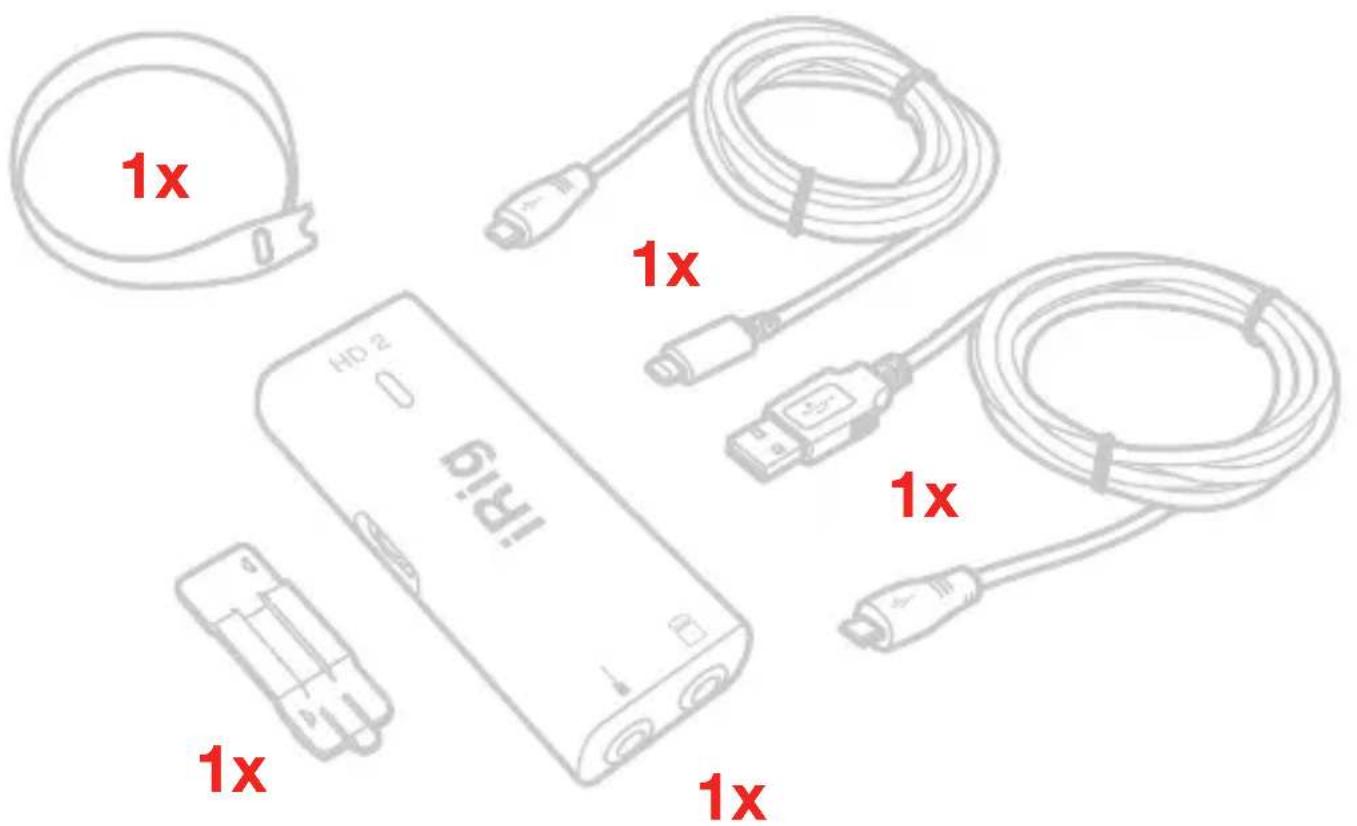
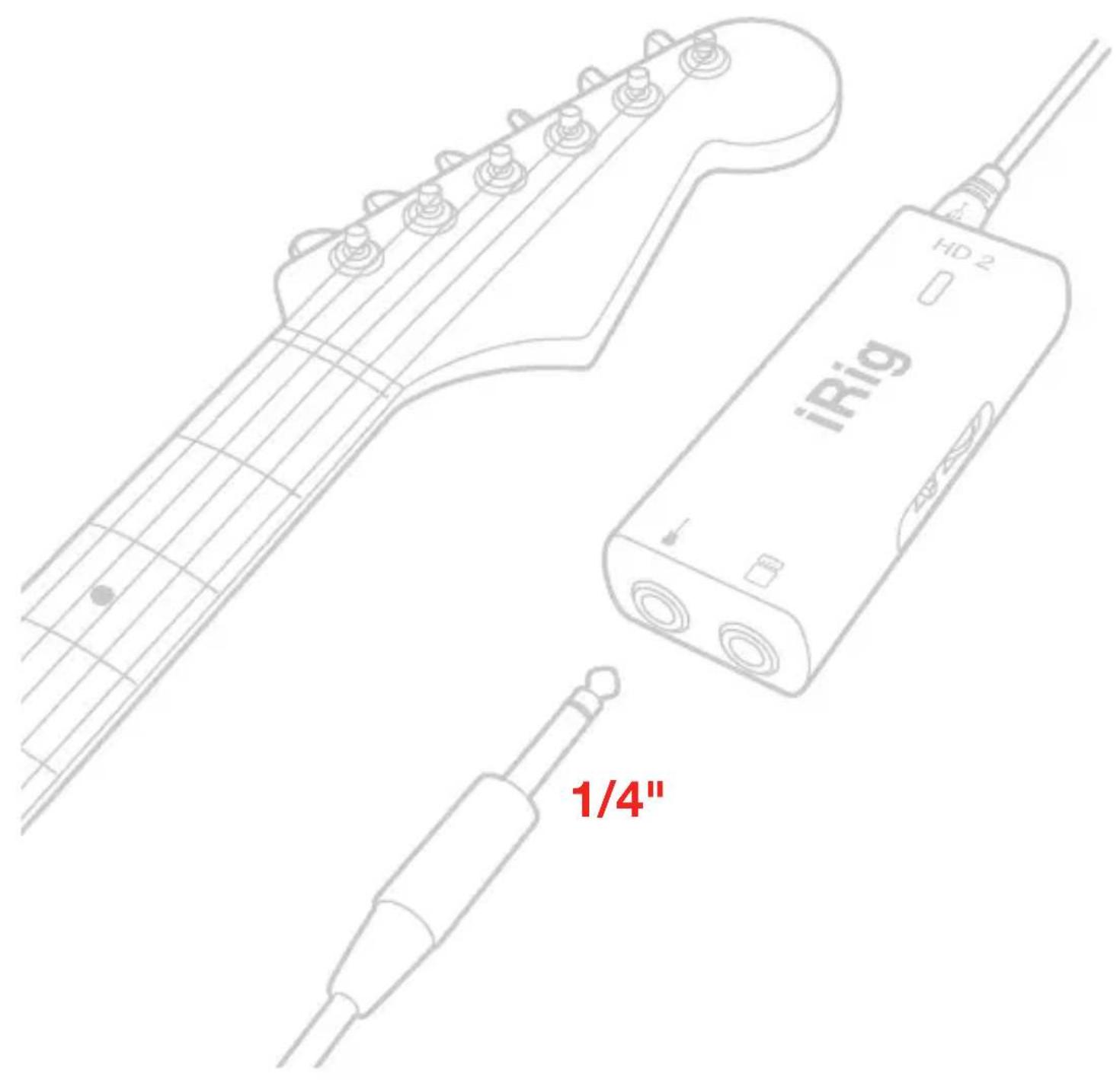
1/4"
flowchart
graph TD
    A["HD 2"] --> B["iRig"]
    B --> C["HD 2"]
    C --> D["iRig"]
    D --> E["HD 2"]
    E --> F["iRig"]
    F --> G["HD 2"]
    style A fill:#f9f,stroke:#333
    style B fill:#ccf,stroke:#333
    style C fill:#cfc,stroke:#333
    style D fill:#fcc,stroke:#333
    style E fill:#cff,stroke:#333
    style F fill:#ffc,stroke:#333
    style G fill:#fcf,stroke:#333

natural_image
Red square icon with white speaker-like shapes (no text or symbols)
RCA


natural_image
Red background with four white vertical tick marks, no text or symbols present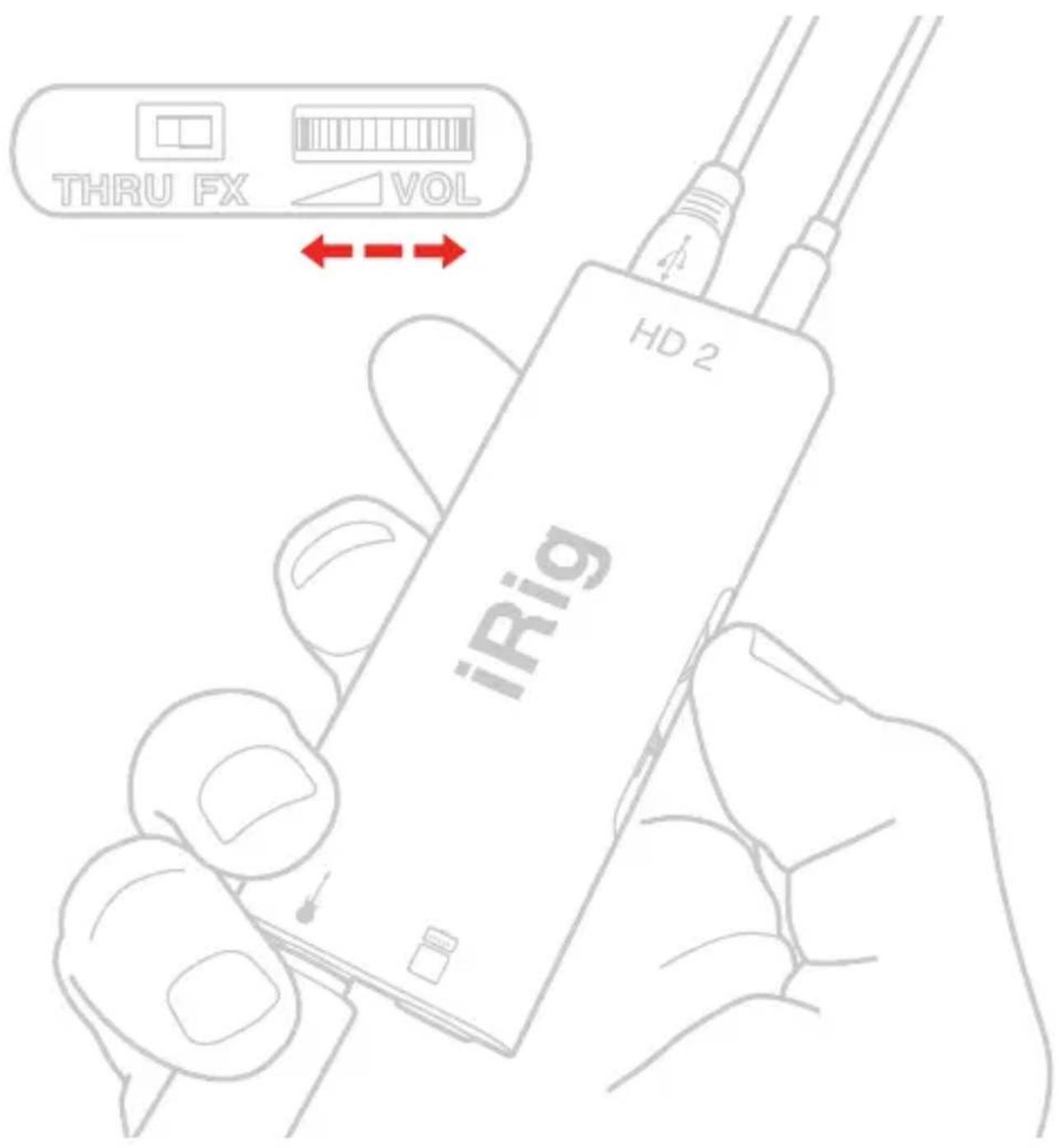
1/4"
natural_image
Red icon of a portable radio with buttons and grille (no text or symbols)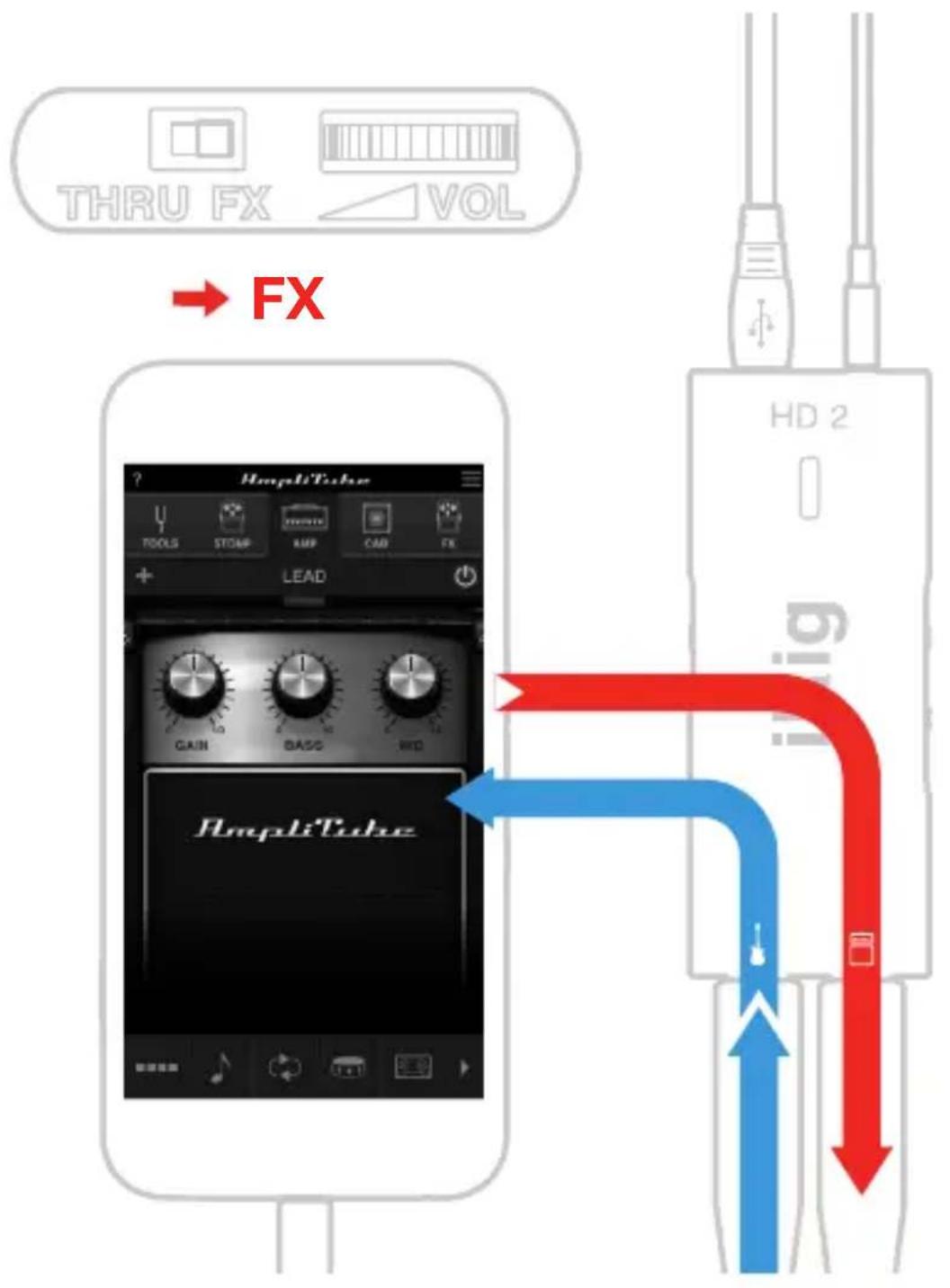
flowchart
graph TD
    A["THRU FX"] --> B["VOL"]
    C["HD 2"] --> D["AmpliTube"]
    D --> E["Blue Signal"]
    D --> F["Red Signal"]
    style A fill:#f9f,stroke:#333
    style C fill:#ccf,stroke:#333
    style D fill:#cfc,stroke:#333
    style E fill:#fcc,stroke:#333
    style F fill:#cff,stroke:#333
flowchart
graph TD
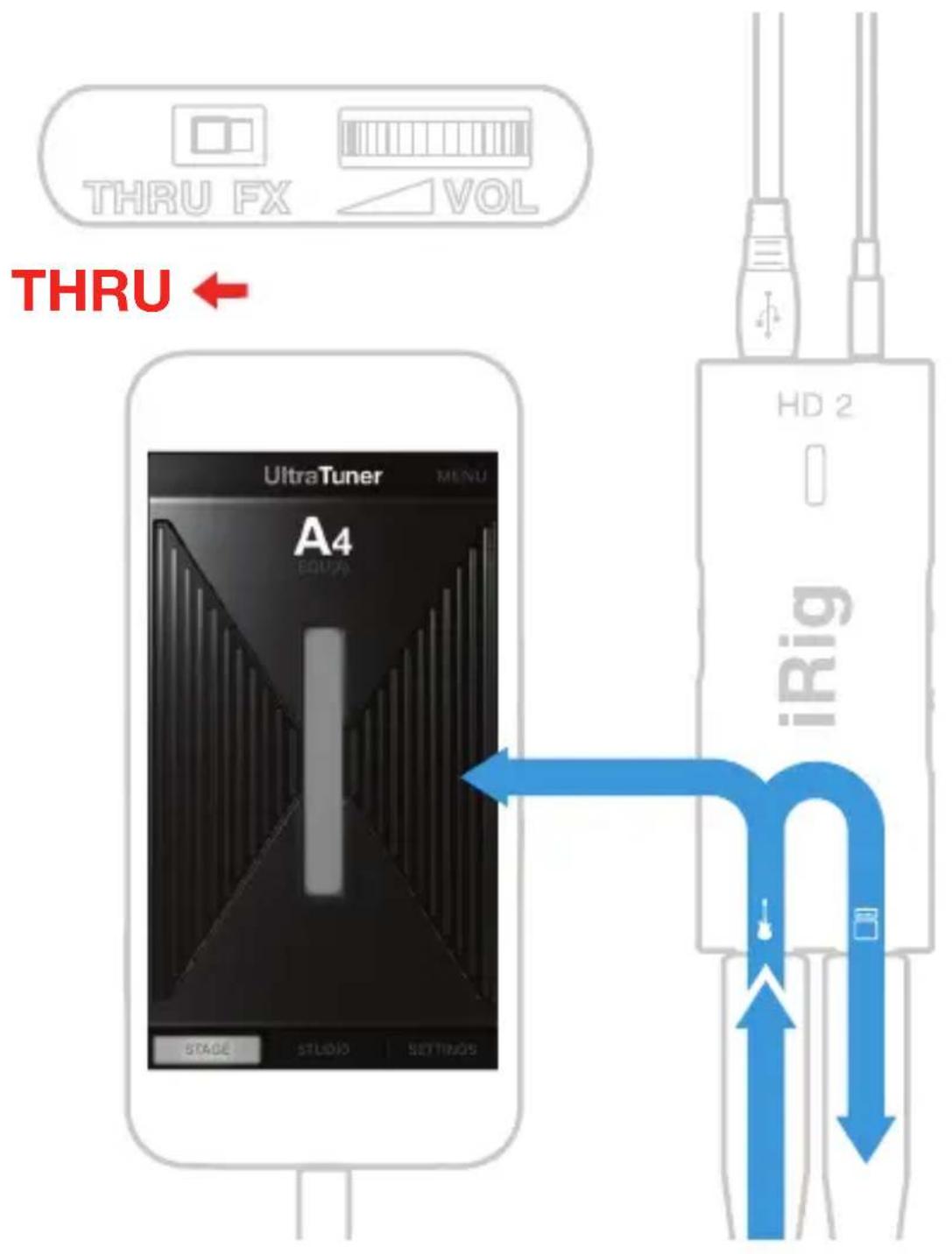
    A["THRU"] --> B["UltraTuner MENU"]
    B --> C["A4 EQUA"]
    C --> D["HD 2"]
    D --> E["iRig"]
    E --> F["Stage"]
    E --> G["STUDIO"]
    E --> H["SETTINGS"]
natural_image
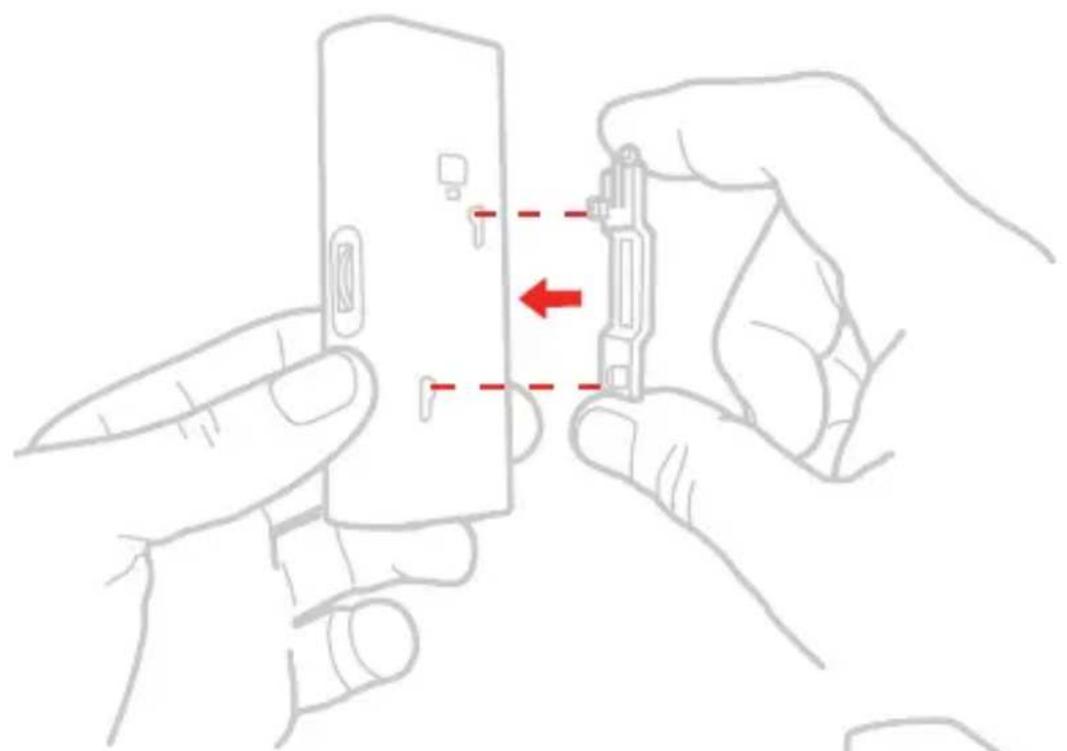
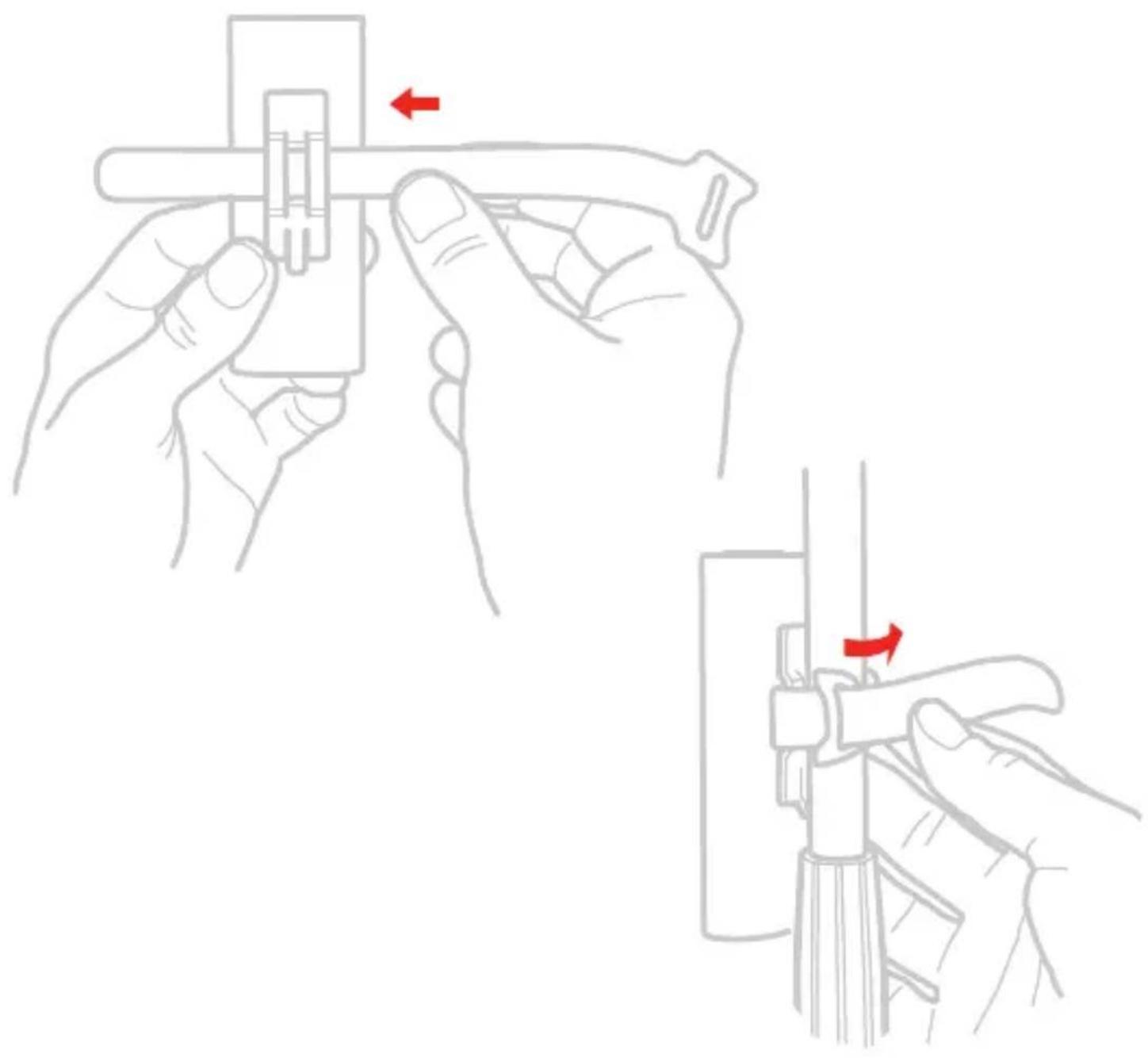
Line drawing of hands installing or adjusting a device component with a red arrow indicating the process (no text or symbols present)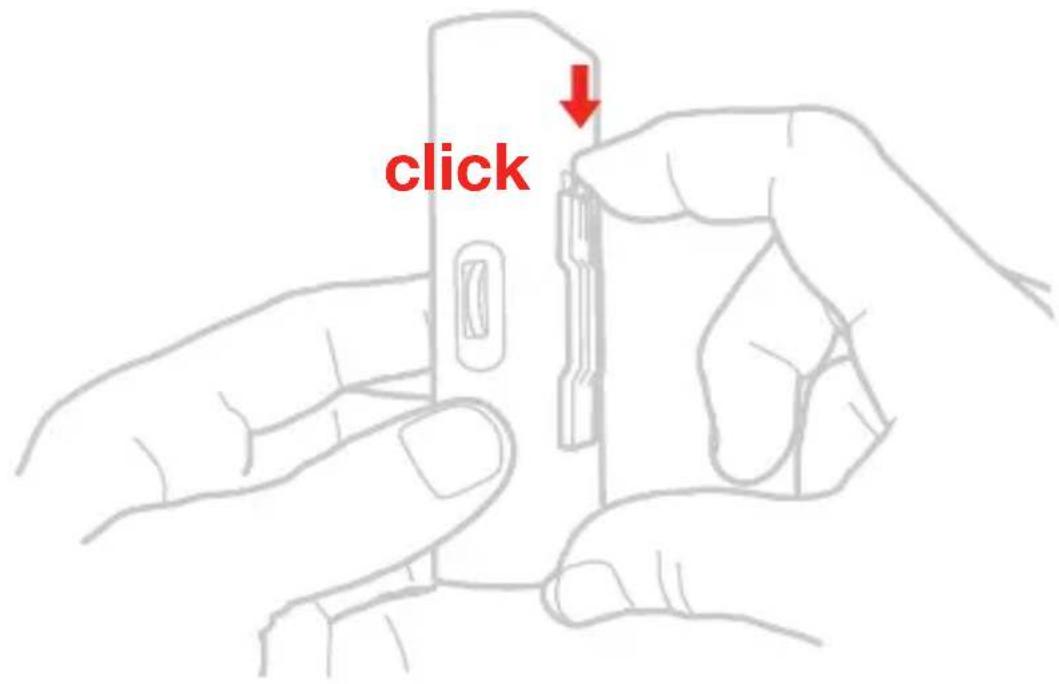
natural_image
Illustration of two hands performing a manual tool manipulation task, showing step-by-step states (no text or symbols present)
FCC statement
This device complies with Part 15.107 and 15.109 Class B of the FCC Rules CFR47: October 2010.
Operation is subject to the following two conditions:
- This device may not cause harmful interference.
- This device must accept any interference received, including interference that may cause undesired operation.
Changes or modifications not expressly approved by the party responsible for compliance could void the user's authority to operate the equipment.
For warranty information, please visit:

ikmultimedia.com/warranty ikmultimedia.com/support
IK Multimedia. Musicians First.


Brand : IK Multimedia
Model : iRig HD 2
Category : Hi-Fi