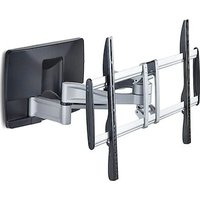
100AP1-TV-WALL-MOUNT - Wall mount StarTech.com - Free user manual and instructions
Find the device manual for free 100AP1-TV-WALL-MOUNT StarTech.com in PDF.


| Product Type | Wall mount for flat screen |
| Brand | StarTech.com |
| Model | 100AP1-TV-WALL-MOUNT |
| Maximum load capacity | 85 kg |
| Compatible wall materials | Wood, concrete, cinder blocks |
| Usage | Indoor only |
| Number of people required for installation | 2 persons |
| Screen attachment | Appropriate screws (do not overtighten) |
| Installation precautions | Check infrastructures before drilling, cut off power supply |
| Risks | Finger pinching, cables stuck |
| Maintenance | Clean with a soft, dry cloth |
| Repairability | Spare parts not provided, contact manufacturer |
| Warranty | Consult StarTech.com |
| Approvals | Not specified |
Frequently Asked Questions - 100AP1-TV-WALL-MOUNT StarTech.com
User questions about 100AP1-TV-WALL-MOUNT StarTech.com
0 question about this device. Answer the ones you know or ask your own.
Ask a new question about this device
Download the instructions for your Wall mount in PDF format for free! Find your manual 100AP1-TV-WALL-MOUNT - StarTech.com and take your electronic device back in hand. On this page are published all the documents necessary for the use of your device. 100AP1-TV-WALL-MOUNT by StarTech.com.
USER MANUAL 100AP1-TV-WALL-MOUNT StarTech.com
Articulated TV Wall Mount up to 100-inch and 187.4lb (85kg)
Product ID
100AP1-TV-WALL-MOUNT
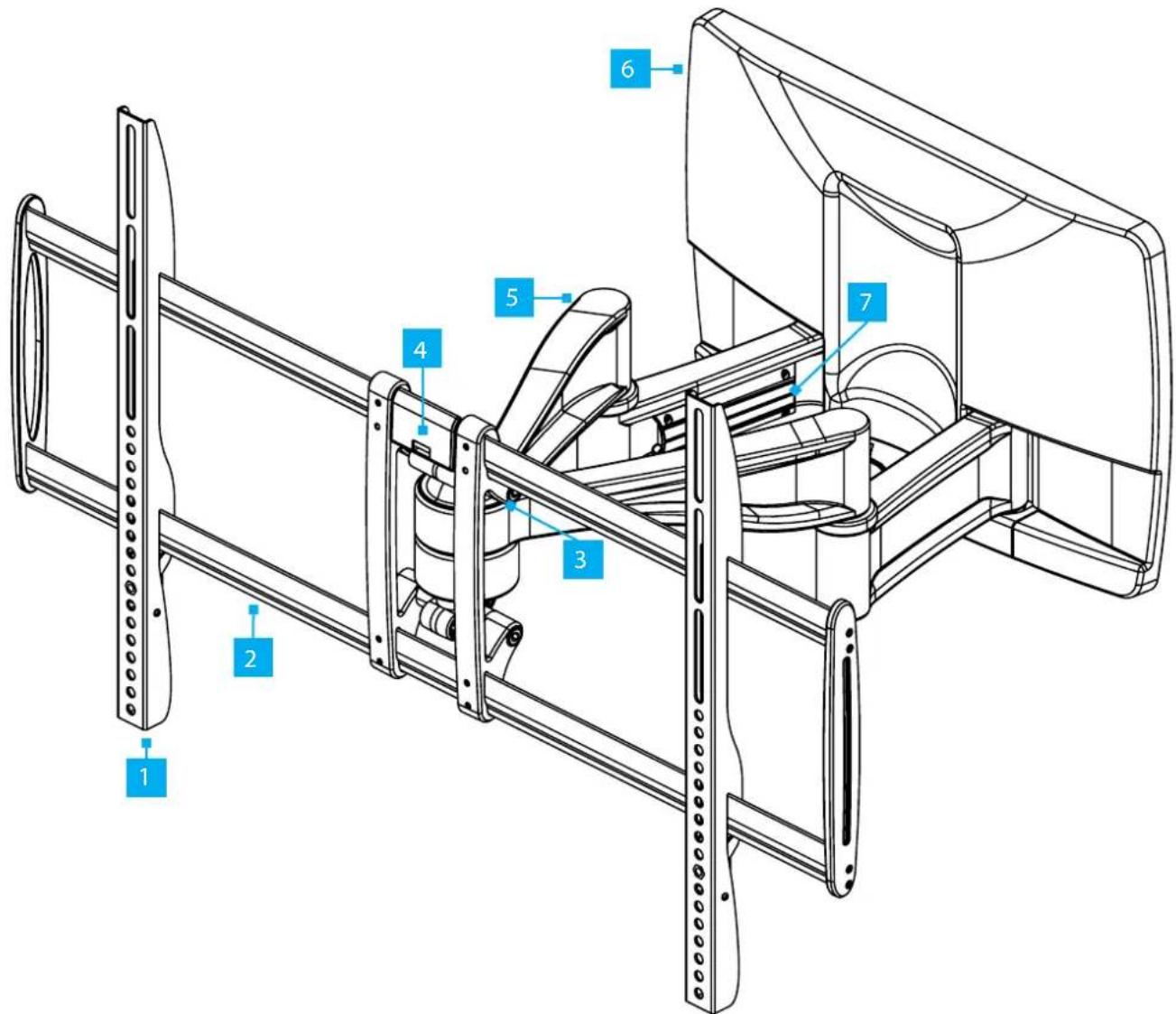
*Product may vary from image
| 1 VESA Vertical Brackets |
| 2 Mounting Rails |
| 3 Tilt Adjustment Screws |
| 4 Spirit Level |
| 5 Articulating Arms |
| 6 Wall Bracket Decorative Cover |
| 7 Cable Management Cover |
Product Dimensions
Front View
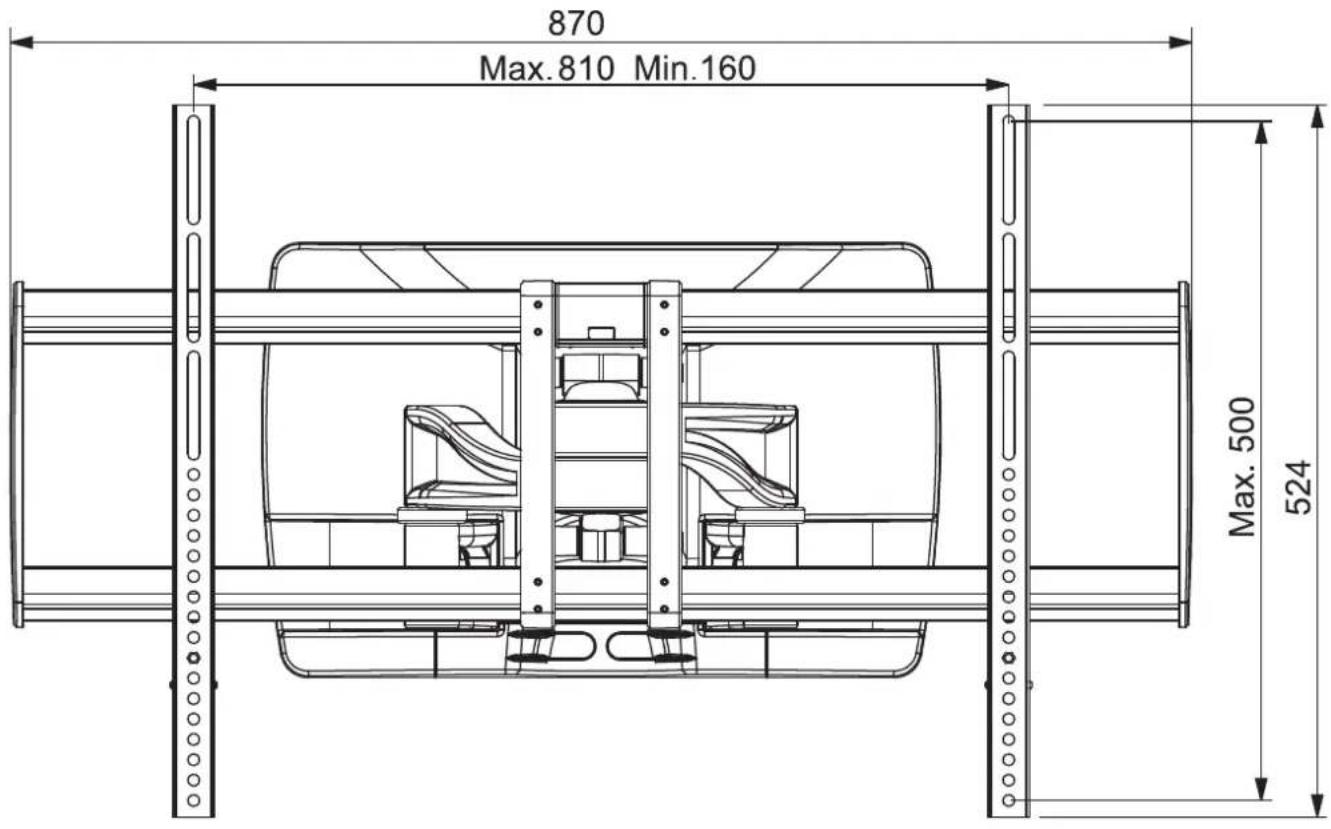
Side View Collapsed Side View Extended
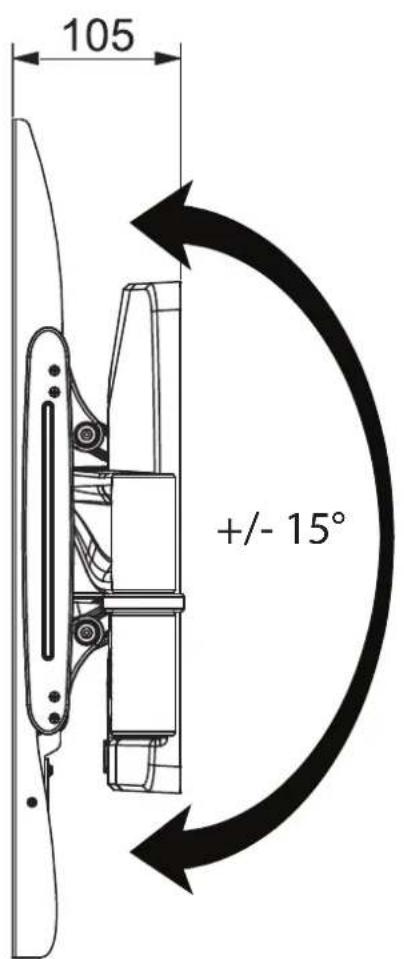
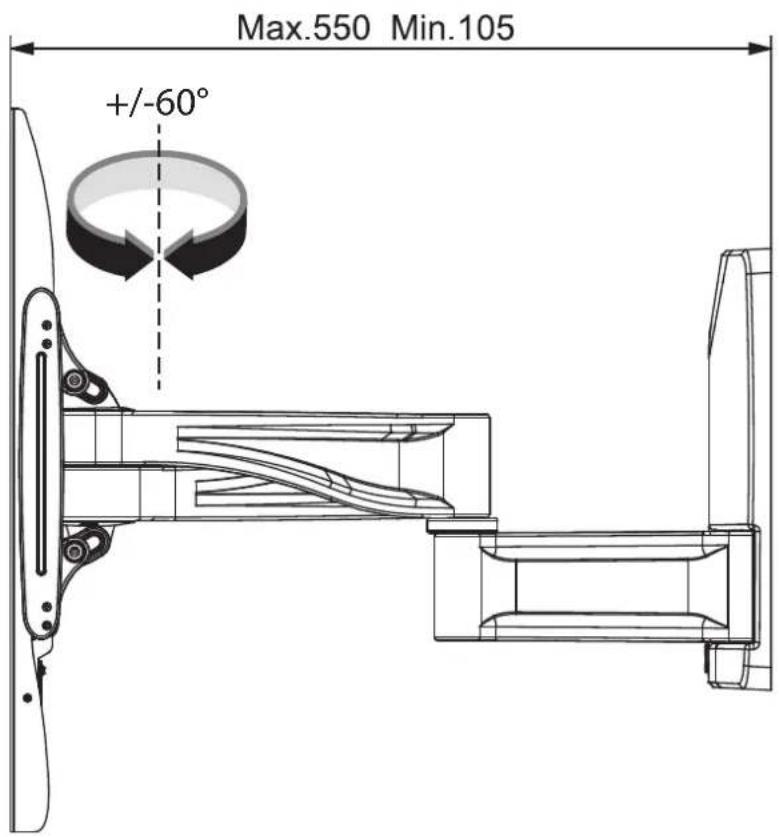
*Dimensions in mm
Package Contents
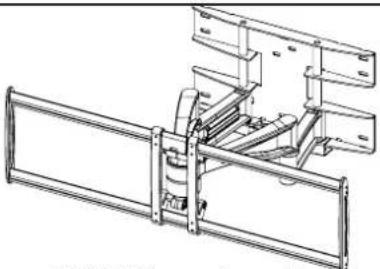 TV Wall Mount Assembly (Å)Quantity: 1 TV Wall Mount Assembly (Å)Quantity: 1 |  VESA Vertical Bracket (B)Quantity: 2 VESA Vertical Bracket (B)Quantity: 2 | 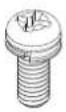 Vertical Mounting Bracket Screws (C)Quantity: 2 Vertical Mounting Bracket Screws (C)Quantity: 2 | ||
 Wall Plate Cover (D)Quantity: 1 Wall Plate Cover (D)Quantity: 1 | 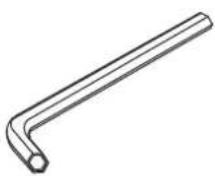 6mm Hex Key (E)Quantity: 1 6mm Hex Key (E)Quantity: 1 | 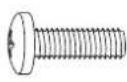 M4x12mm Screws (F)Quantity: 4 M4x12mm Screws (F)Quantity: 4 | 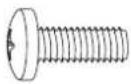 M4x18mm Screws (G)Quantity: 4 M4x18mm Screws (G)Quantity: 4 | |
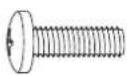 M5x12mm Screws (H)Quantity: 4 M5x12mm Screws (H)Quantity: 4 | 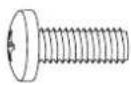 M6x12mm Screws (I)Quantity: 4 M6x12mm Screws (I)Quantity: 4 | 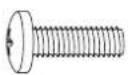 M6x18mm Screws (J)Quantity: 4 M6x18mm Screws (J)Quantity: 4 | 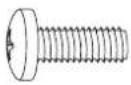 M8x12mm Screws (K)Quantity: 4 M8x12mm Screws (K)Quantity: 4 | 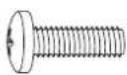 M8x18mm Screws (L)Quantity: 4 M8x18mm Screws (L)Quantity: 4 |
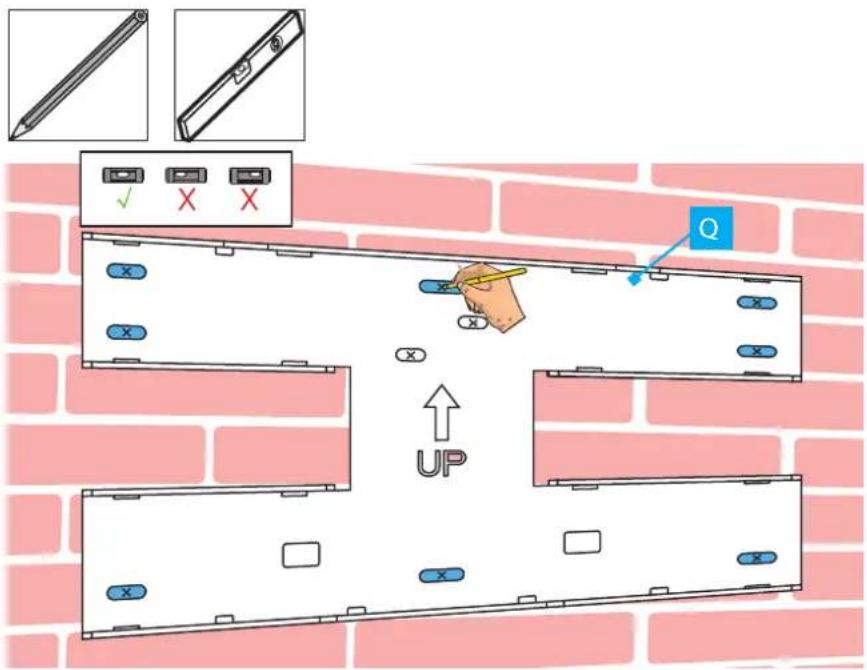
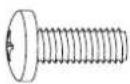 M8x25mm Screws (M)Quantity: 4 M8x25mm Screws (M)Quantity: 4 | 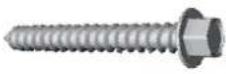 Wall Mounting Screws (N)Quantity: 8 Wall Mounting Screws (N)Quantity: 8 | 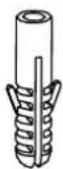 Concrete Anchors (O)Quantity: 8 Concrete Anchors (O)Quantity: 8 |  Washers (P)Quantity: 4 Washers (P)Quantity: 4 | 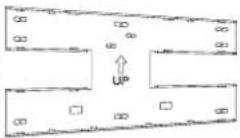 Wall Mounting Template (Q)Quantity: 1 Wall Mounting Template (Q)Quantity: 1 |
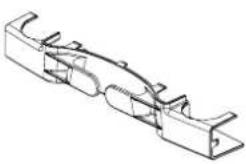 Wall Cable Manager (R)Quantity: 1 Wall Cable Manager (R)Quantity: 1 |  User Manual Quantity: 1 User Manual Quantity: 1 | |||
Requirements
For the latest manuals, product information, technical specifications, and declarations of conformance, please visit: www.StarTech.com/100AP1-TV-WALL-MOUNT
TV
• Maximum weight of 187.4lb (85kg)
- Compatible VESA mounting hole patterns: 200x200, 200x300, 200x400, 300x200, 300x300, 400x200, 400x300, 400x400, 500x300, 600x300, 600x400, 800x400, and 800x500
- Display size up to 100"
- Compatible VESA mounting hole pattern
Tools
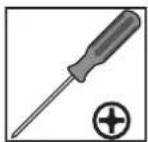
• Phillips head screwdriver
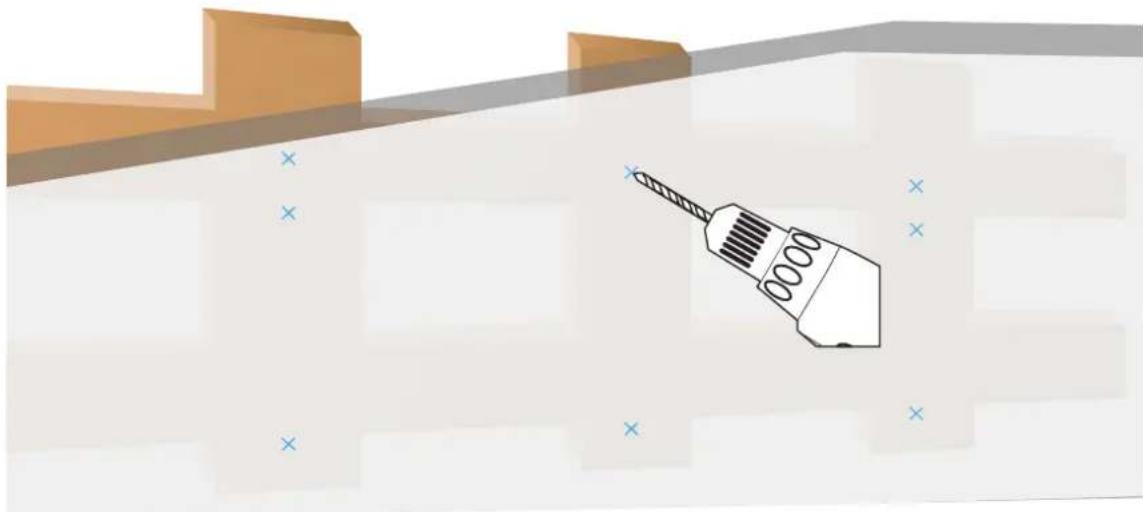
- Stud finder. For stud wall installations
- Spirit level
- Pencil
- Hammer. For concrete wall installations
- Power drill
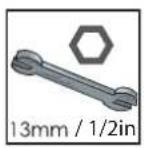
• 1/2in (13mm) wrench
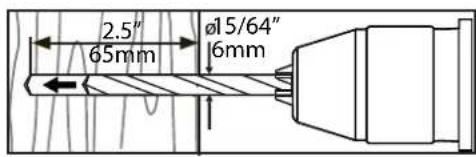
- 15/64in (\~6mm) wood drill bit. Minimum 2.5in (65mm) long
- A 15/32in (\~12mm) concrete drill bit. Minimum 2.5in (65mm) long
Warnings
- StarTech.com Ltd. is not responsible for any property damage and/or personal injury resulting from the installation procedures outlined in this technical document.
- Read the entire manual and ensure the instructions are fully understood before assembling and/or using this product. Failure to do so might result in personal injury or property damage.
- Prior to drilling holes into any surface, ensure the power has been shut off and determine the location(s) of all potential mechanical, electrical, and/or plumbing infrastructure.
- The mounting instructions and/or hardware included with this product may not be suitable for the specific wall structure used. If you lack the necessary expertise required to attach this product to the wall structure or to assess the suitability of the hardware provided, please contact a professional installer.
- This product is designed to be installed on a wooden studded, solid concrete, or cinder block wall. The wall structure should be capable of supporting at least four times the weight of the mounted equipment.
- Do not exceed the weight capacity of this product. Overloading this product might result in personal injury or property damage.
• The weight capacity of the TV Mount: 187.4lb (85kg). - Never operate this product if parts are missing or damaged.
- Do not over-tighten the display screws. If resistance is encountered, stop tightening. Failure to do so, could result in damage to the display.
- Do not allow children to climb on this product or to use this product without proper supervision.
- This product is intended for indoor use only and should not be used outdoors.
- Assembling this product is a two-person task. Do not attempt to assemble this product and install equipment without assistance.
- Before adding equipment to this product, ensure the product has been properly assembled, and that the product can support the weight of the added equipment.
- Make sure all of the equipment has been properly secured before adjusting this product.
- Do not allow any part of your component cables to get caught between moveable parts, as it could result in equipment damage.
- Caution! To reduce the risk of pinched cables, make sure that you read and follow the instructions on how to route your cables properly.
- Pinch hazards! Keep hands and fingers away from any pinch points created by the mechanical components when adjusting the display. Failure to do so may result in serious personal injury.
Waarschuwingen
A3
natural_image
Illustration of a screwdriver with a magnified view of its tip, set against a textured background (no text or symbols)Concrete/Brick Wall (B)
B1
B2
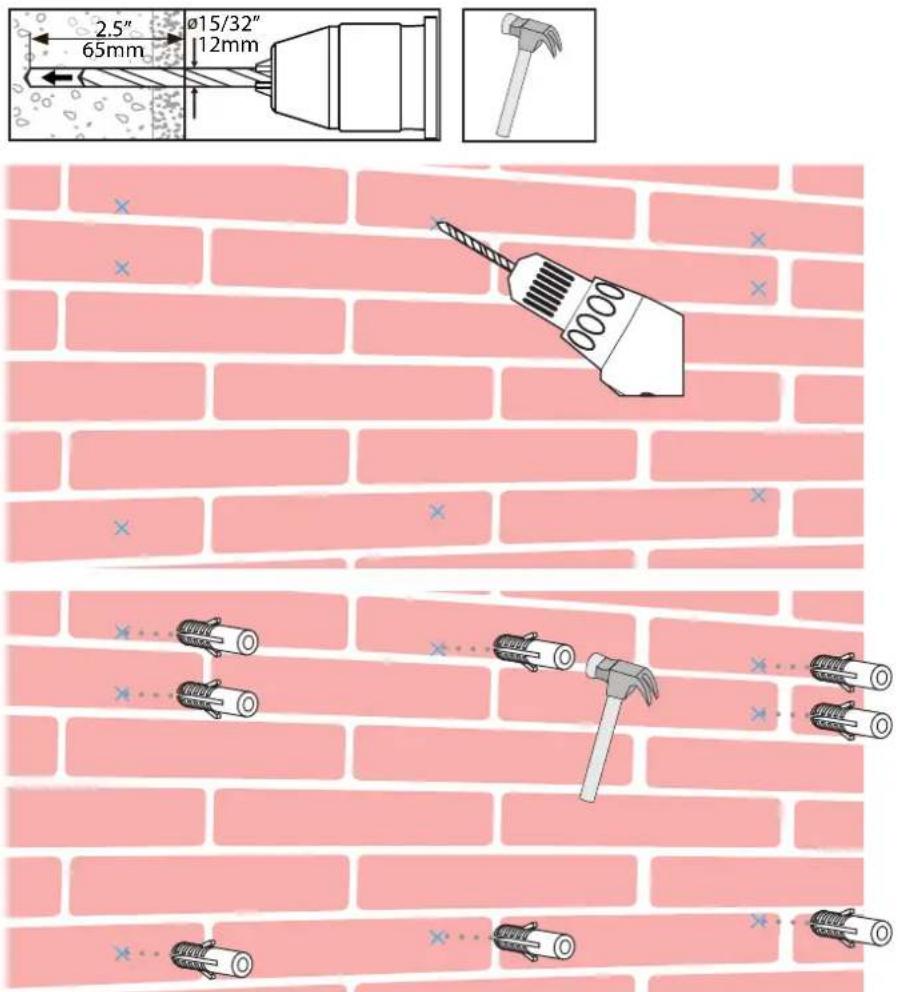
Installation
1
natural_image
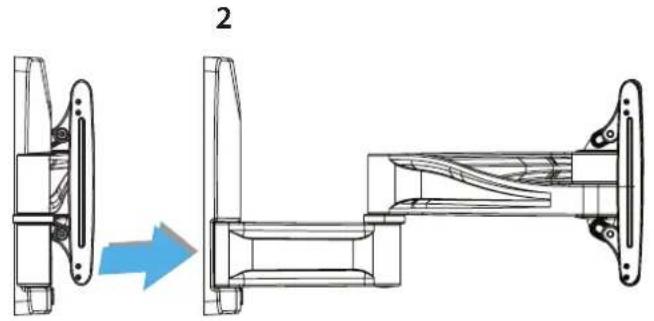
Technical line drawing of a mechanical assembly showing a side view and a side view with a blue arrow indicating direction (no text or symbols present)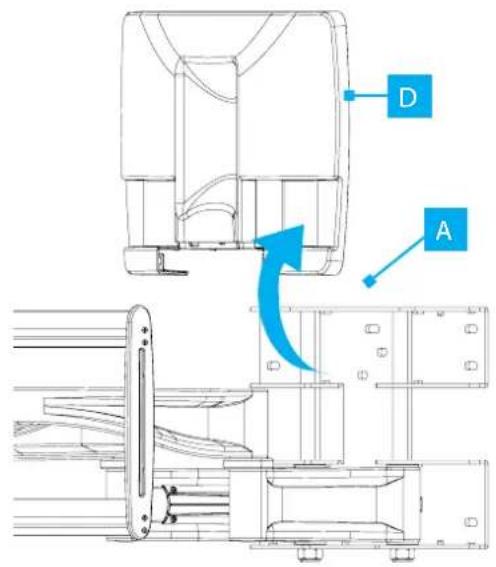
3
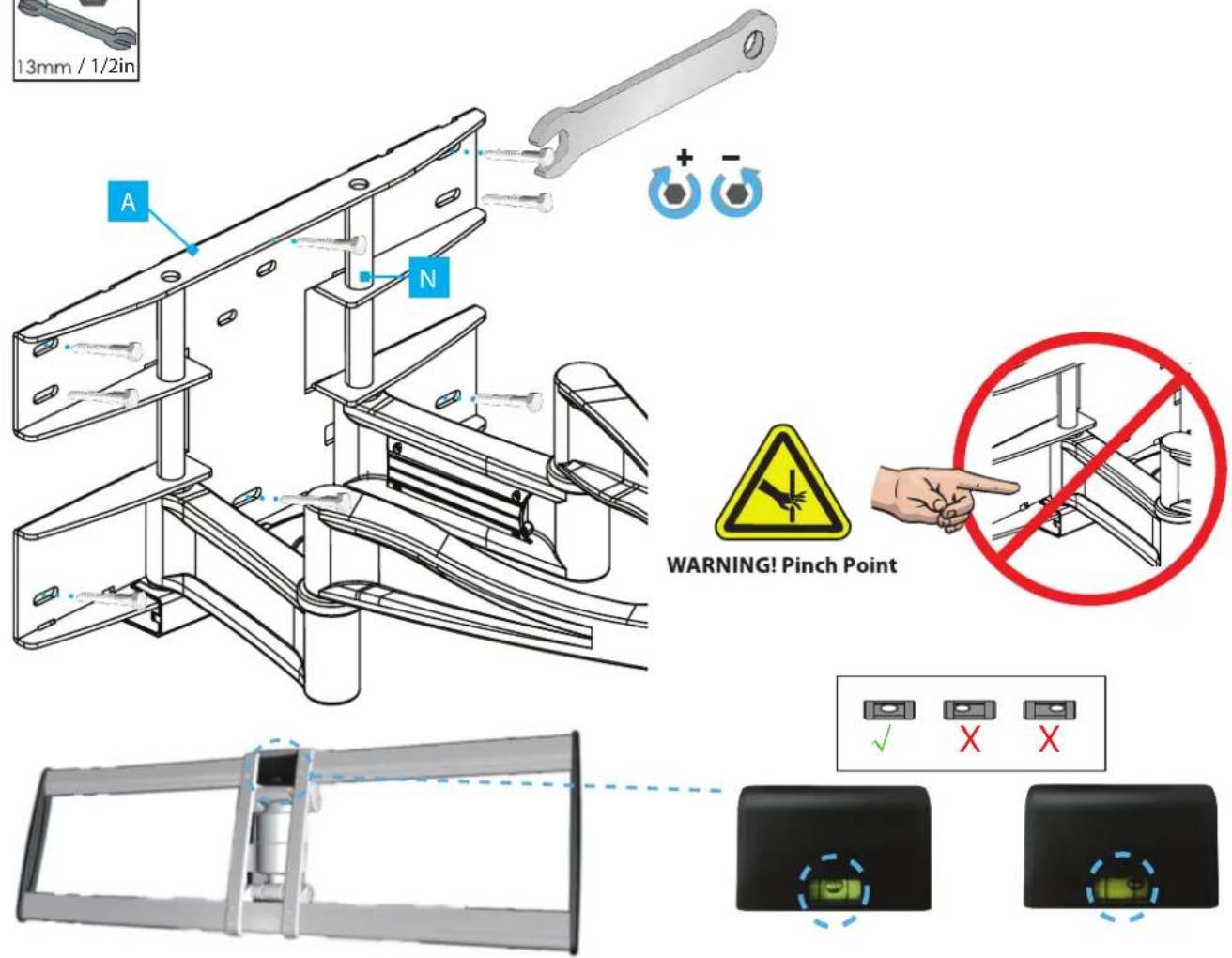
5
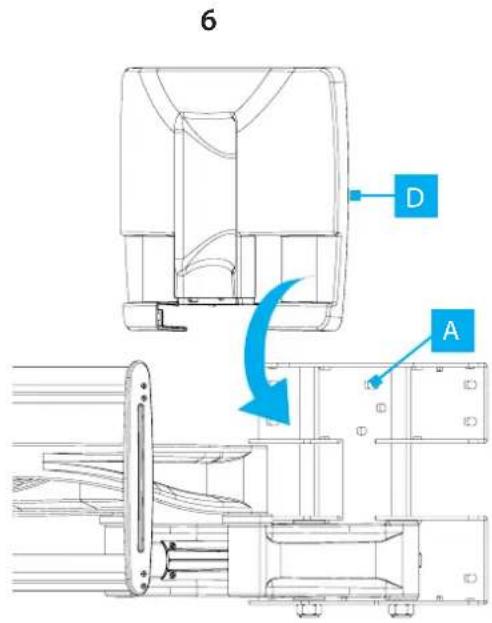
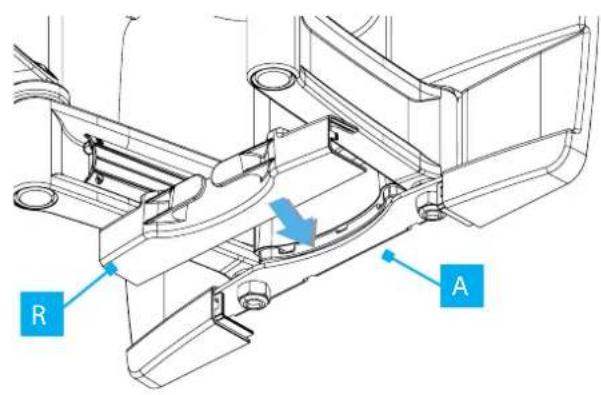
7
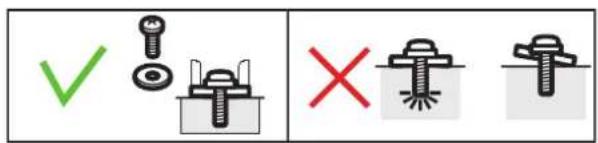
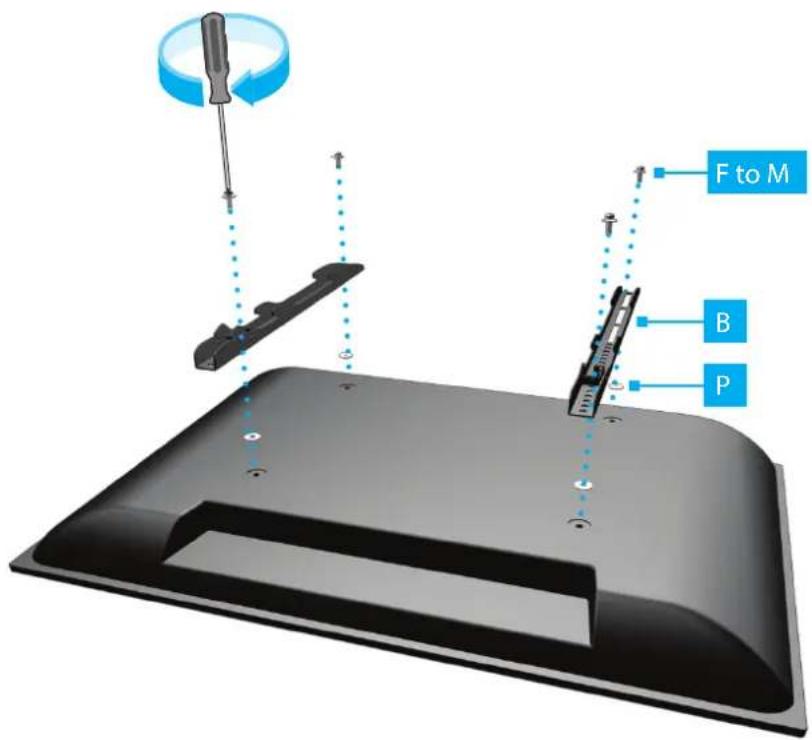
8
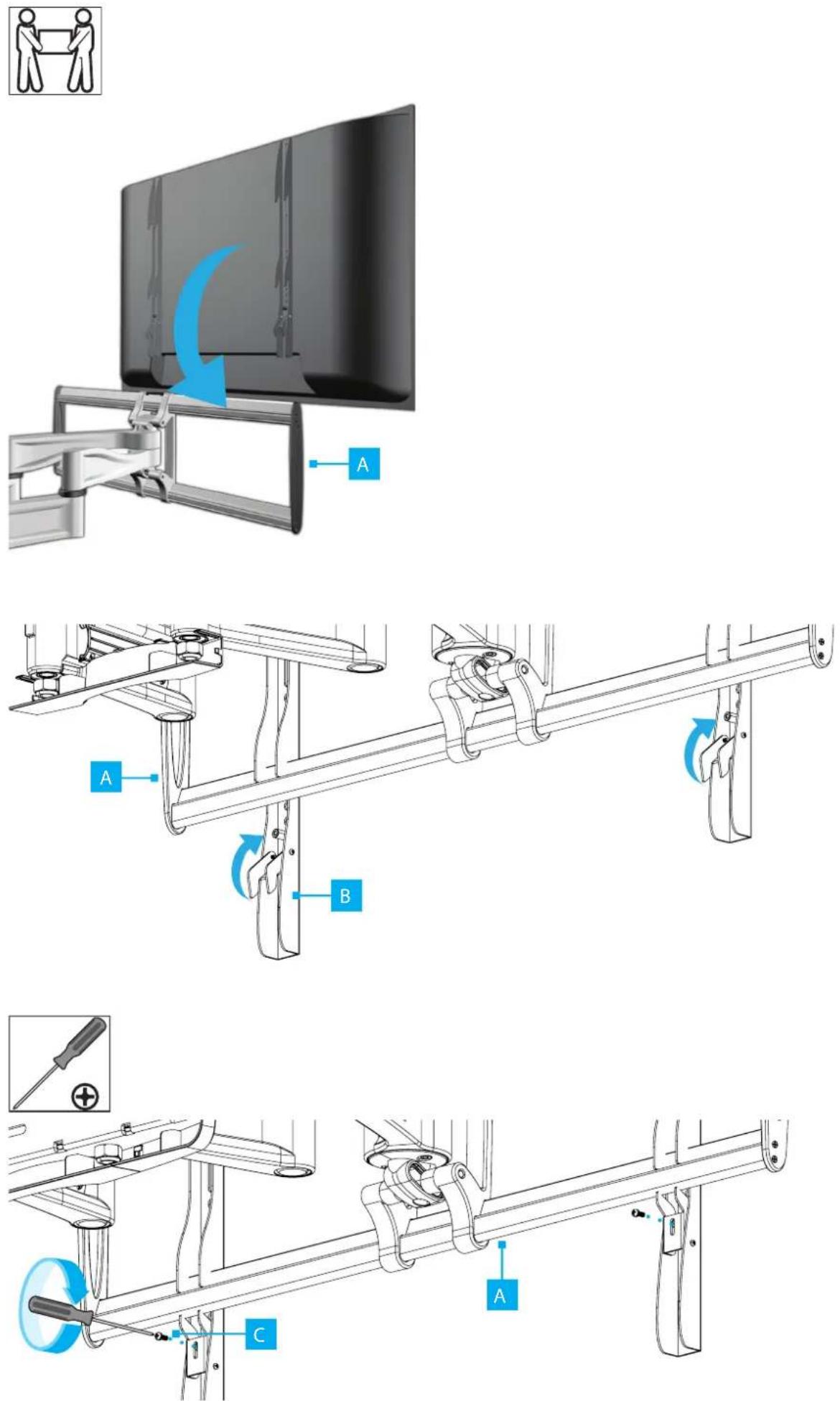
9
10
Tilt Torque Adjustment
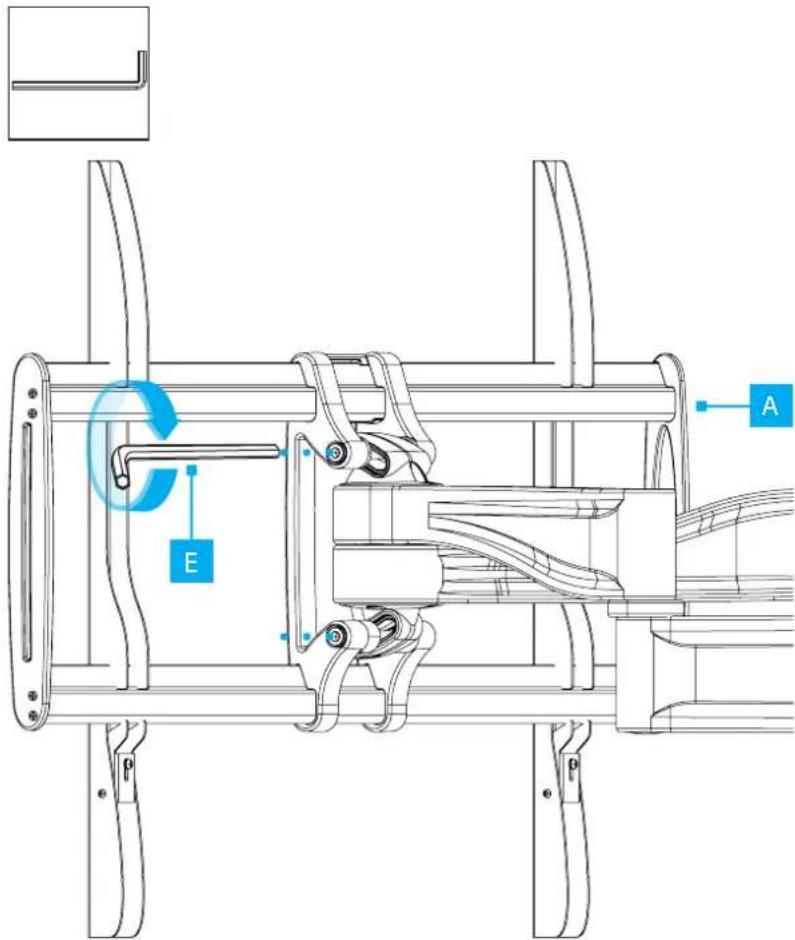
Swivel Torque Adjustment
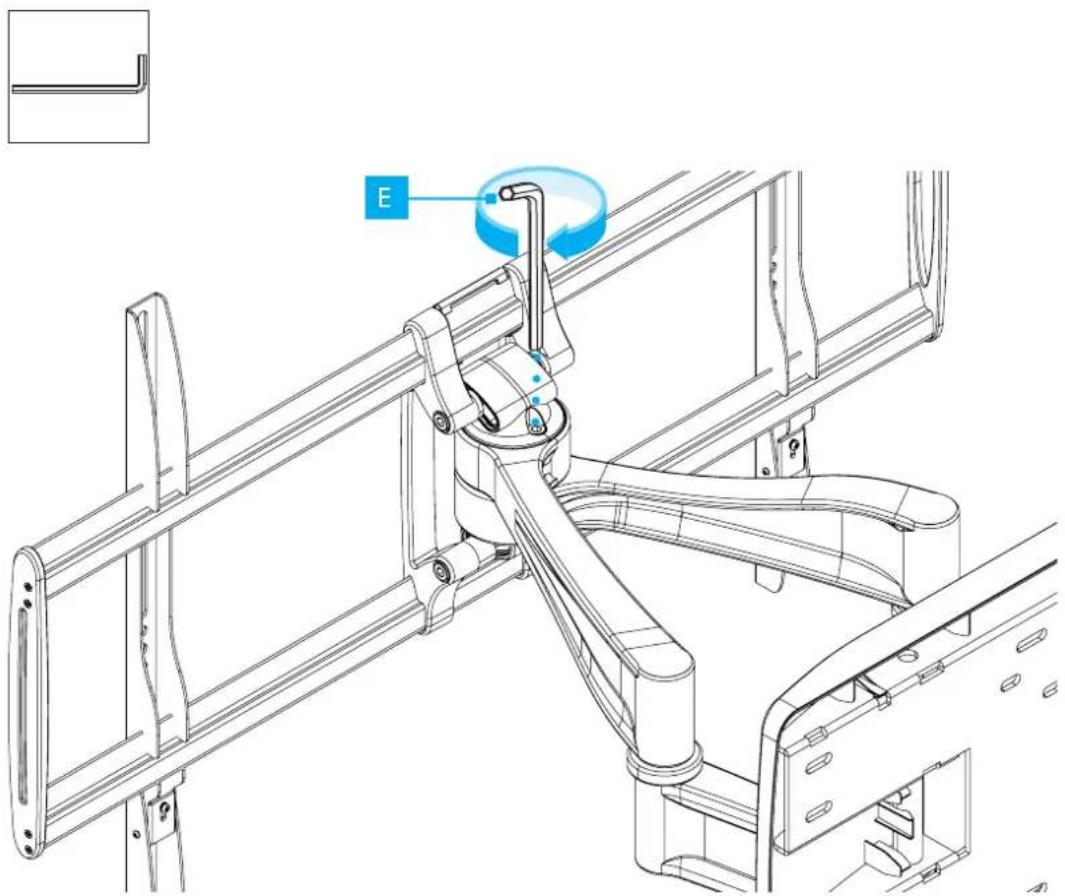
natural_image
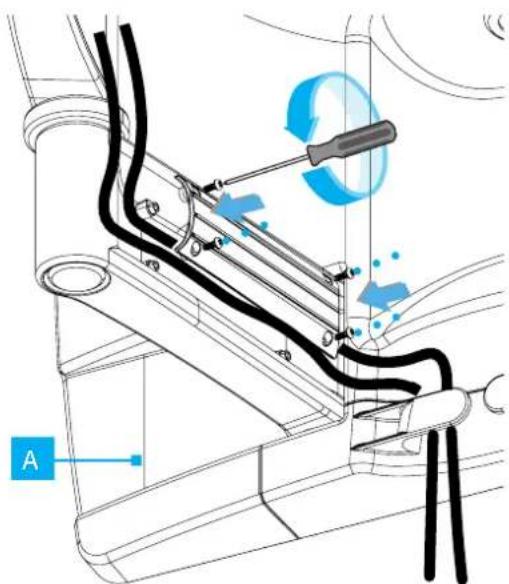
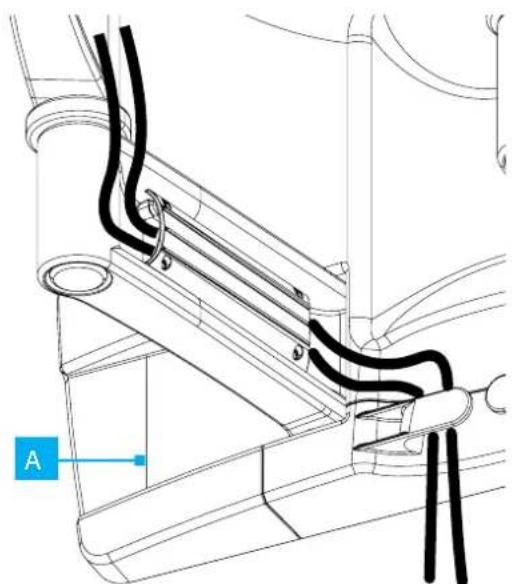
Technical line drawing of a mechanical assembly with no visible text or symbolsCable Management
1 2
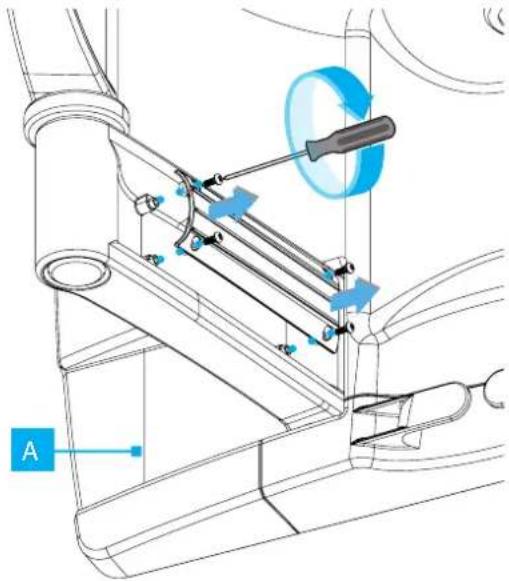
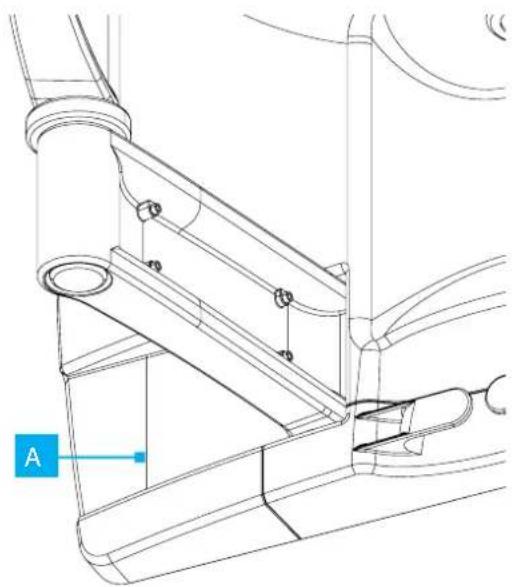
natural_image
Technical line drawing of a mechanical assembly with labeled component A (no text or symbols beyond label)3 4
natural_image
Technical line drawing of a mechanical or electrical component with no visible text, numbers, or symbols.
HQ Contact:
StarTech.com Ltd. 45 Artisans Crescent, London, ON N5V 5E9, Canada
US Contact:
StarTech.com USA LLP 4490 South Hamilton Rd, Groveport, OH 43125, United States
UK Contact:
StarTech.com Ltd. 15 Gowerton Rd, Northampton, NN4 7BW, United Kingdom
EU Contact:
StarTech.com Ltd. Siriusdreef 17-27 2132 WT Hoofddorp The Netherlands
JP Contact:
StarTech.com K.K. Atelier Yours Ogawamachi 7F 1-10-2 Kanda Ogawamachi Chiyoda-ku, Tokyo 101-0052 Japan
FR: startech.com/fr
DE: startech.com/de ES: startech.com/es NL: startech.com/nl IT: startech.com/it JP: startech.com/jp
Brand : StarTech.com
Model : 100AP1-TV-WALL-MOUNT
Category : Wall mount