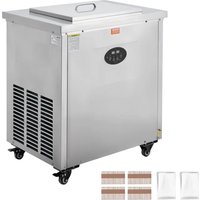
BBJ-1A - Ice machine Vevor - Free user manual and instructions
Find the device manual for free BBJ-1A Vevor in PDF.


| Brand | Vevor |
| Model | BBJ-1A (compatible BBJ-2B, BBJ-4A) |
| Product Type | Ice Machine (popsicles) |
| Coolant Tank Capacity | 16 L |
| Secondary Coolant | 27% calcium chloride solution or ethylene glycol (freezing point -40°C) |
| Adjustable Cooling Temperature | Yes (factory setting -25°C, return difference 3°C) |
| Typical Freezing Time | 20 to 40 minutes |
| Power Supply | See nameplate (dedicated grounded outlet) |
| Maximum Ambient Temperature | 35°C |
| Required Ventilation Space | At least 200 mm from vents |
| Ice Mold Included | 1 set |
| Ice Sticks Included | 200 pieces |
| Ice Bags Included | 200 pieces |
| Condenser Maintenance | Dusting every 3 months |
| Cleaning | Wipe with a damp cloth (do not rinse with water) |
| Safety | Mandatory grounding, do not share outlet |
| Warranty | Electronic warranty certificate at www.vevor.com/support |
| Compliance | FCC Part 15, European Directive 2012/19/EC |
Frequently Asked Questions - BBJ-1A Vevor
User questions about BBJ-1A Vevor
0 question about this device. Answer the ones you know or ask your own.
Ask a new question about this device
Download the instructions for your Ice machine in PDF format for free! Find your manual BBJ-1A - Vevor and take your electronic device back in hand. On this page are published all the documents necessary for the use of your device. BBJ-1A by Vevor.
USER MANUAL BBJ-1A Vevor
Technical Support and E-Warranty Certificate www.vevor.com/support
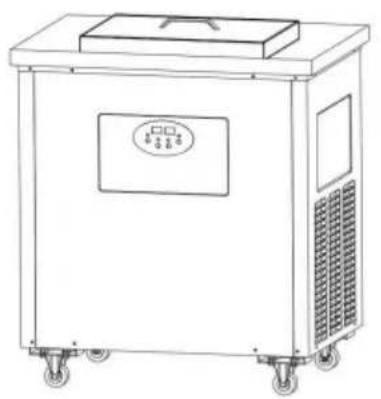
POPSICLE MACHINE MANUAL
MODEL:BBJ-1A BBJ-2B BBJ-4A
We continue to be committed to provide you tools with competitive price. "Save Half", "Half Price" or any other similar expressions used by us only represent of savings you might benefit from buying certain tools with us compared top brands and doses not necessarily mean to cover all categories of tools offered are kindly reminded to verify carefully when you are placing an order with us actually saving half in comparison with the top major brands.
MODEL:BBJ-1A BBJ-2B BBJ-4A
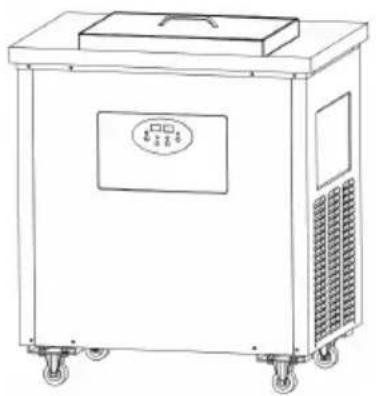
natural_image
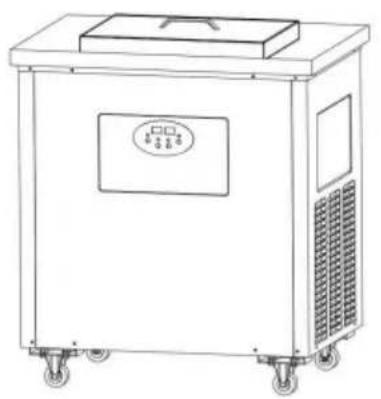
Line drawing of a portable industrial machine with wheels and control panel (no text or symbols)
natural_image
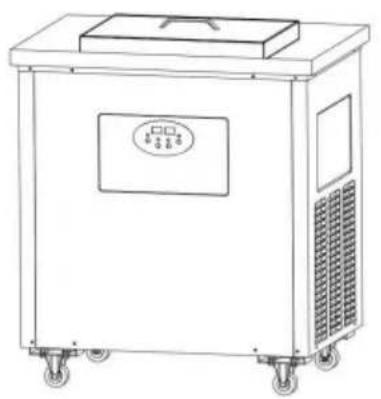
Line drawing of a portable industrial machine with wheels and a top cover (no text or symbols)
natural_image
Line drawing of a portable industrial machine with cooling fans and a vent (no text or symbols)NEED HELP? CONTACT US!
Have product questions? Need technical support? Please feel fr contact us:
Technical Support and E-Warranty Certificate www.vevor.com/support
This is the original instruction, please read all manual instruction carefully before operating. VEVOR reserves a clear interpretation user manual. The appearance of the product shall be subject to product you received. Please forgive us that we won't inform you there are any technology or software updates on our product.
 | Warning-To reduce the risk of injury, user must read instructions manual carefully. |
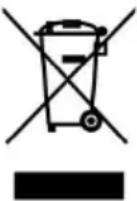 | Correct DisposalThis product is subject to the provision of European D 2012/19/EC. The symbol showing a wheelie bin crossed through indicates that the product requires separate refu collection in the European Union. This applies to the p and all accessories marked with this symbol. Products as such may not be discarded with normal domestic w must be taken to a collection point for recycling electri electronic devices |
Popsicle machine manual
i.The main purpose
BBJ series popsicle machine is mainly used to make popsicles and is lolly.
ii.Installation and debugging
1) After installing the components that need to be installed, thoroughly inspect the machine.
2) Place the machine in a ventilated and dry location, and ensure that air grilles on each side of the machine are at least 300mm away from or obstacles. The ambient temperature should not be too high, not exceeding 35^ C; otherwise, the cooling effect will be affected.
3) Connect the power supply with reliable grounding according to the voltage requirements on the nameplate on the machine; the machine use an independent dedicated socket.
4) Pour 27% calcium chloride solution or ethylene glycol (freezing point -40°C) into the ice tank of the machine as the secondary refrigerant.
| Model | BBJ-1A | BBJ-2B | BBJ-4A |
| Adding amount | 16L | 16L | 120L |
5) When the power is turned on, the power indicator light of the control lights up, the left digital tube displays the current temperature, and the digital tube displays the current voltage; press the "Cooling" button on the corresponding indicator light lights up, the stirring motor starts, and refrigeration system starts after a 1-minute delay; the machine enters Working state; when the temperature of the refrigerant in the water takes reaches the set temperature, the refrigeration system stops working, then stirring motor continues to work, and the machine enters the constant temperature state; after the refrigerant temperature rises, the machine automatically enter the working state.
6) According to the needs, the cooling temperature and temperature ret difference can be changed. Press the "Set" button for 3 seconds. The digital tube will display "F1" and the right digital tube will display the set temperature (factory setting -25°C). Press "Add" or "Minus" key to change; press the "Set" key again. The left digital tube displays "C1" the right digital tube displays the current set temperature return different value (factory setting 3°C). Press the "Add" or "Minus" key to change there is no operation for 8 seconds, the parameters will be saved automatically.
iii. Use and operation
Mold cleaning
Pour clean water into the mold and scrub it clean with a brush; or directly with water.
Ingredients
a) Use special powder or slurry and prepare it according to the instruction on the packaging bag.
b) Take the ingredients according to the proportion and weight according to the table, pour into the container and stir evenly; then pour in boiling stir quickly to completely dissolve, let it cool before use.
| Raw Material | Milk Powder | White Sugar | Water | Other |
| weight ratio | 0.5 | 1 | 10 | Appropriate amount |
operate
Pour the prepared slurry into the ice mold (the slurry should not exceed 4/5 of the ice mold volume), cover the mold puller with the skewers inserted, and then place the ice mold into the refrigeration to cover it Cover and let the machine work for 20-40 minutes (the length the molding time depends on the slurry) to freeze the mold, then take the entire popsicle mold and immerse it in the clean water for 2-5 m then pull up the mold puller, take out the popsicles, and then package Store in freezer.
5. Things to note
1) During the transportation of the machine, the tilt is not allowed to 45 degrees.
2) The power supply voltage requires rated voltage and must be reliable grounded; it cannot share the same socket with other electrical applia
3) There should be enough space of more than 200mm on the side of inlet and outlet air grille to ensure heat dissipation of the machine.
4) Dust the machine condenser regularly, and the interval should not exceed 3 months
5) When the machine is working, do not touch your hands directly with refrigerant to prevent frostbite.
6) Do not use the machine directly in a place exposed to direct sunli it will directly affect the cooling effect.
| Fault | reason | Method of exclusion |
| The machine alarms and does | 1. If the power supply volt is too high or too low, it display YH or YL and alarm | 1. Unplug the power plug and adjust the voltage. Restart |
| 2. The refrigeration sensor | 2. Replace the sensor | |
| not work | faulty, displays FP, and alarms; the machine does I maintain a constant temperature and does not stop. | |
| 3. The control board connection cable fell off | 4. Check the line and restore it | |
| 4. The controller is broken | 5. Replace the switch or the controller is broken. | |
| 5. Compressor overload protection | 6. After power outage, it automatically recover for 30-60 minutes and then turn on again. | |
| Poor cooling effect, no cooling | 1. Use directly under sunlig or the ambient temperature too high. | 1. Change the placement location |
| 2. Is the air grille in and the machine blocked? | 2. Leave more than 200 of space for air inlet an outlet. | |
| 3. The condenser is too di | 3. Clean the condenser | |
| 4. Refrigerant freezes | 4. Replace the refrigerant | |
| 5. The compressor, capacito and protector are broken. | 5. Replace the compress capacitor or protector | |
| 6. Refrigerant leakage | 6. Check for leaks, repa leaks, and refill refrigeran | |
| There is loud noise and vibration | 1. The machine is placed unevenly | 1. Place it stably |
| 2. The fan blade touches other accessories | 2. Calibrate the fan blad | |
| 3. Machine parts are loose | 3. Reinstall |
7) After use, unplug the power supply and clean the machine. The su can be wiped with a wet towel; it is strictly forbidden to rinse it dire
water.
8) If the machine malfunctions and alarms, please contact a professional find out the cause before using it.
iv.Common faults and troubleshooting methods
v.Packing List
| No. | Item | Qty | Remark |
| 1 | Popsicle machine | 1 set | |
| 2 | Manual | 1 pcs | |
| 3 | Popsicle mold | 1 set | |
| 4 | Popsicle stick | 200 pieces | |
| 5 | Popsicle bag | 200 pieces |
\* WARNING
1) Connect the power supply according to the voltage requirements on machine nameplate, and it must be reliably grounded; it cannot share same socket with other electrical appliances.
2) There should be enough space of more than 200mm on the side of inlet and outlet air grille to ensure heat dissipation of the machine.
3) Ambient temperature requirements for use: The ambient temperature the floor-standing model should not exceed 35^ C, and the ambient temperature of the tabletop model should not exceed 30^ C.
4) It is strictly prohibited to use the machine under direct sunlight or i closed space, which will directly affect the cooling effect.
5) Dust the machine condenser regularly, and the interval should not exceed 3 months.
6) The machine shuts down with an alarm, displays Y-H/Y-L, and the voltage is too high/low; it is necessary to unplug and adjust the voltage restart.
7) The machine alarms and does not stop, displays F-P and the refrigeration/fresh-keeping temperature sensor is faulty and needs to be replaced.
8) Before using the machine, pour the refrigerant into the quantity acc
to the instructions, It is forbidden to make Popsicle directly with empty machine.
9) When the machine is working, do not touch your hands directly with refrigerant to prevent frostbite.
10) The concentration of the refrigerant will decrease after being used period of time and needs to be replaced in time to avoid freezing a affecting the freezing effect.
11) If the machine malfunctions and alarms, please contact a profession to find out the cause before using it.
FCC Information
CAUTION: Changes or modifications not expressly approved by the pa responsible for compliance could void the user's authority to operate t equipment!
This device complies with Part 15 of the FCC Rules. Operation is such the following two conditions:
1) This product may cause harmful interference.
2) This product must accept any interference received, including interference that may cause undesired operation.
WARNING: Changes or modifications to this product not expressly approved by the party.responsible for compliance could void the user's authority to operate the product.
Note: This product has been tested and found to comply with the lir a Class B digital device pursuant to Part 15 of the FCC Rules, The are designed to provide reasonable protection against harmful interferer in a residential installation.
This product generates, uses and can radiate radio frequency energy, if not installed and used in accordance with the instructions, may cause harmful interference to radio communications. However, there is no guarantee that interference will not occur in a particular installation. If product does cause harmful interference to radio or television reception, which can be determined by turning the product off and on,
user is encouraged to try to correct the interference by one or more following measures.
- Reorient or relocate the receiving antenna.
- Increase the distance between the product and receiver.
- Connect the product to an outlet on a circuit different from that to the receiver is connected.
- Consult the dealer or an experienced radio/TV technician for assista
VEVOR®
TOUGH TOOLS, HALF PRICE
Technical Support and E-Warranty Certificate
www.vevor.com/support
Made In China
VEVOR®
TOUGH TOOLS, HALF PRICE
natural_image
Line drawing of a portable industrial machine with wheels and control panel (no text or symbols)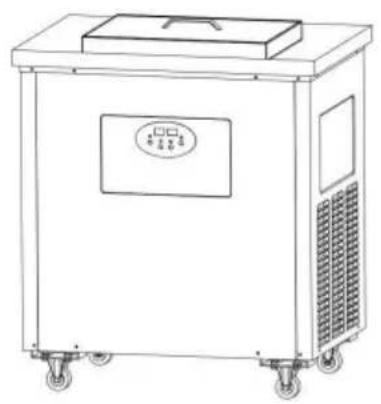
natural_image
Line drawing of a portable industrial machine with wheels and control panel (no text or symbols)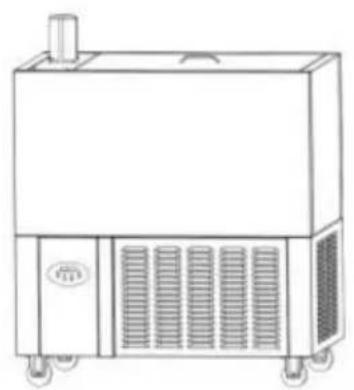
natural_image
Line drawing of a portable industrial machine with cooling fans and a vent (no text or symbols)BESOIN D'AIDE? CONTACTEZ-NOUS!
MODELL: BBJ-1A BBJ-2B BBJ-4A
natural_image
Line drawing of a portable industrial machine with wheels and control panel (no text or symbols)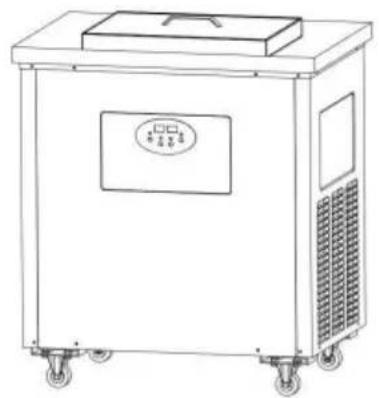
natural_image
Line drawing of a portable industrial machine with wheels and a top cover (no text or symbols)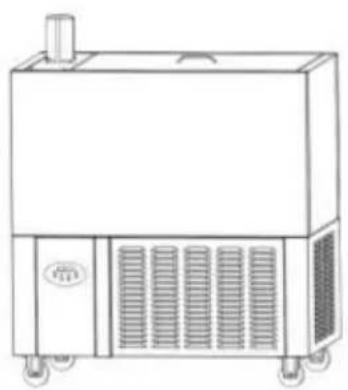
natural_image
Line drawing of a portable industrial machine with cooling fans and a vent, no text or symbols presentBRAUCHEN SIE HILFE? KONTAKTIERE UNS!
www.vevor.com/support
MODELLO: BBJ-1A BBJ-2B BBJ-4A
MODELLO: BBJ-1A BBJ-2B BBJ-4A
natural_image
Line drawing of a portable industrial machine with wheels and control panel (no text or symbols)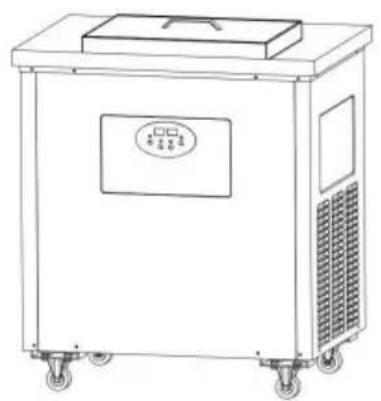
natural_image
Line drawing of a portable industrial machine with wheels and control panel (no text or symbols)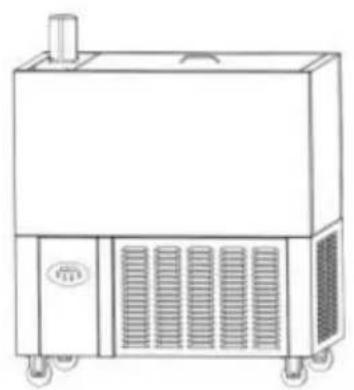
natural_image
Line drawing of a portable industrial machine with cooling fans and a vent (no text or symbols)HO BISOGNO DI AIUTO? CONTATTACI!
www.vevor.com/support Made in China
VEVOR®
TOUGH TOOLS, HALF PRICE
MODELO:BBJ-1A BBJ-2B BBJ-4A
MODELO:BBJ-1A BBJ-2B BBJ-4A
natural_image
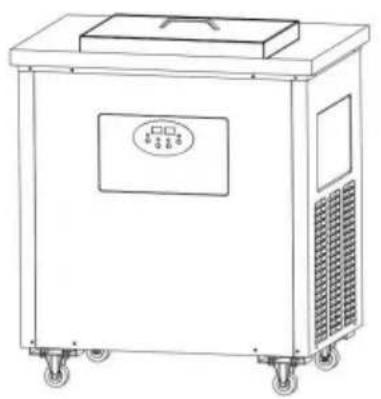
Line drawing of a portable industrial machine with wheels and control panel (no text or symbols)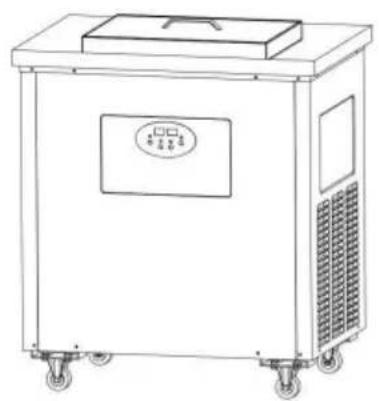
natural_image
Line drawing of a portable industrial machine with wheels and a top cover (no text or symbols)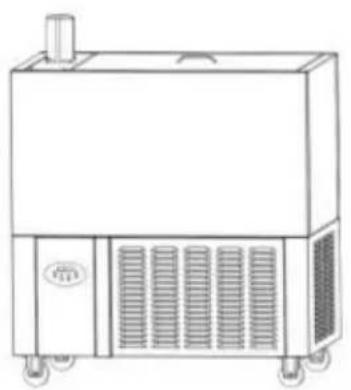
natural_image
Line drawing of a portable industrial machine with cooling fans and a vent (no text or symbols)MODEL: BBJ-1A BBJ-2B BBJ-4A
MODEL: BBJ-1A BBJ-2B BBJ-4A
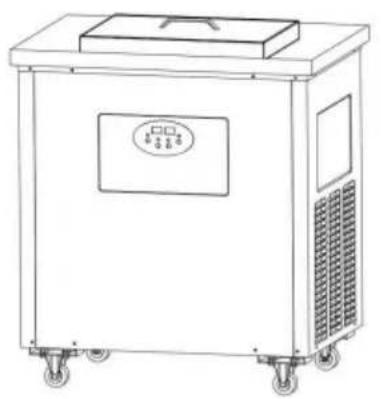
natural_image
Line drawing of a portable industrial machine with wheels and control panel (no text or symbols)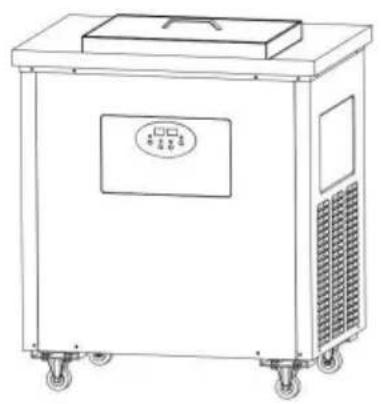
natural_image
Line drawing of a portable industrial machine with wheels and control panel (no text or symbols)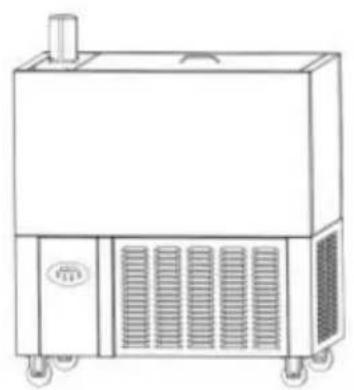
natural_image
Line drawing of a portable industrial machine with cooling fans and a vent (no text or symbols)POTRZEBUJE POMOCY? SKONTAKTUJ SIĘ Z NAMI!
www.vevor.com/support
MODEL: BBJ-1A BBJ-2B BBJ-4A
MODEL: BBJ-1A BBJ-2B BBJ-4A
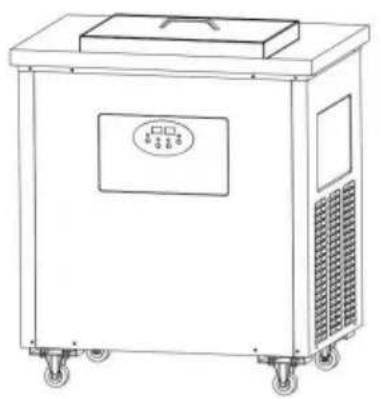
natural_image
Line drawing of a portable industrial machine with wheels and control panel (no text or symbols)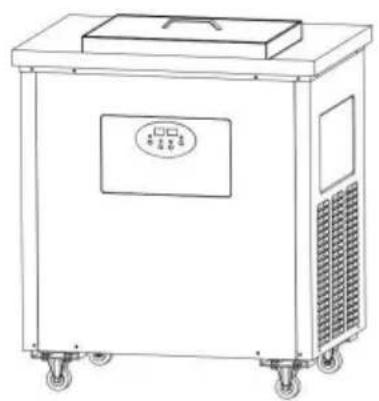
natural_image
Line drawing of a portable industrial machine with wheels and a top cover (no text or symbols)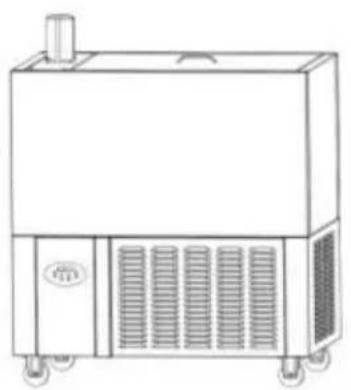
natural_image
Line drawing of a portable industrial machine with cooling fans and a vent (no text or symbols)HULP NODIG? NEEM CONTACT MET ONS OP!
MANUAL FÖR POPSICLE MASKIN
MODELL:BBJ-1A BBJ-2B BBJ-4A
MODELL:BBJ-1A BBJ-2B BBJ-4A
natural_image
Line drawing of a portable industrial machine with wheels and control panel (no text or symbols)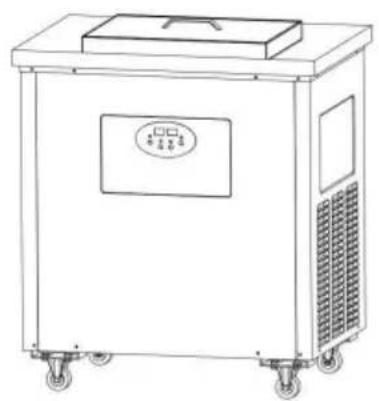
natural_image
Line drawing of a portable industrial machine with wheels and a top cover (no text or symbols)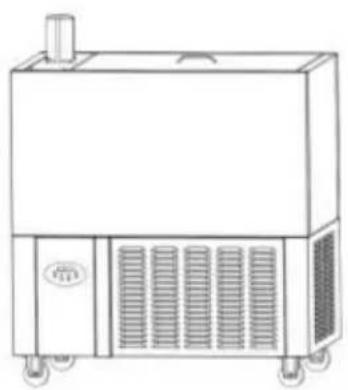
natural_image
Line drawing of a portable industrial machine with ventilation grilles and a chimney (no text or symbols)BEHÖVS HJÄLP? KONTAKTA OSS!
www.vevor.com/support
Tillverkad i Kina
- POPSICLE MACHINE MANUAL
- MODEL:BBJ-1A BBJ-2B BBJ-4A
- NEED HELP? CONTACT US!
- i.The main purpose
- ii.Installation and debugging
- iii. Use and operation
- Things to note
- iv.Common faults and troubleshooting methods
- \* WARNING
- FCC Information
- VEVOR®
- TOUGH TOOLS, HALF PRICE
- BESOIN D'AIDE? CONTACTEZ-NOUS!
- BRAUCHEN SIE HILFE? KONTAKTIERE UNS!
- MODELLO: BBJ-1A BBJ-2B BBJ-4A
- HO BISOGNO DI AIUTO? CONTATTACI!
- MODELO:BBJ-1A BBJ-2B BBJ-4A
- POTRZEBUJE POMOCY? SKONTAKTUJ SIĘ Z NAMI!
- MODEL: BBJ-1A BBJ-2B BBJ-4A
- HULP NODIG? NEEM CONTACT MET ONS OP!
- MANUAL FÖR POPSICLE MASKIN
- MODELL:BBJ-1A BBJ-2B BBJ-4A
- BEHÖVS HJÄLP? KONTAKTA OSS!
Brand : Vevor
Model : BBJ-1A
Category : Ice machine