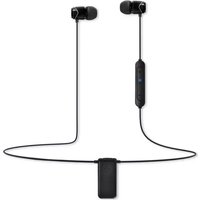
E10BT - Earplug SoundMagic - Free user manual and instructions
Find the device manual for free E10BT SoundMagic in PDF.


| Product Type | Bluetooth Earplug |
| Brand | SoundMagic |
| Model | E10BT |
| Bluetooth Technology | Bluetooth V4.0 |
| Wireless Frequency | 2.402 - 2.480 GHz |
| Transmission Distance | 10 m |
| Driver | 13.5 mm NdFeB magnetic armature |
| Sensitivity | 100 ± 3 dB at 1 KHz |
| Transmission Power | Class 2 |
| Operating Current | 20 mA |
| Playback Battery Life | 10 - 12 hours |
| Talk Time | 8 - 10 hours |
| Standby Time | 200 hours |
| Frequency Response | 20 Hz - 20 KHz |
| Audio Output | CD quality, 44.1/48 KHz 16-bit stereo |
| Power Management | Standby, Ready, Pause, Sleep |
| Operating Temperature | -20°C to 60°C |
| Weight | 20 g |
| Battery | Rechargeable lithium polymer |
| Charging Time | Approximately 2 hours |
| Package Contents | E10BT earphones, USB cable, pouch, silicone ear tips (double-layer, sports, regular) in multiple sizes |
| Care Instructions | Soft dry cloth; avoid sharp objects; do not expose to extreme temperatures; charge fully before first use; charge once a week if unused |
Frequently Asked Questions - E10BT SoundMagic
User questions about E10BT SoundMagic
0 question about this device. Answer the ones you know or ask your own.
Ask a new question about this device
Download the instructions for your Earplug in PDF format for free! Find your manual E10BT - SoundMagic and take your electronic device back in hand. On this page are published all the documents necessary for the use of your device. E10BT by SoundMagic.
USER MANUAL E10BT SoundMagic
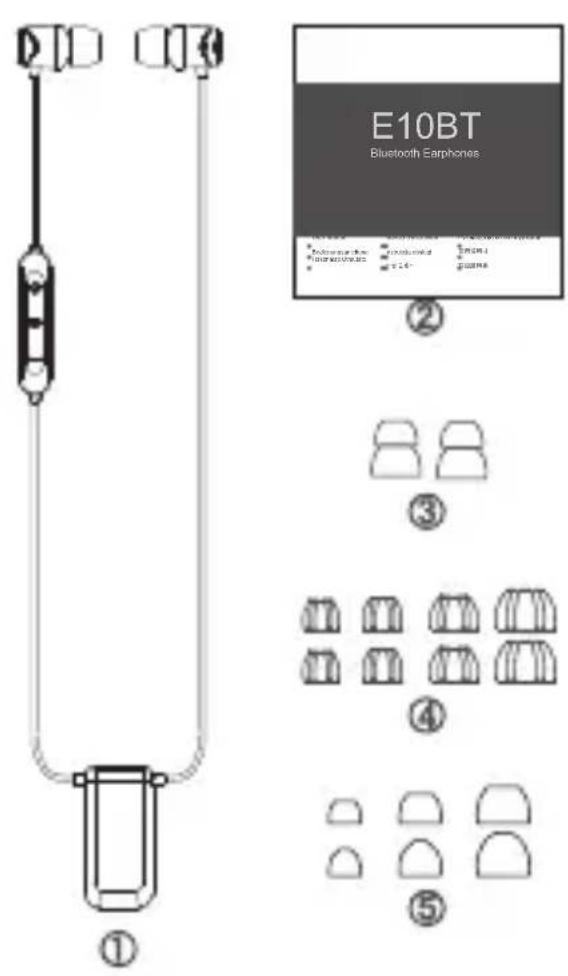
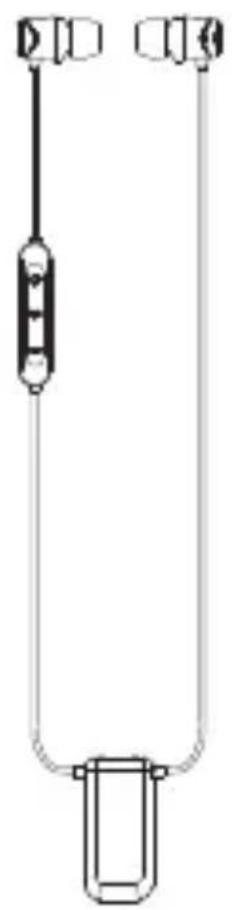
①E10BT
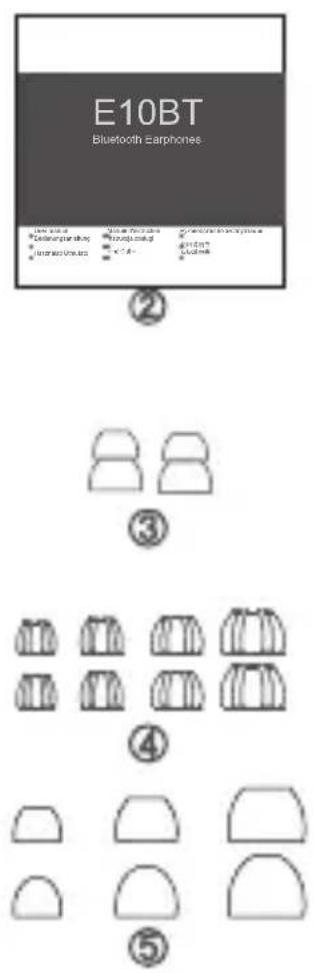
② User manual
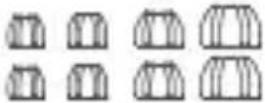
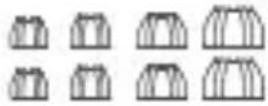
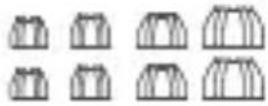
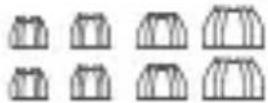
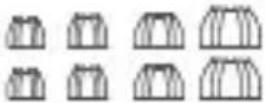
③ Double flange silicone eartips
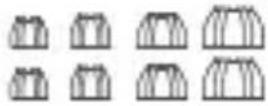
④ SS/S/M/L sports silicone eartips
⑤ S/M/L silicone eartips
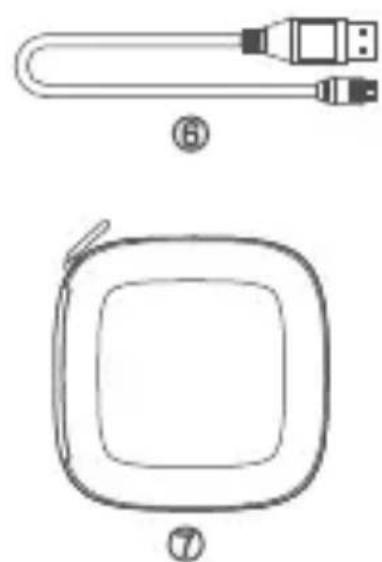
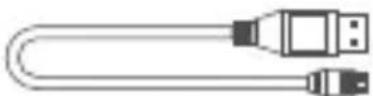
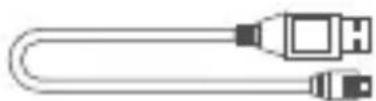
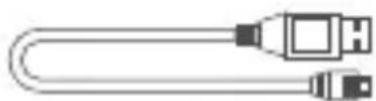
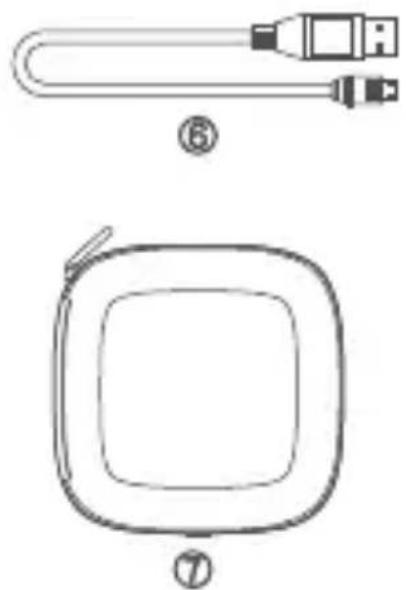
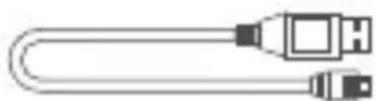
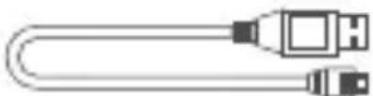
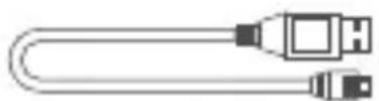
USB cable
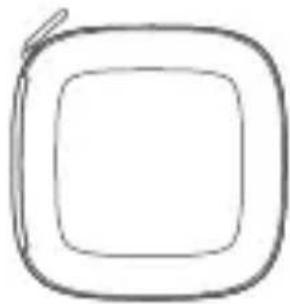
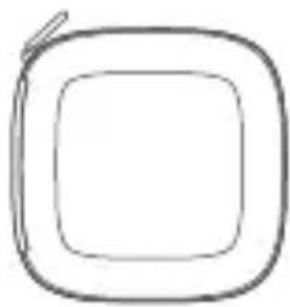
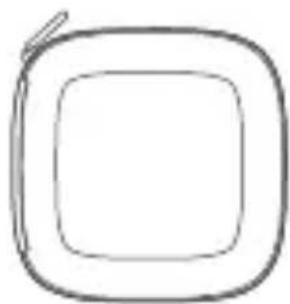
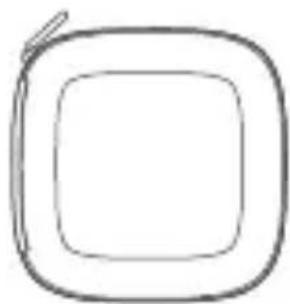
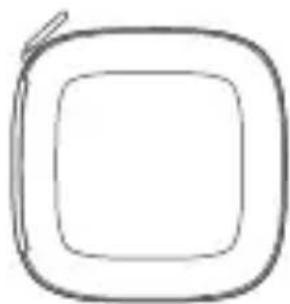
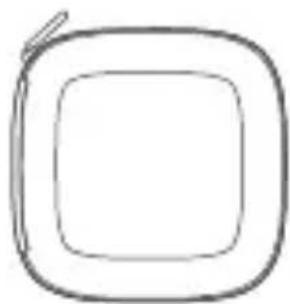
⑦ Carrying hardcase
II. Specifications
Bluetooth Specification
Bluetooth Specification......Bluetooth V4.0
Frequency Range....2.402\~2.480 GHz
Transmission Range....10 m
Driver....Dynamics,13.5 mm, Neodymium
Impedance....46±10% Ω
Sensitivity....100±3 dB at 1KHz
Transmission Power....Class 2
Working Current....20 mA
Continuous Playback music....10\~12 h
Continuous Talk Time....8\~10 h
Standby Time....200 h
Frequency Response....20 Hz\~20 KHz
Audio Output......CD sound quality, 44.1,48 KHz 16bit stereo
Power Management Modes......
Standby, Ready, Pause, Sleep
Operation/Storage....-20°C to 60°C
Weight....20 g
III. Bluetooth Module
Wearing Style
Wearing style when in use (as shown on the right)
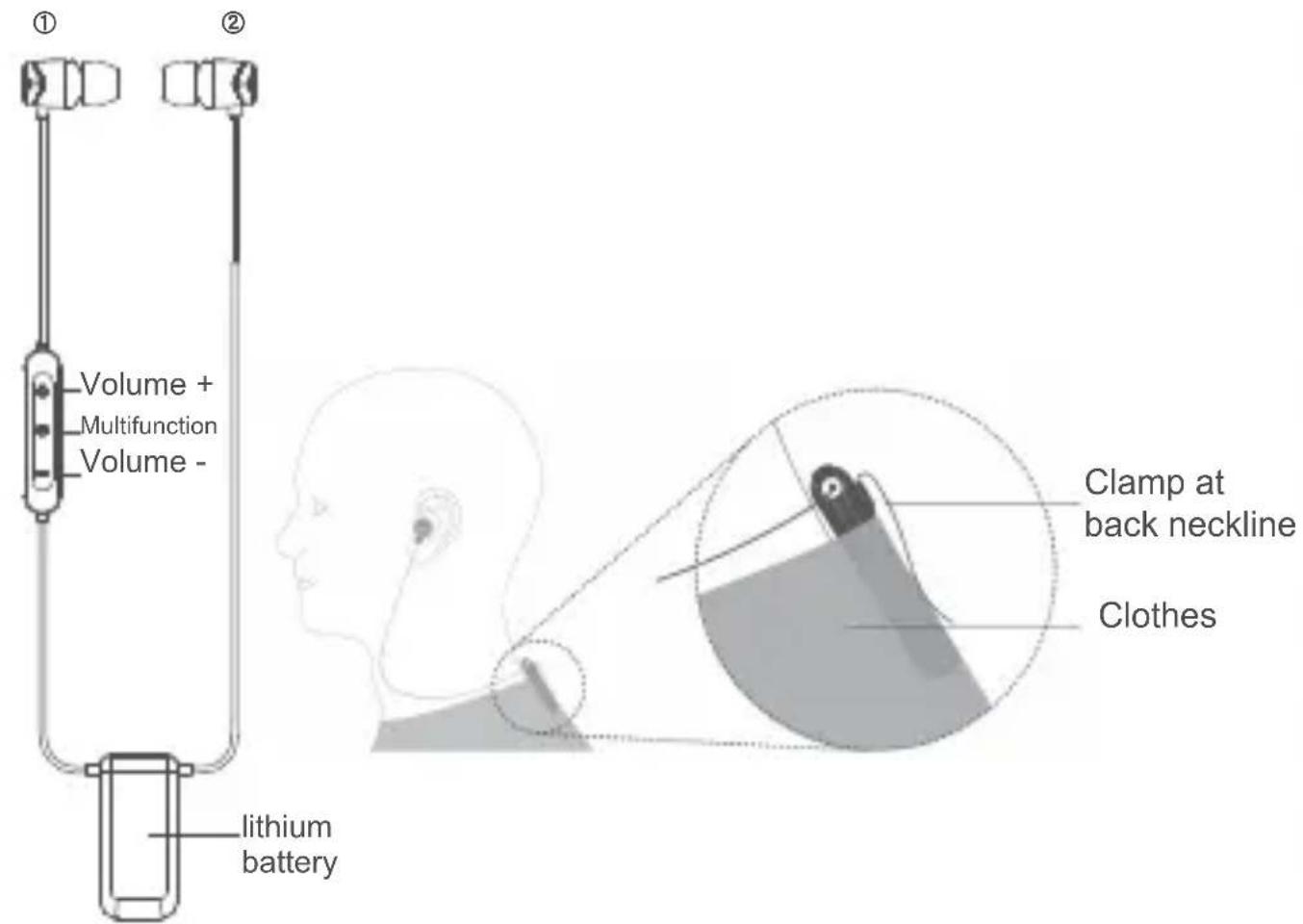
Turning On/Off
Press and hold ‘multifunction’ button for 1 second to turn on. With Bluetooth on, press and hold ‘multifunction’ button for 2 seconds to turn off.
Pairing
- Before pairing, make sure E10BT is turned off. (Refer to Turning On/Off section for reference)
- To put the E10BT into Bluetooth discovery mode, press and hold the 'multifunction' button until blue LED is flashing rapidly. (This mode will last 5 minutes)
- Follow your smartphone operating procedure for putting the device in Bluetooth discovery mode. Your smartphone should find the E10BT in discovery mode.
Select E10BT headset to finish pairing. (If password is required during the pairing process, enter"0000")
Connecting Automatically
If your smartphone has been paired successfully with your earphone, the two devices will connect automatically if they are within the effective distance (10m) and effective time (10 minutes); if the earphones are outside the effective distance for over 10 minutes, the earphones will automatically power off.
Answering Incoming Calls
When receiving an incoming call, press the 'multifunction' button to answer the call. Press the 'multifunction' button again to hang up.
Reject Incoming Calls
When receiving an incoming call, rapidly and consecutively press ‘multifunction’ button twice to reject the call.
Last Number Redial
Press the ‘multifunction’ button twice in rapid succession to redial the last number.
Call Waiting
During a call, press the ‘multifunction’ button twice in rapid succession to switch from active call to incoming call.
Press the ‘multifunction’ button once to hang up on the current call and answer the incoming call.
Press and hold the ‘multifunction’ button to put the current call on hold and answer the incoming call.
Volume Control
Press the 'Volume +' to increase the volume.
Press the 'Volume -' to decrease the volume.
Audio Control
Press the ‘multifunction’ button to pause playback. Press the ‘multifunction’ button again to resume audio playback.
Press and hold the 'Volume +' button to skip to the next track.
Press and hold the 'Volume -' button to go back to the previous track.
Automatic Power Off
If Bluetooth is turned on, and there is no successful connection within 10 minutes, Bluetooth will automatically power off.
Charging
The E10BT uses a lithium-ion polymer battery. Please fully charge the battery prior to first-time use.
- Please use a computer or USB charger with 5V±0.2V output voltage to charge the Bluetooth module, along with the provided USB cable ⑥.
- A red light indicates that the unit is charging.
- Charge time is approximately 2 hours. The red indicator light will go out once the unit is fully charged.
- Press 'Volume +' and 'Volume -' briefly at the same time to hear an audio broadcast of the remaining battery power.
Battery Warnings
When battery power is low, you will hear a warning tone every 4 seconds, a red indicator light will also be flashing. These warnings will start when there is 3-5 minutes of power left. The device can be charged anytime. If the battery is completely depleted, please charge the unit as soon as possible in order to maintain proper battery life.
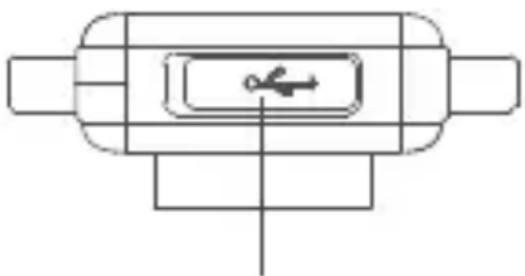
Charging port
IV. Ear Tip Selection
Your E10BT earphone comes with ear tips in a variety of sizes. Please choose the right size (pick the size that is most comfortable for you).
Silicone Ear Tips for Sports/Workout
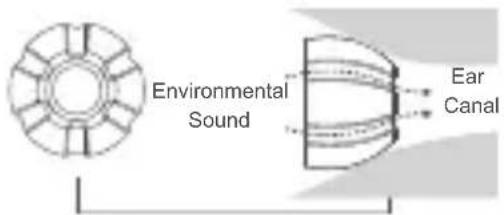
The included ear tips for sports/workout features a continuous groove, wearing these ear tips will not block external sound The included ear tips for normal listening provide noise isolation
Silicone Ear Tips for Normal Listening
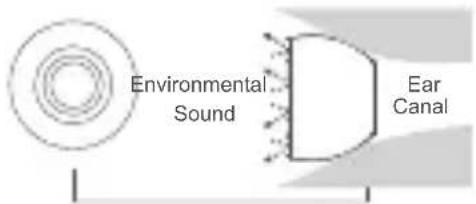

For outdoor activities, such as running and cycling, we recommend using these ear tips, so that you can enjoy music while also be aware of your surrounding environment, and ensure safety.
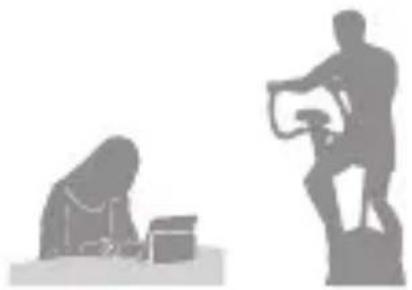
When listening indoors, we recommend using the ear tips for normal listening, providing quiet listening to high quality music.
Double Flange Silicone Ear Tips
The provided double-flange silicone ear tips provide even better seal for your ears.
V. Cleaning Your Earphone Cable
- Use warm, soapy water (or warm water mixed with toothpaste).
- Dip a cleaning cloth into the solution and wipe down the earphone cable (note: do not use excessive force when wiping the cable, also avoid wiping the earpiece connector).
- After wiping with cleaning solution, use cloth dipped in warm water to wipe down the cable.
- Use a dry cloth or paper towel to wipe dry, hang cable to naturally dry, avoid direct sunlight.
VI. Maintenance and Precautions
- Any improper use or unauthorized service that result in destruction of the earphone will void the warranty.
- Please fully charge the Bluetooth module before initial use.
- Use a dry, soft cloth to clean the earphone.
- Do not use sharp objects near the product.
- Do not leave the Bluetooth module charging for an extended period of time.
- Do not use or store this product in extremely high or low temperature environment.
- Do not store this product near toxic chemicals.
- Do not store this product near magnets.
- Do not store this product in a humid environment.
- If the Bluetooth module will not be used for an extended period of time, it recommended to charge the module once a month to protect the battery.
VII. Customer Service and Support
Please contact us directly for service and support.
Our service team is ready to help:
E-mail: sales2@soundmagic.com.cn
Tel: +86 755-8831 6487
Fax: +86 755-8831 6487
Factory Address: 3/zone,9 floor Building 1# Xiantian,Huaide
Community,Fuyong Town,Baoan District,Shenzhen China
For more information about SoundMAGIC products
The Official Website: www.soundmagic.com,
www.soundmagic.hk,
www.soundmagic.tw
I. Packliste
Charging port
Factory Address: 3/zone,9 floor Building 1# Xiantian,Huaide
Community,Fuyong Town,Baoan District,Shenzhen China
①
②

③
④

⑤
⑥
⑦
Impédance....16 ± 10% Ω
Charging port
Factory Address: 3/zone,9 floor Building 1# Xiantian,Huaide Community,Fuyong Town,Baoan District,Shenzhen China
①
②

3
④

51
⑥
⑦
Address: 3/zone,9 floor Building 1# Xiantian,Huaide
Community, Fuyong Town, Baoan District, Shenzhen China
Address: www.soundmagic.com,
www.soundmagic.hk,
www.soundmagic.tw
I. Упаковочный лист
①
②

K
④

51
⑥
⑦
Community,Fuyong Town,Baoan District,Shenzhen China
充电接口
四、选择合适的耳套
耳机配送多种不同规格的硅胶耳套。
①
②

3
④

51
⑥
⑦
Bluetooth Specification......Bluetooth V4.0
Frequency Range....2.402\~2.480 GHz
Transmission Range....10 m
Driver......Dynamics,13.5 mm, Neodymium
Impedance....16±10% Ω
Sensitivity....100±3 dB at 1KHz
Transmission Power......Class 2
Working Current....20 mA
Continuous Playback Time....10\~12 h
Continuous Talk Time....8\~10 h
Standby Time....200 h
Frequency Response.....20 Hz\~20 KHz
Audio Output......CD sound quality,
44.1,48 KHz
16bit stereo
Power Management Modes......Standby,Ready,Pause,Sleep
Operation/Storage....-20°C to 60°C
Weight....20 g
III. 유선 이어폰 사용방법
착용방법
충전 단자
IV. 이어팀 선택
Factory Address: 3/zone,9 floor Building 1# Xiantian,Huaide Community,Fuyong Town,Baoan District,Shenzhen China
①
②

K
④

51
⑥
⑦
充電ポート
IV. 最適なイヤマフを選択
Community,Fuyong Town,Baoan District,Shenzhen China
①
②

K
④

5
⑥
⑦
Töltő csatlakozó
SoundMAGIC Group Marketing
Hongkong SoundMAGIC Technology Development Co.,LTD
Shenzhen SoundMAGIC Technology Development Co.,LTD
R & D and Manufacture
ShenZhen SoundMAGIC Technology Development Co.,LTD
3/zone,9 floor Building 1# Xiantian,Huaide
Community,Fuyong Town,Baoan District,Shenzhen China
Tel: +86 755-8831 6487 Fax:+86 755-8831 6487
Email: tony_xu@soundmagic.com.cn
www.soundmagic.com , www.soundmagic.hk , www.soundmagic.tw
FCC ID:A6BST80



- SPECIFICATIONS
- BLUETOOTH MODULE
- TURNING ON/OFF
- PAIRING
- CONNECTING AUTOMATICALLY
- ANSWERING INCOMING CALLS
- REJECT INCOMING CALLS
- LAST NUMBER REDIAL
- CALL WAITING
- VOLUME CONTROL
- AUDIO CONTROL
- AUTOMATIC POWER OFF
- CHARGING
- BATTERY WARNINGS
- EAR TIP SELECTION
- DOUBLE FLANGE SILICONE EAR TIPS
- CLEANING YOUR EARPHONE CABLE
- MAINTENANCE AND PRECAUTIONS
- CUSTOMER SERVICE AND SUPPORT
- 四、选择合适的耳套
- 유선 이어폰 사용방법
- 이어팀 선택
- 最適なイヤマフを選択
- SOUNDMAGIC GROUP MARKETING
- R & D AND MANUFACTURE
Brand : SoundMagic
Model : E10BT
Category : Earplug