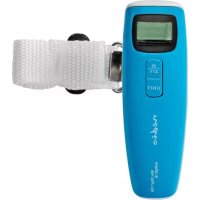
SCLU112BU - Scale NEDIS - Free user manual and instructions
Find the device manual for free SCLU112BU NEDIS in PDF.



| Product type | Digital luggage scale |
| Brand | Nedis |
| Model | SCLU112BU |
| Color | Blue |
| Maximum weighing capacity | 50 kg (estimated) |
| Precision | 0.1 kg (estimated) |
| Measurement units | kg, lb, oz (selectable) |
| Display | Digital LCD screen |
| Power supply | 1 button cell battery (CR2032 included) |
| Battery life | Several months depending on usage |
| Power on/off | Power button (long press) |
| Tare function | Yes, zero reset of weight |
| Measurement lock | Automatic after stabilization |
| Auto off | After 2 minutes of inactivity |
| Low battery indicator | Yes ("Lo" icon) |
| Overload indicator | Yes ("Err" message) |
| Carrying strap | Yes, nylon |
| Weighing hook | Yes, metallic |
| Housing material | ABS plastic |
| Dimensions (L x W x H) | Approximately 15 x 3 x 2 cm (estimated) |
| Weight (without battery) | Approximately 100 g (estimated) |
| Intended use | Indoor luggage weighing |
| Cleaning | Soft dry cloth, do not immerse |
| Replaceable batteries | Yes, by user |
| Warranty | 2 years (according to legislation) |
Frequently Asked Questions - SCLU112BU NEDIS
User questions about SCLU112BU NEDIS
0 question about this device. Answer the ones you know or ask your own.
Ask a new question about this device
Download the instructions for your Scale in PDF format for free! Find your manual SCLU112BU - NEDIS and take your electronic device back in hand. On this page are published all the documents necessary for the use of your device. SCLU112BU by NEDIS.
USER MANUAL SCLU112BU NEDIS
pocket size for on the go
SCLU112BU
natural_image
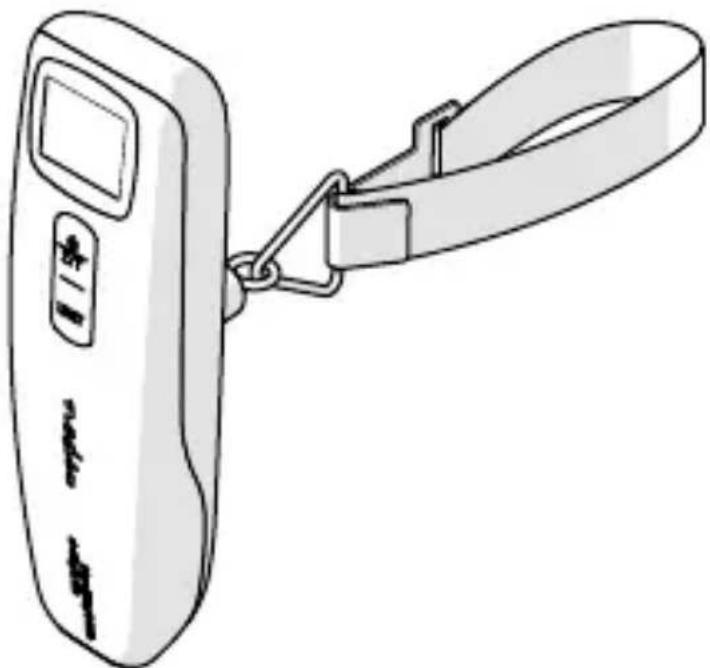
Line drawing of a digital langer device with attached strap (no text or symbols)
Quick start guide 4

Kurzanleitung 8

natural_image
Line drawing of a handheld device with a lever and handle, labeled 'B' (no text or symbols on the device itself)Specifications
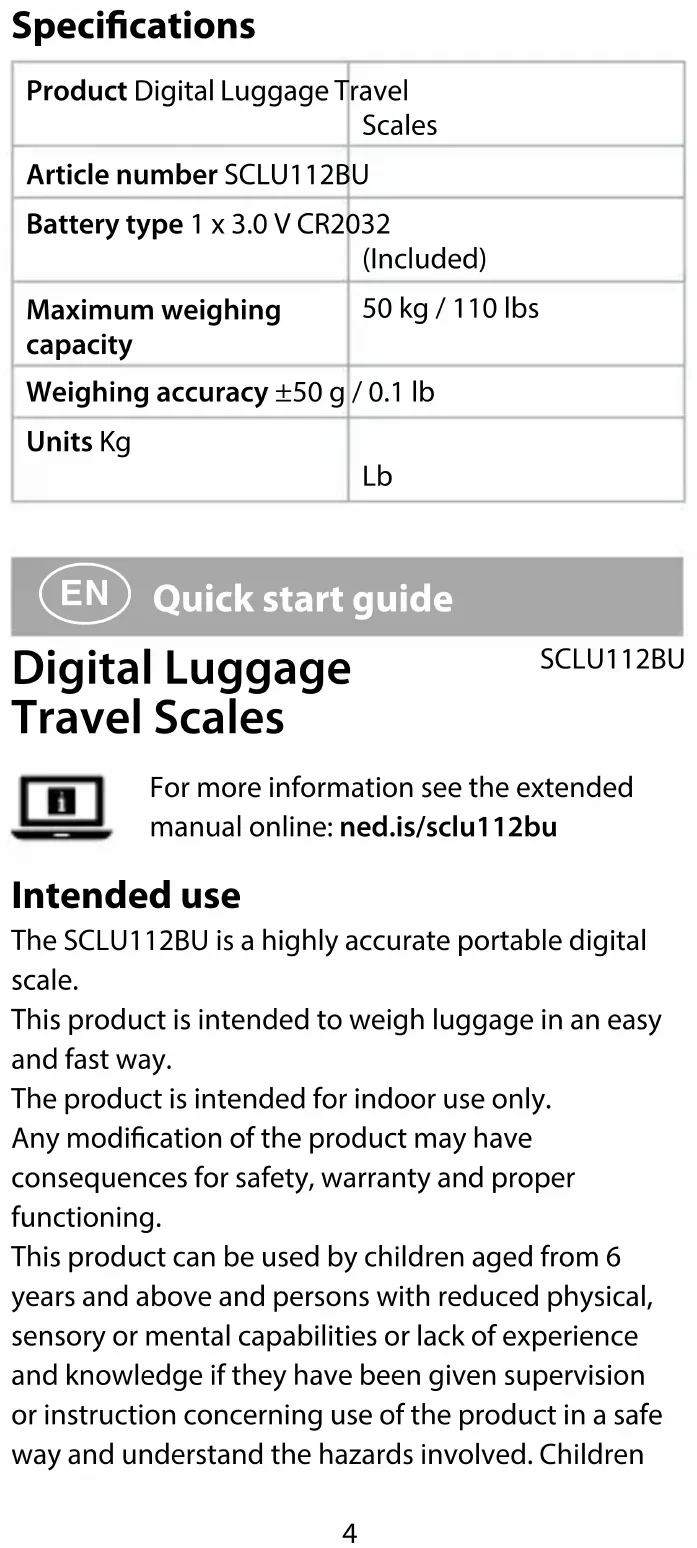
| Product Digital Luggage Travel Scales | |
| Article number SCLU112BU | |
| Battery type 1 x 3.0 V CR2032 (Included) | |
| Maximum weighing capacity | 50 kg / 110 lbs |
| Weighing accuracy ±50 g / 0.1 lb | |
| Units Kg | Lb |
EN
Quick start guide
Digital Luggage Travel Scales
SCLU112BU

For more information see the extended manual online: ned.is/sclu112bu
Intended use
The SCLU112BU is a highly accurate portable digital scale.
This product is intended to weigh luggage in an easy and fast way.
The product is intended for indoor use only.
Any modification of the product may have consequences for safety, warranty and proper functioning.
This product can be used by children aged from 6 years and above and persons with reduced physical, sensory or mental capabilities or lack of experience and knowledge if they have been given supervision or instruction concerning use of the product in a safe way and understand the hazards involved. Children
shall not play with the product. Cleaning and user maintenance shall not be done by children without supervision.
Main parts (image A)
1 Display
2 Triangular ring
3 Power and Z/T button
4 Measurement unit button
5 Belt
6 Hook
7 Battery
8 Battery
compartment
9 Battery cover
Safety instructions
WARNING
- Ensure you have fully read and understood the instructions in this document before you install or use the product. Keep the packaging and this document for future reference.
- Only use the product as described in this document.
- Do not use the product if a part is damaged or defective. Replace a damaged or defective product immediately.
- Do not drop the product and avoid bumping.
- Do not expose the product to water or moisture.
- Do not place this product close to a source of strong magnetic fields (for example a speaker) or high voltage devices.
- Do not expose cells or batteries to heat or fire. Avoid storage in direct sunlight.
- Do not short-circuit a cell or a battery.
- Do not store cells or batteries haphazardly in a box or drawer where they may short-circuit each other or be short-circuited by other metal objects.
- Do not subject cells or batteries to mechanical shock.
- In the event of a cell leaking, do not allow the liquid to come in contact with the skin or eyes. If contact has been made, wash the affected area with copious amounts of water and seek medical advice.
- Do not mix cells of different manufacture, capacity, size or type within a product.
- Only use the battery type(s) recommended in this document.
- Keep cells and batteries clean and dry.
- Observe the plus (+) and minus (−) marks on the cell, battery and equipment and ensure correct use.
- Always keep button cell batteries, both full and empty, out of reach of children to avoid the chance of swallowing. Dispose of used batteries immediately and safely. Button cell batteries can cause serious internal chemical burns in as little as two hours when swallowed. Keep in mind that the first symptoms may look like child diseases like coughing or drooling. Seek immediate medical attention when you suspect that batteries have been swallowed.
- Seek medical advice immediately if a cell or a battery has been swallowed.
- Retain the original product literature for future reference.
Before first use
- Open the battery compartment A 8.
- Remove the battery isolation strip.
- Close the battery cover A 9.
Using the product (image B)
- Press and hold power and Z/T button A 3 for 1 second to switch on the product.
- When the display A 1 shows 0.00, press measurement unit button A 4 to select measurement unit.
- Pass the belt A 5 through the luggage handle.
- Secure the hook A 6 around the triangular ring A2.
- Hold the product horizontally over the luggage.
- Press power and Z/T button A 3 to zero or tare any weight that should not be included in the total weight of luggage. The display A 1 shows the letter T and resets to 0.00.
- Lift the product and luggage gently off the floor.
- Wait for the weight reading to stop and stabilise. The display A1 shows the letter H, flashes the measured weight 3 times and then locks.
- The display A 1 shows the measured weight for 2 minutes, then automatically switches off. When the product is unable to read the weight of the luggage, press power and Z/T button A 3 to reset the display to 0.00 and try again.
- Press and hold power and Z/T button A3 for 3 seconds to switch off the product manually. Do not keep the product around sharp edged objects while in storage to avoid pressure on buttons that causes unnecessary battery drainage.
Troubleshooting
| Display warning messages | Possible cause Possible solution |
| Lo Low battery Replace old | battery with new battery. |
| Err Overload The item | being weighed exceeds the maximum weighing capacity.Remove the item to avoid damage of the product. |

Kurzanleitung

Brand : NEDIS
Model : SCLU112BU
Category : Scale