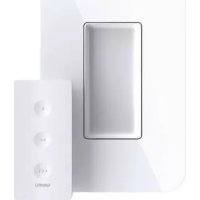
Wemo Stage Scene Controller - Smart Home BELKIN - Free user manual and instructions
Find the device manual for free Wemo Stage Scene Controller BELKIN in PDF.


| Product Type | Wireless Scene Controller |
| Dimensions | Approximately 7.6 x 7.6 x 2.5 cm |
| Weight | Approximately 80 g |
| Power | Included CR2032 battery |
| Main Functions | Control smart scenes via 3 customizable buttons, compatible with Apple HomeKit and Wemo |
| Connection | Bluetooth 4.2 |
| Maintenance and Cleaning | Clean with a dry cloth, do not use liquid |
| Safety | FCC and ISED compliant, indoor use only |
| Spare Parts and Repairability | Not repairable, no spare parts available |
| General Information | Brand Belkin, model WSC010, color white |
Frequently Asked Questions - Wemo Stage Scene Controller BELKIN
User questions about Wemo Stage Scene Controller BELKIN
0 question about this device. Answer the ones you know or ask your own.
Ask a new question about this device
Download the instructions for your Smart Home in PDF format for free! Find your manual Wemo Stage Scene Controller - BELKIN and take your electronic device back in hand. On this page are published all the documents necessary for the use of your device. Wemo Stage Scene Controller by BELKIN.
USER MANUAL Wemo Stage Scene Controller BELKIN
Smart Scene Controller
Setup Guide
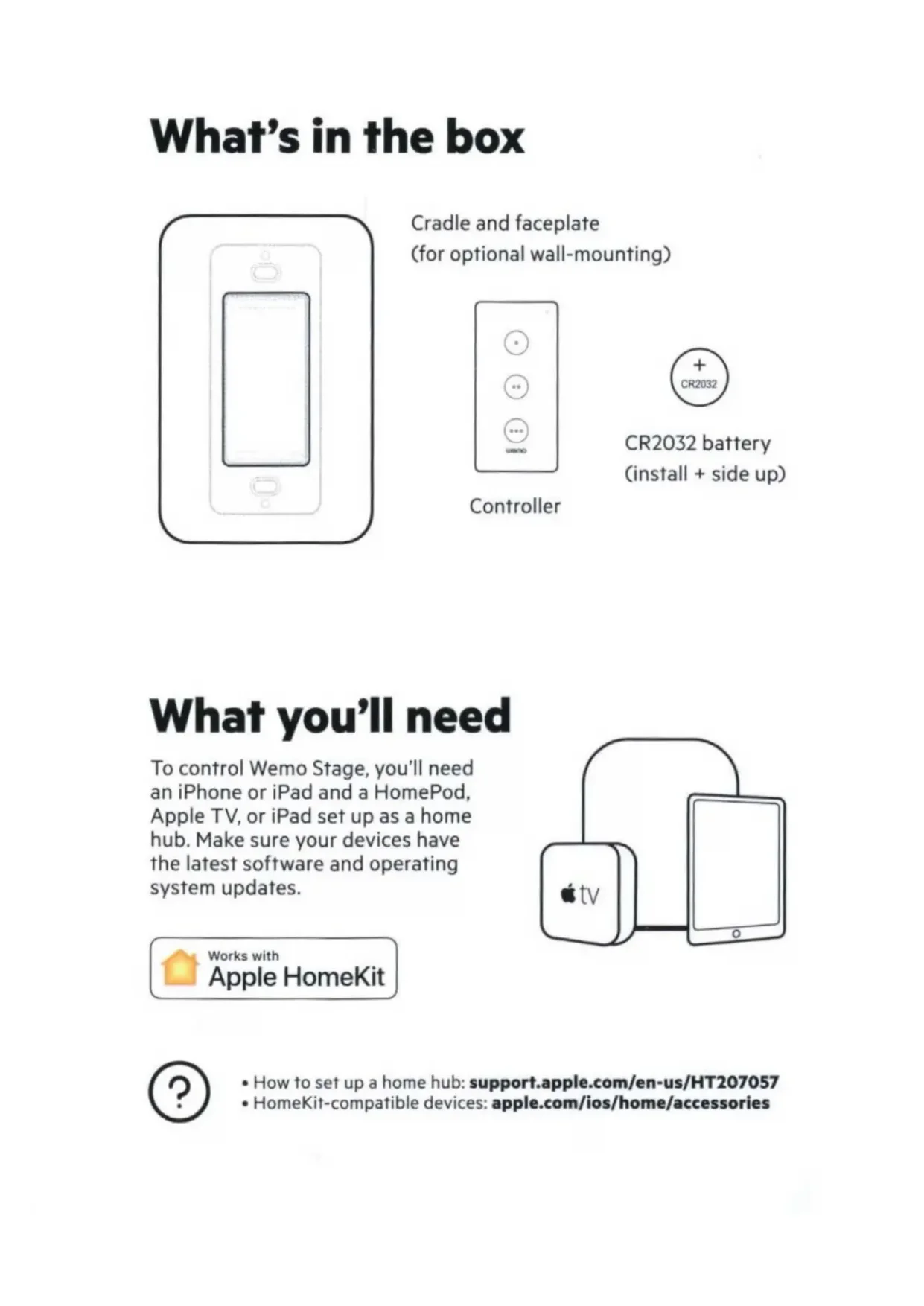
What's in the box
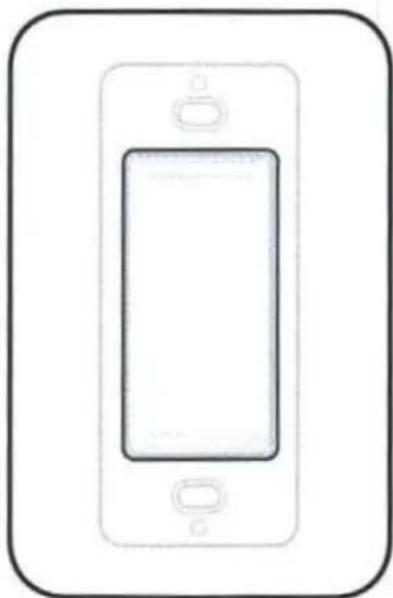
Cradle and faceplate (for optional wall-mounting)

Controller
CR2032 battery (install + side up)
What you'll need
To control Wemo Stage, you'll need an iPhone or iPad and a HomePod, Apple TV, or iPad set up as a home hub. Make sure your devices have the latest software and operating system updates.
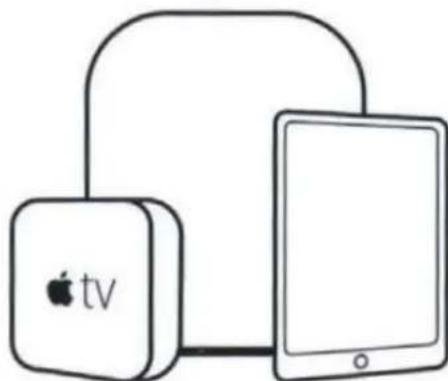

Works with Apple HomeKit
How to set up a home hub: support.apple.com/en-us/HT207057
HomeKit-compatible devices: apple.com/ios/home/accessories
Quick setup
Use the Apple Home app to:

1
Add Wemo Stage as an accessory
2
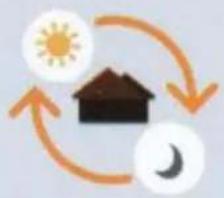
Create scenes that control your smart devices
3
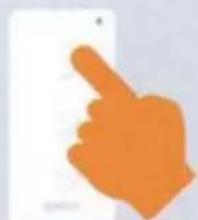
Assign scenes to buttons on Wemo Stage

Adding to Apple Home
- Install battery into the controller with the positive side facing up
- Press any button on the controller to begin setup mode (light will blink yellow and green)
- Launch the Apple Home app
- Hold the controller within an inch of the top edge or the back center of your phone and follow the prompts when they appear.
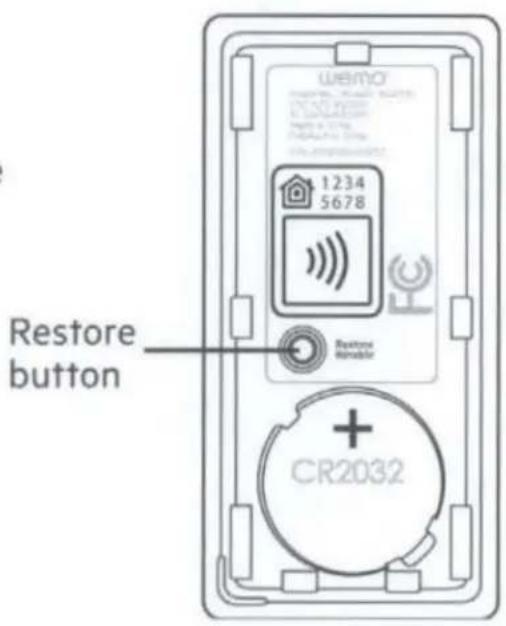
Don't see the prompts? You'll need to add (+) Wemo Stage as an accessory in the Home app by manually entering the 8-digit HomeKit code on the back of this guide.

Creating scenes
Scenes allow you to automatically control single or multiple smart devices with the touch of a button.
Creating scenes in the Home app
- Add a scene (+) from the Home app
- Choose a scene name or create a custom name
- Add accessories (smart devices) to the scene
- Assign actions to these accessories (example: turn on/off a light)
Assigning scenes
Your Wemo Stage can trigger up to 6 scenes. Each button can be assigned a scene for a short press or long press.
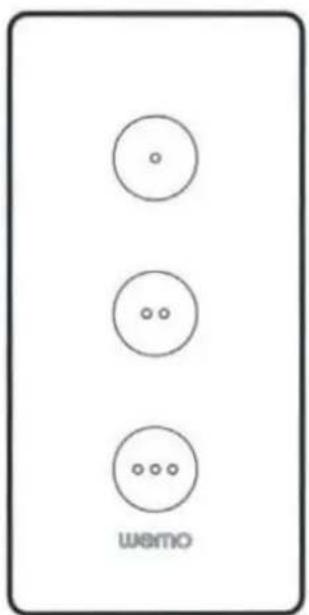
Assigning scenes to buttons in the Home app
- Tap your Wemo Stage from the list of accessories
- Decide which button you want to assign the scene to, then choose short press or long press
- Assign your scenes
Example scenes

Bedtime: Place Wemo Stage on your bedside table. Before sleeping, press to turn off all your home lights and turn on your security system.

Entertainment: Place Wemo Stage on your coffee table. When ready to party, press to dim the lights and turn on the music or TV.

Guest room on/off: Give guests control of smart lights, fans, blinds, and other devices in their room.
Status light
Off
Working normally; press any button to show status
Green
A scene has been triggered or setup has just completed
Yellow
Low-battery level

Blinking Yellow
An error has occurred.

Yellow and Green (Alternating)
Ready for setup
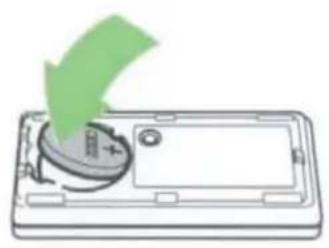
Installing or changing battery
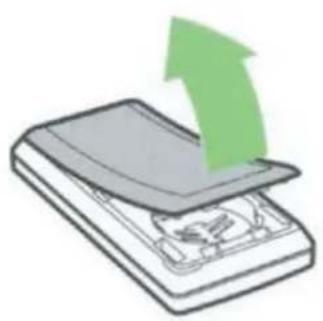

Remove the cover on the back of the controller
Install CR2032 battery in the compartment positive (+) side up
Replace back cover
Troubleshooting
Restart
Having setup or control issues? Remove and re-insert the battery to restart.
Factory restore
If a restart doesn't help, factory restore your controller.
- Press and hold Restore button for 5 seconds
- Wait for the light to blink yellow, then green and release
- Re-add your Wemo Stage to Apple Home and reassign scenes to buttons
Wall-mounting
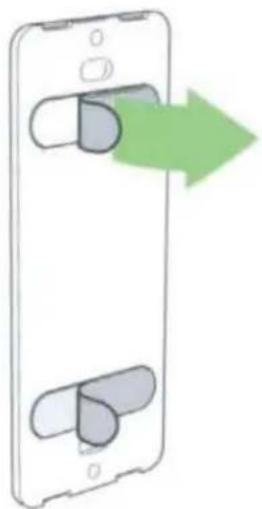
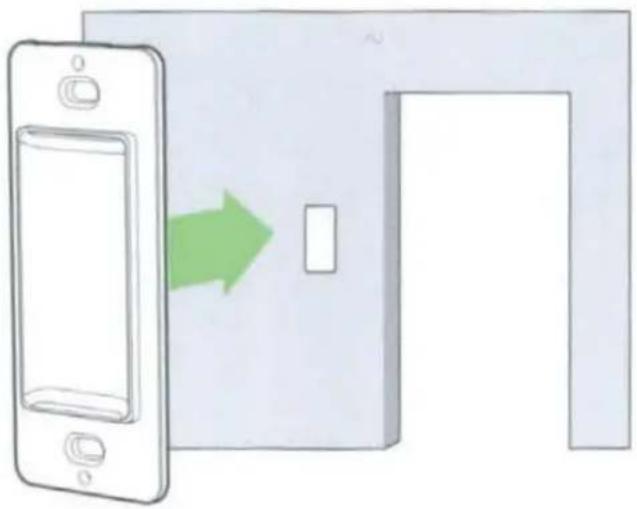
Thoroughly clean wall surface. Remove the paper from the adhesive strips on the back of the cradle.
Attach the cradle to the wall
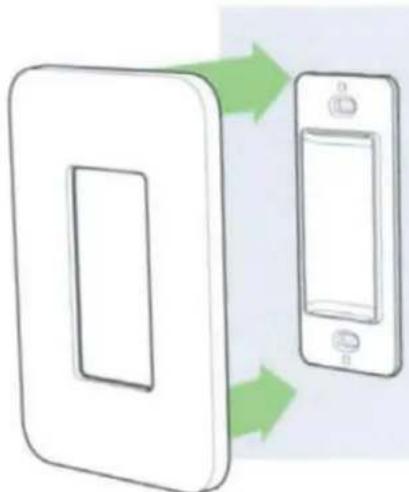

Snap the faceplate onto the mounted cradle
A magnet in the controller holds it to the wall mount
Have questions?
HomeKit Setup Code
Wemo.Stage.188

Keep this HomeKit Code handy in case you need it for setup later
Wemo Stage Support
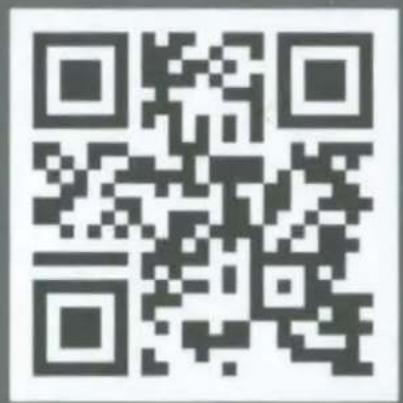
Visit wemo.com/stage for support with your Wemo Stage or call us at 1-844-745-WEMO.
For warranty information, go to wemo.com/warranty
FCC Compliance Statement
We, Belkin International, Inc., of 12045 E. Waterfront Drive, Playa Vista, CA 90094, declare under our sole responsibility that the product, WSC010, to which this declaration relates, complies with Part 15 of the FCC Rules. Operation is subject to the following two conditions: (1) this device may not cause harmful interference, and (2) this device must accept any interference received, including interference that may cause undesired operation.
This equipment has been tested and found to comply with the limits for a Class B digital device, pursuant to Part 15 of the FCC Rules. These limits are designed to provide reasonable protection against harmful interference in a residential installation.
This equipment generates, uses, and can radiate radio frequency energy and, if not installed and used in accordance with the instructions, may cause harmful interference to radio communications. However, there is no guarantee that interference will not occur in a particular installation. If this equipment does cause harmful interference to radio or television reception, which can be determined by turning the equipment off and on, the user is encouraged to try to correct the interference by one of the following measures:
- Reorient or relocate the receiving antenna.
- Increase the distance between the equipment and the receiver.
- Connect the equipment to an outlet on a circuit different from that to which the receiver is connected.
- Consult the dealer or an experienced radio/TV technician for help.
FCC Caution: Any changes or modifications not expressly approved by the party responsible for compliance could void the user's authority to operate this equipment.
This transmitter must not be co-located or operating in conjunction with any other antenna or transmitter.
Radiation Exposure Statement
This equipment complies with FCC radiation exposure limits set forth for an uncontrolled environment.
Innovation, Science and Economic Development (ISED) Canada Compliance Statement
CANICES-003(B)/NMB-003(B)
This device complies with ISED's license-exempt RSS standards. Operation is subject to the following two conditions: (1) This device may not cause interference, and (2) this device must accept any interference, including interference that may cause undesired operation of the device.
The device could automatically discontinue transmission in case of absence of information to transmit, or operational failure. Note that this is not intended to prohibit transmission of control or signaling information or the use of repetitive codes where required by the technology.
This device and its antennas(s) must not be co-located or operating in conjunction with any other antenna or transmitter except in accordance with ISED multi-transmitter product procedures.
This device has been designed to operate with an antenna having a maximum gain of -2 dBi at 2.4 GHz. Antenna having a higher gain is strictly prohibited per regulations of ISED. The required antenna impedance is 50 ohms.
The maximum antenna gain to comply with the EIRP limit is provided in the table below.
| Antenna No. | Antenna Type | Antenna Gain (dBi) | Antenna Connector |
| BT | IFA | -2 | N/A |
Radiation Exposure Statement:
This equipment complies with RSS-102 radiation exposure limits set forth for an uncontrolled environment.
Safety Caution:
When using this product, basic precautions should always be followed, including, but not limited to, the following:
- Unplug device prior to cleaning. Use dry cloth on exterior of the device. To avoid shock hazard and/or damage to device. DO NOT use any liquid solution.
- Do not use this product near the water, for example, in a wet basement or near a swimming pool.
- Keep this product away from heat sources, direct sunlight, combustible gas, humidity, water, or other liquids.
- Do not use this product if visible defects are observed or if it has been wet or damaged or modified. Contact the customer service support of Belkin for assistance.
- Do not disassemble, open, microwave, incinerate, paint, or insert foreign objects into this product.
- Do not expose this product to fire or high temperature. Exposure to fire or high temperature may cause explosion.
- Do not expose this product to mechanical shock such as crushing, bending, puncturing, or shredding. Avoid dropping or placing heavy objects on this product.
- Please read the operating instructions and information on the minimum and maximum operating temperatures supplied with this product.
- To reduce the risk of injury, close supervision is necessary when this product is used near or by children.
- This product is intended for indoor use only.
- Use of this product in a manner not recommended in these instructions may result in a risk of injury to persons.
For support, please visit: http://www.wemo.com/support.html
- Setup Guide
- What's in the box
- What you'll need
- Works with Apple HomeKit
- Quick setup
- Adding to Apple Home
- Creating scenes
- Creating scenes in the Home app
- Assigning scenes
- Assigning scenes to buttons in the Home app
- Example scenes
- Status light
- Off
- Green
- Yellow
- Blinking Yellow
- Yellow and Green (Alternating)
- Installing or changing battery
- Troubleshooting
- Restart
- Factory restore
- Wall-mounting
- Have questions?
- FCC Compliance Statement
- Radiation Exposure Statement
- Innovation, Science and Economic Development (ISED) Canada Compliance Statement
- Radiation Exposure Statement:
- Safety Caution:
Brand : BELKIN
Model : Wemo Stage Scene Controller
Category : Smart Home