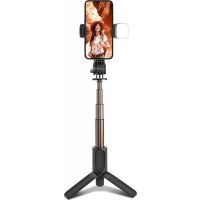
Tripod Selfie Stick Pro - Tripod SBS - Free user manual and instructions
Find the device manual for free Tripod Selfie Stick Pro SBS in PDF.


| Product type | Selfie stick tripod with Bluetooth remote and fill light |
| Brand | SBS |
| Model | Tripod Selfie Stick Pro |
| Compatibility | Android 4.4 and later, iOS 5.0 and later |
| Wireless connection | Bluetooth (range approx. 10 m) |
| Remote control | Shutter button integrated in the handle |
| Head rotation | 360° for switching between portrait and landscape |
| Tripod legs | Retractable, open by spreading the handle |
| Maximum length | Approx. 100 cm |
| Folded length | Approx. 30 cm |
| Weight | Approx. 200 g |
| Power source | Built-in rechargeable battery |
| Fill light | Built-in LED, 3 modes (white, warm, mixed) with two intensities each |
| Charging | Via cable (type not specified, probably micro USB or USB-C) |
| Standby time | Approx. 10 minutes before auto shutdown |
| Material | Aluminum and plastic |
| Color | Black |
| Box contents | Selfie stick, charging cable, user manual |
Frequently Asked Questions - Tripod Selfie Stick Pro SBS
User questions about Tripod Selfie Stick Pro SBS
0 question about this device. Answer the ones you know or ask your own.
Ask a new question about this device
Download the instructions for your Tripod in PDF format for free! Find your manual Tripod Selfie Stick Pro - SBS and take your electronic device back in hand. On this page are published all the documents necessary for the use of your device. Tripod Selfie Stick Pro by SBS.
USER MANUAL Tripod Selfie Stick Pro SBS
TESELFIETRIPODPROBTK
Tripod Led Selfie Stick Pro
Lightweight and Portable
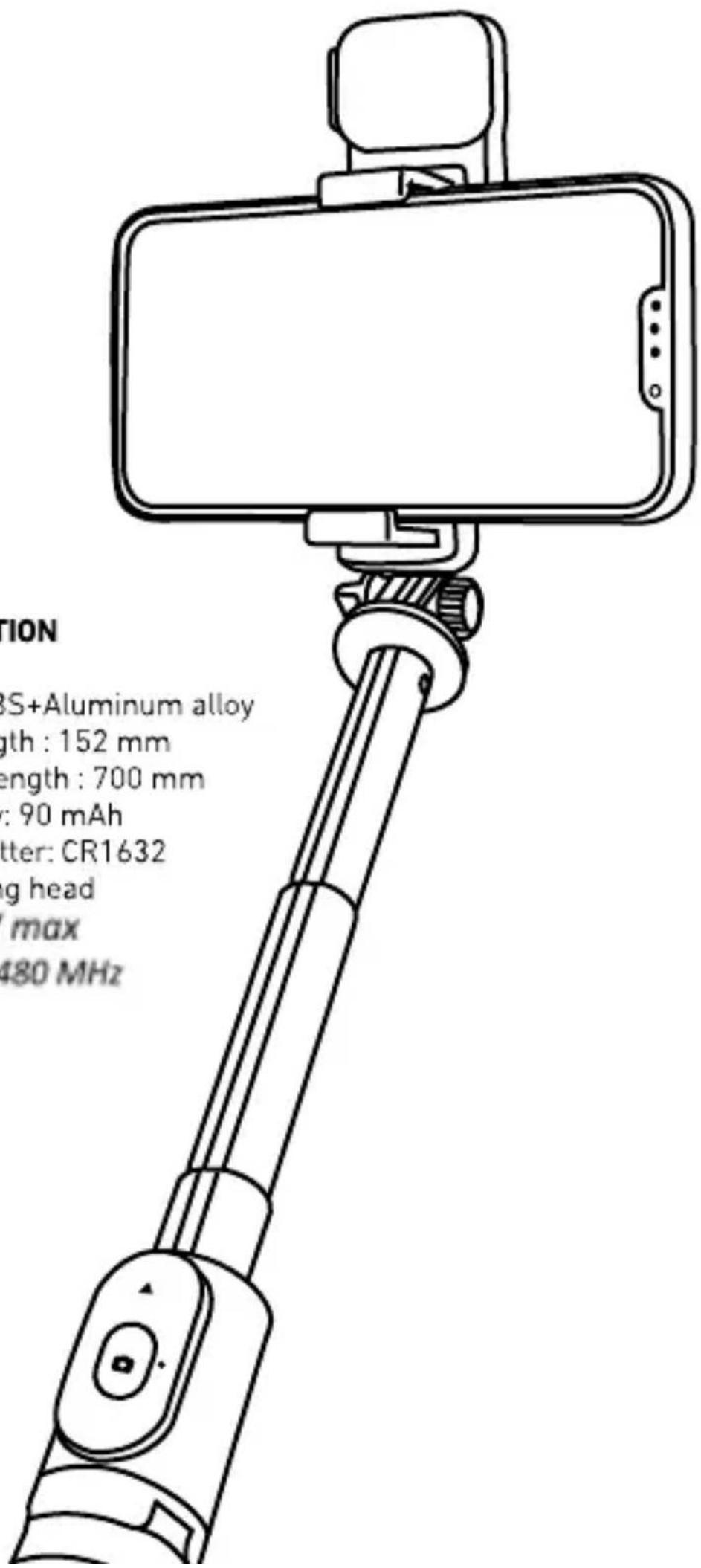
SPECIFICATION
Material: ABS+Aluminum alloy
Folded Length : 152 mm
Extended Length: 700 mm
LED Battery: 90 mAh
Battery shutter: CR1632
360° rotating head
PRF : 6 mW max
f: 2402 ÷ 2480 MHz
UK User Manual 4
For other informations please contact us at customercare@sbsmobile.com
UK
USER MANUAL
Selfie stick user manual
- Turn on Long press the camera button for 3 seconds to turn on.
- Bluetooth pairing the indicator light flashes for 4 seconds to enter the pairing state, the blue indicator light of the pairing state flashes, use the mobile phone to search for "Selfie" to match, and the light will go out after the pairing is successful.
- Take a photo When the Selfie is connected to the mobile phone, short press the camera button and the light flashes.
- No pairing: After booting, in the state of no pairing connection, it will automatically shut down after 5 minutes of no operation.
- Pairing: After turning on the phone, when the Selfie is connected to the phone, it will enter the dormant state if there is no operation for 10 minutes, and it will automatically shut down after another 10 minutes.
- Power off: In power on and sleep mode, press and hold the camera button for 3 seconds to power off, the indicator light flashes and goes out.
Unload and load
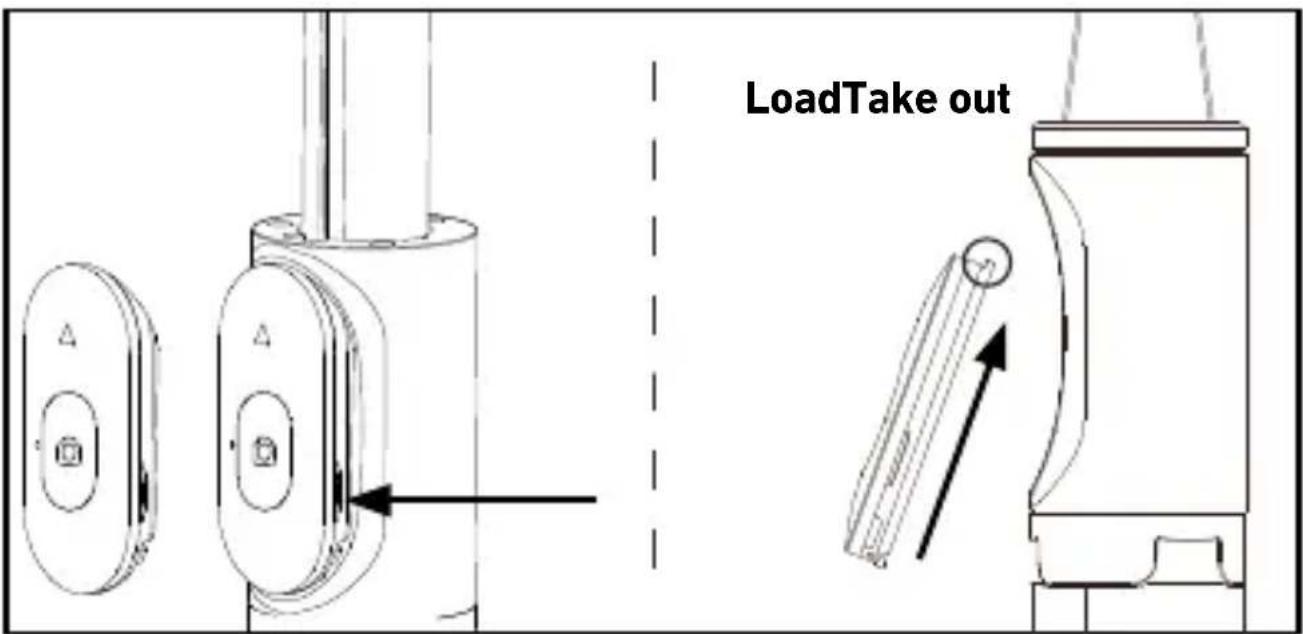
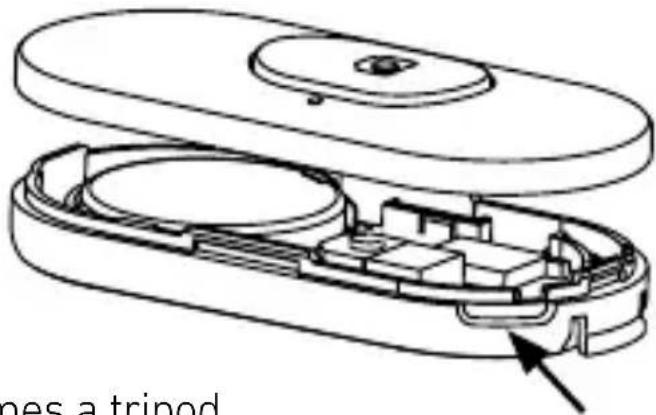
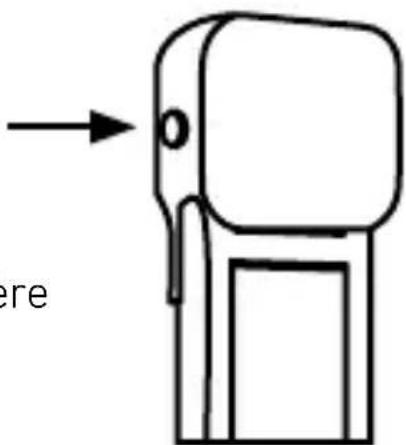
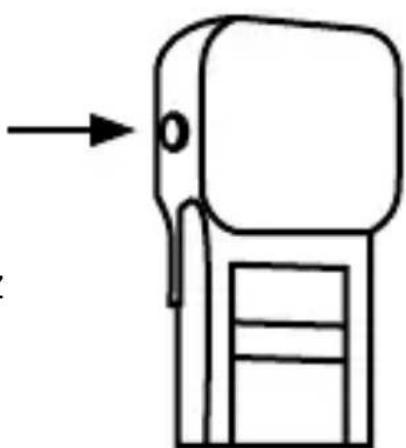
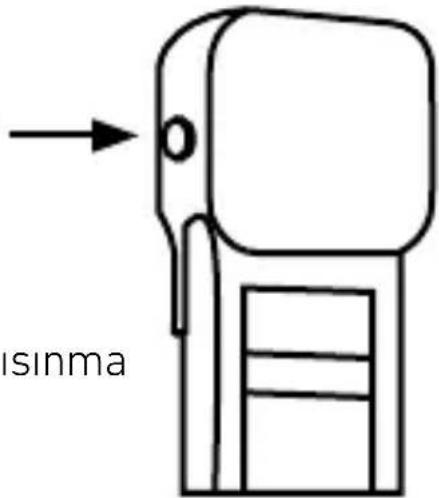
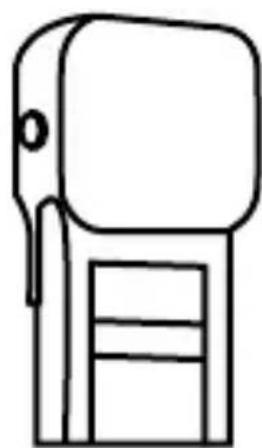
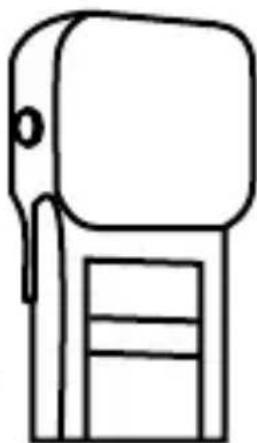
Open the remote control cover:
Cut out from the groove on the left Open the remote control cover.
360° rotation
The phone holder can rotate
Open the tripod
Open the handle outwards, it becomes a tripod.
Tripod mode
When the selfie stick changes to tripod mode, pay attention pull out the last section of the pole and adjust it to the tripod is stable.
How to use fill light
Press and hold the power button for 2 seconds to turn on the light, and click to dim.
Light transformation mode:
White light: soft light, strong light
Warm light: soft light, strong light
White + warm light: soft light, strong light
Press and hold the power button for 2 seconds to turn off the light, and remember the last shutdown When charging, the red light is on, and the light is off when it is full.
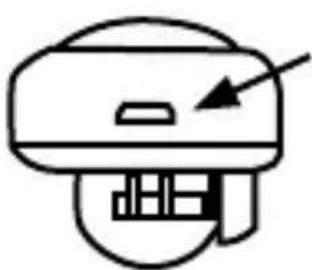
USB chargin port
Switch
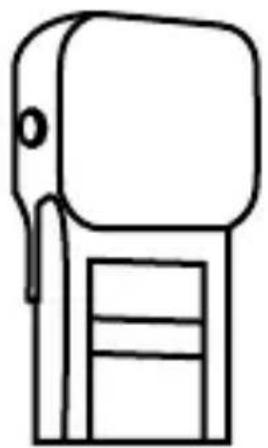
(the battery must not be exposed to such as sunlight, fire or similar overheating environment)
Remind
The selfie stick is compatible with Android 4.4 and above & iOS 5.0 and above. (Android device: If you change your volume key function on the camera, be sure to change it to the default value. Or take a picture and let the selfie stick to work normally)
Port de charge USB
Interrupteur
Erinnerung
Abrir el trípode
Puerto de carga USB
Interruptor
P MANUAL DE INSTRUÇÕES
Rotação de 360°
Porta de carga USB Interruptor

USB-oplaadpoort
Schakelaar
USB şarj portu
Değiştir
Θύρα φόρτισης USB
Διακόπτης
360°دوران بزاوية
Rozložte stativ
USB nabíjací port
Prepínač
Pripomienka
USB jkrovimo prievadas
Jungiklis
Priminimas
USB uzlādes ports
Slēdzis
- TRIPOD LED SELFIE STICK PRO
- SPECIFICATION
- UK
- USER MANUAL
- SELFIE STICK USER MANUAL
- UNLOAD AND LOAD
- OPEN THE REMOTE CONTROL COVER
- 360° ROTATION
- OPEN THE TRIPOD
- TRIPOD MODE
- HOW TO USE FILL LIGHT
- REMIND
- ERINNERUNG
- ABRIR EL TRÍPODE
- P MANUAL DE INSTRUÇÕES
- ROTAÇÃO DE 360°
- ROZLOŽTE STATIV
- PRIPOMIENKA
- PRIMINIMAS
Brand : SBS
Model : Tripod Selfie Stick Pro
Category : Tripod