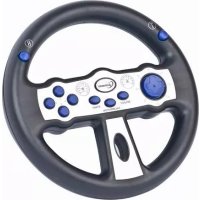
STRMS01 - Video game steering wheel Gembird - Free user manual and instructions
Find the device manual for free STRMS01 Gembird in PDF.


| Product Type | Video game steering wheel with integrated paddle shifters |
| Brand | Gembird |
| Model | STRMS01 |
| Dimensions (approx.) | 28 x 28 x 28 cm |
| Weight (approx.) | 1.2 kg |
| Power Supply | USB (5V, 500 mA) |
| Rotation Angle | 180 degrees |
| Force Feedback | No (simple vibration motor) |
| Compatibility | PC Windows 10/11, PlayStation 4/5, Xbox One/Series X|S |
| Connectivity | Wired USB (1.5 m cable) |
| Main Functions | Steering wheel with paddle shifters, accelerator and brake pedals, vibrations, programmable function buttons |
| Care and Cleaning | Clean with a slightly damp soft cloth. Do not use solvents. |
| Safety | Do not expose to moisture, shocks, or extreme temperatures. Disconnect during thunderstorms. |
| Spare Parts and Repairability | Parts not available separately. Contact Gembird after-sales service in case of failure. |
| Warranty | 36 months (see conditions in manual) |
| General Information | Steering wheel designed for racing simulation games. Manual available for download on the manufacturer's website. |
Frequently Asked Questions - STRMS01 Gembird
User questions about STRMS01 Gembird
0 question about this device. Answer the ones you know or ask your own.
Ask a new question about this device
Download the instructions for your Video game steering wheel in PDF format for free! Find your manual STRMS01 - Gembird and take your electronic device back in hand. On this page are published all the documents necessary for the use of your device. STRMS01 by Gembird.
USER MANUAL STRMS01 Gembird
natural_image
Abstract logo design featuring a stylized arrow and 'GE' letters, no readable text or symbols beyond the graphic elements.GEMBIRD®

natural_image
Top-down view of a black and white racing steering wheel with blue buttons and a circular logo (no text or symbols visible)USB MOTION SENSOR RACING WHEEL
USB RACING LENKRAD MIT BEWEGUNGSSENSOREN
USB BEWEGINGSGEVOELIG STUURWIEL
MOTION USB CAPTEUR DE ROUE RACING
• USB dual vibration racing wheel with motion sensors
- 8 programmable action buttons and multi-directional D-pad
- Quick calibration button
- Works with all racing games that support steering wheel input
Specifications
- Interface: USB 2.0
• Dimensions: 200 mm x 200 mm x 44 mm - Net weight: 315 g
- Cable length: 2.4 m

①
natural_image
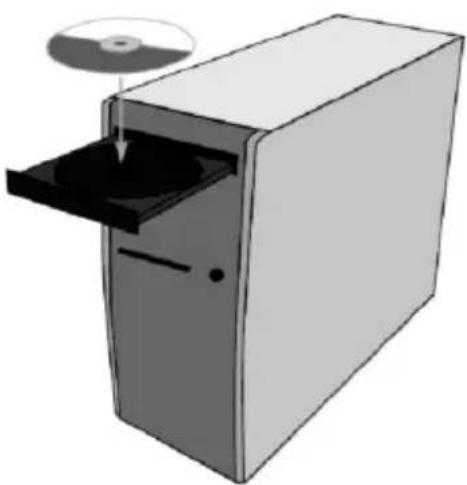
Illustration of a CD or DVD drive with an open box and a circular disc on top (no text or symbols)②

natural_image
Illustration of a desktop computer tower case with front panel and drive bays (no text or symbols)

natural_image
Black and white photo of a car steering wheel with control buttons and a cable (no visible text or symbols)
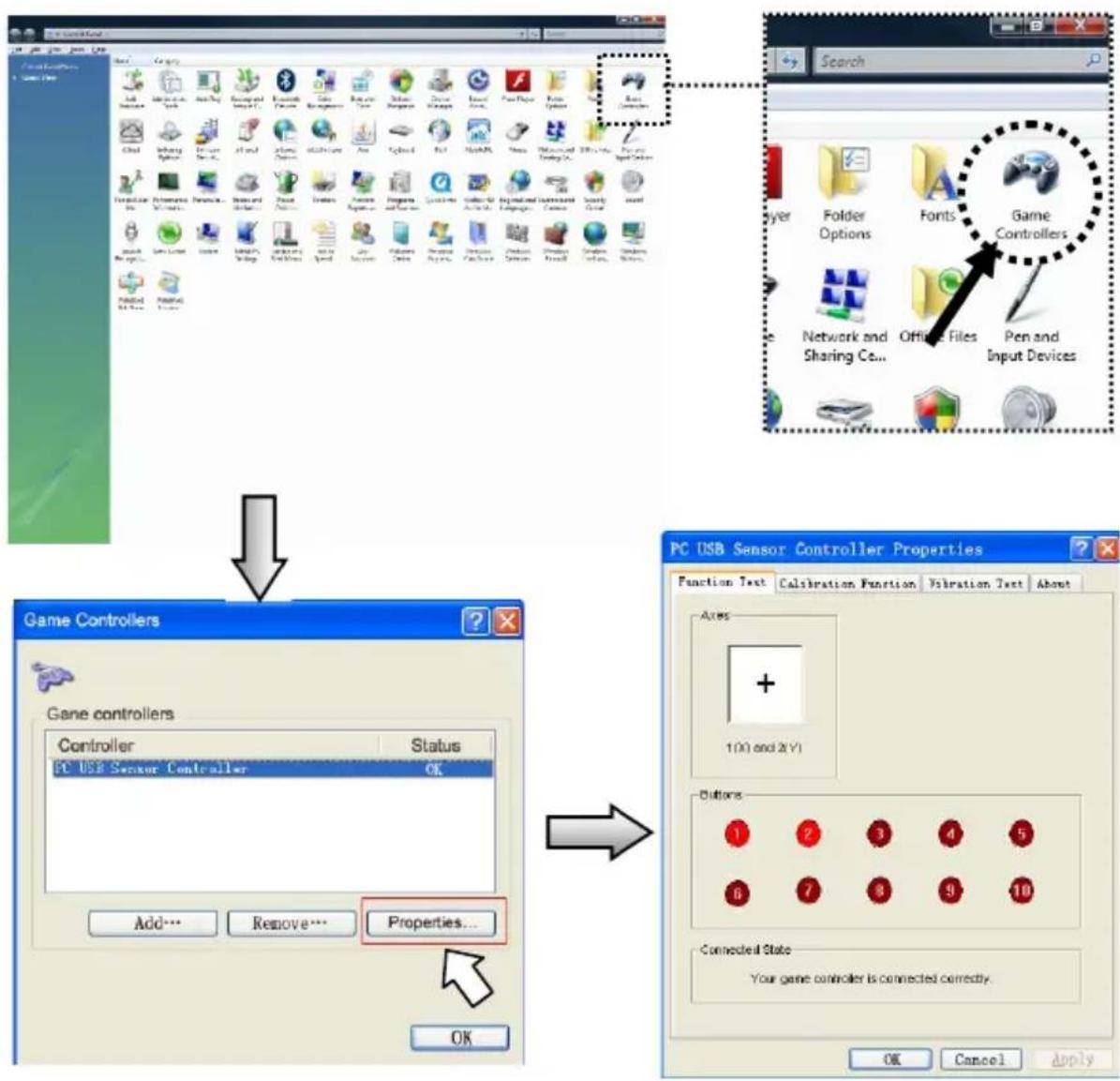
④
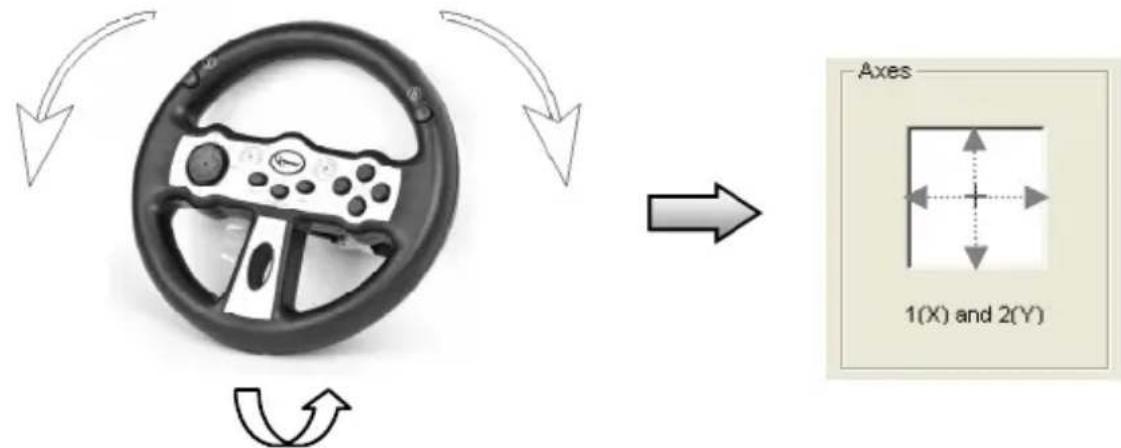
⑤
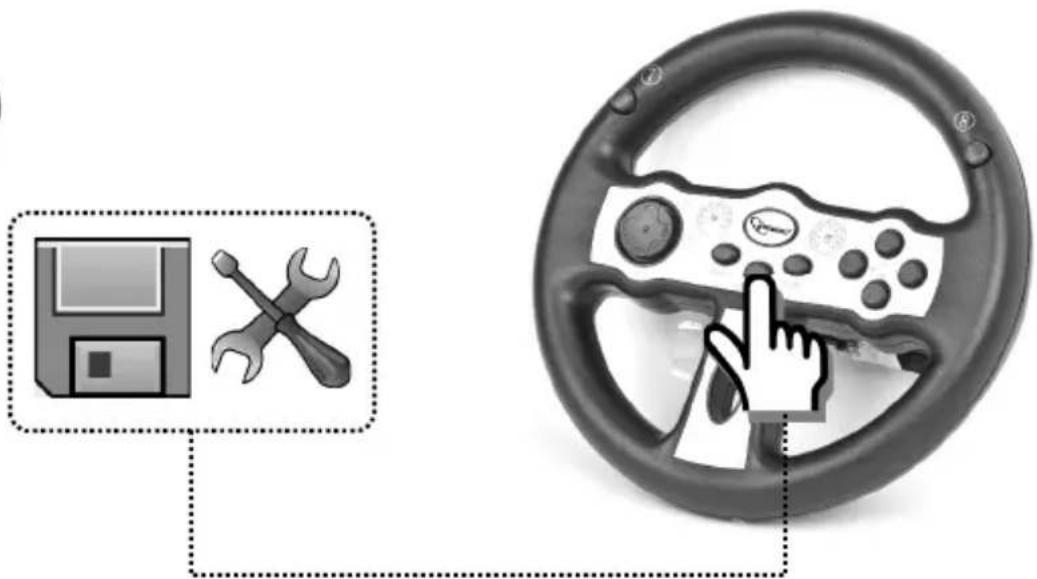
natural_image
Illustration of a steering wheel with a gear and wrench icon, connected to a computer monitor (no text or symbols)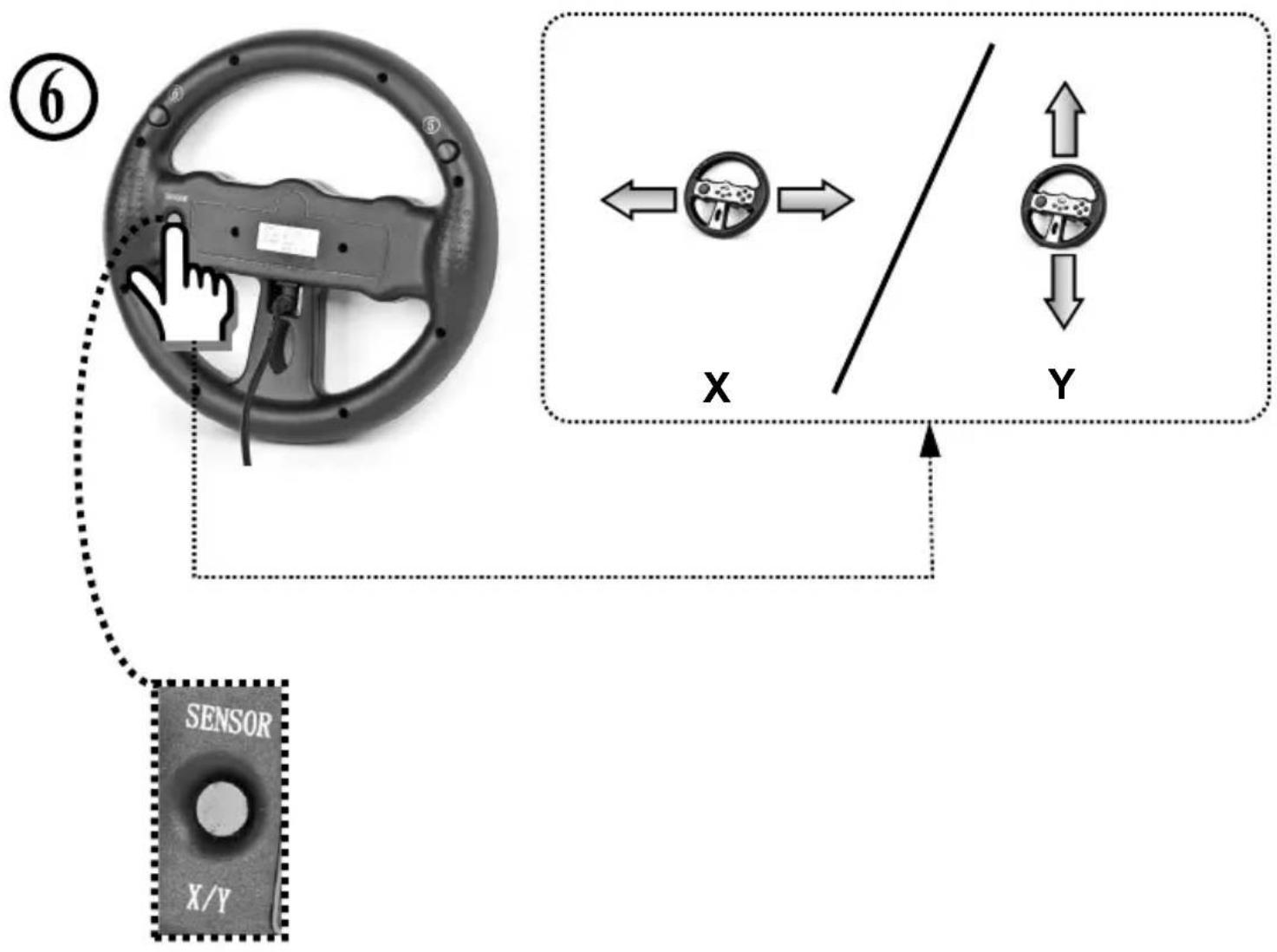
flowchart
graph TD
    A["Sensor"] --> B["Left Wheel"]
    B --> C{Control}
    C --> D["X"]
    C --> E["Y"]
    D <--> E
    E <--> F["Downward Arrow"]
    F --> G["Right Wheel"]
    style A fill:#f9f,stroke:#333
    style G fill:#bbf,stroke:#333

natural_image
Gray circular icon with an exclamation mark symbol (no text or numbers)
natural_image
Simple line drawing of a hand washing a cup with water droplets falling (no text or symbols)
natural_image
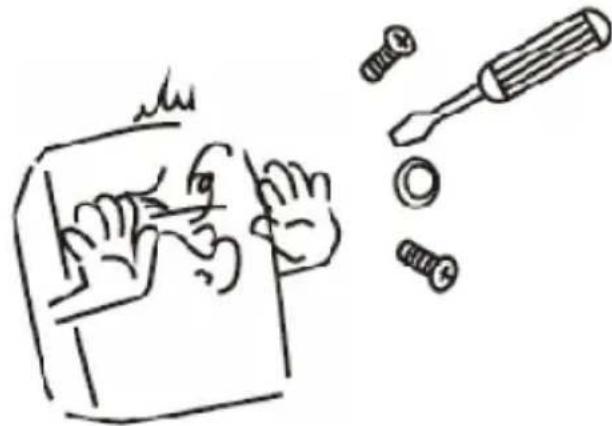
Simple line drawing of a hand using a screwdriver to cut a screw and loose bolts (no text or symbols)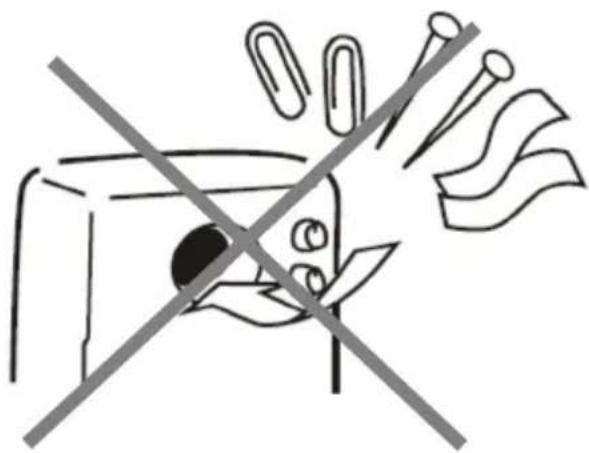
natural_image
Simple line drawing of a device with a crossed-out arrow and paper clips, no text or symbols present.EC Declaration of Conformity
We hereby certify that the following product complies with all the relevant
Safety Requirements of § 4 EMVG and of the Directives 2006/95/EC; 93/68/EEC and 2004/108/EC.
Applicant :
Gembird Europe BV
Wittevrouwen 56,
1358CD, Almere, The Netherlands
Equipment :
Computer parts
Model Nos.
STR-MS01
Product description :
STR-MS01 USB Motion Sensor racing wheel
European standards:
EN55022:2006; EN55024:1998+A1:2001+A2:2003; EN61000-3-2:2000+
A2:2005; EN61000-3-3:1995+A1:2001+A2:2005
The following manufacturer/WITHIN Europe is responsible for this declaration:
Gembird Europe BV
Wittevrouwen 56, 1358CD, Almere, The Netherlands
Tel: +31-(0)36-5211588. Fax: +31-(0)36-5347835
Director
Authorized signature
Waste disposal:

Do not deposit this equipment with the household waste. Improper disposal can harm both the environment and human health. For Information about waste collection facilities for used electrical and electronic devices, please contact your city council or an authorized company for the disposal of electrical and electronic equipment.
Brand : Gembird
Model : STRMS01
Category : Video game steering wheel