PANASONIC KX-FT988 - Fax machine

KX-FT988 - Fax machine PANASONIC - Free user manual and instructions

Find the device manual for free KX-FT988 PANASONIC in PDF.

📄 3 pages English EN Download 💬 AI Question 10 questions ⚙️ Specs
Notice PANASONIC KX-FT988 - page 1
View the manual : Français FR English EN
Pick your language and provide your email: we'll send you a specifically translated version.
Product type Compact fax with digital answering machine
Brand Panasonic
Model KX-FT988
Compatibility G3
Paper format A4 / Letter (thermal paper, 30 m roll included)
Dimensions (W × D × H) 352 × 450 × 121 mm
Weight 3,000 g
Power supply 220-240 V, 50/60 Hz
Power consumption (standby) 1.5 W
Power consumption (max.) 110 W
Transmission speed 15 s/page (ITU-T test chart #1)
Modem 9.6 kbps
Transmission memory 25 pages
Paperless reception Up to 28 pages in memory
Sequential broadcasting Up to 20 recipients
Gray levels 64 (with digital image processing)
Telephone functions Digital answering machine (18 min), digital duplex speaker, Caller ID, directory dialing (100 names), speed dial (10 keys)
Paper cutter Automatic
Friendly reception (Friendly Fax) Yes
Copier function Yes
Remote control By tone
Voice guide Yes
Consumables Thermal paper: KX-A106
Cleaning Clean the exterior with a soft, dry cloth. Do not use abrasive products.

Frequently Asked Questions - KX-FT988 PANASONIC

How to view the history of sent and received faxes?
Access the main menu of the device, select "Memory" or "Journal", then navigate to view the list of processed faxes. You can see the numbers and dates. The KX-FT988 does not allow generating an automatic report, but you can view the history manually.
How to install the thermal paper roll?
Open the paper compartment, insert the thermal paper roll (reference KX-A106) respecting the winding direction, then close it. Make sure the edge of the paper protrudes slightly to allow automatic cutting.
What to do in case of paper jam?
Open the front cover, carefully remove the stuck paper by pulling gently. Check that the roll is correctly positioned. If the problem persists, unplug the device and wait a few seconds before turning it back on.
How to set up Caller ID?
Make sure you subscribe to the caller identification service from your telephone operator. On the device, activate the function in the settings menu. Incoming calls will display the number and name (if available) on the LCD screen.
How to forward a fax to another number?
This model allows sequential broadcasting to up to 20 recipients. Program the numbers in the directory, then use the broadcast function when sending. For manual forwarding, you can scan the document and resend it.
How to record a greeting message on the answering machine?
Press the "Menu" key, select "Answering machine" then "Greeting message". Follow the voice instructions to record your message. The maximum recording time is 18 minutes total.
How to use the digital duplex speaker?
During a call, press the "Speaker" key to activate hands-free mode. Digital technology reduces echo and ensures natural conversation. You can adjust the volume with the +/- keys.
How to program a speed dial number?
Press the "Menu" key, select "Directory", then "Speed dial". Choose a key from 1 to 10 and enter the number. You can also store up to 100 names in the general directory.
How to clean the device?
Use a soft, dry cloth to clean the exterior. Do not use solvents or abrasive products. For the print head, use a cotton swab dipped in isopropyl alcohol after unplugging the device.
Where to find consumables (thermal paper)?
The replacement thermal paper is reference KX-A106. You can purchase it from authorized Panasonic dealers or online. Make sure to use special thermal fax paper.

User questions about KX-FT988 PANASONIC

1 question about this device. Answer the ones you know or ask your own.

Ask a new question about this device

The email remains private: it is only used to notify you if someone responds to your question.

rapports périodiques ou historiques des appels résolu
F FOUFA Hamid - 25/05/2026 - 1 réponse communauté

comment obtenir un rapport sur les appels et les fax reçus et/ou envoyés

Report this question
N Notice-Facile - 25/05/2026

Accès à l'historique des fax : Le Panasonic KX-FT988 dispose d'une mémoire pour enregistrer les fax envoyés et reçus. Pour consulter cet historique, accédez au menu principal de l'appareil, sélectionnez « Mémoire » ou « Journal », puis naviguez pour visualiser la liste des fax traités. Cette fonction vous permet de voir les numéros et dates, mais les options d'affichage dépendent du mode choisi.

Génération de rapports détaillés : Malheureusement, les informations disponibles sur ce modèle ne mentionnent pas explicitement une fonction de rapport périodique automatique (quotidien, hebdomadaire, etc.). Le KX-FT988 étant un télécopieur relativement basique, il est probable qu'il ne dispose pas d'une telle fonctionnalité programmable comme on peut la trouver sur des modèles plus avancés.

Ce que vous pouvez faire :

  • Consulter régulièrement l'historique via le menu « Mémoire » pour suivre manuellement vos communications
  • Vérifier si votre fournisseur de services téléphoniques propose des relevés détaillés des appels
  • Consulter la notice complète du produit ou contacter le service après-vente Panasonic pour confirmer s'il existe une option de rapport que nous n'aurions pas couverte

Report this response
Add a response

Download the instructions for your Fax machine in PDF format for free! Find your manual KX-FT988 - PANASONIC and take your electronic device back in hand. On this page are published all the documents necessary for the use of your device. KX-FT988 by PANASONIC.

USER MANUAL KX-FT988 PANASONIC

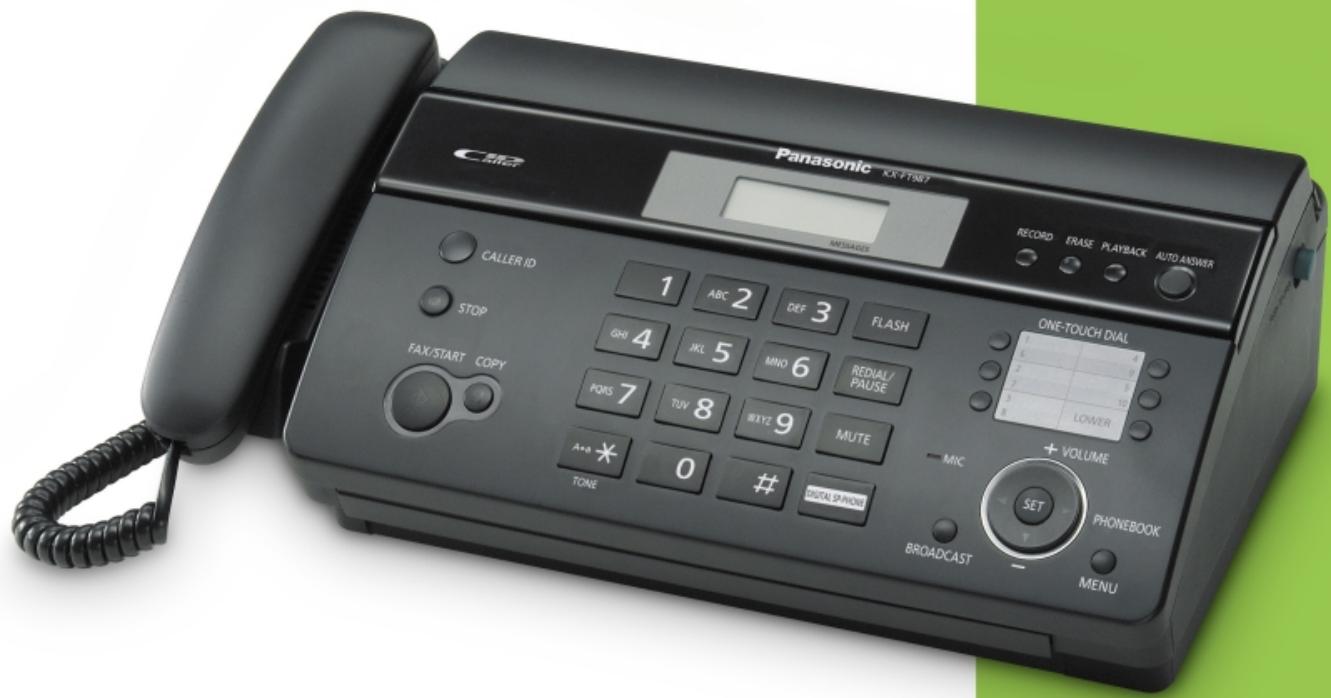
Brand New High-End Home Fax in a Compact Design

Advanced Function Lineup with

Answering Machine

Personal Fax

Fully Digital Answering System
Digital Duplex Speakerphone
Automatic Paper Cutter

PANASONIC KX-FT988 - Personal Fax - 1

PANASONIC KX-FT988 - Personal Fax - 2

PANASONIC KX-FT988 - Personal Fax - 3

PANASONIC KX-FT988 - Personal Fax - 4

PANASONIC KX-FT988 - Personal Fax - 5

PANASONIC KX-FT988 - Personal Fax - 6
Fully Digital Answering System

PANASONIC KX-FT988 - Personal Fax - 7
Navigator Key for Easy Operation

PANASONIC KX-FT988 - Personal Fax - 8
Caller ID*1 Ready

PANASONIC KX-FT988 - Personal Fax - 9

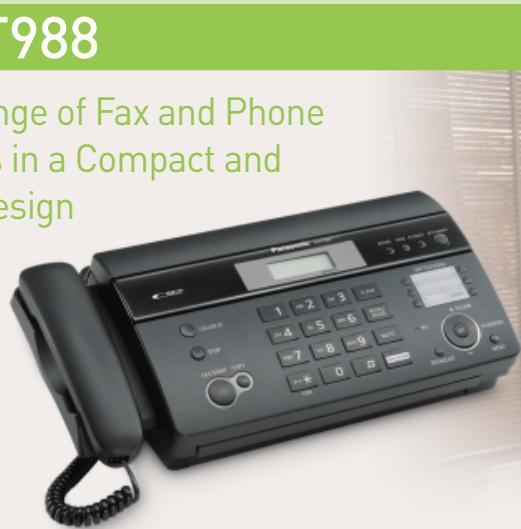
A Full Range of Fax and Phone Functions in a Compact and Simple Design
PANASONIC KX-FT988 - Personal Fax - 10

PANASONIC KX-FT988 - Personal Fax - 11

Fully Digital Answering System

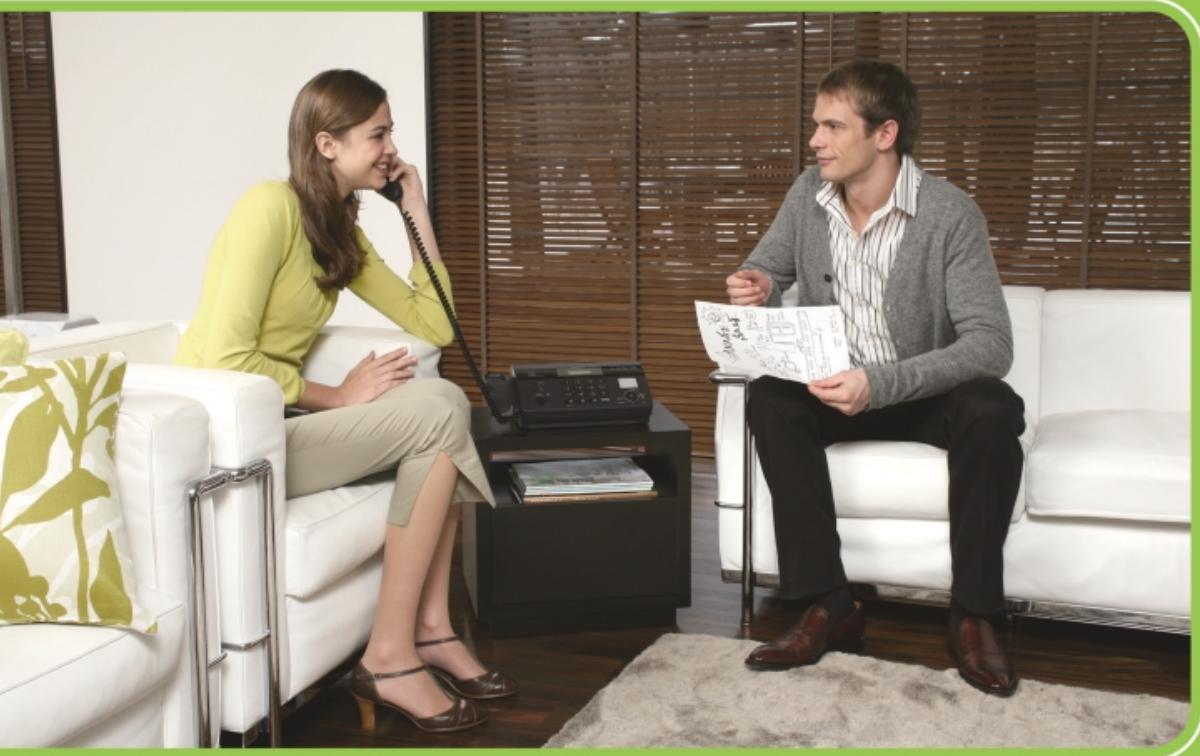
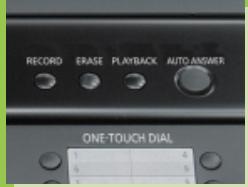
The system answers all your calls, records messages and receives faxes while you are away. The digital system makes operation virtually silent and instantaneous.

PANASONIC KX-FT988 - Fully Digital Answering System - 1

Digital Duplex Speakerphone

Digital compression technology helps to reduce annoying echo, drop-out or clipping. You can enjoy clear, natural two-way conversations on the digital speakerphone.

PANASONIC KX-FT988 - Digital Duplex Speakerphone - 1

Automatic Paper Cutter

Documents that are received or copied will be automatically cut and stacked.

Advanced Features

Caller ID*1 Ready

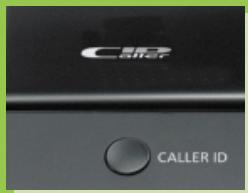
With caller ID compatibility, you can view the name or number of your incoming callers on the LCD screen before you answer the call. You can edit and store the caller ID memory, and even print the list for your records.

Out-of Paper Reception*2

The unit can store up to 28 pages in its built-in memory when the unit has run out of paper. This feature is also ideal for broadcasting.

Sequential broadcasting (20 Locations)

If you are sending the same fax to multiple locations, you can program the unit to do so automatically. Documents are stored in memory and faxed in succession to each of the locations you program.

64-Level Halftone with Digital Image Processing

You can send or copy everything from family photos to company documents in almost their original beauty, with the clarity and detail of 64 level halftone reproduction.

Other Features

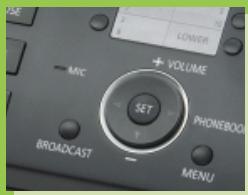
Navigator Key for Easy Operation
Automatic Document feeder (10 pages)
Delayed transmission
Voice time/day stamp

Friendly Fax Reception
■ Polling function
Copier function
Tone remote control

2-way recording
Electronic volume control
Voice guidance

Specifications

KX-FT988
Facsimile (Base)
CompatibilityG3
Paper HandlingA4/Ltr
Memory Transmission [Pages*2]25
Modem Speed (kbps)9.6
Transmission Speed*2 (sec)15
Junk Fax Prohibitor (stations)
Included Thermal Paper (m)30 (Option)
Digital Answering System (Base)
Recording Time (min.)18
Voice Time/Day Stamp
ICM Recording Time (min.)● (3min)
Integrated Telephone
Dialing Mode (Default)● (Tone)
One-Touch Dialing1-10
Phonebook (stations)100
Auto Disconnect
On-Hook Dialing
Digital Duplex Speakerphone- (Monitor)
Options
ConsumablesKX-A106
Power & Dimensions
Power Consumption
Standby (W)1.5
Maximum (W)110
Power Supply
Voltage (V)220 - 240
Herz (Hz)50/60
WxDxH (mm) Weight (g)352 x 450 x 121 3,000

1 Requires subscription to fee-based phone company service. 2 Based on ITU-T No.1 test chart † Please refer to additional data for catalog editing on page 3 of the pdf file.

Panasonic

†Additional data for catalog editing
KX-FT980 series

AsiaLatin AmericaEuropeCISAfricaMiddle East
ModelKX-FT981CXKX-FT976TW-SKX-FT982HKKX-FT982MLKX-FT981LAKX-FT982LSKX-FT982AGKX-FT982BRKX-FT982FXKX-FT986PDKX-FT982TKKX-FT982RUKX-FT982UAKX-FT982CAKX-FT982SAKX-FT981ME
KX-FT983CXKX-FT978TW-TKX-FT984HKKX-FT983MLKX-FT987LAKX-FT984LSKX-FT988AGKX-FT988BRKX-FT988FXKX-FT988PDKX-FT984TKKX-FT984RUKX-FT984UAKX-FT984CAKX-FT988SAKX-FT987ME
KX-FT987CXKX-FT988TW-T
w/Handset
Power SupplyVoltage220 – 240V110V220 – 240V220 – 240V120V220 – 240V220 – 240V127V220 – 240V220 – 240V220 – 240V220 – 240V220 – 240V220 – 240V220 – 240V120V
Herz50/60Hz60Hz50/60Hz50/60Hz60Hz50/60Hz50/60Hz60Hz50/60Hz50/60Hz50/60Hz50/60Hz50/60Hz50/60Hz50/60Hz60Hz
ConsumablesKX-A106KX-A106KX-A106KX-A106KX-A106KX-A106KX-A106KX-A106KX-A106KX-A106KX-A106KX-A106KX-A106KX-A106KX-A10660Hz
Manual assistant
Powered by Anthropic
Waiting for your message
Product information

Brand : PANASONIC

Model : KX-FT988

Category : Fax machine