ManualGo.com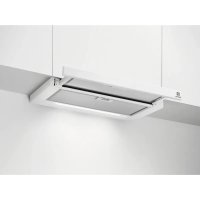
LFP716W - Basket ELECTROLUX - Free user manual and instructions
Find the device manual for free LFP716W ELECTROLUX in PDF.



Download the instructions for your Basket in PDF format for free! Find your manual LFP716W - ELECTROLUX and take your electronic device back in hand. On this page are published all the documents necessary for the use of your device. LFP716W by ELECTROLUX.
USER MANUAL LFP716W ELECTROLUX
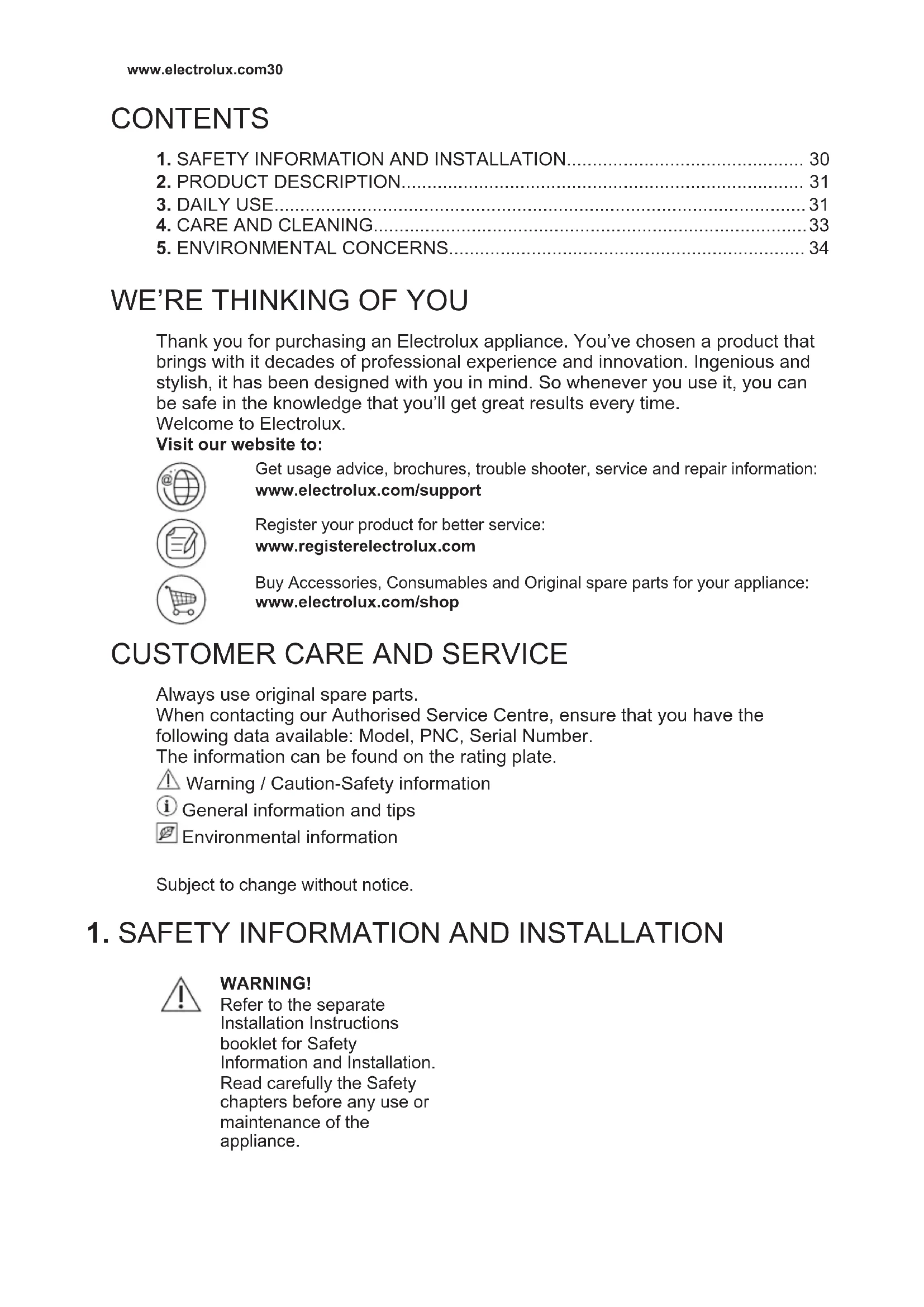
WE’RE THINKING OF YOU
Thank you for purchasing an Electrolux appliance. You’ve chosen a product that brings with it decades of professional experience and innovation. Ingenious and stylish, it has been designed with you in mind. So whenever you use it, you can be safe in the knowledge that you’ll get great results every time. Welcome to Electrolux. Visit our website to: Get usage advice, brochures, trouble shooter, service and repair information: www.electrolux.com/support Register your product for better service: www.registerelectrolux.com Buy Accessories, Consumables and Original spare parts for your appliance: www.electrolux.com/shop
CUSTOMER CARE AND SERVICE
Always use original spare parts. When contacting our Authorised Service Centre, ensure that you have the following data available: Model, PNC, Serial Number. The information can be found on the rating plate. Warning / Caution-Safety information General information and tips Environmental information Subject to change without notice.
1. SAFETY INFORMATION AND INSTALLATION
WARNING! Refer to the separate Installation Instructions booklet for Safety Information and Installation. Read carefully the Safety chapters before any use or maintenance of the appliance. www.electrolux.com302. PRODUCT DESCRIPTION
Lamp Turns the lights on and off.
Indicator for delayed switch off function Indicates if function is activated.
LED indicators indicates fan speed levels.
Indicator for filter alarm function Indicates if filter alarm is on.
Check the recommended speed according to the table below. While heating up food, cooking with covered pots. While cooking with covered pots on multiple cooking zones or burners, gentle frying. While boiling and frying big quantities of food without a lid, cooking on multiple cooking zones or burners. While boiling and frying big quantities of food without a lid, big humidity. After 8 minutes the appliance returns to previous setting. ENGLISH 31It is recommended to leave the hood operating for approximately 15 minutes after cooking. To operate the hood:
1. Pull out the drawer of the hood more
than 5 cm. The control panel is exposed.
button to switch on the hood. To increase the fan speed level press the button again. Press to decrease the fan speed level. The LED indicators on the panel switches on accordingly to selected fan speed level. The hoods light works independently to other hood functions. To illuminate the cooking surface touch
Closing the drawer has no effect on the hood light. To turn off the fan continue to press until the hood fan stops or close the hood drawer. The hood remembers last setting of fan speed on closing the drawer. The hood will operate on this fan speed level when drawer is pulled out again.
3.2 Delayed switch off function
This function allows to automatically turn off the fan after specific time of operating.
1. Set the desired fan speed.
button. The indicator on the panel turns on. To turn off the function press the button again. The change of the hood fan speed level or closing the hood drawer when the function is activated will result in deactivation of this function. The time after the function switch off the fan: Motor Speed lev‐
Filter alarm reminds to change or clean the charcoal filter and clean the grease filter. The LED indicator blinks red regularly for 30 seconds if the grease filter must be cleaned. The LED indicator blinks red twice per every second for 30 seconds if the charcoal filter must be replaced or cleaned. This function activates independently after 40 hours of operation for grease filter and 160 hours of operation for charcoal filter. Refer to cleaning the grease filter in care and cleaning chapter. Refer to cleaning the charcoal filter or replacing the charcoal filter in care and cleaning chapter. The function counter for charcoal filter is disabled by default. To activate or deactivate the counter for charcoal filter:
1. Pull out the hood drawer.
2. Make sure that the fan is turned off.
for 3 seconds. www.electrolux.com32The function is activated if two white LED indicators flashes for 3 seconds. The function is deactivated if only one LED indicator flashes for 3 seconds. To reset the function counter out of notification period:
1. Pull out the hood drawer.
2. Make sure that the fan is turned off.
for 3 seconds. The indicator blinks once for correct reset.
4. CARE AND CLEANING
4.1 Notes on cleaning
Cleaning Agents Do not use abrasive detergents and brushes. Clean the surface of the appliance with a soft cloth with warm water and a mild detergent. After cooking some parts of appliance can get hot. To avoid stains appliance must be cooled down and dried with clean cloth or paper towels. Clean stains with a mild detergent. Keep the hood clean Clean the appliance and grease filters each month. Clean the inte‐ rior and grease filters carefully from fat. Fat accumulation or other residue may cause fire. Grease filters can be washed in a dishwasher. The dishwasher must be set to a low temperature and a short cy‐ cle. The grease filter may discolour, it has no influence on the per‐ formance of the appliance. Charcoal filter The time of saturation of the charcoal filter varies depending on the type of cooking and the regularity of cleaning the grease filter.
4.2 Cleaning the grease filter
Filters are mounted with the use of clips and pins on the opposite side. To clean the filter:
1. Press the handle of the mounting clip
on the filter panel underneath the hood.
2. Slightly tilt the front of the filter
downwards, then pull. Repeat the first two steps for all filters. ENGLISH 333. Clean the filters using a sponge with non abrasive detergents or in a dishwasher. The dishwasher must be set to a low temperature and a short cycle. The grease filter may discolour, it has no influence on the performance of the appliance.
4. To mount the filters back follow the
first two steps in reverse order. Repeat the steps for all filters if applicable.
4.3 Replacing the charcoal filter
- optional WARNING! Depending on type, filter can be or cannot be regenerated. Refer to the leaflet provided with the filter. To replace the filter:
1. Remove the grease filters from the
appliance. Refer to "Cleaning the grease filter" in this chapter.
2. Pull the tabs towards the bottom part
3. Slightly tilt the front of the filter
downwards, then pull.
4. To install a new filter, perform the
same steps in reverse order. In any case, it is necessary to replace the filters at least every four months.
4.4 Replacing the lamp
This appliance is supplied with a LED lamp and separate control gear (LED driver). These parts can be replaced by a technician only. In case of any malfunction refer to "Service" in the "Safety Instructions" chapter.
5. ENVIRONMENTAL CONCERNS
Recycle materials with the symbol . Put the packaging in relevant containers to recycle it. Help protect the environment and human health by recycling waste of electrical and electronic appliances. Do not dispose of appliances marked with the symbol with the household waste. Return the product to your local recycling facility or contact your municipal office. www.electrolux.com34CONTENIDO