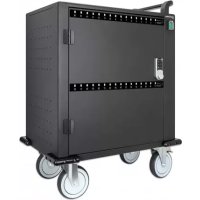
716000 - Battery charger MANHATTAN - Free user manual and instructions
Find the device manual for free 716000 MANHATTAN in PDF.

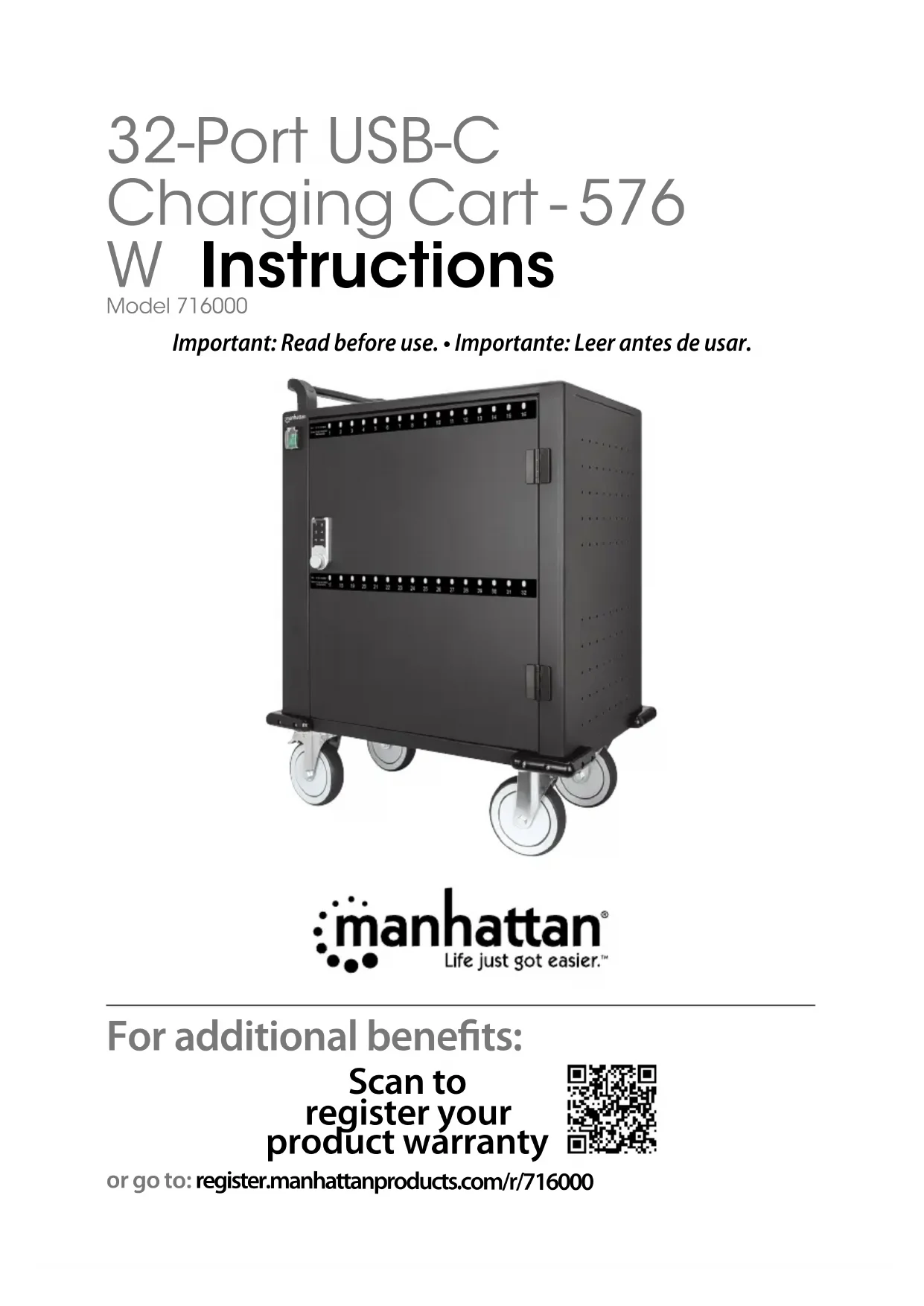

| Product Type | Multi-bay charging cabinet with electronic lock |
| Brand | MANHATTAN |
| Model | 716000 |
| Power Supply | AC power cable (wall outlet) |
| Charging Ports | Built-in USB-A ports for each bay |
| Additional Power | 2 additional electrical outlets for non-USB devices |
| Keyboard Type | Membrane numeric keypad |
| Passwords | Administrator (default 4321) and user (default 1234), changeable (4 to 15 digits) |
| Temporary Password | Possible via common mode |
| LED Indicators | Red: charging; Green: standby; Lock flashing: standby mode |
| Keyboard Batteries | 2 CR2032 batteries (not included) |
| Alarm | Triggered after 4 incorrect entries, disables keypad for 1 minute |
| Locking | Door lockable by button (OPEN/LOCK) |
| Maintenance | Replace keyboard batteries when low |
| Compliance | CE 2014/30/EU and 2014/35/EU |
| Reset | Contact support with serial number for admin password reset |
Frequently Asked Questions - 716000 MANHATTAN
User questions about 716000 MANHATTAN
0 question about this device. Answer the ones you know or ask your own.
Ask a new question about this device
Download the instructions for your Battery charger in PDF format for free! Find your manual 716000 - MANHATTAN and take your electronic device back in hand. On this page are published all the documents necessary for the use of your device. 716000 by MANHATTAN.
USER MANUAL 716000 MANHATTAN
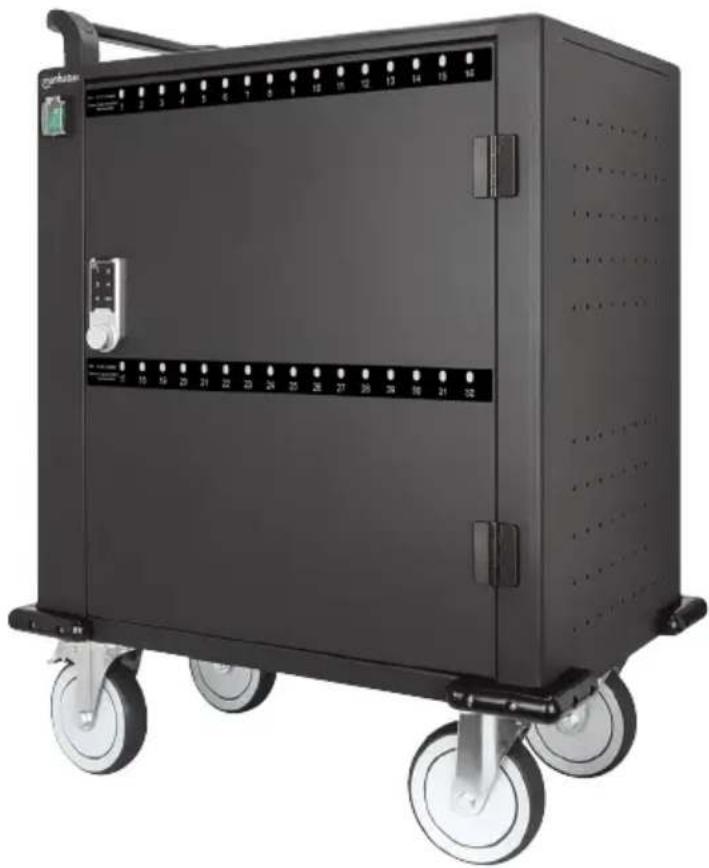
32-Port USB-C Charging Cart-576 W Instructions
Model 716000
Important: Read before use. • Importante: Leer antes de usar.

For additional benefits:
Scan to register your product warranty
or go to: register.manhattanproducts.com/r/716000
Setup
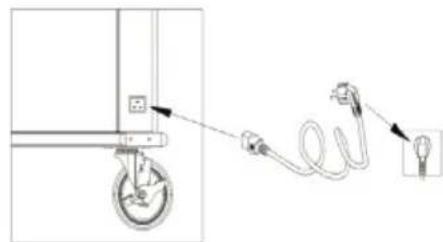
1 Connect AC power cable from charging cart to power outlet.
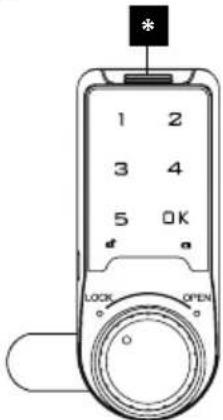
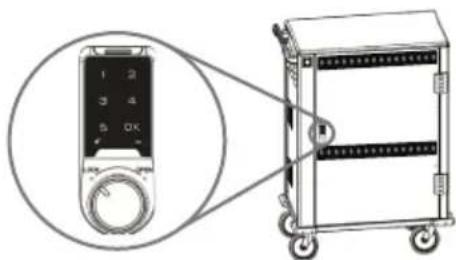
2 Enter user password (1 2 3 4; see Passwords section) into keypad and press OK; a long tone sounds and open-lock symbol lights. Turn knob to OPEN and open door.
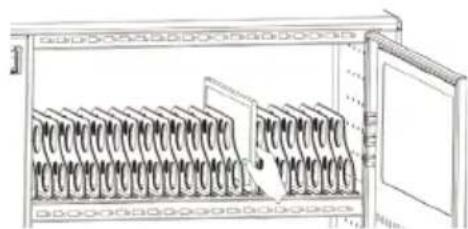
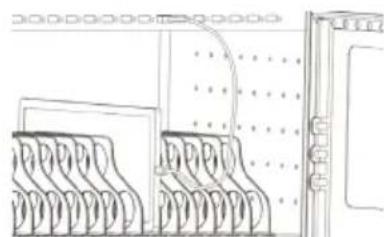
3 Load devices in bays.
4 Connect USB cables from cabinet ports to devices. Close door; turn the main power switch to ON (LEDs: red = charging; green = standby).
Powering Other Devices (Optional)
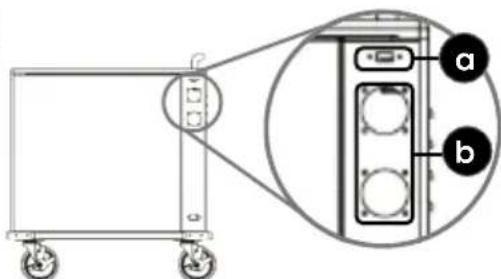
5 a) Connect to the USB-A port to charge a device.
5 b) Power up to two additional devices by connecting power cords to outlets.
Lock Cabinet
With door closed, turn keypad knob to LOCK.
Battery
- Low battery: if lit, replace keypad batteries.
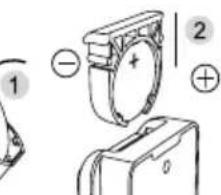
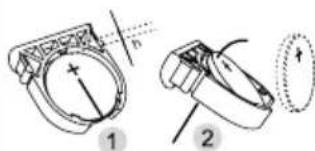
6 Replace batteries: Remove
battery compartment [ ] on keypad, replace CR2032 batteries and reinstall compartment.
1
2
3
4
5
6
Inserting the battery
Removing the battery
Passwords
- Admin: 4, 3, 2, 1 (NOTE: when entered, automatically resets user password to default).
» Change password:
1 Enter default or current admin password and press OK; a long tone sounds and open-lock symbol lights.
2 Press and hold OK until open-lock symbol flashes.
3 Enter new password (4 - 15 digits) and press OK; a long tone sounds to indicate success.
- User (default): 1, 2, 3, 4.
» Change password:
1 Enter default or current user password and press OK; a long tone sounds and open-lock symbol lights.
2 Press and hold OK until open-lock symbol flashes.
3 Enter new password (4 - 15 digits) and press OK; a long tone sounds to indicate success.
- Create single-use password. NOTE: only works once.
Enable Common Mode
1 Enter default or current admin password and press OK; a long tone sounds and open-lock symbol lights.
2 Press and hold OK until open-lock symbol flashes. Press OK again.
3 Enter 4, 4 and OK; a long tone sounds.
Set Temporary Password
1 Press OK; open-lock symbol flashes.
2 Enter 4 - 15 digit password and press OK; a long tone sounds again to indicate success; open-lock symbol stays lit then goes to standby mode, where lock LED flashes every 3 seconds.
Notes on Passwords:
- Three tones sound if incorrect password is entered.
- User and Admin passwords cannot be the same.
- Entering incorrect password four times disables keypad for 1 minute and sounds alarm.
NOTE: if the original Admin password was changed and the new one is unavailable, contact Tech Support with the lock's serial number [0] to receive a reset code.
For specifications, please visit manhattanproducts.com.
Register your product at register.manhattanproducts.com/r/716000 or scan the QR code on the cover.
New Passwords
User:
Admin:
Temp:
Aufbau
Disposal of Electric Equipment (applicable in the E.U. ENGLISH: This symbol on the product or its
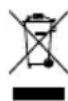
packaging means that this product must not be treated as unsorted household waste. In accordance with EU Directive 2012/19/EU on
Waste Electrical and Electronic Equipment (WEEE), this electrical product must be disposed of in accordance with the user's local regulations for electrical or electronic waste. Please dispose of this product by returning it to your local point of sale or recycling pickup point in your municipality.
manhattanproducts.com
ENGLISH: This device complies with the requirements of CE 2014/30/EU (UKCA Electromagnetic Compatibility Regulations 2016) and / or 2014/35/EU (UKCA Electrical Equipment [Safety] Regulations 2016). The Declaration of Conformity for is available at:
support.manhattanproducts.com/barcode/716000




| North & South America | Asia & Africa | Europe |
| IC Intracom Americas | IC Intracom Asia | IC Intracom Europe |
| 550 Commerce Blvd. | 4-F, No. 77, Sec. 1, Xintai 5th Rd. | Löhbacher Str. 7 |
| Oldsmar, FL 34677 | Xizhi Dist., New Taipei City 221 | D-58553 Halver |
| USA | Taiwan | Germany |
All trademarks and trade names are the property of their respective owners. © IC Intracom. All rights reserved. Manhattan is a trademark of IC Intracom, registered in the U.S. and other countries.
: Manhattan® Life just got easier.
manhattanproducts.com
Brand : MANHATTAN
Model : 716000
Category : Battery charger