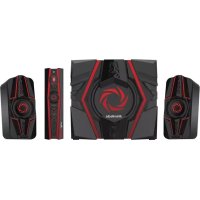
Ballista Trinity - Speaker AVer - Free user manual and instructions
Find the device manual for free Ballista Trinity AVer in PDF.



| Product Type | 2.1 speaker system with subwoofer and satellites |
| Brand | AVer |
| Model | Ballista Trinity |
| Dimensions (satellites) | Approximately 150 x 100 x 100 mm each |
| Dimensions (subwoofer) | Approximately 300 x 250 x 250 mm |
| Dimensions (control box) | Approximately 200 x 150 x 50 mm |
| Total weight | Approximately 5 kg |
| Power supply | Mains via AC adapter |
| Output power | Not specified, estimated 40 W RMS |
| Connectivity | 3.5 mm auxiliary input, RCA line input, headphone output, microphone input |
| Main features | Source selector, volume/bass/treble control, Assassin Mode for enhanced sound effects |
| Assassin Mode | Activates a range of sound effects for clear highs and deep lows even at low volume |
| Maintenance and cleaning | Unplug before cleaning, use a soft dry cloth. Do not use abrasive products. |
| Safety | Lower the volume and turn off all devices before connecting or disconnecting cables |
| Spare parts and repairability | Consult AVer after-sales service for parts. The manual does not mention user repair. |
| Box contents | 2 satellites, subwoofer, control box, RCA to 3.5 mm cable, 3.5 mm cable, rubber feet, documentation |
Frequently Asked Questions - Ballista Trinity AVer
User questions about Ballista Trinity AVer
0 question about this device. Answer the ones you know or ask your own.
Ask a new question about this device
Download the instructions for your Speaker in PDF format for free! Find your manual Ballista Trinity - AVer and take your electronic device back in hand. On this page are published all the documents necessary for the use of your device. Ballista Trinity by AVer.
USER MANUAL Ballista Trinity AVer
All pictures in this documentation are example images only. The images may vary depending on the product and software version. Information presented in this documentation has been carefully checked for reliability; however, no responsibility is assumed for inaccuracies. Information contained in this manual is subject to change without notice.
Copyright and Trademark Information
© 2015 by AVerMedia Technologies, Inc. All rights reserved.
No part of this publication, in whole or in part, may be reproduced, transmitted, transcribed, altered or translated into any language in any form by any means without the written permission of AVerMedia Technologies, Inc. Product specifications and information contained in this manual are subject to change without notice, and do not represent a commitment on the part of AVerMedia Technologies, Inc. For the latest information on our products, visit www.avermedia.com.
AVerMedia, Ballista™ and Trinity™ are trademarks of AVerMedia Technologies, Inc.
Headquarters
Address No.135, Jian 1st Rd., Zhonghe Dist., New Taipei City 23585, Taiwan
Website www.avermedia.com
Support www.avermedia.com/support
Telephone +886-2-2226-3630
Edition: 1.1
Date:09/16/2015
免責聲明
Check that all these items are included.
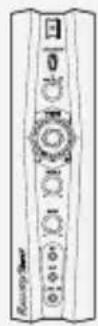
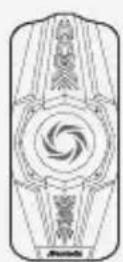
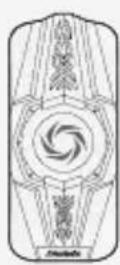
SatellitesControl Box

Subwoofer
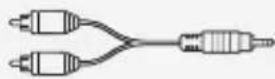
RCA to 3.5 mm Cable
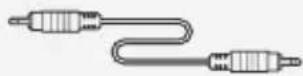
3.5 mm Audio Cable

Rubber Feet

Info Packet
Attaching The Rubber Feet
If you want to lay the Control Box flat, we recommend using the supplied Rubber Feet for better stability. Peel off the tape and attach a Rubber Foot to each corner on the Right Panel of the Control Box.
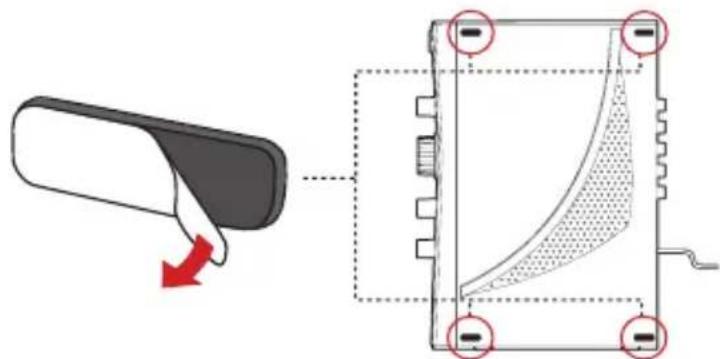
Right Panel

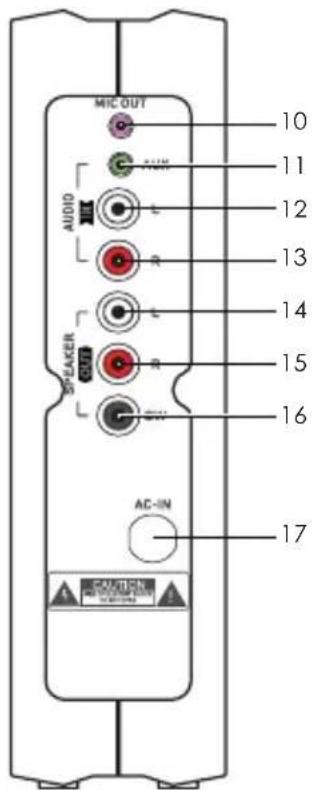
1 Power Button 10 Microphone Output
2assinModeButton11AuxiliaryInput
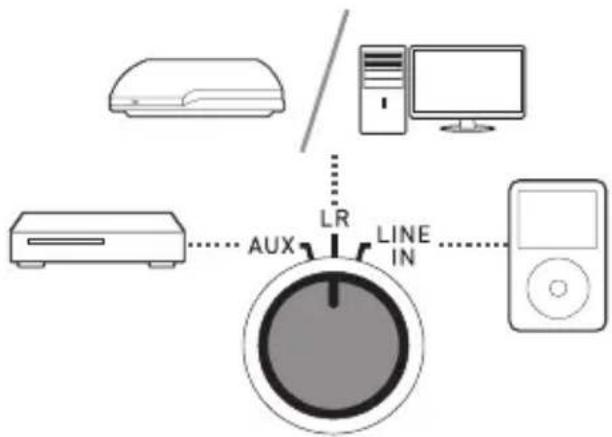
3 Source Switch 12 Left Audio Input
4 Volume Knob 13 Right Audio Input
5 Treble Knob 14 Left Satellite Output
6 Bass Knob 15 Right Satellite Output
7 Headphone Output 16 Subwoofer Output
8 Microphone Input 17 AC Power Input
9 Line Input
》 CONNECTION
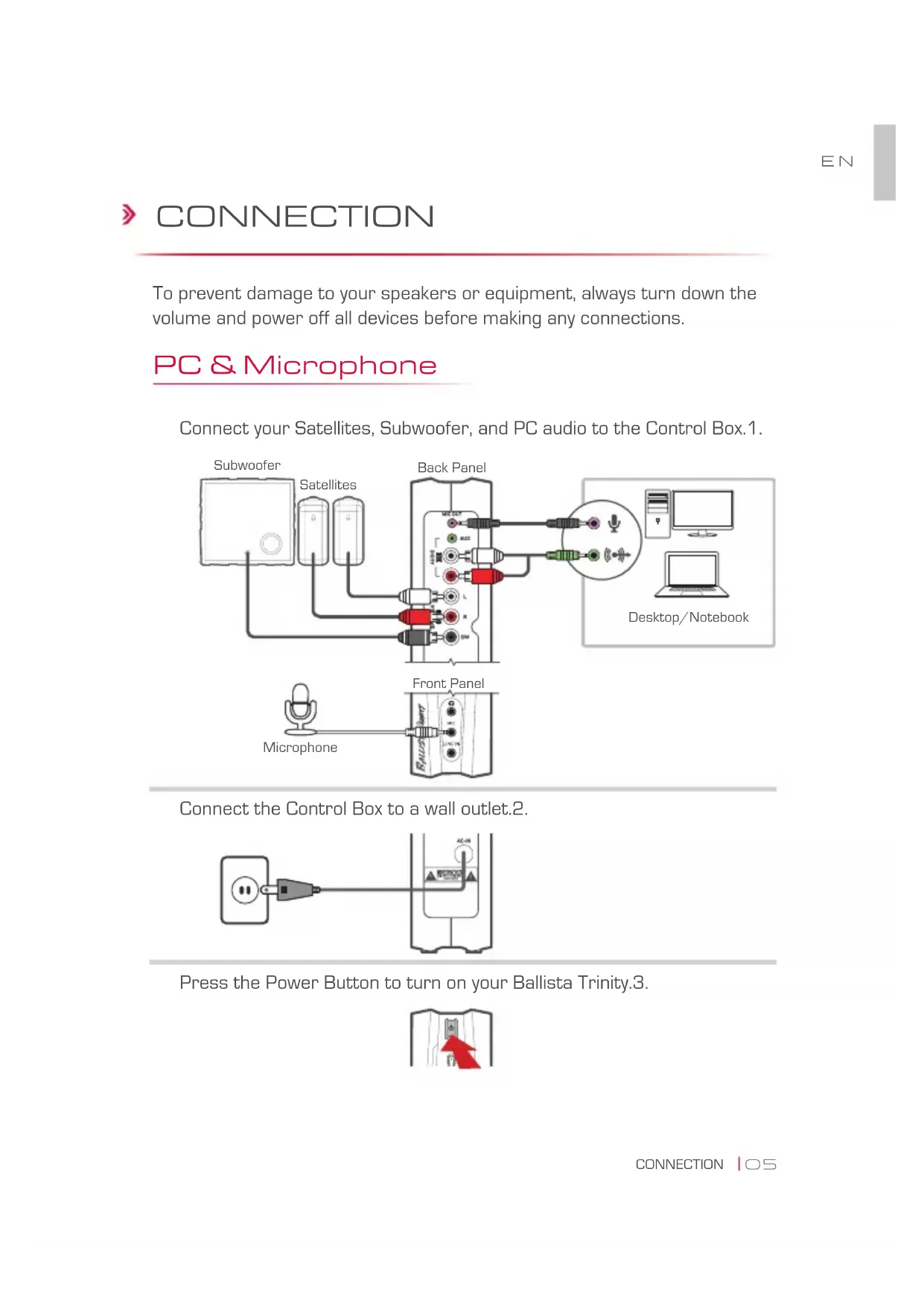
To prevent damage to your speakers or equipment, always turn down the volume and power off all devices before making any connections.
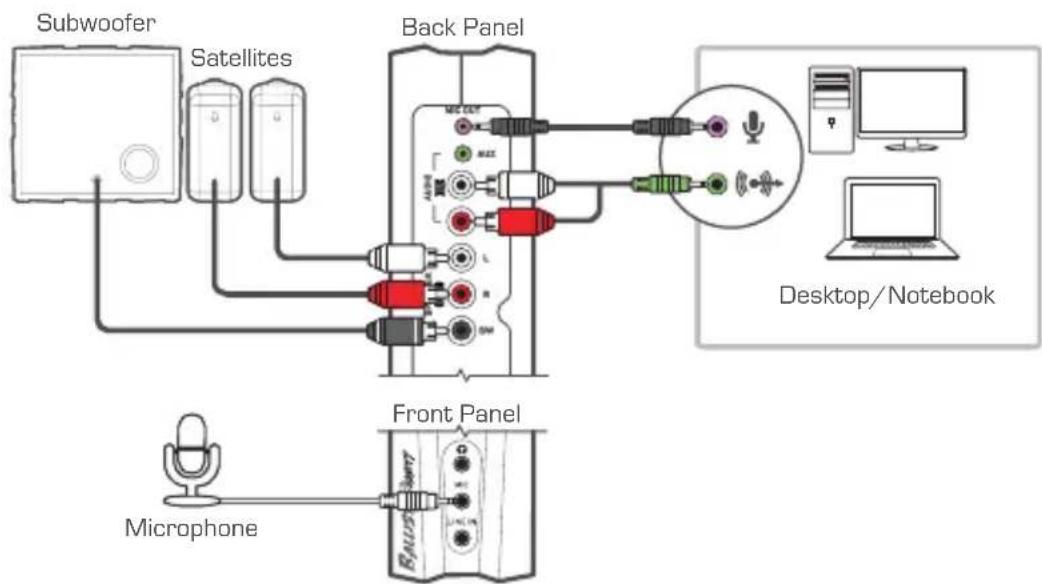
PC & Microphone
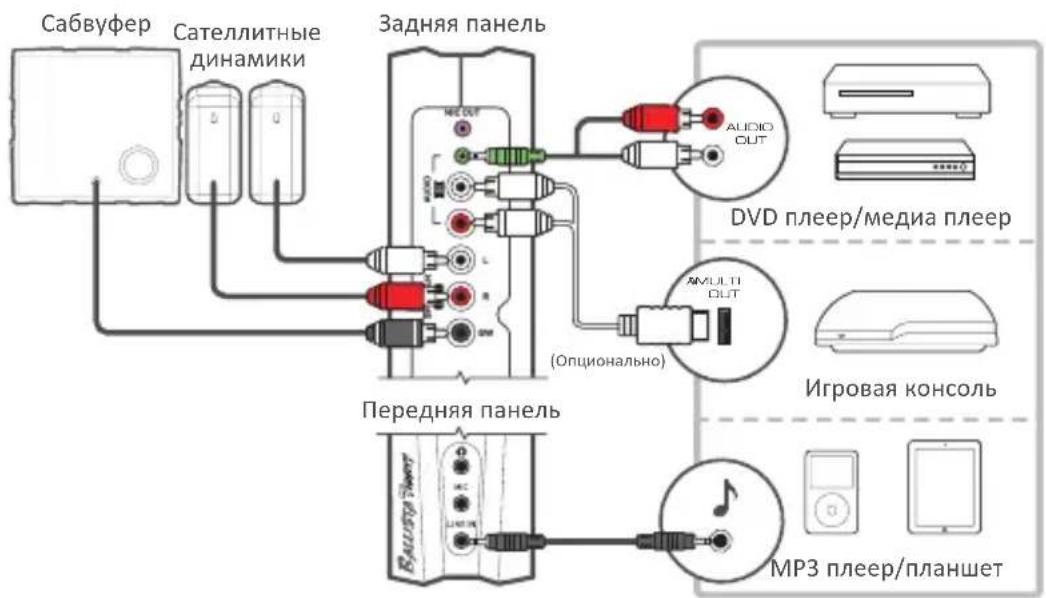
Connect your Satellites, Subwoofer, and PC audio to the Control Box.1.
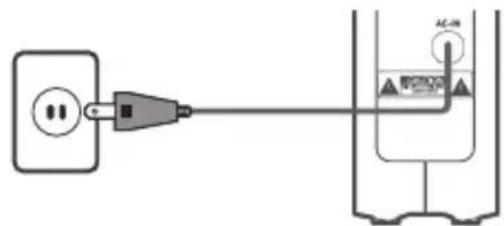
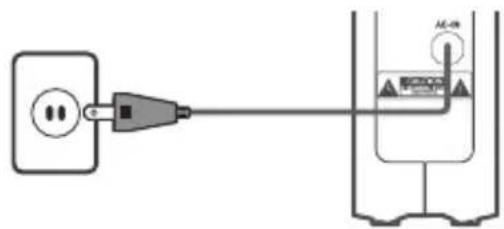
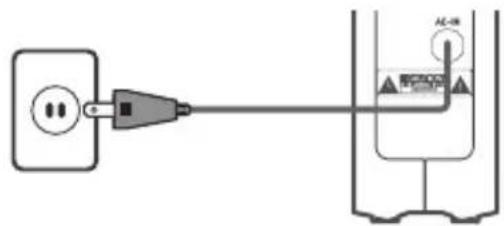
Connect the Control Box to a wall outlet.2.
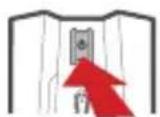
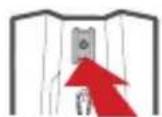
Press the Power Button to turn on your Ballista Trinity.3.
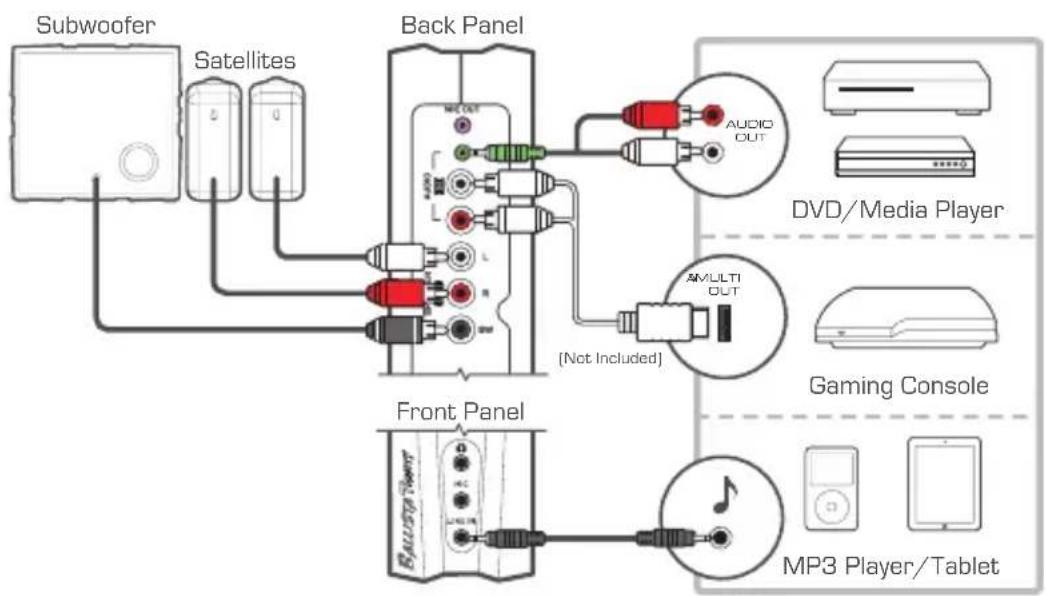
Console & Other Sources
Connect your Satellites, Subwoofer, game console and other audio 1. sources to the Control Box.
Connect the Control Box to a wall outlet.2.
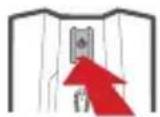
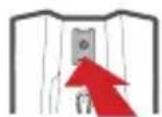
Press the Power Button to turn on your Ballista Trinity.3.
> OPERATION
Switching Audio Sources
Turn the Source Switch to select among your audio sources.
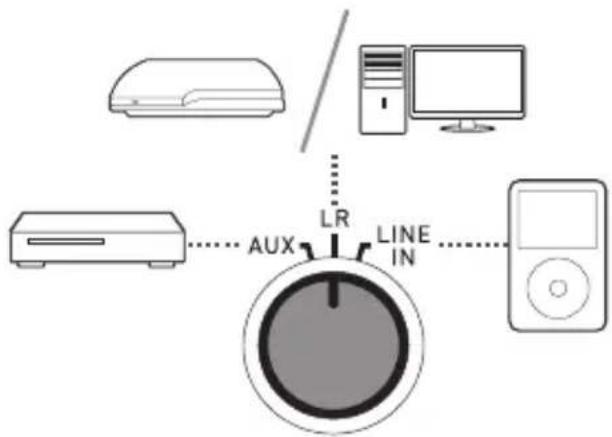
Assassin Mode
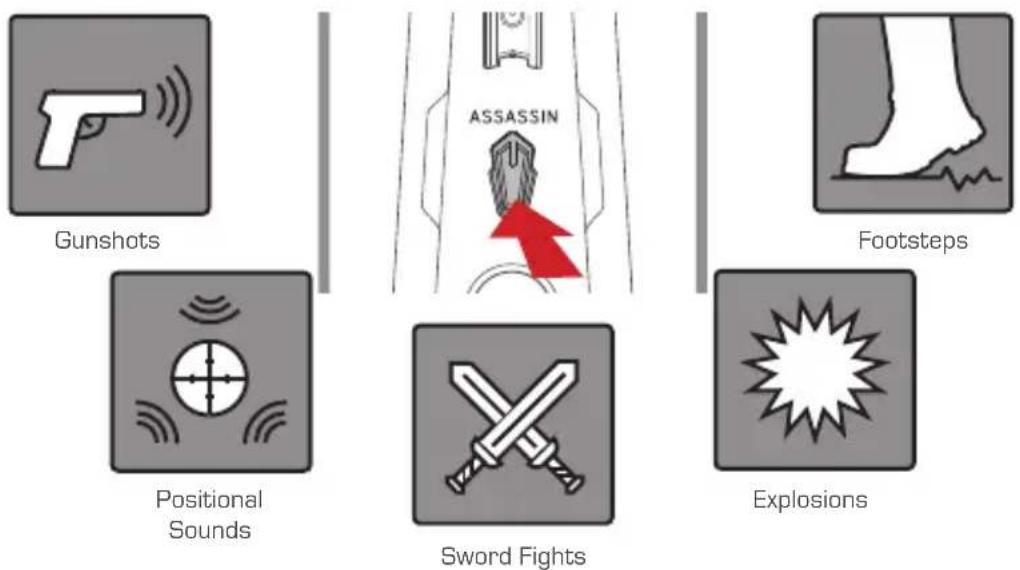
Activate Assassin Mode to enhance a wide range of sound effects. This mode also allows crisp treble and strong bass even at low volume.
ERSTE SCHRITTE
Paketinhalt
Comutar as fontes de audio
Haxmte KhoNky nTaHnIy BkIoueHnBaWei Ballista Trinity.
KoHcoIbNApyTne NCTOuHnKn
IopKlnouHte Baun caTeJIINTHbIe dINHAMnK, c6Byep, irpoByo 1. KOHcOJb I dpYrHe aUdno nCToHNKn K 6loky ynpaBLeHna.
PoiKJIIOUHTe 6Iok ynpaBHeHnK pO3eTke.2.
Haxmte KhoNky nTaHnA dIy BkIoueHnBaWei Ballista Trinity.
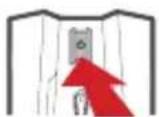
按下電源鍵開啟您的 Ballista Trinity.
遊戲主機與其他音源
按下電源鍵開啟您的 Ballista Trinity.
操作
音源切换
轉動音源切換旋鈕來選擇您的音源。
暗殺模式
Important Safety Instructions
Read these instructions.1.
Keep these instructions.2.
Follow all instructions.3.
Heed all warnings.4.
Do not use the apparatus on uneven or unstable surfaces.5
Do not use this apparatus in a wet environment or near water.6.
The apparatus shall not be exposed to dripping or splashing and that no objects filled with 7. liquids, such as vases, shall be placed on the apparatus.
Unplug the apparatus before cleaning. Clean only with a dry cloth.8.
Use in a well ventilated environment. Do not block any ventilation openings.9
Use the apparatus within the specified temperature range.10.
Use power sources within the specified voltage range.11.
Do not place heavy objects on the apparatus.12.
Do not install near heat sources such as radiators or stoves.13.
Do not defeat the safety purposes of the polarized or grounding-type plug. 14.
- Protect the power cord from being walked on or pinched, particularly where the cord connects with plugs or adapters.
- The MAINS plug is used as the disconnect device, the disconnect device shall remain readily operable.
- Only use the attachments and accessories specified by the manufacturer.
- Unplug this apparatus during lightning storms or when unused for prolonged periods of time.
- Do not modify or disassemble the apparatus in any way.
- Refer all servicing to qualified personnel.
- Do not dispose the apparatus as general household waste. Dispose in accordance with local environmental laws.
重要安全說明
- Copyright and Trademark Information
- Headquarters
- 免責聲明
- Attaching The Rubber Feet
- 》 CONNECTION
- PC & Microphone
- Console & Other Sources
- > OPERATION
- Switching Audio Sources
- Assassin Mode
- ERSTE SCHRITTE
- Paketinhalt
- Comutar as fontes de audio
- KoHcoIbNApyTne NCTOuHnKn
- 遊戲主機與其他音源
- 操作
- 音源切换
- 暗殺模式
- Important Safety Instructions
- 重要安全說明
Brand : AVer
Model : Ballista Trinity
Category : Speaker