
Swarovski FM02SW30 - USB Drive PHILIPS - Free user manual and instructions
Find the device manual for free Swarovski FM02SW30 PHILIPS in PDF.
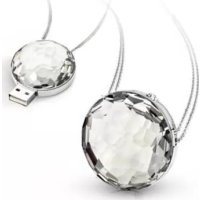



| Product type | Decorative USB key with Swarovski crystal |
| Brand | Philips |
| Model | Swarovski FM02SW30 |
| Storage capacity | Not specified in the manual (estimated: 2 GB to 32 GB) |
| Connectivity | USB 2.0 (compatible with USB 1.1) |
| Transfer rate (read) | Up to 24 MB/s |
| Transfer rate (write) | Up to 6 MB/s (USB 2.0 high-speed port required) |
| Compatible operating systems | Microsoft Windows Vista, XP, 2000; Mac OS 9.0 or later; Linux 2.4.0 or later |
| Dimensions (approx.) | Approximately 7 cm x 2 cm x 1 cm (estimate) |
| Weight (approx.) | Approximately 15 g (estimate) |
| Power supply | Powered by USB port (standby consumption < 100 mA) |
| Material | Integrated Swarovski crystal, plastic casing |
| Main functions | Data storage and transfer, plug-and-play |
| Maintenance and cleaning | Clean with a soft, lint-free cloth; avoid abrasive cleaners |
| Safety | Do not expose to moisture, extreme heat, or vibration; keep out of reach of children |
| Spare parts and repairability | Not user-serviceable; contact a qualified repair person |
| General information | Designed by Philips and Swarovski; warranty as per provided certificate |
Frequently Asked Questions - Swarovski FM02SW30 PHILIPS
User questions about Swarovski FM02SW30 PHILIPS
0 question about this device. Answer the ones you know or ask your own.
Ask a new question about this device
Download the instructions for your USB Drive in PDF format for free! Find your manual Swarovski FM02SW30 - PHILIPS and take your electronic device back in hand. On this page are published all the documents necessary for the use of your device. Swarovski FM02SW30 by PHILIPS.
USER MANUAL Swarovski FM02SW30 PHILIPS
USB MEMORY KEY
FM02SW31 FM02SW30
EN User Manual FR Mode d'emploi ES Instrucciones de manejo DE Bedienungsanleitung IT Istruzioni per l'uso PT Manual de utilização RU Инструкции по использованию CT 使用者手册 KO 사용 설명서 JP ユーザーマニュアル
Note
This equipment has been tested and found to comply with the limits for a Class B digital device, pursuant to part 15 of the FCC Rules. These limits are designed to provide reasonable protection against harmful interference in a residential installation. This equipment generates, uses and can radiate radio frequency energy and, if not installed and used in accordance with the instructions, may cause harmful interference to radio communications. However, there is no guarantee that interference will not occur in a particular installation. If this equipment does cause harmful interference to radio or television reception, which can be determined by turning the equipment off and on, the user is encouraged to try to correct the interference by one or more of the following measures:
• Reorient or relocate the receiving antenna. - Increase the separation between the equipment and receiver. - Connect the equipment into an outlet on a circuit different from that to which the receiver is connected. - Consult the dealer or an experienced radio/TV technician for help. The shielded interface cable and connectors must be used in order to comply with the limits for digital device pursuant to subpart B of Part 15 of FCC Rules.
Electric-, Magnetic- and Electromagnetic Fields (EMF)
1 Philips Royal Electronics manufactures and sells many products targeted at consumers, which, like any electronic apparatus, in general have the ability to emit and receive electro magnetic signals. 2 One of Philips' leading Business Principles is to take all necessary health and safety measures for our products, to comply with all applicable legal requirements and to stay well within the EMF standards applicable at the time of producing products. 3 Philips is committed to develop, produce and market products that cause no adverse health effects. 4 Philips confirms that if its products are handled properly for their intended use, they are safe to use according to scientific evidence available today. 5 Philips plays an active role in the development of international EMF and safety standards, enabling Philips to anticipate further developments in standardization for early integration in its products.
Specifications are subject to change without prior notice. “Active Crystals”, “Philips” and “Swarovski” are registered trademarks and are the property of Koninklijke Philips Electronics N.V. (and/or their respective owners) and/or Swarovski AG. © 2008 Koninklijke Philips Electronics N.V. and Swarovski AG. All rights reserved.
CONTENT
WELCOME 2
Complete collection 2
IMPORTANT INFORMATION 3
Warning 3
Caution 3
Notes on Use 4
Environmental information 5
INSTALL 6
Microsoft® Windows®
Vista, XP, 2000, or MACOS 9.0 or higher 6
CONNECT 7
Connecting the
USB memory key to your computer 7
ENJOY 8
Operating the USB memory key 8
Disconnecting the
USB memory key from your computer 8
TECHNICAL SPECIFICATIONS 10
Need help? 10
WELCOME
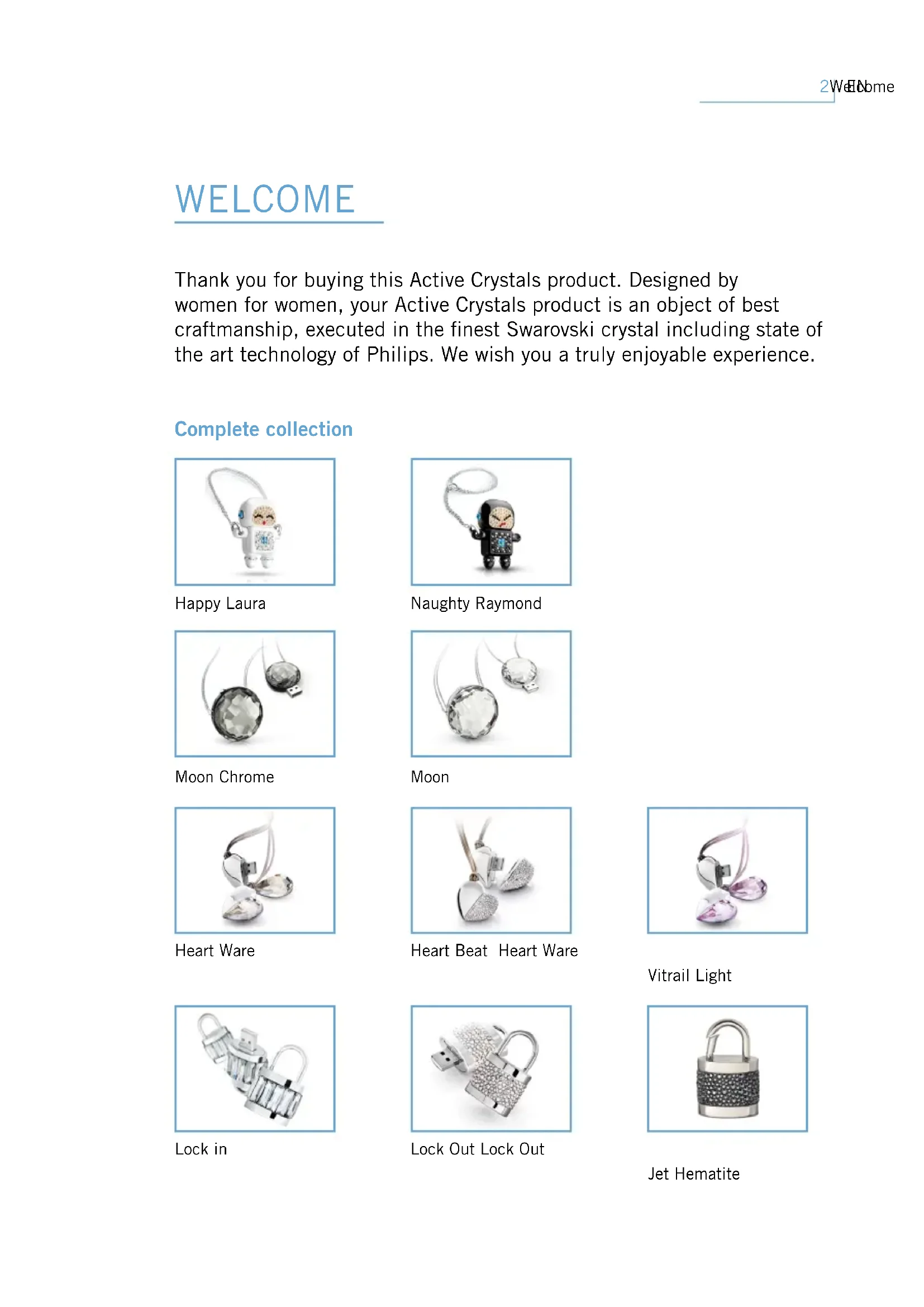
Thank you for buying this Active Crystals product. Designed by women for women, your Active Crystals product is an object of best craftsmanship, executed in the finest Swarovski crystal including state of the art technology of Philips. We wish you a truly enjoyable experience.
Complete collection
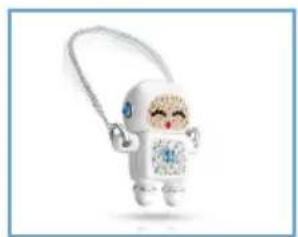
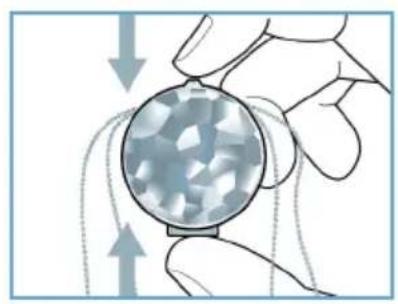
Happy Laura
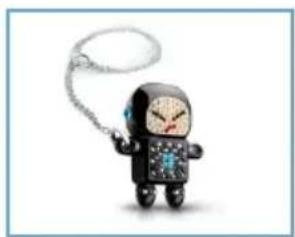
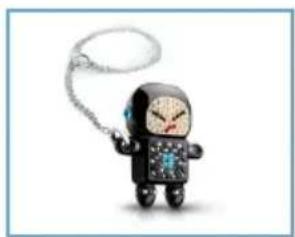
Naughty Raymond
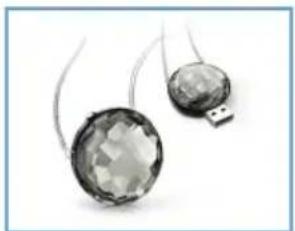
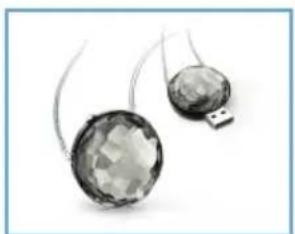
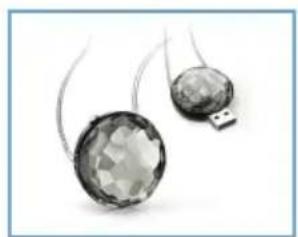
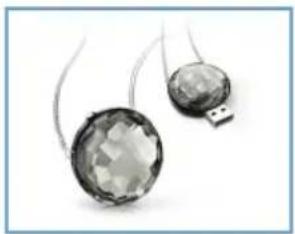
Moon Chrome
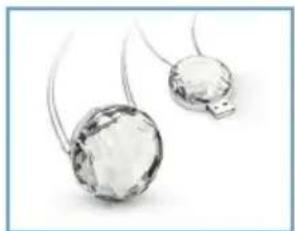
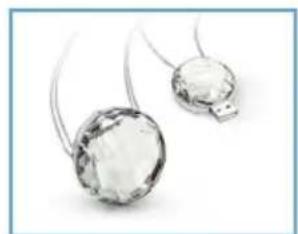
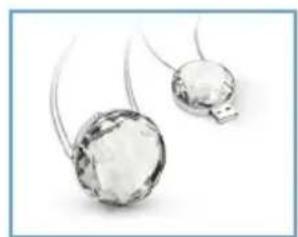
Moon
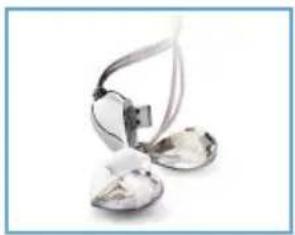
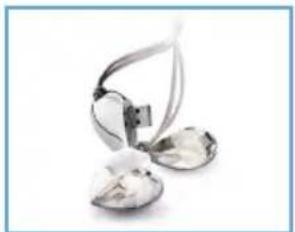
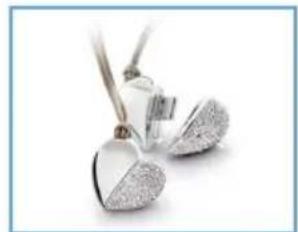
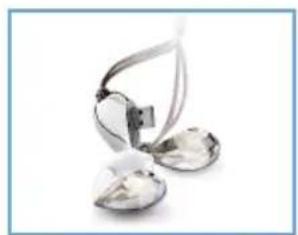
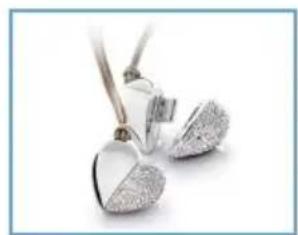
Heart Ware
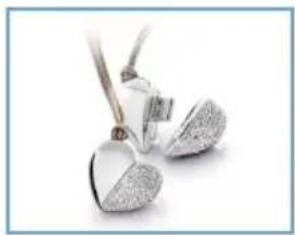
Heart Beat Heart Ware
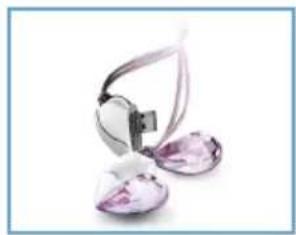
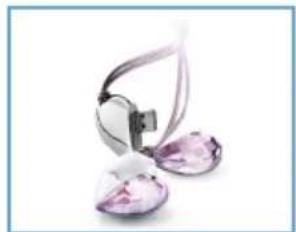
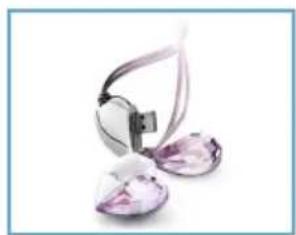
Vitrail Light
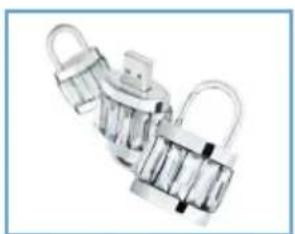
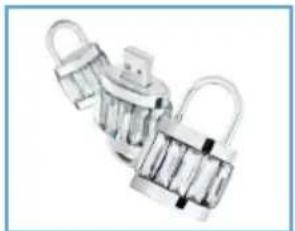
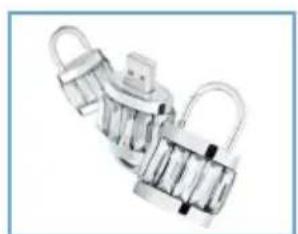
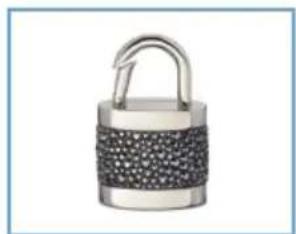
Lock in
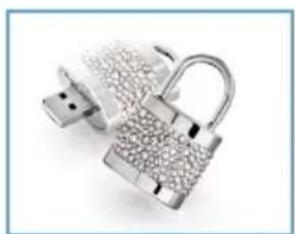
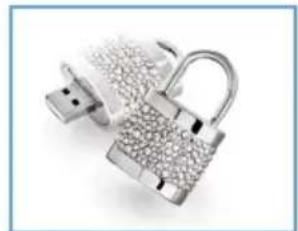
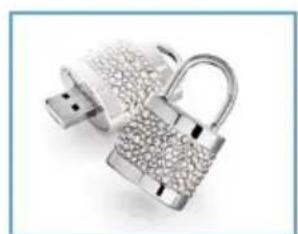
Lock Out Lock Out
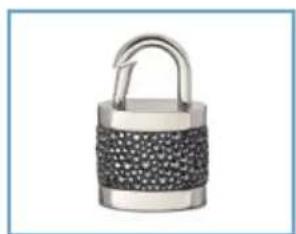
Jet Hematite
IMPORTANT INFORMATION
Note: Keep this detailed user manual for future reference.
Warning
- To prevent fire or shock hazard, do not expose the unit to rain or moisture.
- To avoid electric shock, do not open the cabinet. Refer servicing to qualified personnel only.
- Keep away from children. If swallowed, promptly see a doctor.
Note: Data is safe in the following environments: In X-ray security systems at airports and in magnetic fields with strengths not exceeding 3,500 Oe.
For customers in the U.S.A.
Changes or modifications made to this equipment not expressly approved by the manufacturer may void the FCC authorization to operate this equipment.
Operation is subject to the following two conditions:
1. This device may not cause harmful interference, and
2. This device must accept any interference received, including interference that may cause undesired operation.
Caution
You are cautioned that any changes or modifications not expressly approved in this manual could void your authority to operate this equipment.
For customers in Canada
This Class B digital apparatus complies with Canadian ICES-003. This device complies with Part 15 of the FCC Rules and with RSS-210 of Industry Canada.
For customers in Europe
This product conforms to the following European Directives: 89/336/EEC, 2006/95/EEC (safety directive) and 93/68/EEC (EC Marking Directive). This product complies with EN55022 Class B and EN55024 for use in the following areas: residential, commercial, and light-industrial.
Notes on Use
- The USB memory key may not function correctly if it is connected to the computer when the computer is started up, restarted, or restored from sleep mode. Always disconnect the USB memory key from the computer before performing any of these operations.
- Do not place the drive in locations that are:
- extremely hot or cold;
- vibrating;
- exposed to corrosive gases;
- dusty or dirty;
- very humid;
- exposed to direct sunlight.
- Microsoft and Windows are registered trademarks of Microsoft Corporation in the United States and other countries.
- Mac and Macintosh are trademarks of Apple Computer, Inc., registered in the U.S. and other countries.
- Other system names and product names that appear in this manual are registered trademarks or trademarks of their respective owners. Note that the TM and ® symbols are not used in this manual.
• Power consumption in standby mode: < 100 mA.
- To help maintain the luster and beauty of your Active Crystals piece over time, carefully polish the product with a soft, lint-free cloth. Avoid contact with harsh cleansers.
- The Company cannot accept any liability for financial damages, lost profits, claims from third parties, etc., arising from the use of the software provided with this unit.
- The software specifications may be subject to change without notice.
- For detailed warranty instructions, please refer to the printed certificate booklet.
Environmental information
Disposal of your old product
Your product is designed and manufactured with high quality materials and components, which can be recycled and reused.
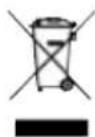
When this crossed-out wheeled bin symbol is attached to a product it means the product is covered by the European Directive 2002/96/EC. Please inform yourself about the local separate collection system for electrical and electronic products. Please act according to your local rules and do not dispose of your old products with your normal household waste. The correct disposal of your old product will help prevent potential negative consequences for the environment and human health.

Be responsible. Respect copyrights.
The making of unauthorized copies of copy-protected material, including computer programmes, files, broadcasts and sound recordings, may be an infringement of copyrights and constitute a criminal offence. This equipment should not be used for such purposes.
INSTALL
Microsoft® Windows® Vista, XP, 2000, or MACOS 9.0 or higher
The USB memory key driver is installed automatically when the drive is connected to a USB port of the computer. However, with some USB 2.0 cards or boards, you may need to initiate installation manually. In this case, follow the on-screen instructions to search for a suitable driver. Refer to the operating system's Help file if you need any help.
Note: Do not remove the USB memory key from the computer USB port as long as the download process is in progress.
CONNECT
Connecting the USB memory key to your computer
Note: If the USB port of your computer is not easily accessible, you can use a USB extension cable or an optional USB hub to connect the USB memory key to your computer.
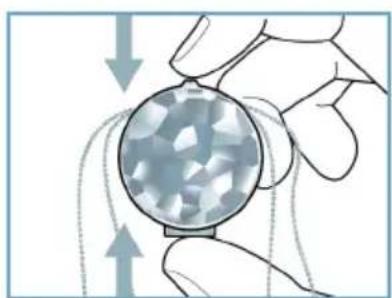
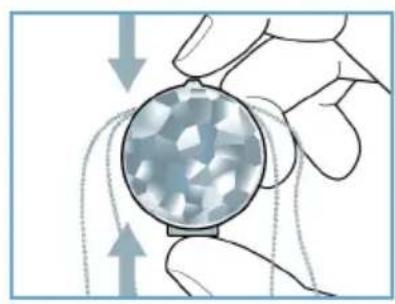
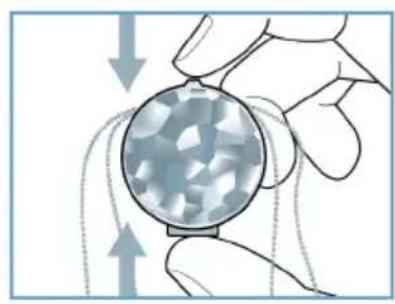
1 Remove the protective cap from the USB connector.
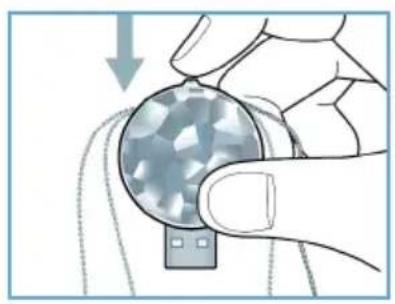
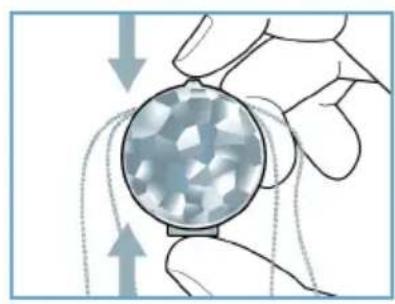
2 Insert the memory key USB connector into one of the computer's USB ports.
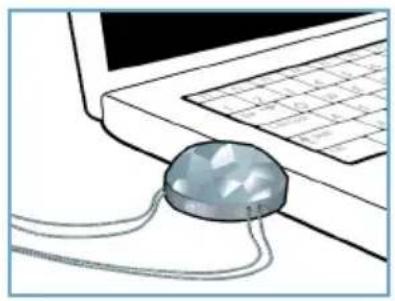
ENJOY
Operating the USB memory key
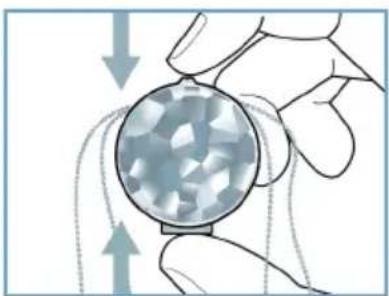
Once the USB memory key is connected to the USB port of the computer: the drive icon for the USB memory key will appear. You can now copy and save data on the drive by dragging files and folders on the drive icon, just like when you copy data to a hard disk, CD-ROM, DVD or floppy disk.
Notes:
- Do not remove the USB memory key from the computer USB port while copying and saving data otherwise the drive will no longer be recognized by your system.
- When operating under Windows the drive name varies, depending on your Windows version.
Disconnecting the USB memory key from your computer
Windows® 2000
1 Double-click the Unplug or eject hardware icon in the task bar in the lower right part of the screen. 2 In the window that appears, select the name of the device that is to be removed, then click the STOP button. 3 When the Stop a hardware device screen appears, make sure the correct information is displayed, then click the OK button. 4 When a message appears, indicating that the USB memory key can be safely removed, remove the USB memory key from the computer's USB port.
Windows XP
1 Double-click the Safely Remove Hardware icon in the task bar in the lower right part of the screen. 2 In the window that appears, select the name of the device that is to be removed, then click the STOP button. 3 When the Stop a hardware device screen appears, make sure the correct information is displayed, then click the OK button. 4 When the message Safe to Remove Hardware appears, remove the USB memory key from the computer's USB port.
Mac OS 9.0 and higher
1 Drag the drive icon to the Trash. 2 After confirming that the USB memory key is in standby mode, remove the USB memory key from the computer's USB port.
TECHNICAL SPECIFICATIONS
Interface High-Speed USB 2.0 (backwards compatible with USB 1.1)
Transfer rate Read: 24MB per second / Write: 6MB per second (High-speed USB 2.0 port required to achieve maximum speed)
Compatible OSs • Microsoft Windows Vista, XP, 2000
• Mac OS 9.0 or later
- Linux 2.4.0 or later
Need help?
Online help: www.active-crystals.com
For interactive help, frequently asked questions, software updates and support.
Naughty Raymond
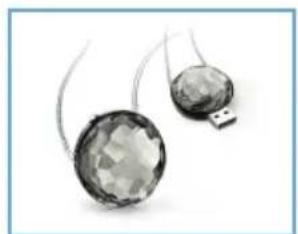
Moon Chrome
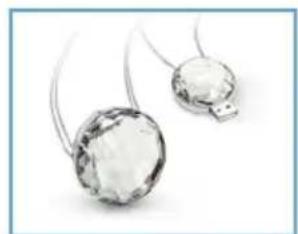
Moon
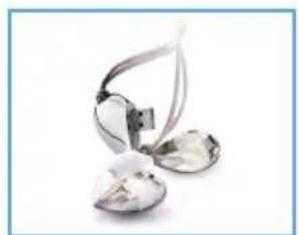
Heart Ware
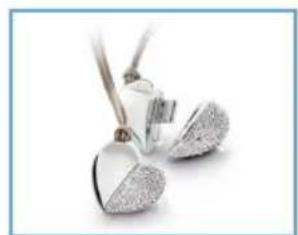
Heart Beat Heart Ware
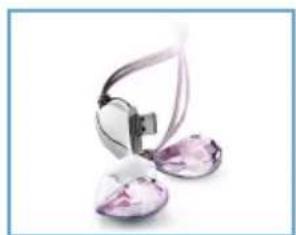
Vitrail Light
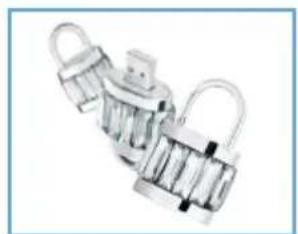
Lock in
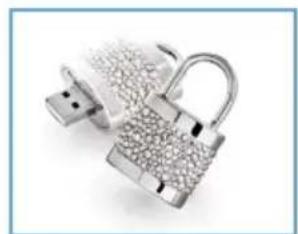
Lock Out Lock Out
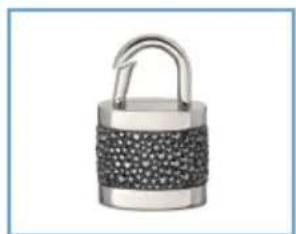
Jet Hematite
IMPORTANT INFORMATION
Be responsible. Respect copyrights.
IT'S READY!
High-Speed USB 2.0 Interface
Naughty Raymond
Moon Chrome
Moon
Heart Ware
Heart Beat Heart Ware
Vitrail Light
Lock in
Lock Out Lock Out
Jet Hematite
Be responsible Respect copyrights
DISFRUTE
Naughty Raymond
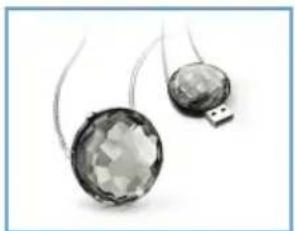
Moon Chrome
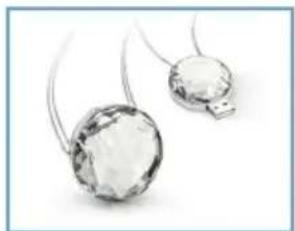
Moon
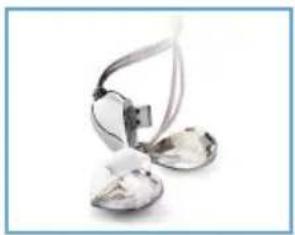
Heart Ware
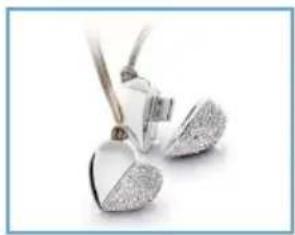
Heart Beat Heart Ware
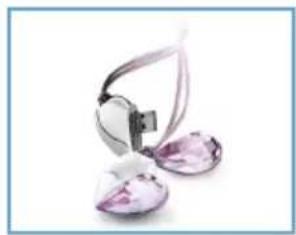
Vitrail Light
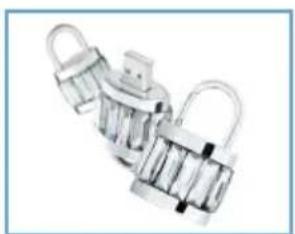
Lock in
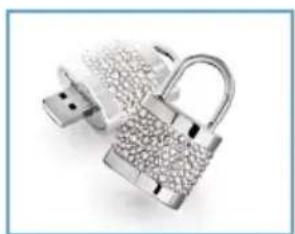
Lock Out Lock Out
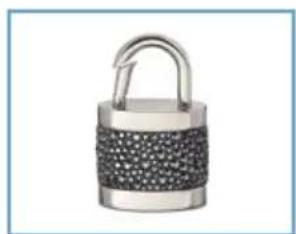
Jet Hematite
IMPORTANT INFORMATION
Be responsible Respect copyrights
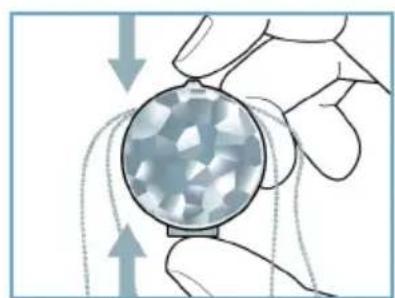
LET'S GO!
Happy Laura
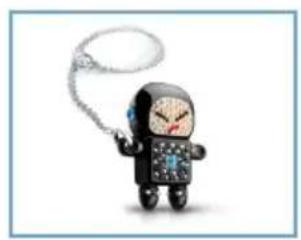
Naughty Raymond
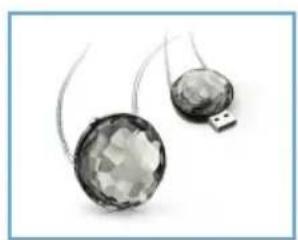
Moon Chrome
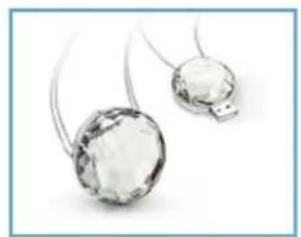
Moon
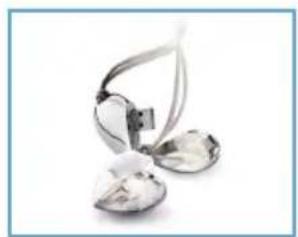
Heart Ware
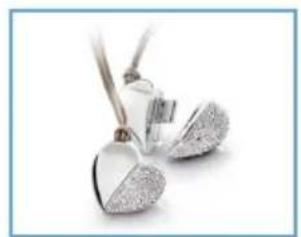
Heart Beat Heart Ware
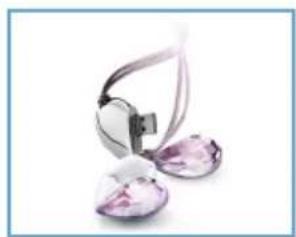
Vitrail Light
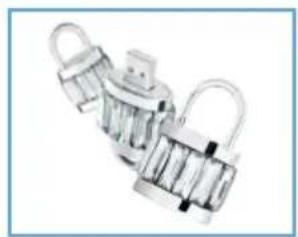
Lock in
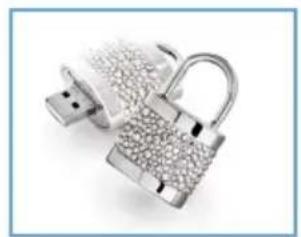
Lock Out Lock Out
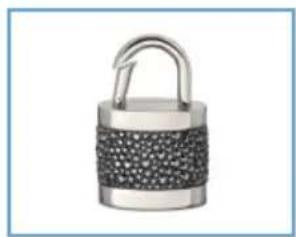
Jet Hematite
OPERATION
Naughty Raymond
Moon Chrome
Moon
Heart Ware
Heart Beat Heart Ware
Vitrail Light
Lock in
Lock Out Lock Out
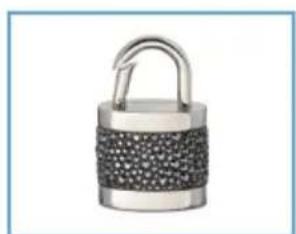
Jet Hematite
Be responsible Respect copyrights
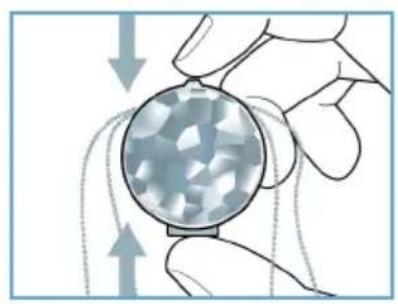
USE
Happy Laura
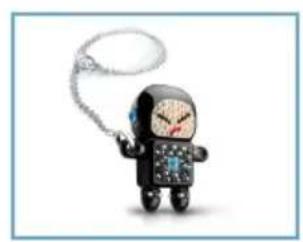
Naughty Raymond
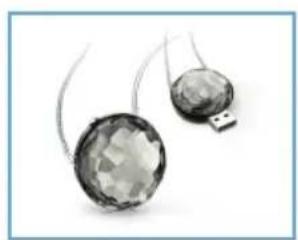
Moon Chrome
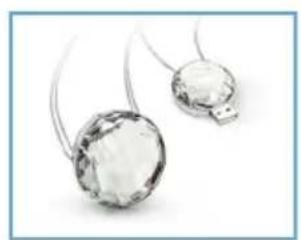
Moon
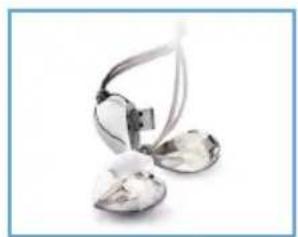
Heart Ware
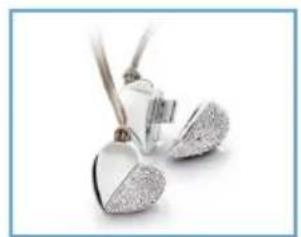
Heart Beat Heart Ware
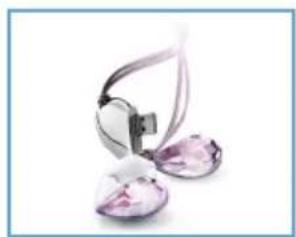
Vitrail Light
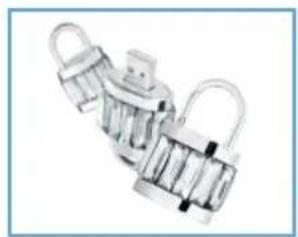
Lock in
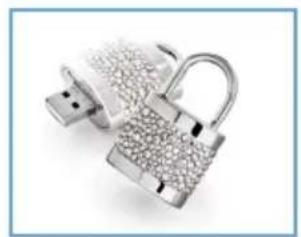
Lock Out Lock Out
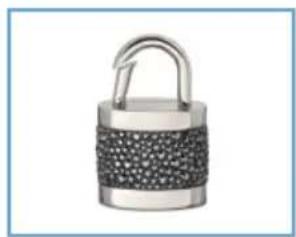
Jet Hematite
IMPORTANT INFORMATION
Be responsible Respect copyrights
USE
Happy Laura
Naughty Raymond
Moon Chrome
Moon
Heart Ware
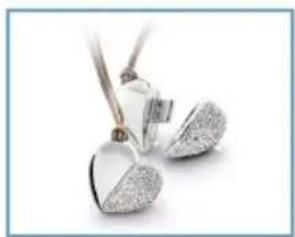
Heart Beat Heart Ware
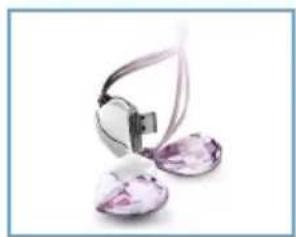
Vitrail Light
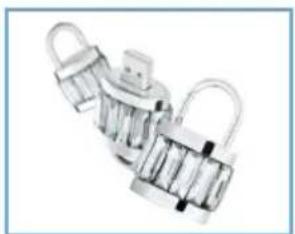
Lock in
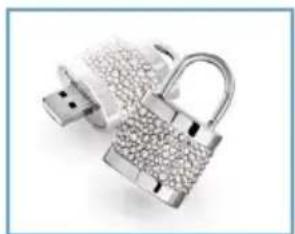
Lock Out Lock Out
Jet Hematite
Important Information
Be responsible Respect copyrights
Enjoy
Operating the USB memory key
Happy Laura
Naughty Raymond
Moon Chrome
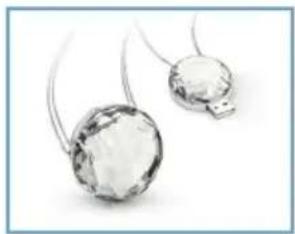
Moon
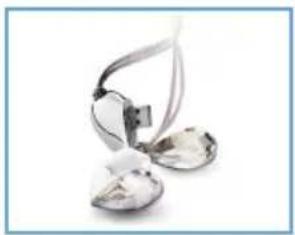
Heart Ware
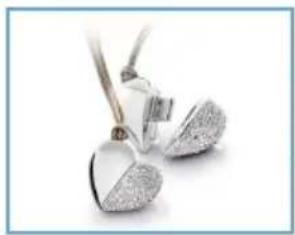
Heart Beat Heart Ware
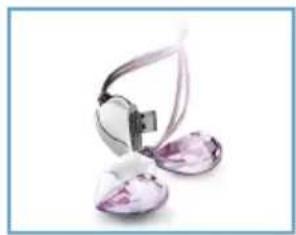
Vitrail Light
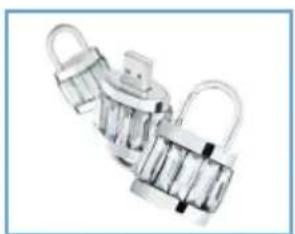
Lock in
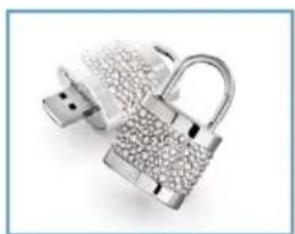
Lock Out Lock Out
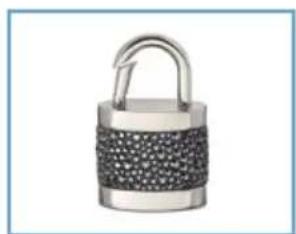
Jet Hematite
FCC
Canadian consumer
Be responsible Respect copyrights
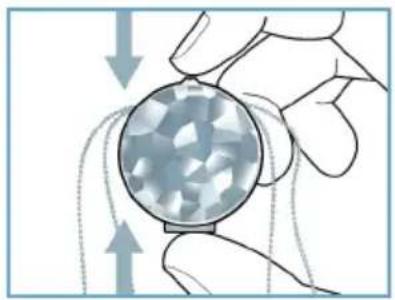
USB memory key
Use
Naughty Raymond
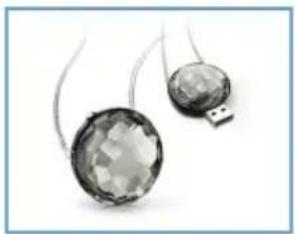
Moon Chrome
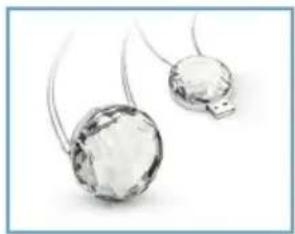
Moon
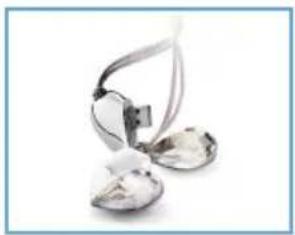
Heart Ware
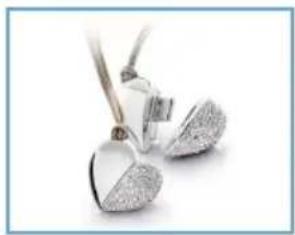
Heart Beat Heart Ware
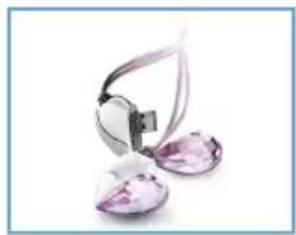
Vitrail Light
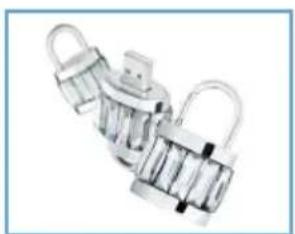
Lock in
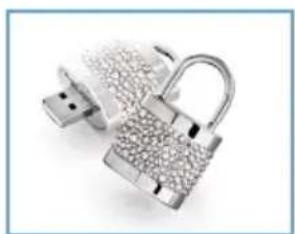
Lock Out Lock Out
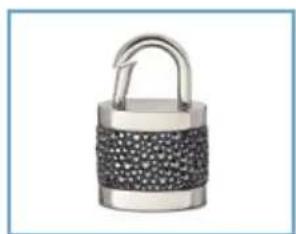
Jet Hematite
Usage precautions
Be responsible. Respect copyrights.
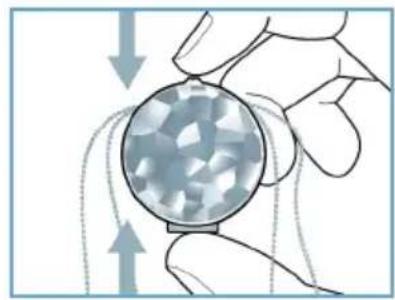
How to use
USB memory operation


- USB MEMORY KEY
- NOTE
- ELECTRIC-, MAGNETIC- AND ELECTROMAGNETIC FIELDS (EMF)
- CONTENT
- WELCOME
- IMPORTANT INFORMATION
- INSTALL
- CONNECT
- ENJOY
- TECHNICAL SPECIFICATIONS
- COMPLETE COLLECTION
- WARNING
- FOR CUSTOMERS IN THE U.S.A
- CAUTION
- FOR CUSTOMERS IN CANADA
- FOR CUSTOMERS IN EUROPE
- NOTES ON USE
- ENVIRONMENTAL INFORMATION
- DISPOSAL OF YOUR OLD PRODUCT
- BE RESPONSIBLE. RESPECT COPYRIGHTS
- MICROSOFT® WINDOWS® VISTA, XP, 2000, OR MACOS 9.0 OR HIGHER
- CONNECTING THE USB MEMORY KEY TO YOUR COMPUTER
- REMOVE THE PROTECTIVE CAP FROM THE USB CONNECTOR
- INSERT THE MEMORY KEY USB CONNECTOR INTO ONE OF THE COMPUTER'S USB PORTS
- OPERATING THE USB MEMORY KEY
- NOTES
- DISCONNECTING THE USB MEMORY KEY FROM YOUR COMPUTER
- WINDOWS®
- WINDOWS XP
- MAC OS 9.0 AND HIGHER
- NEED HELP
- ONLINE HELP: WWW.ACTIVE-CRYSTALS.COM
- IT'S READY
- DISFRUTE
- BE RESPONSIBLE RESPECT COPYRIGHTS
- LET'S GO
- OPERATION
- USE
- CANADIAN CONSUMER
- USAGE PRECAUTIONS
- HOW TO USE
- USB MEMORY OPERATION
Brand : PHILIPS
Model : Swarovski FM02SW30
Category : USB Drive