XGrid XGB3 - Rechargeable Battery NOCO - Free user manual and instructions
Find the device manual for free XGrid XGB3 NOCO in PDF.



| Product Type | USB Rechargeable Battery |
| Brand | NOCO |
| Model | XGrid XGB3 |
| Battery Capacity | 3000 mAh / 11 Wh |
| Chemical Composition | Lithium-ion |
| Life Cycles | Over 1000 cycles |
| Input Port | Micro USB 5V/1A |
| Output Port | USB 5V/1A |
| Protection Rating | IP65 (water, dust, and shock resistant) |
| Charging Technology | Pass-Through (simultaneous charging of battery and device) |
| LED Indicators | 1 red/green LED indicating charge status |
| Charge Time (10W adapter) | Approximately 2.7 hours |
| Charge Time (USB 3.0 computer) | Approximately 3.0 hours |
| Charge Time (solar panel) | Approximately 4.5 hours |
| Compatibility | Smartphones, tablets, cameras, GPS, etc. |
| Box Contents | Battery pack, 1m USB cable, user manual, product information, and limited warranty |
| Safety | Do not expose to water, do not short-circuit, do not disassemble; follow instructions to avoid electric shock, explosion, or fire |
| Maintenance | Store in a dry and cool place, avoid extreme temperatures |
| Warranty | Limited (see provided document) |
| Charging Power Source | Wall adapter, computer, solar panel (accessory required) |
Frequently Asked Questions - XGrid XGB3 NOCO
User questions about XGrid XGB3 NOCO
0 question about this device. Answer the ones you know or ask your own.
Ask a new question about this device
Download the instructions for your Rechargeable Battery in PDF format for free! Find your manual XGrid XGB3 - NOCO and take your electronic device back in hand. On this page are published all the documents necessary for the use of your device. XGrid XGB3 by NOCO.
USER MANUAL XGrid XGB3 NOCO
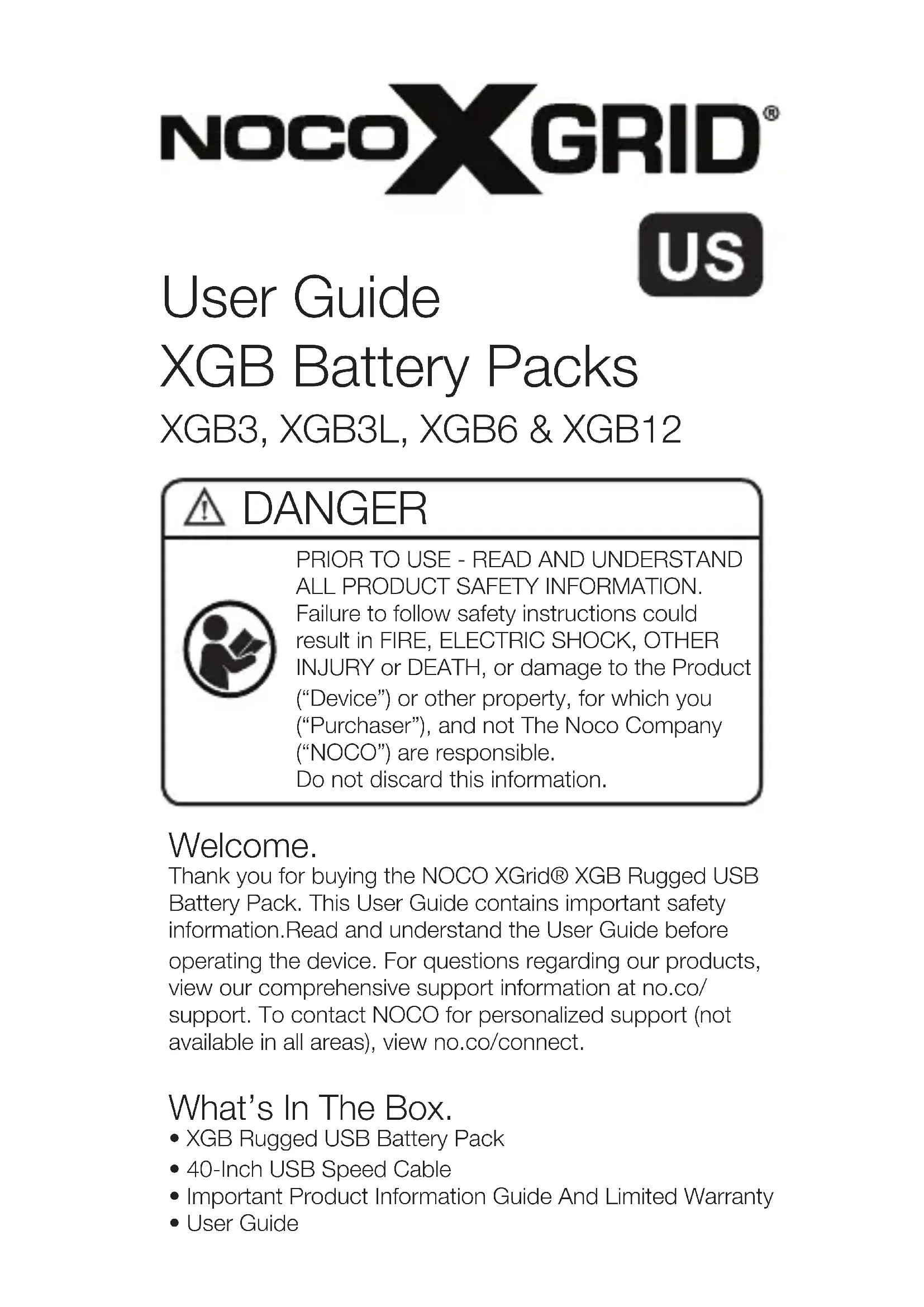
User Guide XGB Battery Packs
XGB3, XGB3L, XGB6 & XGB12
DANGER

PRIOR TO USE - READ AND UNDERSTAND ALL PRODUCT SAFETY INFORMATION. Failure to follow safety instructions could result in FIRE, ELECTRIC SHOCK, OTHER INJURY or DEATH, or damage to the Product ("Device") or other property, for which you ("Purchaser"), and not The Noco Company ("NOCO") are responsible. Do not discard this information.
Welcome.
Thank you for buying the NOCO XGrid® XGB Rugged USB Battery Pack. This User Guide contains important safety information. Read and understand the User Guide before operating the device. For questions regarding our products, view our comprehensive support information at no.co/support. To contact NOCO for personalized support (not available in all areas), view no.co/connect.
What's In The Box.
XGB Rugged USB Battery Pack
- 40-Inch USB Speed Cable
- Important Product Information Guide And Limited Warranty
- User Guide
About XGB.
The XGB USB Battery Pack represents some of the most rugged, portable, and lightweight USB Battery Packs on the planet, making them perfect for any adventure. Featuring an IP65, they are water, dirt and impact resistant. Designed with a high-density lithium-ion battery, they are 100% rechargeable from any USB power source - even from a solar panel. It is the perfect for companion for those on-the-go.
Getting Started.
The XGB USB Battery Pack comes partially charged out of the box and needs to be fully charged prior to use. XGB USB Battery Packs are compatible with most major devices - including; smart-phones, tablets, eReaders, HD action cameras, wireless speakers, headphones, smart-watches, GPS navigation, two-way radios and more.
Charging the XGB.
Connect the XGB USB Battery Pack using the included USB Speed Cable to the USB IN port. It can be recharged from any USB powered port, like an AC adpater, car charger, laptop and more - even solar energy.
Solar Charging.
All XGB USB Battery Packs can be recharged from a NOCO XGrid® Solar Panel and FLEXUSB FLEX Regulator (sold separately). The FLEXUSB FLEX Regulator is an innovative micro-controller that safely and efficiently charges your favorite USB devices. The XGB12 has the micro-controller built-in internally and can be connected to a solar panel directly from its dedicated XGC port. For more information, visit no.co/xgrid.
Pass-Through Technology.
All XGB Battery Packs include Pass-Through Technology, which allows you to recharge the battery pack and your favorite device at the same time. It will not overcharge any of your devices.
Charging Times.
The time to recharge an XGB USB Battery Pack will differ based on the discharge level of the battery pack and the power source used. Actual results may vary due to battery conditions. The below table reference purposes only:

| Model | Adapter | Laptop | Solar |
| XGB3 | 2.7h | 3.0h | 4.5h |
| XGB3L | 2.7h | 3.0h | 4.5h |
| XGB6 | 5.4h | 6.0h | 9.0h |
| XGB12 | 10.8h | 12.0h | 18.0h |
The time required for recharging a normally discharged battery pack is based on an average depth-of-discharge (DOD) of 10% . Adapter charge times is based on a 10W power adapter, USB port is based on a 3.0 USB laptop port at 900mA , and solar is based on max output.
Charging Your USB Devices.
The XGB USB Battery Pack can recharge virtually any USB device. Charging your USB device is easy. Connect the included USB Speed Cable to a USB OUT port on the battery pack. Depending on the XGB model, the battery capacity, number of USB ports, and charging currents will differ. Below is a breakdown of each model:
| Model | Watt-Hours | # Of Ports | Amps/Port |
| XGB3 | 11Wh | 1 | 1.0A |
| XGB3L | 11Wh | 1 | 1.0A |
| XGB6 | 22Wh | 1 | 2.1A |
| XGB12 | 44Wh | 2 | 2.1A |
The number of times you can recharge a USB device will vary from brand-to-brand and device-to-device. For actual recharge times, contact your device manufacturer for more specifications of your internal battery. For reference purposes only, below are the estimated number of recharges (up to) per device, per model. Actual results may vary.
| Model | Smartphone | Camera | Tablet | ||
| GPS | MP3 | ||||
| XGB3 | 2 3 | 3 6 | 50%Boost | ||
| XGB3L | 2 3 | 3 6 | 50%Boost | ||
| XGB6 | 4 6 | 6 12 | 1 | ||
| XGB12 | 8 1 | 2 12 | 24 2 | ||
Understanding Charge LED(s).
The Charge LED(s) indicate the internal batteries state-of-charge (SOC) both when charging and discharging. The XGB3 and XGB3L have one (1) Charge LED, whereas, the XGB6 and XGB12 have four (4) Charge LEDs (25%, 50%, 75% and 100%) .
When Charging.
Below illustrates how the Charge LED(s) will operate when charging:
XGB3/XGB3L
The XGB3 and XGB3L will pulse a red LED "on" and "off" when charging, then turn solid green when fully charged.
XGB6/XGB12
When first powered "on", the XGB6 and XGB12 will quickly flash all Charge LEDs. This shows all LEDs are properly working. The XGB6 and XGB12 will then show the batteries current SOC, and begin charging. During charging, each charging stage will pulse "on" and "off", then turn solid. When
all Charge LEDs are solid (Red, Red, Yellow, Green), the battery pack is fully charged and ready to use.
EN
When Discharging.
Below illustrates how the Charge LED(s) will operate when discharging:
XGB3/XGB3L
The XGB3 and XGB3L will display a green LED when the battery pack is between 80 - 100% charged, and a red LED when between 2 - 79% charged. Two percent (2%) of the battery capacity is reserved for low battery indication.
XGB6/XGB12
The XGB6 and XGB12 capacity will reduce after use, as indicated the 25% 50% 75% and 100% Charge LEDs. Only the illuminated Charge LEDs displays the current SOC. As the battery pack is losing capacity, each Charge LED will rapidly pulse "on" and "off".
When Disconnecting from Power.
Below illustrates how the Charge LED(s) when disconnecting from power:
XGB3/XGB3L
The XGB3 and XGB3L will flash a green LED two (2) times when disconnected from power.
XGB6/XGB12
The XGB6 and XGB12 will flash the red 25% LED two (2) times when disconnected from power.
Glow Light. [XGB6 and XGB12]
The XGB6 and XGB12 come with a Glow Light. The Glow Light is a low-current, LED light to provide low-light during nighttime conditions for reading, or locating the USB ports. Glow Light is not designed to be a flashlight replacement. A small Power Button labeled Gloww turns the Glow Light "on" and "off".
XGB3L is a powerful 250 lumen tactical-grade LED flashlight. It has five (5) light modes that effect its performance and longevity: 100% , 50% , 10% , Strobe and Off.
To turn the flashlight "on" and "off", use the large Power button. Press once to turn "on" the flashlight at 100% luminosity, again for 50% luminosity (within 3 seconds), again for 10% luminosity (within 3 seconds), again for Strobe (within 3 seconds), and again for "Off". If a light mode is not selected within three (3) seconds, it will remain on the current light mode, and the next selection will turn the flashlight "off".
Depending on the mode selection, XGB3L will have various levels of output and runtime. When operated for a long time, XGB3L may get uncomfortably warm. This is normal and is not a defect. The only way to reduce operating heat is to significantly lower the output. When used for short periods of time, heat will not be a problem. Selecting a lower power mode when using XGB3L for extended periods of time will prolong battery life and reduce heat build up.
Below is a table illustrating each light mode, its brightness and runtime:
| BrightnessMode | Runtime | |
| 100% | 250 Lumens | 4 Hours |
| 50% | 125 Lumens | 8 Hours |
| 10% | 25 Lumens | 72 Hours |
| Strobe | 250 Lumens | 120 Hours |
| Off | Off | 1 Yr Standby |
Technical Specifications.LED Flash
EN
| XGB3 | |
| Capacity: | 3000mAh |
| Watt-Hours: | 11Wh |
| Chemistry: | Lithium-ion |
| Lifecycles: | >1,000 |
| Micro USB (Input): | 5V, 1A |
| USB (Output): | 5V, 1A |
| XGB3L | |
| Capacity: | 3000mAh |
| Watt-Hours: | 11Wh |
| Chemistry: | Lithium-ion |
| Lifecycles: | >1,000 |
| Micro USB (Input): | 5V, 1A |
| USB (Output): | 5V, 1A |
| XGB6 | |
| Capacity: | 6000mAh |
| Watt-Hours: | 22Wh |
| Chemistry: | Lithium-ion |
| Lifecycles: | >1,000 |
| Micro USB (Input): | 5V, 2.1A |
| USB (Output): | 5V, 2.1A |
| XGB12 | |
| Capacity: | 12000mAh |
| Watt-Hours: | 44Wh |
| Chemistry: | Lithium-ion |
| Lifecycles: | >1,000 |
| Micro USB (Input): | 5V, 2.1A |
| Solar (Input): | 5V, 2.1A |
| USB #1 (Output): | 5V, 2.1A |
| USB #2 (Output): | 5V, 2.1A |
US
FR
XGB3, XGB3L, XGB6 & XGB12
Français
DANGER

Technologie Pass-Through.
Linterna led. [XGB3L]
30339 Diamond Parkway, #102
Glenwillow, OH 44139
United States of America
no.co
NPD122013A
- User Guide XGB Battery Packs
- DANGER
- Welcome.
- What's In The Box.
- About XGB.
- Getting Started.
- Charging the XGB.
- Solar Charging.
- Pass-Through Technology.
- Charging Times.
- Charging Your USB Devices.
- Understanding Charge LED(s).
- When Charging.
- XGB3/XGB3L
- XGB6/XGB12
- When Discharging.
- When Disconnecting from Power.
- Glow Light. [XGB6 and XGB12]
- Technical Specifications.LED Flash
- Français
- Technologie Pass-Through.
- Linterna led. [XGB3L]
Brand : NOCO
Model : XGrid XGB3
Category : Rechargeable Battery