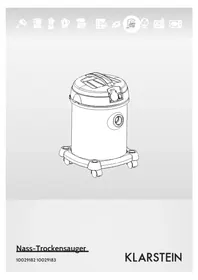
10029183 - Vacuum Cleaner Klarstein - Free user manual and instructions
Find the device manual for free 10029183 Klarstein in PDF.


| Brand | Klarstein |
| Model | 10029183 |
| Product type | Canister vacuum cleaner |
| Power supply | 220-240 V, 50 Hz |
| Maximum power | 2200 W (1200 W appliance + 1000 W socket) |
| Noise level | < 82 dB(A) |
| Tank capacity | Approx. 2.5 L |
| Cable length | Approx. 5 m |
| Package contents | Vacuum cleaner, flexible hose, wet brush, 2 tubes, brush |
| Main functions | Dry vacuuming and liquid vacuuming (with wet brush) |
| Filter | Washable dust filter |
| Maintenance and cleaning | Clean the filter with water, empty the tank regularly |
| Safety | Do not vacuum sharp or hot objects, unplug before cleaning |
| Usage | Household only, non-professional use |
| Approximate weight | ~5 kg |
| Approximate dimensions | 40 x 30 x 30 cm |
| Warranty | 2 years |
Frequently Asked Questions - 10029183 Klarstein
User questions about 10029183 Klarstein
0 question about this device. Answer the ones you know or ask your own.
Ask a new question about this device
Download the instructions for your Vacuum Cleaner in PDF format for free! Find your manual 10029183 - Klarstein and take your electronic device back in hand. On this page are published all the documents necessary for the use of your device. 10029183 by Klarstein.
USER MANUAL 10029183 Klarstein
natural_image
Row of white kitchen and appliance icons including blender, keyboard, air conditioner, and microwave (no text or symbols)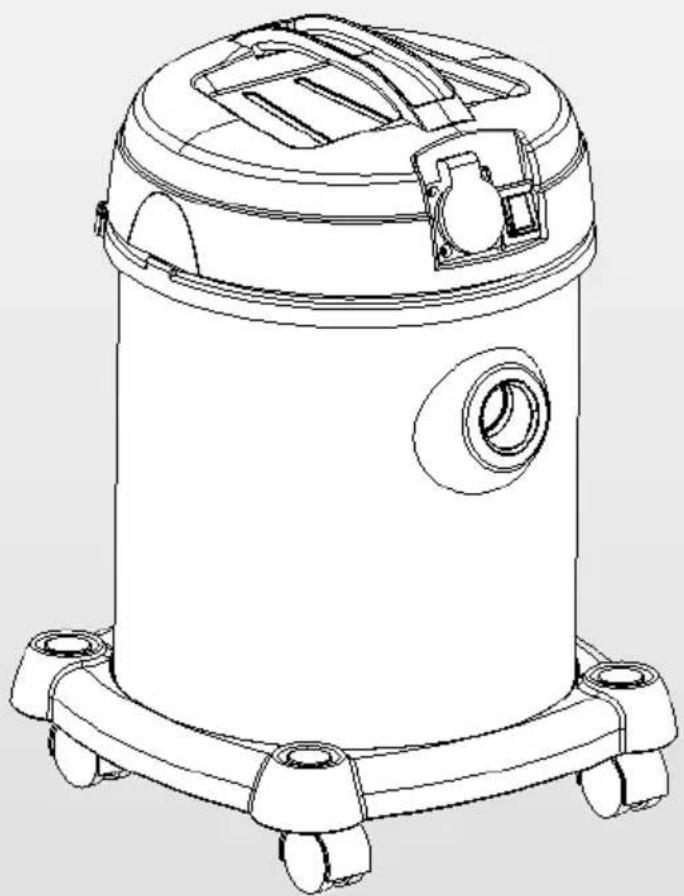
natural_image
Line drawing of a vacuum cleaner with control panel and wheels (no text or symbols)natural_image
Symbol of a trash bin crossed out by two crossed lines, with no text or labels present.Congratulations on purchasing this equipment. Please read this manual carefully and take care of the following hints on installation and use to avoid technical damages. Any failure caused by ignoring the mentioned items and cautions mentioned in the operation and installation instructions are not covered by our warranty and any liability.
Contents
Technical Data 9
Scope of Supply 9
Security Instructions....10
Assembly....12
Operation 13
Cleaning and maintenance....14
Troubleshooting 15
Disposal Considerations 15
Declaration of Conformity 15
Technical Data
| Item number 10029182 10029183 | |
| Power supply 220-240 V 50/60 Hz | |
| Rated power max. 2200 W (1200 W device, 1000 W socket) | |
| Sound level <82 dB (A) | |
Scope of Supply
- Vacuum cleaner x 1
- Flexible hose x 1
- Wet brush x 1
- Operating instructions x 1
- Extension tube x 2
- Assembled brush x 1
Security Instructions
- If the supply cord is damaged, it must be replaced by a special cord or assembly available from the manufacturer or its service agent.
- This appliance is not intended for use by persons(including children)with reduced physical, sensory or mental capabilities or lack of experience and knowledge, unless they have been given supervision or instruction concerning use of the appliance by a person responsible for their safety.
• Children should be supervised to ensure that they do not play with the appliance.
• .Cleaning and user maintenance shall not be made by children without supervision. - The plug must be removed from the socket-outlet before cleaning or maintaining the appliance.
| ⊗ | Do not vacuum any sharp-edged, hot or incandescent materials. |  |
| ⊗ | The appliance should not be exposed to heat. |  |
| ⊗ | Unplug the appliance form the mains supply socket after use and before every cleaning. Pull the plug, not the mains cable, in order to disconnect the appliance from the mains. |  |
| ⊗ | Do not put any object into openings. Do not use with any opening blocked. Keep free of dust, lint, hair etc. | 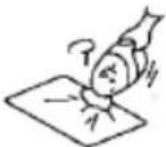 |
| ⊗ | Do not use the vacuum cleaner without dust container or dust filter in place. | 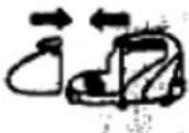 |
| ⊗ | Do not use the vacuum cleaner without dust container or dust filter in place | 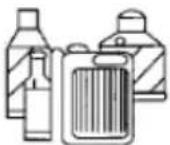 |
| ⊗ | Do not vacuum any flour, cement etc, in order to avoid the overloads. | 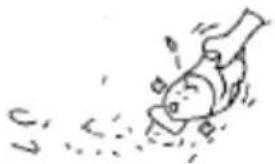 |
| ⊗ | This appliance is intended for domestic use only and not for commercial applications. | 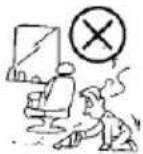 |
| ⊗ | Avoid the nozzle or brush touching the surface of the furniture. | 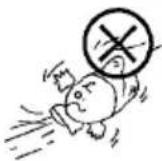 |
| ⊗ | Do not use the mains wire to carry the appliance. Do not pull the mains wire over sharp edges. | 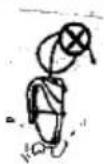 |
Assembly
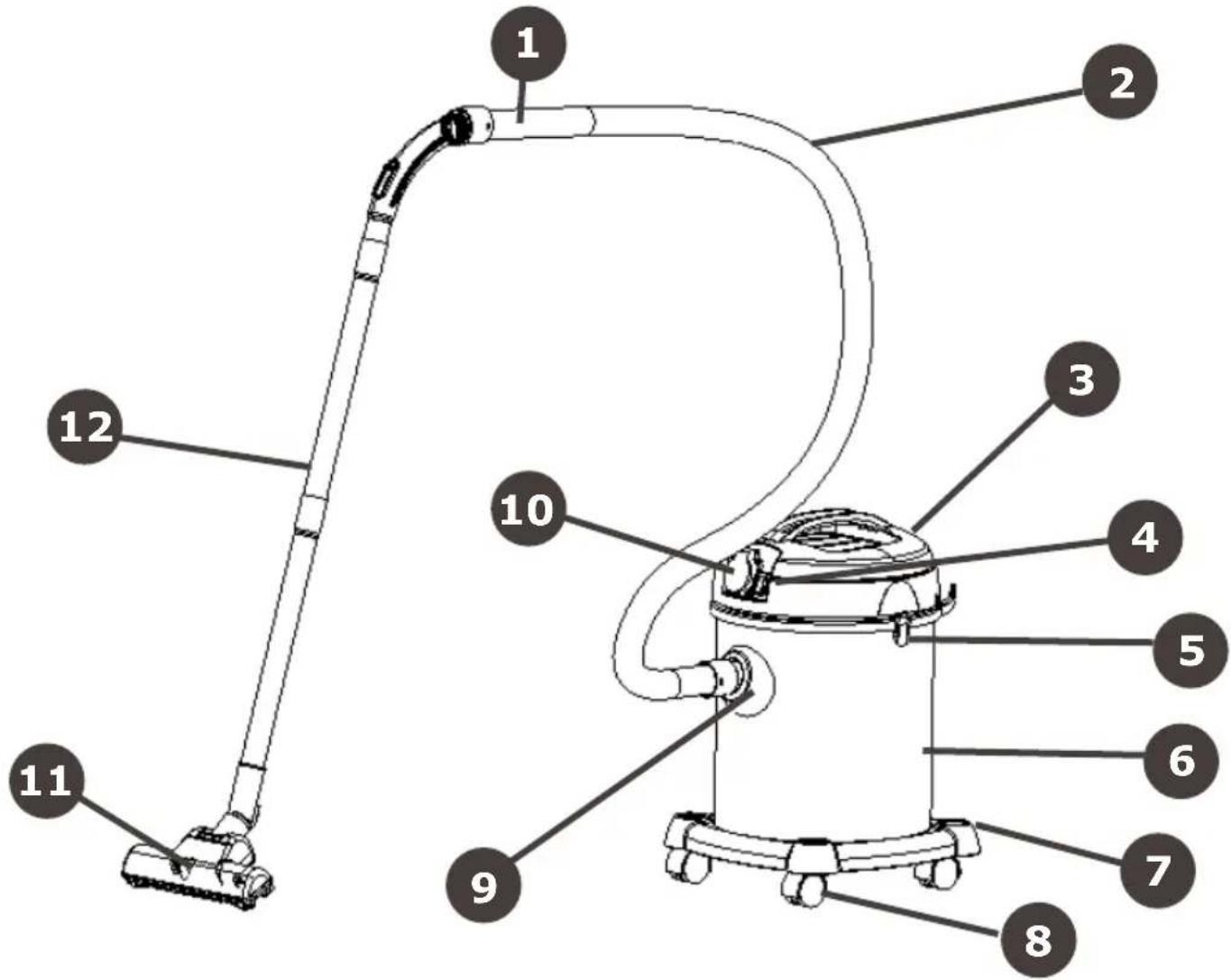
1 Hose handle
2 Hose
3 Cover
4 On/Off switch
5 Hook
6 Dust container
7 Base
8 Wheel
9 Inlet
10 Electrical outlet
11 Brush
12 Plastic tube
Operation
Assembly
| Dust filterPut the dust filter carefully in the machine head. | 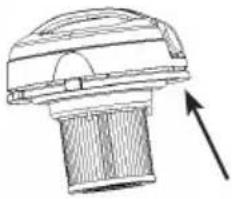 |
| Dust containerAttach the dust container to the hand vacuum cleaner. | 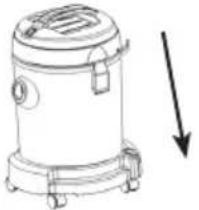 |
| Flexible hoseTo use the flexible hose, insert the end of the hose into the suction hole. Make sure, that it is snapped in the positioning. | 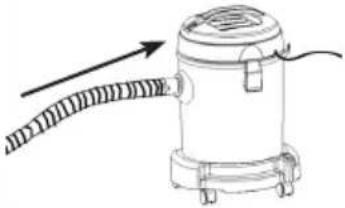 |
| AccessoriesChoose your desired accessory (brush or nozzle) and attach it to the suction hole. | 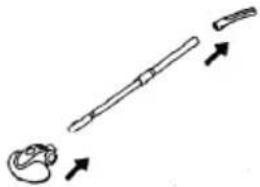 |
| Unwind the power cord. | 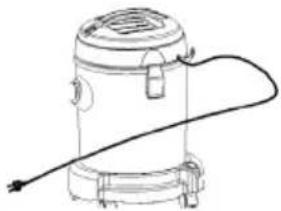 |
| Plug the appliance and switch on.Rated power for electrical outlet. | 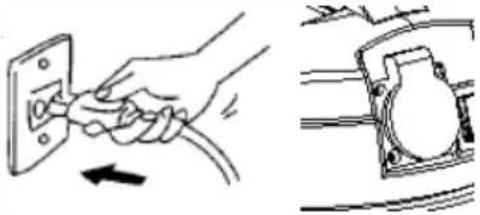 |
Cleaning and maintenance
| Open the machine head. | 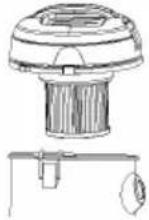 | |
| Take out the dust filter | 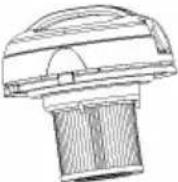 | |
| Empty the dust container. | 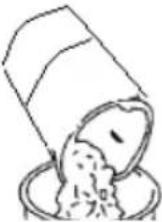 | |
| Wash off the dust filter with cleaning water. Dry up the dust filter. | 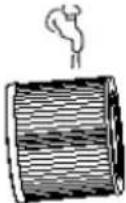 | 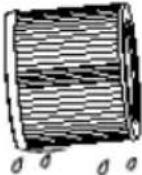 |
| Assemble the vacuum cleaner. | 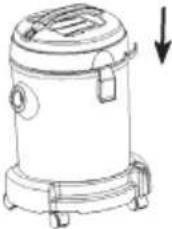 | |
Troubleshooting
| Problem Possible reason Advice | ||
| Motor does not start -Power cord | not firmly plugged into outlet. Outlet damaged Cleaner not switched on. | Plug unit firmly Check the Outlet Switch on the appliance |
| Suction power is weaker Unit clogged | Dust filter needs cleaning Dust container not in position. Filter blocked | Remove the blockage. Clean the dust filter. Attach the dust container again to the cleaner Clean the filter. |
Disposal Considerations
natural_image
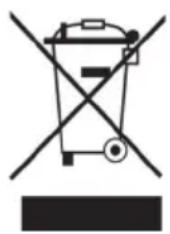
Symbol of a trash bin crossed out by a diagonal line, with no text or labels present.According to the European waste regulation 2002/96/EC this symbol on the product or on its packaging indicates that this product may not be treated as household waste. Instead it should be taken to the appropriate collection point for the recycling of electrical and electronic equipment. By ensuring this product is disposed of correctly, you will help prevent potential negative consequences for the environment and human health, which could otherwise be caused by inappropriate waste handling of this product. For more detailed information about recycling of this product, please contact your local council or your household waste disposal service.
Declaration of Conformity

Producer: Chal-Tec GmbH, Wallstraße 16, 10179 Berlin.
This product is conform to the following European Directives:
2004/108/EC (EMC)
2011/65/EU (RoHS)
2006/95/EC (LVD)
Gentile cliente,

Brand : Klarstein
Model : 10029183
Category : Vacuum Cleaner