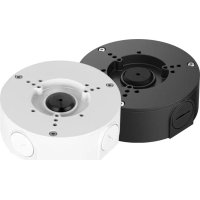
ACCJ7R3W - Electronic security accessory Lorex - Free user manual and instructions
Find the device manual for free ACCJ7R3W Lorex in PDF.



| Product Type | Junction Box for Security Camera |
| Brand | Lorex |
| Model | ACCJ7R3W |
| Dimensions | Not specified in the manual (estimated: approx 15 x 15 x 8 cm) |
| Weight | 0.37 kg (0.8 lb) |
| Material | Metal (likely aluminum) with rubber gasket |
| Package Contents | Junction box, anchors (x3), screws, rubber gasket, rubber plug, protective cable, Allen key, sealing ring |
| Installation | Wall mounting with provided anchors and screws; requires sealing tape for G^3/4 conduit |
| Compatibility | Lorex security cameras (compatible models not listed) |
| Weatherproofing | Rubber gasket and sealing ring for outdoor installation |
| Warranty | 1 year standard (see policy at lorex.com/warranty) |
| Country of Origin | Not specified |
| Usage | Outdoor and indoor |
| Color | White (model ACCJ7R3W) |
| Maintenance | Clean with a soft, dry cloth; avoid abrasive products |
| Safety | Installation in compliance with local electrical standards; do not open without electrostatic discharge |
| Repairability | Technical support at help.lorex.com; spare parts not specified |
Frequently Asked Questions - ACCJ7R3W Lorex
User questions about ACCJ7R3W Lorex
0 question about this device. Answer the ones you know or ask your own.
Ask a new question about this device
Download the instructions for your Electronic security accessory in PDF format for free! Find your manual ACCJ7R3W - Lorex and take your electronic device back in hand. On this page are published all the documents necessary for the use of your device. ACCJ7R3W by Lorex.
USER MANUAL ACCJ7R3W Lorex
Thank you for your purchase of the junction box. Here's how to get started.
Contents
1 Package contentsSection
2 Junction box dimensions
3 Installing the junction box
4 Installing cameras to the junction box
1 Package contents
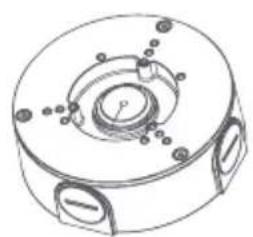
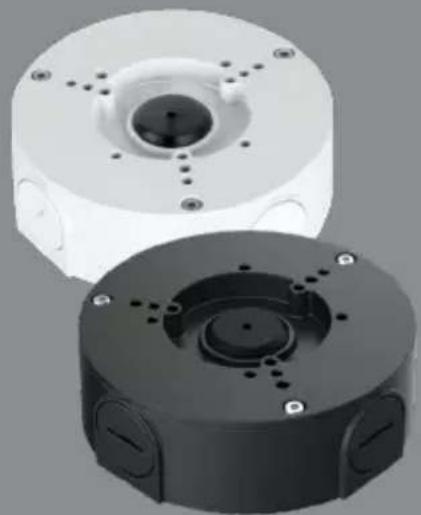
Junction box
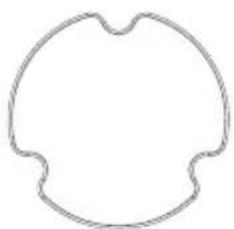
Rubber gasket** Rubber plug** Protective
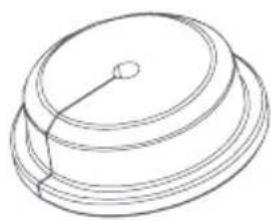
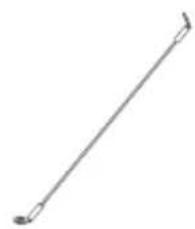
cable**
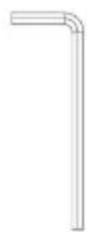
Allen key*
Anchor (x3)* Screw
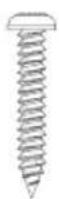
A
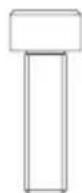
Screw (x3)**
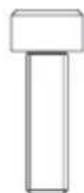
m = 311
Screw (× 4)^
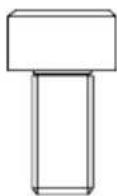
Screw D
Sealing ring
These items are included inside the junction box.
*These items are pre-attached to the junction box.
2 Junction box dimensions
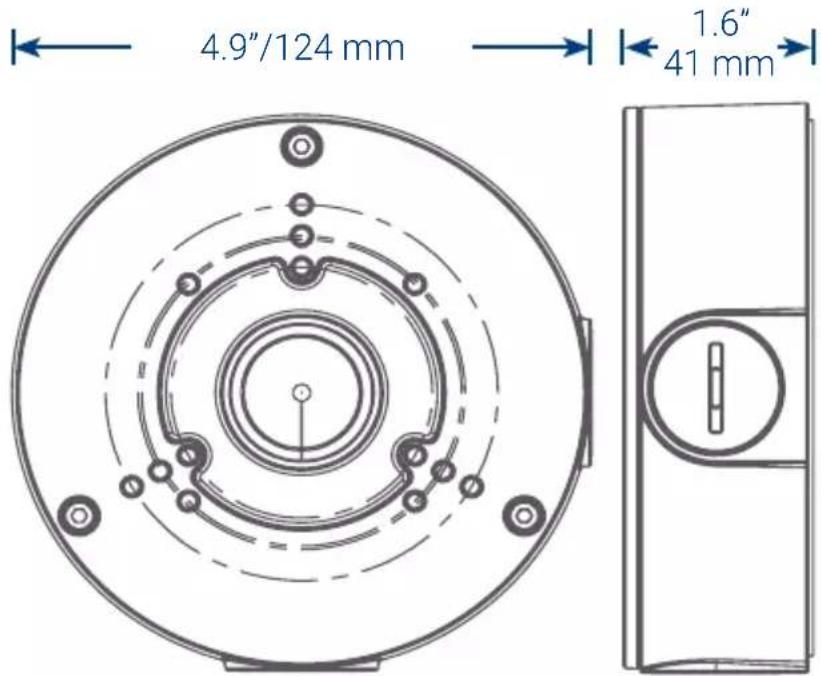
Weight: 0.37 kg/0.8lbs
3 Installing the junction box
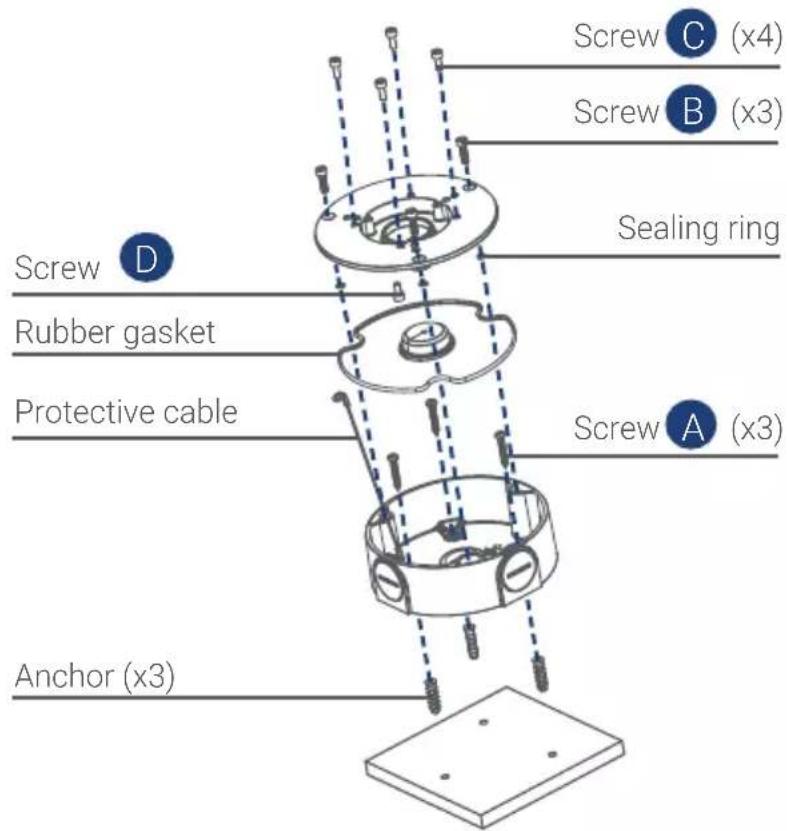

IMPORTANT:
Make sure to install in an area that can support the total weight of the camera and accessories.
If using conduit, you must use thread seal tape to ensure a proper seal. Conduit size: G^3 /4
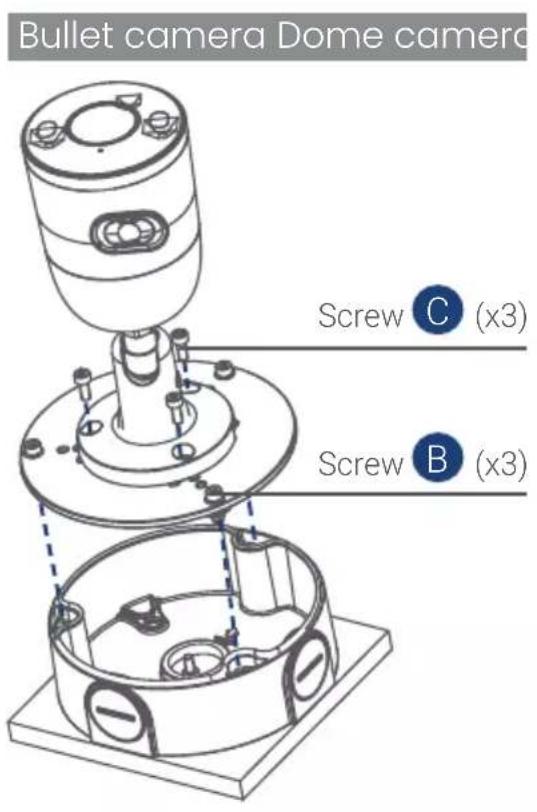
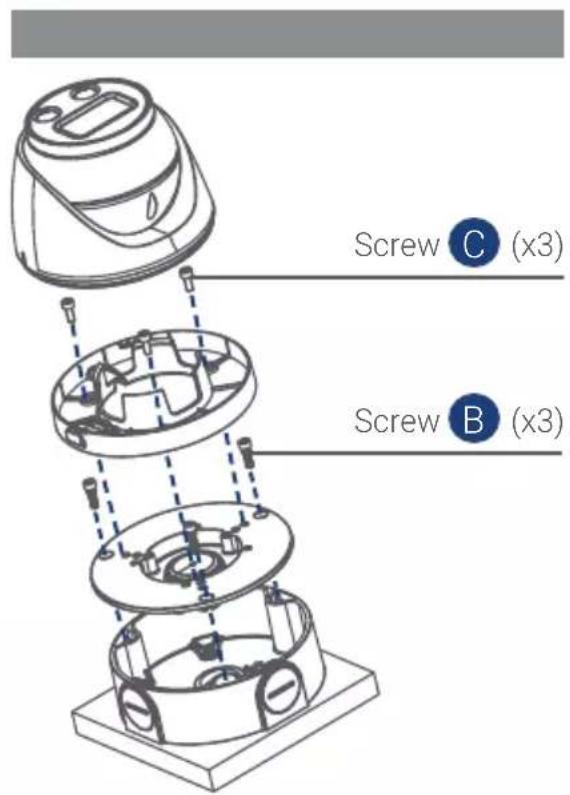
4 Installing cameras to the junction box
Copyright © 2021 Lorex Corporation
As our products are subject to continuous improvement, Lorex reserves the right to modify product design, specifications and prices, without notice and without incurring any obligation. E&OE. All rights reserved.
For up-to-date information and support please visit:
help.lorex.com
Lorex products come with a standard 1-year warranty. For more information about Lorex's warranty policy, visit lorex.com/warranty.
LOREX
Boîte de Jonction
ACCJ7R3B/ACCJ7R3W Guide de démarriage rapide
FR
lorex.com
Bienvenue!
Copyright © 2021 Lorex Corporation
Brand : Lorex
Model : ACCJ7R3W
Category : Electronic security accessory